Contents
First impressions of the Bluedio AS
 Play video on YouTube
What’s included
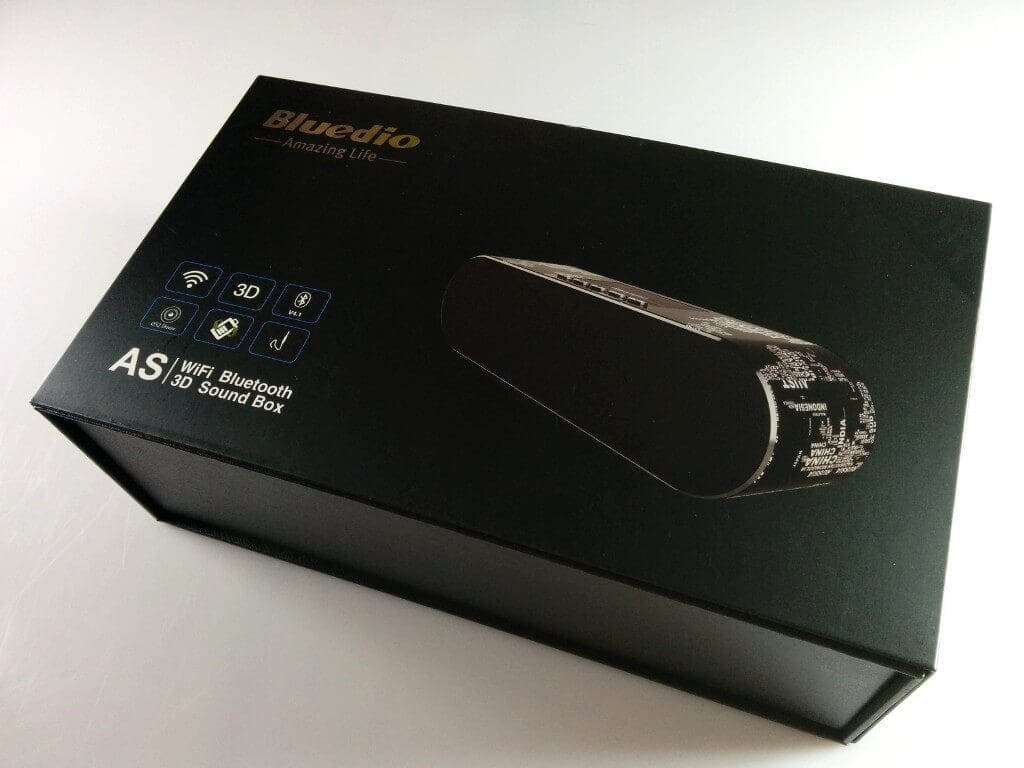
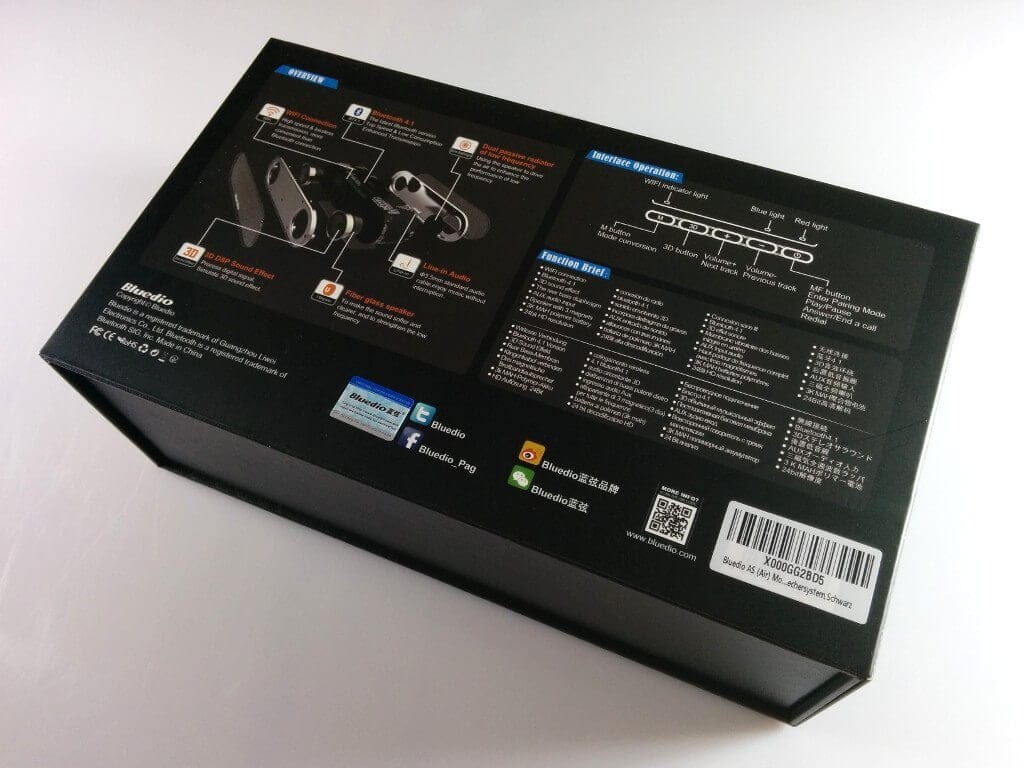
The Bluedio AS (Air) speaker was delivered in a modern folding cardboard box (similar to the Bluedio BS-2 or Bs-3), featuring descriptions of the speaker's individual functions. Additionally, the back of the box includes a certificate of authenticity in the form of a small sticker.
Hands-On
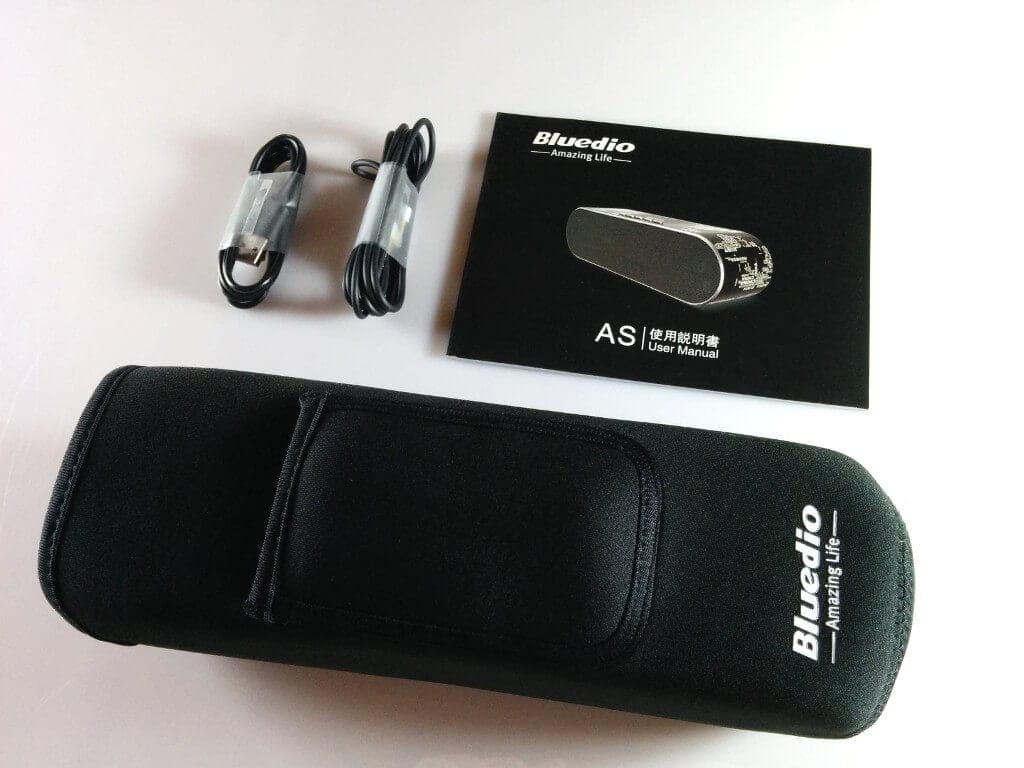
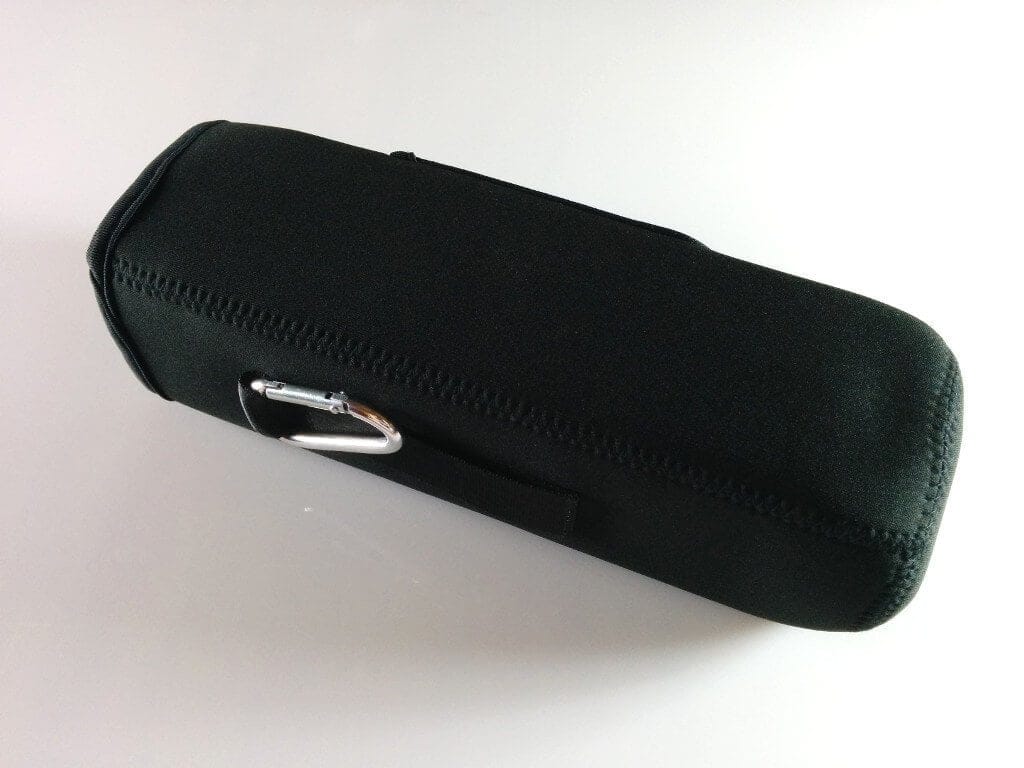
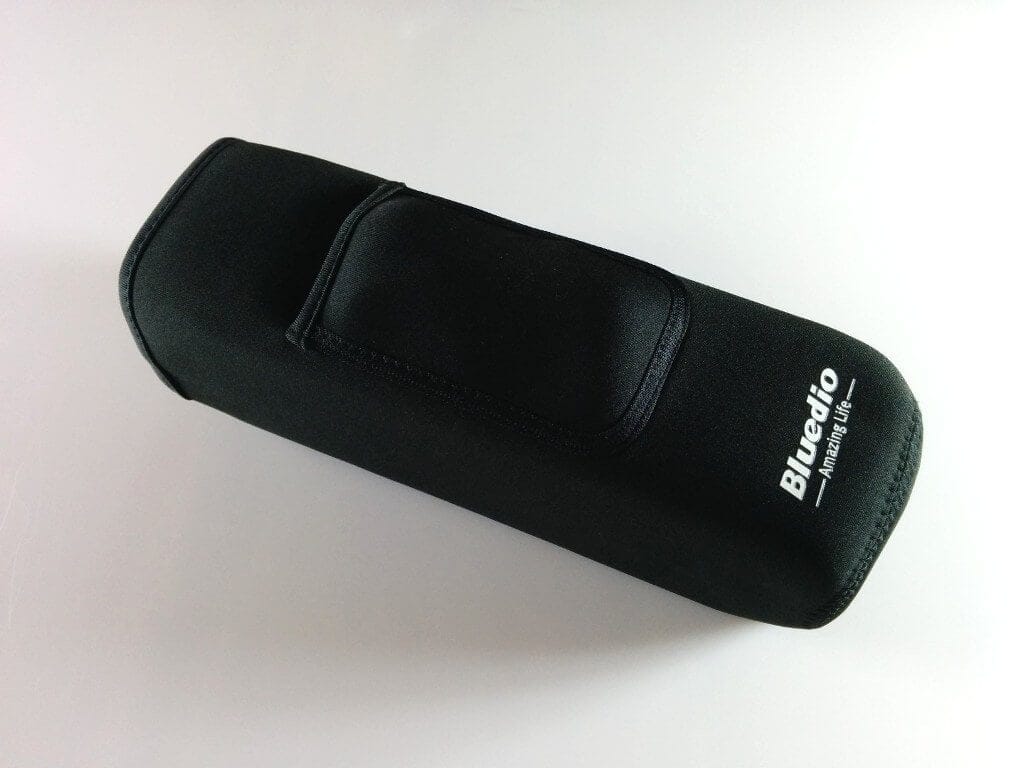
When unpacked, the Bluedio speaker is in a neoprene protective case with a carrying handle and carabiner. There is another, smaller side pocket containing a 3.5 mm jack audio cable and a micro USB charging cable. An operating manual was also included, although the German translation is barely usable, so it is better to rely on the reasonably comprehensible English translation.
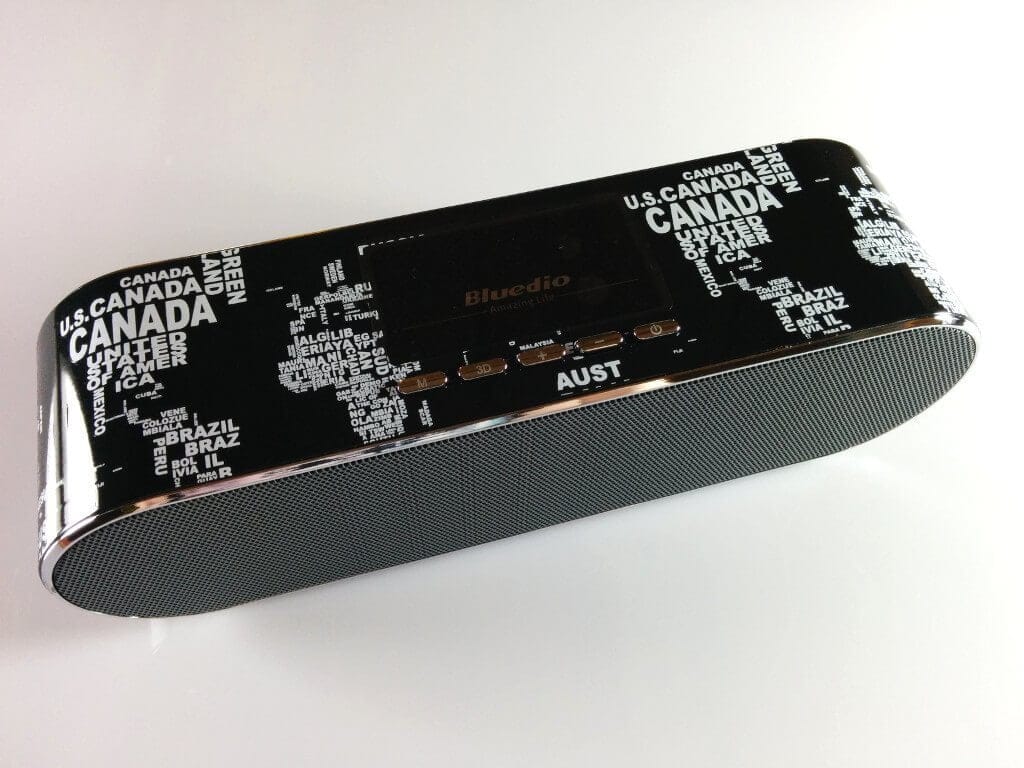
The speaker itself makes a good impression. The printed design, consisting of continents including countries, is not only an eye-catcher; the print was also applied cleanly and without any errors. There are also several function keys above it, which perform different functions depending on the key press. The key pressure point is acceptable, although I would have preferred slightly higher-quality workmanship here, as the keys are made not only of plastic but also have some play. Above the keys are small LEDs that display the current playback mode, among other things.
In addition to the two 52mm driver units, the Bluedio AS speaker also integrates a microphone. This allows calls from the smartphone to be made via the speaker. Calls can be accepted and rejected using the function buttons.
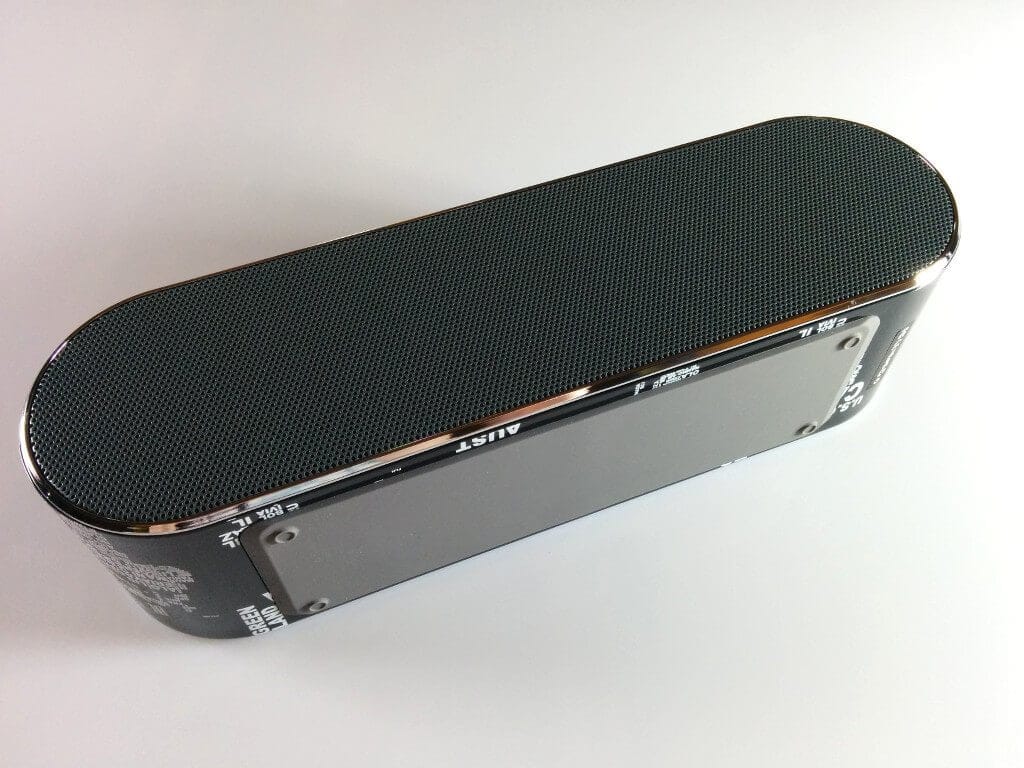
On the underside of the Bluedio speaker is a slightly thicker rubber coating with small rubber feet. On the back are the micro USB charging port and a 3.5mm jack audio input.
Setup and app
The Bluedio speaker can be connected to a Bluetooth-compatible playback device via Bluetooth, music can be streamed via Wi-Fi, and music can also be played back via a connection using an audio cable.
When I first tried to switch on the speaker, I initially thought it had been delivered faulty. The user manual did not indicate that the power button must be pressed for a comparatively long time until the speaker turns on. The device then enters pairing mode. If the speaker has already been set up via a compatible device, it connects automatically.
The WiFi mode of the Bluedio AS Air can be activated using the mode button. In this mode, the speaker builds its own WiFi network to which you can connect. Music can then be played via AirPlay / DLNA. To use the WiFi mode fully, you need the "Bluedio App". Unfortunately, this app is not available on the Google PlayStore; you must scan the QR code on the last page of the manual, which then provides a link to the app.
The app is provided on a Chinese server. During installation, I negatively noted that the app requires numerous permissions that are not proportional to the app's functions. For example, the app wants access to the smartphone's image and video functions, it wants to read contacts and even alter system settings afterwards. You should seriously consider whether you want to install this app on your smartphone. Within the app, we can configure the WLAN (name and password), we can update the app, and we can also activate the "bridge mode". Thanks to bridge mode, also known as bridge mode, the playback device remains connected to the local WLAN and thus has internet access. This function is almost essential if you want to stream music from the internet to the speaker.
Sound
The sound of the Bluedio speaker is powerful and very voluminous with “3D Sound” activated. At full volume, you can literally feel the bass. The maximum volume is impressive and the sound remains relatively clear nonetheless. I could not detect any noise or even scratching. The transmission quality was the same over both Bluetooth and Wi-Fi. I would estimate the interference-free Bluetooth range at approximately 12 metres.
Our verdict
The Bluedio AS speaker offers truly good and powerful sound. The design is appealing and the accessories included also convinced us. The build quality is good, but could be improved, particularly regarding the function buttons.
The only thing that bothered me about this speaker was the app, which requires numerous permissions, and the non-functioning bridge mode. Anyone who wants to play music locally and use the WLAN function for this can do so quite well without the app. However, those who want to stream music from the internet to the speaker via WLAN could well encounter problems due to the app being not fully developed.
Specifications
General
- Driver units
- 2
- Driver size
- 52 mm
- Output power
- (2x) 5 W
- Bluetooth
- 4.1
- Bluetooth range
- 10m
- Frequency response
- 10Hz-22kHz
- Audio communication protocol
- AirPlay, DLNA
- Standby time
- 1000 hours
- Playback time
- approx. 5 hours
- Charging time
- approx. 3-5 hours
What’s included
1x Bluedio AS (Air) 1x Audio cable (3.5 mm) 1x micro USB cable 1x Carrying case with carabiner 1x User manual
Comments