Contents
Design and build quality
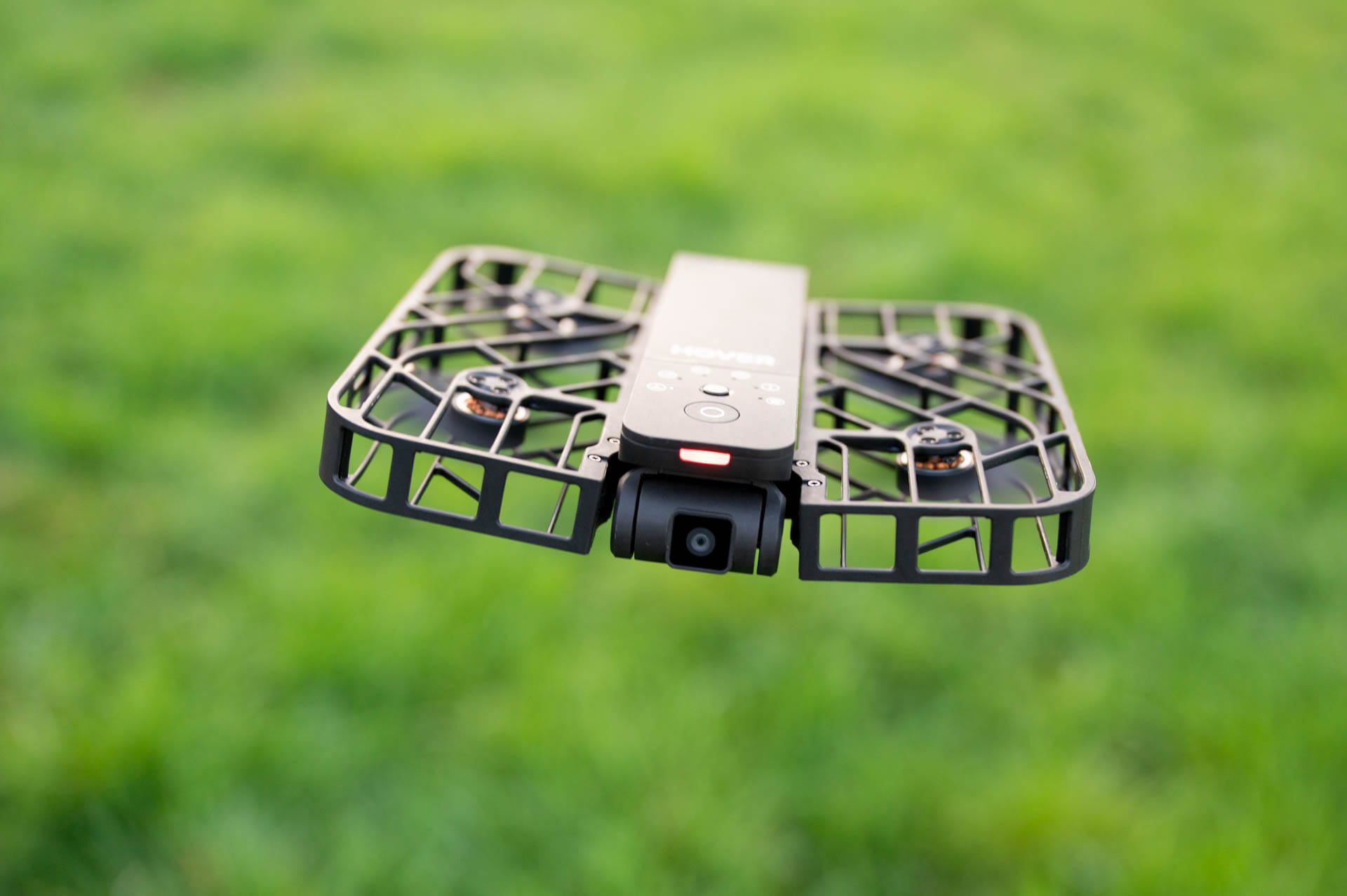
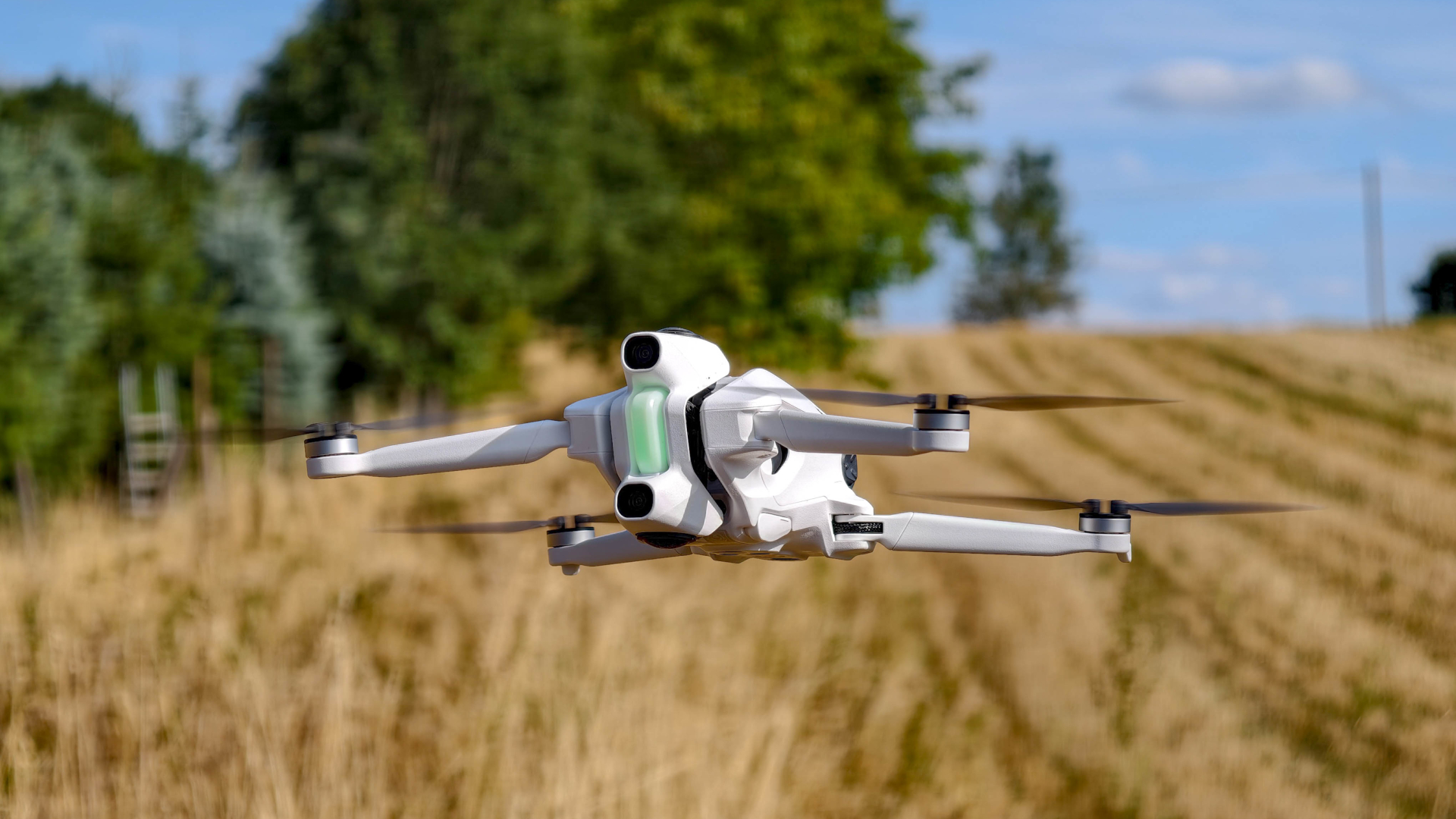
The HOVERAir X1 is one of those gadgets you just like to have with you. Small, light and unobtrusive. Weighing just 125 grams, it’s lighter than most smartphones, and when folded, it easily fits in the palm of your hand. It takes up barely any space in a packed hiking backpack or even a jacket pocket, and is ready to grab instantly when the perfect photo opportunity arises.
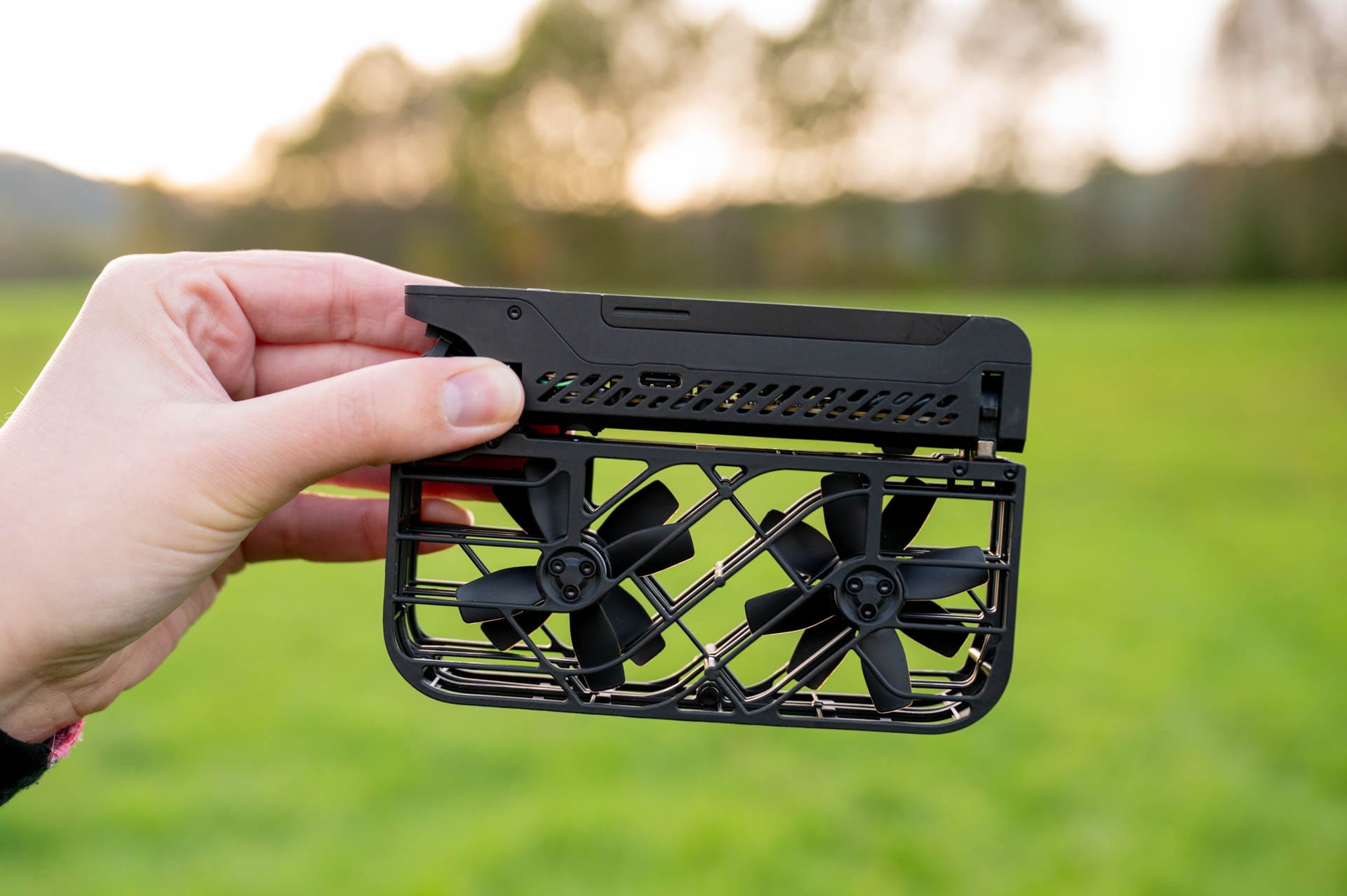
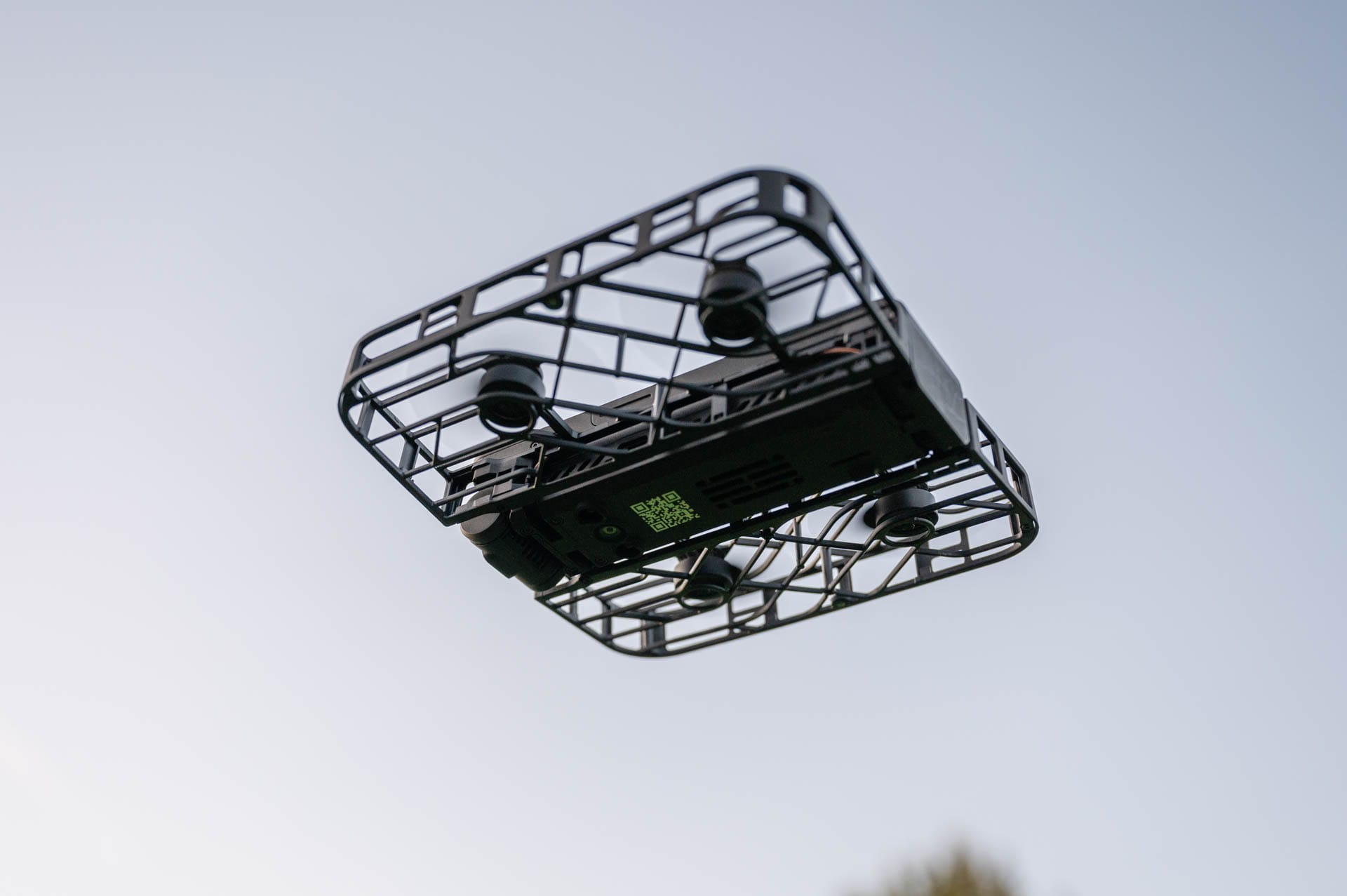
The design is minimalist but practical. The protective cage around the rotors provides a reassuring feeling, especially when filming through narrow passages with low-hanging branches or between rocks. It handles small bumps easily and remains stable in the air. The build quality seems robust, even if it appears fragile at first glance.
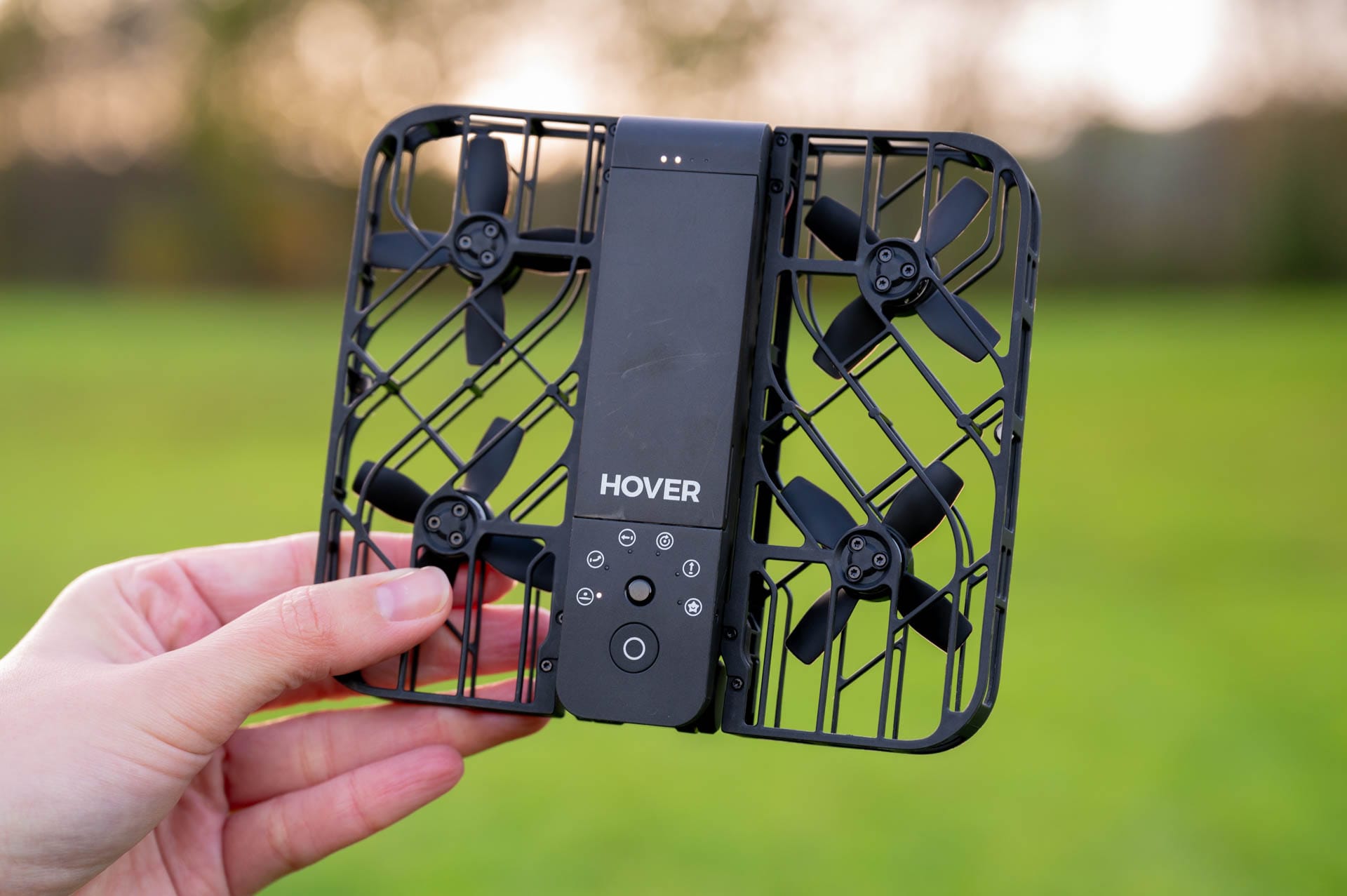
However, battery replacement has its pitfalls. The plug-in mechanism is cleverly designed, but in practice it sometimes requires some finesse until everything fits correctly properly. Especially when you need to be quick, it can be frustrating. Nevertheless, the compact size of the batteries fits the overall concept. They are light, portable and easy to store, just like the drone itself.
Controls and app
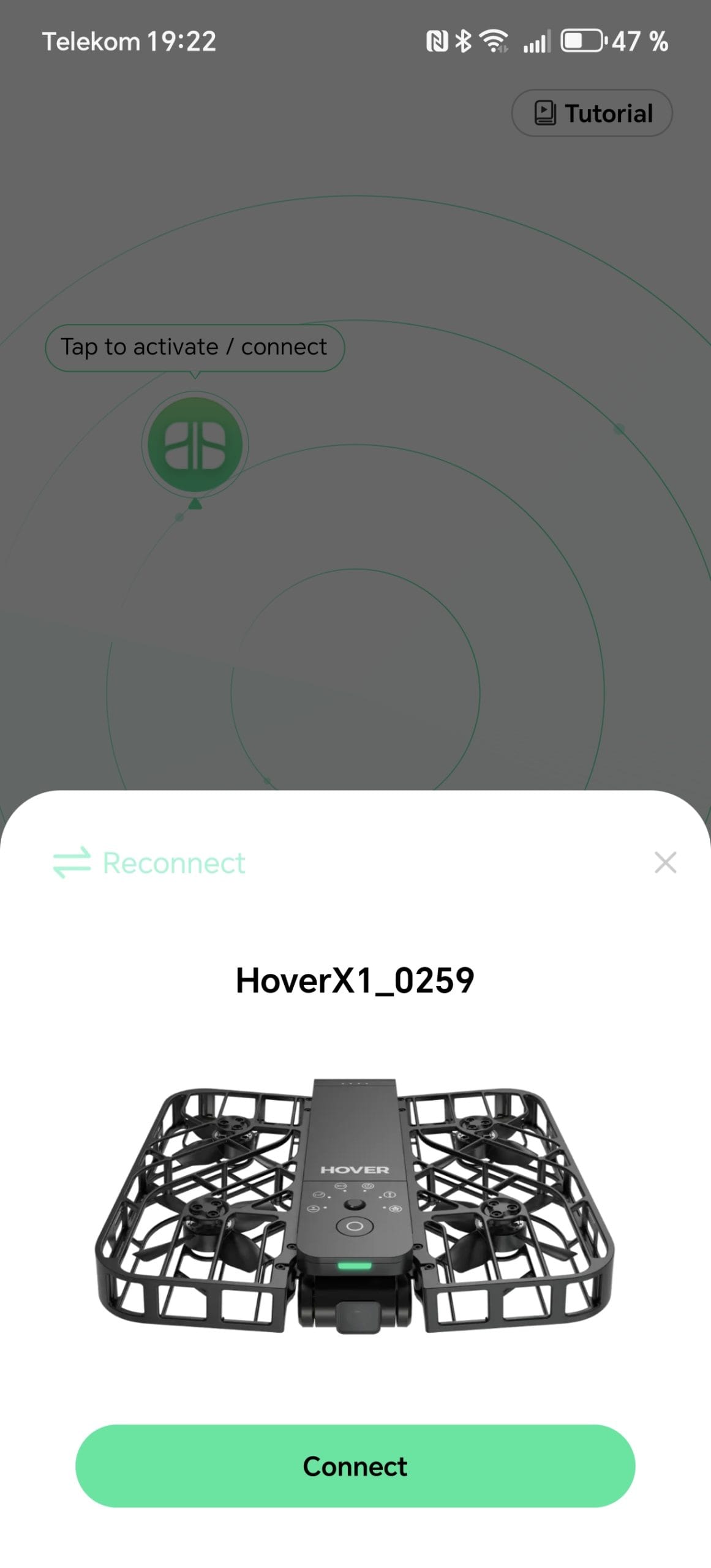
Unfold, switch on, select the desired flight mode and the HOVERAir X1 is ready to go. It takes less than a minute to get it airborne. Perfect if you want to quickly capture some special shots on the move.
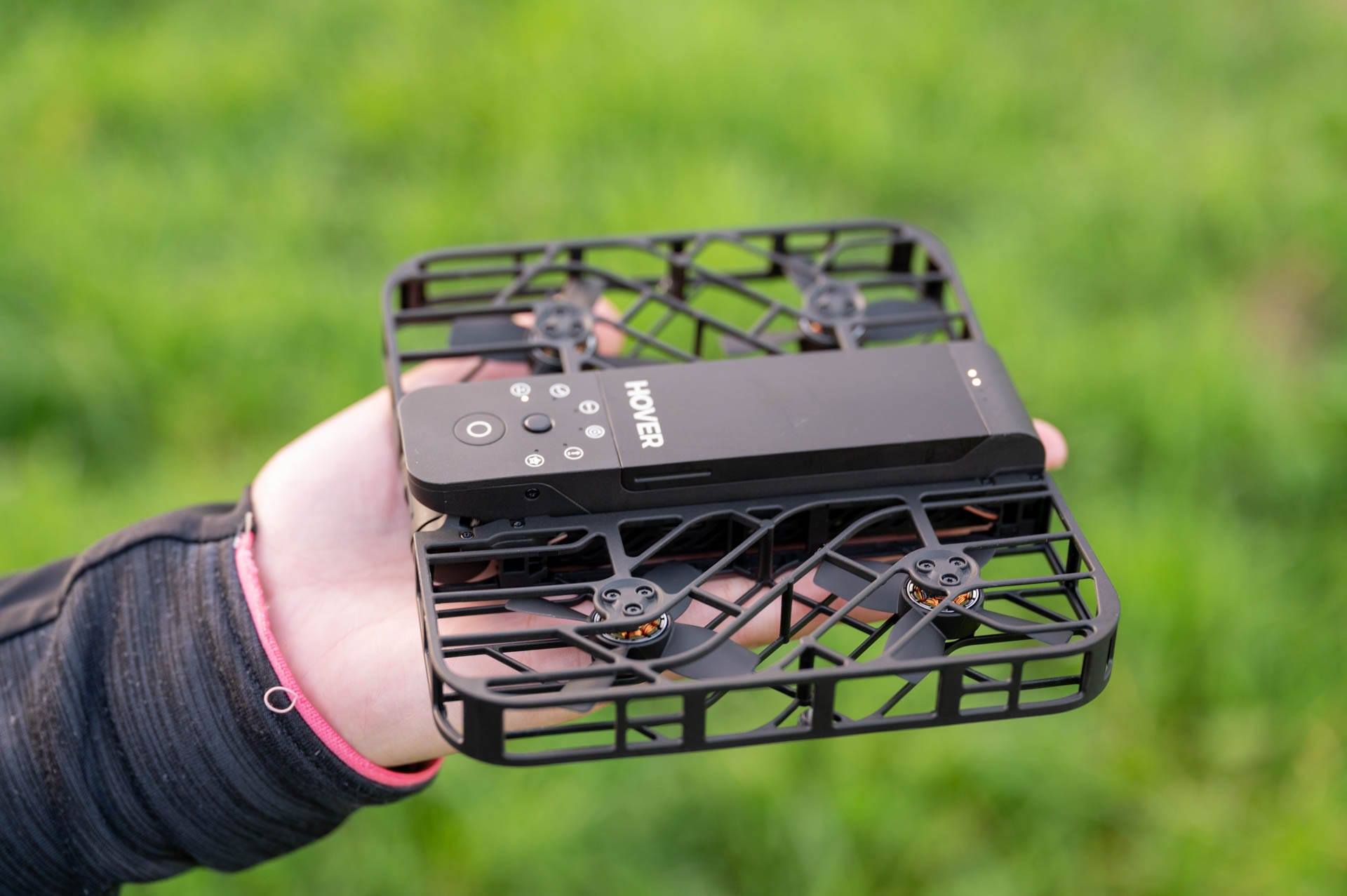
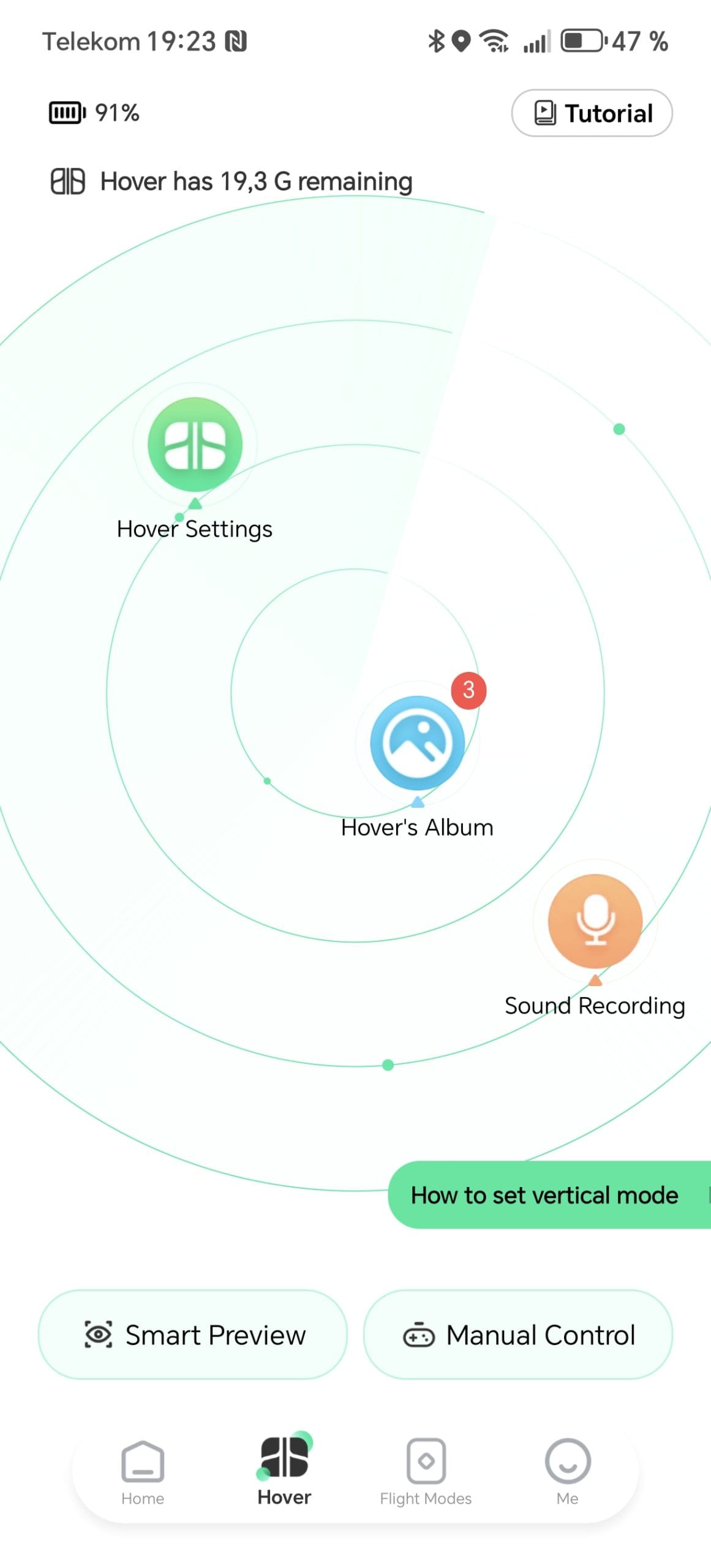
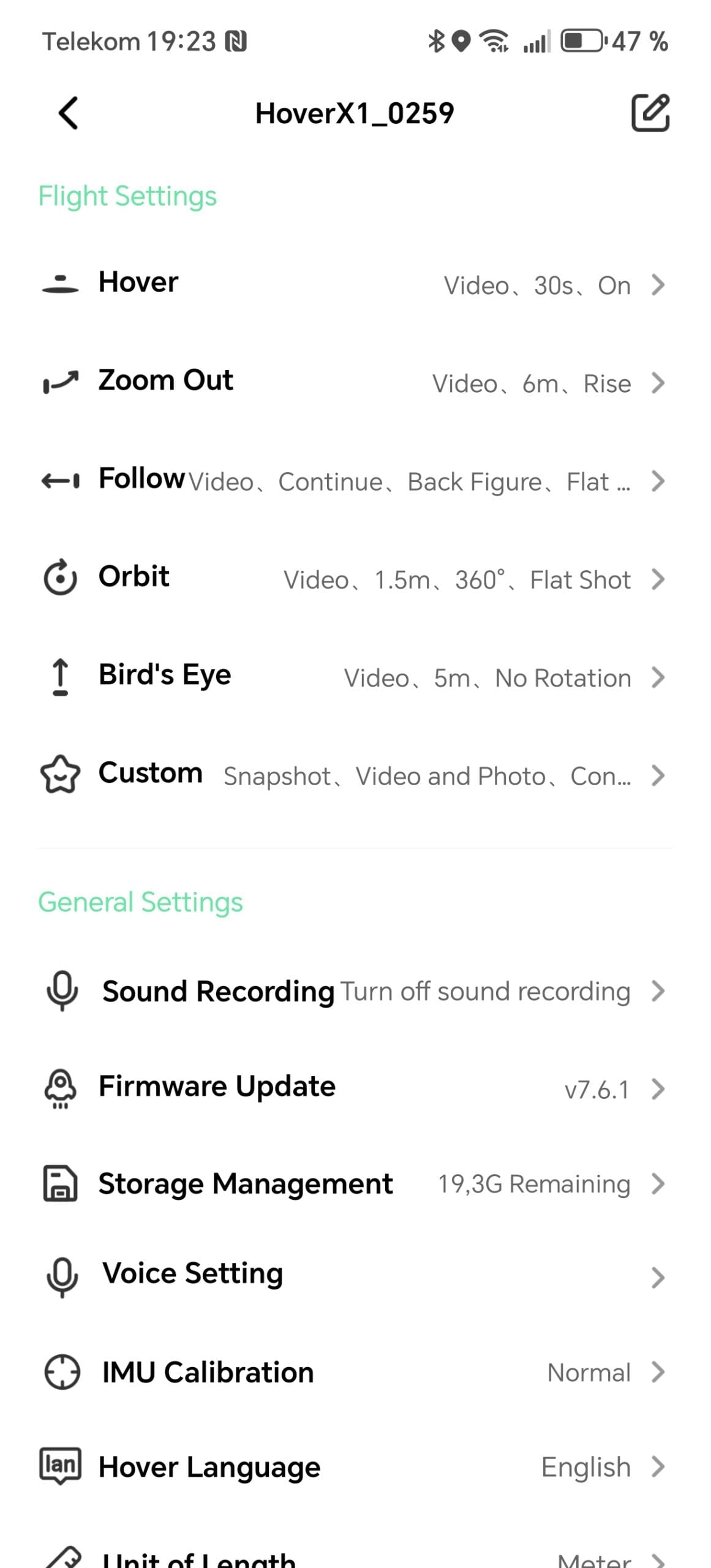
It is controlled either via the buttons directly on the drone or via app. The app offers more configuration options and makes it easy to individually adjust flight altitude or distance for the total of 6 flight modes. Additionally, the app provides a live view of the camera feed, which is extremely useful for aligning shots.
Here is an overview of the different flight modes:
- Hover: Stays in place and follows movements. Suitable for selfies or group photos.
- Follow: Tracks the user from a certain distance and height. Useful for hiking or activities such as cycling, as long as it does not get too fast.
- Orbit: Flies a circle around the subject and ensures dynamic 360-degree shots.
- Zoom Out: Moves up and back for a cinematic wide-angle view.
- Bird’s Eye: Hovers directly above the subject and captures from a bird’s-eye view.
- Custom Mode: Allows custom flight routes, which requires a bit of preparation but also offers creative freedom.
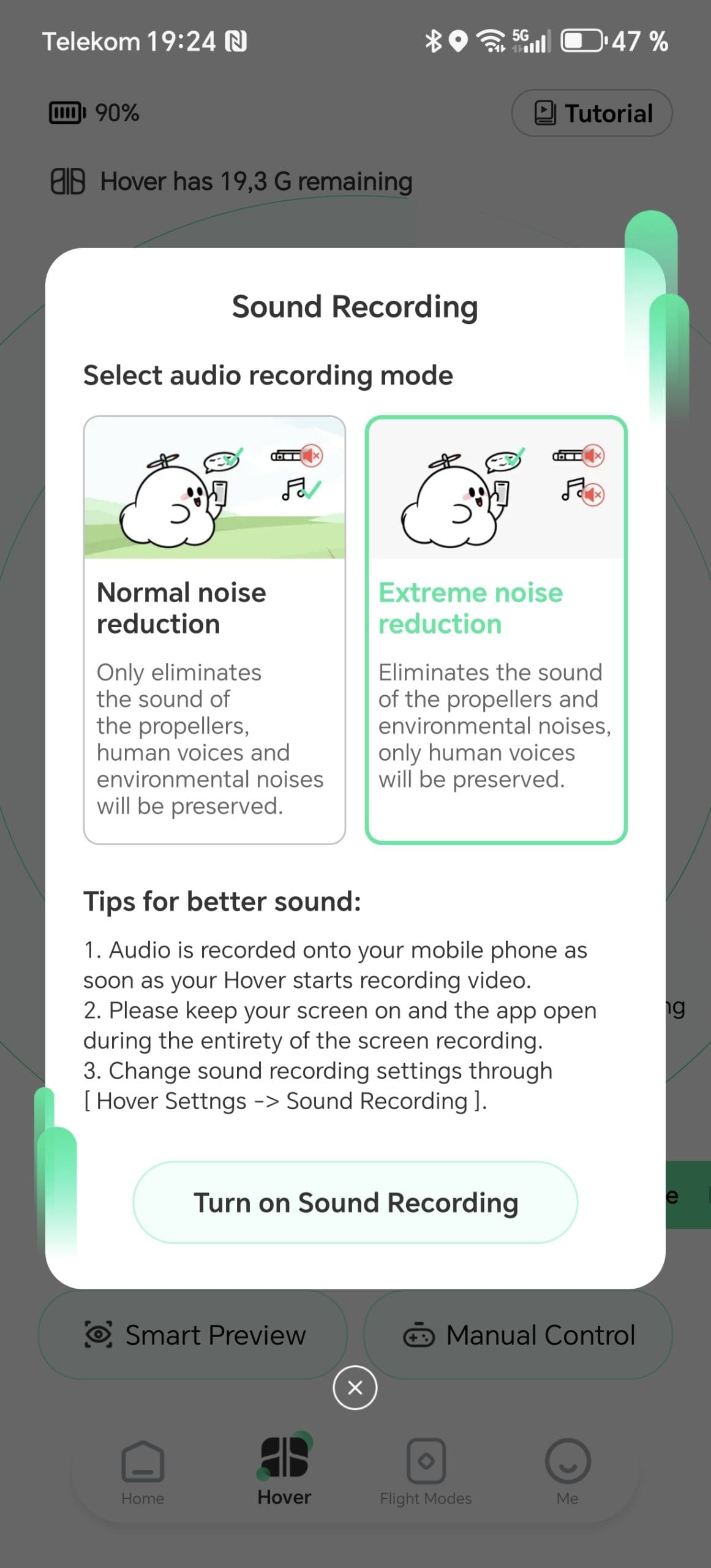
The drone itself does not record sound, but Zero Zero Robotics has thought of that too. Instead, audio can be recorded via the smartphone microphone and automatically synchronised with the videos later. A useful addition for travel vlogs or short clips, although the audio quality does not match that of external microphones.
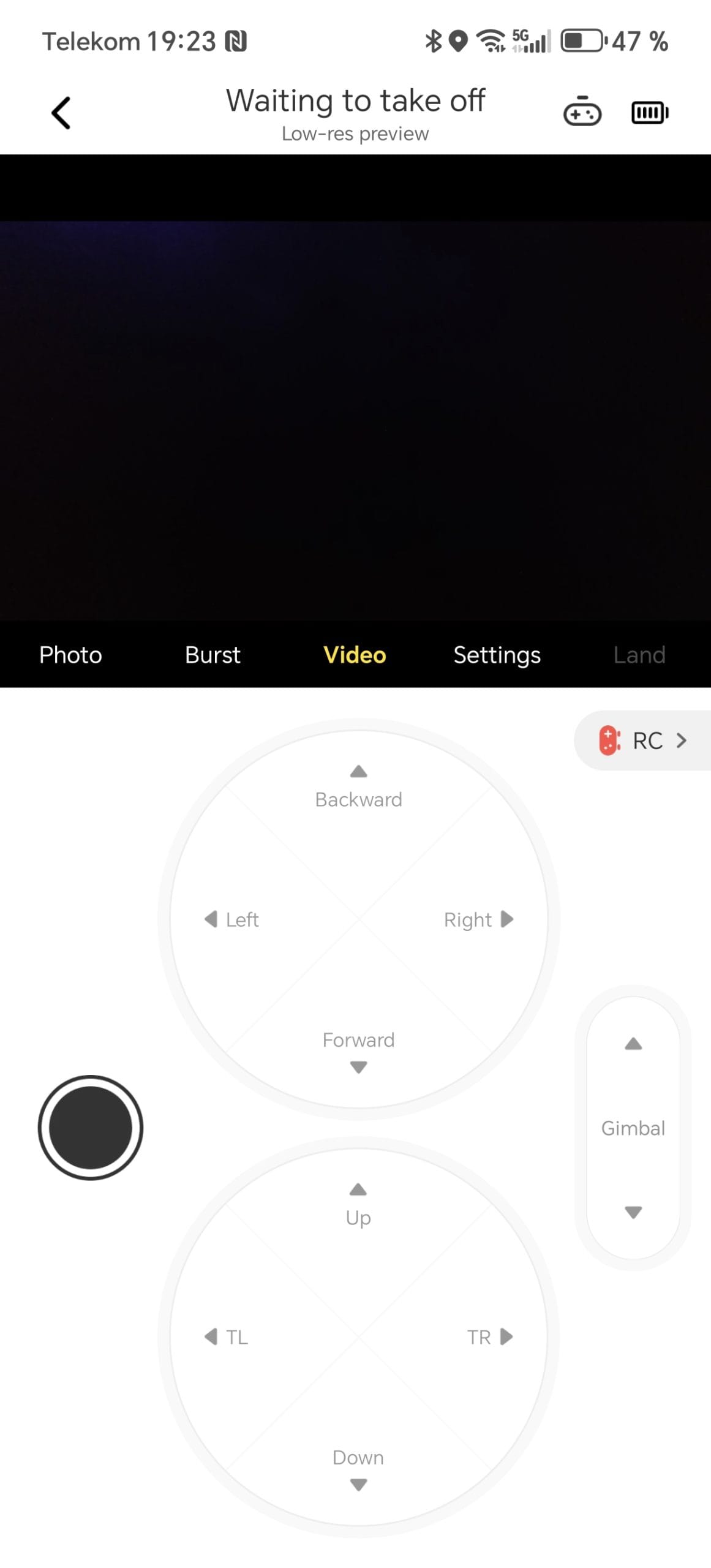
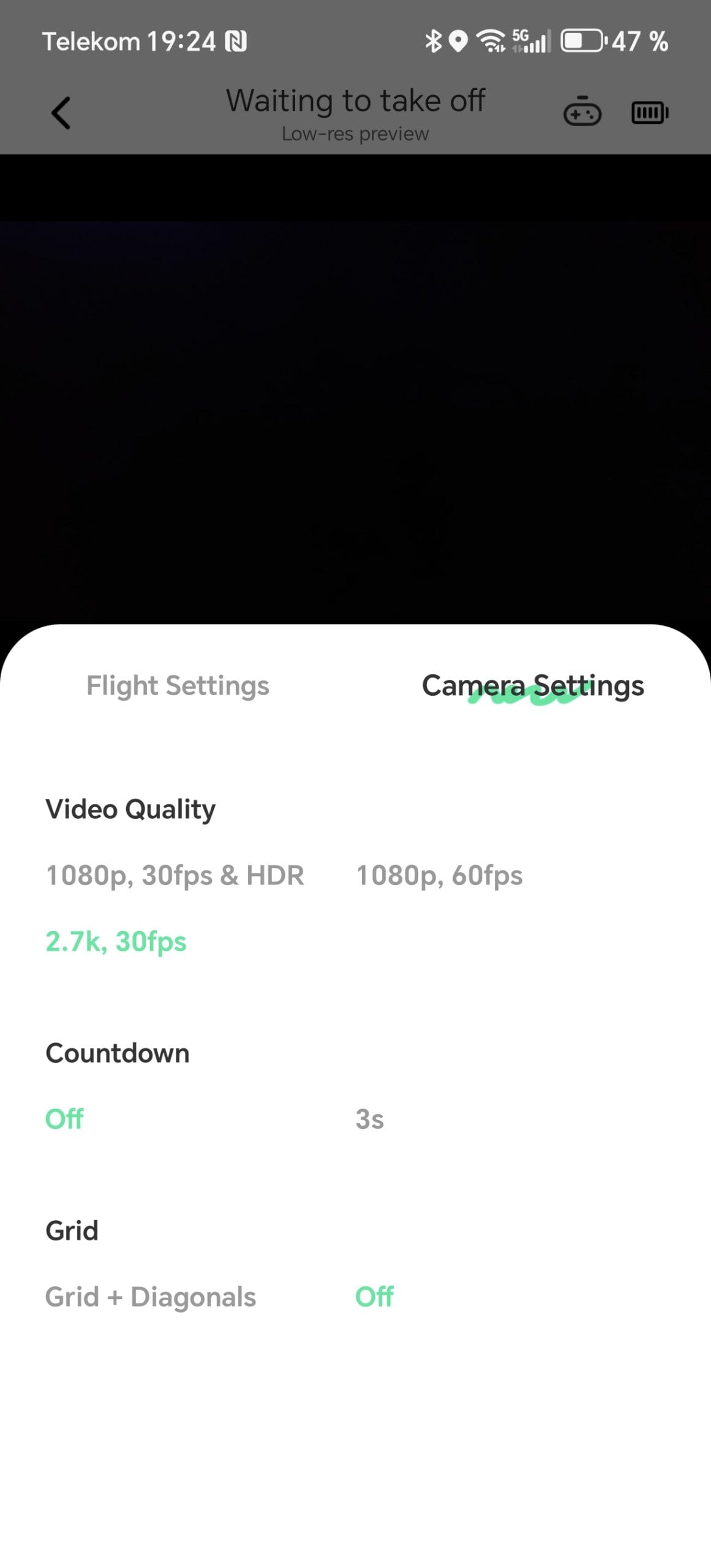
I was less impressed by the app's joystick mode. It takes some getting used to, as the controls are arranged vertically rather than horizontally. This makes precise manoeuvres slightly more difficult, especially if you are accustomed to a gamepad layout.
Flight characteristics
In Madeira, I was able to fly the HOVERAir X1 without problems along coastal paths or over wide valleys. Its control is pleasantly direct and commands are implemented without noticeable delay. In open, interference-free environments, the connection remains stable and the range is around 30 metres, which is completely sufficient for leisure recordings. However, weaknesses emerge when obstacles such as rocks or dense vegetation come into play. Short signal losses are possible in such moments, but the drone then holds its position and waits for new commands.
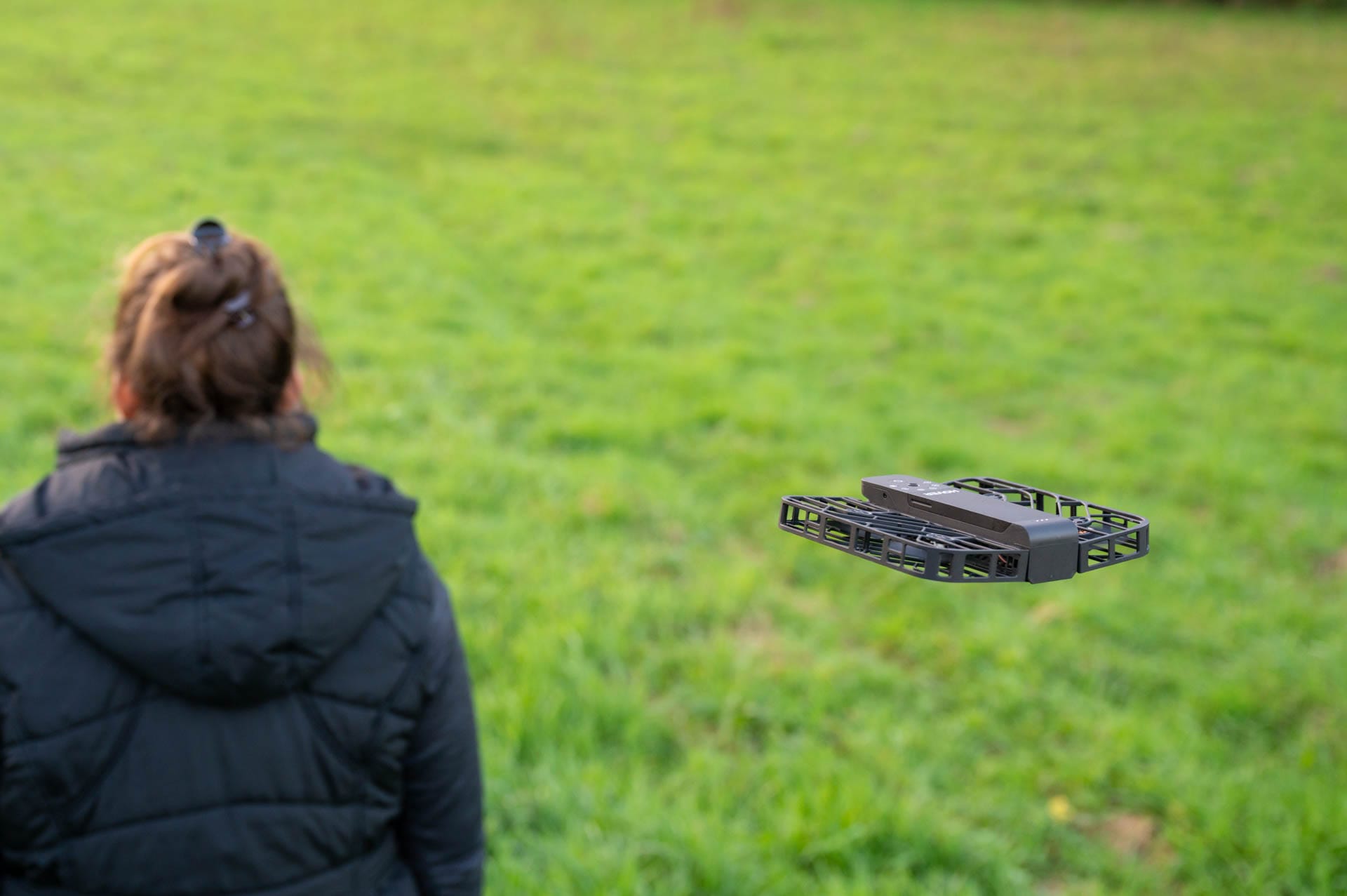
In terms of flight stability, the HOVERAir X1 delivers solid results. In calmer locations, such as along the levadas, it remains stable in the air and ensures wobble-free footage. As gusts become stronger, such as at the windy Ponta de São Lourenço, the lightweight construction reaches its limits. In stronger gusts, it begins to wobble and image stability suffers. Its limit is approximately wind force four, or moderate wind. Anything beyond this makes precise flying and filming difficult.
What's missing is GPS functionality. Without it, there is no automatic "Return-to-Home" mode. If the connection drops or the battery runs low, the drone stops and eventually lands autonomously. This is suboptimal, especially in exposed areas like over water or near cliffs, increasing the risk of losing sight of it. However, for relaxed conditions or locations with clear visibility, it's not a dealbreaker.
Shots and image quality
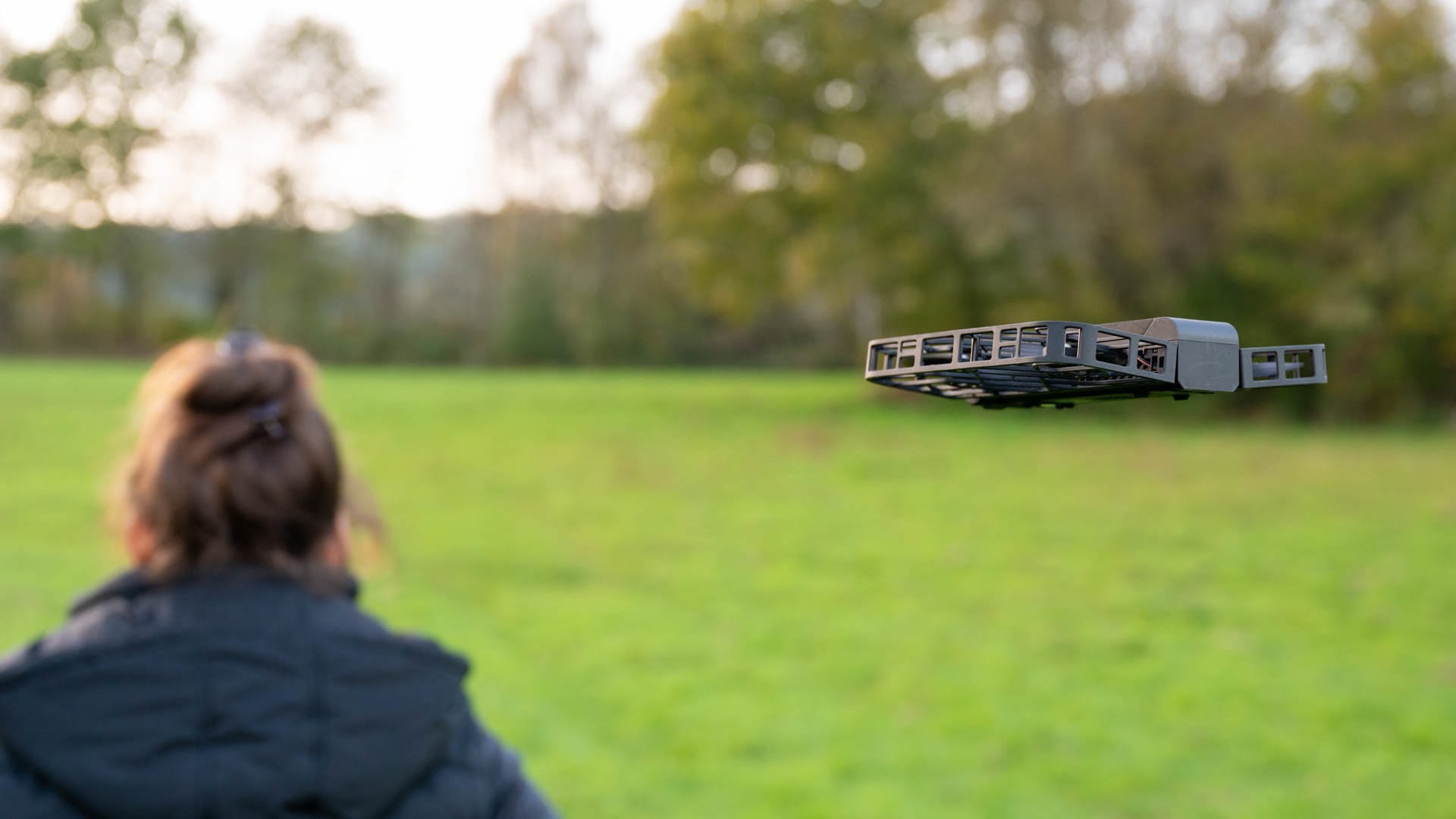
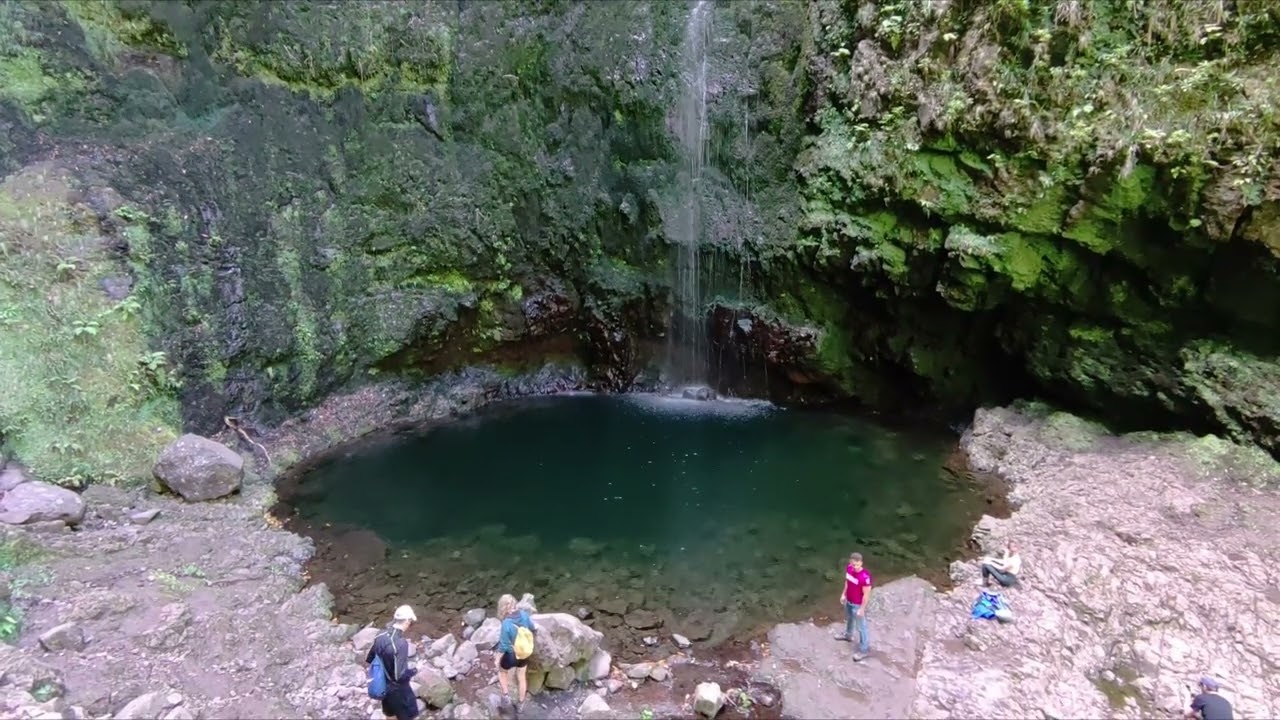
The HOVERAir X1 really comes into its own in daylight. For social media and holiday memories, it delivers recordings worth seeing. During my hikes in Madeira, it handled selfies on the levadas just as well as wide panoramic shots at Ponta de São Lourenço. The 2.7K resolution combined with mechanical image stabilisation ensures that videos appear clear and pleasantly smooth. However, one should not expect high-end image quality like that of a more expensive drone or a current smartphone. The HoverAir X1 scores points with perspectives that other devices simply cannot offer.
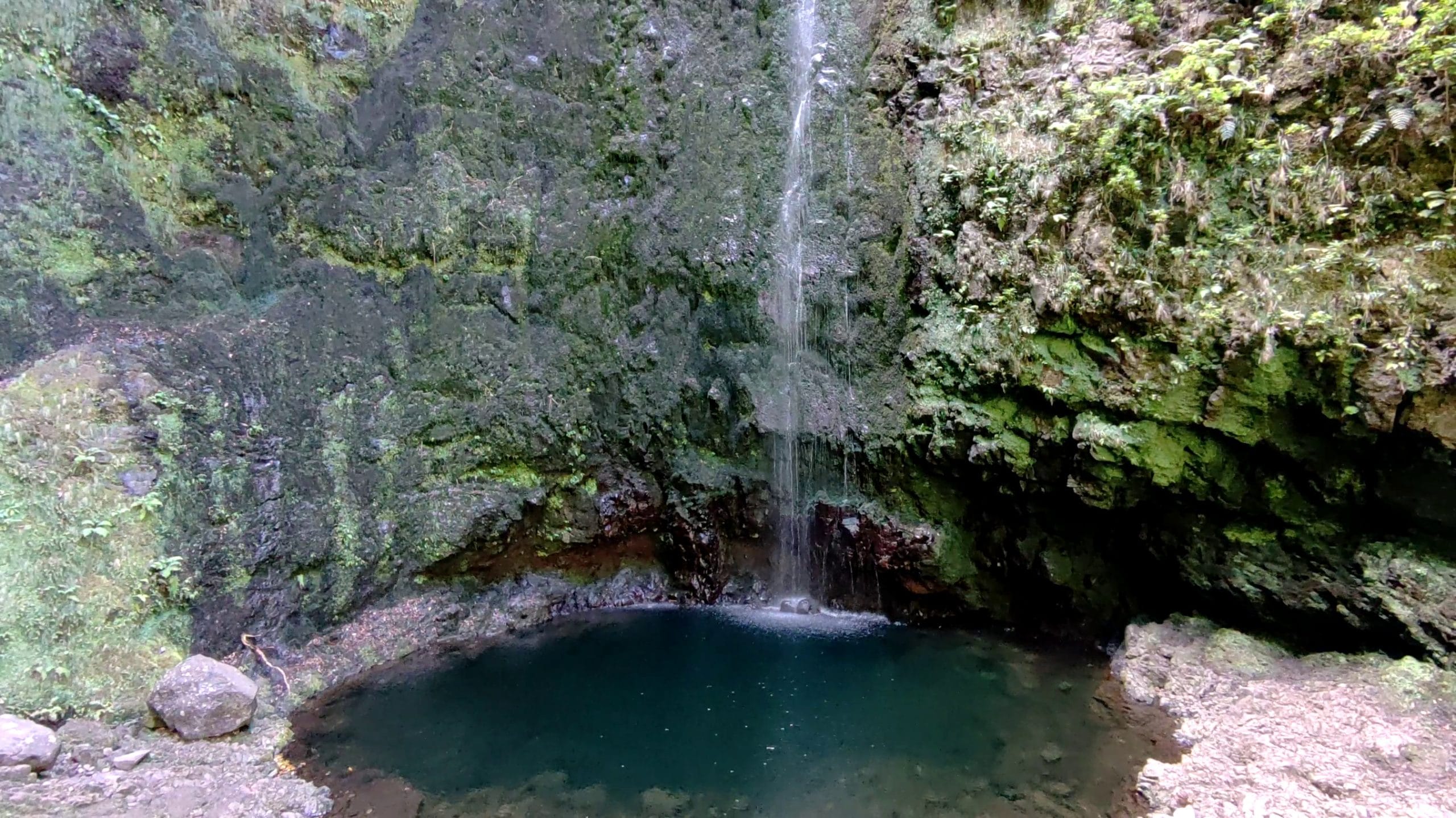
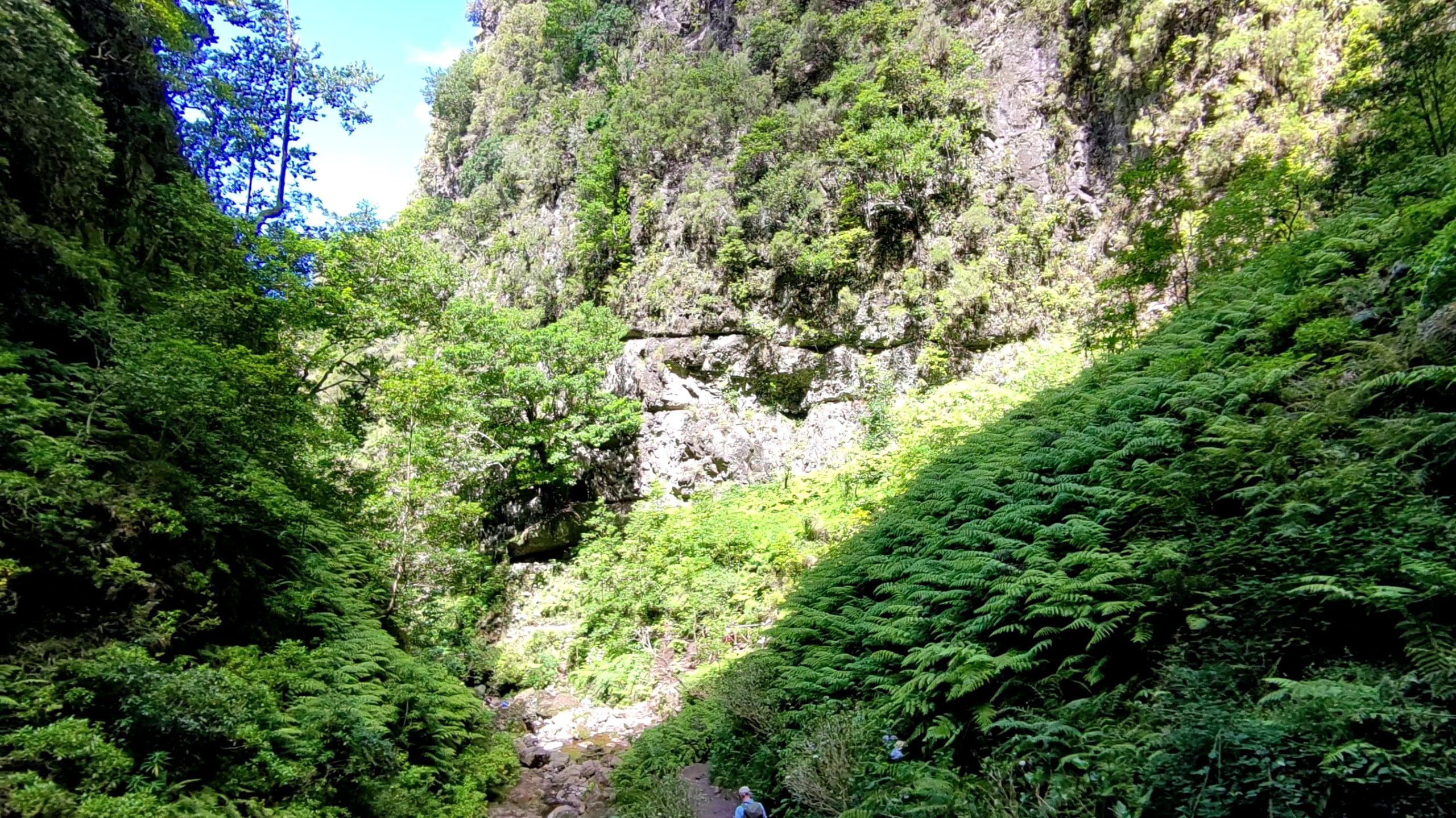
The preset flight modes are excellent for creative shots without requiring much experience. The “Bird’s Eye” mode, where it hovers directly above you, provides impressive aerial images. I particularly liked the “Follow” mode. The drone tracks you reliably and films from various heights and angles. Dynamic scenes such as hikes or walks can be captured very well with it.
However, once darkness falls, the limitations of the camera become apparent. In poor lighting conditions, the image quality visibly deteriorates. Details are lost and the recordings look grainy. Anyone planning night shots should therefore choose a different camera or drone. Fast movements, such as jogging or cycling, also push the image stabilisation to its limits. This means the HOVERAir X1 remains more of a companion for relaxed leisure activities.
Here is a video sample of the recording quality:
 Play video on YouTube
A real plus is the integrated 32 GB storage. That is quite sufficient for a day of capturing. Transferring to my laptop via USB-C was fast and straightforward. What is missing, however, is the option to expand the storage. Especially on longer trips, a microSD slot would have been desirable to avoid deleting files regularly.
Battery and charging options
With the two included interchangeable batteries, the drone achieves a flight time of around 11 minutes each. That sounds little, but is often sufficient for spontaneous clips and short recordings. In Madeira, I nevertheless had to plan exactly when and where I flew. Especially during longer excursions, the time sometimes felt tight if you wanted to capture many cool moments. For more intensive use or longer trips, a third or fourth battery would definitely make sense.
The short flight times are no surprise for such a small drone, but they clearly limit how many shots you can take in succession. The charging dock is a real plus here. It can charge both batteries simultaneously and works via a USB-C connection, which is incredibly practical when travelling. During car rides on Madeira, I simply charged the batteries via the cigarette lighter. Charging time is approximately 35 minutes per battery.
Our verdict
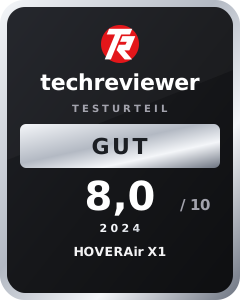
The HOVERAir X1 is made for on-the-go. With its weight of 125 grams and compact format, it fits in any backpack, jacket pocket or even in the palm of your hand. It scores with easy operation, versatile flight modes and shots that look great for social media or holiday videos.
The battery life is short at eleven minutes, but this is well compensated by the USB-C charging case. In terms of image quality, it excels in daylight but struggles in low light and strong wind. Those looking for a straightforward, ultra-mobile drone will find what they are looking for here. It is not enough for professional requirements, but as a compact travel drone, the HOVERAir X1 is hard to beat.
Specifications
Aircraft
- Dimensions
- * 127 mm (L) * 145 mm (W) * 30 mm (H) (unfolded),
- * 127 mm (L) * 86 mm (W) * 31 mm (H) (folded)
- Weight
- 125 g (including battery)
- Maximum flight time
- 11.5 minutes
- Storage capacity
- 32 GB
- Flight modes
- *Hover,
- *Follow,
- *Dolly track,
- *Zoom out,
- *Bird's-eye view,
- *Circle,
- *Manual
- Gimbal (Tilt)
- -90° to 15°
- Connectivity
- WLAN (2.4 GHz, 5.8 GHz)
- Maximum speed
- * 7 m/s horizontal,
- * ascending at 1.5 m/s,
- * Descend at 1.5 m/s
- Maximum wind resistance speed
- 7.9 m/s (Level 4)
- Operating temperature
- 0°C to 40°C
- Maximum flight altitude
- 15 m
- Maximum altitude
- 2,000 m, max. 5,000 m
- Real-time image transmission distance
- Up to 30 m
Camera
- Photo modes
- Standard mode, burst mode
- Video modes
- * 2704*1520@30fps,
- * 1920*1080@60fps,
- * 1920*1080@30fps (HDR)
- Vertical mode
- Supported
- Photo resolution
- 4000*3000 (12 MP)
- Aspect ratio
- JPEG
- Video format
- MP4
- Image stabilization
- * Mechanical (tilt axis),
- * electronic (EIS) hybrid stabilisation
- Field of view (FOV)
- 90°
- Positioning system
- VIO
- 35mm equivalent focal length
- 19 mm
- Aperture
- f/2.4
- Focus mode
- FF
- Focus area
- 0.75 m to infinity
- Video exposure mode
- Automatic
- Photo exposure mode
- Automatic
- Video encoding
- H.264
- Maximum video bitrate
- 32 Mbit/s
- White balance
- Automatic
Gimbal
- Controllable range
- -90° to 15°
Battery
- Capacity
- 1050 mAh
- Standard voltage
- 7,7 V
- Weight
- 42 g
- Charge cutoff voltage
- 8,8 V
- Charging temperature
- 0°C to 40°C
- Charging speed
- * 35 minutes to 100% (with charging station),
- * 55 minutes to 100% (charging the X1 inside)
- Recommended charging adapter
- PD 18 W adapter
App
- App
- Hover X1
- System requirements
- * iOS 12.1 or higher,
- * Android 9.0 or higher
Price comparison
| Store | Price | Link |
|---|
Comments (2)
There is also a new model. Have you tested that one yet? LG
Hi Micha, not yet, but it would be quite interesting.