Contents
LONGER Nano Pro: Introduction
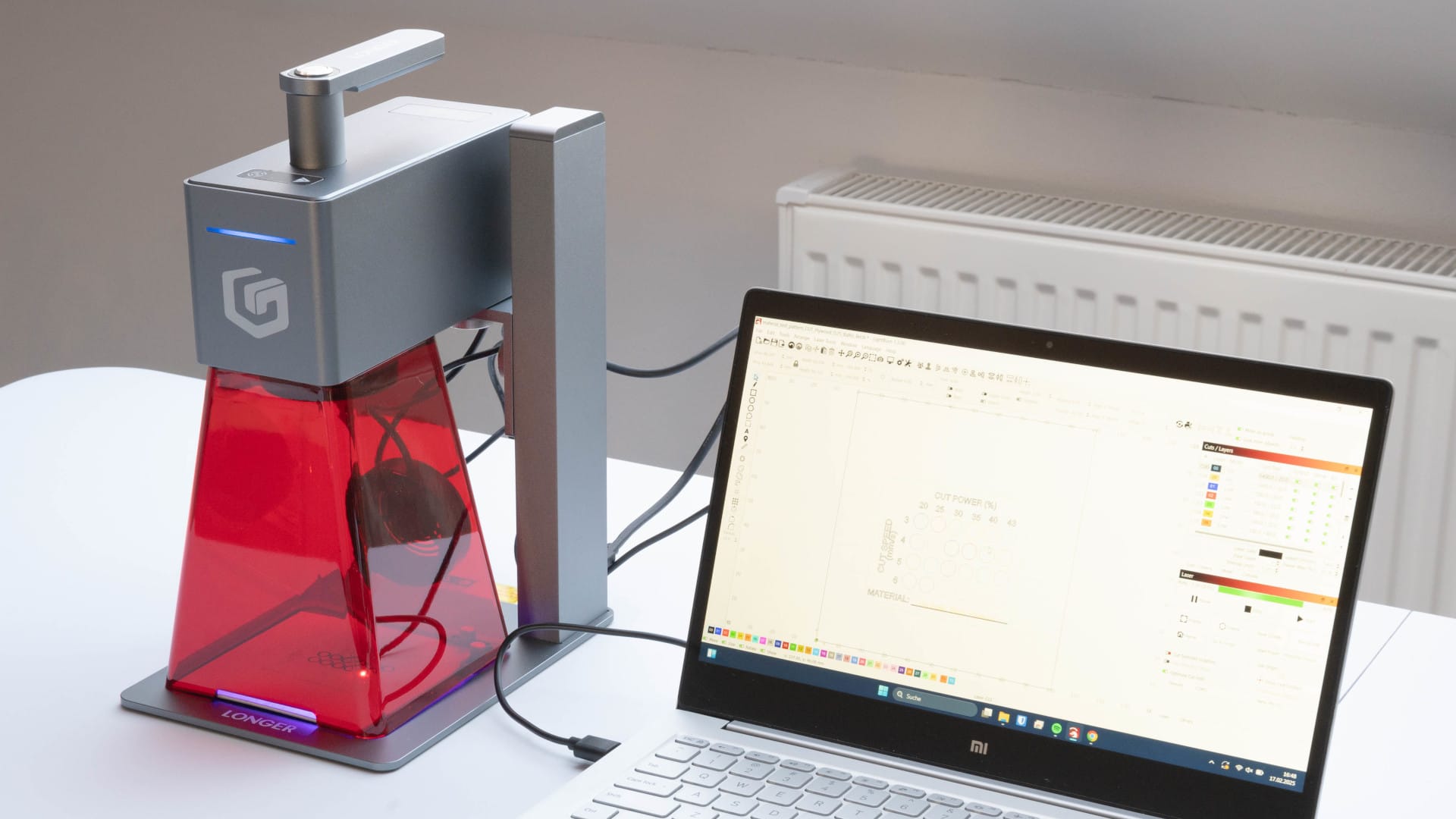
Laser engravers are equally interesting for hobbyists and professionals, as they can apply individual designs to wood, acrylic, metal or even stone. The LONGER Nano Pro 12W stands out in particular due to its compact design. Instead of a classic rail system, it uses a galvo laser that directs the beam with mirrors. This allows it to perform engravings at up to 5000 mm/s – significantly faster than many conventional desktop lasers.
In addition, the device is compatible with Lightburn and LaserGRBL and can be controlled via USB or WiFi. Optionally, the engraving area can be expanded to 100 x 300 mm with a Slide Extension, and a rotary attachment for round objects is also available. If you opt for the Pro or Pro Max Set, these expansions are included in the scope of delivery.
LONGER Nano Pro: Setup, commissioning & operation
Unboxing & First Impressions
Even when unpacking, it is clear that LONGER places great emphasis on safe packaging. The Nano Pro 12W is nestled in precisely cut foam, and all components are neatly sorted in separate compartments.
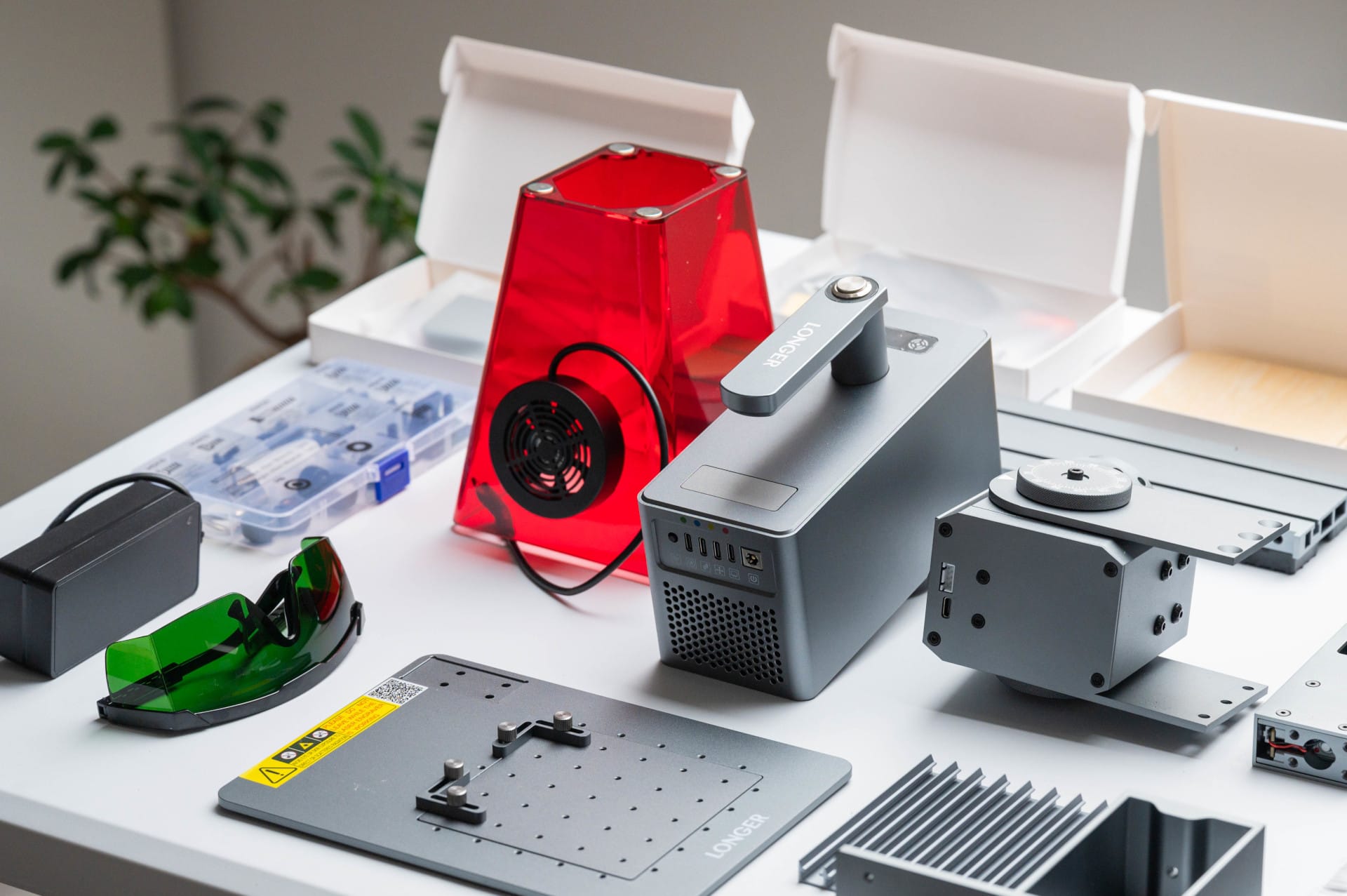
The package includes not only the laser unit but also an electric height adjustment, a base plate, a red protective cover, protective glasses, a tool set, a USB-C cable, a power supply and a USB stick with software. In addition, some test materials are included – a nice gesture to get started straight away. We had the Pro set here and were therefore able to test the Slide Extension and the Rotary Attachment as well.
Assembly & Installation
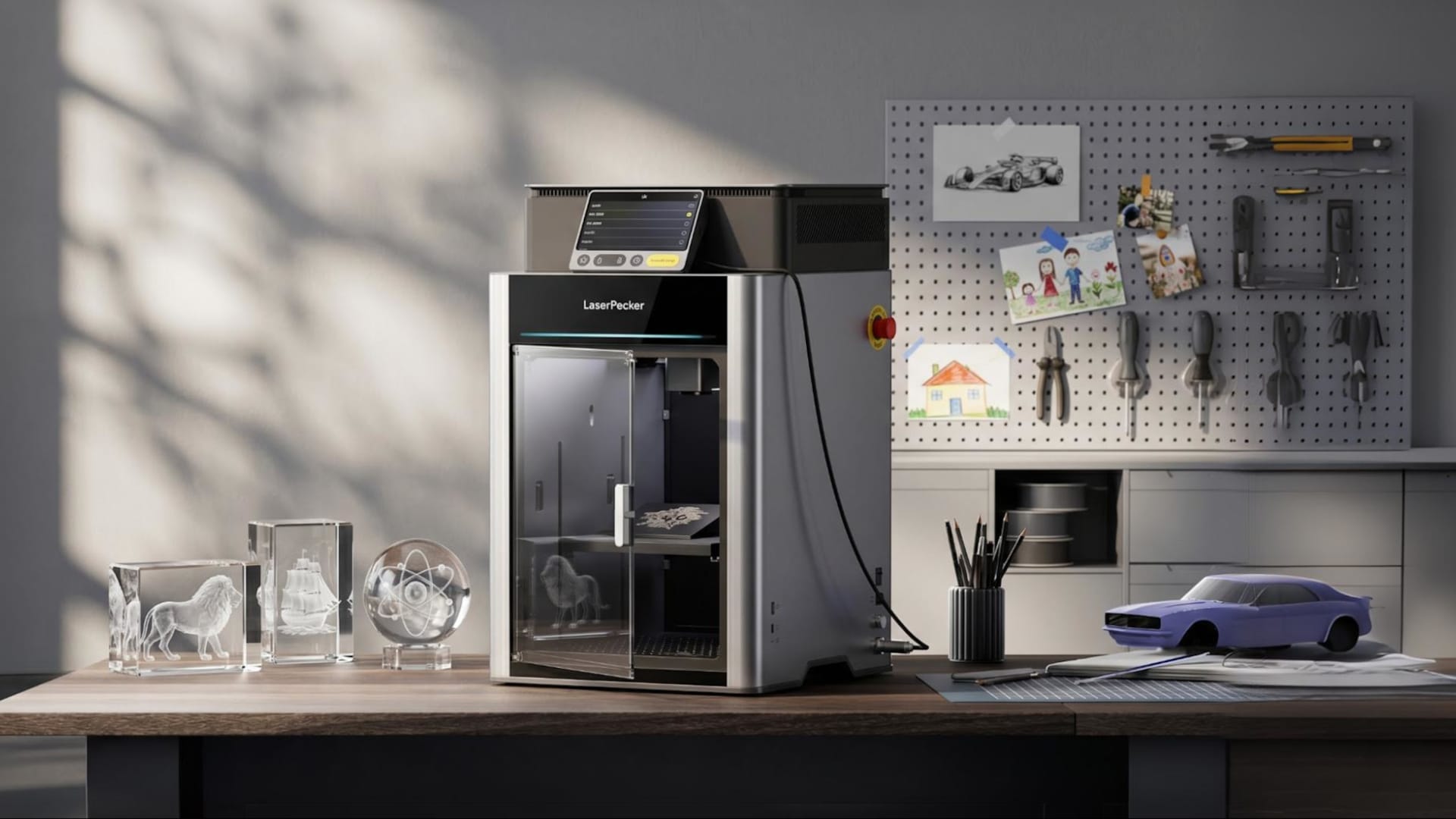
The laser housing is made of metal, as is the base plate. Everything feels stable and precisely manufactured, without loose or rattling parts. The design is reminiscent of the LaserPecker 4 but remains independent and feels well thought out overall.
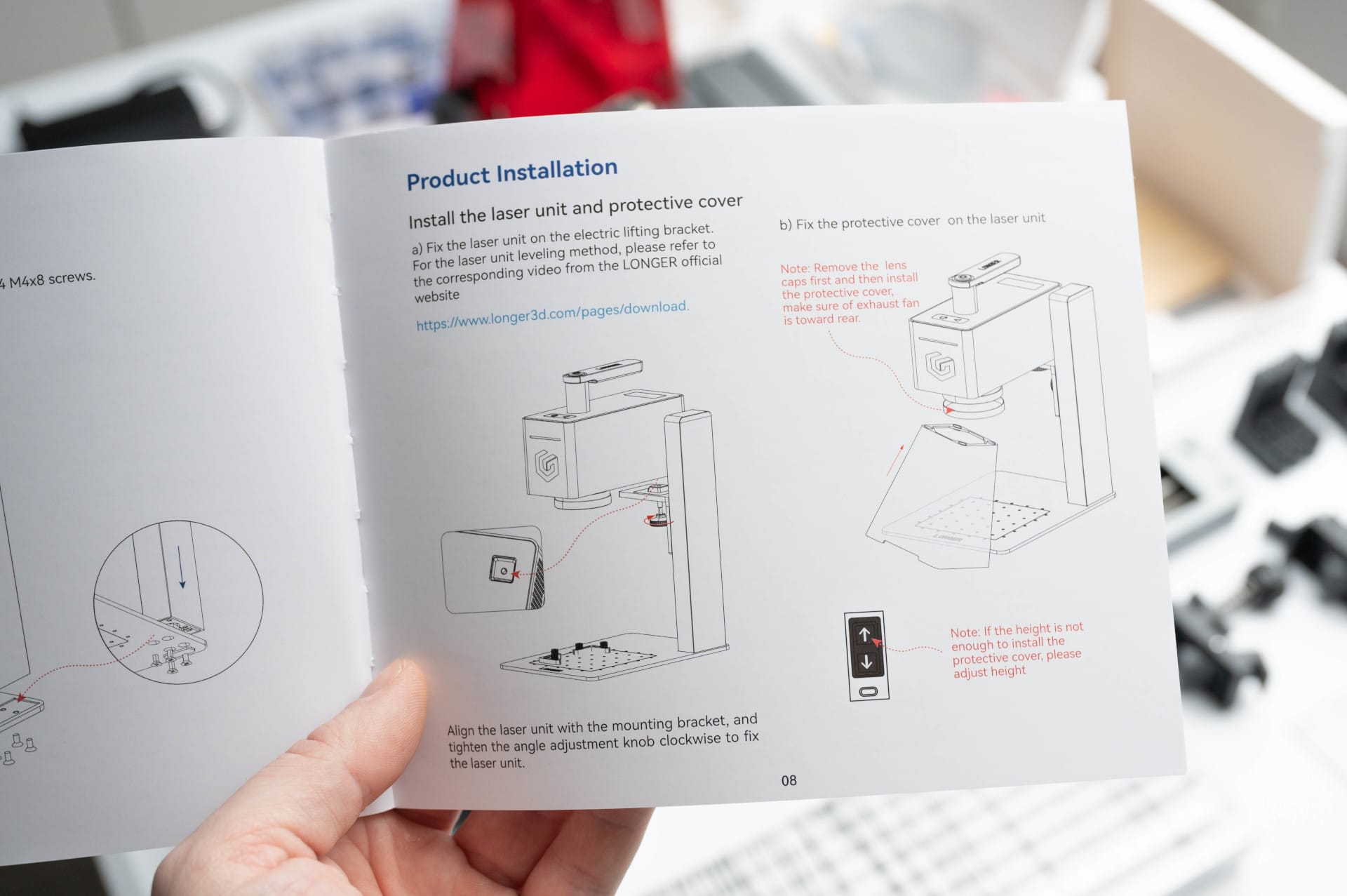
While classic rail lasers often involve a complex setup, mounting the Nano Pro is pleasantly simple. The device is ready for operation in just four steps:
- Screw the base plate to the electric height adjustment.
- Secure the laser module to the height adjustment with a knurled screw.
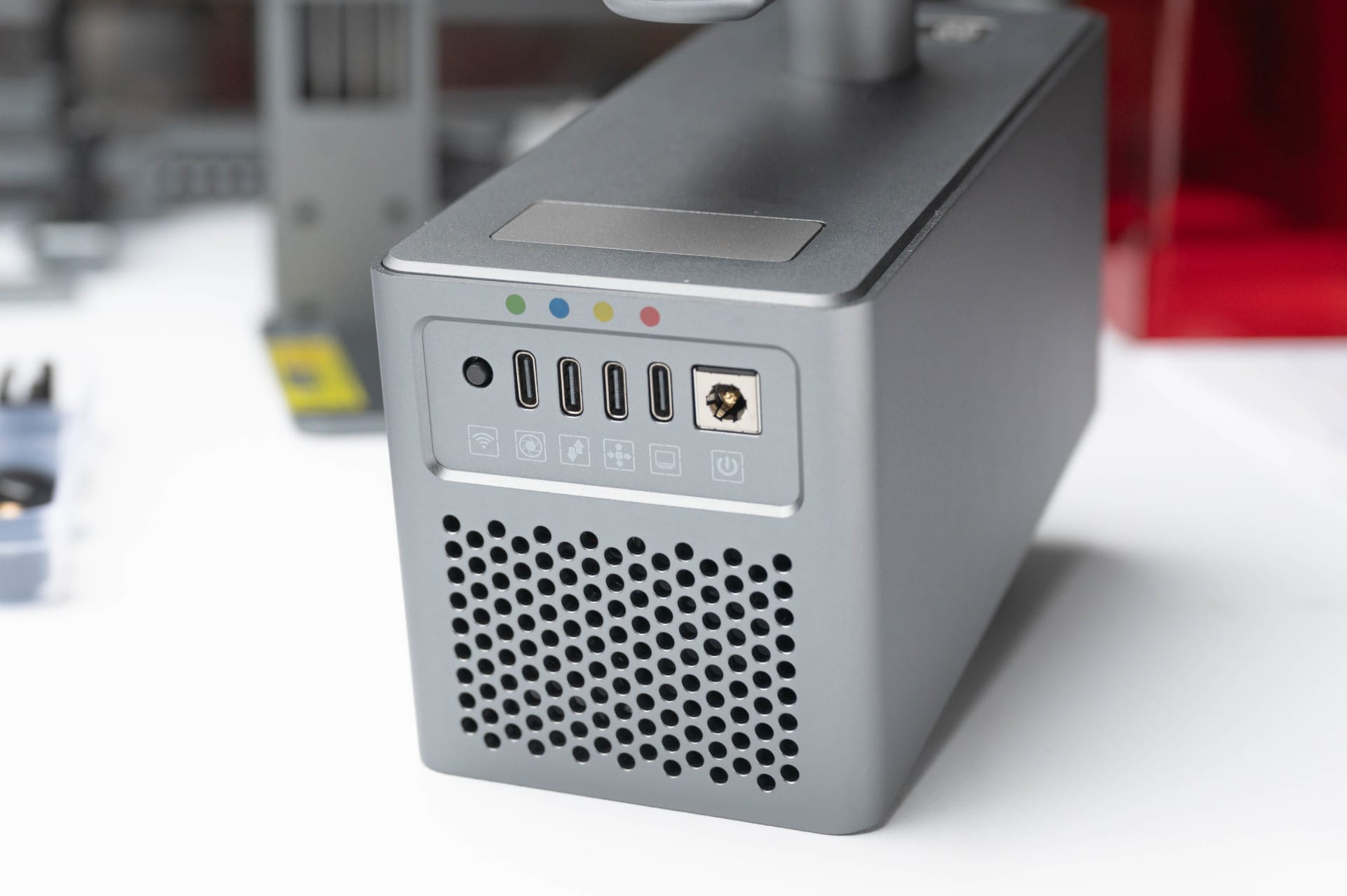
- Connect the USB-C cable – all ports are colour-coded, which simplifies installation.
- Attach protective cover with magnets.
Particularly praiseworthy is the thoughtful cable management. Instead of a confusing number of connections, all USB-C cables are clearly labelled and colour-coded, so mix-ups are practically impossible. This makes the Nano Pro easy to handle even for beginners. The entire assembly takes barely ten minutes.
Software & initial setup
The Nano Pro is compatible with Lightburn and LaserGRBL, two of the most common programs for laser engraving. Both are on the included USB stick, or they can be downloaded directly from the official websites. A Lightburn profile (“LaserNano.lbdev”) is also on the stick, so that when importing the profile, all relevant settings are automatically applied.
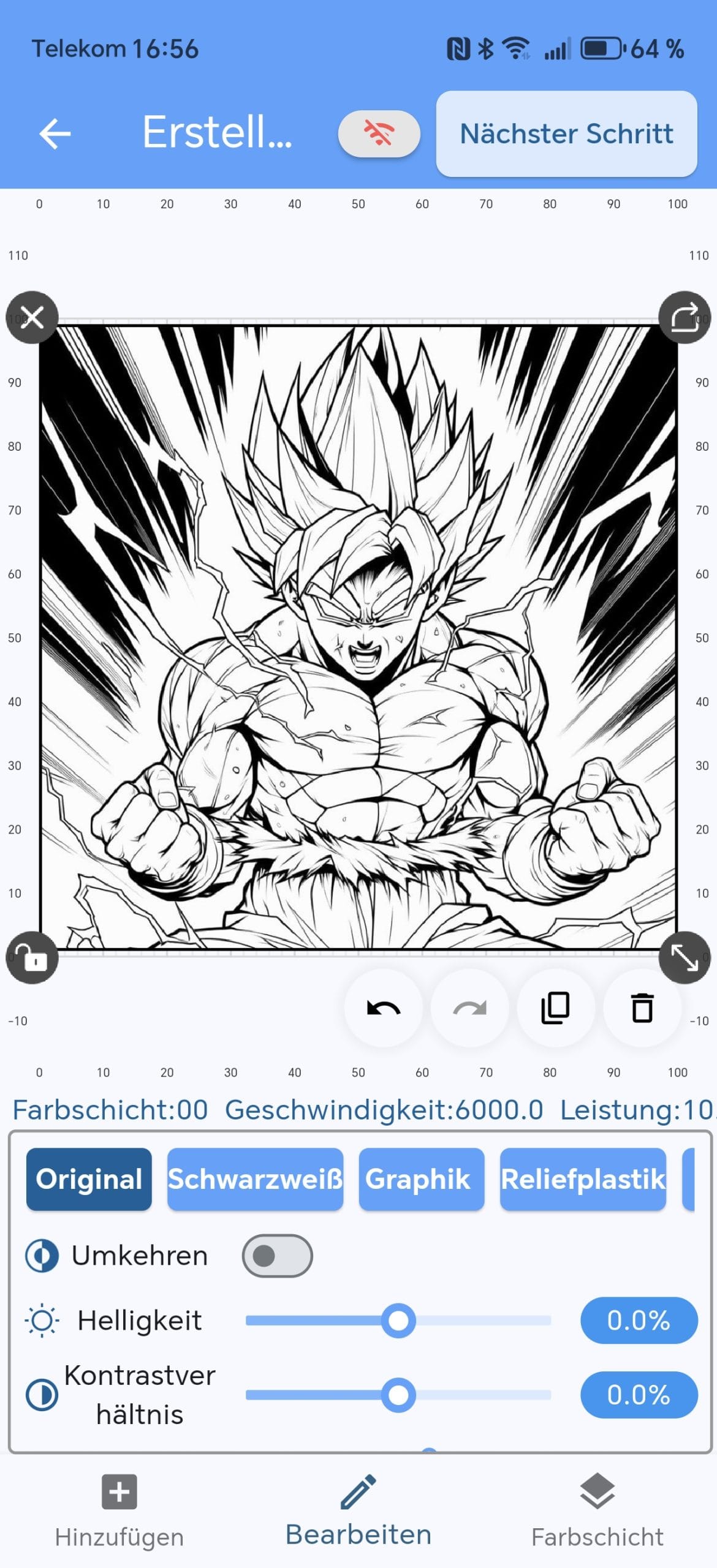
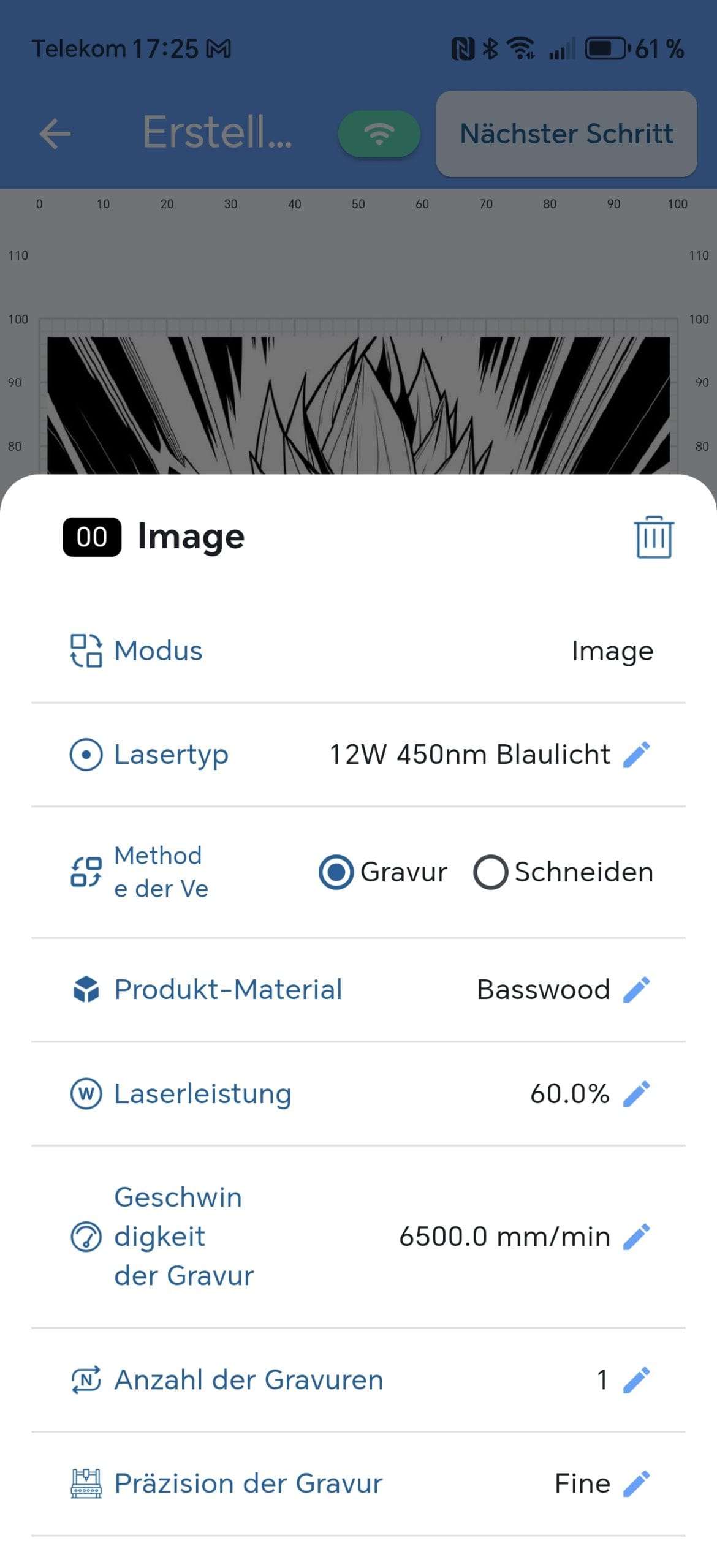
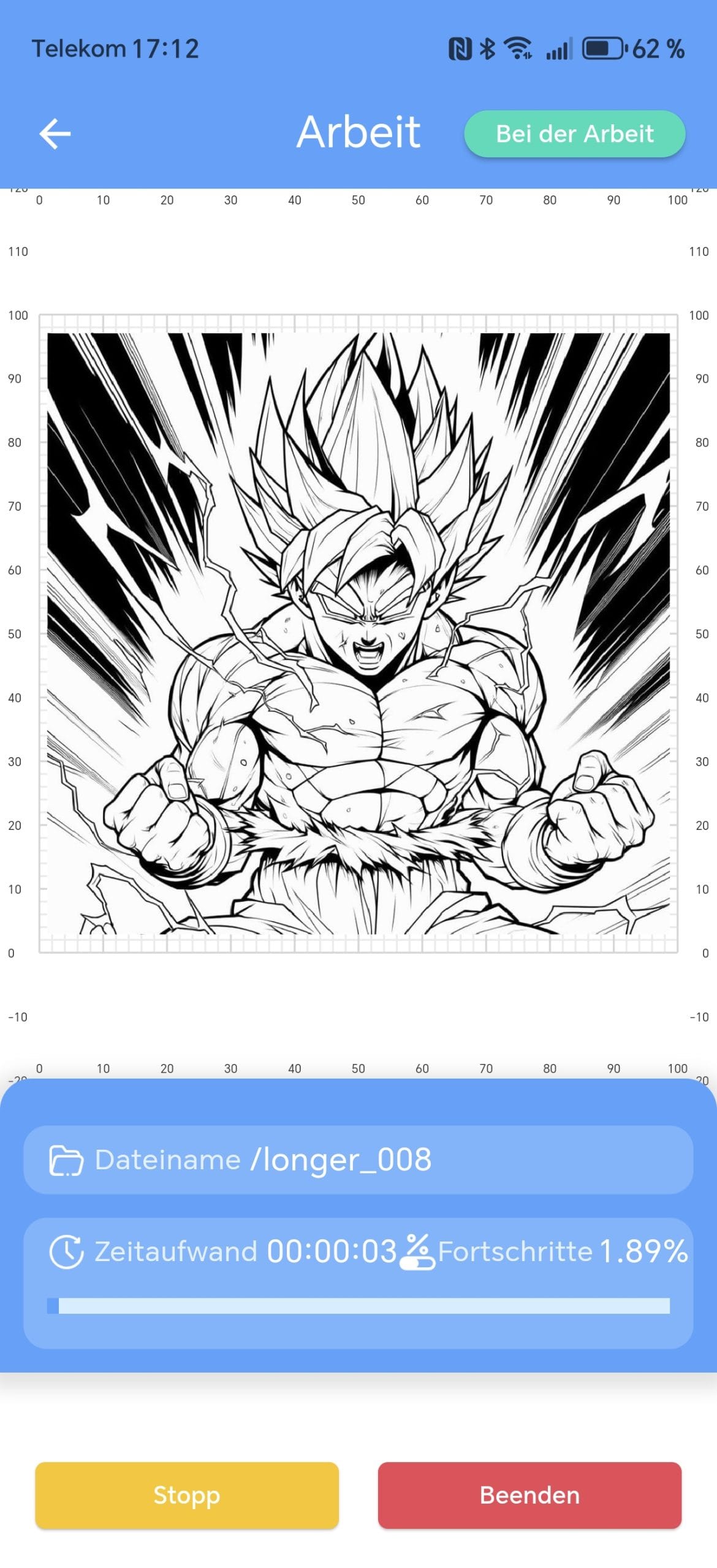
Additionally, LONGER offers the LaserBurn app for Android and iOS. This app is a less comprehensive alternative to the two aforementioned programmes and is particularly suitable for quick engraving tasks on the go, for example at Christmas markets, trade fairs or mobile assignments. The app's basic functions allow you to create designs and send them directly to the laser, albeit with limitations.
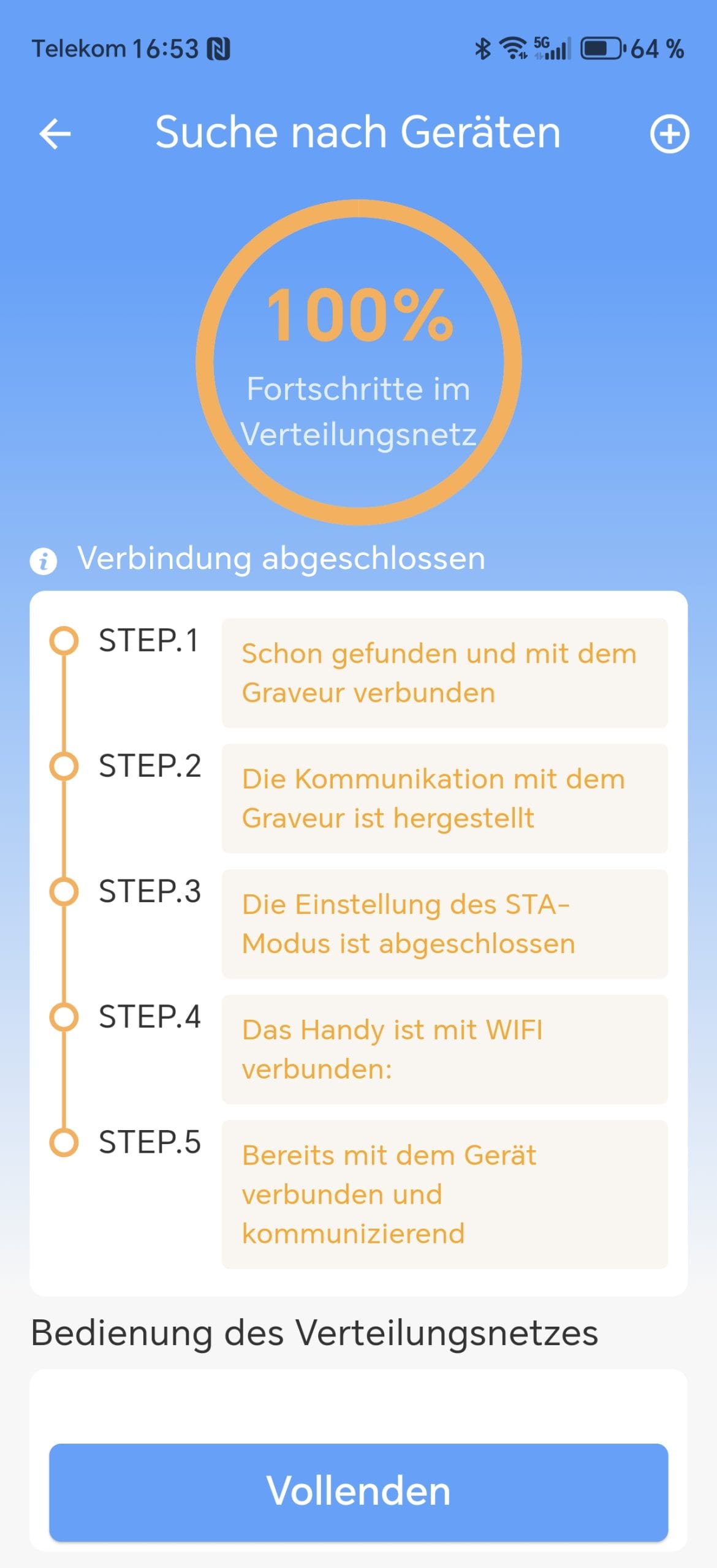
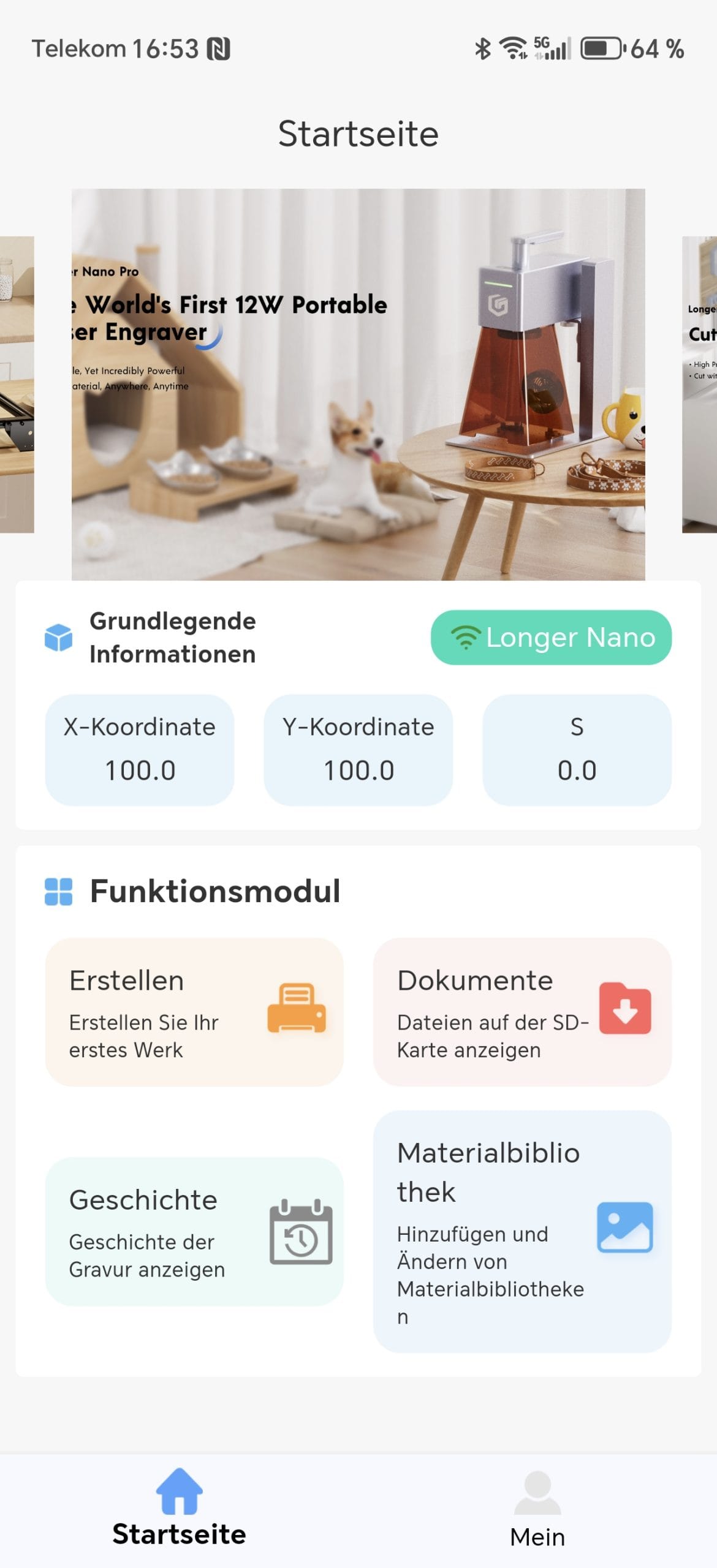
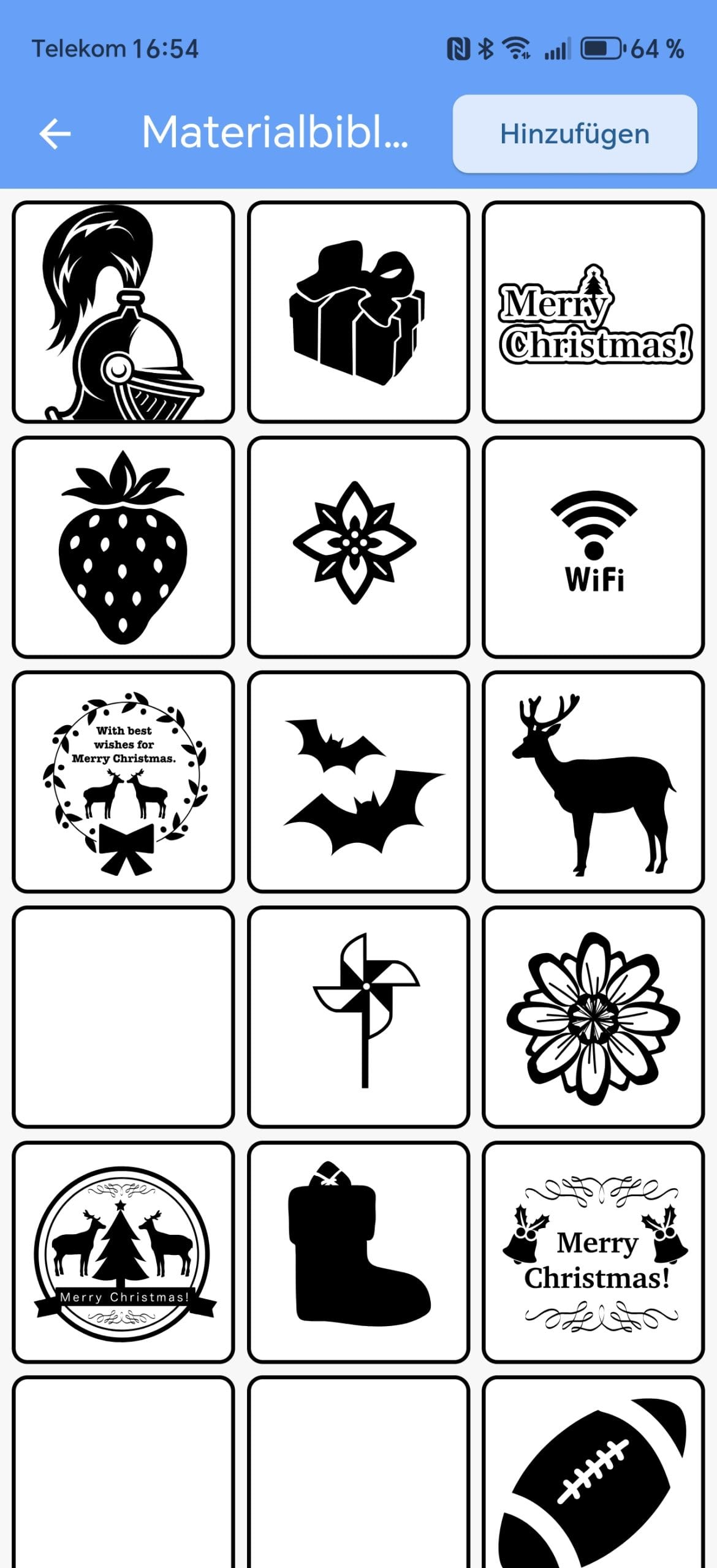
While the USB connection runs stably right away, the Wi-Fi connection proves somewhat susceptible. During testing, connection drops occurred occasionally, causing sending commands from the LaserBurn app to the laser to fail more frequently. In addition, the app is generally rudimentarily designed and visually unappealing.
Minor translation errors were also noticeable, leaving the impression of software that is not yet fully matured. That is why it is better to go straight for Lightburn or LaserGRB!
Operation
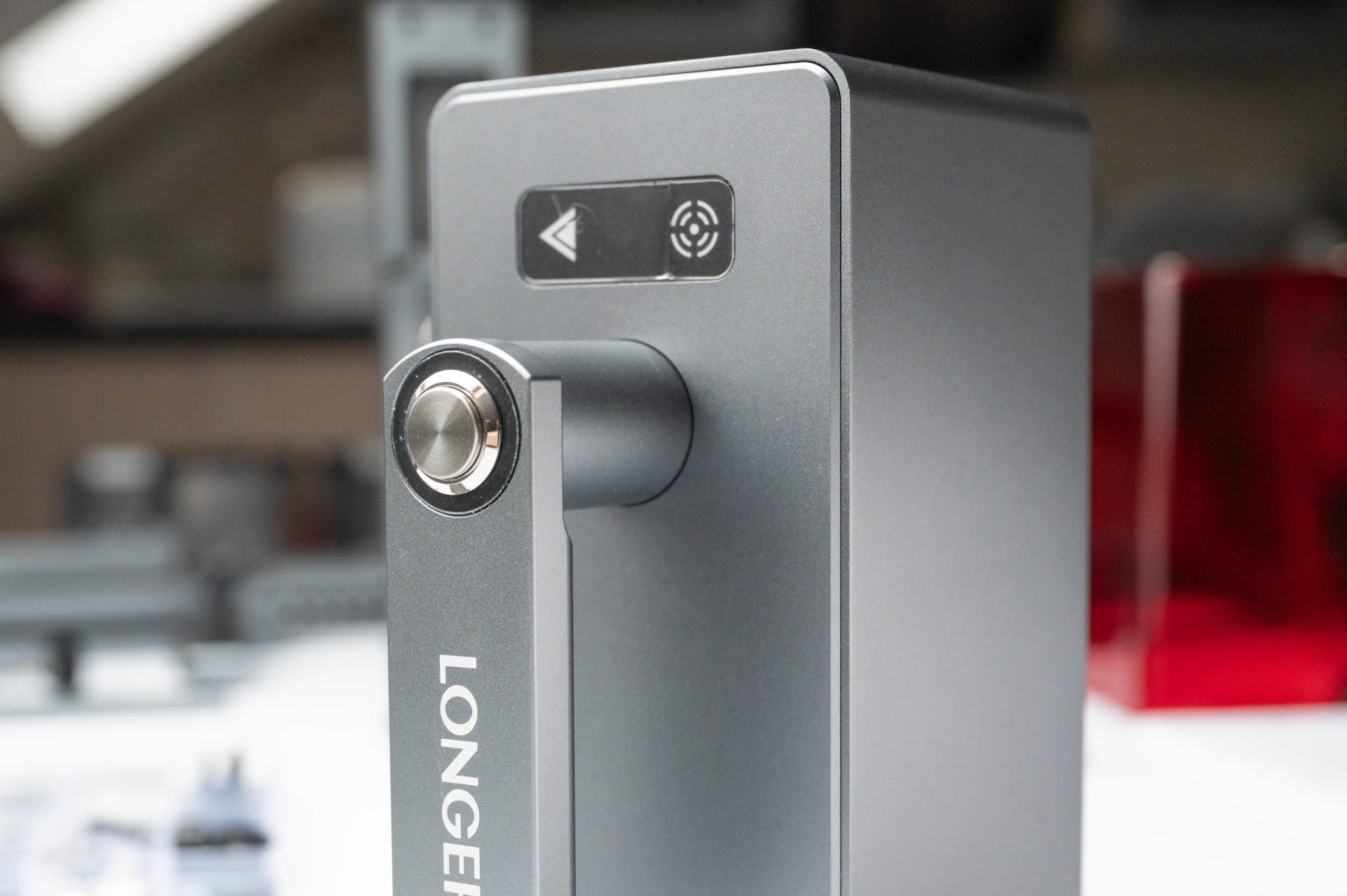
On the top of the device are several control elements:
- Silver power button for switching on and off
- Capacitive focus button for adjusting the focus distance
- Triangular start button that initiates an engraving
The electric height adjustment is practical, enabling easy focus adjustment at the press of a button. Anyone who frequently works with materials of different thicknesses will quickly appreciate this function.
However, the construction also has a small weakness. Firstly, the capacitive buttons may not be the best choice, because you get no feedback when "pressing" them. Especially on a device that works with precision and fine adjustments, a noticeable pressure point would be helpful to ensure that the input has really been registered. This way, it occasionally happens that you have to tap multiple times because the touch is not recognised immediately.
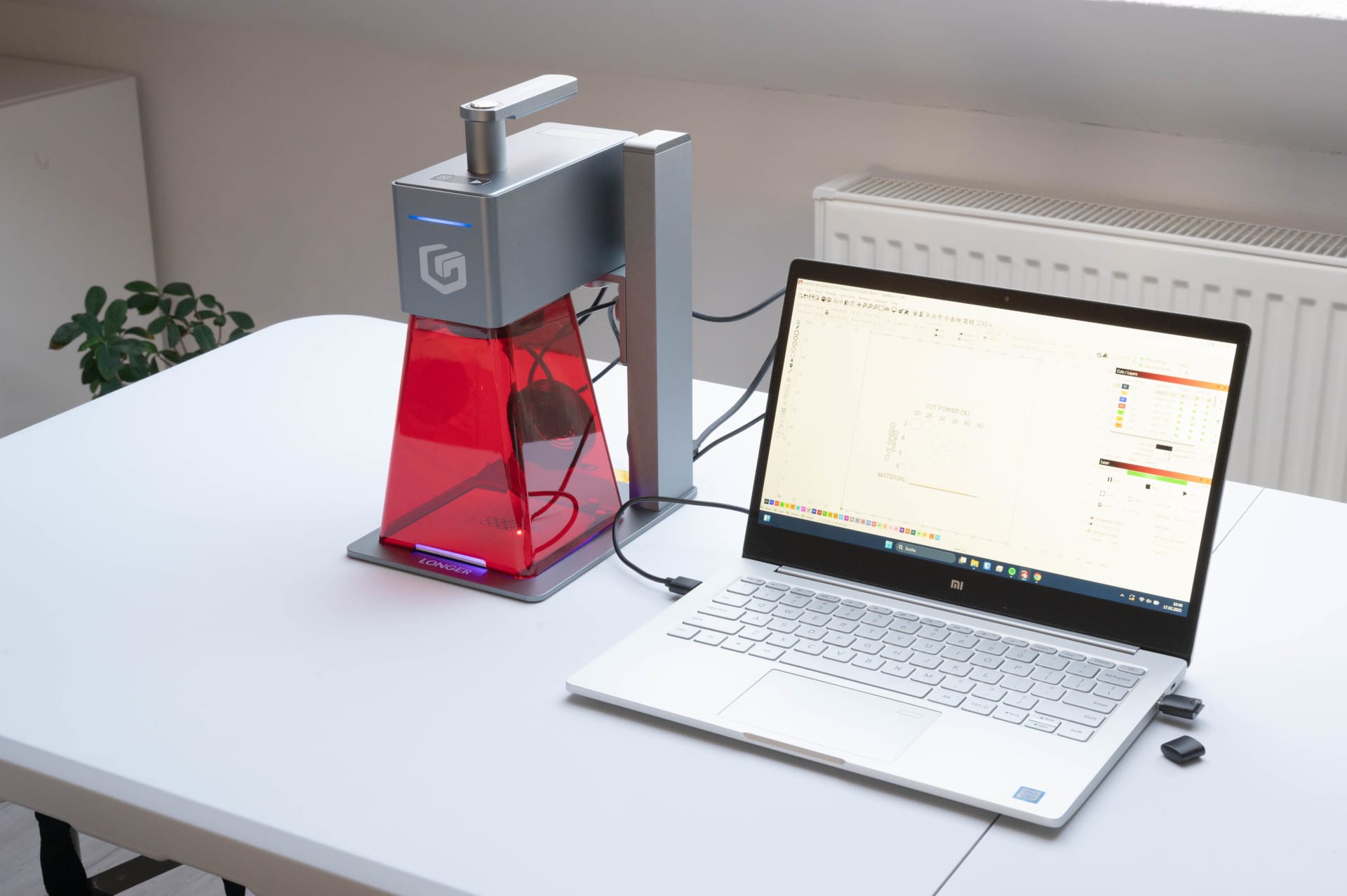
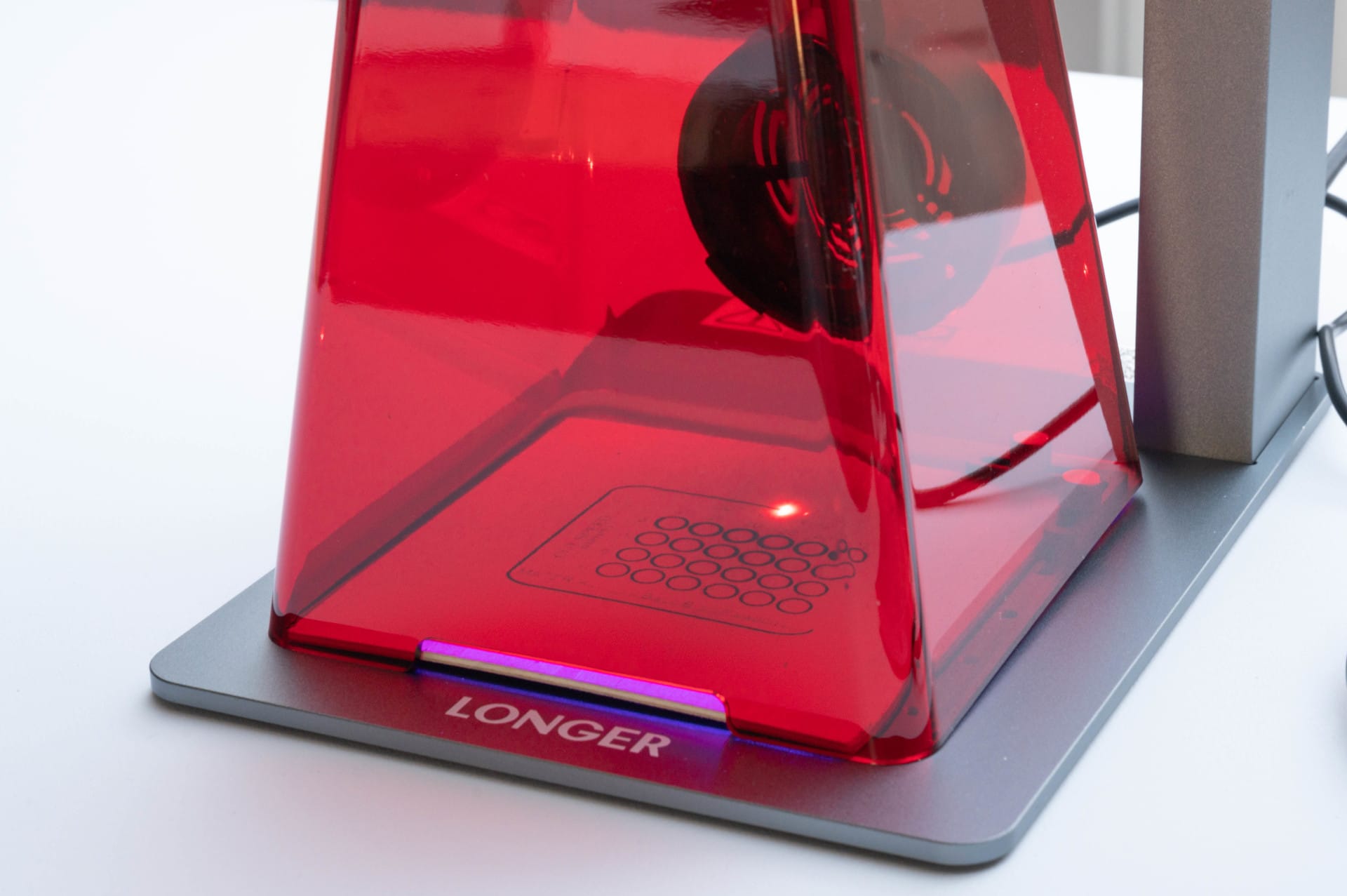
Secondly, the red protective hood is almost always in the way and obstructs the view of the workpiece. Framing the workpiece is not fun at all due to the hood making the framing laser practically invisible.
But even if you remove the hood in every alignment, the light output of the framing laser is so low that you have to look very closely to see the marking at all. Alternatively, you could simply leave the protective hood off entirely, but then good safety glasses are mandatory!
LONGER Nano Pro: practical test
How does the engraving laser perform in practical use? Particularly interesting was the question of how well it handles various materials and whether the promised speed of up to 5000 mm/s is actually usable.
Engraving power
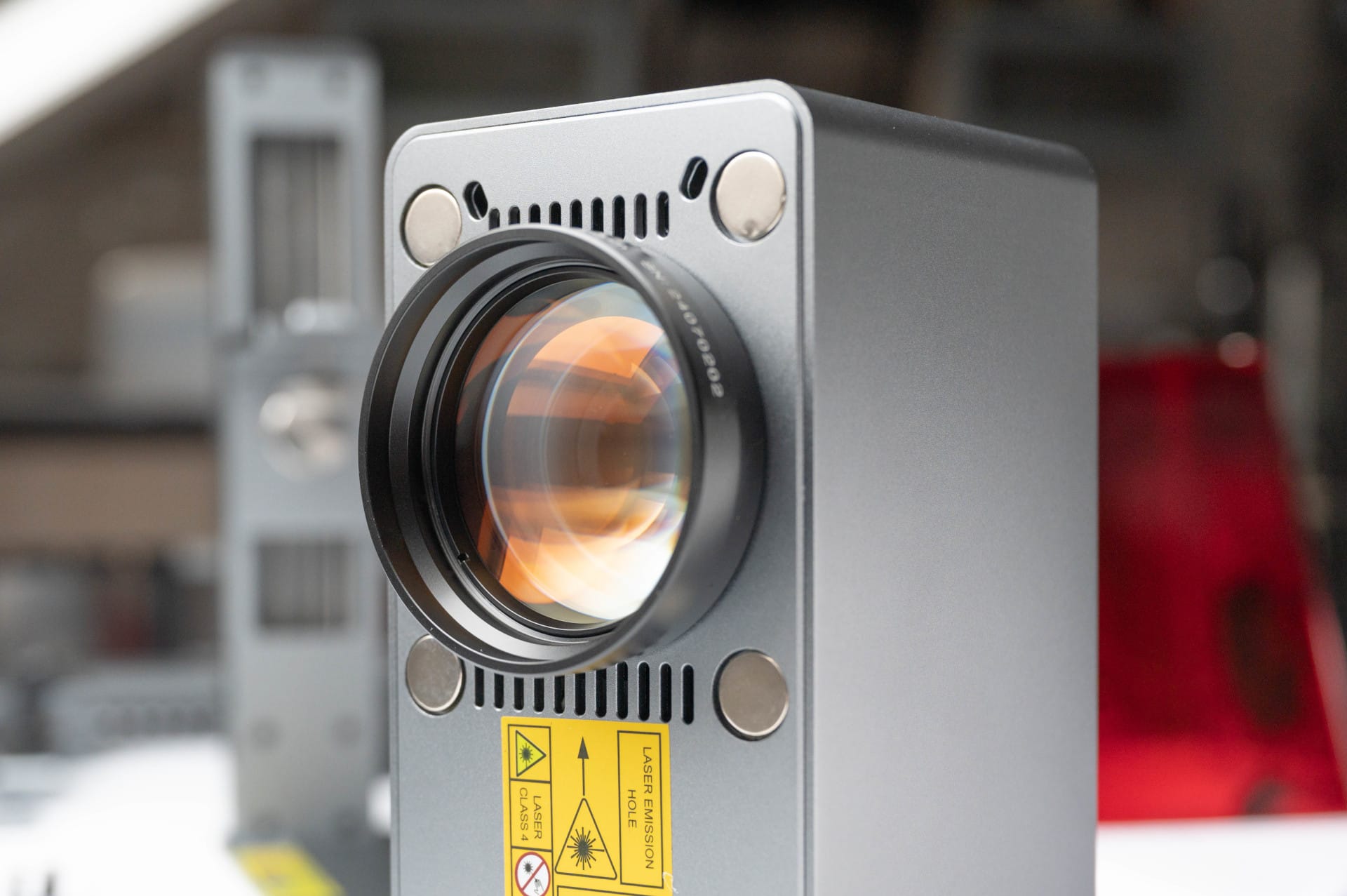
The galvo technology, used instead of a traditional XY slide mechanism, makes the Nano Pro faster than many other laser engravers. Instead of moving the workpiece line by line, mirrors steer the laser beam here.
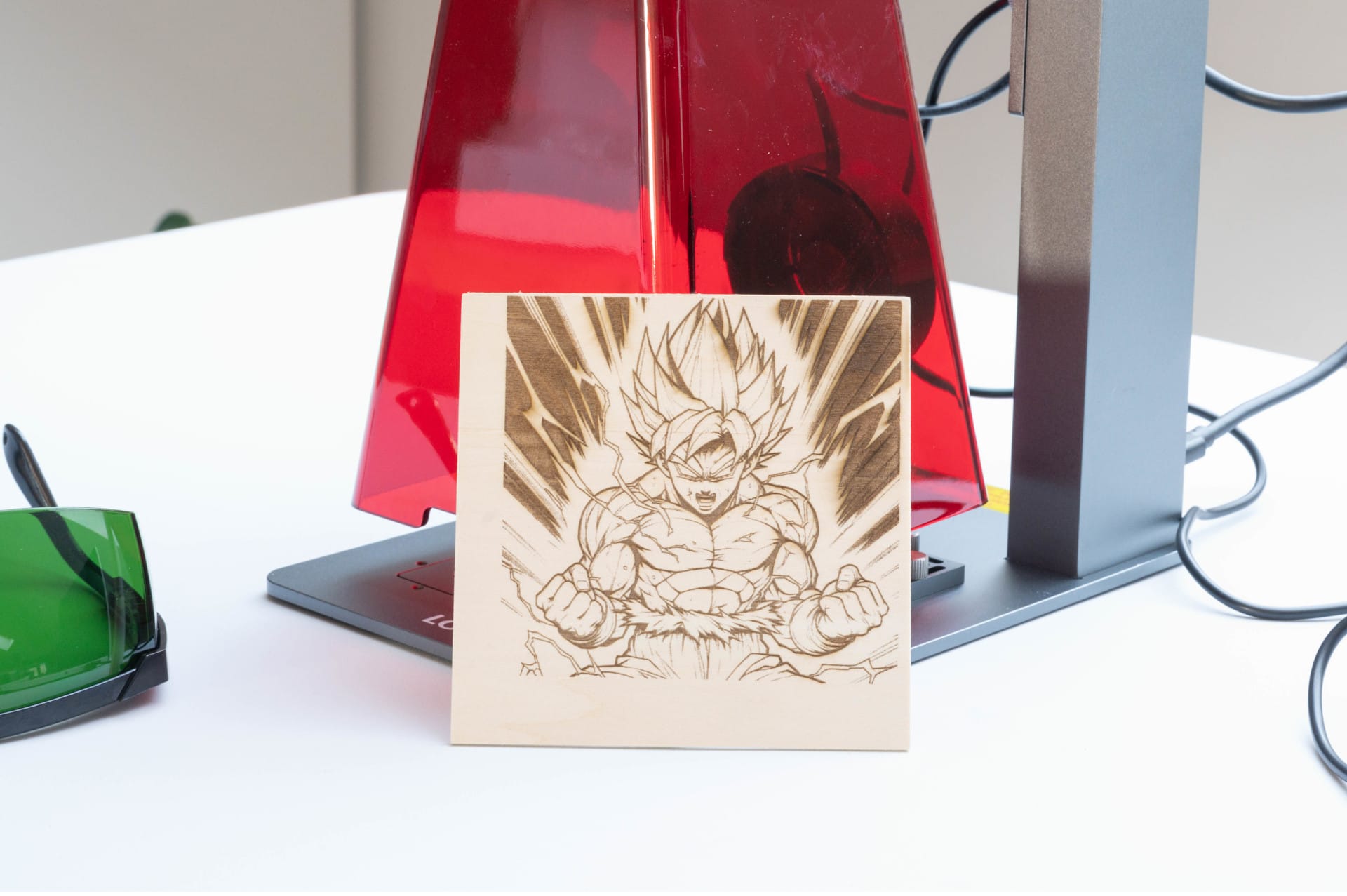
The laser works particularly well on wood. A test engraving on balsa wood shows clear lines and rich contrasts, even with delicate motifs. The laser burns effortlessly into the material without leaving unsightly edges or fraying. Only with thicker types of wood does slight smoke development occur, which is exacerbated by the lack of Air Assist.
The situation is slightly different with acrylic. Here, the typical weakness of diode lasers becomes apparent. While dark or lacquered acrylic is engraved without issue, transparent acrylic remains virtually untouched. This is due to the wavelength of the blue laser, which is simply transmitted by clear acrylic. Those who work extensively with this material should therefore consider looking for a CO₂ laser.
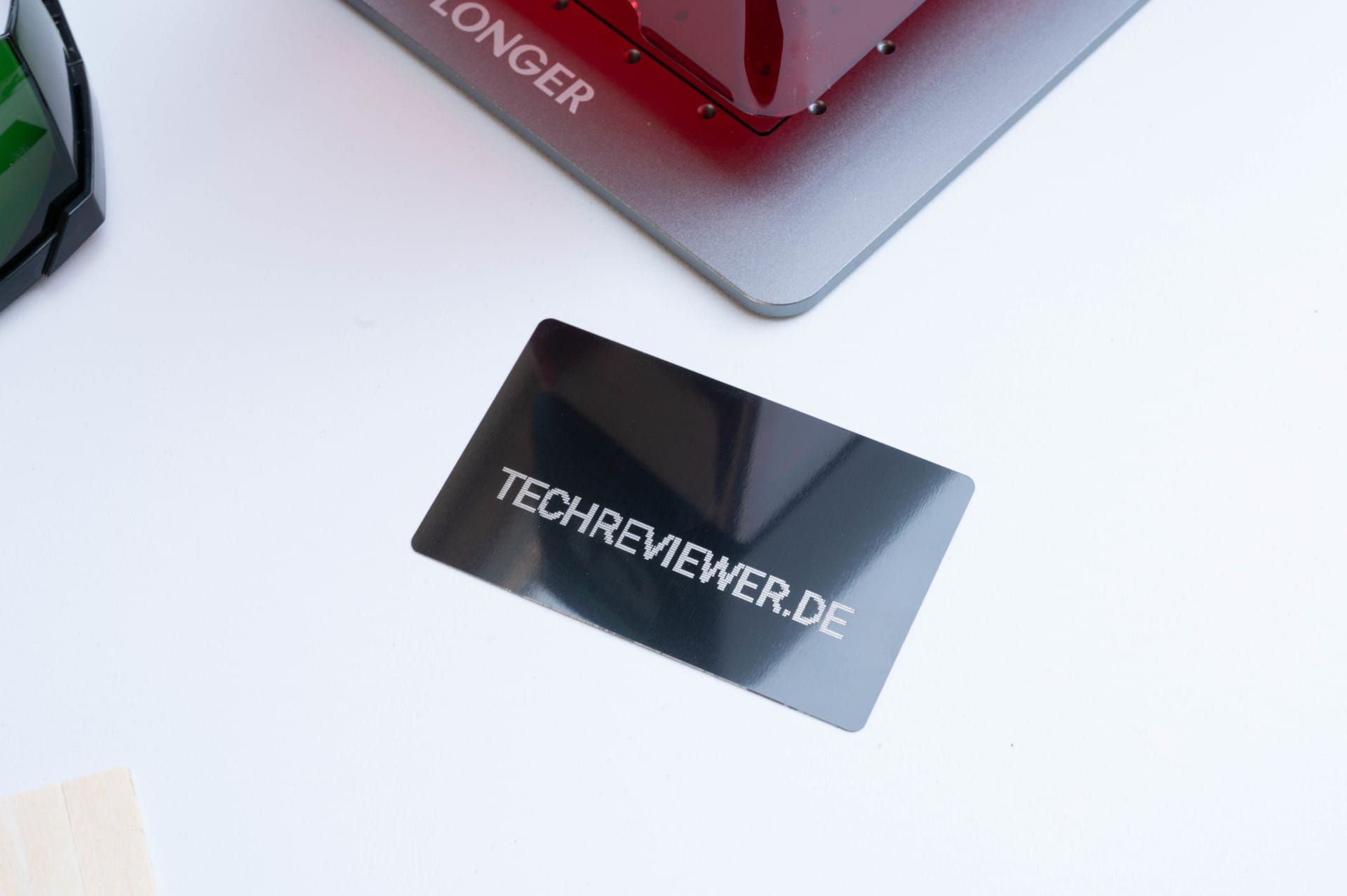
Metals are also a borderline case. Untreated aluminium or stainless steel cannot be engraved directly with a 12W diode laser, as it simply lacks the necessary power. Anodised aluminium, on the other hand, delivers good results. Logos and texts are cleanly burned into the surface, making the Nano Pro particularly interesting for marking tools or personalised metal cards.
Slate coasters can also be cleanly labelled. Those who want to design individual gifts or decorative elements will find an ideal application here.
Cutting performance
The LONGER Nano Pro 12W is primarily an engraving laser due to its power and 100 x 100 mm working area. While it is fundamentally possible to cut through thin wood, time must be allowed for it. While 3 mm plywood can be cleanly cut in three to four passes, ten passes are already necessary for 6 mm. Light scorch marks may appear on the edges, exacerbated by the lack of Air Assist.
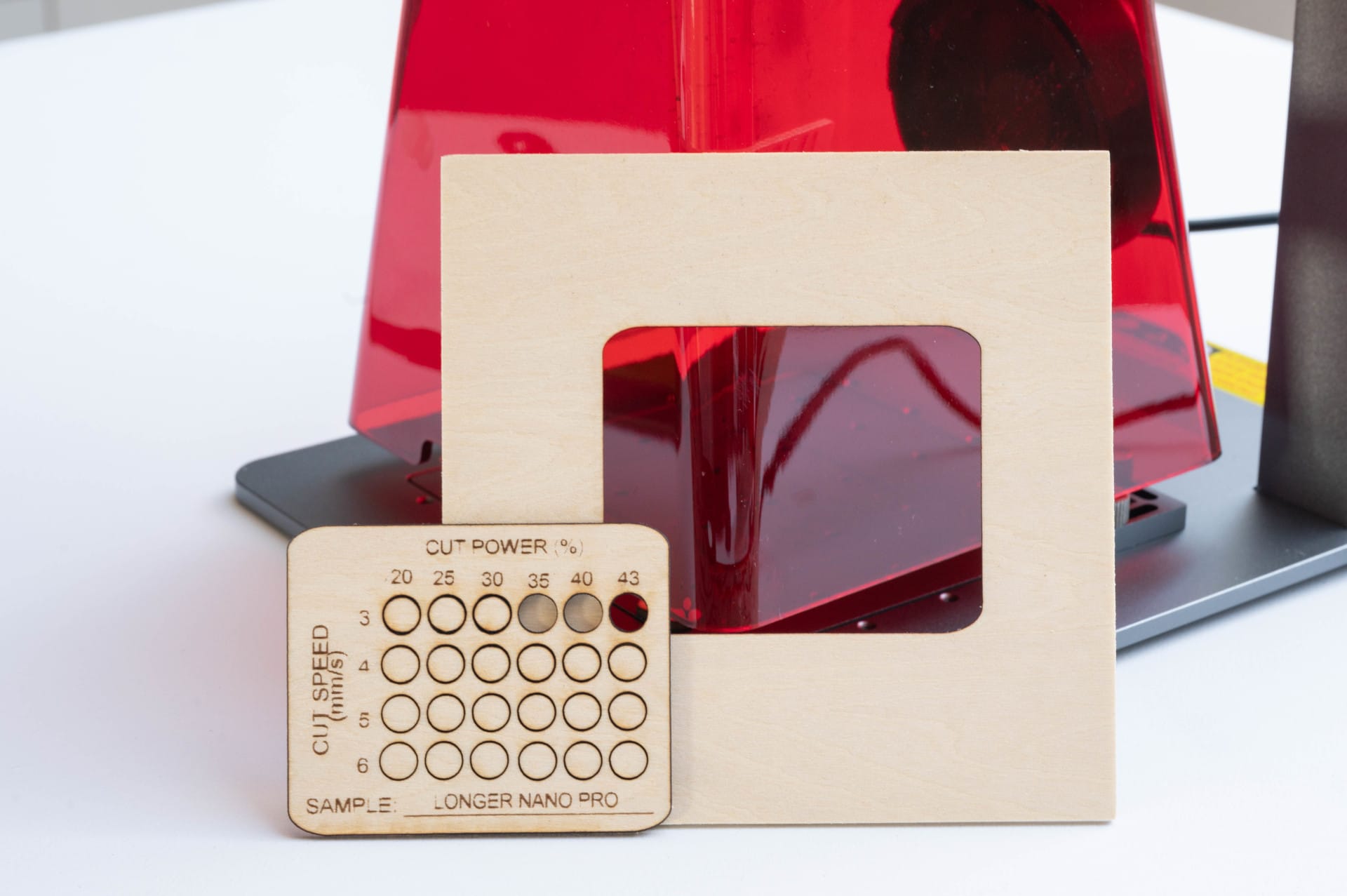
Acrylic is almost invincible. Even black acrylic, which reacts better to the wavelength of the diode laser, can only be cut with unsatisfactory results.
Extensions
To expand the flexibility of the Nano Pro, LONGER offers two extensions. The Slide Extension increases the working area to 100 x 300 mm. The Rotary Tool enables engraving on cylindrical objects.
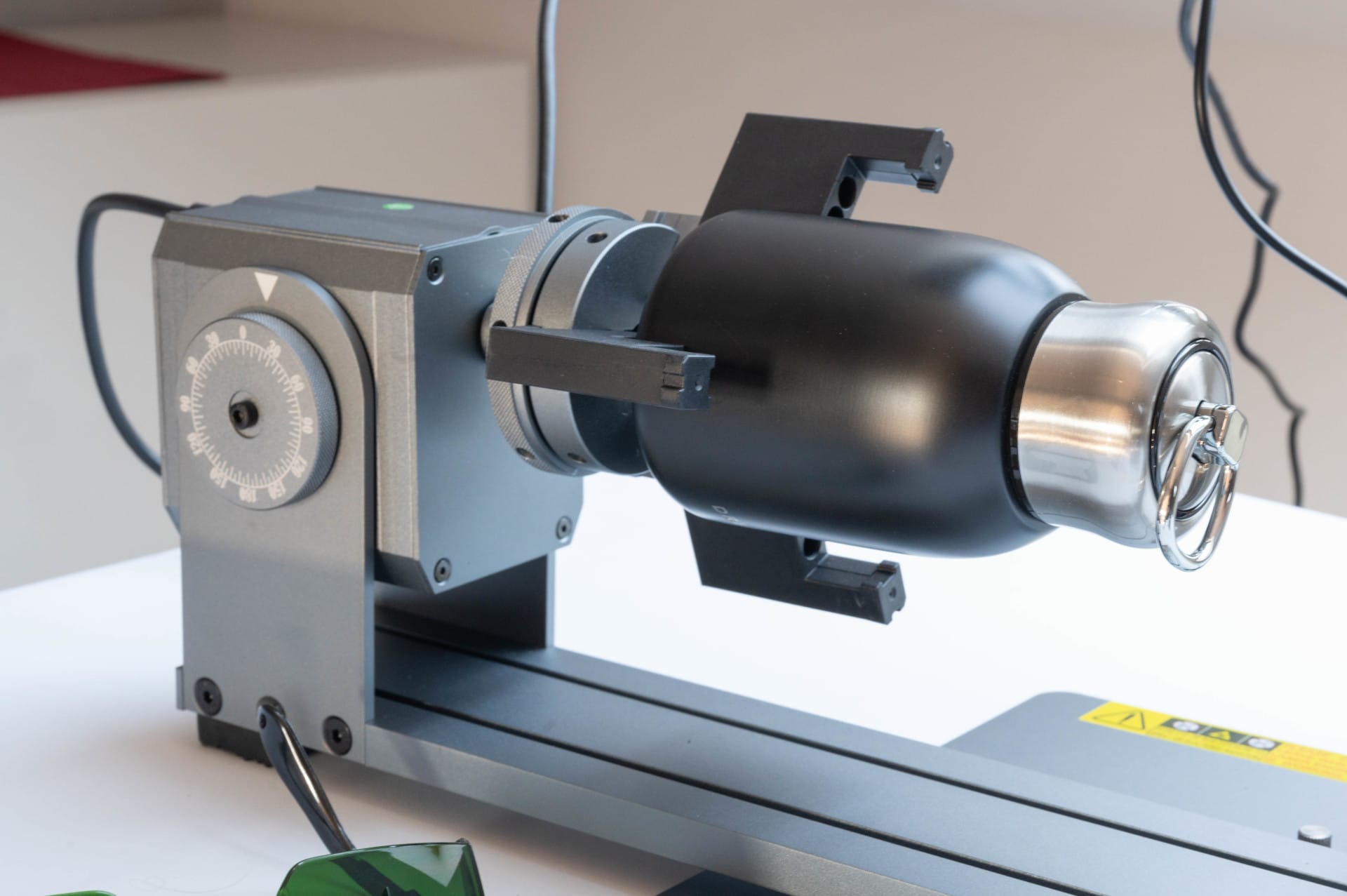
The Slide Extension worked reliably in tests but required precise calibration in Lightburn. After activating the corresponding macro, the software recognized the extended working area, and larger engravings could be implemented without problems.
However, manual adjustment is required to avoid offset issues. A minor drawback, but one that can be resolved with a little practice.
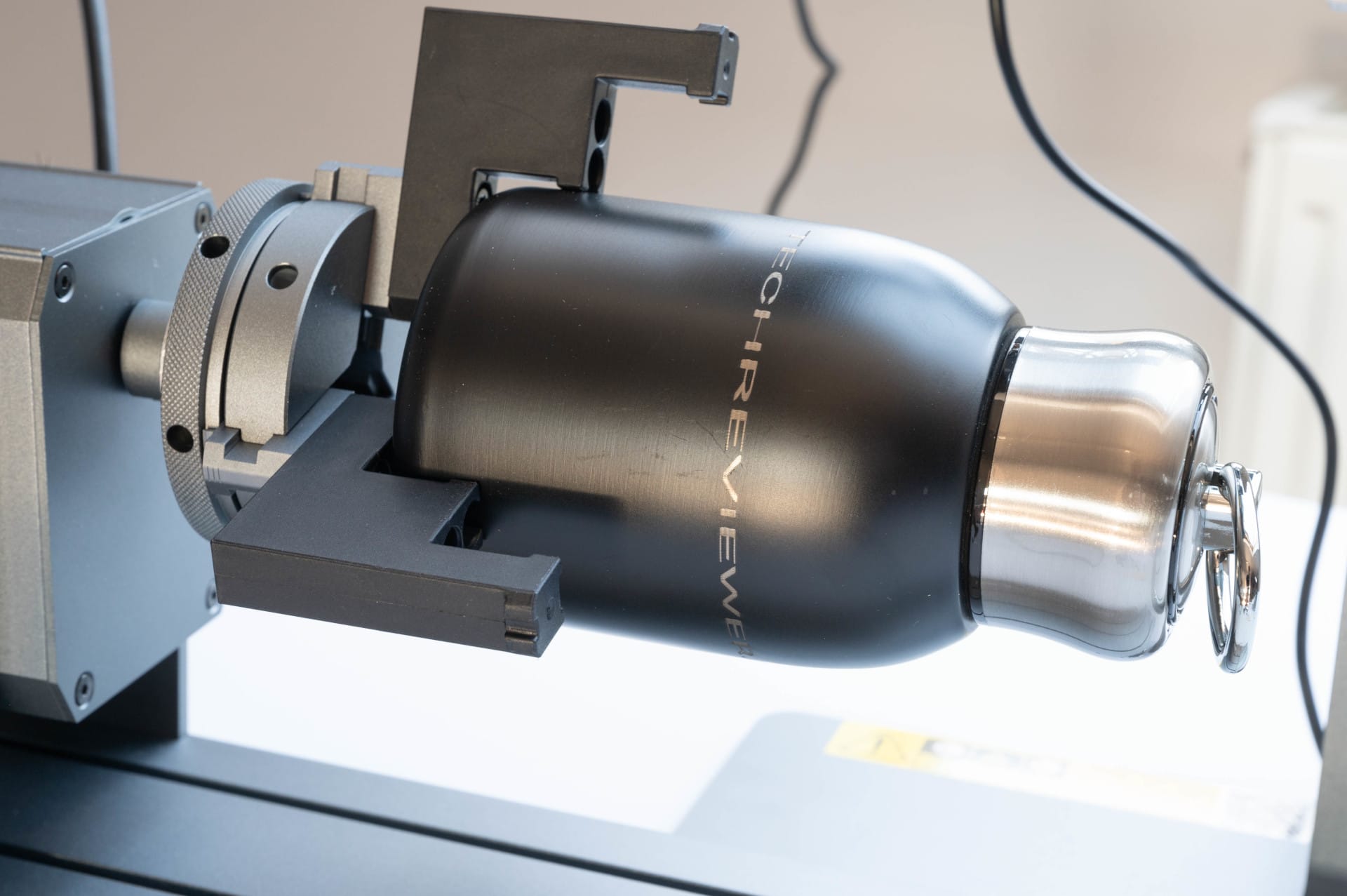
The Rotary Tool cuts a fine figure. Power is supplied via USB-C, so no complicated adapters are needed. Those who regularly work on round objects will find Rotary a useful extension.
Our verdict
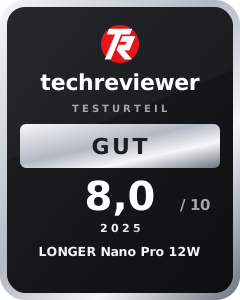
The Longer Nano Pro 12W is a fast and compact engraving laser, particularly interesting for beginners. Galvo technology ensures high-precision engravings and, thanks to compatibility with Lightburn, operation is pleasantly straightforward. The Nano Pro excels when engraving wood, anodised aluminium and stone, delivering good results.
However, not everything runs perfectly. The WiFi connection is unreliable and the LaserBurn app disappoints with frequent transfer errors. The restricted view of the workpiece, whether due to the protective hood or the barely visible framing laser, makes the workflow unnecessarily complicated. In addition, the cutting power is limited, making the laser primarily suitable for engravings rather than cuts.
If you are looking for a compact, fast and easy-to-use engraving laser, you have come to the right place. However, there are better alternatives for precise cutting work.
Specifications
Technical specifications
- Laser power
- 12W (blue diode laser, 450 nm)
- Maximum engraving speed
- 5000 mm/s
- Dot size
- 0.01 x 0.01 mm
- Work area
- 100 x 100 mm (expandable to 100 x 300 mm with slide extension)
- Light source
- Two diode lasers with FAC and F-theta field lens
Connectivity and software
- Operating systems
- Windows, macOS, Android, iOS
- Software compatibility
- LightBurn, LaserGRBL, LaserBurn (Longer app)
- Supported file formats
- SVG, DXF, JPG, JPEG, PNG, BMP, PG, G-Code
- Connectivity
- USB-C, Wi-Fi
Other features
- Weight
- 4.45 kg
- Dimensions
- 265 x 190 x 260 mm
- Expansion options
- Slide Extension (100 x 300 mm work area), Rotary Tool
Certifications
- International safety standards
- CE, FCC, FDA
- Laser classification
- Class 4
Price comparison
| Store | Price | Link |
|---|---|---|
| Banggood | 373,08 € | Go to store |
| Geekbuying | 539,00 € | Go to store |
Comments