Contents
Review: Mailbird
In recent years, Thunderbird has been my daily companion for emails. I have managed more than 10 email accounts with it, both privately and for work. Thunderbird is an excellent email program, but something was missing. The design has not changed over the years, and functionally, Thunderbird has remained stuck in time.

Switching to Outlook was out of the question, which is why I asked Google which application could meet my wishes. I was looking for an email programme that is particularly fast, looks good and can do more than just receive, send and manage emails.
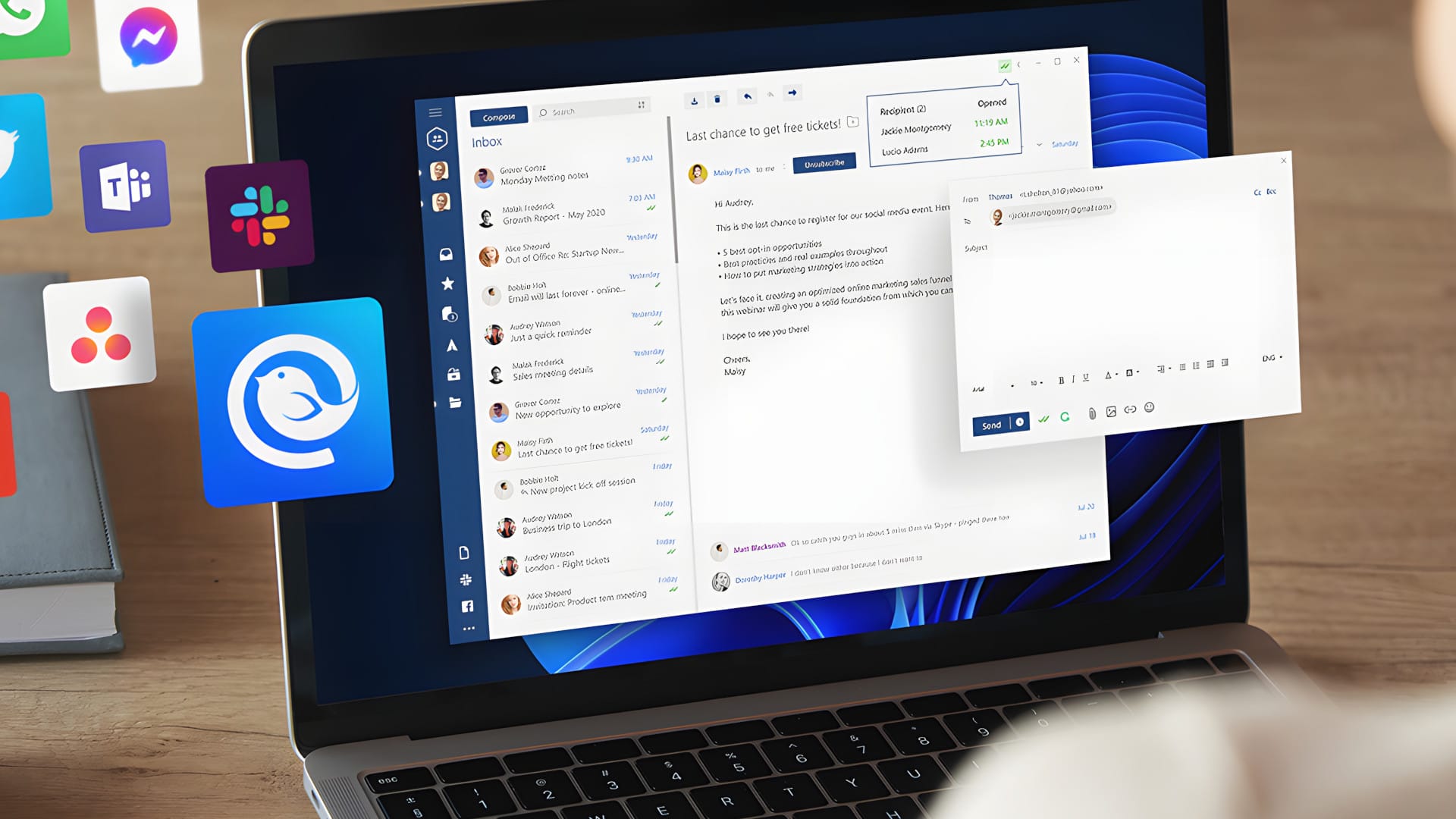
A few months ago, I finally came across Mailbird. The Windows application has already been in development since 2012 and is still regularly updated by a small development team to this day. A unique selling point is the numerous extensions that make Mailbird the perfect workspace.
Personal or Business
To take it straight away: Mailbird is not free software! The application is available as a Personal and Business version. The Personal licence is available as a monthly subscription model (2.92 euros / month) or as a one-time payment (69 euros). The Business licence is exclusively available as a subscription model (4.08 euros / month). (As of June 2020)

Special features, such as connection to Microsoft Exchange or the LinkedIn Search, are reserved for the Personal version. How Mailbird Personal and Mailbird Business differ from each other is detailed on the developer's website. The division is fair, without Mailbird Personal users having to do without essential or consumer-relevant functions.
Easy setup
The application is set up in no time. Download the Windows Client (Yes, Mailbird is available ONLY for Windows), follow the installation manager, then set Mailbird as the primary email program, and you can begin setting up the email accounts.
The import feature is particularly practical, allowing email accounts from previously used mail programs to be imported. In my case, Mailbird recognised that I had previously used Thunderbird. Accounts and emails can be transferred at the press of a button. In addition to Thunderbird, Outlook and Windows Live Mail are also supported.
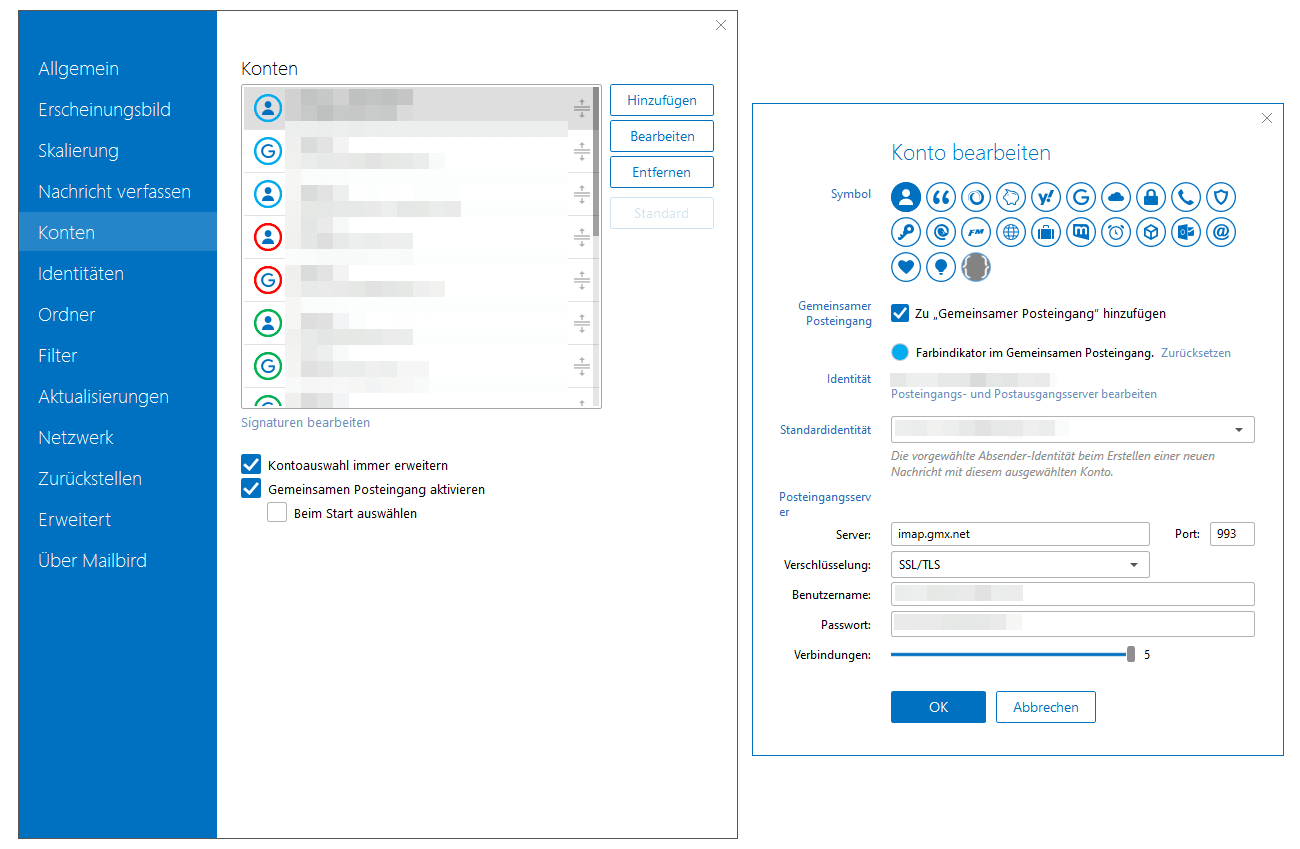
If you want to set up a new account, Mailbird guides you through the settings in an understandable way. The application automatically recognises known mail servers based on the domain.
User interface
There is one thing that bothered me immensely with Thunderbird. The order in which the email accounts are listed cannot be easily changed! Mailbird is different. Accounts can be sorted in any order. At the same time, it is possible to assign a unique colour to each account. This improves the overview, for example if emails from all accounts are combined in a shared inbox. Each account can also be assigned an icon / avatar.
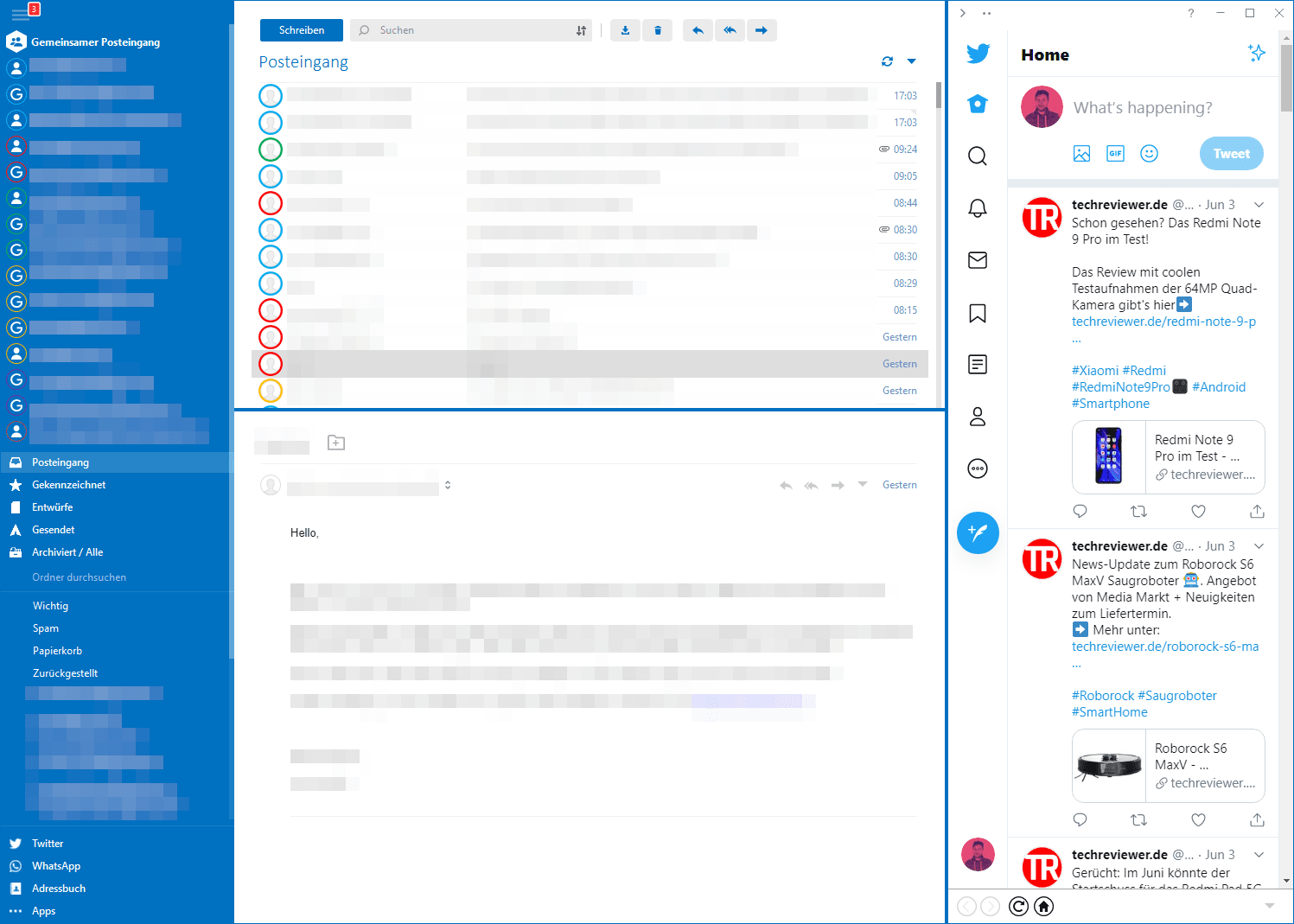
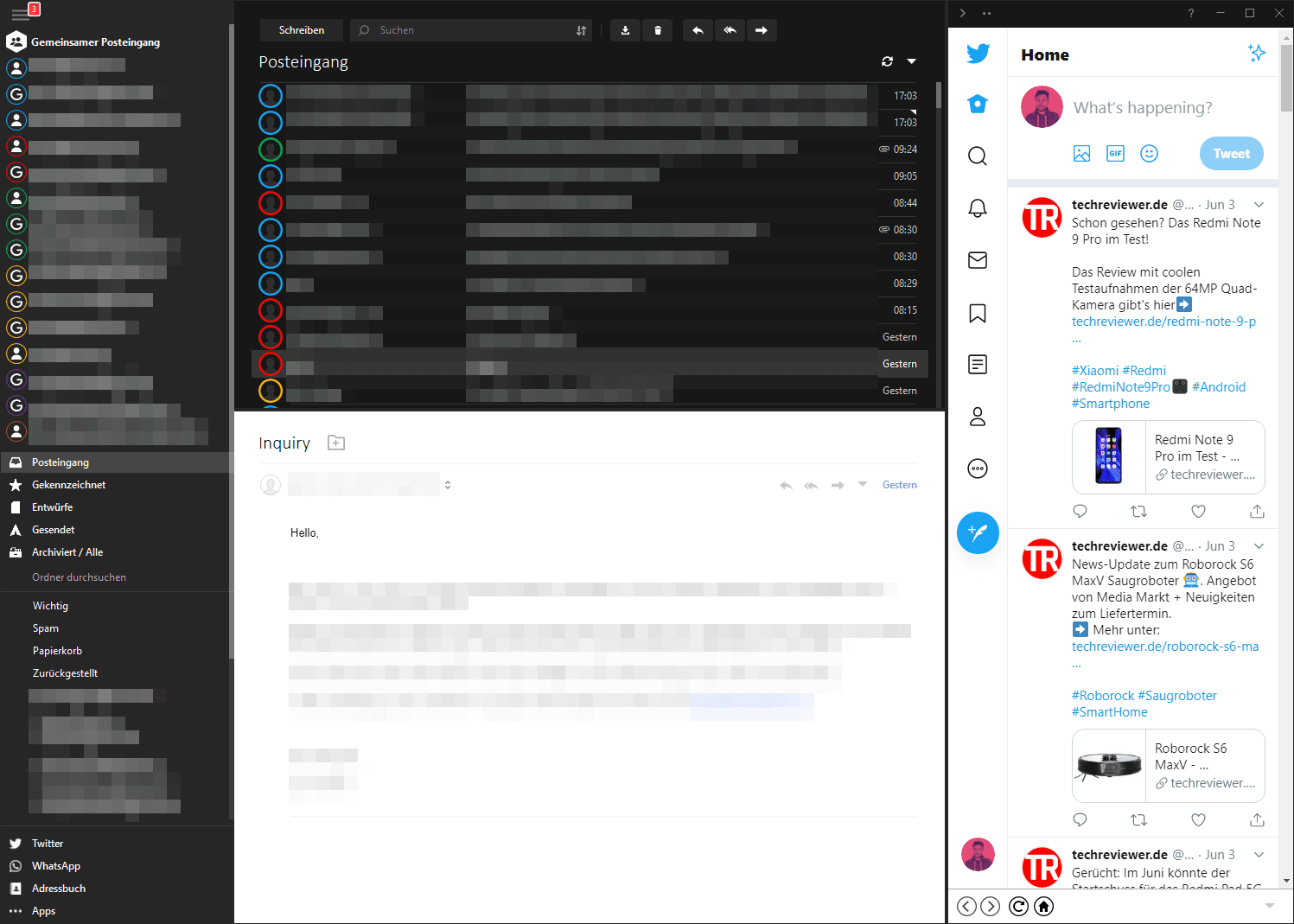
The appearance of the Mailbird interface is individually customisable. The inbox and reading area can be aligned horizontally or vertically. Fans of dark colours will get their money's worth, as a Dark Theme is available in addition to the Light Theme. To give the interface a bit more colour, the background colour can be adjusted, or the background can be replaced entirely with a background image.
Functions and expansions
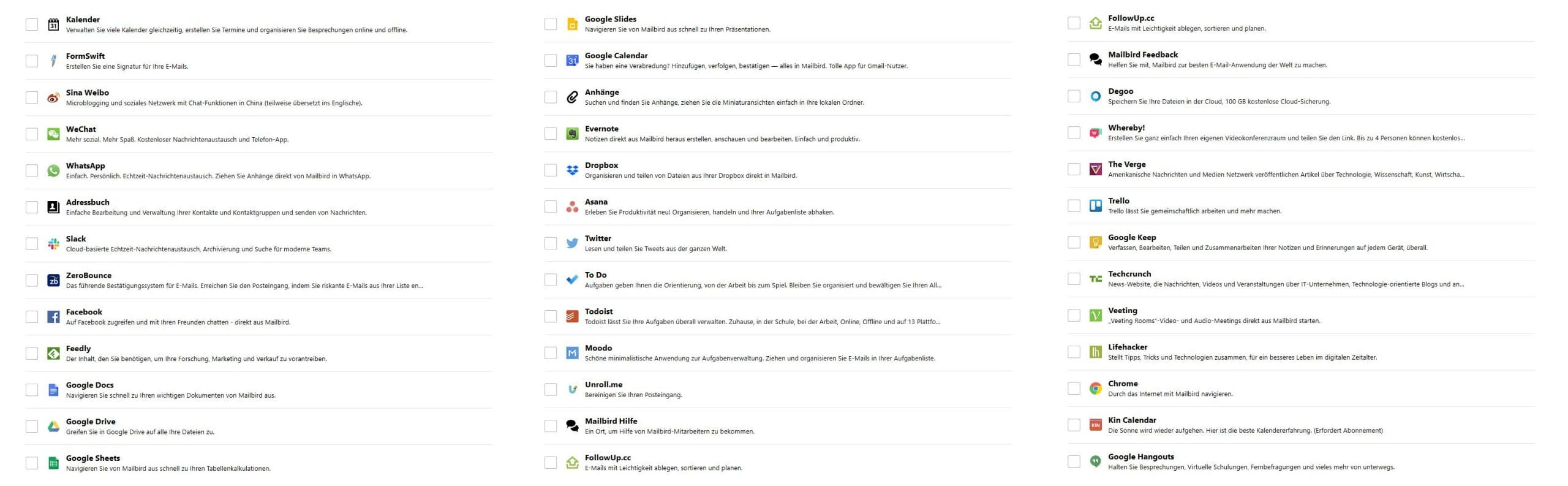
Going into all features and extensions would exceed the scope of this test report. As already mentioned, Mailbird has been under development since 2012 and is constantly being expanded with new features. At the time of this test, Mailbird was in the middle of a “12-week feature sprint”. A new feature every week!
Filter
Filters are a must-have feature for any mail program! Mailbird has implemented this function particularly user-friendly. Select the mail account, define the condition and action, done. The filter makes it possible to tag, move, copy or delete emails according to specific rules.
Contacts
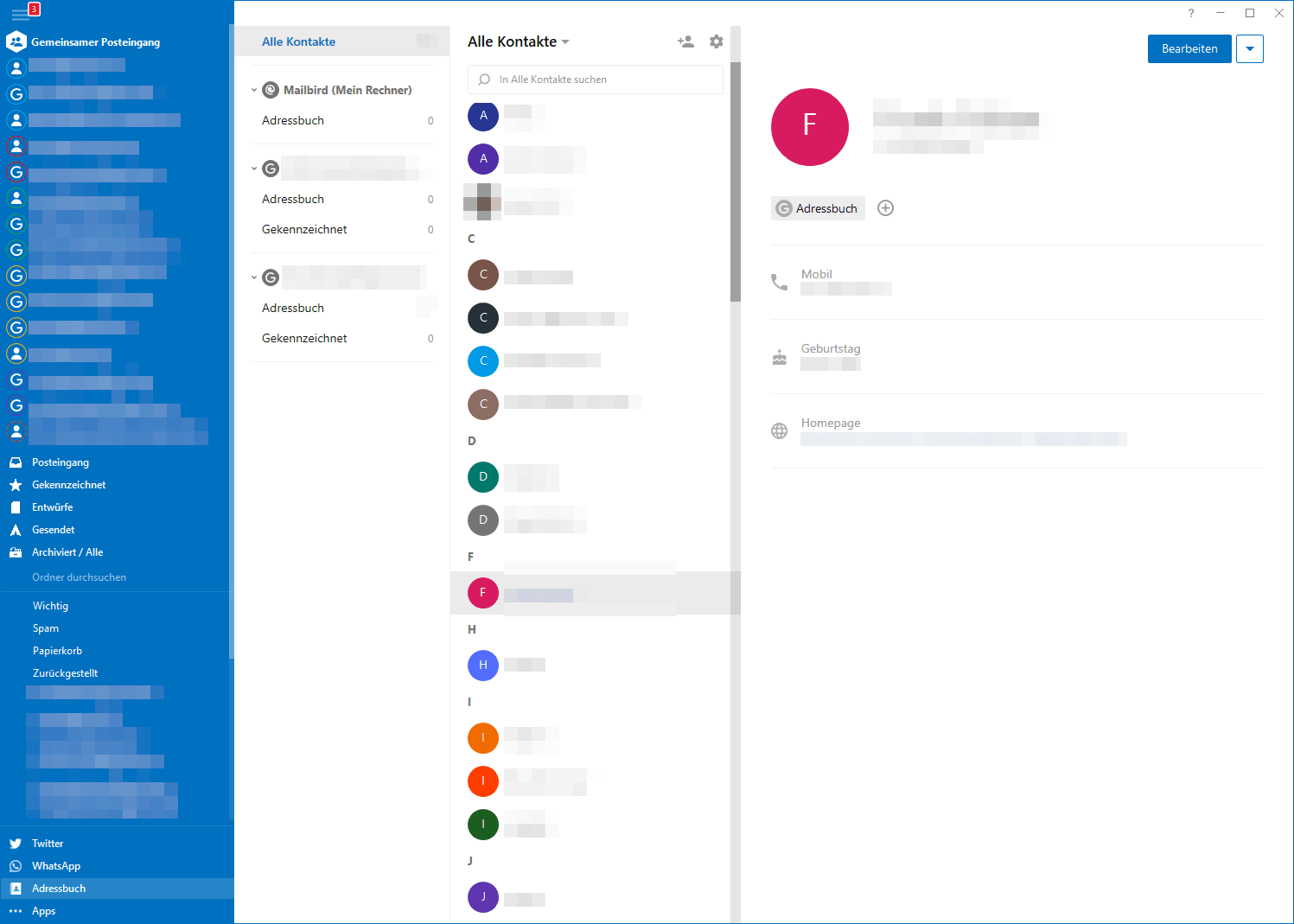
Mailbird has an outstanding contact manager integrated. Its structure and design resemble the Google Contacts app. The contact manager allows address books from Google, Outlook and Microsoft Exchange to be imported. Contacts can be edited, grouped and linked to each other via the manager.
Email tracking
With the extensive June update, Mailbird implemented an email tracking feature. Delivery tracking works without an additional add-on. A hidden tracking URL is sent along with the email. Depending on the email program used by the recipient, they receive a notification that external content (tracking URL) wants to load. If they decline to load the external content, the sender does not receive a read receipt. Upon acceptance, two green checkmarks in the email history again confirm that the email has been read. The time at which the email was read is also viewable.
Snooze
The Snooze feature was very frequently used in my daily work with Mailbird. The feature allows already received emails to be rescheduled according to a timetable. Once the time is reached, the email appears as unread in the inbox again.
Undo Send
Everyone knows it. You click send and realise at the same moment that you forgot to attach the attachment, mistyped the recipient's name, or made a spelling mistake. Mailbird's settings include an option to enable a send delay. The delay is adjustable between 5 and 30 seconds. If you have already clicked send, it is possible to recall the email within this time window.
Extensions
A special feature of Mailbird is the numerous extensions, which allow the range of features to be customised according to personal preferences. The email client combines microblogging services (e.g. Twitter and Weibo), social networks (e.g. Facebook), messengers (e.g. WhatsApp and WeChat), cloud services (e.g. Dropbox) and task management services (e.g. Trello) in a single application.
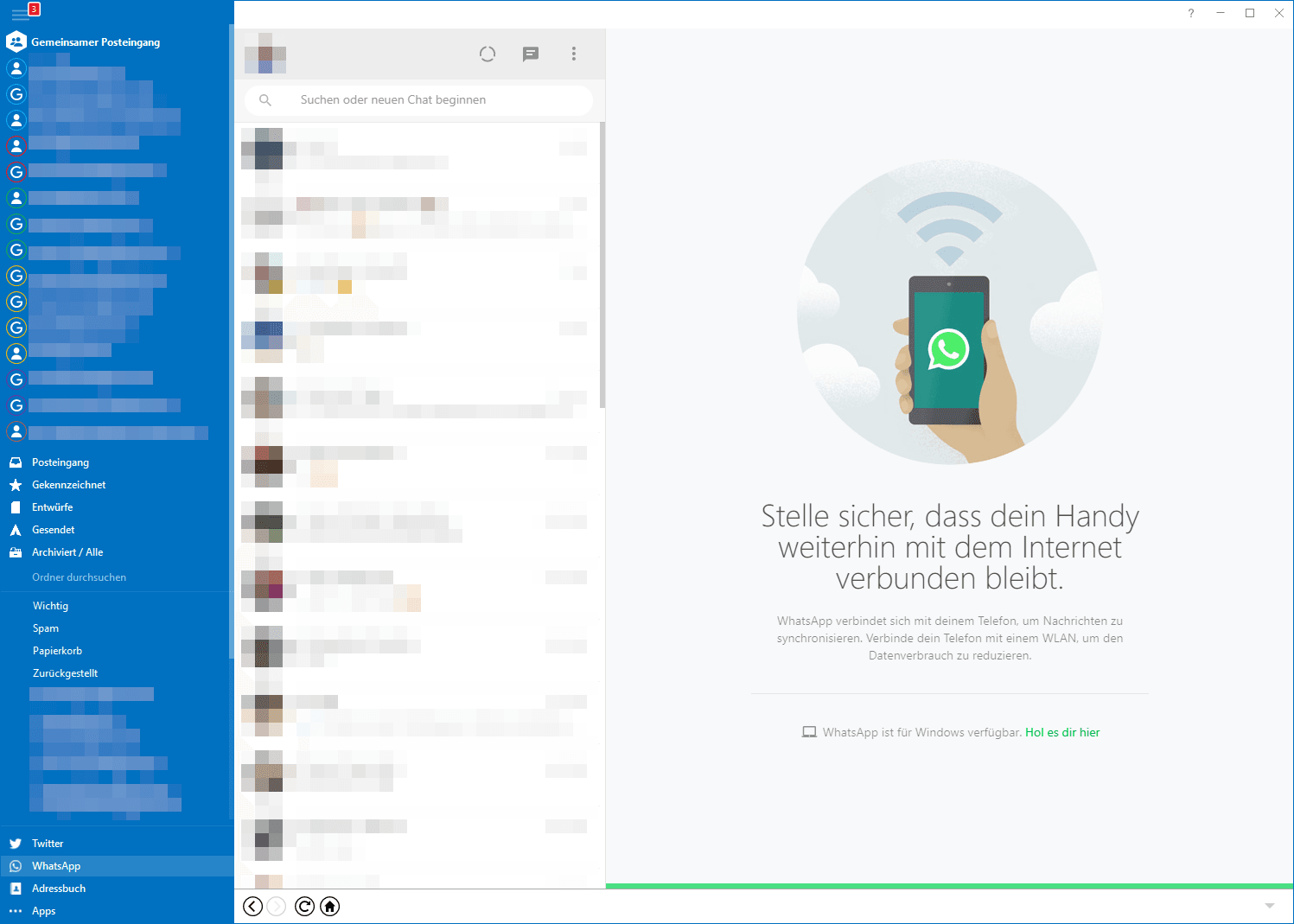
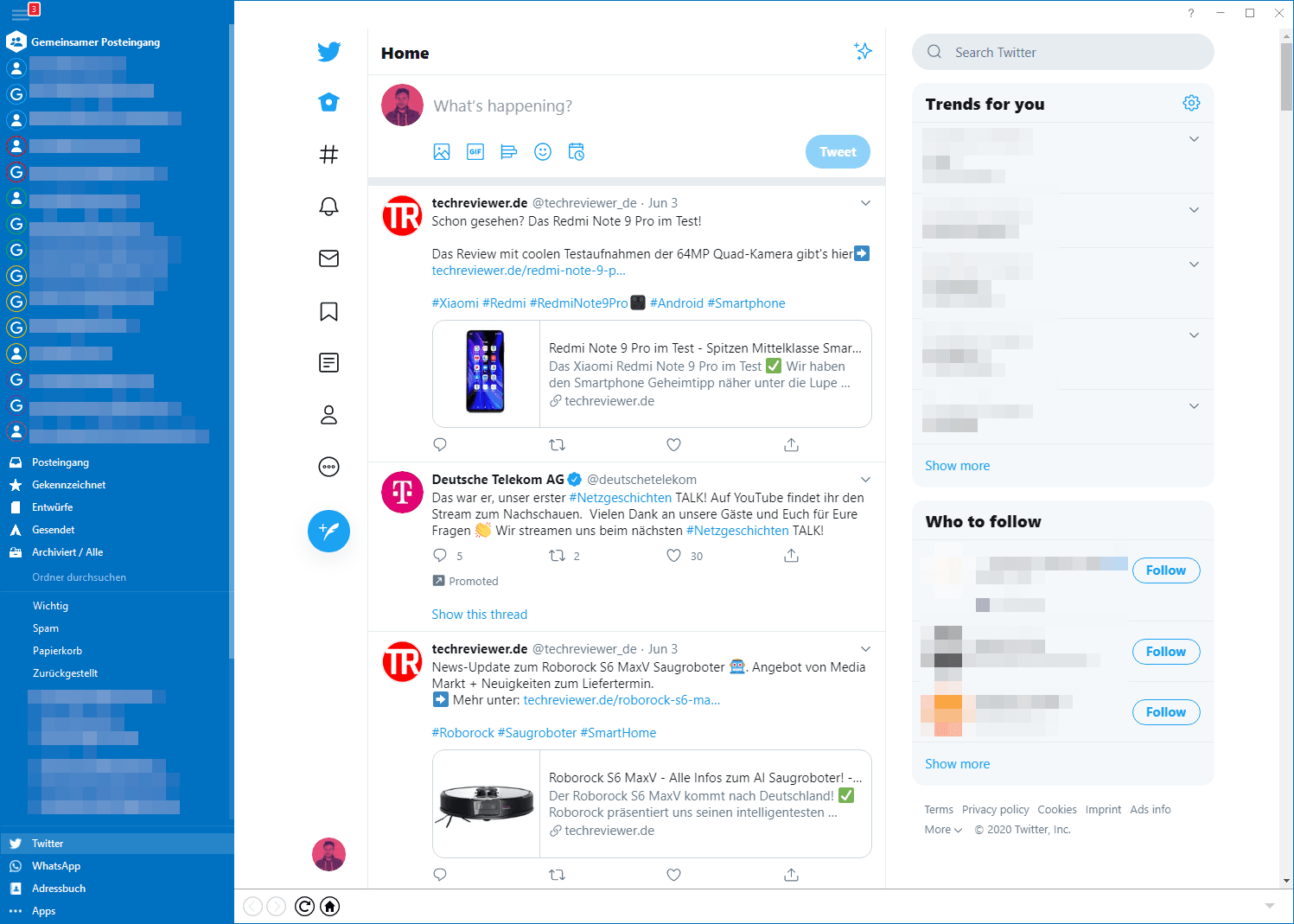
The direct integration between these services and Mailbird offers benefits. For example, thanks to the integration of cloud services, files can be attached directly to emails via drag and drop. This makes Mailbird a comprehensive workspace for even more efficient work.

Our verdict
Mailbird is an excellent alternative to email clients like Thunderbird or Outlook. While the application is only available as a paid model, it does offer regular updates that continuously expand its feature set. I particularly like the application's simplicity. Accounts are set up in no time, and the user interface is intuitive enough to use without prior knowledge. The numerous extensions make Mailbird the perfect workspace. Mailbird combines the most well-known web applications in a single program.
Of course, there are also some things that I don't like. Unfortunately, Mailbird is only available for Windows. Users of other operating systems are unfortunately left out. The non-dismissible notifications, which pop up here and there despite the paid model, are somewhat annoying.




Comments (3)
Mailbird also has a significant, unmentioned disadvantage: there is no option to export contacts or reports. If you have Outlook or similar, you can take everything with you to Thunderbird, eM Client or other alternatives. This is not possible with Mailbird.
To this end, it offers the option of setting groups created in Google Contacts as a whole group in the sender field.
Another major disadvantage of Mailbird is that they have still not managed to implement templates (canned responses).
This makes the program I just discovered useless for me. Back to Thunderbird.
I bought Mailbird and was reasonably satisfied. Then it happened for the first time that emails I had retrieved were not in the inbox, but simply vanished. This has now happened three times, and despite having paid, I deleted Mailbird and unfortunately went back to Thunderbird. Support just tells me that this is impossible.