Contents
Introduction: MBrush / PrinCube
In October 2019, the PrinCube appeared on the crowdfunding platform Indiegogo. Within just 20 minutes, the project was funded and has since raised more than 4 million euros. Early backers already received their PrinCube in December. Currently, the second batch is being distributed to almost 30,000 backers.
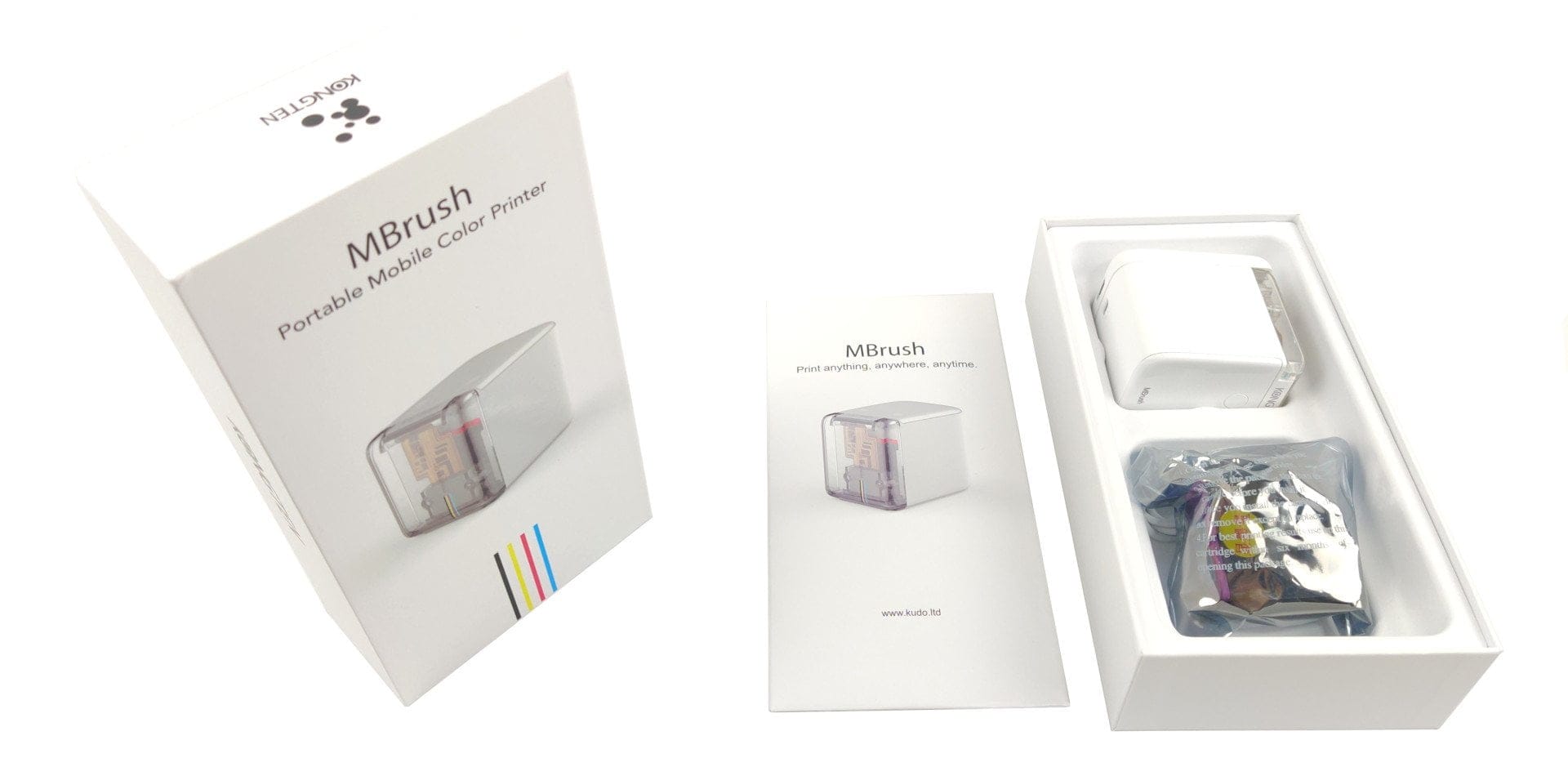
Besides the PrinCube, there is also the identically constructed MBrush. Even the packaging is identical apart from the product name.
Design and functionality
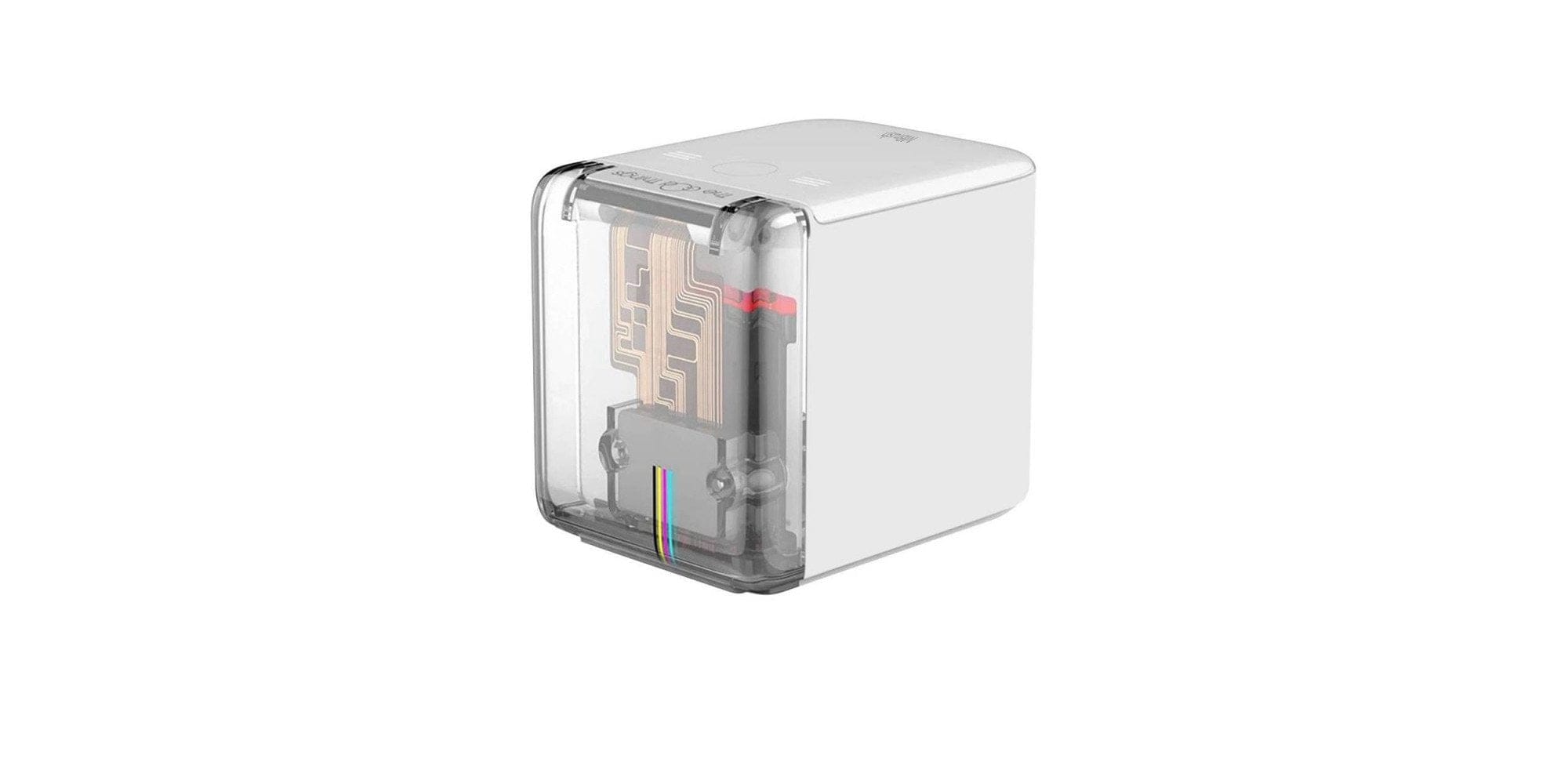
In terms of size and weight, the MBrush is a tiny device. With dimensions of 72 x 68 x 51 mm, it fits perfectly in the palm of your hand. That is where it belongs, because for printing the printer must be held in the hand and moved over the surface to be printed on. The print head is therefore not controlled by the printer itself, but by the user.
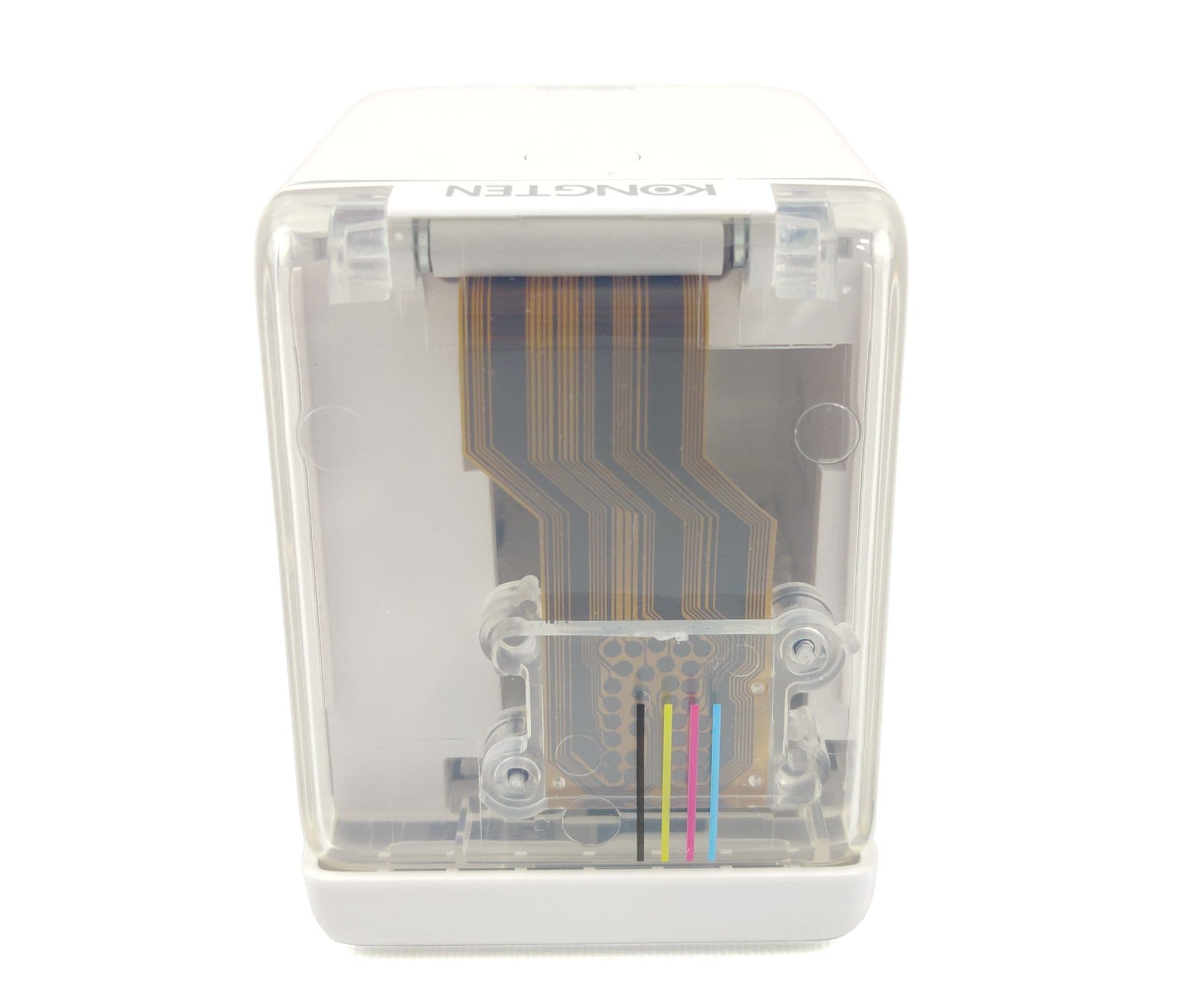
Orientation is provided by an optical sensor located directly next to the print head. This allows the printer to know where it started printing, whether it was paused and when printing is finished. Different pulling speeds are, of course, taken into account for a clean, undistorted result. Two rubberised rollers ensure that the MBrush glides better over surfaces.
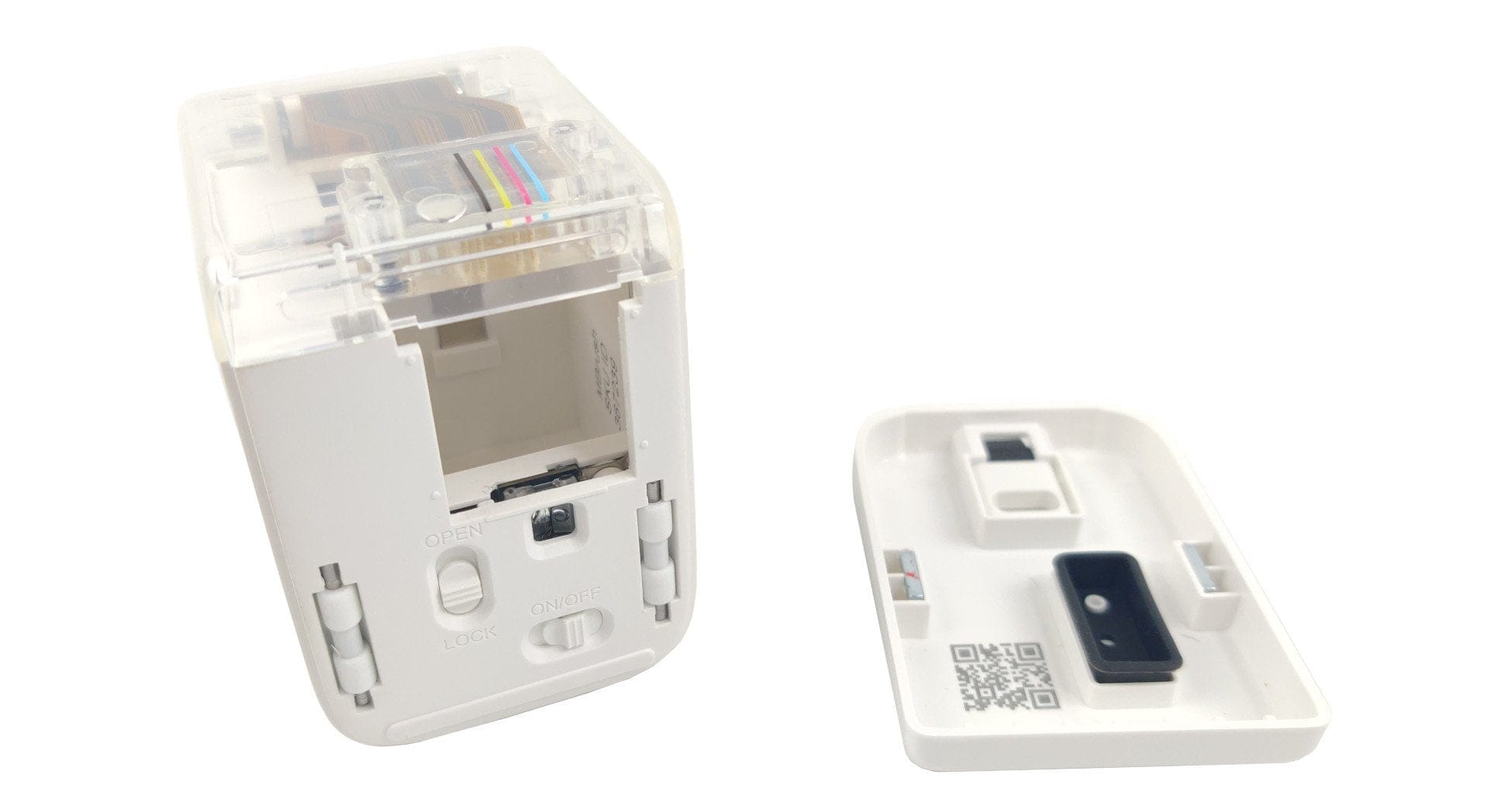
The build quality is good overall. The delivery contents include the printer, a colour cartridge, a USB-C cable, a tattoo attachment and two alignment strips.
Setup
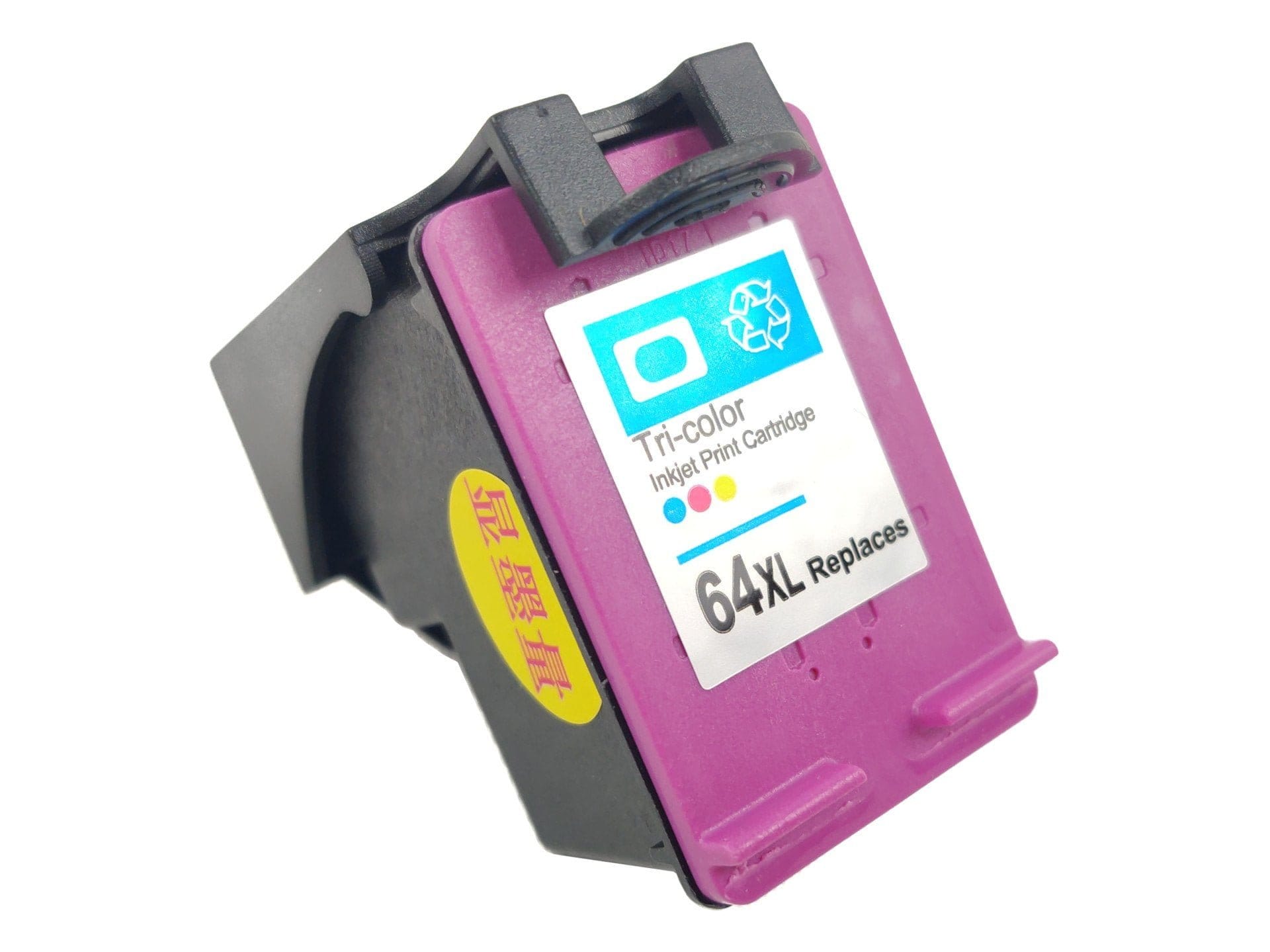
Like a conventional printer, the MBrush also requires a printer cartridge. Suitable are so-called HP 62XL print head cartridges. The print head is therefore directly connected to the ink tank and is also replaced when changed. According to the manufacturer, one cartridge can print up to 400 A4 pages. You don't need to worry about the availability of the cartridges. The type is widely available and costs between 15 and 45 Euro.
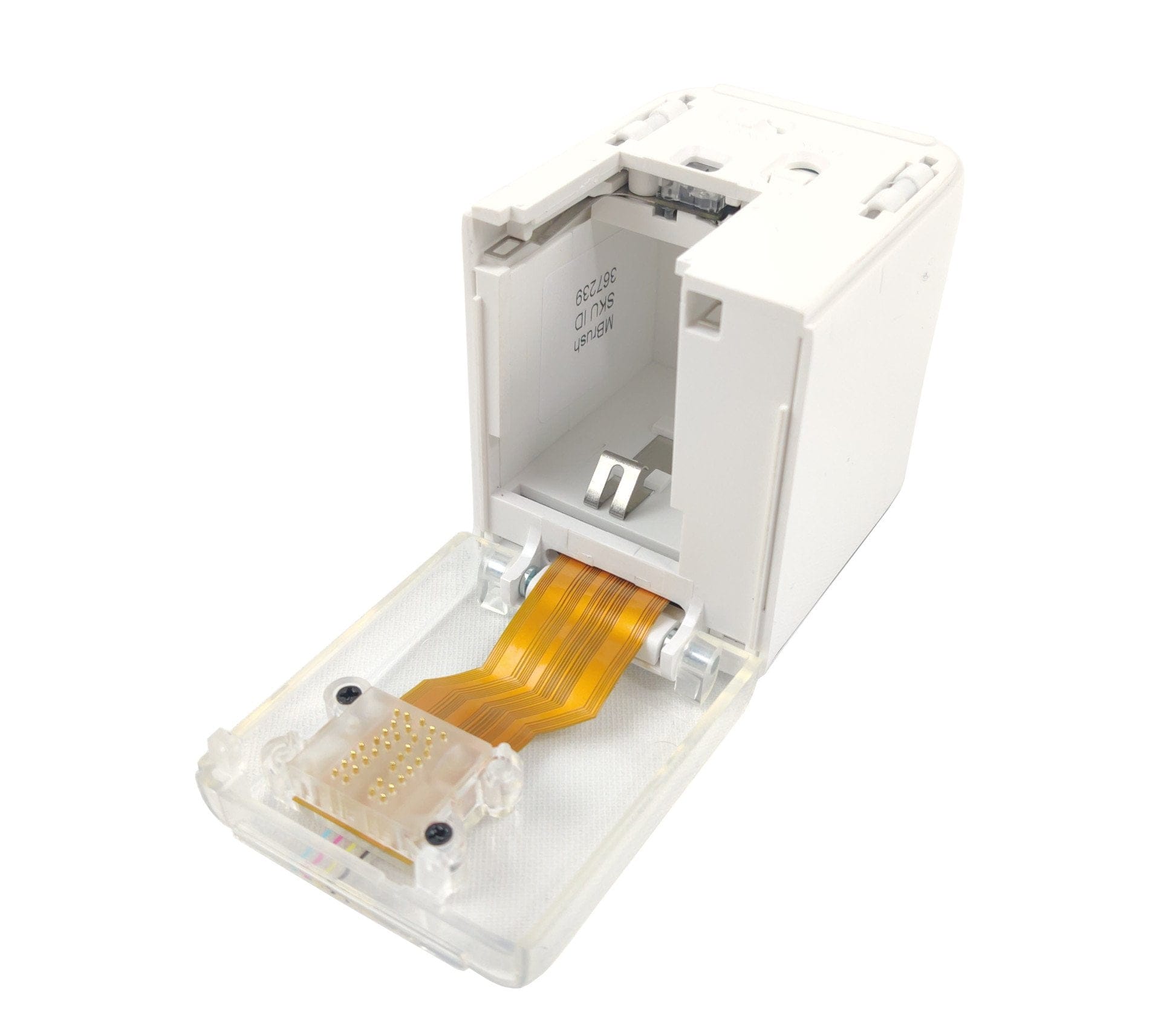
The printer cartridge is inserted in no time. Open the transparent flap of the MBrush, insert the cartridge and close the flap again. The mobile printer is then ready to use.
MBrush Interface
The MBrush is operated via a web interface. You do not need an app and do not have to download any software. To access the web interface, you only need a WLAN-enabled device with a web browser. For access, the MBrush sets up its own WLAN network, which you must connect to. A QR code on the inside of the printer automatically directs you to the web interface. Alternatively, the web interface can be accessed via the local IP 192.168.44.1.
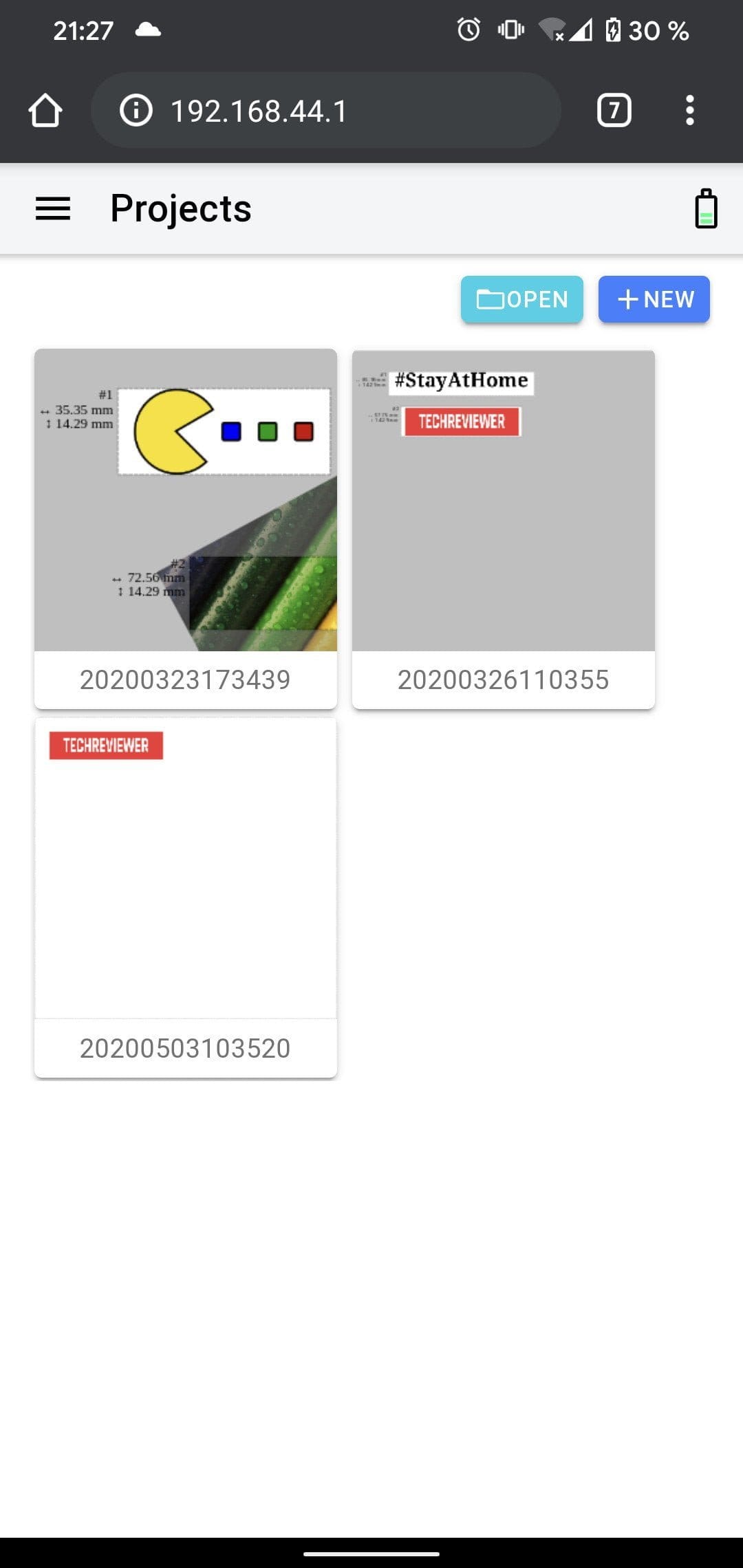
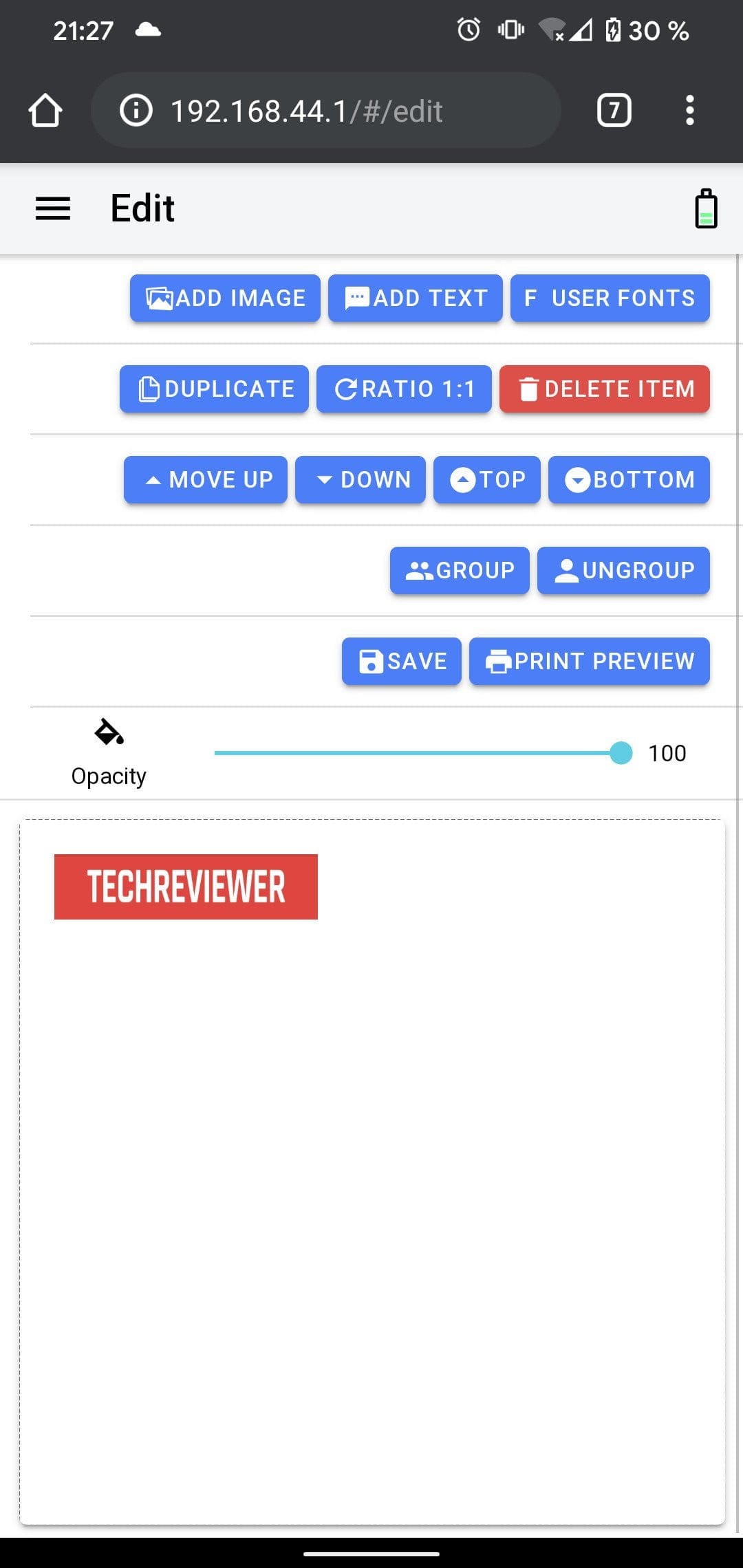
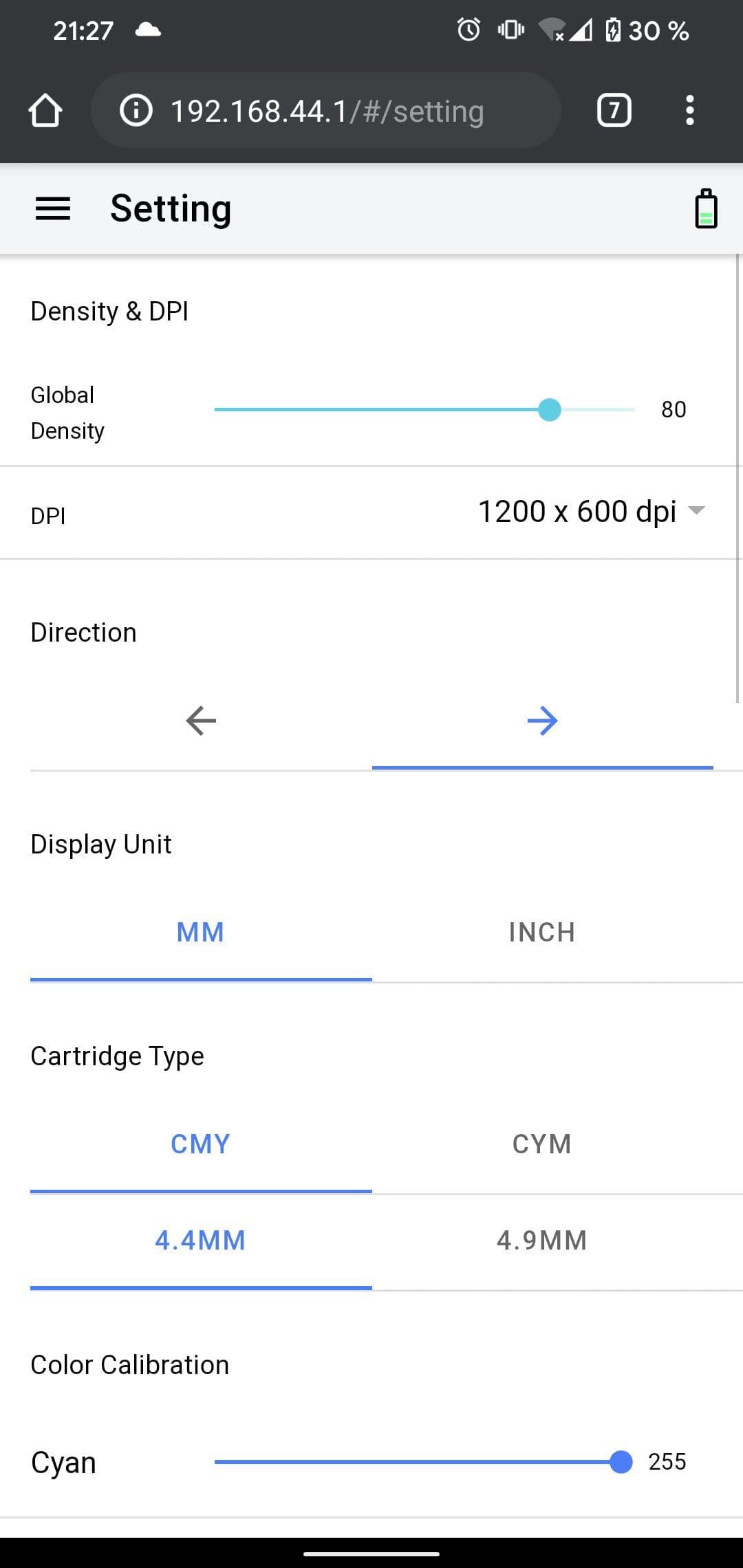
The interface certainly won’t win a design award, but it is clearly laid out. The numerous functions and setting options seem somewhat overwhelming at first glance. However, one quickly gets used to them. You don’t need to touch most of the settings for simple printing.
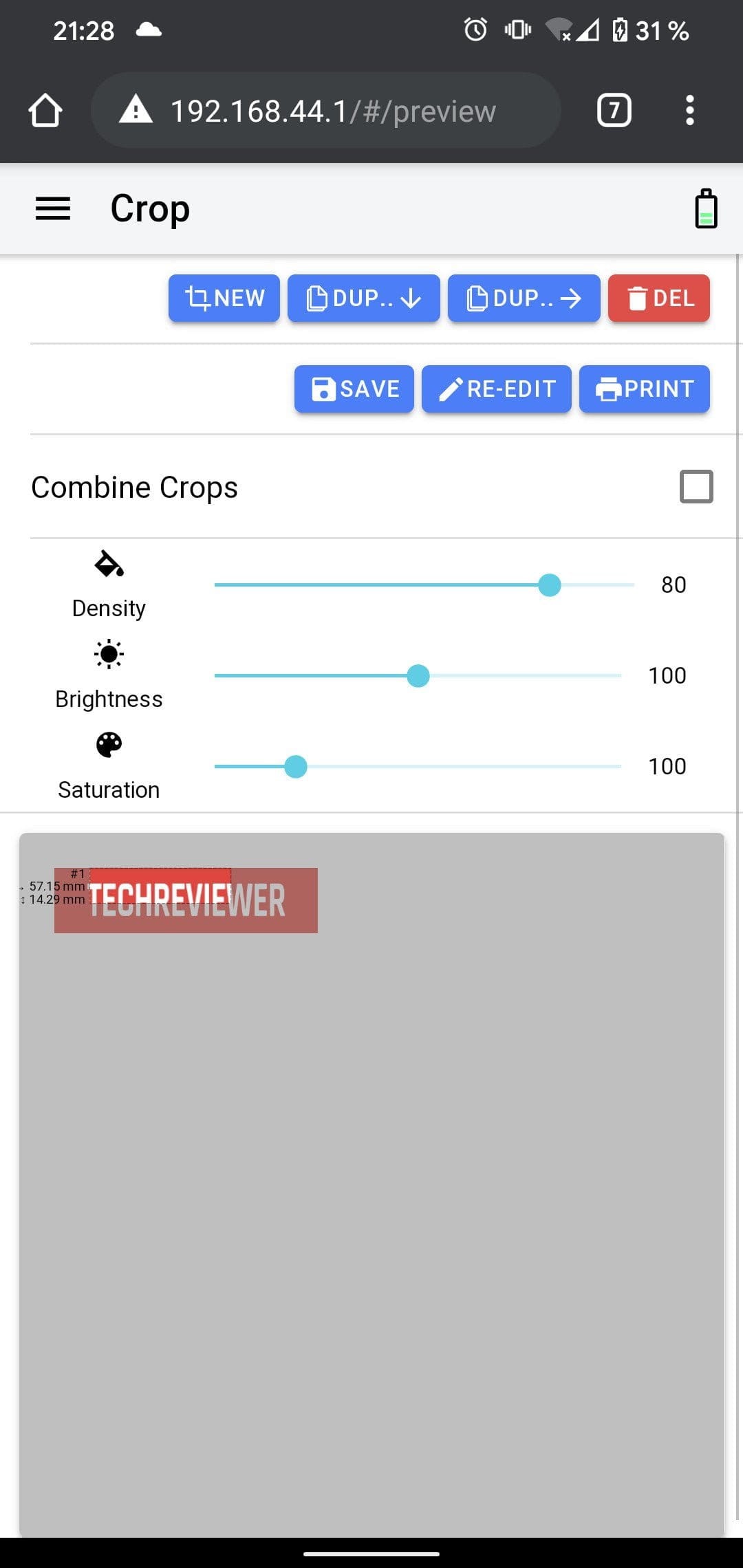
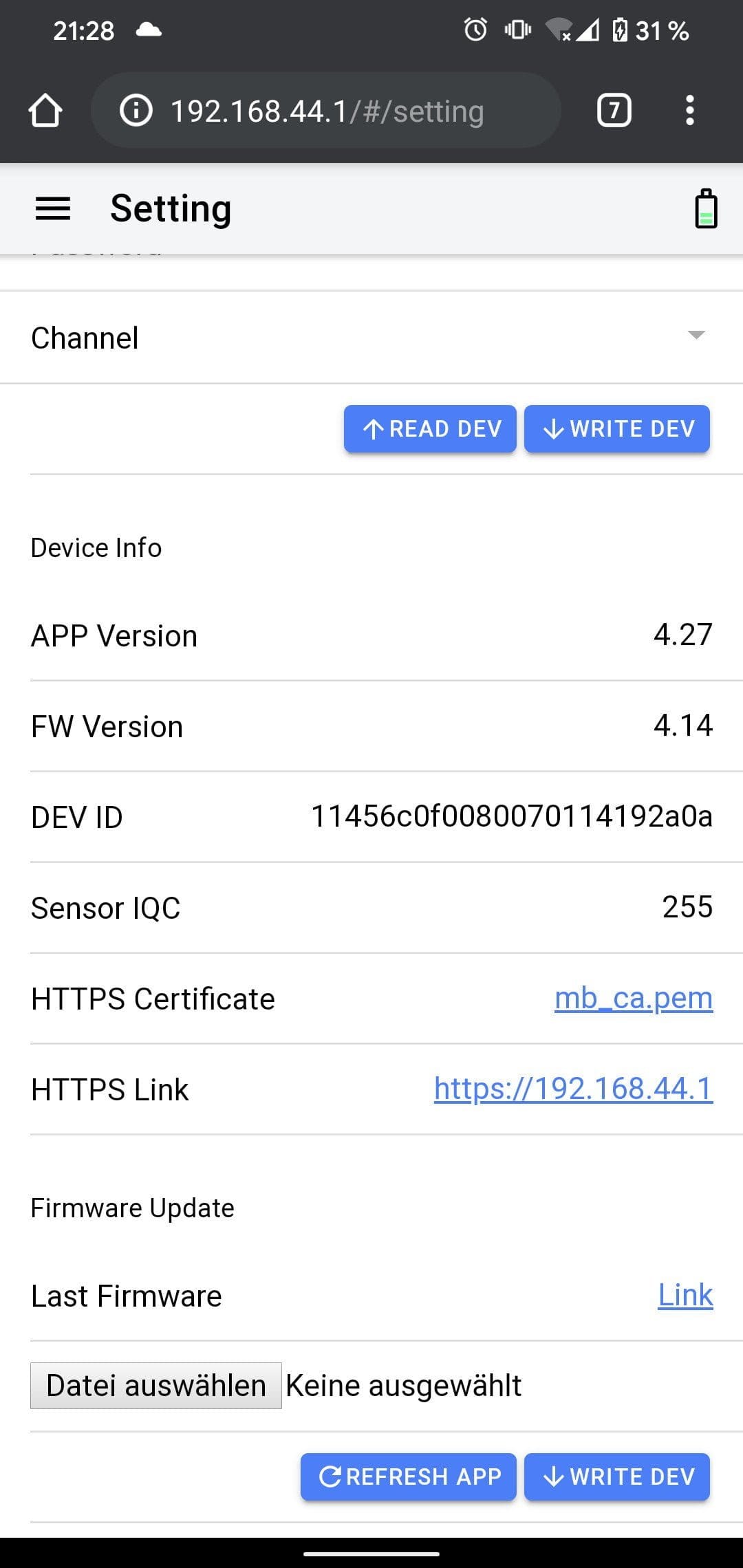
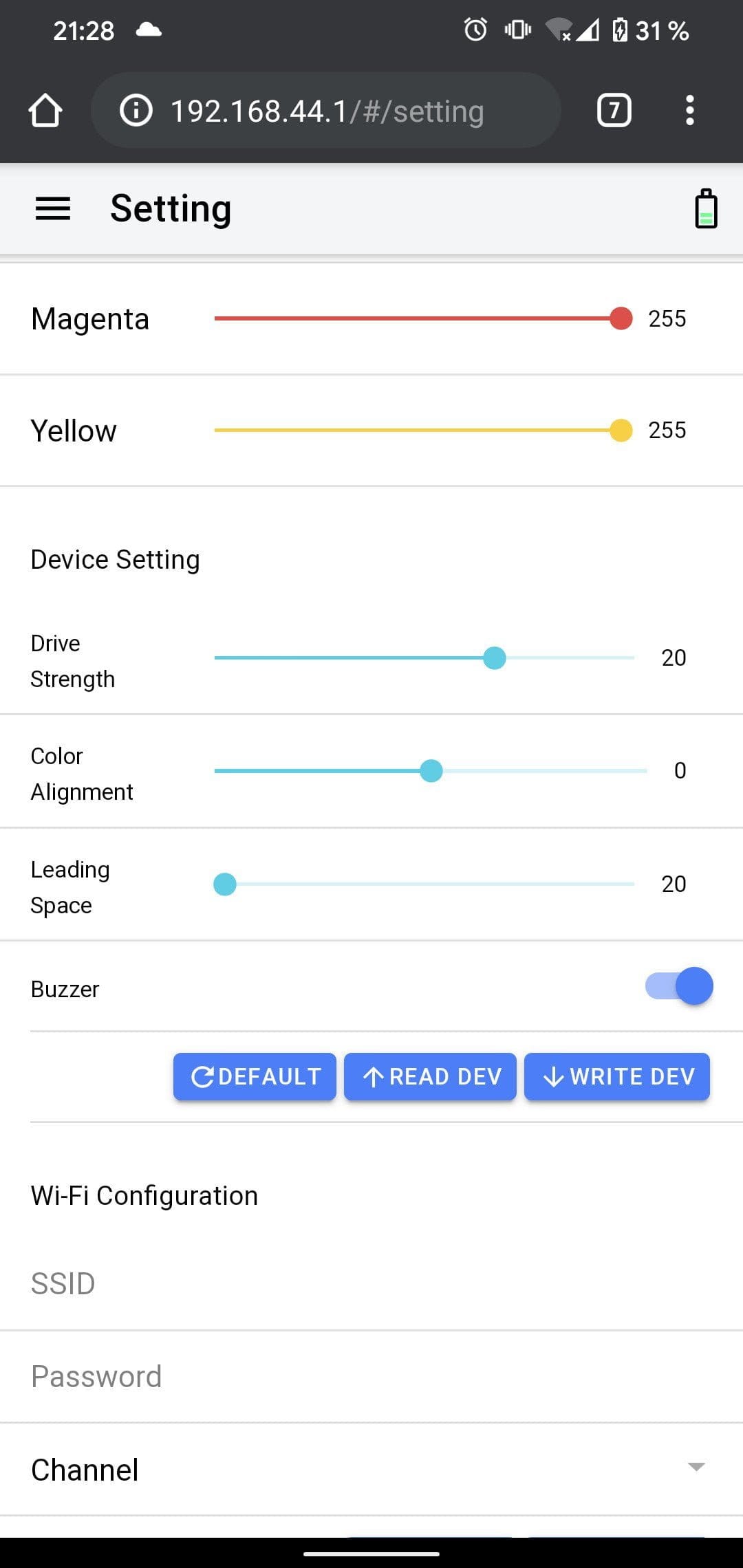
To print, you have to create a new project. You can add images, text or emojis to it. The images should already be on your smartphone, however. On the MBrush's WLAN, you have no internet access. Once you have created the project and selected the print area, you can transfer it to the printer at the touch of a button. Projects are not lost, by the way. Clicking Save stores the project in the MBrush's internal storage. The configuration options are extensive. There are general print settings, colour settings and device settings, including WLAN security.
Printing with the MBrush
On top of the MBrush is the push button. Pressing and holding it for one second switches the printer into check print mode. In this mode, only test strips (cyan, magenta and yellow) are printed.
To print a project, you only need to press the button briefly. LEDs on the side of the button change from white to green. The printer is then ready to print. Simply place the printer on the surface to be printed on and move it evenly from left to right. If you prefer to print from right to left, you can change the print direction in the settings. The print width is 14 mm. In length, you can print up to 1.3 m.
Print quality
Printing with the MBrush is not child's play and requires quite a bit of practice! The first printing attempts were either streaked, frayed at the edges, distorted or had colour distortions. The problem is the print head, which dries out very quickly despite the cover. Drying can even occur between two print jobs.
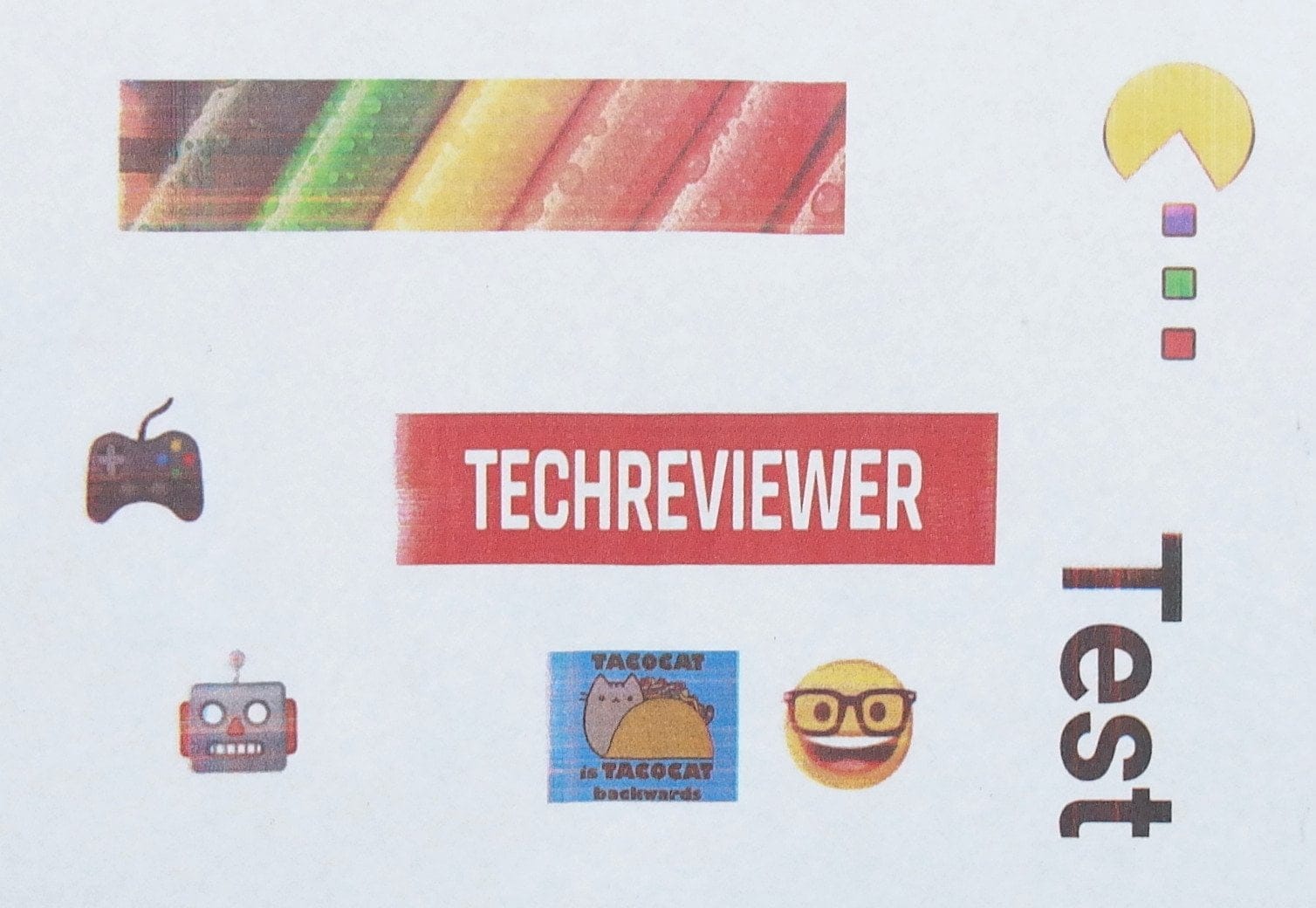
To achieve clean results, the print head should be cleaned before each printing job. This can be done either with the cleaning tool located in the printer's removable lid, or with a slightly damp cloth. For stubborn cases, it is worth soaking the print head on a damp cloth for an extended period.
The best results are achieved on bright, uncoated surfaces, especially materials like paper, cardboard and wood. On dark surfaces, the colour does not show up. Reflective surfaces confuse the optical sensor, usually resulting in distorted prints. It is also essential to consider which ink is being used. The included printer cartridge contains water-soluble ink. On smooth, non-absorbent surfaces, the ink does not soak in.

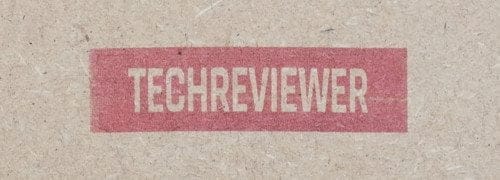
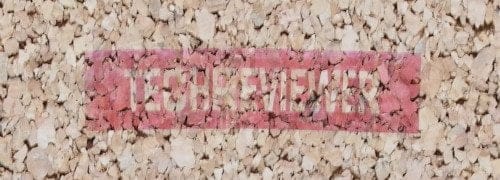
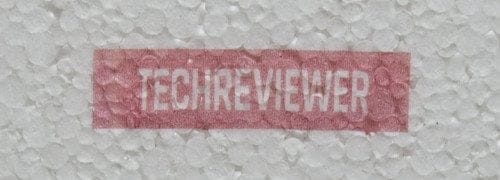
Printing tattoos requires even more practice, and in only the rarest cases do you get a print result that is reasonably recognisable. Although a "tattoo attachment" is included for this purpose, it still does not lead to a better result. Multi-layered printing (multi-line photo printing) of larger images is supported. However, it is very difficult to achieve a seamless image.
Battery
Finally, a few words about the battery. It features a non-replaceable 900 mAh battery. The MBrush can be charged with a conventional 5V smartphone charger. The printer has a USB-C port. A fully charged battery is sufficient to print for 6 hours continuously. In standby, the battery lasts up to a year, although we could not verify this due to time constraints. The battery charges in approximately 2 hours.
Our verdict
6,3 out of 10 pointsThe MBrush is a nice gimmick, but nothing more. The printer is only suitable for serious printing to a limited extent, as a perfect print result is not achieved in most cases.
Particularly frustrating is the print head, which dries out quickly and should be cleaned before every print job.
Specifications
Printer
- Type
- Inkjet printer
- Resolution
- 1200 DPI
- Printer cartridge
- HP 62XL
- Print width
- 14 mm
- Print length
- 1.3 m
- Sensor
- Visually
- Connection
- WLAN / USB-C
- Software
- Web interface
Battery
- Capacity
- 900 mAh
- Charging time
- 2 hours
- Runtime
- 6 hours
- Standby
- 1 year
General
- Size
- 72 x 68 x 51 mm
- Weight
- 110g (160g with cartridge)
Comments (3)
I bought the printer and unfortunately must state that I am disappointed, as there is no waterproof ink available for it.
It is supposed to exist, but somehow it doesn't work.
Ordered in the shop and received a printer instead.
Sold out everywhere in China.
Also, the printer and MBrush are available for $99 and from Princube for $200.
No matter where I looked, the supposedly waterproof ink cannot be obtained.
And the MBrush doesn't mention anything about it either, stating instead that you should apply varnish beforehand, etc... ridiculous.
All in all, I feel severely short-changed.
I have been looking for an affordable electronic stamp for a long time, and the MBrush clearly meets this requirement with prices currently below €80 including ink cartridge and shipping. On my end, it works perfectly on paper, and it is far superior to traditional stamps because I can now cover all designs with a single stamp. The quality is also worlds better than conventional stamps, which do not support multicolour printing at all. The operation is absolutely brilliant, both from PC (Windows / Linux / Mac) and smartphone / tablet without an app. It might not satisfy design freaks, but for everyone else, the operation is simple and intuitive. A stamp design with graphical elements can be easily created with just a few clicks. I clearly recommend buying it as a stamp, provided you are not looking for a do-everything device.
I bought the printer but haven't got it to run yet because the IP address doesn't seem to work, but where do you get a new IP address?