Contents
 Play video on YouTube
First impressions
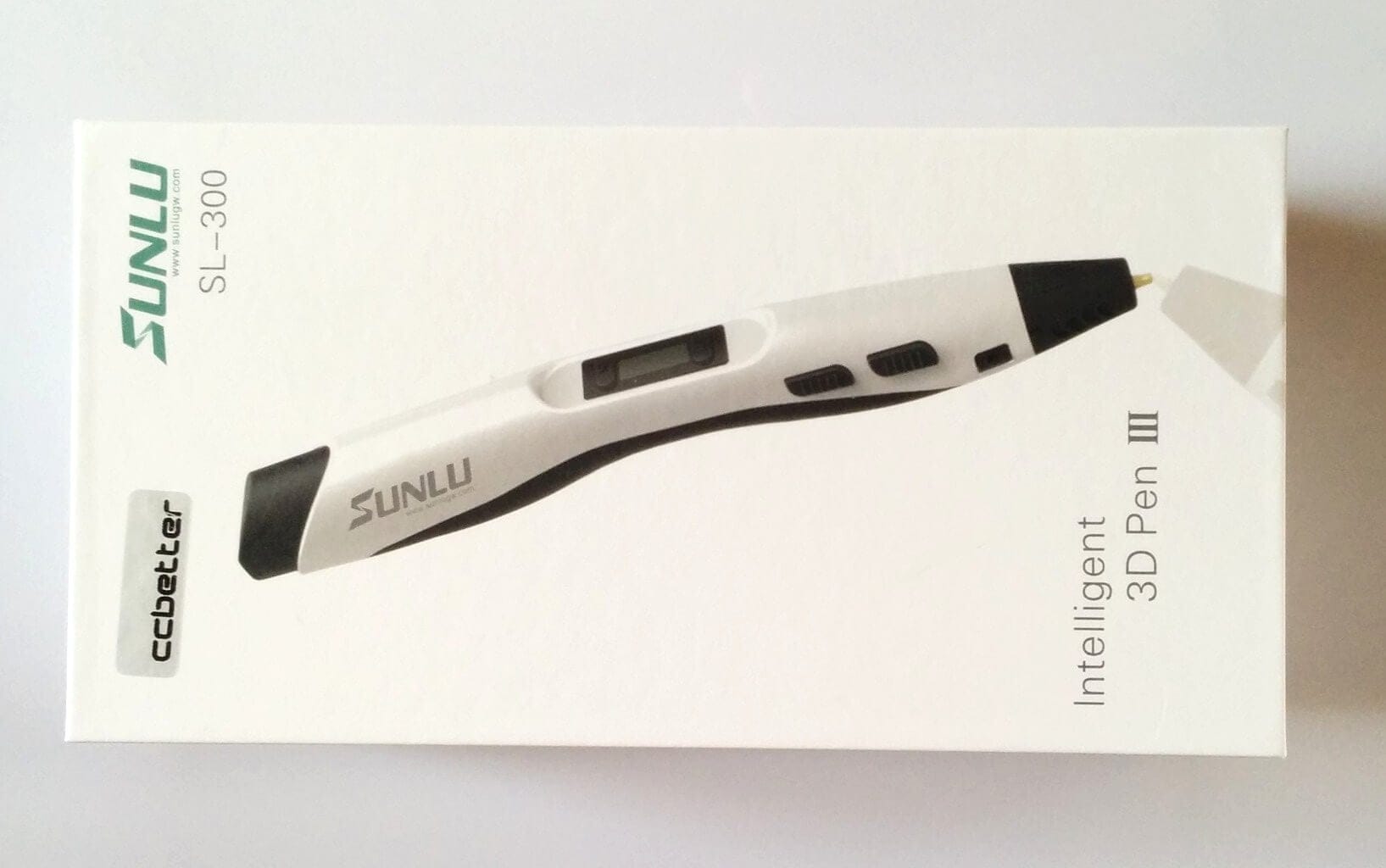
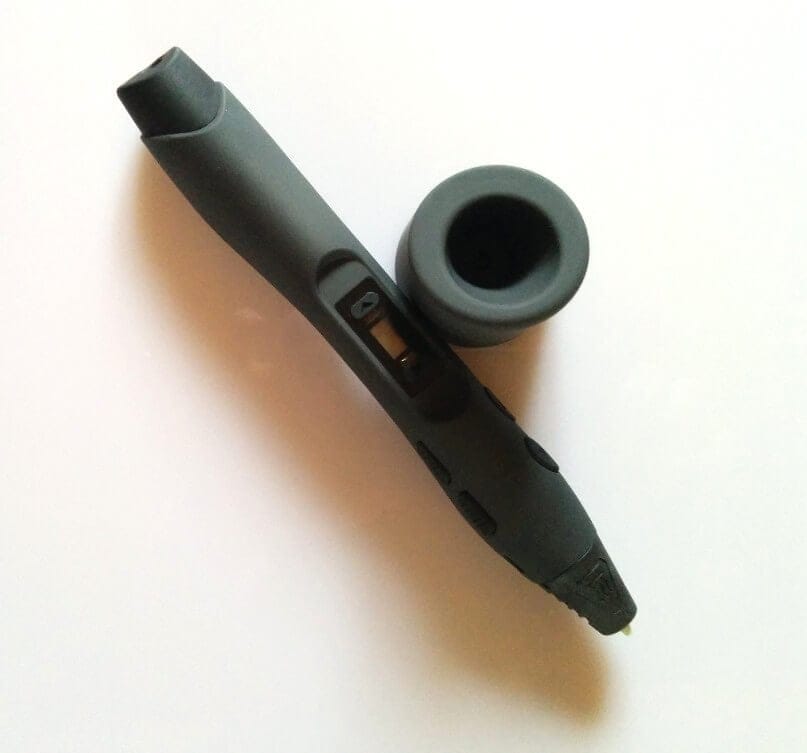
When I first picked up the Sunlu 3D Printer Pen (CCbetter 3D Pen), I immediately noticed the pen's light weight. Thanks to its rubberised surface and shape, which suits both left-handed and right-handed users, it feels very comfortable in the hand. Although the pen looks somewhat bulky, children should also manage well with it.
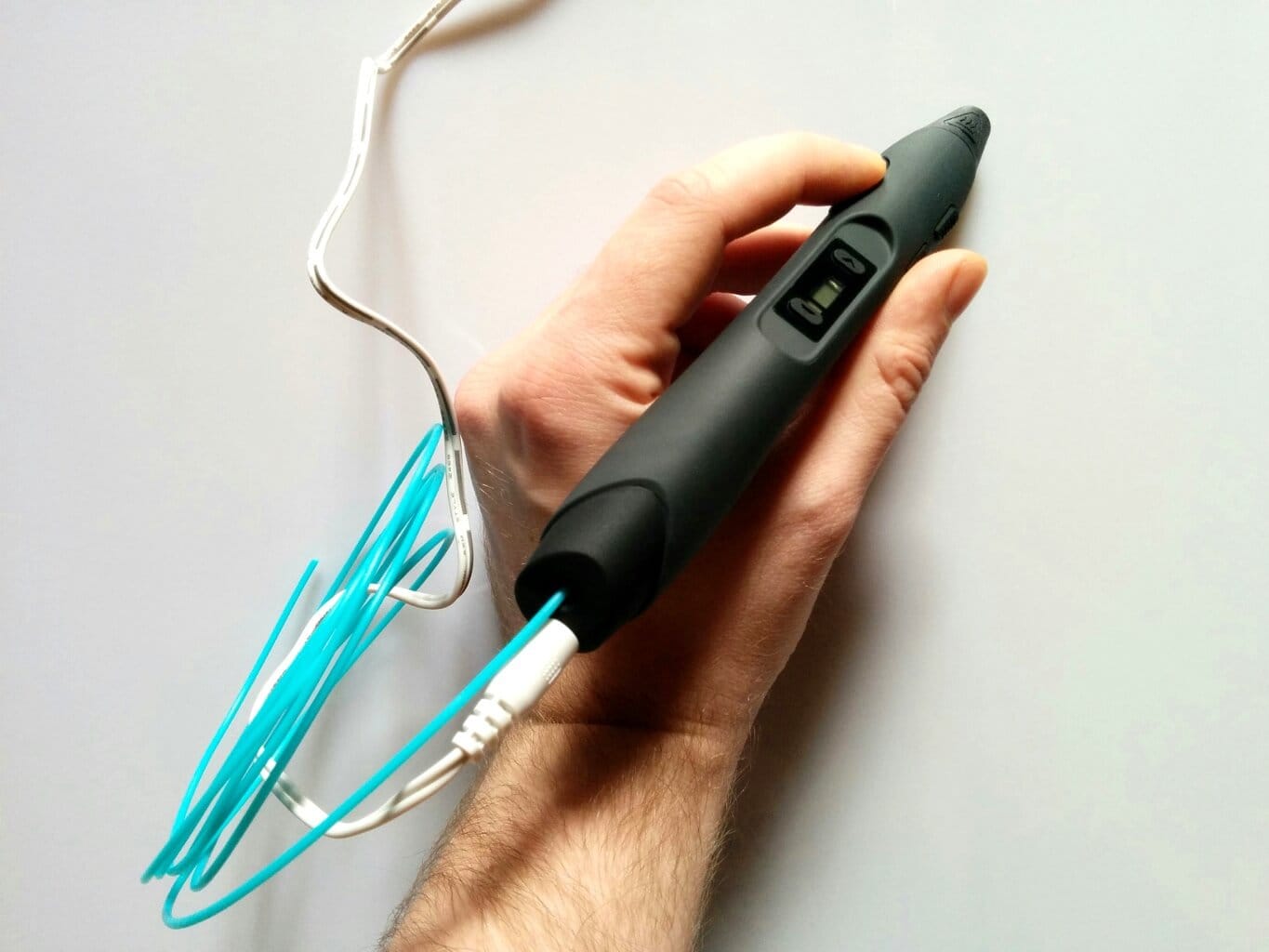
On both sides, the pen has several function buttons. The left side houses the feed buttons, which allow you to retract the filament into the pen or extend it out. The right side features the speed buttons. These control how fast the filament is extruded from the pen. On the top, there is a small display where you can select the filament type (PLA or ABS), which also shows the pen's temperature. On the back, we find the power socket and the slot where the filament is inserted. My first impression was quite positive, and I could well imagine drawing something with this pen.
First attempts
As soon as the pen is connected to the power supply, it is switched on. There is no separate power button. However, there is no need to worry, as the print pen only begins to heat up once filament is inserted and the filament type has been selected.
Two rolls of PLA filament were included here. PLA differs from ABS in that it does not need to be heated as much and is also biodegradable. ABS, on the other hand, is more stable than PLA and is therefore suitable for machine parts, which would more likely be printed with a proper 3D printer. When the filament is inserted and the feed button is pressed, the pen slowly heats up to approximately 170°C. The temperature can be read on the display.
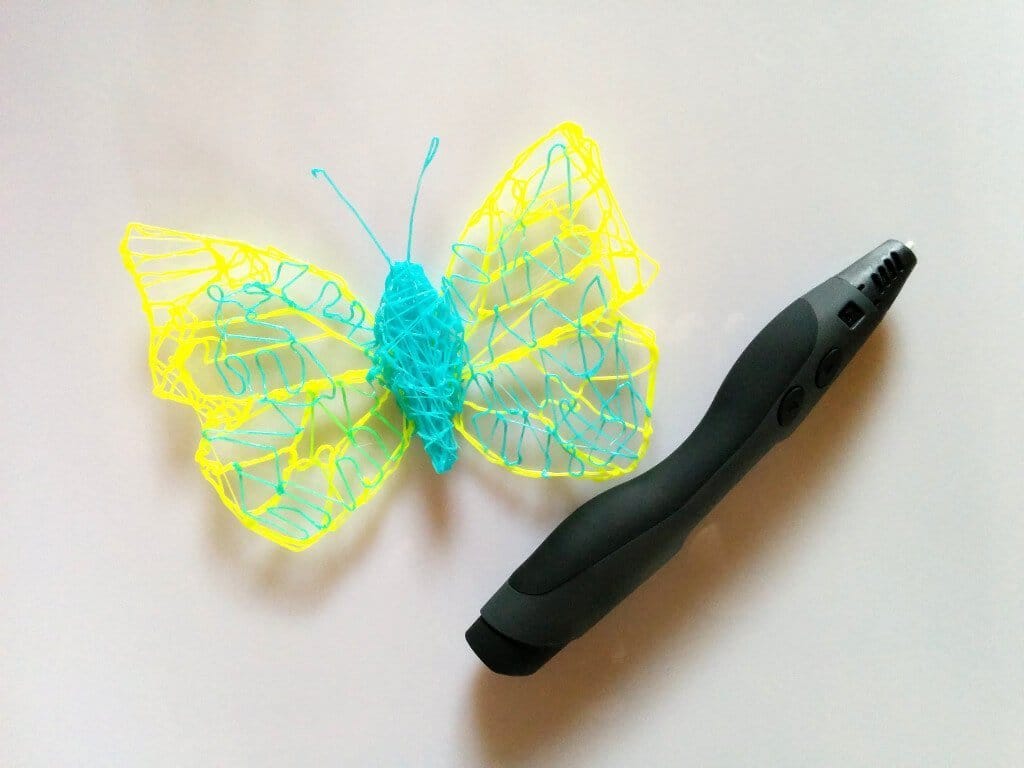
After an initial test run, you get used to the pen quite quickly. Drawing with the Sunlu 3D Printer Pen is comparable to drawing with the 3Doodler. In my first attempt, I traced a butterfly. Templates are available online, though there are no limits to creativity. The filament is applied freely according to preference and connects without problems with the already dried filament parts.
I did not notice the pen getting hot enough to cause burns. The filament also cools down quite quickly and hardens very fast. Nevertheless, you should not underestimate the pen. The small white tip of the pen in particular gets very hot and should never be touched.
Our verdict
Drawing with the Sunlu or CCbetter 3D pen was personally very enjoyable for me, and I look forward to the next things I will draw with this pen. Some dexterity is still required, but after a few attempts, you quickly get used to the line guidance and can control the speed perfectly. Once you have progressed a bit with drawing from templates, you can even draw freehand in the air. The filament hardens so quickly that small figures or even the Eiffel Tower can be drawn freehand.
There is nothing to criticise regarding the build quality of the pen. You get a truly high-quality product that does not feel cheap at all. Apart from the pen tip, the rest does not get hot, allowing for longer drawing sessions without concern. I noticed nothing regarding the smell of the melting filament. So you don’t need to wear a breathing mask. No fumes are produced.
Overall, the Sunlu SL-300 / CCbetter 3D Pen is a truly great device that provides a first insight into the world of 3D printing. The Sunlu SL-300 fully met my expectations.

Comments