Contents
First impressions of the ThiEYE T5e
What’s included
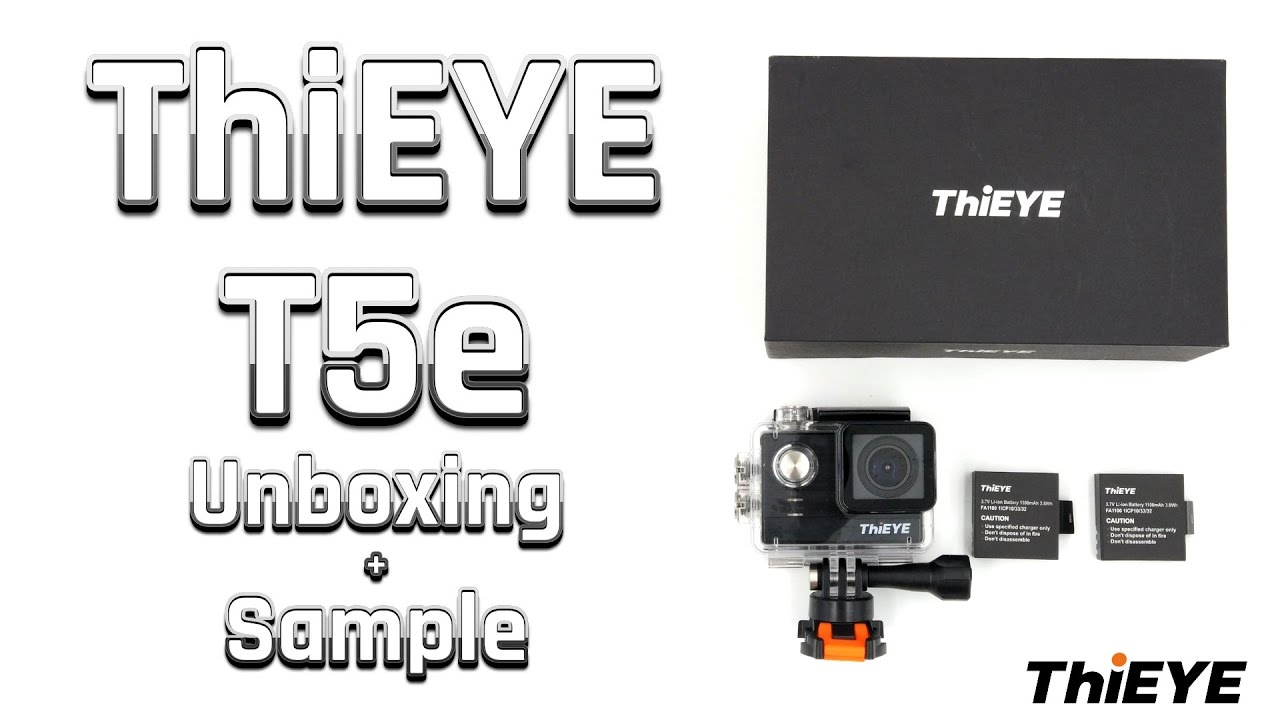
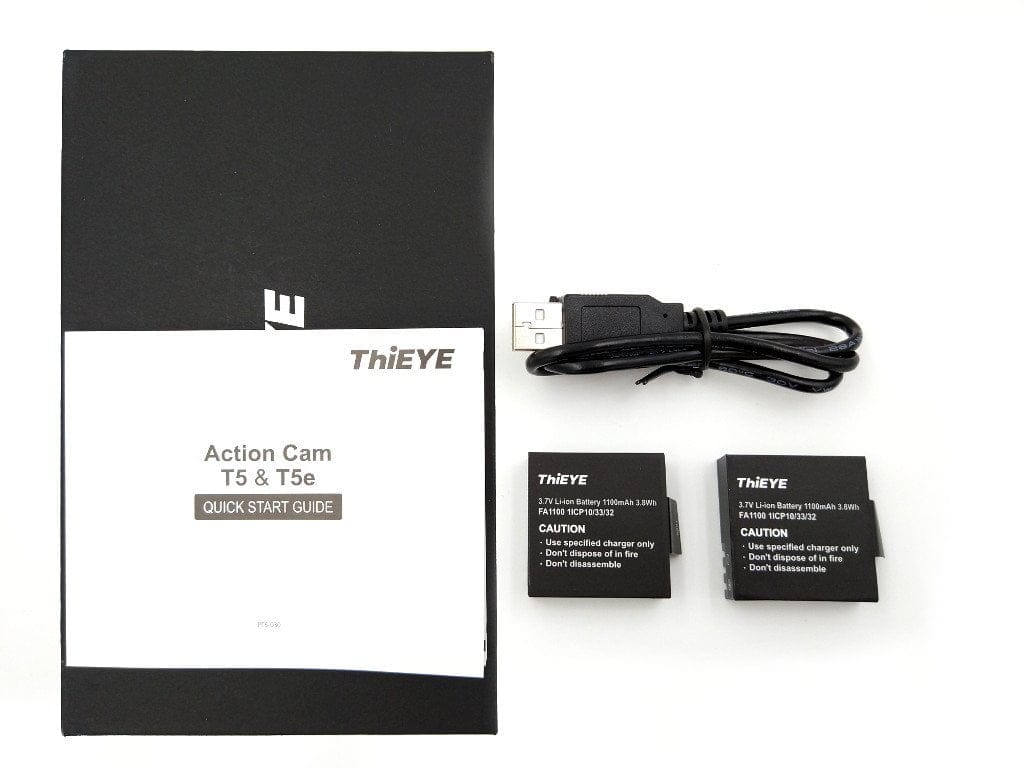
Since the ThiEYE V5e, which we also tested, the manufacturer has significantly reduced the included accessories. Nevertheless, the scope of delivery around the ThiEYE T5e is not to be underestimated. In addition to a waterproof case, 2 batteries are included. You only have to do without a comprehensive set of mounts. Included is only a case mount with matching clip and adhesive pad. Furthermore, the scope of delivery includes two additional, loose adhesive pads, a cleaning cloth, a micro-USB charging cable and a multilingual user manual.
 Play video on YouTube
The action camera is available under two product names. In addition to the ThiEYE T5e, there is also the model ThiEYE T5. The only difference is the packaging. The entire scope of delivery, as well as the camera, are identical!

Design and build quality
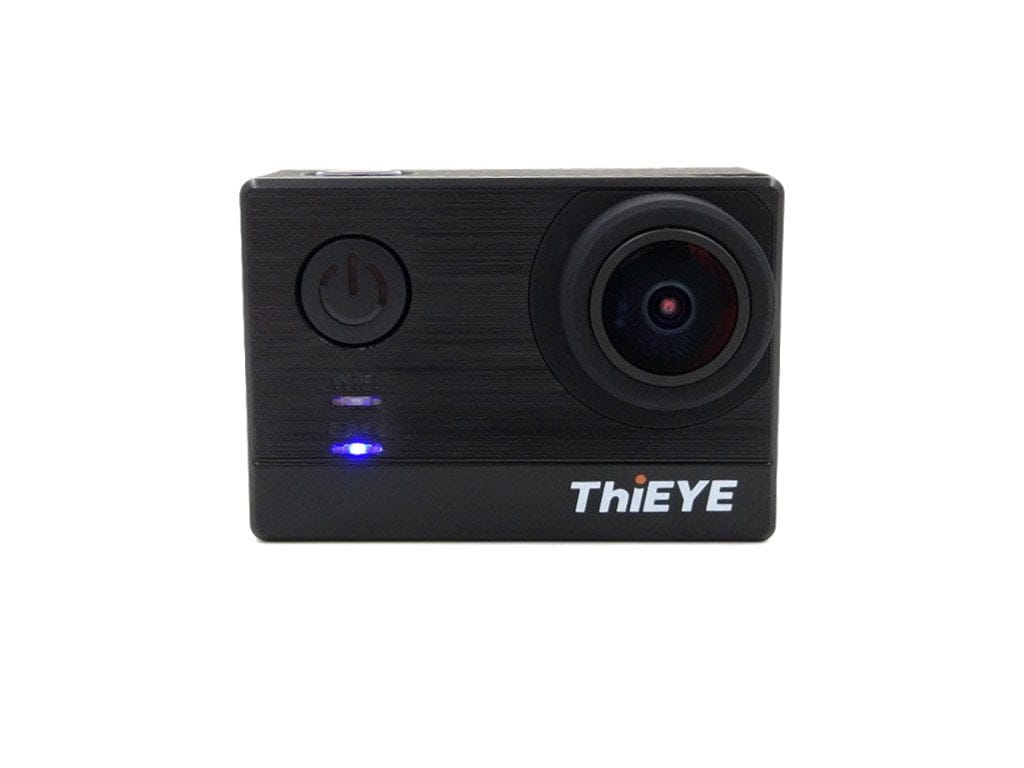
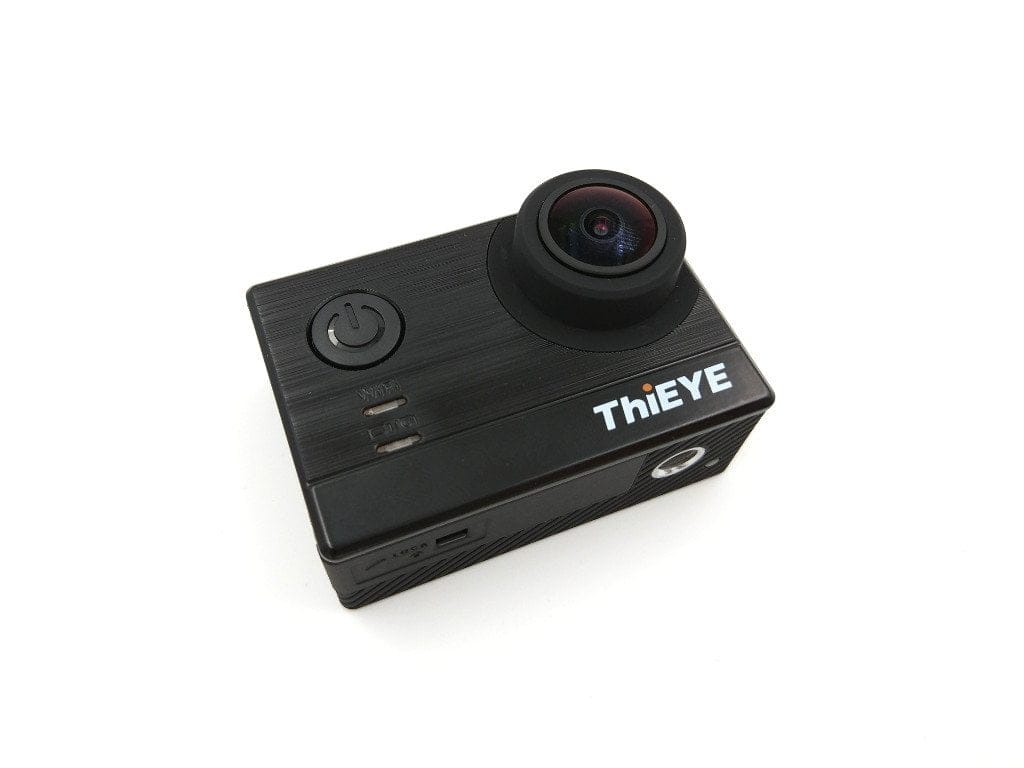
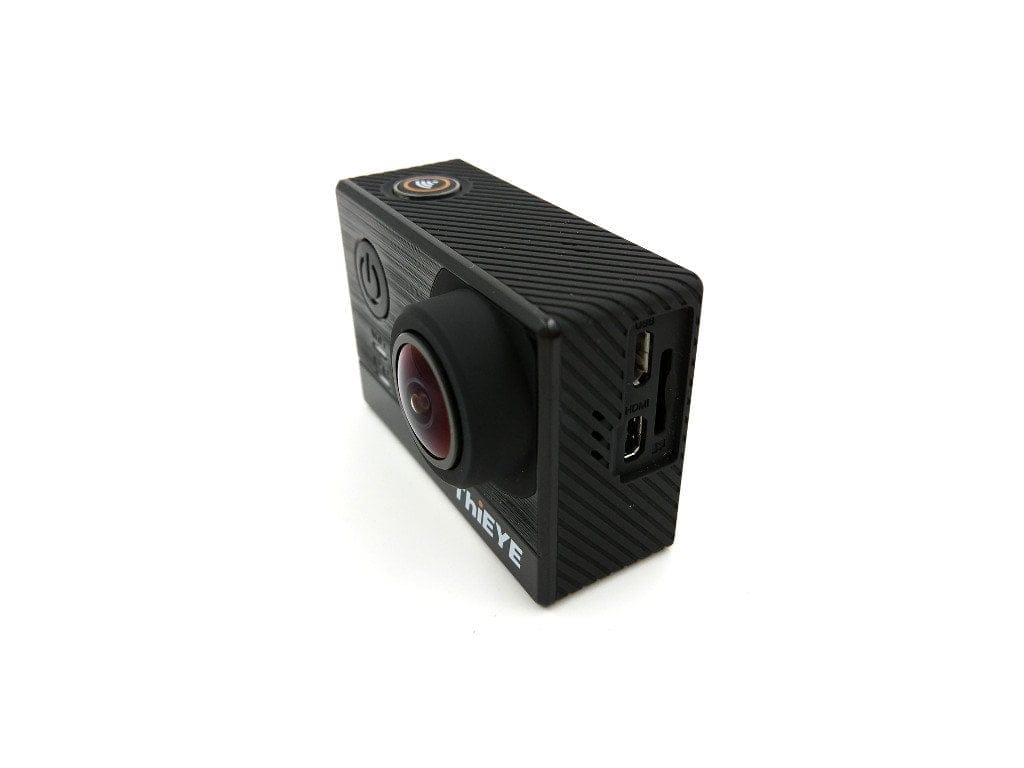
ThiEYE remains true to the typical "SJ4000 design", which has become established among Chinese action cams. Through slight design adjustments such as the shimmering front with the manufacturer's logo, the ThiEYE T5e sets itself slightly apart from products from other manufacturers.
The front features the power button and two indicator LEDs. To the right is the 170° wide-angle lens with an F2.8 lens. The housing frame is rubberised. On the top is the illuminated confirm button. On one side of the housing are the exposed connection options, comprising a micro-USB port, a micro-HDMI port and a micro-SD memory card slot. The opposite side of the housing features two additional control buttons for menu navigation. On the rear are a 2-inch colour LCD display and two further indicator LEDs. The battery compartment is located on the bottom of the housing. It opens via a spring mechanism, which also prevents the loss of the battery cover. The battery compartment is protected against accidental opening by a lock function. Another interesting addition is the ¼-inch tripod thread, located directly next to the battery compartment. A further indicator LED is also located on the underside of the housing.
There is nothing to criticise about the build quality of the ThiEYE T5e or its accessories. The camera body is cleanly manufactured without any gaps. The same applies to the supplied waterproof housing.
Setup and user interface
To use the camera, simply insert one of the batteries and a Micro SD memory card. The manufacturer recommends memory cards with a maximum capacity of 64GB. In our test, a 128GB U3 memory card was also detected without issue.
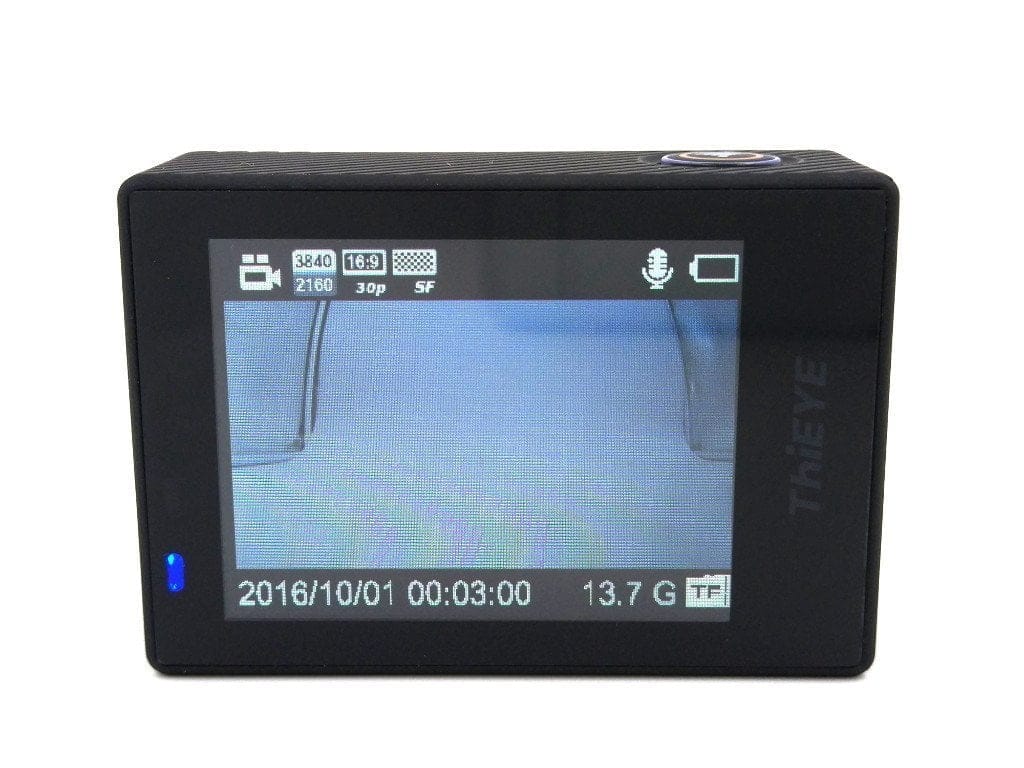
The action cam's user interface is clearly structured. After switching on the ThiEYE T5e, you are immediately in video mode. Via the live view output, you receive extensive information about recording settings. In addition to resolution, aspect ratio and frames per second, you also get details on battery level, whether the microphone is active, how much storage capacity is available, and information on date and time.
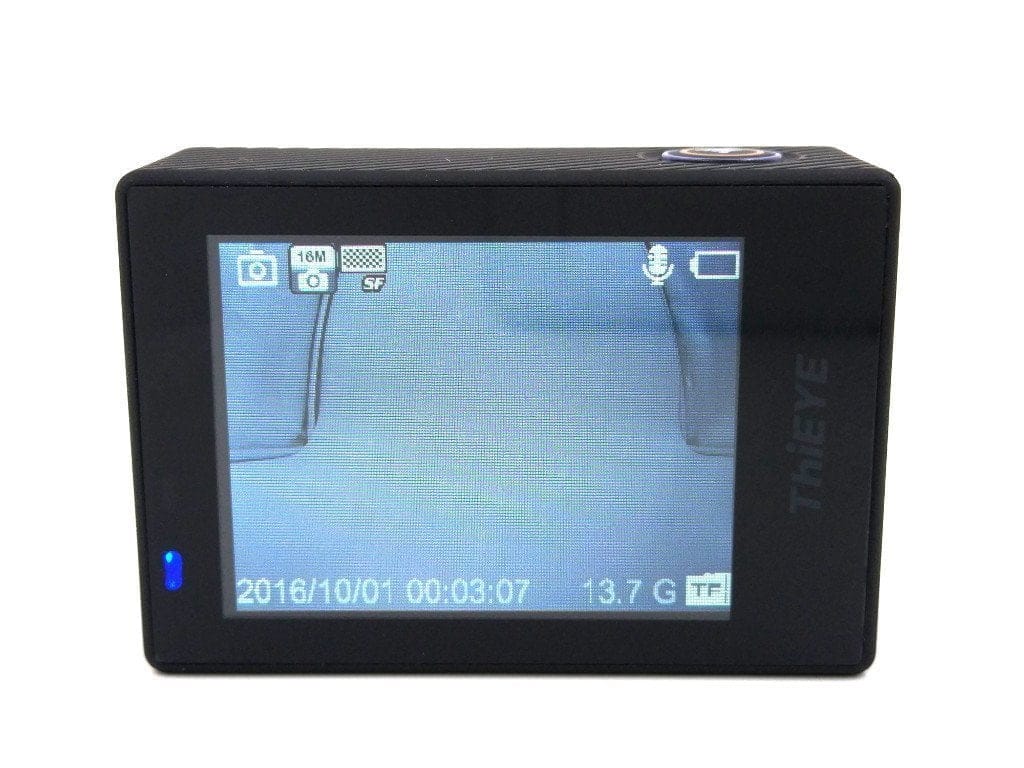
The power button switches the recording mode. In addition to video mode, there is also a photo mode, which includes the specifications mentioned above. One click further and you land in the gallery. Here, the captured videos and images can be played back directly on the 2-inch display. Additionally, recordings can be deleted via the gallery.
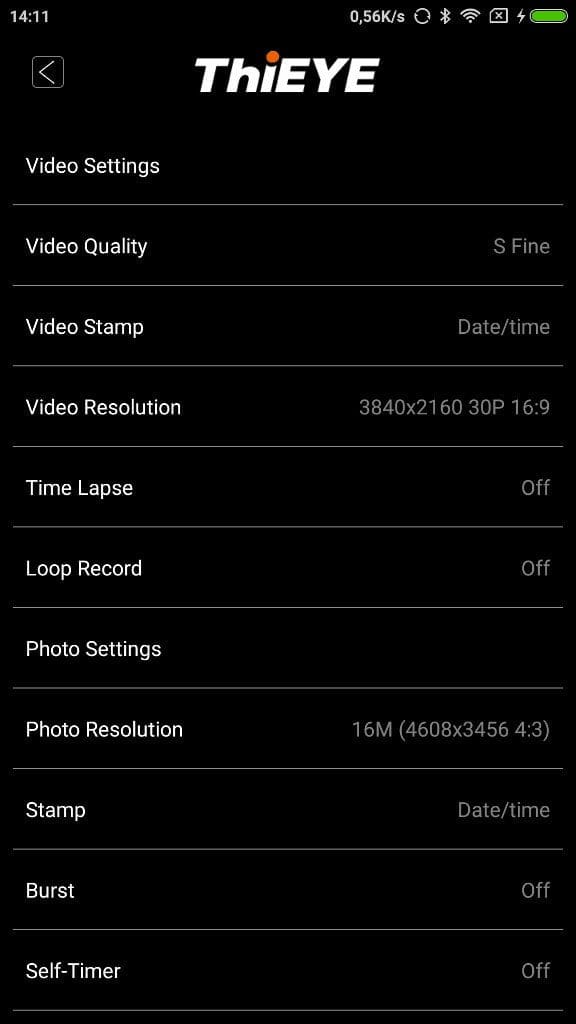
Settings can be made in the settings menu down to the smallest detail. In addition to specific recording settings, such as resolution, image stabilisation, AWB, exposure or ISO, there are also settings for additional recording modes, such as scene modes, a timelapse mode or burst mode.
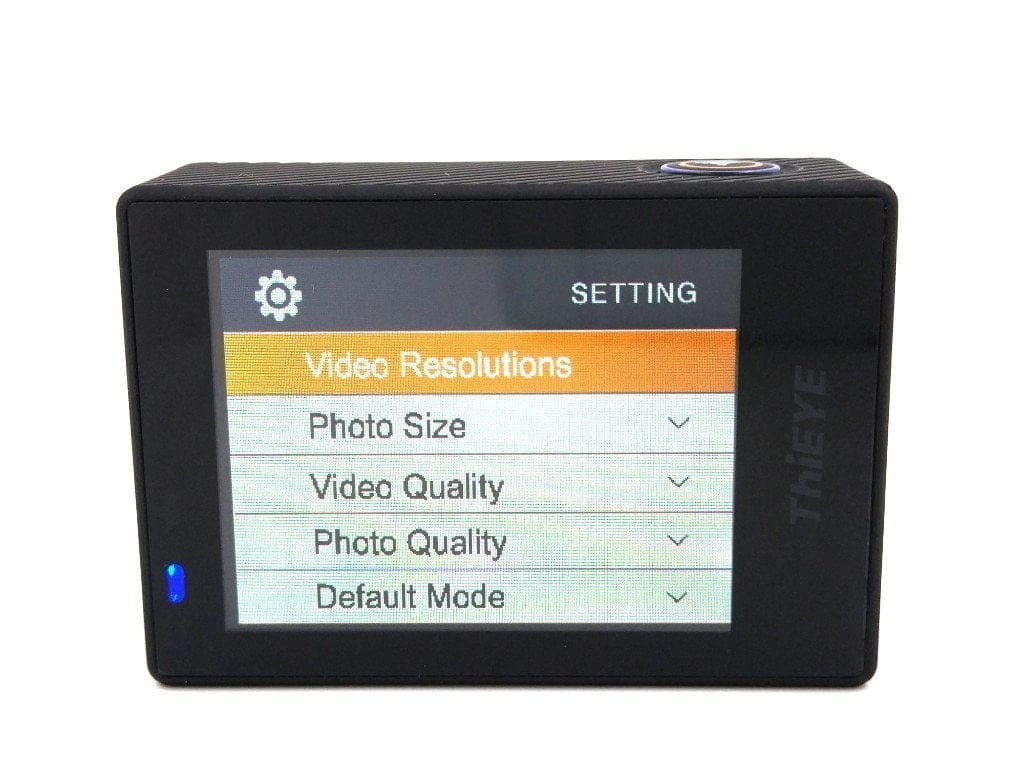
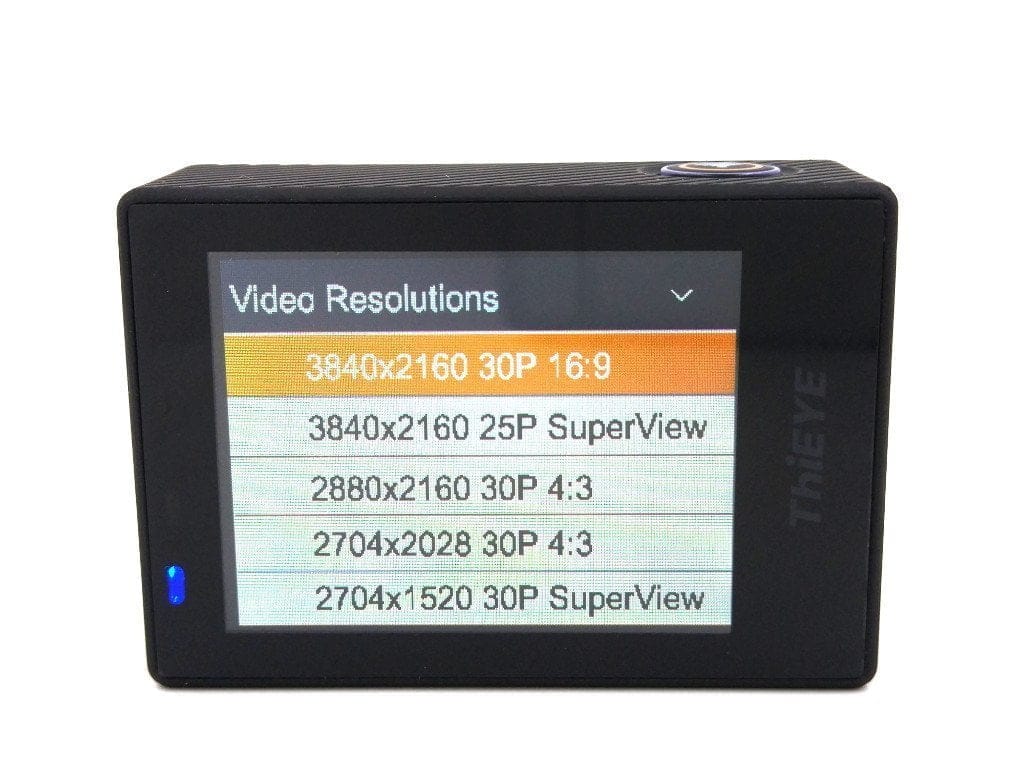
There are also general settings for Wi-Fi, Bluetooth, the microphone, language, or date and time. Here is an overview of the available resolutions that can be selected. This alone shows how extensive the settings menu is.
Video resolution: 3840x2160@30p - 16:9, 3840x2160@25p - SuperView, 2880x2160@30p - 4:3, 2704x2028@30p - 4:3, 2704x1520@30p - SuperView, 2704x1520@30p - 16:9, 2560x1440p@60p - 16:9, 2560x1440p@30p - 16:9, 1920x1440@60p - 4:3, 1920x1440@30p - 4:3, 1920x1080@120p - 16:9, 1920x1080@100p - 16:9, 1920x1080@60p - 16:9, 1920x1080@30p - 16:9, 1920x1080@60p – SuperView, 1920x1080@30p SuperView, 1280x960@120p - 4:3, 1280x960@60p - 4:3, 1280x960@30p - 4:3, 1280x720@240p -16:9, 1280x720@200p - 16:9, 1280x720@120p - 16:9, 1280x720@60p - 16:9, 1280x720@30p - 16:9, 1280x720@120p - SuperView, 1280x720@30p – SuperView
Image resolution: 16M (4608x3456 - 4:3), 14M (4254x3264 - 4:3), 12M (4000x3000 - 4:3), 8.3M (3840x2160 - 16:9), 5M (2560x1920 - 4:3), 3M (2048x1536 - 4:3)
ThiEYE HD app
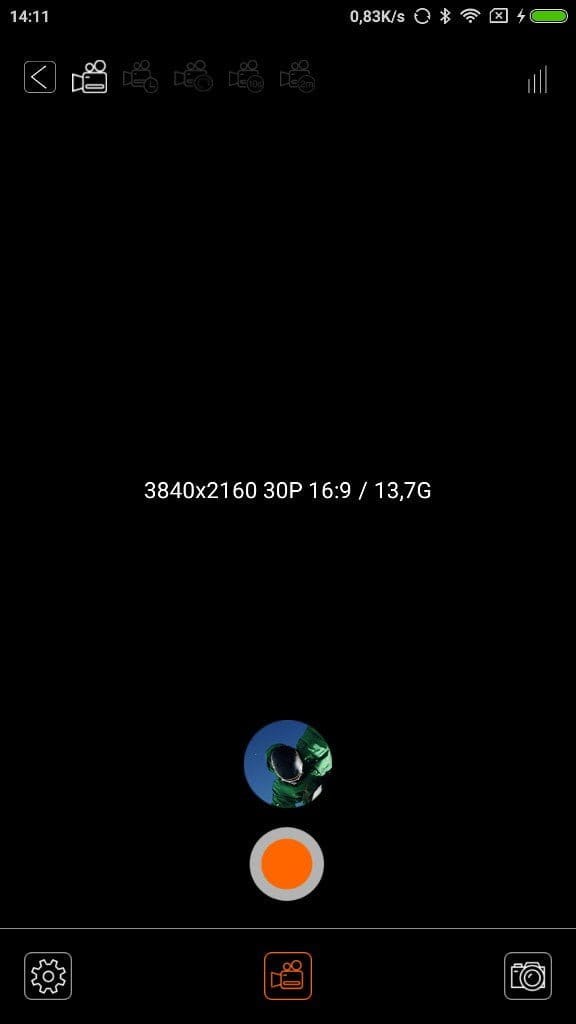
For wireless connectivity, the ThiEYE T5e is equipped with Bluetooth and WiFi. The connection to the ThiEYE HD App is established via the camera’s WLAN. This can be enabled via the settings menu. For security reasons, the camera’s SSID and password can be set individually.
Before the app can be used, you must connect the smartphone or tablet to the camera's Wi-Fi network. When you start the app, a connection to the action camera is automatically established. The camera's live feed should then be displayed via the app. During the test, it was not possible to display the camera's live feed despite a stable connection. Even connecting to a different Android smartphone, the live feed did not work.
Camera settings made via the app are recognised by the camera. It is also possible to access the inserted SD memory card. The various shooting modes can be selected directly via the app. Overall, the app is clearly designed and, with functioning live view output, would be a nice feature for remote shooting.
Video, image and sound quality
Let’s move on to arguably the most important aspect – recording quality. The ThiEYE T5e is equipped with a 12-megapixel Sony IMX117 image sensor and an Ambarella A12LS75 image processor. The image sensor used here is also found in the GoPro Hero 4, among others. The camera records videos natively at a maximum 4K resolution.
 Play video on YouTube
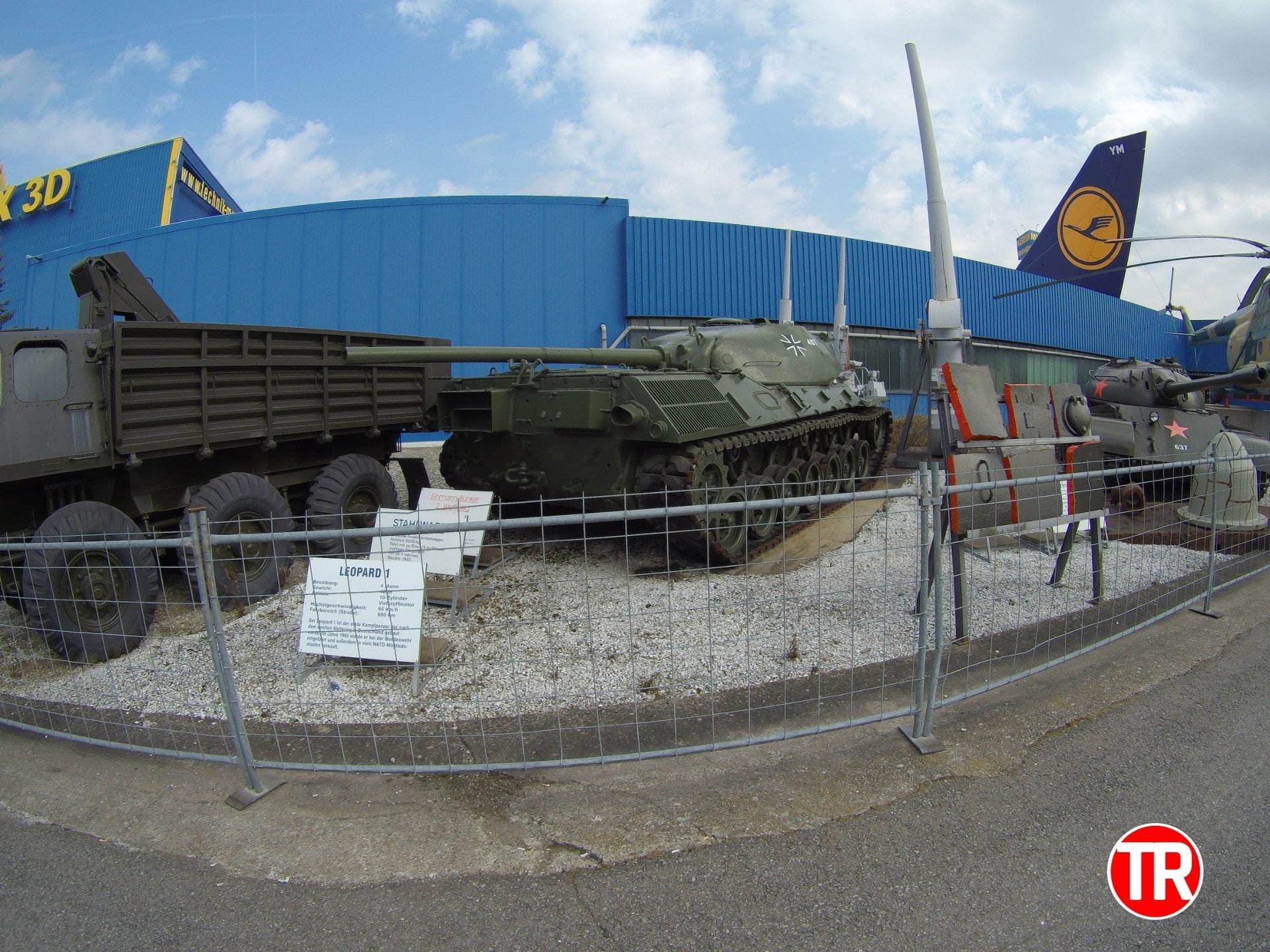
Video quality can be briefly described as good, coming close to that of a GoPro Hero 4. Compared to a GoPro Hero 5 or Yi 4K, the ThiEYE T5e lags slightly behind in terms of features and recording quality. Recorded footage impresses with vibrant colours, pleasant sharpness and a high level of detail. Audio quality, on the other hand, is less convincing. Although the microphone is well-tuned, allowing even distant noises to be captured well, all audio recordings are marred by a slight background hiss.
Also positive is the selection of effect filters that can be applied directly to the image. In addition to various artistic filters, there is also the option to record videos and images in black and white and as negatives. Videos are recorded in MP4 format with the H.264 codec (LV4.2). The image quality is also convincing. Detail loss is only noticeable in poor lighting conditions.


Battery
The battery of the ThiEYE T5e has a capacity of 1100 mAh. Unfortunately, the battery does not have a standard size, which means that, for example, a SJCAM battery does not fit in the ThiEYE action camera. Buying batteries not directly from the manufacturer could therefore be difficult! On a positive note, ThiEYE includes two batteries in the scope of delivery.
The battery life is average. At 4K resolution, the battery lasted exactly 58 minutes. At 1080p, a recording time of 83 minutes was possible. The charging time is 2 ½ hours.
Our verdict
The ThiEYE T5e convinces with good recording quality, coming very close to that of a GoPro Hero 4 Black. The user interface shines with numerous settings and recording options. The ThiEYE HD app, however, was less convincing, as it cannot be used fully due to faulty live view output. The low battery life is also a point of criticism.
If you can do without the extensive features of a GoPro Hero 5 or Yi 4K and are looking for an affordable action camera with decent recording quality, you should also consider the ThiEYE T5e.
Specifications
Hardware
- Image processor
- Ambarella A12LS75
- Image sensor
- Sony IMX117
- Display
- 2-inch LCD
- Outputs
- Mini USB, Micro HDMI
- SD card
- SDHC / SDXC up to 128 GB
- Battery
- 1100mAh
Video resolution
- 3840x2160@30p@25p - 16
- 9 / SuperView
- 2880x2160@30p - 4
- 3
- 2704x2028@30p - 4
- 3
- 2704x1520@30p - 16
- 9 / SuperView
- 2560x1440@60p@30p - 16
- 9
- 1920x1440@60p@30p - 4
- 3
- 1920x1080@120p@100p@60p@30p - 16
- 9 / SuperView
- 1280x960@120p@60p@30p
- 1280x720@240p@200p@120p@60p@30p -16
- 9 / SuperView
Image resolution
- 16M (4608x3456 - 4
- 3)
- 14M (4254x3264 - 4
- 3)
- 12MP (4000x3000 - 4
- 3)
- 8.3M (3840x2160 - 16
- 9)
- 5M (2560x1920 - 4
- 3)
- 3M (2048x1536 - 4
- 3)
Other
- *WiFi, Bluetooth and app
- *Time-lapse
- *Self-timer
- *Loop recording
- *App control
- *Motion detection
- *EIS
- *PIP
What’s included
1x ThiEYE T5e 1x case 1x mount 1x mount clip 2x adhesive pad 2x battery 1x charging cable 1x cleaning cloth 1x user manual
Comments (7)
Thanks for the review! It comes in handy. I am looking for an action camera under £120 and came across the T5e. I hope you can help me with my decision. Here are my questions. How is the quality compared to the more expensive Yi 4K? Do I need to buy special mounts for the T5e? Which memory card do I need for 4K? I hope you can help me further. I need the camera in three weeks and wanted to order by the day after tomorrow at the latest!
I don't want to disparage the recording quality of the T5e, but the quality of the Yi 4K is indeed a bit better, even if the differences are not too large. Of course, you could get a U3 memory card for 4K, but a standard U1 works too. For mounts, you can use the standard GoPro / SJCAM sets. Only the waterproof housing is adapted to the T5e. But that is already included in the delivery.
Hey! What about an external microphone? My current Git2 supports one; is that also the case with the T5e?
Hi, unfortunately, you cannot connect an external microphone.
A rather successful review! Thanks for that!
I ended up here by chance. I would like to correct the statement that the app has been displaying a live feed since at least 8 April (the date I received the T5e) – it works for me every time without any issues. The delay is estimated at 0.5 seconds; this is manageable.
The various settings options are truly extensive. Unfortunately, the Quick Start Guide doesn't provide much information. Is there a “proper” user manual (in German or English) that covers the numerous settings options? I'd be very grateful for any tips!
By the way, I am very satisfied with the T5e!
Thank you very much. I'll check the live image again. There may have been an app update in the meantime. Unfortunately, there is only the “Quick Start Guide”; this camera doesn't have a “User Guide” or “Manual” like the older models do.
Hello everyone.
I bought the action cam and was very satisfied with it. Unfortunately, after the second time I used it, the screen stopped turning on. The “ON button” lights up blue and the camera turns on, but all I see is a black screen. Can anyone help me?