Contents
First Impressions of the UMIDIGI Z Pro
 Play video on YouTube
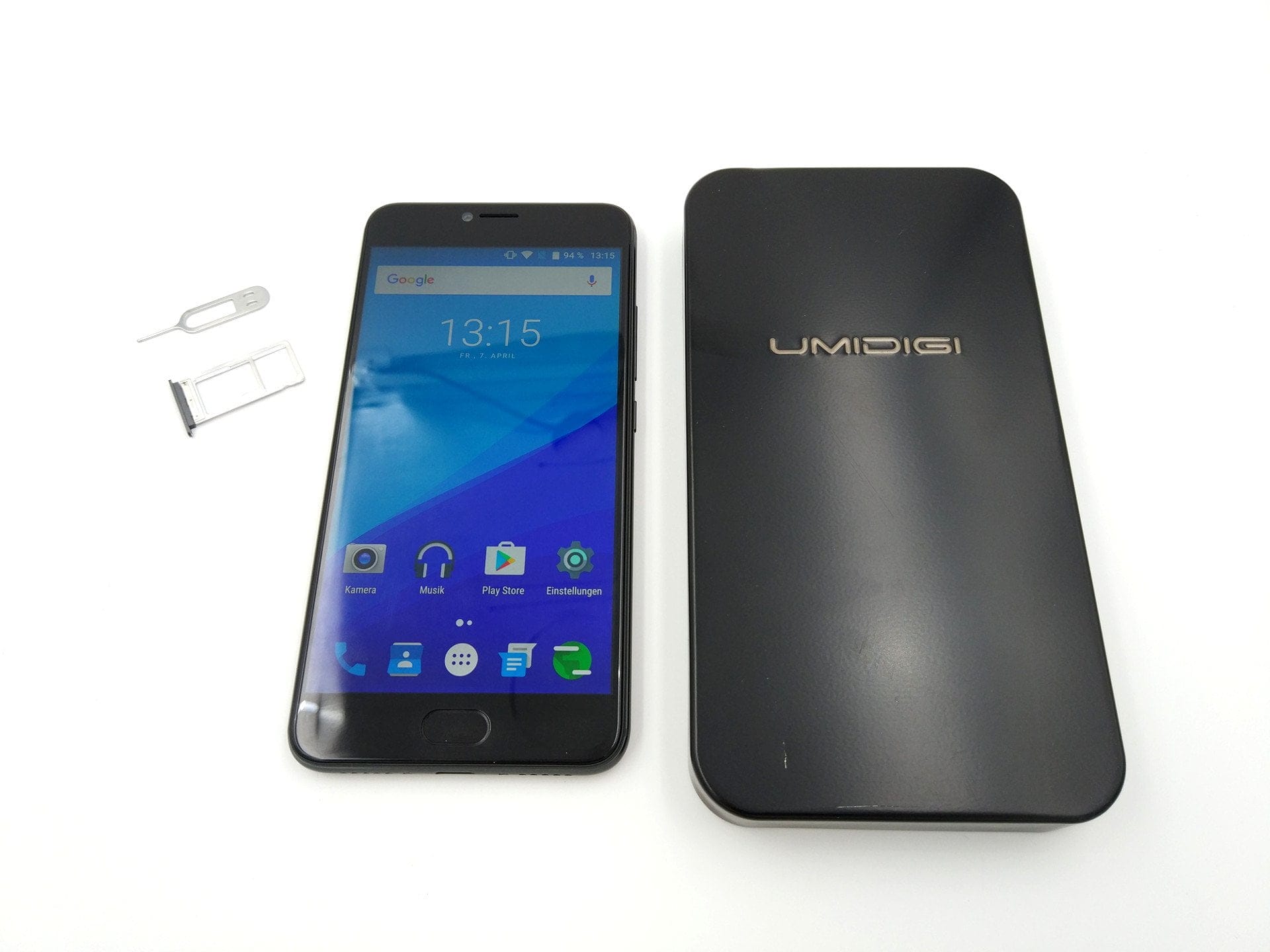
What’s included
The UMIDIGI Z Pro is delivered in a practical metal box, just like the model without the Pro suffix. The contents of the package are also identical. In addition to the smartphone, it includes a Pump Express charger, a cool USB-C cable, a multilingual user manual and a SIM ejector tool.

Design and build quality
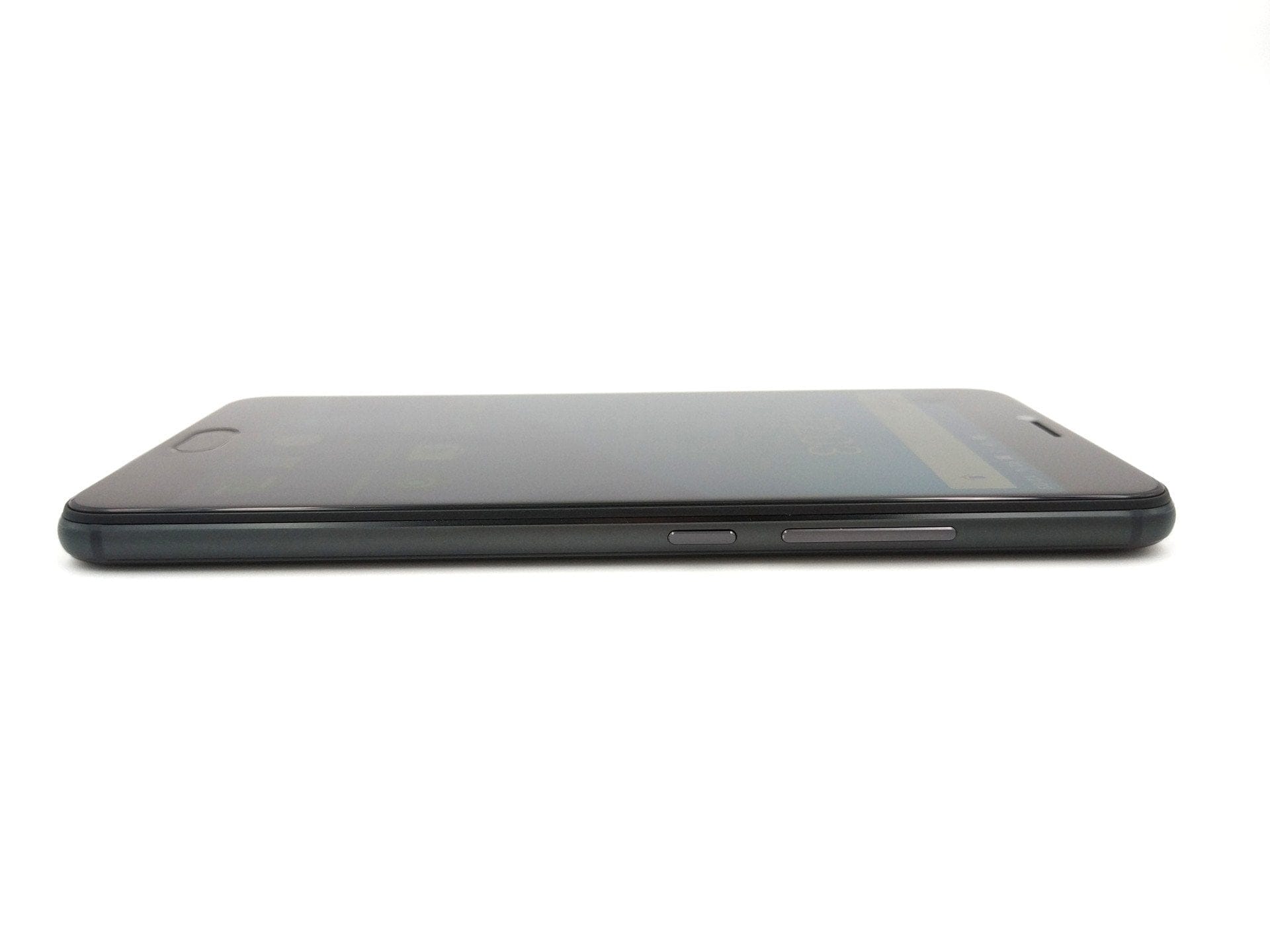
As with the scope of delivery, UMIDIGI remains true to the design. The UMIDIGI Z Pro boasts a sleek unibody metal housing in a cool anthracite look. Due to the unibody housing, the back is not removable, which means the battery cannot be easily replaced. The SIM slot is located on the left side of the housing. Here, either two Nano SIM cards or one Nano SIM card with an additional Micro SD memory card can be inserted. If you inevitably need the memory expansion, you must forgo the smartphone's Dual-SIM function due to the hybrid slot!

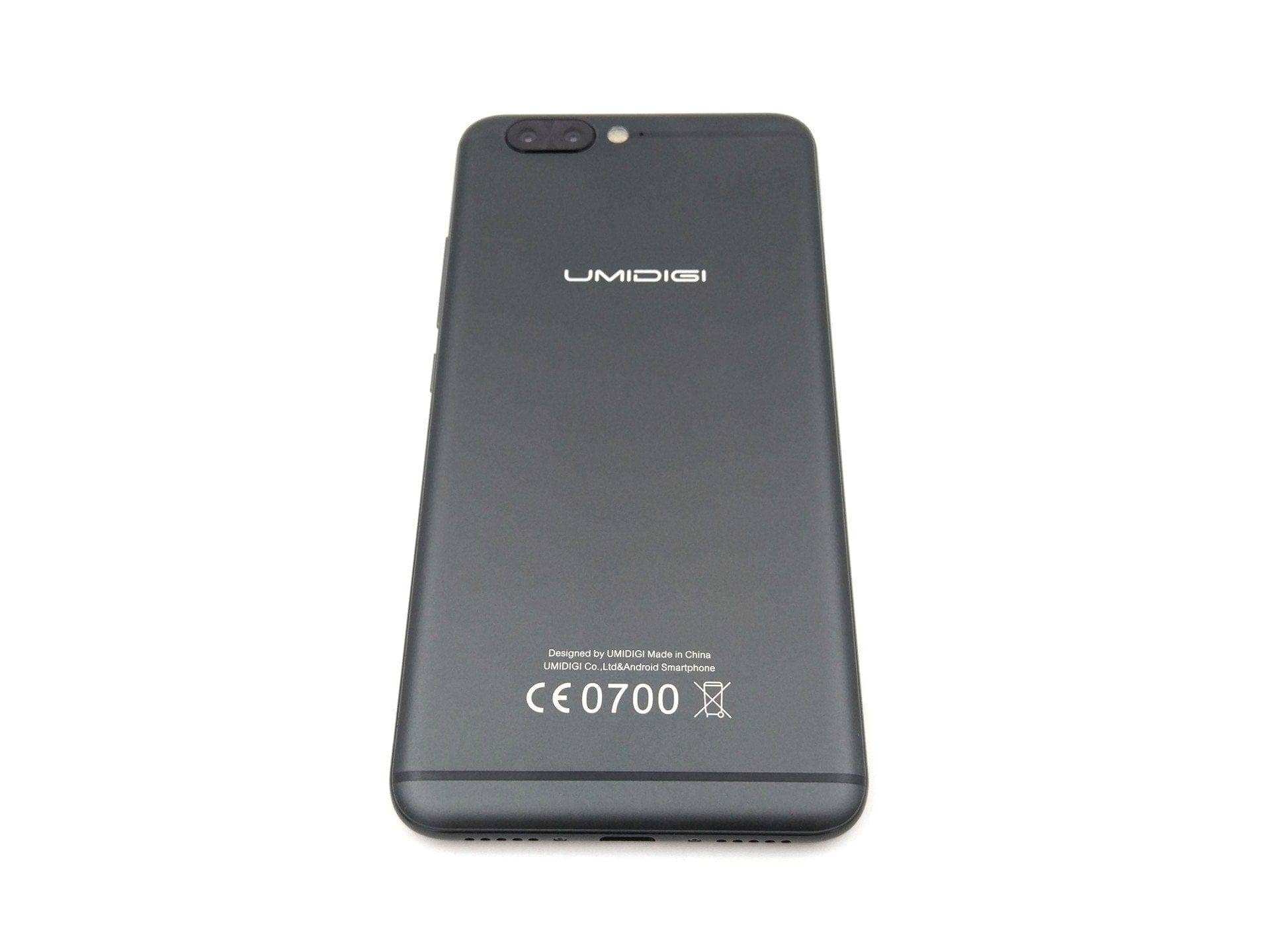
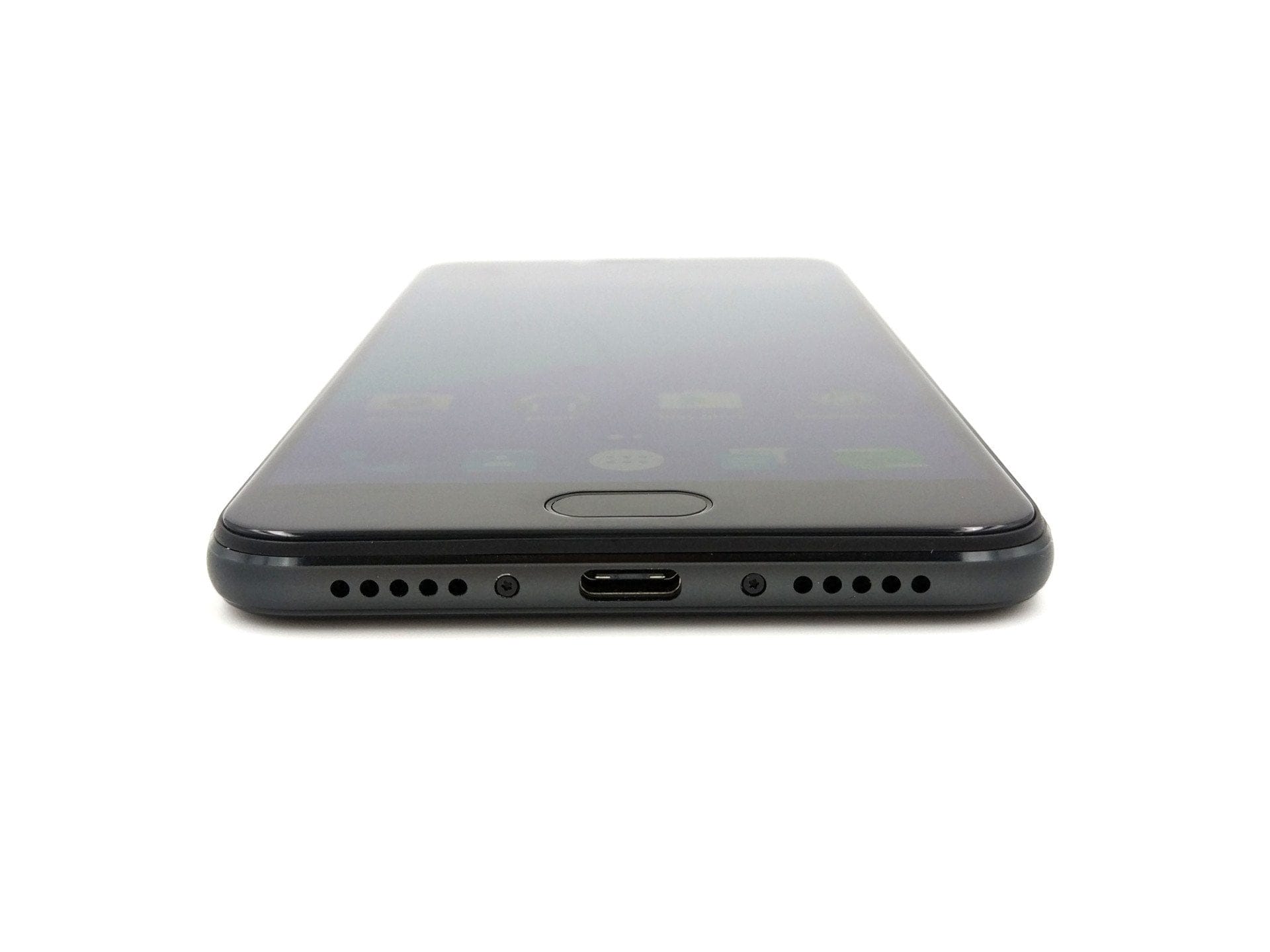
Another design feature is the capacitive front-mounted home button, which simultaneously houses the fingerprint scanner. Two additional capacitive control buttons are located to the left and right of the home button. Unfortunately, these control buttons are not illuminated. On the right side of the housing are the physical volume rocker and the power button. There are no other design elements that would distinguish the UMIDIGI Z Pro from other smartphones.
Unfortunately, UMi, or UMIDIGI, has never been known for high-quality build. The UMIDIGI Z Pro, however, stands out with solid build quality. The entire casing is cleanly manufactured without gaps or deviations. The control buttons are firmly seated and do not rustle, even during rapid movements.
Display
The smartphone uses a Full-HD Sharp IGZO display with a diagonal of 5.5 inches. The higher electron mobility of the “Indium-Gallium-Zinc-Oxide” (IGZO) display, among other things, achieves higher response speeds, thereby largely avoiding a “smearing effect”. The display covers up to 95% of the NTSC colour gamut. As display protection, UMIDIGI uses so-called “Dragontrail glass”.
In practice, the display of the UMIDIGI Z Pro performs well but is not perfect. The colour rendering is comparatively cool. Within the display settings, it is possible to individually adjust the colour rendering via “MiraVision” or the “Color Temperature” option. Another noticeable issue is slight backlight bleeding at the top and bottom display edges. For example, when very dark content is displayed, an uneven brightness distribution becomes apparent. The UMIDIGI Z Pro is convincing in terms of viewing angle stability and display sharpness. Even at extreme viewing angles, colours are rendered undistorted and text remains legible.
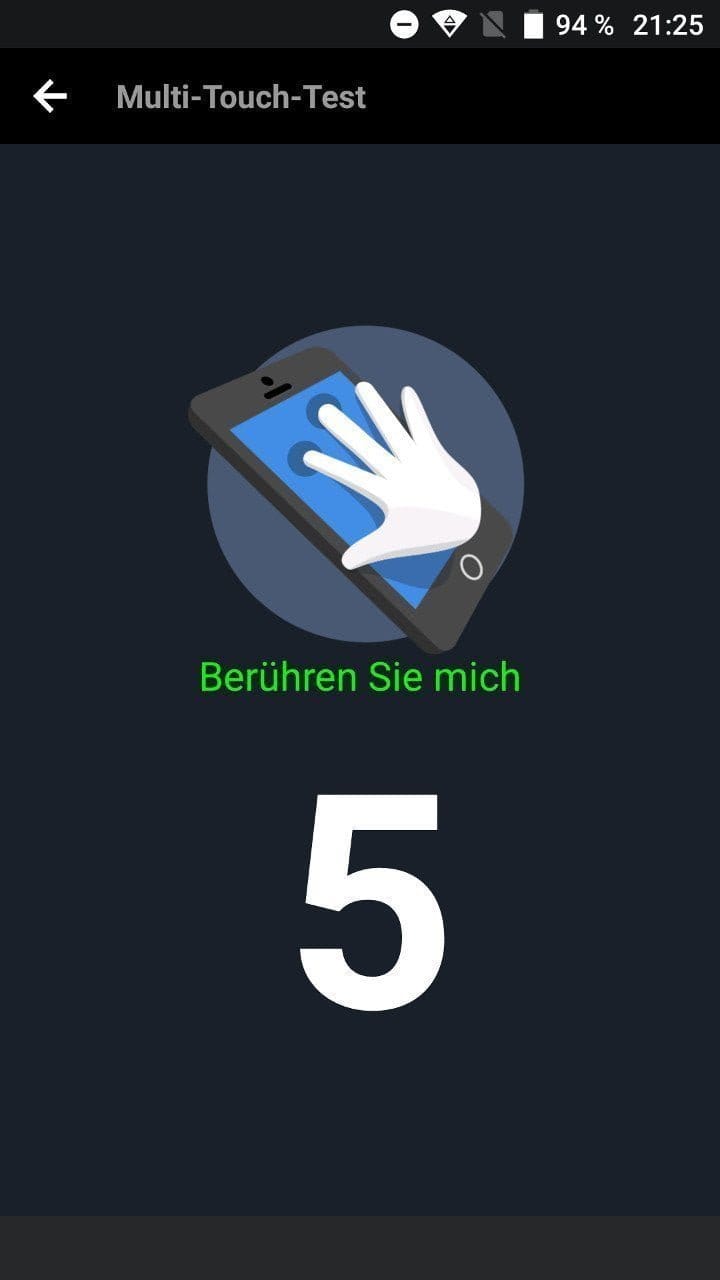
The maximum display brightness is average. It is difficult to read content well in strong sunlight, as the display reflects heavily and is very prone to fingerprints. The accuracy of the touchscreen is good. There was no ghosting or erroneous detection during testing. Multi-touch is supported with a maximum of 5 simultaneous inputs.

Performance
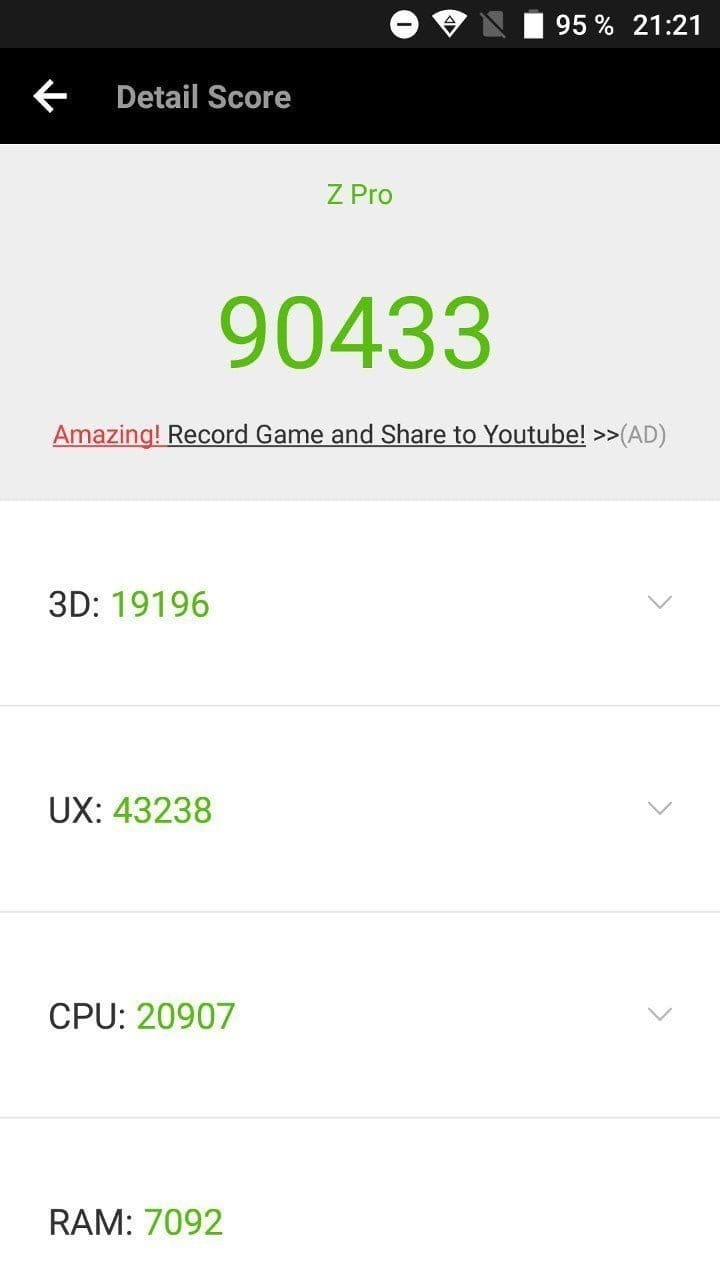
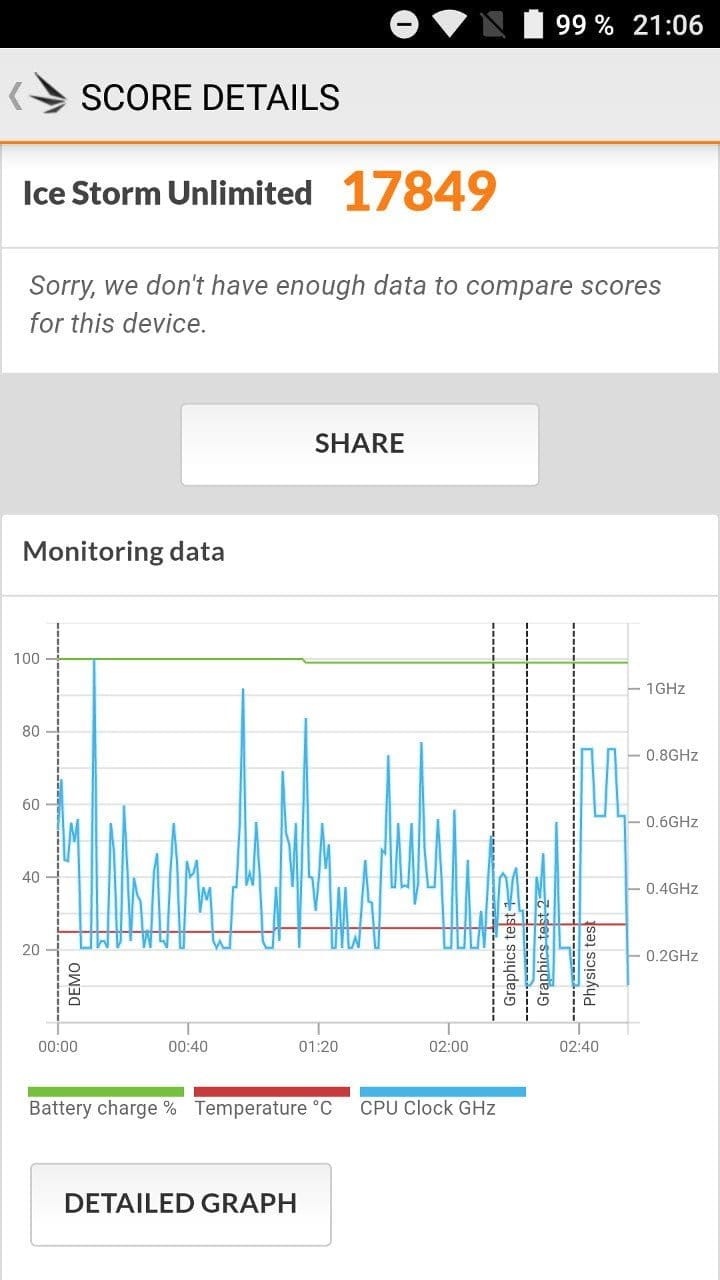
The MediaTek Helio X27 (MT6797X) processor is also on board. The processor has a total of 10 processor cores, divided into 2 Cortex-A72 and 4x2 Cortex-A53 cores. By dividing into 3 clusters, work tasks are efficiently distributed to the respective clusters depending on computing intensity to guarantee better performance. At the same time, battery consumption should be reduced (at least in theory). Regarding memory configuration, the smartphone is equipped with 4GB of RAM and 32GB of internal storage.
Although the UMIDIGI Z Pro uses a high-end MediaTek processor, performance is only moderately satisfactory. Delays and app crashes became noticeable, particularly in multitasking, which are probably not due to the processor itself but to its adaptation to the user interface. At times, apps would not start at all or got stuck with a white screen. There is clearly still a need for optimisation by UMIDIGI.
A Mali T880 MP4 GPU is used as the integrated graphics, which is up to the task of more demanding games. If you like playing mobile games such as Dead Trigger 2 or Asphalt 8, you can play them smoothly at high detail settings. But caution! The smartphone gets hot after only a short period of gaming.

User interface
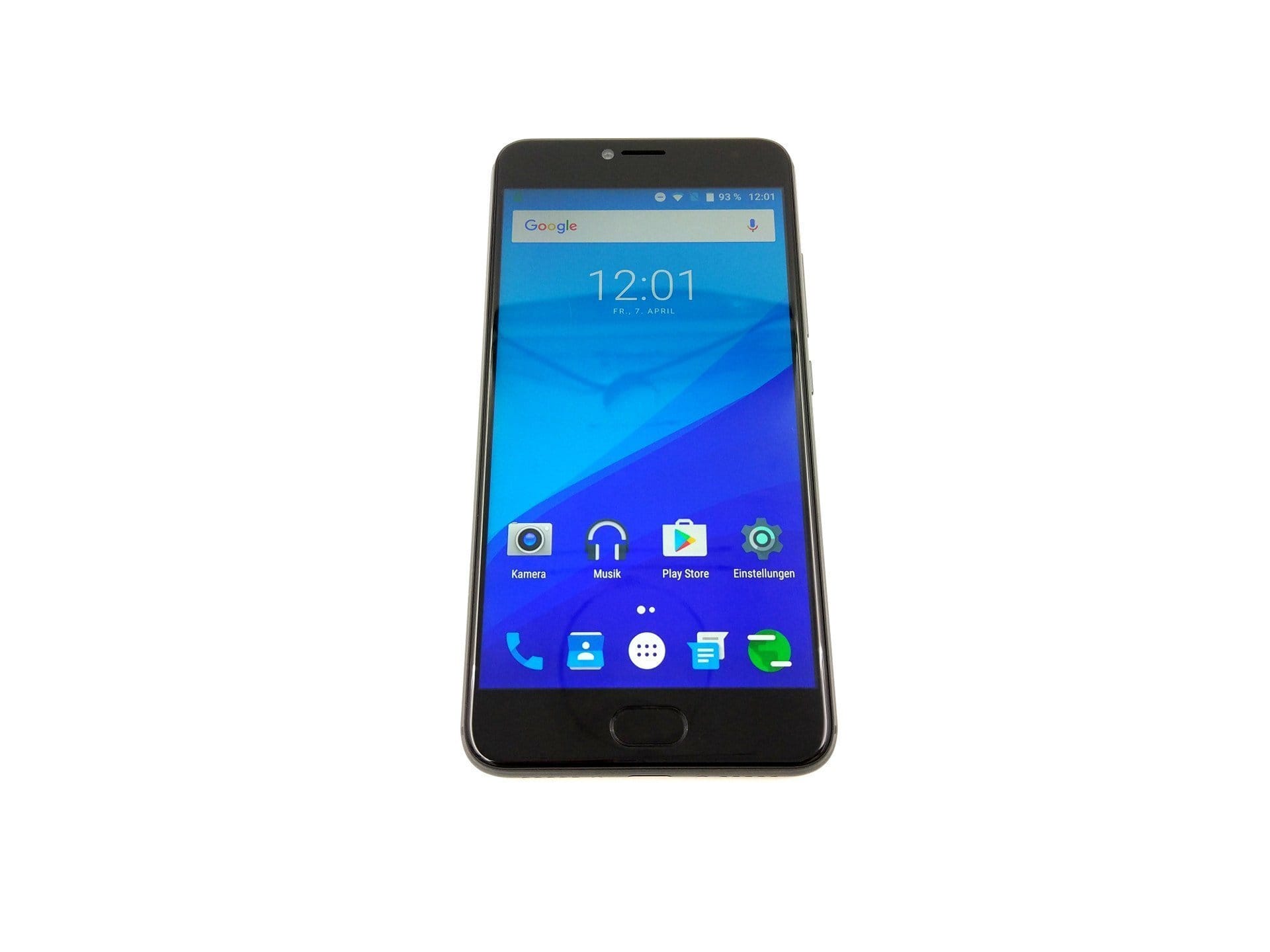
It uses a clean Android 6.0 interface based on stock Android, which is completely free of bloatware. Only additional functions have been added in the settings. These include extended display settings and a “smart assistant”, which includes power-saving functions, notification LED settings and key control. The virtual navigation keys, enabled by default, can be completely disabled, allowing the display to be used fully.
The smartphone receives updates over-the-air. UMIDIGI promises an update to Android 7. When this will happen is not yet known.


Camera
Perhaps the most significant difference between the UMIDIGI Z and the Pro variant is the main camera. The single-camera system (Samsung S5K3L8) of the UMi Z was replaced in the UMIDIGI Z Pro by a dual-camera system consisting of two 13-megapixel Sony IMX258 image sensors. Laser autofocus has been dispensed with. Instead, one has to make do with a conventional PDAF (phase-detection autofocus). The 13-megapixel front camera with Samsung S5K3L8 image sensor remains.
Main camera
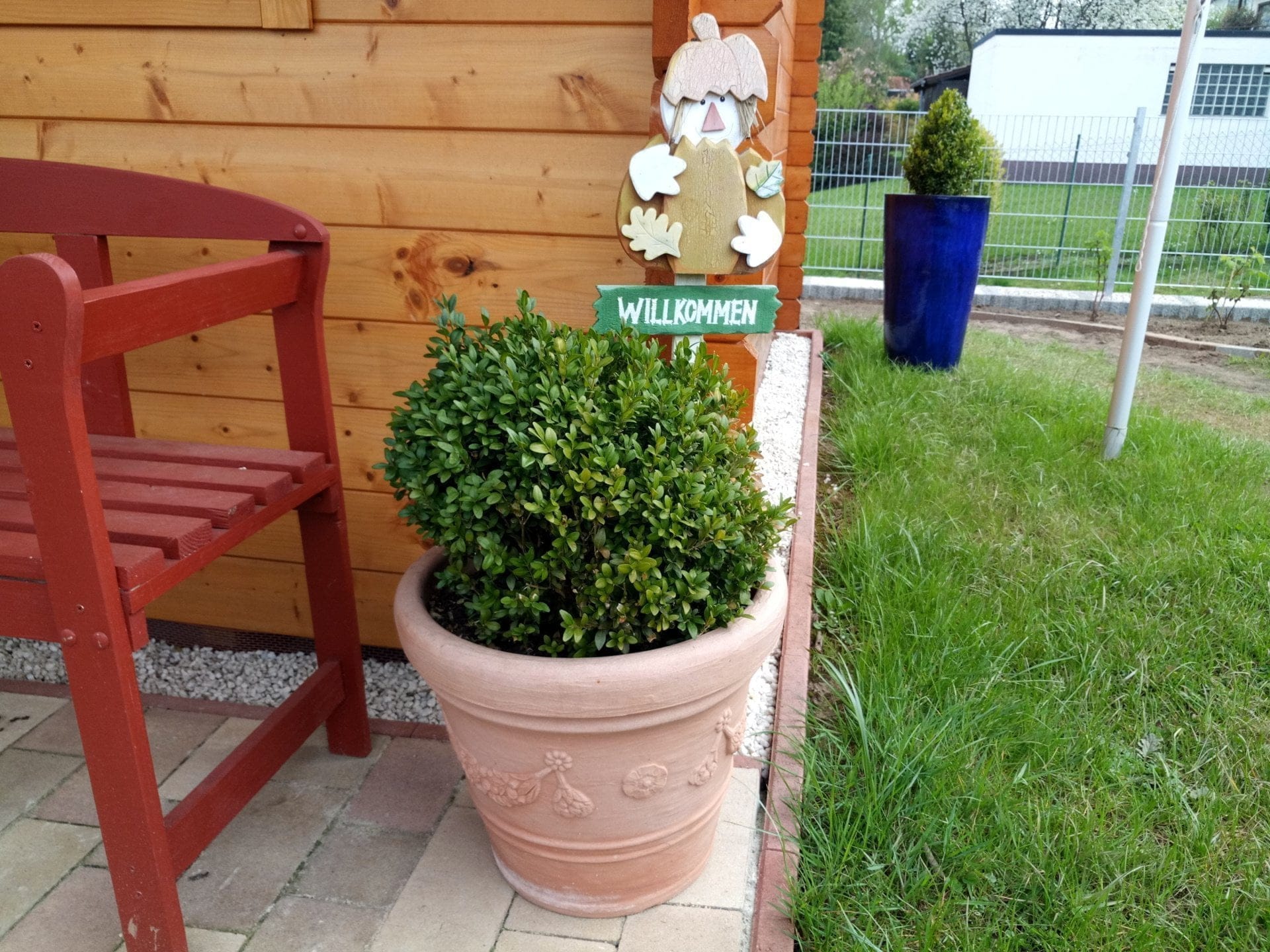
In practice, the recording quality of the main camera can be assigned to the mid-range category. In good lighting conditions, attractive image recordings with good sharpness, vibrant colours and low image noise are possible. In poor lighting conditions, recordings become increasingly blurry and image noise also increases significantly. The autofocus works accurately and reliably. The "Quad-LED flash" provides passable illumination in the dark, but is not brighter than a conventional dual-LED flash.


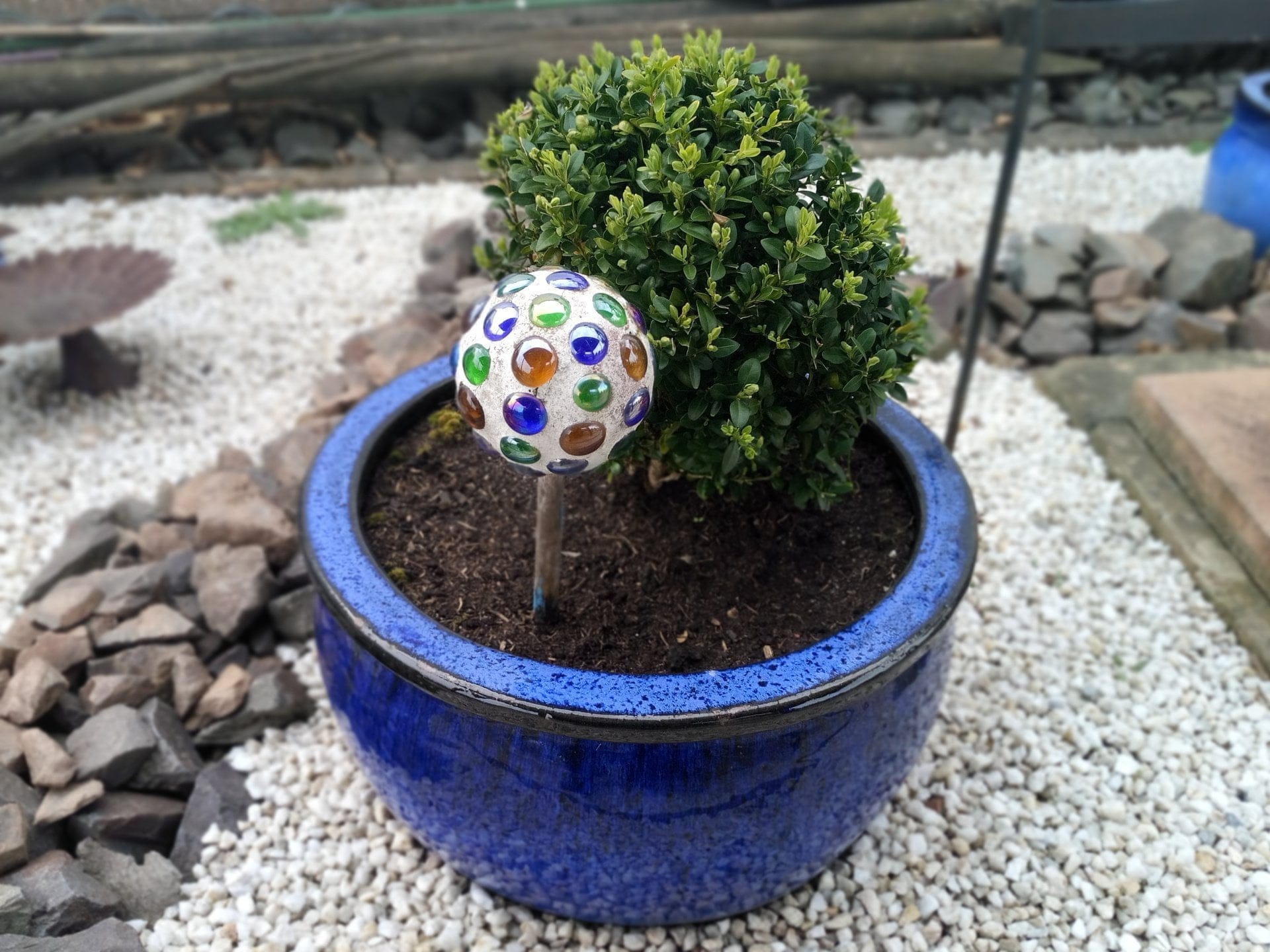
Particularly interesting is the so-called “bokeh” effect, enabled by the dual-camera system. “Bokeh” simply means “blurred or out of focus”. This allows objects or people to be brought more into the foreground, while the background is displayed out of focus. This effect is generated on the software side by a virtual aperture ranging from F11 to F0.8. Already captured bokeh shots can also be edited afterwards in the gallery by adjusting the virtual aperture and refocusing. Unfortunately, the bokeh capture mode is not all that well implemented on this smartphone. Compared to the recently tested Honor 6X, which also has a bokeh mode, adjusting the virtual aperture on the UMIDIGI Z Pro is comparatively difficult. Perfectly placing the person or captured object in the foreground requires a fair bit of dexterity and patience. In addition to bokeh photo captures, bokeh video recordings are also possible.


Further photo modes include a monochrome black-and-white capture mode, there is a “Facebeauty” mode, which did not work in testing, there is a “Pro Photo” mode with individual adjustment options and a panorama mode. Those who wish to enhance their images a bit more can choose from various filters that can be applied directly over the live view. The main camera of the UMIDIGI Z Pro records videos at a maximum resolution of 4K. Unfortunately, the frame rate cannot be adjusted individually.
Capture mode: Standard



Shooting mode: Bokeh



Front camera
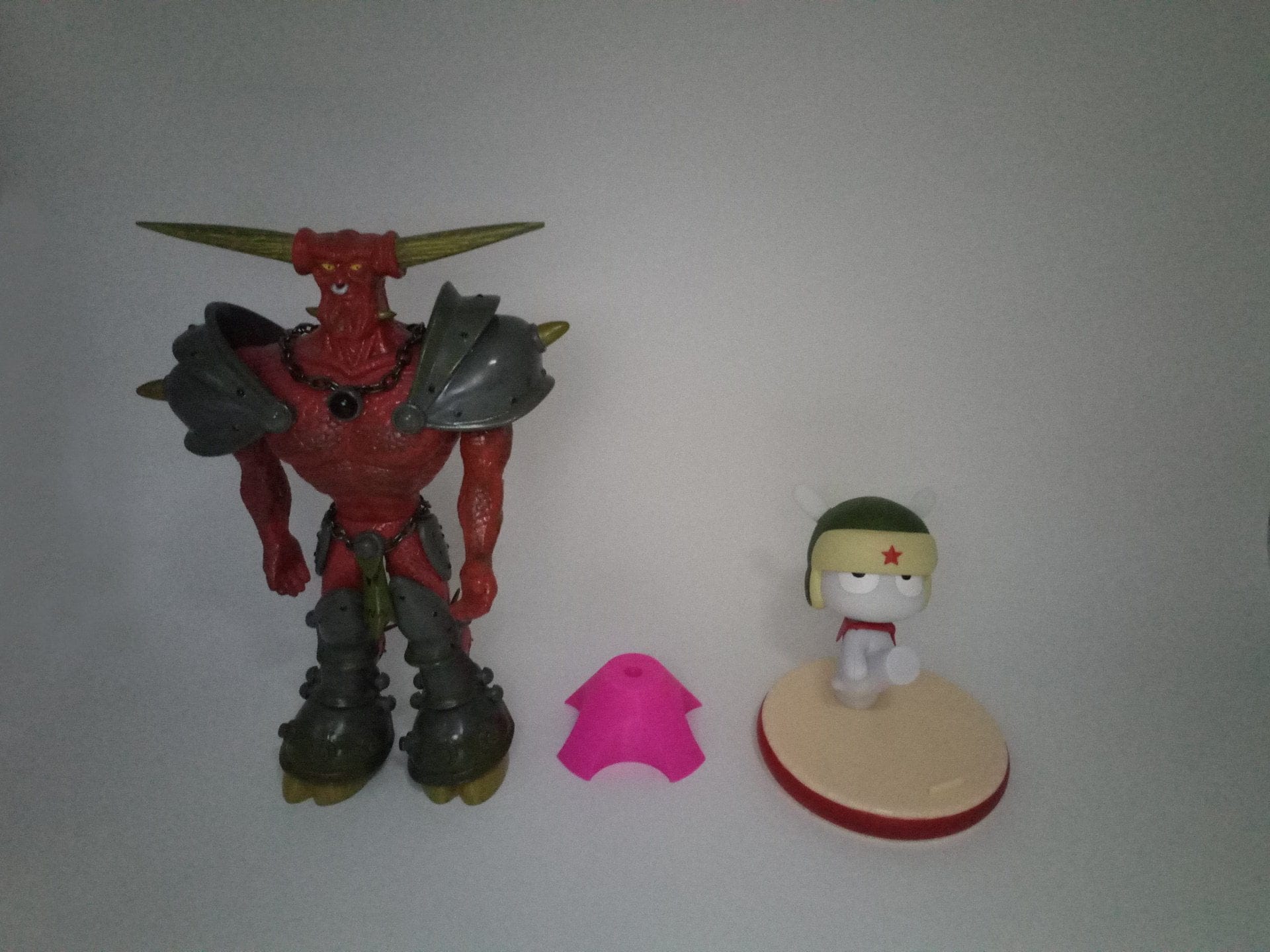
The front camera surprises with decent recording quality. Those who like taking selfies will get their money's worth. The front LED flash is also surprising, providing sufficient illumination even at night. As additional recording modes, the front camera also offers a face beauty mode and a panorama mode. Videos can even be recorded in Full HD.

Connectivity, GPS and sensors
On the cellular network, the UMIDIGI Z Pro supports all frequencies common here. Even LTE is fully usable. Connection stability on the cellular network is good. Mobile browsing works without issues. The call quality is mediocre, which is mainly due to the weak microphone. The smartphone does not excel with the hands-free function either. The speaker sounds slightly tinny and lacks significant volume.
In terms of Wi-Fi, the smartphone performs excellently and maintains a constant signal even at longer distances from the router. Dual-band Wi-Fi is supported, and switching between 2.4GHz and 5GHz works without error. Bluetooth is supported up to version 4.1. Here too, there is nothing to complain about.
The smartphone acquires a GPS fix within seconds. Even indoors, a GPS fix is possible after just 10 to 20 seconds. However, the UMIDIGI Z Pro does not match the signal strength of a Xiaomi Mi5S. Nevertheless, precise navigation is no problem. Position determination was consistently accurate during varied test navigation through urban areas and overland. An e-compass is also present, meaning the smartphone can be used for pedestrian navigation.
The sensors include a proximity sensor, an accelerometer, a light sensor, a gyroscope, a Hall sensor and a G-sensor. A fingerprint sensor is also present. It features a good recognition rate, although it is somewhat sluggish when unlocking the smartphone.


Battery
Battery life is a point of criticism. Despite a capacity of 3,780 mAh, a single charge barely lasts a day. Battery consumption is notably high during power-intensive applications, but also in standby. Charging time averages 2 hours and 30 minutes. There is no sign of the promised Pump Express.
Our verdict
Great design, good build quality, but in need of significant software improvement. In particular, the occasional app crashes and the frequently sluggish user interface led to much frustration during testing. However, there is hope, as the release of future updates and the upgrade to Android 7 does not look too bad. Fortunately, the UMIDIGI Z Pro does not have any serious hardware flaws. While the microphone and speaker quality are rather average, the smartphone excels in connection stability on mobile networks.
The dual-camera system also wins no prizes, but at least delivers passable photo and video recordings under good lighting conditions. The bokeh shooting mode is a nice addition, but requires a lot of finesse. The battery life is again worthy of criticism. Despite the high capacity, the smartphone only lasts slightly over a day. Furthermore, the promised Pump Express fast-charging feature does not work. But there is also hope here that future updates will fix these errors.
Specifications
Processor and memory
- CPU
- MediaTek Helio X27
- GPU
- Mali T880 MP4
- RAM
- 4 GB
- Internal storage
- 32GB
- Storage expansion
- Yes
Display
- Display type
- Sharp IGZO
- Display size
- 5.5 inches
- Display resolution
- 1920x1080 pixels
- Multitouch
- 5 fingers
Cameras
- Main camera
- 2x 13 Megapixel Sony IMX258
- *Aperture
- Virtual F11 to F0.8
- *PDAF
- *Quad-LED flash
- Front camera
- 13 megapixel Samsung S5K3L8
Wireless
- Wi-Fi
- 802.11a/b/g/n
- Bluetooth
- 4.1
- GPS
- Yes
Sensors
- *Brightness sensor
- *Proximity sensor
- *Gyroscope
- *Accelerometer
- *E-compass
- *Hall sensor
- *G-sensor
Mains
- GSM 850(B5)/900(B8)/1800(B3)/1900(B2)
- WCDMA 900 (B8)/2100 (B1)
- LTE FDD 2100(B1)/1800(B3)/2600(B7)/800(B20)
Battery
- Battery
- 3,780 mAh
- Quick-Charge
- Pump Express+
- Connection
- USB Type-C
Other
- SIM
- 2x Nano / 1x Nano + Micro SD
- Fingerprint scanner
- Yes
- Operating system
- Android 6
- Size
- 15.4 x 7.6 x 0.82 cm
- Weight
- 175g
What’s included
1x UMIDIGI Z Pro, 1x USB-C cable, 1x charging adapter, 1x SIM pin, 1x user manual
Comments (3)
UMIDIGI already advertises the smartphone with Android 7. When is the update expected to arrive?
The update is allegedly supposed to arrive at the end of April. Let's see if this gets delayed after all.
Hello, can I use the smartphone on German LTE mobile networks or are there restrictions?