Contents
First impressions
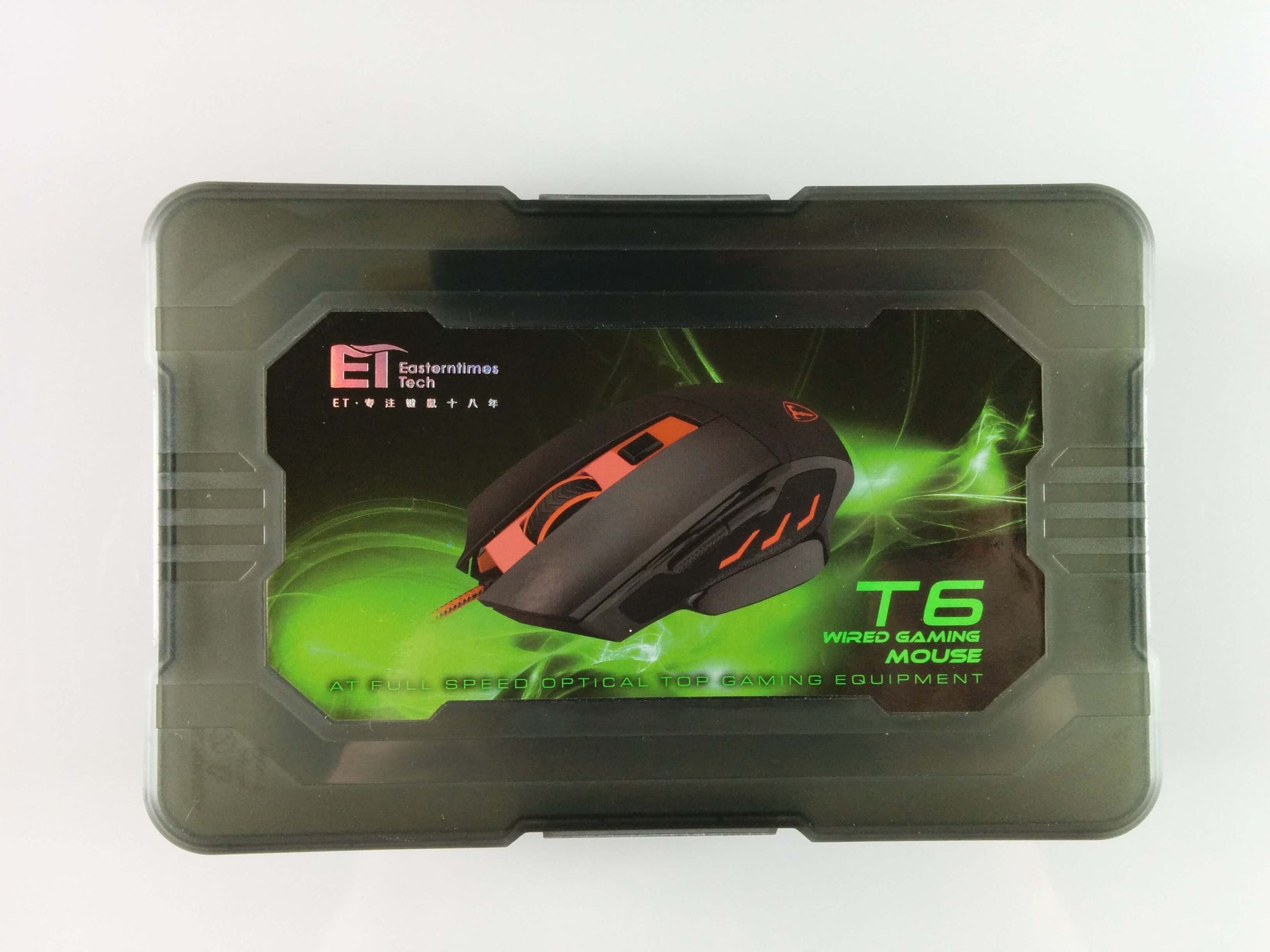
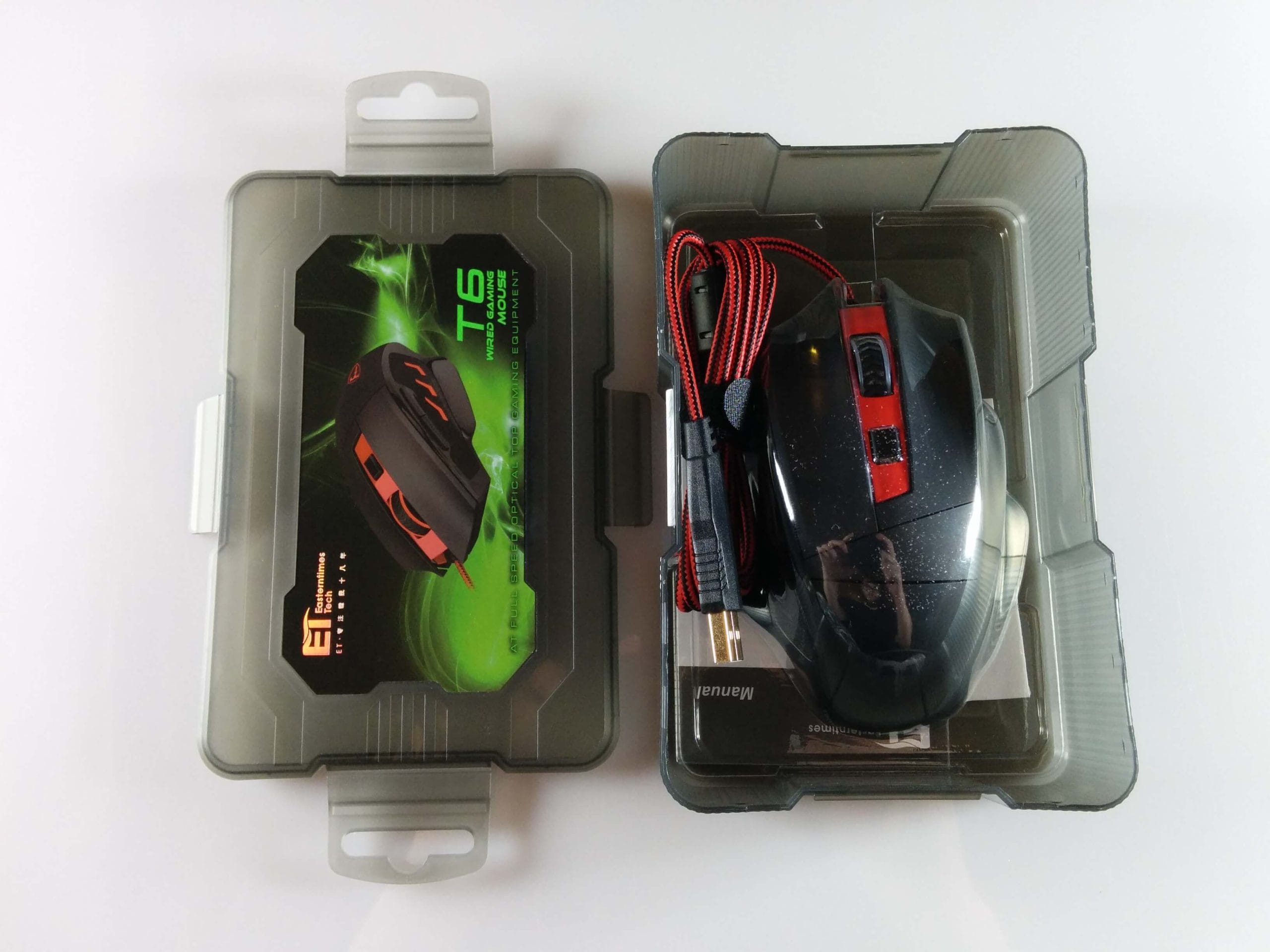
The box in which the VicTsing Gaming Mouse was delivered already indicates the target group for this mouse. The rather nice, lunchbox-like box is reclosable and is ideal for transporting the mouse, but can also be used for other purposes.
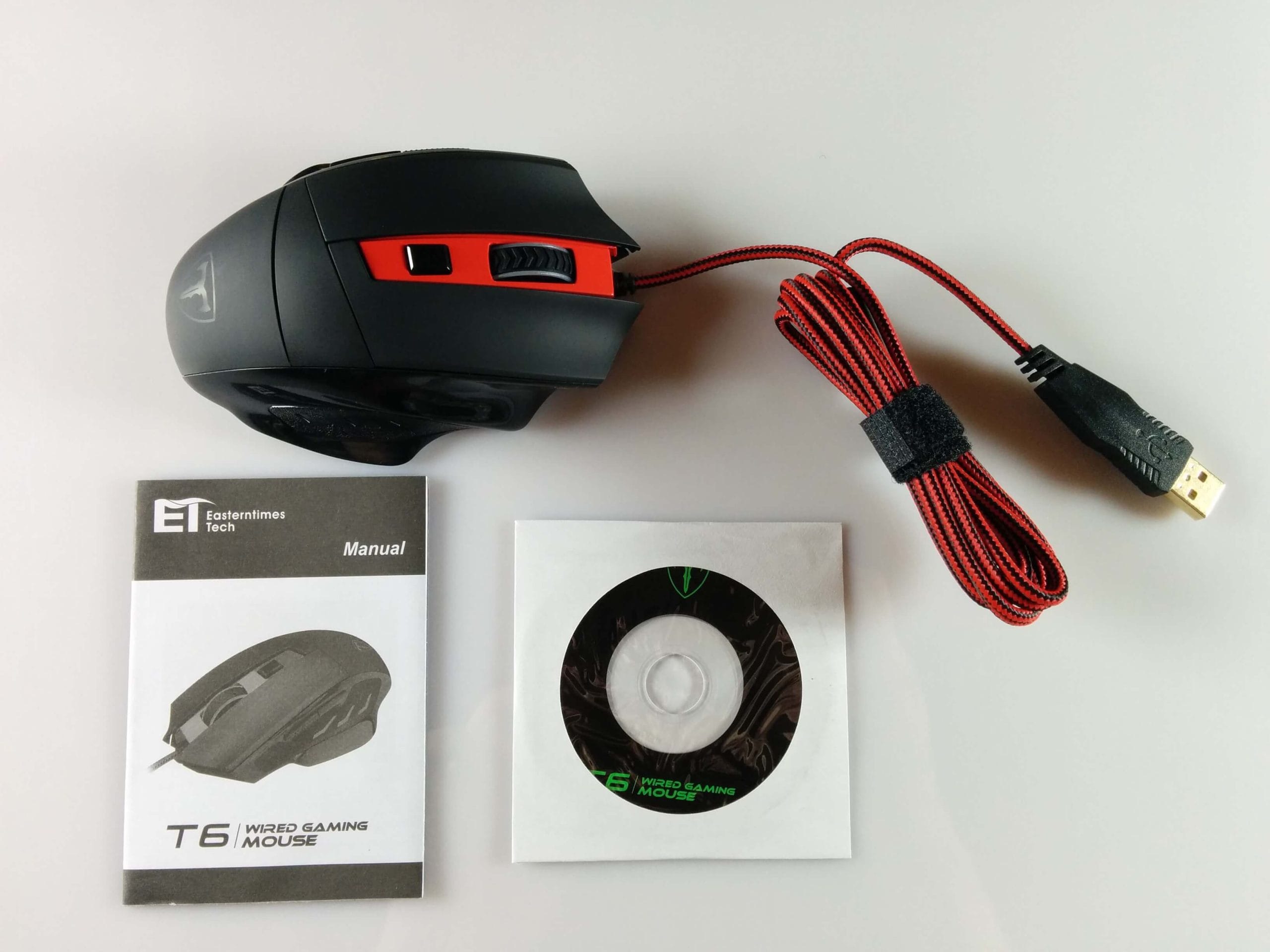
The box contained the gaming mouse, an instruction manual, and a mini disc with drivers. The box also revealed that this mouse is produced by "Easterntimes Tech" and marketed under the name "T6". (Link to manufacturer)
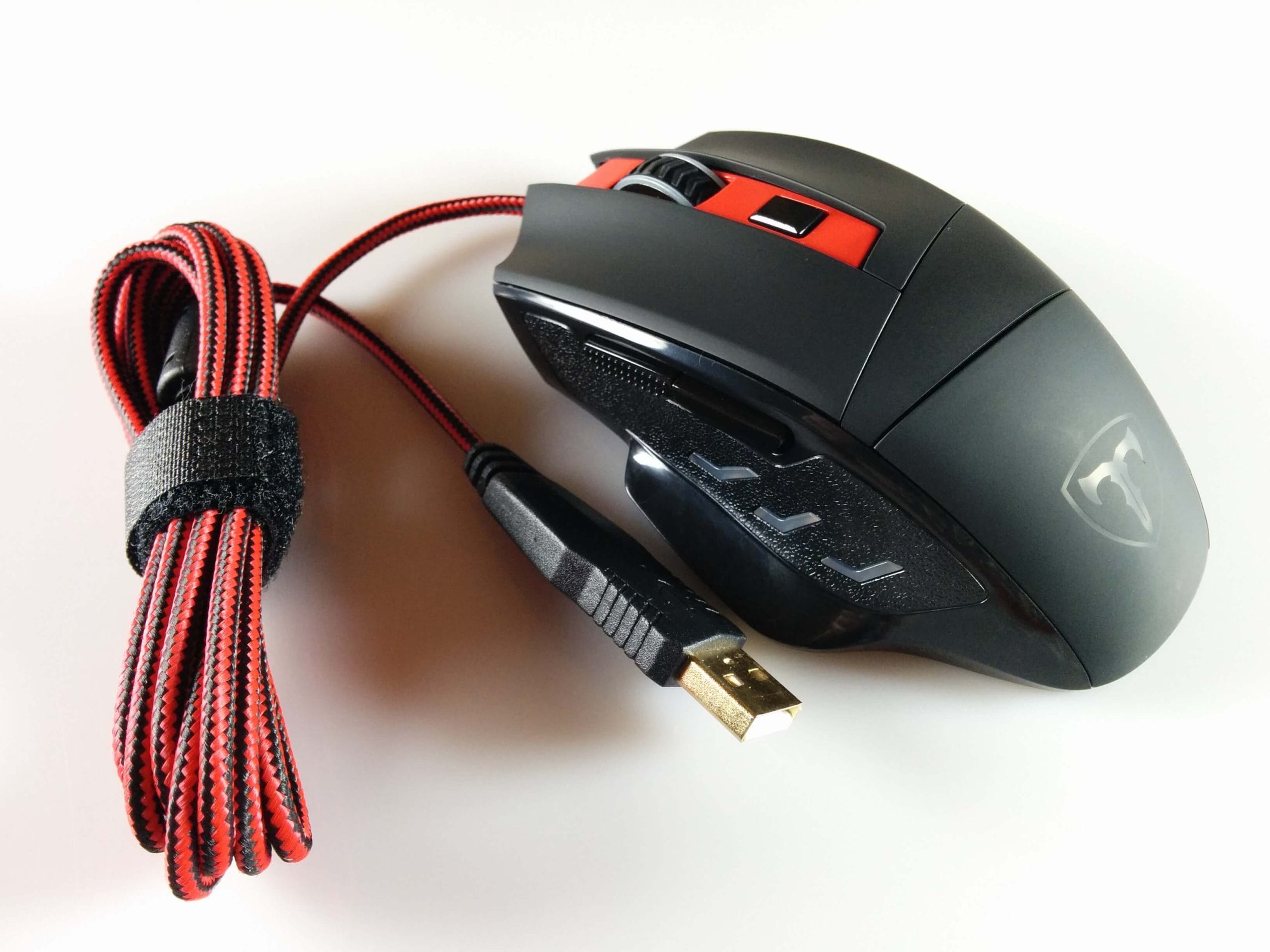
The design of the VicTsing gaming mouse is largely kept simple. The mouse surface has a soft-touch coating, but on the left and right, the mouse consists partly of smooth plastic and partly of a plastic with a slightly roughened appearance. In the middle are the rubberised mouse wheel and the DPI button. This allows DPI values of 1000, 1600, 2400, 3200 and 6400 to be set.
The gaming mouse has a total of 6 programmable buttons, whose actuation force is around 70g. This means the buttons are very light, making the mouse particularly suitable for FPS games. Several Teflon pads have been attached to the underside, and there is also a "mode button" for which I have not been able to identify any function so far. The mouse cable is braided and measures 180cm.
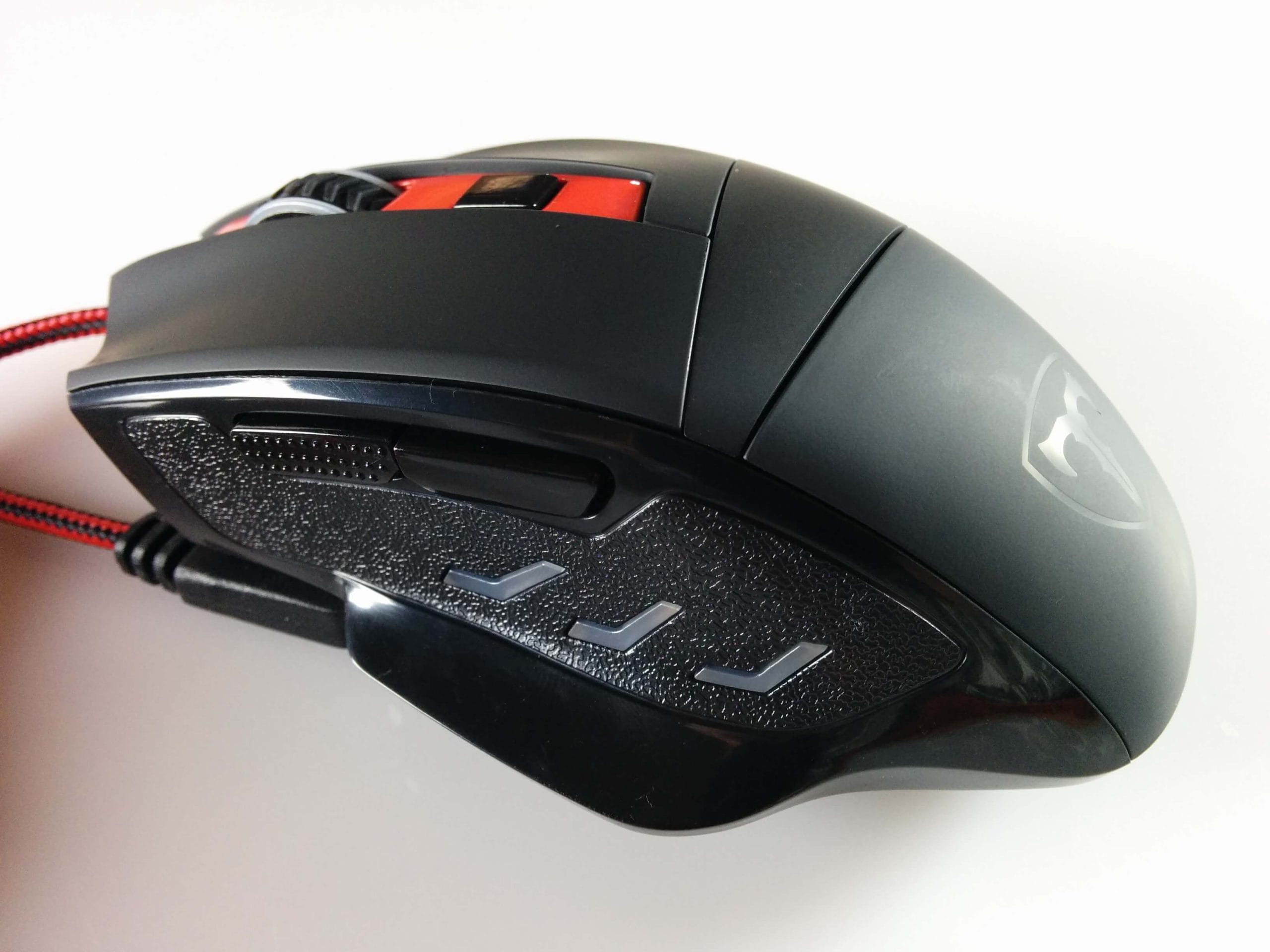
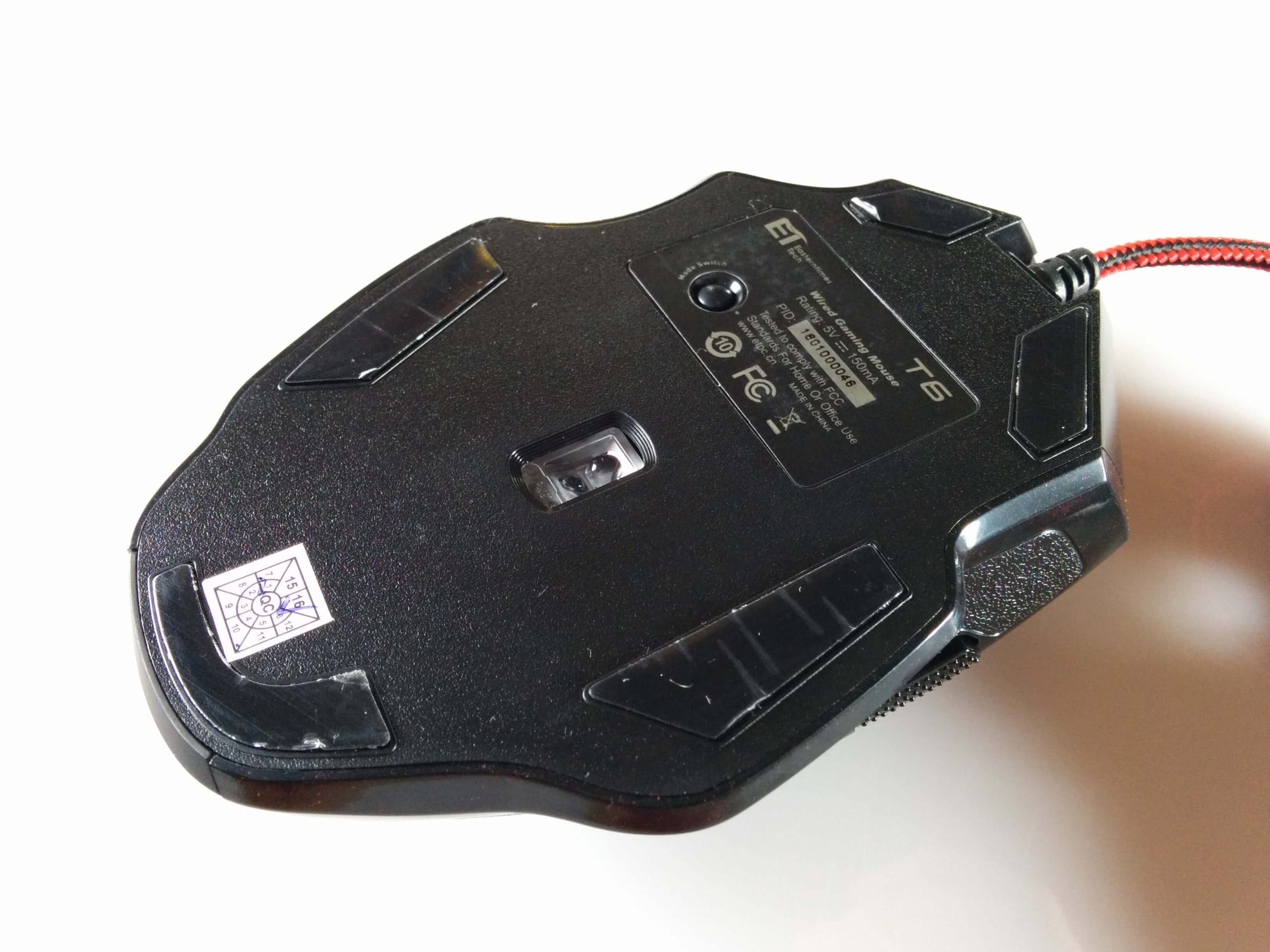
Setup
The VicTsing Gaming Mouse is Plug & Play and can therefore be used immediately after connecting via USB. The DPI mode can also be changed without having installed drivers beforehand.
However, if you want to use the mouse to its full extent, you must install the driver located on the mini disc. Via this driver and its interface, you can freely select the DPI setting (400-6400), create macros, freely programme the buttons and also adjust the mouse lighting.
Lighting
Five colours are available in total. When using the mouse without the driver, the LED illumination colour follows the respective DPI mode. Unfortunately, I was unable to change the effect mode using the "Mode button".
Only with the driver installed can the light colour be freely selected and the lighting or effect mode (speed/intensity) changed.
Our verdict
The VicTsing gaming mouse lives up to its low price. The sensor works accurately, and the feature set is also impressive. I honestly did not expect a macro function from such an affordable mouse.
Nevertheless, you notice that the mouse appears cheap in a certain way. The side 'textured' plastic would certainly have been rubberised on a higher-quality mouse, and you also notice that the buttons have some play. By the way, the mouse is clearly designed for right-handed users!
As a long-standing gamer, I only use the mouse as a temporary replacement. However, those who only play on PC occasionally but still need a stylish mouse with macro functions and a high DPI number will certainly find the VicTsing gaming mouse sufficient.
Specifications
General
- Plug & Play
- DPI
- 400-6400 (1000/16000/2400/3200/6400)
- Size
- 123x82x39 mm
- Interface
- USB 2.0
- Lighting
- LED
- Cable length
- 1.8m
What’s included
1x gaming mouse 1x instruction manual
Comments (1)
I love this mouse. Unfortunately, it is hardly available anymore.