Contents
Foreword: BenQ ScreenBar Lite
Last year, BenQ released the smart "ScreenBar" lighting system, which can be attached to any monitor to save space and replaces the traditional desk lamp. A year later, the manufacturer launches the ScreenBar Lite, a more compact laptop variant. However, the word "Lite" should not be misleading! In terms of functionality, the ScreenBar Lite is no different from its "bigger brother"!
Design, build quality, and included accessories
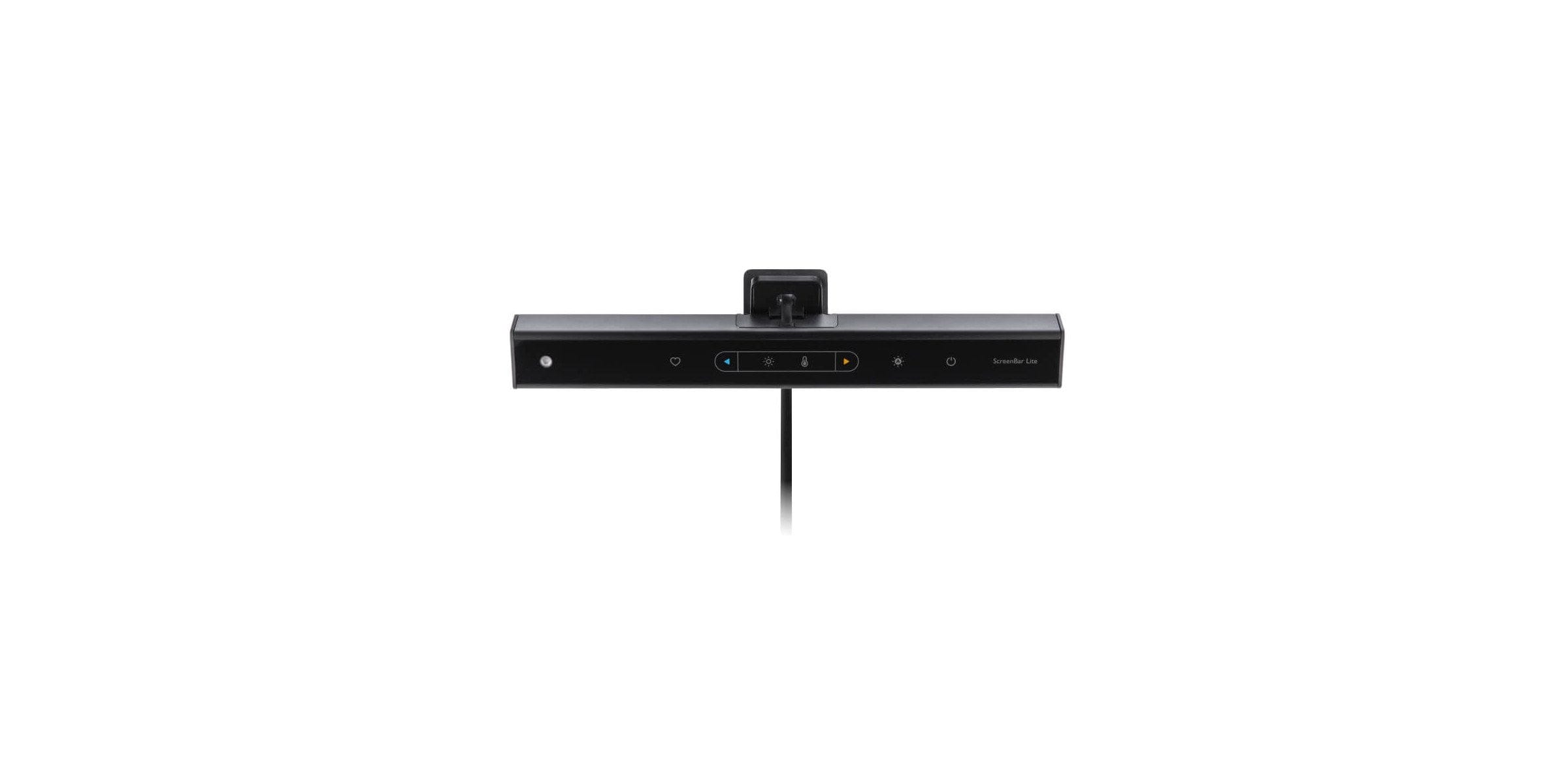
The ScreenBar Lite uses a unique, triangular design. The housing is largely made of aluminium and measures 26 cm in length. That is just under half the size of the normal ScreenBar. The lamp is operated via 7 touch sensor buttons. Power is supplied via USB. Unlike the normal ScreenBar, the cable is unfortunately not detachable.

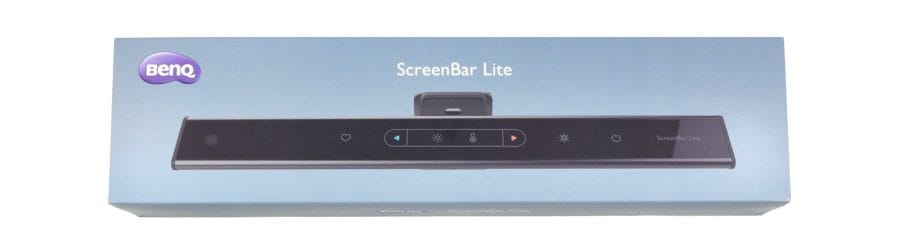
The build quality is good. Criticised, as with the standard ScreenBar, is the sensitive control element, which seems to attract scratches and fingerprints. The lamp is delivered in a practical plastic box. A user manual is not included. Instead, reference is made to an online manual.
First steps for use
The ScreenBar Lite is attached by clipping it directly to the display. The clip is equipped with rubber on both sides, preventing scratches on the casing. The display bezel should not be wider than 9 mm. A cutout on the clip prevents the camera, which is usually located above the display, from being covered. For power supply, the lamp only needs to be plugged into any USB Type-A port.

Practical test of the ScreenBar Lite
For the real-world test, the ScreenBar Lite accompanied me in daily life for several weeks. The lamp was used with a Xiaomi Air 13 notebook. Setting up and taking down the ScreenBar Lite is effortless. Clip it on, turn it on, done! Thanks to the rubberised finish, the retaining clip is particularly gentle. The clip's spring mechanism holds the ScreenBar Lite securely in place without slipping.
Operation
The control buttons on the ScreenBar Lite are located on the front and are easily accessible. In the centre are buttons for controlling brightness and colour temperature, with a selection button on the far left and far right, next to which on the right is an auto-dim button and, further to the right, the power button. A favorite button allows a settings profile to be saved and recalled.
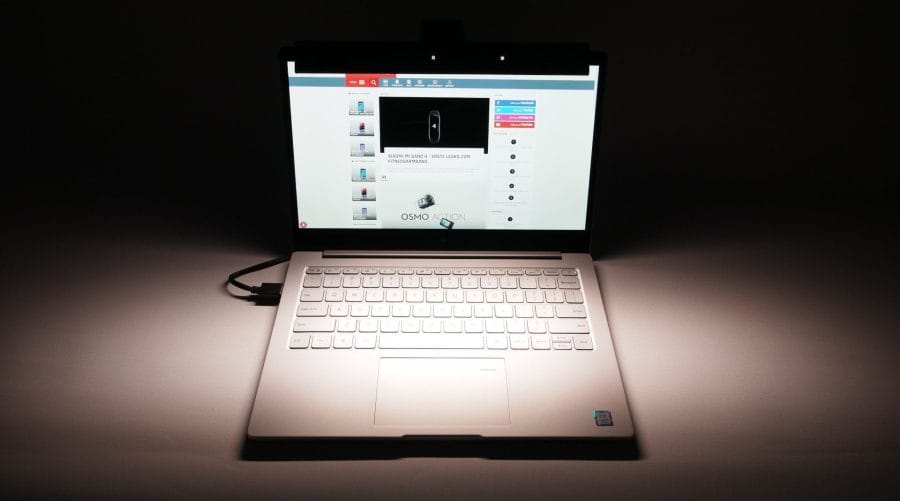
The lighting of the function and control keys is practical, enabling easy operation in the dark. The ScreenBar Lite detects ambient light using an ambient light sensor. For targeted illumination, the lamp can be tilted by 85°.
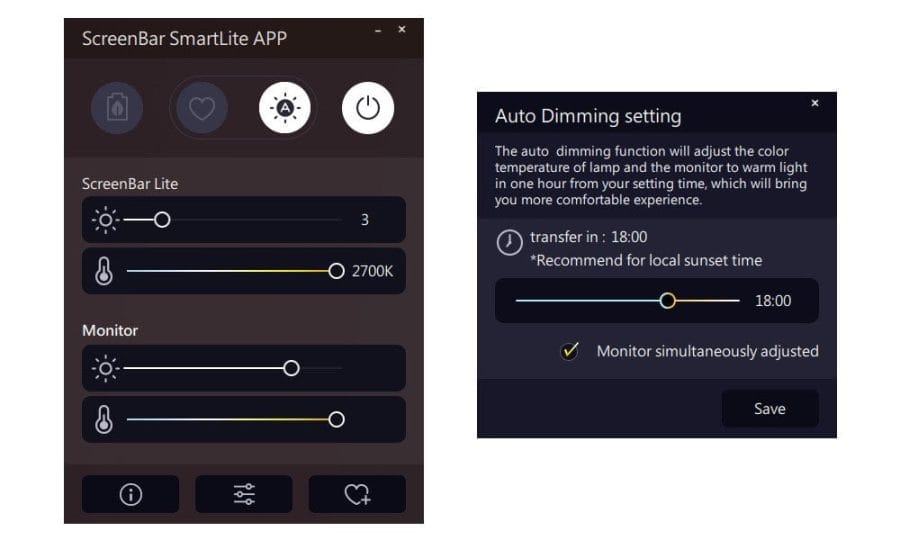
A smart control option is offered by the "Screenbar SmartLite App", which can be downloaded from benqscreenbar.com. The software is available for both Windows and macOS systems. All functions of the lamp can be controlled via the software. Additionally, the app can also adjust the monitor's brightness and colour temperature and activate the auto-dim function on a timer. To keep things simple, the interface is designed in an appealing graphical manner.
Light bulb
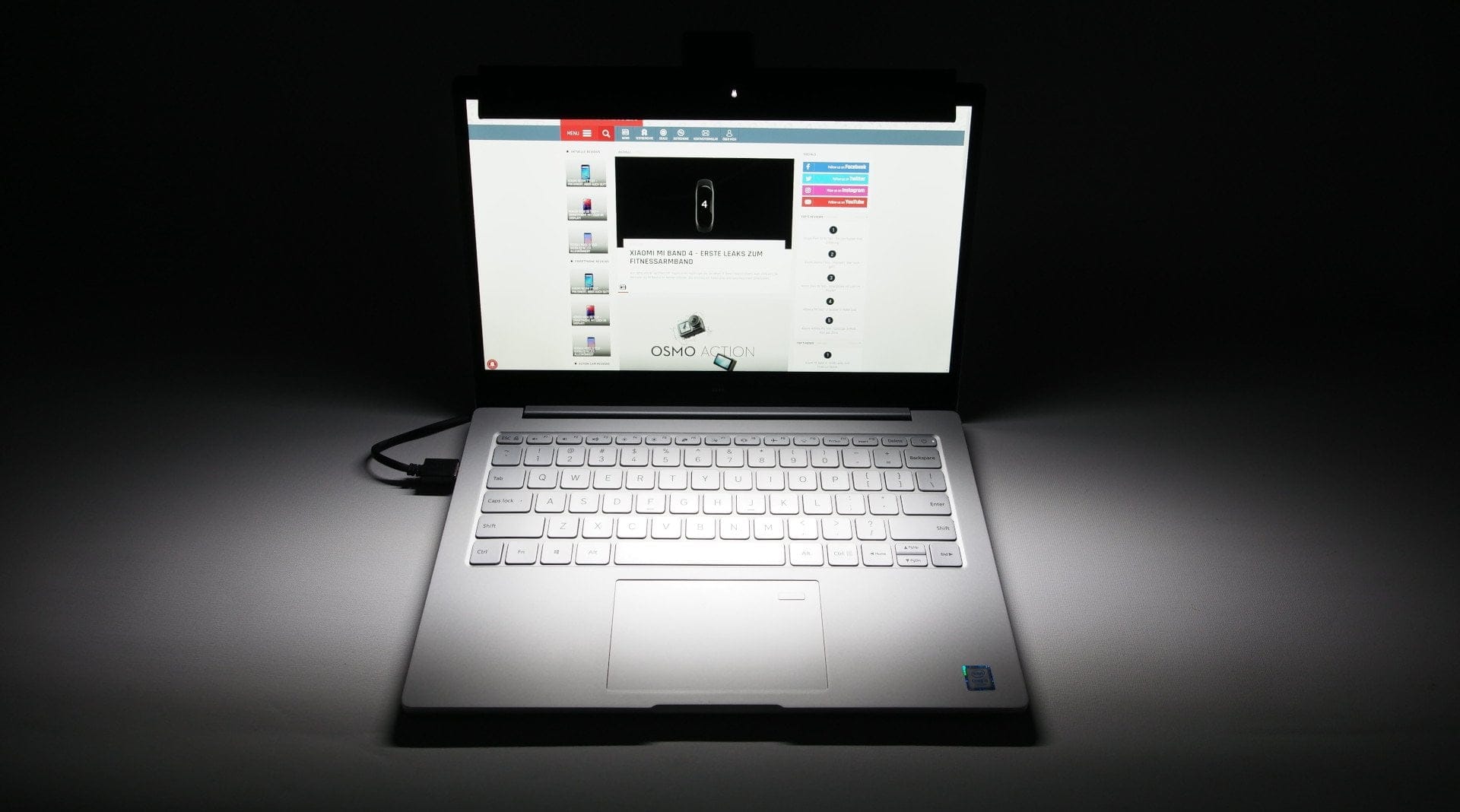
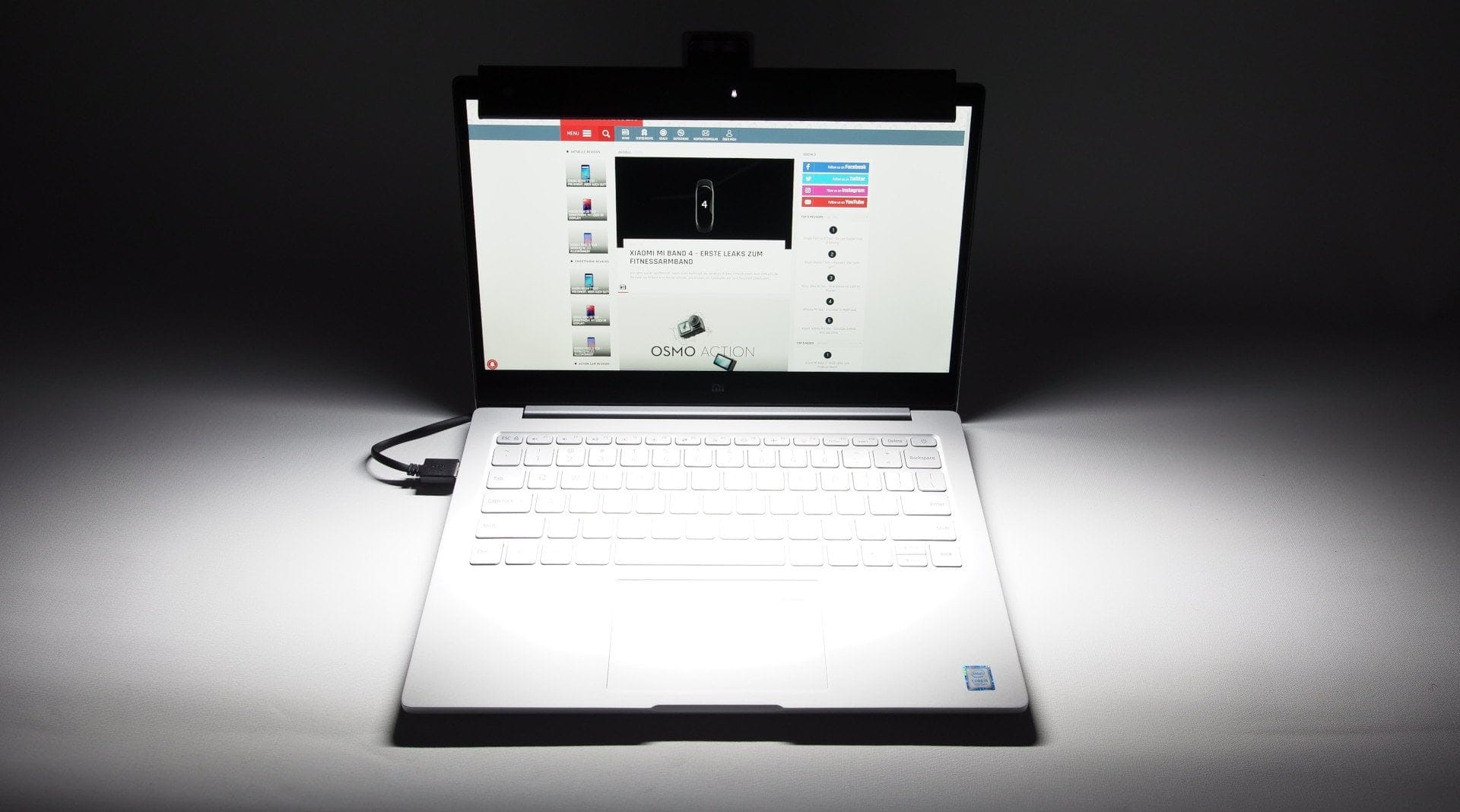
Along a length of 26 cm, a total of 50 bi-colour SMD LEDs are arranged alternately. This allows the ScreenBar Lite to produce a particularly warm light colour (2700 Kelvin) as well as a very cool light colour (6500 Kelvin). The warm-white light is suitable mainly for late evening hours, for example, when relaxing in front of the computer. The cool light, conversely, promotes concentration and is suitable for the workplace. Unfortunately, the ScreenBar does not produce colourful RGB light. This feature would have been particularly interesting for gamers. BenQ specifies the Colour Rendering Index (CRI) as 88.
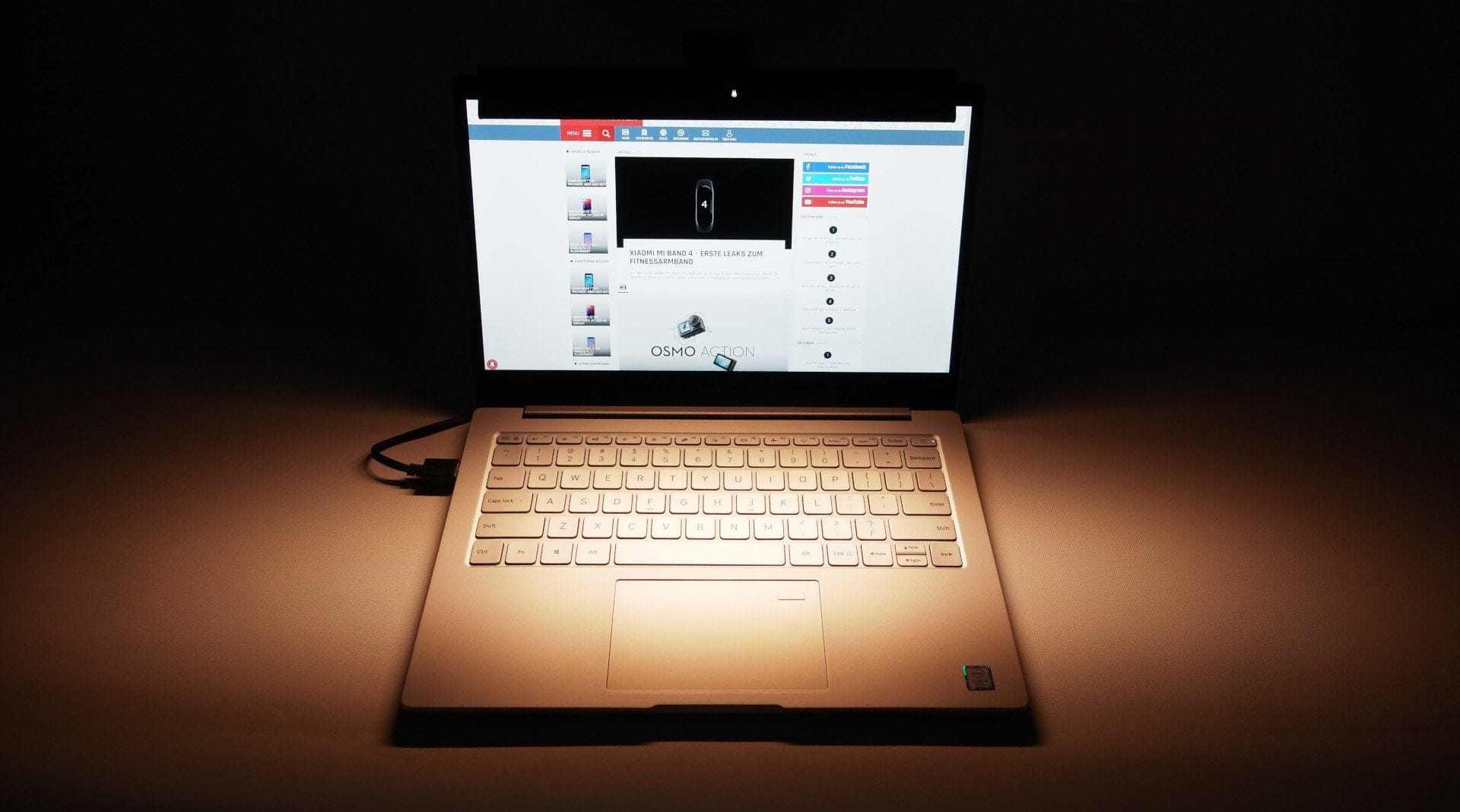
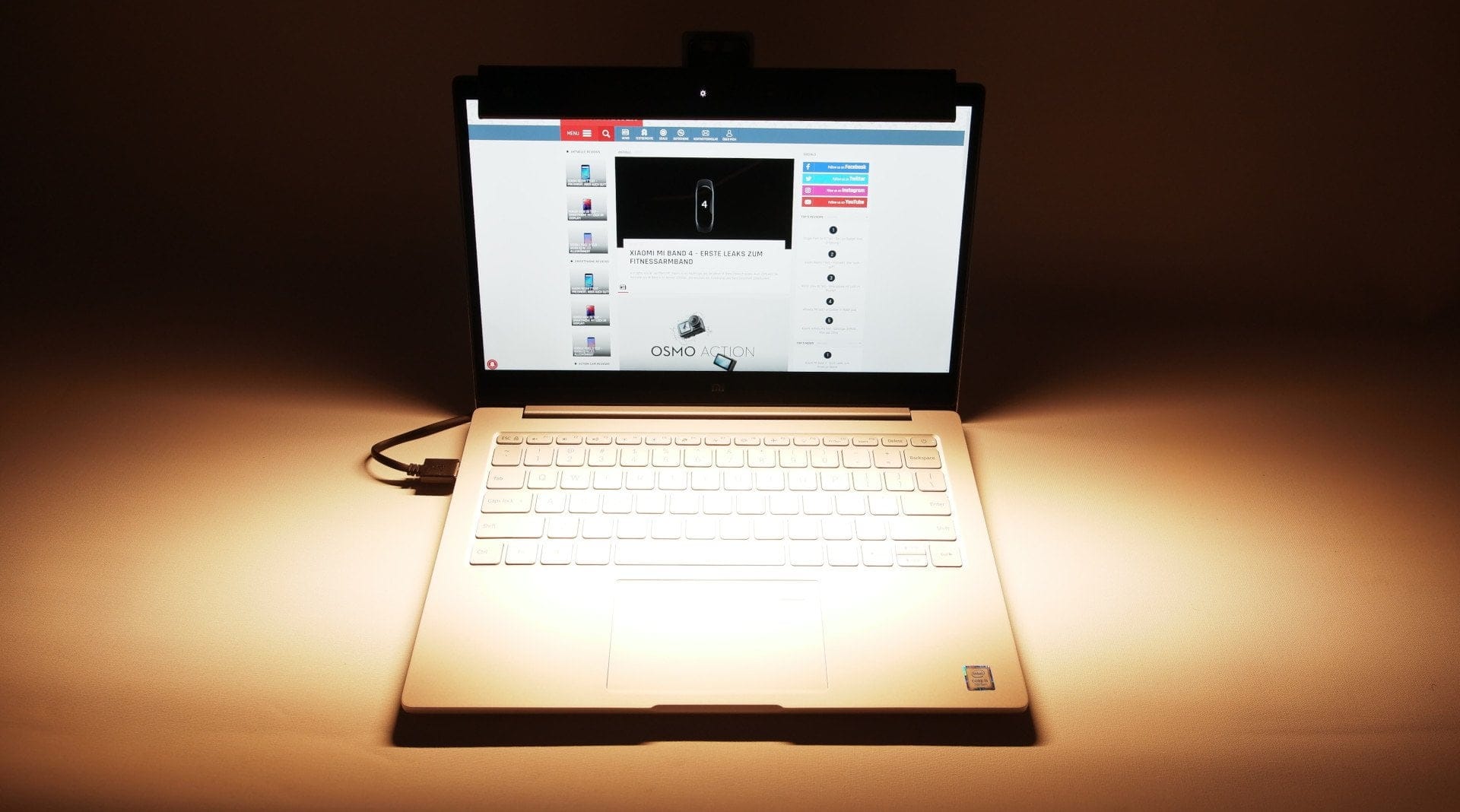
The light falls perpendicularly in front of the screen, so no distracting reflections occur. The illuminance measured in the centre at a distance of 45 cm is approx. 700 lux. The total light output is just under 250 lumens. That sounds low, but the ScreenBar Lite also shines directly from the screen and does not scatter light like a conventional desk lamp. There is no eye-straining flickering. Nor are there any interference noises from the ballast electronics.
Our verdict
With the ScreenBar Lite, BenQ has once again brought an excellent lighting system to market. Functionally, the Lite model even surpasses the ScreenBar for desktop computers released last year. Thanks to the compact design and practical transport case, the ScreenBar Lite is very mobile. Whether relaxed reading at night or focused working during the day, the various colour temperatures and brightness levels mean there are no limits to its applications.
Specifications
Lamp
- Type
- 50 bi-colour SMD LEDs
- Illuminance
- 700 lux (45 cm distance)
- Brightness
- 250 lumens
- Color temperature
- 2700K - 6500K
- Performance
- max. 5W
Other
- Dimmable
- Yes
- Auto-dimming function
- Yes
- Brightness levels
- Yes
- Colour temperature selection
- Yes
- App
- Yes
- Material
- Aluminium and polycarbonate
- Power supply
- USB
- Size
- 26 x 5.5 x 4.6 cm
- Weight
- 170g
What’s included
1x lamp 1x transport box
Comments