Contents
Foreword: BenQ ScreenBar
Anyone who spends a lot of time in front of the computer has certainly thought about lighting up the workspace. Most people resort to a conventional desk or floor lamp, which illuminates the workspace reasonably well but takes up a lot of space and doesn’t always distribute the light optimally. The BenQ ScreenBar aims to address these problems by attaching directly to the monitor in a space-saving manner and, according to the manufacturer, ensuring perfect light distribution.
Design, build quality, and included accessories
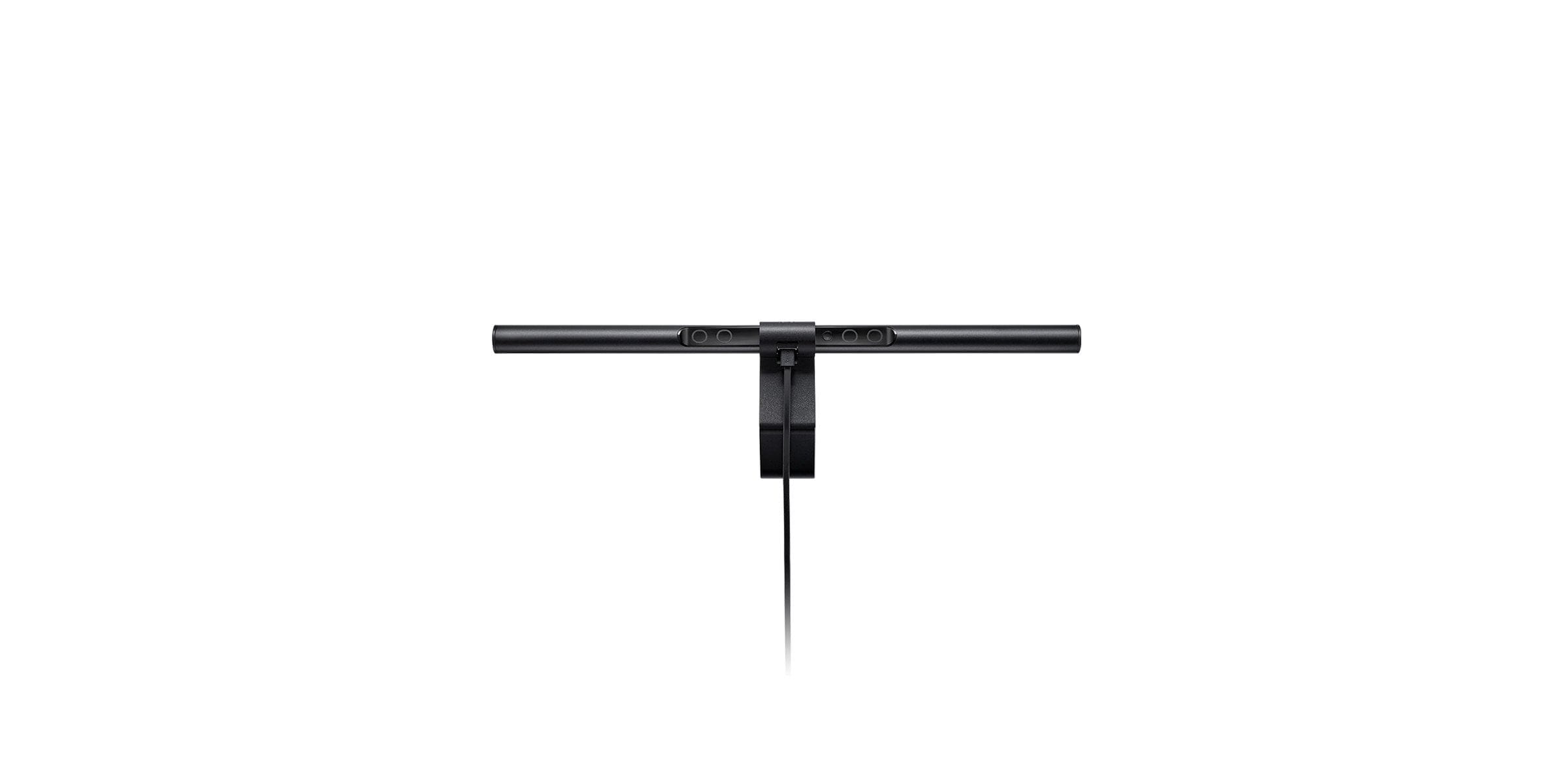
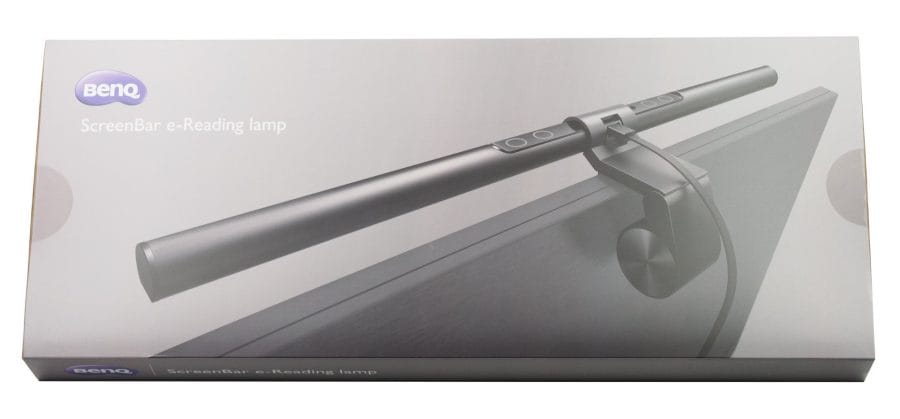
The BenQ ScreenBar uses a unique, asymmetrical optical design. To attach the 45 cm long lamp, no base or stand is required; instead, it is placed directly on the monitor housing using a clip with a counterweight. To prevent scratches, the contact surface of the mounting clip is rubberised accordingly.
The ScreenBar is made of aluminium. The end caps and the holder are again made of plastic. In the centre of the lamp, there are 4 touch sensor buttons for controlling, among other things, brightness and colour temperature. There is also a power button and an automatic dimming feature controlled by an ambient light sensor. Power is supplied via USB. The connection cable is detachable and connects via a MicroUSB port located on the back.
The build quality of the ScreenBar is solid. There is one point of criticism regarding the control element. It uses a sensitive plastic cover, which resulted in scratches on the plastic surface after just two removals and reattachments of the mount.
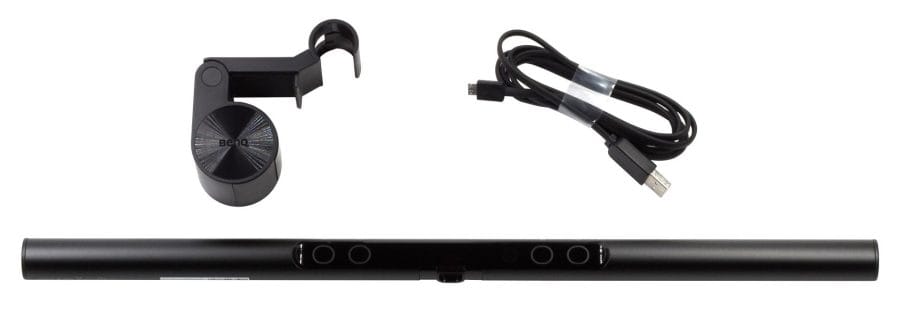
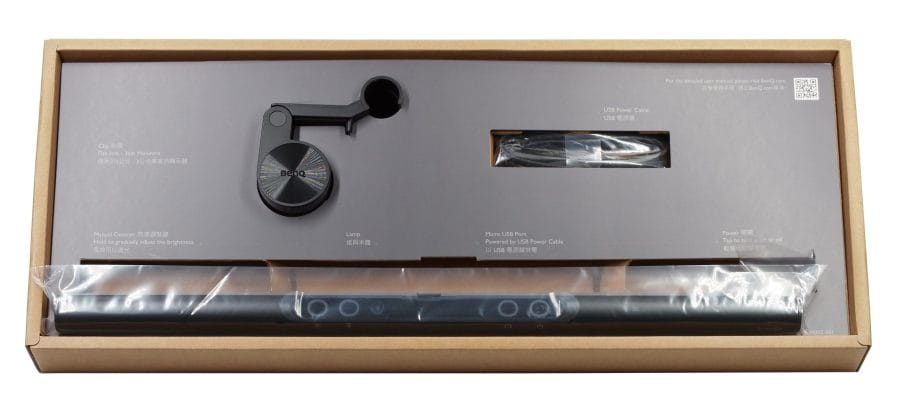
The scope of delivery includes the BenQ ScreenBar, the mounting clip and a MicroUSB cable 1.5 metres long. An instruction manual is not included. Instead, the individual operating steps are briefly explained on the cardboard insert of the packaging.
First steps for use
Despite the sparse instructions for using the lamp, setting it up is easy to manage. By inserting the ScreenBar into the holder and turning it slightly, it is firmly connected to the holder.

The ScreenBar and its mount then simply need to be placed on the top of the mini-tower case's frame. It is suitable for monitors with a maximum frame thickness of 1 to 3 cm. Once the lamp is positioned, the light incidence can be adjusted at a 10° angle. Now all that's left is to connect the lamp to a standard USB Type-A port and the ScreenBar is ready to use.
Practical test of the ScreenBar
For the test, I tested the ScreenBar with various monitor models. It could be easily attached to both monitors, even though the older model has a protruding, sloping back. The movable counterweight can be easily bent slightly backwards on protruding monitors. The somewhat short USB cable could cause problems. The 1.5-meter-long cable could be too short for a desktop PC that is also placed on the floor!
Operation
In terms of features, the BenQ ScreenBar is rather basic. There is no smart app control or other software integration. The ScreenBar is operated solely via the four touch sensor buttons. These are easy to reach and adequately labelled.

These are divided into a dimming button, a colour temperature button, an auto-dimming button and a power button. The colour temperature changes continuously. The brightness can be adjusted manually in 15 steps.

The auto-dimming function is realised via the ambient light sensor. This automatically detects the light conditions and adjusts the lamp brightness to the ambient light. Unfortunately, the auto-dimming function overrides the selected colour temperature. At the same time, the colour temperature is not adjusted to the ambient light. It is practical again that the ScreenBar remembers the last used brightness and colour temperature settings after being switched off and on repeatedly.
Light bulb

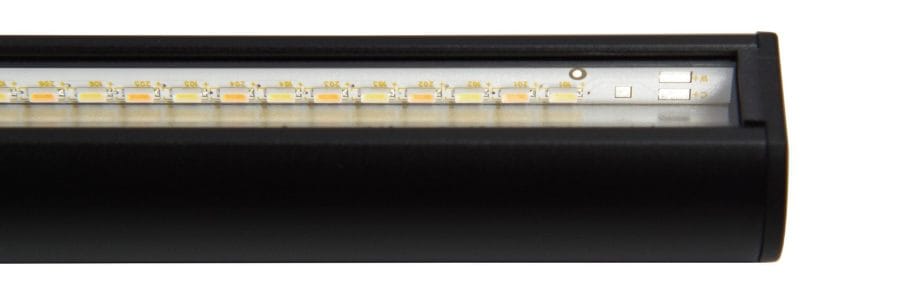
A total of 90 bi-colour SMD LEDs are arranged alternately over a length of 45 cm. This allows the ScreenBar to produce a particularly warm light colour (2700 Kelvin) as well as a very cool light colour (6500 Kelvin). The warm white light is particularly suitable for later evenings, for example when relaxing in front of the computer. The cool light, on the other hand, promotes concentration and is suitable for the workplace. Unfortunately, the ScreenBar does not produce colourful RGB light. This feature would have been particularly interesting for gamers. BenQ only specifies the colour rendering index (CRI) as >80.

Due to the unidirectional light emission, the light falls perpendicularly onto the image surface without affecting the display through reflections. At the same time, the light does not enter the viewer's field of vision, so they are not dazzled. The light primarily illuminates what is one meter in front of the screen.

The illuminance measured below the ScreenBar at a distance of 50 cm is 780 lux. The total luminous flux is just under 320 lumens. This may sound low compared to an average LED desk lamp, which usually achieves a luminous flux of 500 lumens or more, but it should be borne in mind that the BenQ ScreenBar shines in a directed manner, directly from the monitor.
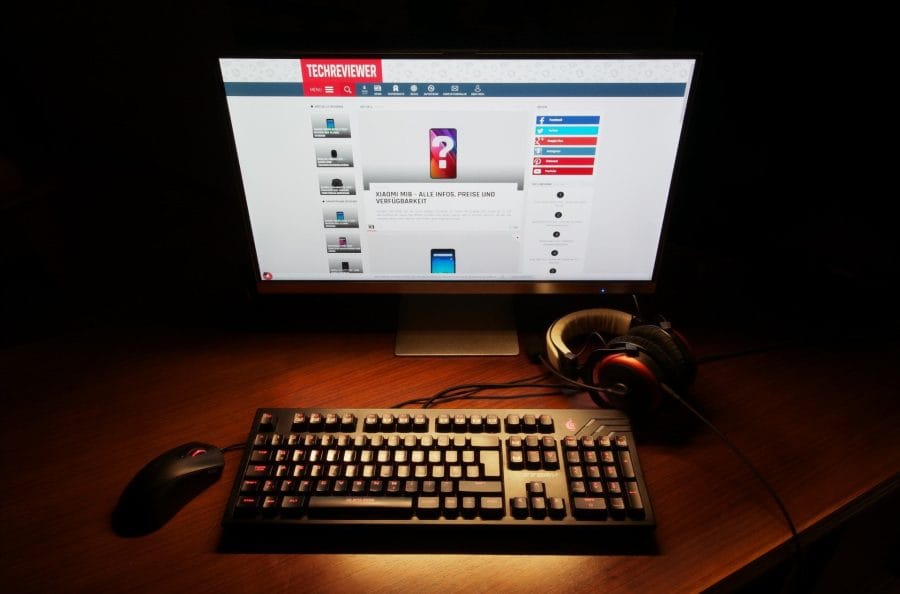
Despite being dimmable, the ScreenBar exhibits no flickering or strobing whatsoever. Similarly, there are no annoying noises, such as a high-pitched whine, often caused by vibrations in the ballast electronics and not uncommon even with branded products. BenQ has truly done an excellent job here.
Manufacturer's product page: Link
Our verdict
In summary, the BenQ ScreenBar can be confirmed to have an extremely space-saving design and excellent light distribution. The asymmetric optical design illuminates the workspace as effectively as possible without glaring the user or causing reflections on the screen. Thanks to the availability of various light colours, the ScreenBar is suitable for relaxed yet also focused work, reading or gaming.
Specifications
Lamp
- Type
- 90 bi-color SMD LEDs
- Illuminance
- 800 Lux (45 cm distance)
- Brightness
- 320 lumens
- Color temperature
- 2700K - 6500K
- Performance
- max. 5W
Other
- Dimmable
- Yes
- Auto-dimming function
- Yes
- Brightness levels
- Yes
- Colour temperature selection
- Yes
- Material
- Aluminium and polycarbonate
- Power supply
- USB
- Size
- 45 x 9.0 x 9.2 cm
- Weight
- 530g
What’s included
1x Lamp 1x Mount 1x USB cable (1.5 metres)
Price comparison
| Store | Price | Link |
|---|---|---|
| Amazon | 84,15 € | Go to store |
Comments (1)
Hello,
What is the maximum height for the top edge of the monitor so that the Screenbar does not cause glare? The top edge of my 40-inch 4K monitor is 58cm from the tabletop due to the display size. I am afraid that the Screenbar would glare at me if I am not sitting 100% upright, but somewhat relaxed in the chair.
Regards – Alexander