Contents
Review: Black Shark Mako M1 (BS-M1)
Xiaomi's sub-brand “Black Shark” is actually known for high-performance gaming smartphones. Meanwhile, the brand has established itself in other gaming areas and offers a wide range of products specifically for gamers. The Black Shark Mako M1 is the brand's first gaming mouse.
Black Shark Mako M1: Design, build quality and scope of delivery
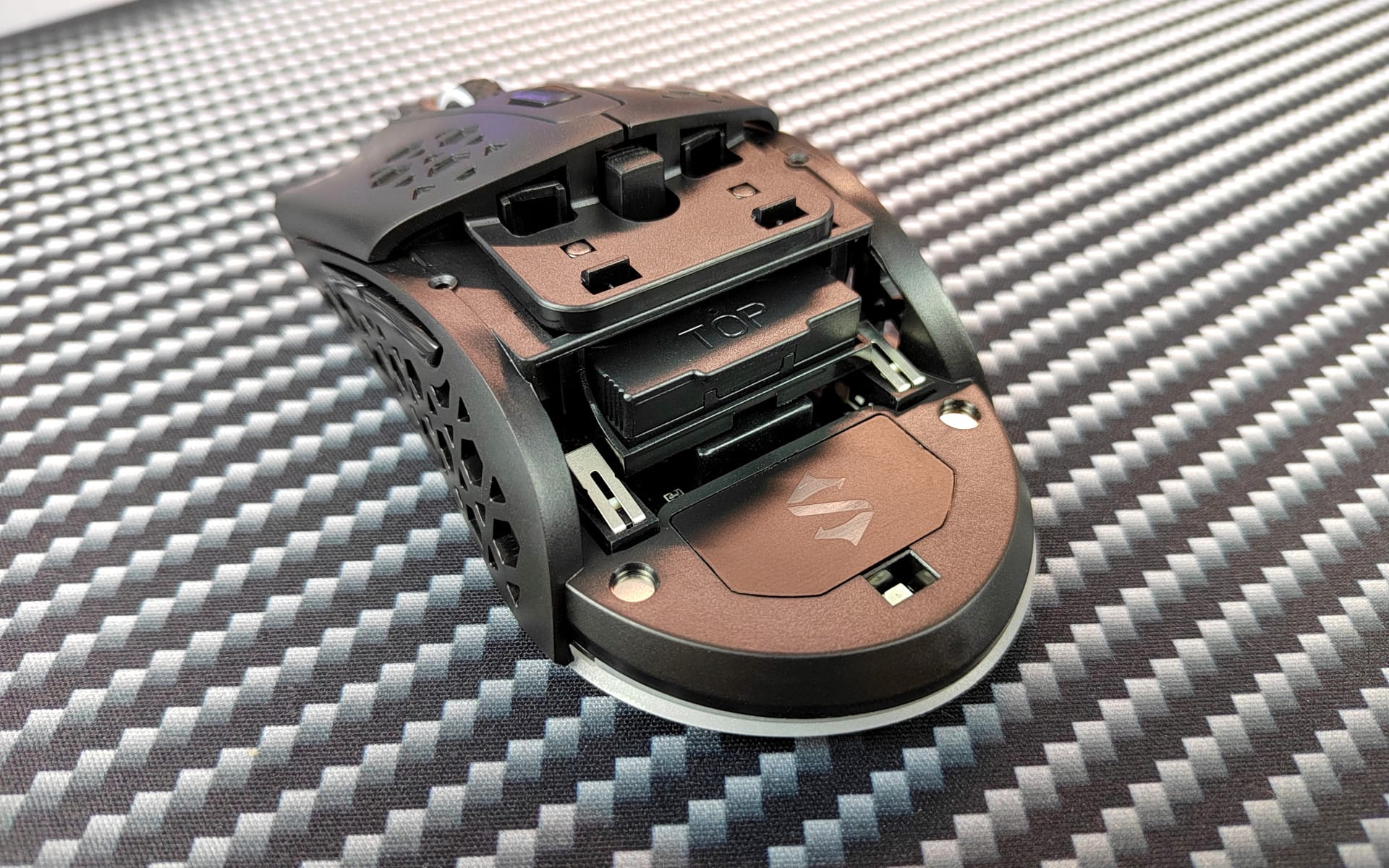
And here we go with the test. The mouse arrives safely packaged in a black cardboard box. In addition to the mouse, the delivery contents include a 1.8-metre-long, textile-braided USB-C cable, a wireless receiver in the form of a small USB stick, a battery, a replaceable back shell with a honeycomb look and an instruction manual.
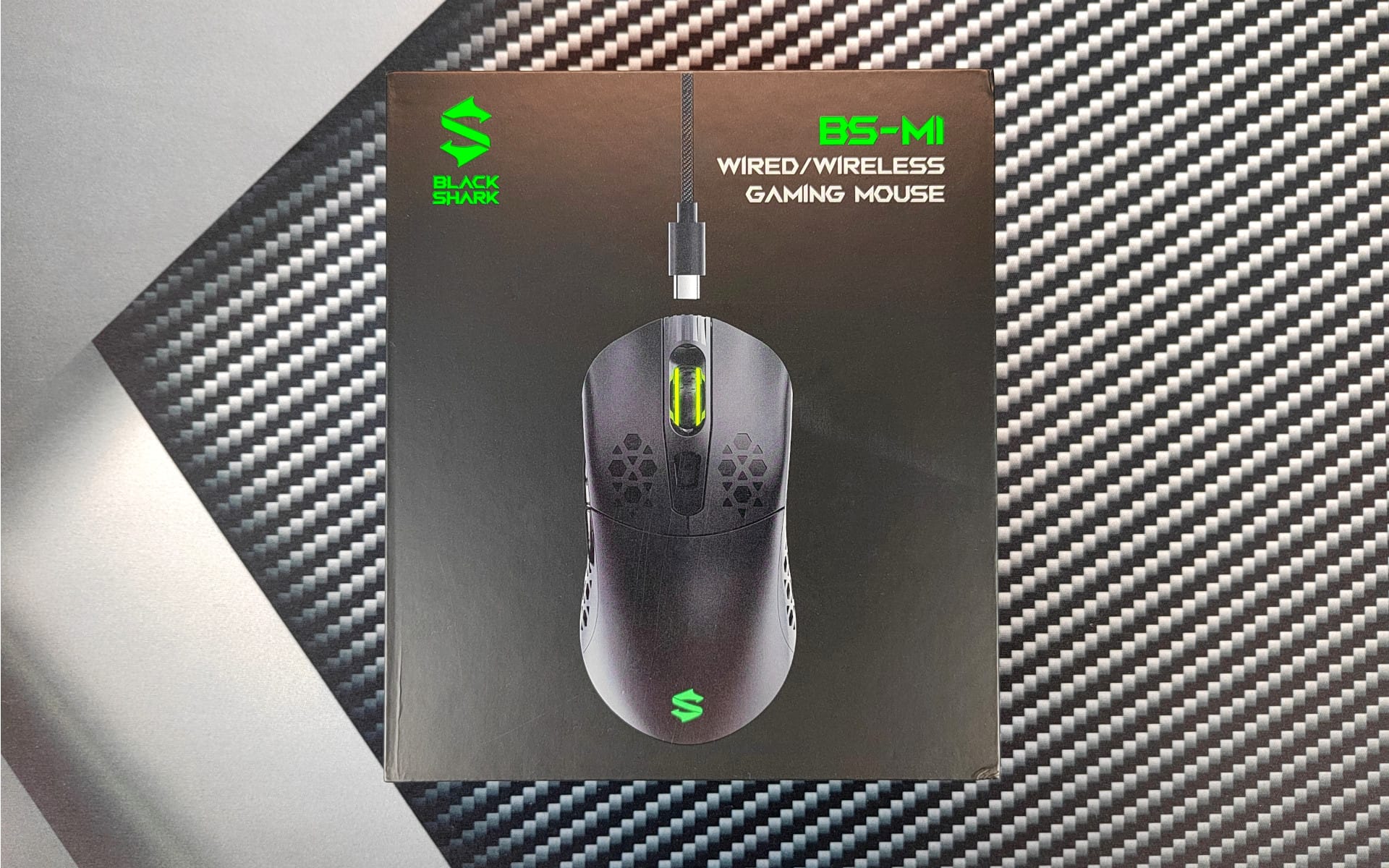
A striking feature of Black Shark is the contrast between black and vibrant green, which is incorporated into almost every Black Shark product and runs through everything from packaging to the product itself. This is also the case with the Black Shark Mako M1, which is entirely kept in plain black. Black Shark has placed the green accent in the mouse’s glowing logo.

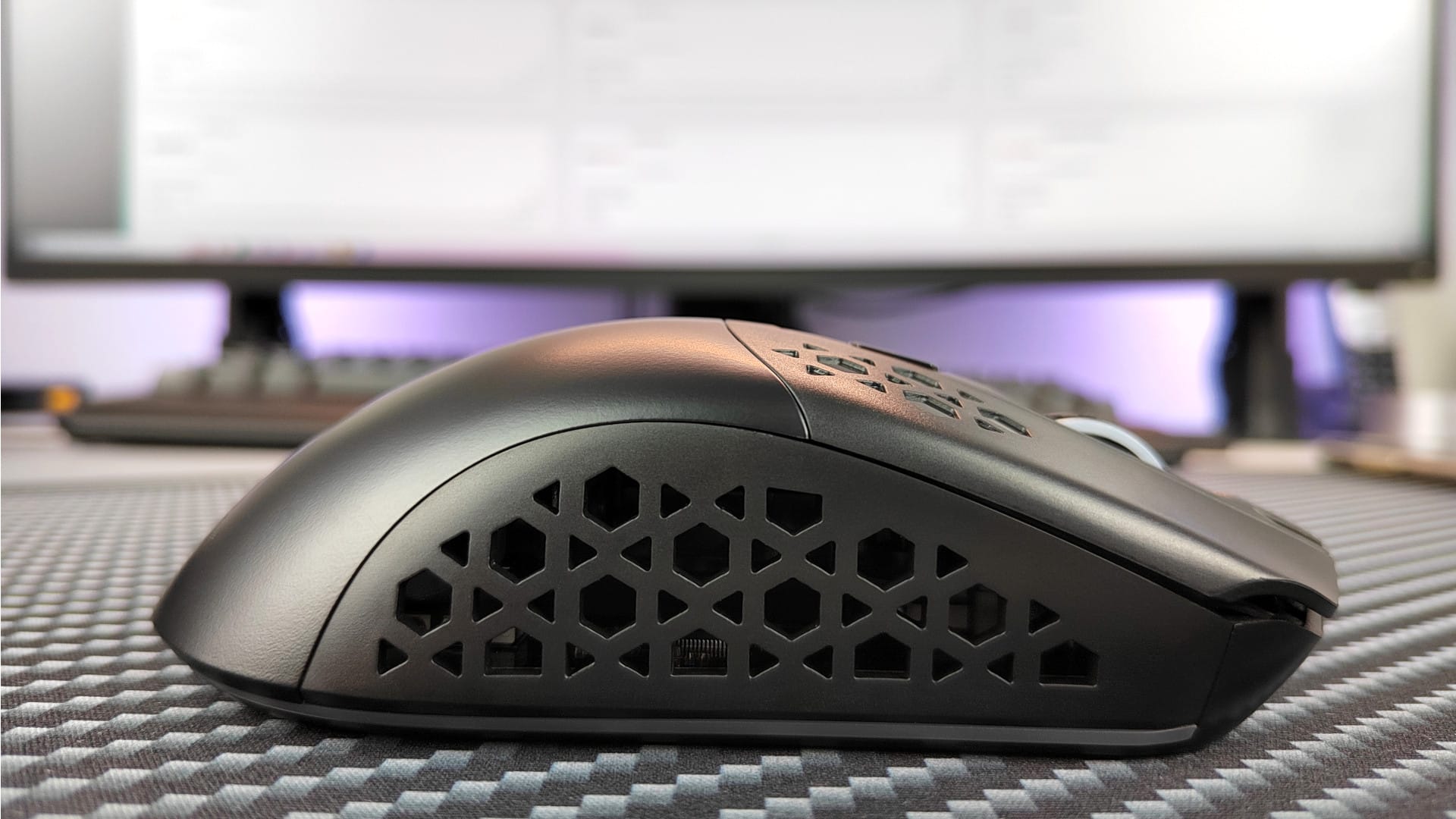
Thanks to its symmetrical shape, the mouse is suitable for both right- and left-handed users. There are a total of six control buttons. In addition to the left and right click, there is a scroll wheel, a DPI button and two side buttons. Unfortunately, the side buttons are somewhat awkwardly positioned for left-handers (like me), as both buttons are located on the left side of the mouse. Right-handers, however, can comfortably reach the side buttons with their thumb.

The size of the mouse is 129.5 x 65 x 40 mm. With a normal-sized hand, the mouse is easy to use. It can be held in a "finger grip", "claw grip" or "palm grip". The weight varies depending on how you use the mouse. This is where the "dual-mode" comes into play, as the Black Shark Mako M1 is a gaming mouse that can be connected either wirelessly or via cable.
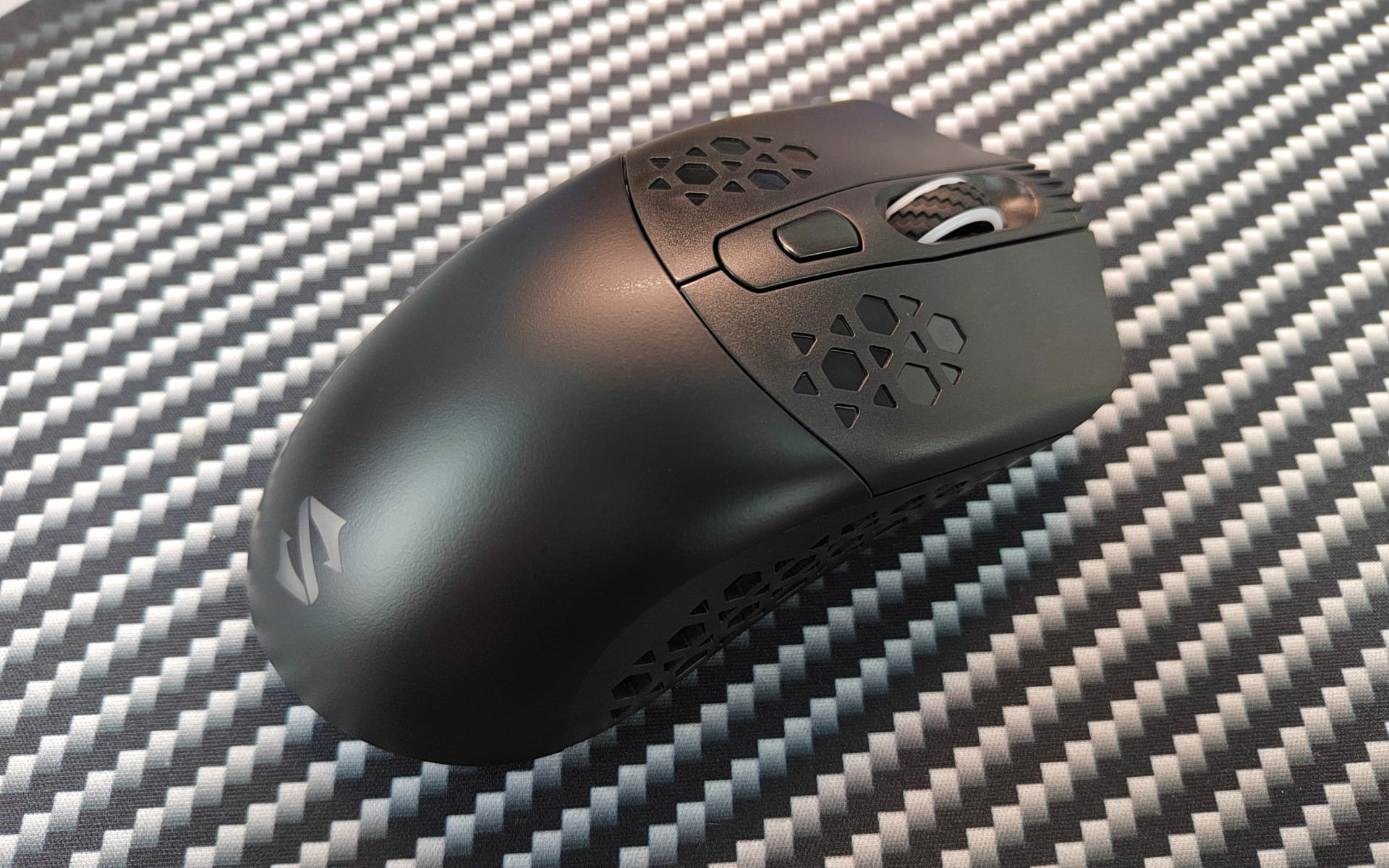
If the mouse is connected via radio, the battery must naturally be inserted. This increases the mouse's weight to approximately 105g. In cable mode, the battery can be removed from the mouse. The weight is then approximately 90g. This still makes the Black Shark Mako M1 a fairly heavy gaming mouse. By comparison, gaming mice from other brands are often 20-30g lighter. Whether heavy or light is naturally a matter of personal taste.
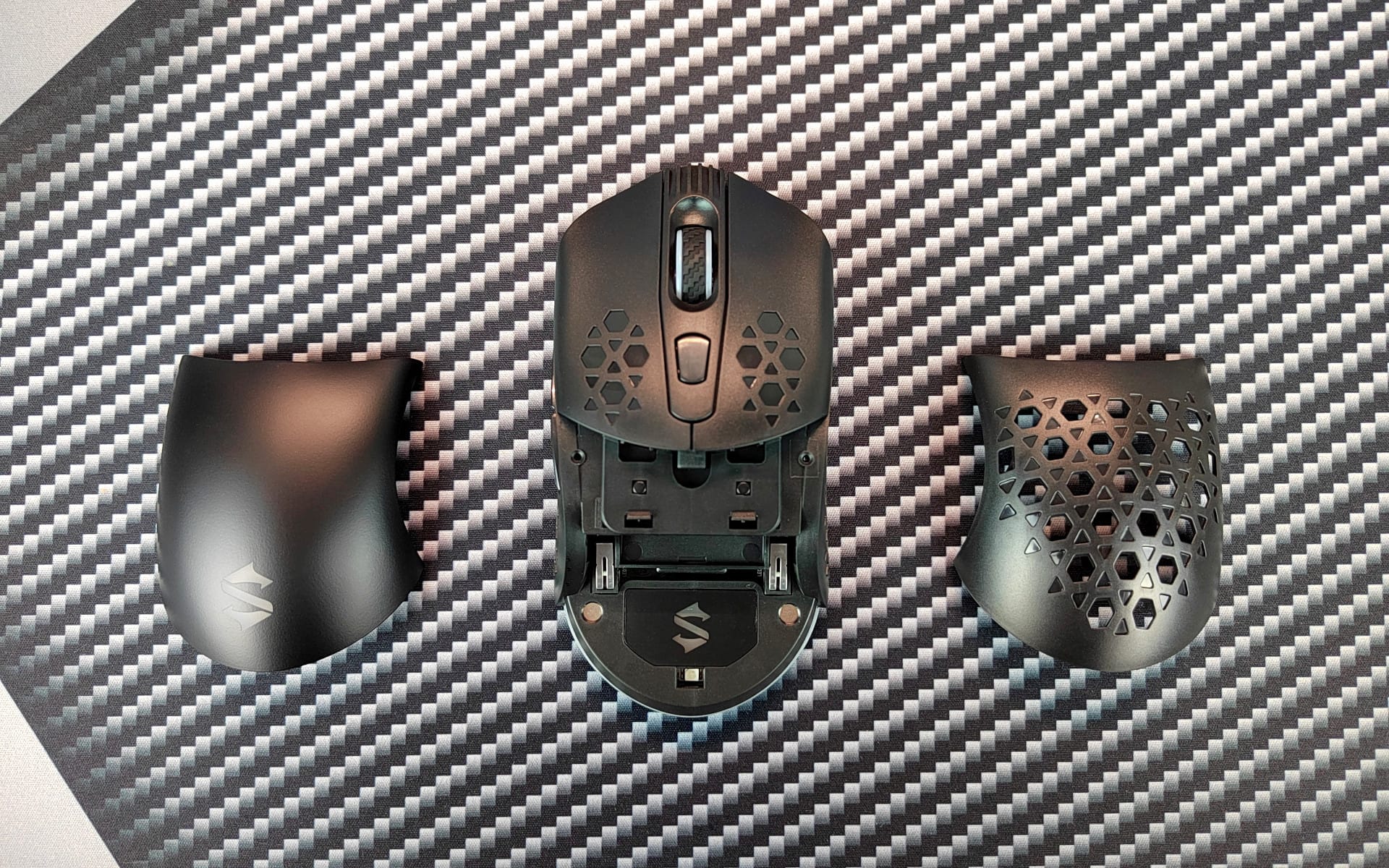
The interchangeable back cover also contributes to the weight; it is held magnetically and can be removed without a screwdriver. However, the weight difference between the closed back and the open honeycomb back is only about 3g.
Black Shark has foregone a soft-touch grip surface (rubberised coating). Instead, there is a matte plastic surface that does not feel smooth at all. The underside of the Black Shark gaming mouse is equipped with 4 PTFE (Teflon) glide pads.
Black Shark Mako M1: Setup and software
Setting up the mouse is almost self-explanatory and simple. To connect wirelessly, simply remove the back cover, insert the battery and plug the USB receiver into the laptop/PC. The mouse is automatically recognised by Windows without the need to install a driver. If you connect the mouse via USB-C cable, the battery is not required. Simply connect the cable to the mouse and then plug it into the laptop/PC.
The (optional) driver for the mouse is available for download at global.blackshark.com. Because it is not a signed driver, Windows initially identifies it as potential malware. Clicking "Run anyway" eventually installs it. Mac users are out of luck. Currently, the driver is exclusively available for Windows!
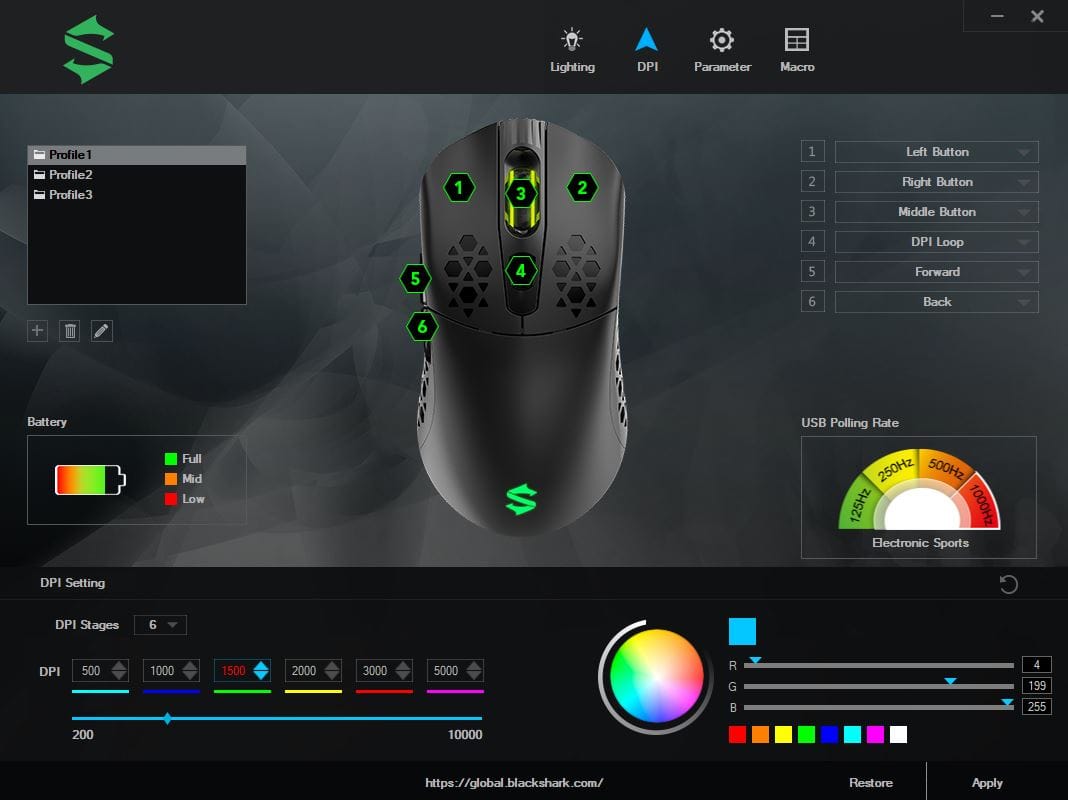
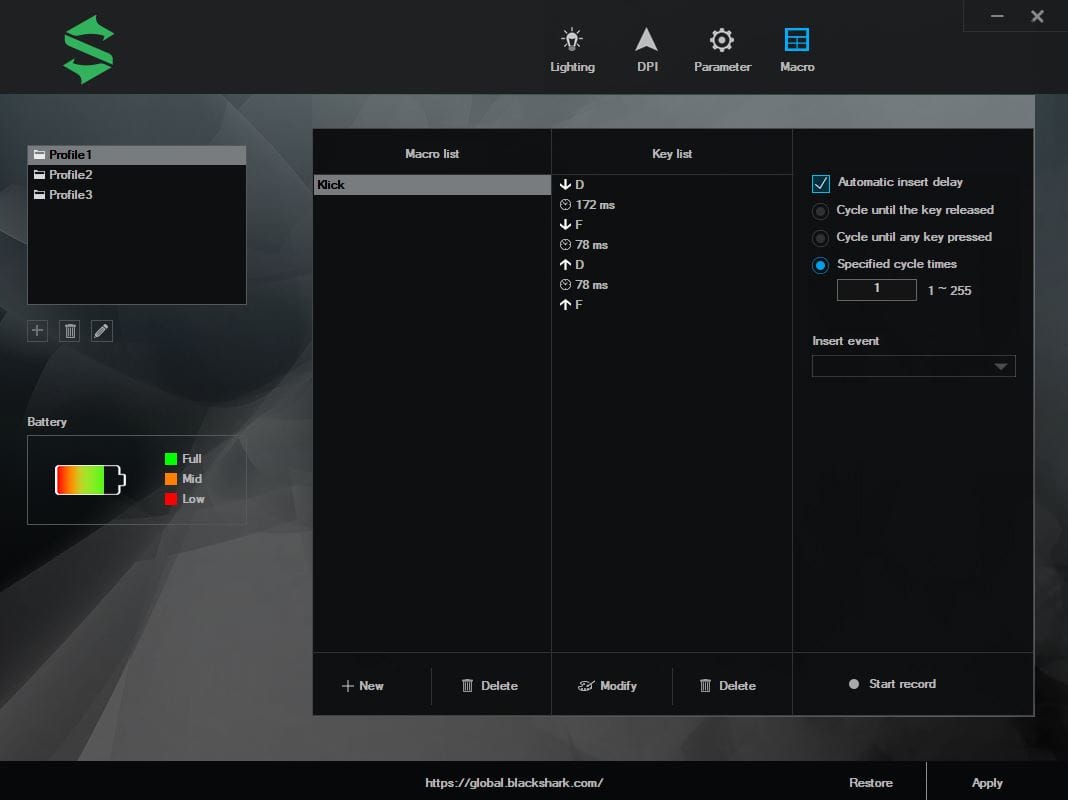
The software displays the mouse battery level and allows for further settings. The individual buttons are programmable, and the DPI (200 to 10000 DPI) and polling rate (125, 250, 500 and 1000 Hz) can be adjusted. There are customisation options for RGB lighting (9 colour effects), and macros can be created. All settings can be saved in profiles.
Black Shark Mako M1: Hands-on test
For the practical test, I tried the Black Shark Mako M1 in games such as CS:GO, Dota 2 and Valorant. For comparison, I used a Fnatic Flick G1, which I had used as my daily driver for a long time.
Switching from the Fnatic Flick G1 to the Black Shark mouse was quick. I was able to transfer my DPI settings 1:1 and store them in a total of 6 profiles. I usually use 1600 DPI on the desktop and 800 DPI in games. Switching via the DPI button happens without any delay. The DPI can be adjusted in increments of 100.
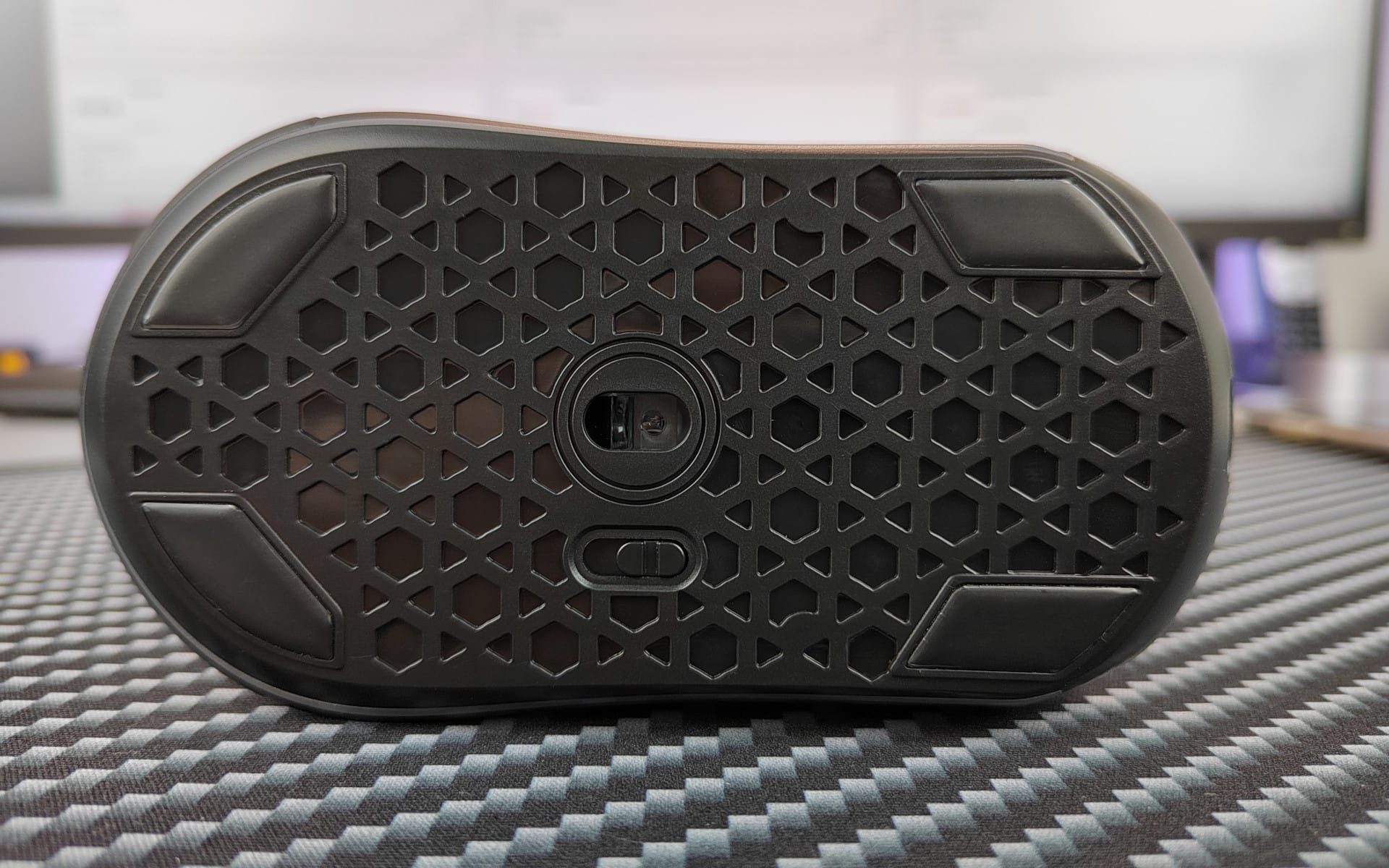
The sensor of the Black Shark Mako M1 is the PMW3325, which counts among the "flawless" sensors and works extremely accurately. This was also noticeable in our test. No jittering occurred at any point. The same applies to mouse smoothing, which simply does not exist.
The Black Shark gaming mouse behaves precisely in games. It makes no difference whether the mouse is connected wirelessly or via cable. Personally, I could not detect any difference in accuracy, which is why I use the mouse permanently in wireless mode. The battery lasts approximately 18 hours with RGB lighting. If you turn off the lighting, the runtime nearly triples. Charging takes 2.5 hours.
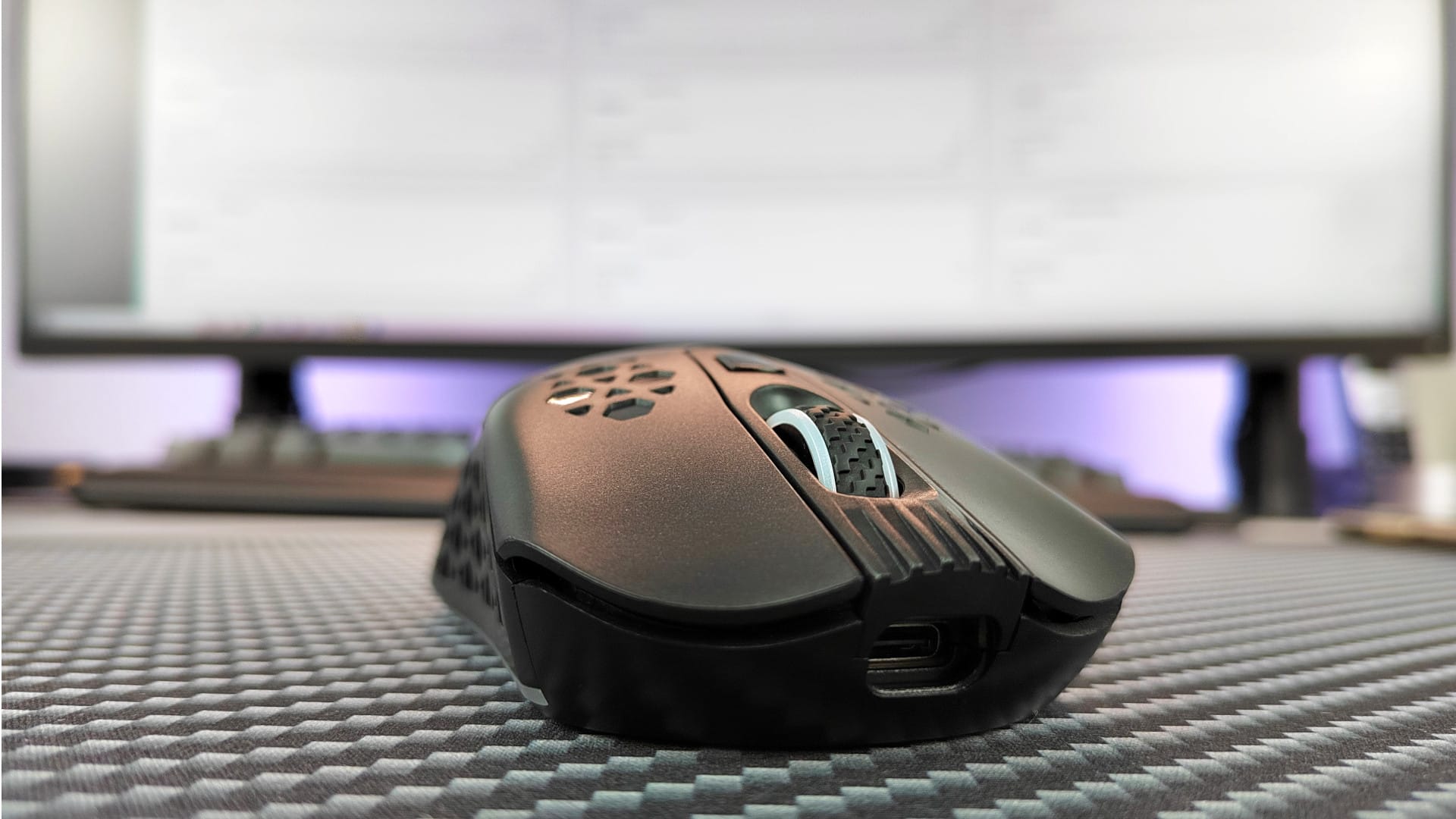
The glide pads on the underside allow for especially smooth movements on the mouse pad. I wasn't bothered by the slightly heavier weight. In the palm grip, which I prefer to use, the mouse sits securely and firmly in the hand.
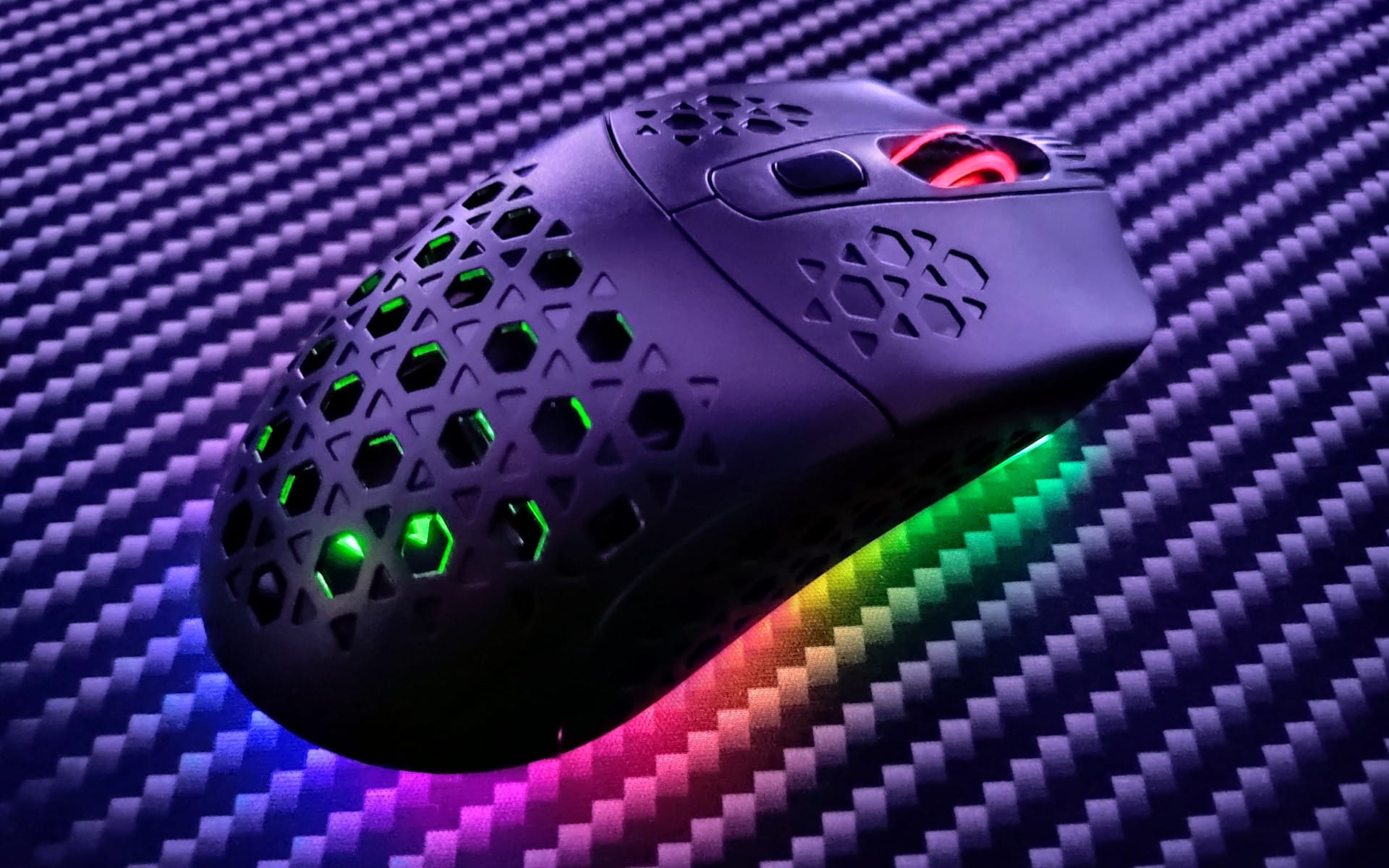
I liked the crisp clicks and the securely seated mouse wheel. It takes a bit more force for the left and right clicks than with other gaming mice. However, this also significantly reduces accidental clicks.
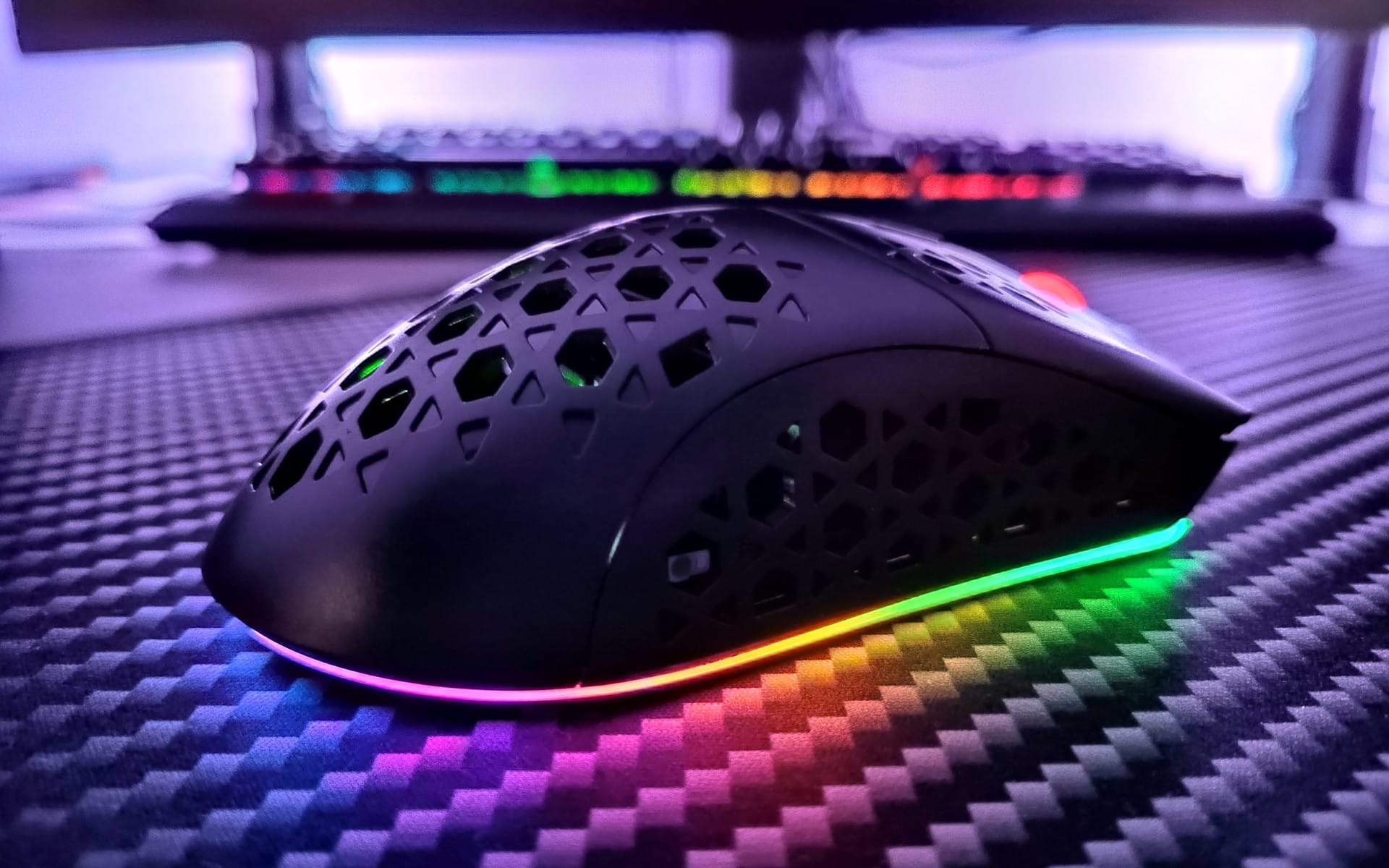
I only noticed a downside of the extensive RGB lighting very late. When running the full RGB lighting programme, a slight coil whine becomes noticeable. If you listen closely or hold the mouse close to your ear, you can hear the whine. However, anyone with loud fans or who constantly wears headphones will hardly notice the whine. Turning off the RGB lighting also stops the whine.
Our verdict
Considering the price and features, the Black Shark Mako M1 is a successful gaming mouse. The dual-mode operation lets you choose between wired or wireless without compromising precision in games. Thanks to the symmetrical design, the mouse is suitable for both right- and left-handed users. The handling is good and gliding performance on the mousepad is excellent.
Extensive RGB lighting makes the mouse a real eye-catcher. A downside is the coil whine, which is noticeably audible in quiet environments. However, those wearing headphones or owning loud fans won't be bothered by the coil whine.
Specifications
General
- Buttons
- 6
- Switch
- Omron
- Lighting
- LED
- Cable
- 1,8m
- Weight
- 90-105g
- Storage
- Unbekannt
- Macros
- Yes
Sensor
- Type
- Visually
- Model
- PMW 3325
- DPI
- 10,000 DPI
- Acceleration
- 20g
- Follow-focus speed
- 100 PPI
- Polling rate
- 125-1000 Hz
What’s included
1x Gaming mouse 1x Charging dock 1x Wireless receiver 1x USB-C cable 1x Battery 1x Manual

Comments (2)
How is the battery charged?
The battery is charged via the mouse by connecting it with USB-C.