Contents
Boya Notra Neo: Compact, magnetic and somewhat prone to scratching
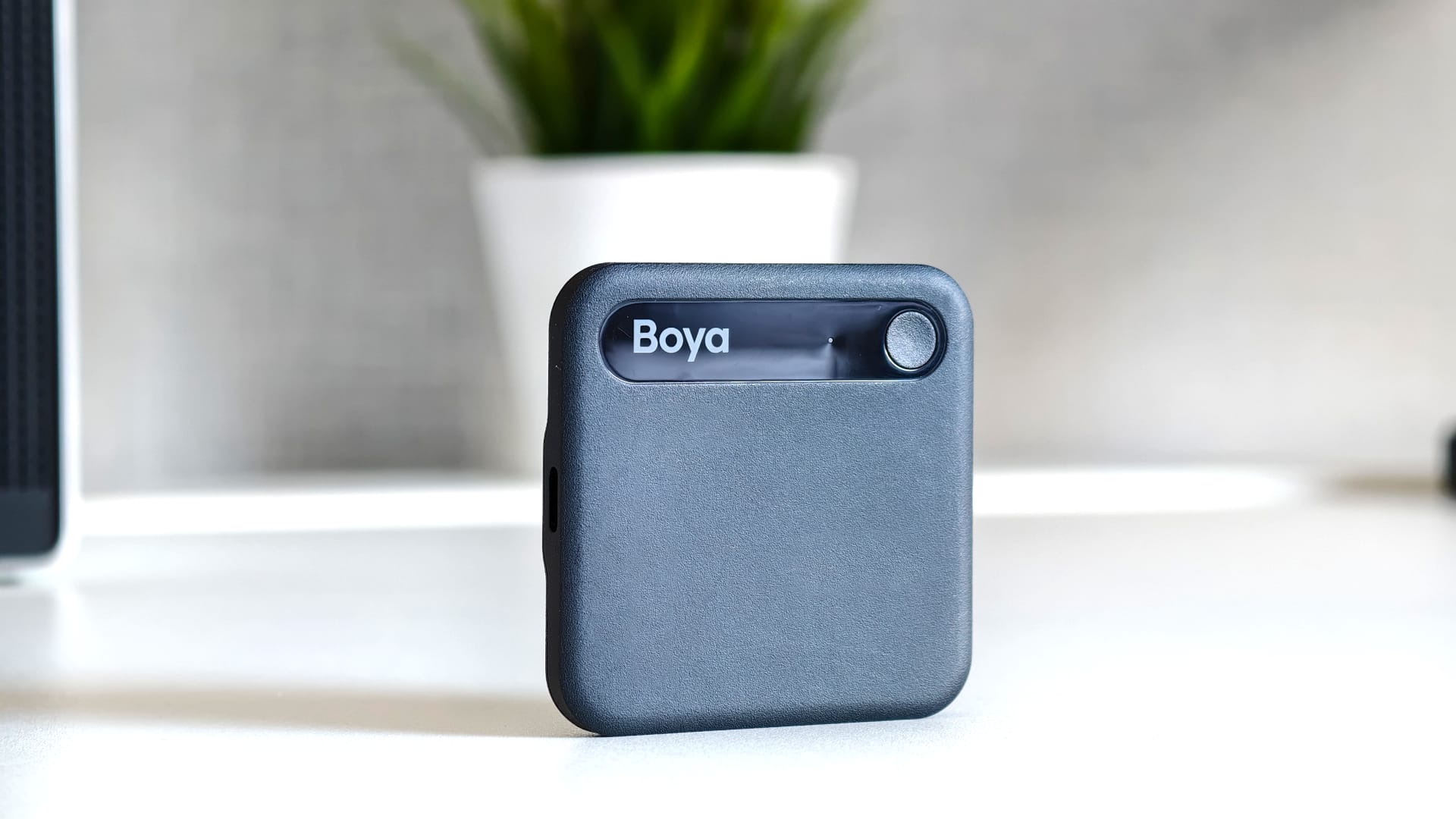
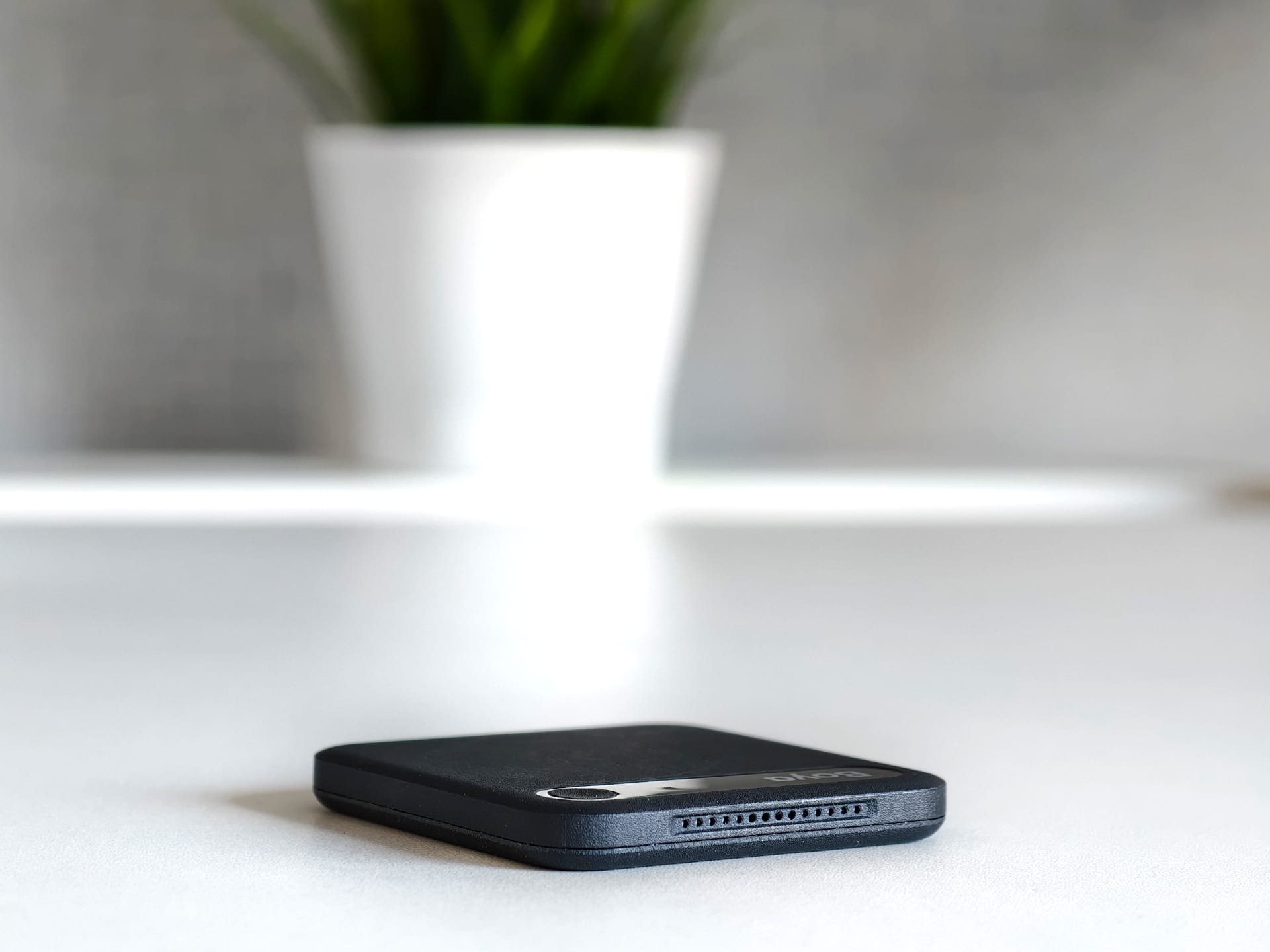
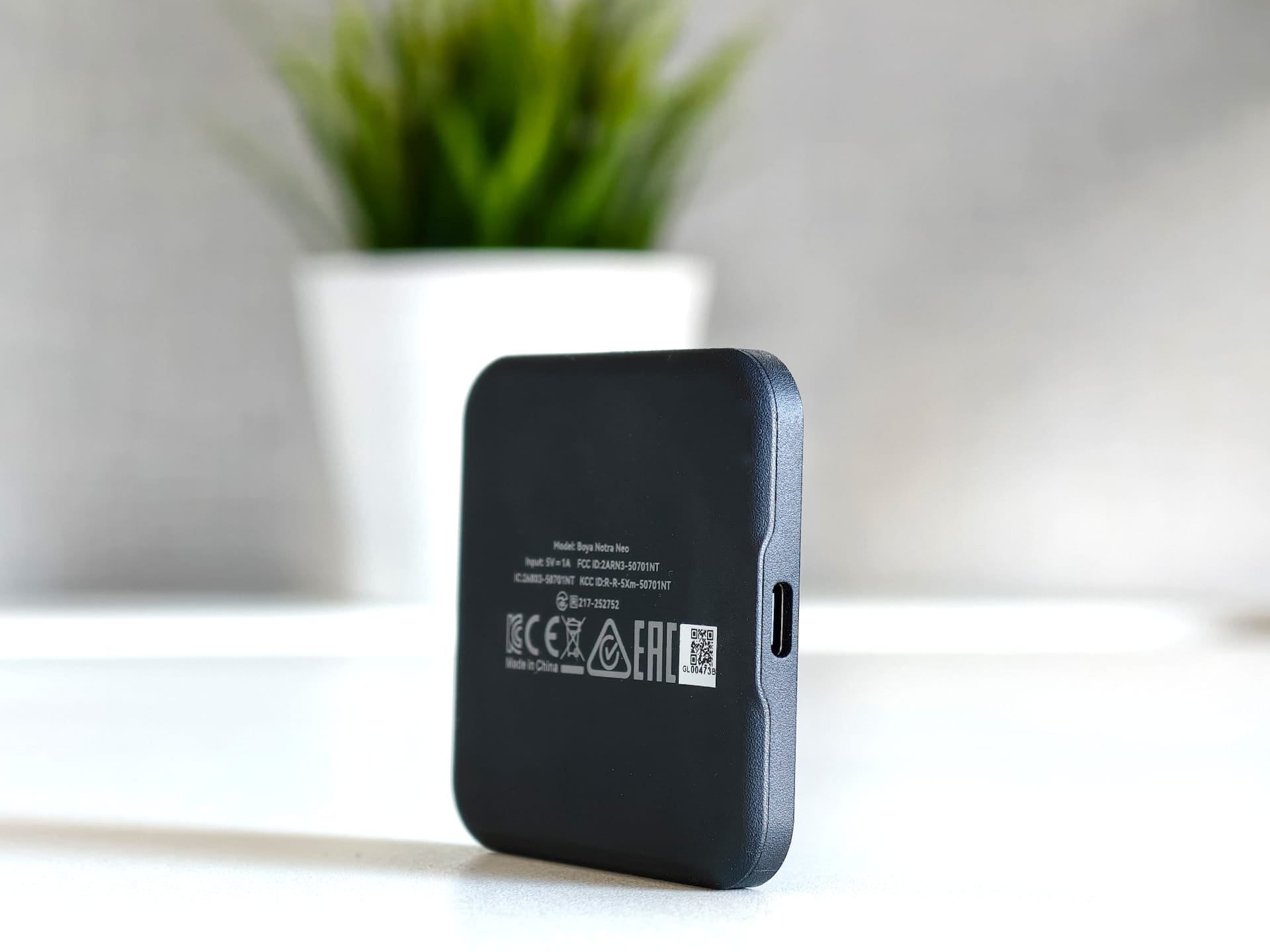
The Notra Neo is a square little box measuring 6.3 centimeters on each side and just 0.8 centimeters thick. That makes it small enough to slip easily into a pants or jacket pocket, or to stay attached to your smartphone permanently.
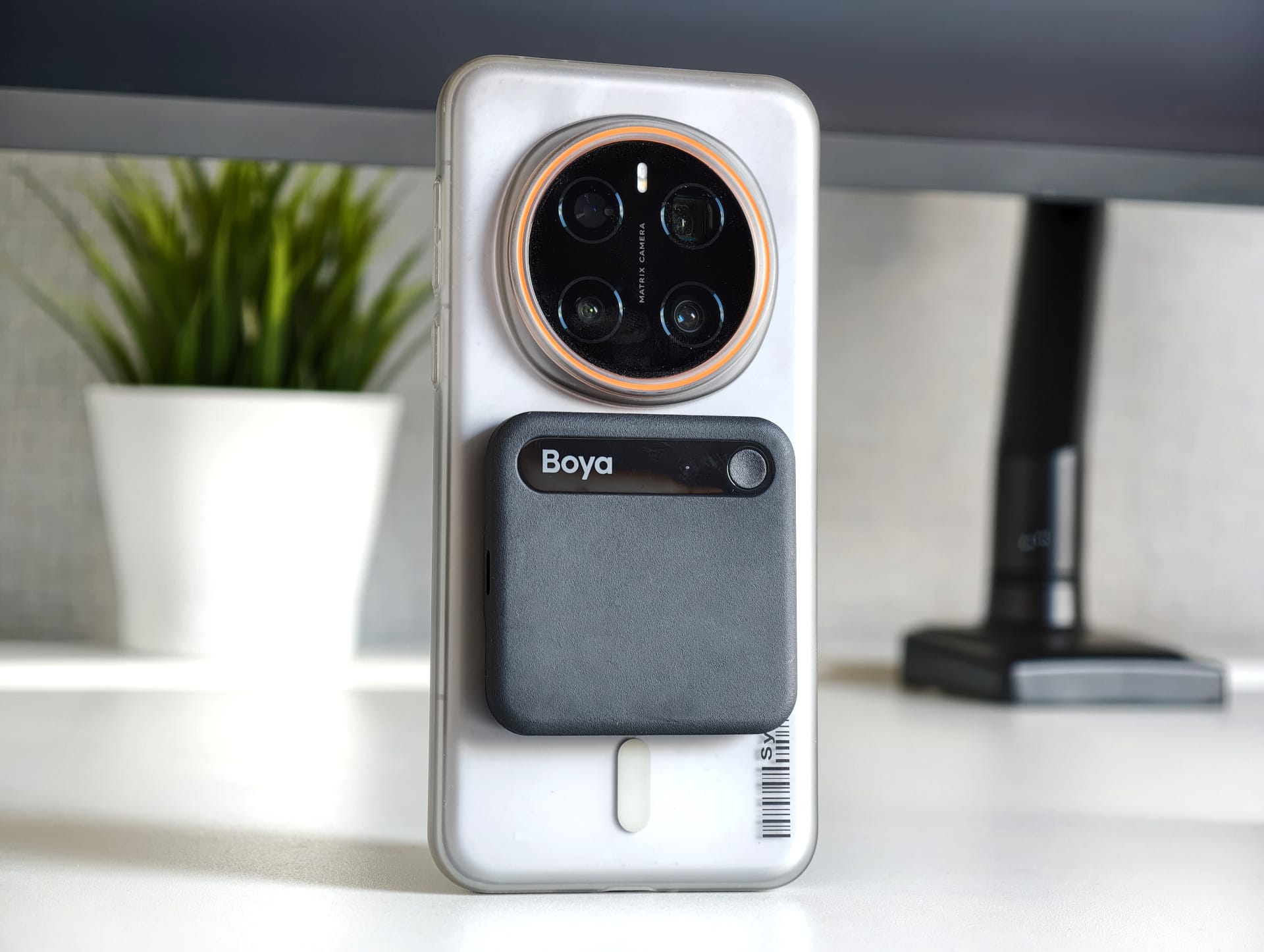
There is a magnetic surface on the back that lets you attach the Notra Neo directly to a MagSafe-compatible iPhone. For Android smartphones without a magnetic ring, Boya includes a stick-on ring. The package also includes a USB-C to USB-C cable for charging.

The body is made entirely of plastic and is available in black, white, yellow and pink. My black review unit spent several days in my backpack during IFA and already showed several visible scratches on the surface afterwards.
Compared directly with a PLAUD Note, the Notra Neo feels less premium. PLAUD uses a much slimmer housing that looks more refined overall. However, Boya is also in a different price bracket. The Notra Neo costs only about half as much (visit the official Boya store), while its functionality is still very similar.
One-button operation
Operation is not complicated. In fact, the Notra Neo has just a single button.
If you press and hold it for around three seconds, recording starts and a red LED indicates that recording is active. Pressing and holding it again for three seconds stops the recording.
During an ongoing recording, important points can be marked as a highlight with a short press of a button, making it easier to find the statement again.
There’s basically nothing else to do on the device itself, because that simplicity is ultimately the reason to choose a recorder like this rather than just an app.
Two microphones plus VPU
For recording, Boya uses two MEMS microphones and a VPU. This makes the Notra Neo a little less well-equipped than the larger Notra or, for example, a PLAUD Note Pro, both of which use four MEMS microphones.
Boya specifies a recording range of up to five metres. According to the manufacturer, the larger Notra can reach up to ten metres. It also offers noise cancellation, Wi-Fi and Bluetooth, along with 8 GB of internal storage.
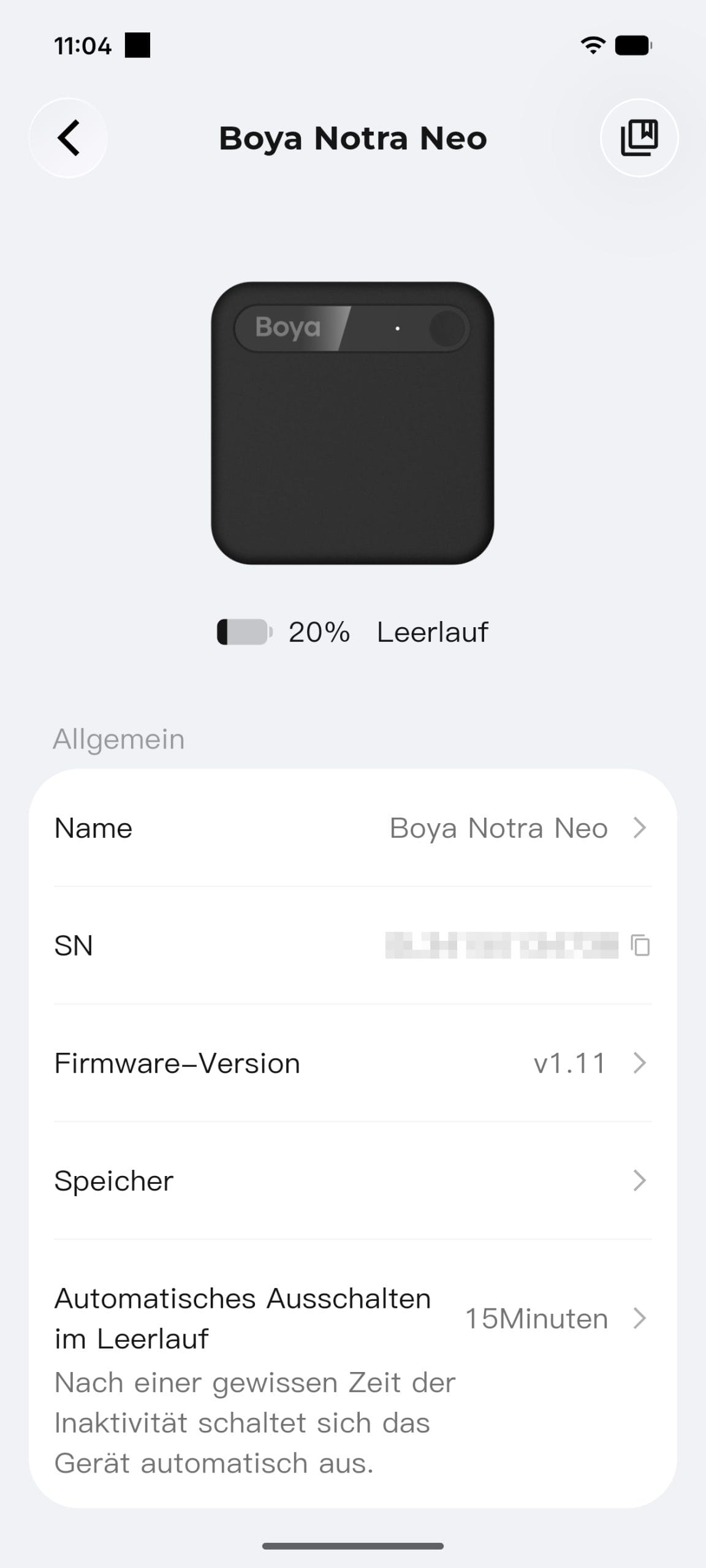
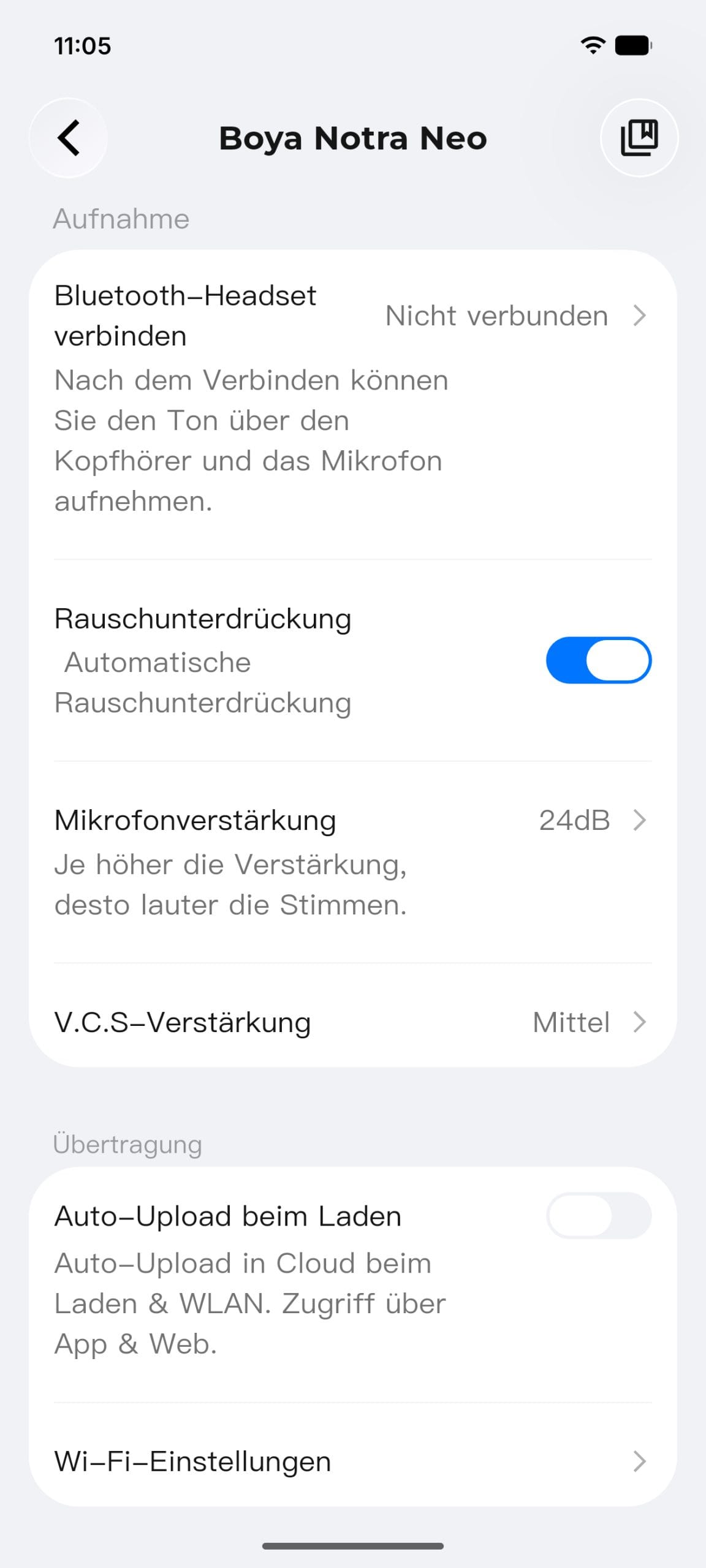
Some recording parameters can also be adjusted in the Boya OS app. You can control noise reduction, set the microphone gain between 0 and 30 dB, and choose between Low, Medium, and High for V.C.S. gain.
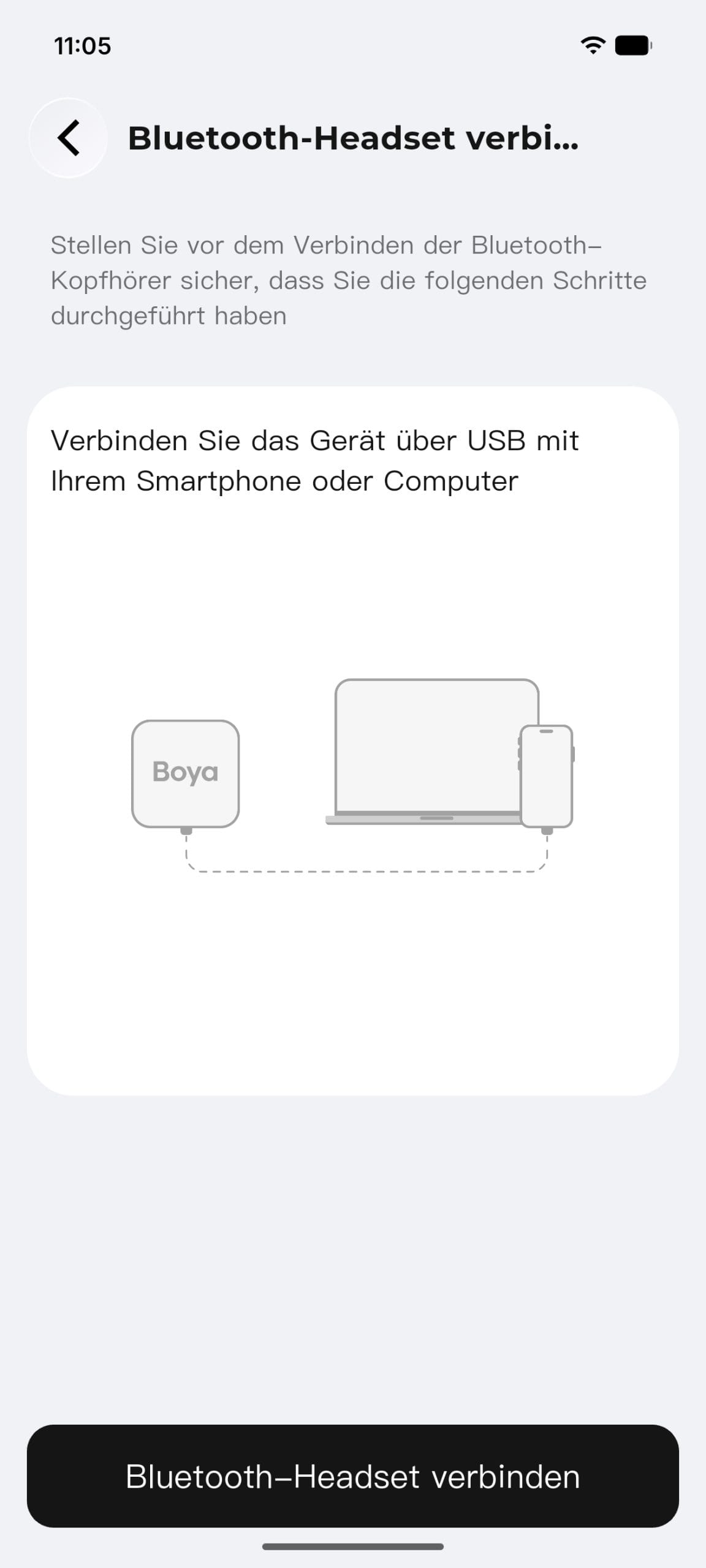
The Notra Neo can also be connected to a Bluetooth headset, which can provide better voice recording depending on the headset used.
Recording quality: Good at the table, more challenging amid the trade show bustle
During IFA, I was able to try out the Notra Neo in a wide range of situations. It quickly became clear that the surroundings have a significant impact on quality.
At a quiet conference table, the little box produces a decent recording. Voices remain intelligible, and the quality is more than adequate for subsequent transcription. It works best, however, when the participants are sitting opposite each other and not too far from the recorder.
The recording doesn't sound particularly natural. Voices can sound slightly tinny, especially with noise cancellation enabled by default. So the Notra Neo wouldn't be my first choice for an interview intended for subsequent audio publication.
However, its main purpose is different anyway: the audio is primarily used as the basis for transcription, and it performs well in quiet environments.
Things are a little different amid the typical trade show bustle. At IFA, speech, music, announcements, and the conversations of hundreds of visitors compete with one another. Noise reduction kicks in much more strongly here, while transcription accuracy drops.
If you use the Notra Neo for interviews in this kind of environment, it’s best to treat it more like a small microphone and point it directly at the speaker whenever possible. Its compact design makes this work quite well, and it’s more comfortable than constantly holding your smartphone out toward the person you’re talking to.
Transcription struggles with speaker identification and technical terms
German and English were generally recognized reliably in my test. I didn’t try any other languages. Boya supports more than 140 languages in total. The language can be detected automatically or selected manually in the settings.
Speaker recognition was more problematic. Even in a quiet conversation between two people, the transcript would sometimes suddenly identify three or even four different speakers. As background noise increases, speaker attribution becomes even less reliable.
Technical terms are another weak spot. For example, in a conversation about ANKER’s Thus AI chip, the transcription rendered it as a “TWS AI chip.
Such errors are annoying, but can at least be corrected afterwards. Both the transcript itself and the summary generated from it can be edited manually.
It works well enough for ordinary conversations overall. However, anyone who regularly conducts interviews with lots of product names, English technical terms or specific proper nouns should be sure to proofread the results.
Boya OS: app and web work hand in hand
After recording, the conversation is saved in Boya OS. The accompanying app is the central hub on your smartphone, handling transfers, playback, transcription, and AI analysis.
I particularly liked the parallel synchronisation with Boya OS Web. This means recordings can be edited not only on a smartphone, but practically straight on a laptop too, without first having to transfer files back and forth using a cable, AirDrop or Quick Share.
The app and web interface let you play back and transcribe recordings, then turn them into a summary or a mind map. An integrated full-text search lets you search all your transcriptions for specific terms and conversation topics.
Choose from ChatGPT, Gemini, Claude and Grok
For AI analysis, Boya offers several providers. You can choose from ChatGPT, Gemini, Claude and Grok. However, it is not clear which specific models are used in the background. You therefore choose only the provider, not, for example, a particular version of GPT or Gemini.
The many templates are interesting. Boya provides templates for meetings and interviews, among other things, as well as for more specialised use cases in the medical and legal fields.
At their core, these templates are nothing more than pre-prepared prompts that determine how the respective language model should summarise a recording. Boya has done a very good job of not hiding these prompts, but instead revealing the instructions behind each template.
This also makes it easier to create custom templates, for example, for recurring interview or meeting formats. That way, you can see what guidelines the AI used to create its summaries.
AI analysis requires patience
Boya could still improve its speed, though. In automatic mode, a six-minute test recording took around eight minutes to generate the full transcription, summary and mind map.
This is relatively slow, particularly when minutes are needed as soon as possible after a meeting. However, since most of the processing takes place on the server side, Boya should be able to improve this with a software update.
The free plan should already be enough for many users
Like PLAUD and other providers in this category, Boya also ties some of its AI features to a subscription plan.
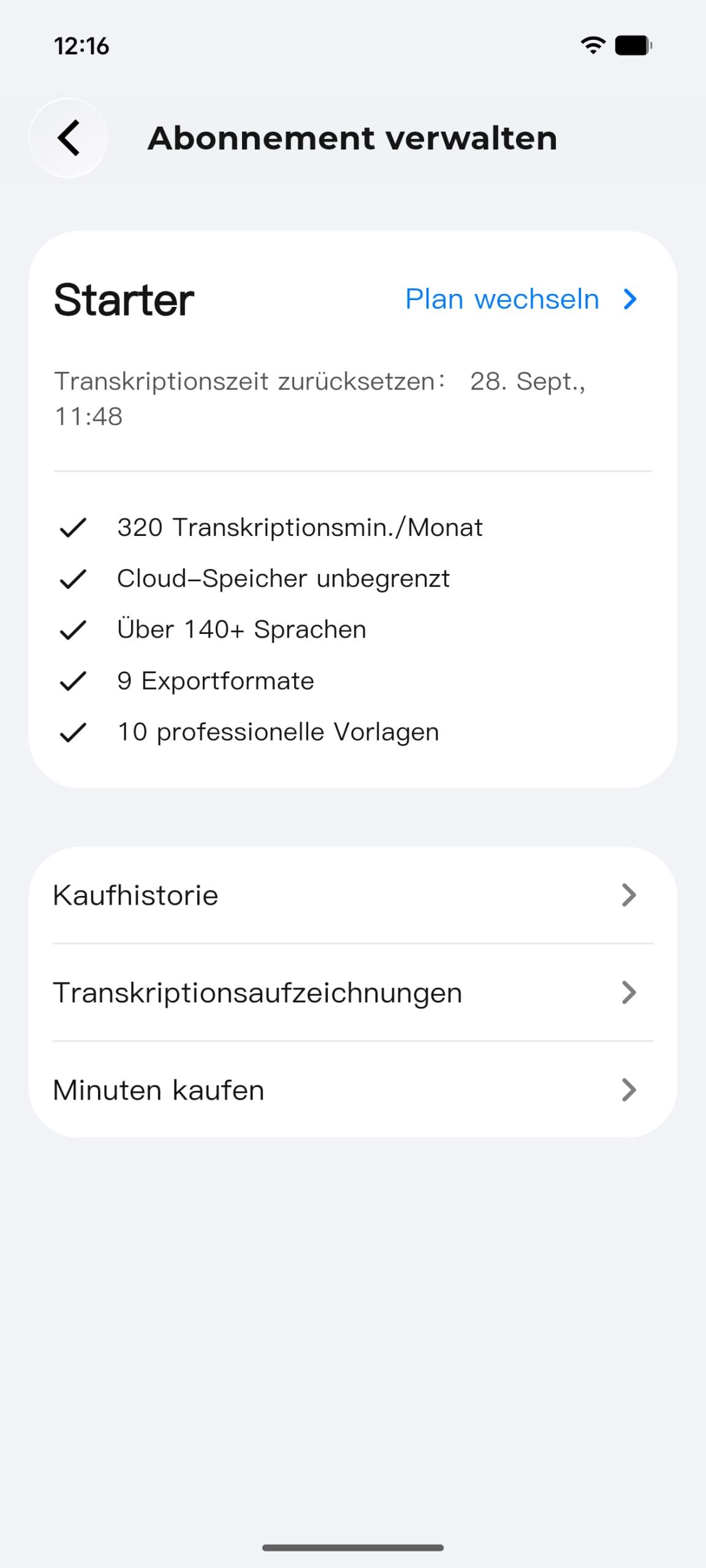
The free Starter plan is relatively generous, though, and more than enough for normal use. It includes 320 minutes of transcription per month, unlimited cloud storage, support for more than 140 languages, various export options, and ten professional templates.
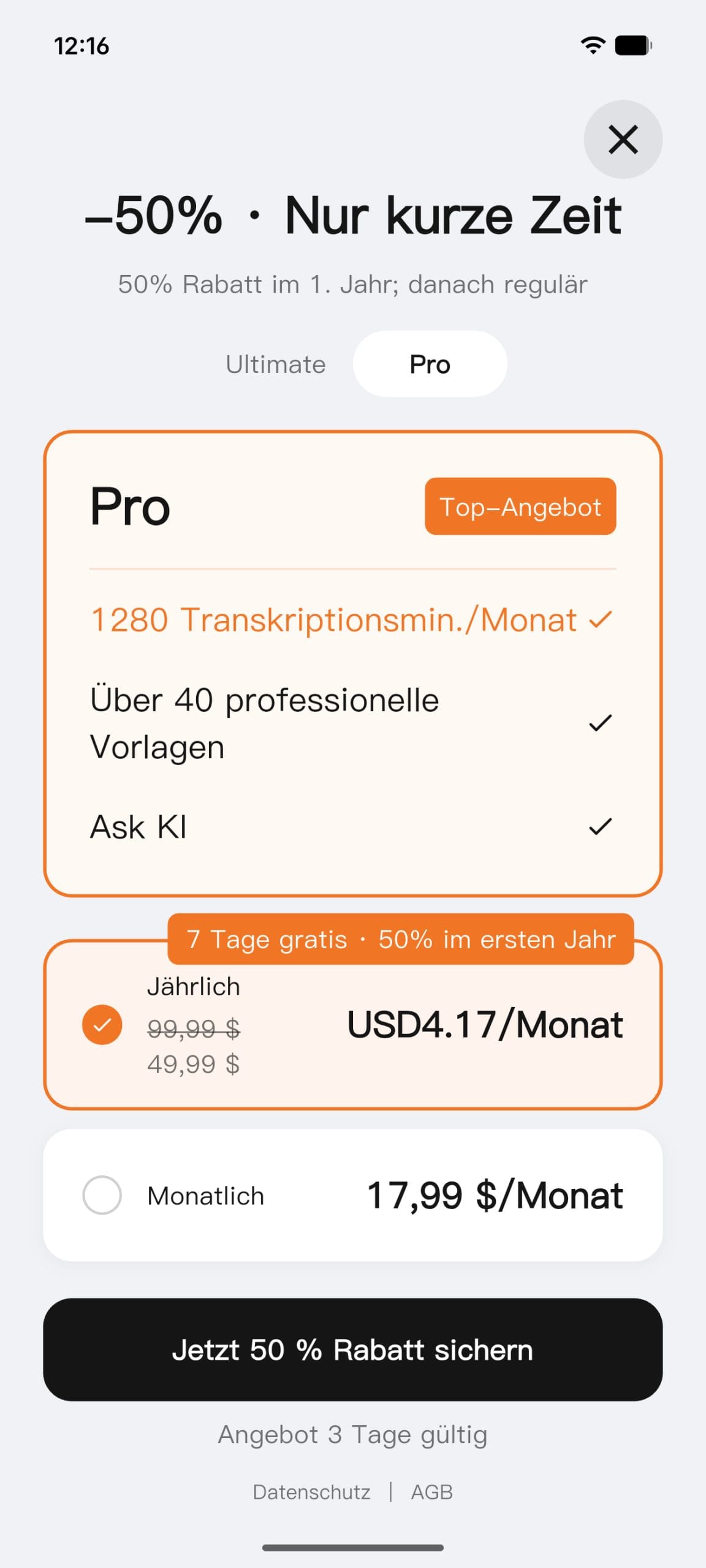
Boya offers two paid plans for heavy users. Pro costs 19.99 euros per month and increases the allowance to 1,280 minutes of transcription. It also includes 40 professional templates and the “ASK AI” feature, which lets you ask questions about your own recordings and transcriptions.
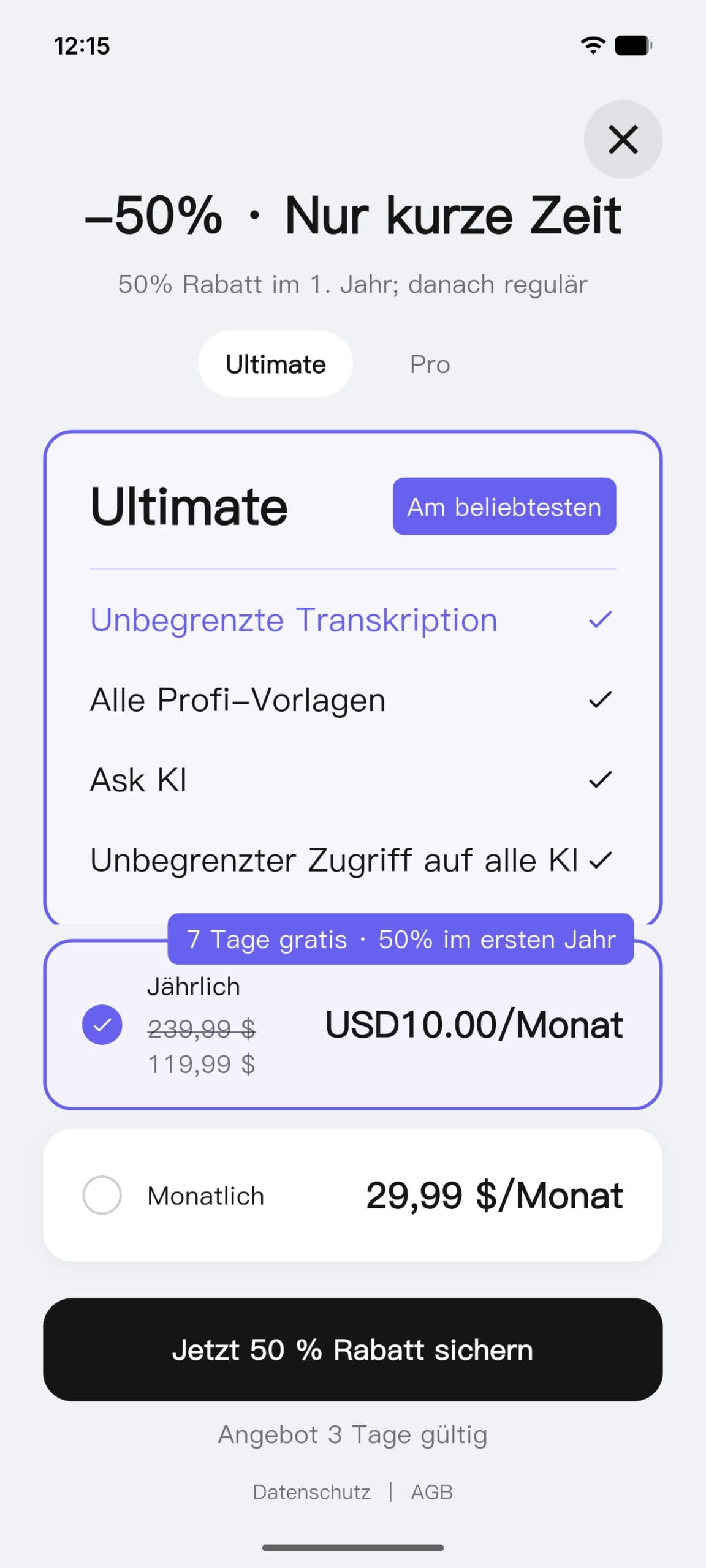
Above that is Ultimate, at 34.99 euros per month. It has no minutes limit at all. It also includes all professional templates and ASK AI. Both plans become significantly more attractive when paid annually. Pro then costs 110.99 euros per year, which works out to around 9.25 euros per month. Ultimate costs 249.99 euros per year, or around 20.83 euros per month.
However, if you only occasionally exceed the free allowance, you don’t have to sign up for a subscription right away. You can also buy additional transcription time separately.
Battery life: easily lasts through IFA
The Notra Neo’s battery life came as a pleasant surprise. I used the device throughout my entire week at IFA, and it still showed around 15 per cent remaining at the end. Of course, it was not running continuously, but was used repeatedly for interviews and conversations.
For a typical day with several meetings or interviews, you shouldn’t have to worry much about the battery. The Notra Neo takes about 90 minutes to fully charge via USB-C.
Our verdict
The biggest advantage of the Boya Notra Neo is its convenience. In many situations, it is simply quicker to press the button and record than to take out your smartphone, open an app and then upload or process the recording somewhere later.
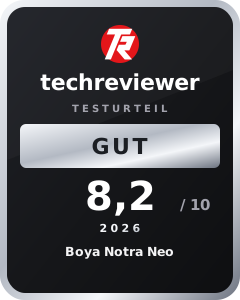
The Notra Neo impressed in testing above all with its ease of use, good battery life, and generous free plan. It delivered usable to good results in quiet interviews at a table, during booth visits, and even at keynotes. Only in the dense trade show bustle, with lots of ambient noise, did speaker recognition and transcription run into trouble more often. Technical terms aren’t always recognized correctly, either, and AI analysis can sometimes take too long.
If you don’t need a perfect recording of the original audio and simply want a searchable transcript of your meetings, you can’t go far wrong with the Notra Neo.
Specifications
General
- Model
- Boya Notra Neo
- Dimensions
- 63 × 63 × 8 mm
- Weight
- 34,5 g
- Case
- Plastic
- Colors
- Black, white, yellow, pink
- Mounting
- magnetic, MagSafe-compatible
Recording
- Microphones
- 2× MEMS + 1× VPU
- Recording range
- up to 5 m
- Recording modes
- Ambient, call, Bluetooth
- Noise cancellation
- AI-powered, up to -30 dB
- Microphone amplification
- 0–30 dB
- V.C.S. amplification
- Low / Medium / High
- Highlight marker
- at the touch of a button
Storage & connectivity
- Internal storage
- 8 GB
- Local recording capacity
- up to 1,000 hours
- Cloud storage
- unlimited
- Data transfer
- Bluetooth, Wi-Fi
- Connection
- USB-C
AI & transcription
- Languages
- over 140
- AI providers
- ChatGPT, Gemini, Claude, Grok
- Output
- Transcript, summary, mind map
- Templates
- 60+
- Export formats
- 10
- Apps
- Boya OS App, Boya OS Web
- Full-text search
- yes
- Speaker recognition
- yes
Battery
- Recording time
- up to 20 hours
- Standby
- up to 365 days
- Charging port
- USB-C
- Charging time
- approx. 90 minutes
What’s included
1x Boya Notra Neo 1x magnetic ring 1x USB-C-to-USB-C cable 1x quick start guide
Price comparison
| Store | Price | Link |
|---|---|---|
| Amazon | 99,99 € | Go to store |
Comments