Contents
First impressions of the DBPOWER Hawkeye-II
When I unpacked the Hawkeye-II quadcopter, I was initially surprised by the rather sparse contents of the package. The box contained the quadcopter, a remote control and an instruction manual. I missed accessories, but when I looked more closely at the packaging, I finally found a small bag containing 4 spare rotors, 2 screwdrivers and the charging cable. The bag was stuck very awkwardly to the underside of the plastic insert, making it hardly findable.
 Play video on YouTube
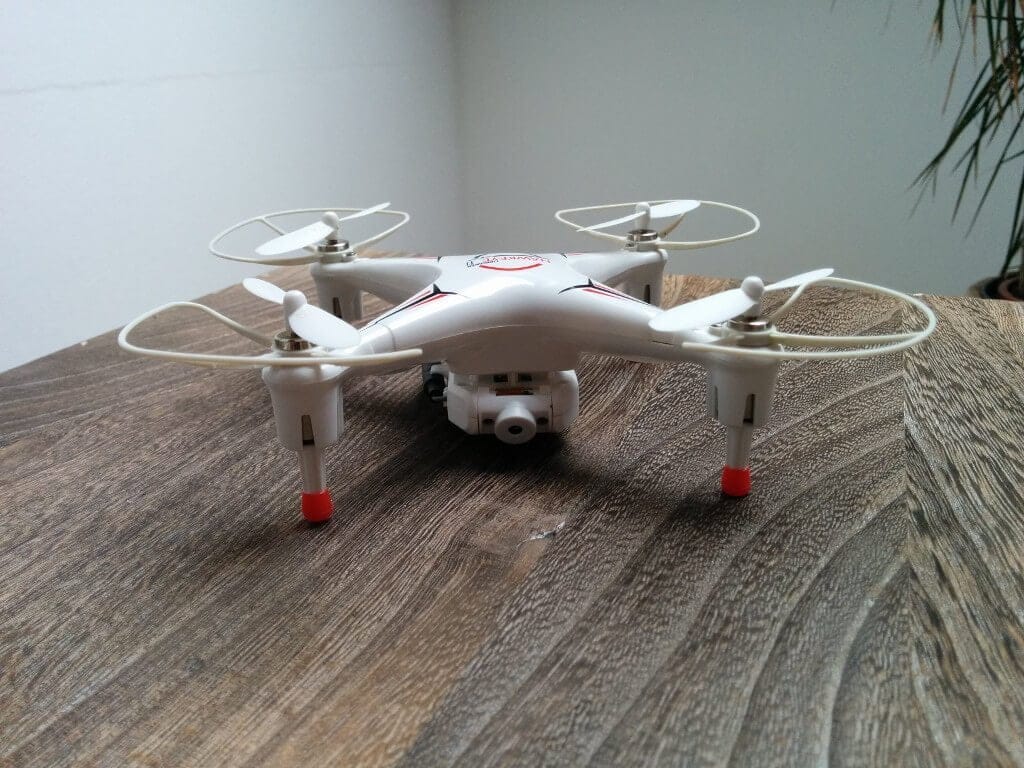
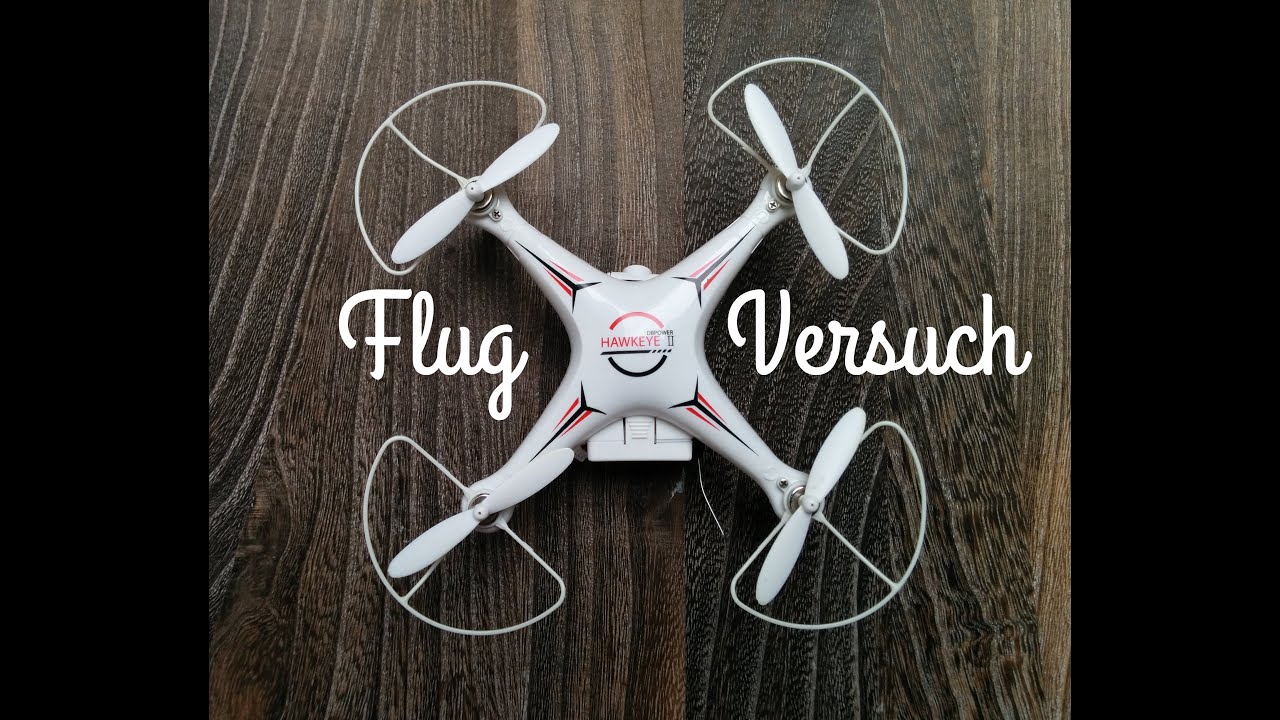
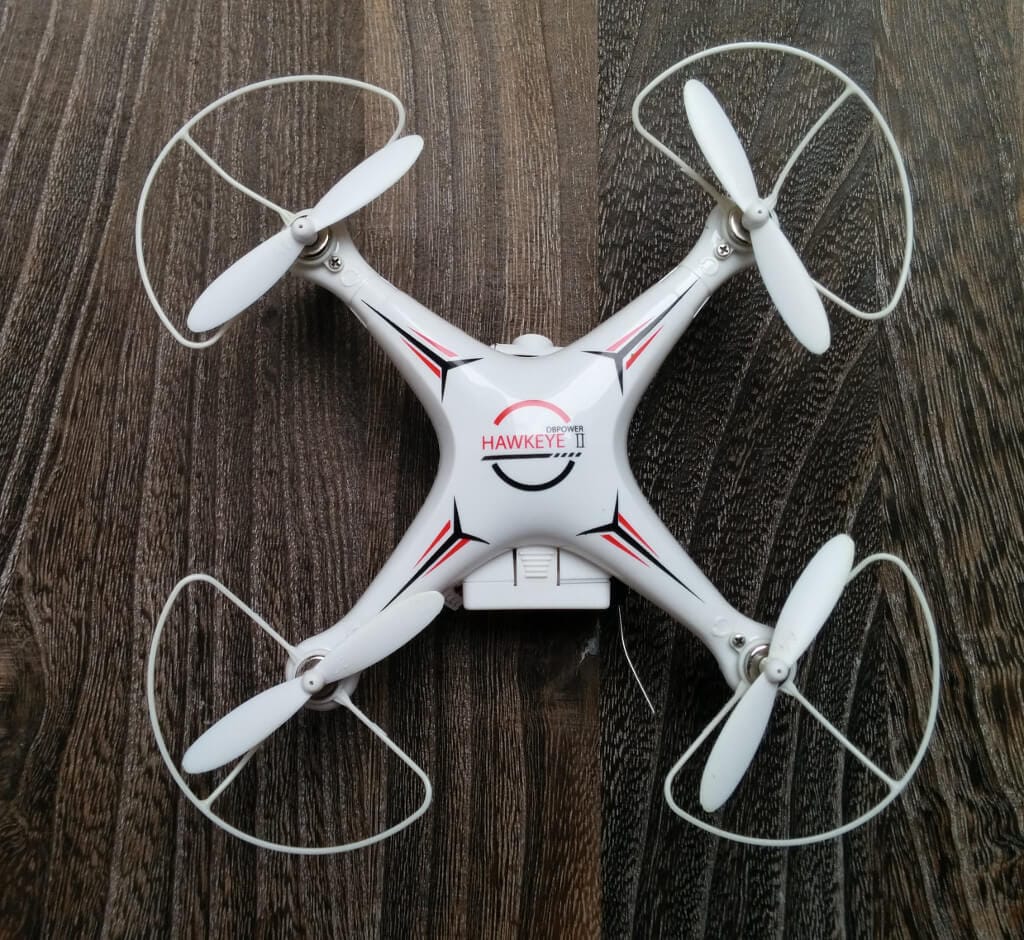
The DBPOWER Hawkeye-II measures approximately 15x15x5cm and features a detachable Wi-Fi or camera module. It can be controlled via an app, or it can be operated normally using the included remote control. The camera module allows users to view a live feed, which is intended to simplify control. The camera is also capable of recording, with footage saved directly to the smartphone or tablet.
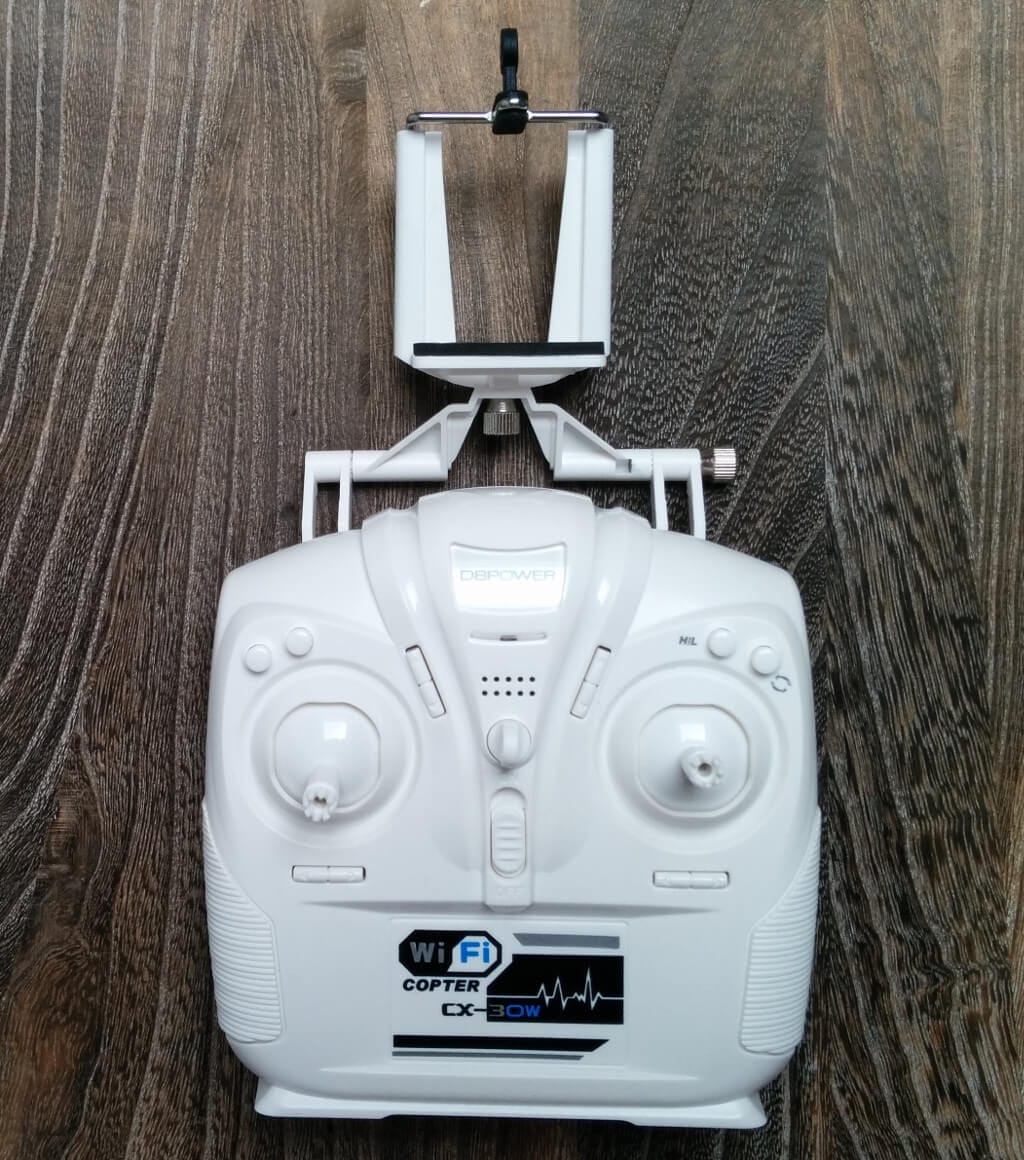
The remote control allows selection of three flight modes, altering the quadcopter's speed and agility. A 'flip' mode is also available.
First impressions / Setup
Before the Hawkeye-II is ready for take-off, the battery should be charged. This is located on the underside of the quadcopter, between the Wi-Fi module/camera. The charging time is approximately 1-2 hours, and the flight time is 10-20 minutes (depending on whether you fly with the Wi-Fi module/camera).
Once the battery is charged, the fiddling begins. The battery fits well in the compartment, but the battery cable is so obstructive that the cover can barely be closed. Only when I practically squeezed the cable into place was I able to close the cover.
During my first flight attempt, I wanted to control the DBPOWER Hawkeye-II with the included remote control. I clamped the smartphone into the remote control’s smartphone holder as a display. I was able to download the required app from the Google Play Store and also establish the WLAN connection to the quadcopter without any problems.
The video signal displayed on the screen was stable and only minimally delayed. I mastered my first flight attempt via the remote control with flying colours. However, I must admit that the Hawkeye-II is not my first quadcopter. Nevertheless, the Hawkeye-II holds stable in the air and is therefore also ideal for beginners. Minor flight errors are forgiven, as there is a plastic guard around the rotors.
On the second flight attempt, I wanted to control the quadcopter entirely via smartphone. However, this attempt went more or less wrong. I could establish a connection with my Nexus 5 and the app also displayed a camera image, but inputs via the control buttons were not accepted by the quadcopter. Only with a different Android smartphone was I finally able to operate the quadcopter. However, the input was so sluggish that stable flying was hardly possible. After about 5 minutes, the connection finally dropped and the DBPOWER Hawkeye-II crashed to the ground from 15 metres. I was amazed that the quadcopter survived the impact without damage. Nevertheless, I wanted to recalibrate it, which one should also do after a bigger crash.
I followed the operating instructions, which state that the left and right sticks should be moved to the bottom right. A << RED >> LED is supposed to signal that the calibration process is complete. However, I waited in vain for the red signal. The quadcopter has several LEDs: 2 red (front), 2 blue (rear) and one green in the middle. On closer inspection, I noticed that the central LED changed to a yellowish colour during calibration and was indeed flashing. I suspect that the operating instructions are simply wrong and that the LED flashes slightly yellowish instead of red.
However, the biggest drawback is the missing safety lock. Typically, with quadcopters, you first need to release the safety lock using a key combination on the remote control so that the quadcopter starts at all. With the DBPOWER Hawkeye-II, the rotors are ready to start immediately upon switching on the remote control. Thus, if you accidentally bump against the throttle stick, unpleasant injuries can occur.

Our verdict
6,7 out of 10 pointsThe Hawkeye-II is well suited to beginners but also offers plenty of fun for more experienced pilots. It remains very stable in the air and becomes easy to fly after a few test flights. It offers 3 different flight modes and also has a flip mode. The build quality is good and overall the Hawkeye-II forgives both minor and major piloting errors. Shortly after purchase, you receive an email from DBPOWER with instructions on using the Hawkeye-II.
The accessories kit was difficult to find. Nevertheless, it is nice that replacement rotors and screwdrivers were included. The camera quality is more of a nice feature than something actually usable.
Control via the app is a disaster. Especially if the connection breaks during flight. The battery compartment lid can hardly be closed anymore with the battery inserted. Also, there is no lock after switching on the remote control!
Specifications
General
- *Function
- forward, backward, up, down, left, right, sideways flight, hovering, 360° rotation, throw to launch
- *Remote control frequency
- 2,4 GHz
- *Remote type
- Radio control and Wi-Fi control
- *App
- "CX-WIFIUFO"
- *Remote control
- Range: 30m
- *WIFI image transmission range
- 20M
- *Flight time
- 5-8min
- *Charging time
- 90min
- *Battery
- 1x rechargeable 3.7 V 700mAh Li-Po
- *Transmitter battery
- 4 x AA battery
- *Recommended age
- 14+
What’s included
*Hawkeye-II *Remote control with smartphone holder *4 spare rotors, 2 screwdrivers, a USB charging cable *User manual (English)
Comments