Contents
Overview
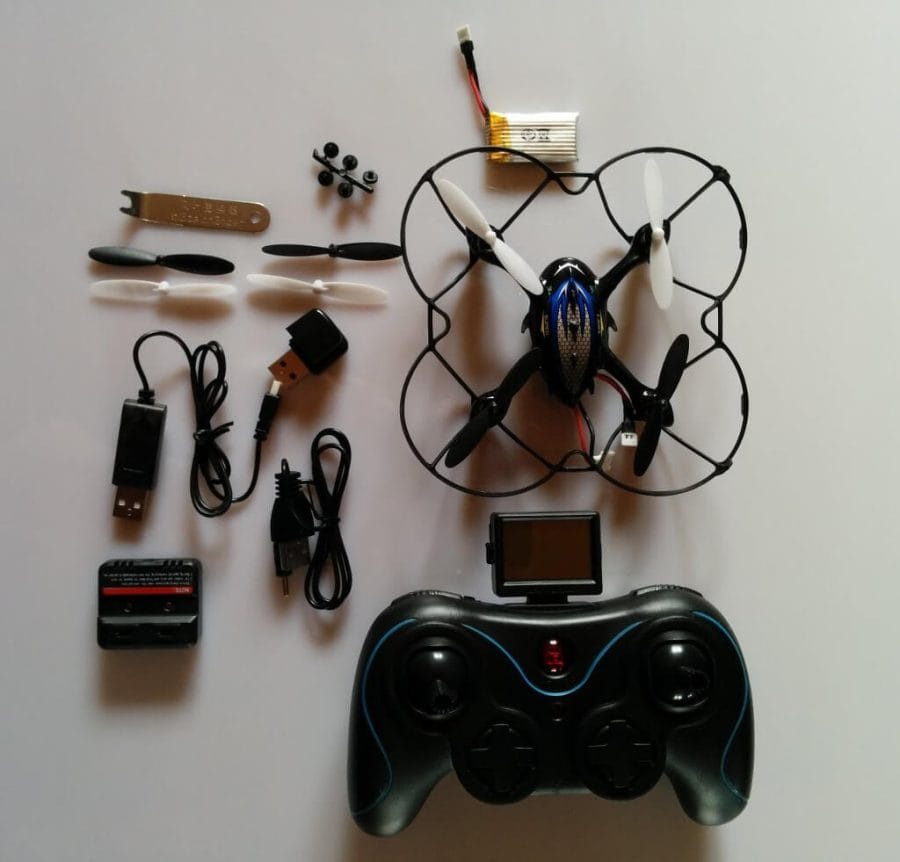
The Depstech quadcopter is delivered in a nice, garish cardboard box, which provides the first clues about the model. Once unpacked, the small quadcopter is presented along with extensive accessories. The range of accessories is really above average. Other manufacturers should really take a page out of this book.
 Play video on YouTube
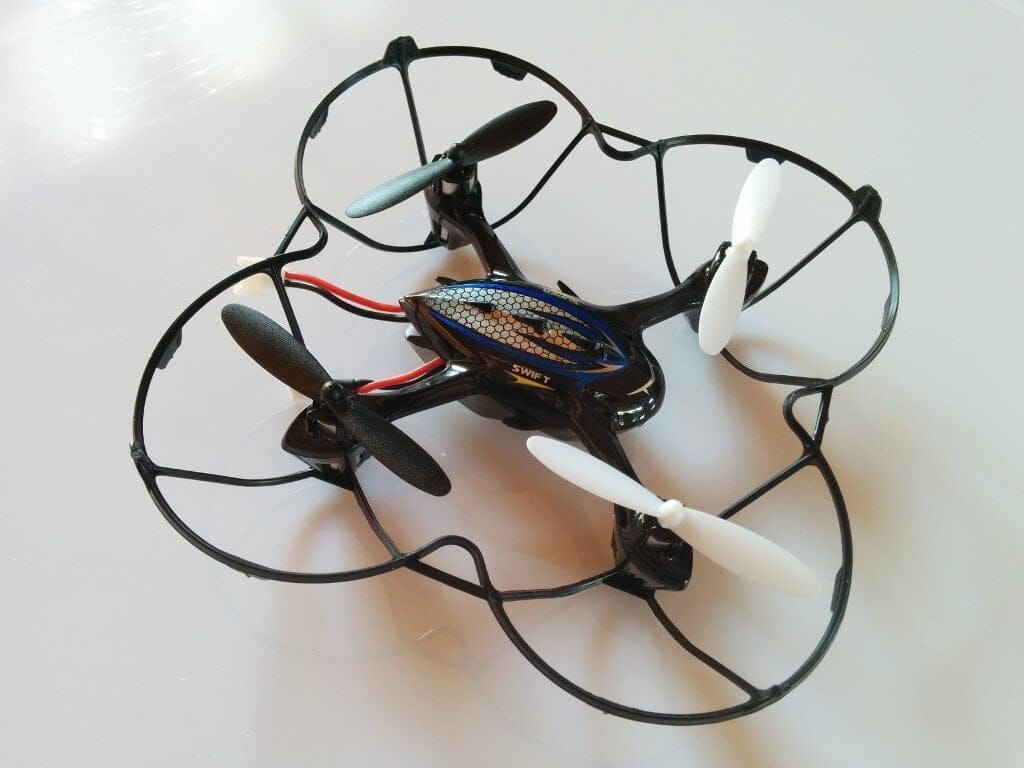
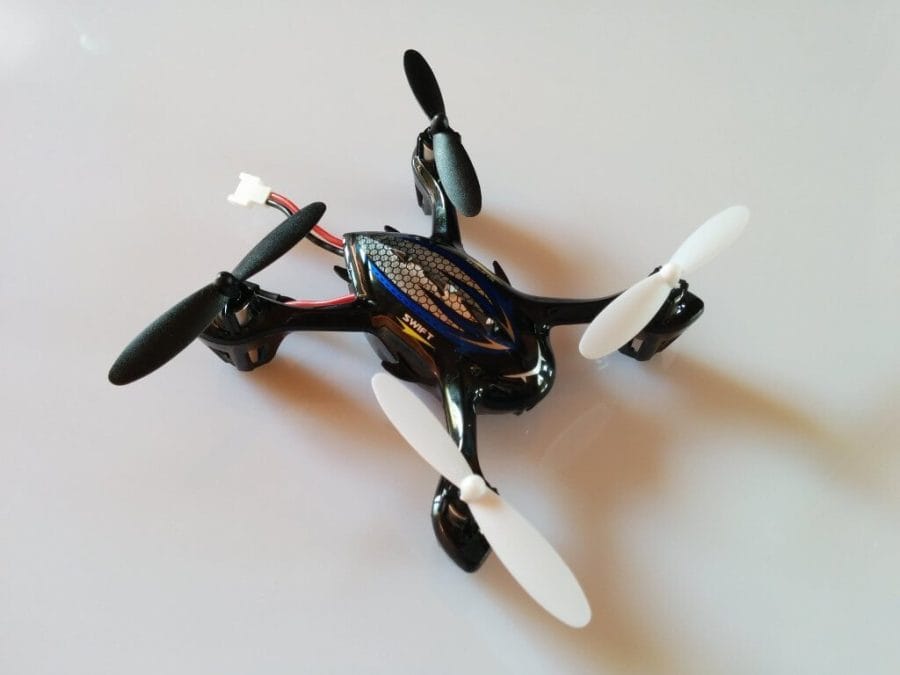
The quadcopter measures 13.5 x 13.5 x 3.5 cm with the bumper attached, while the housing alone measures 8.5 x 8.5 x 3.5 cm. The bumper is attached to the underside and can be easily removed, allowing the quadcopter to be flown without protection. Despite its compact size, the housing integrates an HD camera that captures impressive 720p footage directly onto an SD card.
The remote control looks like a gamepad and feels the same in the hand. You can easily reach all buttons, and even beginners should have no problems with this remote control. The remote control is powered by 4 AA batteries, which are not included in the delivery.
Above is also a small LCD display on which you can read the current status of the quadcopter. Among other things, you can see the connection strength of the remote control to the quadcopter, the current battery level, whether a recording has started and how the quadcopter is currently trimmed, as well as the speed in percent.
The remote control can also be used to calibrate the drone, trigger the flip mode, compensate for the rudder, and even turn off the LED lighting completely.

First impressions / Setup
Before the Depstech drone is ready to take off, you should charge the battery. This is pushed into a small slot on the underside of the quadcopter. The charging time is approximately 45 minutes, and the flight time of about 7-10 minutes seemed rather short to me, although I have so far flown with lights on and recording partly active.
The red button on the remote control switches it on, confirmed by a shrill beep. To activate the quadcopter's motors, you must first deactivate the safety lock. To do this, simply move the throttle lever quickly back and forth. Again, a beep sounds and the quadcopter's LEDs light up continuously.
So far, I have only flown the drone indoors. It hovers very stably in the air and can be held in one position without much readjustment. The remote control responds very precisely and passes on inputs to the drone without any delay. The flip mode also works very well. After a flip, the drone returns to its starting position. With many comparable models, you often have to apply thrust after a flip to prevent the drone from crashing. I could not observe anything similar here.
The camera can be activated via the remote control, where you can choose between photo mode and video mode. The video and photo quality personally convinced me. The video quality is not the best, but the footage is certainly worth watching.
The quadcopter has also already survived a significant crash (see video). Often, the rotors do not emerge unscathed from such a crash. Here, however, the bumper absorbed the impact well and protected the rotors from damage.
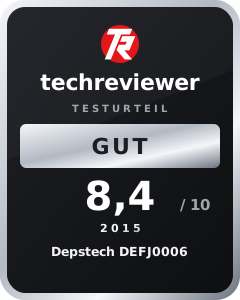
My first impression is consistently positive, and the small Depstrech quadcopter deserves a recommendation.
Our verdict
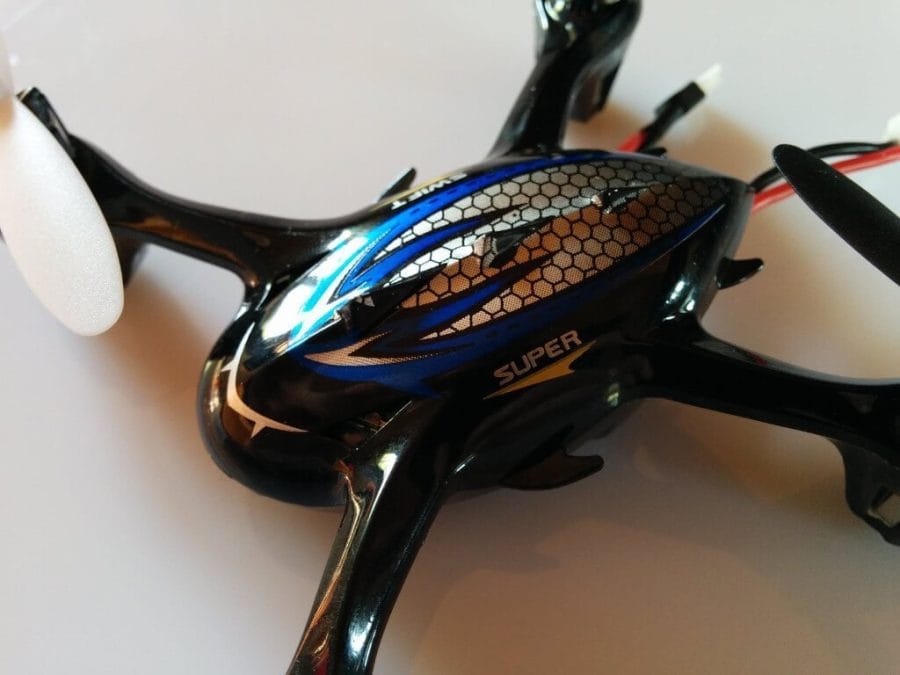
The Depstech quadcopter is suitable for beginners as well as experienced flyers. You will certainly have a lot of fun with this small device.
Specifications
General
- *Main rotor diameter
- 5.8 cm
- *Channel
- 4
- *Material
- Plastic
- *Tax mode
- 2,4 GHz
- *Remote control battery
- 4 x 1.5V AA batteries (not included)
- *Charging time
- 45 minutes
- *Suitable
- Ages 12 and up
- *Dimensions
- (13.5 x 13.5 x 3.5) cm (L x W x H)
- *Weight
- 467g
What’s included
*Depstech quadcopter with bumper *Remote control with LCD display *4 spare rotors *2 chargers (one dual charger and one standard charger) *2GB SD card + SD card reader *2 batteries (350 mAh) *Pliers for removing the rotors *User manual (English and Chinese)
Comments