Contents
Introduction: devolo Magic 2
As a “digital native”, I first came into contact with the internet in the mid-90s. At that time, Wi-Fi was still an alien concept and dLAN or powerline networking was not yet available for setting up networks. The digital world took place mainly within reach of the few telephone connections.
With the dotcom boom, the internet accelerated. The 56k modem was followed by ISDN and finally DSL. This did not yet network the entire house, but as an alternative to laying cables, I first came into contact with 2004 using devolo powerline adapters.
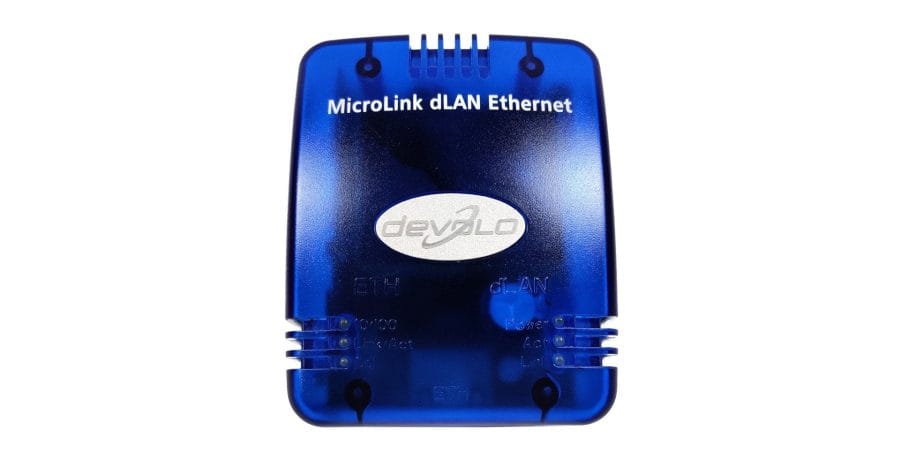
The devolo MicroLink dLAN Ethernet with a transmission rate of 14 Mbit/s supplied pretty much every room in the house with internet over the years. As the WiFi standard progressed, the switch was eventually made, but more than 16 years later, devolo powerline makes its way back into the techreviewer household. Let's get started!
Technical overview
With the introduction of the devolo Magic 2 adapters, the technology behind devolo's powerline was also revolutionised. The older HomePlug AV2 standard has been replaced by the new G.hn standard. This achieves higher speeds with up to 2,400 Mbit/s over the powerline backbone and demonstrates greater range (up to 500 metres) as well as network stability.
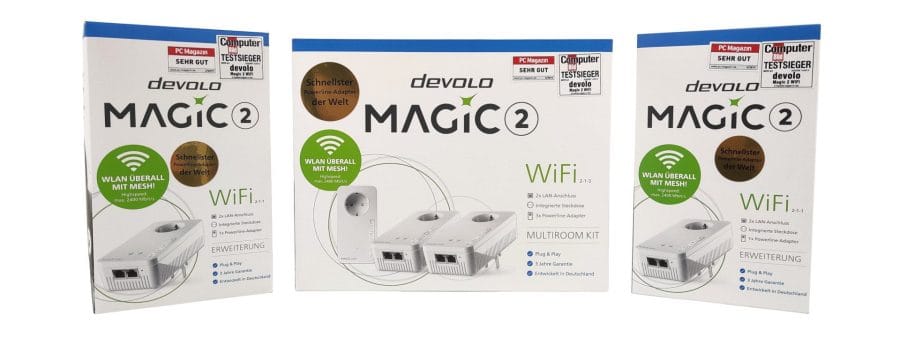
In addition to its powerline feature, the devolo Magic 2 WiFi can also establish a mesh Wi-Fi network. The term “mesh” refers to an “interlocking” network that, unlike standard Wi-Fi access points or repeaters, creates a unified, uninterrupted network. Setting up a mesh Wi-Fi network requires only a single network connection. At the same time, there are no compromises in terms of performance and reception quality.
Combining mesh with powerline can theoretically result in higher throughput compared to conventional mesh, which maintains the connection solely via radio.
First impressions
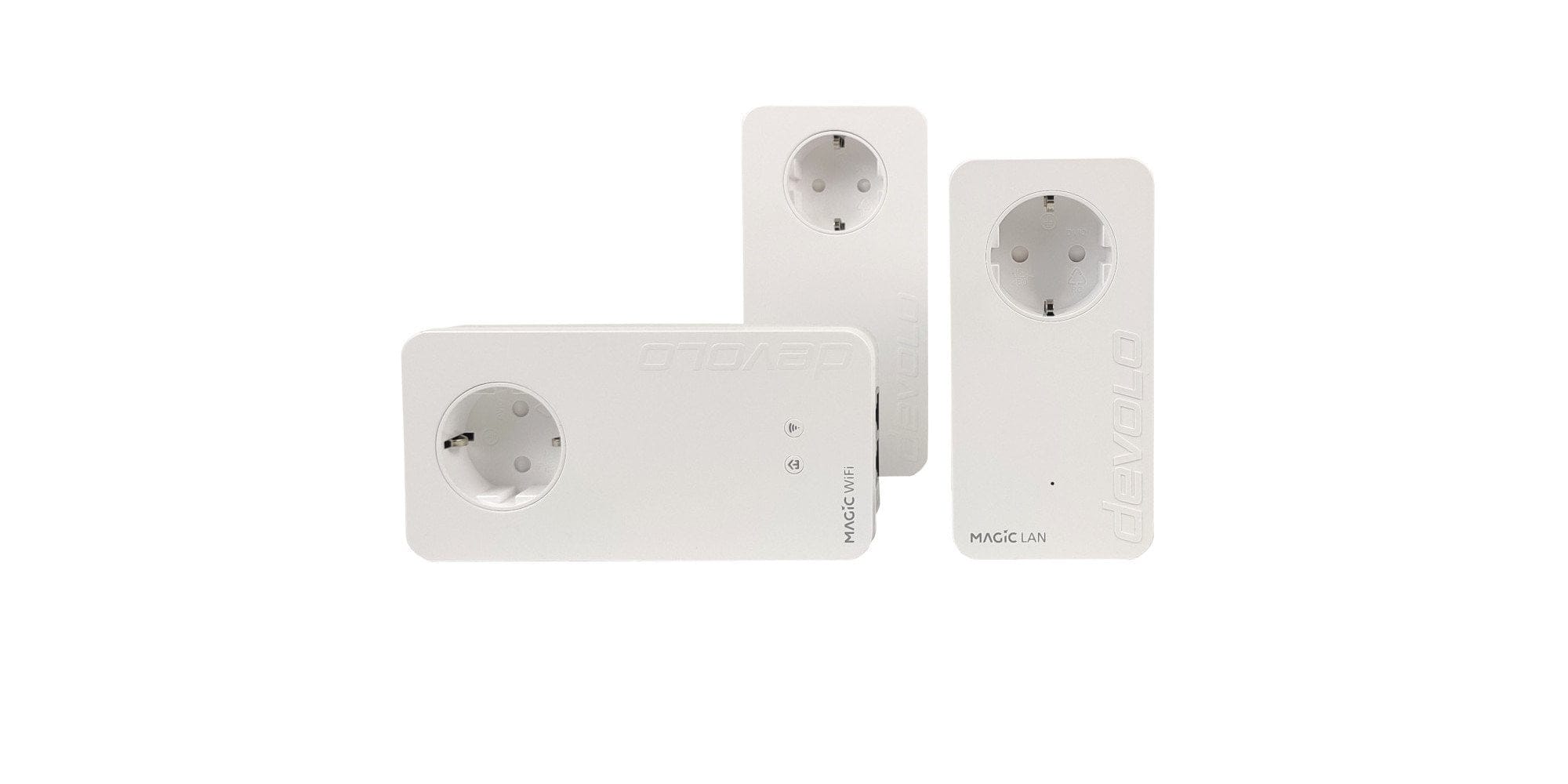
The Devolo Magic 2 WiFi adapters are available as a multiroom and starter kit, as well as as single adapters. The multiroom kit comprises two Wi-Fi adapters and one pure LAN adapter. As the name suggests, the set is ideal for providing Wi-Fi to two floors. If you choose the starter kit, you will be equipped with only one Wi-Fi and one LAN adapter.
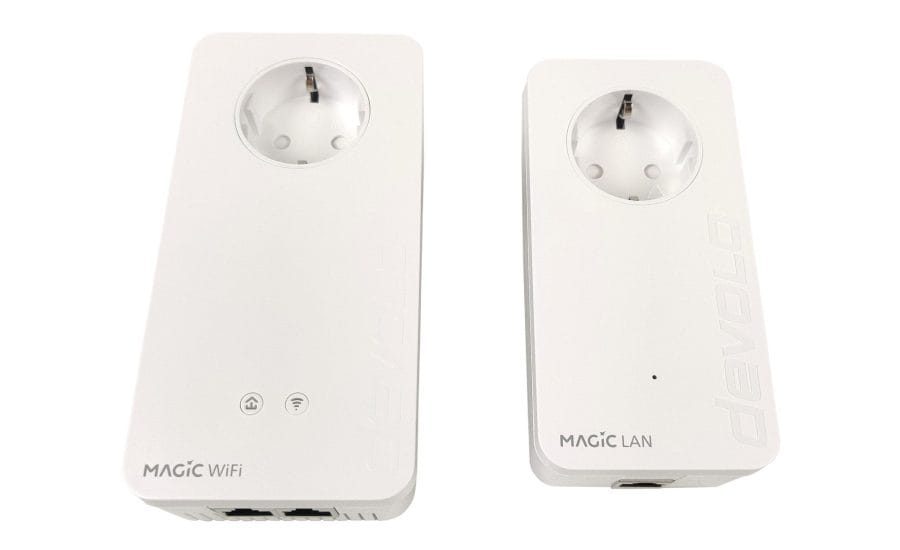
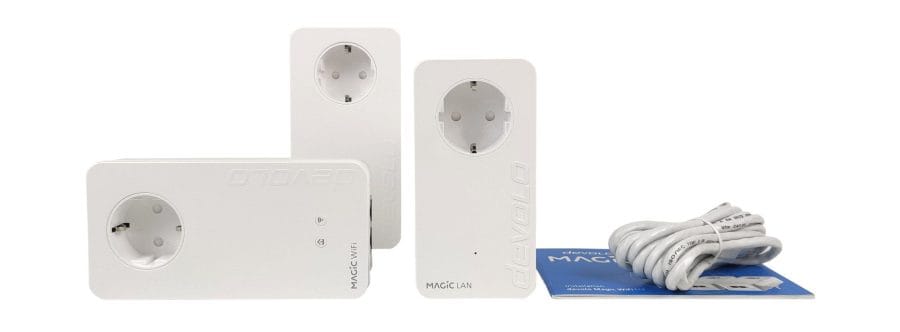
The scope of delivery is concise. In addition to the adapters, it includes a network cable, a leaflet with safety and service information, and a quick start guide that explains the individual steps of the initial setup in multiple languages and with images. A detailed manual is available from the devolo website (link to the manual).
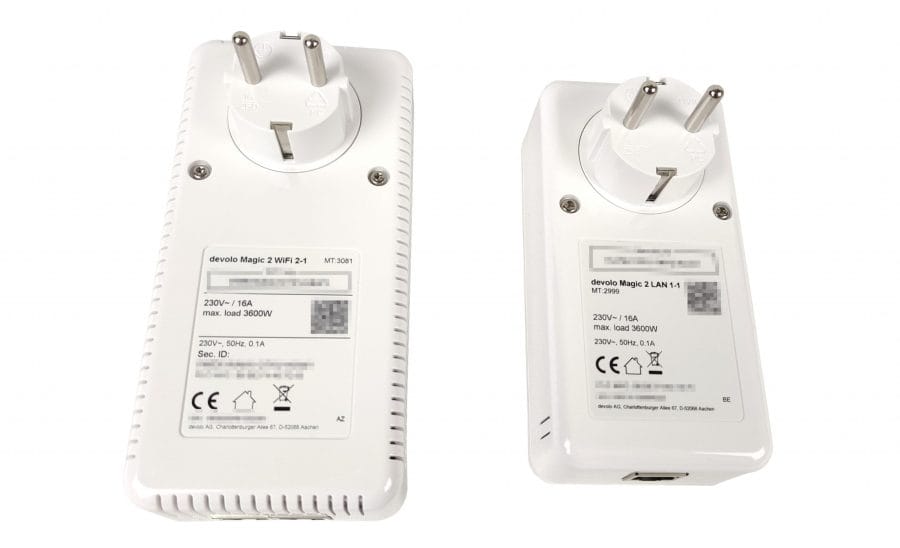
The design of the adapters is simple. The dimensions of the rectangular plastic housings are 152 x 76 x 40 mm (Wi-Fi) and 133 x 66 x 42 mm (LAN) respectively. A power socket is not lost when plugging in, conveniently, as each adapter in turn has its own socket. A child lock is already integrated.
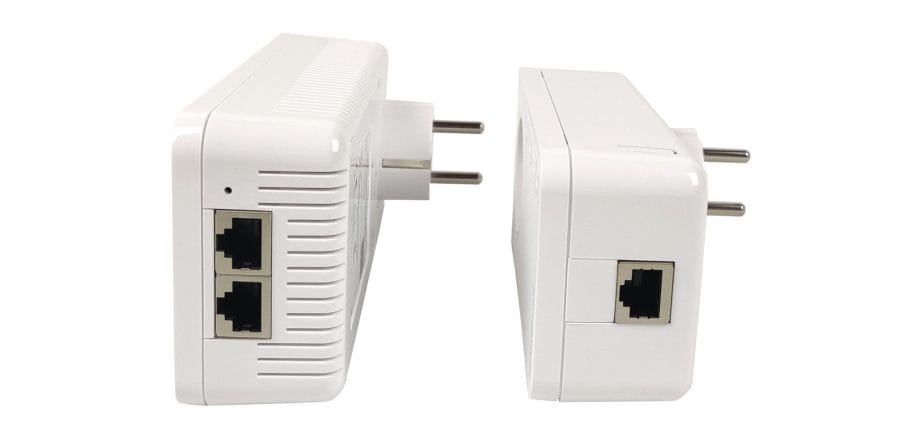
In the lower third of the WLAN adapter are the PLC and WiFi buttons, which are also equipped with an LED. The LAN adapter only has an LED at this point. For use in the bedroom, the LEDs can be switched off. Moving on to the underside, the WLAN adapter features two Ethernet (RJ45) ports. The LAN adapter comes with only one port.
Setup
Setting up the devolo Magic 2 WiFi adapters should be straightforward even for non-technical users. The illustrated quick start guide clearly explains the steps required for commissioning. However, please note that the new G.hn technology is not compatible with dLAN technology from older adapters! The same applies to devolo Mesh, which cannot be combined with mesh adapters from other manufacturers.
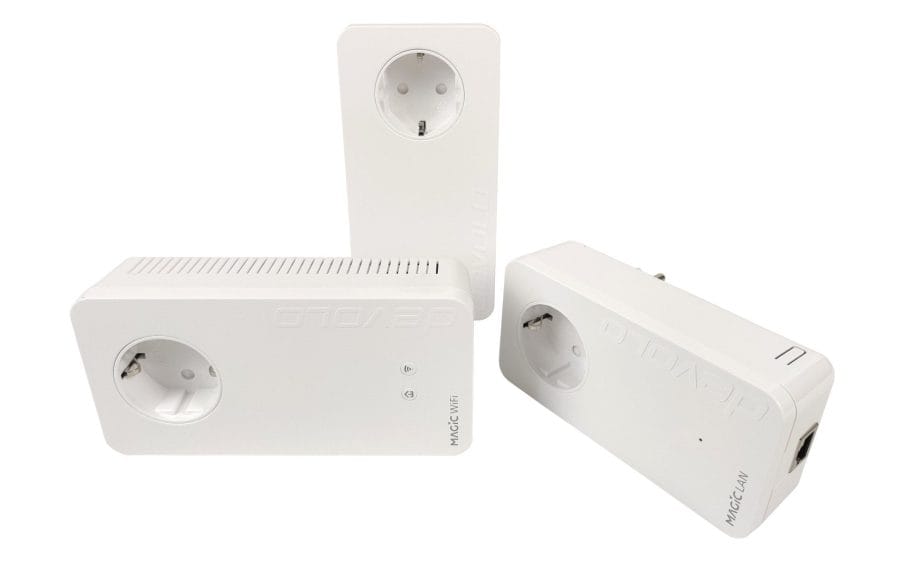
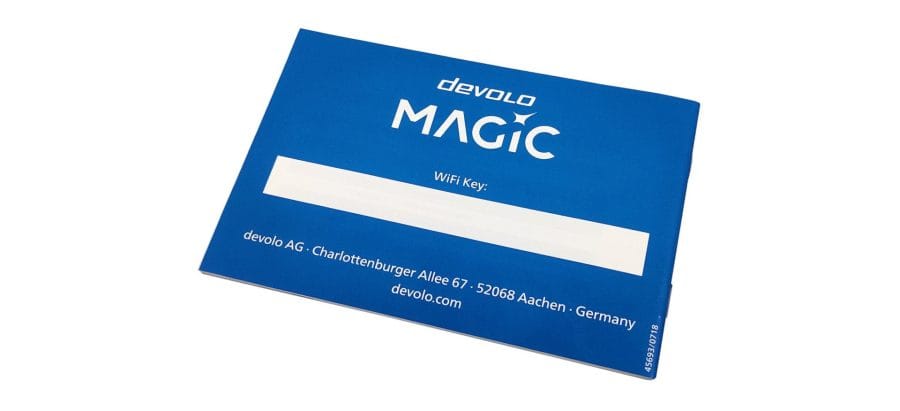
Before plugging the devolo adapters into the power socket, make sure to note the WiFi key located on the back! Each adapter has its own key, which is required for the initial WiFi connection to the respective adapter.
To set up the powerline network, one of the adapters is connected to the router via Ethernet and the remaining adapters are distributed throughout the house. If this happens within 3 minutes, a powerline connection between the adapters is automatically established. To expand the network, simply press the PLC button on an active adapter. The indicator light flashes repeatedly, indicating that the existing powerline network is searching for new adapters.
If these steps are followed in the correct order, the powerline network is set up or extended in no time. In the test, the connection was established immediately. If the connection setup causes problems, simply take a look at the detailed manual on devolo.de. Unlike the quick guide, this explains the initial setup in detail.
Software
Configuration and management of the devolo network is done via the integrated web interface. It can be accessed via any web browser, the devolo Home Network App (Android / iOS) or the Cockpit software (Windows / Linux / MacOS).
Web interface
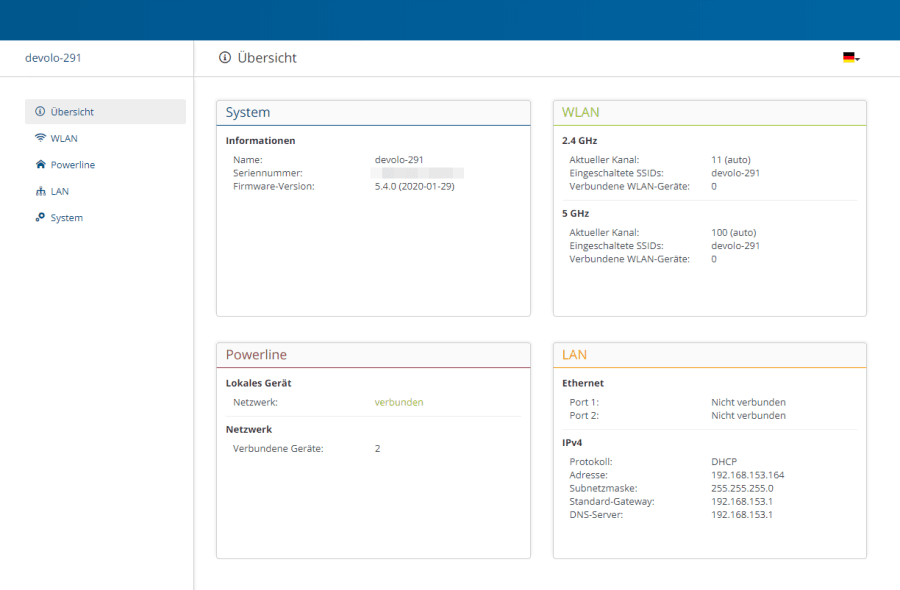
Accessing the web interface is unfortunately not quite as easy as expected. Older dLAN adapters could be accessed directly via the browser at the address “http://devolo.wifi”. Unfortunately, the new Magic 2 adapters no longer offer this option, so when accessing directly via the browser, the IP address of the respective adapter must be known. In most cases, this is assigned randomly by the router, so you first need to check which IP address the router has assigned to the adapter. Once you have found the IP address, you can call up the adapter's web interface using it.
Cockpit software
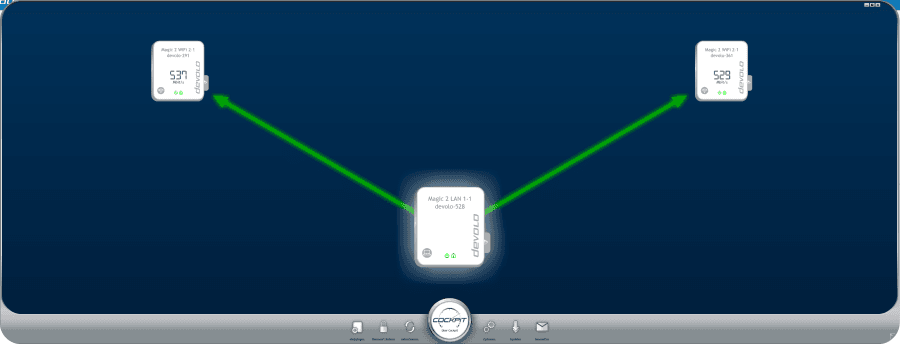
Another way to manage the network is provided by the devolo Cockpit software. Unfortunately, the implementation here is also not fully thought-through. The software only works if the PC/Mac is connected to one of the adapters via Ethernet. If the connection is purely via Wi-Fi, the adapters are not displayed in the Cockpit software. The software itself only provides an overview of the network, such as how the adapters are connected to each other and at what speed they communicate. For configuration, the software calls up the web interface via the browser.
devolo Home Network app
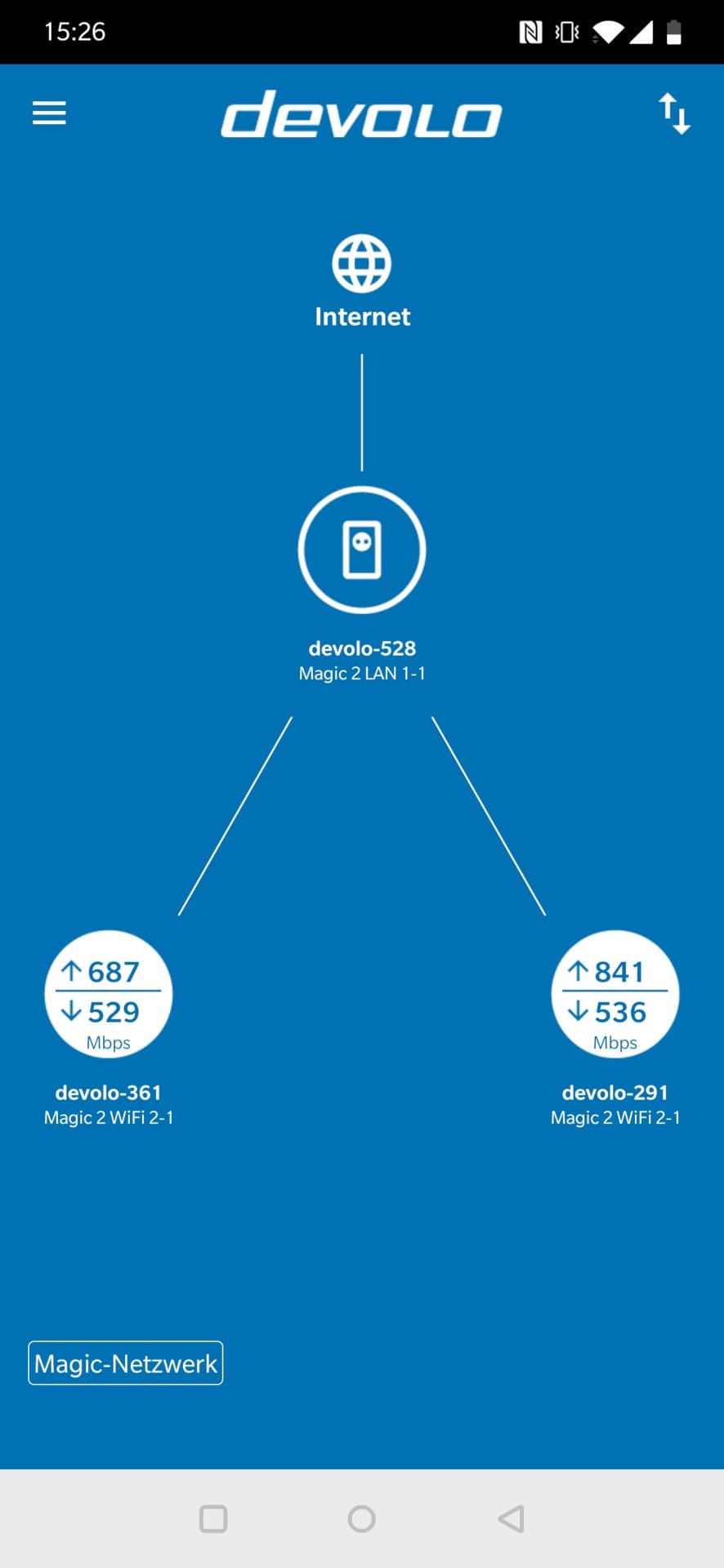
The third option for network management, and the easiest to use, is the devolo Home Network App. Install the app on your smartphone, connect to the devolo WLAN, open the app, and you instantly get an overview of the network. Network configuration is also possible via the app, which uses the web interface in mobile view.
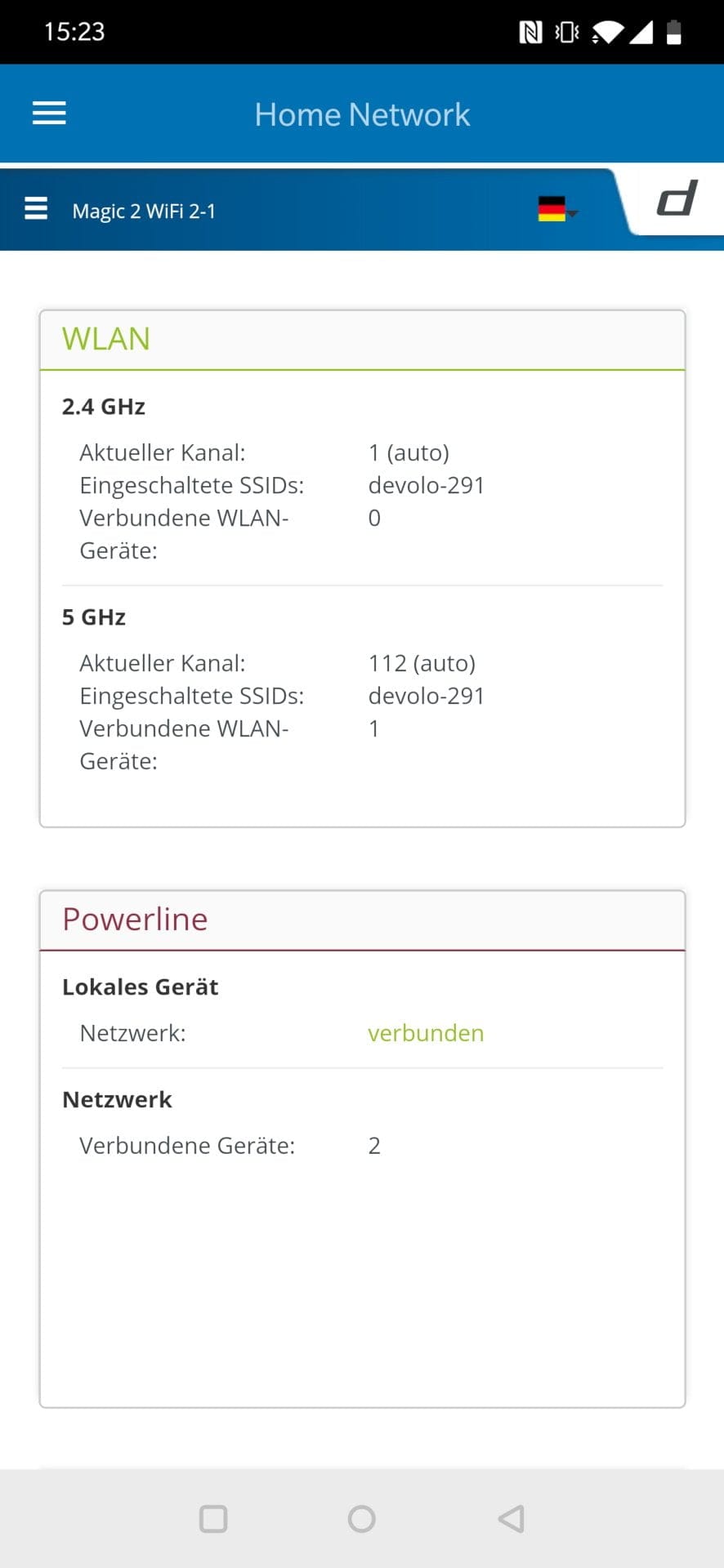
Settings options
The configuration options are extensive and leave little to be desired. The logically structured menu items make the web interface easy to use. Wi-Fi, Powerline and LAN can be extensively configured by the user.
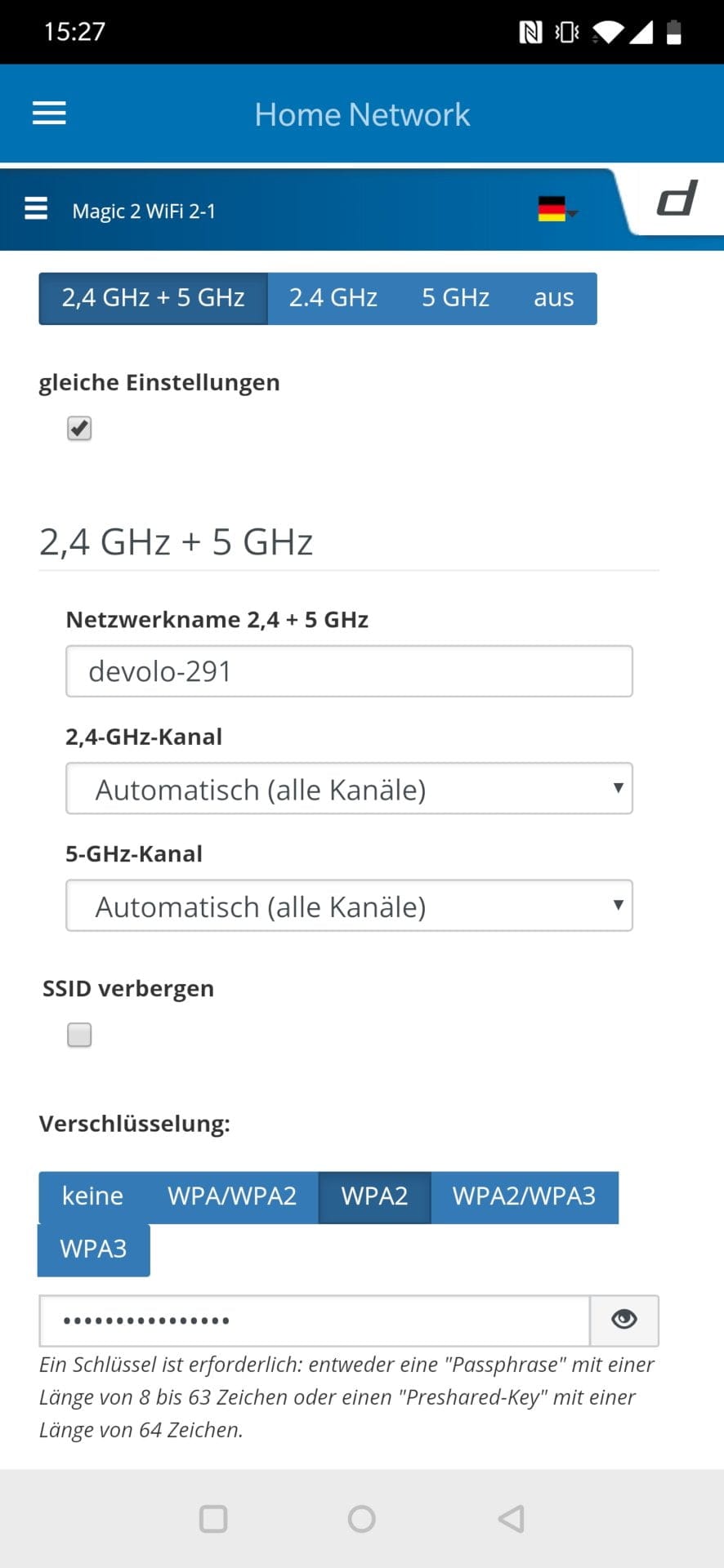
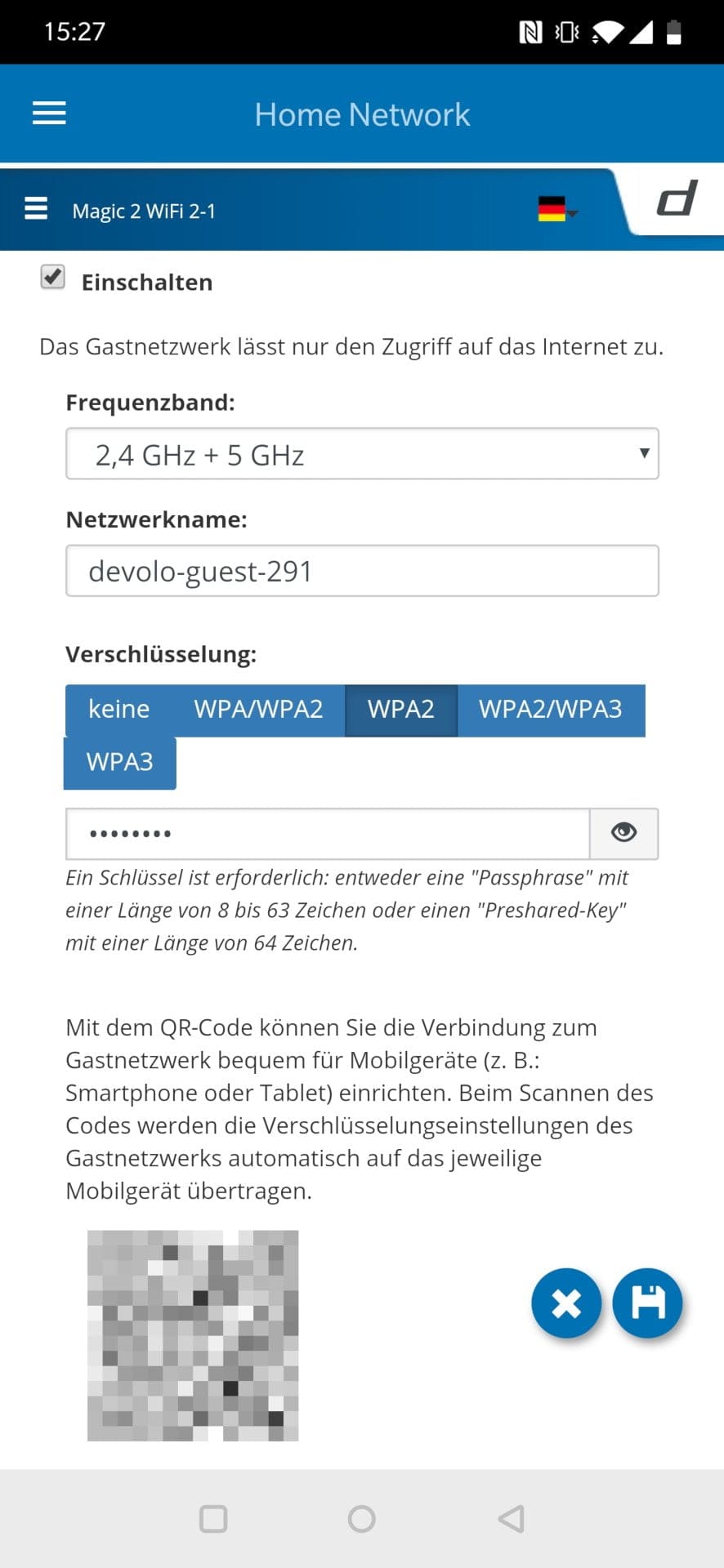
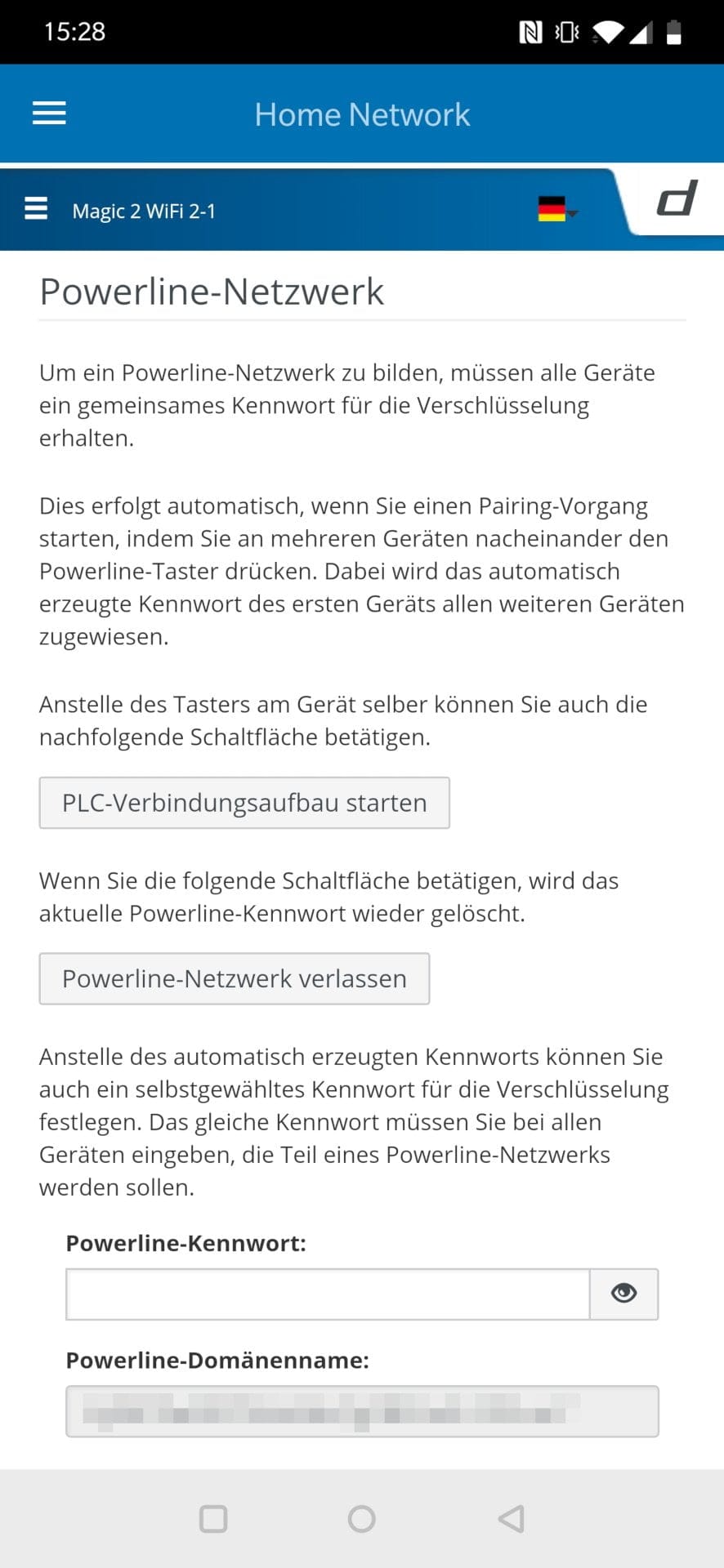
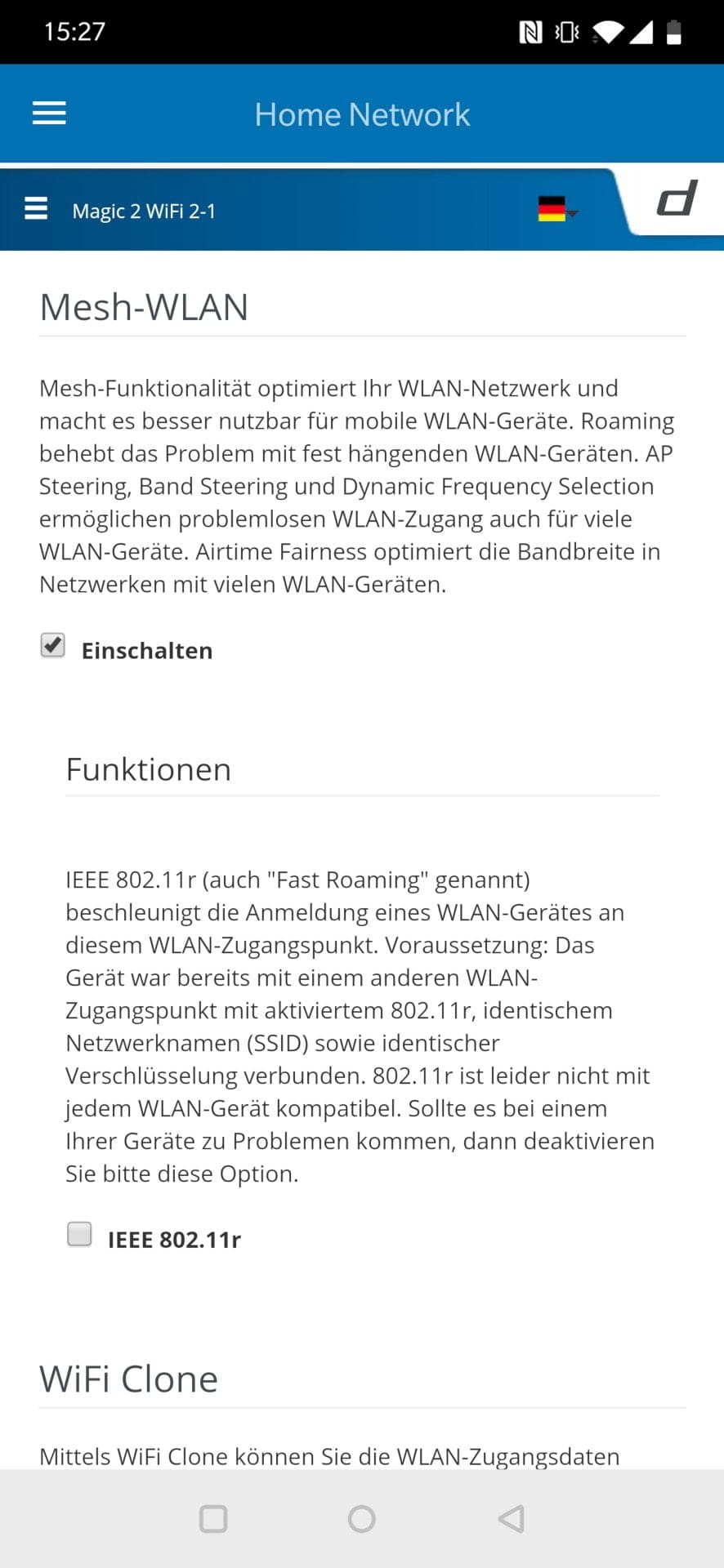
Functional features such as the new WPA3 encryption standard, a guest network, a timer and a child lock are available. The mesh function can be activated at the press of a button.
Performance
The performance test was conducted with one devolo Magic 2 LAN adapter and four devolo Magic 2 WiFi adapters installed across three floors of a residential house and in a garden shed 20 metres away.
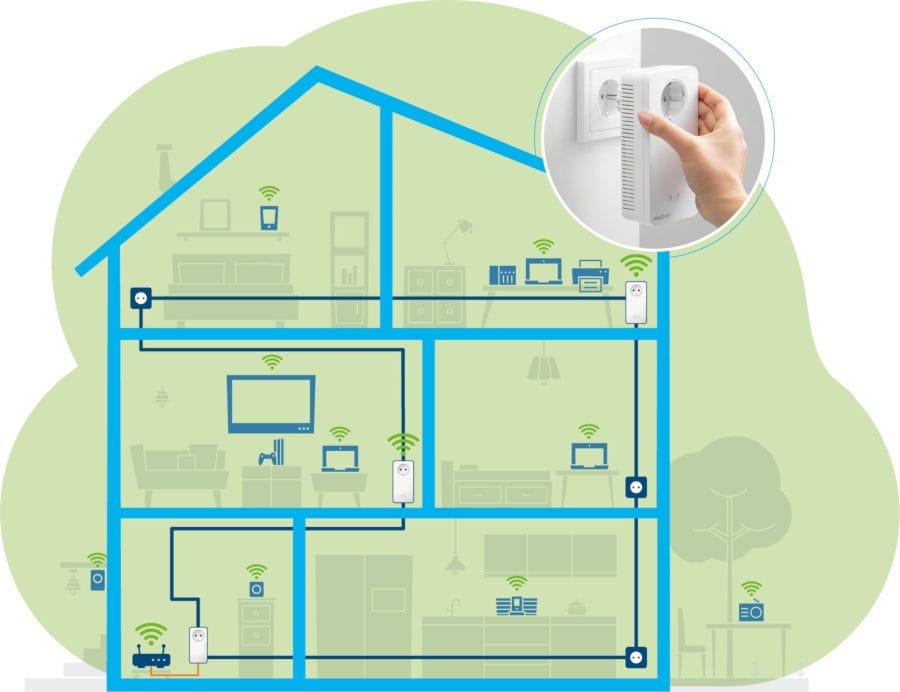
The captured measurement data are naturally only indicators. Wall and ceiling thickness, distance and wiring are parameters to be considered that affect Wi-Fi and powerline performance.
Powerline performance
For this test, the devolo Magic 2 LAN adapter was connected to the router, and a PC was connected via Ethernet to a devolo Magic 2 WiFi adapter on another floor. The transmission speed averaged 150 to 200 Mbit/s. When the adapter and PC were in the same room, an average speed of 450 Mbit/s was achieved. Although direct Ethernet cabling is still faster, working with the values delivered by the PLC network is very good in practice!
During the long-term test, network stability was also naturally examined. No major disruptions occurred. Apart from a short, inexplicable connection drop in the PLC network, the network remained stable throughout.
Wi-Fi and mesh performance
This test was conducted throughout the entire house, including the garden and the garden house located there. The mesh function was enabled during the test.
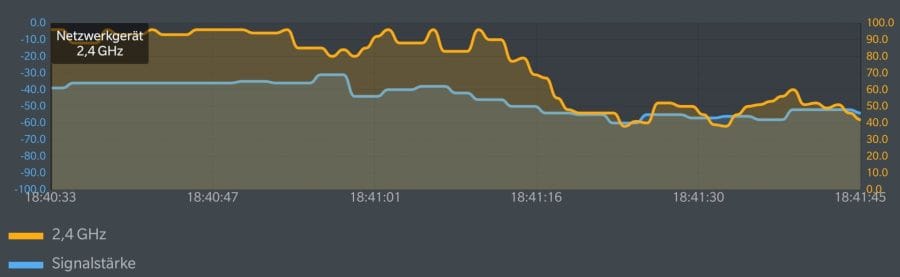
On the same floor, data throughput averaged between 460 and 580 Mbit/s (5 GHz) and 85 and 100 Mbit/s (2.4 GHz). Passing through two walls reduced data throughput to 100 to 250 Mbit/s (5 GHz) and 40 to 60 Mbit/s (2.4 GHz). While these are not record values, local data transfers were pleasantly fast, high-resolution 4K streams played back without annoying buffering, and online games were playable without lag at a short distance from the Magic 2 node.
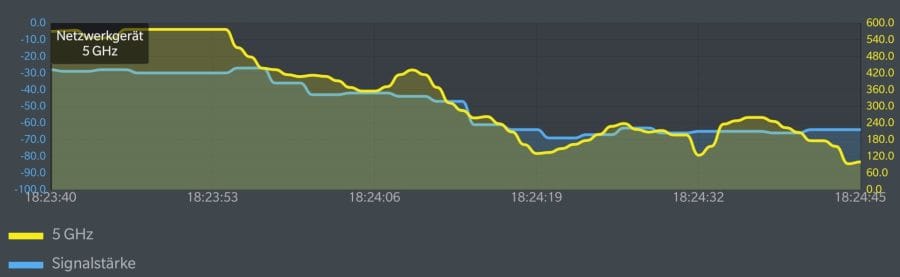
Wi-Fi roaming, i.e. the automatic switching between Wi-Fi access points, posed no problems for the devolo Magic 2 WiFi adapters. The speed between the mesh nodes remained largely constant. Furthermore, users could move freely throughout the network without losing the connection. A range test showed stable transmission and reception performance throughout the house, garden and garden shed. Even with just one devolo Magic 2 WiFi adapter, a larger area can be very well covered.
Power consumption
According to the datasheet, power consumption of a devolo Magic 2 WiFi adapter is up to 12 watts, 9 watts on average and 3.4 watts (stand-by) at minimum. Power consumption of a devolo Magic 2 LAN adapter is listed as up to 4.8 watts, 2.8 watts on average and 0.7 watts (stand-by) at minimum.
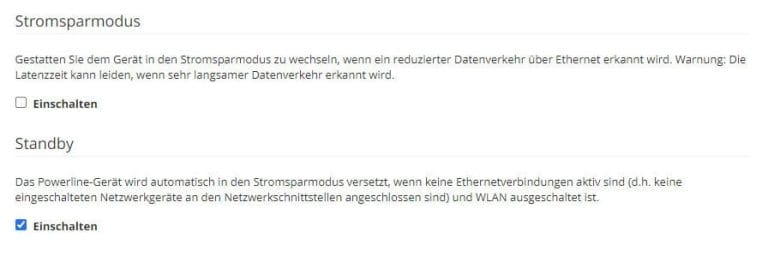
In the test with about 7 connected network devices, the consumption of a single Magic 2 WiFi Adapter averaged 7 Watts. During browsing activities, consumption rose to a measurable 10 Watts. The LAN adapter required an average of 3.7 Watts.
Our verdict
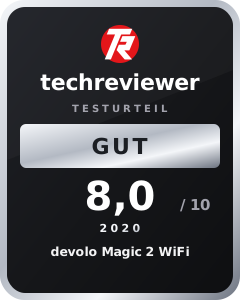
The devolo Magic 2 WiFi is an ideal solution for achieving a wide-reaching, uninterrupted and fast network over a large area. Completely without laying cables!
Powerline and mesh contribute to this above all, combining them in the Magic 2 WiFi in a single adapter. The new G.hn technology makes the powerline network even faster and more stable. Mesh, in turn, enables comprehensive reception coverage in the WLAN.
Record speeds of up to 2400 Mbit/s via PLC and 1200 Mbit/s via Wi-Fi were not achieved in the test, but the throughput delivered will satisfy most users.
Price comparison
| Store | Price | Link |
|---|---|---|
| Amazon | 287,96 € | Go to store |
| MediaMarkt | 329,99 € | Go to store |
| Saturn | 329,99 € | Go to store |
Price history
| Store | Price | Link |
|---|---|---|
| MediaMarkt | 197,99 € | Go to store |
| Saturn | 197,99 € | Go to store |
| Amazon | 212,05 € | Go to store |

Comments (2)
Hello, I am considering getting this set too. I have now noticed that there is the Devolo Magic 2 WiFi and Magic 2 WiFi next. I compared both datasheets but could not recognise a difference. Do you have any idea what the difference could be? Best wishes Stefan
Hi Stefan, upon enquiry, I was told that the difference lies in the installed WLAN chip. The chip in the Magic 2 WiFi next is faster and supports MU-MIMO.