Contents
First impressions of the Doogee P1
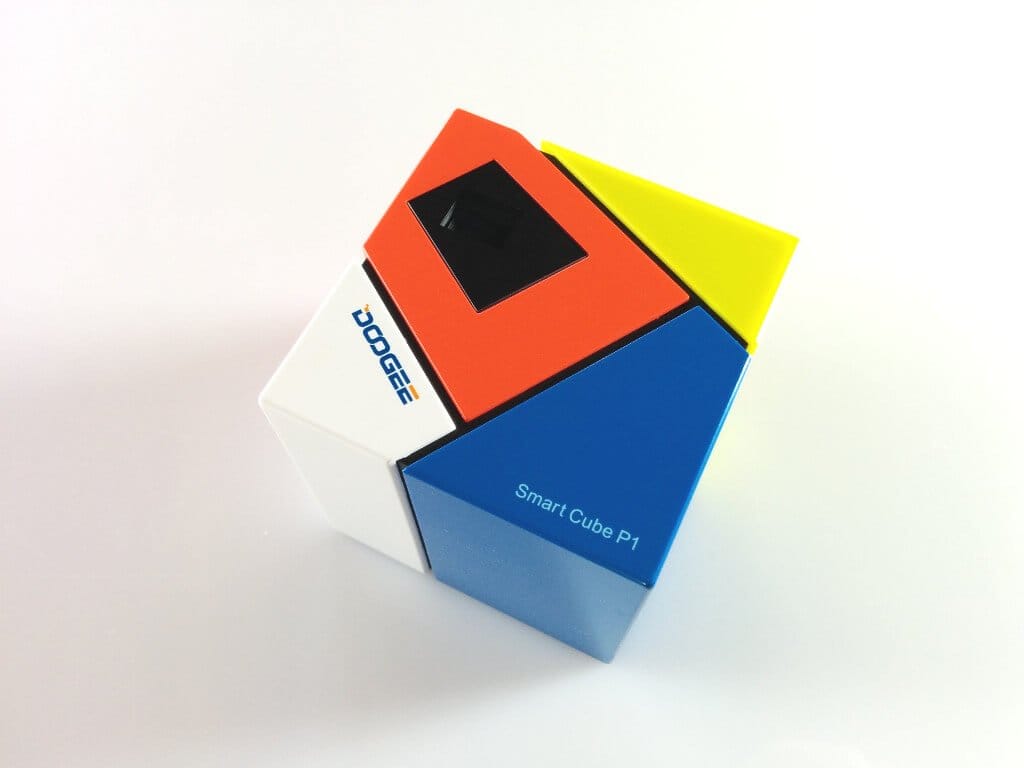
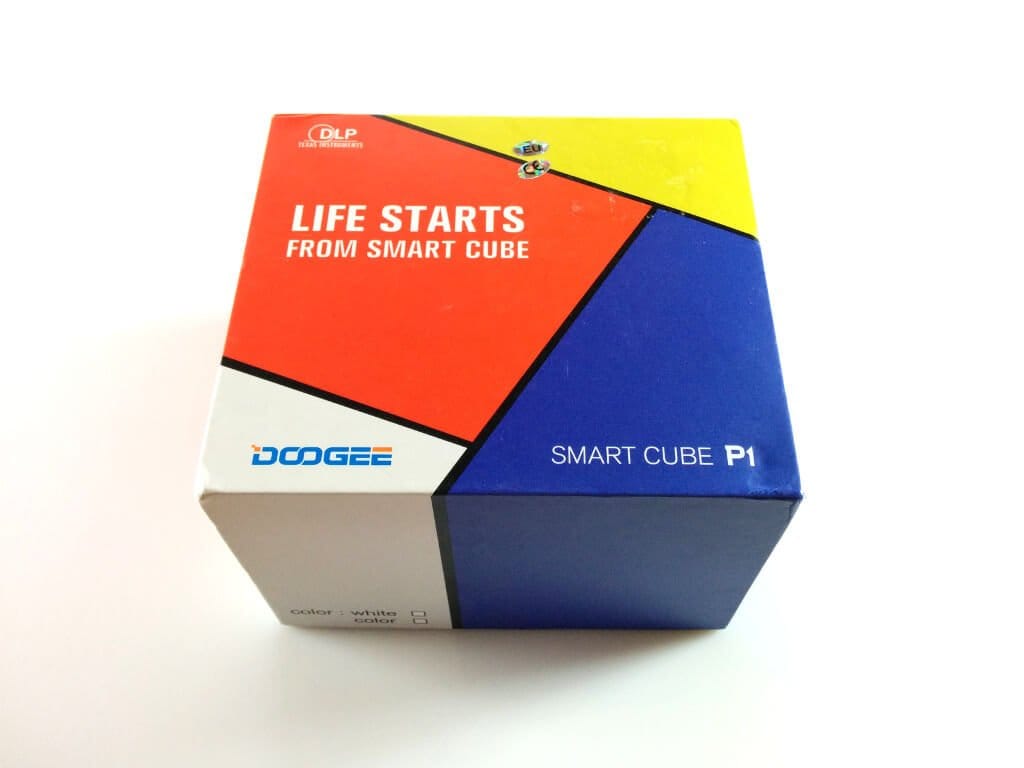
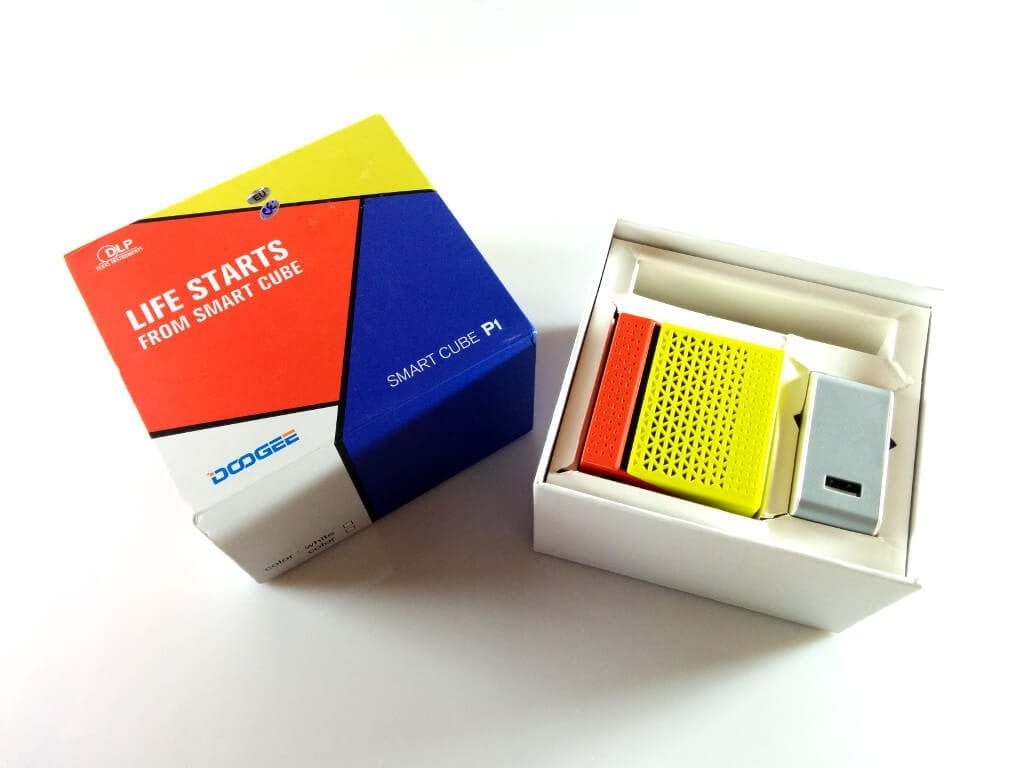
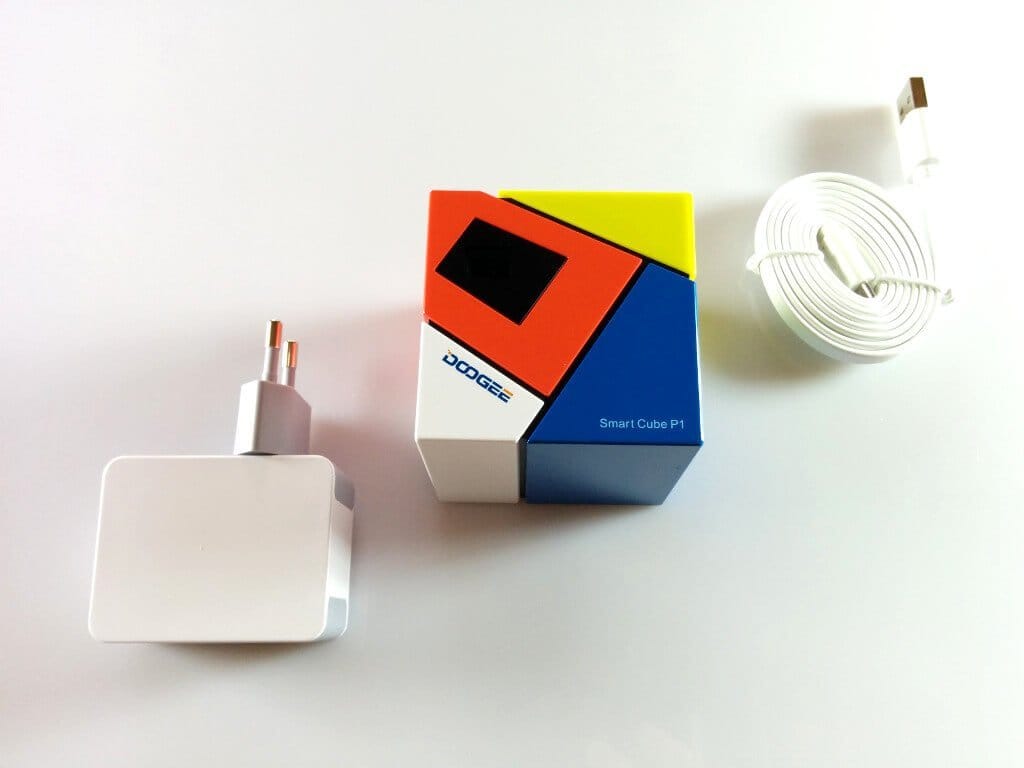
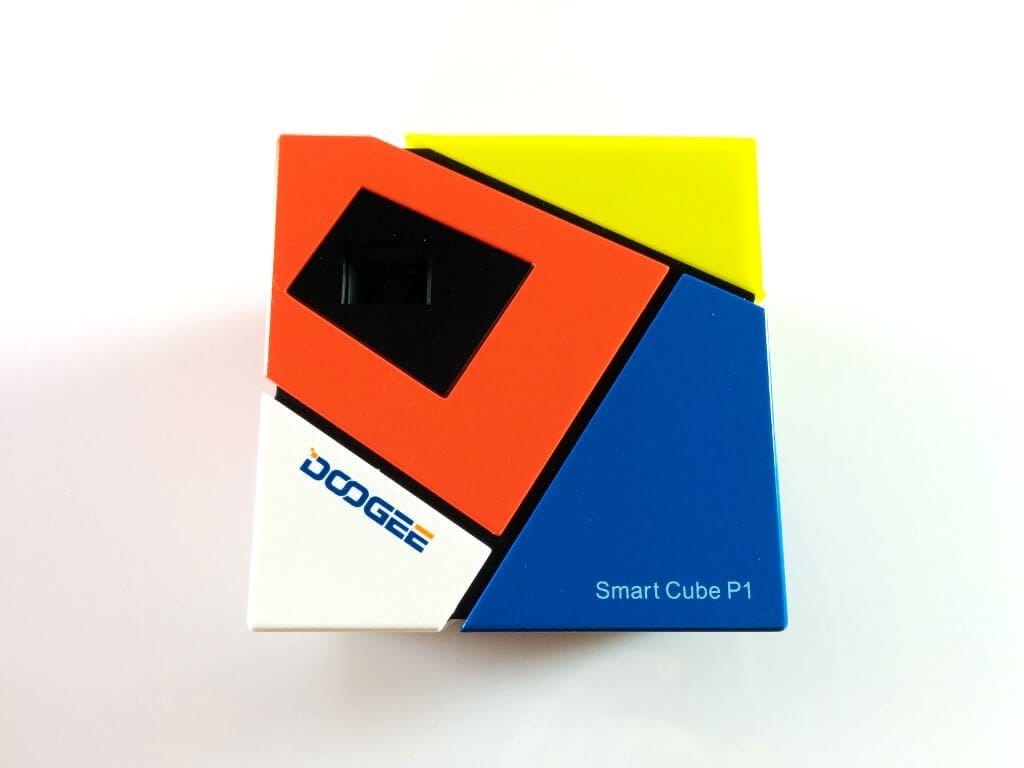
The Doogee P1 comes in a similarly colourful cardboard box that also contains a USB data/charging cable and a charger (5V 2A) alongside the Smart Cube. Surprisingly, the manufacturer did not include a user manual, which can quickly become a problem with such an extensive gadget (more on this later). With an edge length of approximately 6.2cm, the Smart Cube P1 has a very compact housing, allowing the projector to be used on the move. Thanks to its colourful design, it appears very modern and appealing.
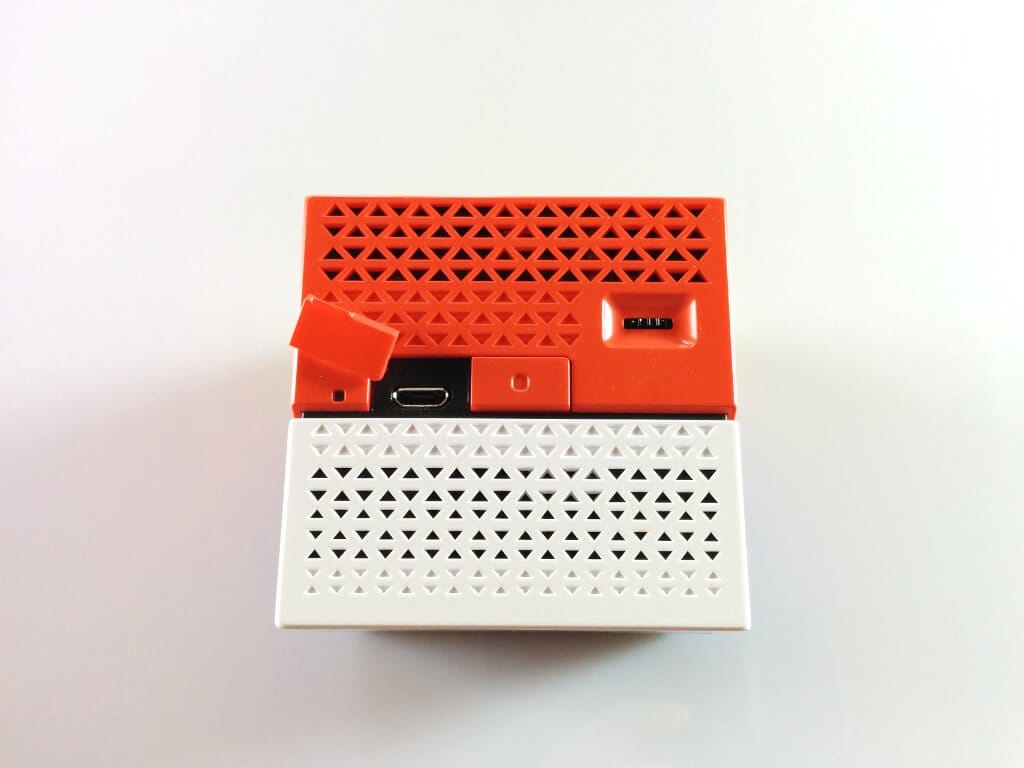
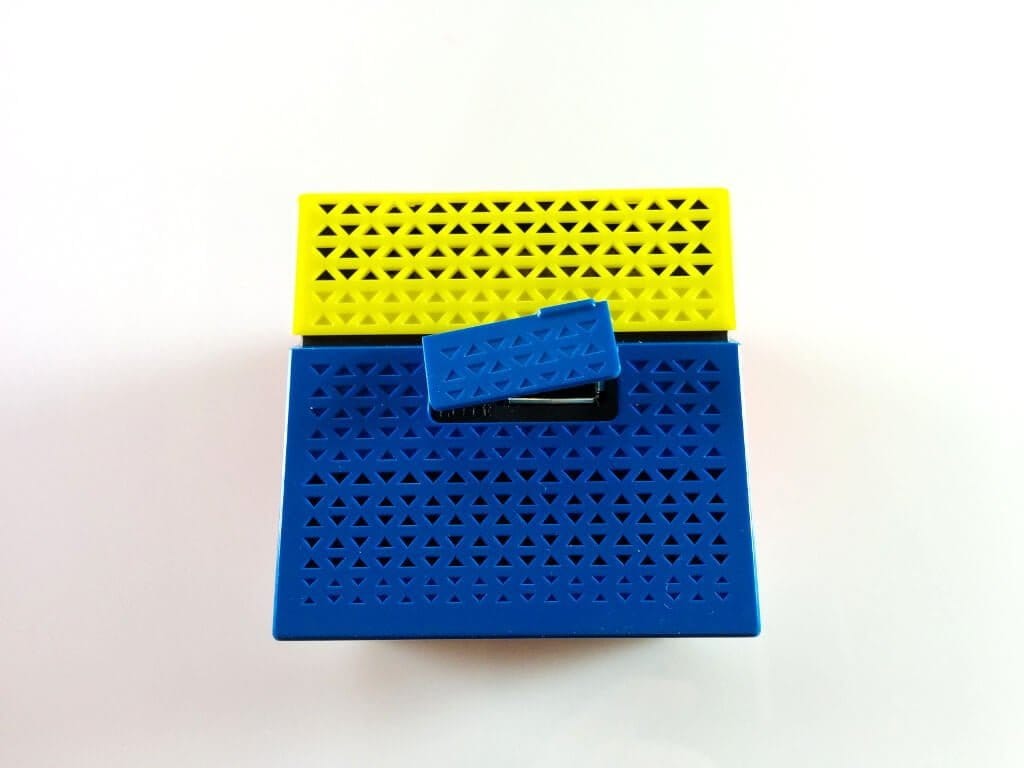
Externally, the projector is equipped with various connectivity options. Underneath small, removable covers are, among other things, a micro USB port, which is used to charge the 4800mAh battery and to transfer data. Additionally, the P1 has a conventional USB 2.0 Type-A socket, which allows other devices to be charged. The Doogee P1 projector can therefore also be used as a power bank. Unfortunately, the device does not have an HDMI input. Other controls are the power button and a small wheel for correcting image sharpness.
The first, external impression of the Doogee P1 is quite positive. The build quality is good and the design of the Smart Cube is also successful.
 Play video on YouTube
Hardware
The image is generated by a powerful OSRAM LED producing a luminous flux of 70 lumens. The contrast ratio is 800:1, and the native resolution is 854x480 pixels. Inside lies the hardware of a mobile device. A small quad-core processor from Amlogic, 1GB RAM and 8GB of internal storage enable a fully functional operating system based on Android 4.4 KitKat. To exploit all possibilities for wireless data transfer between the Smart Cube P1 and the playback device, the projector is also equipped with a WiFi (2.4GHz) and Bluetooth 4.0 module.
Sound transferred from the playback device is reproduced via an integrated speaker, which can also be addressed via Bluetooth. The integrated battery, with a capacity of 4,800mAh, serves to power the device but can also function as a power bank to charge other devices.
Setup
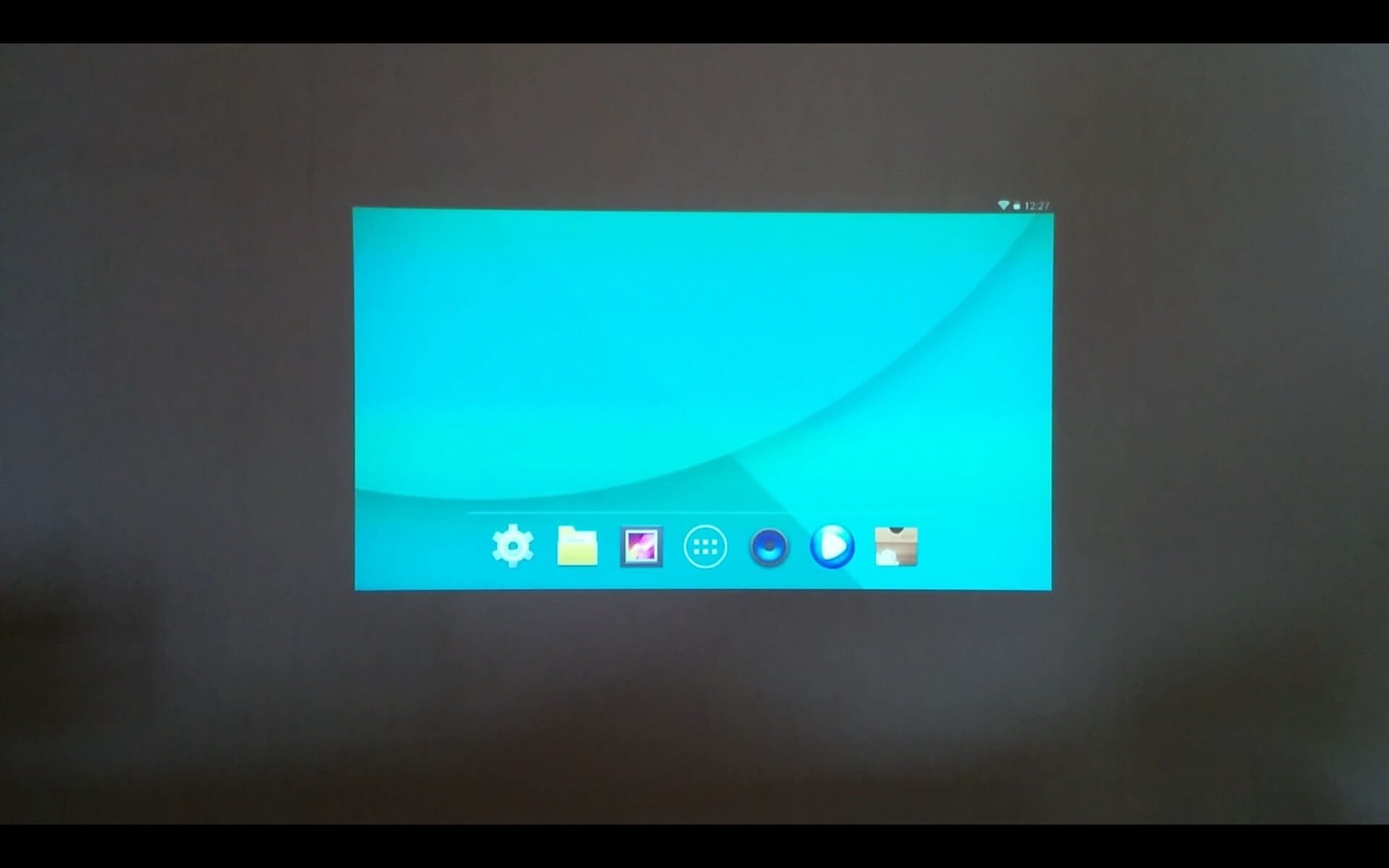
Initial setup of the Doogee Smart Cube P1 was extremely difficult due to the lack of a user manual. When switching on the device, the projector's small fan whirrs, and after just a few seconds the native Android 4.4 interface appears. Sharpness of the image can be adjusted laterally using the wheel on the side.
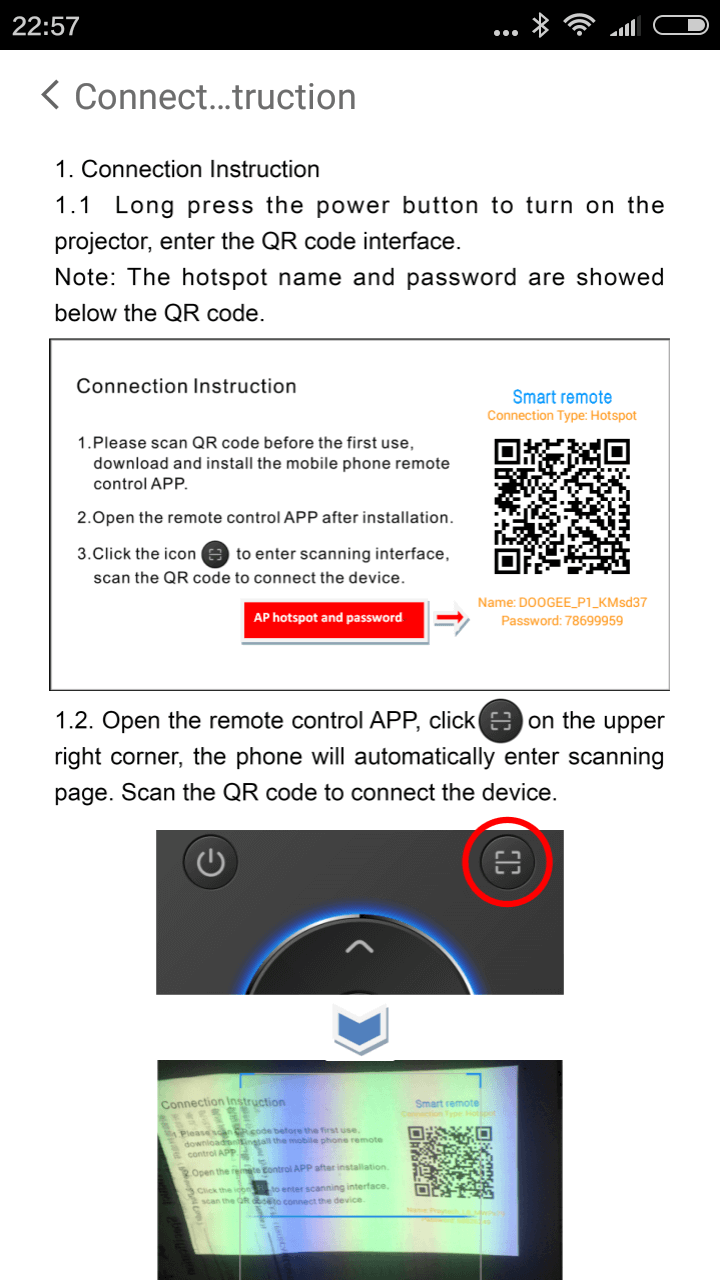
To even operate the projector's interface, a specific app from the manufacturer is required. Without a user manual, it is naturally unclear how to obtain the app, let alone that such an app exists. After switching the device on and off several times, a start page with a QR code for the app appeared after randomly holding the power button for a longer period (5 seconds). Once this code is scanned with a smartphone or tablet, the Doogee P1 app can be downloaded from a Chinese server.
Doogee P1 app
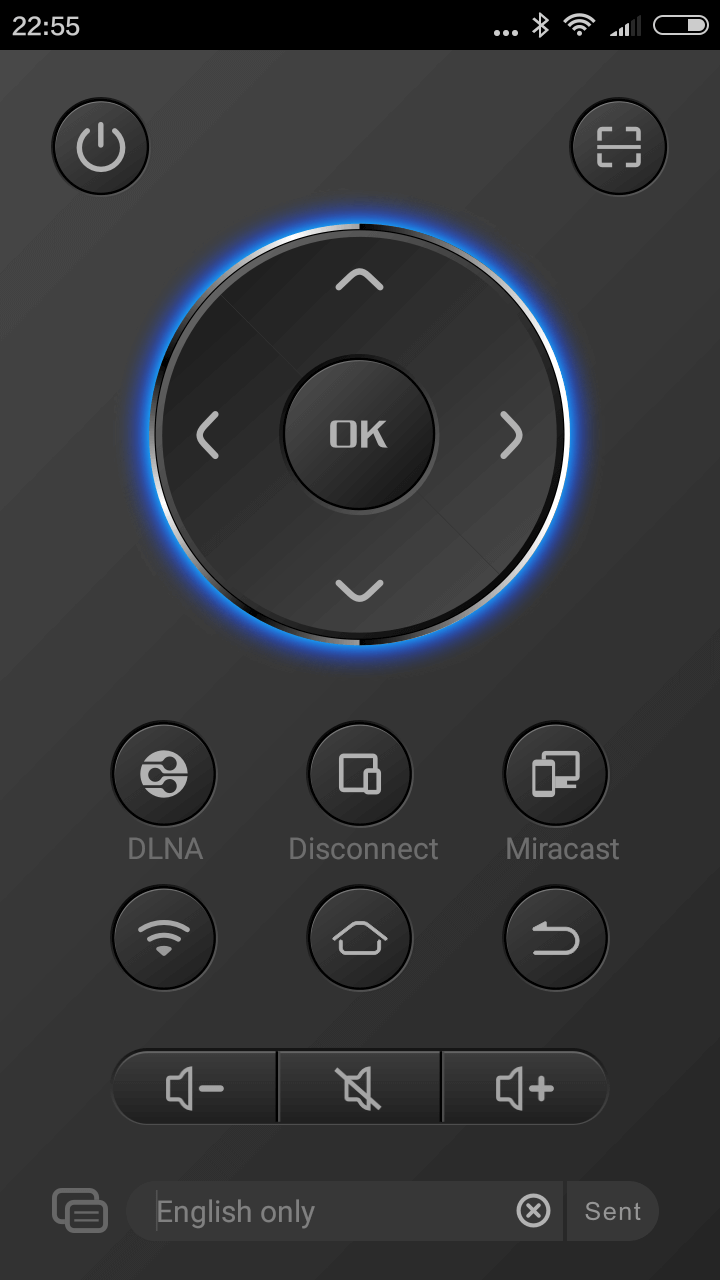
The app serves as a remote control, allowing the projector's user interface to be operated. By default, the Doogee P1 is in hotspot mode, creating its own WLAN network to which you can connect. Within the app, you scan the QR code generated by the projector, which connects the app to the projector's WLAN. The user interface can then be operated largely freely.
Functions and streaming
Native: The Doogee P1 can be connected to a Wi-Fi network. Any desired apps can then be downloaded via the pre-installed Google Play Store. For example, YouTube can be installed, allowing playback directly via the pre-installed Android 4.4. The small cube receives OTA updates.
USB-OTG: The DLP projector supports OTG. This allows a variety of peripherals to be connected to the device. Storage can also be expanded with a USB stick, allowing media to be played back afterwards.
Miracast: This function is pre-installed on the Doogee P1. Miracast can be activated via the beamer's app, after which the entire screen content of the playback device can be transmitted to the beamer.
AirPlay: This transmission interface allows AirPlay-compatible iOS and OSX devices to be used for streaming.
DLNA: This function can also be activated via the app. Subsequently, a DLNA app, which also serves as a server, is started. Media can be streamed to the projector using a compatible DLNA client.
Bluetooth: Using the integrated Bluetooth module, the Smart Cube can be used as an external speaker.
Practical test
After the initially difficult setup, the Doogee P1 was largely straightforward to operate. Unfortunately, Miracast streaming was somewhat unstable, causing the projector to frequently produce visual artefacts. I couldn't determine whether this was due to my Wi-Fi or if the projector was simply too weak to render the image. In contrast, DLNA streaming ran without any visual disturbances.
Via OTG, I was able to connect a mouse, a keyboard and a USB stick. To use USB OTG, an OTG adapter is required, which is not included in the delivery. With the pre-installed file manager, I could browse through the directories of the USB stick and play films directly via the pre-installed media player.
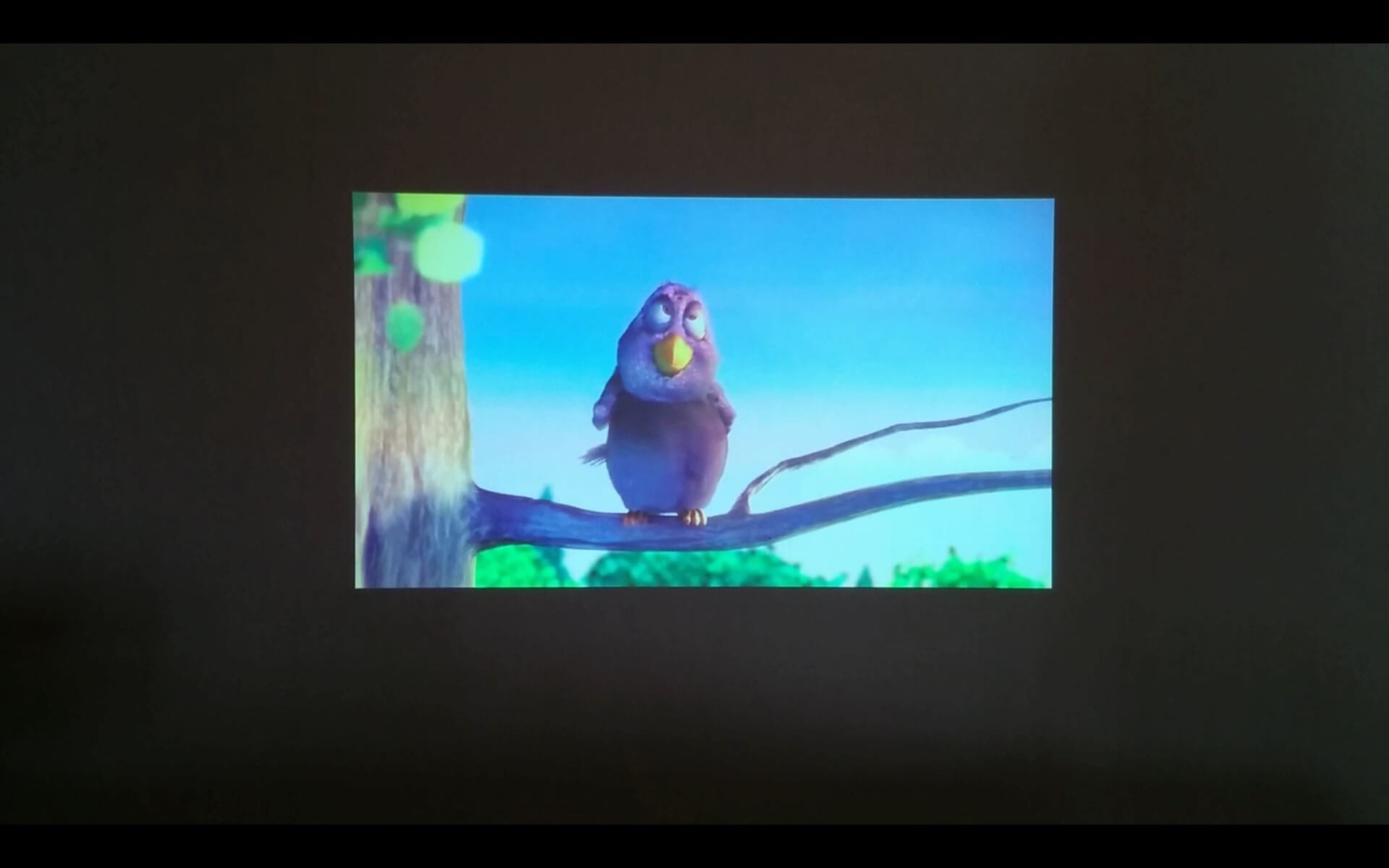
The image quality was consistent across all streaming modes. The image was very clearly visible even in a slightly darkened room during daylight. Even from a distance of approx. 2 meters, the Doogee P1 still projects a decent image, with colour intensity and contrast sufficient to enjoy a film. What bothered me somewhat was the image sharpness correction. This requires a bit of finesse. The small wheel must be adjusted very carefully to obtain a sharp image.
The maximum volume from the integrated speaker is sufficient for watching a film without an additional speaker. However, you should not sit too far away from the P1. Additionally, it should be noted that the Doogee Smart Cube P1 requires cooling, which is why there is a constant slight fan noise. The volume of the fan is, however, still acceptable.
The integrated battery lasts just under 3 hours. This is enough to stream a full feature film. Naturally, the device can also be charged while streaming. A fully depleted battery takes an average of 3 hours to charge.
Our verdict
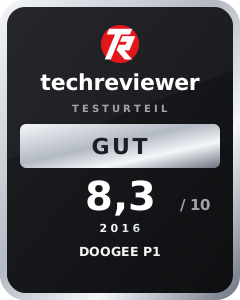
The Doogee P1 is a cool gadget whose design remains unmatched. Its compact construction makes it highly portable, which is why this small DLP projector is ideal for outdoor movie nights, presentations, or as a power bank or speaker.
The price of the Smart Cube is set somewhat high, but one should consider that this device essentially acts as a mobile terminal and has the hardware of a small tablet.
Nevertheless, the Doogee P1 has room for improvement in some respects. It remains a mystery to me why the manufacturer omitted a user manual. I would also have preferred the projector to have a separate audio input and HDMI connectivity.
Specifications
General
- Projection technology
- DLP
- Native resolution
- 854 x 480
- Luminous flux
- 70 lumens
- Contrast ratio
- 800:1
- Lamp
- LED (OSRAM)
- Ports
- Micro USB, USB
- WIFI
- 802.11b/g/n
- Bluetooth
- Bluetooth 4.0
- OTG
- Yes
- Tension
- 3.8V
- Battery capacity
- 4800mAh
- OS
- Android 4.4
- SoC
- Quad-core by Amlogic
- Storage
- 8 GB ROM + 1 GB RAM
- Streaming
- Miracast, DLNA, AirPlay, WiFi, Bluetooth, OTG
What’s included
1x DLP projector 1x charger 1x USB cable
Comments