Contents
Test: Dreame Bot Z10 Pro
The Dreame Bot Z10 Pro is not quite as new as one might initially assume. Essentially, it is the also relatively new Dreame Bot L10 Pro, which comes as the Z10 Pro model with an additional self-emptying station.
Design, build quality, and included accessories
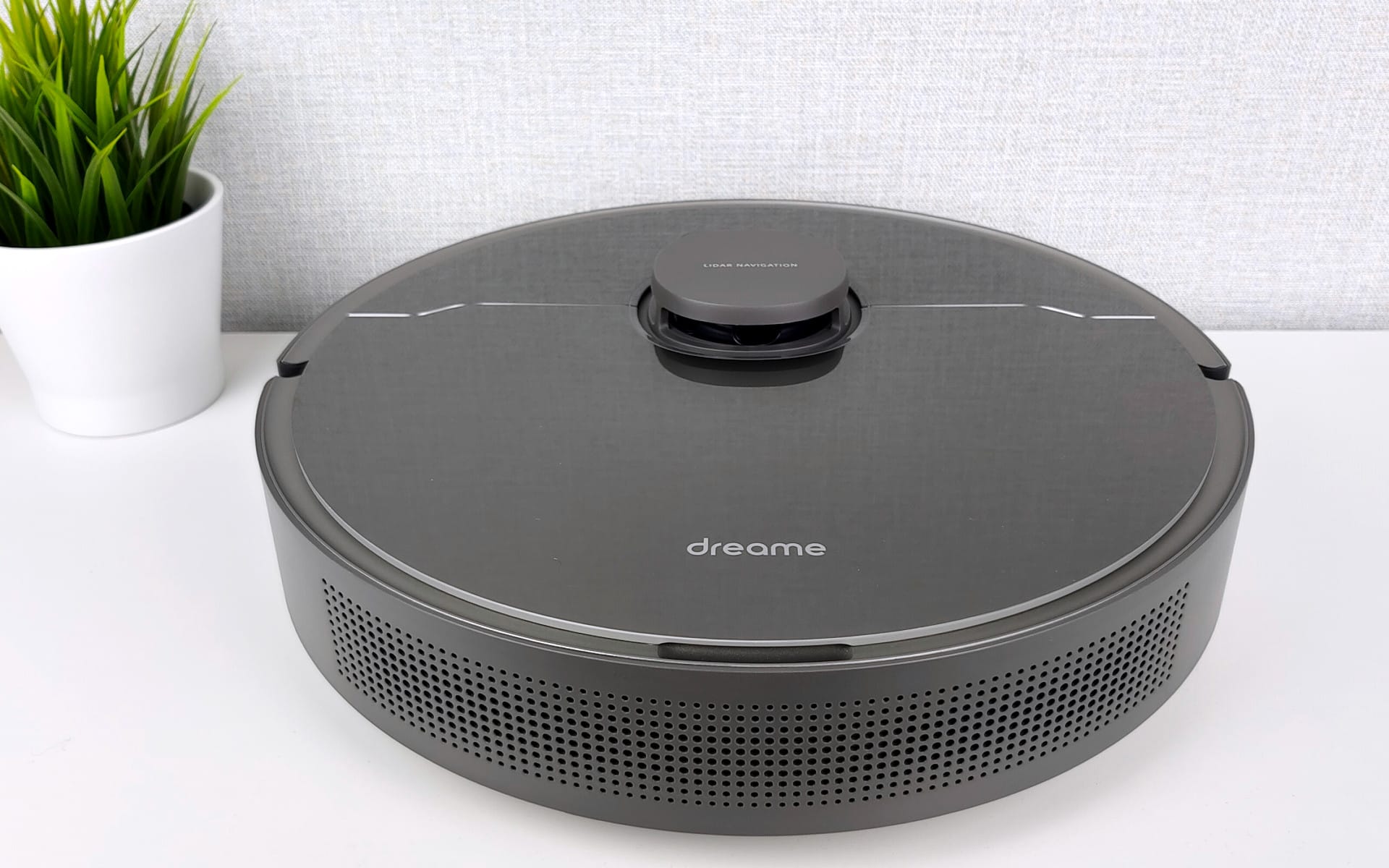
In terms of design, the Dreame Bot Z10 Pro differs only slightly from robot vacuums from other brands. The housing is a classic round shape with dimensions of 35.3 x 35 x 9.68 cm. The weight is 3.8 kg.
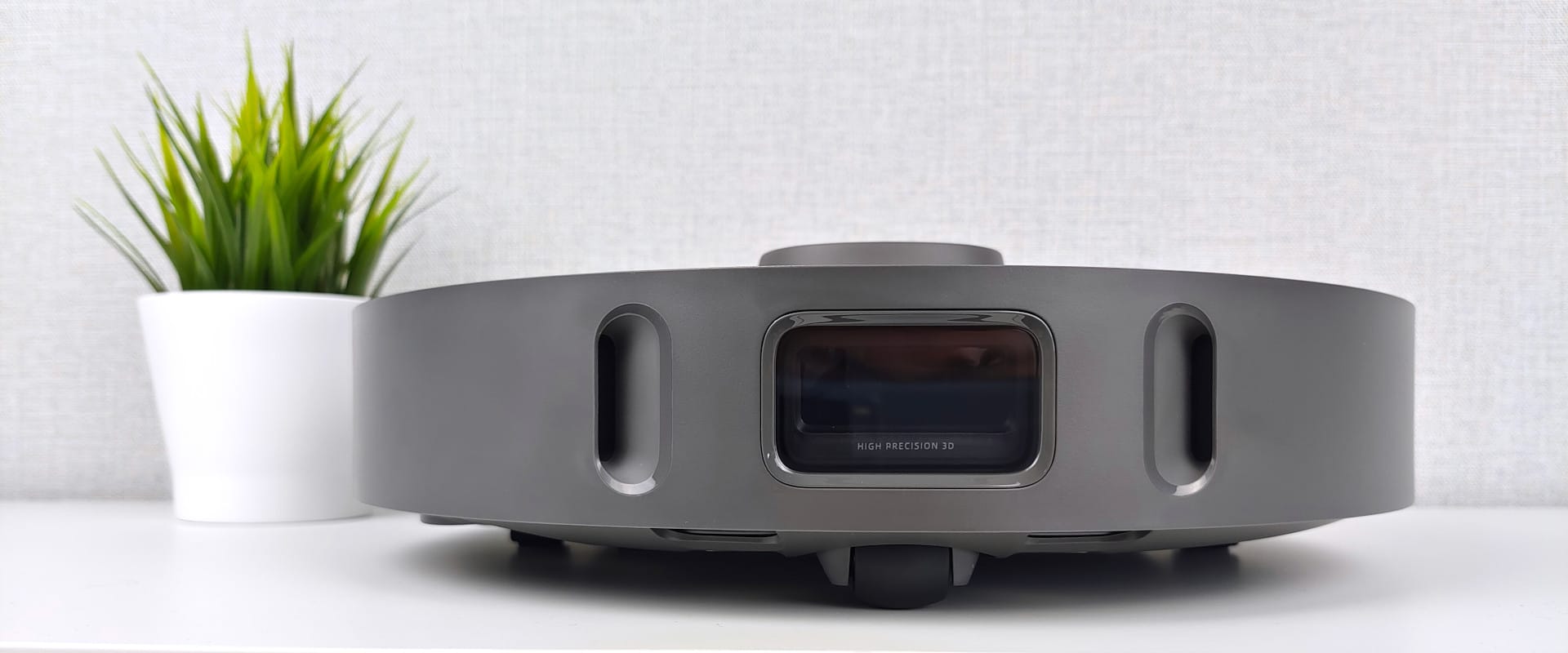
The most striking feature of the top surface is the laser tower. In contrast to other robot vacuums, such as the realme TechLife Robot Vacuum we recently tested, the tower is not located in the centre, but slightly towards the edge.
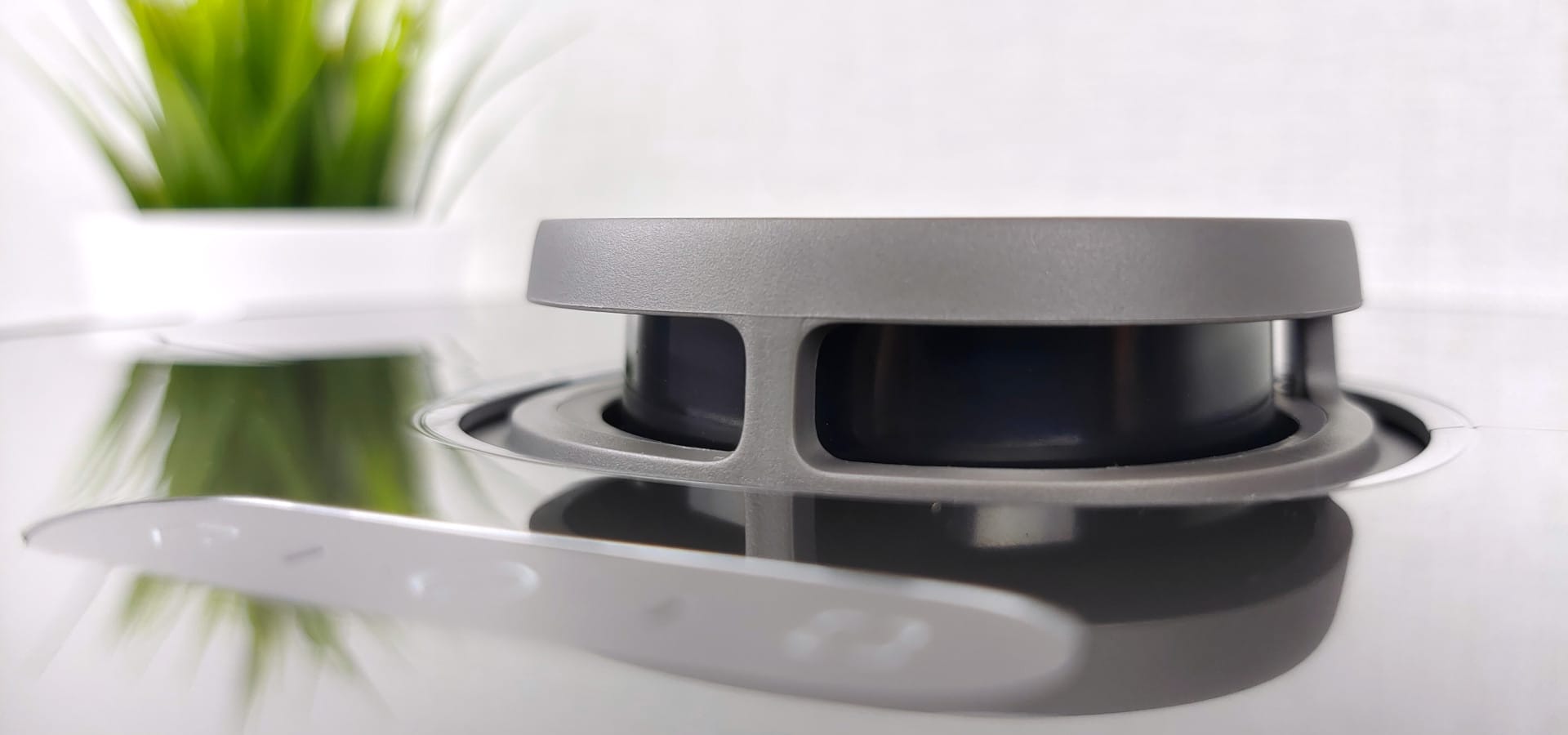
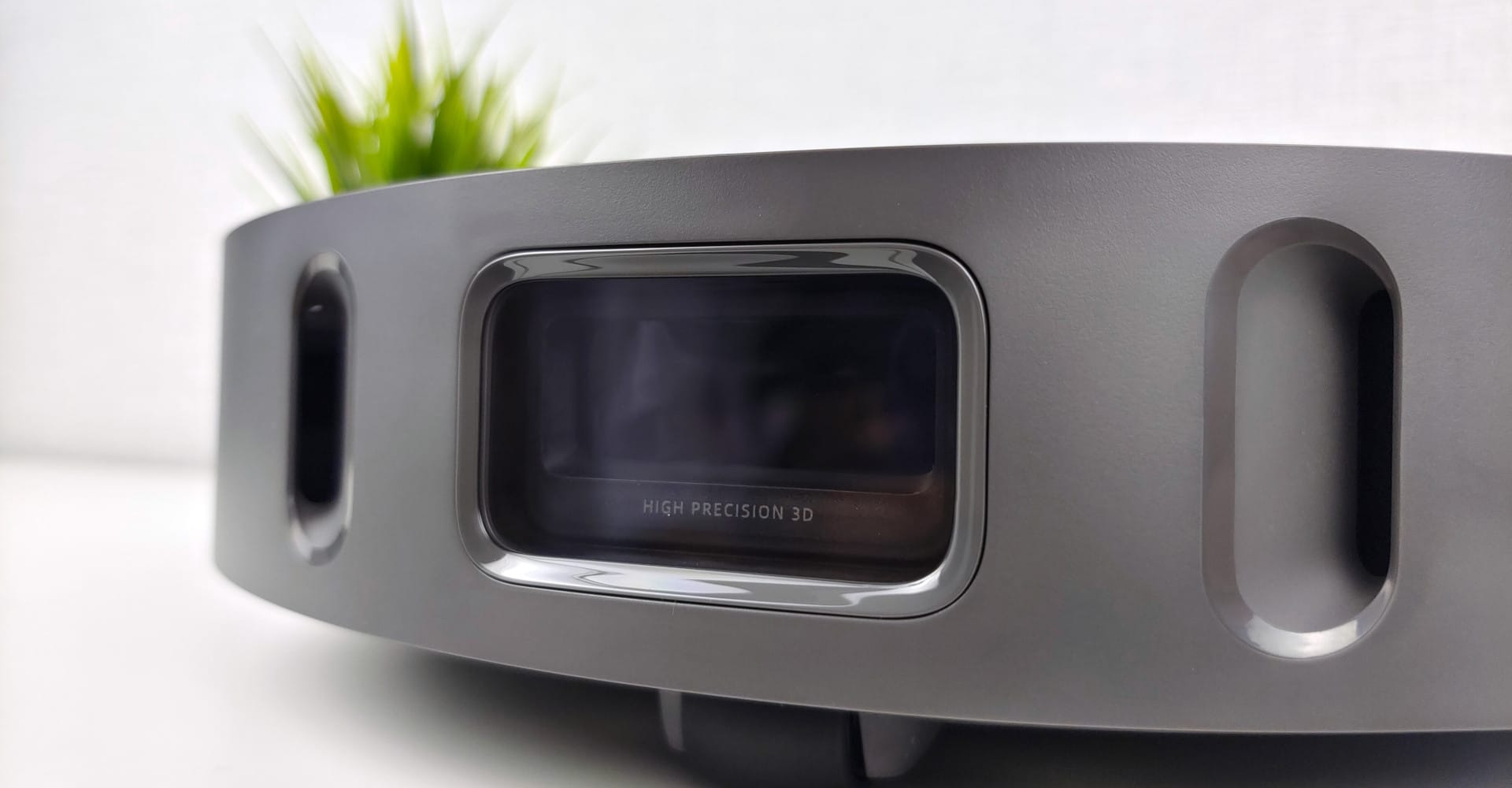
In combination with the dual LiDAR sensors aligned with the direction of travel, Dreame promises precise 3D room and obstacle recognition. How precisely the Dreame Bot Z10 Pro goes about its work will be discussed in more detail later.
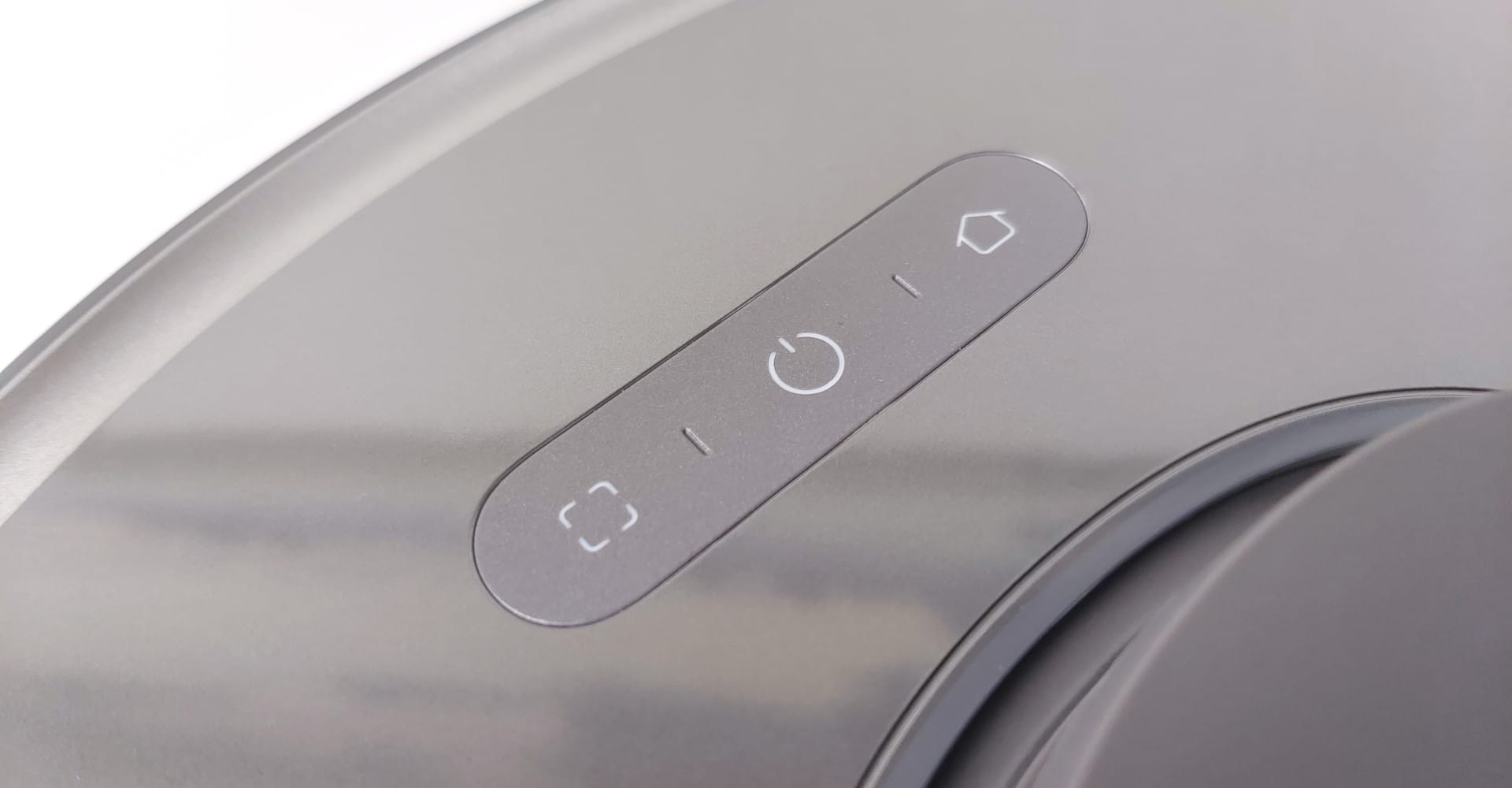
Also on the top are a control panel with a target cleaning button, the power and cleaning button, and a button that sends the robot vacuum back to the charging station.
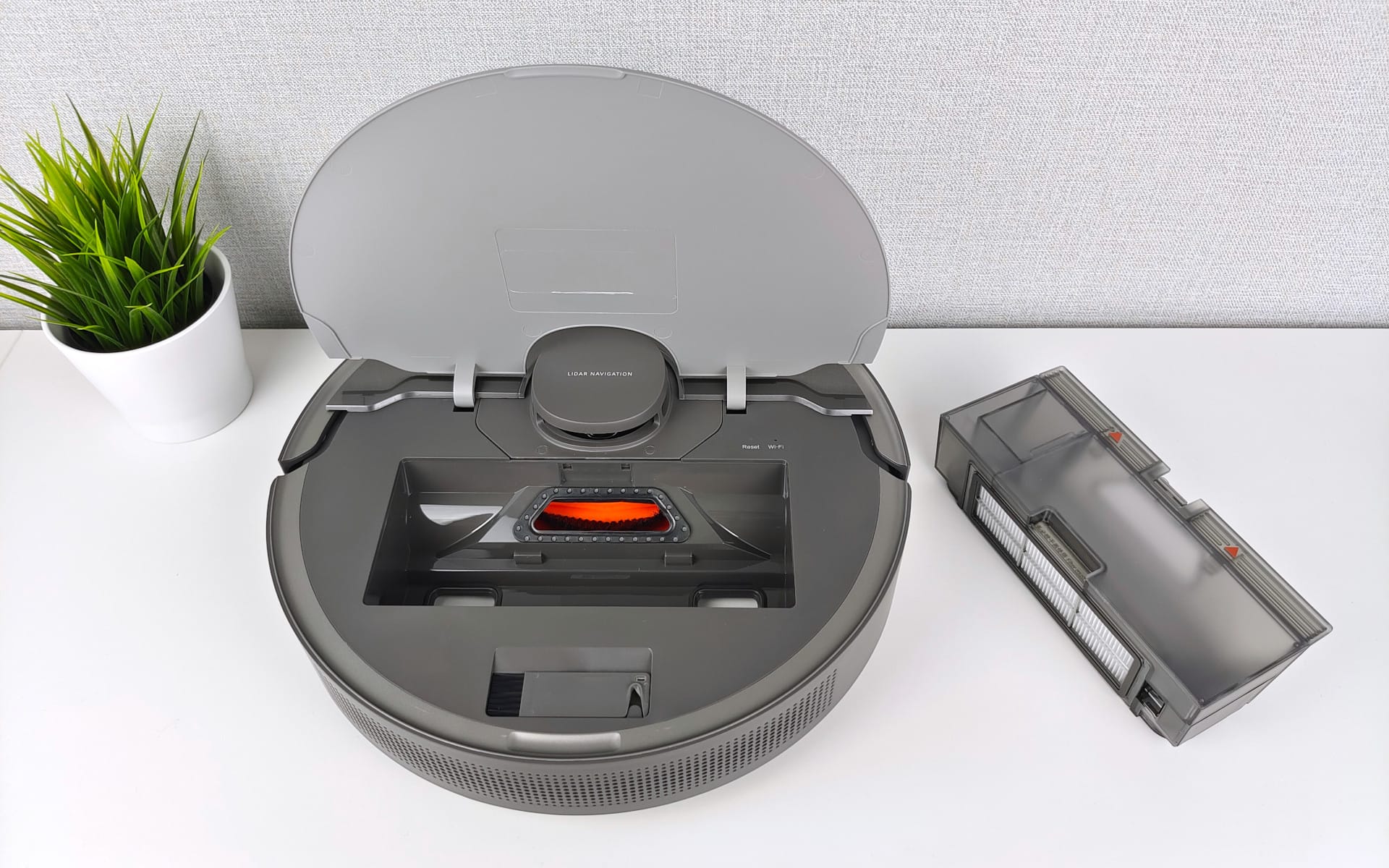
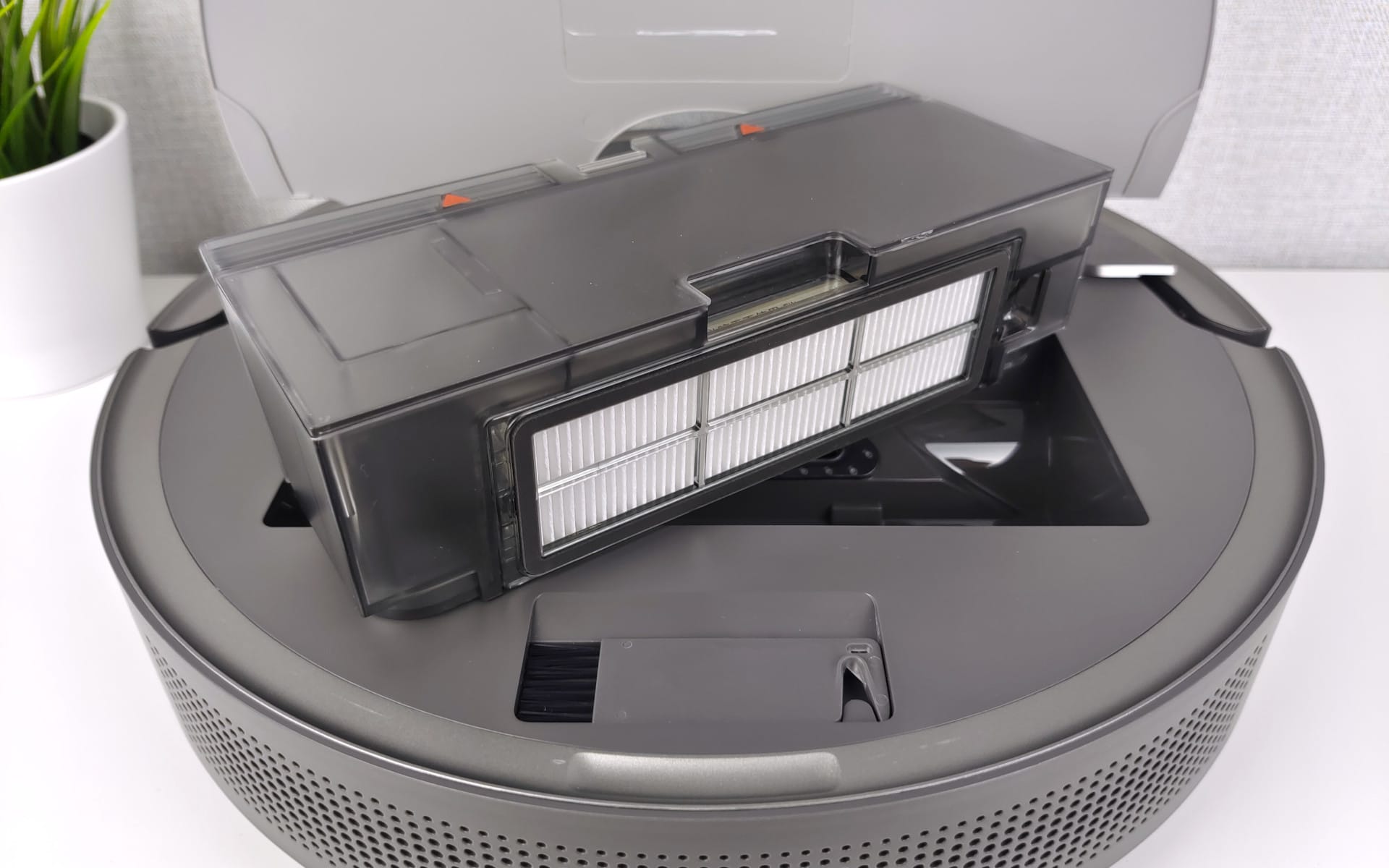
On the opposite side is the flap with the Dreame logo, under which the 400 ml dust container is located. This is also where a significant difference from the Dreame Bot L10 Pro lies. The latter has a slightly larger 570 ml dust container.
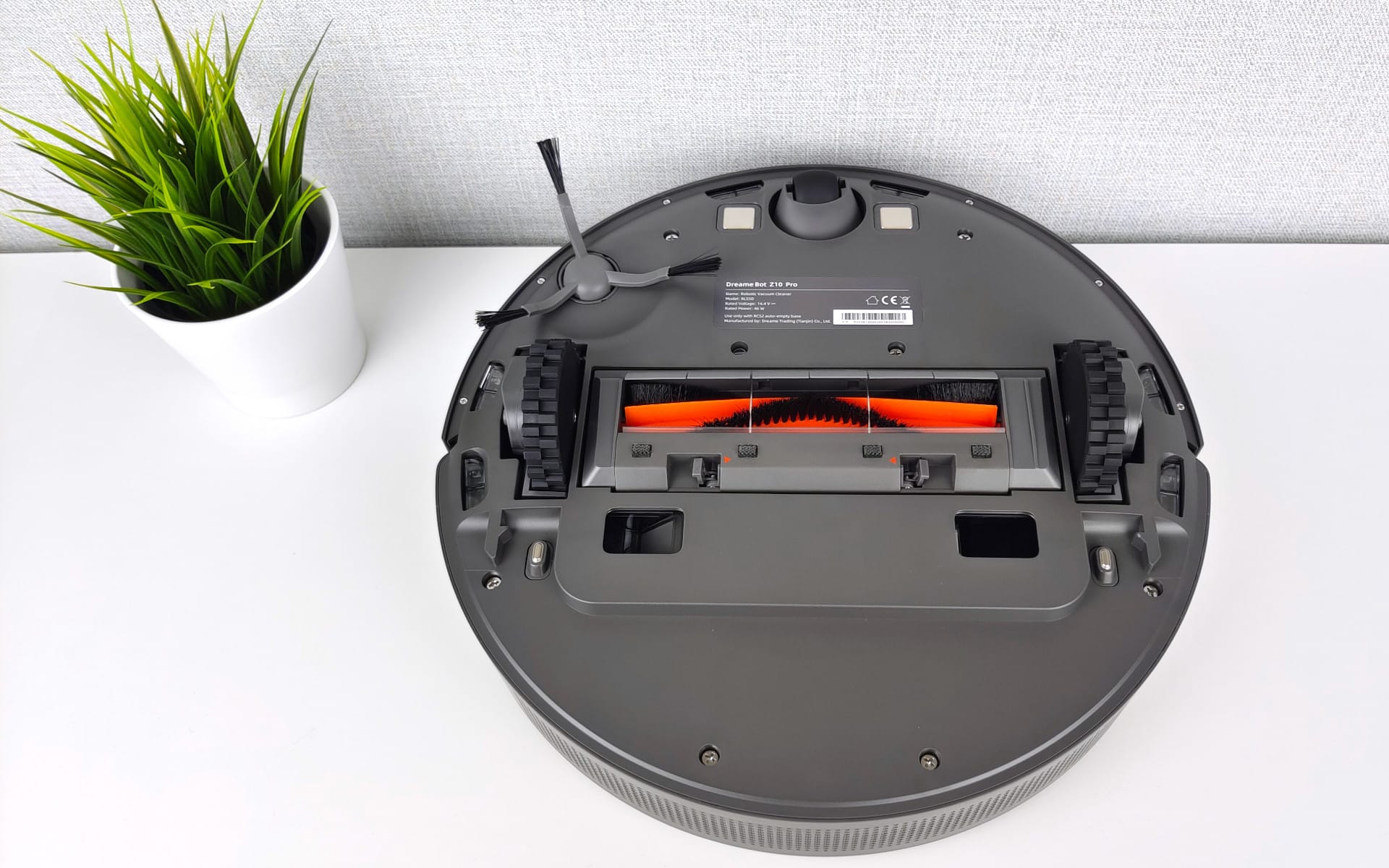
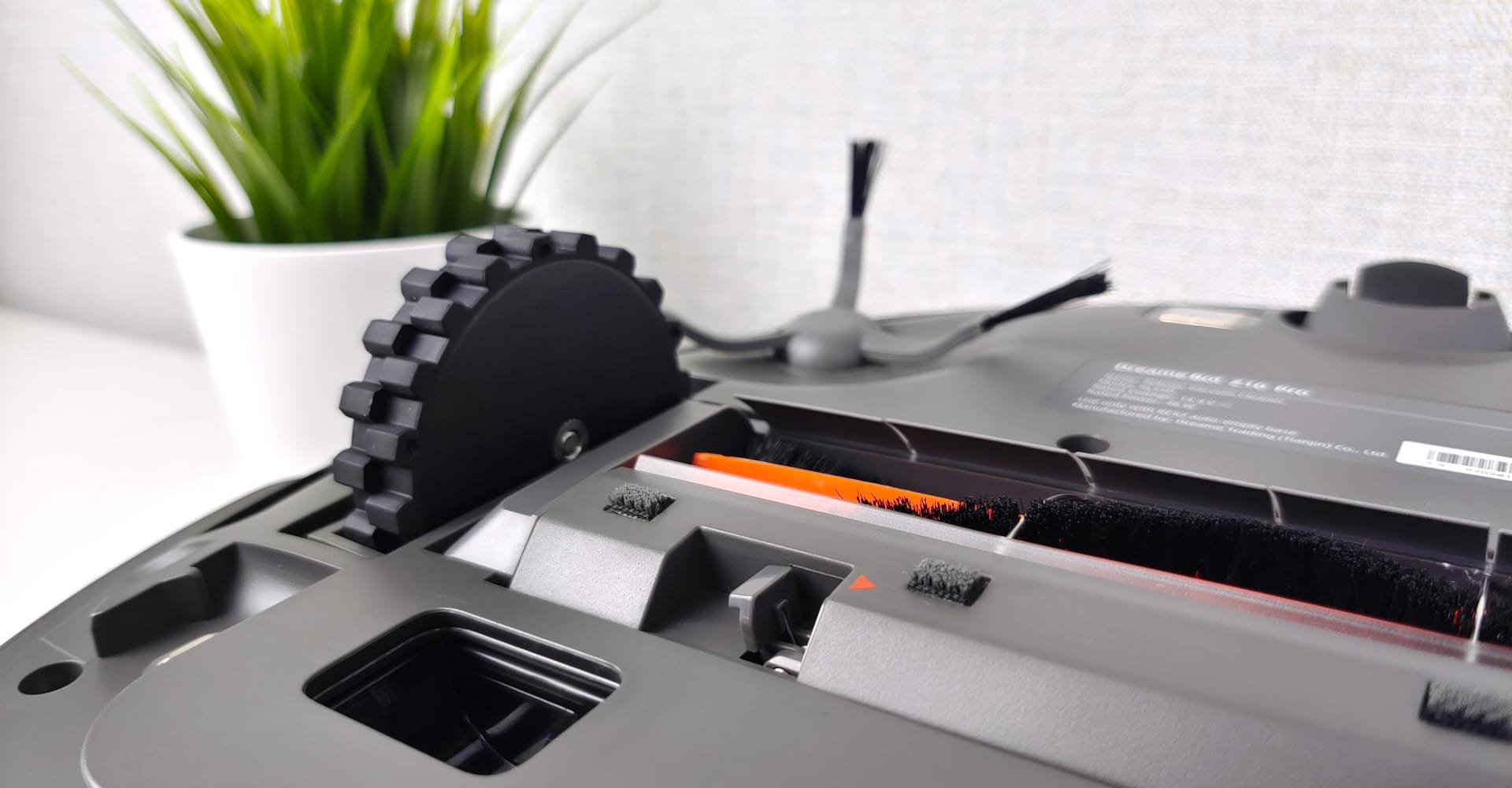
Looking at the bottom, the rubberised drive wheels are located in the middle, with the main brush between them. A rotating brush mounted on the side guides dirt towards the main brush. In the direction of travel, we also have a guide wheel and the charging contacts next to it.
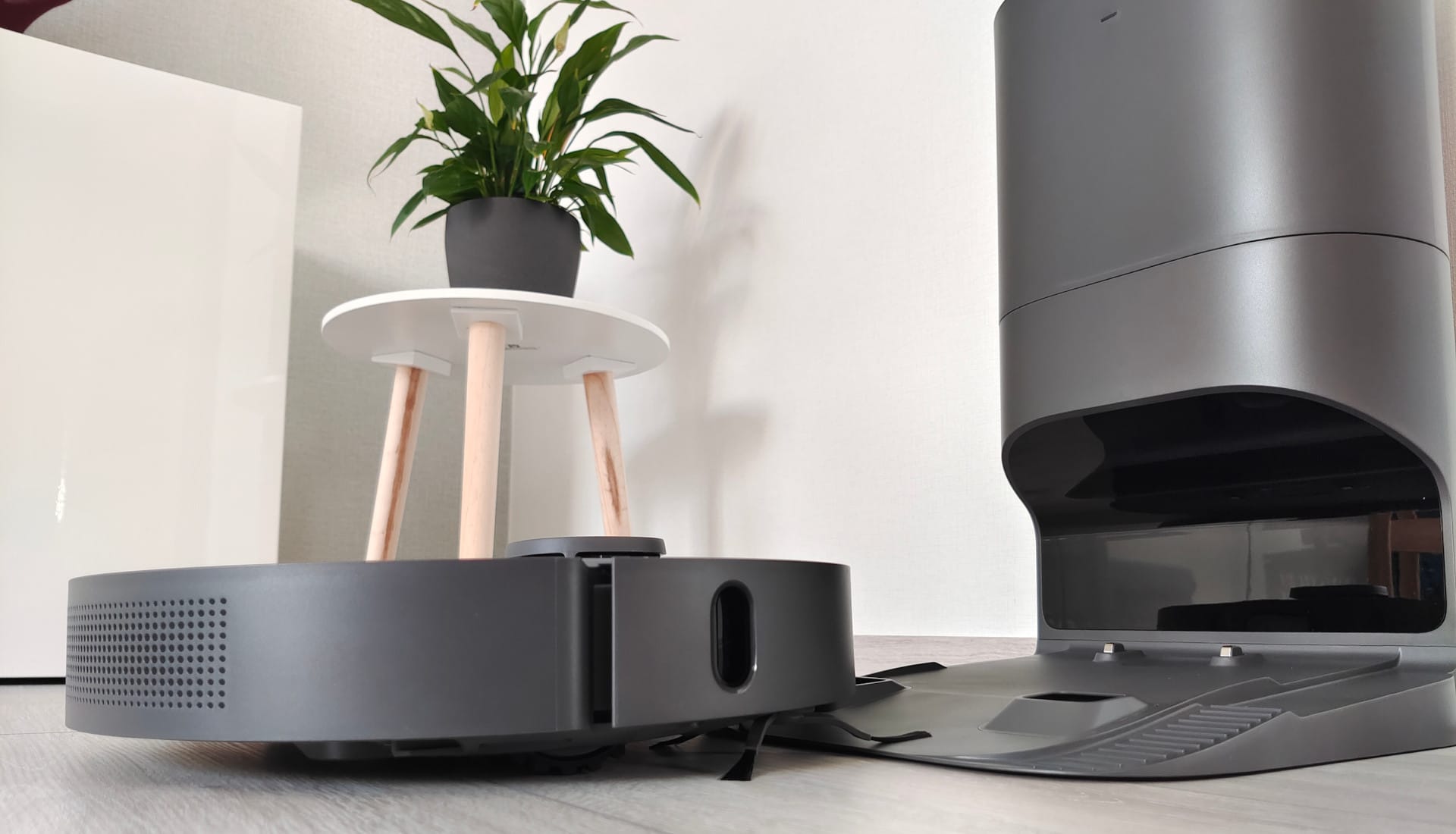
Six sensors on the underside prevent the robot vacuum from going over stairs. Through two openings on the underside, the robot's dust bin is emptied into the auto-empty station.
As for the build quality, particularly the plastic used, there is nothing to criticise. The robot vacuum makes a robust impression, and the glossy top surface looks stylish, even if it is somewhat prone to fingerprints and dust.
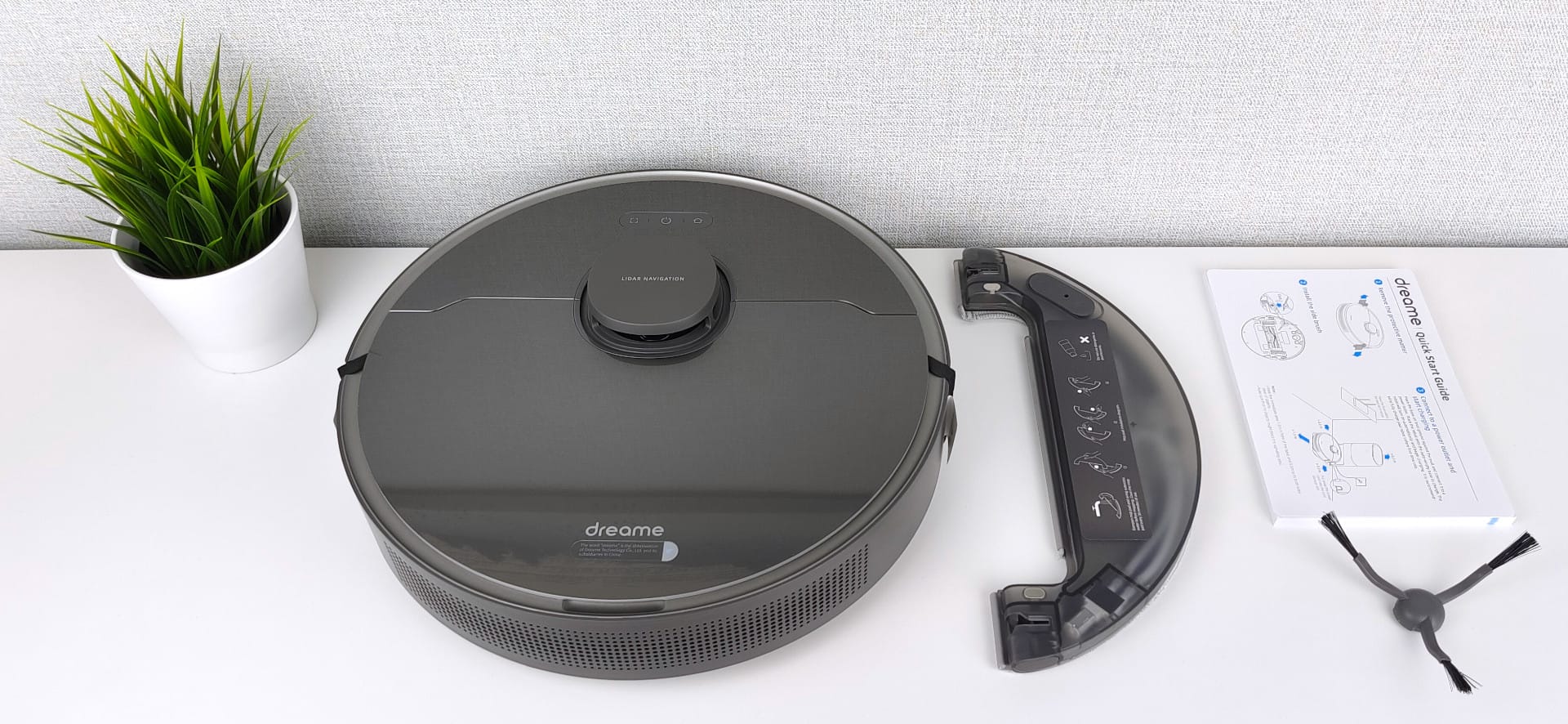
The delivery contents include, besides the robot vacuum and the suction station, a cable, the water tank with a microfibre cloth, a replacement filter for the suction station, and a multilingual user manual. A cleaning tool is hidden under the cover flap of the robot vacuum. No additional accessories or spare parts, such as an extra brush, are included. However, spare parts are available in stores.
Setup, app and features
To set up and use the robot vacuum, we require the Xiaomi Home app. Some may now wonder what exactly Dreame has to do with Xiaomi. The explanation is quite simple. Dreame is part of the Xiaomi ecosystem, which consists of numerous smart home products from various brands and manufacturers. Products from these brands are often supported by Xiaomi both financially and technologically.
Android and iOS
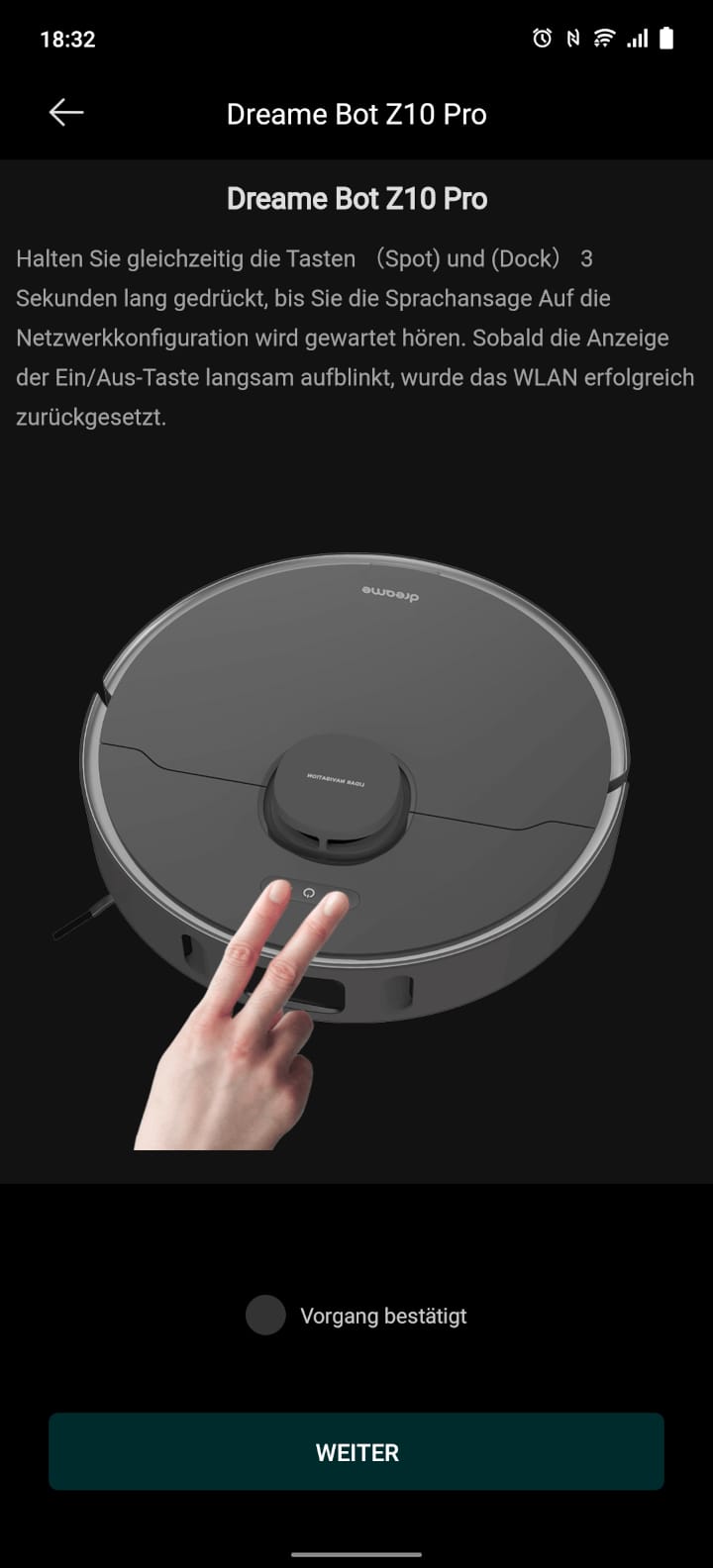
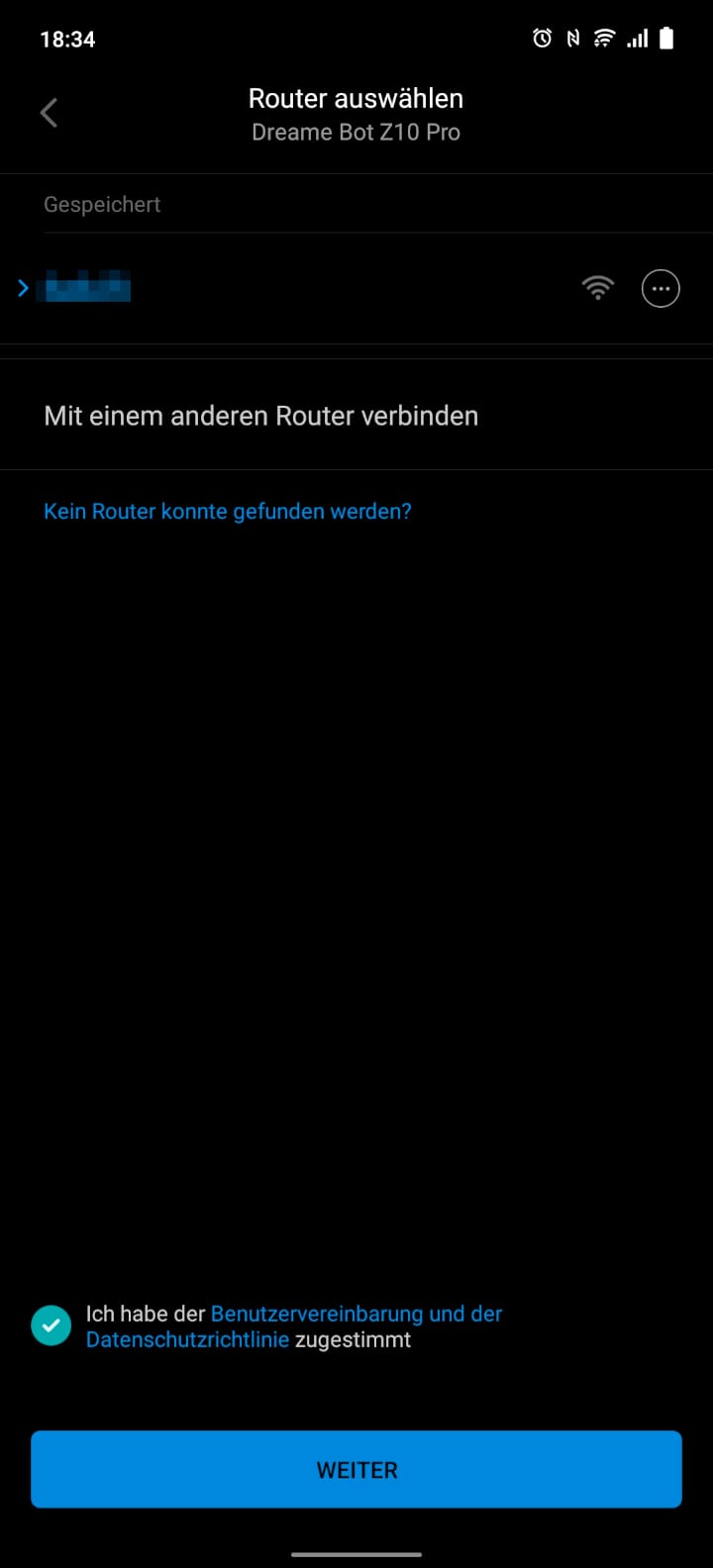
The Xiaomi Home app is available for download for Android and iOS devices in the respective app stores. To integrate the Dreame Bot Z10 Pro into the app, we have to register and grant the necessary permissions (WLAN and Bluetooth).

Simple connection setup
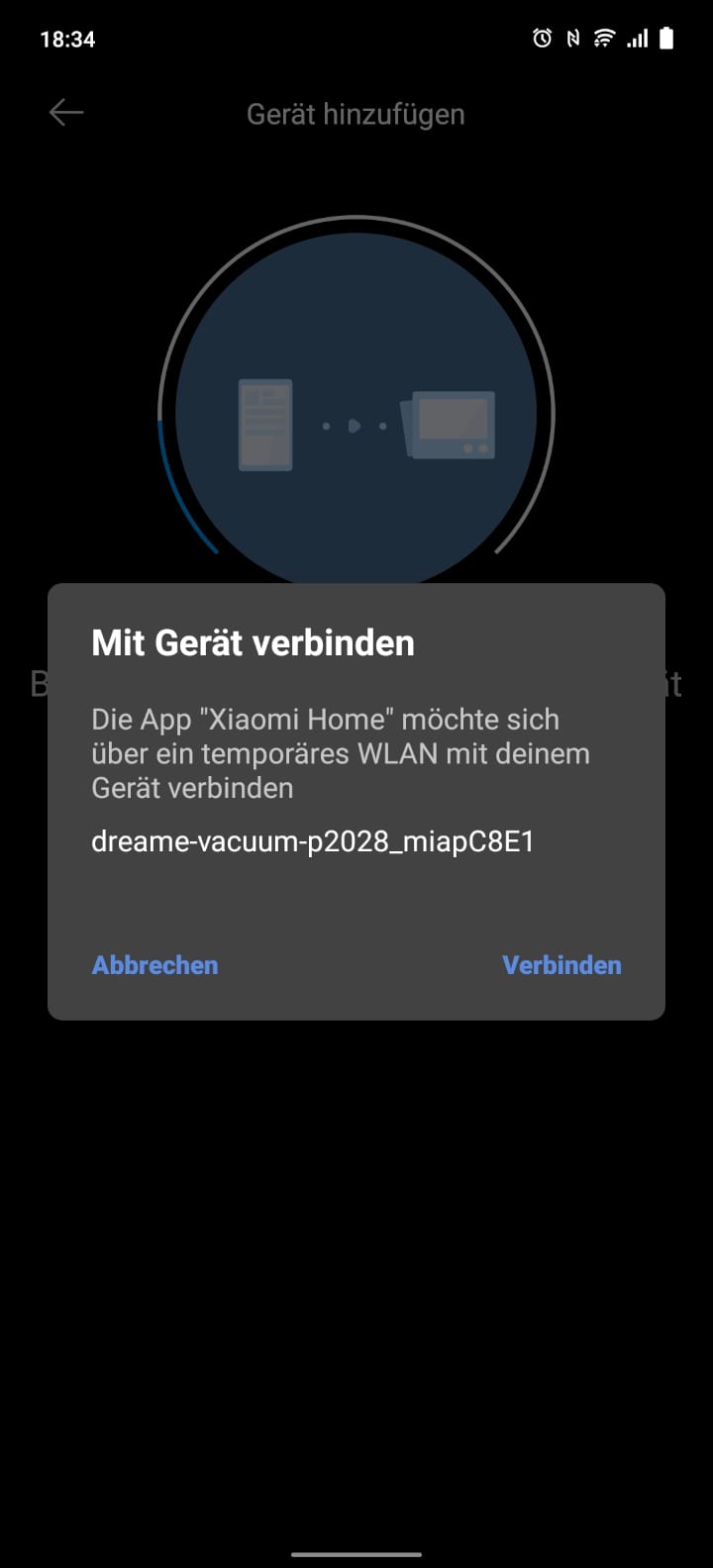
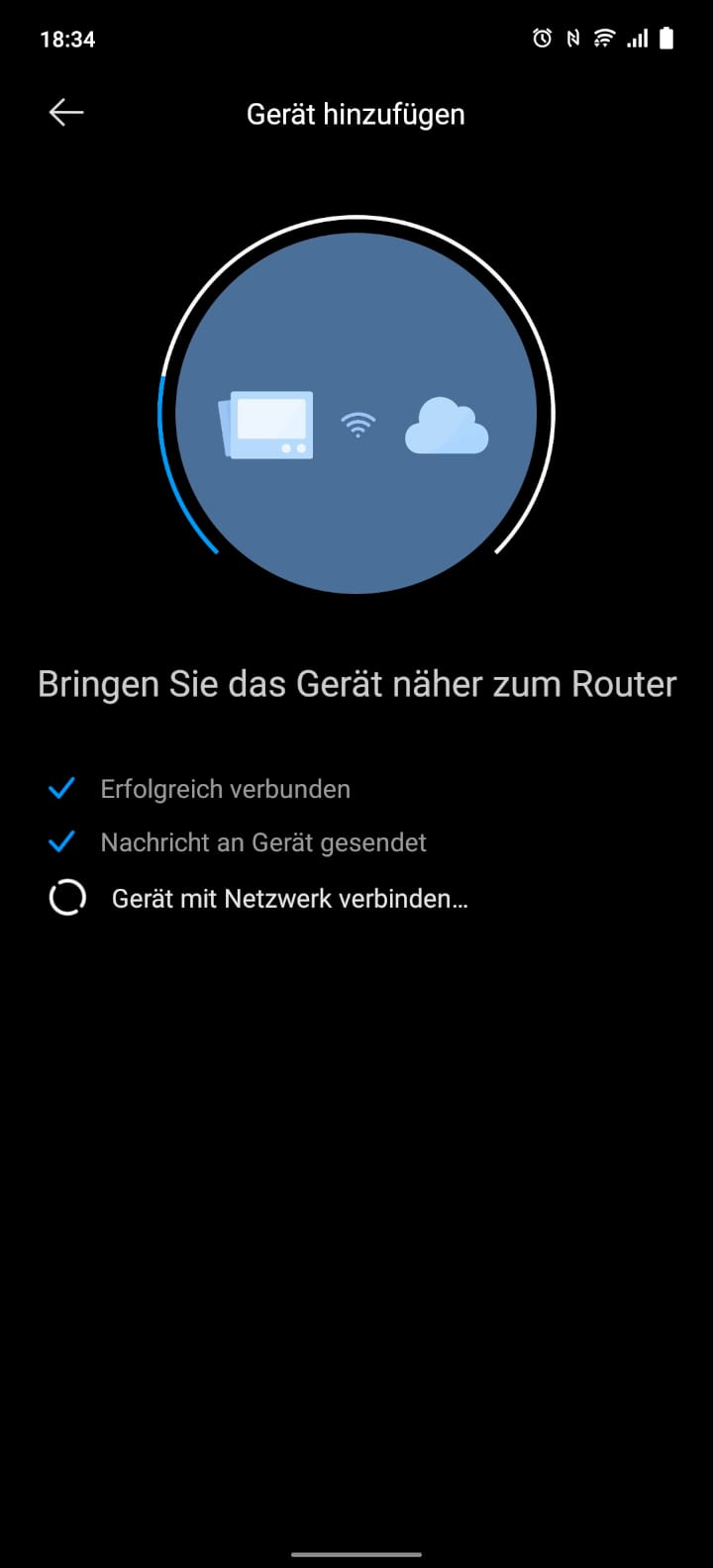
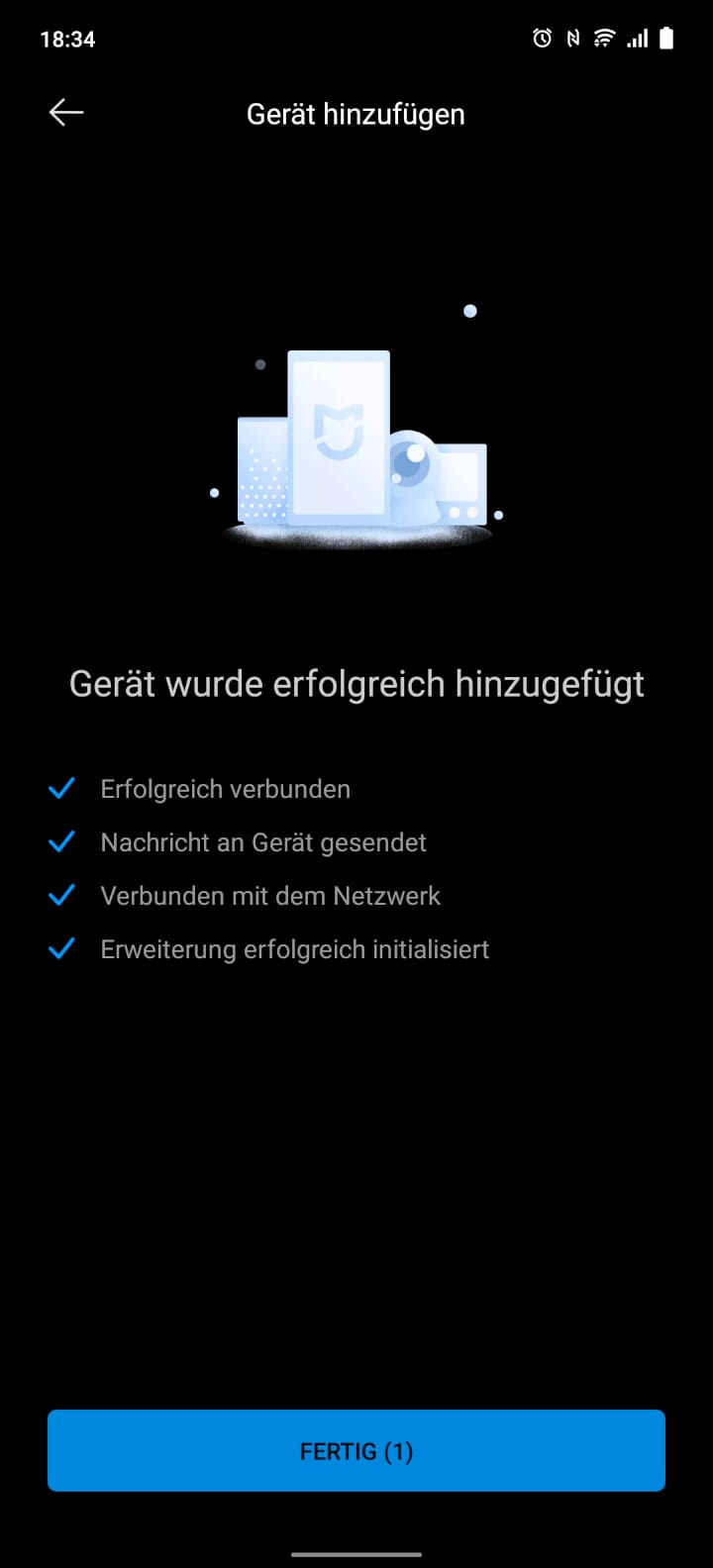
In the test, the connection process proceeded without problems. The vacuum robot was found immediately and set up in just a few steps. English voice announcements and detailed instructions within the app facilitate setup. However, it should be noted that a 2.4 GHz Wi-Fi network is required for the connection, which the vacuum robot connects to. 5 GHz frequency networks do not work!
Useful tips
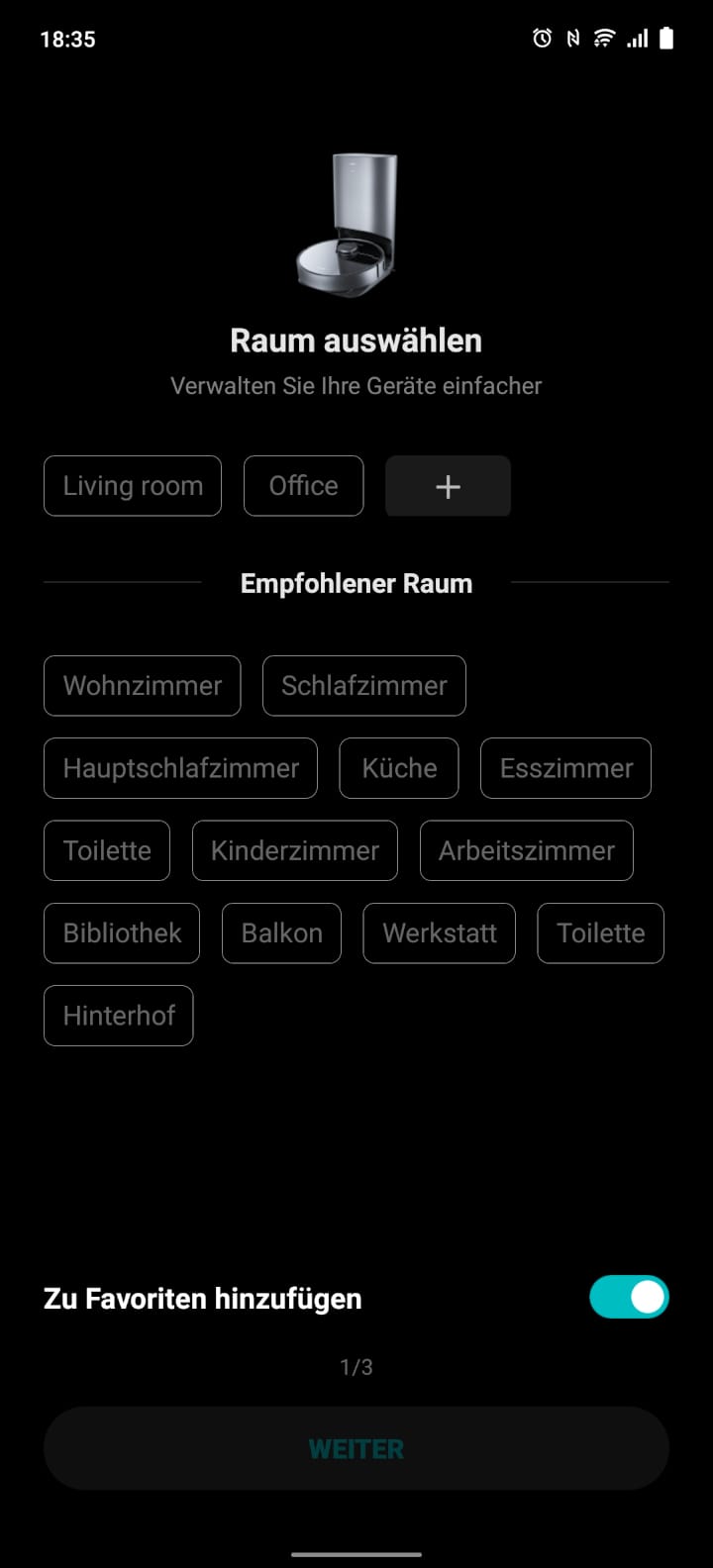
During setup, you already receive initial tips on how to best prepare your home and where to place the suction station. It is also possible to name the robot vacuum freely, share it with family members, and define the living space where the charging or suction station is located. This simplifies the management of further Xiaomi Home devices.
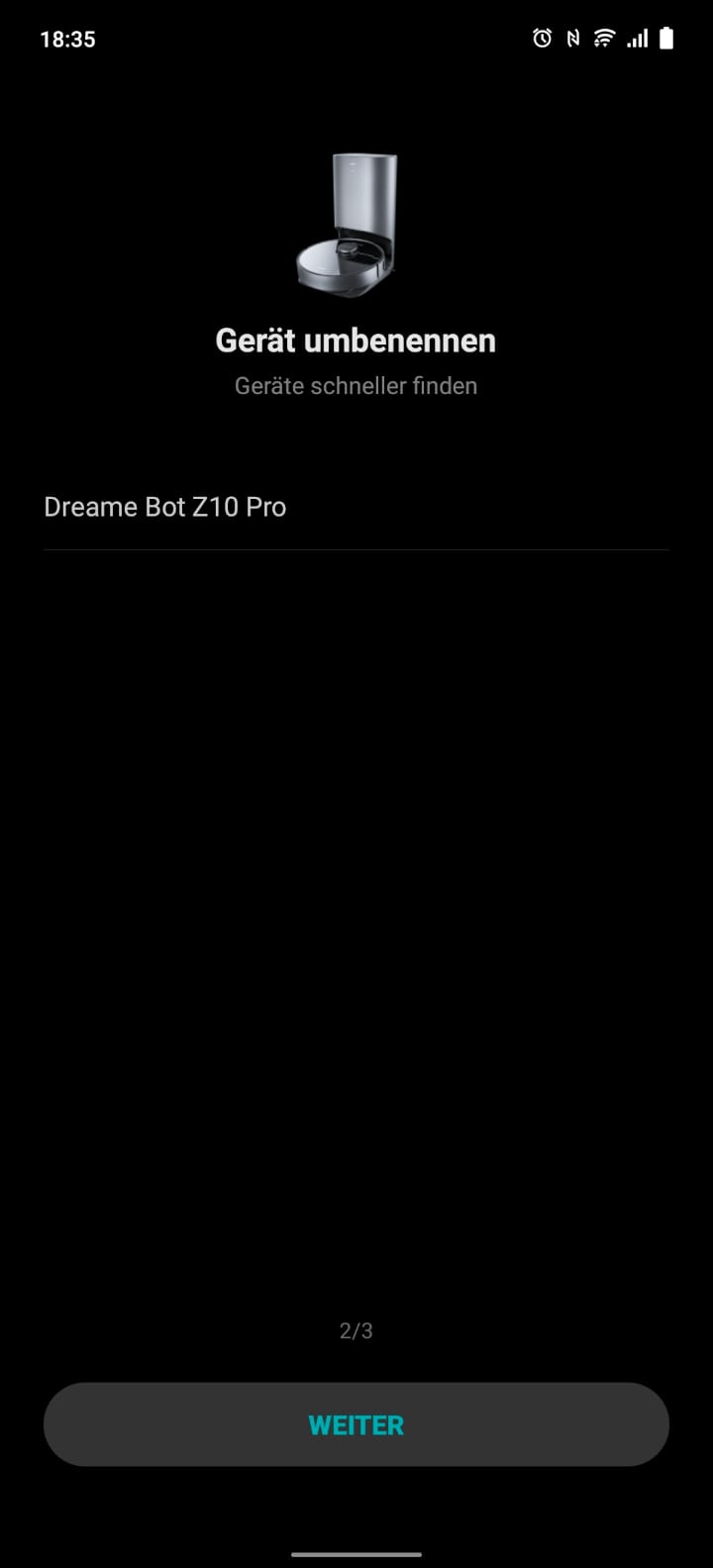
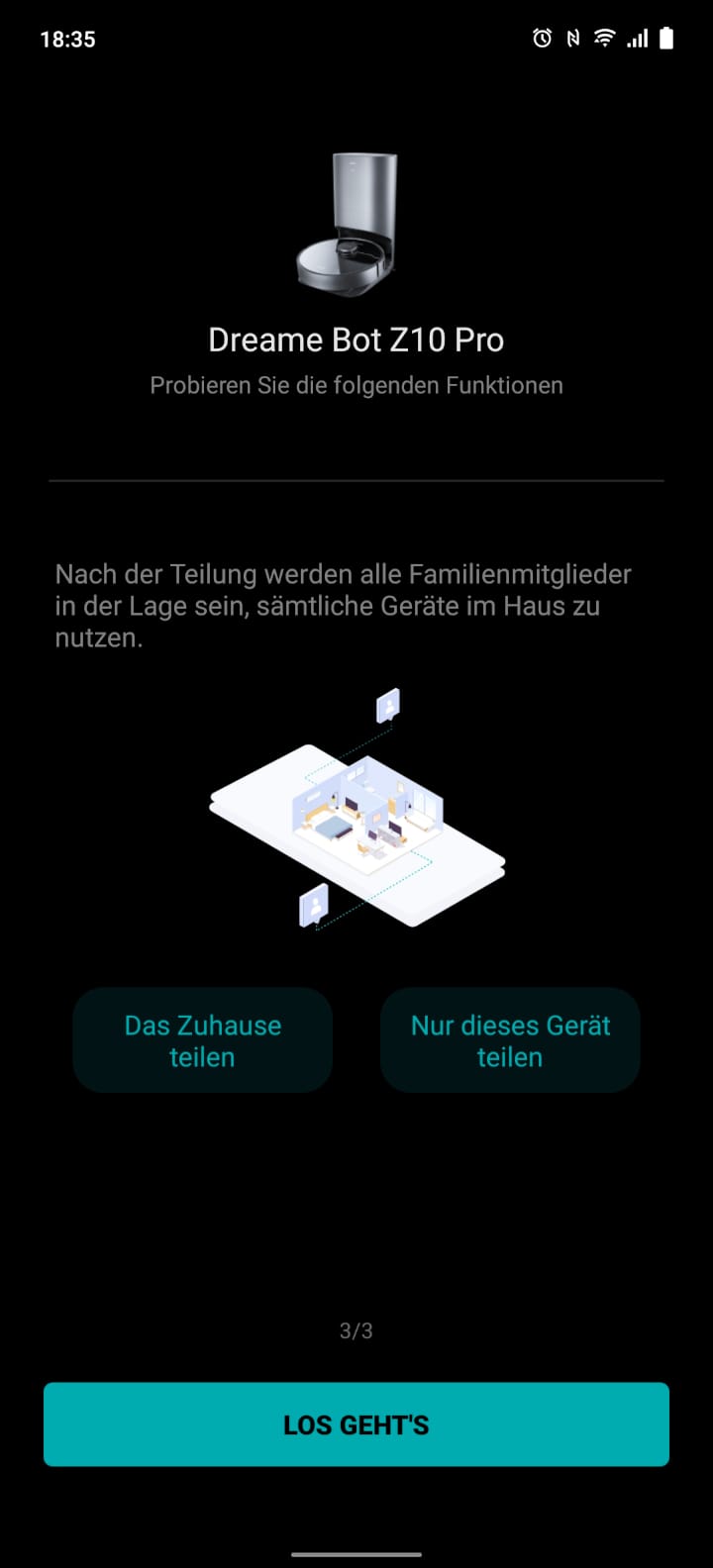
Modern user interface
The app is modern and clearly structured. When we open the Xiaomi Home app and select the Dreame Bot Z10 Pro, it greets us with the most recently created room map, provided the robot vacuum has already completed a cleaning process. The cleaning process can be conveniently started and stopped via the app. During cleaning, the map shows where the robot vacuum is currently located and which path it has already covered. Above the map, there is information on the cleaning area in square metres, the elapsed cleaning time and the battery.


Numerous features
Other useful functions of the Dreame Bot Z10 Pro include the following:
- Selective room segmentation: On the room map, individual rooms can be separated, merged and named. Timed cleaning routes can be defined for each room. Additionally, the suction power and water output can be determined individually for each room.
- Multi-mapping: This function allows up to three maps to be saved. If, for example, you have multiple floors, you can switch between them conveniently without the robot vacuum needing to recreate the map.
- No-go and no-mop zones: The virtual map allows users to define zones that the robot vacuum should not enter. For example, if you want to mop the floor but avoid carpets, simply mark these areas as no-mop zones.
- Virtual wall: This function allows you to draw a line on the map that the vacuum robot will not cross. An easy way to avoid certain rooms.
In total, the Dreame Bot Z10 Pro offers four suction levels (Light, Standard, Strong and Turbo) as well as three water dispensing levels (Low, Medium and High). The settings include options to adjust, among other things, the voice announcements (e.g. German as the language), the power boost on carpets, the child lock and the 3D obstacle avoidance.


Emptying at the auto-empty station can be scheduled after one, two or three vacuuming sessions. Using the in-app remote control, the direction of travel of the robot vacuum can be controlled manually. Under the Service plan section, you can gain insight into the condition of the wear parts (filter, side brush, main brush and sensors) and whether these need cleaning or replacement.


Practical test
That is enough about the app. Let's see how the Dreame Bot Z10 Pro performs in practice.
Suction power
First, we look at the suction power. At the highest power level, the robot vacuum works with up to 4000 Pascal suction power. In the test environment, however, the “Light” mode is sufficient to suck up most of the dirt. The side-rotating brush moves the dirt to the main brush, where it is sucked up and finally ends up in the large 400 ml dust container.
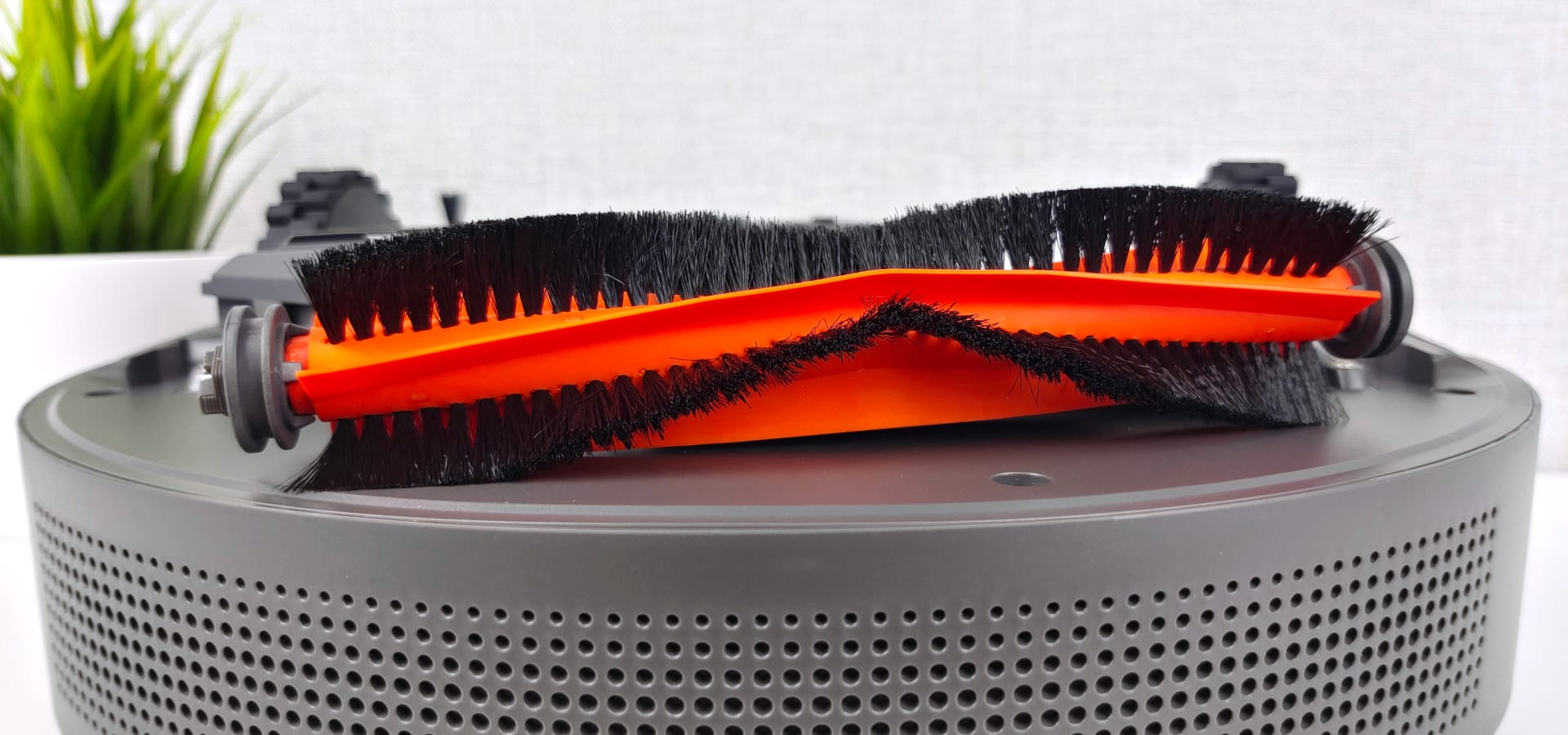
The V-shaped arrangement of the bristles and lamellae on the main brush prevents long hairs from getting tangled in it. If a hair does get caught, it can be removed quickly with the included cleaning tool.
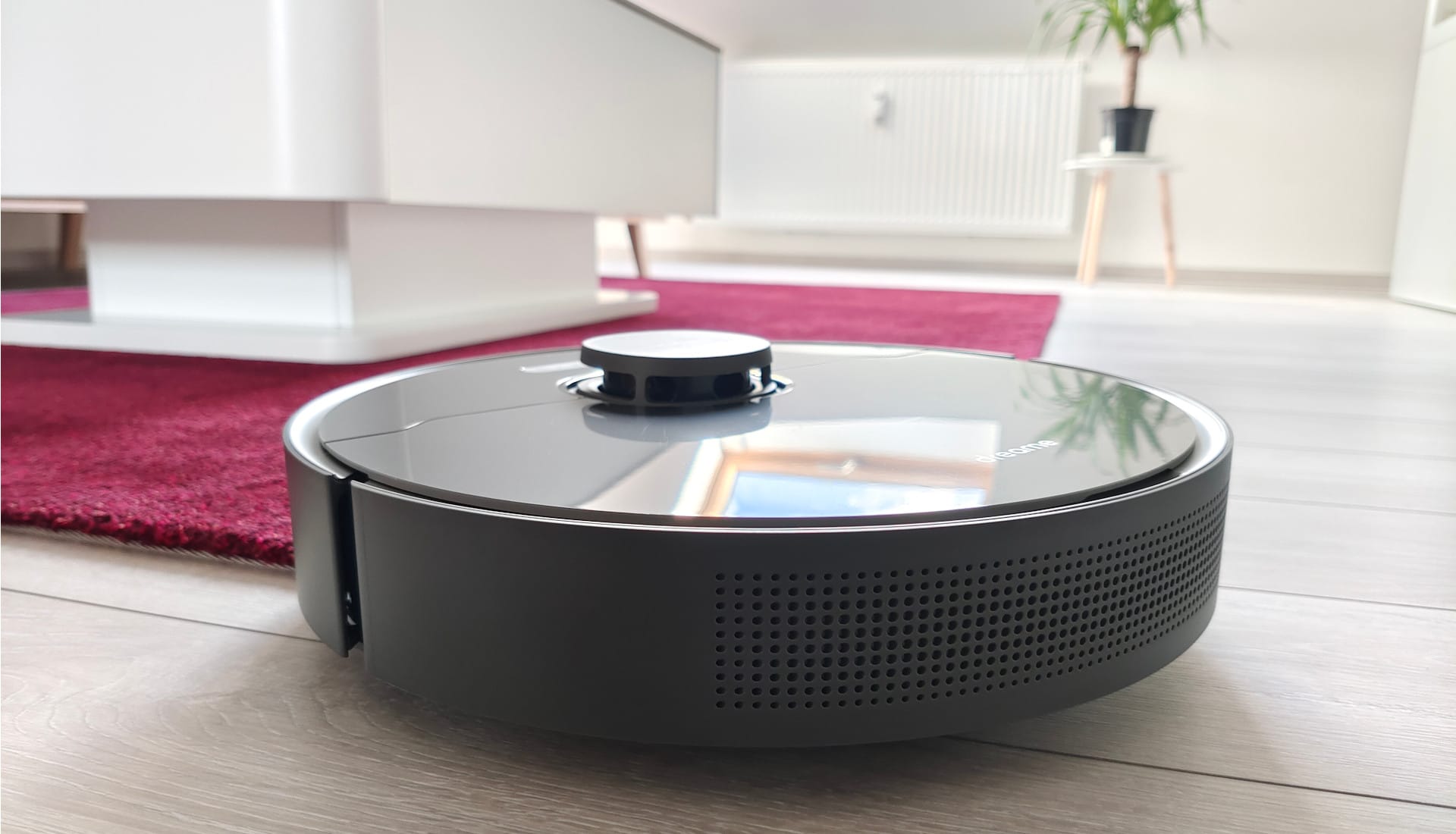
If the automatic carpet detection is activated, the suction power increases on carpets. This actually works very well, and you can hear the robot vacuum shifting up a notch shortly after driving onto the carpet. Carpet edges and thresholds up to about 2 cm in height are managed.
High pile with a height of more than 2 cm causes problems for the Dreame Bot Z10 Pro as well as for most vacuum robots. If the vacuum robot gets tangled, it first tries to free itself. If the liberation attempt fails, it pauses the vacuuming process and notifies the user.
A few words on noise levels. In the lowest mode, the noise is barely noticeable. The robot vacuum operates at a pleasant approx. 45 dB, allowing you to hold a conversation alongside it without issues. As suction power increases, so does the noise level, reaching up to 70 dB.
Navigation
A special feature of the Dreame Bot Z10 Pro is the 3D obstacle detection. Two lasers capture objects ahead in 3D and avoid them. The accuracy reaches approximately 8 metres. There is also the classic laser turret (LiDAR), which ensures extensive and precise room scanning.
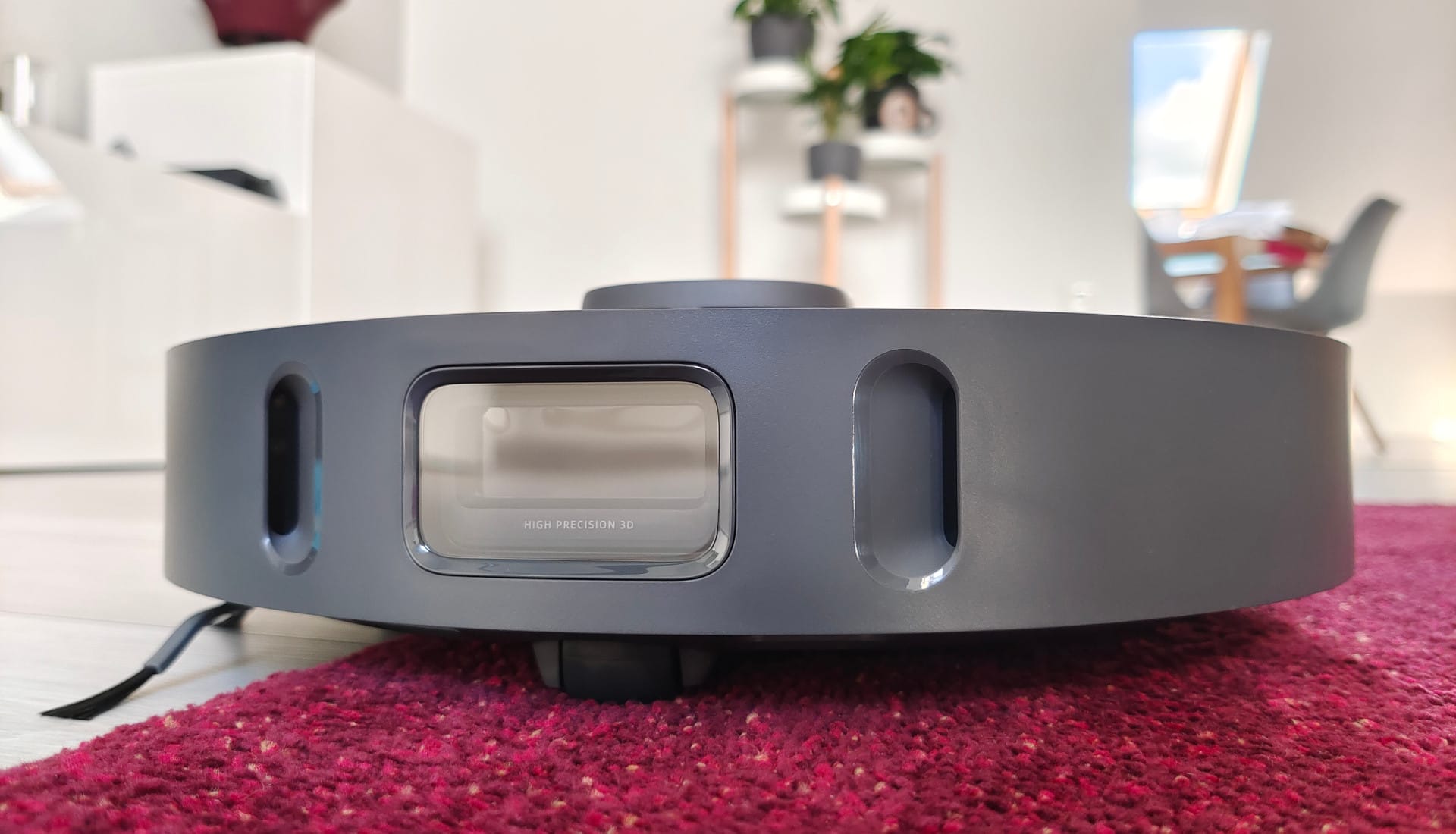
In the test, large and small obstacles were at least recognised and avoided most of the time. Large obstacles such as chair legs or flower pots were driven around by the robot vacuum without contact.
The robot vacuum avoided small obstacles, such as cables, shoes or socks lying around, for the most part. Only with higher carpet edges just under the 2 cm threshold did the Dreame Bot Z10 Pro not always cope well. The robot vacuum simply refused to go over IKEA's black high-pile carpet. However, numerous other robot vacuums have already failed on this carpet.
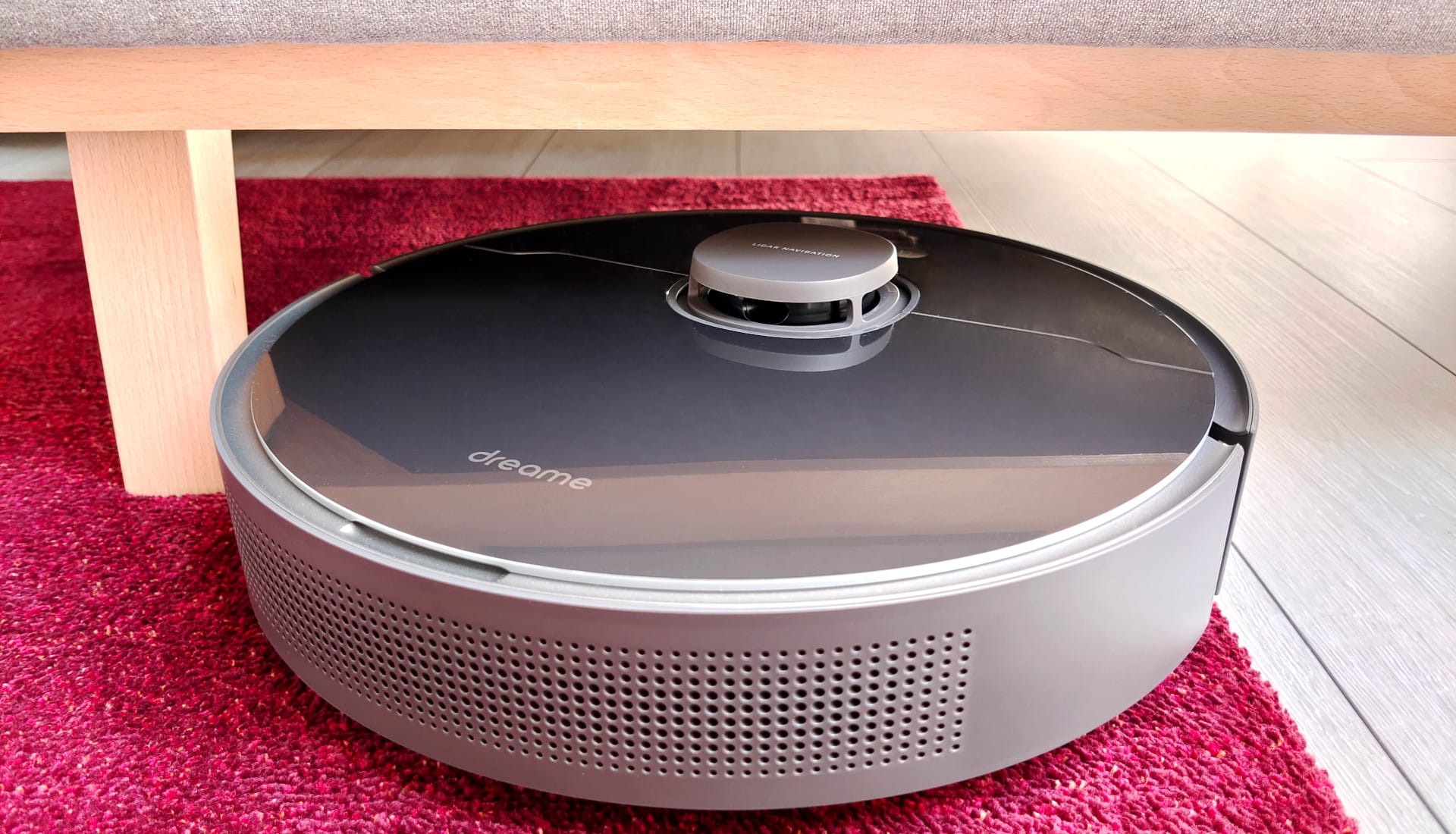
If the Dreame Bot Z10 Pro is not yet familiar with the room, the first cleaning cycle always takes a bit longer. The robot vacuum took a whopping 87 minutes for a 59 m² cleaning area during the first cleaning run. The subsequent cleaning cycle, however, took only 75 minutes. Overall, the Dreame robot vacuum takes slightly longer than other models. However, the vacuuming process is also significantly gentler.
The created room map is detailed and identifies large as well as small obstacles very well. Functions such as virtual walls, no-go zones, or selective room division work as desired.
Wiping function
To mop, we simply attach the water tank included on the underside. We do not even have to turn the robot vacuum upside down, as the combination of the water tank and microfibre mop cloth is merely inserted and held in place magnetically. Voice output confirms successful installation.
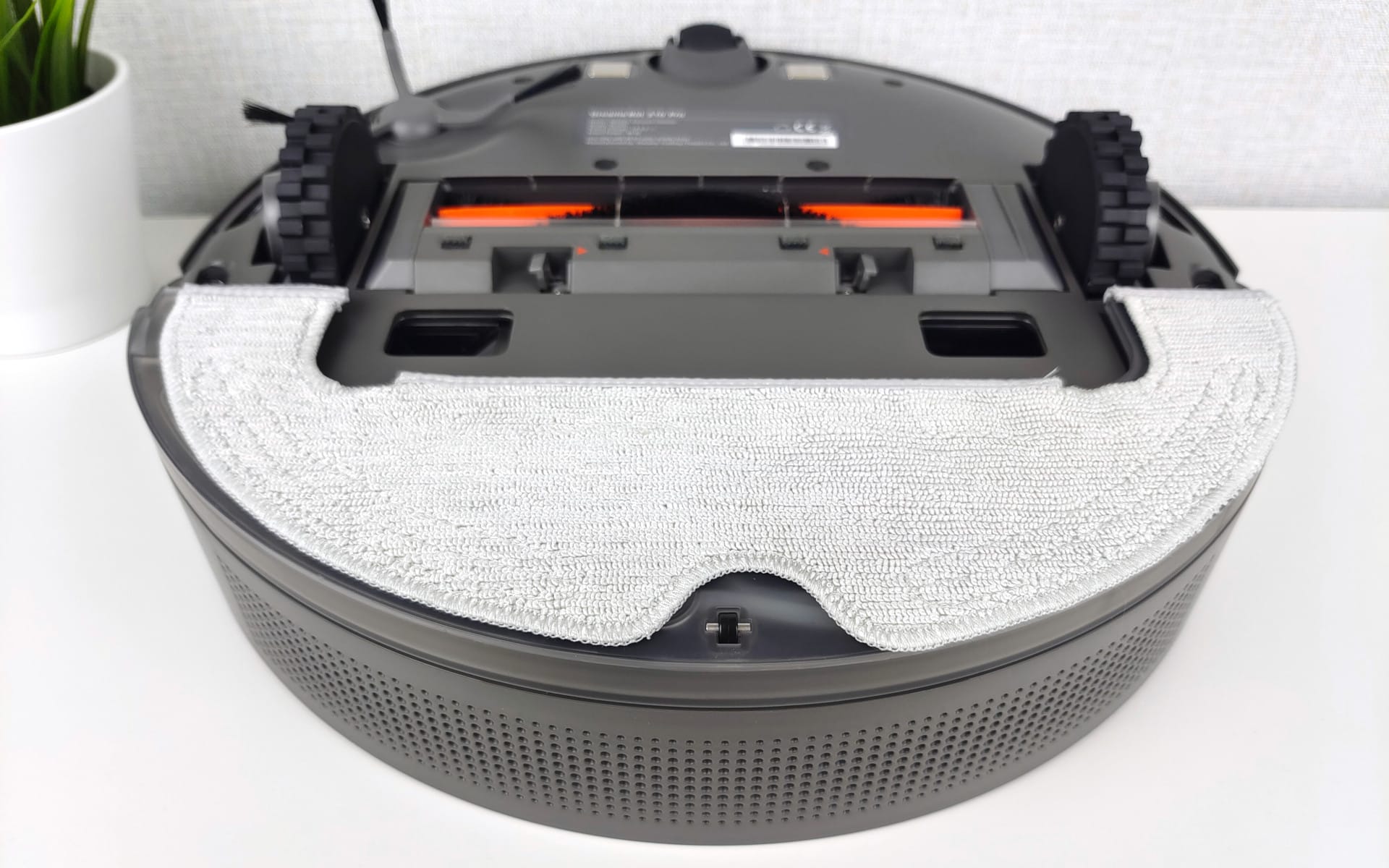
The water tank has a capacity of 150 ml. This is not particularly much, but depending on the water delivery amount, it suffices for an area of 100 m². Water is delivered via an electronic pump, which supplies water to the mopping cloth in three levels: Low, Medium and High.
The mopping performance is sufficient to wipe up fine dust and light stains. However, the Dreame Bot Z10 Pro does not remove stubborn stains. Particularly useful are the no-mop zones, which can be drawn on the virtual map. This prevents the robot vacuum from tackling carpets in mopping mode.
Emptying station
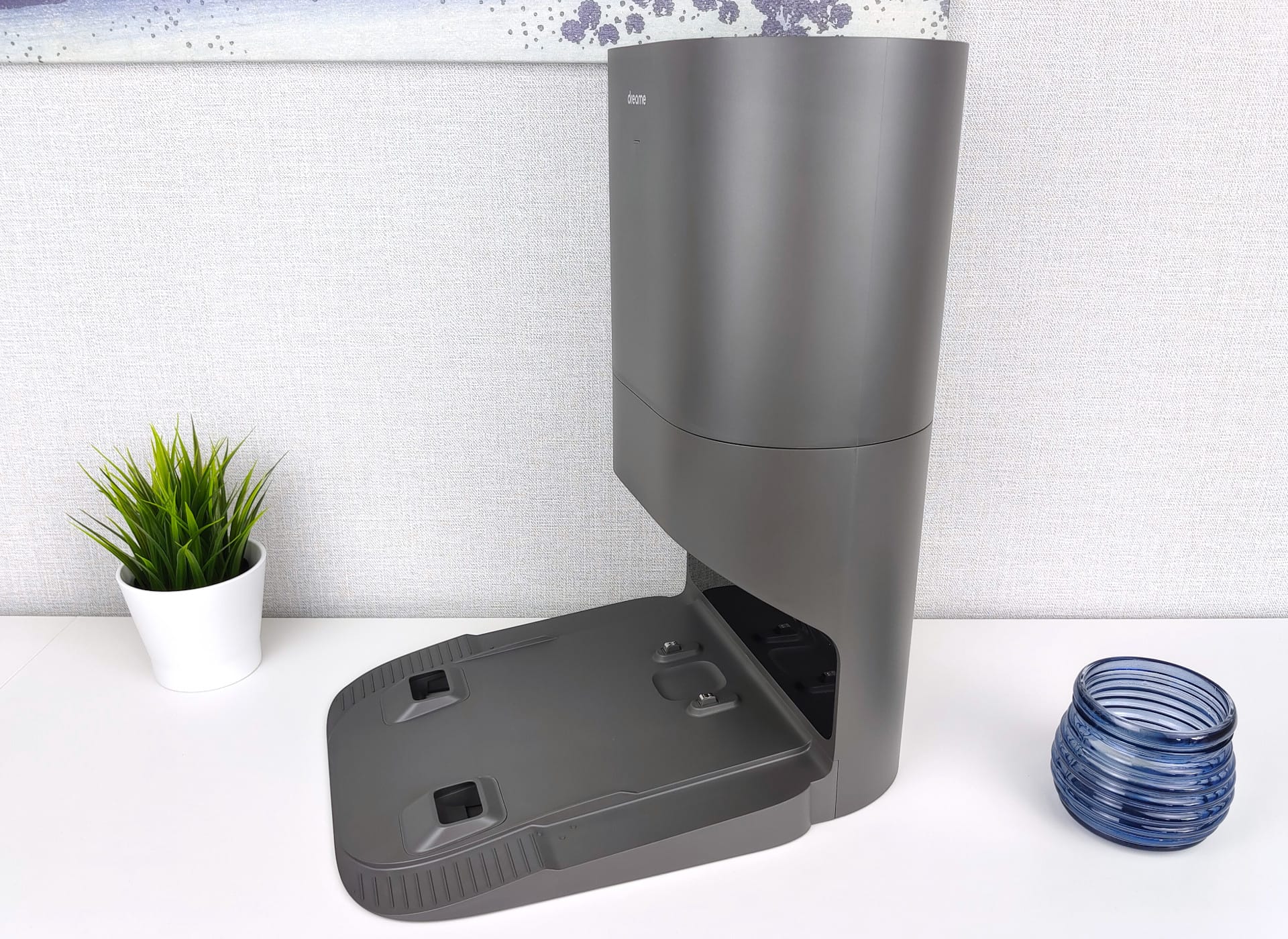
The suction/emptying station is one of the highlights of the Dreame Bot Z10 Pro. It is also the manufacturer's first robot vacuum to offer this additional feature. The dimensions of the suction station are 30.2 x 40.3 x 48.3 cm. This means it should fit into almost any household. The design is simple and the build quality is high.
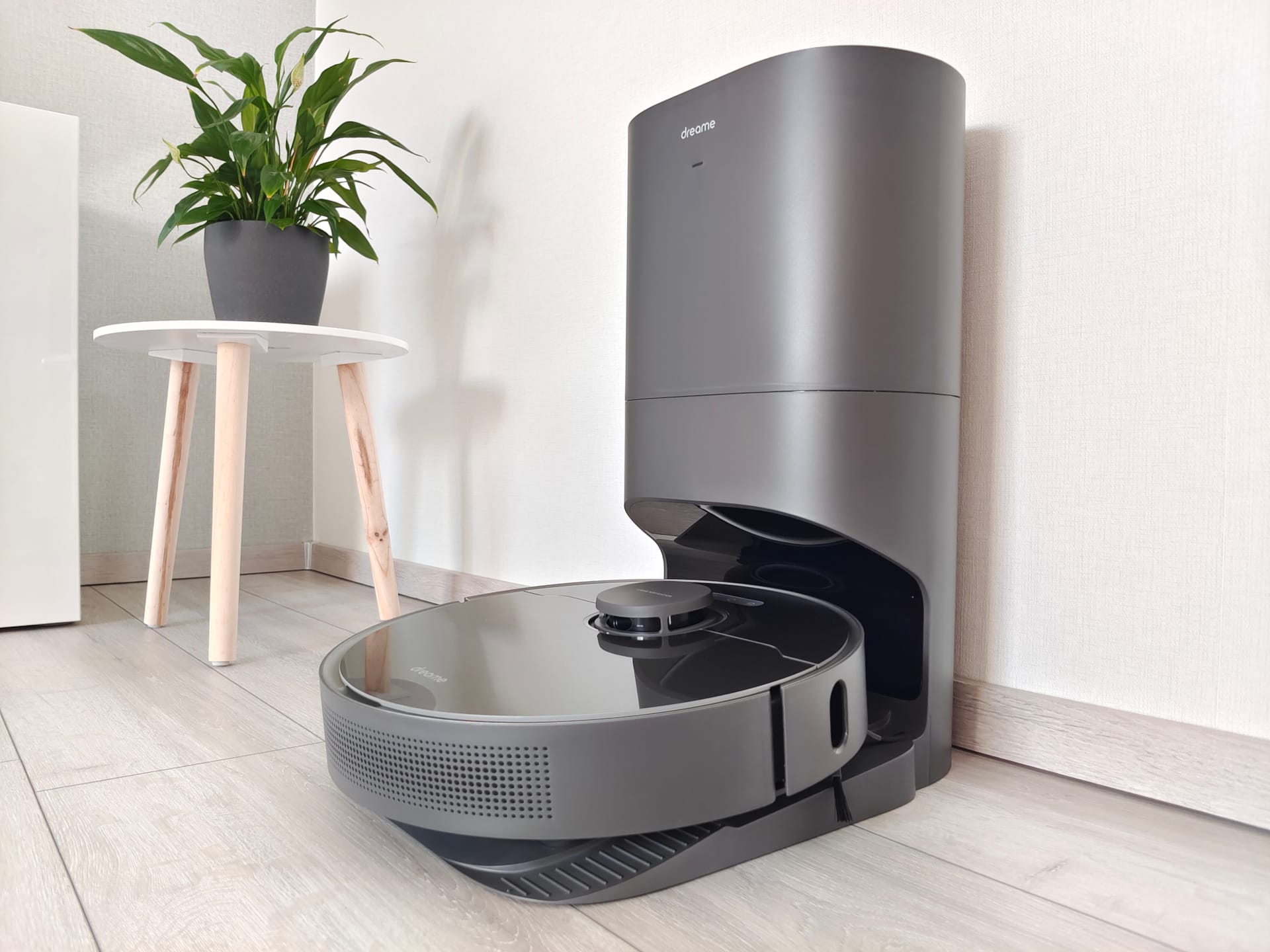
In addition to the emptying function, the suction station also serves as the charging station for the Dreame Bot Z10 Pro. After the cleaning process, the robot vacuum drives onto the station's small ramp, where the robot's dust container is automatically suctioned empty from the underside. The emptying process takes approximately 10 seconds. During this short time, it also gets quite loud, as the suction station with 800 watts of power generates high suction pressure.
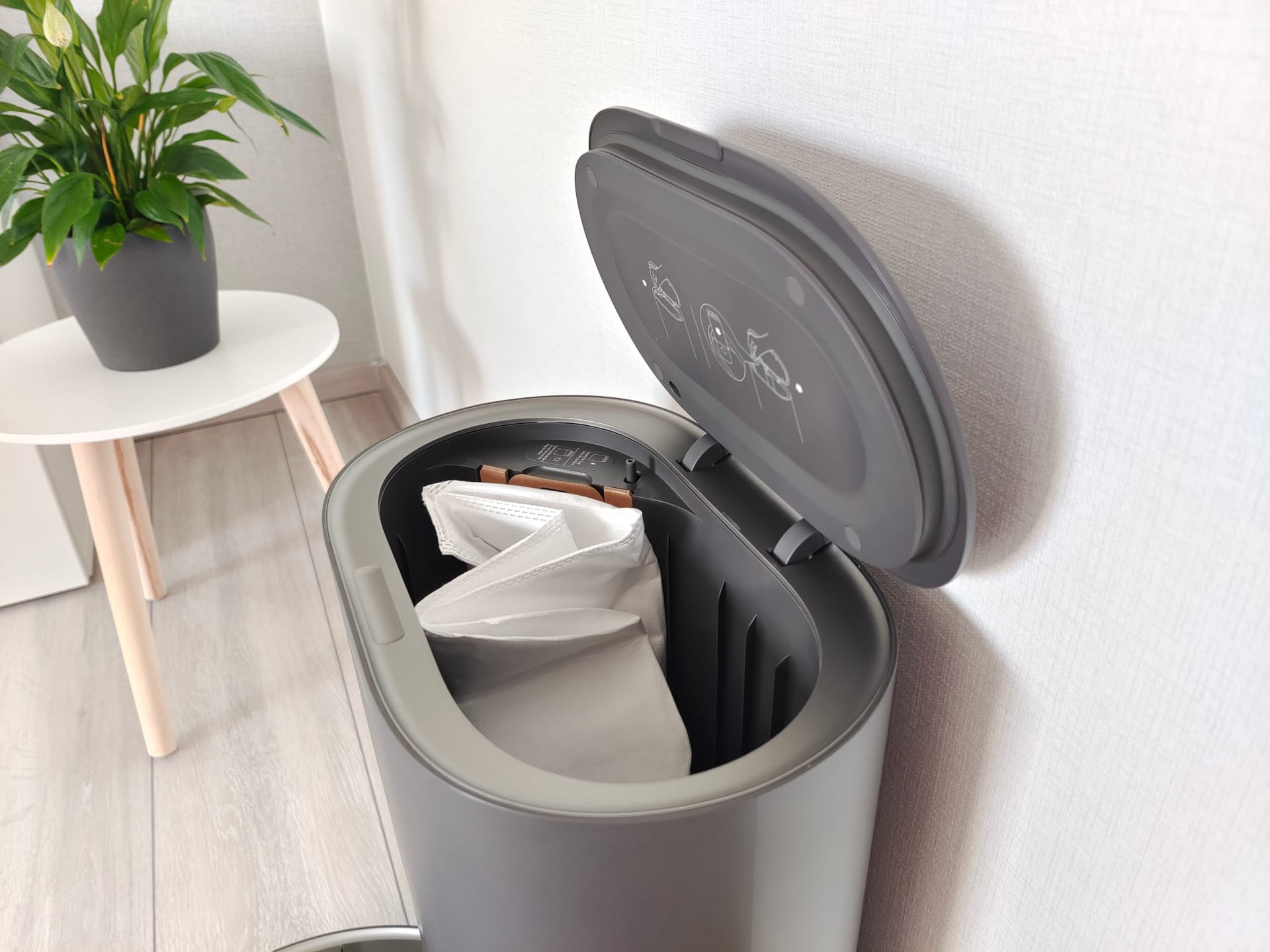
The sucked-in dirt reliably ends up in the dust bag of the suction station. It is constructed similarly to a vacuum cleaner bag and prevents fine dust from being released back into the environment. The volume is 4 litres, which corresponds to approximately 65 suction cycles. How often the robot vacuum's dust container should be emptied can be set via the app. The suction function can also be completely disabled there.
Battery
The battery of the Dreame Bot Z10 Pro has a capacity of 5200 mAh. This is standard and corresponds to a run time of 160 minutes on the standard suction level. In terms of cleaning area, the robot vacuum cleans approx. 115 m² in one go before automatically returning to the charging or auto-emptying station when residual capacity drops below 15%. Unfortunately, this threshold cannot be adjusted in the settings. Once the robot vacuum is recharged, the interrupted cleaning process automatically resumes.
In turbo mode, the runtime is correspondingly shorter. At the lowest setting, it is correspondingly longer. The battery is fully charged after 5 hours.
Our verdict
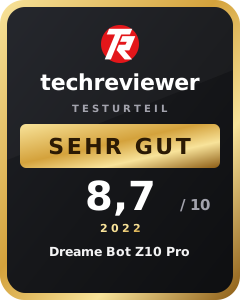
The Dreame Bot Z10 Pro ranks very highly in the fiercely competitive robot vacuum segment. From build quality and usability to cleaning performance, there is hardly anything to criticise. The 3D room recognition works and detects even objects that other robot vacuums mercilessly run over. Nevertheless, there is still some room for optimisation. A Roborock S6 MaxV with similar room recognition manoeuvres a bit more precisely, but does not offer a suction station at a similar price.
The mopping function, as often, is a "nice-to-have" that does not replace manual mopping. To remove fine dust and light stains, the mopping function is just barely sufficient. The Dreame Bot Z10 Pro cannot generate the necessary downforce for stubborn stains. The vacuuming function remains the priority.
Here, the Dreame robot vacuum clearly scores points. Thanks to its four suction levels and automatic carpet detection, the robot vacuum is excellent for hard floors and carpets. Fine dust, as well as hair, paper snippets or coarse dirt are largely vacuumed up. In terms of volume, the robot vacuum is comparatively quiet even at higher suction levels. The self-emptying station is practical, reliably emptying the robot vacuum's dust bin without the need for manual intervention after each cleaning run.
Worth mentioning is also the connection to the Xiaomi Home app. As a result, Dreame relies on an advanced app that many users are already familiar with. If you have other Xiaomi products in your household, you can conveniently manage them all via a single app.
Is the Dreame Bot Z10 Pro worth recommending? Absolutely! Although the robot vacuum does not set a milestone, it is convincing in the most important areas.
Specifications
Cleaning
- Suction power
- up to 4000 Pa
- Suction modes
- Light, Standard, Strong, Turbo
- Noise levels
- 45 - 70 dB
- Container
- 400 ml dust, 150 ml water
Navigation
- Type
- LiDAR tower + 3D obstacle recognition
- Room map
- Yes
- Room layout
- Yes
- Restricted areas
- Yes
- Virtual Wall
- Yes
Connectivity
- App
- Xiaomi Home
- Connection
- WiFi 2.4 GHz
- Alexa
- Yes
- Google Home
- Yes
Battery
- Capacity
- 5200 mAh
- Runtime
- approx. 200 mins.
- Charging time
- 5 hours
Size & weight
- Size
- 35.3 x 35 x 9.68 cm
- Weight
- 3.8 kg
What’s included
1x robot vacuum 1x side brush 2x dust bags 1x cleaning tool 1x docking station 1x power cable 1x manual
Price comparison
| Store | Price | Link |
|---|


Comments