Contents
Overview
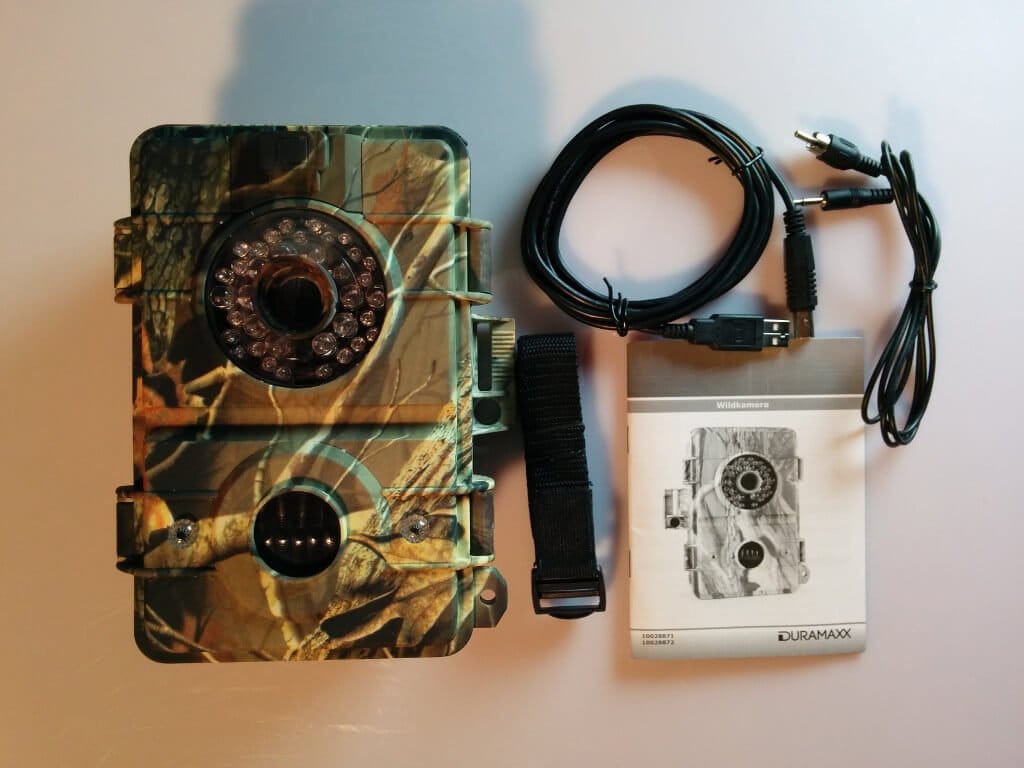
The 155x190x90mm camera was supplied with an adjustable strap, a USB cable, a Cinch cable, and instruction manuals in both German and English. An SD card and the required batteries (3 C-size and 4 D-size) were not included in the package and must be purchased separately.
The Grizzly wildlife camera is made of robust plastic, which is also printed with a camouflage pattern. This camouflage pattern is weather-resistant, as far as I could ascertain after just under 10 days of use.
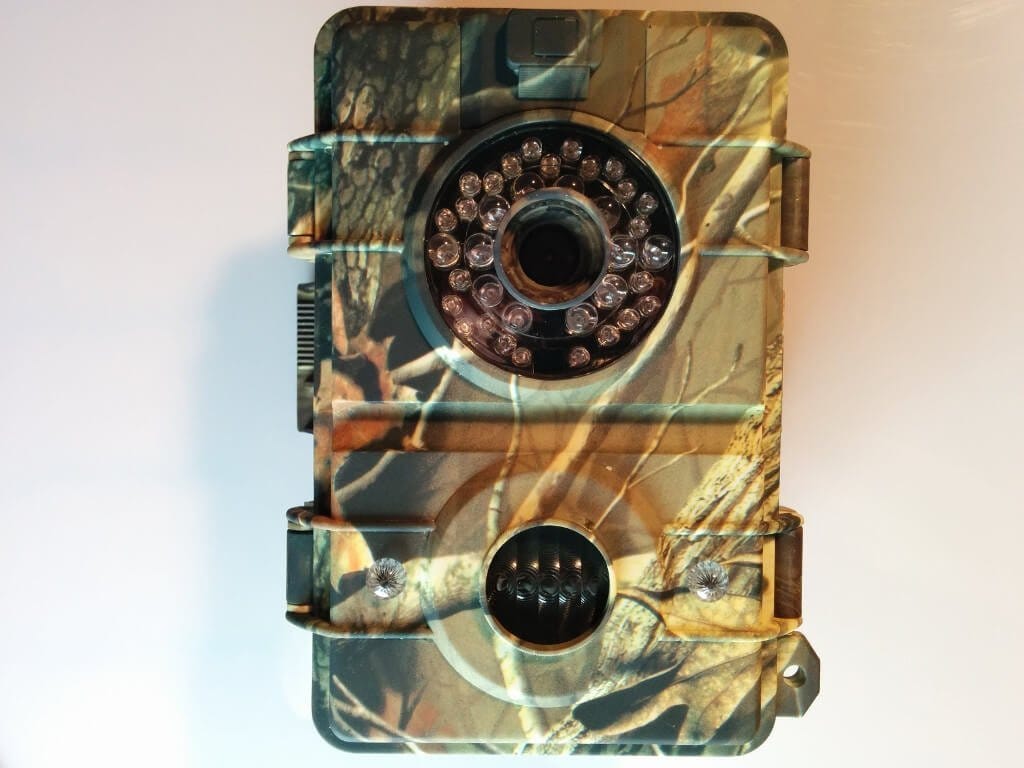
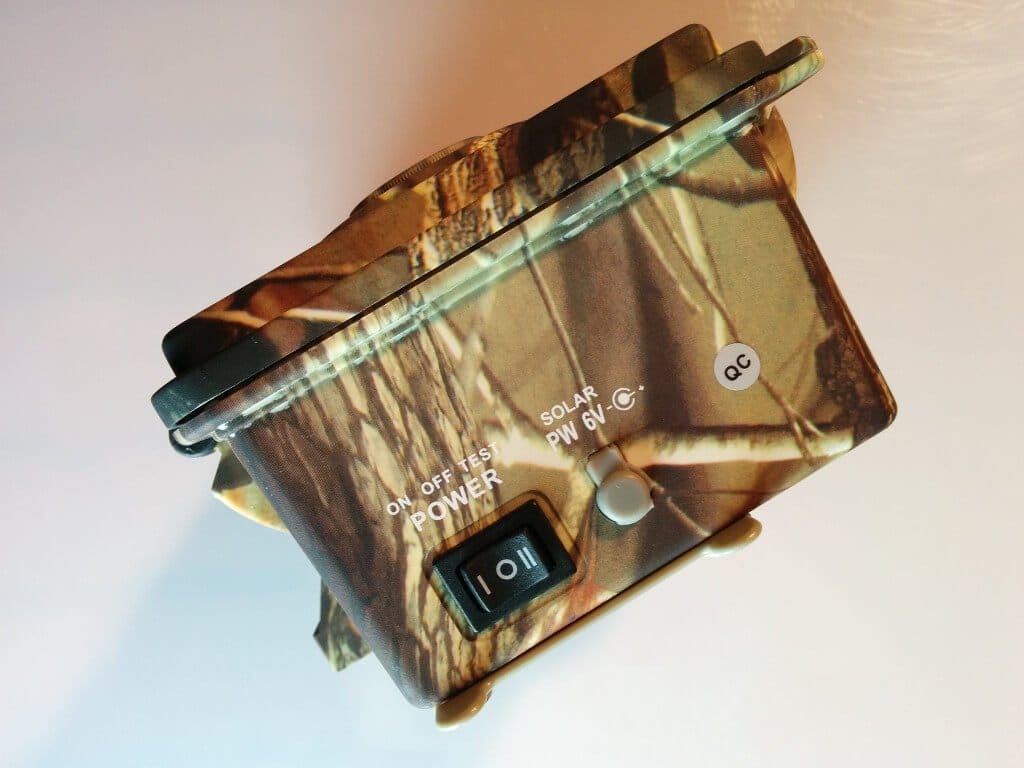
On the front, several infrared LEDs are mounted around the lens, and a motion sensor is located below it. The camera is opened via two hinged mechanisms mounted on the sides, which also seal the camera watertight. On the underside, there is the power button, which can be set to three possible positions (ON – OFF – TEST). Next to it is a 6V input for a solar module.
The camera achieves a resolution of 720p (1280x720) in video recording, though only 15 frames per second are possible here. With a lower resolution, such as 720x480 pixels, 30 frames per second are also possible. Another option is 640x480 pixels.
In image mode, a resolution of up to a maximum of 7 megapixels can be set. There are also options for 5, 3 and 1.3 megapixels.
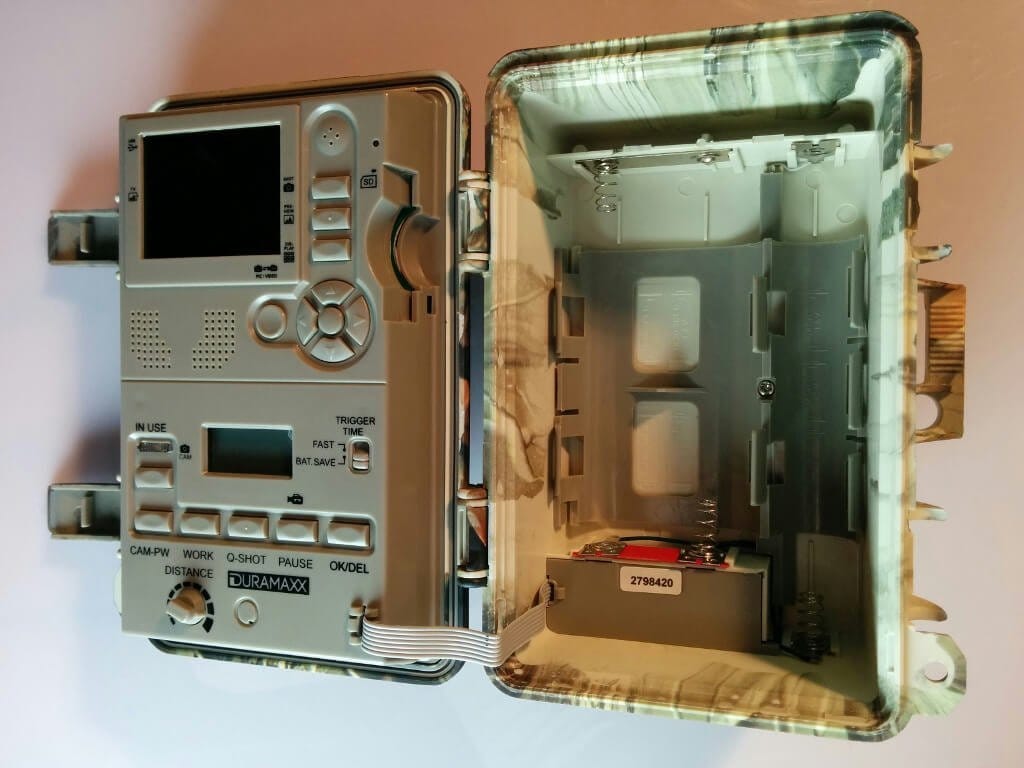
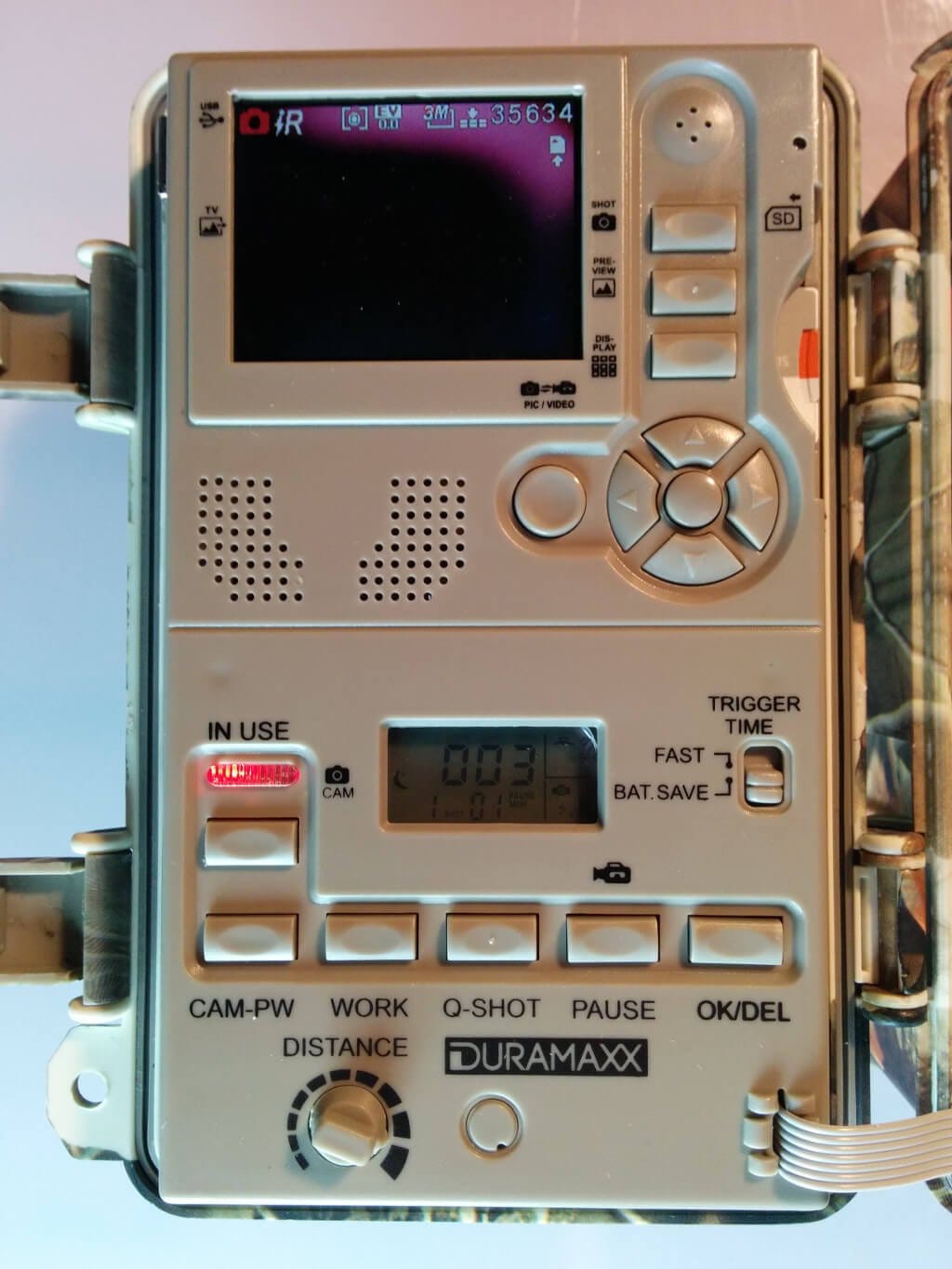
The camera is controlled and adjusted via the "control centre" located in the camera's flip-up cover. This houses a 2.4-inch TFT display along with numerous buttons and switches. An SD card slot is also located on the side (note: not micro SD!)
Setup
When I first tried to set up the camera correctly, I was overwhelmed by its individual functions and fine details. You should definitely consult the user manual for help. At first, I didn't even know how to turn on the camera's display.
Once I had looked into the operating instructions a bit, setting up the camera was no longer a problem either. The integrated display allows you to make the basic settings. Among other things, you can choose between photo and video mode and make further settings within the respective mode.
Once the camera has been correctly configured, it can be attached with the supplied mounting strap and switched on. Here, you can choose between a test mode and the normal mode.
Functions
The Grizzly trail camera has little in common with cheap hunter’s snapshot cameras. Here you get a professional camera with numerous functions.
Here is a concise list of all the configuration options I am aware of:
- Video mode: resolution, frame rate
- Image mode: resolution, quality, exposure, burst mode, ISO, date display
- General settings: Video sound, flash (IR or strobe), date and time, language, TV output (PAL or NTSC), USB (MSDC or PCCAM), formatting, factory reset, time-lapse
Furthermore, you can view the captured images on the display, choose the “Trigger Time”, adjust the distance of the motion sensor, as well as individually set the recording length and even the IR sensor.
Our verdict
I would rather describe the Grizzly trail camera as a professional trail camera. Everything can be adjusted entirely.
When it comes to a trail camera, however, the recording quality and battery life are crucial. What use is a trail camera that produces poor recordings and stops working after just one day because the batteries are empty.
However, I can reassure anyone interested here. Even after 10 days of continuous operation, the camera was still functional. The battery level can also be read via the integrated LCD display.
The video quality could be better for my taste, but a high resolution also means higher power consumption and larger files that can quickly fill a 32GB SD card. Therefore, the maximum resolution of 720p is not necessarily wrong. Only the low FPS rate bothered me somewhat. I would have preferred at least 15 FPS at 720p. Personally, I prefer the photo mode for this camera.
The IR flash works well, and the motion sensor's range is decent. However, care is required when positioning the camera to achieve the best results. The test mode proves particularly helpful for adjusting the motion sensor accordingly.
The build quality of the Grizzly game camera also convinced me. The device did not get wet inside despite heavy rain. The camouflage pattern is also weather-resistant. Overall, the Grizzly wildlife observation camera met my expectations.
Specifications
General
- Ports
- USB interface (2.0 Type B), SD memory card slot, 3.5mm jack TV output, IR booster jack, 6V/1V DC solar power port
- Photo resolution
- 3264 x 2448 (8 MP), 2592 x 1944 (5 MP), 2048 x 1536 (3 MP), 1024 x 768 (1.3 MP)
- Video resolution
- 1280 x 720 (HD), 720 x 480, 640 x 480 (VGA)
- Supported image formats
- PAL, NTSC (Please note that NTSC is set as standard and must be switched to PAL in Europe)
- Motion sensor sensitivity adjustable continuously
- supported memory card capacity
- max. 32GB
- Video duration setting
- 3 - 90 seconds
- Motion sensor operating modes
- Day, night, 24 hours
- Pause setting
- 0, 1, 3, 5, 10, 20, 30, 60 minutes
- Fast photo mode captures up to 3 images per detection
- Burst mode captures up to 5 images per trigger
- Integrated day/night sensor
- Date and timestamp
- LCD display with backlight
- Status LED
- Power infrared sensor
- 3 x C-battery (not included)
- Power Supply Camera
- 4 x D batteries (not included)
- optional power camera
- 6V DC solar panel (not included)
What’s included
Grizzly 3.0 strap USB cable jack-to-cinch cable German manual

Comments