Contents
ECOVACS DEEBOT T10+: Design and workmanship
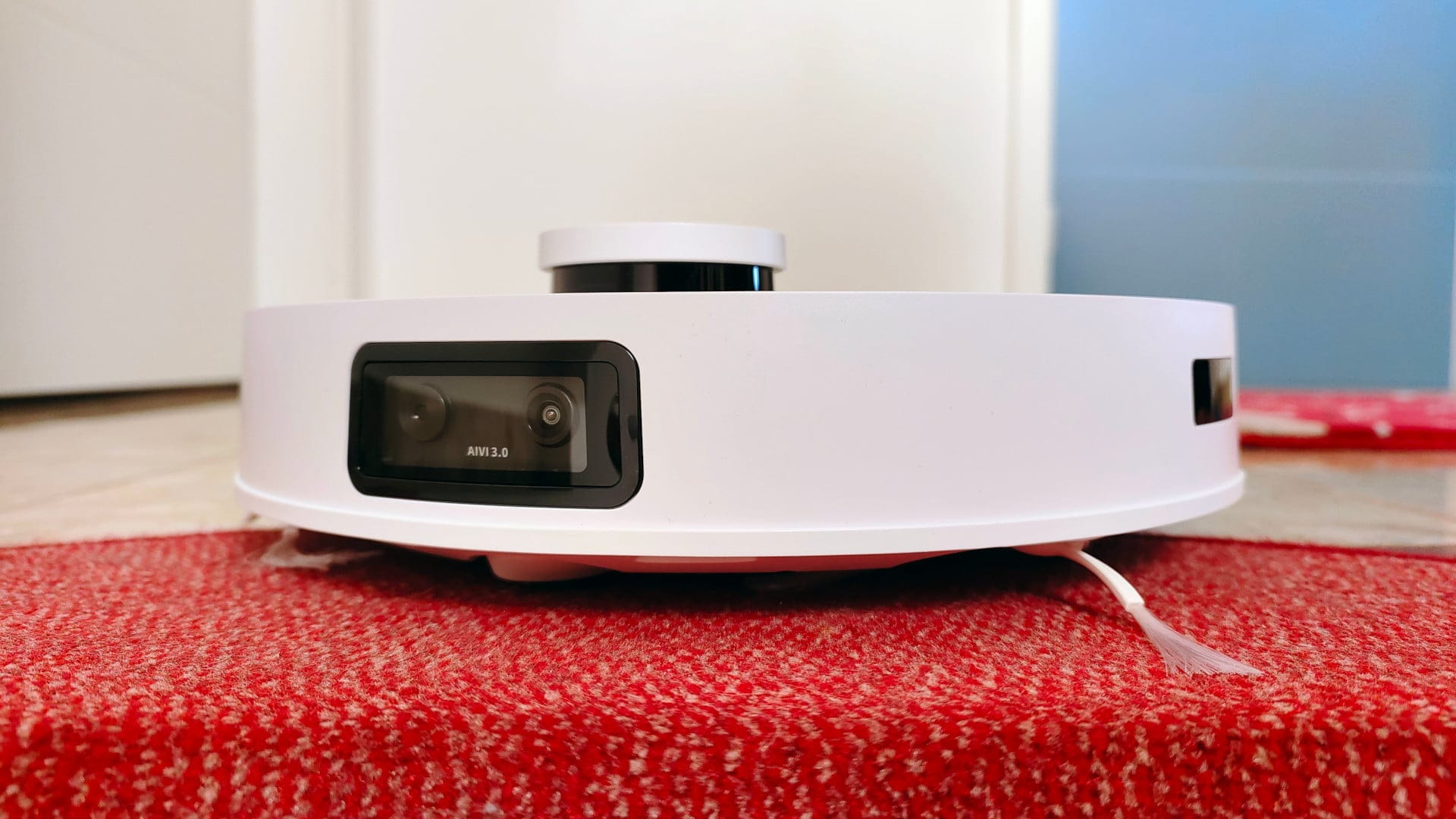
ECOVACS avoids design experiments with the DEEBOT T10 Plus, relying on the typical round shape with a 35.3 cm diameter. Including the laser turret, the measured height is 10.33 cm. This makes the robot vacuum just under a centimetre taller than its predecessors. Depending on which furniture pieces are to be vacuumed or mopped underneath, the robot's height can certainly be relevant. Measure again if unsure!
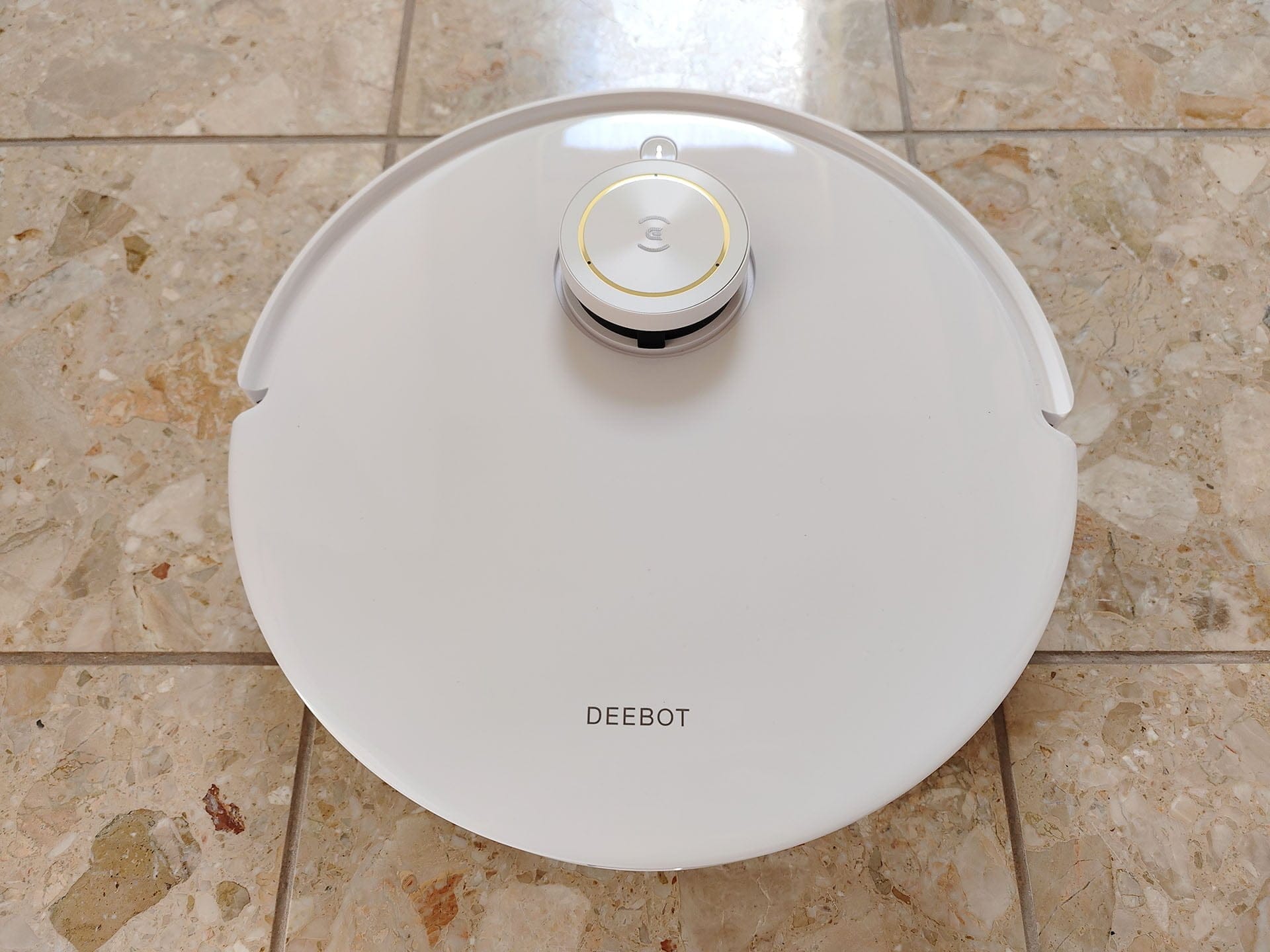
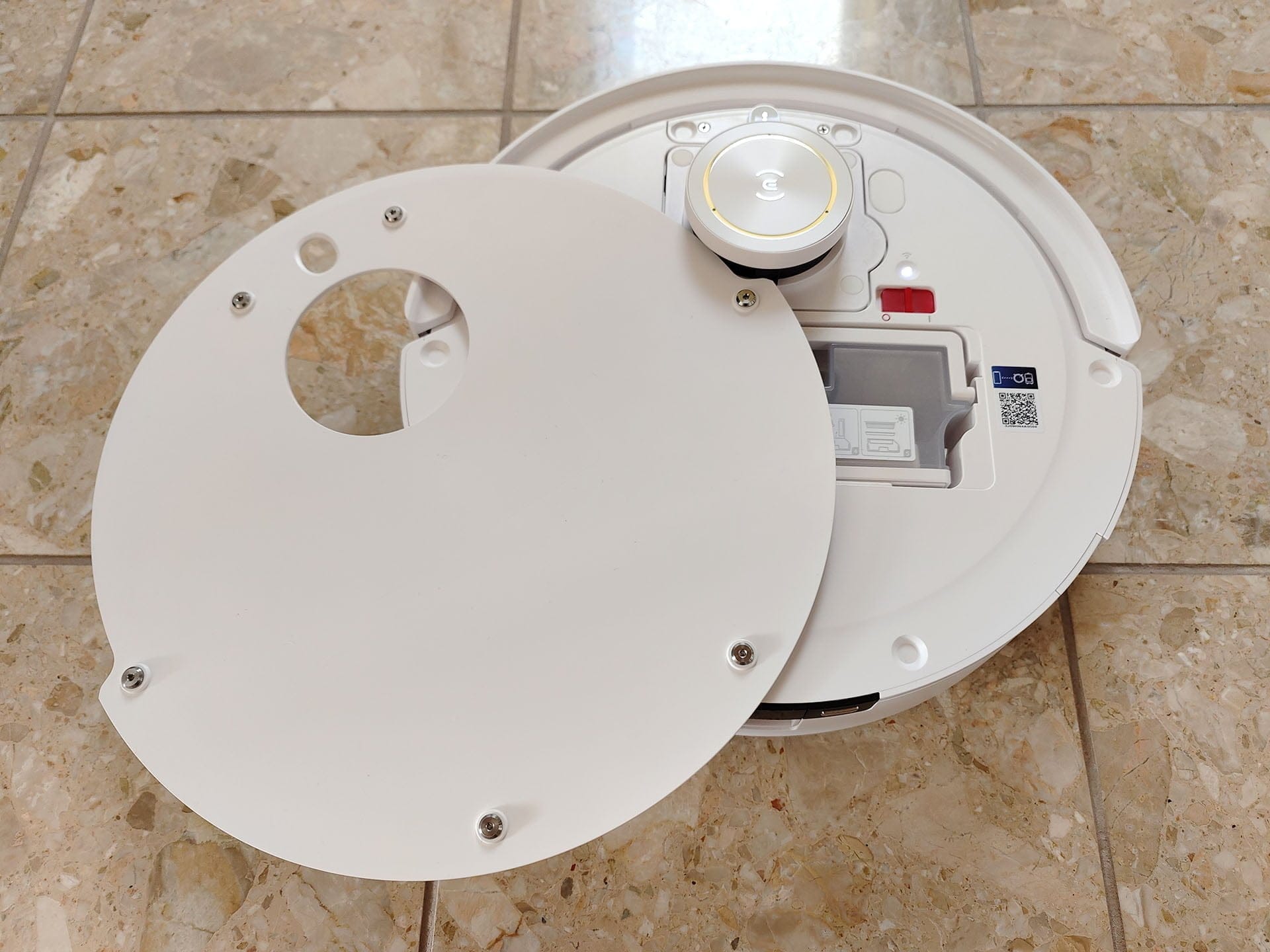
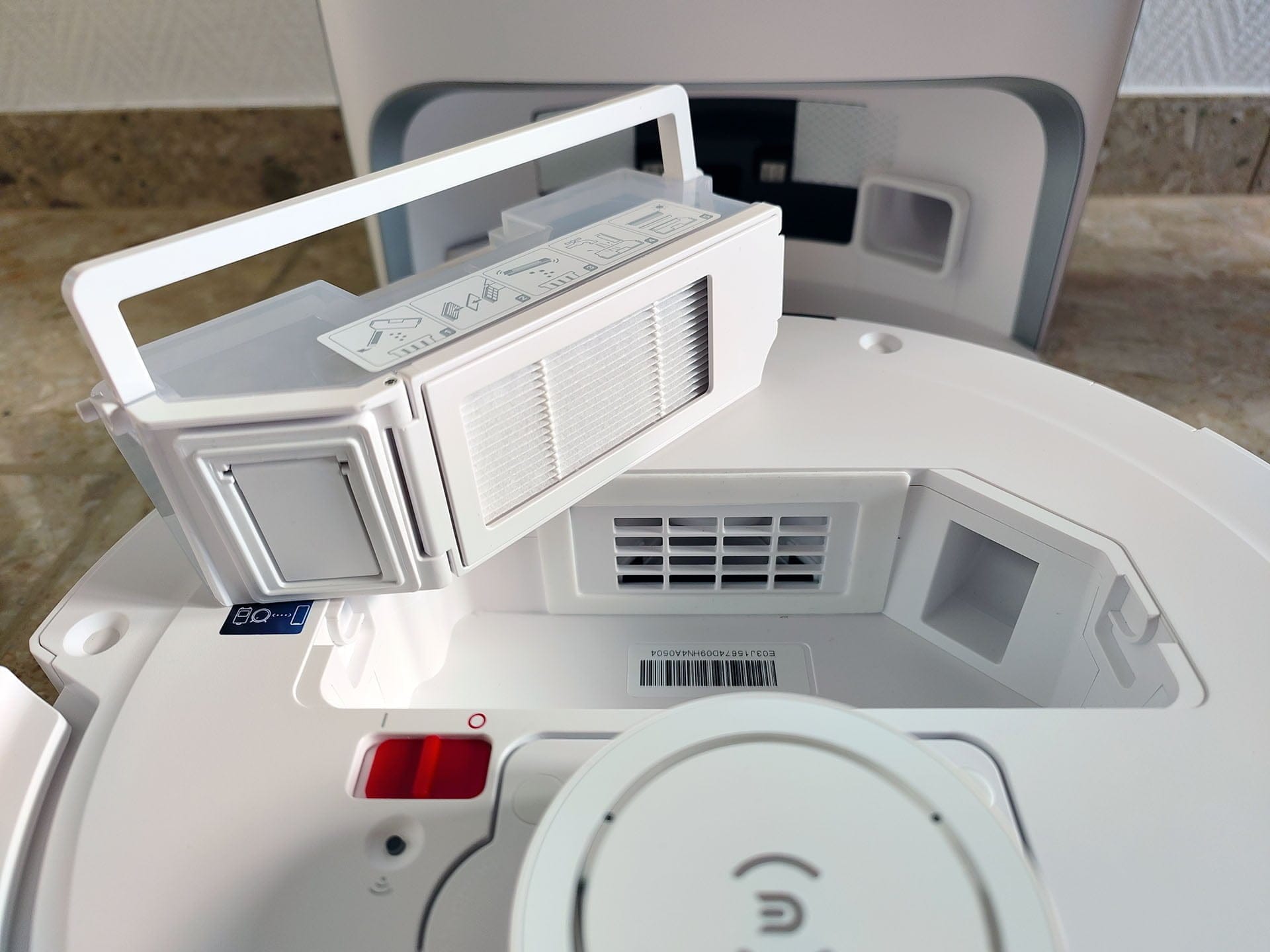
The 400 ml dust container and the power switch are accessible by removing the entire top cover. Unlike a flip-up lid, this is a rather interesting solution, as no folding mechanism is visible and a uniform look is achieved. The high-gloss white cover is held in place by several magnets. By the way, the vacuum robot is available exclusively in white.
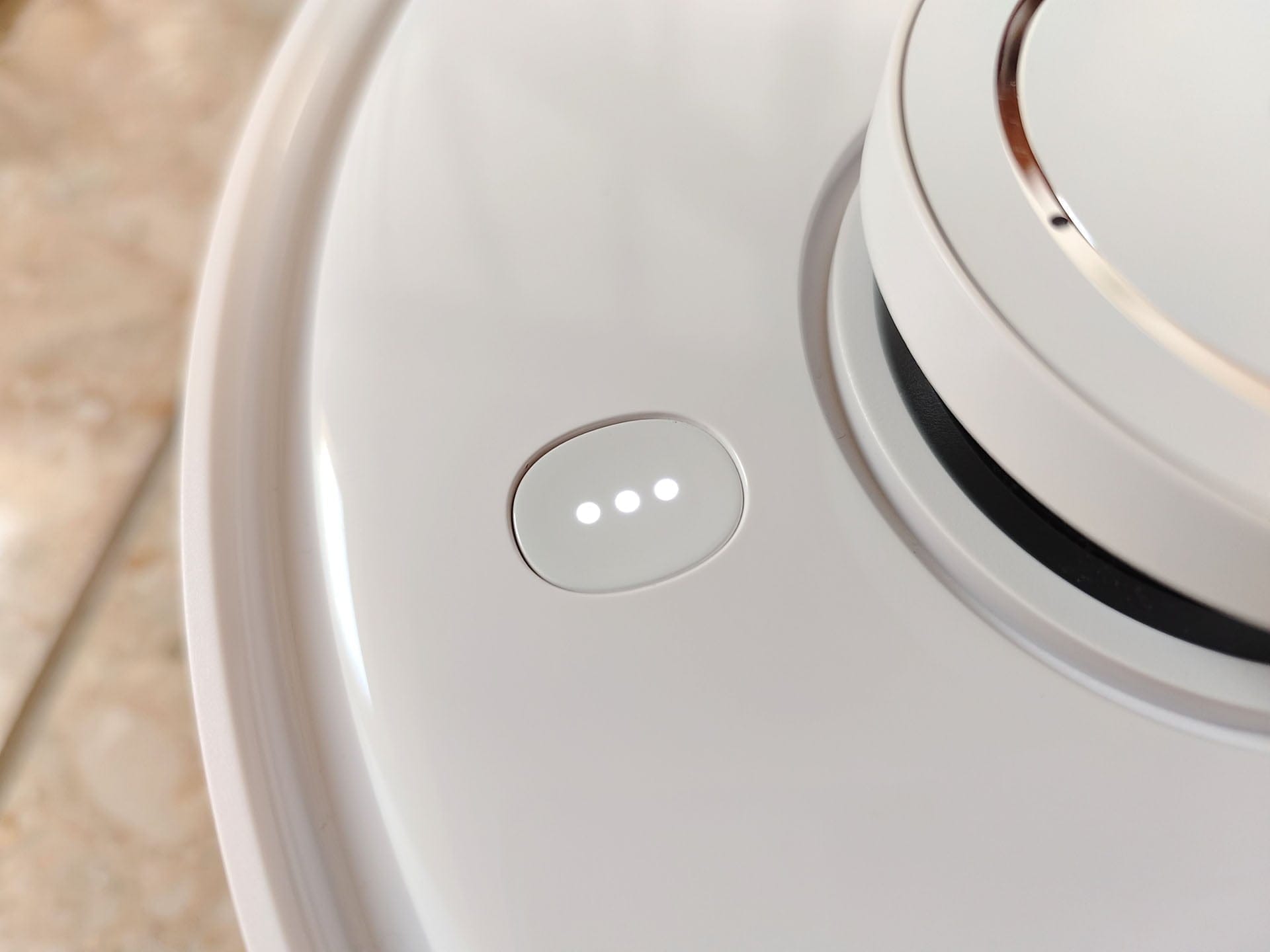
Directly in front of the laser tower is a single control button with an integrated indicator light, allowing you to read the device status. The control button responds to touch. Touching it once starts or pauses the cleaning process. Holding it for three seconds sends the robot vacuum back to its station.
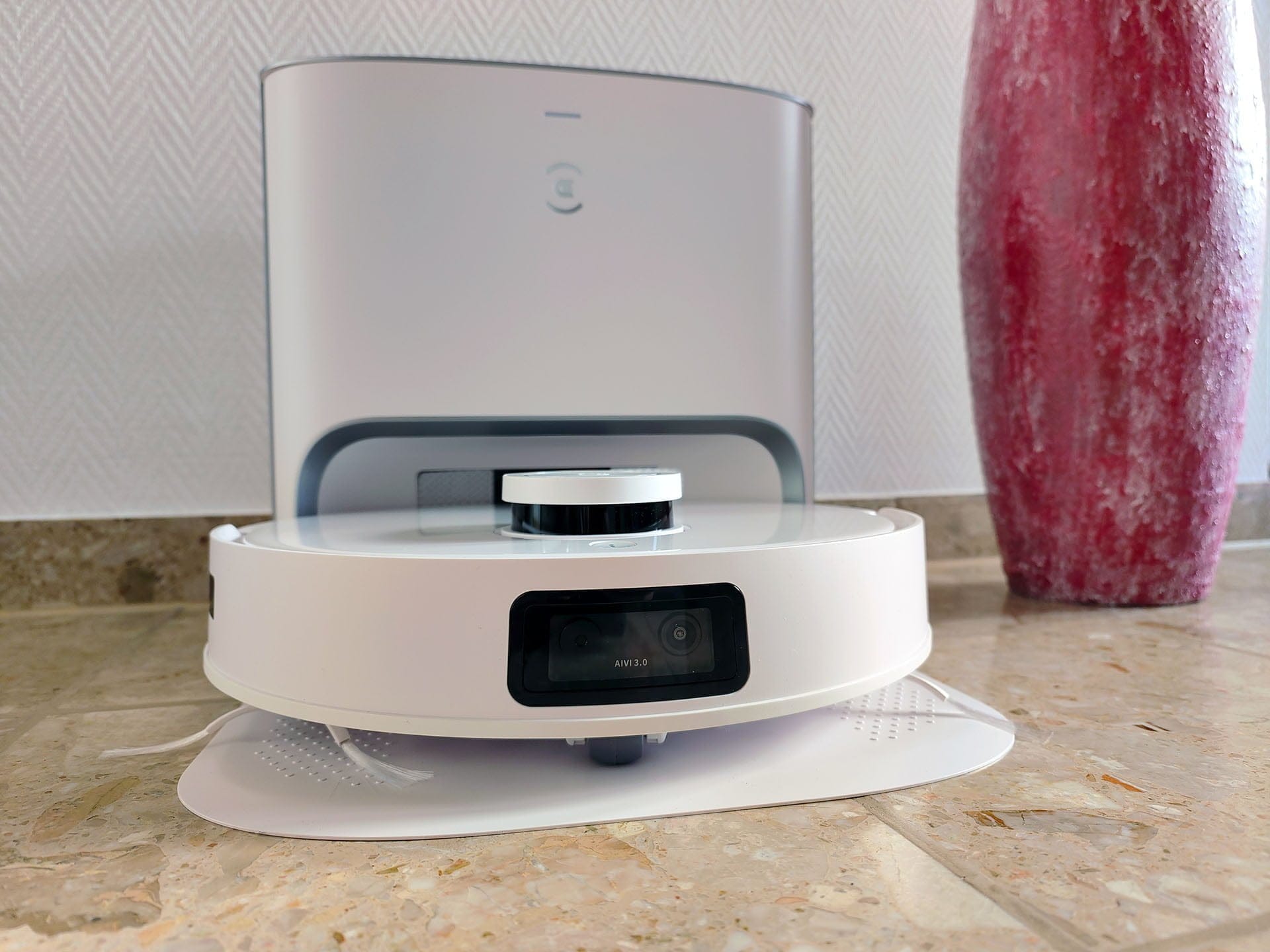
At the front is the "bumper", which acts like a fender. Integrated within it is the AIVI 3.0 camera, which is intended to detect obstacles ahead. Infrared sensors for collision detection are located on each side left and right. On the rear, there is the placeholder for the mop module, which ECOVACS affectionately refers to as a "air freshener". In fact, this plug-in module can be equipped with a replaceable air freshener capsule. However, one is not included in the scope of delivery. Shame, as we would have liked to test the air freshener for you.
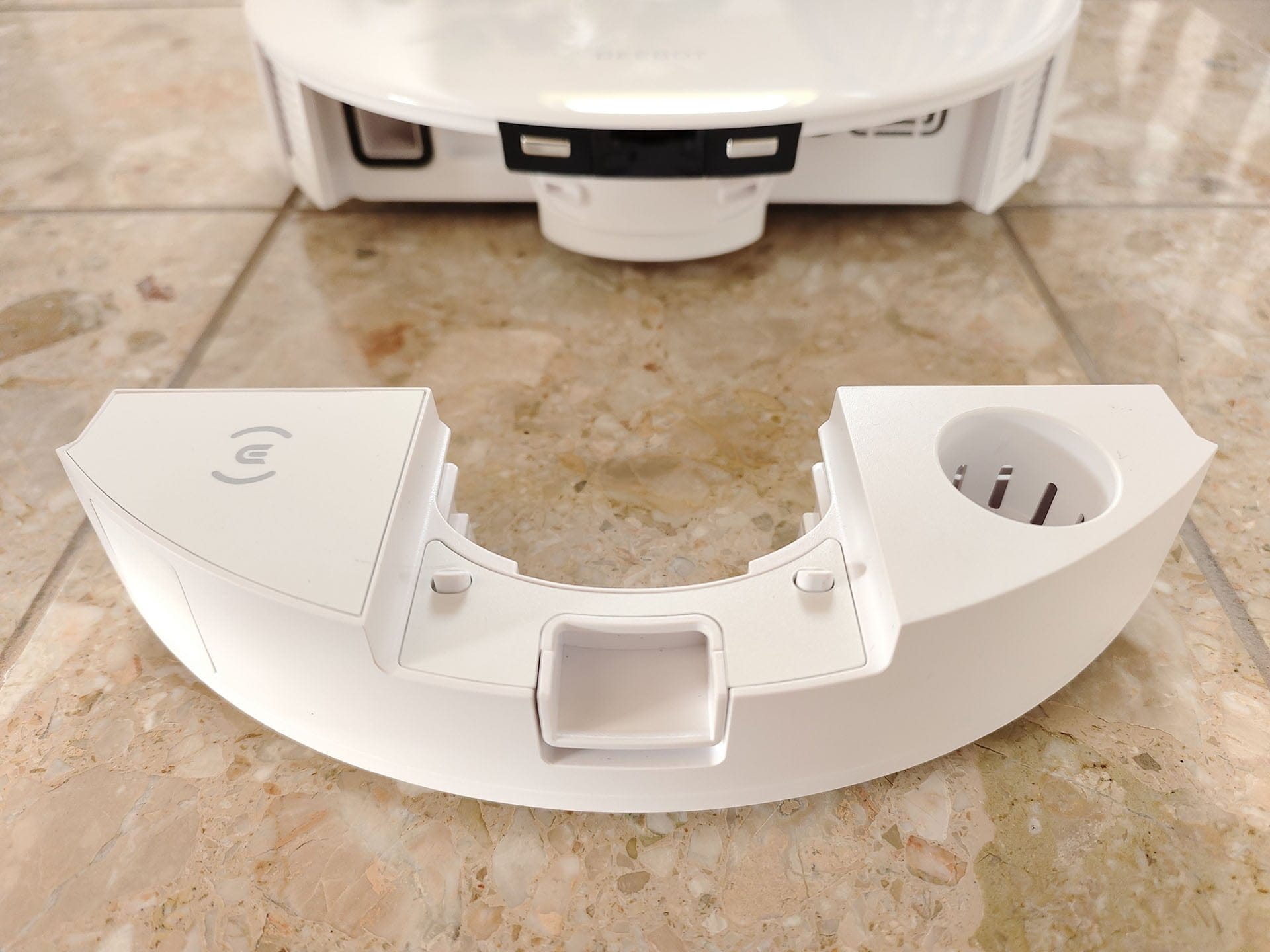
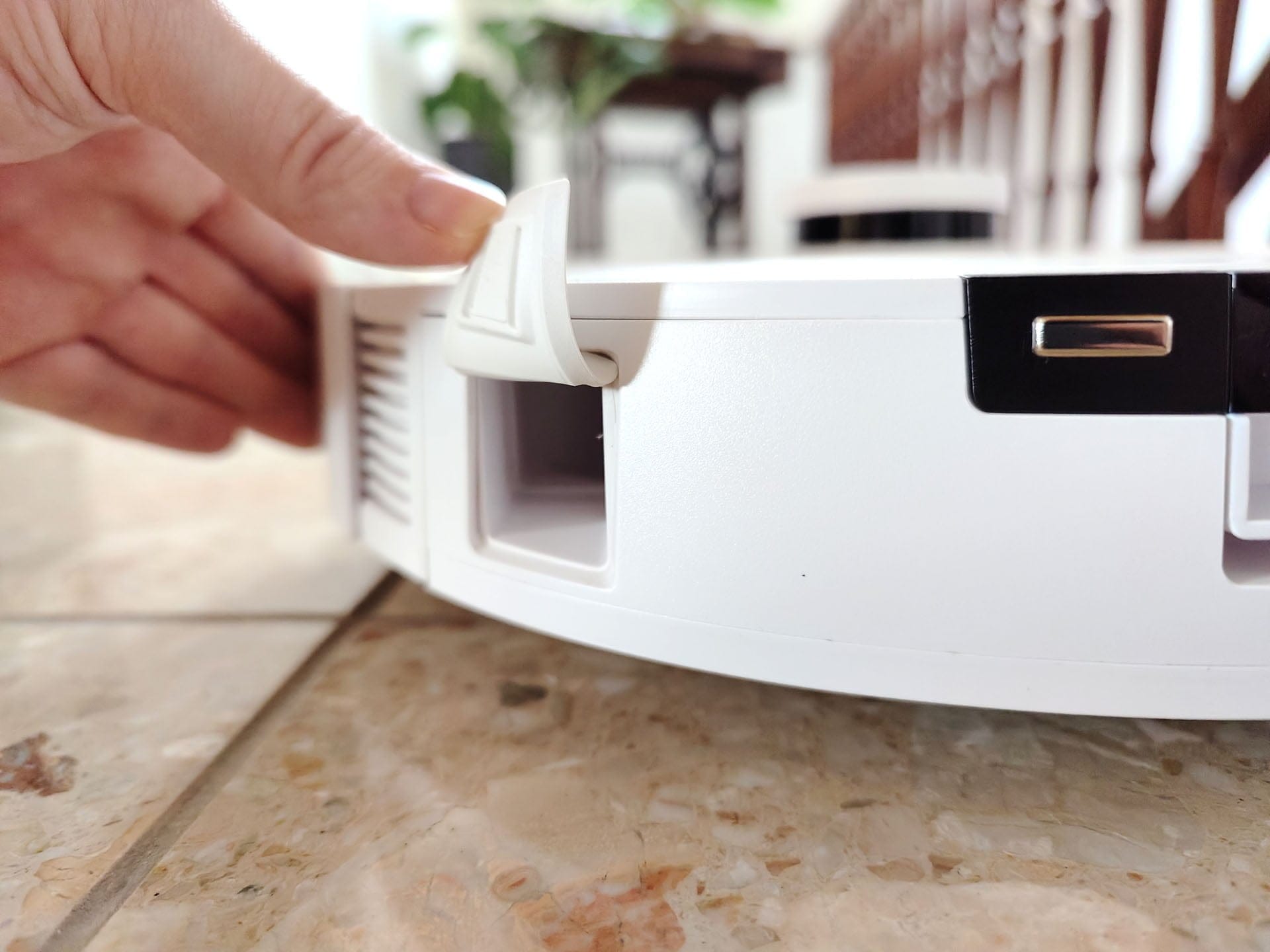
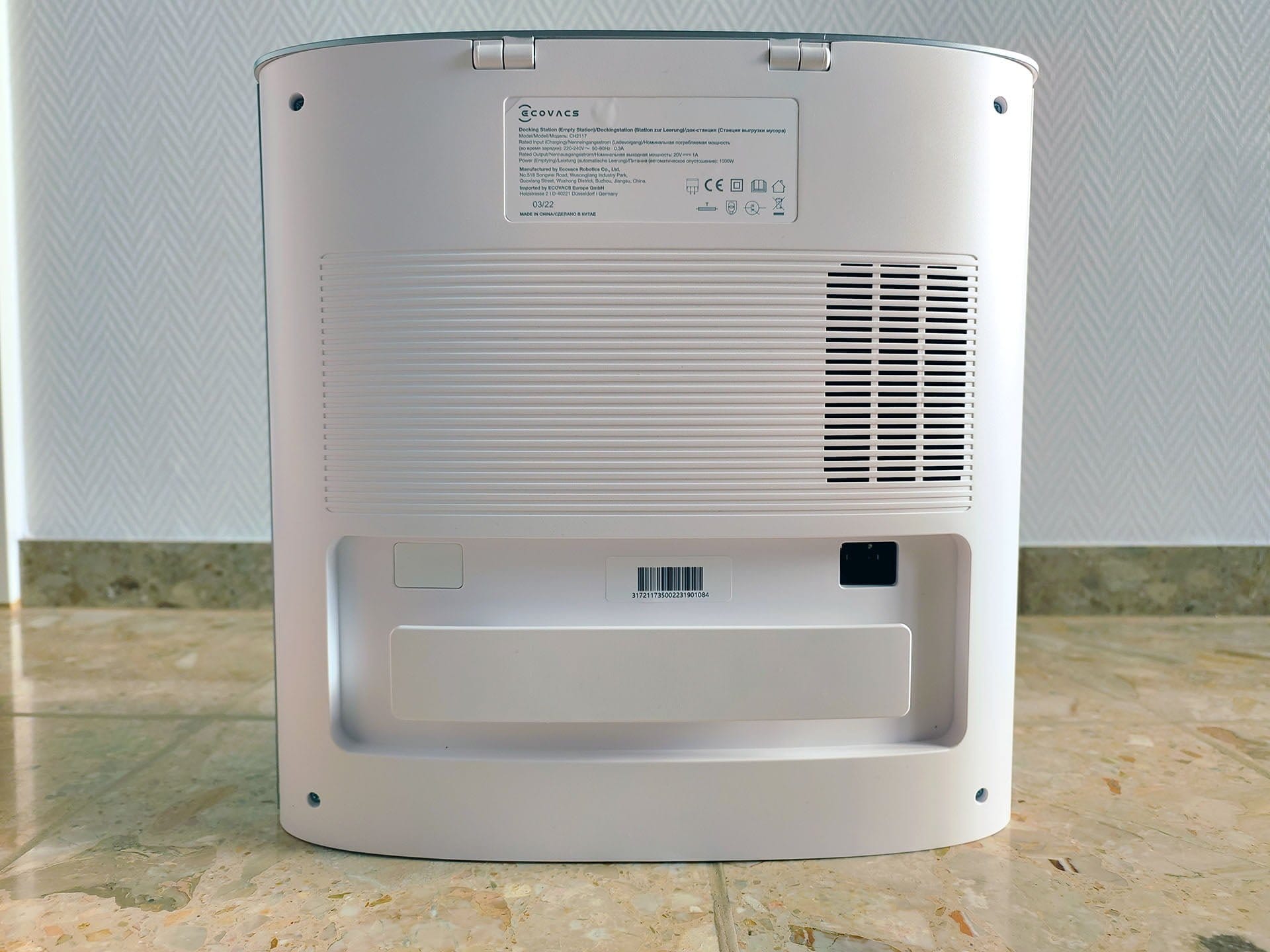
For emptying and charging, the robot vacuum reverses into the dock. It does not empty and charge from below, but via the rear. Both plug modules act as conduits for the emptying function and are equipped with an emptying flap on the outside. The landing contacts are located above the recess for the plug module.
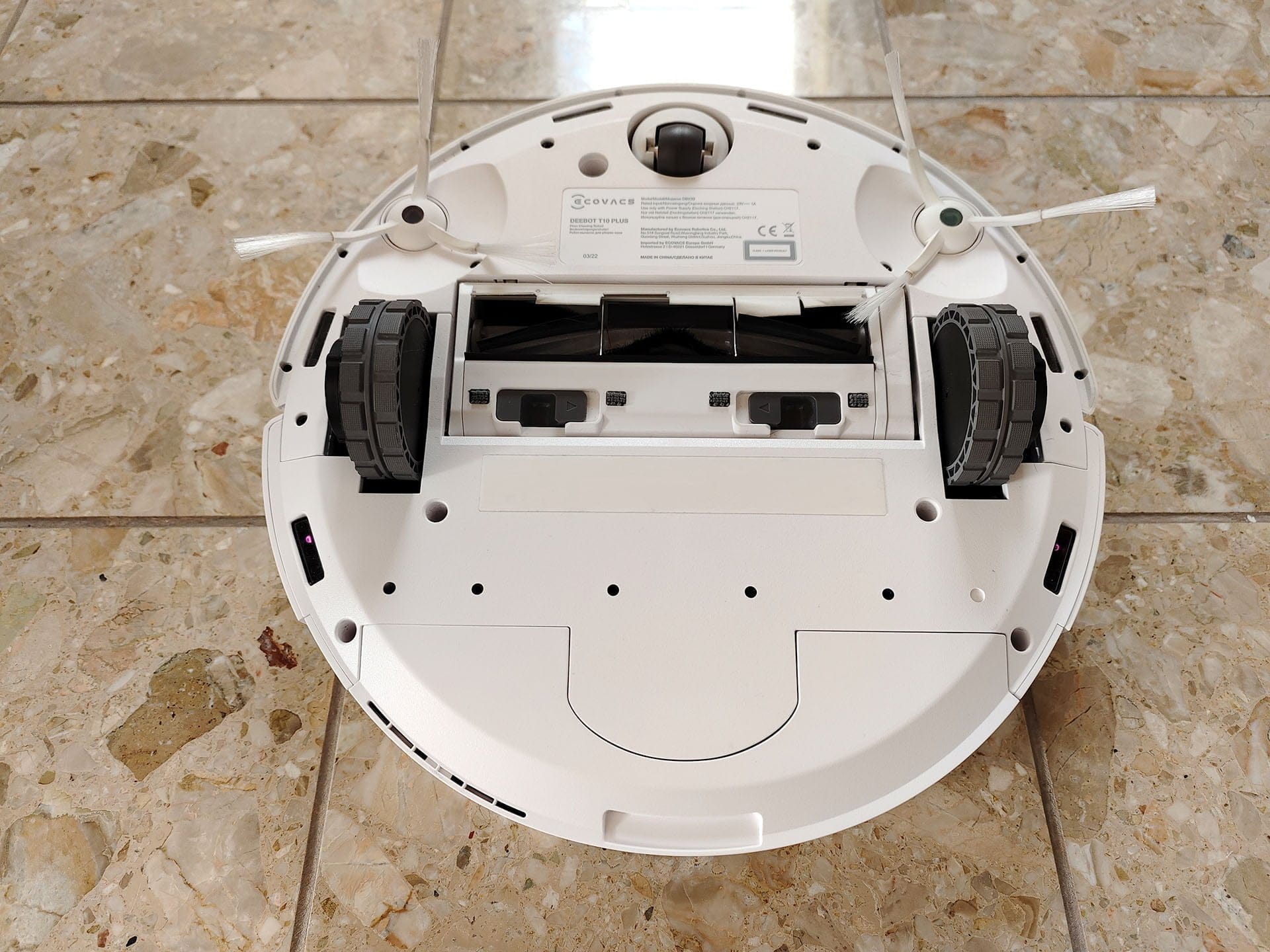
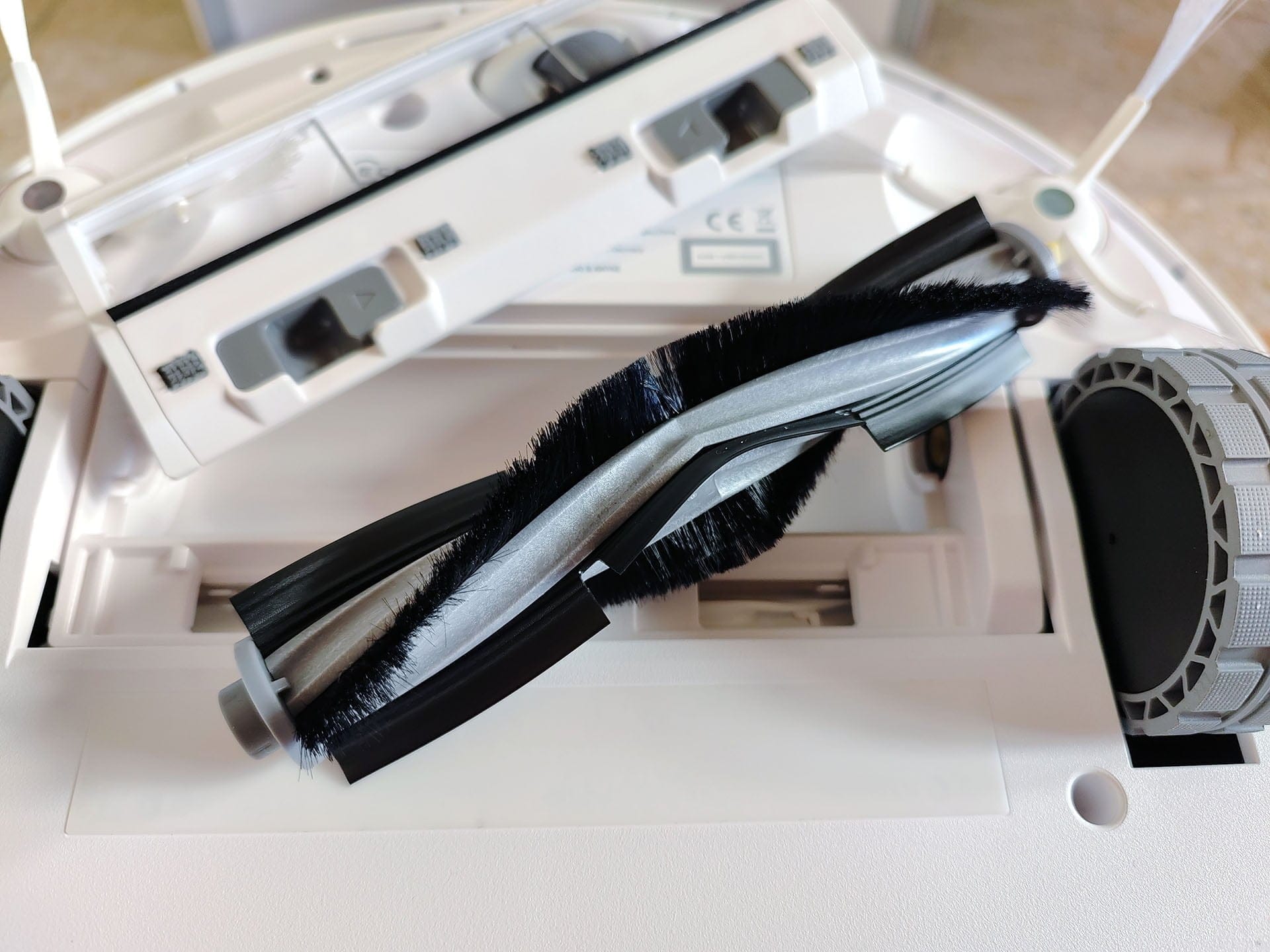
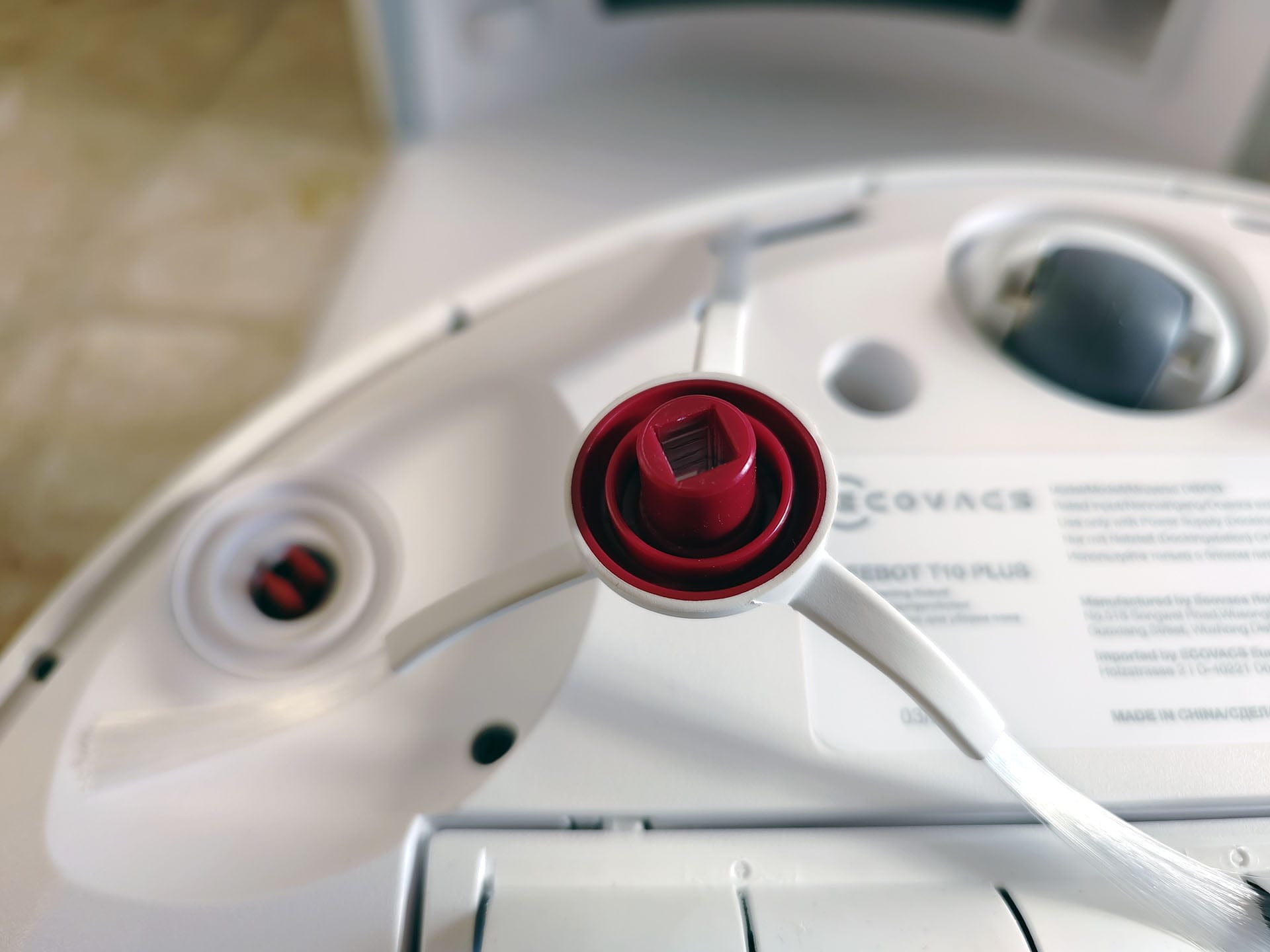
The underside of the robot vacuum holds no surprises. As is typical, the main brush is located between the two drive wheels, using a combination of bristles and rubber fins here. Two side brushes move dirt from corners and edges towards the main brush. Finally, six drop sensors are distributed along the sides.
The build quality is decent. The robot vacuum consists of robust plastic and also looks high-quality. All wear parts (brushes, filters, etc.) are of good quality and can be replaced at an acceptable price. Original spare parts are available from Amazon or directly from the ECOVACS store.
ECOVACS DEEBOT T10+: Setup
Setting up the DEEBOT T10 Plus is very simple. The prerequisite is the ECOVACS HOME app, available for download from Google Play or the App Store. You then have to create an ECOVACS user account using your email address. Unfortunately, it is not possible without one.
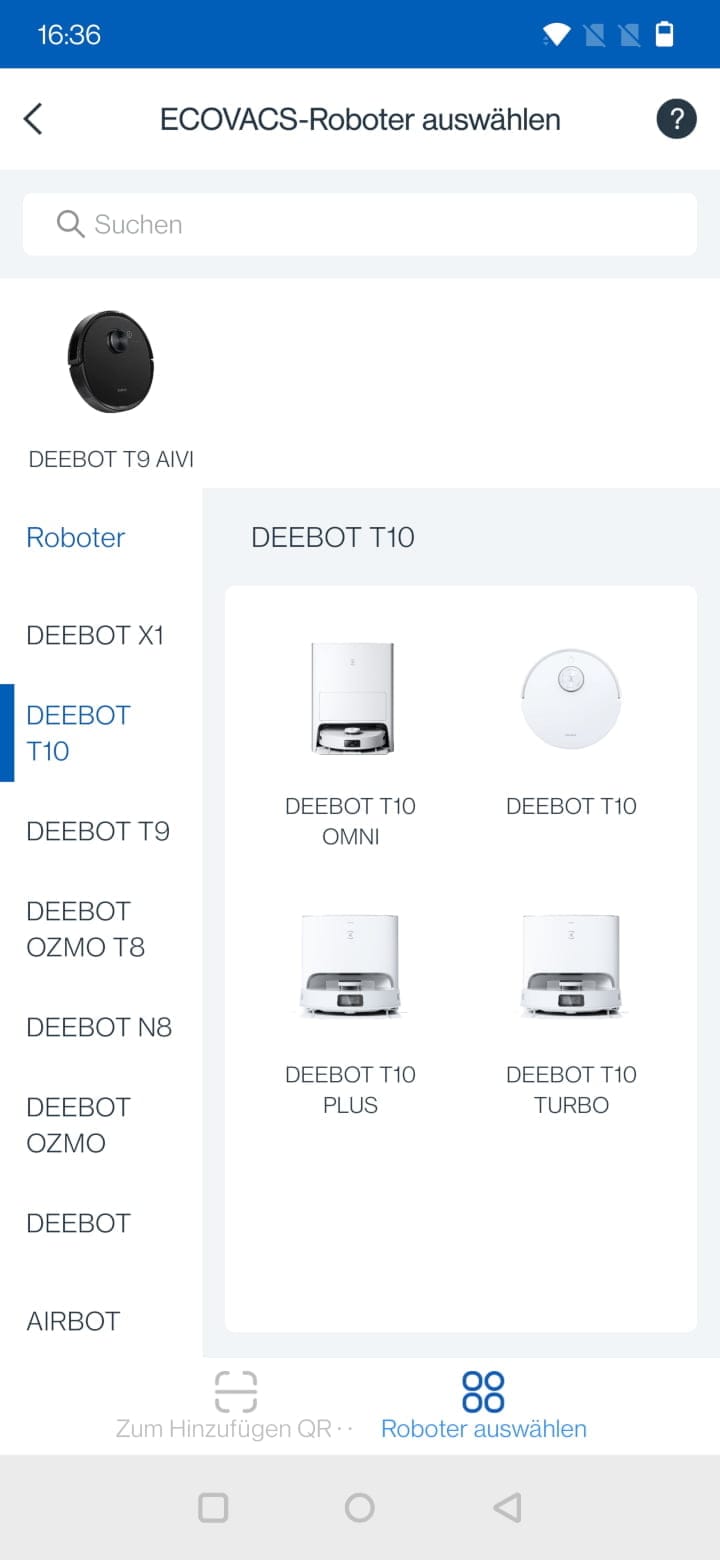
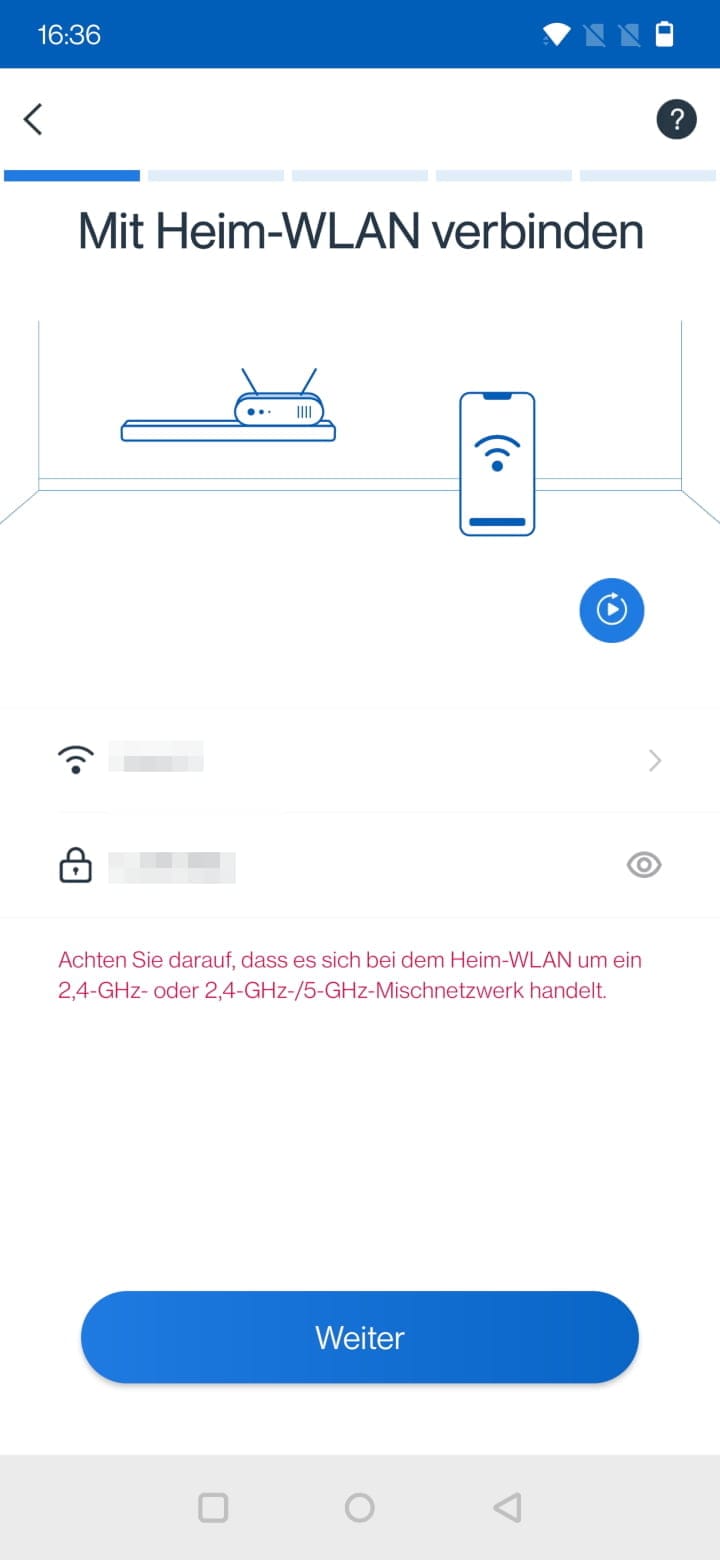
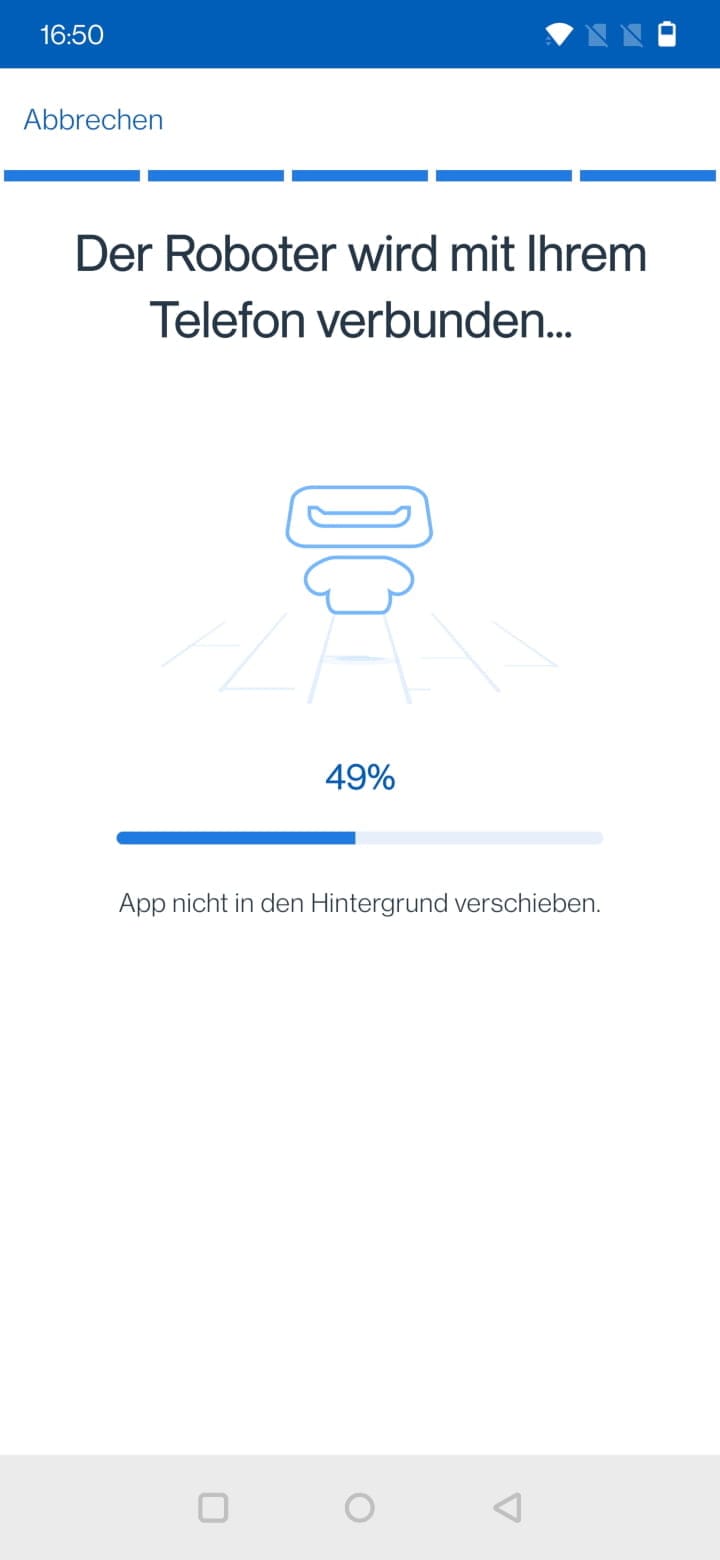
To integrate the robot vacuum into the app, you scan the QR code located under the cover or select the matching robot vacuum from the list of suggested models. The setup steps, some of which are animated, are easy to follow and well explained, so the robot vacuum is ready to go in just a few minutes.
ECOVACS DEEBOT T10+: App and features
The ECOVACS HOME app received considerable criticism a few years ago, but ECOVACS has since created a usable user interface. In addition to its well-implemented setup assistant, the app scores points with its structured layout.
Overview page
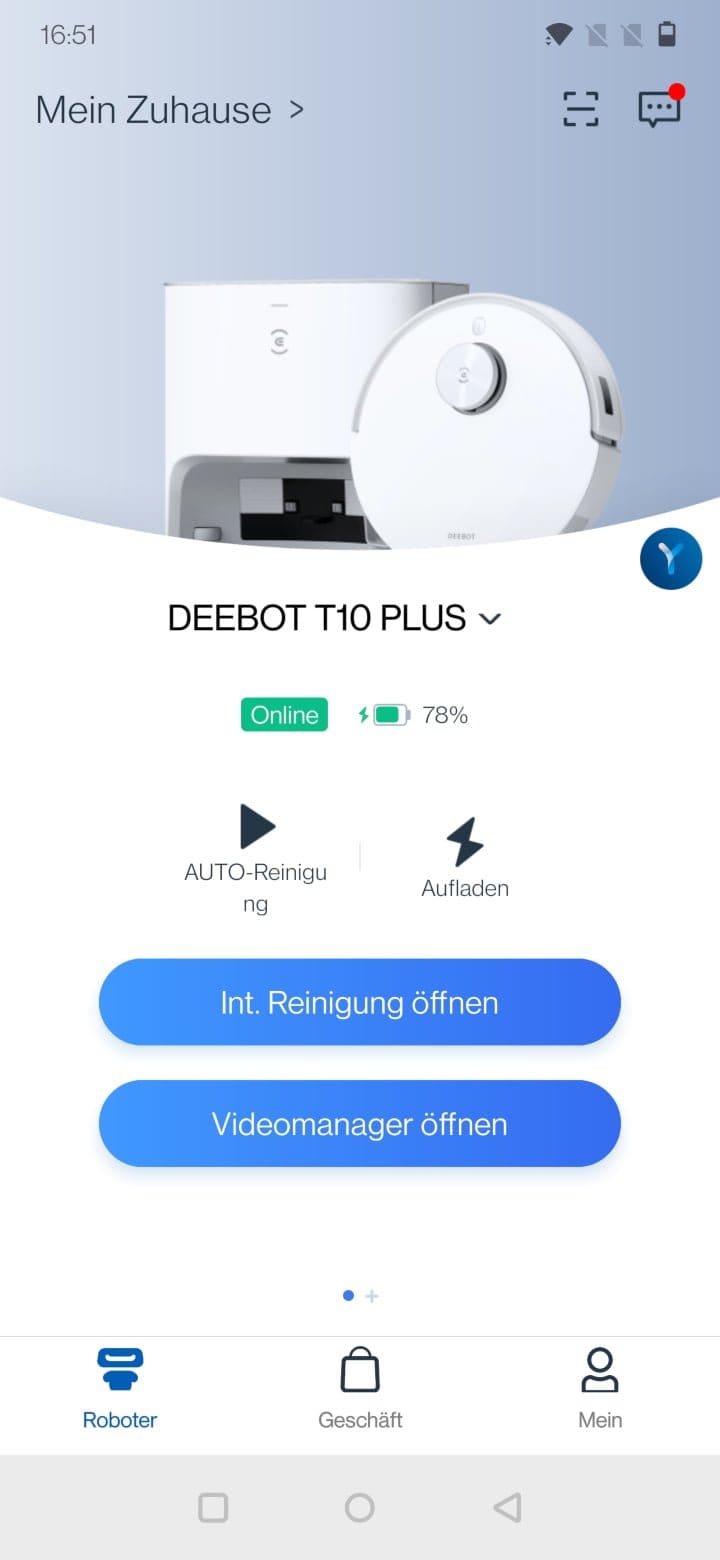
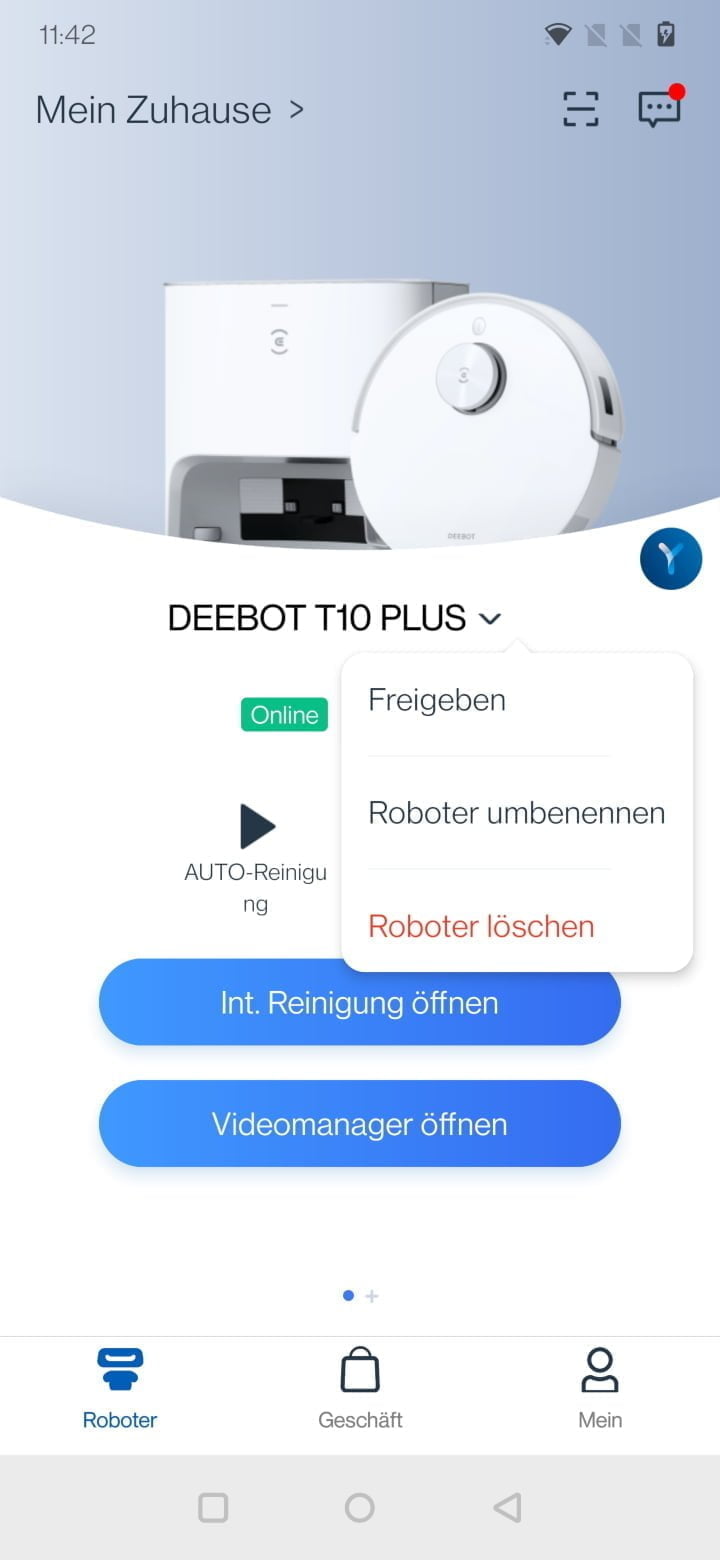
After launching the app, we are greeted with an overview page that provides information on online status and battery, and from which we can start auto-cleaning or send the robot vacuum back to its station. The overview page is practical when you need to do something quickly. For more details, we can switch to the detailed cleaning view at the press of a button.
Cleaning view
In the cleaning view, we see the room map that the DEEBOT T10 Plus automatically creates after the first cleaning run. Alternatively, a quick mapping function creates a detailed room map in a few minutes without cleaning. In total, the robot vacuum cleaner can store up to three such home maps.
In the test, the DEEBOT T10 Plus accurately captured the floor plan of individual rooms. Errors can occasionally occur in room division. The map management helps here, allowing rooms to be merged, separated and renamed. Additionally, restricted zones, virtual walls and no-mop zones can be defined via the map management.
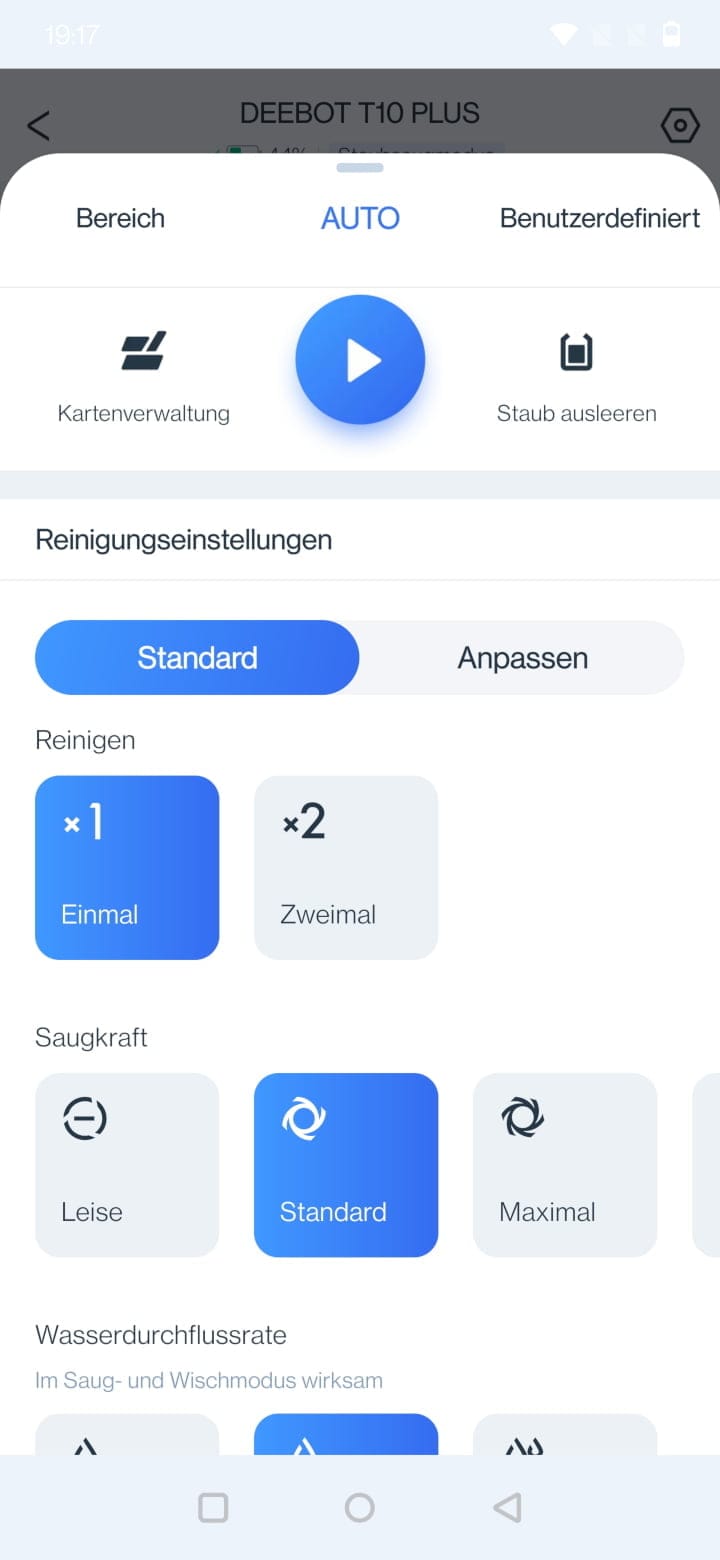
But back to the main view. Below the map display is the cleaning menu. There are a total of three cleaning modes to choose from:
- Area cleaning: On the room map, individual rooms can be selected for the robot vacuum to clean.
- Auto mode: All rooms are covered and cleaned.
- Custom: Areas marked on the room map are cleaned.
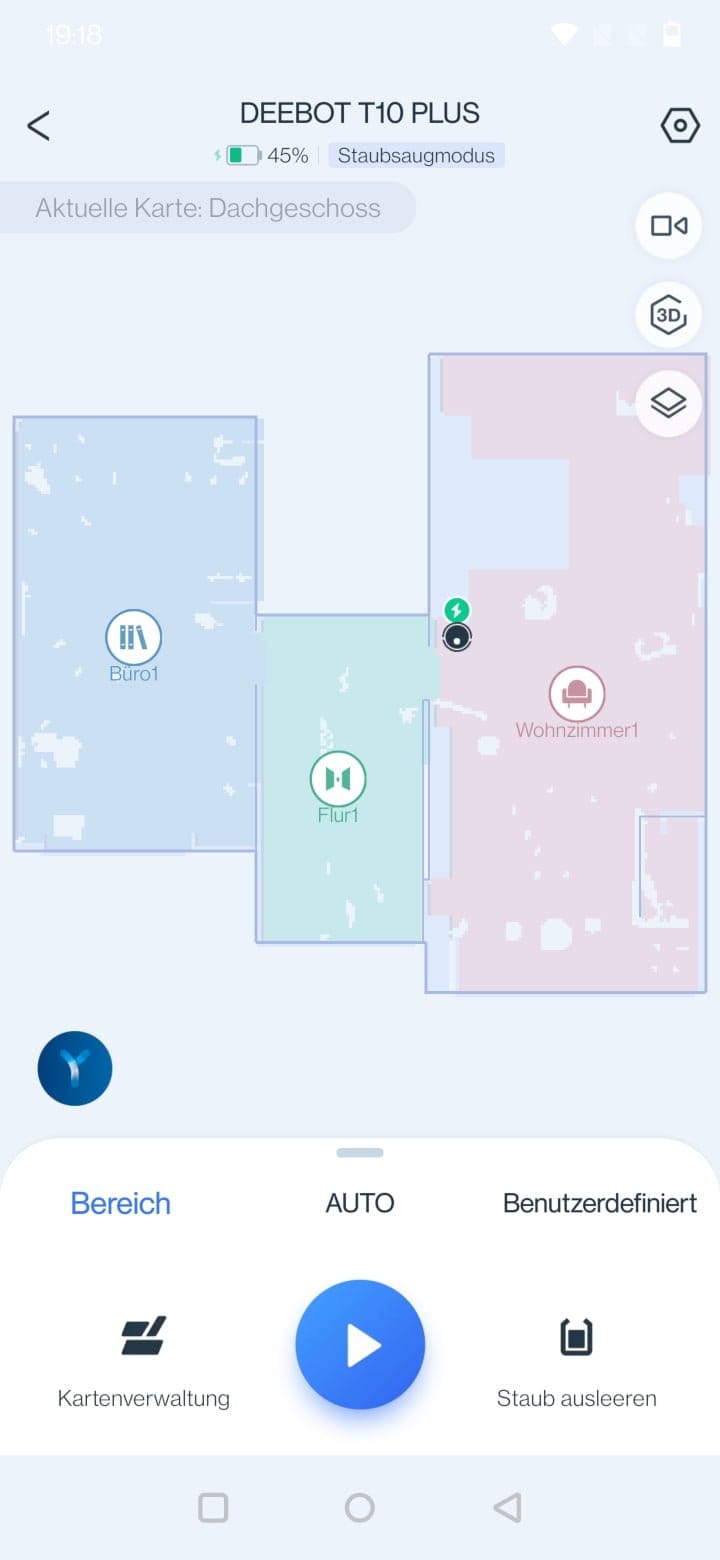
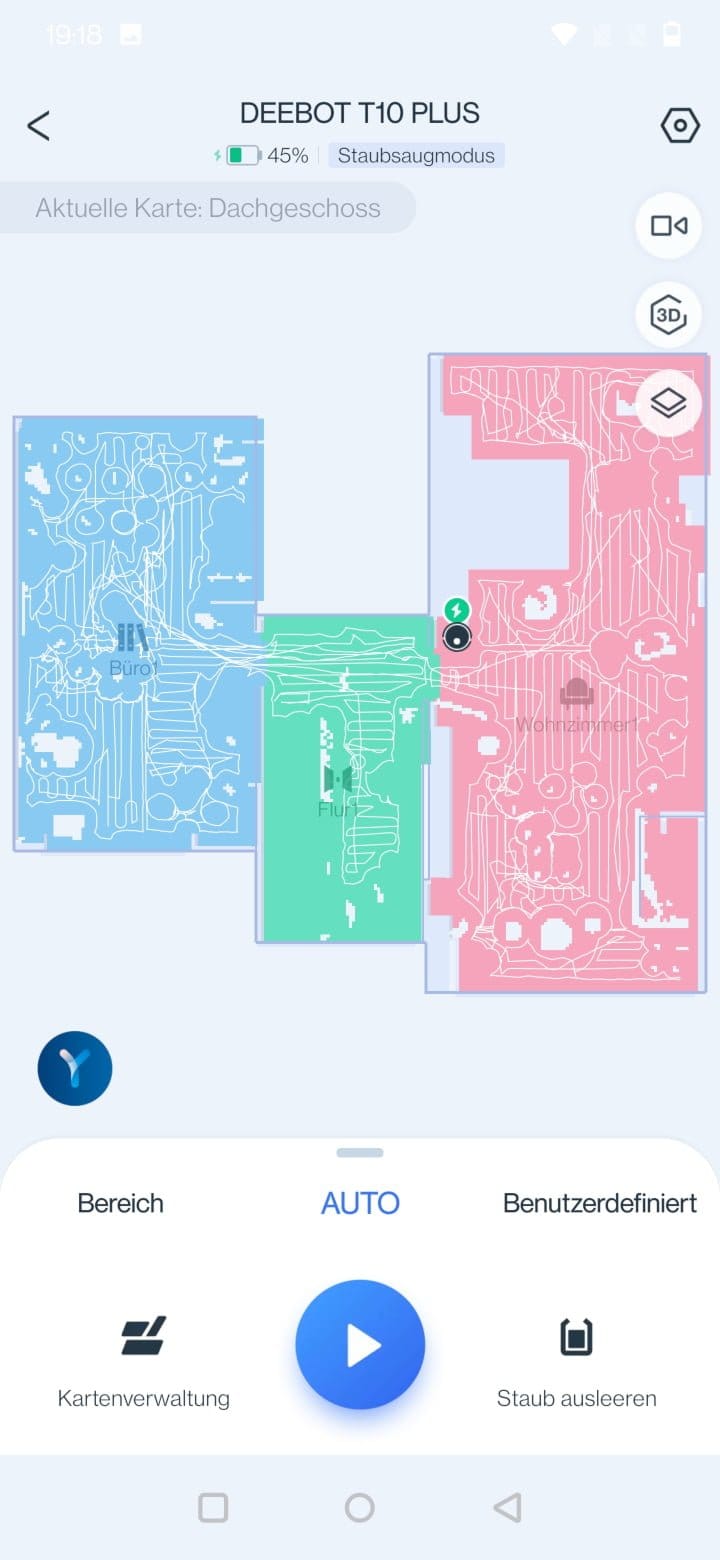
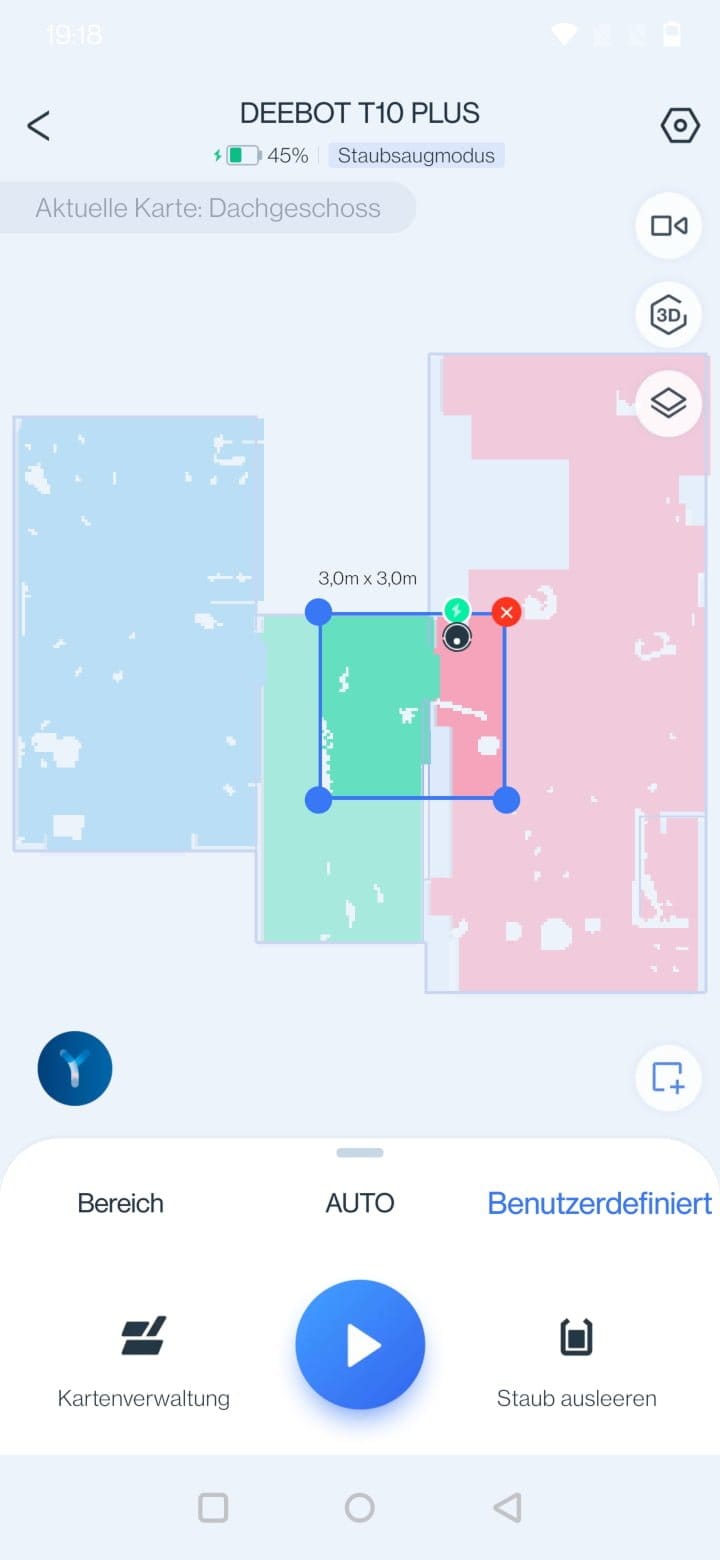
Pulling up the menu reveals the respective cleaning settings.
- Cleaning: Once or twice
- Suction power: Adjustable to the levels "Quiet", "Standard", "Maximum" and "Maximum+"
- Water flow rate: Adjustable in the steps 'Low', 'Medium', 'High' and 'Very High'
- Cleaning sequence: Defines the order in which cleaning is performed.
- Cleaning schedule: Schedule by weekdays and time
- Wiping modes: Quick scrub (S-pendulum wiping mode) or deep scrub (forward-and-back pendulum wiping mode with double cleaning)
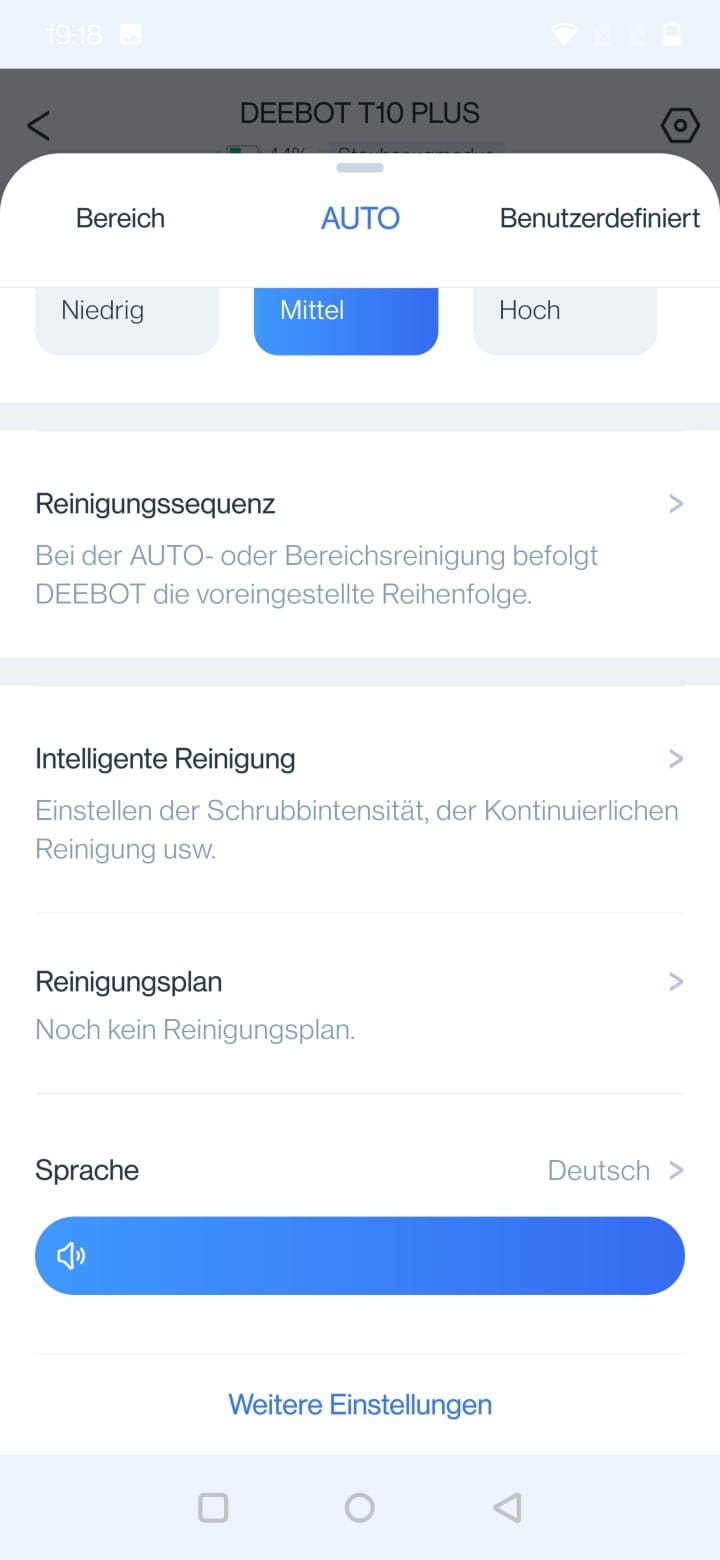
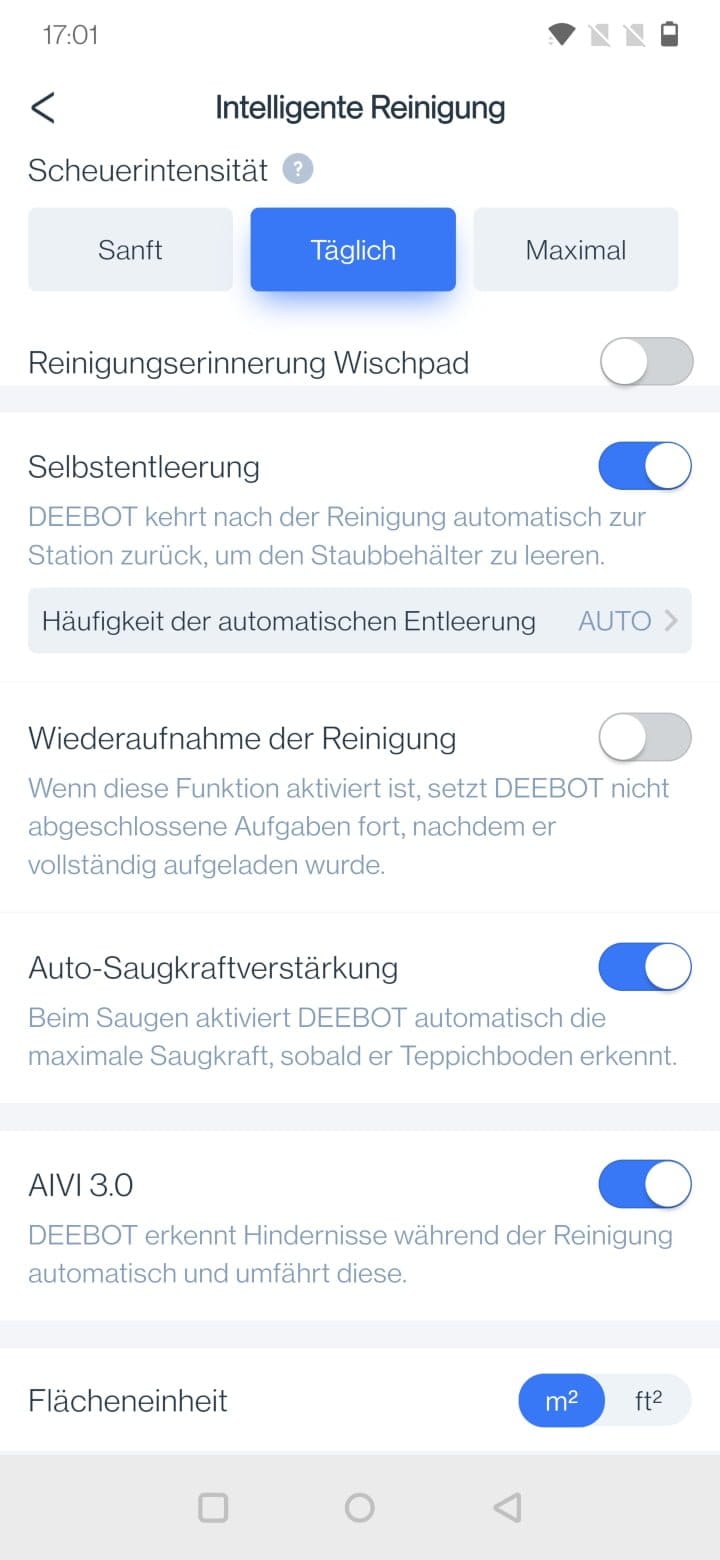
You can access the general robot vacuum settings via the gear icon in the top right corner.
- YIKO voice assistant: On/Off, language and volume
- Cleaning log: Cleaned area, cleanings and duration
- Accessories & Parts: Overview of wear on brushes and filters
- Smart cleaning: Scrubbing intensity, cleaning reminder mop, self-emptying, resume cleaning, auto suction boost on carpets, AIVI 3.0 obstacle detection, and area unit (m² / ft²)
- Video Manager: Video password
- Quiet mode: Disables microphone and lighting.
- DEEBOT information
- Station details
3D room map
Another feature that ECOVACS is constantly developing is the 3D room map. Unlike the 2D map, the 3D map also displays furniture. The automatic recognition and assignment of furniture is still room for improvement, however. In our test, for example, a bed was drawn in the hallway or a desk was converted into a sofa. At least, there is also the possibility here to make corrections in the 3D map management and, like in the game "The Sims", to insert and position additional pieces of furniture.
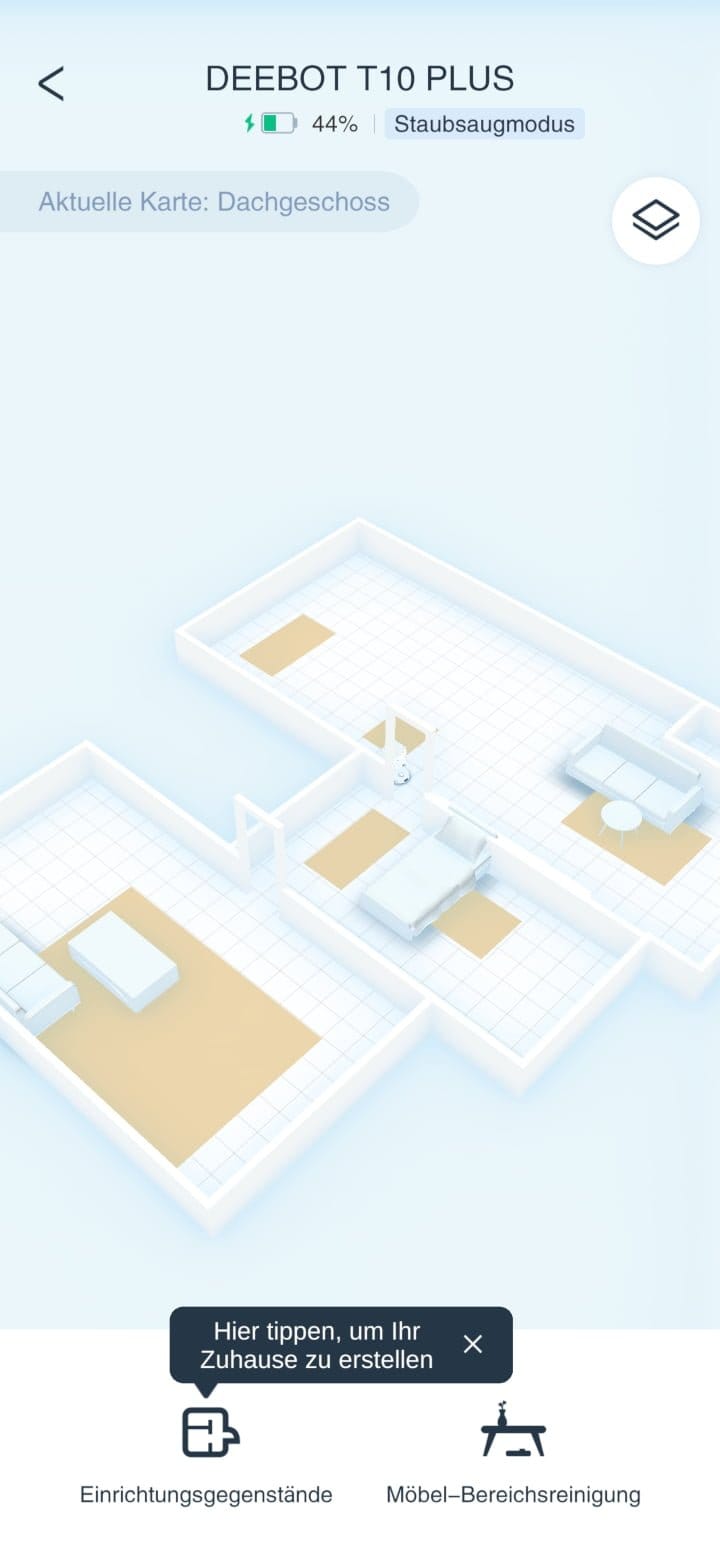
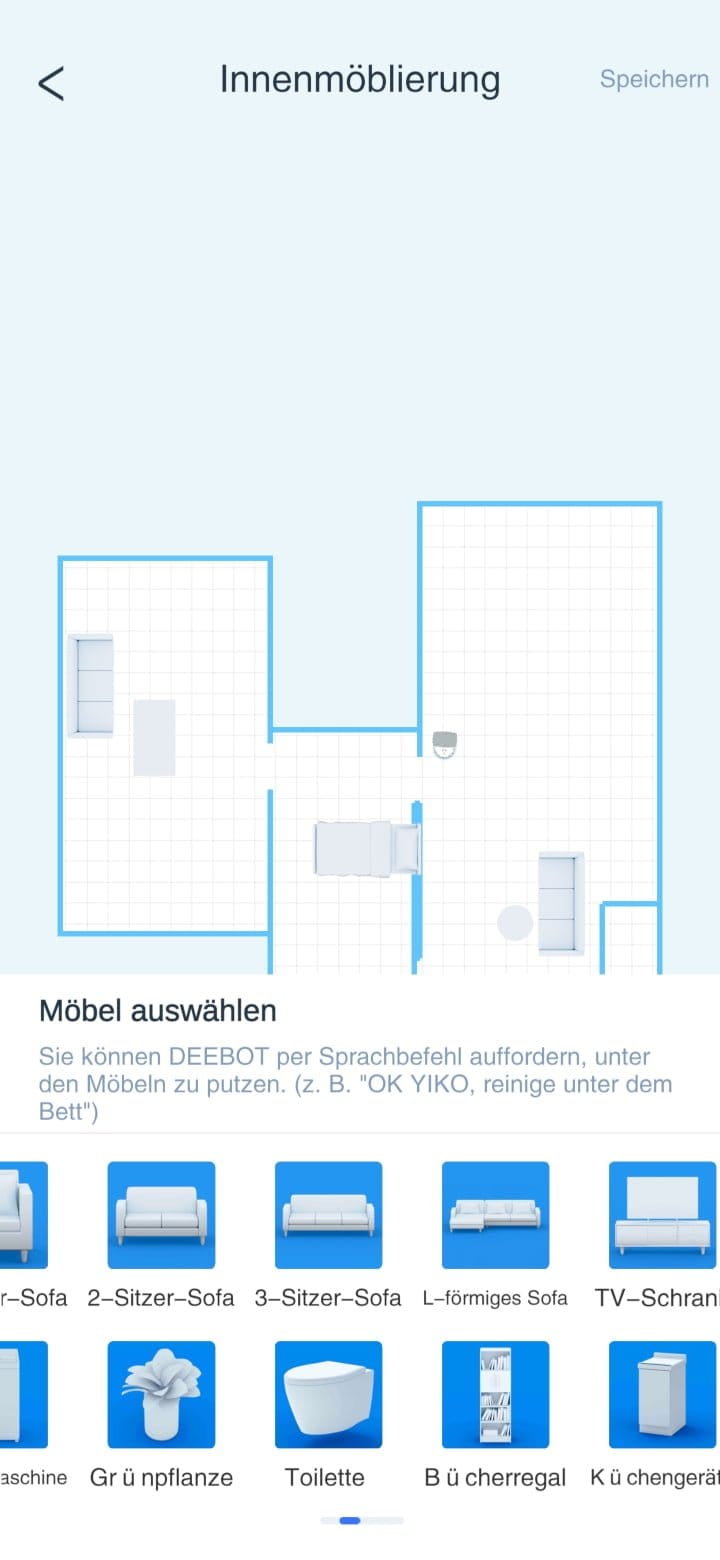
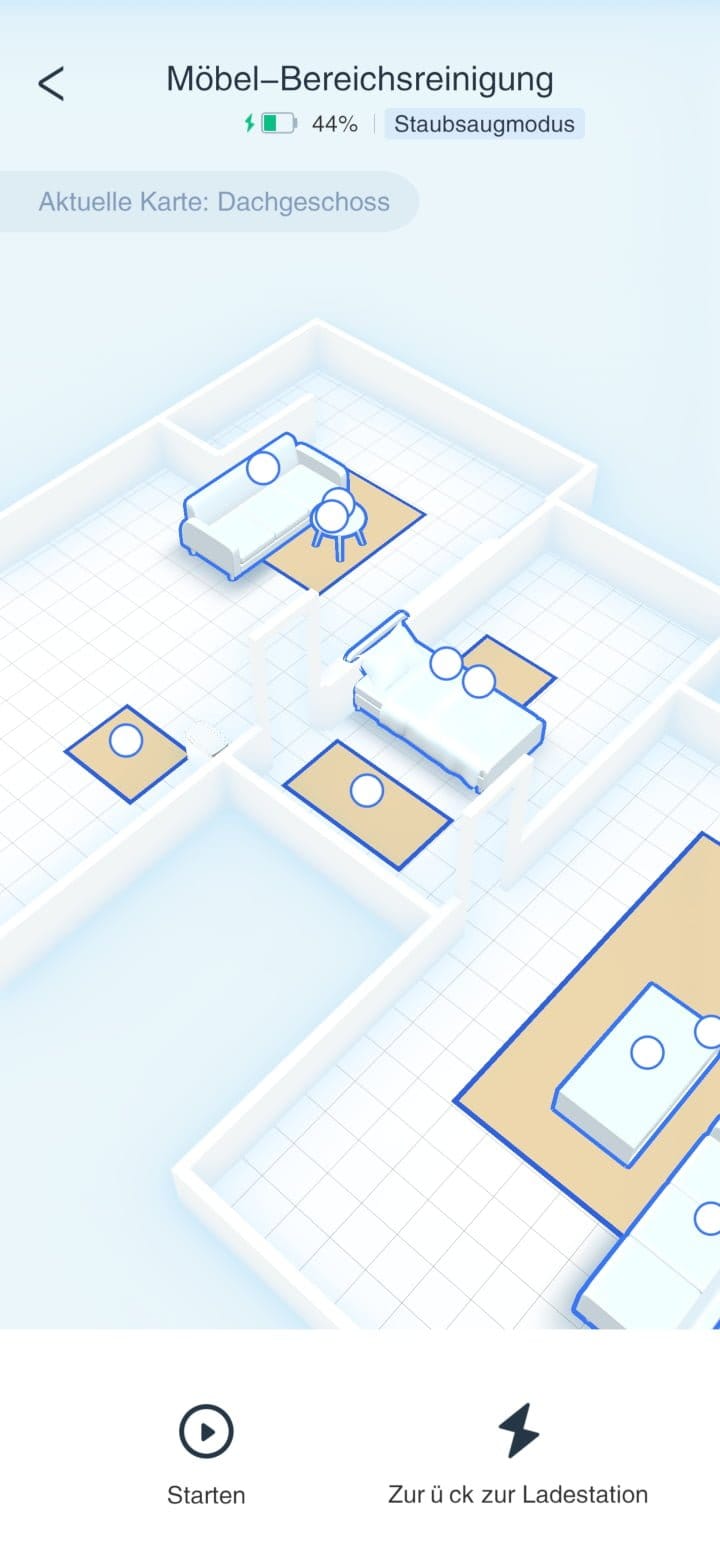
A new feature of the 3D room map is furniture area cleaning. Instead of rooms, as is the case with normal area cleaning, individual pieces of furniture can be selected for furniture area cleaning, around and under which the vacuum robot should clean.
Video manager
From the overview page, we can switch to the video manager at the press of a button. After setting a PIN, you gain access to the live feed from the 960p camera. While the video quality is not outstanding, it is sufficient to quickly check the situation. A variety of different functions turn the DEEBOT T10 Plus into a surveillance camera on wheels.
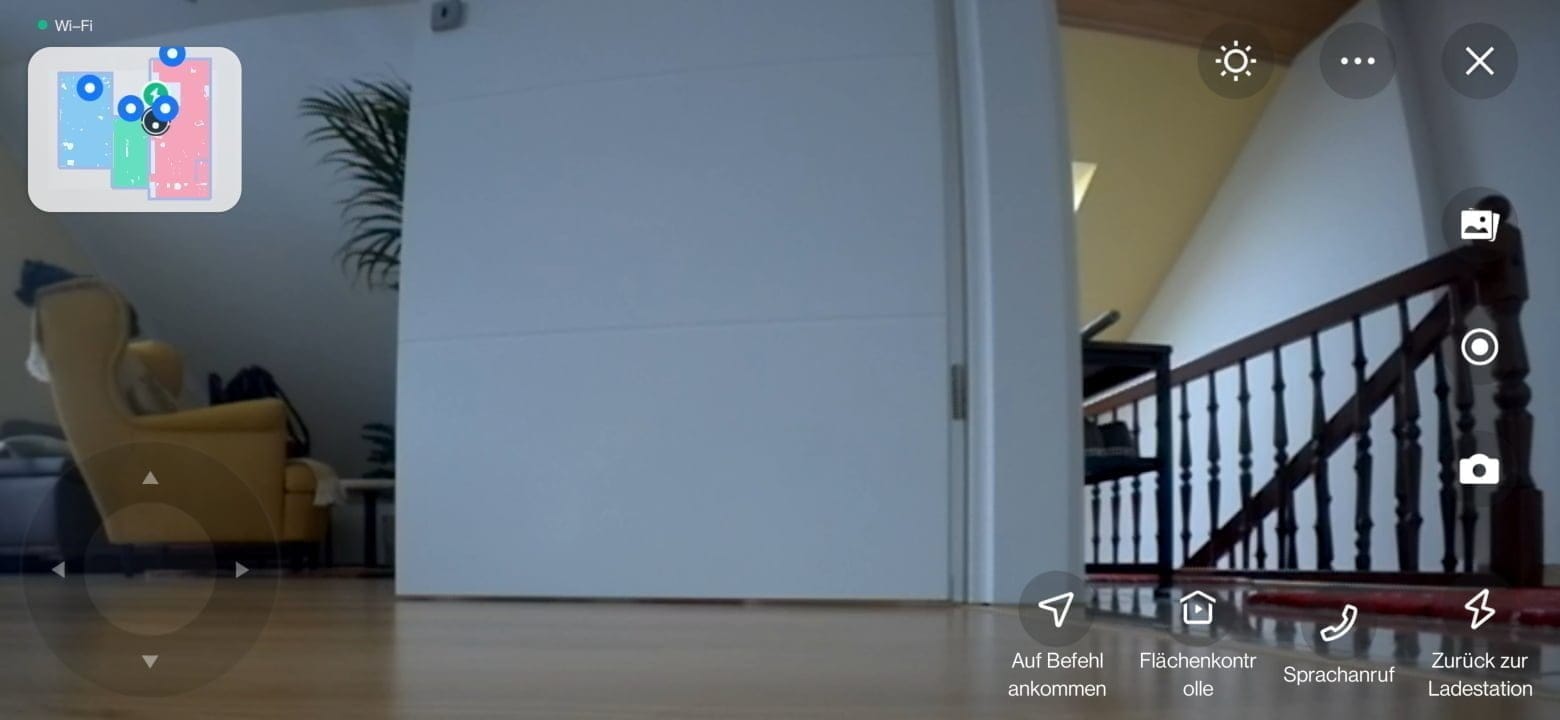
The robot vacuum can automatically navigate to waypoints and take photos or record video while doing so. You can move it manually through rooms using a virtual control pad, and it is even possible to communicate with people in the room via two-way voice communication. All of this naturally works remotely as well. ECOVACS promises to comply with all requirements regarding data protection and data security. It advertises here with a TÜV Rheinland test mark. To prevent misuse, the robot vacuum announces via voice output that video recording has started.
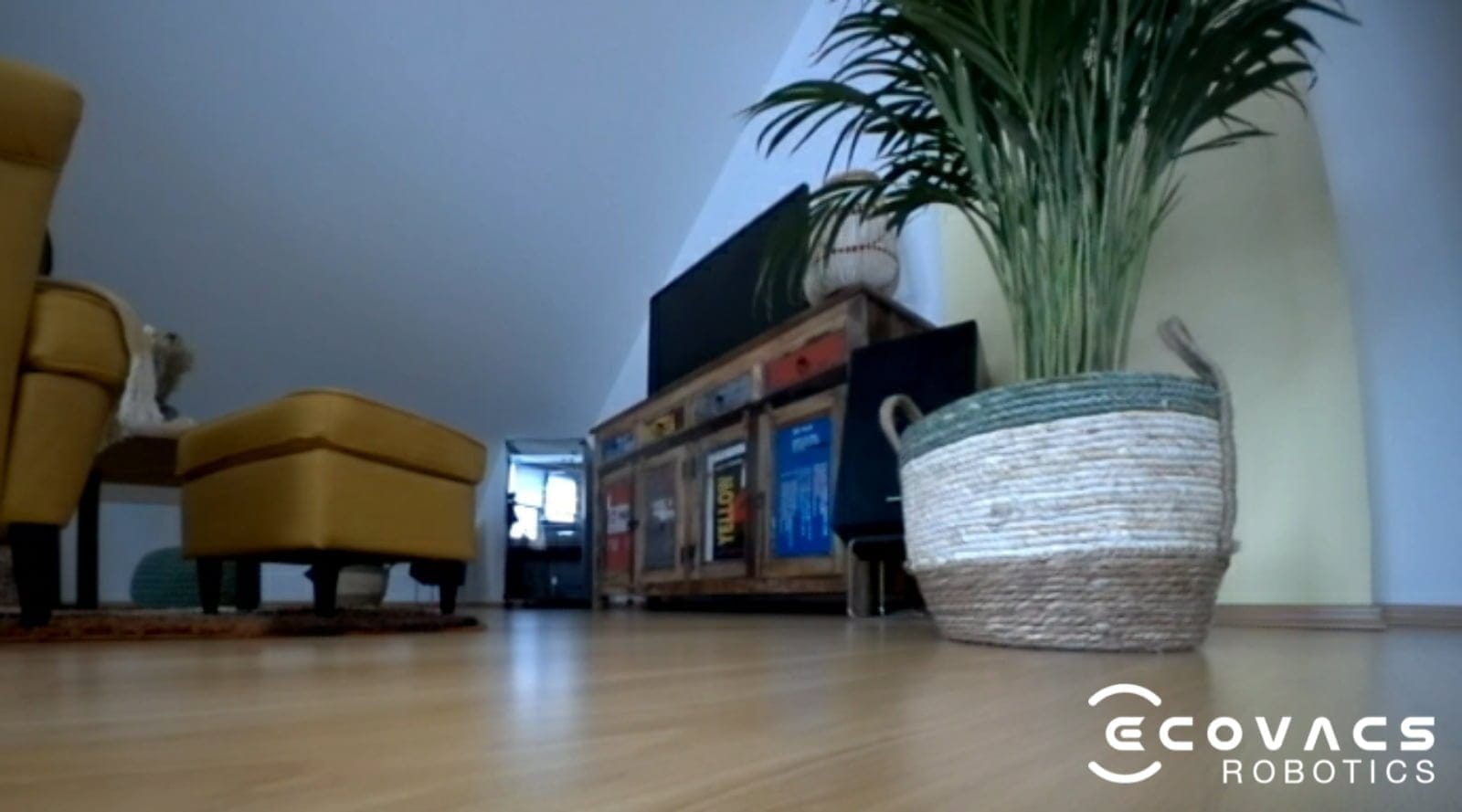
There were also some issues with the video function that we noticed during testing. When manually controlled with the virtual control cross, the robot vacuum moves significantly slower than during cleaning. As a result, it lacks the power to overcome higher carpet edges. Additionally, the camera lacks a night vision function. If the room is dark, the image remains dark too.
YIKO voice assistant
One new feature that ECOVACS only introduced this year with its new vacuum robot models is the integrated YIKO voice assistant. The voice assistant operates completely independently of existing voice assistants such as Alexa, Google Assistant or Siri. The major advantage is the additional voice commands tailored specifically to the vacuum robot, which ECOVACS can expand independently.
On voice command, for example, the robot vacuum cleaner can clean specific rooms, users can start the quick mapping or interrupt the cleaning. A list of all voice commands is available to view via the app. At the time of testing, YIKO could interact in 13 different languages.
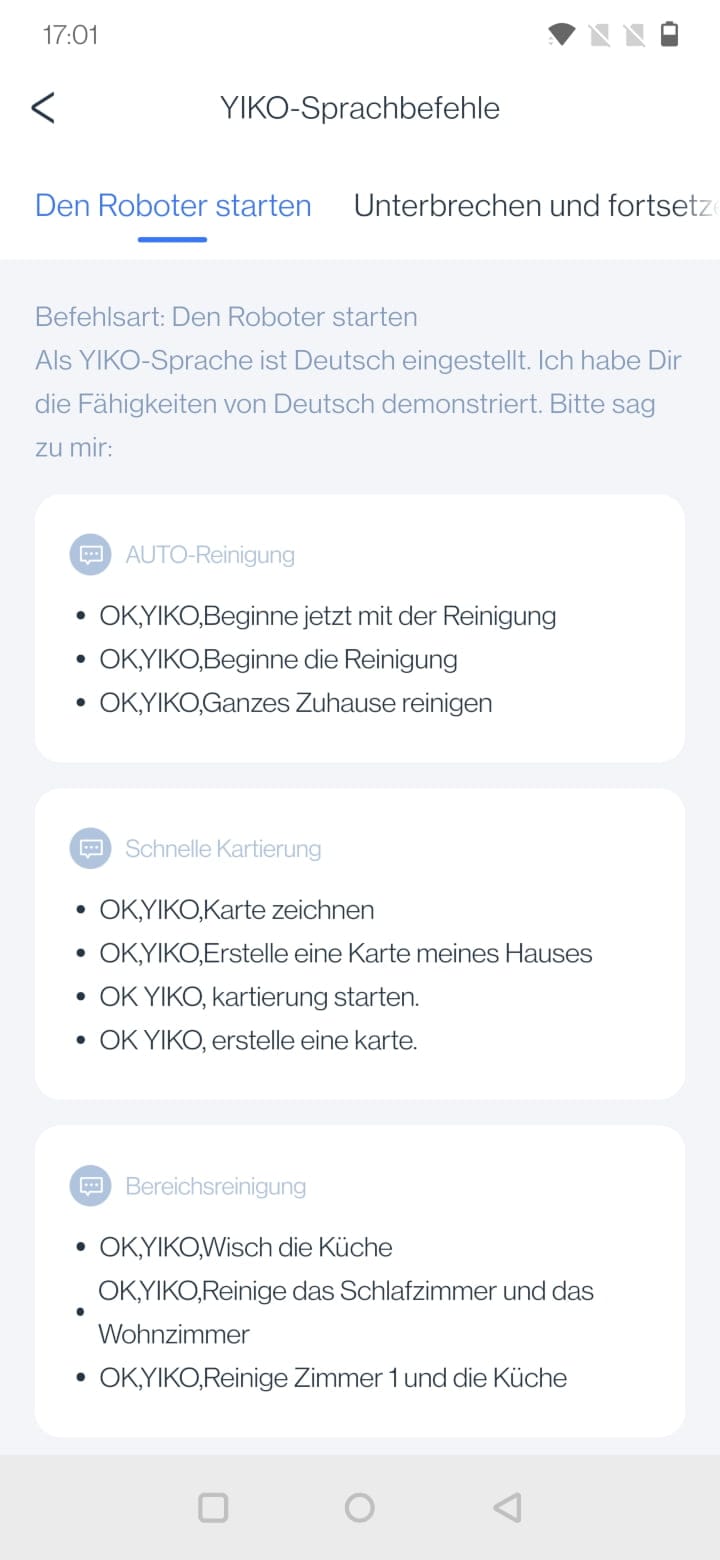
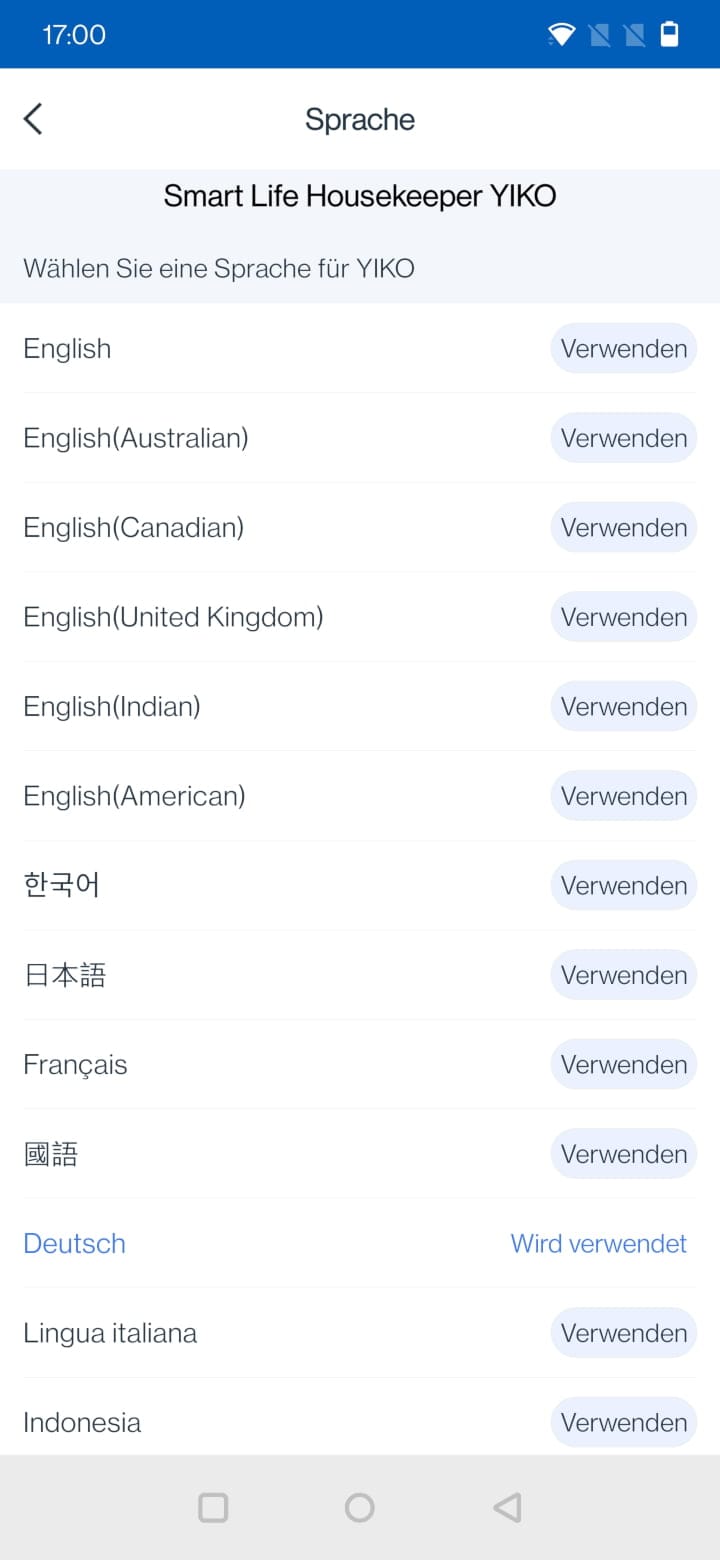
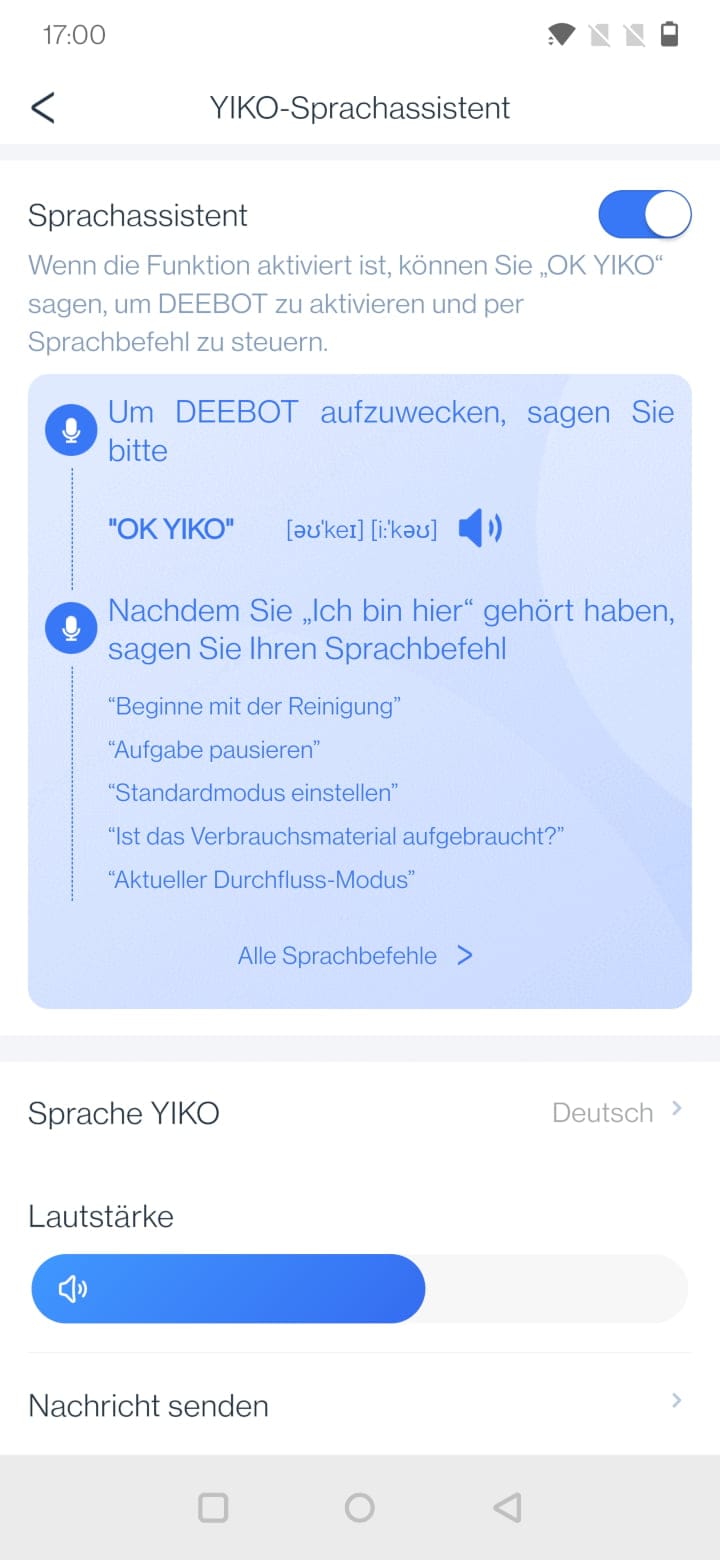
In testing, the voice assistant worked surprisingly well. Commands were recognised even from a distance. The speaker quality could be better, however. YIKO speaks English with a very raspy voice and is far too quiet in German, even at full volume.
ECOVACS DEEBOT T10+: Real-world test
Vacuuming
The suction power of the DEEBOT T10 Plus remains unchanged from the previous series at 3000 Pascals (Pa). This may not sound like much at first, especially as there are similarly priced models with more than 5000 Pa of suction power. However, how well a robot vacuum actually cleans depends on many other factors.
In the practical test, the DEEBOT T10 Plus was put through its paces on various hard floors and carpets. On laminate and tiles, the robotic vacuum performs well. Fluff, hair and coarser dirt, such as cat litter, are picked up by the DEEBOT T10 Plus without major issues, even on the standard suction setting. The two side brushes handle dirt in edge areas effectively.
The robot vacuum climbs larger rugs exemplary. The DEEBOT T10 Plus could even drive over carpet edges with a height of 2.2 cm. This is by no means self-evident. Many robot vacuums already fail at a carpet height of 2 cm. The suction power on carpets is average. If you reach for the bag of crisps in the evening in front of the TV and mess up the beautiful high pile, you have to let the robot vacuum go over it several times depending on the degree of soiling. The carpet boost doesn't help with this either, which incidentally reacts quickly and automatically increases power on carpets. Robot vacuums with higher suction power have the advantage, especially on high-pile carpets.
But the DEEBOT T9 AIVI with the same suction power, but equipped with an AeroForce rubber double brush, also performs slightly better on carpets. A major disadvantage of the bristle roller used in the DEEBOT T10 Plus is that hair gets tangled in it very easily. After just two cleaning runs, you could already pick a clump of hair out of the brush. Fortunately, a cleaning tool is included in the delivery.
The operating volume of the DEEBOT T10 Plus varies between 51 and 68 dB depending on the suction level. On the standard suction level, the robot vacuum operates pleasantly quietly, and even at maximum suction level, it is not unpleasantly noticeable.
Swipe
For mopping, the DEEBOT T10 Plus relies on the OZMO Pro 3.0 mopping system. Basically, this is a 240 ml water tank with an electronic pump system and a vibrating mop plate that scrubs the floor with 600 oscillations per minute.
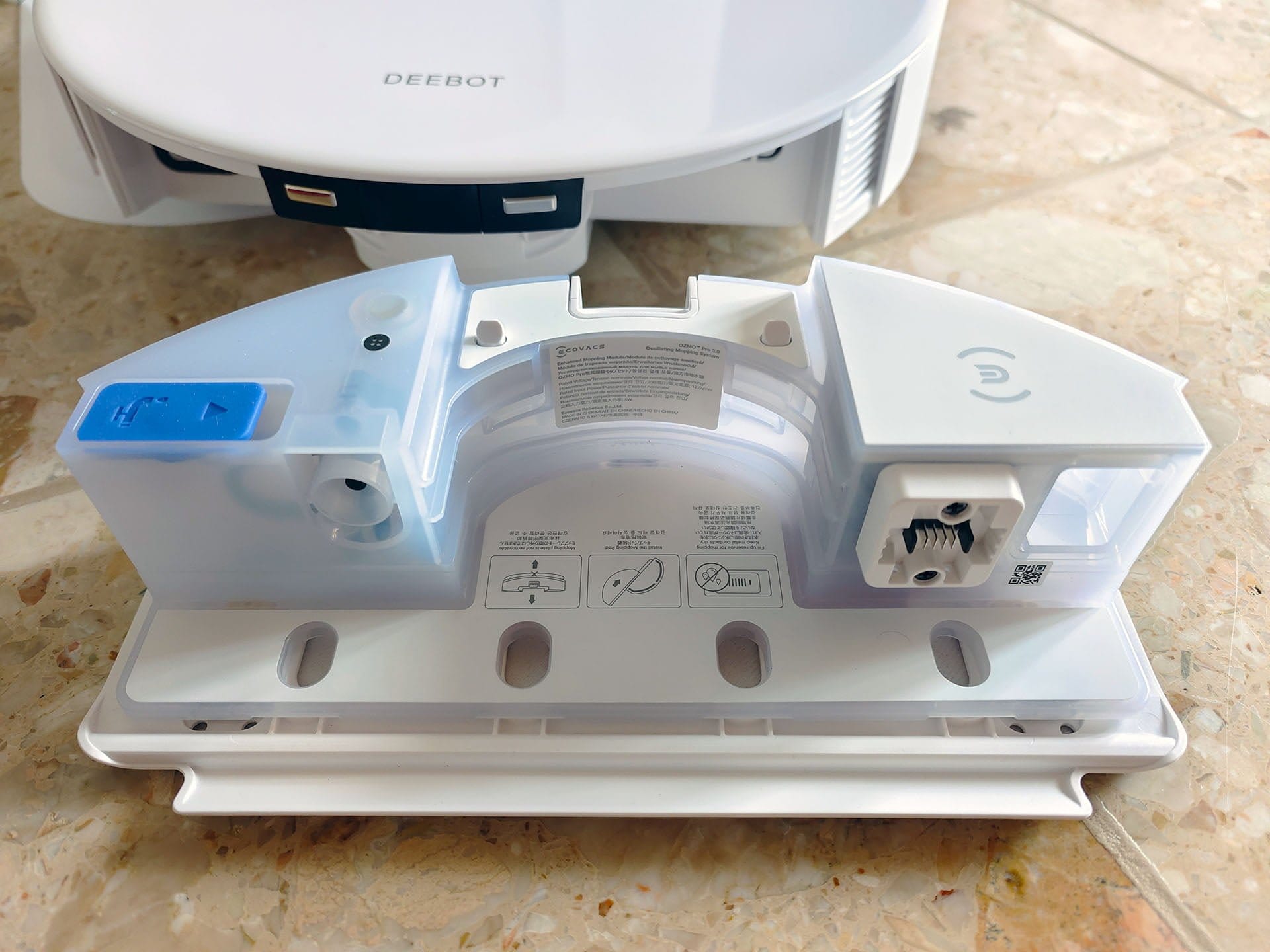
The mopping performance sits between devices that just drag a cloth behind them and new devices with rotating mops. The mopping system reliably removes fine dust and fresh coffee stains. Dried-on dirt is also removed reasonably well, provided it is not the stubborn kind.
The amount of water the robot vacuum dispenses onto the mop during wiping can be adjusted in four steps via the app. An 80 m² apartment can be cleaned on medium water flow rate with one tank fill. However, it might be worth taking a break in between to rinse the mop by hand. The microfibre cloth gets dirty quickly, and the DEEBOT T10 Plus does not offer a cleaning function.
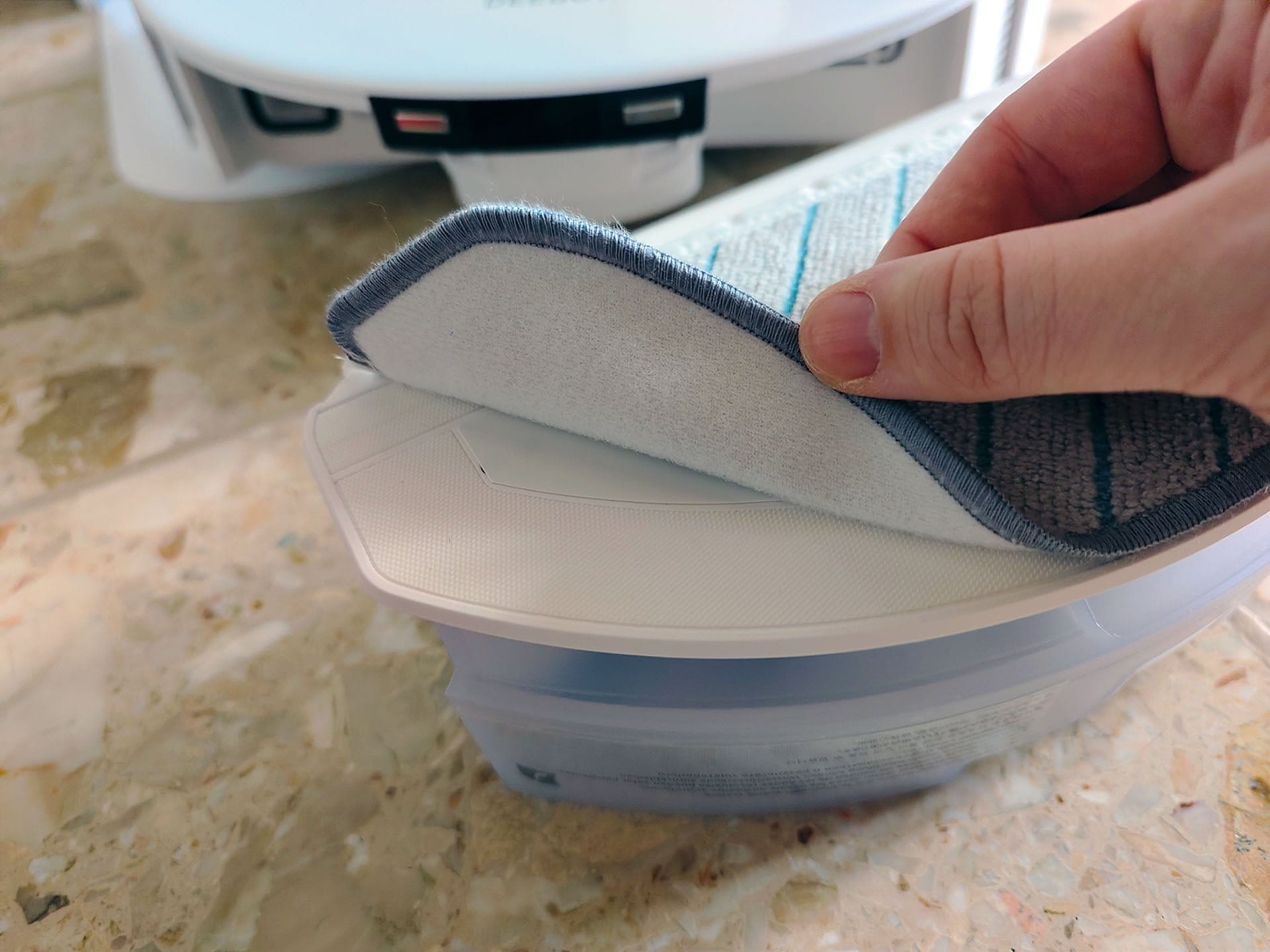
Unfortunately, ECOVACS has still not managed to integrate automatic lifting of the mop on carpets with this generation of robot vacuum cleaner. In mop mode, only hard floors are vacuumed and mopped. The robot vacuum leaves carpets out. If you want to vacuum the carpets afterwards, you have to remove the mop module and plug in the "air freshener". A rather annoying procedure that other manufacturers handle better!

Navigation & AI
In addition to the established laser navigation, which has become standard for many manufacturers, the DEEBOT T10 Plus uses a camera system designed to detect small objects and obstacles that are outside the range of the laser tower.
The AIVI 3.0 camera works with artificial intelligence and compares detected objects with a database. The robot vacuum should no longer relentlessly drag around shoes, toys or cables with AIVI 3.0, but drive around them. In testing, there was hardly anything to criticise about the DEEBOT T10 Plus's room navigation. It approaches obstacles cautiously and in many cases the "bumper" did not even need to be used. There were no complete mishaps requiring manual intervention.

Nevertheless, object recognition still has room for improvement. While many objects <10 cm are recognised by AIVI 3.0, some objects that one would expect the camera system to detect were ignored. The robot vacuum cleaner happily dragged cat toys along during several test runs. However, some slippers and cables were simply ignored, so it remains a gamble as to what the DEEBOT T10 Plus recognises and what it does not.
What was still included in the scope of delivery of the DEEBOT T9 AIVI but is missing in the new generation is a cover for the camera. Although the AIVI 3.0 camera system can be disabled in the robot settings, a physical cover provides even more security against unwanted glances.
Emptying station
The suction station consists of the container and the base plate, which are simply placed one on top of the other. Nothing is screwed together here. Nevertheless, the station stands stably. Visually, the suction station fits well with the design of the robot vacuum and is well made. It is 35 cm high, 36.5 cm wide and 43 cm deep including the front module.
From above, you can access the 3.2 L dust bag, which needs to be replaced on average every 60 days. This is a clean process that keeps your hands free of dirt. Original replacement bags are available directly from ECOVACS as a pack of three for €19 (link). Using the station without a dust bag does not work.
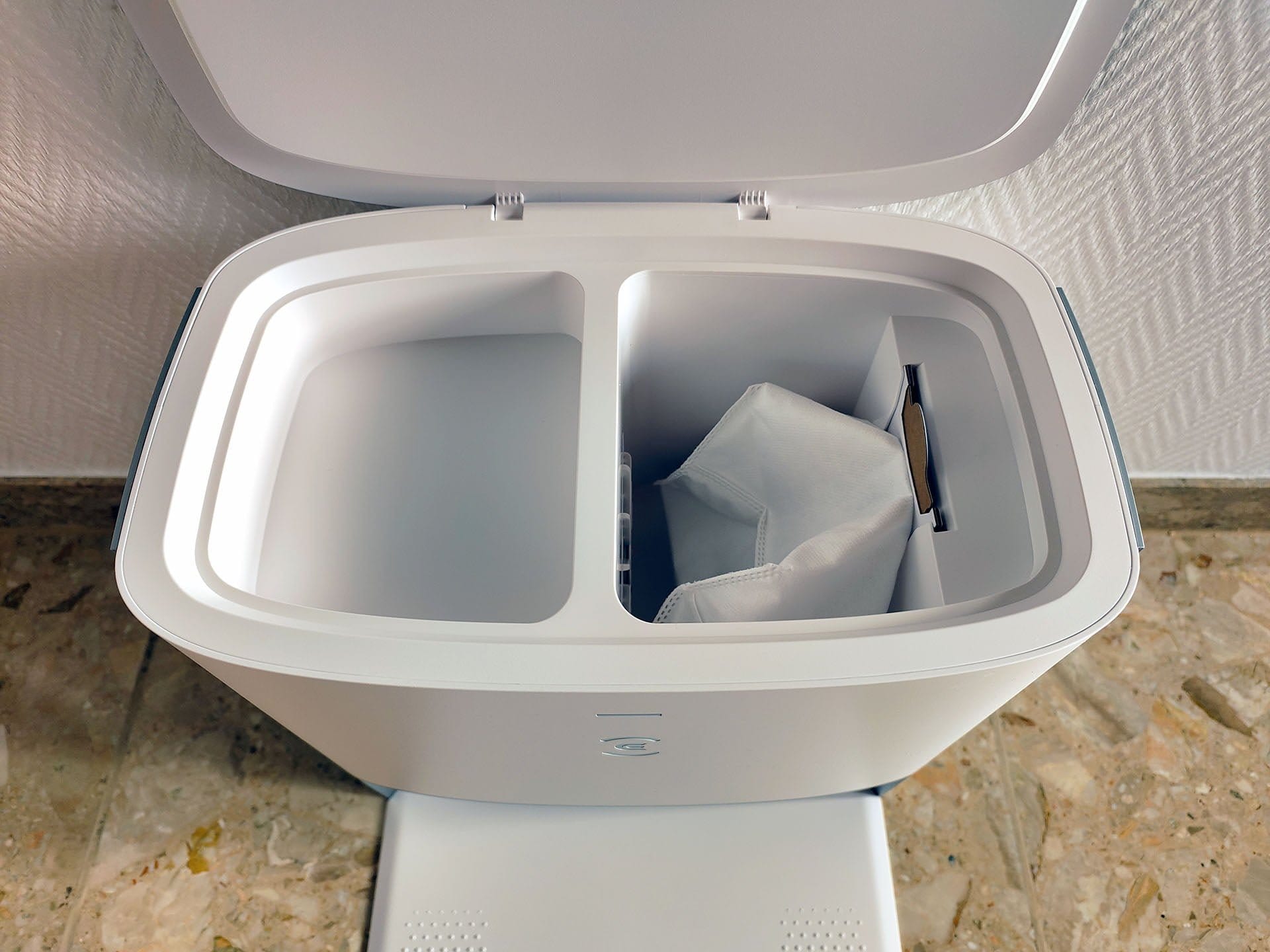
We set the frequency of automatic emptying via the app. Intervals of 10, 15, and 25 minutes are available. There is also an automatic mode. A short interval is worthwhile particularly in households with pets, as we discovered during our own testing. The suction process takes exactly 10 seconds and is loud, but by no means unpleasantly so. A longer suction duration cannot be set. The dust chamber reliably empties into the docking station. Even cat litter is carefully sucked out.
Battery
The battery of the DEEBOT T10 Plus has a common size of 5200 mAh. ECOVACS states the runtime as 260 minutes. A rather generous figure, which we couldn't achieve in our test. Realistically, it lasts 200 minutes on the standard suction level. This corresponds to an obstacle-free area of approximately 300 m², which the vacuum robot can clean in one go.
The ECOVACS DEEBOT T10 Plus moves at a rather leisurely pace when vacuuming and mopping. For a 51 m² living space with a lot of furniture, the robot vacuum took 85 minutes. Other robot vacuums are usually faster, but the DEEBOT T10 Plus works very thoroughly in return.

To recharge, the robot vacuum automatically returns to the charging dock. A full charging cycle takes 6.5 hours. This places the DEEBOT T10 Plus at the upper end. However, charging times between 4 and 7 hours are normal across all price ranges.
ECOVACS DEEBOT T10 model comparison
Let's take a brief look at the differences between the three DEEBOT T10 models.
| Model | DEEBOT T10 | DEEBOT T10 Plus | DEEBOT T10 Turbo |
| Suction power | 3,000 Pa | 3,000 Pa | 3,000 Pa |
| Volume (max) | <68 dB | <68 dB | <68 dB |
| Dust container | 400 ml | 400 ml | 400 ml |
| Water tank | 240 ml | 240 ml | None |
| Battery (Runtime / Charging time) | 5200 mAh (4 hrs / 6.5 hrs) | 5200 mAh (4 hrs / 6.5 hrs) | 5200 mAh (2.5 hrs / 6.5 hrs) |
| Gradient | 2 cm | 2 cm | 2 cm |
| Dimensions | 35.3 x 35.0 x 10.33 cm | 35.3 x 35.0 x 10.33 cm | 36.2 x 36.2 x 10.35 cm |
| Weight | 3.7 kg | 3.7 kg | 4.3 kg |
| Special features |
|
|
|
| Price | 699 EUR (RRP) | 899 Euro (RRP) | €999 (RRP) |
The DEEBOT T10 is a mix of the DEEBOT T9 and the DEEBOT T9 AIVI, which we reviewed some time ago. As the T10 Plus, it is available with an additional dust collection station.
The DEEBOT T10 Turbo takes a different approach to mopping. Instead of a vibrating mop plate, the T10 Turbo uses rotating mop pads and a cleaning station that supplies the mop pads with water and automatically cleans them.
Our verdict
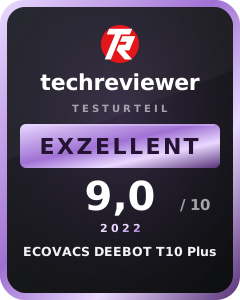
ECOVACS delivers and presents us with the DEEBOT T10 Plus a strong overall package consisting of a robot vacuum and dustbin station. You get a robot vacuum that vacuums well, mops, and brings interesting features with the YIKO voice assistant or the AIVI 3.0 camera system.
The DEEBOT T10 Plus does not match the performance of the high-end class, but it ranks highly in the well-equipped mid-range and is certainly worth a recommendation.
Specifications
Cleaning
- Suction power
- up to 3000 Pa
- Suction modes
- Quiet, Standard, Max, Max+
- Noise levels
- <68 dB
- Container
- 400 ml dust, 240 ml water
Navigation
- Type
- LiDAR tower + AIVI 3.0
- Room map
- Yes (3 floors)
- Room layout
- Yes
- Restricted areas
- Yes
- Virtual Wall
- Yes
Connectivity
- App
- ECOVACS HOME
- Connection
- WiFi 2.4 GHz
- Alexa
- Yes
- Google Home
- Yes
- Other
- YIKO AI voice interaction
Battery
- Capacity
- 5200 mAh
- Runtime
- up to 260 min
- Charging time
- 6.5 hours
Emptying station
- Suction power
- 21 kPa
- Bag type
- Disposable
- Dust bag capacity
- 3,2 L
Size & weight
- Size
- 35.3 x 35.3 x 10.33 cm
- Weight
- 3.7 kg
What’s included
1x robot vacuum cleaner 1x dust collection station (2 parts) 2x side brush 1x mop module 2x mop cloth 1x power cable 1x cleaning tool 1x manual
Price comparison
| Store | Price | Link |
|---|---|---|
| Amazon | 278,85 € | Go to store |


Comments (1)
Hello, where can I buy the air freshener capsules?