Contents
First impressions of the Epson EB-U04
 Play video on YouTube
What’s included
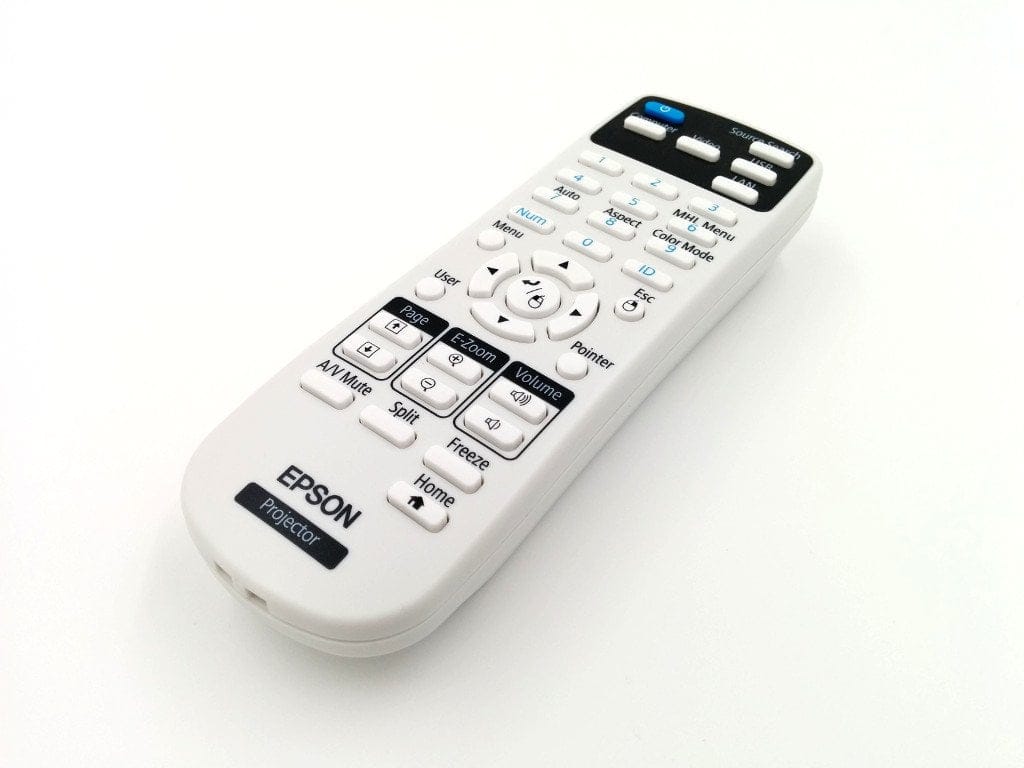
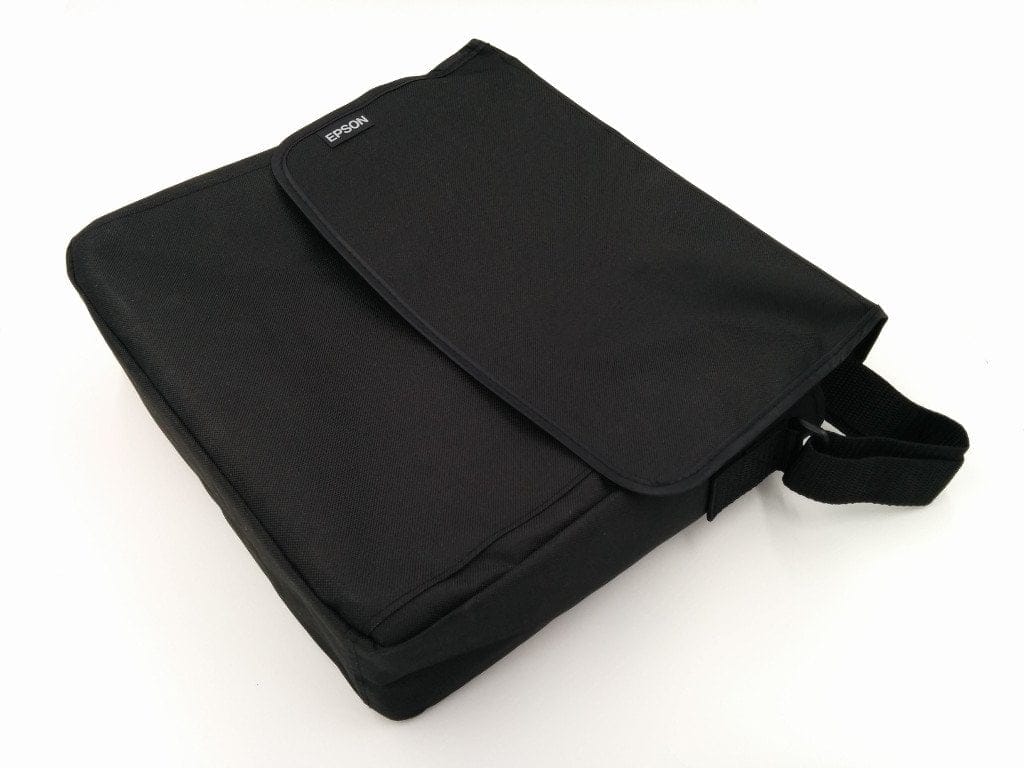
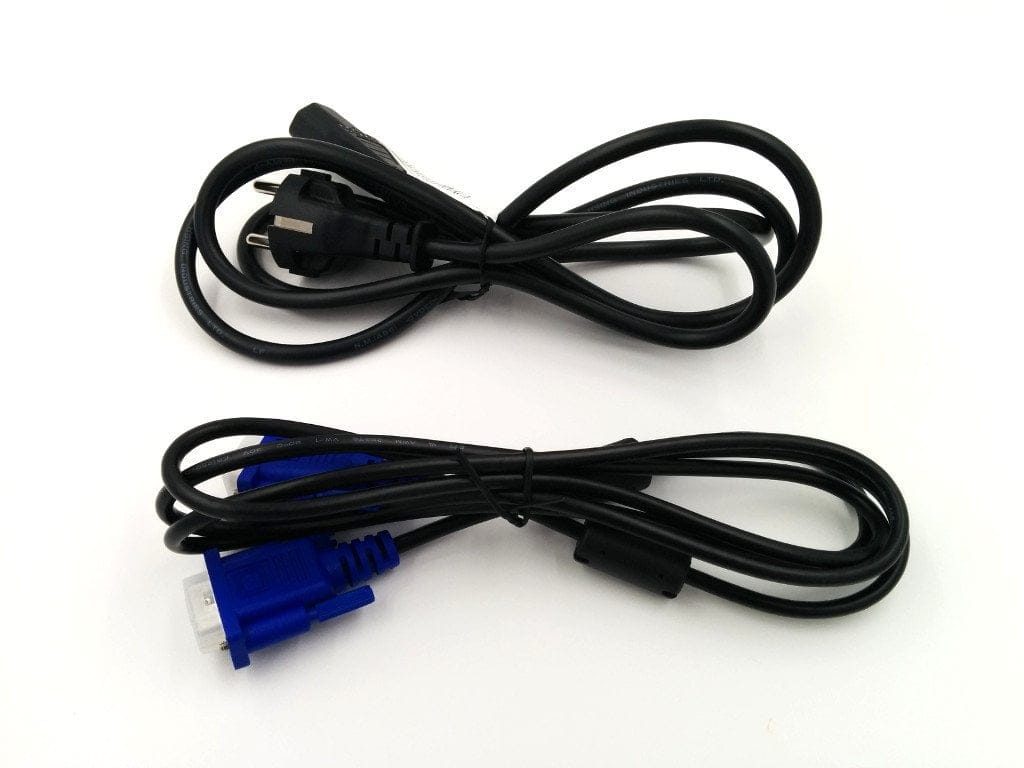
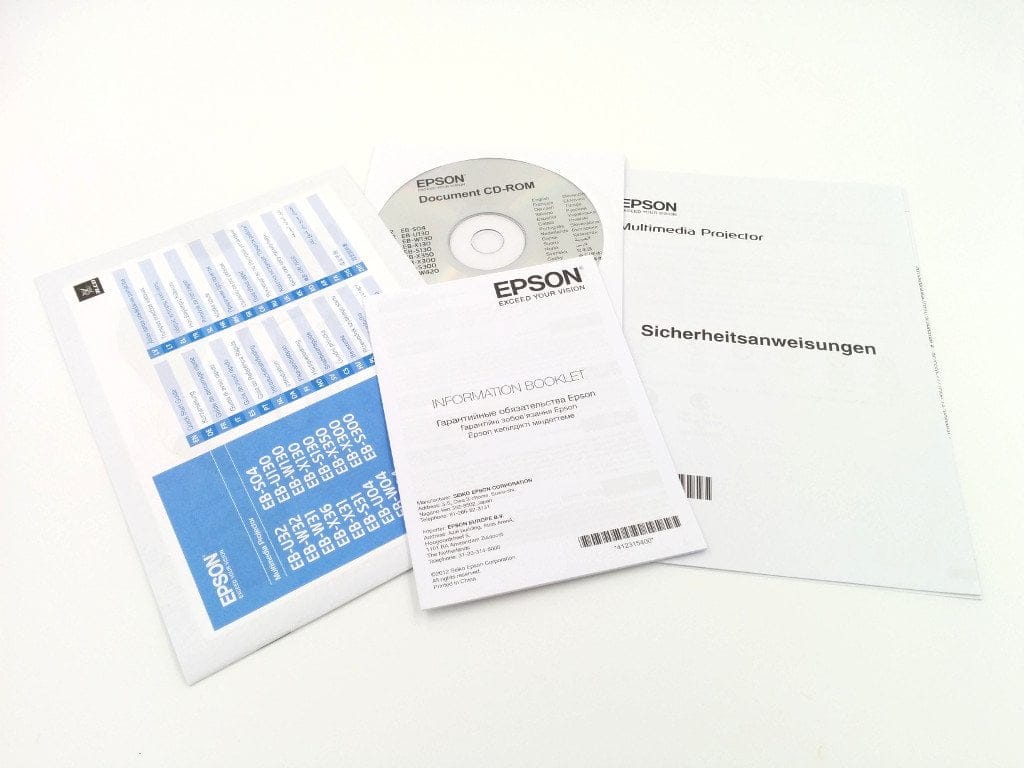
The scope of delivery of the Epson EB-U04 is limited. The projector itself is housed in a comfortable and precisely fitting carry case. Also included are a VGA cable, a remote control with the two required AA batteries, and a mains cable for power supply. A detailed user manual is located on a supplied CDROM. The optional WLAN module is not included!
Design and build quality
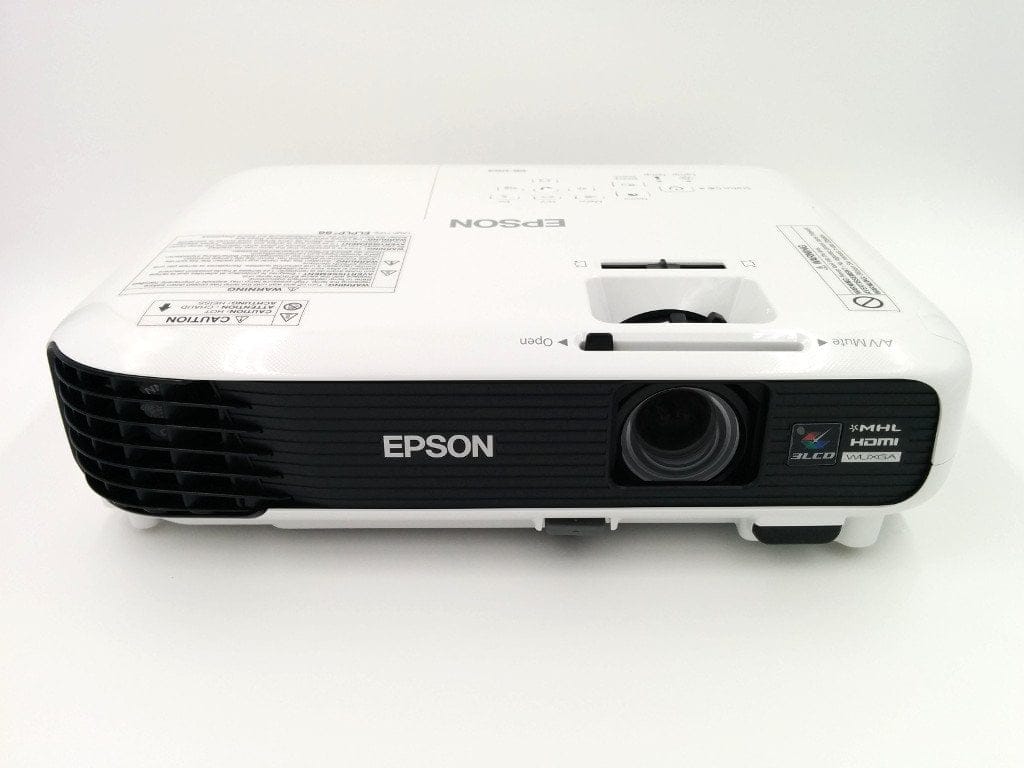
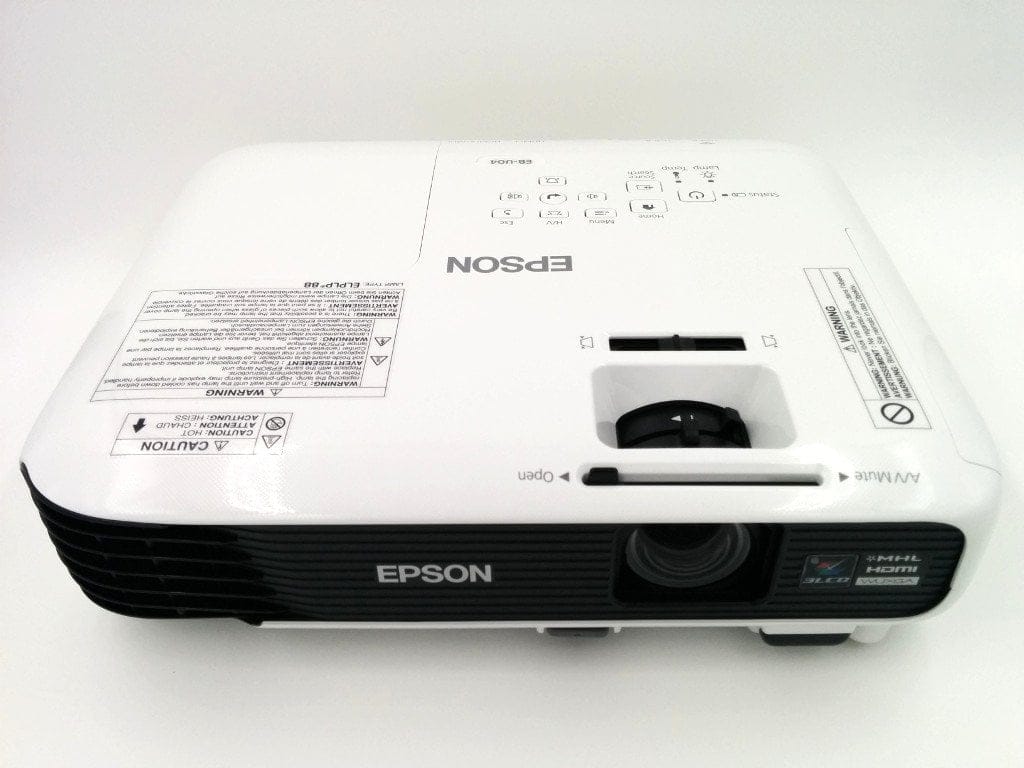
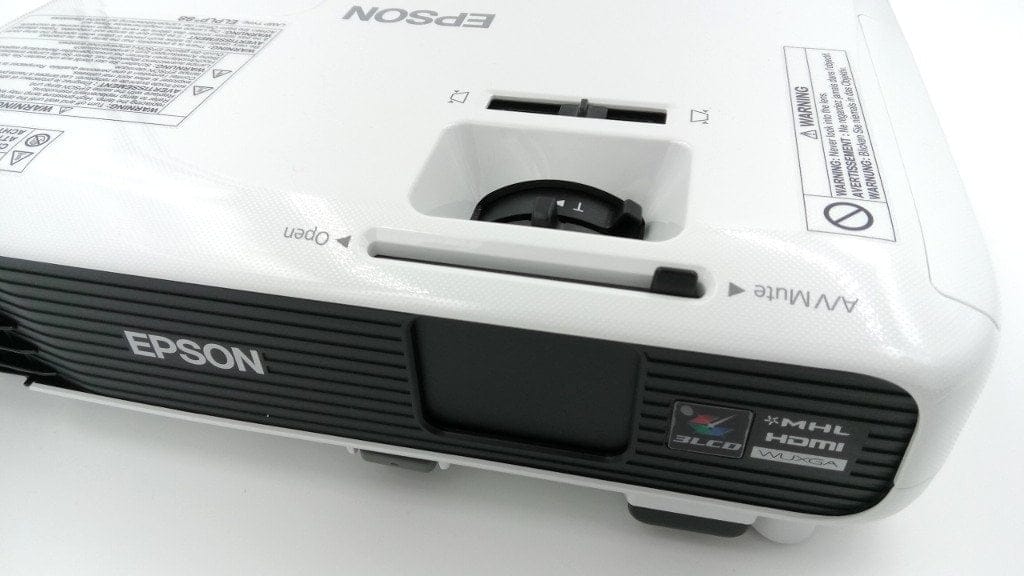
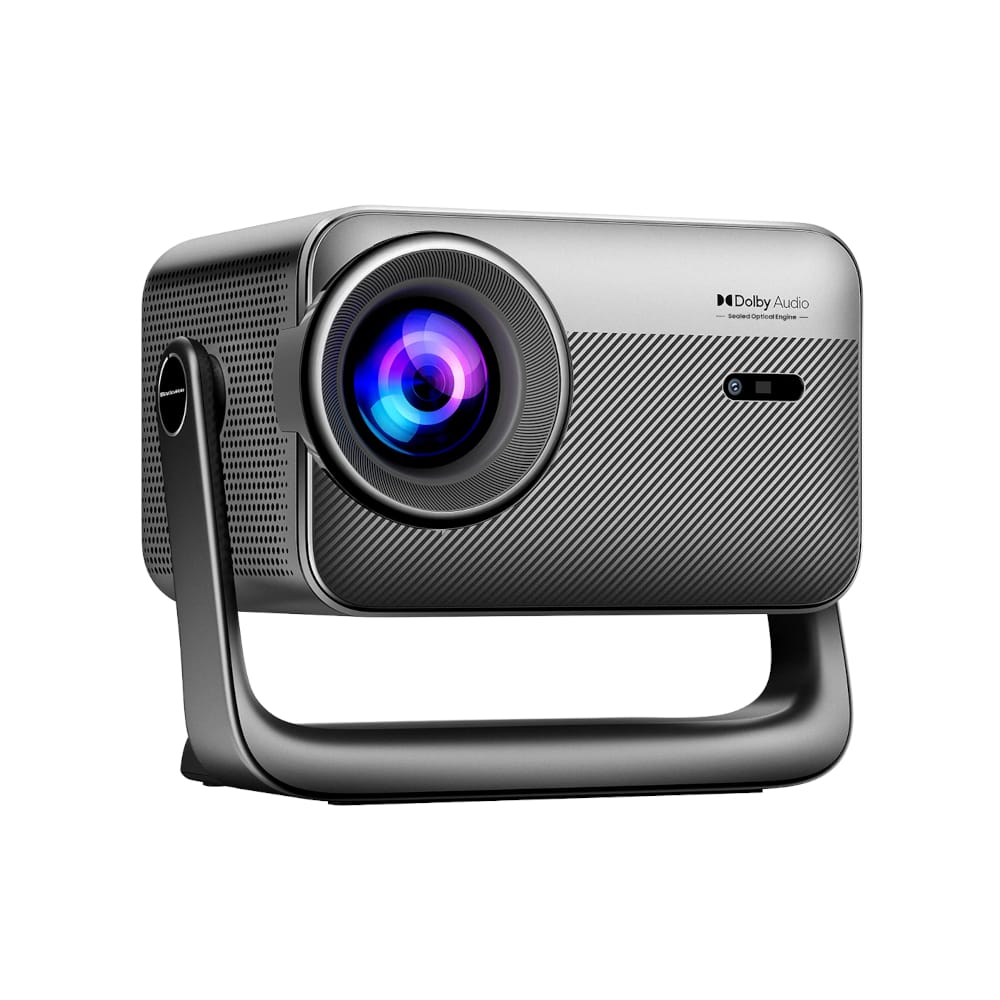
With dimensions of just 297 x 244 x 77mm and a weight of 2.6kg, the EB-U04 features a compact design. The design is modern yet restrained and simple. The build quality is convincing. The completely plastic projector has no unsightly gaps or poorly finished areas, the individual controls operate smoothly, and the control buttons on the top of the casing have a pleasant pressure point.
Connection options
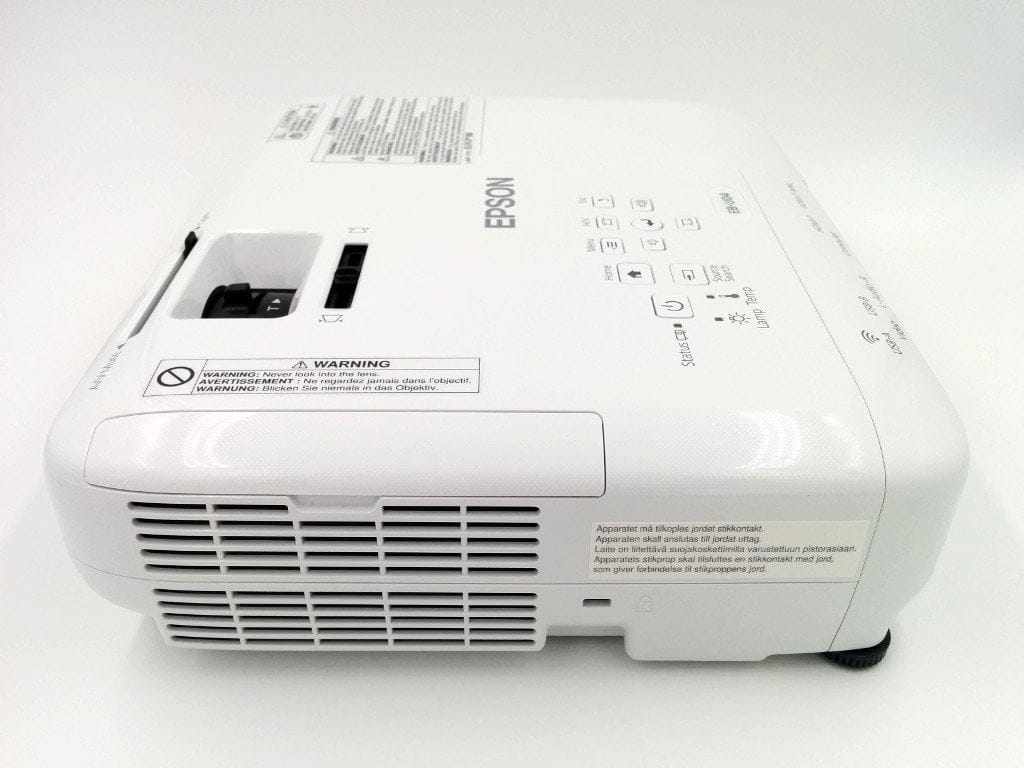
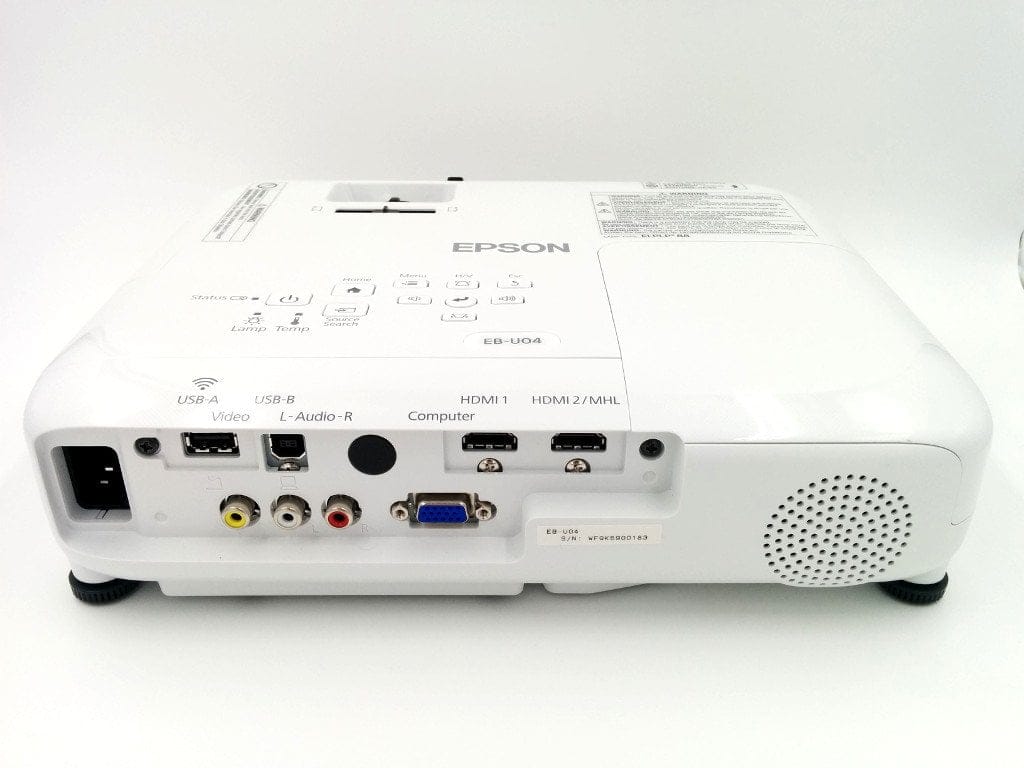
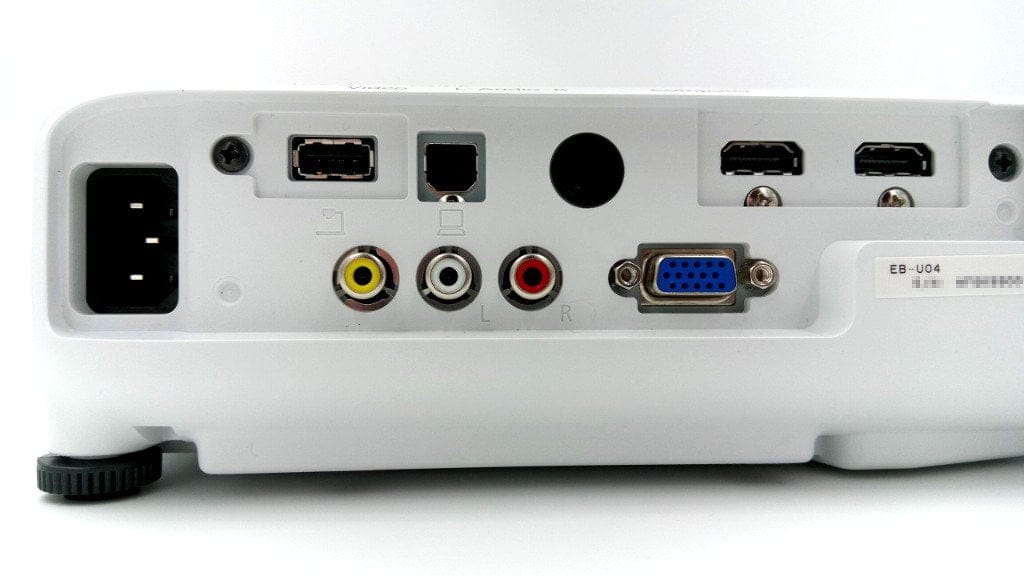
The Epson projector covers almost all common connectivity options. In addition to two HDMI ports, the device also has two USB ports (USB Type A and B), a VGA port, a composite input, and a RCA audio input.
One of the HDMI ports is also MHL compatible. MHL stands for Mobile High-Definition Link, through which mobile devices, such as a smartphone or tablet, can be connected to the projector via cable. This interface allows the transmission of high-resolution audio and video files, while also charging the mobile device at the same time.
The WLAN function advertised with the EB-U04 is optional. This requires a special WLAN USB stick (ELPAP09 or ELPAP10), which must be purchased separately. The “iProjection App”, available for Android and iOS, can also only be used if the projector is connected to the WLAN.
Other
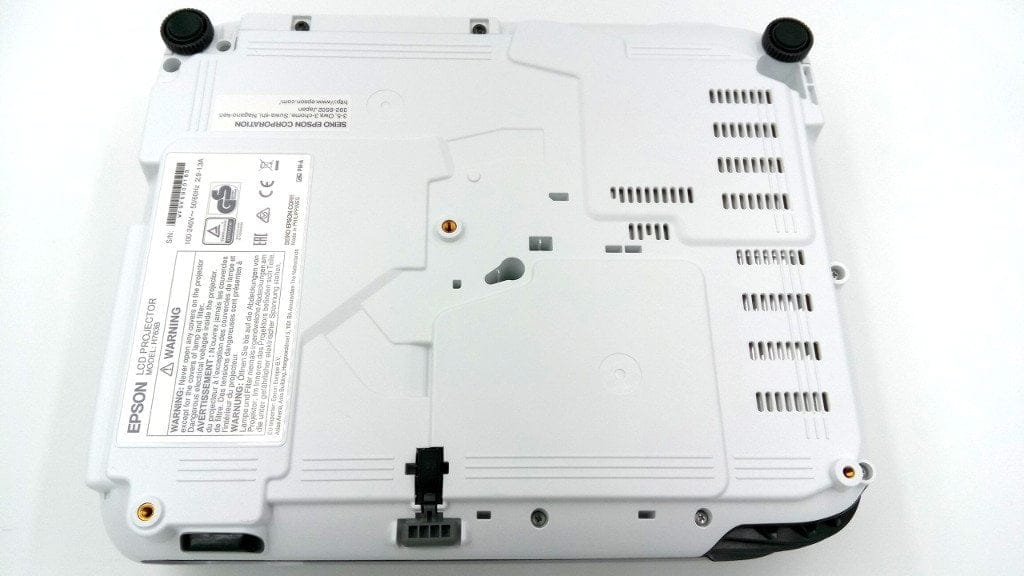
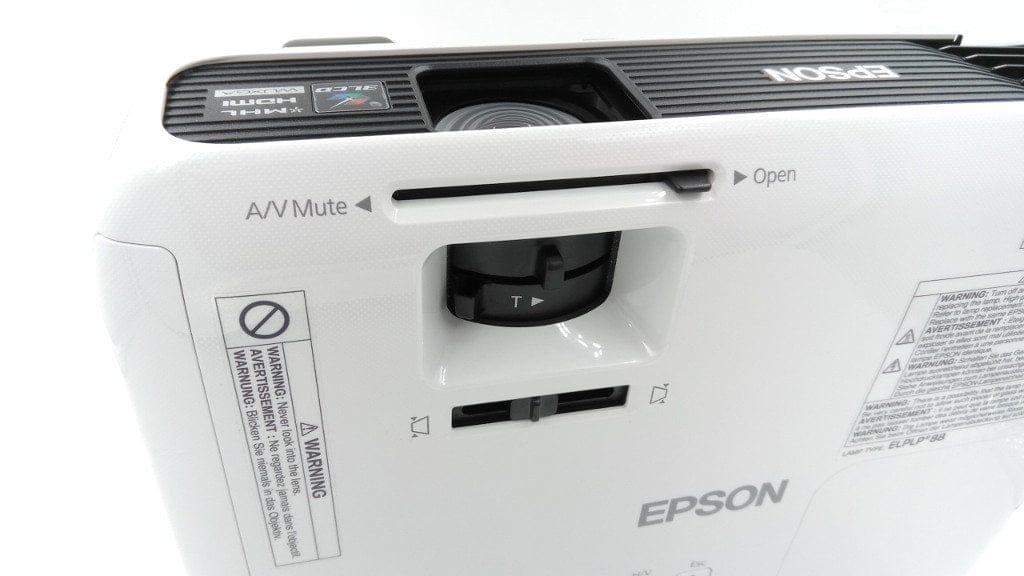
On the underside of the Epson EB-U04 are screw points for an optional ceiling mount. An additional fixture for a safety cable is located on the side of the housing. Additionally, there is a speaker on the back, which can play back audio from the source material.
- Manual zoom factor of 1.2
- Manual focus
- Trapezoidal correction: Automatic vertical: ± 30°, Manual horizontal: ± 30°
- Projection ratio 1.38 - 1.68:1
- Projection size 30 inches - 300 inches
Setup
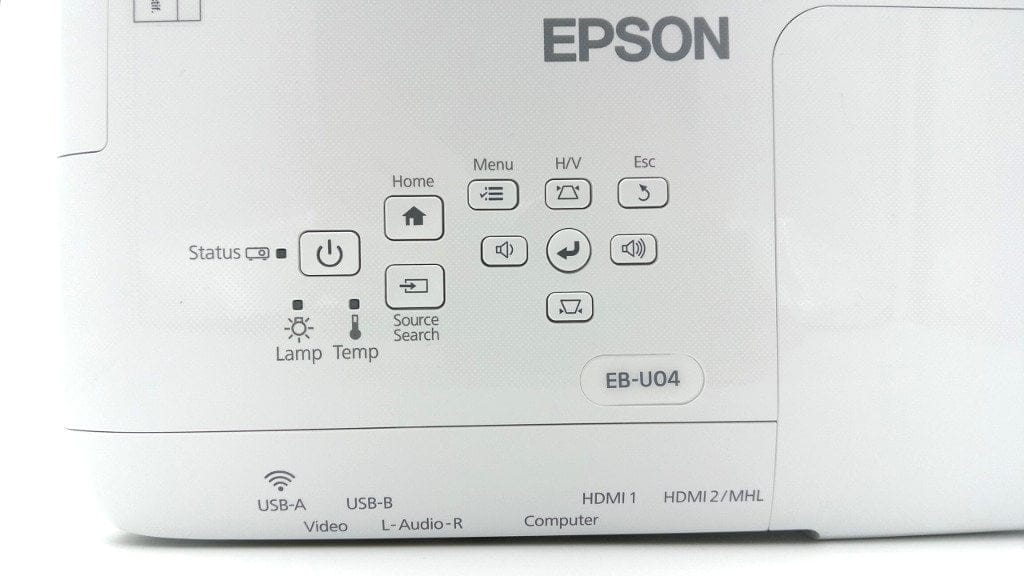
Setting up the projector is extremely simple and requires no prior knowledge. Once the device is connected to the power supply, the projector is ready to go. When the device is switched on, it undergoes a short warm-up phase of about 45 seconds. Afterwards, the projector is in the main menu. The EB-U04 is controlled via the included remote control or the control buttons located on the projector housing.
Main Menu
Here you get an overview of the available and connected sources. The most important functions (Keystone, split-screen, eco settings and color mode) can also be selected here, you can switch to the settings, call up the help, and you get the assigned Wi-Fi data displayed.

Settings
The settings menu is extensive but remains clearly structured. Here is a rough overview of the most important setting options.
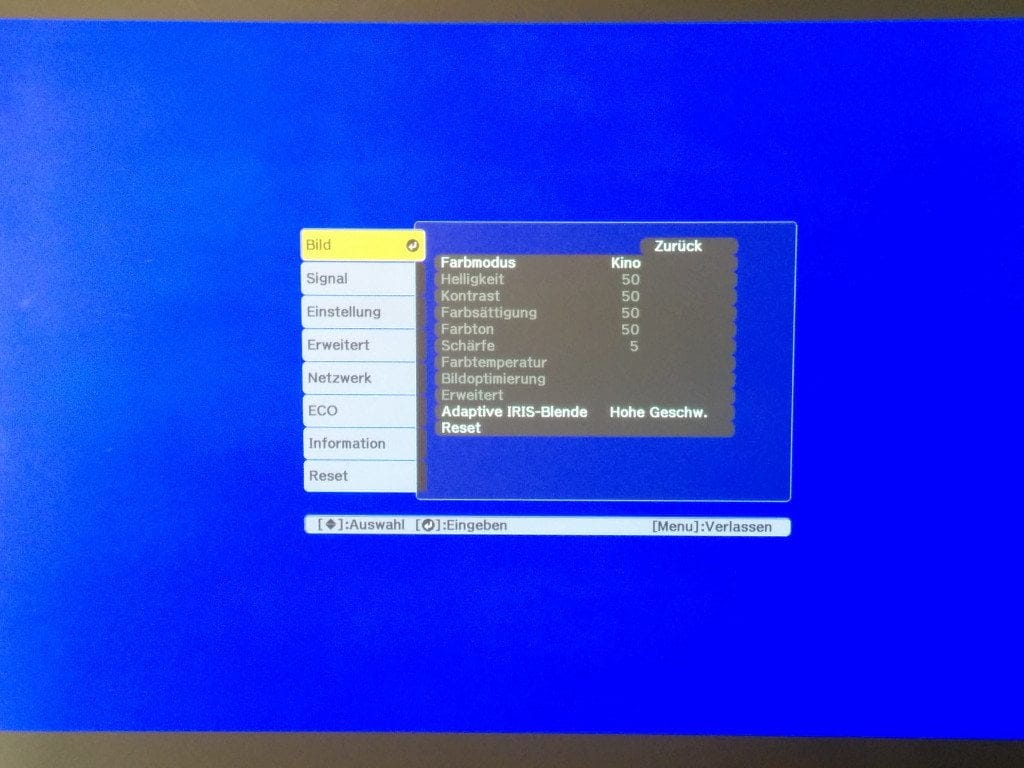
Image
There are five different colour modes to choose from in total. These include a presentation mode, a dynamic mode, a cinema mode, an sRGB mode and a whiteboard mode. Once the suitable colour mode has been selected, brightness, contrast and colour saturation can also be individually adjusted. Settings for the adaptive iris are also made here.
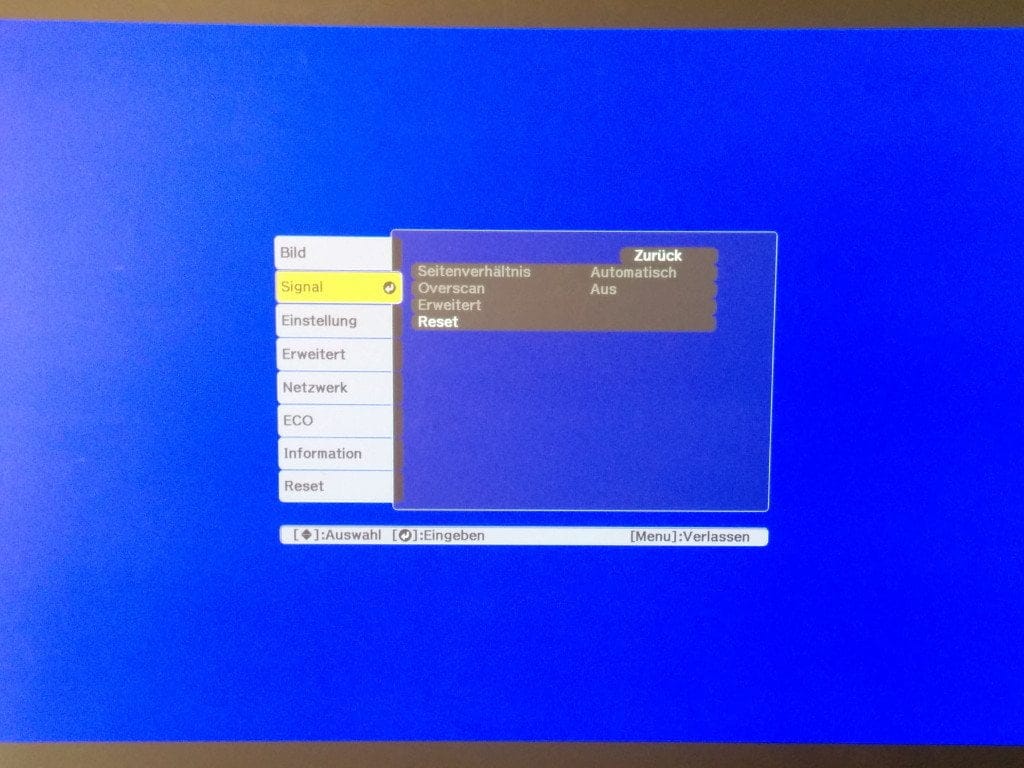
Signal
This section offers settings for the active source. Among other things, the aspect ratio can be adjusted or overscan can be enabled.
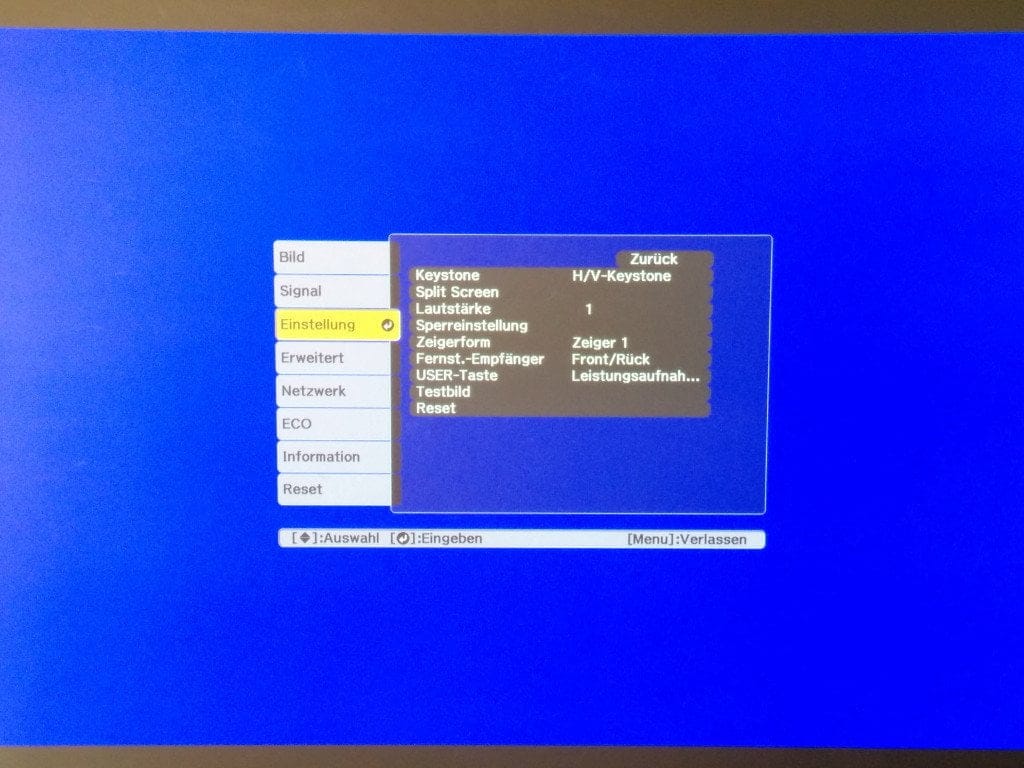
Settings
The ‘Settings’ menu item includes the general settings of the projector, such as volume, split-screen mode, settings for the IR receiver, or ‘Keystone’ correction.
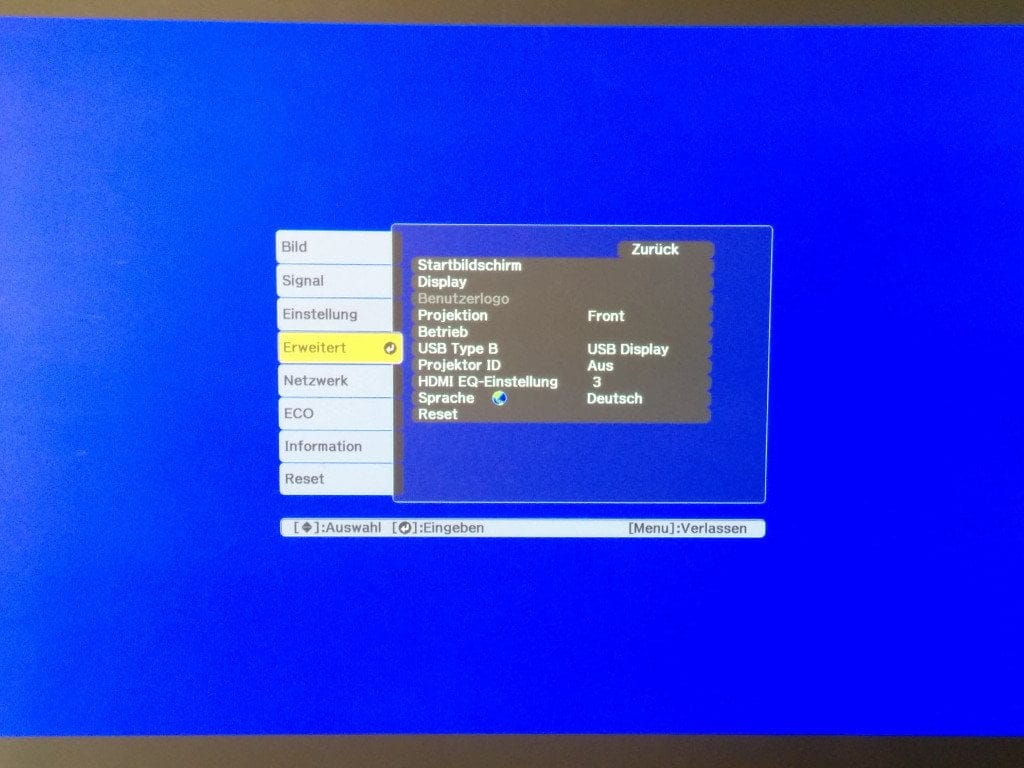
Advanced
Here you will find specific settings for the start screen, pop-up hints or the language.
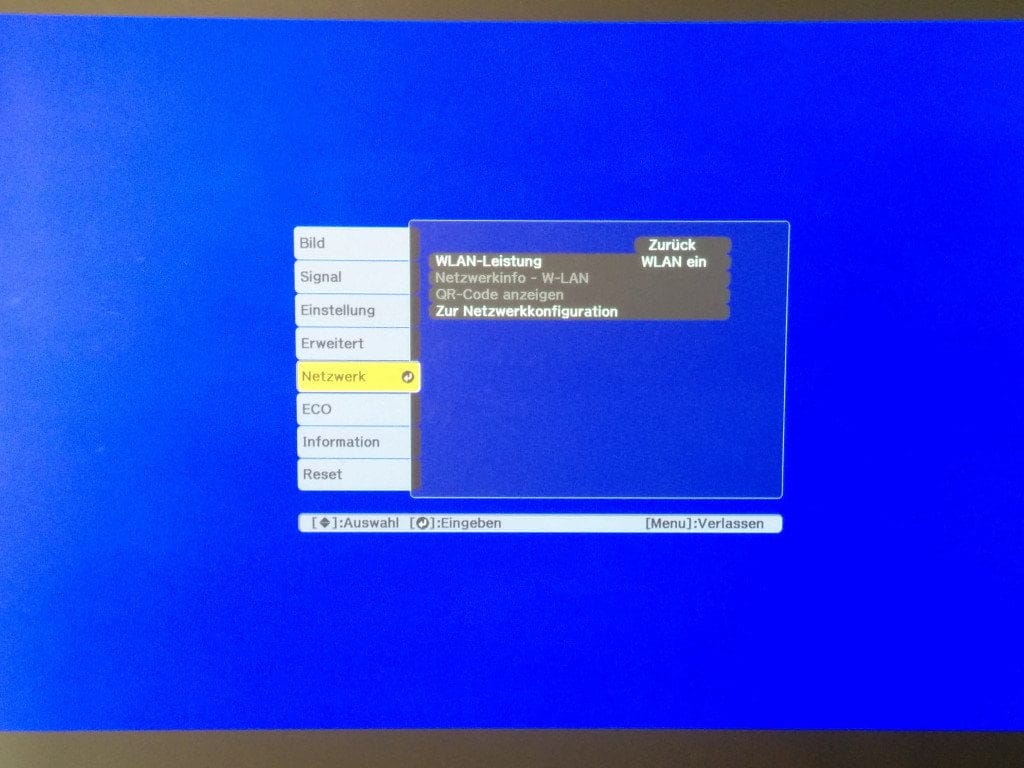
Network
This menu option is optional and is used to configure the WLAN stick.
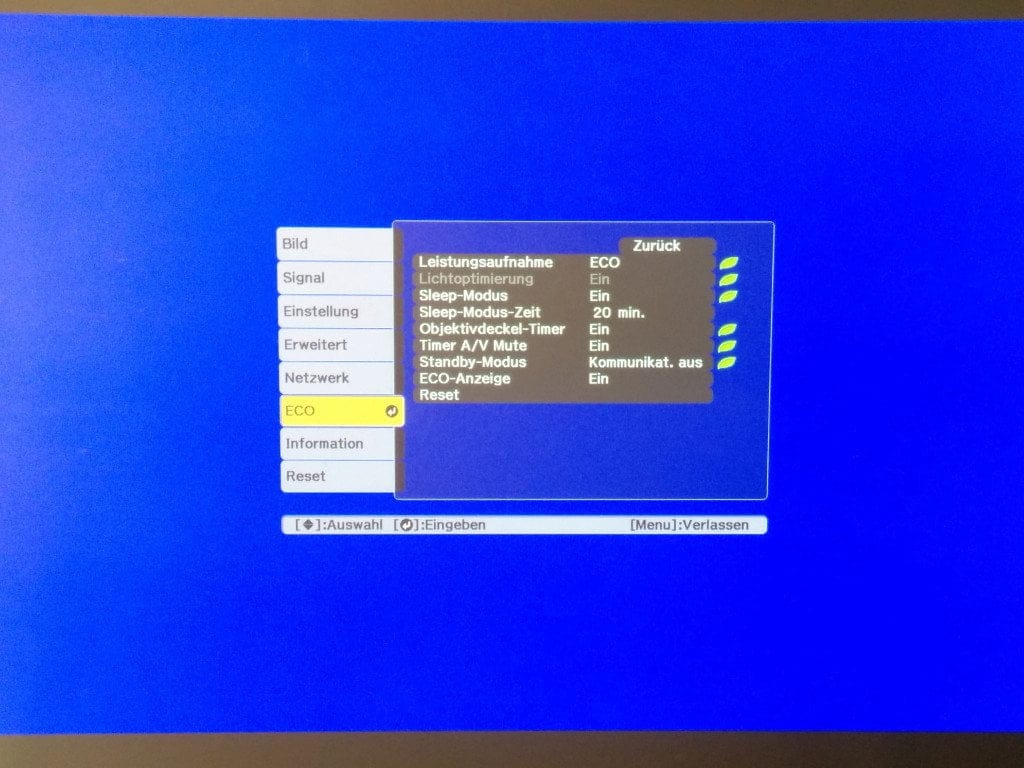
ECO
The ECO menu option controls the energy-saving functions of the projector. You can choose between Normal mode and ECO mode, and the sleep mode can also be set.
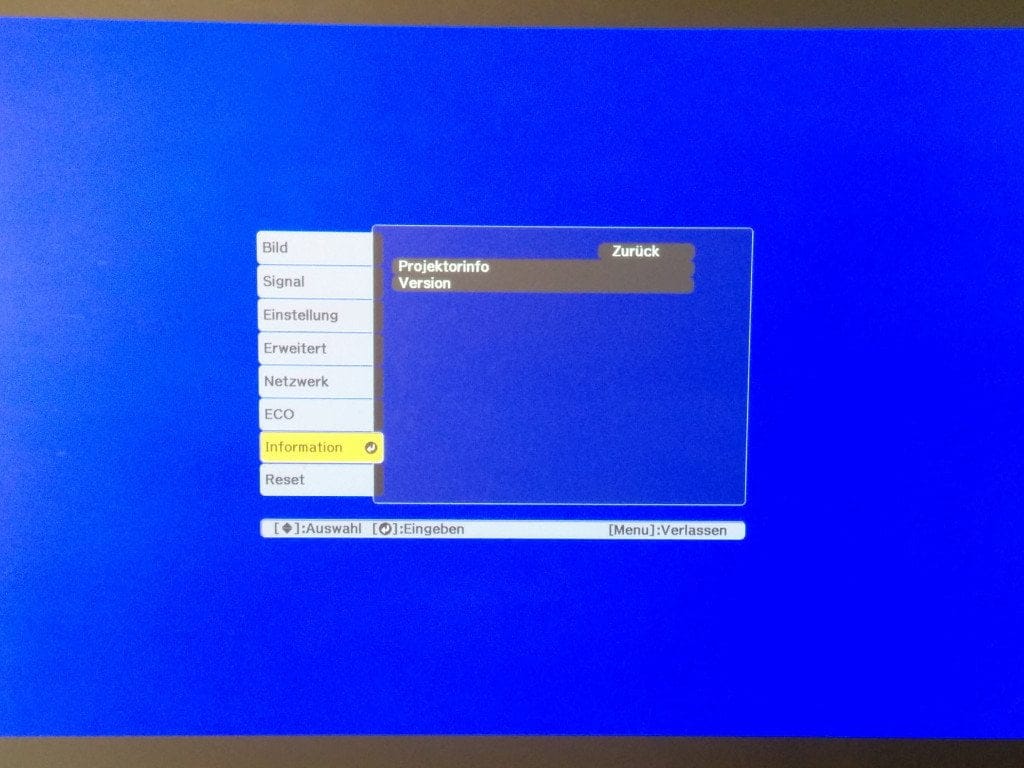
Information
Display of projector information, such as lamp hours or the serial number.
Reset
The EB-U04 can be reset to factory settings via this.
Business application
The fact that the Epson EB-U04 is not a pure home cinema projector becomes apparent as soon as you switch on the device. By default, the projector is in the so-called "Normal mode" with "Presentation mode" activated as the colour mode. The image output via this mode is very bright (maximum 3,000 lumens), which means the projector can be used without problems in a room that is not darkened. The fan spinning up loudly is clearly noticeable.
In the active "Presentation mode", colour reproduction is very cool. Colours appear extremely pale, which makes this mode suitable primarily for text-only projection. The same applies to Dynamic mode, where colours are even more significantly distorted.
Suitability for home cinema
The Epson EB-U04 convinces in terms of home cinema suitability regarding price-performance. Switching from "Normal Mode" to "ECO Mode" noticeably reduces the fan noise. In return, the image becomes slightly darker, which is why this mode requires a predominantly darkened room.
If you also activate the "Cinema" colour mode, the colour representation also becomes much warmer and more accurate, which is also thanks to the 3LCD technology that ensures more natural and intense colour reproduction. However, despite the improved colour fidelity, the black level appears greyish rather than a deep black. Especially in dark film scenes, a greyish veil covers the image.
To improve the black level, the adaptive IRIS shutter can be activated in "Cinema Mode". However, this only minimally improves the black level. Conversely, a loud creaking of the IRIS shutter can be heard with every change in light, which is more of a nuisance than a benefit in the long run.
The projector's native resolution is 1920x1200 pixels with a 16:10 aspect ratio. Full HD video material is reproduced accurately and sharply. The smallest details remain clearly recognisable.
Opinions from other testers
For the test, opinions were also gathered from other testers who were shown the Epson EB-U04 and actively operated and used the projector themselves. These testers were asked to write down their opinions on the projector in just 3 sentences, naming what they liked and what they liked less or did not like at all.
“The picture is as sharp as on my HDTV. I particularly like the mobility. I am less keen on the loud IRIS aperture.”
“Super easy to use, great picture and easy to transport. I love the sharp image. I didn't like the loud fan and the creaking noise.”
"The image is bright, the colours are rich, and the resolution is good. I was particularly impressed by the versatile connection options and the high-resolution picture."
“The projector is unobtrusive and can be placed anywhere or taken with you. It is easy to set up, easy to use, and offers many adjustment options. The image is very sharp and looks natural, but the black colors are a bit too gray for me.”
Our verdict
The Epson EB-U04 strikes a good balance between presentation projectors and home cinema solutions. Its compact design makes the projector highly portable, and its high brightness makes it very well suited for outdoor public viewing.
Thanks to the native Full HD resolution, the image is crystal clear. Additionally, the 3LCD technology ensures accurate colour reproduction. However, the black level falls short of expectations. Improvement is also needed for the very loud iris diaphragm, which can be perceived as distracting, especially in cinema mode. It would also be desirable to integrate the Wi-Fi module into the projector rather than offering it as an option.
Despite everything, the Epson EB-U04 is a projector appropriate for its price.
Specifications
General
- GENERAL
- Resolution
- Full HD (WUXGA)
- Aspect ratio
- 16:10
- Projection size
- 30 - 300 inches
- Focus
- Manual
- Colour/white brightness
- 3.000
- Technology
- 3LCD
- Contrast
- 15.000 : 1
- CONNECTIONS
- 2x HDMI (1x MHL)
- VGA input
- S-Video
- Composite
- Audio L/R
- USB A
- USB B
- Wi-Fi (optional)
- OTHERS
- Lamp life
- 5,000 / 10,000 (eco) hours
- Throw ratio
- 1.38 - 1.68 : 1
- Speakers
- 2W
- Keystone correction
- Yes
What’s included
1x EB-U04 projector 1x carry bag 1x VGA cable 1x power cable 1x remote control 2x AA batteries 1x user manual (CD-ROM)
Comments (2)
Unfortunately, this Epson projector does not have lens shift, so precise alignment with a cinema screen is particularly important. Otherwise, it is a great projector for the price.
The new projectors are first-rate. Above all, you know that everything will work during a business presentation. I know enough people in my circle who have had more trouble with projectors in presentation rooms than with anything else.