Contents
First impressions of the Feiyu G4
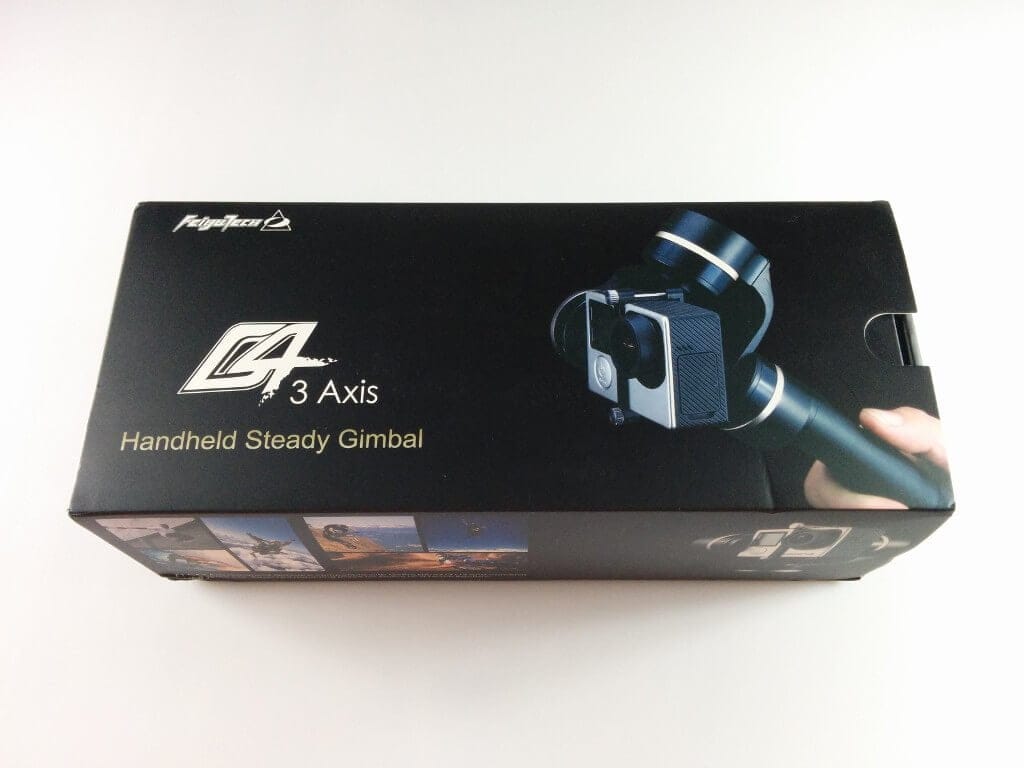
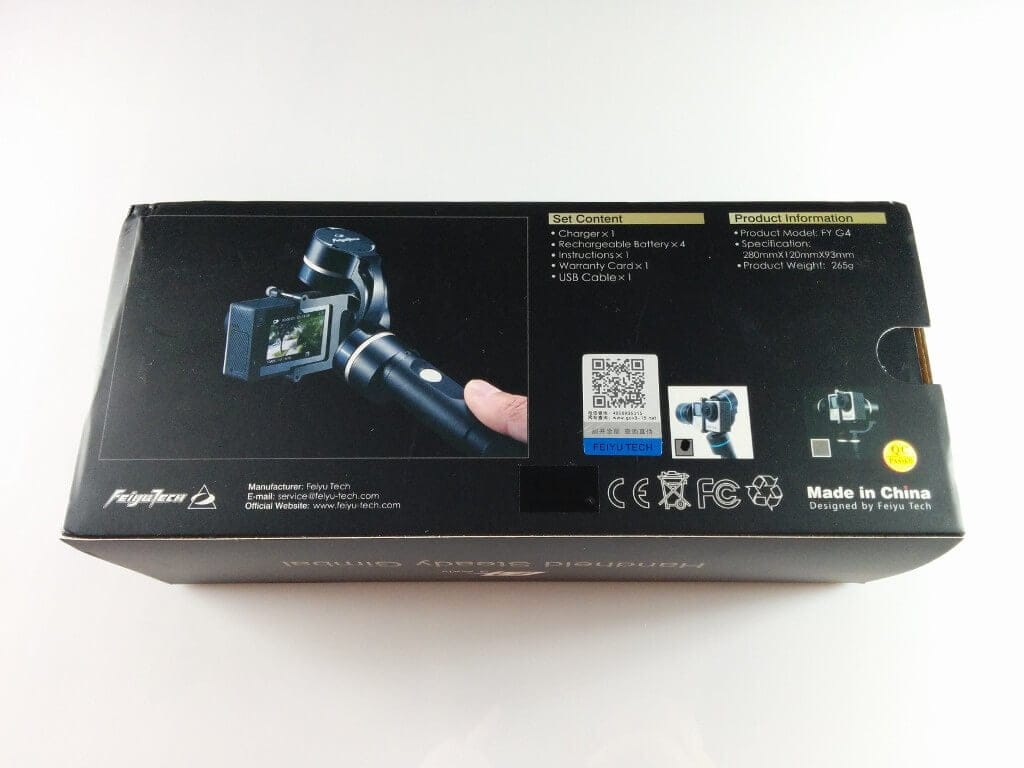
The Feiyu G4 handheld gimbal was kindly provided for this review by TOMTOP.com.
What’s included
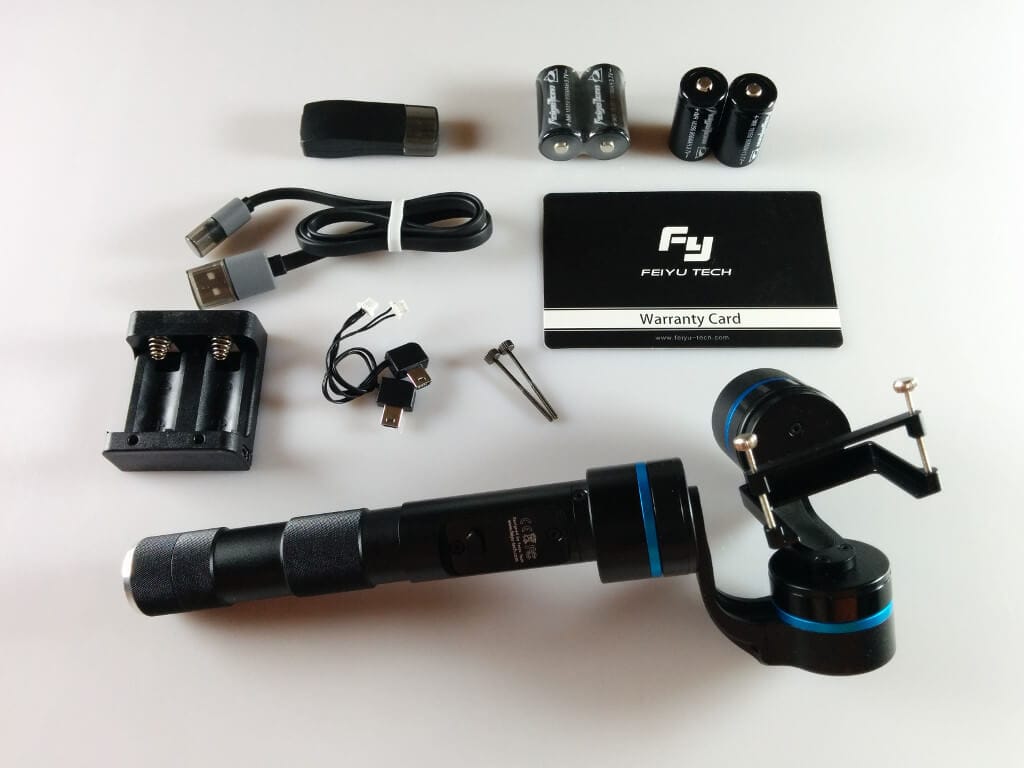
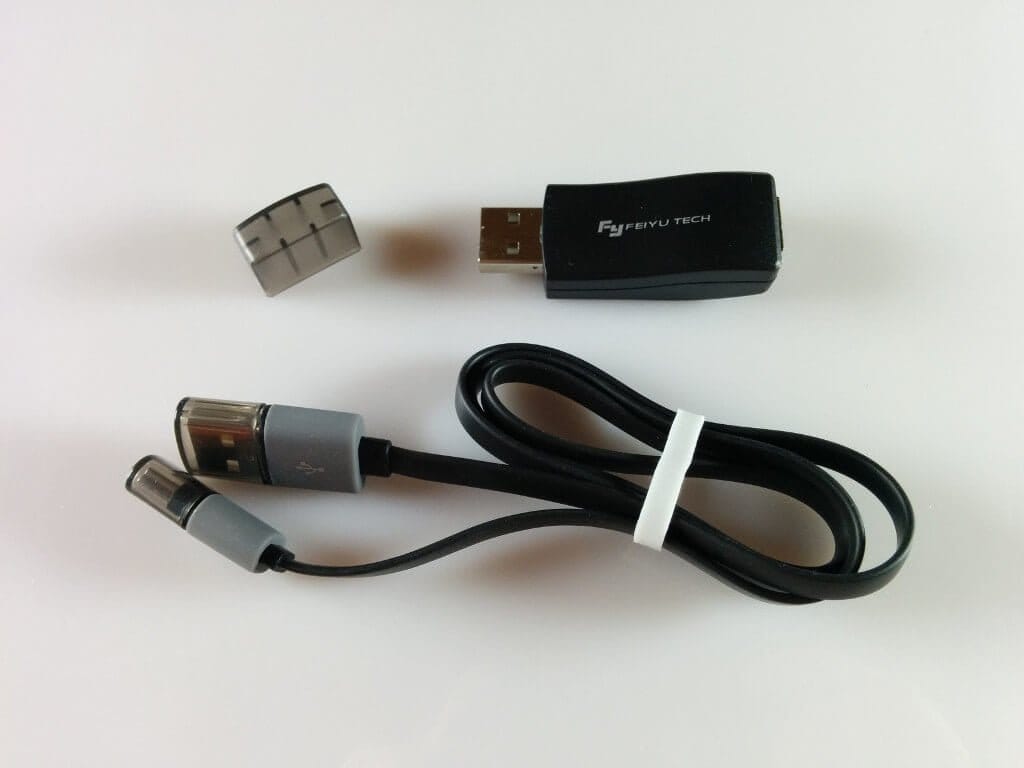
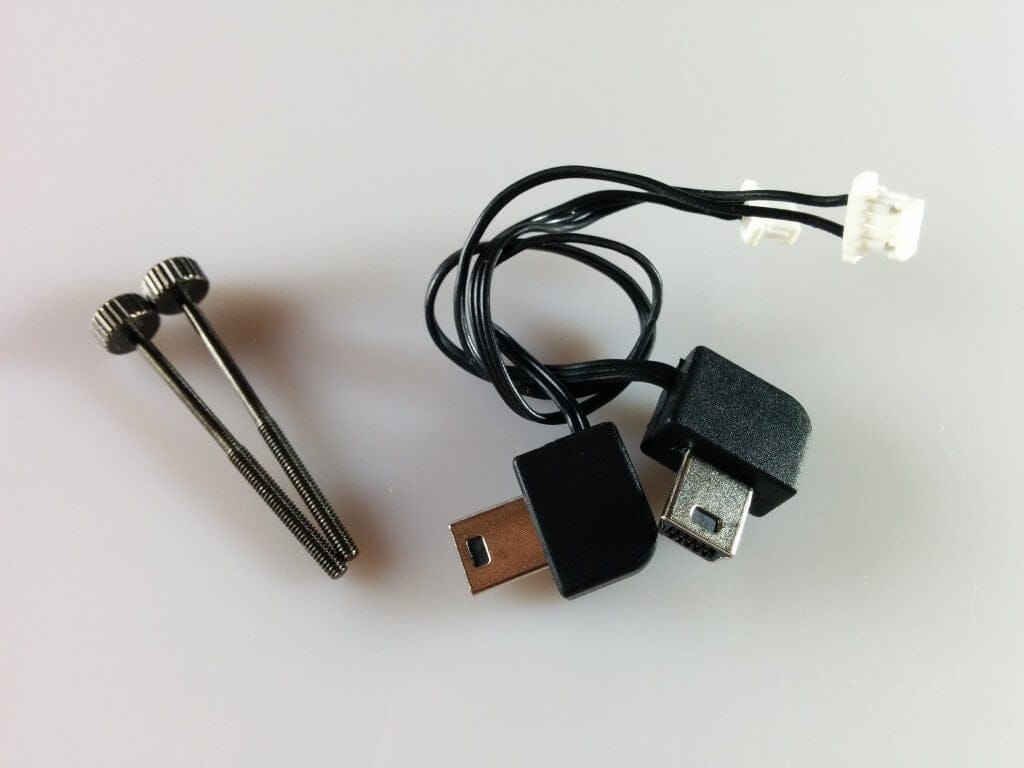
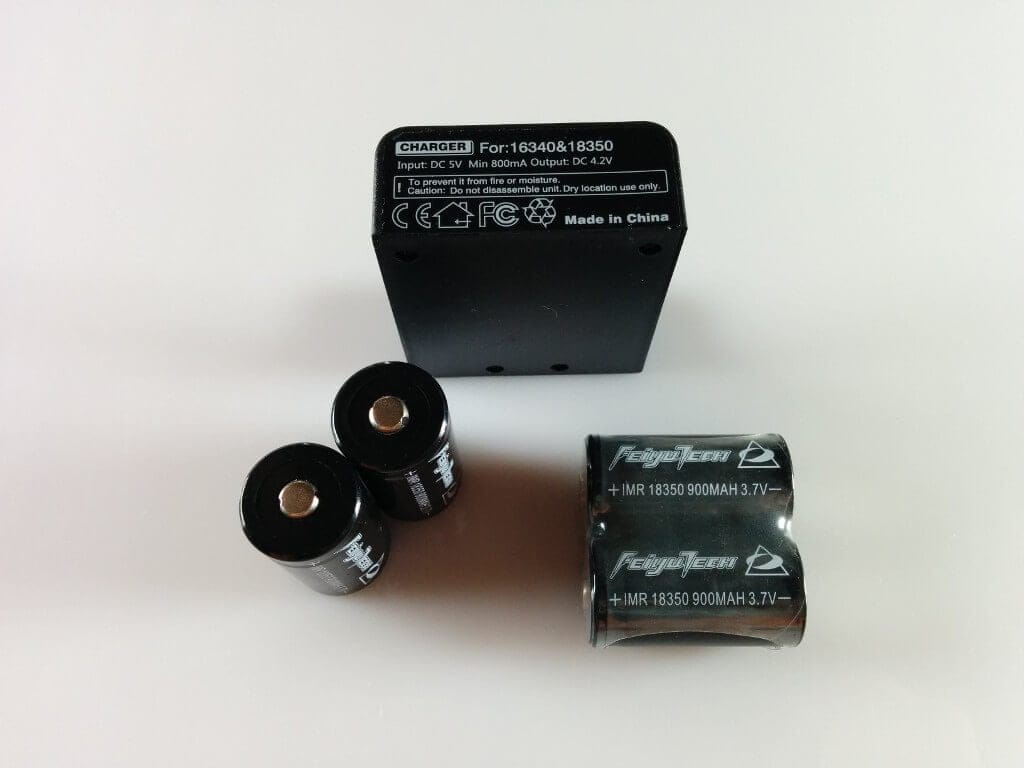
The Feiyu G4 is delivered well and safely packaged. All accessories and also the motors of the gimbal are nestled in foam and thus protected from transport damage. The scope of delivery includes the gimbal, 4x 900mAh IMR 18350 batteries, a suitable charging station with USB cable, the USB flash dongle for uploading new firmware, two USB bridge cables for video transmission and for charging the connected camera, two replacement screws, as well as an English-language user manual and a warranty card. A hard-shell case is not included. This is only included from the Feiyu G4S onwards.
 Play video on YouTube
Build quality and hands-on
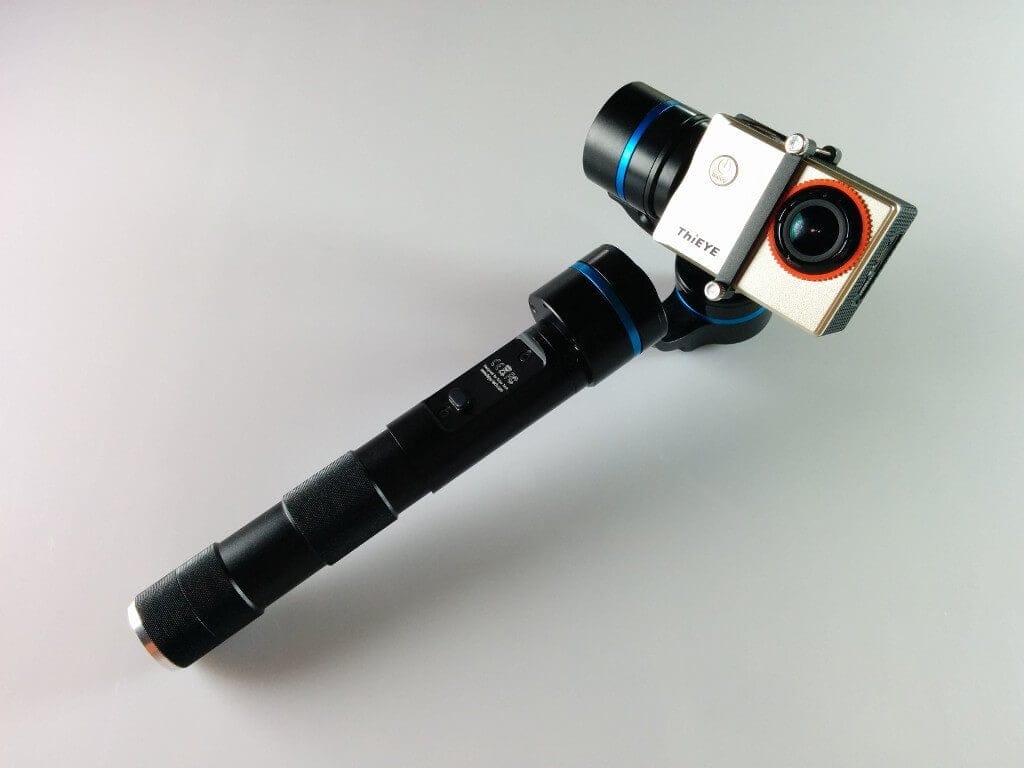
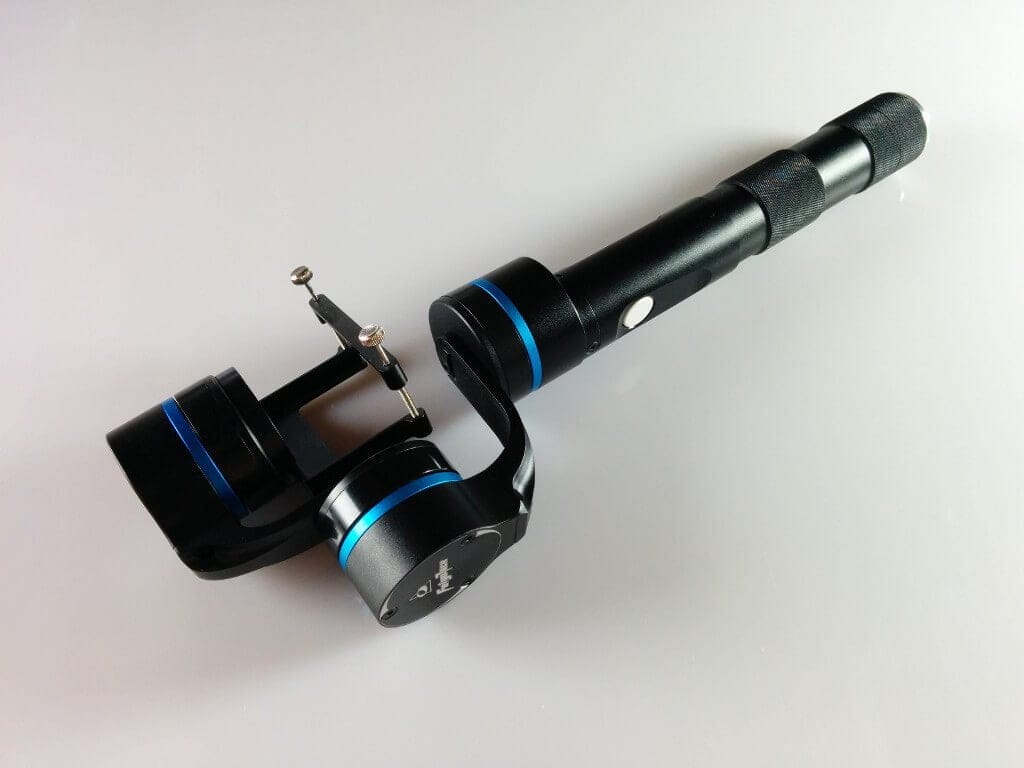
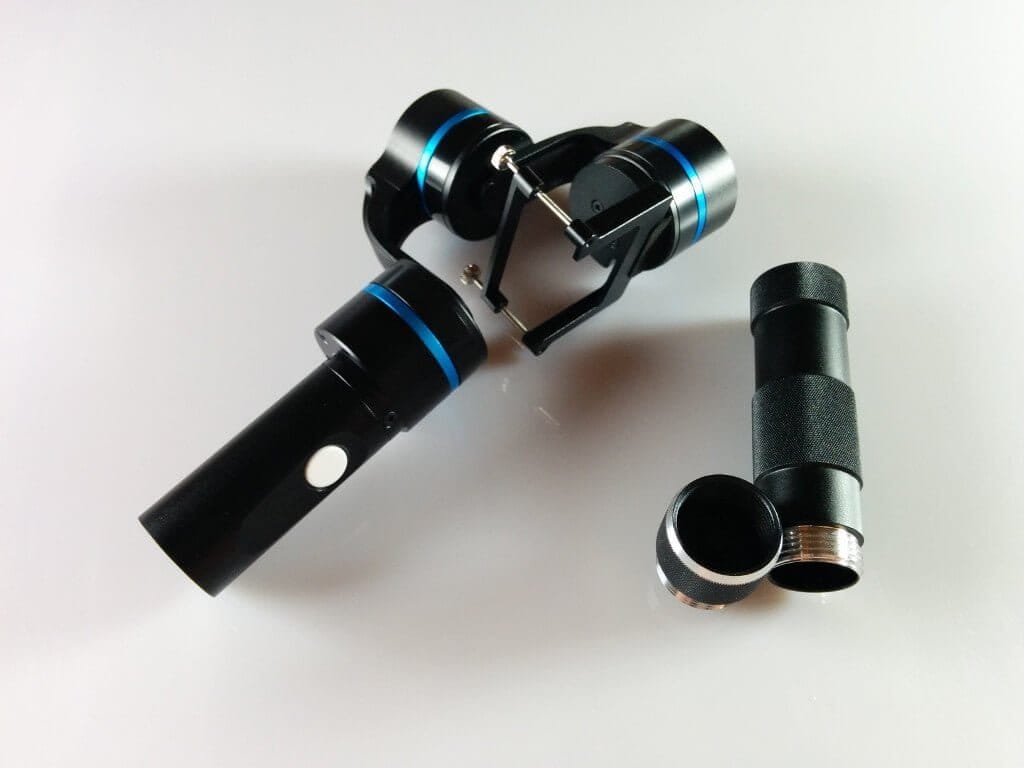
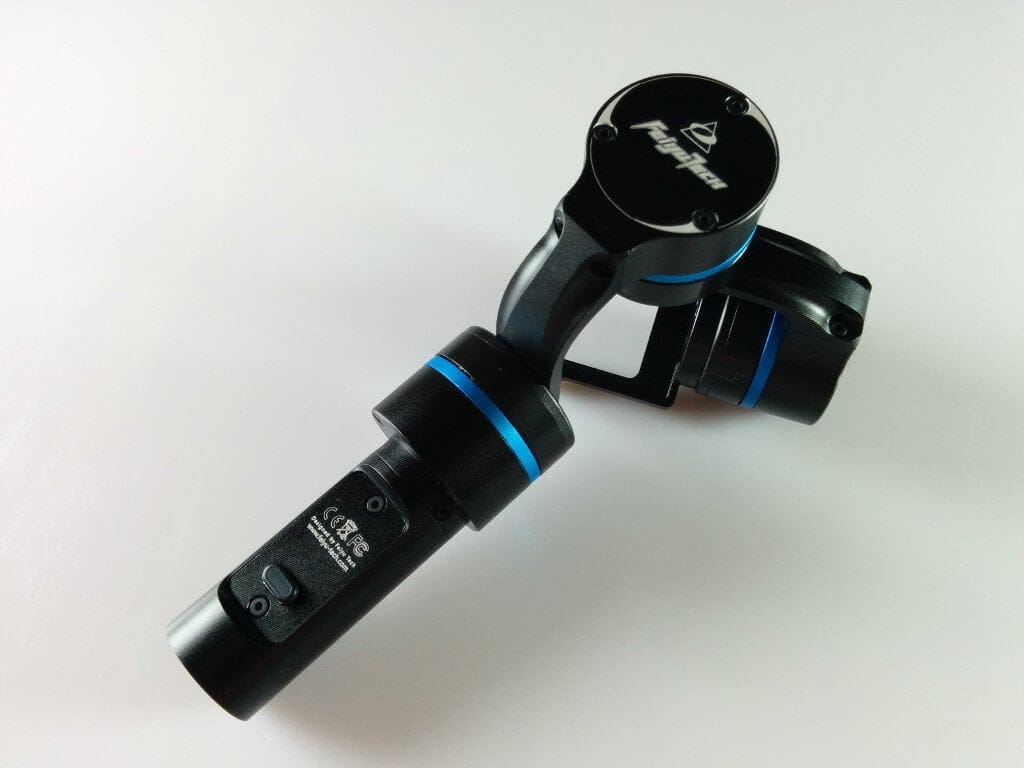
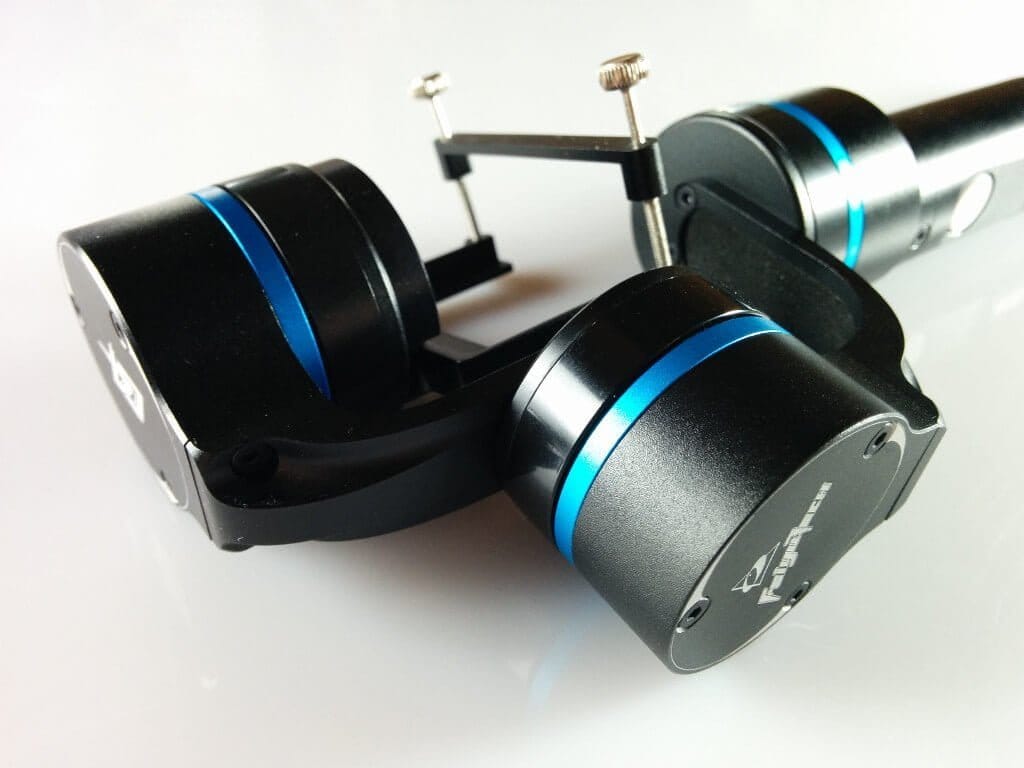
The build quality of the Feiyu G4 is good. The anodising is clean and smooth, the threads of the connectors engage firmly, and the control buttons have a good tactile feedback and fit tightly in the housing without play. The retaining clip for the camera mount is removable and is connected to the mount by two extended threaded screws. This mount fits the entire GoPro range perfectly, as well as comparable cameras from brands such as SJCAM, ThiEYE, etc. It should be noted that the housing height of the action cam must not exceed 4.1cm.
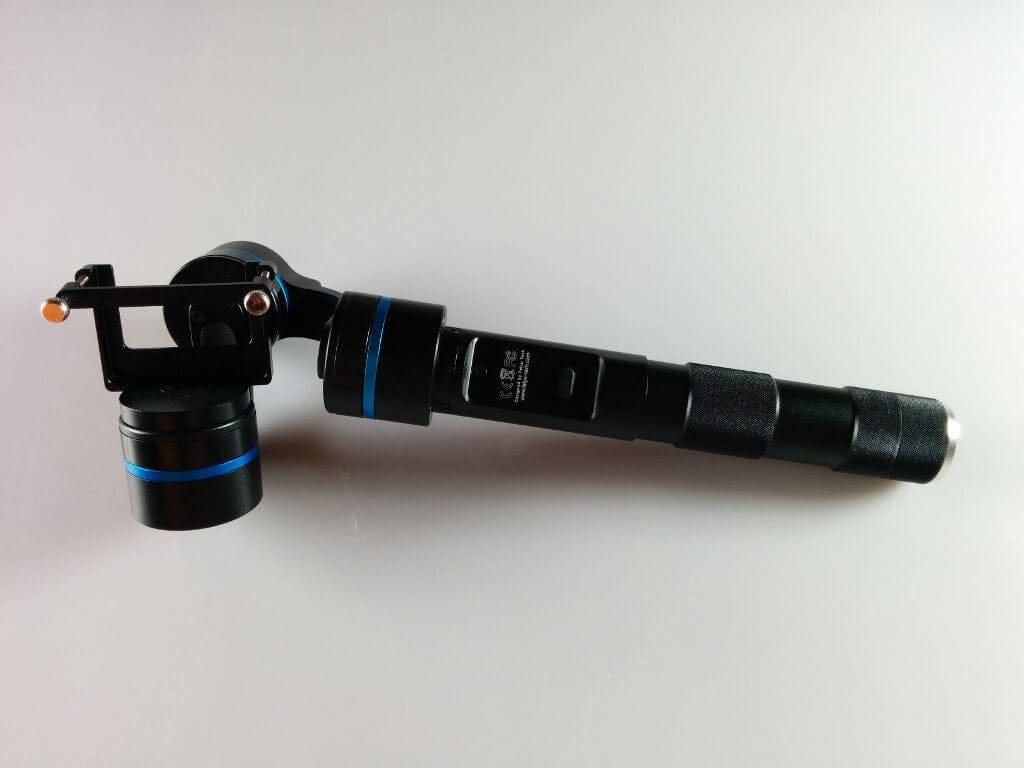
The power button on the Feiyu G4 is positioned somewhat awkwardly. It is hidden at the bottom end, where there is also a threaded mount for attaching an extension. This means that if you want to use an extension, the gimbal must be switched on before attaching it. The cap for the USB port also proves to be a disadvantage. This small rubber cap is simply pushed on and is not permanently attached to the gimbal. It can easily be lost if care is not taken.
Overall, my first impression of the Feiyu G4 3-axis gimbal is very positive. It has a good grip, excellent weight, and the build quality is also convincing.
Setup
Before commissioning, you should definitely read through the note cards as well as the manual. It is essentially important not to switch on the gimbal without a camera inserted, as this can damage the "brushless motors" and quickly diminish the joy of the new gimbal.
Once two of the four 18350 batteries are inserted and the action camera is connected to the gimbal, it is immediately ready for use. The gimbal is operated via a multifunctional control button. As an extension, a remote control can also be purchased separately. Using one of the two included bridging cables, the action camera can be charged via the gimbal's power supply. The second cable is for video transmission.
Functions
In total, the Feiyu G4 gimbal offers four operating modes. Here is an overview with explanations of the individual modes.
Heading Following Mode: The camera follows slight left and right movements smoothly. Vertical movements, however, are compensated, so the camera maintains its position. The maximum heading (horizontal direction of movement) is approximately 320°.
Heading and Pitch Following Mode: In this mode, the camera follows both left-right movements and up-down movements. The maximum tilt is also 320°, while the roll axis is limited to 100°.
Heading Lock Mode: All movements are locked. The camera is held in position continuously.
Inverted Mode: This allows the gimbal to be used in the opposite direction.
All modes can be activated using different button sequences via the multifunctional single-button control.
First shots with the Feiyu G4
Setup was easy, and my first recordings looked impressive. Once you get the hang of the individual modes, switching between them becomes seamless. The motors were already well-calibrated out of the box and generally operate accurately. However, a slight irregularity in the motors became noticeable during extreme movements. Especially when one motor is heavily loaded, it can become overwhelmed quickly, resulting in slight vibrations in the gimbal. This issue can also occur with poor-quality or weak batteries. Nevertheless, the video recordings remained free of interference.
 Play video on YouTube
Firmware
The firmware of the Feiyu G4 is updated regularly. To perform an update, you need a Windows PC, the current firmware and the dongle included in the scope of delivery. The software required for updating, as well as the firmware, can be downloaded from the manufacturer's website. The update process is explained in detail in the user manual and can be performed even by laypeople.
Feiyu G4 vs. G4S
At the time I wrote this review, the successor, the Feiyu G4S, was already available. This gimbal offers significantly improved operation via a directional pad, and a practical transport case is also included in the delivery. The maximum tilt, pan and roll angles have also been increased. With a price difference of around 50€, the successor currently offers the better overall package.
HOWEVER, anyone who does not own a GoPro action camera and needs a gimbal, for example for an SJCAM, will not be able to use it with the G4S. The camera mount on the Feiyu G4S features a micro USB port that fits exactly with the housing of the GoPro Hero 3, 3+ and 4. Action cameras from other manufacturers that do not have a micro USB socket in the exact same position cannot therefore be placed within the mount.
Our verdict
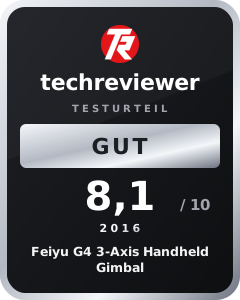
The Feiyu G4 3 Axis Gimbal is well implemented and met my expectations. The setup and usability are simple, and even as a complete beginner, you can produce fantastic footage after a short adjustment period. The compatibility with action cameras from various manufacturers is also interesting.
Those who own a GoPro Hero 3, 3+ or 4, however, will find that the Feiyu G4S currently offers the better overall package.
Specifications
General
- Compatibility
- *GoPro 3, 3+, 4
- *SJCAM
- *Thieye
- Motor
- Brushless 2804F
- Pitch
- -160° to +160°
- Roll
- -50° to +50°
- Heading
- -160° to +160°
- Size
- 239 x 75 x 65mm
- Weight
- 265g
What’s included
1x Gimbal 1x 18350 charger 1x USB cable 1x Update Dongle 2x Threads 4x 18350 battery 1x Manual & guarantee card
Comments (3)
Thanks for the review. Do you know if I can also use the Xiaomi Yi with the Feiyu G4S?
If you modify the gimbal accordingly, it would be quite possible. However, the USB port would still be in the way!
Hi, can someone help me? I can't establish a connection between the G6 and the SJCAM 8 Pro. Otherwise, everything works great, but I would like to control the camera via the gimbal.