Contents
First impression of the Feiyu Vimble C
What’s included
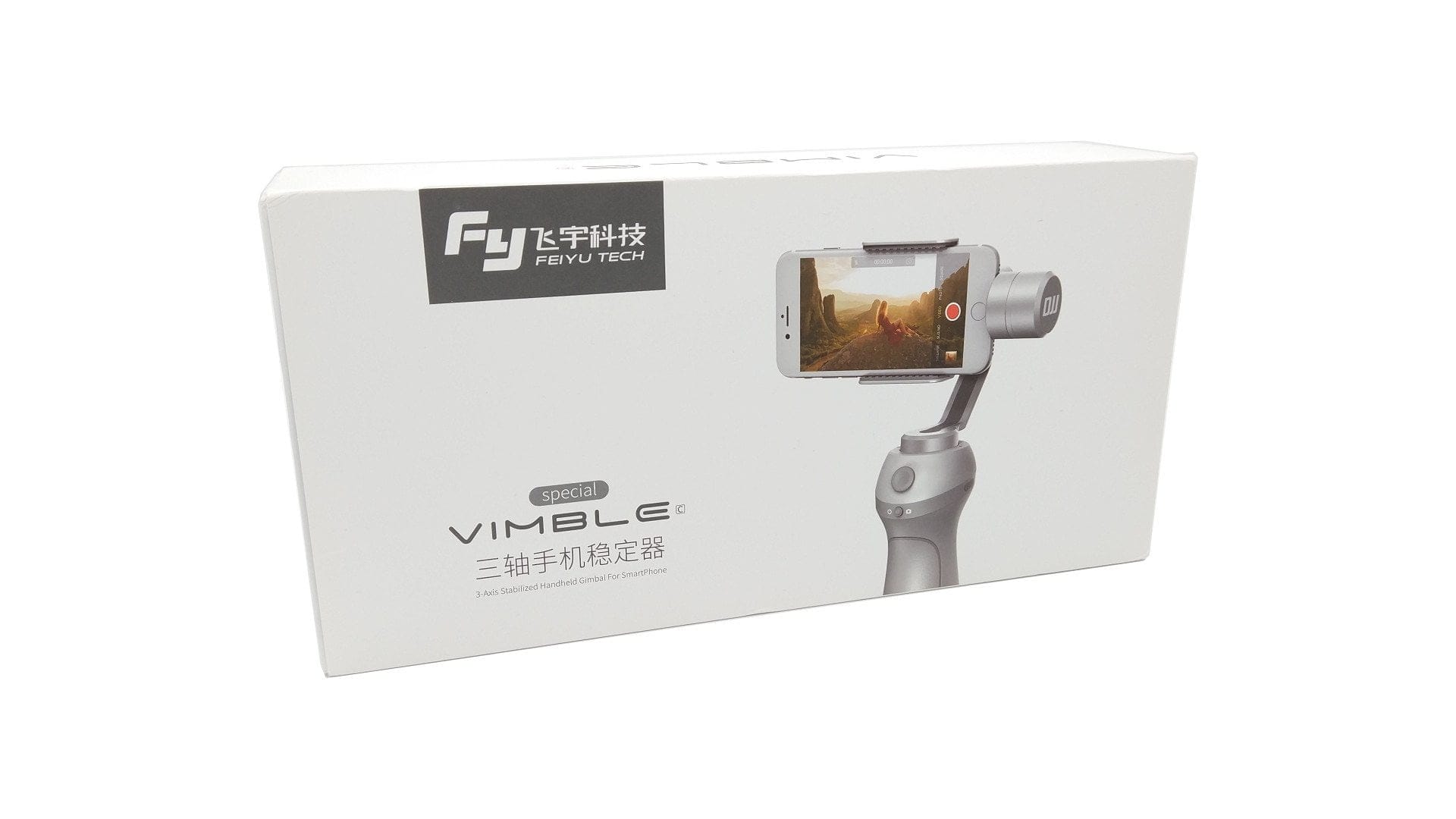
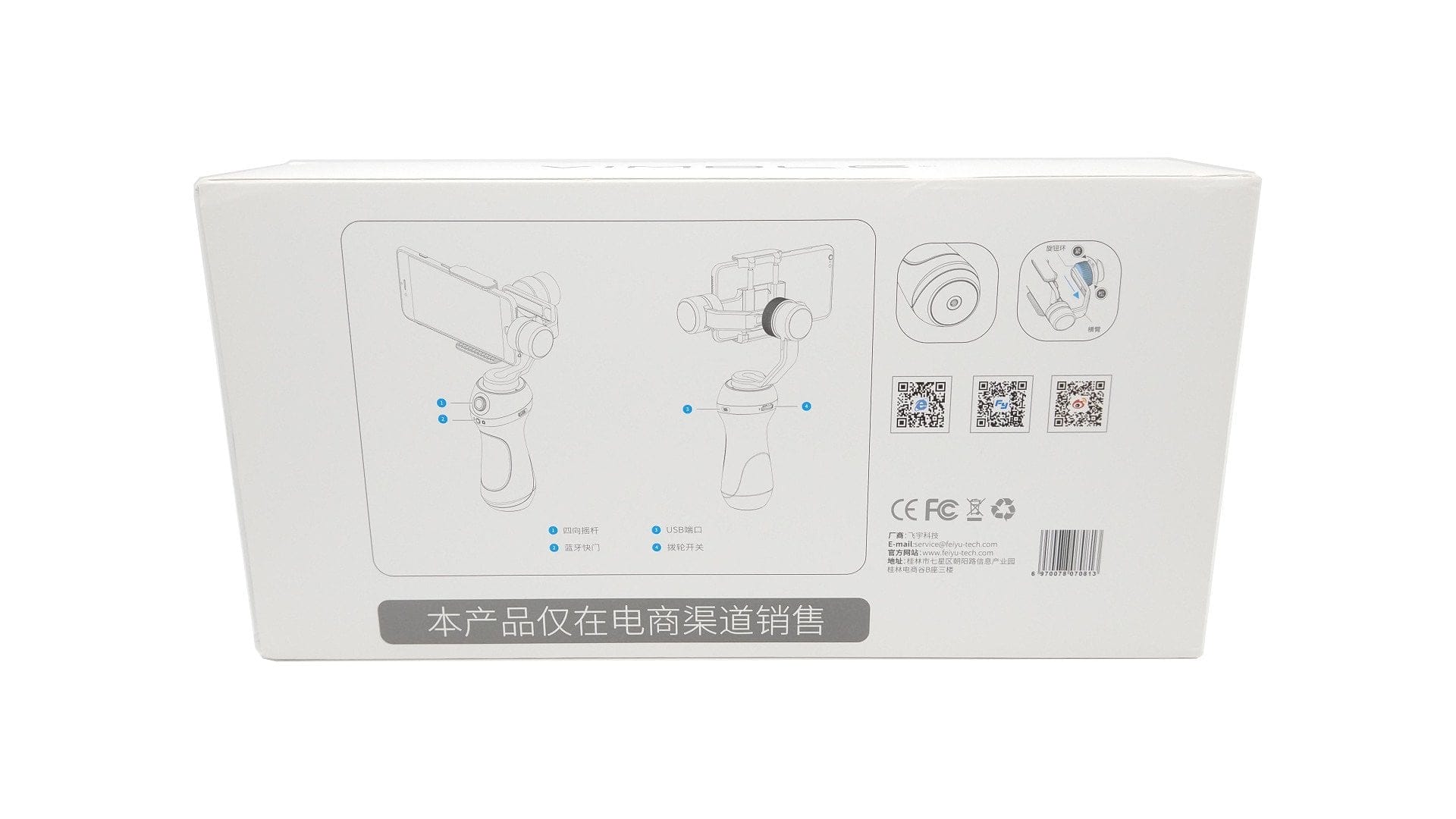
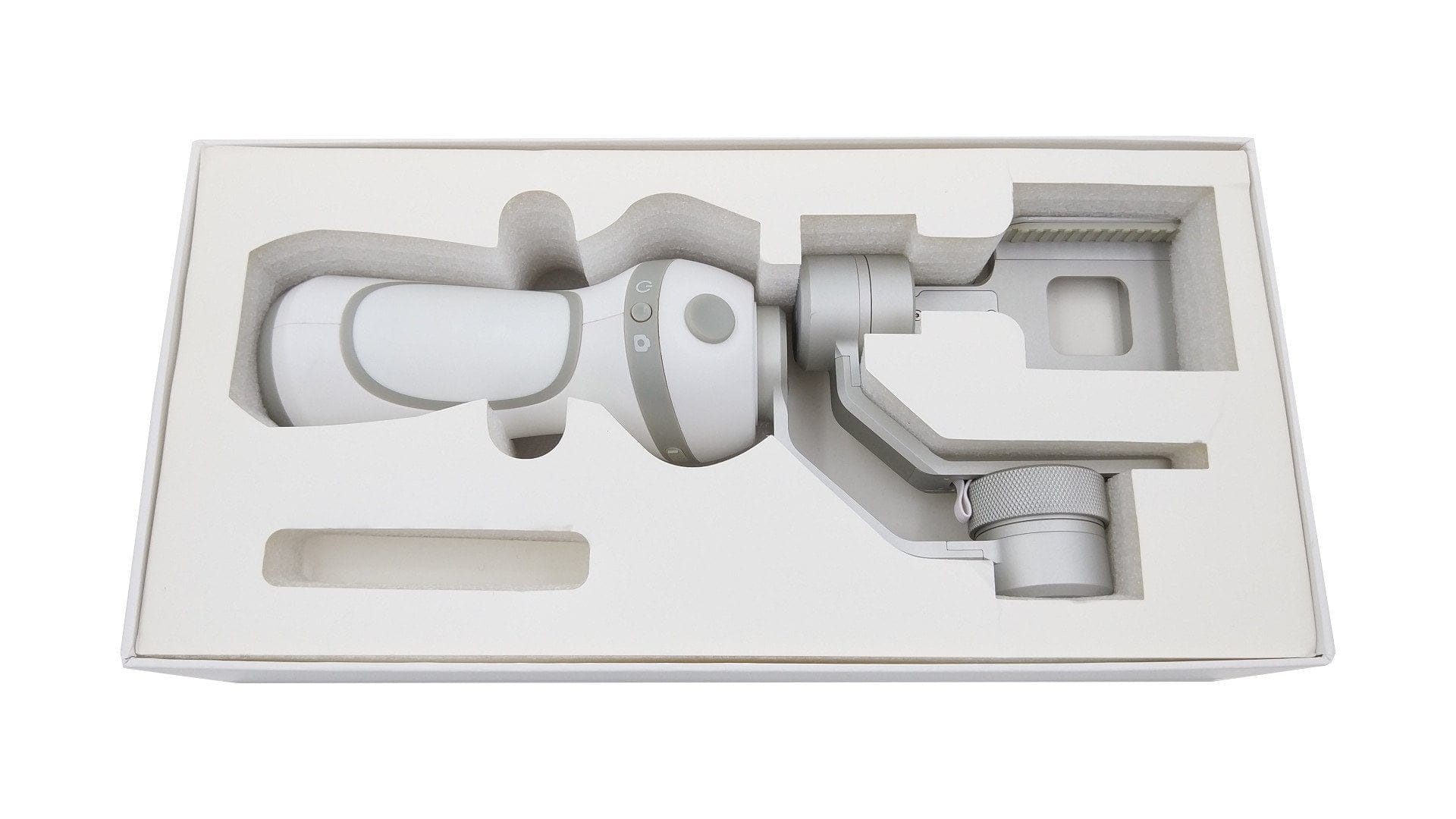
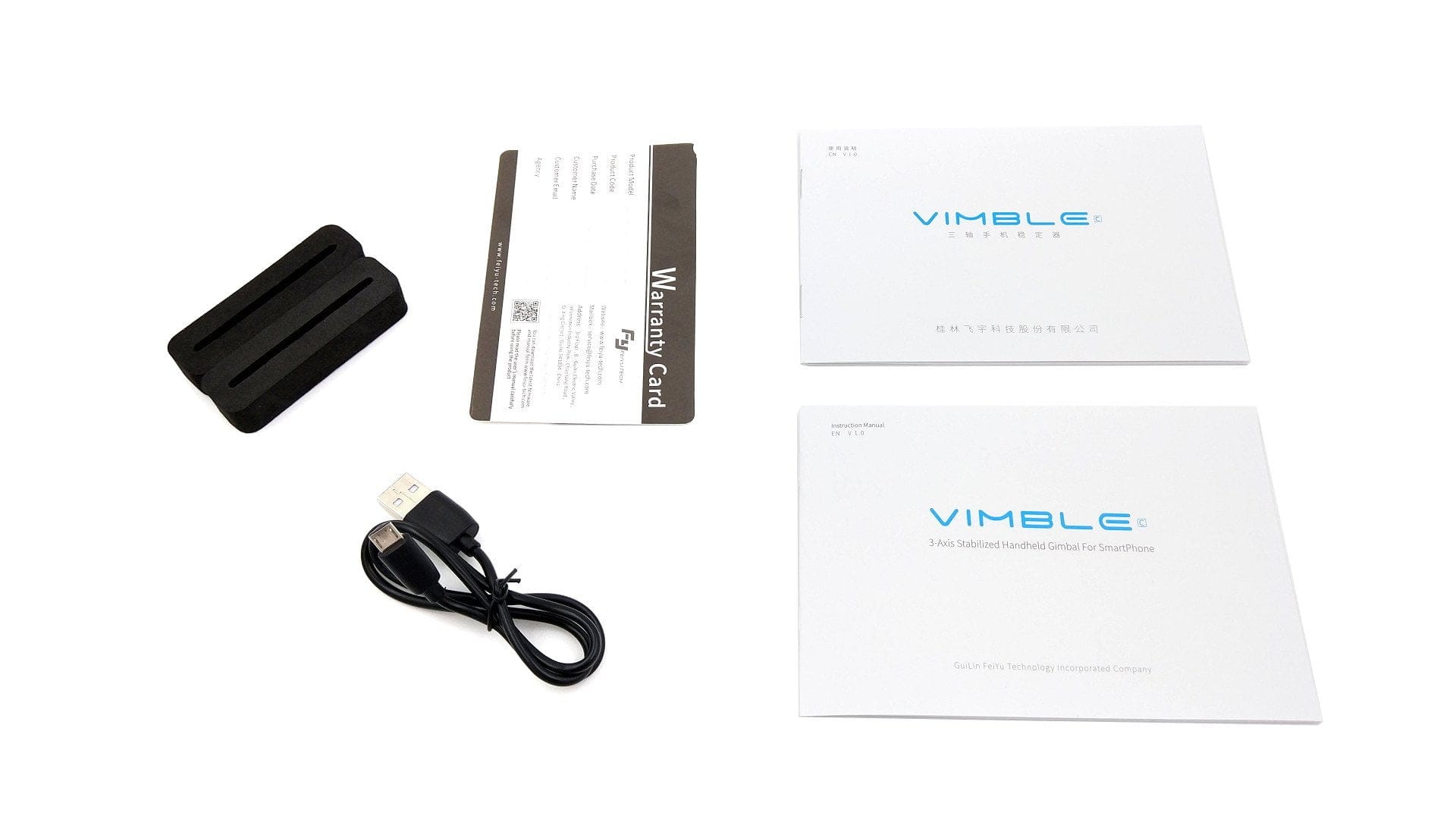
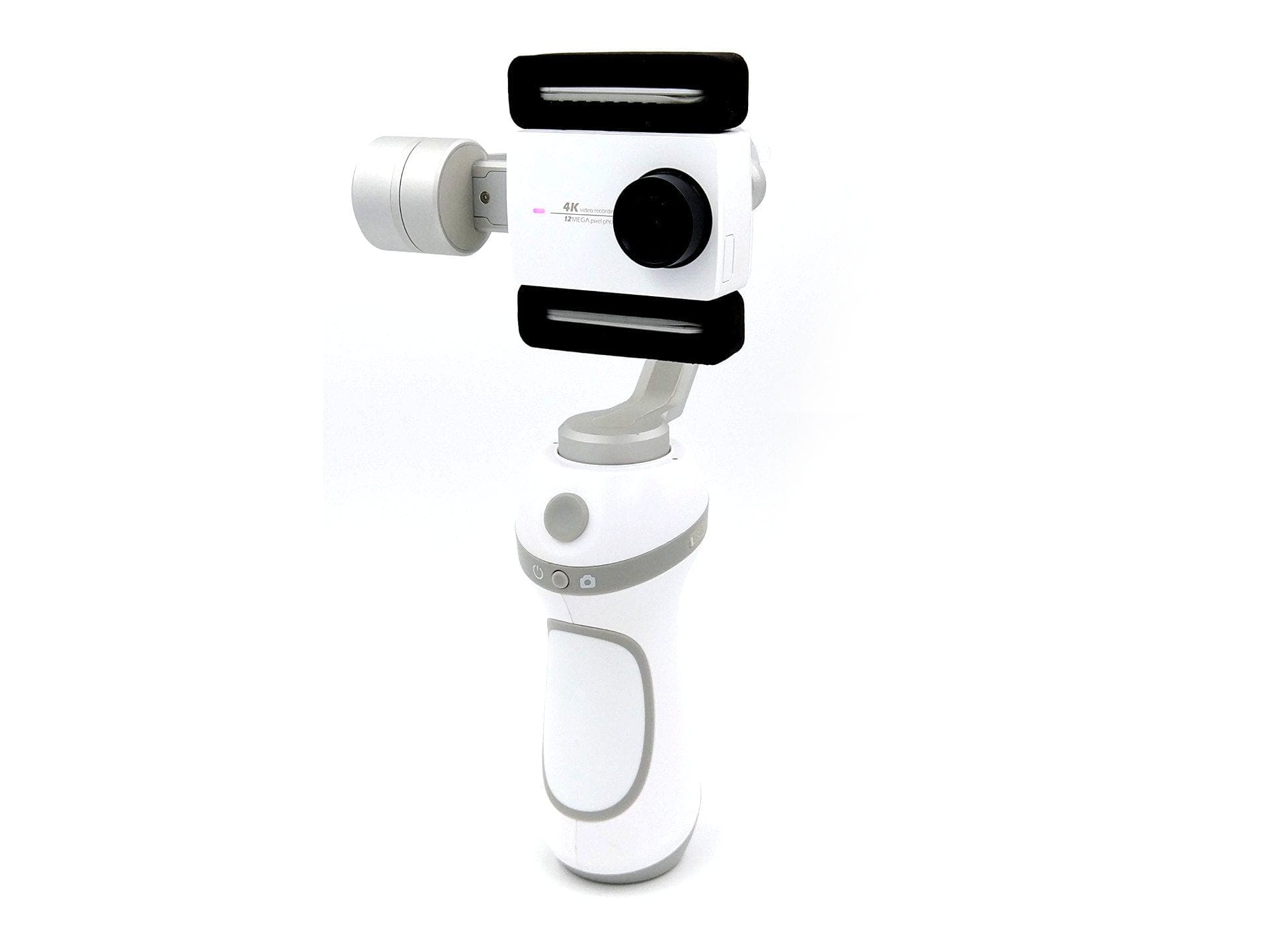
The gimbal is supplied in secure packaging, ensuring that the sensitive motors are well protected during transport. The scope of delivery includes the gimbal, a micro-USB cable, two attachable foam pads, two instruction manuals – one in English and one in Chinese – as well as a warranty card. Unfortunately, the manufacturer does not include a carry case.
Design and build quality
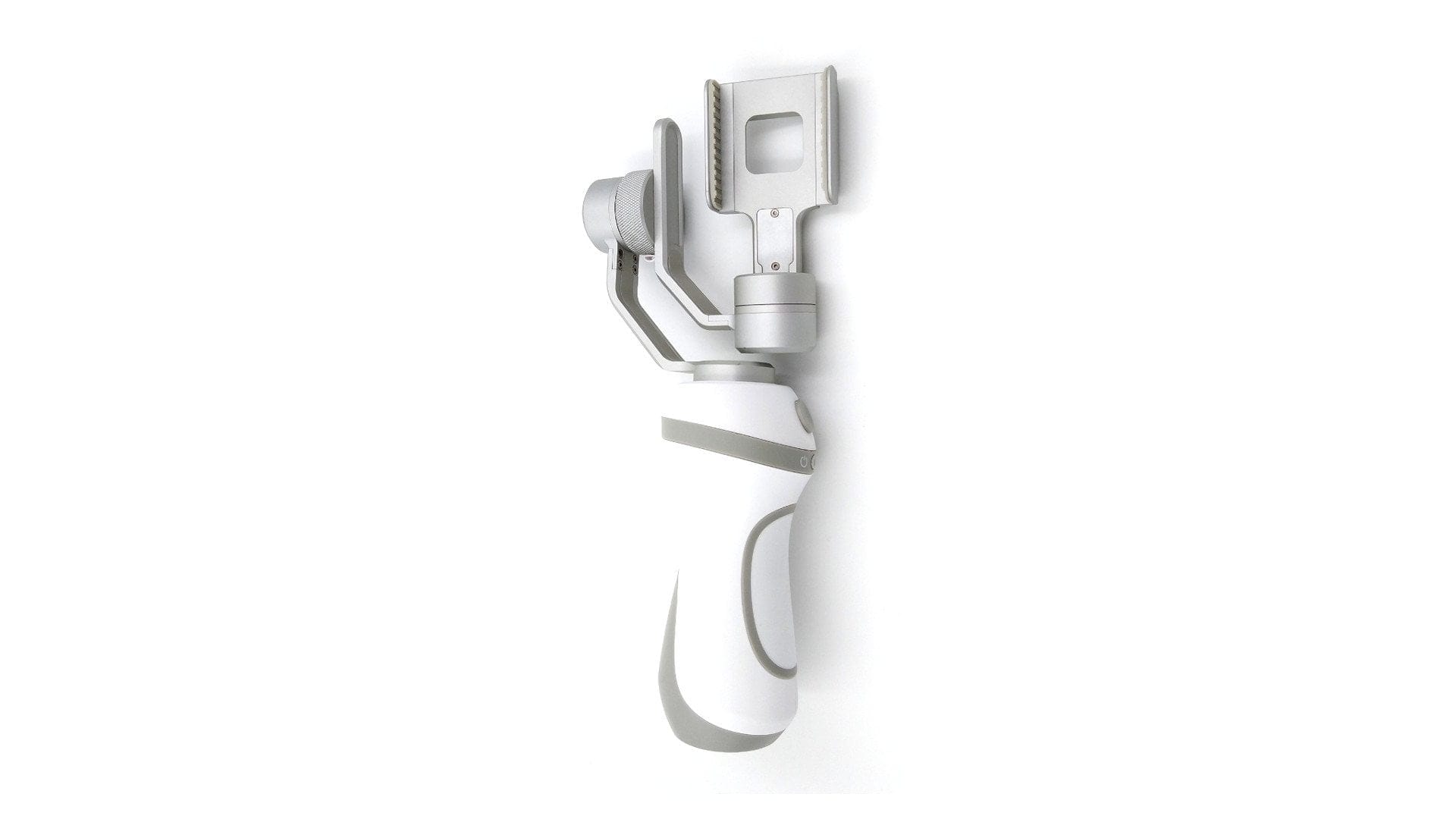
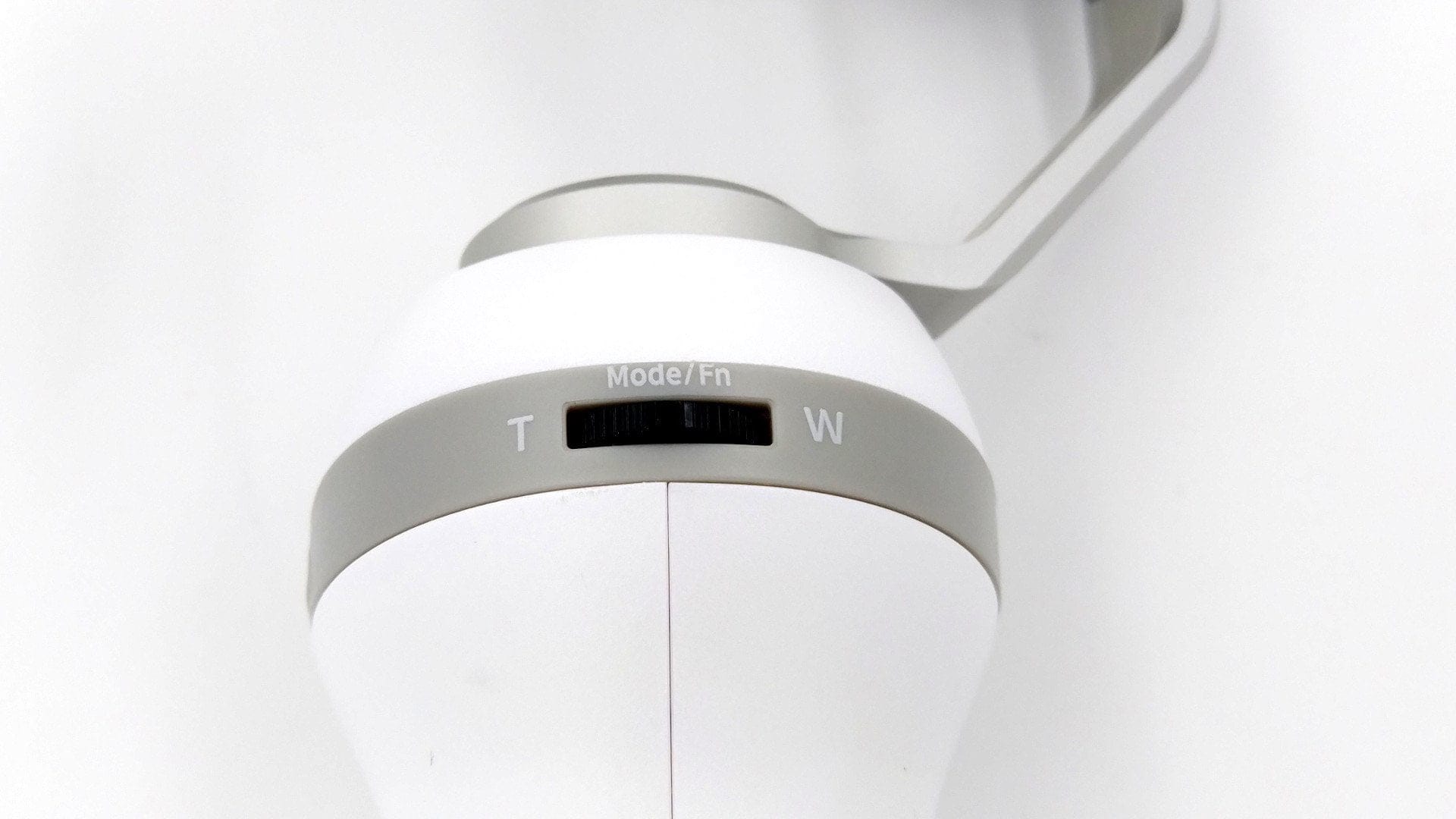
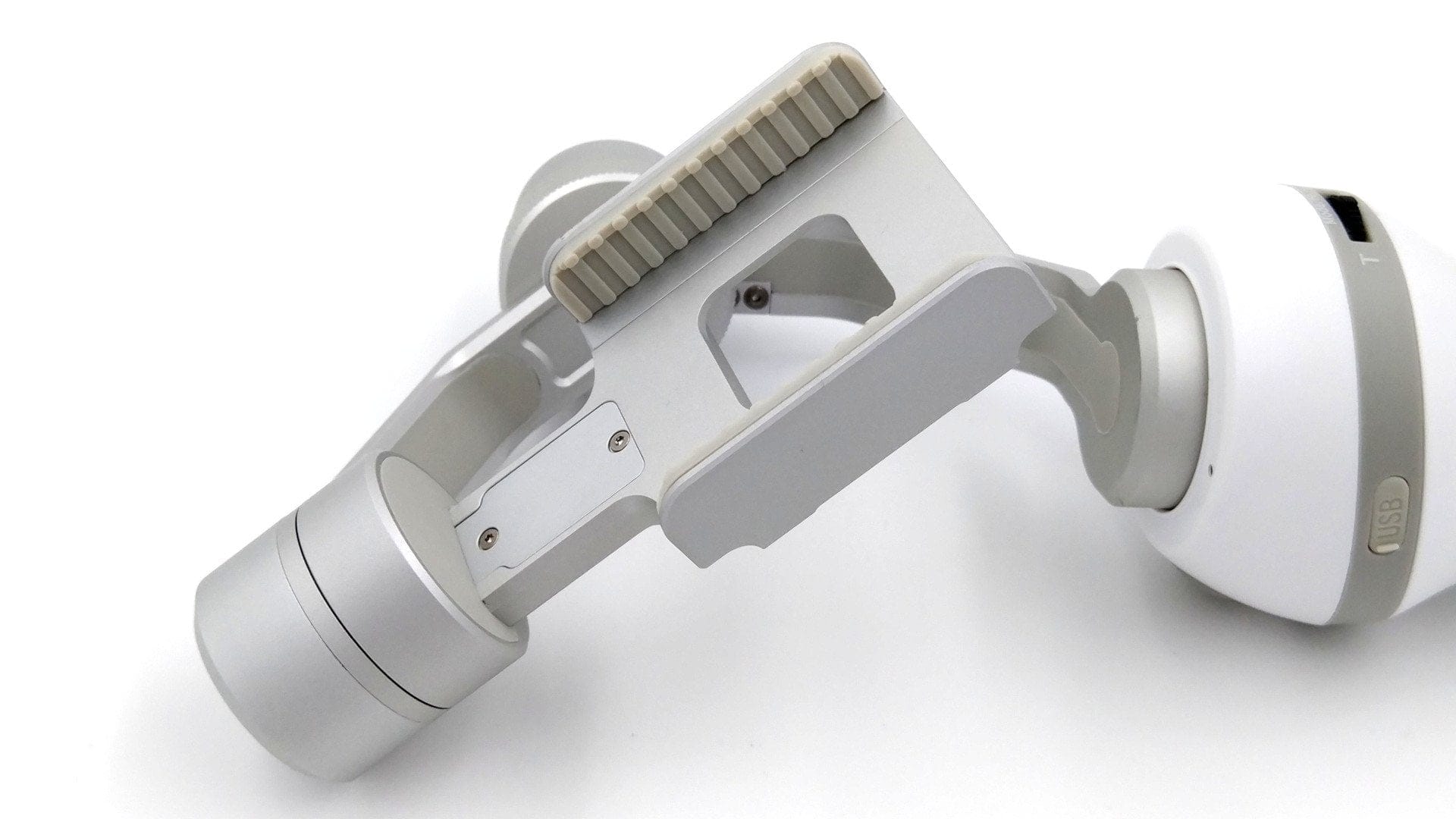
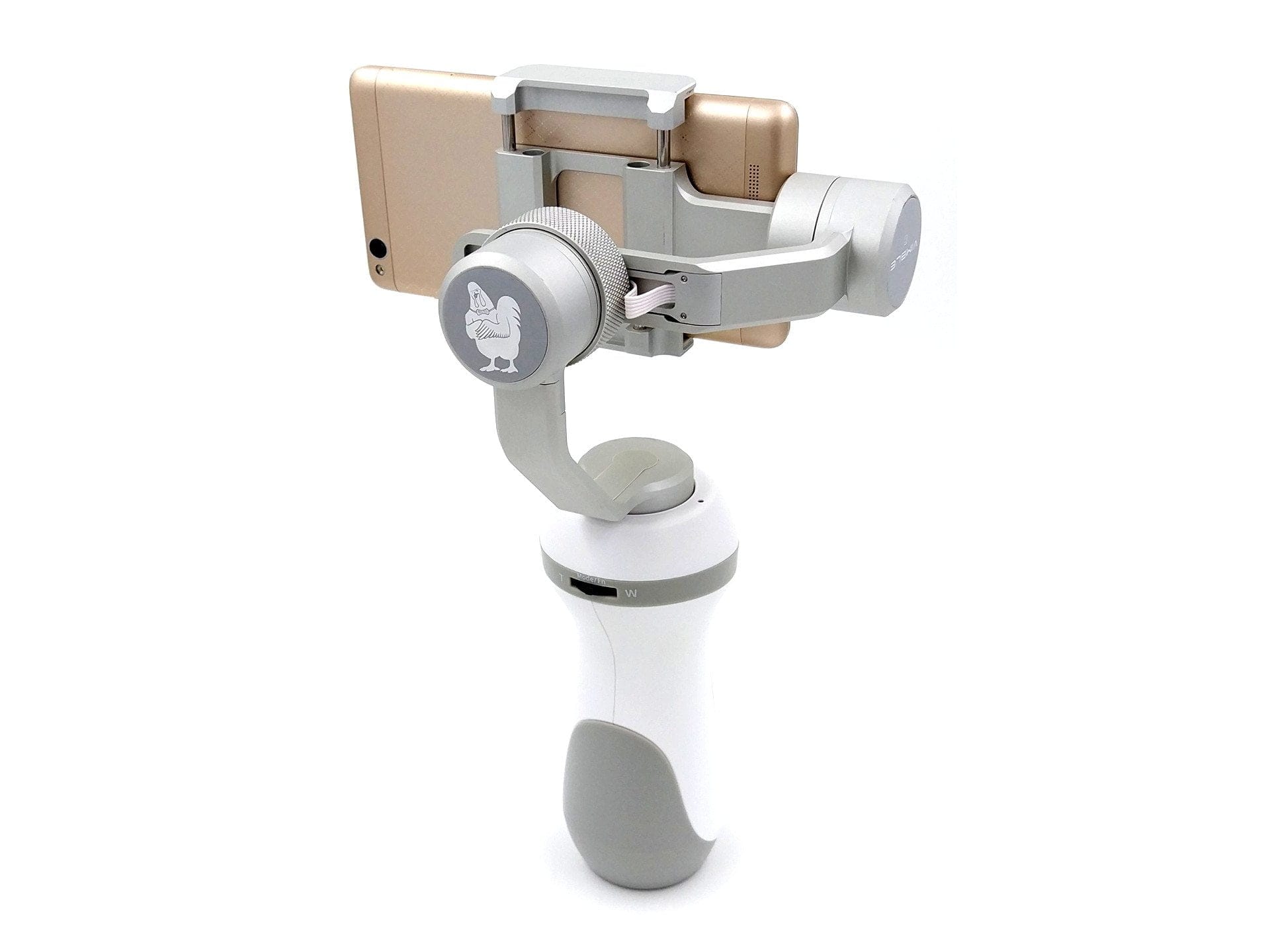
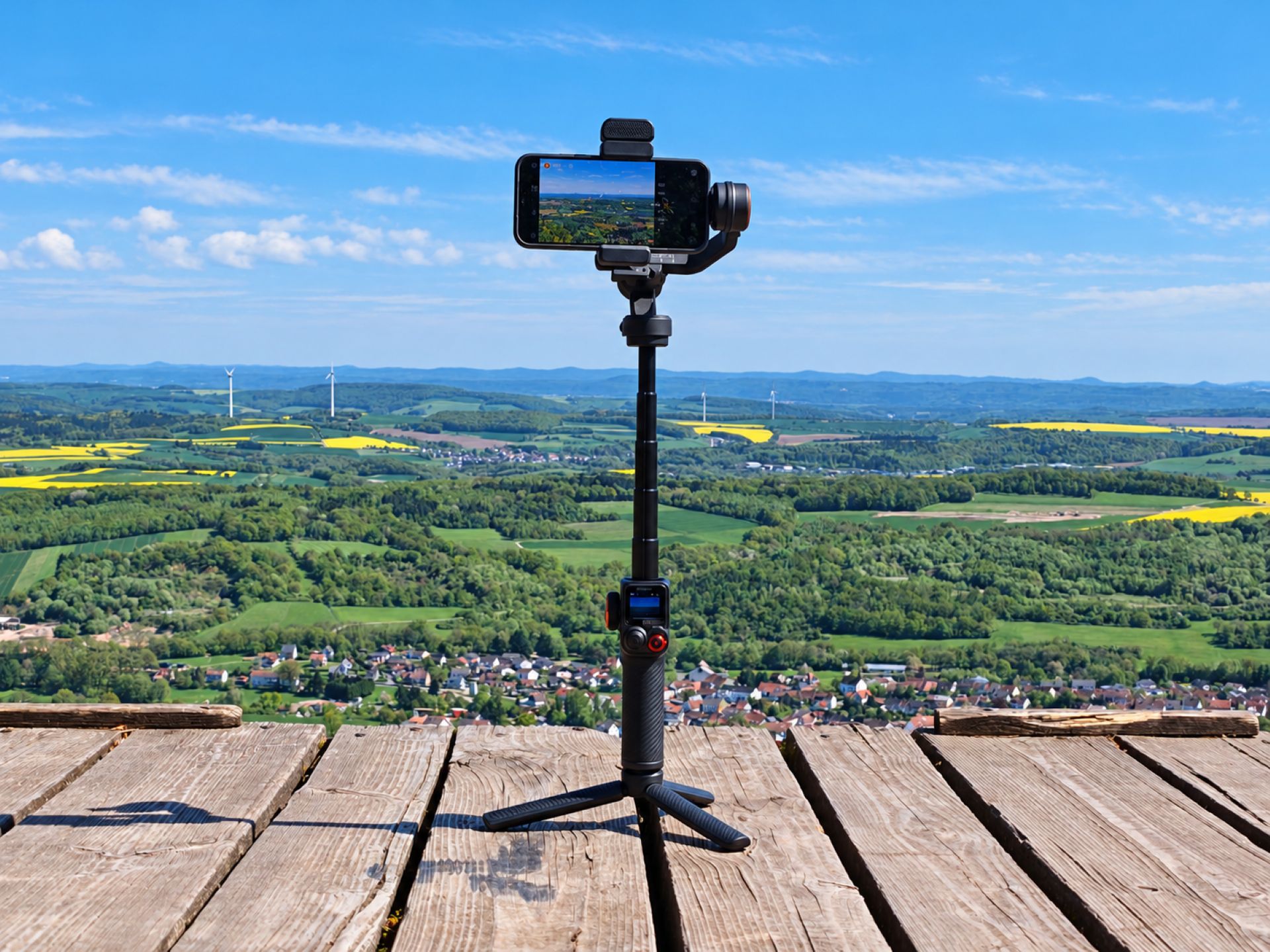
The Vimble C features an interesting design. Its bulky plastic grip particularly distinguishes the Feiyu Vimble from competitors' products. At the same time, this makes the gimbal feel secure in the hand. The grip itself features a control pad, allowing individual control of rotation movements. Below the control pad is the power button, which also serves as the shutter release. On the right side of the grip is a micro USB port. This can be used to charge the built-in 2200 mAh battery and to install firmware updates via an existing USB connection. On the back of the grip is an easily accessible wheel, which is used for zooming in conjunction with the “Feiyu On” app and allows switching the stabilization mode when pressed. The underside of the grip features an ¼ inch tripod thread and is additionally cushioned by a rubber layer. Because the underside is flat, the gimbal can also be stood upright. On the top side, there is a multi-coloured LED indicator on each side.
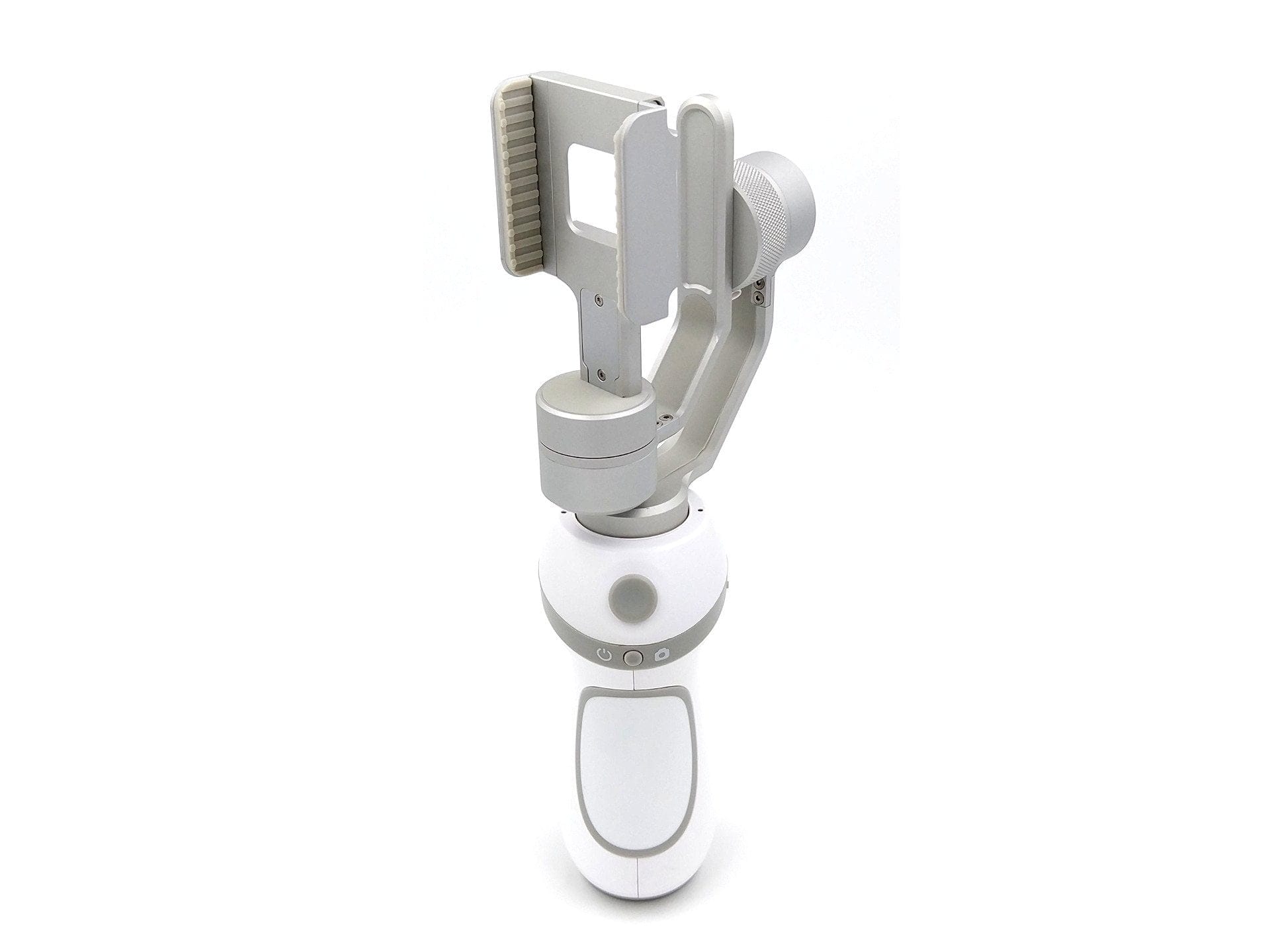
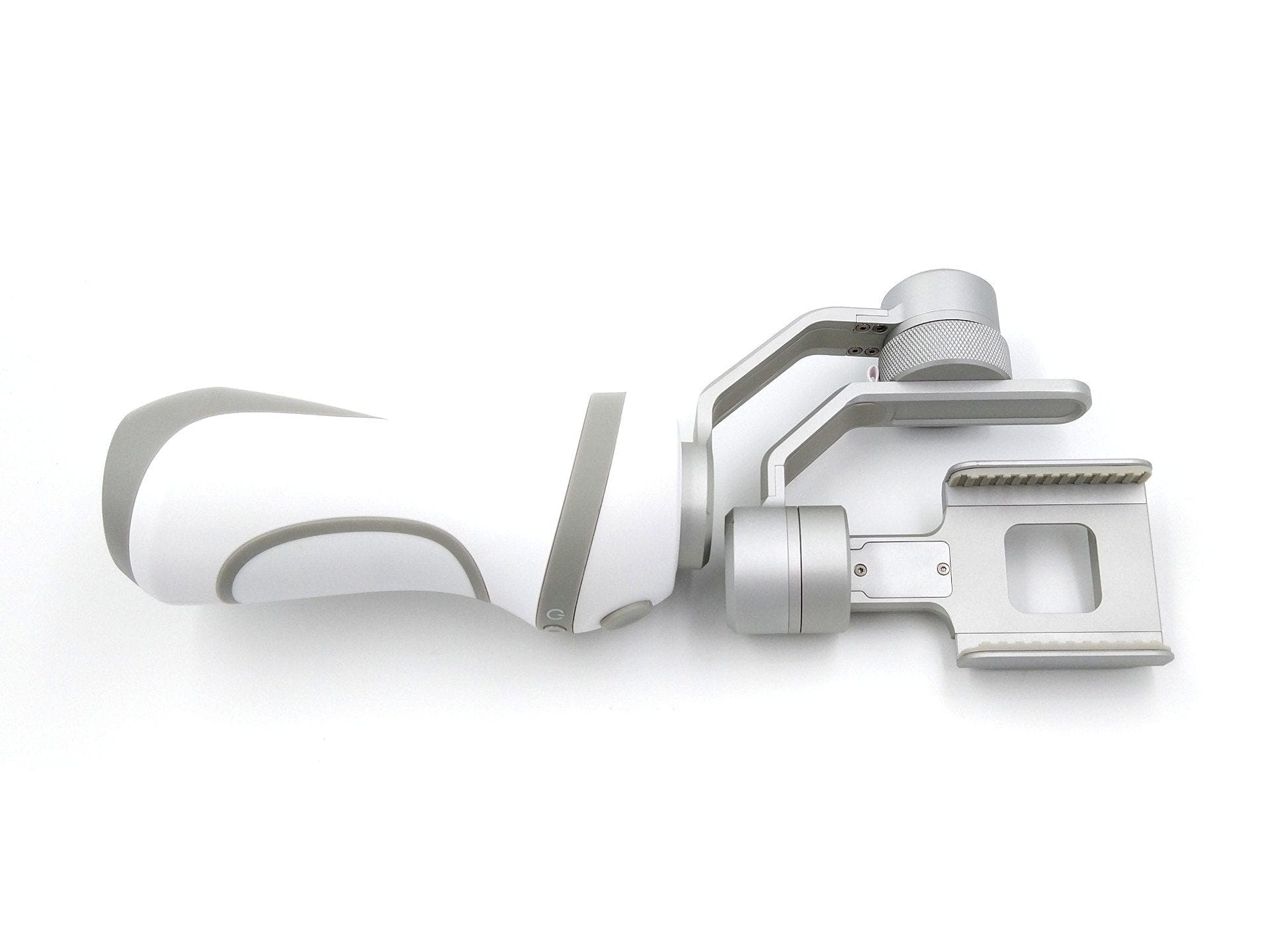
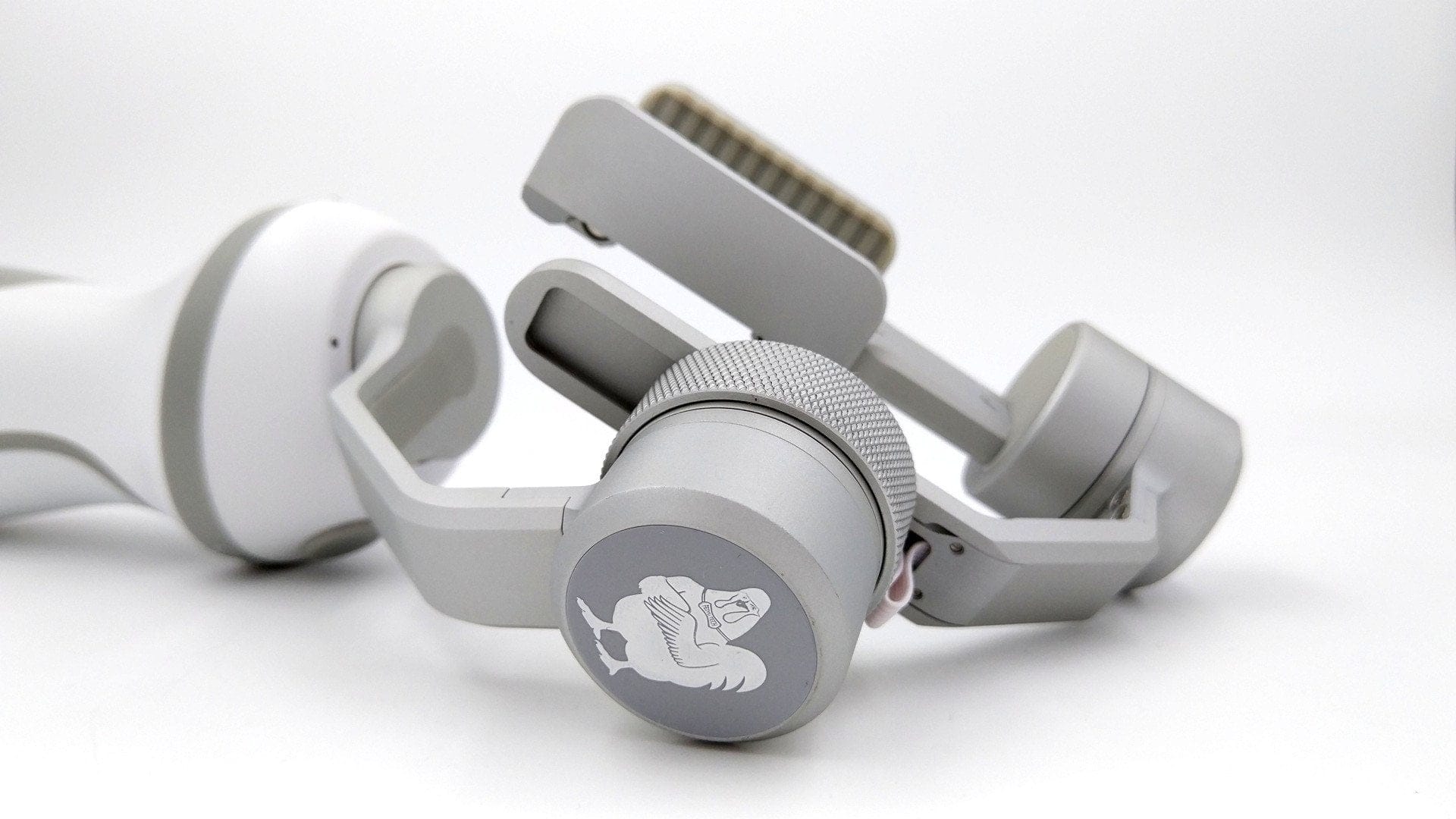
The Vimble C's 3-axis configuration is made of aluminium. The smartphone or action cam mount is extendable and therefore adjustable in size. A thin rubber padding with a profile ensures a secure grip. The build quality of the Feiyu Vimble C is appropriate for the price. However, the plastic handle feels cheap. Rubber padding on the handle would have been desirable.
 Play video on YouTube
Preparation and setup
Before thinking about switching on the gimbal, you should ensure the smartphone or action cam is firmly seated in the mount. If this step is ignored, damage to the motors may occur. The user manual highlights this essential step from the outset.
As already mentioned, the mount itself is extendable and therefore adjustable in size. Smartphones with a maximum width of 8 cm can be inserted. This corresponds roughly to a conventional 5.5-inch smartphone. The maximum load capacity is 200 g. If you want to use the Vimble C with an action cam, the included foam pads must be attached depending on the size of the cam.
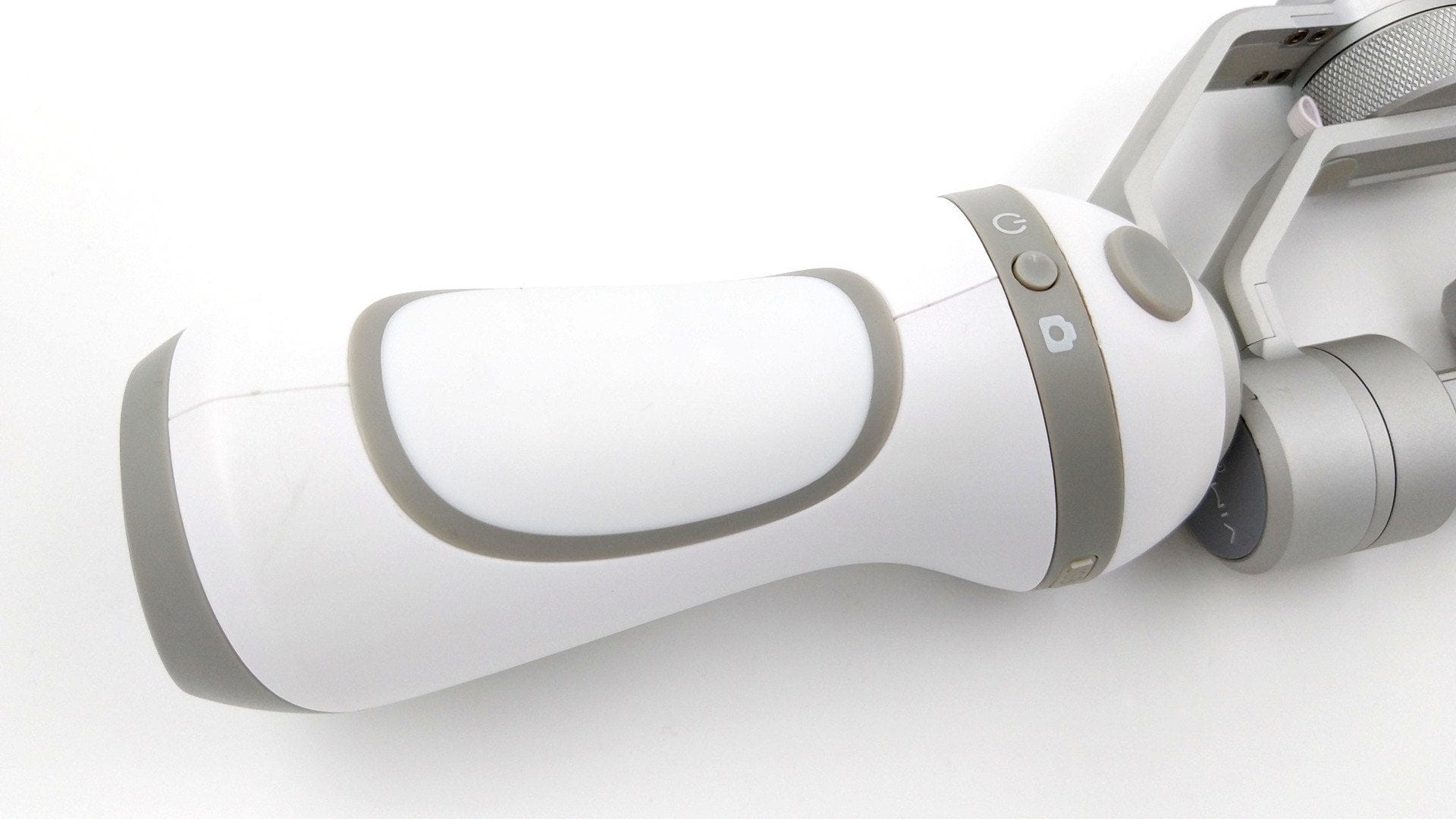
The gimbal can be used either with the “Feiyu On” app – available for Android and iOS smartphones in their respective stores – or entirely without an app, relying solely on the handle's controls. The gimbal is switched on by pressing the power button for longer. The LED indicators on top display the current status and stabilisation mode. If the inserted smartphone is not balanced, i.e. it still tilts left or right, adjustment must be made using the “Roll” motor's adjustment screw.
Features and Feiyu-On app
Considering the price, the Feiyu Vimble C offers quite interesting features. In addition to control via the directional pad with maximum 320° tilt, roll and panning, there are also 3 control modes.
Panning Mode
In this mode, the tilting and rolling control axes are fixed. Depending on how the gimbal is moved by hand, it follows left and right panning movements.
Panning and tilting modes
Here, only the rolling steering direction is fixed. It follows pan movements left and right, as well as tilt movements.
Lock Mode
In this mode, the inserted smartphone remains fixed. Movements are not transferred.
The modes are triggered via the multifunctional control button located on the back of the handle. Depending on the button press combination, the modes can be switched. The LED indicator displays the current mode. Another feature is the switch between horizontal and vertical stabilisation. If the gimbal is tilted by 30° and the multifunctional control button is pressed, the switch is performed automatically.
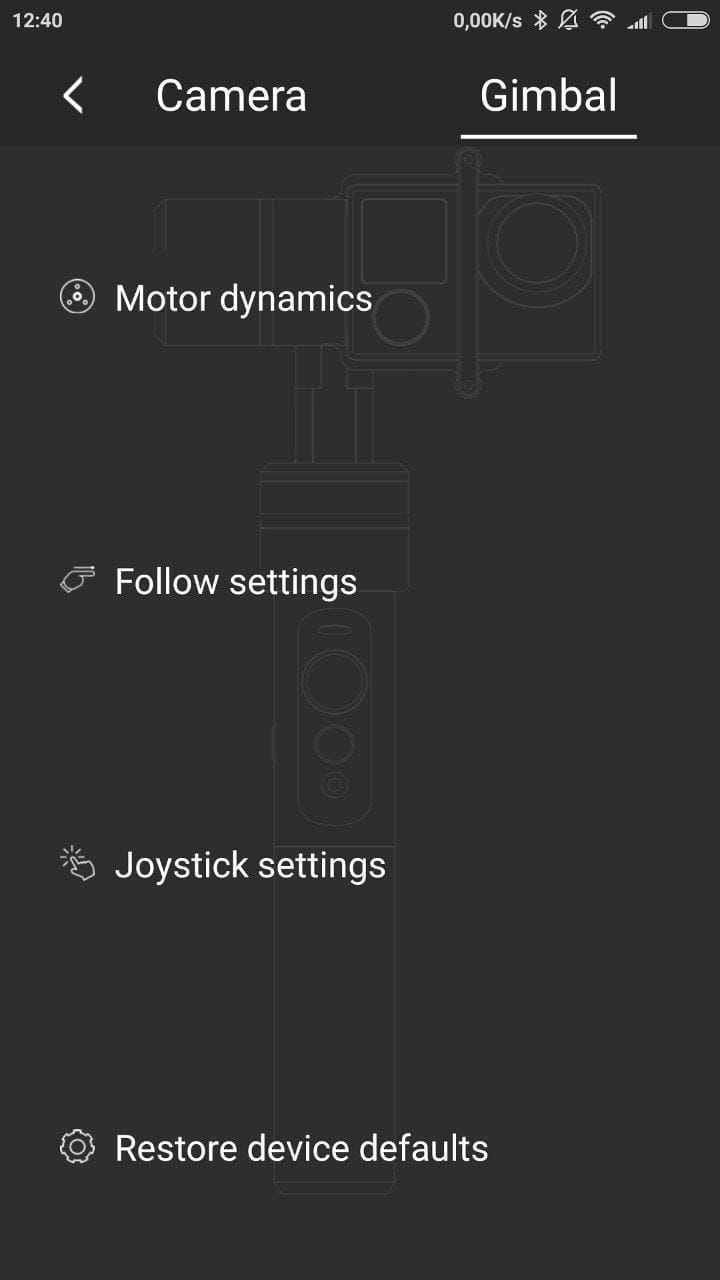
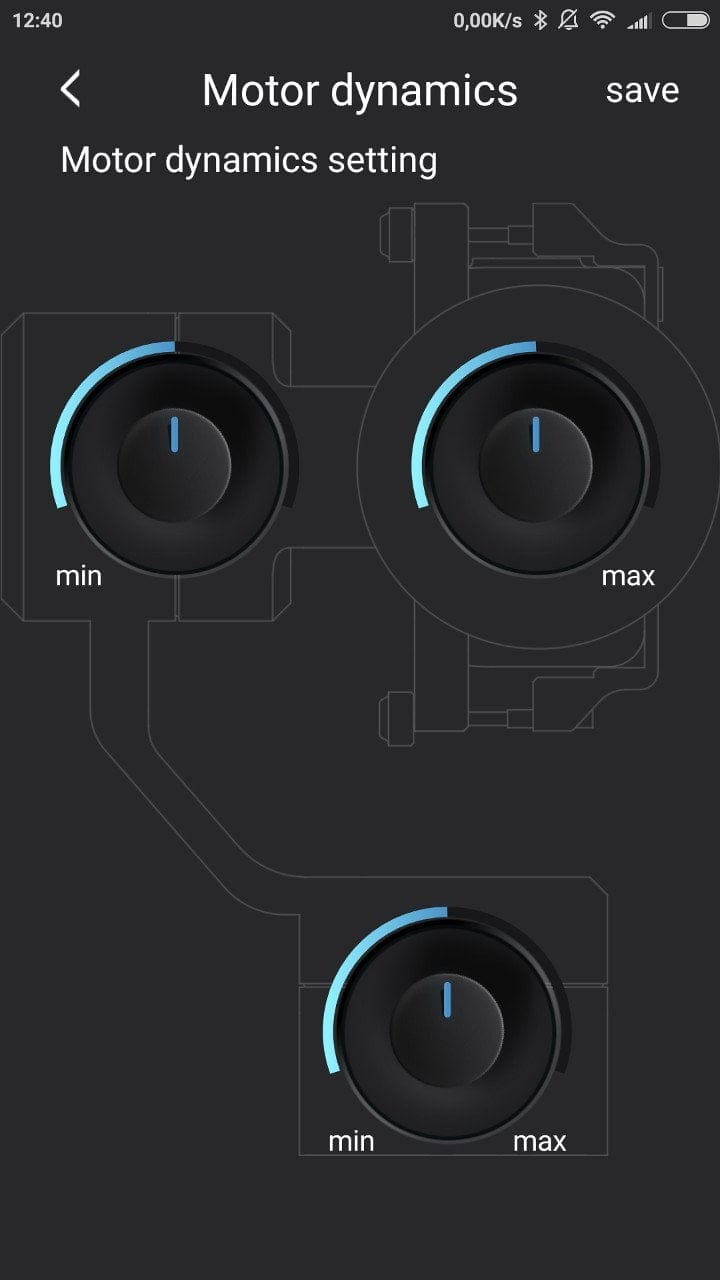
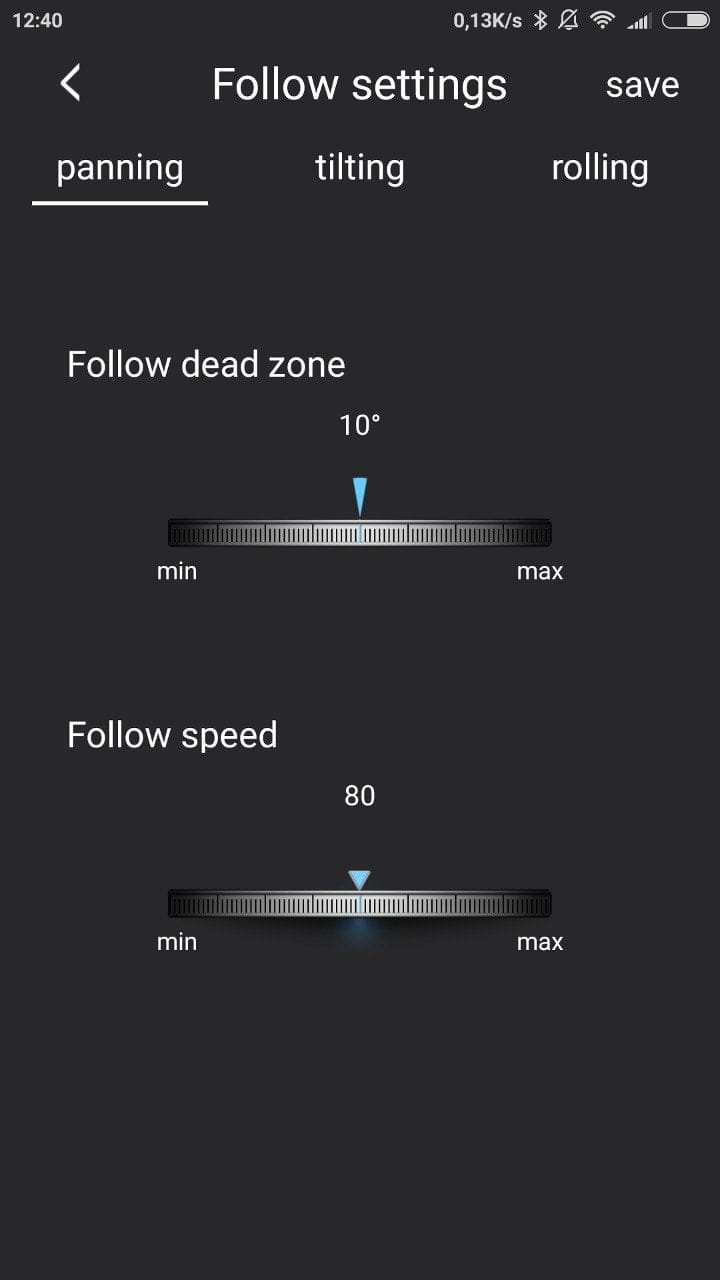
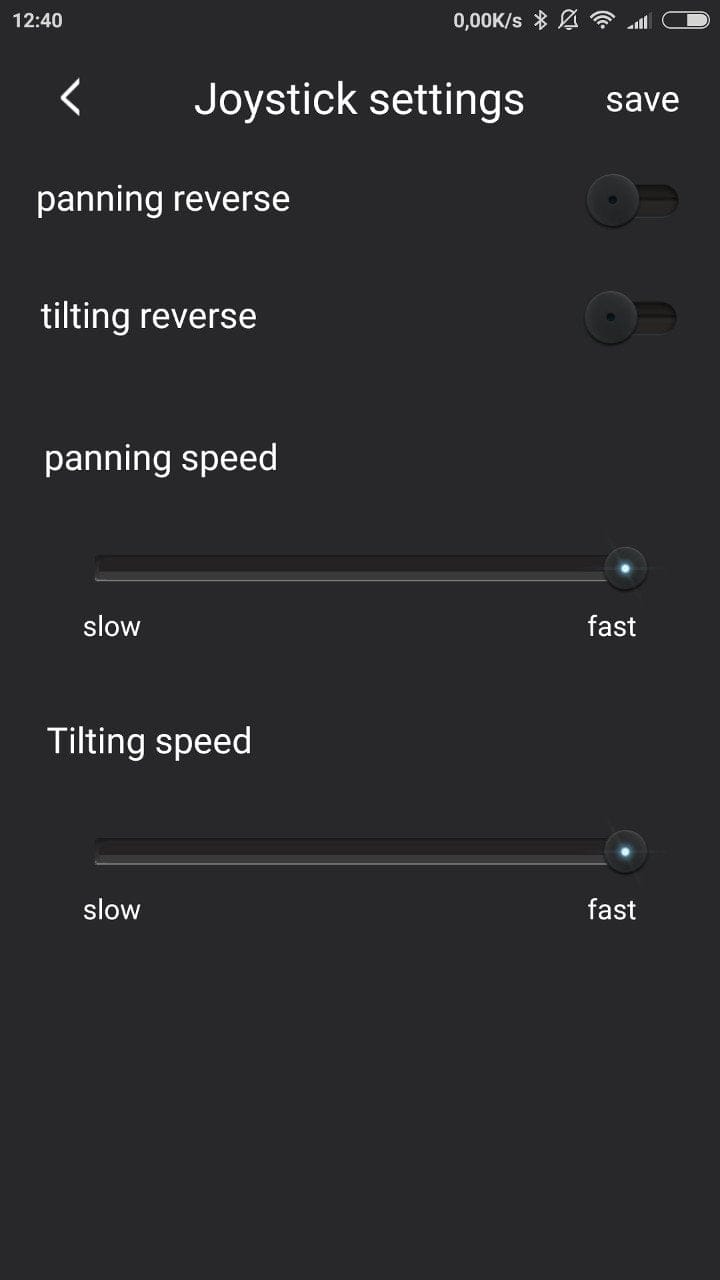
The "Feiyu On" app serves as the mobile control centre for the Vimble, while also including a function for taking photos and videos. The app allows you to adjust settings for the gimbal itself as well as for recording. In the gimbal settings, for example, you can adjust the motor rotation speed. In the recording settings, you can adjust the photo and video resolution, and there are options for face tracking.

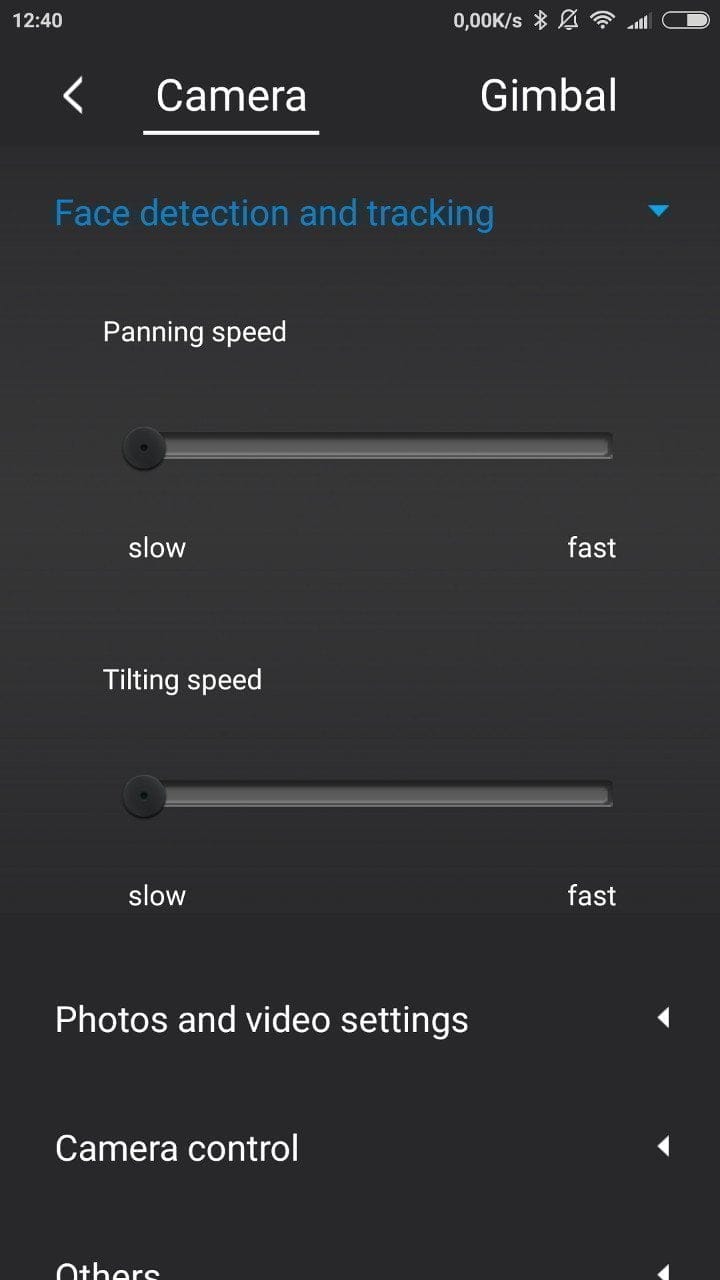
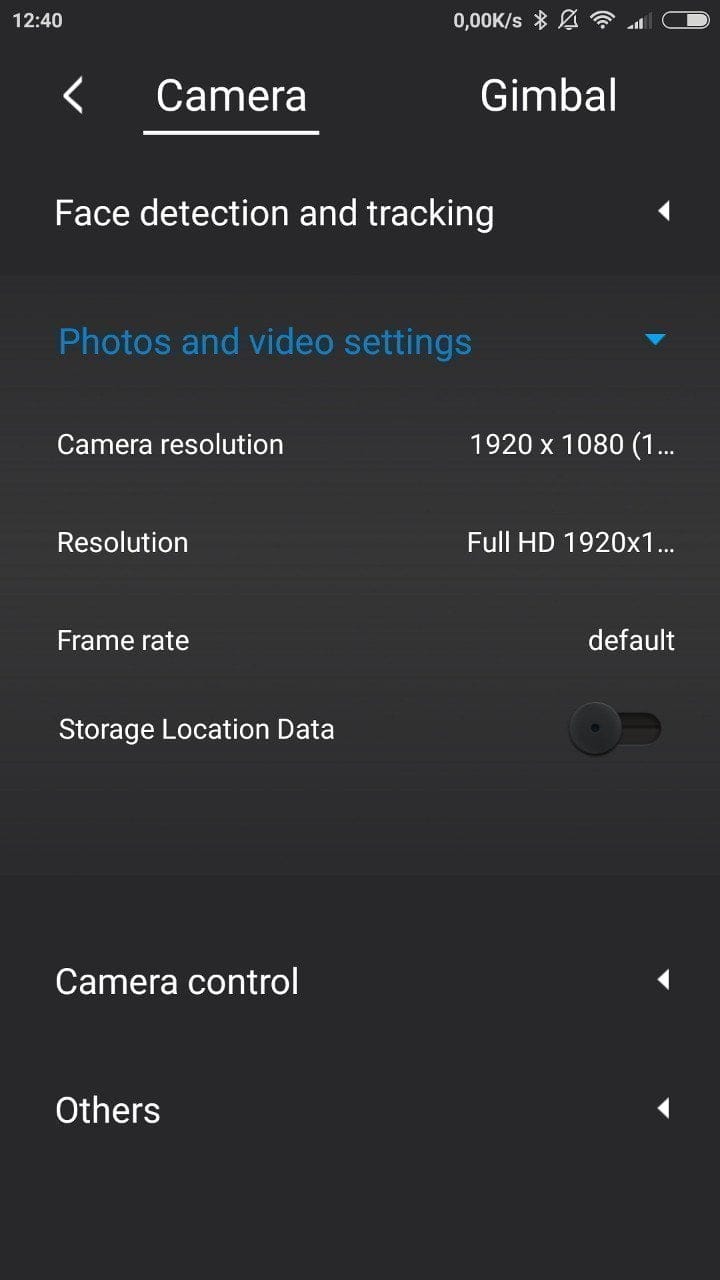
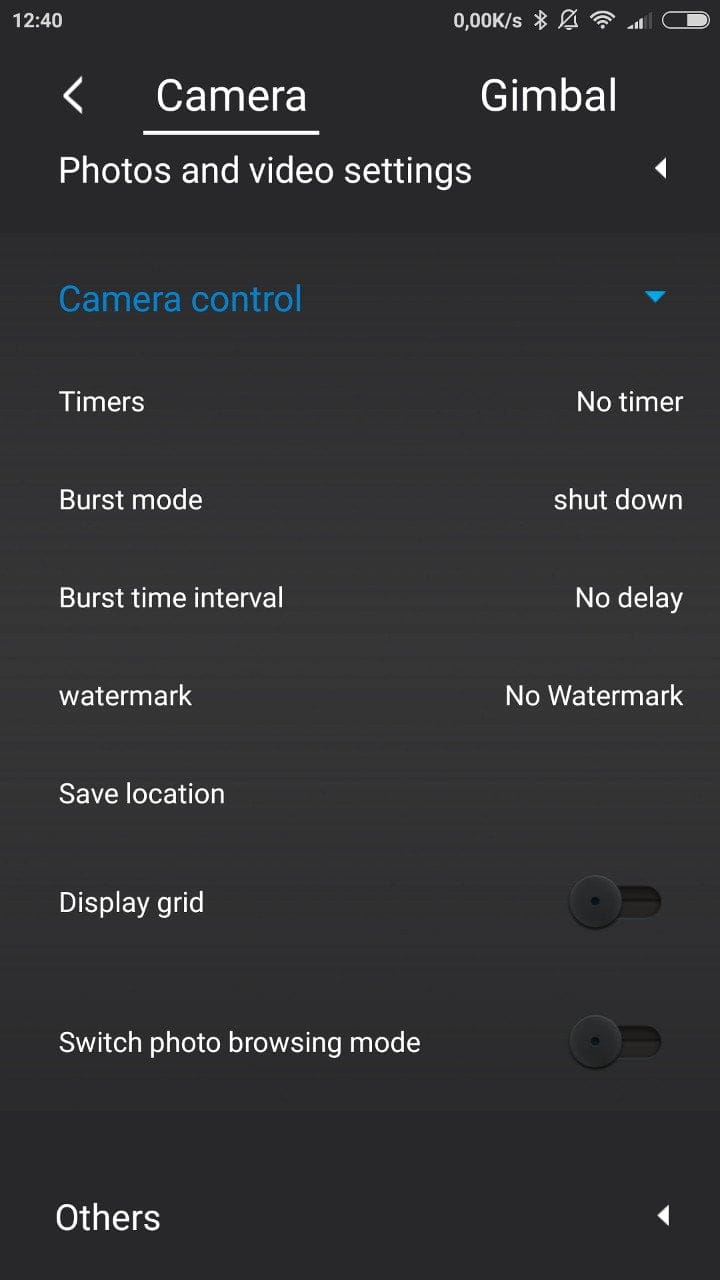
Face Tracking is one of the more interesting features of the app. Faces are automatically detected, marked on the app's live image output, and followed by its movements. You can zoom directly using the wheel located on the handle. The connection between the smartphone and the app is via Bluetooth.
Practical test of the Feiyu Vimble C
Setup is simple and easy to understand. Balancing the smartphone is a necessary step and must be adjusted according to the inserted smartphone. However, this step requires only a few adjustments and is quickly completed. All functions are explained in detail in the manual, so you can quickly get to grips with the versatility of the Feiyu Vimble C after a short familiarisation phase.
 Play video on YouTube
The connection between the smartphone and the app is established easily and quickly. The stabilisation itself is accurate and the gimbal came well calibrated from the factory. The motors coped well with heavy loads during testing. Only at extreme tilt angles was slight vibration noticeable, but this did not have a negative impact on video recording.
The face tracking needs improvement. People wearing glasses are rarely recognised correctly. Even when a person was correctly recognised, there were occasional glitches. Additional object tracking would be desirable. The battery life is beyond reproach. The battery only had to be recharged after around 4 ½ hours. Unfortunately, the charging time is also a good 4 hours. The installed battery cannot be replaced.
Our verdict
In view of the price and beginner-friendliness, the Feiyu Vimble C is a good solution to add more professionalism to amateur recordings. Smartphones or action cams are precisely stabilised and the “Feiyu On” app also offers interesting control options, although these are still somewhat in need of improvement. Those who don't want to spend too much on a gimbal but still want to enjoy professional 3-axis image stabilisation will find that the Feiyu Vimble C currently offers the best value for money!
Specifications
General
- Axes
- 3-axis
- Material
- ABS + aluminium
- Smartphones
- 5 - 8 cm
- Action Cams
- Yes
- Load capacity
- 200g
Stabilization
- Tilting angle
- 320°
- Rolling Angle
- 320°
- Panning angle
- 320°
Battery
- Capacity
- 2200 mAh
- Runtime
- up to 4-5 hours
- Charging time
- 4 1/2 hours
Other
- Tripod mount
- 1/4 inch
- Operation
- Handle + app
- Size
- 11.6 x 10.89 x 24.5 cm
- Weight
- 420g
What’s included
1x Gimbal 2x Foam pads 1x Micro USB cable 2x Instruction manuals 1x Warranty card
Comments (4)
It's incredible that something like this is already available for little money. Are you also testing the Smooth 3?
Yes, the Smooth 3 is currently on hand. The review will be published online soon.
Great, I am looking forward to it :).
well described, unfortunately there is no German-language manual (only English and Chinese)
Ulrich Peplinski