Contents
Unboxing and first impressions
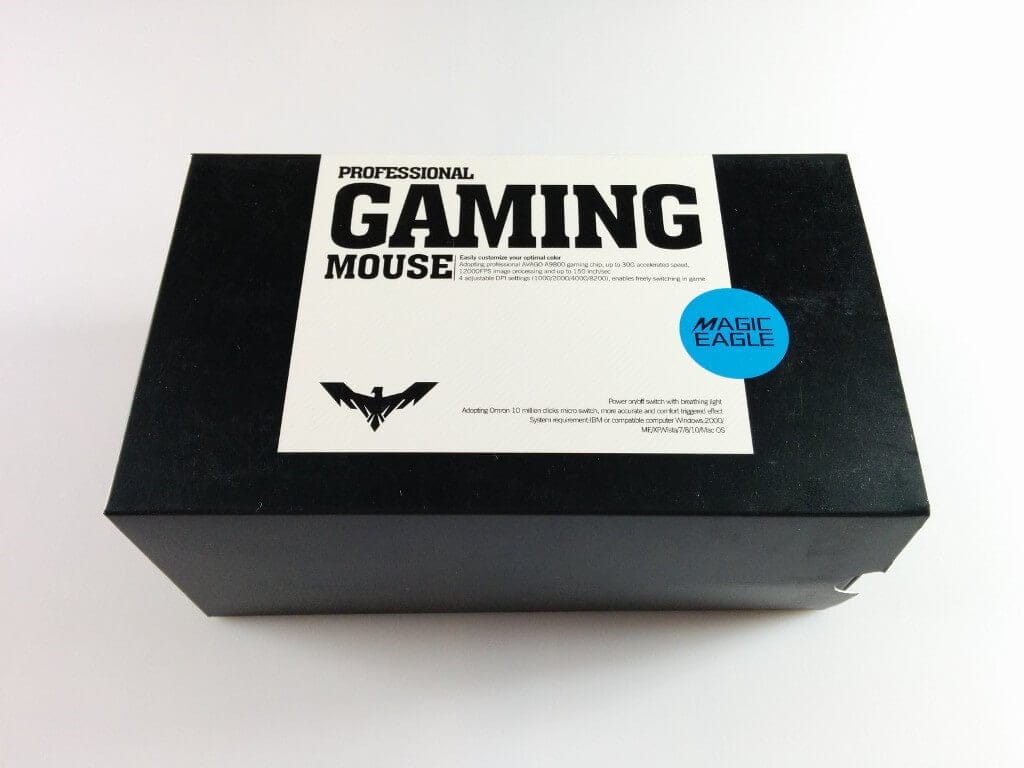
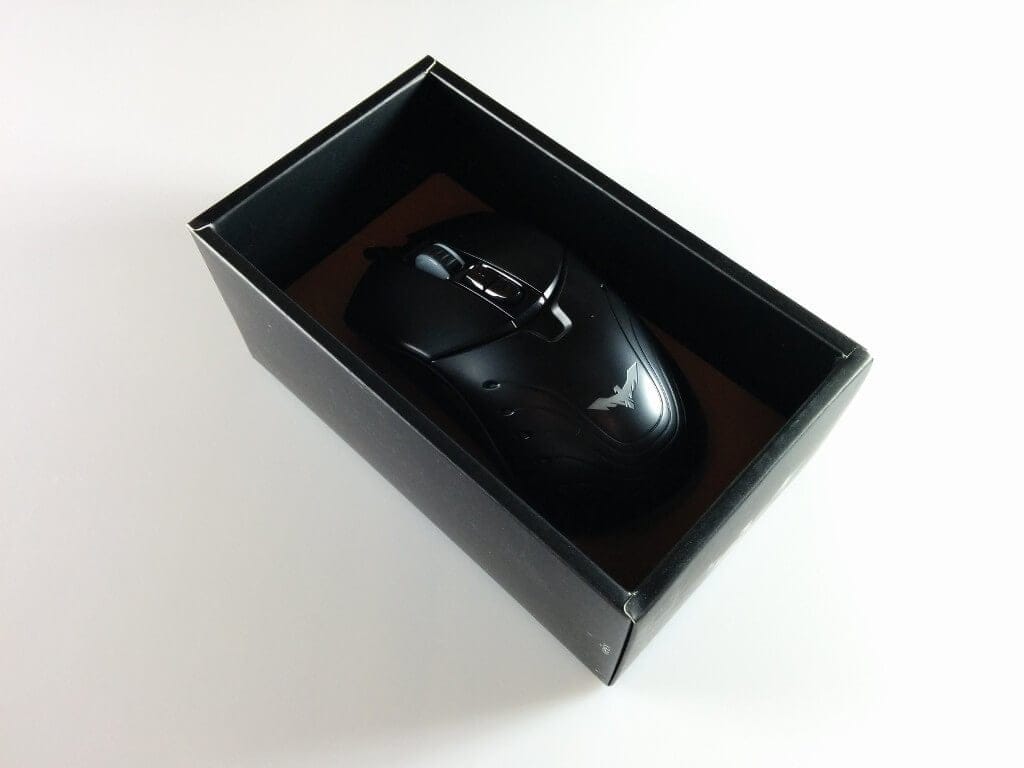
The HAVIT gaming mouse was delivered in an appealing cardboard box, with the technical specifications briefly and concisely printed on it. In addition to the HV-MS728 gaming mouse, the package also included a multilingual user manual, a mini-disc with drivers and warranty or satisfaction cards.
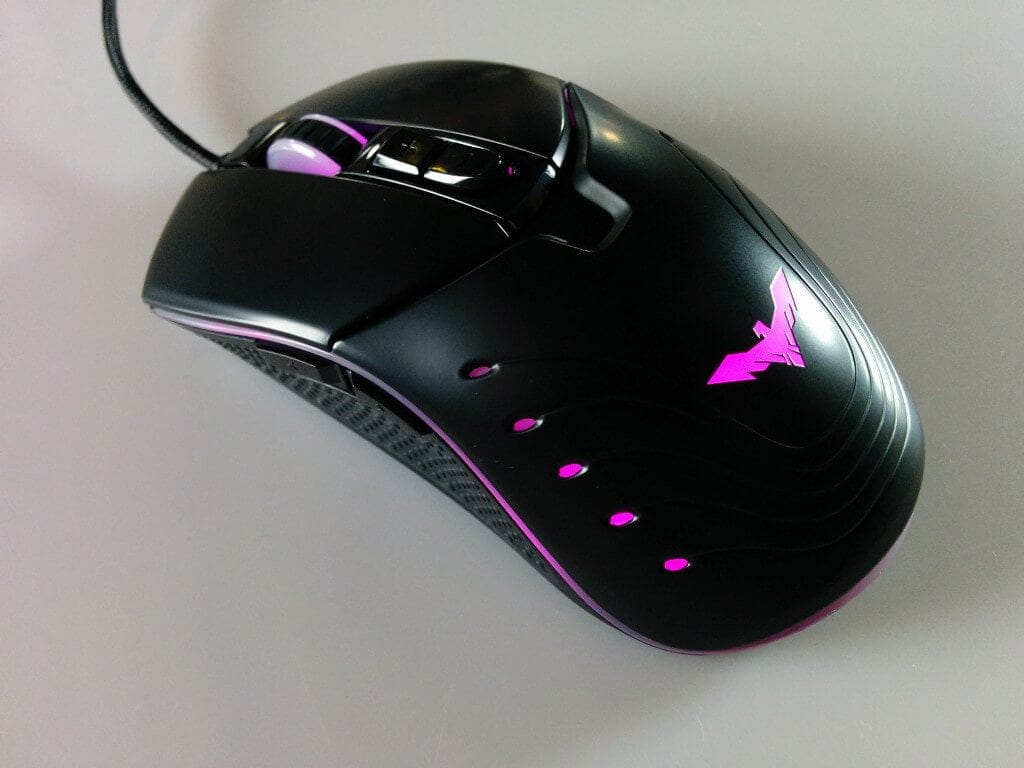
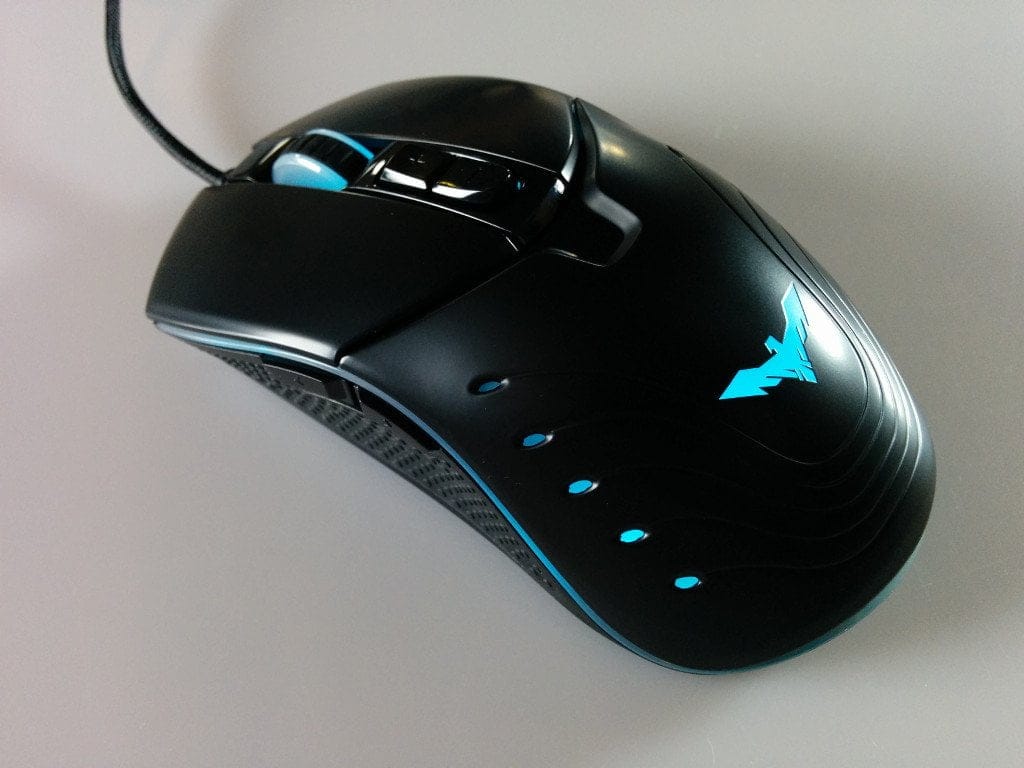
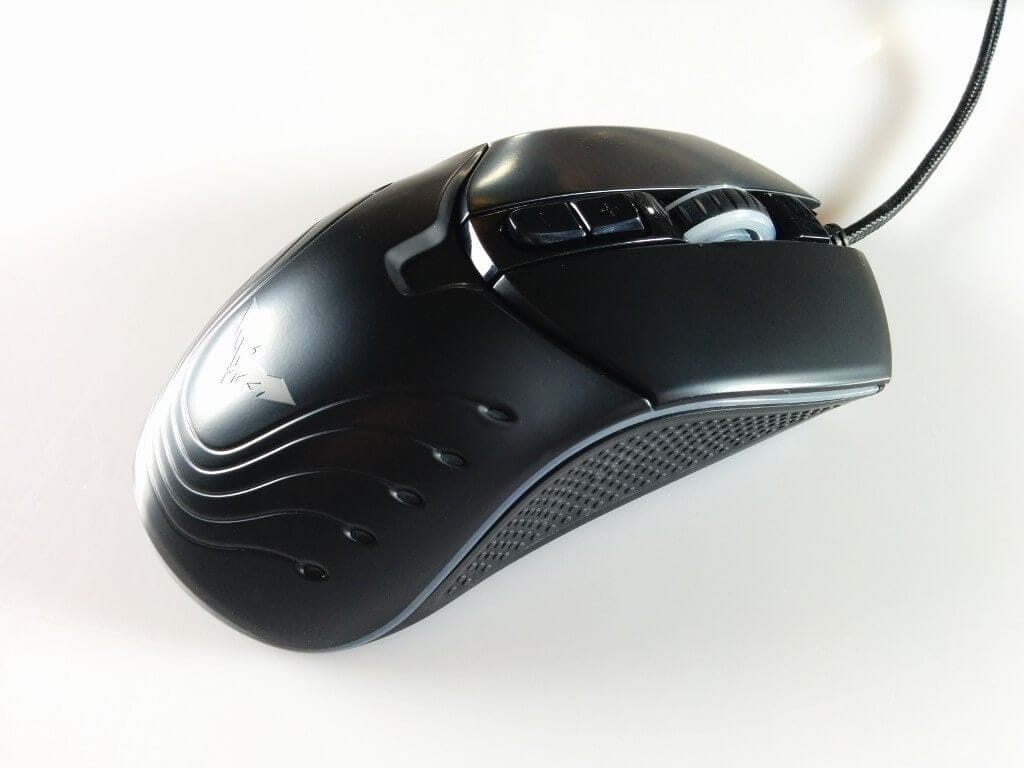
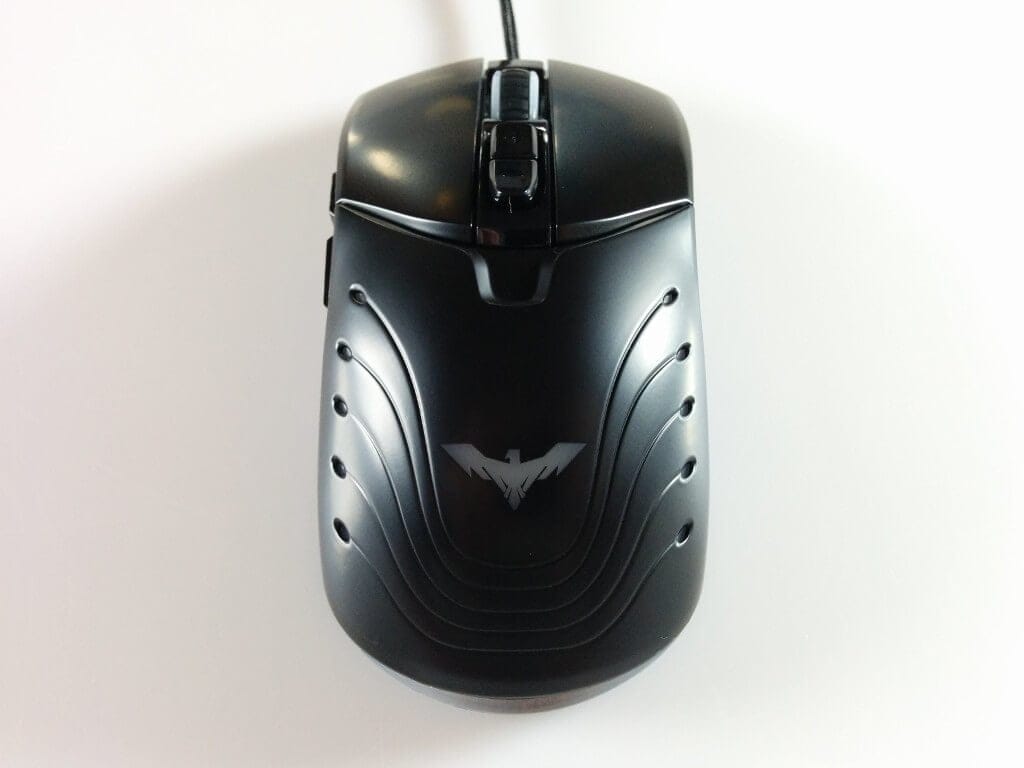
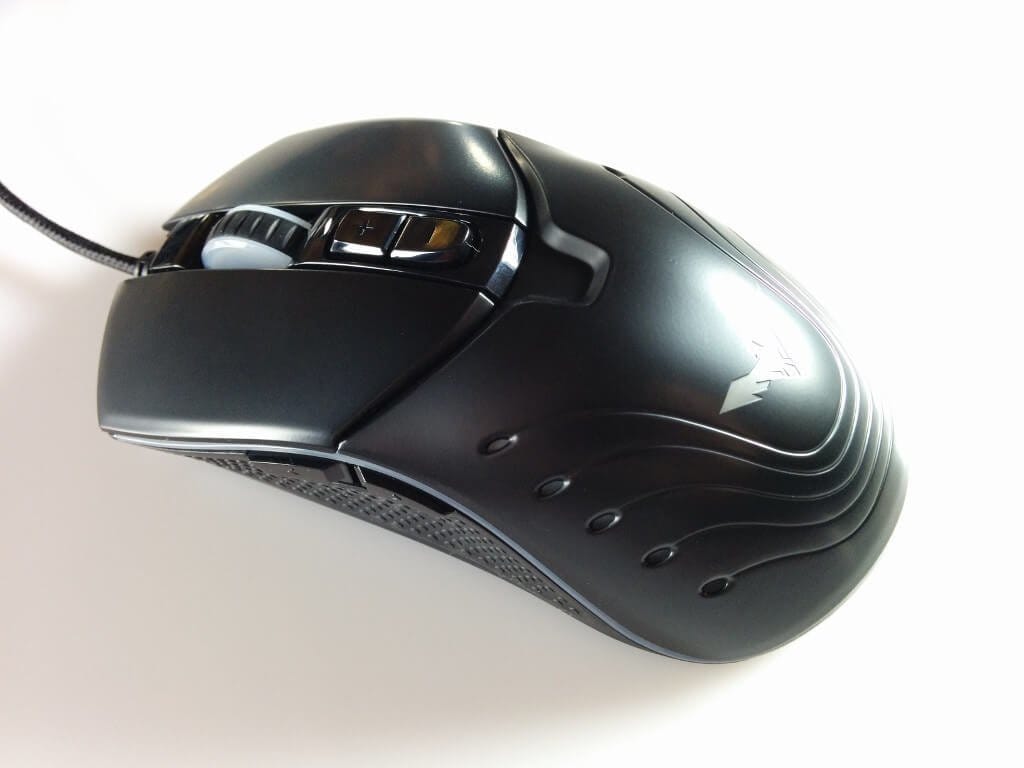
Unboxed, the mouse makes a good impression overall. The HAVIT mouse is designed for both left-handed and right-handed users. The compact design also makes the mouse ideal for smaller hands. The housing is made entirely of plastic. Rubberised mouse buttons were omitted in this gaming mouse. However, there is a knurled rubber anti-slip strip on the side. Two additional buttons have been placed on the left side. Above the mouse wheel, there are also two shortcut buttons. In total, the mouse therefore offers 7 freely programmable mouse buttons. Parts of the frame and the HAVIT logo are additionally illuminated, with the choice between 6 predefined colours. Within the mouse software, the colour can also be individually set. More on that later.
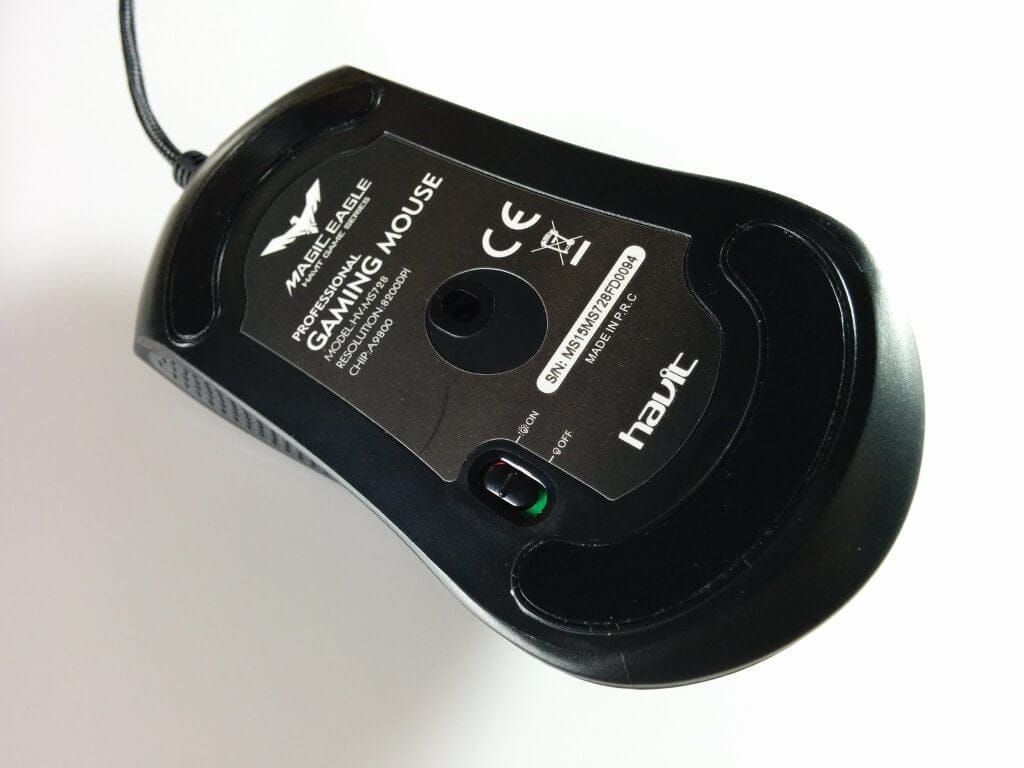
The underside features Teflon pads for improved gliding ability. Additionally, a small switch has been placed next to the laser sensor (A9800) to turn the mouse lighting on or off.
The cable of the HAVIT HV-MS728 is 1.8 metres long and textile-braided. The mouse is connected via USB. Since the mouse is “Plug&Play”, it can be used without the included software.
What I noticed negatively were the sometimes loose buttons. Especially the left and right mouse buttons have some play.

HAVIT HV-MS728 software
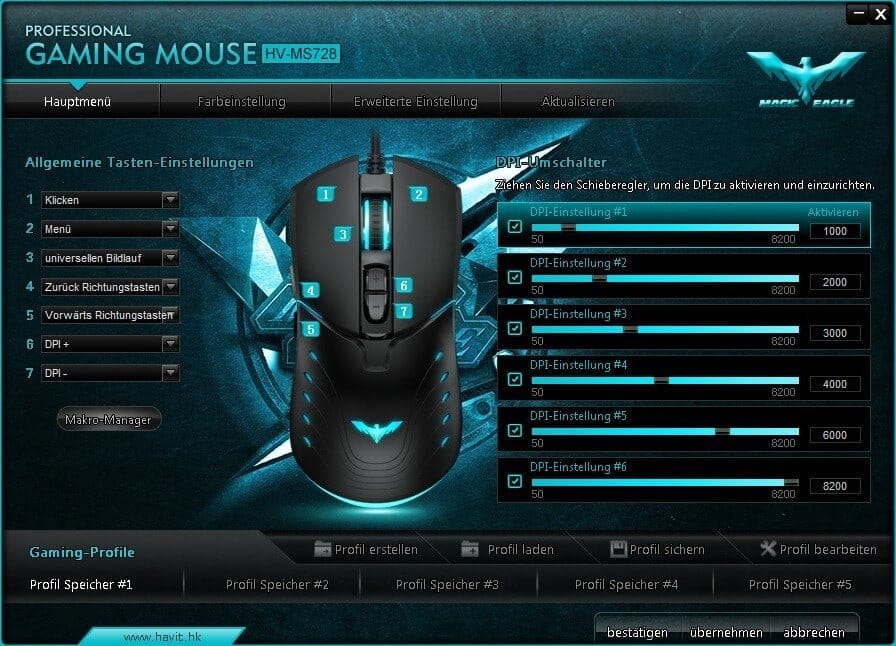
The latest software version for the HAVIT HV-MS728 can be found on the manufacturer's website. It is positive that the manufacturer has uploaded the driver to Google Drive and it does not have to be downloaded from slow and partly non-functional servers in China. The installation is easy and quick. Here is an overview of the settings options:
Programmable buttons
All mouse buttons are individually programmable. Macros, as well as numerous media functions, can be assigned to the buttons. A macro manager has been specifically integrated into the software.
DPI switch
The DPI switch allows managing 6 DPI profiles. The minimum DPI setting is 50, the maximum is 8200.
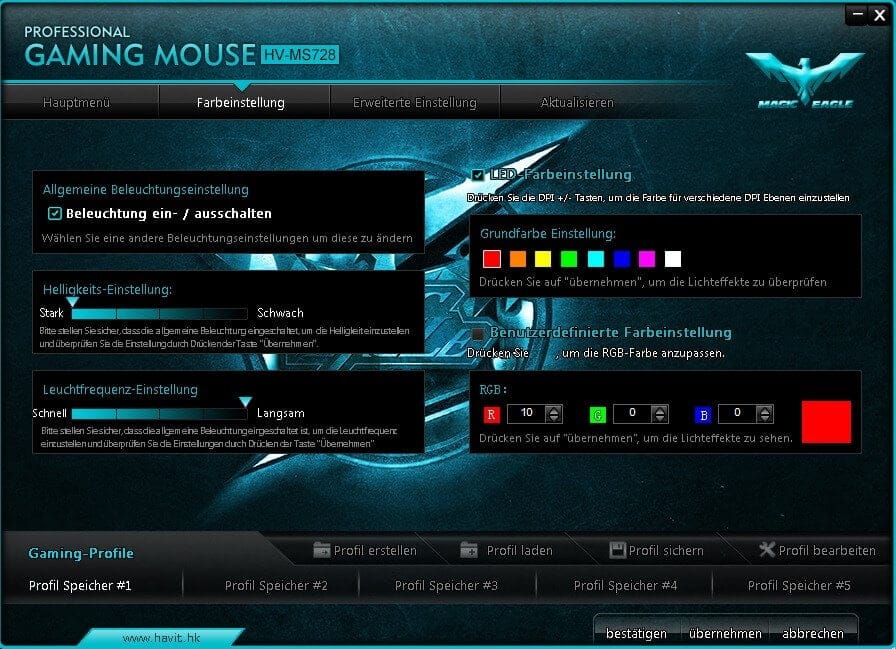
Colour settings
The colour settings for the HAVIT HV-MS728 allow you to switch the lighting on and off. You can adjust the brightness as well as the lighting frequency. Eight basic colours are available for selection. However, colours can be freely defined according to an RGB pattern.
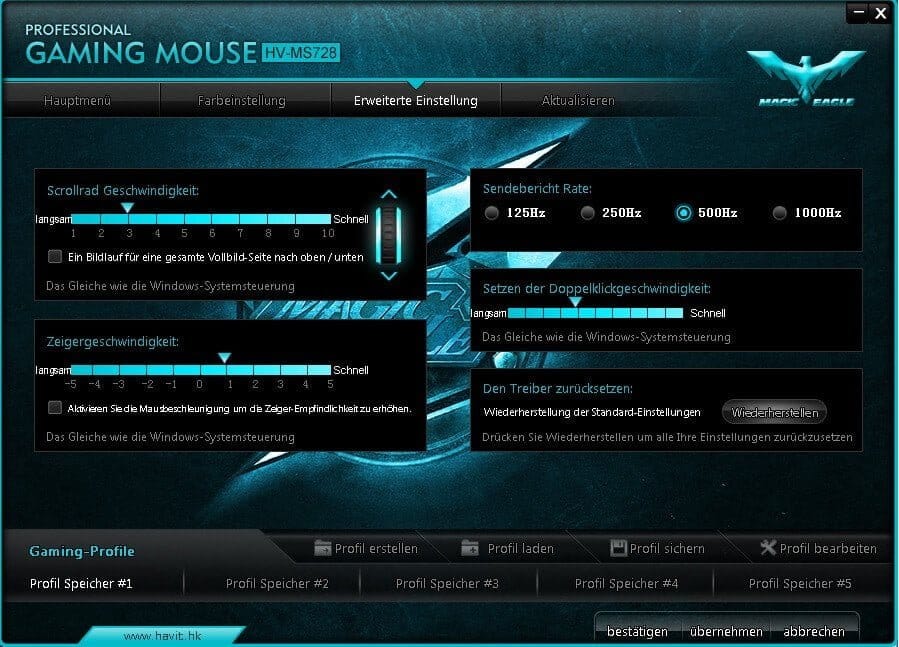
Advanced settings
Here you can configure the mouse wheel speed, cursor speed including mouse acceleration, the polling rate (125Hz, 250Hz, 500Hz, 1000Hz) and the double-click speed.
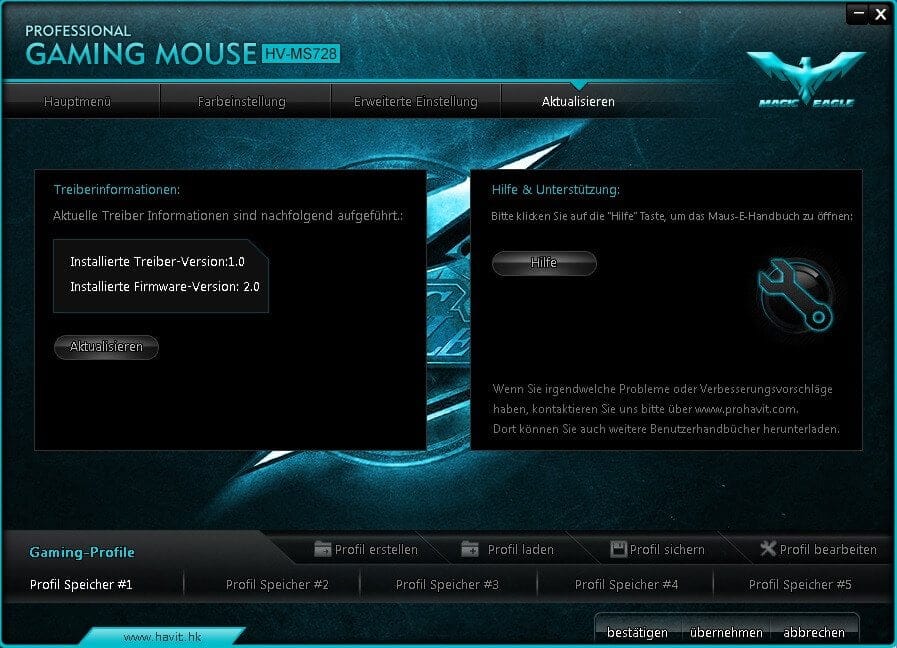
Other
Furthermore, a total of 5 user profiles can be saved, the driver can be reset to factory settings, and both the software and the firmware of the mouse can be updated.
Mouse sensor
The HAVIT gaming mouse uses an Avago A9800 laser sensor, which is also used by well-known manufacturers such as Roccat, Corsair or ASUS. The maximum polling rate is 1000Hz, and the maximum DPI is 8200. The Avago A9800 was criticised at the time for causing issues with mouse acceleration. However, this error was fixed by the chip manufacturer with a firmware update. It is unknown how this error affects the HV-MS728, but in the practical test of the gaming mouse, I did not notice any problems regarding mouse acceleration. It can be assumed that the error does not affect the HAVIT HV-MS728. Overall, the sensor works very precisely and without errors.
Our verdict
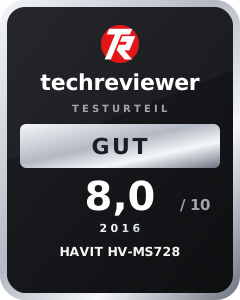
During a two-week endurance test, the mouse did not let me down. Although build quality was slightly compromised in view of the price, as evidenced by the somewhat loose-fitting buttons, this did not affect the usability of the gaming mouse.
The extensive software comes as a surprise due to its many setting options and an integrated macro manager. The LED lighting is visually appealing, and the high-quality Avago A9800 laser sensor delivers precise results.
Specifications
General
- Sensor
- Avago A9800 laser sensor
- Sampling rate
- max. 1000Hz
- DPI
- Max. 8200
- Buttons
- 7, freely programmable
- Connection
- USB
- Drivers
- Plug & Play or software
- Cable length
- 1.8 metres
- Other
- Lighting
What’s included
1x gaming mouse 1x software (MiniDisc) 1x user manual 1x warranty card
Comments