Contents
Amazfit Pace
What’s included
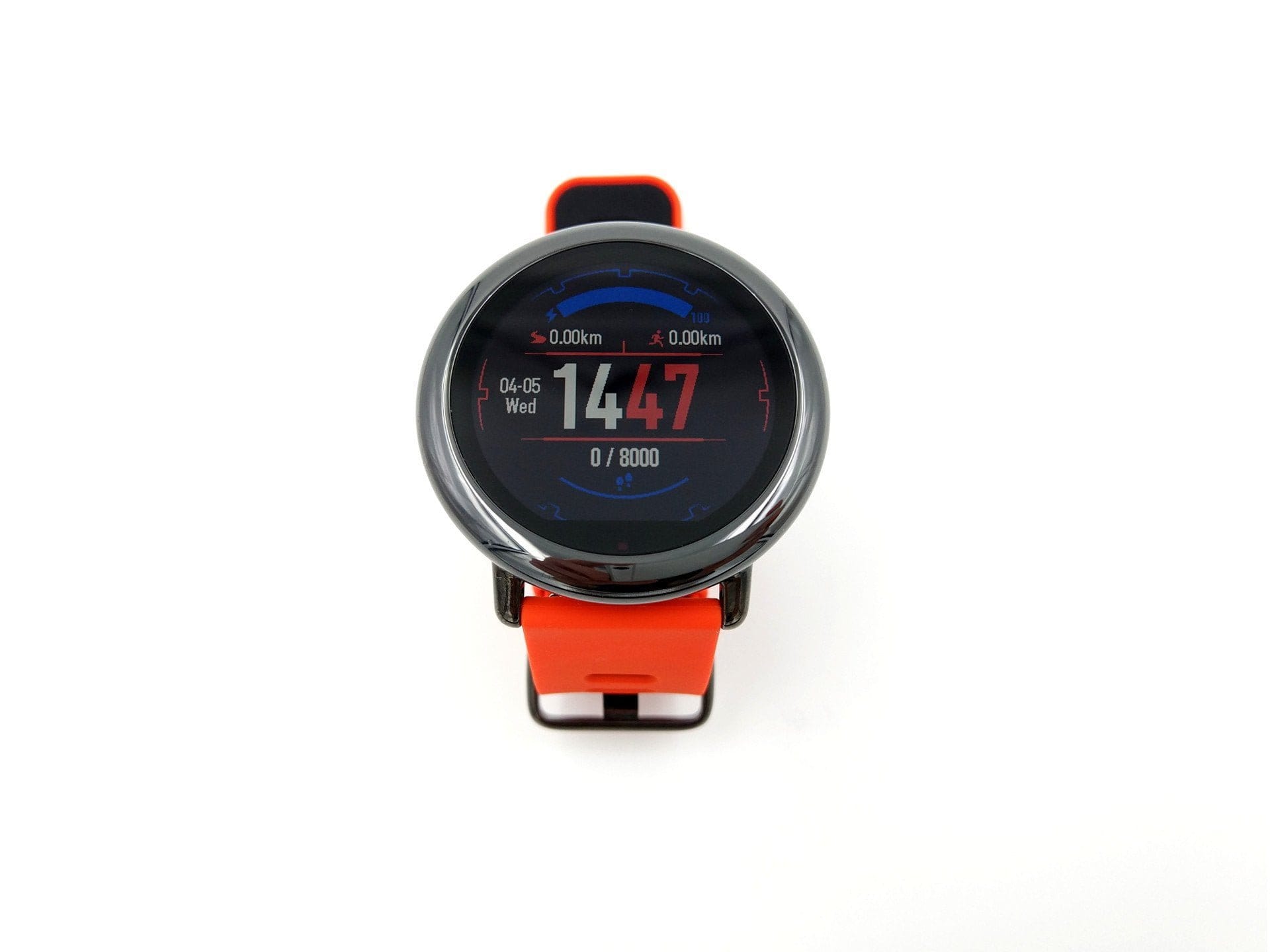
Already visible from the outside, the Huami Amazfit Pace is delivered in an appealing cardboard box with a transparent plastic lid. In addition to the smartwatch, the package includes the 4-pin charging dock, a micro USB cable and instruction manual.
 Play video on YouTube
China vs US version
The Amazfit Watch is one of the few Xiaomi products also sold internationally. In addition to the Chinese model of the smartwatch, there is also a model for the US market. Hardware-wise, both models are identical. The differences lie only in the software, which is why the Chinese Amazfit smartwatch only features a Chinese user interface whose language cannot be changed. An advantage of the China model is the regular updates. In contrast to the US model, this offers a much wider range of features.
The model I tested is the Chinese version of the smartwatch. Due to software differences alone, it is already possible to install an English custom ROM ("PACEfied"), whose feature set corresponds to that of a Chinese Amazfit Pace.
Design and build quality
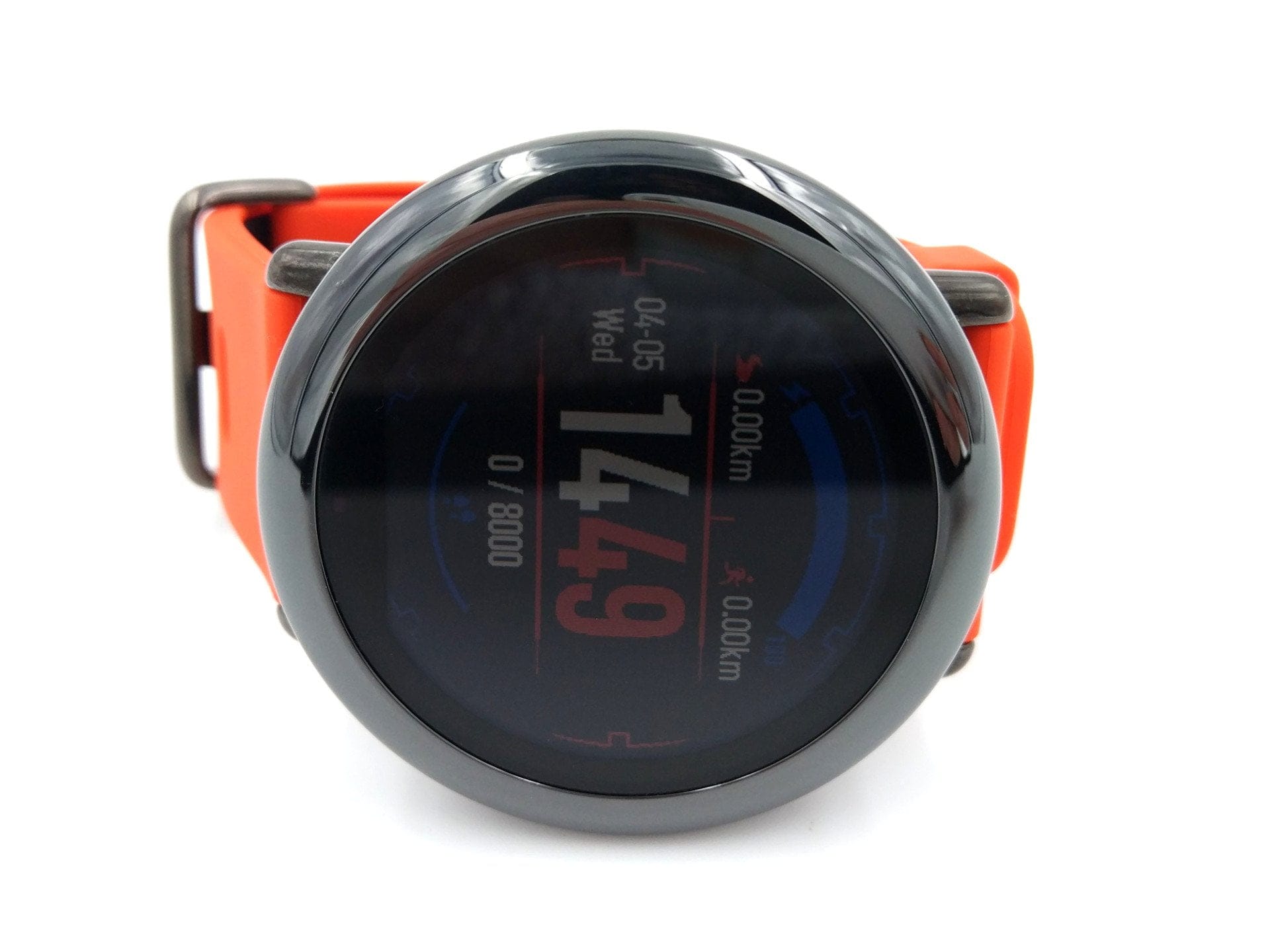
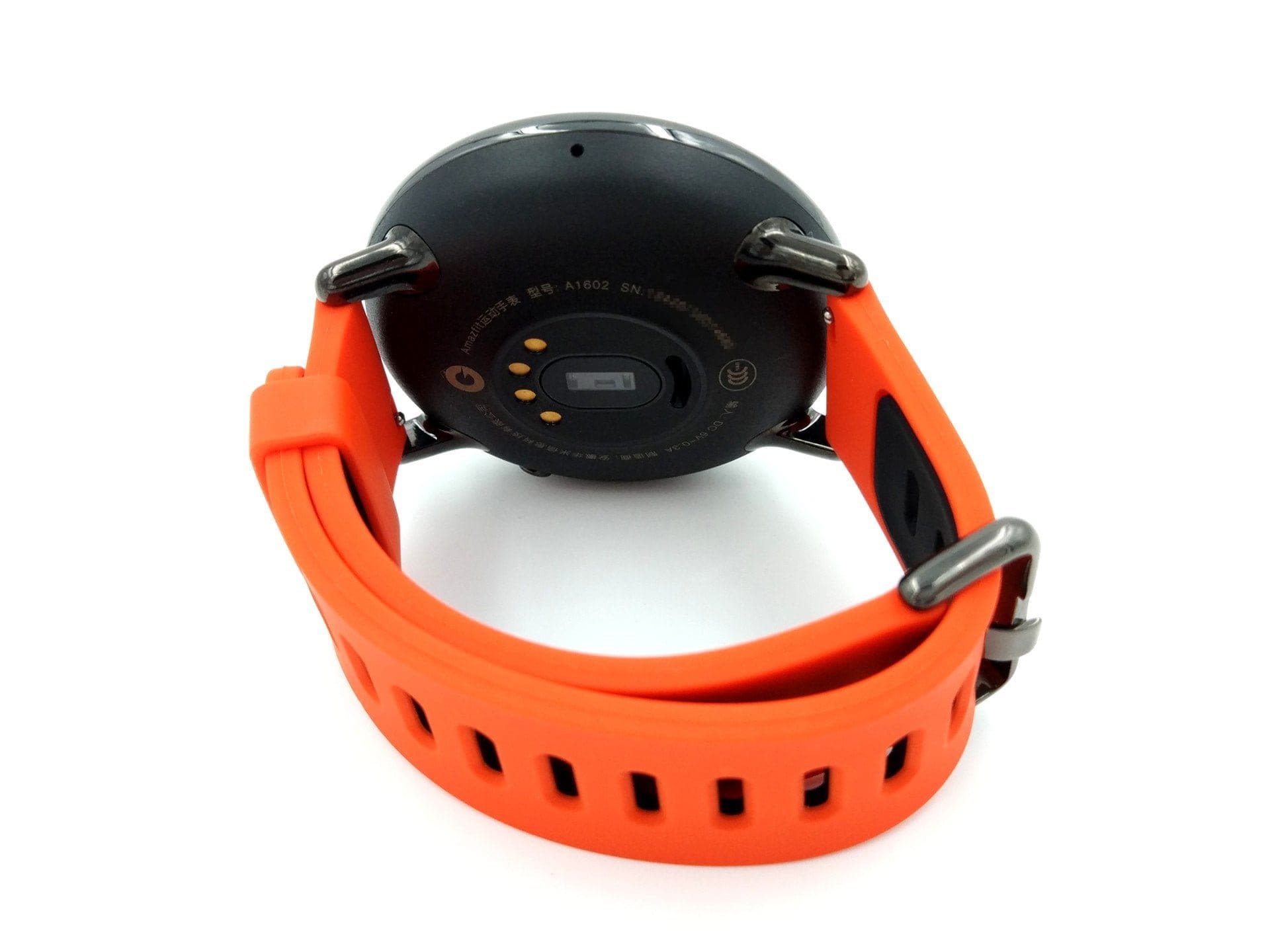
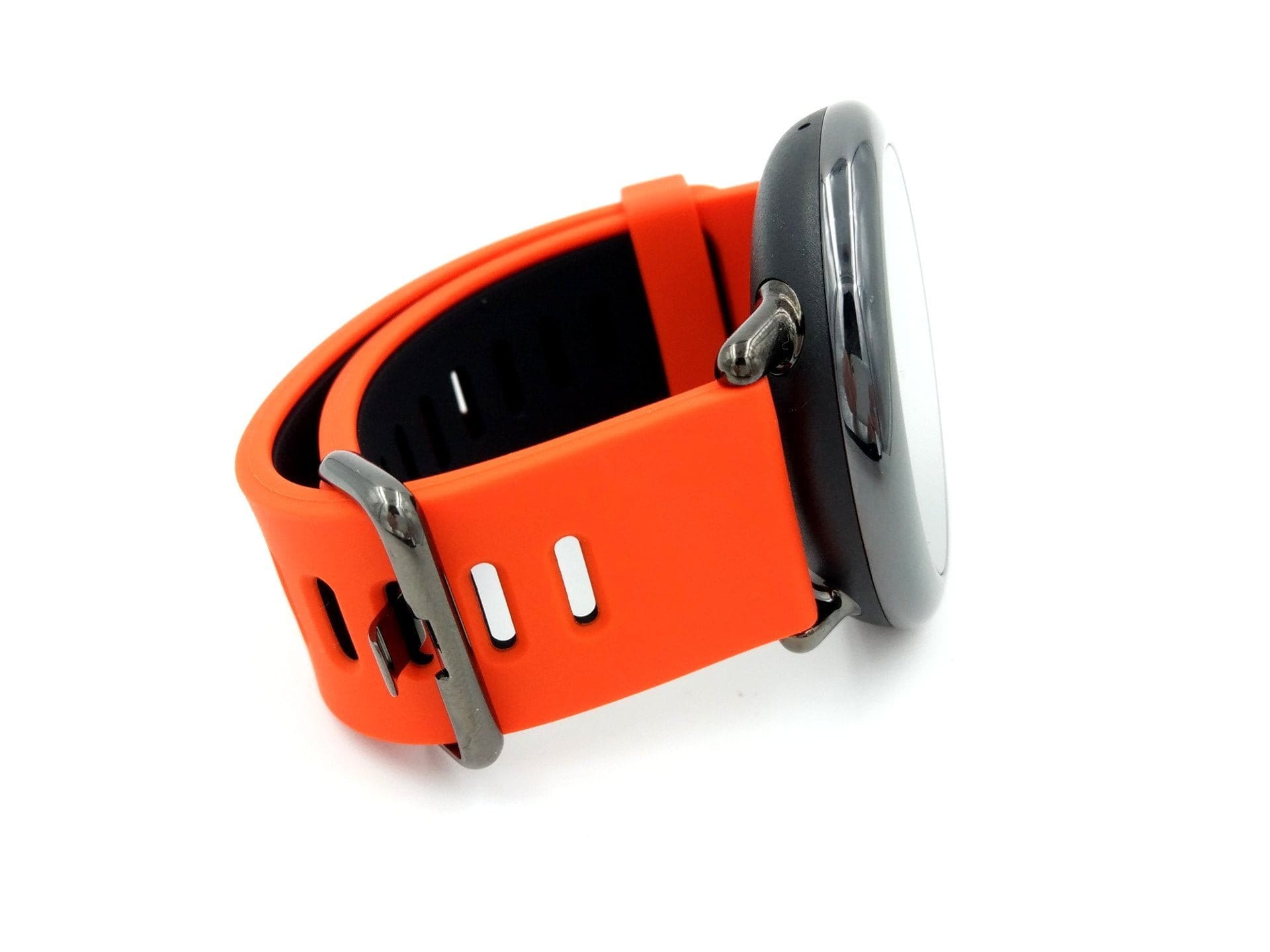
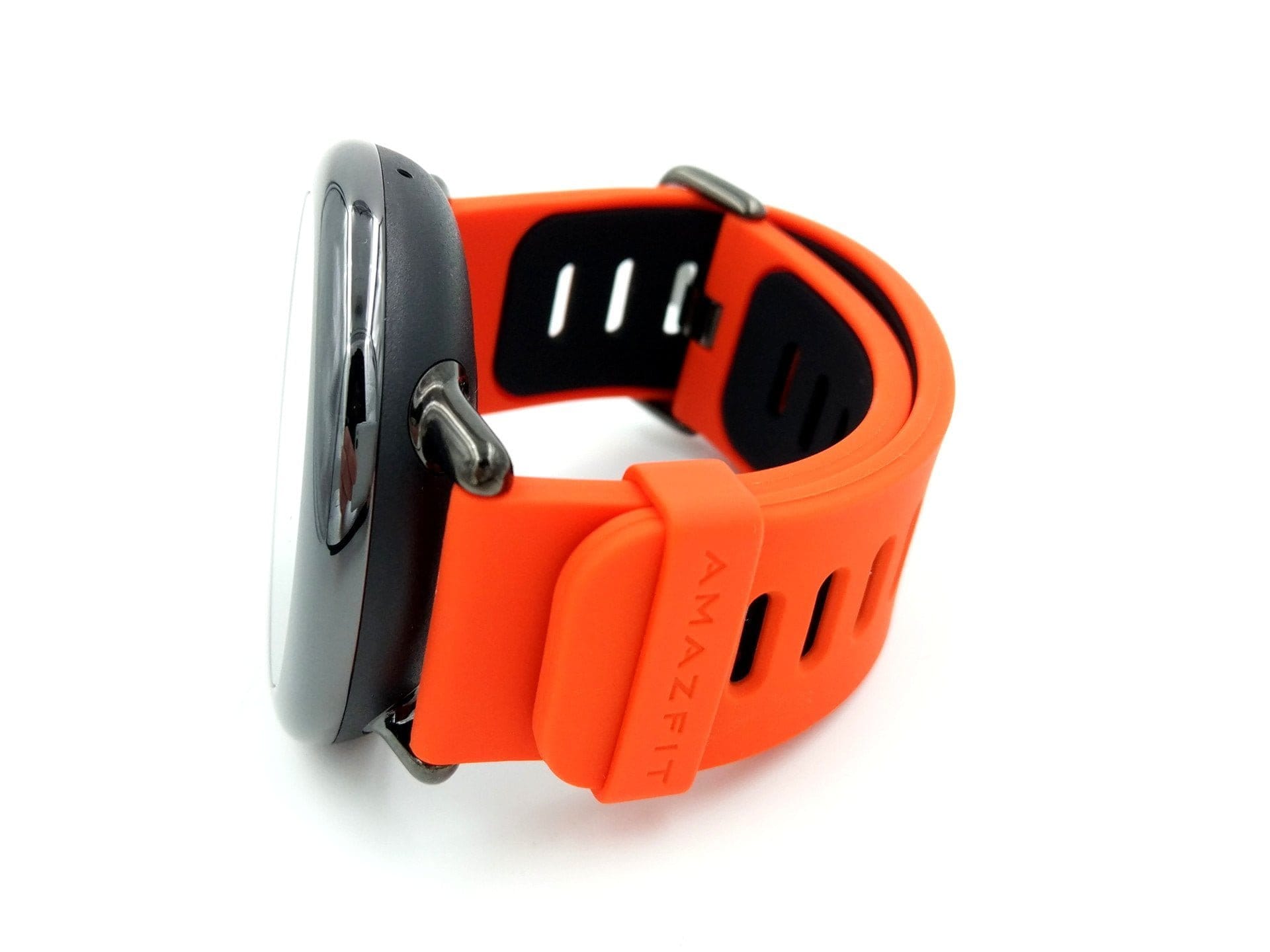
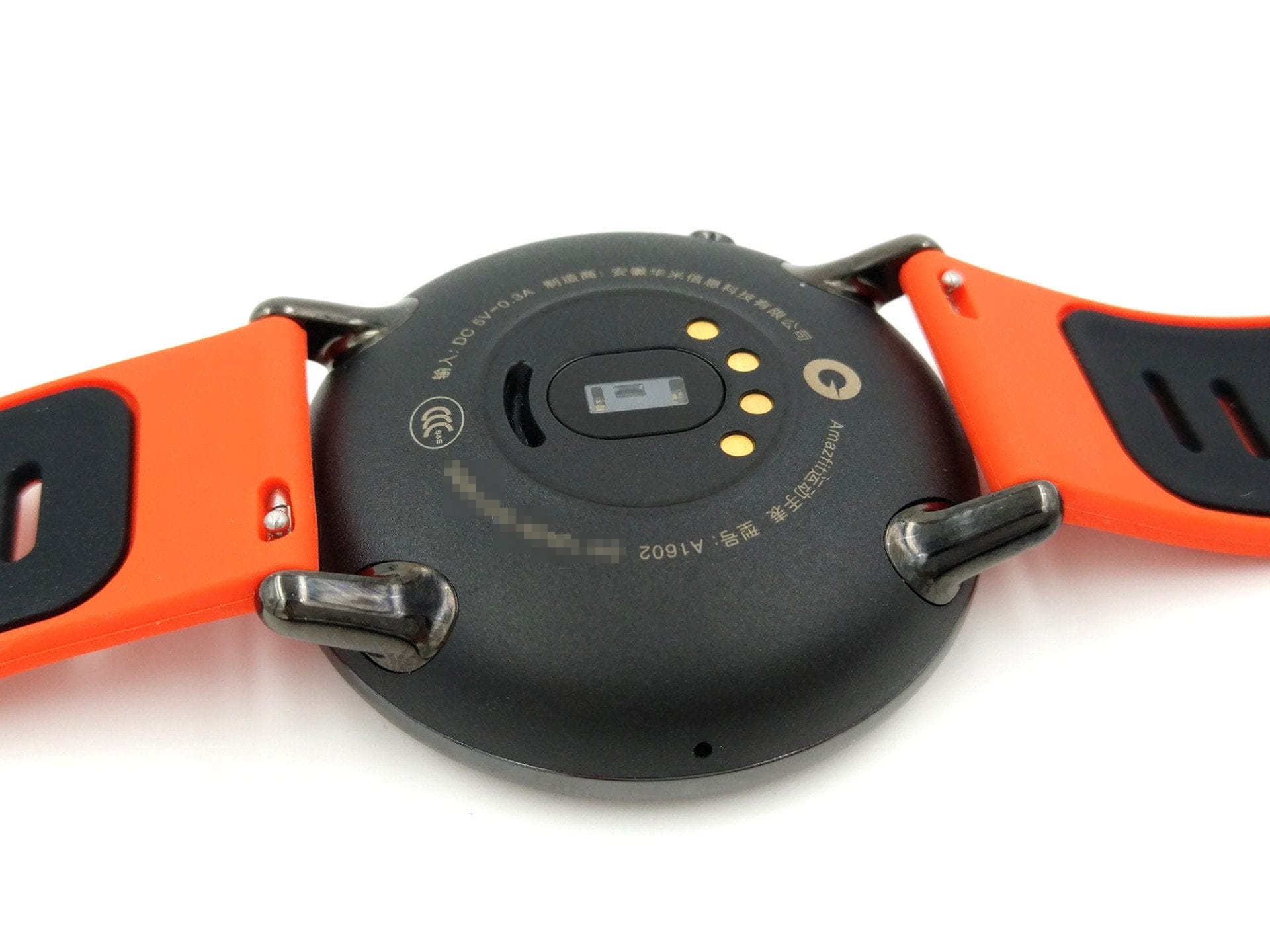
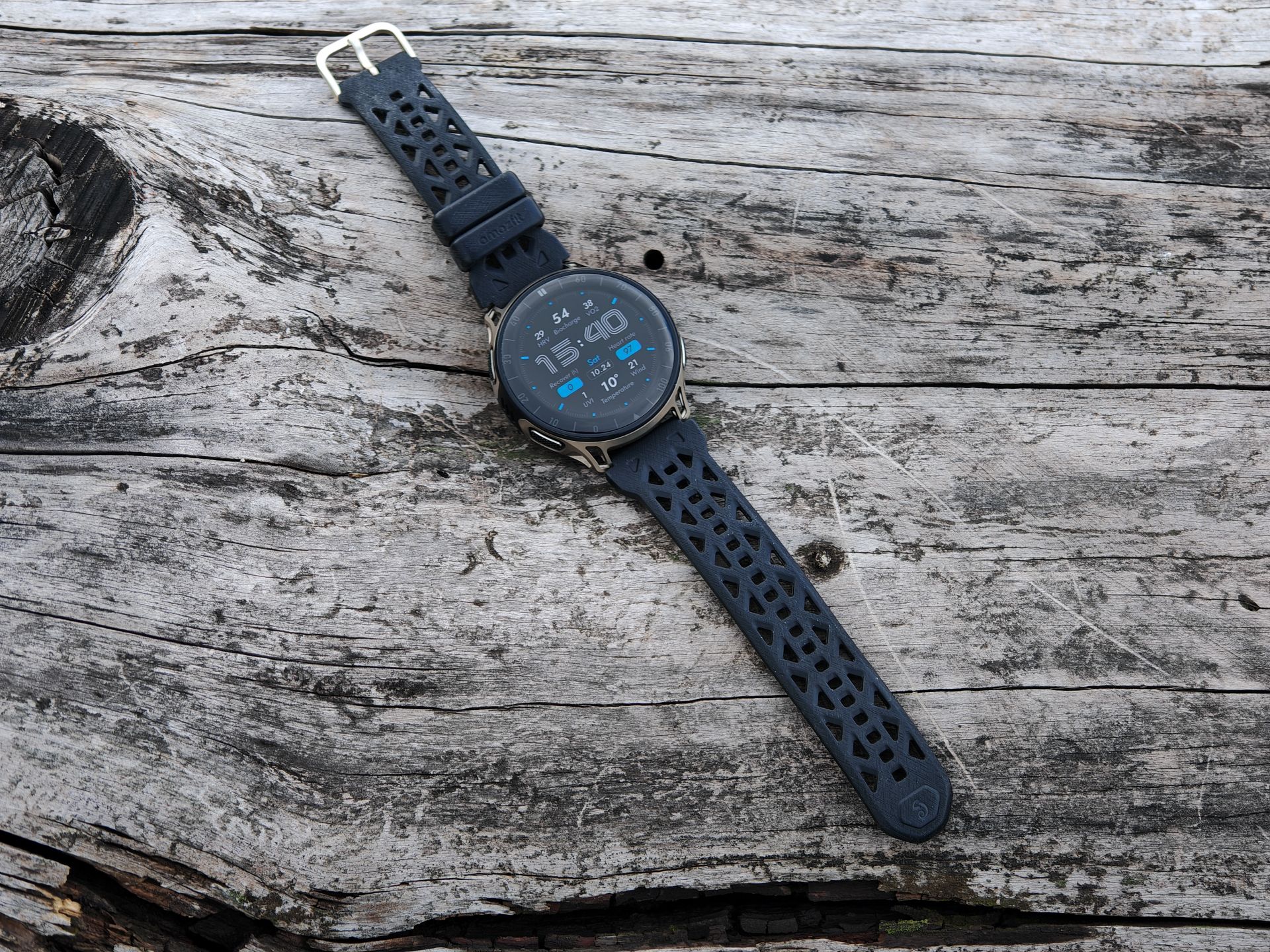
The Huami smartwatch features a modern yet high-quality design. The watch case is partly made of scratch-resistant ceramic, which also gives the watch a substantial weight of 55g. Although the back of the case is made of plastic, it visually fits in well with the ceramic. The conspicuously red silicone strap is closed with a pin buckle and is adjustable in size in 15 steps. The strap is attached with a sliding fastener, allowing it to be easily swapped. According to the IP67 protection rating, the Huami Amazfit Pace is dust-tight and even protected against temporary submersion up to a depth of one metre.
The smartwatch is excellently crafted. The watch case has no visible gaps, and the strap has no sharp or unsightly cut edges.
Display
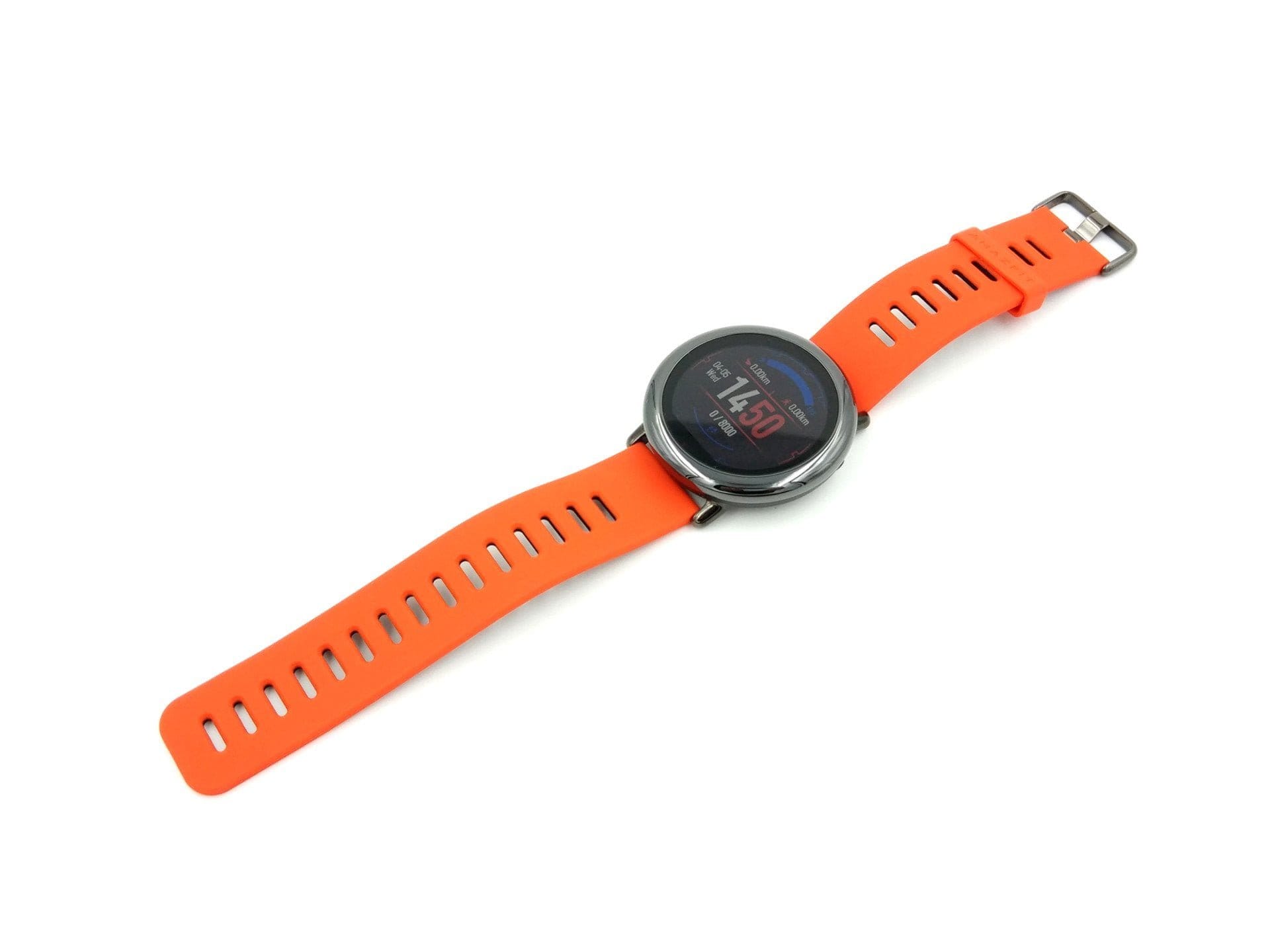
The display is a so-called transflective colour display with a diagonal of 1.34 inches and a resolution of 320 x 300 pixels. A transflective display is characterised by its excellent readability under direct sunlight. It is also interesting that the display is always active (“Always-On”) and that this does not come at the cost of battery life.
The transflective display performs surprisingly well in the test. In sunlight, the display is even significantly easier to read than in cloudy weather. In the dark or at night, the backlight kicks in, so the display can still be read well under these conditions. One disadvantage of the display is its limited viewing angle stability. At too steep a viewing angle, the display becomes harder to read. Another compromise is the sometimes pale colours, which appear more or less vivid depending on the lighting. Operation via the small touchscreen works well. Inputs and swiping gestures were recognised precisely in the test.
Hardware
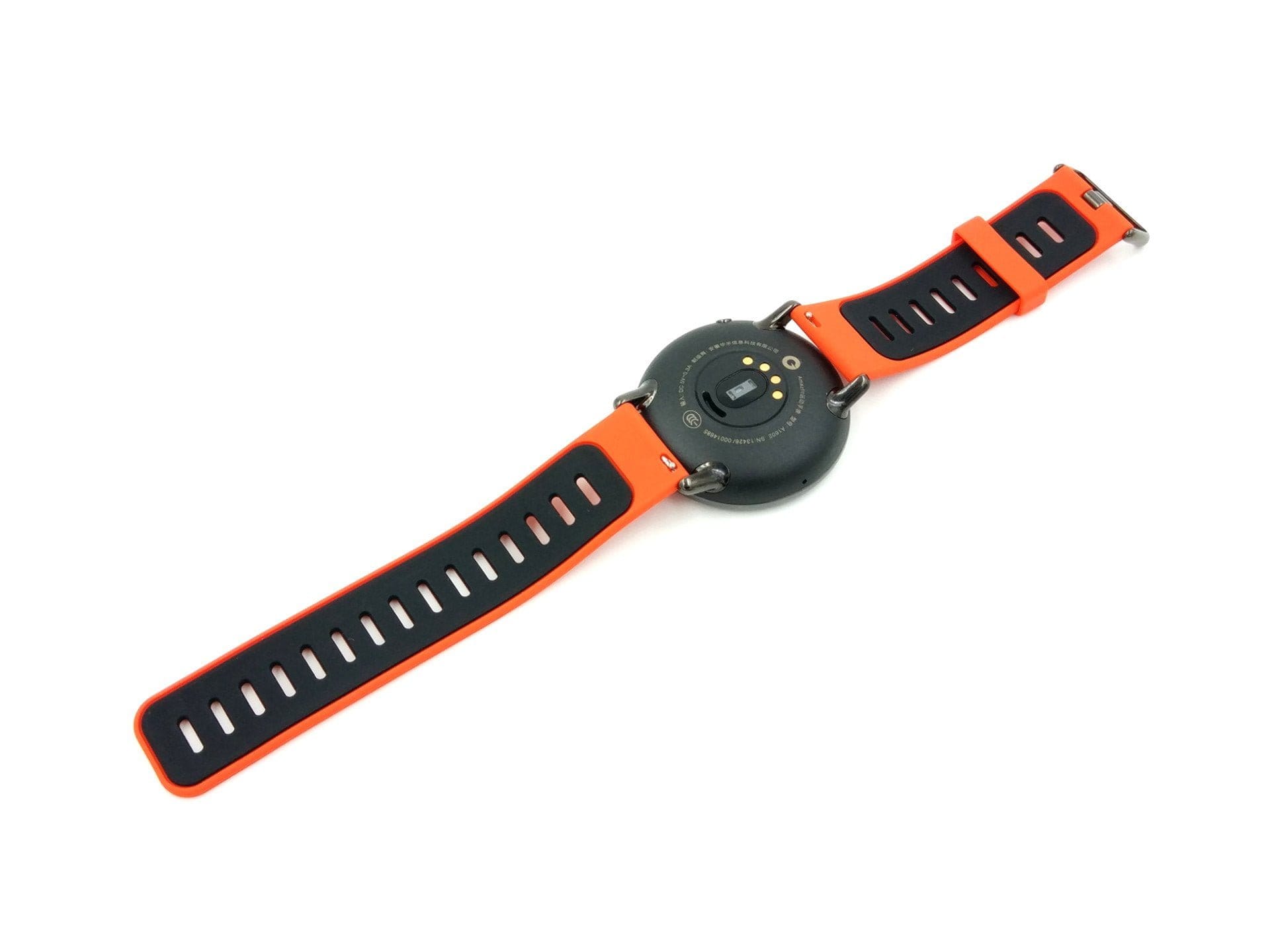
Little is known about the watch's internal hardware. The manufacturer provides few details regarding the processor. It is known that the processor runs at 1.2 GHz (dual-core). The memory configuration consists of 512 MB of RAM and 4 GB of internal storage. There is no option for storage expansion. The system itself already occupies approximately 1.44 GB of the internal storage, leaving 2.56 GB available for other data.
The watch is connected via cable using the 4-pin dock. This allows the smartwatch to be charged, but data can also be transferred. Wirelessly, the Xiaomi Amazfit is equipped with a 2.4G WiFi module and Bluetooth 4.0. Further features include an integrated GPS module, a heart rate sensor, a light sensor and a barometer.
Setup
Setup is straightforward. When you switch on the watch for the first time, a QR code appears on the display, leading to the download of the Amazfit Watch app. Alternatively, the app can be downloaded directly from the Google Play Store or, for iOS devices, from the Apple App Store.
In contrast to the smartwatch's user interface, the app is available entirely in English. An Xiaomi Mi Account is required for initial setup, which must be created before connecting. The QR code then needs to be scanned again, and the pairing via Bluetooth occurs fully automatically, requiring only confirmation on both devices.

Amazfit Watch app
The Amazfit Watch app is, as it were, the "connection hub". The battery level of the watch can be read off via the app, watch faces can be exchanged, and the collected data is synchronised via this app. Another function of the app is notification management. This allows you to define which notifications should be transmitted to the watch. Furthermore, there are setting options for icon management, i.e. the order in which the small quick-start icons are listed on the smartwatch; there are weather settings, such as those for the temperature unit and location, and it can also be defined which unit system is used.


The Amazfit Watch app is not responsible for the graphical display or evaluation of the collected data. Instead, the Xiaomi Mi Fit App must be used, which is also used by the Xiaomi Mi Band 2. The data collected by the Amazfit app is automatically synchronised with the Mi Fit app. This also makes transmission to Google Fit possible.
Practical test and features
Step counter and sports activities
The fact that the Amazfit Pace smartwatch is clearly designed for sports users is already evident from the numerous fitness and outdoor functions. First and foremost, the pedometer with an individually definable daily target is the focus. Additionally, there are several sports functions that can be activated depending on the activity. In total, you can choose from 7 sports activities, with a separate profile being loaded for each of these sports. The supported sports are running (outdoor), walking, running (indoor), cycling (outdoor), cycling (indoor), trail running and running on the cross-trainer. Depending on which profile you select, functions such as GPS are activated or deactivated.
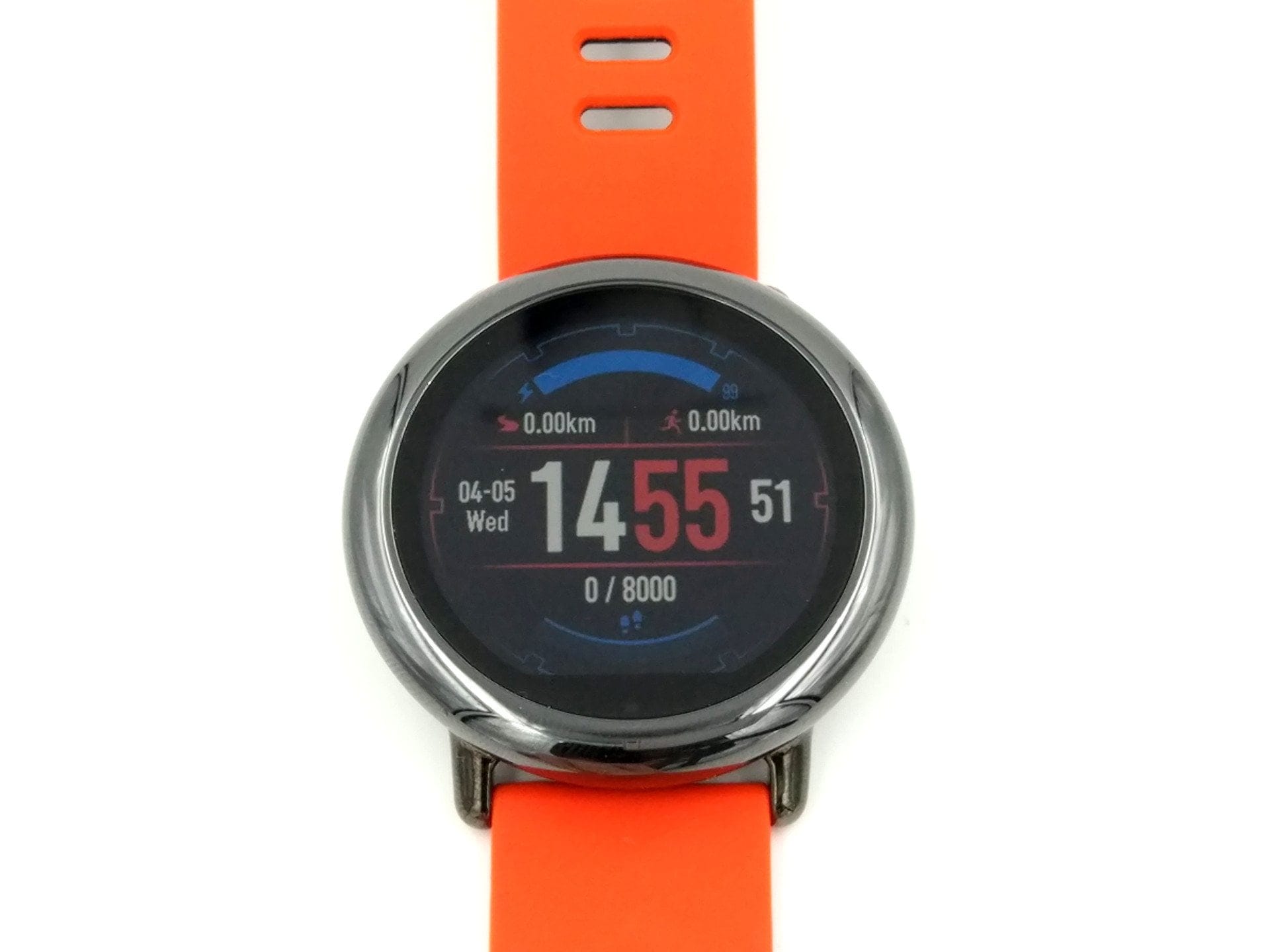

For example, if you select Running (Outdoor), the smartwatch waits for a GPS signal and then collects data on the distance run, calories burned, speed, continuous heart rate and time required. You can then view the data collected specifically for this activity, independently of the continuously counted steps. The Amazfit itself offers an activity overview for this, or you can view the data directly via the Mi Fit app.
The accuracy of the step counter leaves nothing to be desired. Steps are accurately detected, and even when driving or doing office work, there are no discrepancies due to false measurements. Even if you take a break during an ongoing sports activity, the smartwatch recognises this and the stopwatch or data collection is paused for the duration of the break.


Heart rate sensor and sleep monitor
Like most other fitness gadgets, the Huami Amazfit Pace uses a photodiode and an LED for heart rate measurement. It measures blood flow beneath the skin to indicate the current heart rate. The accuracy of such sensors should always be viewed critically. However, measurements taken throughout the day during the testing period appeared realistic. Continuous measurements during sporting activities also showed no unrealistic deviations. You can also view the collected heart rate data as a list. Additionally, there is a warning function that triggers when a threshold is exceeded.
The watch's sleep monitor is activated automatically and cannot be adjusted manually. Data collected includes time to fall asleep and wake up, as well as different sleep phases. Sleep time detection worked quite well in the test. Nevertheless, I stopped using sleep tracking after just a few days, as falling asleep wearing a wristwatch is rather uncomfortable. Slimmer fitness bands are clearly better in this regard.
Weather functions and GPS
For those who like to stay up to date with the weather, the watch features a 5-day weather forecast. The location is received via the watch's GPS or set in the Amazfit Watch app. Unfortunately, the source of the weather data is unknown. The integrated GPS module also records running routes. The smartwatch obtains a GPS fix within seconds. An e-compass is integrated and accurately displays the current compass direction. The compass also leads to the barometer measurement data, where, among other things, the air pressure and altitude above sea level are displayed.


Music, alarm and training plan
If you want to listen to music during sports, the Huami Amazfit also has a suitable solution for this. Via an integrated music player, songs stored locally can be played through a connected Bluetooth headset. An FM function is missing. Thus, only 2.56GB remains for music locally, which should nevertheless be enough for more than 500 tracks.
The alarm is identical to the alarm function on a smartphone. Various alarm profiles can be created, and there is also a "snooze" function. You are woken by a gentle vibration from the smartwatch. The "Training plan" mode offers multi-week training plans (57 days) for beginners, but also for marathon runners. Once a training plan is activated, users receive daily instructions on how to exercise and which distance to run.
Watch faces
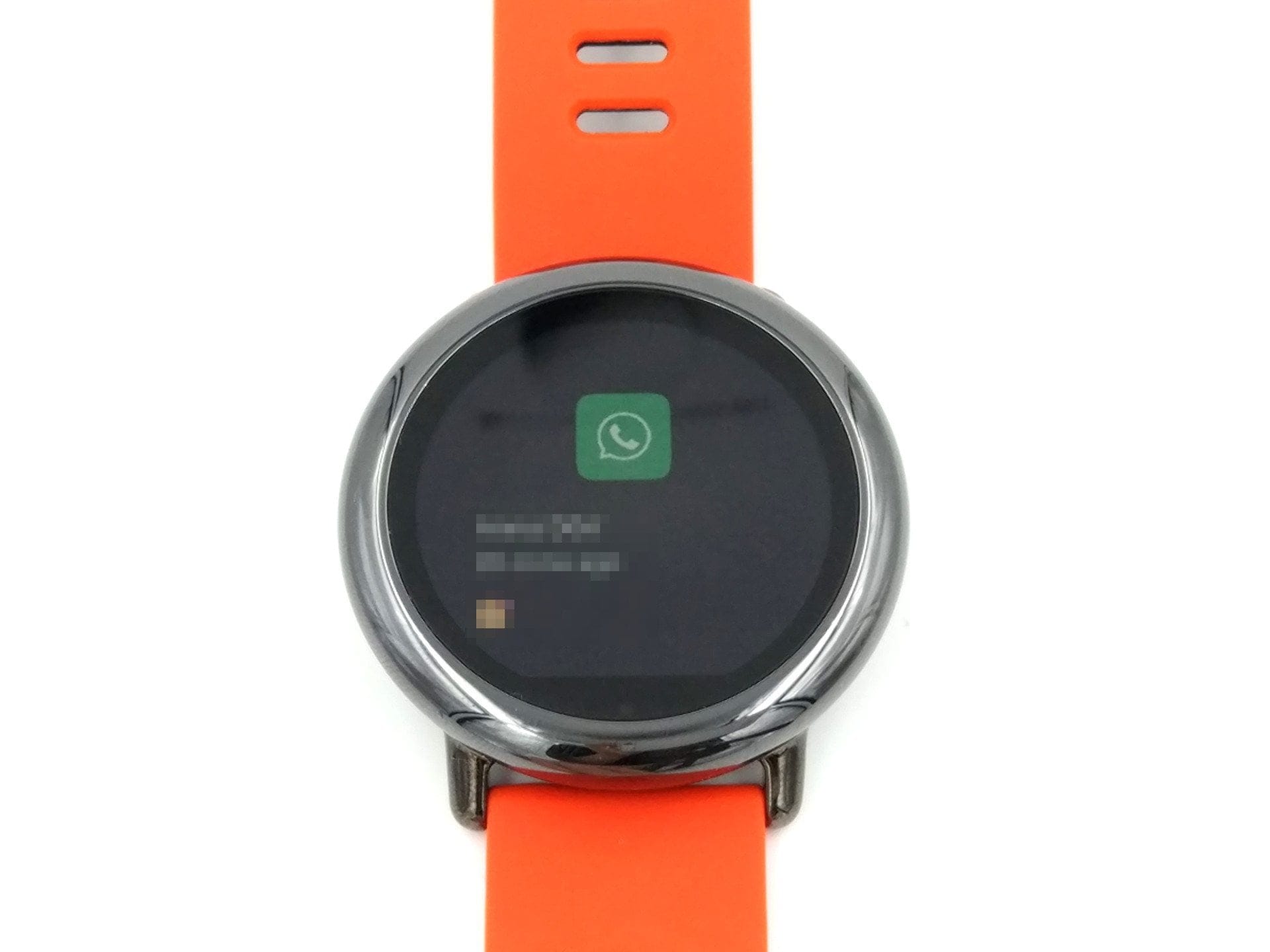
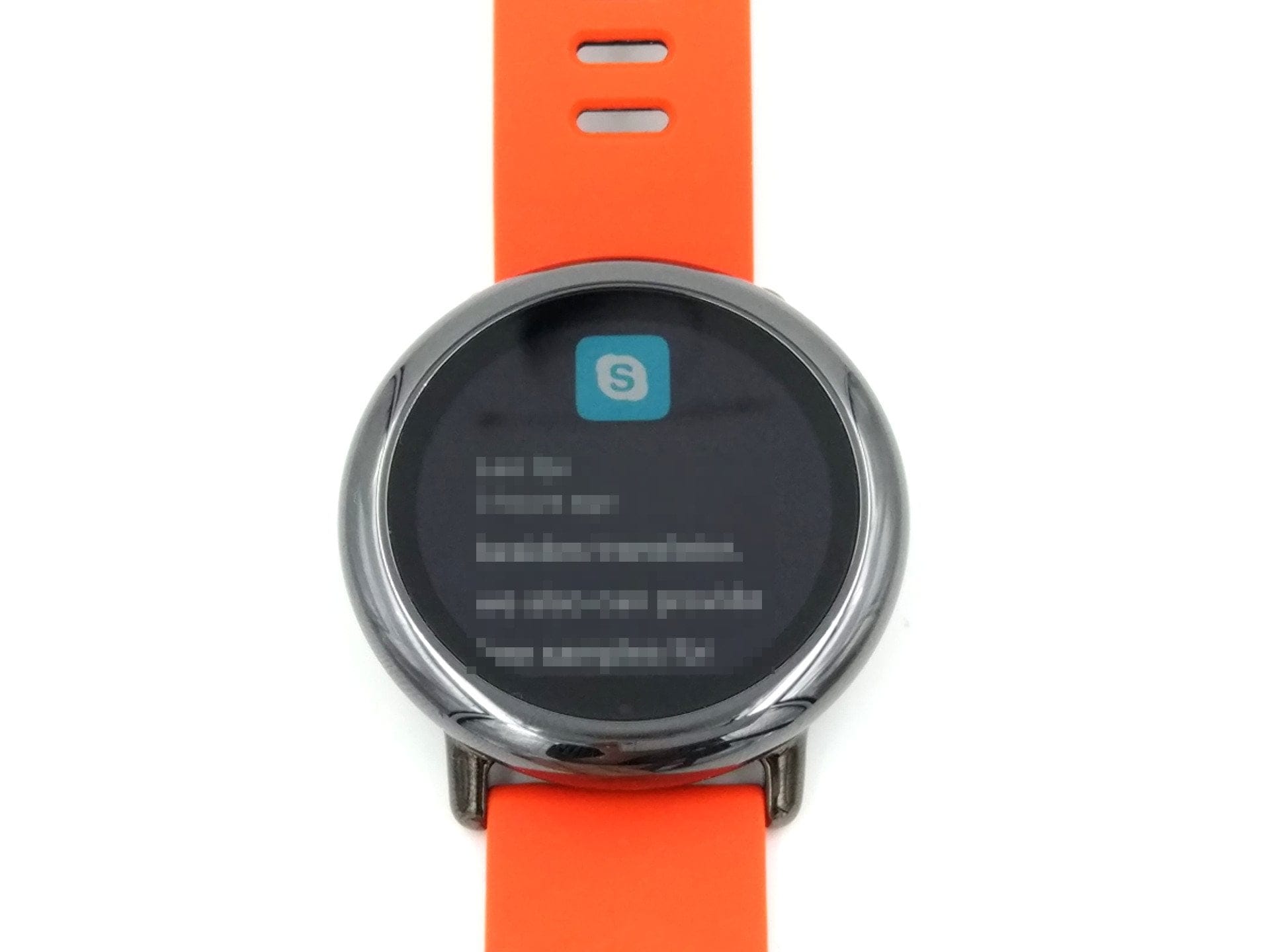
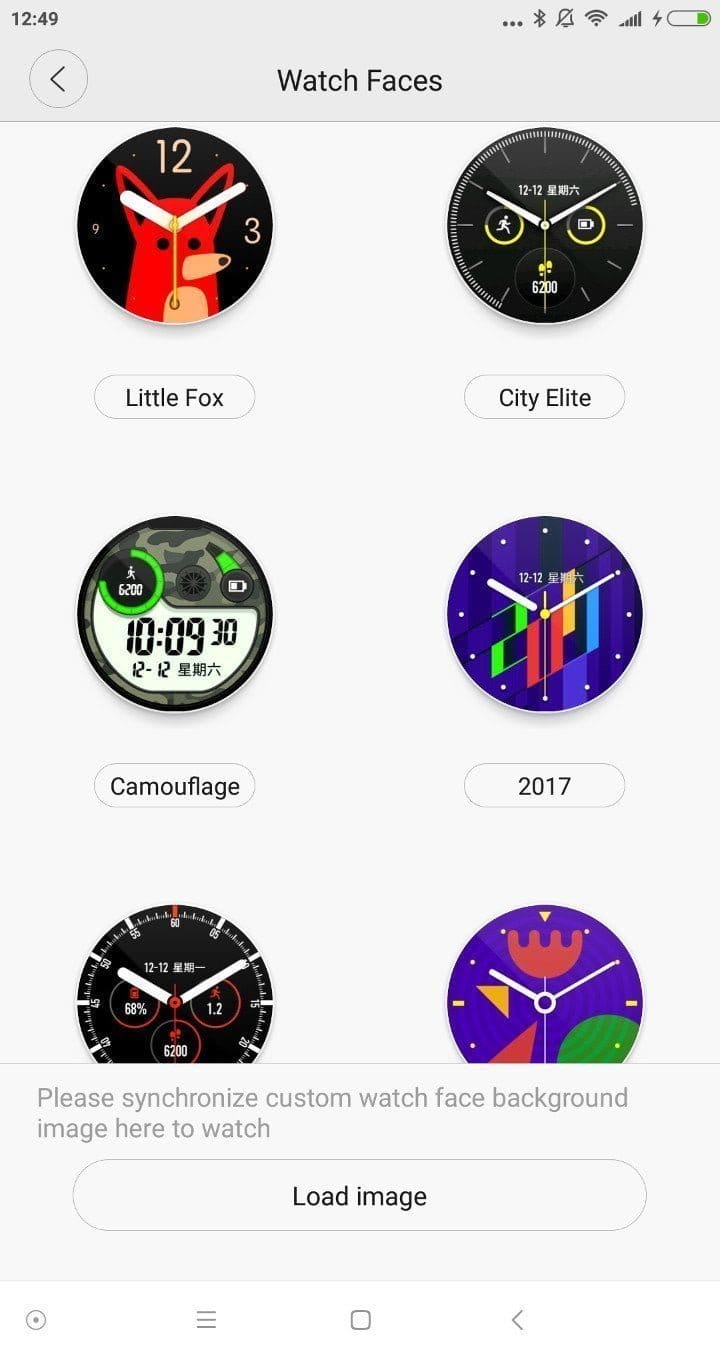
A total of 19 watch faces are preinstalled. These can be selected via the Amazfit Watch app or directly on the smartwatch. In addition to digital faces, there are also analogue watch faces. Each watch face is different and offers various displays of collected data. For example, in addition to the time and date, it can display steps taken, battery level, calories burned or distance covered. It is also possible to create custom watch faces and load them onto the watch via the Amazfit Watch app.

Battery
The built-in battery has a capacity of 280 mAh. The smartwatch is charged via the 4-pin connector of the dock. Despite the comparatively low capacity, the Xiaomi smartwatch achieved battery lives averaging 3 days. With light usage, 5 days were no problem for the watch. Thanks to the transflective display, the Amazfit watch is particularly energy efficient. A full battery charge took one hour and 20 minutes in testing.
Our verdict
With the Amazfit Pace, Xiaomi and Huami present a fitness wearable with very few drawbacks. The smartwatch offers numerous fitness functions and, thanks to its modern watch design, is also very suitable for everyday use. The transflective display means the smartwatch is not only excellently readable in sunlight, but also enables long battery life of up to 5 days.
Thanks to the integrated WiFi, Bluetooth and GPS, there are hardly any hardware wishes left unfulfilled. The pedometer accurately records the distance covered and the heart rate sensor provides realistic measurement results. It is worth noting that two apps are required to connect the watch and read the data.
Specifications
Display
- Display
- transflective
- Display size
- 1.34 inches
- Display resolution
- 320 x 300 pixels
Processor and memory
- CPU
- Dual Core 1.2GHz
- RAM
- 512MB
- Internal storage
- 4 GB
- Storage expansion
- No
Other
- Bluetooth
- 4.0 BLE
- Wi-Fi
- 802.11 b/g/n
- GPS
- Yes
- Pedometer
- Yes
- Heart rate monitor
- Yes
- OS
- Android
- Battery
- 280 mAh
What’s included
1x smartwatch 1x charging dock 1x USB cable 1x user manual
Comments (31)
Thanks for the review, I am planning to buy the watch. But I do not know how to recognise which software the watch comes with. I have already looked into the subject and would like to have PACEfied on the watch. Does it matter whether I order the Chinese or the English Amazfit Pace? And you write that the watch has GPS. Can I use it to navigate via Google Maps, for example?
Hi, and thanks for enjoying the review. If you would like to flash PACEfied later, it is recommended to choose the Chinese version. Mine (from GearBest), for example, was shipped with a very early firmware where the bootloader was still open and you could easily flash PACEfied. From firmware version 1.2.13 or 1.3.2b, the bootloader is locked and you no longer have the option to flash PACEfied. If you do get the Amazfit PACE, make sure not to perform any updates!
Edit: The bootloader can be unlocked again! More info at: https://forum.xda-developers.com/smartwatch/amazfit/tutorial-unlock-bootloader-warning-void-t3654011
Thanks for your quick reply. I will order the CN model then. Are you still happy with your smartwatch?
Yes, I wear the Pace daily on my wrist. The fact alone that I do not have to charge the watch every day and do not need to press a button to read the time makes it my current favourite here. If you can get PACEfied installed, you have a top smartwatch that is certainly worth its money.
I overlooked your question about Google Maps. Sorry. You cannot install apps, and there is no app store either. However, the pre-installed apps are sufficient for all sports activities and general tasks.
Does the device only work with its proprietary apps, or do the usual Android apps with SmartWatch support also function?
Hi, Android Wear is not running on the watch. You are limited to the apps / functions already installed on the smartwatch.
Hello, has anything changed or improved recently? How is it regarding custom ROM flashing on newly purchased devices? Is GPS and Strava synchronisation stable and reliable? Thanks.
Hi, a total of 8 new updates for the CN version were released in June and July, and most of them have been incorporated into PACEfied. They included bug fixes, added voice control, and general optimizations. The INT version is still lagging behind in terms of features. GPS works well and has also been improved over time. I’m not familiar with “Strava,” but according to XDA members, it should also sync with the PACE.
Unfortunately, I don't know what the situation is with newly purchased devices either. On my CN Amazfit PACE (from GearBest), a very early firmware version was installed, which is why I was able to easily unlock the bootloader and flash PACEfied.
Hello,
thanks for the detailed test. Has anything changed from a software perspective?
What exactly is Pacefied, and what advantages does this software offer compared to the original version? I ordered the English version 3 days ago, can I install Pacefied on it?
Hi David,
PACEfied is a custom ROM based on the Chinese firmware that has been translated into multiple languages. The advantage of PACEfied is its regular updates and the additional features of the Chinese ROM. To flash the ROM, you need the “A1602” or “A1612” model. You can find out which model you have on the back of your watch. The bootloader can now be unlocked again, so you can flash PACEfied without any problems.
If you want to flash PACEfied, you should look at these links:
How to unlock the bootloader: https://forum.xda-developers.com/smartwatch/amazfit/tutorial-unlock-bootloader-warning-void-t3654011
How to install PACEfied: https://forum.xda-developers.com/smartwatch/amazfit/rom-pacefied-amazfit-huami-amazfit-t3539431
Hello,
thanks for your reply. Does Pacified run smoothly without issues? What happens if there is a problem with the watch and I have to send it in? Do I still have warranty coverage then?
Yes, PACEfied runs perfectly and constantly receives new updates. If you send the watch in for repair, it is unlikely that the installed software will be checked. Just to be safe, you can also flash back the original ROM.
Hello,
Thanks for the answer. I have often read that the English version is far behind the Chinese one. What new features are now available on the watch or on Pacefied?
Hi, you can also find a changelog for the China ROM and PACEFied in the links posted above.
Hello,
how do I get Pacefied onto the watch?
Hi, further up you will find a comment from me where I linked the installation process.
Hello! I bought this watch. The design is really good. The functions and the app are not particularly good. I am stuck with one function. I need help: I am a group fitness trainer and use the music player functions, streaming directly to the sound system via Bluetooth. Practical! However, I cannot determine the order of the tracks. The watch plays the tracks according to a principle unknown to me. Do you have an idea? Regards Ben
Hi Ben, the issue with random music playback via the watch’s music player has been known for some time. I suspect you have the English model of the PACE. You could try installing PACEfied, which, among other features, uses the improved music player from the Chinese firmware.
Hello, thank you so much for the great article! It really convinced me to get the watch and answered several of my questions. I hope you don’t mind if I ask you a few more 🙂 I had a look on GearBest—there’s an English version and an international version. It says the Chinese version has been “discontinued.” You write that the CN version has more features and better updates, but that you have to install PACEfied on it. Does that work with the other versions, too? I’m a little unsure which version I should buy to get as many features as possible…
Thanks in advance!!
Best wishes
Hi Katharina, you can buy the English Pace, unlock the bootloader and flash PACEfied. Until recently, this was only possible with the CN model. Now, however, this is also possible with the English-language PACE. You can find all information on flashing in the XDA forum at https://forum.xda-developers.com/smartwatch/amazfit
Have fun with the Amazfit Pace. It is a really very good smartwatch that I use daily :)!
Dear Timo,
thanks a lot for your quick and detailed response! 🙂
I'm already looking forward to the watch 😉
Kind regards
Good morning, so, I have now been using the Amazfit Pace for 1.5 years, worn daily and done a lot of sport (running and cycling) with it. I am really enthusiastic and was always completely satisfied with it!! A great watch 🙂 Unfortunately, last weekend, it seems the battery must have failed or something similar. I charged it on Friday evening, put it on again Saturday morning and after about 3-4 hours it was completely empty again. The same thing happened twice more. Unfortunately, a factory reset does not help either 🙁 One other thing I noticed is that there has been a small, brighter dot in the middle of the display ever since, about 5 mm in diameter, even when the watch is off! Have you had any experience with this or read about it anywhere? I couldn't find anything about it online 🙁 I am now really considering whether to buy it again...
Thanks in advance and have a nice day!
The watch is quite large, the strap is very nice. No German update. The battery lasted 3 days after the first charge. Afterwards, it only lasted 12 hours. Make sure to read the terms and conditions regarding exchange/returns. At Gearbest, DealExtreme and other Asian providers, exchange/return shipping is only to Asia. Costs approximately €80 (shipping plus customs). These prices are not listed in the return conditions, only return shipping at own expense. Bottom line: €130 wasted.
Hi Timo. As the Amazfit Pace features Bluetooth LE, I am interested in whether I can pair the watch with an external heart rate chest strap. Or is this only possible with the Stratos? Thanks in advance.
P.S. Your reviews are very detailed and very helpful.
Hi Heike, glad to hear that you enjoy my reviews. Currently, only the Stratos offers this feature. Whether the Pace will also receive this feature later is currently unknown.
Missed the voucher for the second time. Is a new one coming soon or can you contact Gearbest about this?
Hi MX92, the voucher above has been reactivated several times in recent weeks. GearBest unfortunately no longer issues vouchers upon direct request, so you have to wait until a new one is published. I receive the new vouchers from GearBest daily. If one is available for the Pace, you will find it either at the top of the post, in the voucher collection, or in the Amazfit Facebook group. You can also send me an email via the contact form and I will reply to you as soon as a new offer comes in.
Ok, thanks for the quick reply. I've filled out the contact form.
Kind regards
Hi everyone, I can't update my Pace; I always get an error message. Can anyone help?
Update 1.3.8a is pending.
Hi JoJo, such an error can naturally mean many things. Have you installed a custom ROM on your Pace? Have you tried a factory reset? Otherwise, you could also simply flash the ROM via ADB or using a tool (e.g. PACEficator).
Hi, is it possible to use a chest strap for the measurements? With the new version in the software, there is now the option.
Who has experience with this?