Contents
Design and build quality
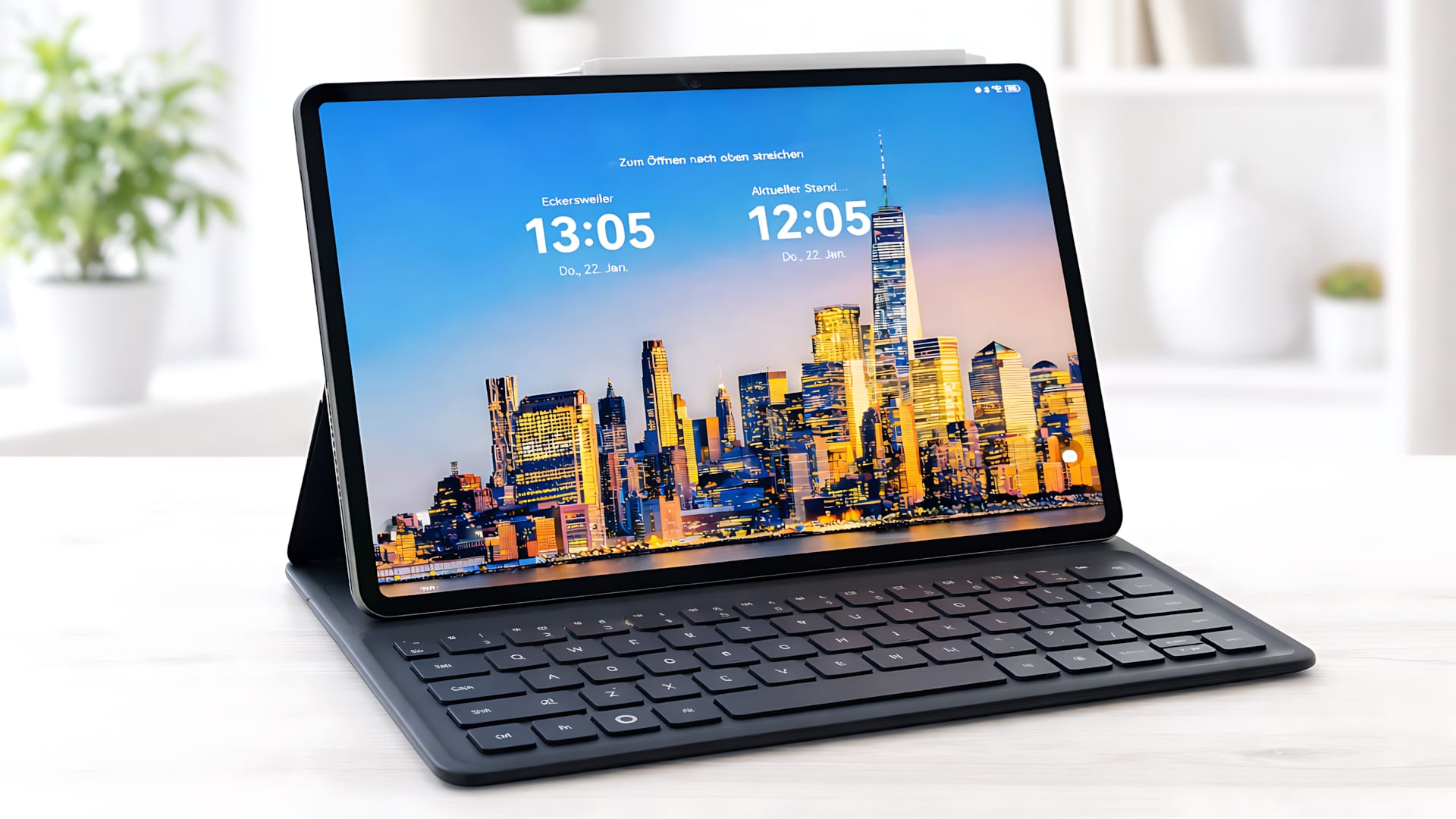
The MatePad 11.5 S uses a full-metal unibody design that feels and looks premium. At 6.1 millimetres thick and weighing around 515 grams, the tablet remains pleasantly slim and well balanced. Even when held for long periods or carried in a backpack, it does not feel tiring to use.
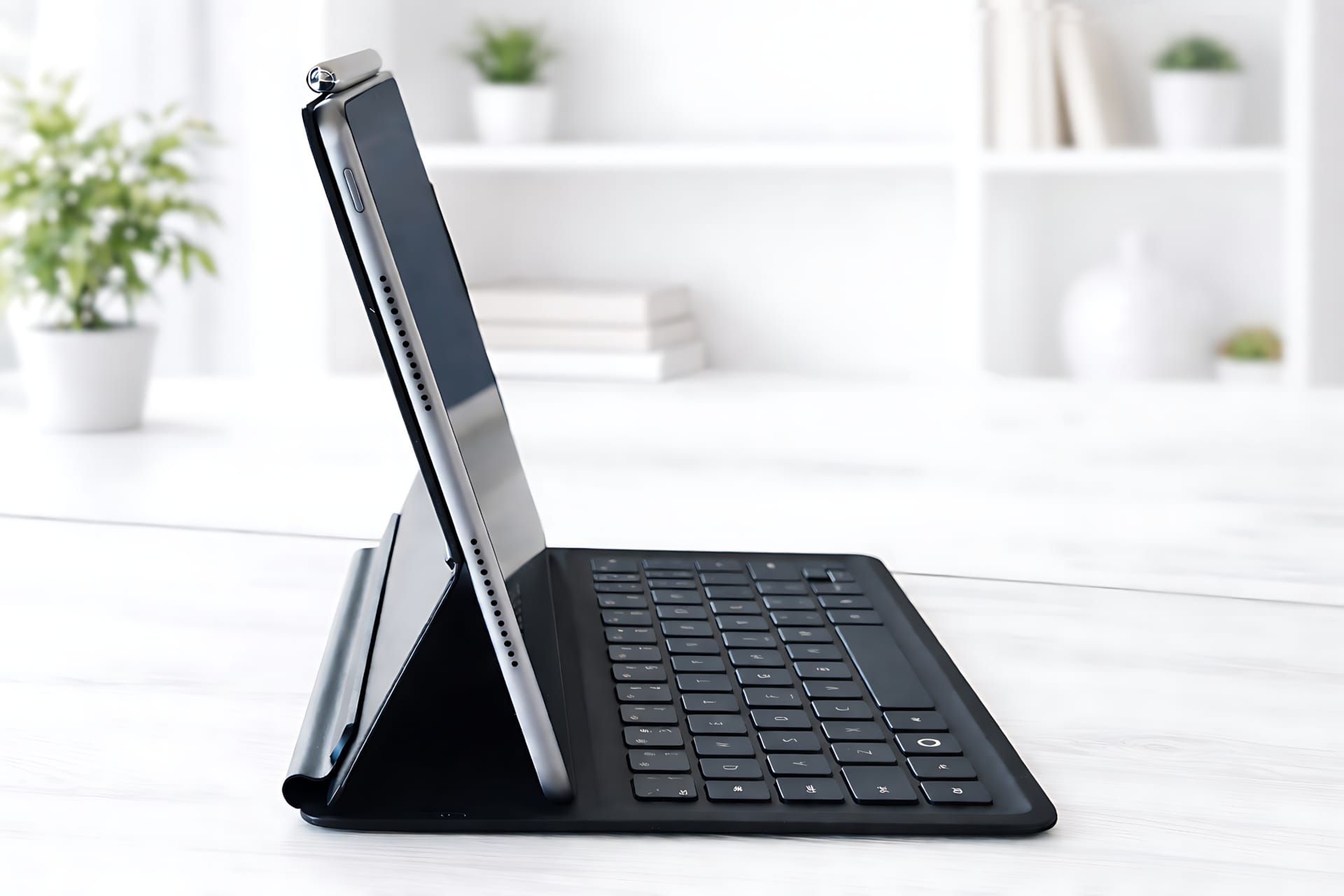
The build quality is consistently excellent. Gaps are even, the surfaces have a high-quality finish and are relatively resistant to fingerprints in everyday use. The design is deliberately understated and functional, which suits the device's productivity focus well.
The PaperMatte display in everyday use
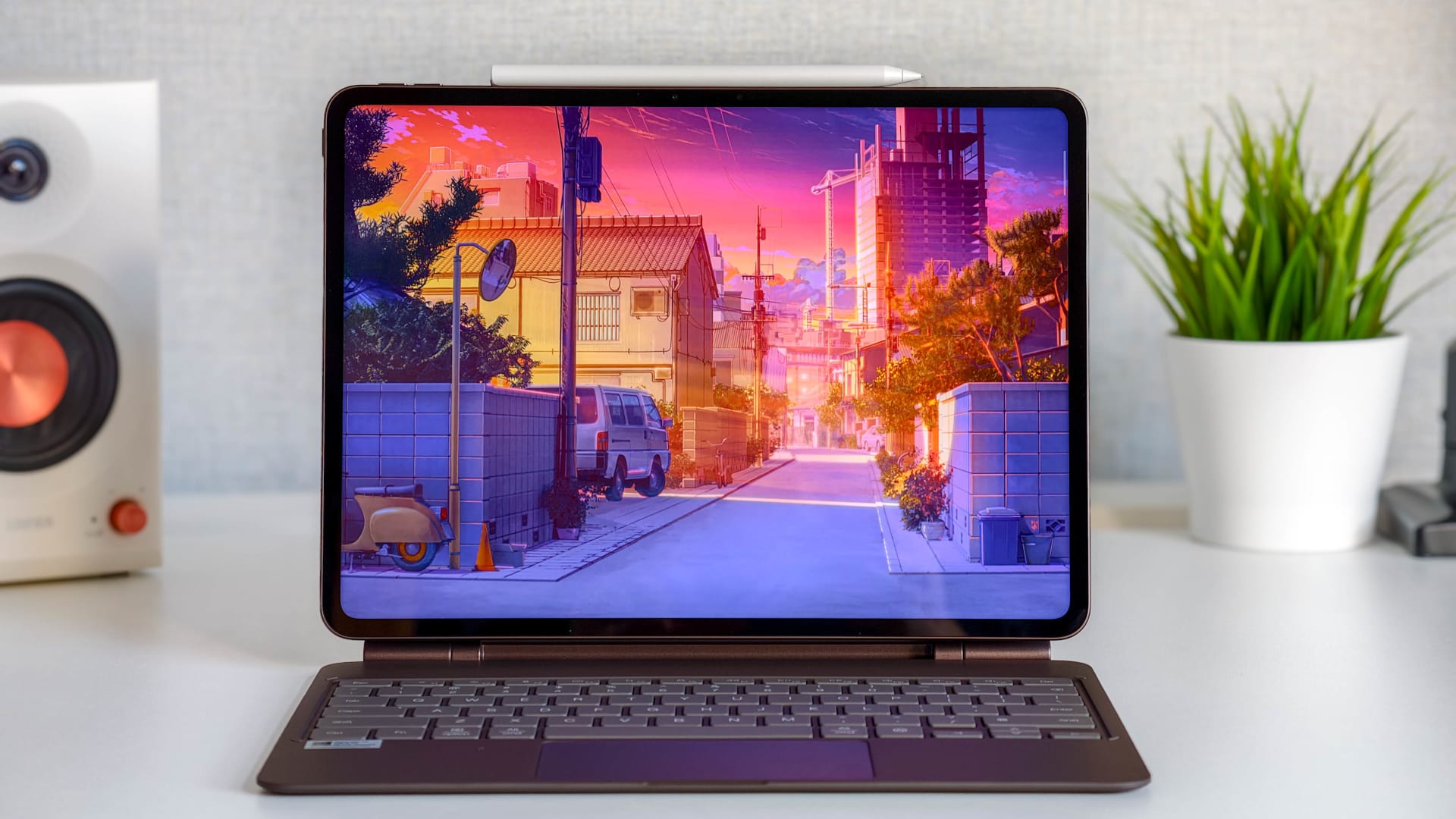
The Ultra-Clear PaperMatte display is the central technical and conceptual feature of the MatePad 11.5 S. HUAWEI uses a specially etched surface that scatters light and reduces reflections. Beneath it is an 11.5-inch LCD with 2800 × 1840 pixels, a 144 Hz refresh rate and 500 nits of brightness. It is also anti-glare, anti-reflective and anti-fingerprint.
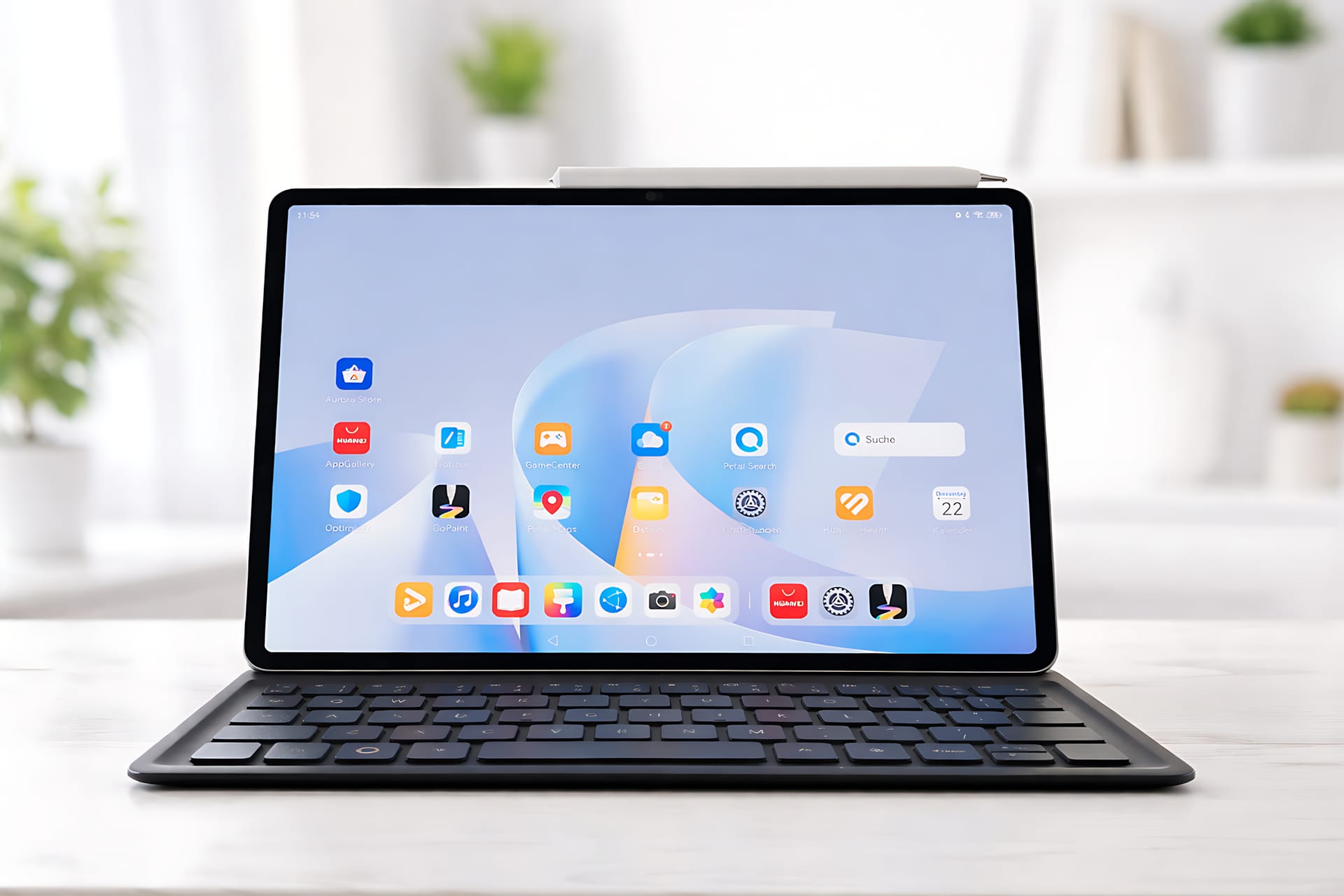
In everyday use, the difference compared to a “normal” display is clearly visible. Even in bright ambient light, such as in a café, at university or by a window, the screen remains easy to read. Reflections are significantly reduced, and white areas in particular look calmer than on conventional glass displays. You can read text for longer without your eyes tiring as quickly.
HUAWEI itself says it has reduced so-called sparkle effects by 50 percent. This means less graininess on bright surfaces and a more uniform image than in previous PaperMatte generations. The display remains slightly matte by design, without looking dull or blurry.
Writing and taking notes with HUAWEI Notes
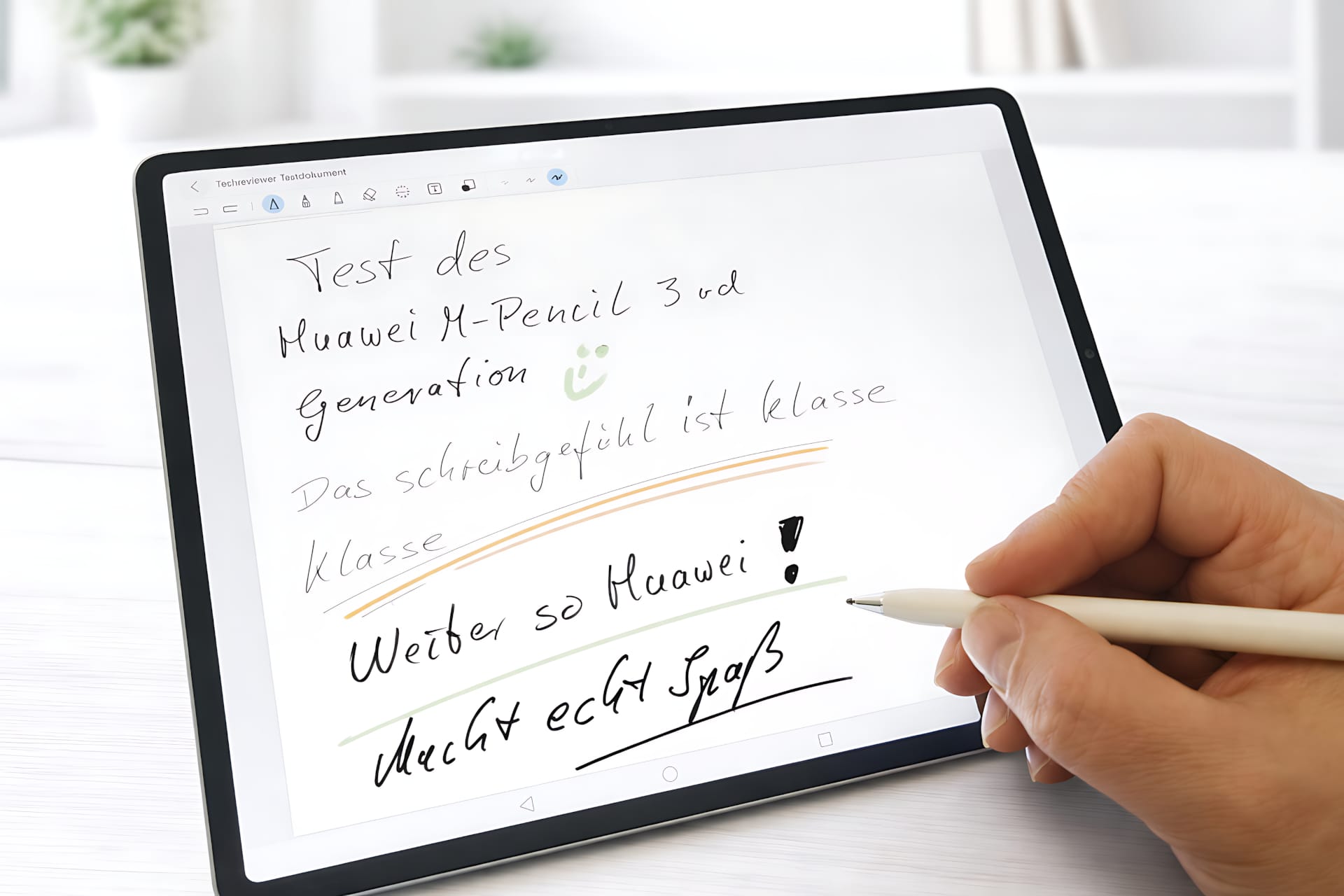
For productive work, HUAWEI Notes is a well-designed note-taking app clearly geared towards study and work. It offers various pen and brush types, an extensive range of templates and materials, as well as AI-powered features such as handwriting optimisation and formula recognition.

Combined with the HUAWEI M-Pencil Pro, it delivers a very controlled and precise writing feel. The matte surface provides noticeable resistance, making writing feel surprisingly close to writing on paper. Lines are easier to draw with control, and your hand does not slip unintentionally across the screen.
One practical detail is the option to launch HUAWEI Notes simply by pressing the end of the stylus. This feature may seem unremarkable, but it noticeably saves time in everyday use.
Creative work with GoPaint
For those who enjoy drawing, GoPaint comes pre-installed as a capable drawing programme. The app offers layers, various brushes and enough tools to create sketches, illustrations or storyboards. Here, too, the PaperMatte display shows its strengths. Lines are easier to control, and even during longer drawing sessions, the display remains comfortable on the eyes.
GoPaint does not replace professional desktop software, of course, but it is more than good enough for drawing on the go and capturing ideas.
Productivity with Smart Magnetic Keyboard
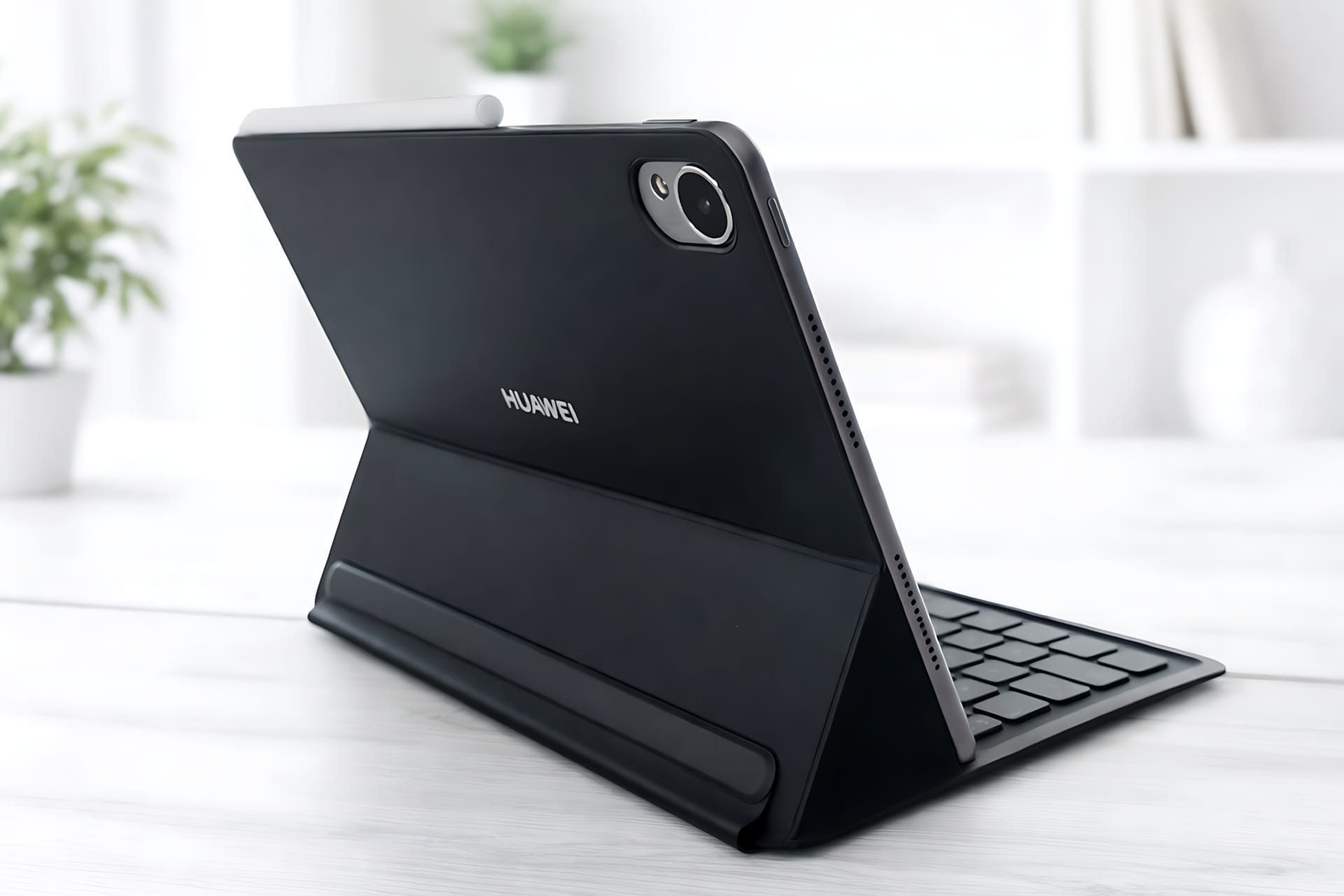
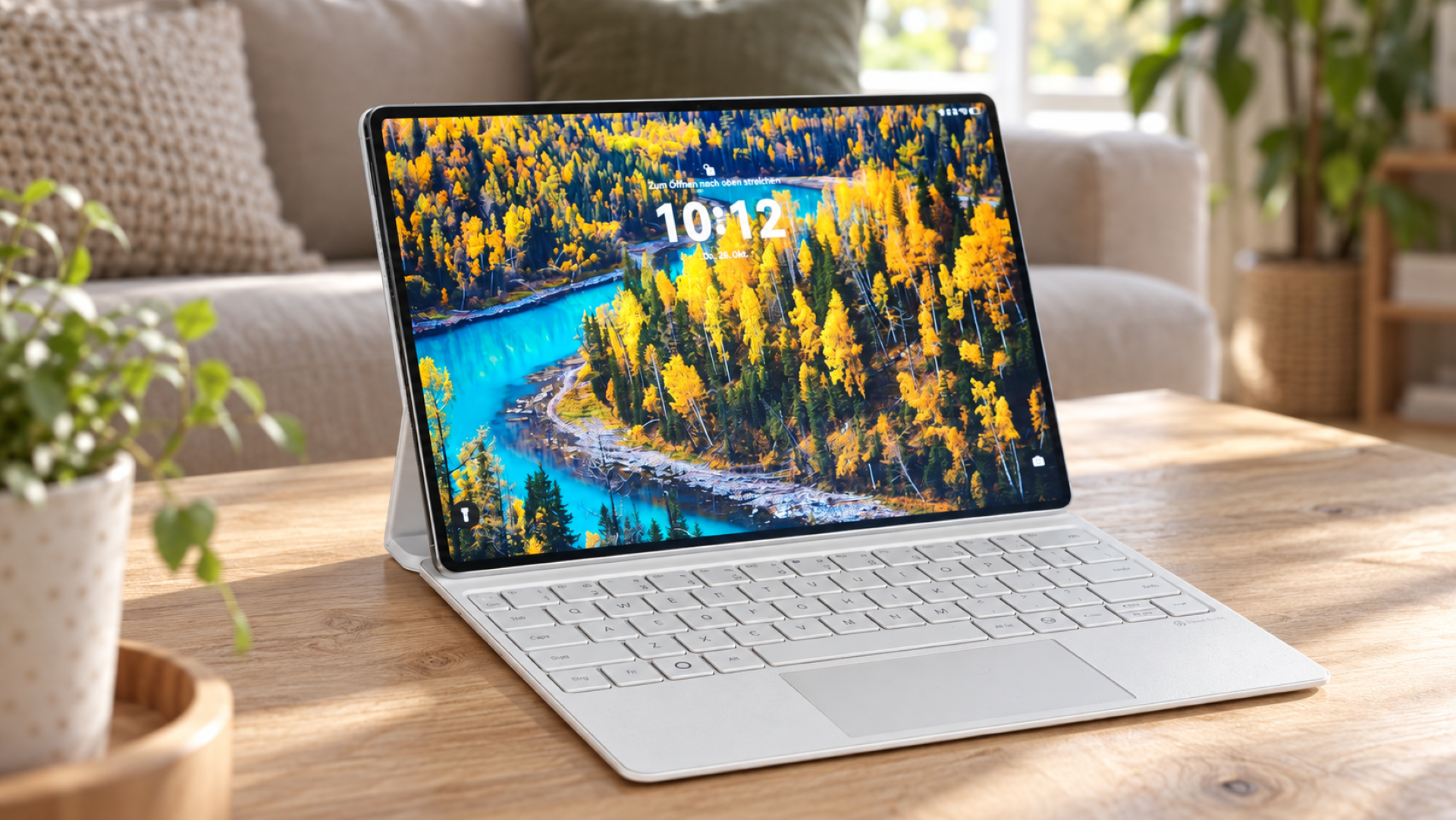
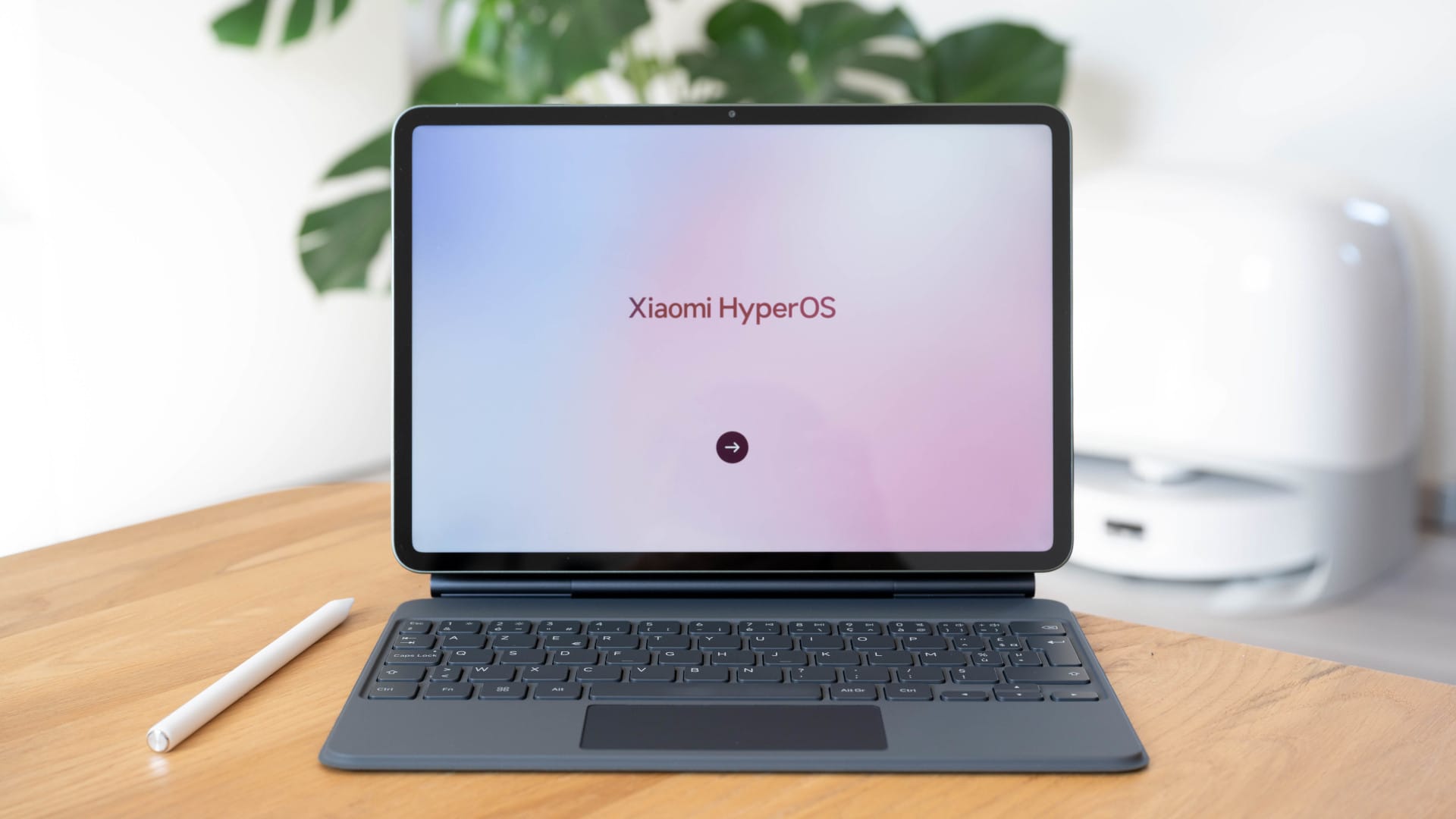
With the optional HUAWEI Smart Magnetic Keyboard, the MatePad 11.5 S takes on the role of a compact laptop. The keyboard attaches magnetically, stays firmly in place and also serves as a protective cover and stand.
The keys have 1.5 millimetres of travel and are large enough to make typing longer texts comfortable. For a tablet keyboard, the typing experience is well above average. Multitasking features and apps such as Wondershare Filmora reinforce the feeling of using a PC-like device without sacrificing its mobile character.
Performance, cooling and battery life
Inside, the Kirin T92C works with 12 GB of RAM and either 128 GB or 256 GB of storage. The Kirin T92C is not a high-end chip, but it is more than powerful enough for taking notes, multitasking, drawing and watching videos. The tablet stays pleasantly cool, even when several apps are running at the same time.
The integrated 8,800 mAh battery delivers solid battery life of around 6 1/2 hours of screen time. That should be enough for a full workday of note-taking, research, media consumption and occasional creative work. The 40 W SuperCharge feature fully charges the tablet in about 90 minutes.
Google apps on the MatePad
Like all current HUAWEI tablets, the MatePad 11.5 S is also shipped without preinstalled Google services. In practice, however, this proves less limiting than the spec sheet might initially suggest.
Using the Aurora Store in combination with microG, you can easily install most well-known Google apps, such as YouTube, Gmail, Google Maps and Google Drive. Setup takes just a few minutes and requires no root access or complicated system modifications. It is also manageable for less tech-savvy users if they follow a short guide.
Limitations mainly arise where Google heavily protects its services. Google Pay (not relevant here anyway) does not work, and some games or apps that rely on Google's security services may have problems or fail to launch altogether.
A detailed step-by-step setup guide can be found here, courtesy of our colleagues at AllroundPC: HUAWEI - Google guide
Our verdict
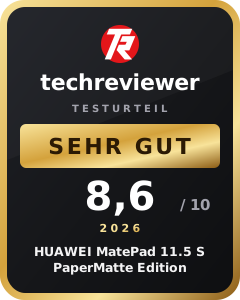
The HUAWEI MatePad 11.5 S PaperMatte Edition feels less like a conventional tablet and more like a digital notebook. The biggest difference comes from its anti-glare PaperMatte display, which makes reading, writing and drawing noticeably more comfortable than on a standard glass display.
The rest of the package is a good fit, too. The chassis is thin and high-quality, battery life easily lasts a full day, and the keyboard makes the MatePad perfectly usable for writing, emails or research. Performance is not designed for gaming or demanding video projects, but is entirely sufficient for everyday use with notes, documents and creative apps.
The lack of Google services remains a minor drawback, but it is no longer as serious as it once was. If you are willing to spend a few minutes setting things up, you can install most services afterwards in no time.
Specifications
Processor and memory
- CPU
- HiSilicon Kirin T92C (6-core)
- CPU clock speed
- not specified
- GPU
- not specified
- RAM
- 12 GB
- Internal storage
- 256 GB
- Storage expansion
- No
Display
- Display size
- 11.5 inches
- Display resolution
- 2800 × 1840 pixels
- Aspect ratio
- 3:2
- Pixel density
- Approx. 291 ppi
- Display refresh rate
- 30 to 144 Hz adaptive
- Display brightness
- 500 nits
- Display type
- LCD
- Other
- 87 per cent screen-to-body ratio
- Contrast ratio 1500:1
Cameras
- Main camera
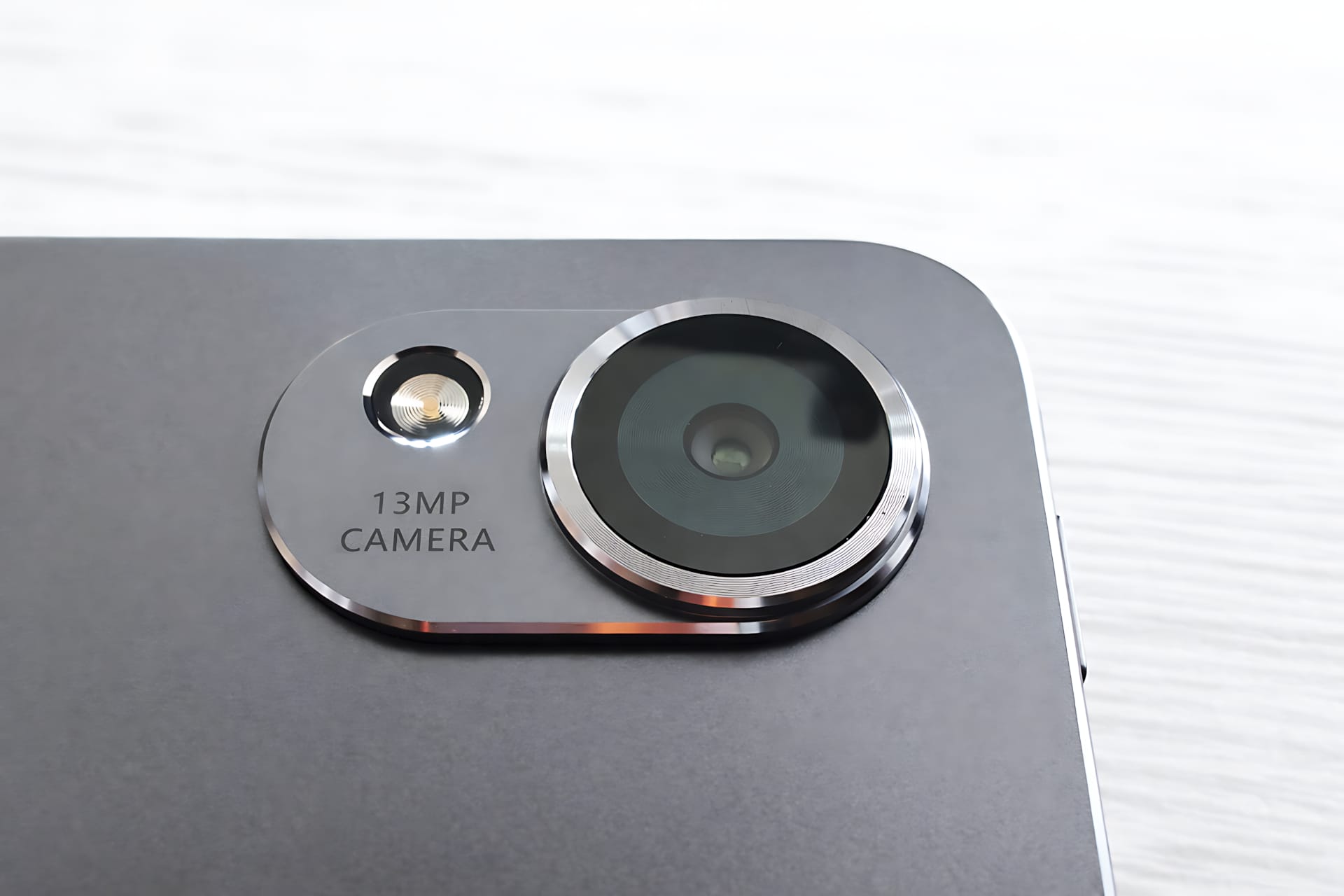
- 13 MP (f/1.8, autofocus)
- Front camera
- 8 MP (f/2.0, fixed focus)
Mains
- Mobile network
- No
- Positioning
- Wi-Fi positioning
Wireless
- Wi-Fi
- Wi-Fi 6 (802.11 a b g n ac ax, 2×2 MIMO)
- Bluetooth
- 5.2 (AAC, LDAC, BLE)
- NearLink
- Yes
- GPS
- No
- NFC
- No
Audio
- Speakers
- 4
- Microphones
- 2
- Audio system
- HUAWEI Histen 9.0
- Supported formats
- MP3, MP4, 3GP, OGG, AMR, AAC, FLAC, WAV, MIDI
Sensors
- Accelerometer
- Gyroscope
- Ambient light sensor
- Hall sensor
Battery
- Battery
- 8800 mAh (typical)
- Fast charging
- 40 W wired (10 V 4 A SuperCharge, 9 V 2 A FastCharge compatible)
- Qi charging
- No
- Reverse charging
- No
Ports
- USB-C
- USB standard
- USB 3.0
- OTG
- Yes (5 V 1 A)
Operating system
- HarmonyOS 4.3
Case
- Colors
- Green, Space Gray
- Material
- not specified
Size and weight
- Size
- 261.0 × 177.3 × 6.1 mm
- Weight
- approx. 515 g
Special features
- 144 Hz display with adaptive refresh rate
- NearLink support
- Very slim body at just 6.1 mm
- Four speakers for stereo audio
What’s included
1x HUAWEI MatePad 11.5 S 1x USB-C charging cable 1x 40 W SuperCharge power adapter 1x quick-start guide
Price comparison
| Store | Price | Link |
|---|---|---|
| Amazon | 449,00 € | Go to store |
Comments