Contents
Design and build quality
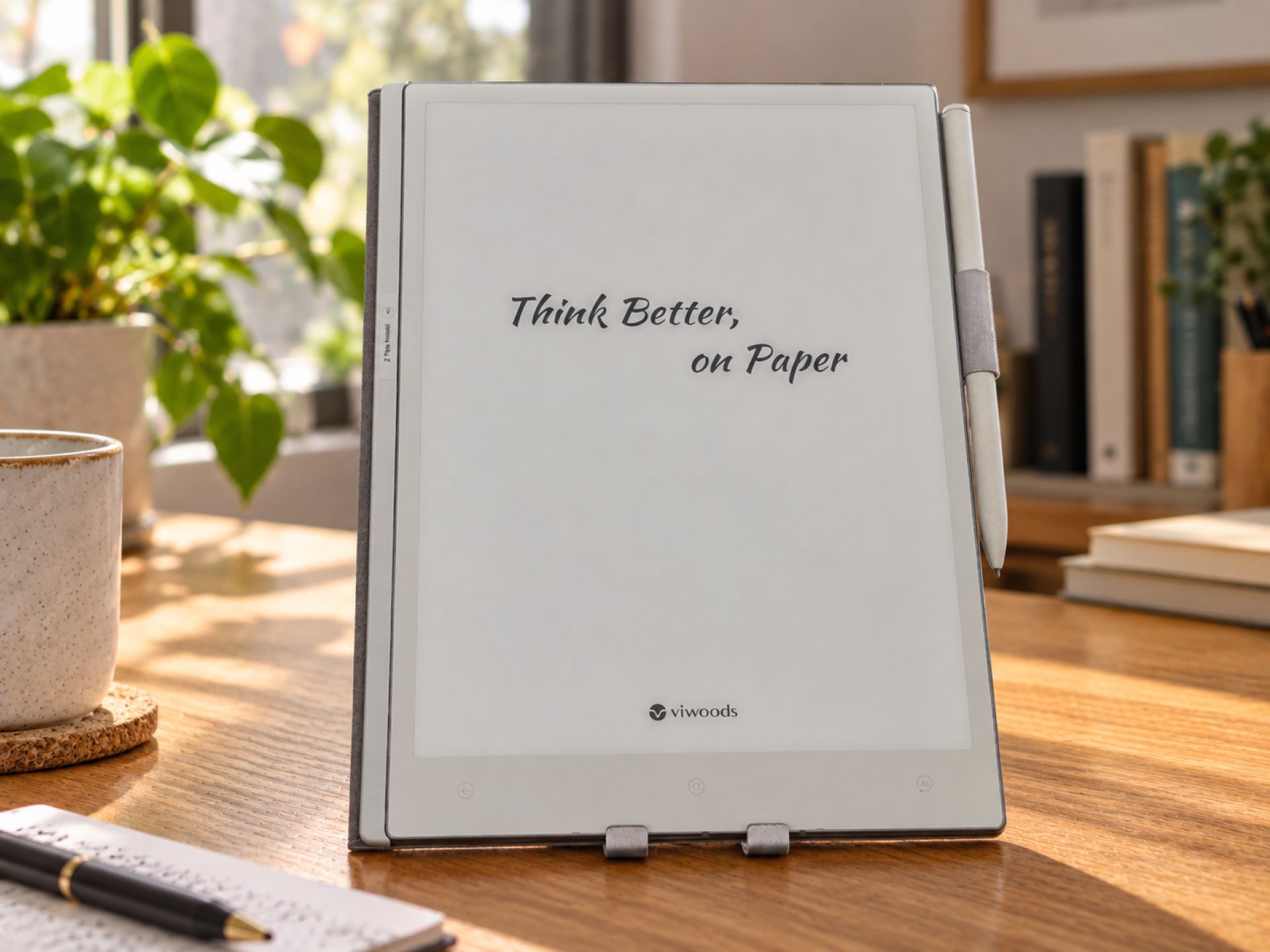
The Viwoods AiPaper combines a slim casing with a generous E Ink display and minimalist design. At just 4.5 millimetres thick and weighing around 370 grams, it is particularly thin and light. Its dimensions of 247 × 178 millimetres are similar to those of a classic notepad, providing plenty of space for handwritten notes and documents. At the same time, the device remains compact and easy to handle.
The AiPaper handles well. Its low weight and slim design are particularly noticeable when holding the device for longer periods. There is also little to criticise about the build quality. The casing feels solid and is neatly finished. One special feature is the Mobius display, which uses a flexible rather than rigid glass substrate, unlike conventional E-Ink panels. This makes the screen less susceptible to certain types of mechanical stress, but does not protect it from damage altogether. A suitable protective case is therefore still advisable for transport.
Alongside the stylus, the device also features a fingerprint sensor integrated directly into the power button. This makes it easy to unlock the AiPaper without entering a password. However, recognition is not always reliable in everyday use. A protective case can also make the button a little harder to reach.
Display and writing experience
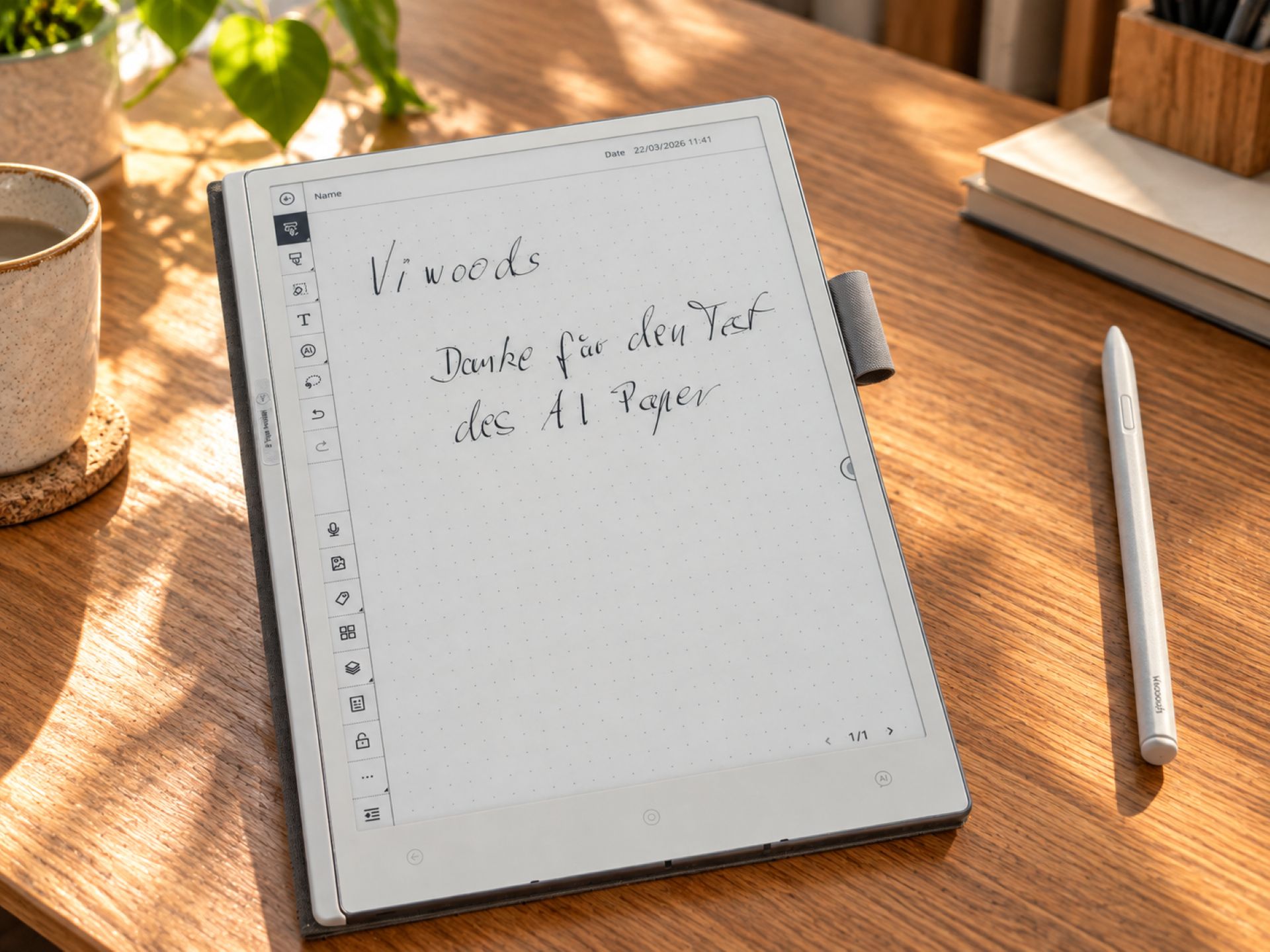
The AiPaper features a 10.65-inch E Ink display with Carta 1300 technology. With a resolution of 2660 × 1920 pixels, it achieves a pixel density of 300 PPI. Text appears correspondingly sharp, and even small font sizes and fine lines are easy to make out.
Carta 1300 technology offers improved contrast and faster image refresh than older generations of E Ink. As well as text, it can display drawings, diagrams and manga well. Photos, however, push the display to its limits. Since all content appears exclusively in greyscale, details can be lost, particularly in dark or low-contrast areas.
As is usual with E Ink, the screen uses ambient light. This produces a paper-like display that feels particularly comfortable when reading for extended periods. However, there is no built-in front light. So anyone who wants to read in bed in the evening or in low light will need an additional light source. The smaller AiPaper Mini is better equipped in this respect, with its own display lighting.
Another characteristic is so-called ghosting. After turning a page, faint remnants of the previous image sometimes remain visible. A full screen refresh can usually remove these traces. This is hardly noticeable when reading or writing, but it becomes more apparent with frequent image changes.
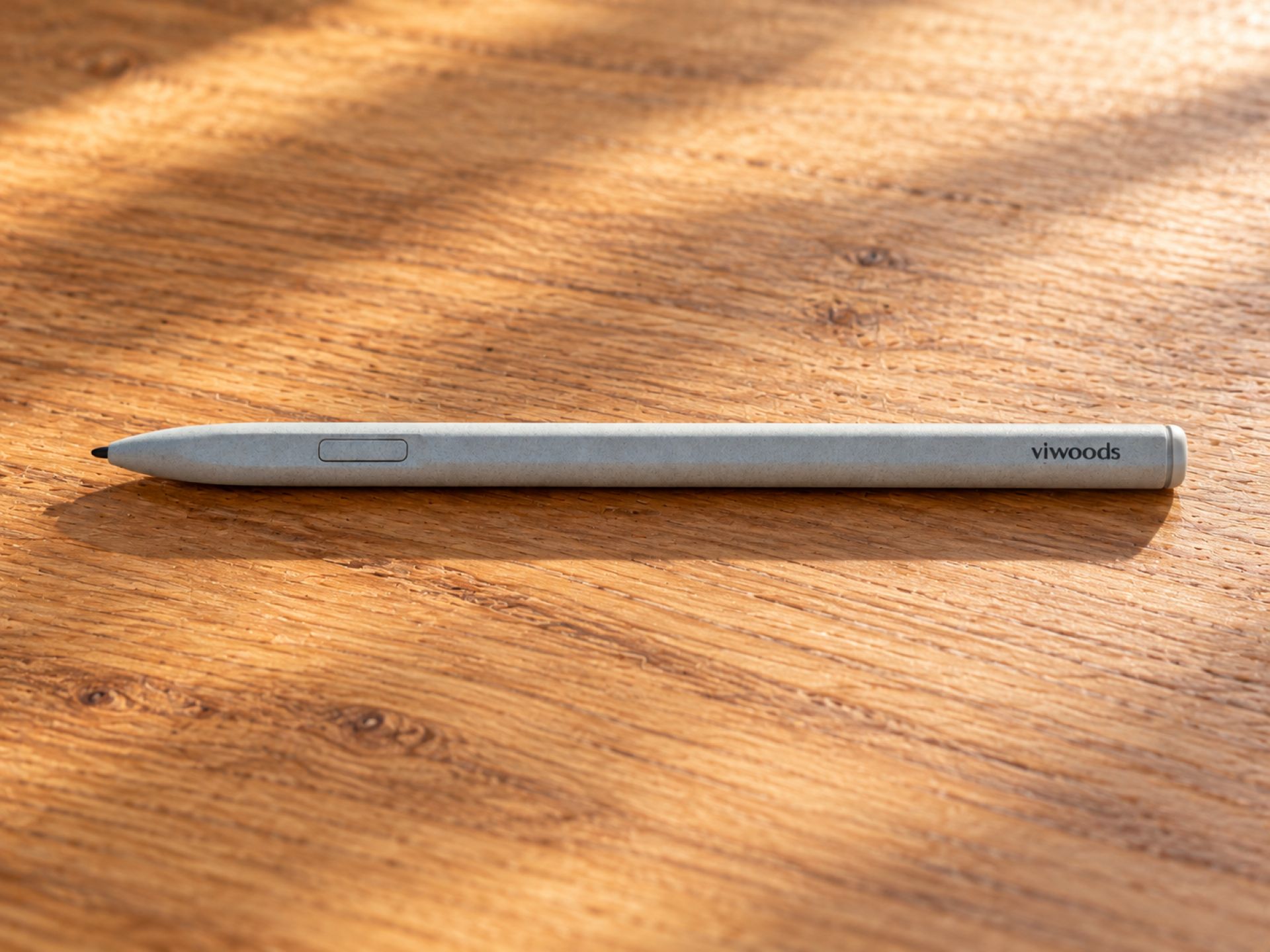
Alongside image quality, stylus input plays a particularly important role on the AiPaper. Viwoods uses EMR technology, so the included W2 Stylus Pro does not need its own battery. The replaceable nibs let you adjust the writing feel to some extent. Softer nibs offer more resistance, while harder ones glide more directly across the display. Combined with the slightly textured surface, they create a writing feel that genuinely resembles paper. This makes the stylus comfortable and easy to control, especially when taking longer notes.
Viwoods gives the parallax—the distance between the tip of the pen and the displayed line—as less than 750 micrometres. This makes input feel direct while writing, with no noticeable delay. A button on the pen can be used to activate the eraser, among other functions, or to set a custom shortcut. The stylus's feel is less convincing, however. Its lightweight plastic casing makes it feel somewhat basic compared with the tablet itself. Given the price range, Viwoods could have paid a little more attention to the choice of materials. That said, it does little to detract from the good overall writing experience.
Software, Android 13 and AI features
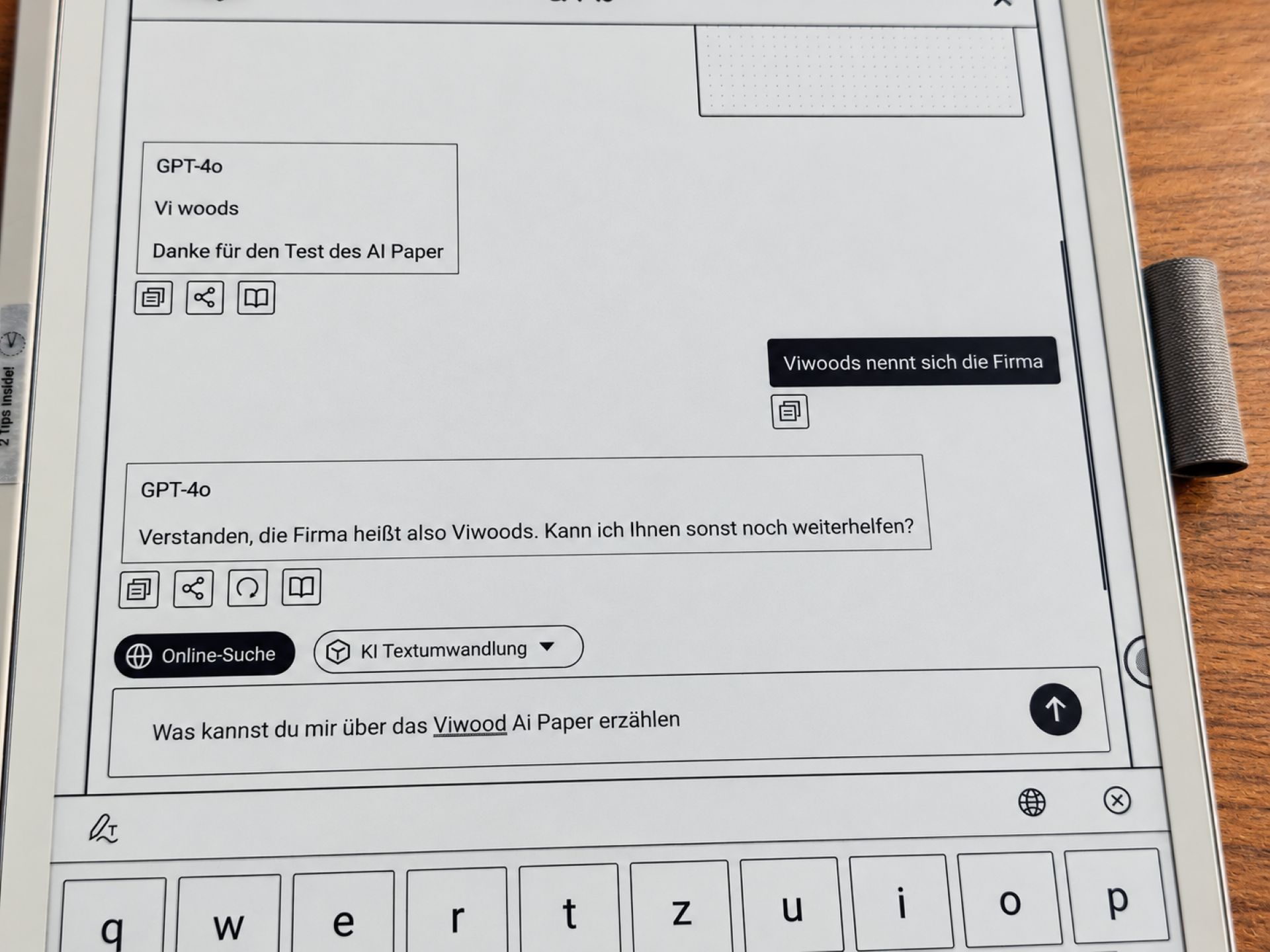
The operating system is Android 13, complemented by Viwoods with its own user interface designed for note-taking and organisation. Unlike more closed E-Ink systems, it is also possible to install third-party apps. The Google Play Store offers a wide range of applications, for example for document management, reading and everyday organisation. Powering the device is an octa-core processor running at up to 2.0 GHz, with 4 GB of RAM and 128 GB of internal storage. This configuration is sufficient for taking notes, reading e-books and working with documents.
However, the Android foundation also brings limitations. Many apps are not optimised for E-Ink displays, which is particularly noticeable with animations, rapid image changes and scrolling. AiPaper also responds noticeably more slowly than a regular tablet when browsing the internet. Occasionally, faint remnants of previous screen content remain visible. Those who mainly read, write or edit documents should get along well with it. The device is less suitable for frequent app switching and extensive multitasking.
Alongside classic notebooks, the user interface also offers features for daily planning, task management and document organisation. This makes it possible to handle many everyday tasks directly on the AiPaper. However, it is not always easy to use. Some features are buried in nested menus, and the different applications could work together better. For example, notes and calendar entries cannot always be linked as flexibly as one might wish. Viwoods regularly updates the software, however, and also takes user feedback into account.
AI features can be accessed via a dedicated button. These include converting handwritten notes into digital text, summarising longer content and translating text. AI can also help with phrasing and structuring information. This is particularly useful for meetings or lengthy notes, as handwritten records can then be processed more easily.
How reliably this works depends on the source material, however. Legible handwriting is generally recognized more accurately than hurried notes with lots of abbreviations. Information can also be lost or misrepresented in summaries. You should therefore check the results before using them further. For confidential content, it is also important to know which data is sent to external services for AI processing.
Reading, documents and everyday use
In addition to handwritten notes, the Viwoods AiPaper also works as a large-format e-reader. The 10.65-inch display is particularly useful for PDF documents. Academic articles, scientific publications and instruction manuals are much more comfortable to read on it than on a small e-reader. EPUB files are also supported. Thanks to the high resolution, even smaller fonts remain easy to read. However, with extensive PDF pages in A4 format, you will occasionally need to zoom in on individual sections. Colored diagrams and highlights can also be problematic, as the display renders only grayscale.
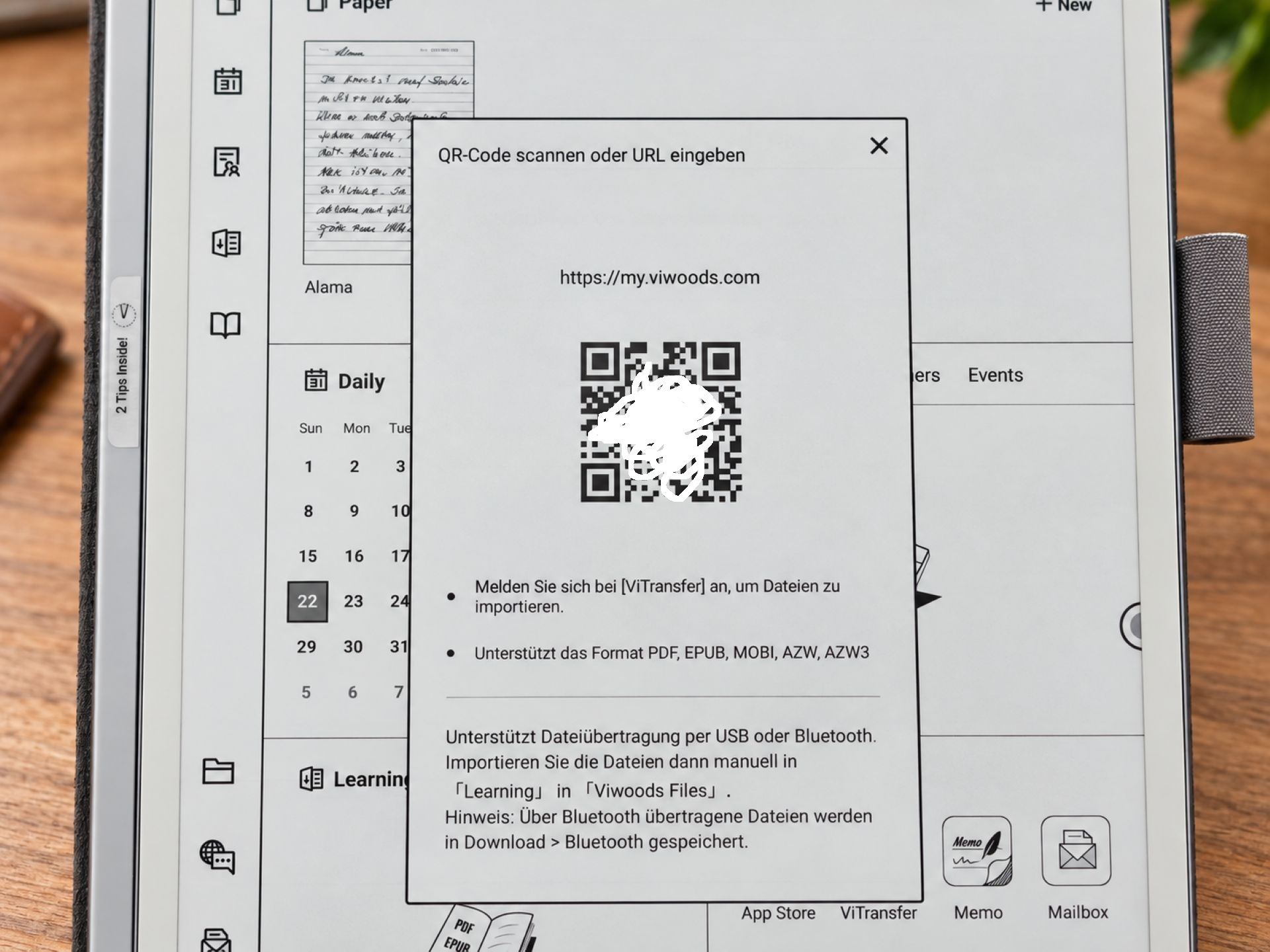
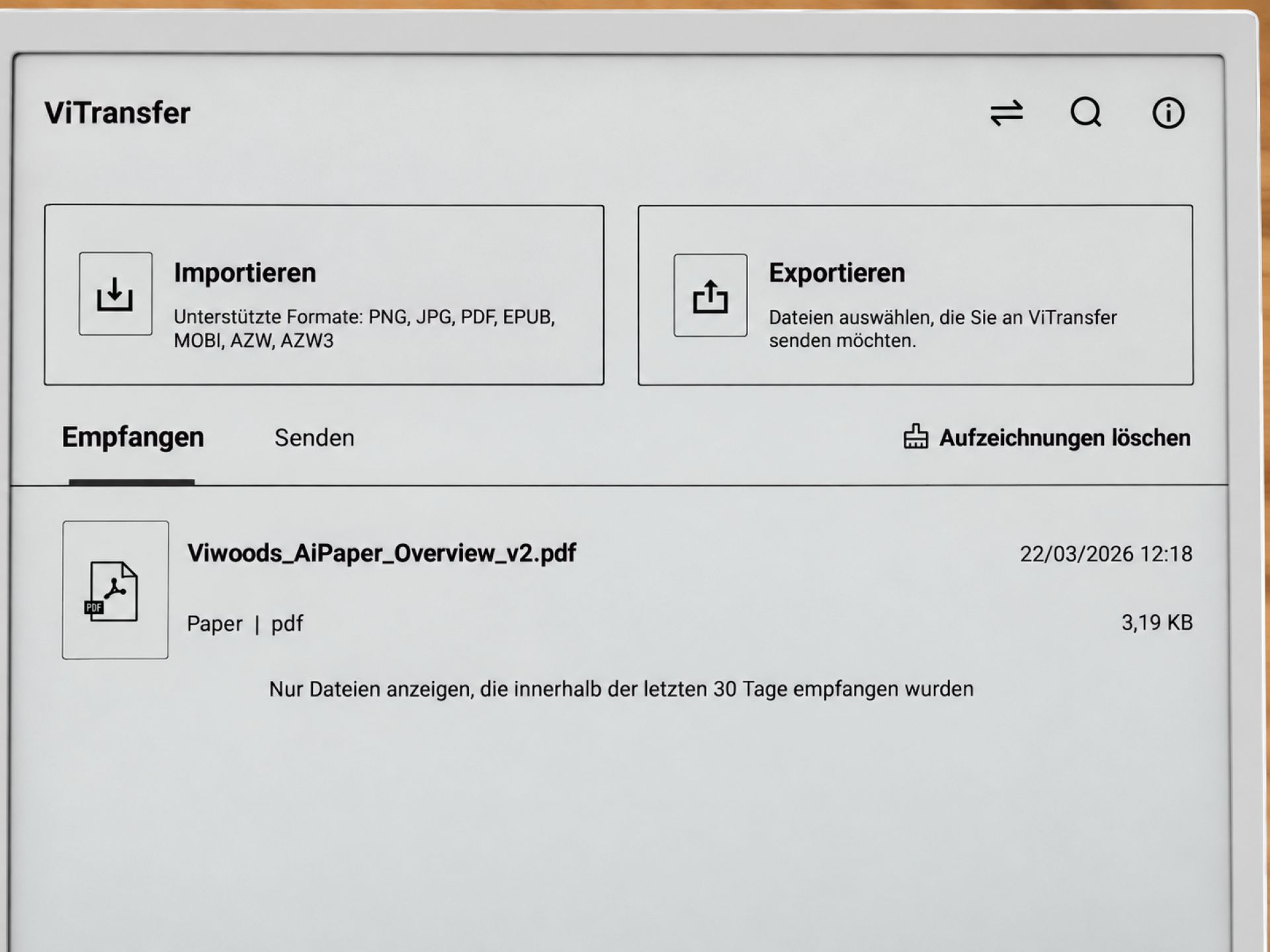
The ability to annotate documents directly with the pen is useful. Notes, corrections and highlights can be added directly to the relevant page. This is a useful feature, especially when working through longer texts or correcting documents. For file sharing, Viwoods offers ViTransfer, among other options, which lets you transfer documents between devices via a browser. Google and Microsoft cloud services can also be used through the relevant Android apps. How reliably synchronisation works depends on the application in question.
The AiPaper has a 4100 mAh battery. Since E Ink displays use very little power when showing static content, battery life of several weeks is generally possible.
Our verdict
The Viwoods AiPaper impresses with its slim design, low weight and sharp E Ink display. Its comfortable handling and paper-like writing feel make it an appealing digital notebook. With Android 13 and integrated AI features, it also offers plenty of ways to process handwritten notes and documents further.
However, the AiPaper is not without its weaknesses. The somewhat convoluted software requires a little time to get used to, while the lack of display lighting and the typical limitations of E Ink restrict its use. The price of around 554 euros is not exactly low either.
Anyone who regularly takes notes, edits PDFs and wants to organise their documents digitally gets a versatile work device with impressive hardware. However, there is still room for improvement in the software.
Specifications
General
- Model
- Viwoods AiPaper
- Price
- approx. 554 euros
- Dimensions
- 247 × 178 × 4.5 mm
- Weight
- 370 g
Display
- Size
- 10.65 inches
- Technology
- E Ink Carta 1300
- Resolution
- 2660 × 1920
- Pixel density
- 300 PPI
- Special feature
- Flexible Mobius screen
Performance
- Processor
- Octa-core
- Clock speed
- up to 2.0 GHz
- RAM
- 4 GB
- Storage
- 128 GB
System
- Operating system
- Android 13
Connectivity
- Wi-Fi
- 802.11 a/b/g/n/ac
- Bluetooth
- 5.0
Battery
- Capacity
- 4100 mAh
- Tension
- 3.8 V
Input
- Stylus
- Stylus Pro
- Nib tips
- Interchangeable felt and POM
- Parallax
- < 750 μm
Safety
- Fingerprint sensor
- Password protection
What’s included
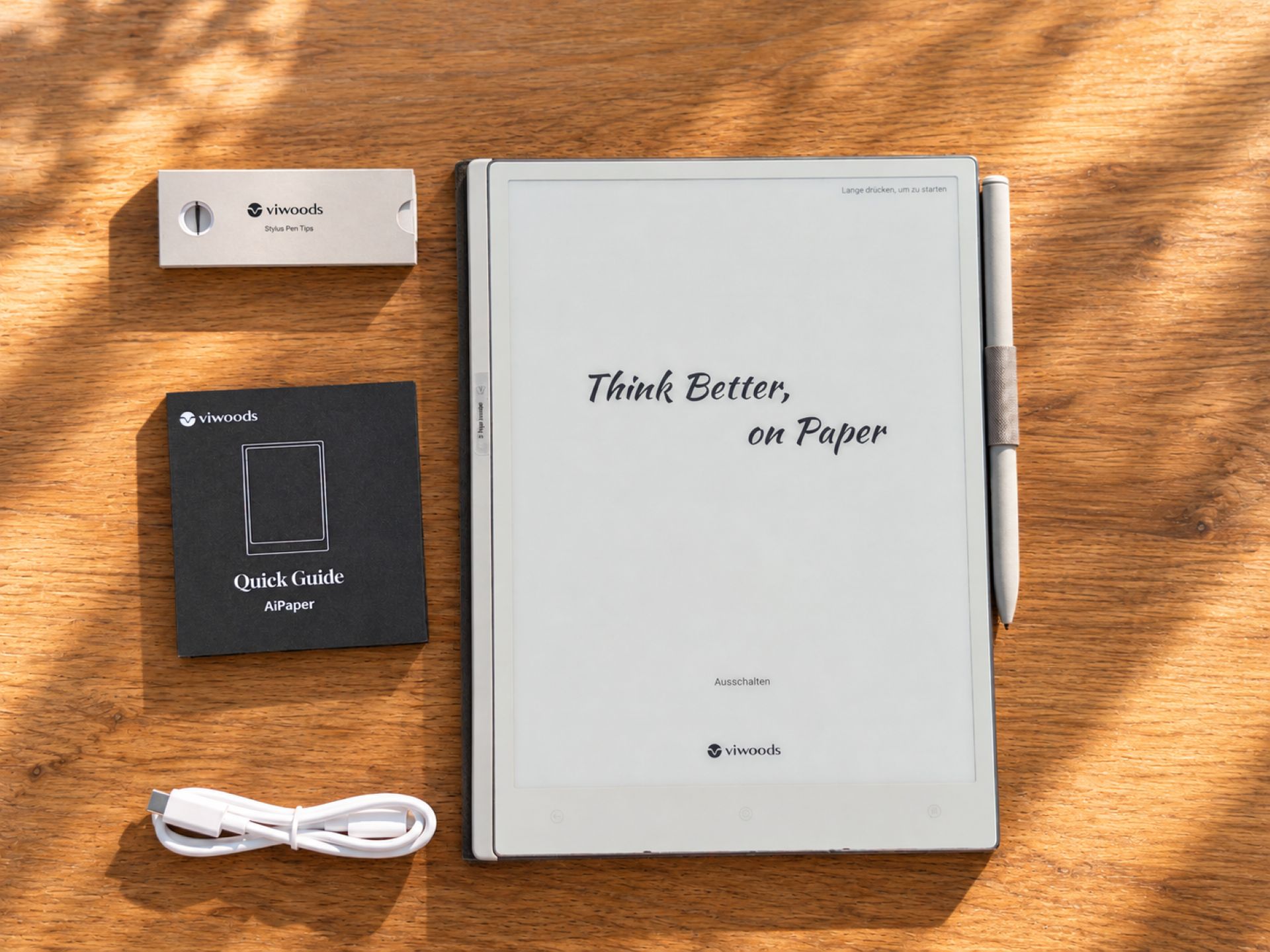
1x Viwoods AiPaper 1x W2 Stylus Pro 1x protective case with pen holder 1x set of replacement tips 1x USB-C cable 1x quick guide
Comments