Contents
First impressions of the Insta360 Air
What’s included
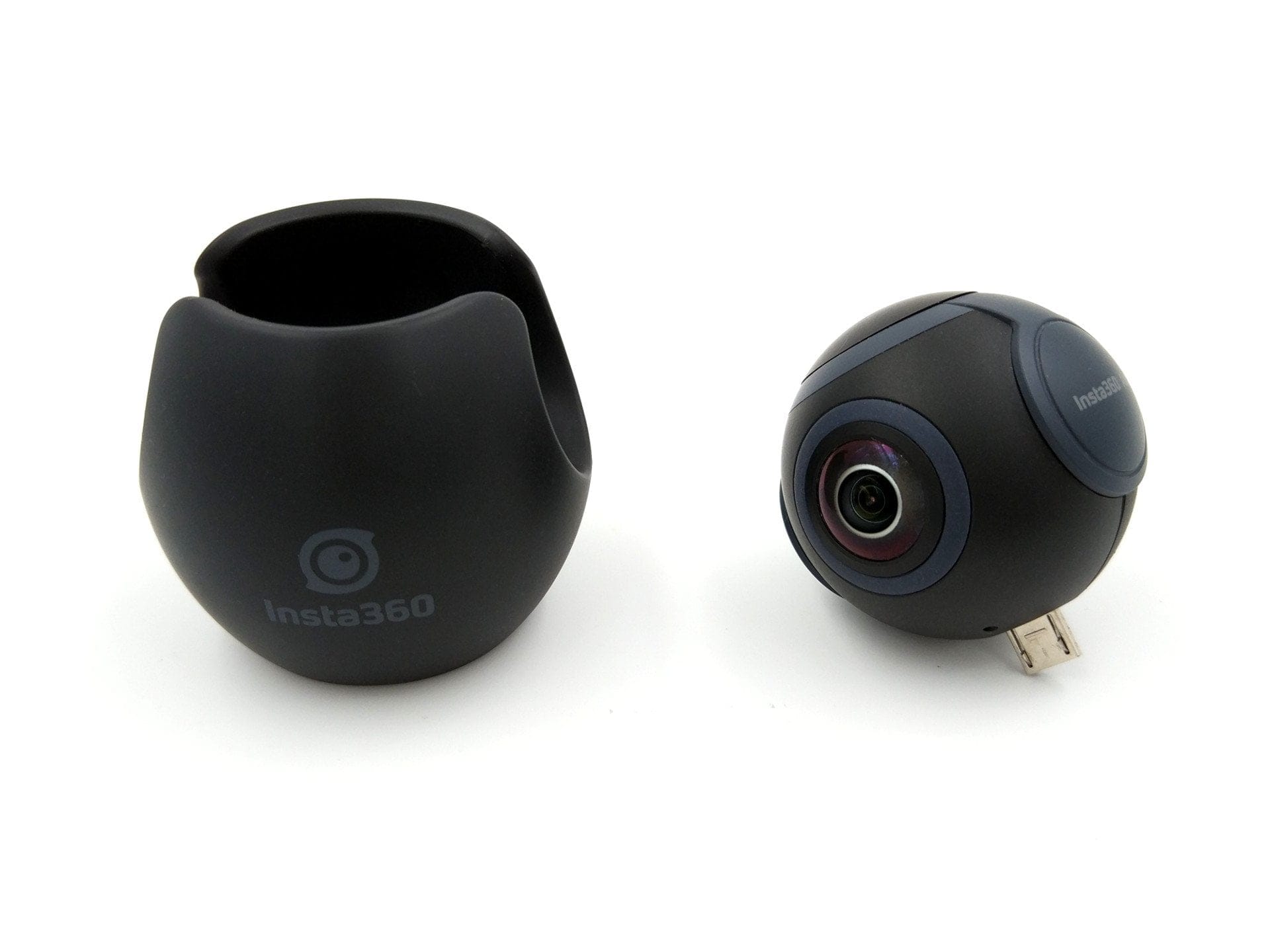
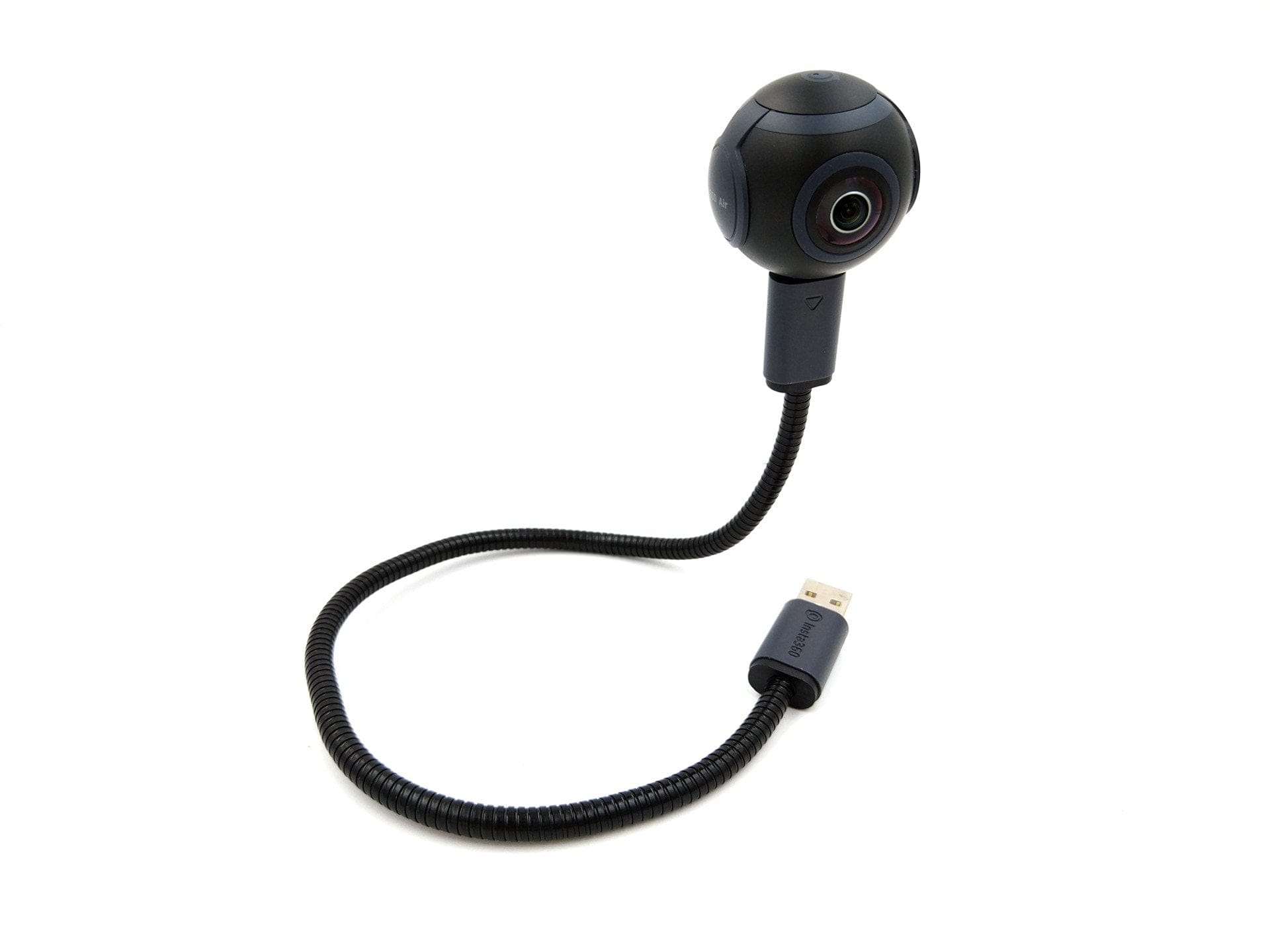
The scope of delivery includes everything you need for a first 360-degree recording. On-the-go, the Insta360 Air is simply connected via USB and utilises the components of the smartphone or tablet, without its own battery or storage. The scope of delivery therefore includes, in addition to the camera with silicone protection, only a flexible USB adapter cable, a cleaning cloth, a tool for maintaining the camera, and a multilingual user manual.


USB-C vs. Micro USB
The 360-degree camera is available in two versions. In addition to a model with the new USB type-C standard, the Insta360 Air is also available for older devices that only have a micro USB port. The rest of the hardware is identical in both versions, so only the connection differs. This connection confusion is unfortunately poorly handled. If you use two smartphones, as I do, one supporting the current USB-C standard and the other still using micro-USB, you cannot avoid using a dongle. It would have been advantageous if the manufacturer had integrated an adapter solution or at least included a proprietary dongle in the scope of delivery.
 Play video on YouTube
Design and build quality
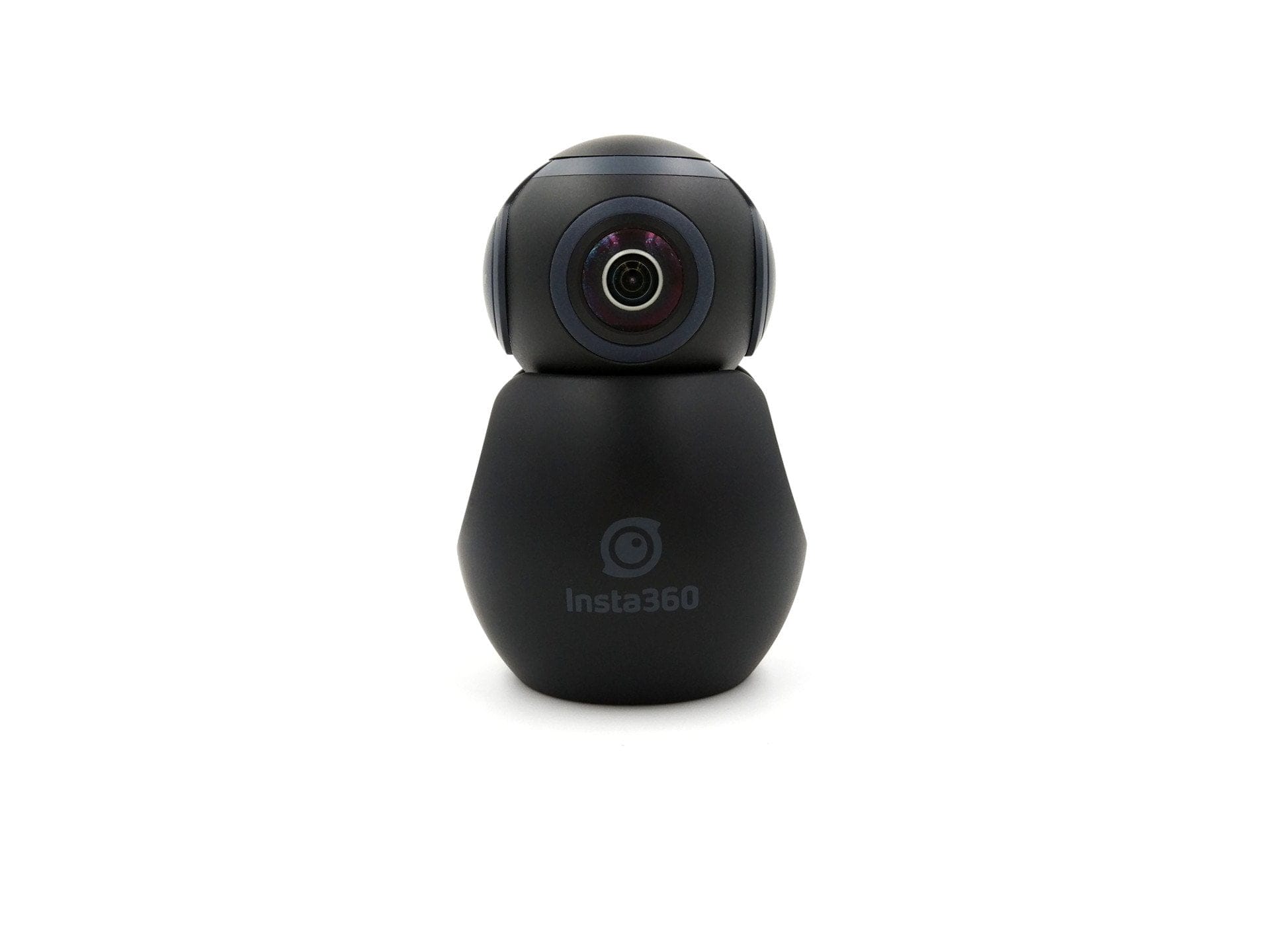
With a diameter of just 37.6 mm and a weight of 26.5g, the spherical Insta360 Air is one of the most compact 360-degree cameras. Even with the silicone protection, the size increases only marginally, so the camera can be transported and stored easily.
The camera is equipped with two F2.4 “fisheye” lenses. Due to its “Plug and Play” design, there are no power buttons or other controls. Only a LED indicator signals the current camera status. Next to the USB port is a small hole that, according to Insta360, is used for firmware updates. The manual does not provide further details on this. In terms of build quality, the Insta360 Air holds up perfectly well.
Setup and Insta360 Air app
If you have installed the Insta360 Air app offered in the Google Play Store, the camera can be used according to the principle of "Plug and Play". Once attached to the smartphone or tablet, the camera is immediately detected and started with the app. So that the app can also be operated and the image is not upside down, it is automatically rotated by the app. Of course, this function can also be switched off.
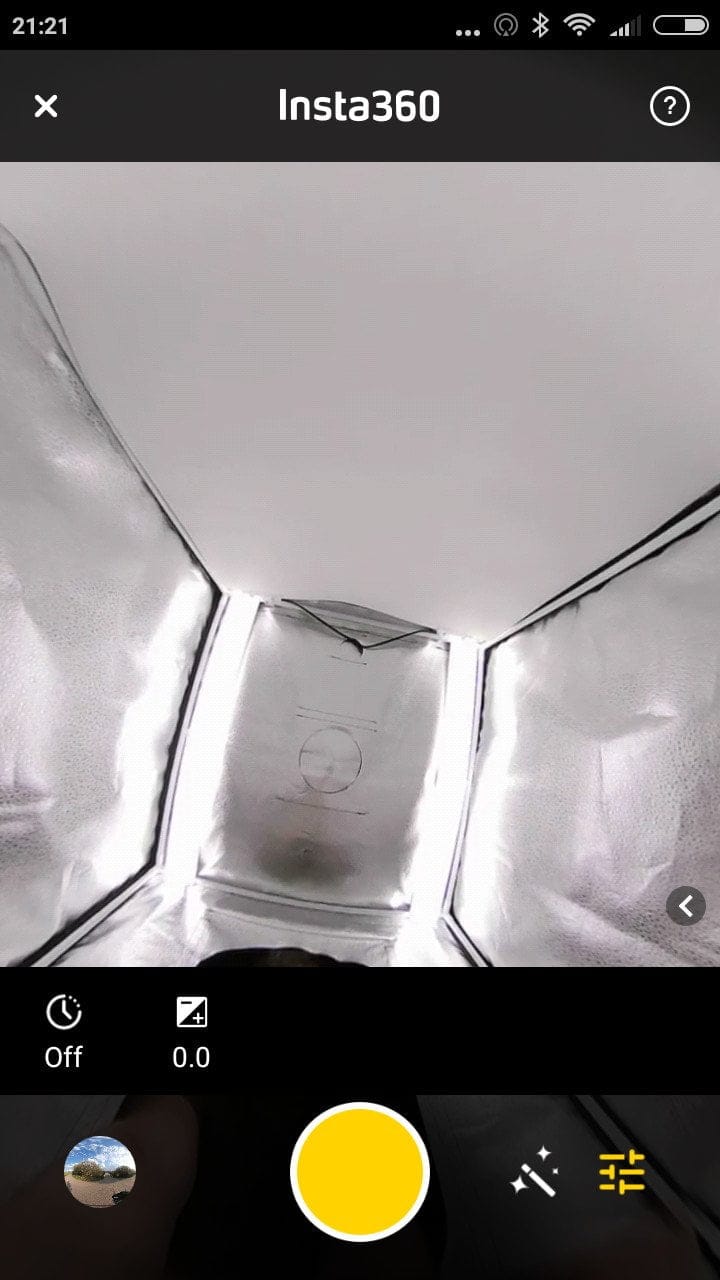
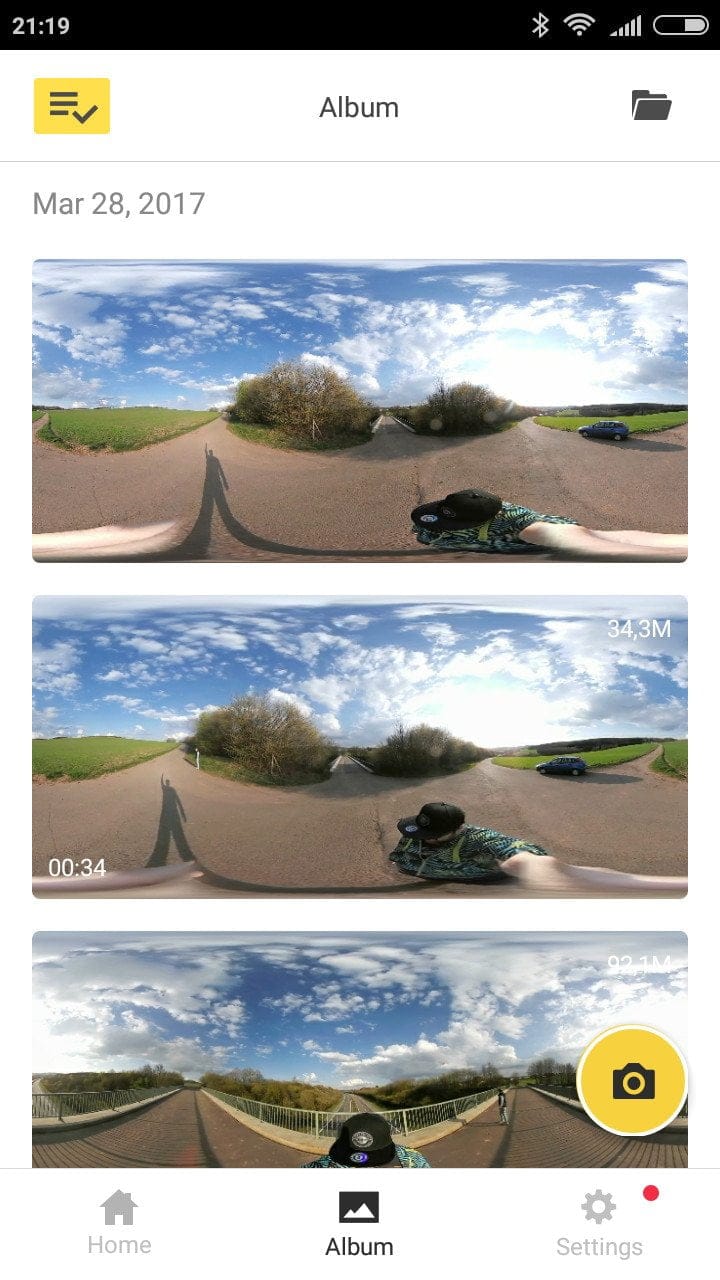
A brief introduction explains the app's functions. The language selection is limited to English, Chinese and Japanese. The app itself is well organised. In addition to a Community section where captured footage can be shared, there is an Album for viewing your own captures, as well as a section for general Settings. In the settings, you can define, among other things, whether captures are uploaded to the Cloud. There are also settings for the camera itself, such as recording limits, watermarks or storage location for captures, as well as app settings and links to help topics.
To use it with a PC, the included flex cable must be used. Although the camera is also recognised here without having to install any drivers, the Insta360 Webcam software is required to display an accurate 360-degree image.
Recording and recording quality
The Insta360 camera captures images at a 3008 x 1504 pixel resolution. Videos are recorded at a maximum of 2560 x 1280 pixels at 30 frames per second. The manufacturer does not provide information on the image sensor or image processor.
Update May 2017: With the latest firmware update, the camera is now capable of recording videos at a resolution of 3008 x 1504 pixels!
Via the app, you can switch between photo and video recording modes, as with any conventional camera app. Additionally, the app offers the option to stream the live view directly to YouTube. Extensive recording settings are not available. In photo mode, you can adjust the exposure and shutter speed. The video mode also only offers an option to adjust the exposure and resolution (960p or 1280p). To add a bit of flair to the recordings, there are 9 colour filters available that can be overlaid on the image. Another feature is the “beauty mode”, which allows the recording to be smoothed in 5 levels. Unfortunately, an HDR mode is not available.
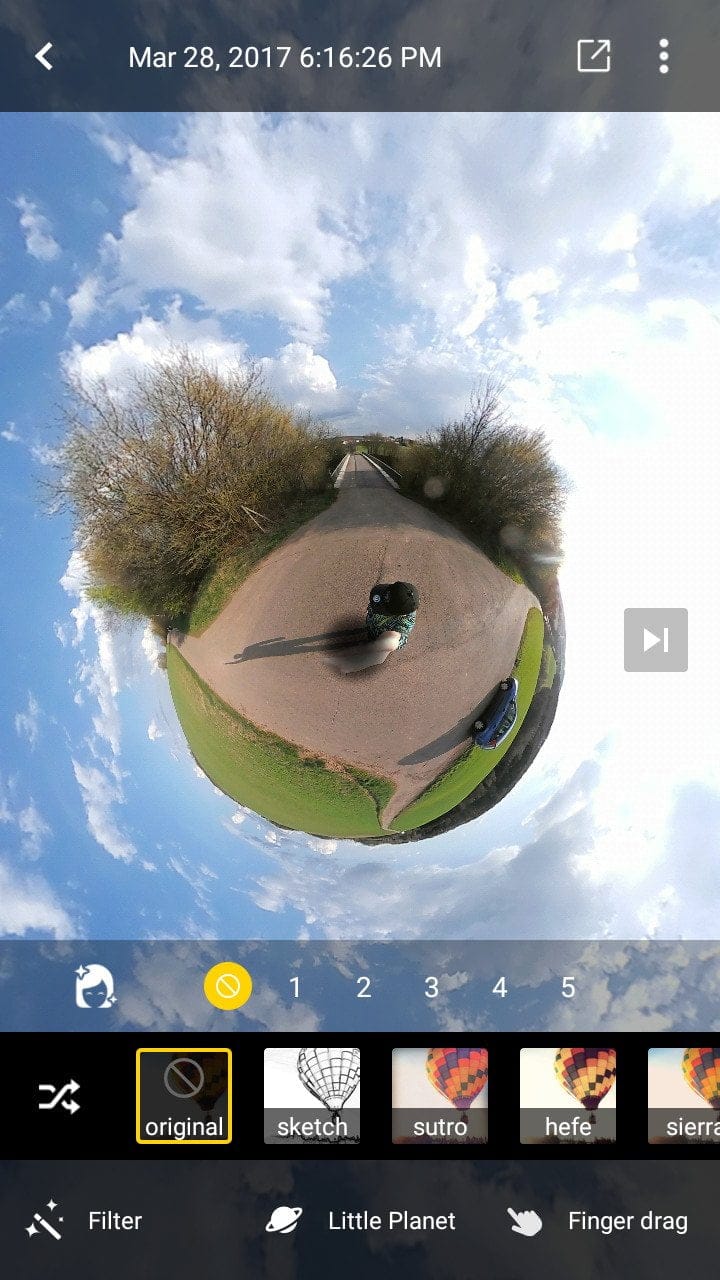
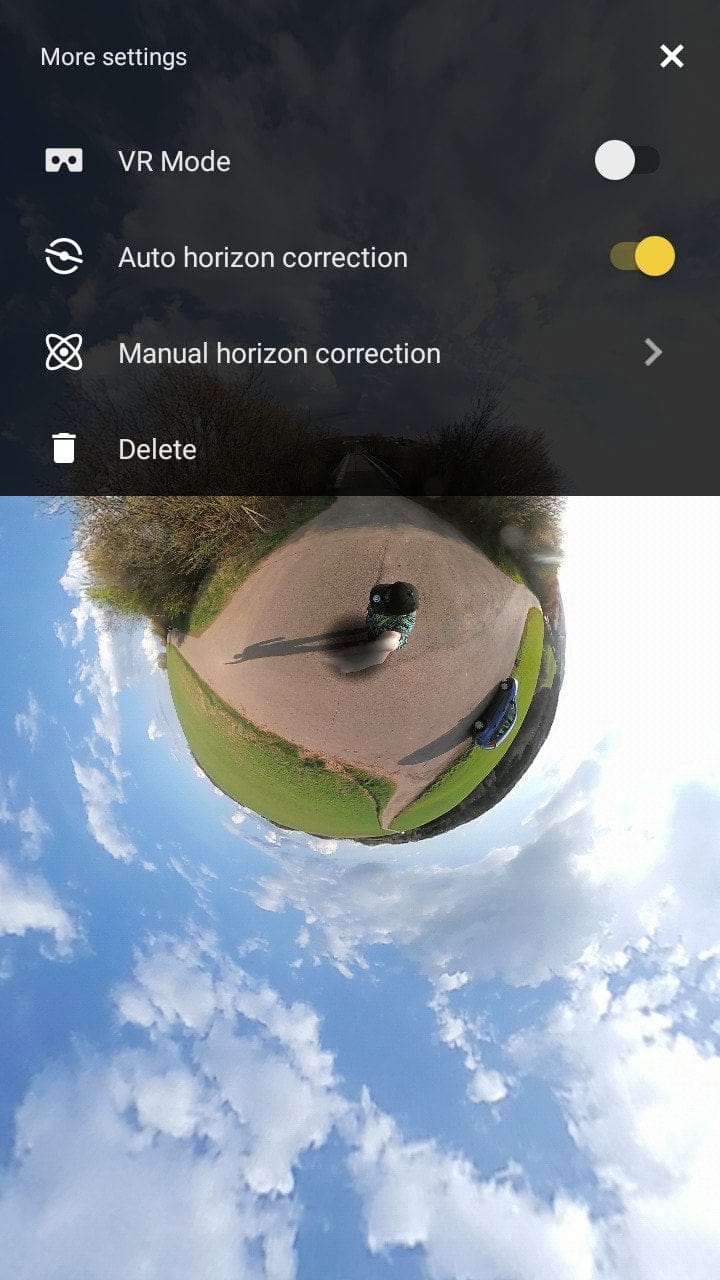
No miracles should be expected in terms of capture quality. Squeezing a 360-degree image into just 3008 x 1504 pixels inevitably results in low detail. Furthermore, the Insta360 Air counts as a 'fair-weather camera', which means that details are lost and image noise increases rapidly as lighting conditions worsen. Colour accuracy is also not perfect. Colours appear particularly vibrant but exhibit a dominant red tint. The software-based stitching of the two image segments is excellently solved. Insta360 has done such a good job with the image stitching that a transition line is hardly visible.
The Insta360 Air also handles video recordings well, stitching them together predominantly seamlessly and smoothly. To add audio to the recordings, the camera uses the microphone of the connected smartphone or tablet.
Post-processing and exporting
Recordings are saved in the format .insp (images) and .insv (videos). These files can be opened with conventional image and video editing programs, but only result in two adjacent circular images.
The recordings are best edited and viewed directly via the app. The recordings can be edited in that the soft-focus Beauty Mode and the filters can also be applied retrospectively. For viewing the recordings, in addition to the “Default” Mode, which displays the image with a fisheye effect, there is also a “Perspective” Mode, which smooths the fisheye effect, the “Little Planet” Mode, which displays the image as a spherical panorama, and the “Crystal Ball” Mode, which creates an inverted sphere panorama. For those who prefer to view their recordings through a VR headset, Insta360 has integrated a VR viewing mode directly into the app.
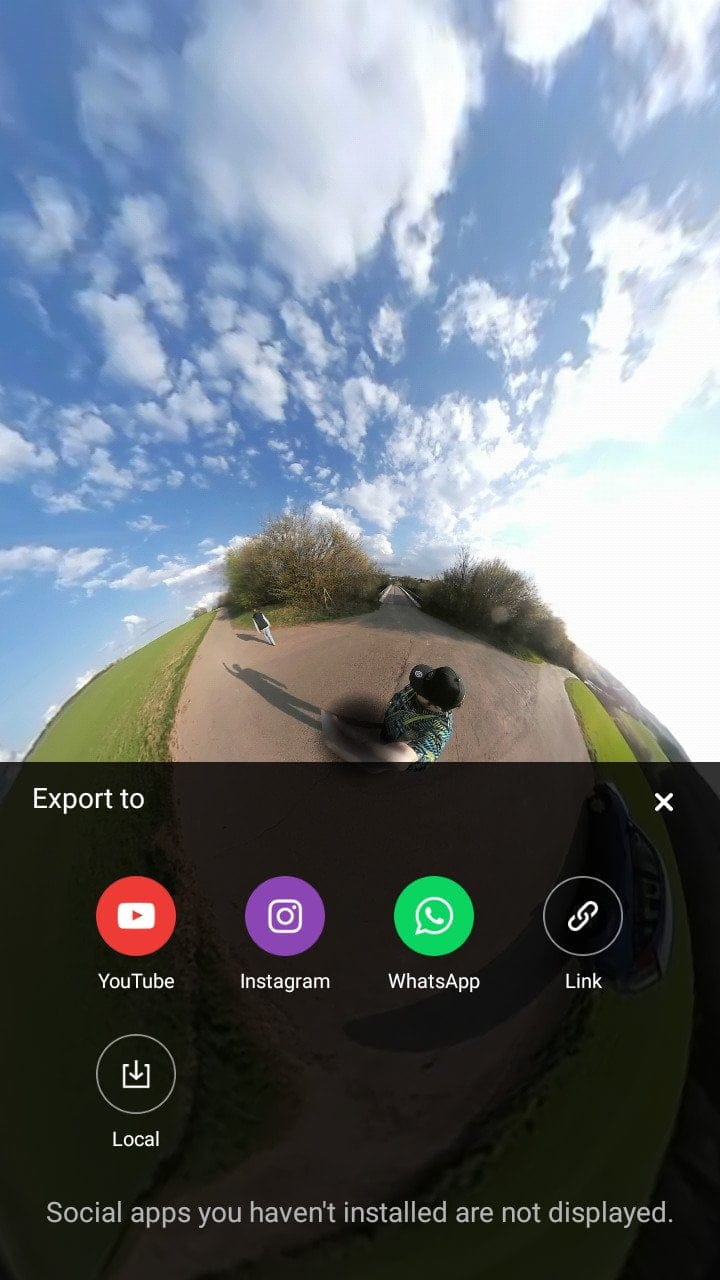
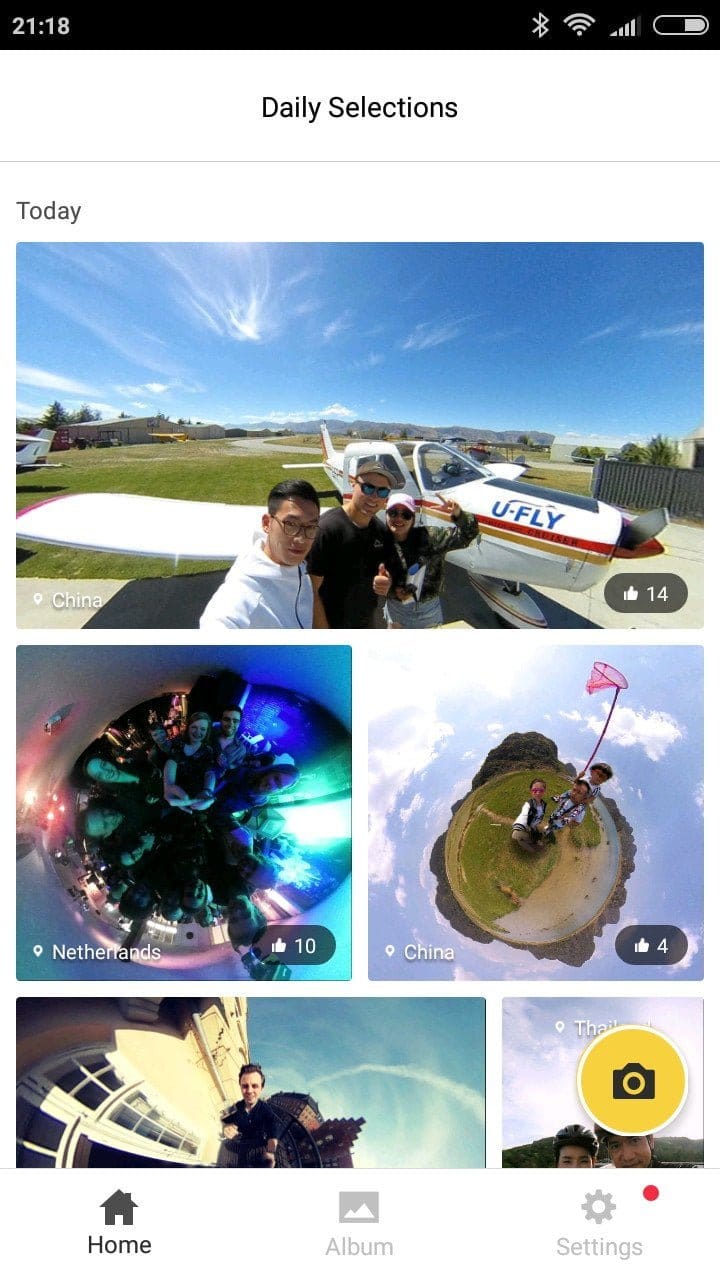
Recordings can be exported to all social media, to the Insta360 Cloud, and locally, although local saving is limited to still images. If you save directly to the Insta360 Air Cloud, the appropriate panorama player is included, so that recordings can be viewed via your direct link using all common web browsers without additional software.
Firmware update May 2017
The first firmware update has been released. With version "m1.02_0001_PCBv1.00", a gyroscope stabilisation function was added, which improves both video and image quality. Uneven movements during recording are now compensated for much better. Also added was the 3K video recording function. However, this recording function is only supported by powerful smartphones. Depending on the smartphone, occasional drops in frame rate may occur. Another novelty is so-called "fringing". This largely eliminates the frequent image blurring. The gallery has also been expanded with a new feature. It is now possible to share animations via the Insta360 Air App.
Changelog according to Insta360:
- Animation sharing-adds feature to share an animated walkthrough of a 360 photo, with multiple viewing modes possible.
- Gyroscopic stabilisation - Adds the option to enable gyroscopic stabilisation, which reduces unwanted shaking and improves image quality and the viewing experience.
- 3K Video – 3K 360 video recording now supports all phone types.
- Fringing fix - Adds a function to fix fringing.
- In-app firmware update function - Adds function to enable firmware updates directly from app.
Our verdict
Is the Insta360 Air fun? Yes! Just by virtue of its mobile design, it is incredibly fun to pull this small gadget out of your jacket pocket and simply capture your surroundings in 360 degrees. Using the Insta360 Air app, the recorded footage can also be quickly shared on social media and even stored permanently in the Insta360 Cloud.
What slightly dampens the excitement is the connection solution Insta360 has chosen. Instead of an either-or principle, a combination of Micro-USB and USB-C would have been desirable. A small adapter offers a solution, but it is not included in the scope of delivery.
Specifications
General
- Type
- 360-degree camera
- Shape
- spherical
- Diameter
- 37.6 mm
- Weight
- 26.5g
Hardware
- Lenses
- 2
- Wide angle
- 210 degrees
- Aperture
- F2.4
- Image resolution
- 3008 x 1504
- Video resolution
- 2560 x 1280 @30
- Ports
- Micro-USB / USB Type-C
Software
- OS
- Android / Windows
- Webcam
- Yes
What’s included
1x Insta360 Air, 1x silicone protector, 1x cleaning cloth, 1x pin tool, 1x user manual
Comments (4)
Is this only for Android, or also for iPhone?
Hi, yes, the Air is mainly for Android devices. For iPhones, Insta360 offers the “Nano”.
Okay, thanks for the quick reply. Can't I use it with a Lightning to USB-C connector either?
No, the problem will be the app, which is only available for Android.