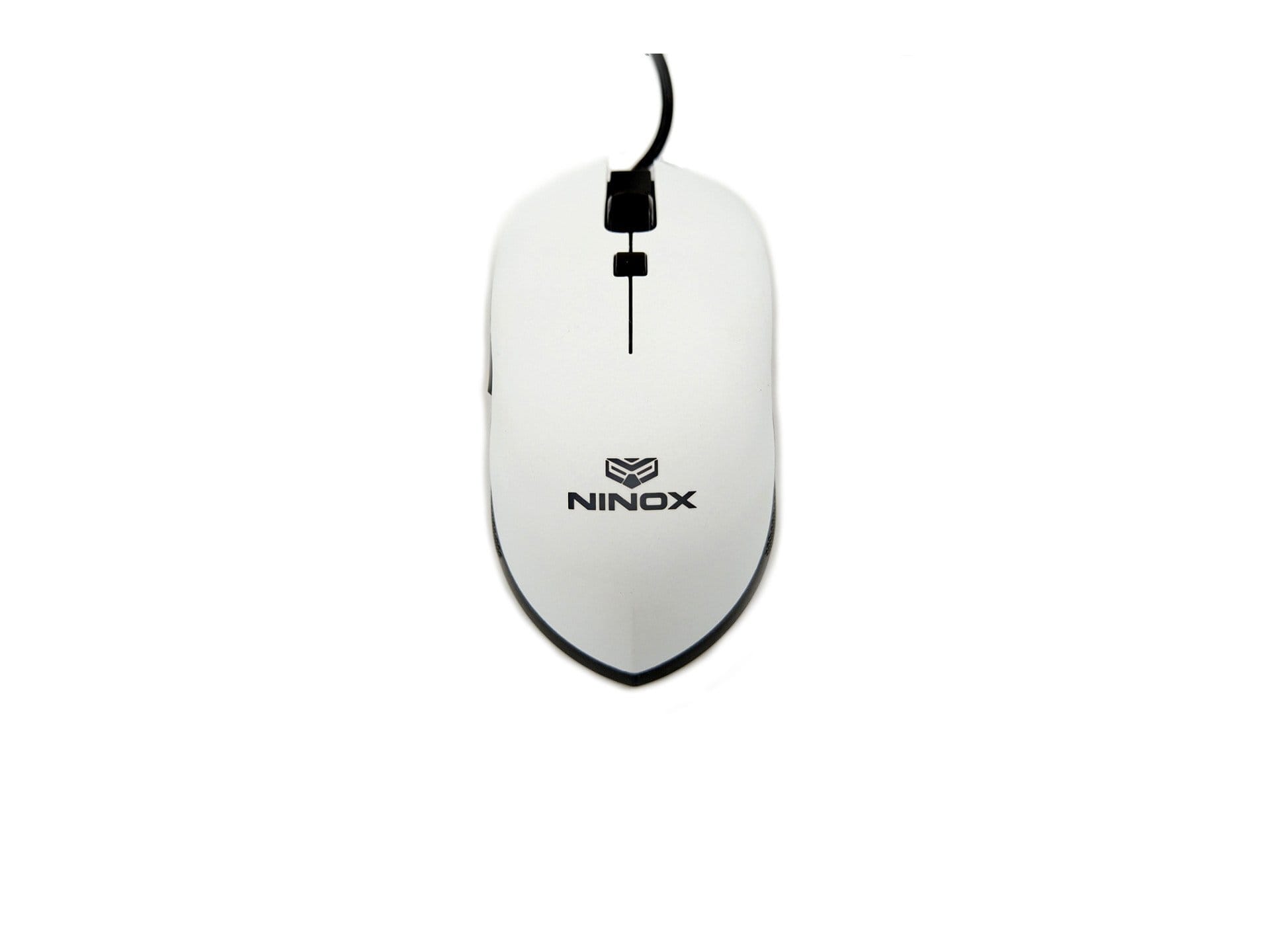
Contents
First impressions of the Ninox Venator
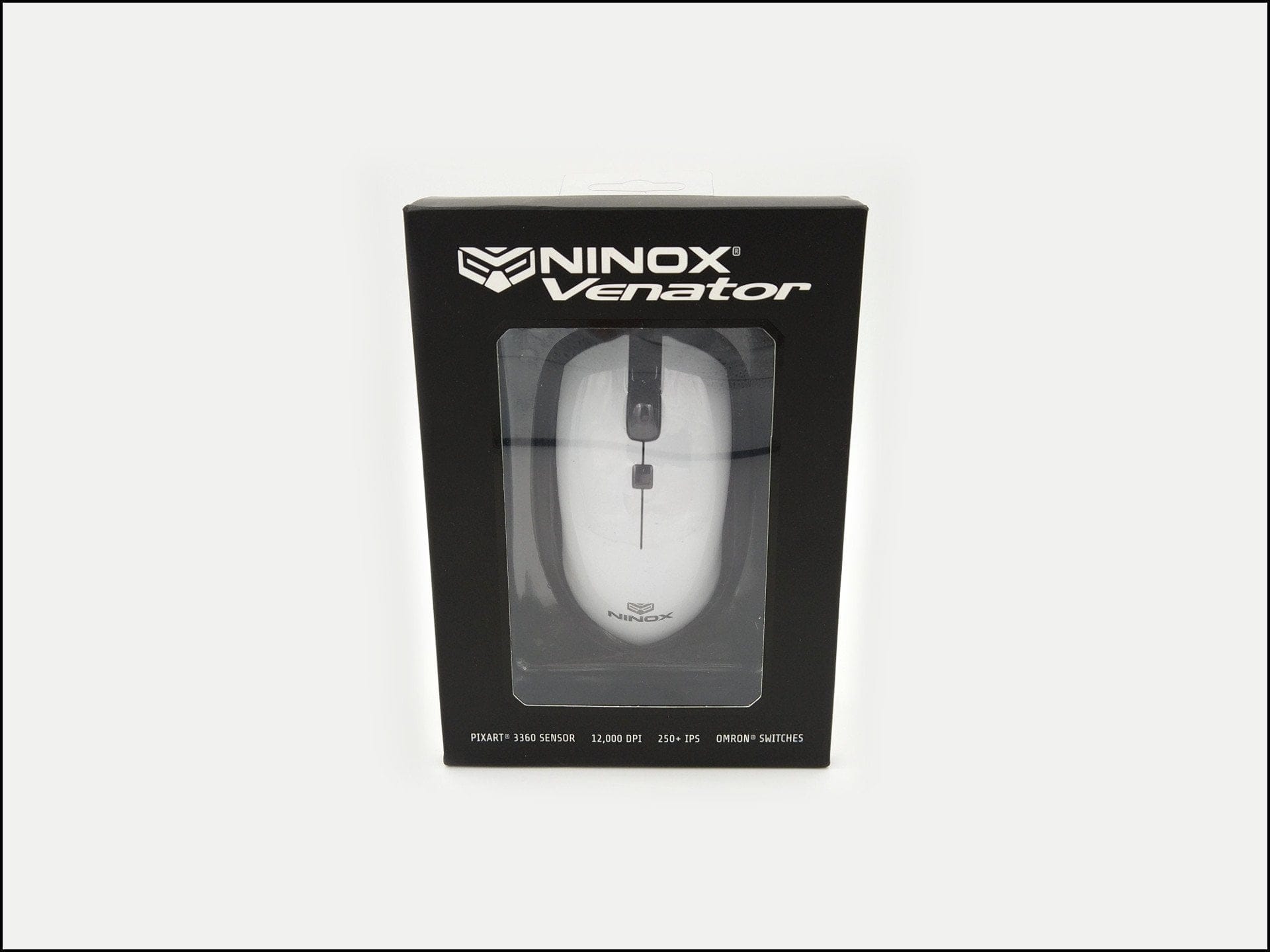
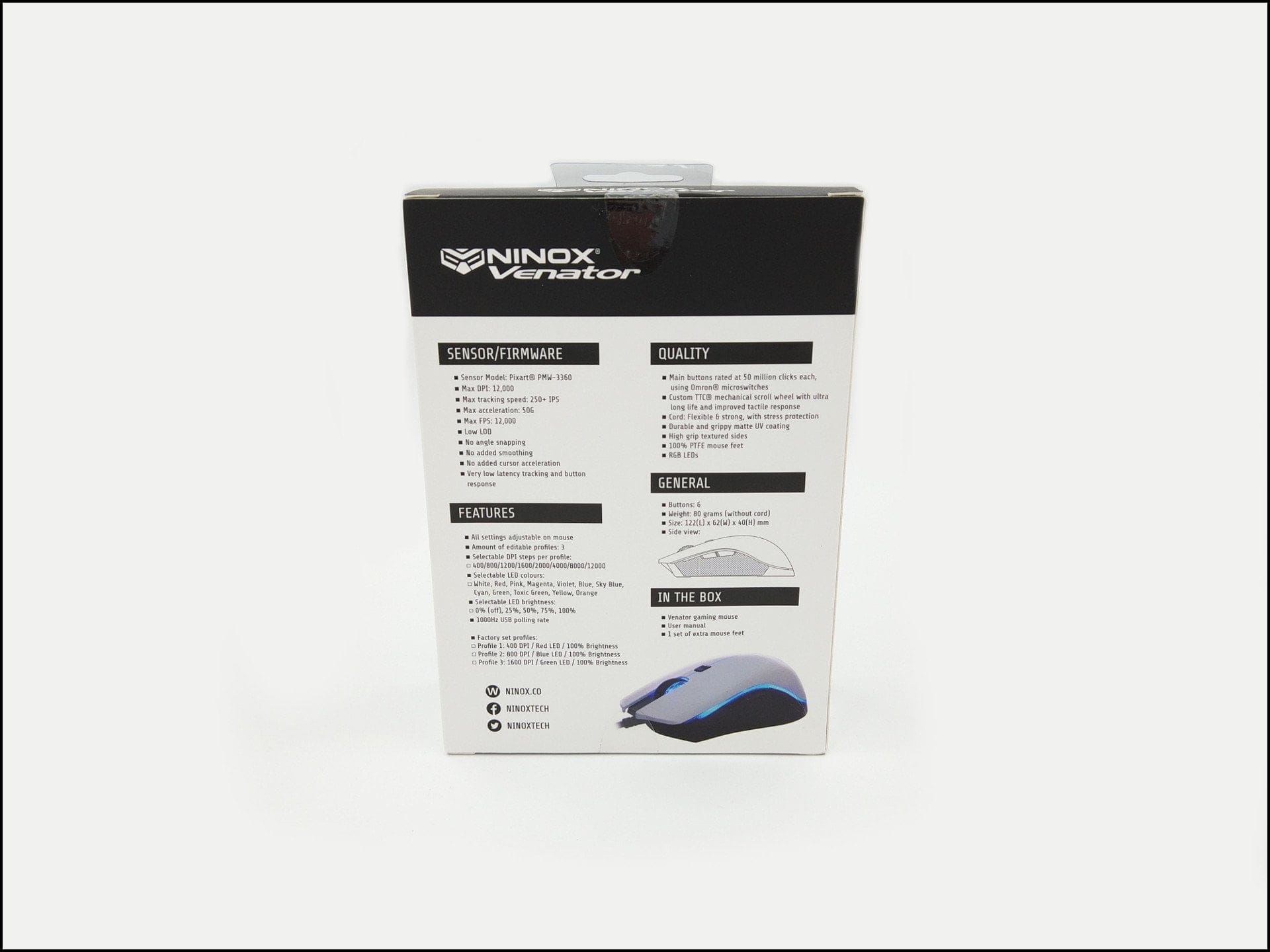
The Ninox Venator comes in a simple cardboard box, which provides a first look at the mouse on the front and has the specifications and features printed on the back. The contents include, in addition to the Venator, a folding instruction leaflet that explains the functions and profile switching, as well as additional PTFE glide pads.
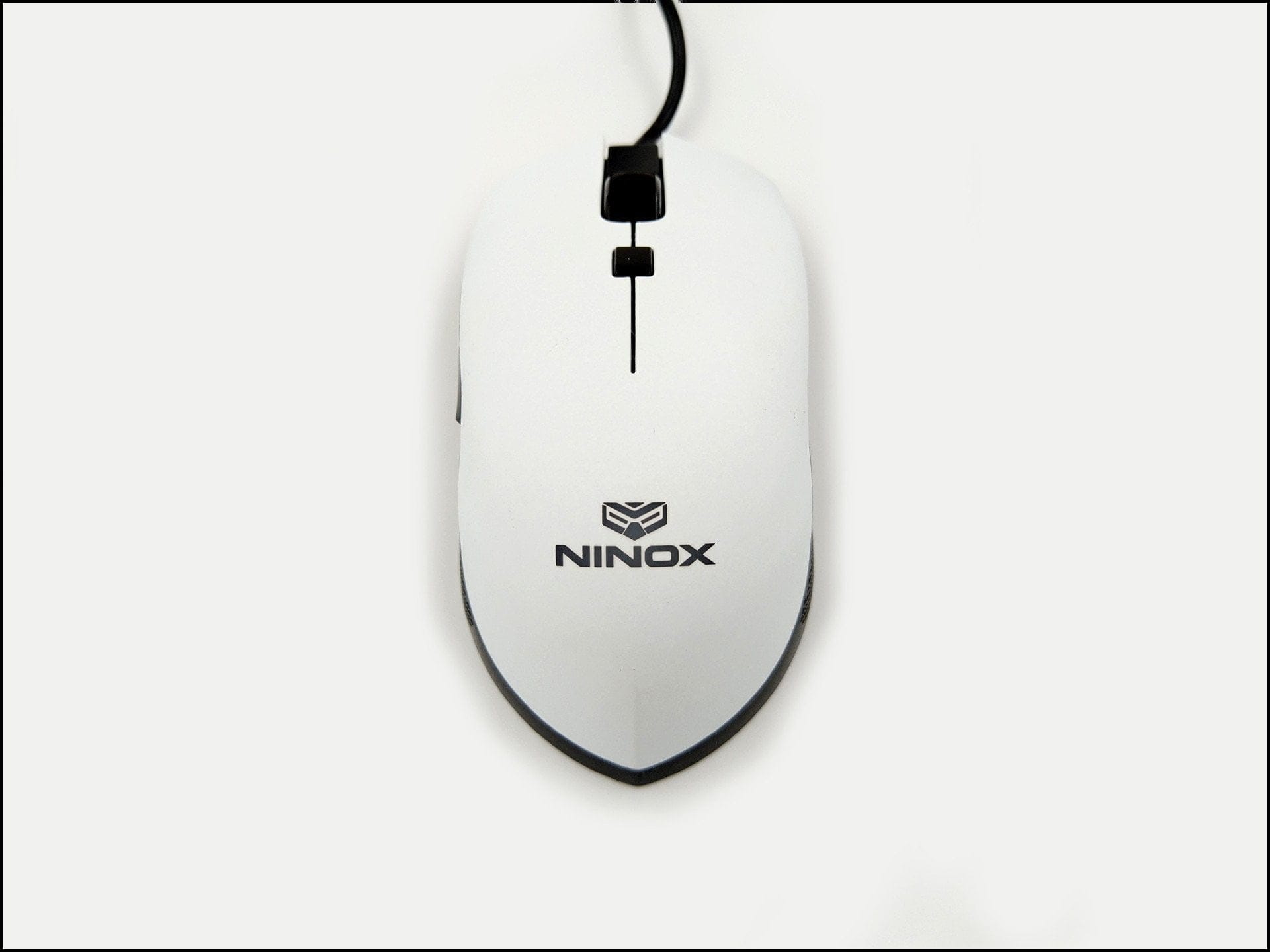
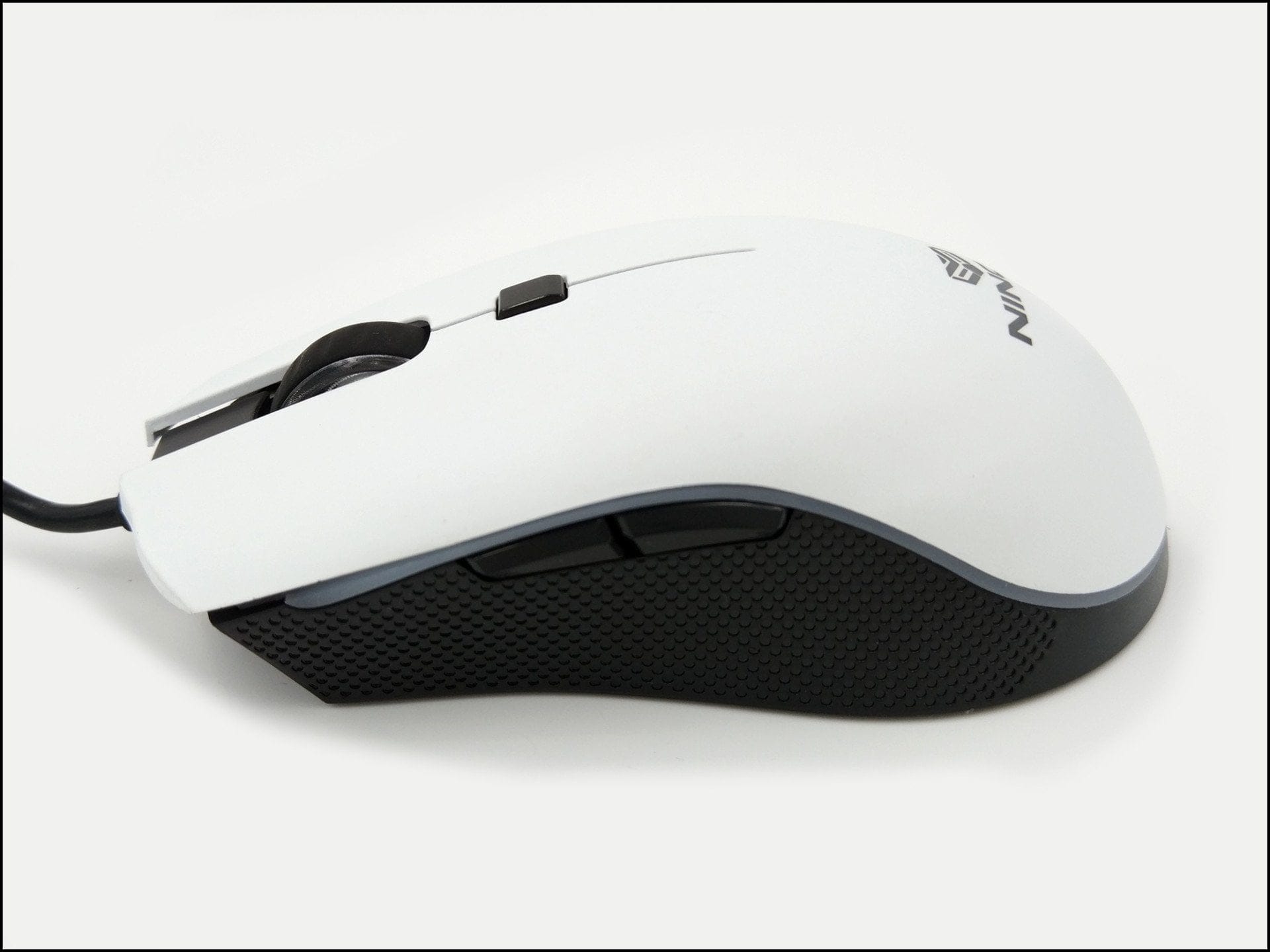
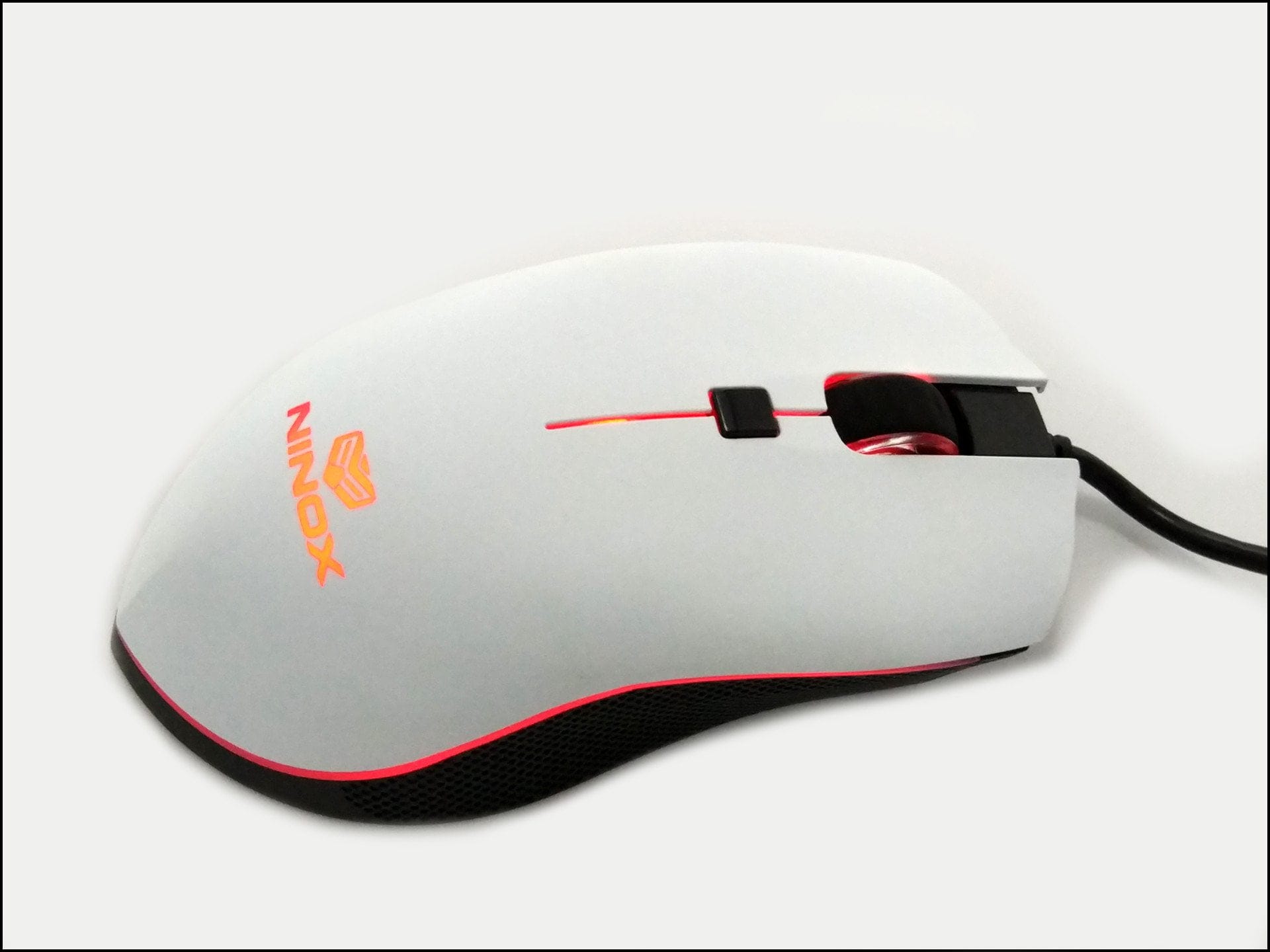
Thanks to its symmetrical design, the Venator is suitable for both right-handers and left-handers. With dimensions of 122 x 62 x 40 mm and a weight of 80g, the mouse is comparatively compact and feels light in the hand. The Venator has a total of 6 buttons. Two main buttons for left and right clicks, two side buttons on the left, a clickable scroll wheel and a button below it for profile selection.
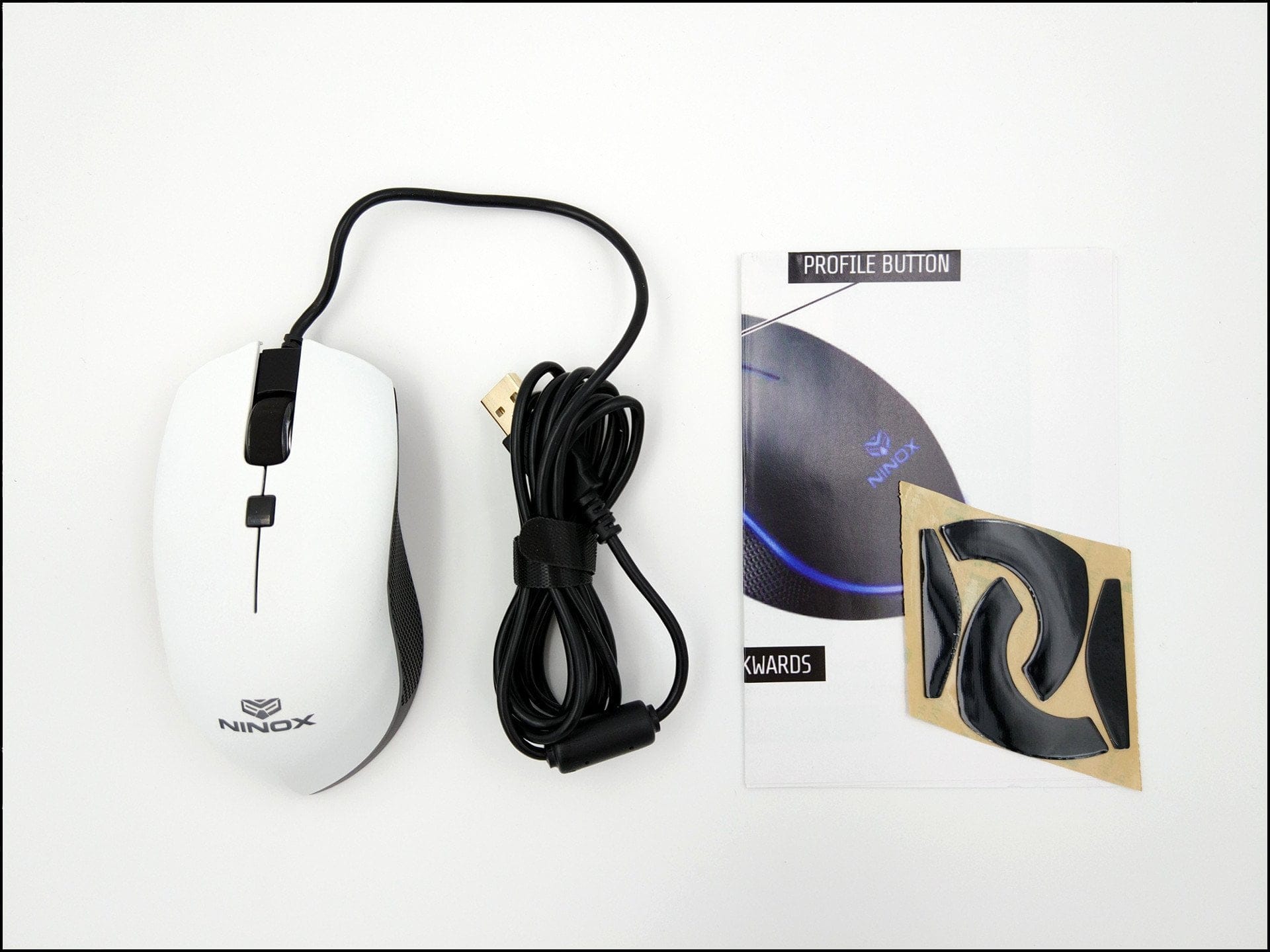
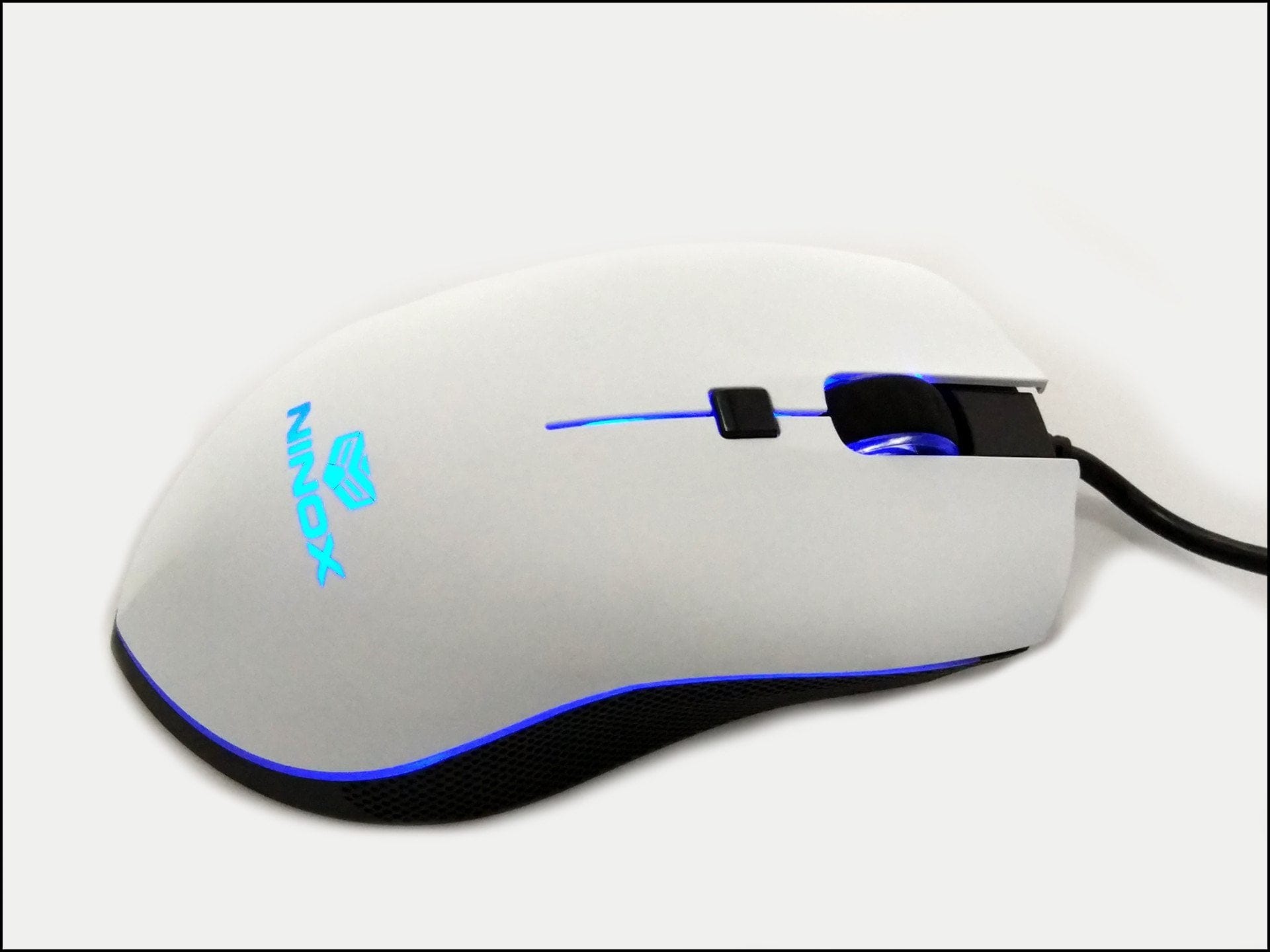
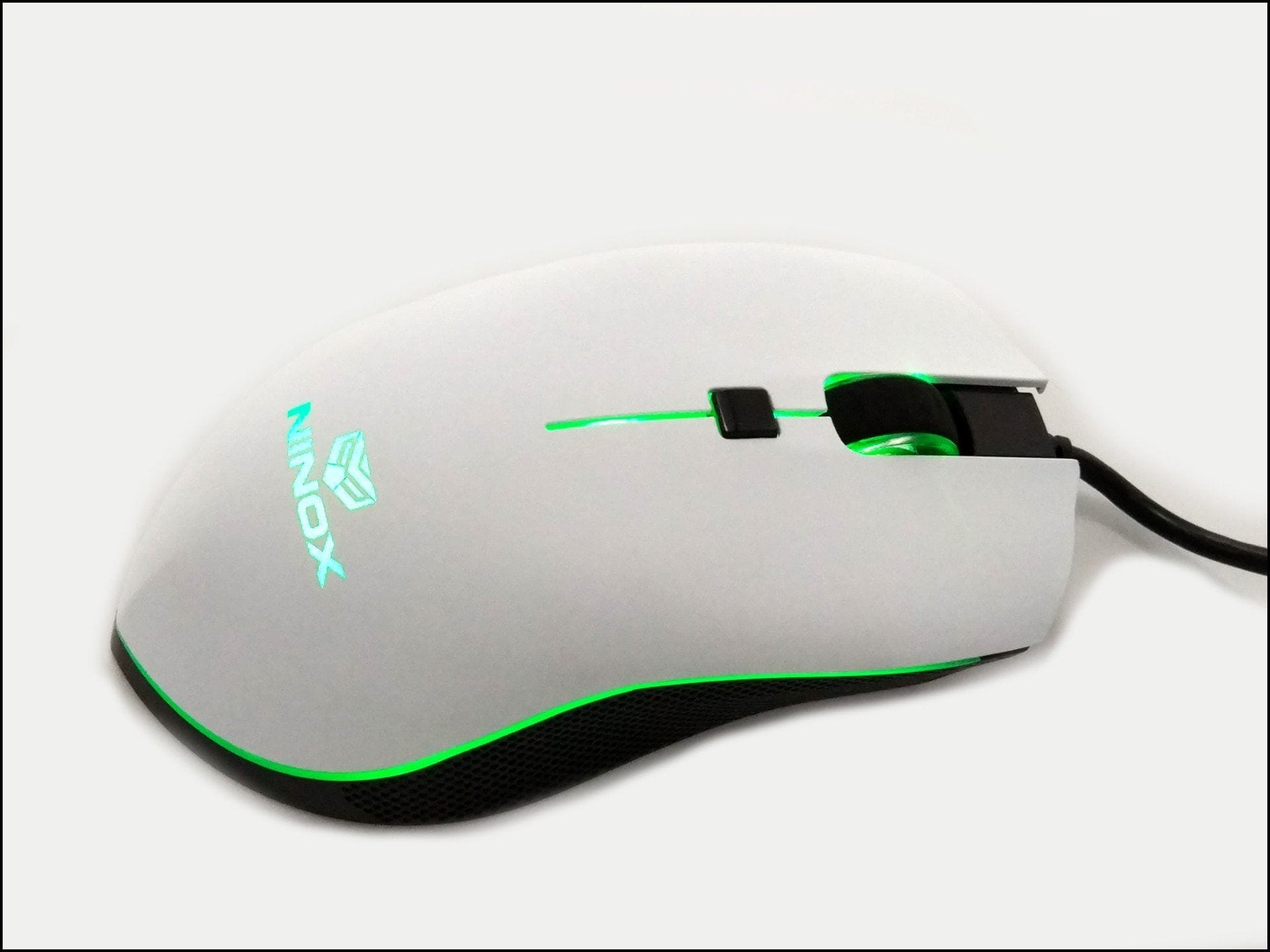
The surface of the Ninox Venator is lightly textured and resembles an eggshell. The illuminated Ninox logo and the pointed rear section of the housing are particularly striking. The sides of the housing feature a perforated pattern intended to provide better grip. The underside of the Venator has two large glide pads. The scroll wheel, Ninox logo and the connection between the top and bottom of the housing are illuminated. The cable has a length of 1.8 metres and is rubberised.
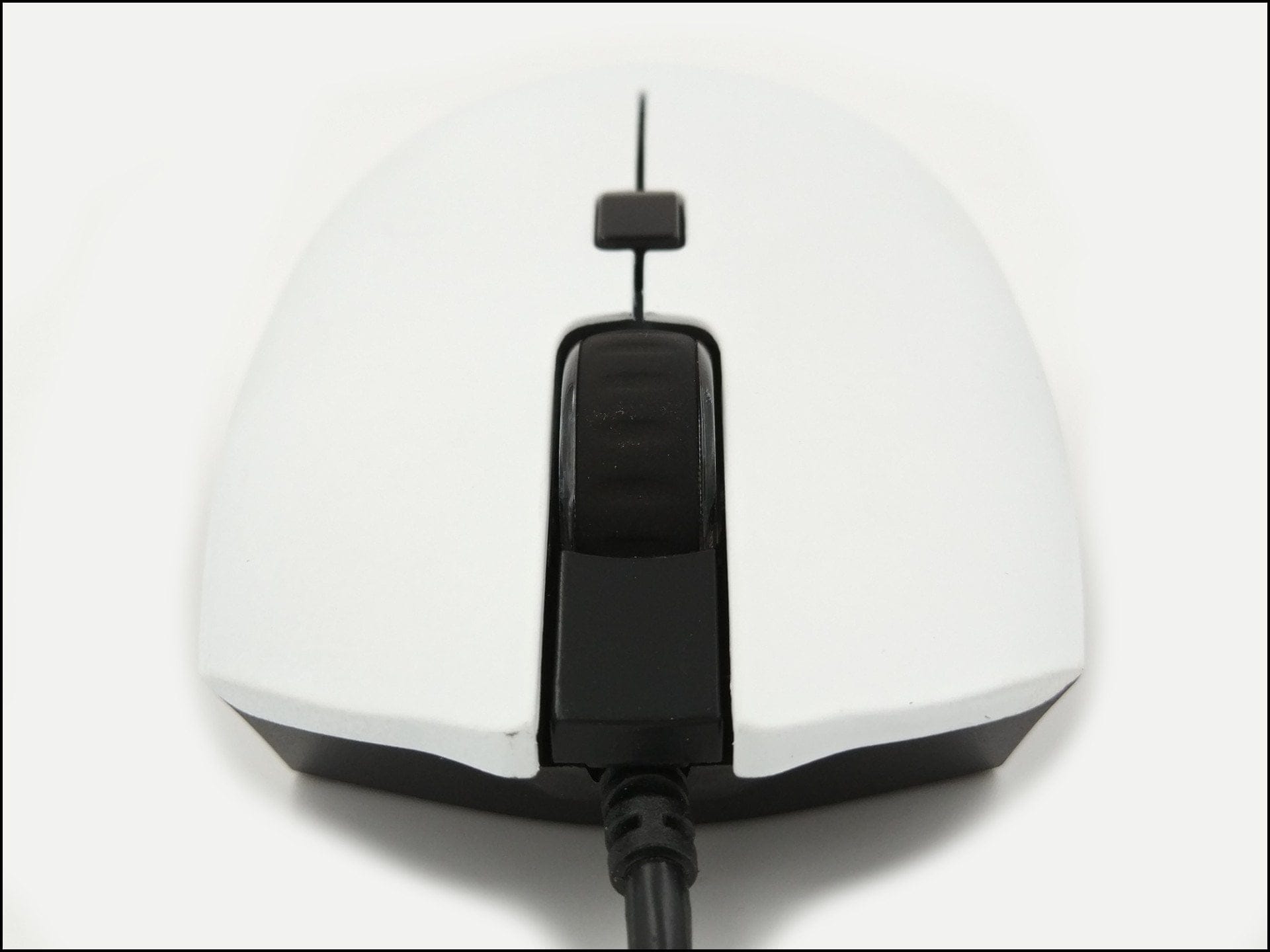
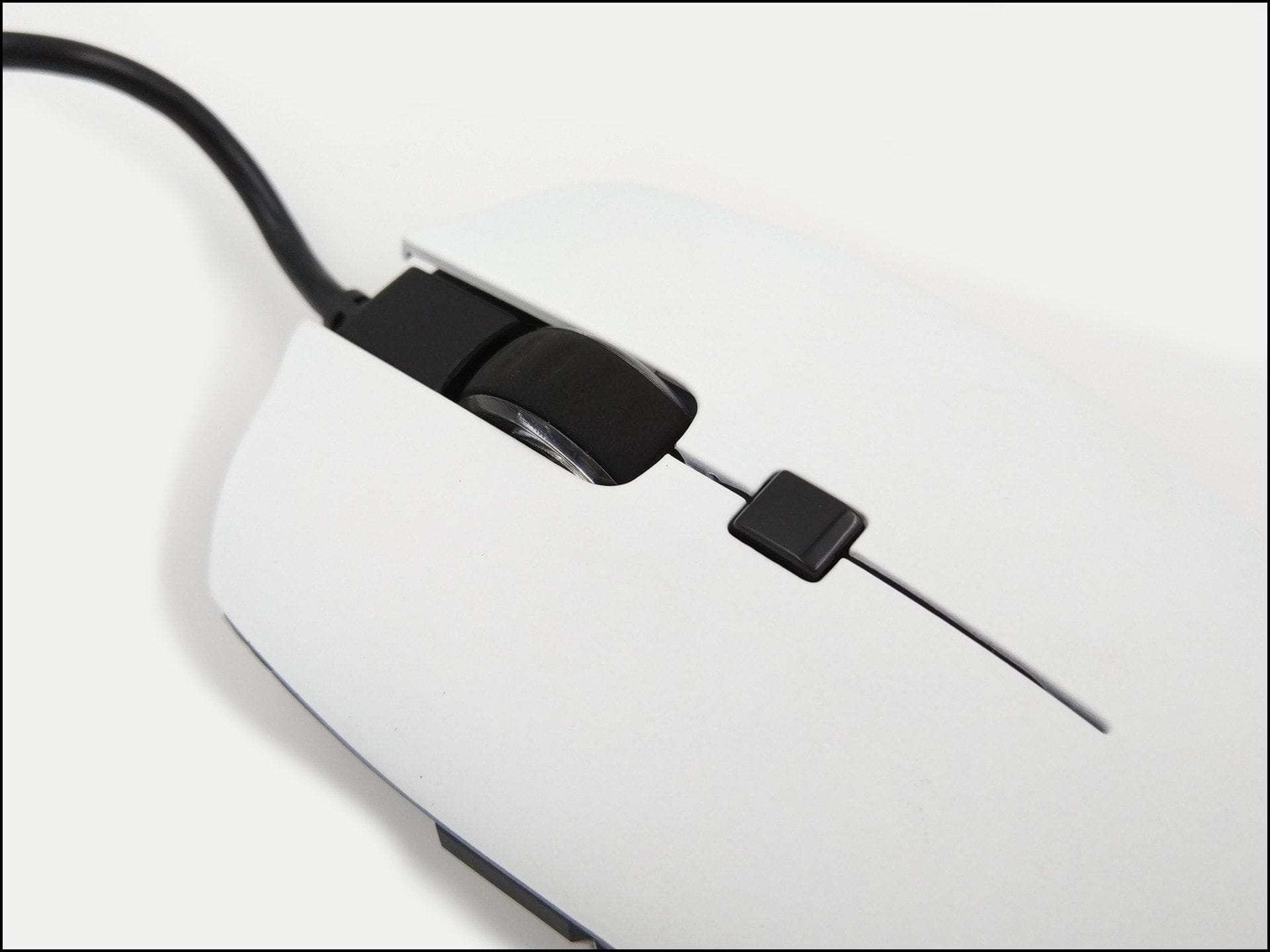
The mouse’s build quality is good for its price point. The only criticism is the scroll wheel, which has slight horizontal play in both directions. However, the manufacturer is already aware of this issue, which should not occur in future revisions.
Ninox Venator programming
Normally, the sub-heading 'Software' or 'Drivers' would follow at this point. However, the Ninox Venator is a plug-and-play gaming mouse that completely dispenses with control software. All DPI and LED settings are adjusted directly on the mouse. The necessary key combinations are printed on the accompanying folded leaflet.
The profile button can be programmed with a total of 3 profiles. There are 8 DPI selection options, ranging from 400 to 12,000 DPI. Regarding lighting, you can choose from 12 predefined colours. Additionally, the brightness of the lighting can be adjusted in 5 steps. The polling rate is set to 1000 Hz by default and can only be adjusted via a firmware update. Frills, such as a macro function, are not included!
Practical test of the Ninox Venator
The Ninox Venator uses a Holtek HT68FB560 processor in combination with a Pixart PMW-3360 sensor, which is identical to the Avago ADNS-3360 and can be counted among the best, "error-free" mouse sensors on the market. The sensor is characterised by a particularly high resolution of up to 12,000 DPI and achieves a possible speed of 6.35 meters per second. The main switches are of the type Omron D2FC-F-K and are rated for 50 million clicks.
During practical use, I found the perfect setting to be 1600 DPI. Movements are executed precisely even at high DPI levels. As expected, jittering and rippling did not occur. To the delight of gamers, there is no automatic line straightening ("Angle Snapping"), which cannot be activated retroactively (to the detriment of CAD users). As is typical for a gaming mouse, there is also no artificial mouse correction and no mouse acceleration.
The Omron switches offer excellent click characteristics and provide the player with pleasant feedback. The two side trigger buttons, however, are somewhat stiff. The TCC mouse wheel also feels somewhat imprecise due to its slight horizontal play. However, guides are already available online on how to secure the loose mouse wheel retroactively.
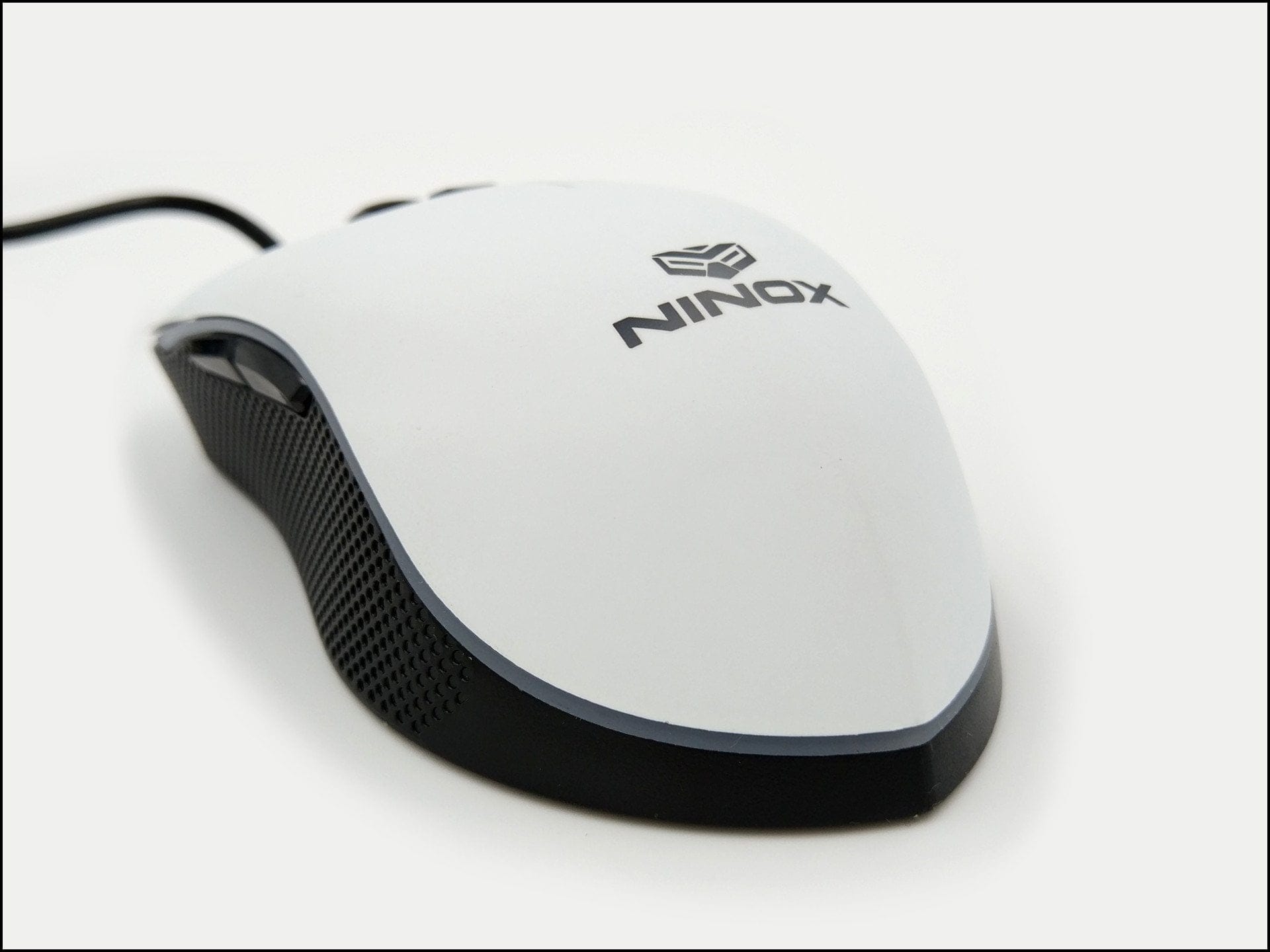
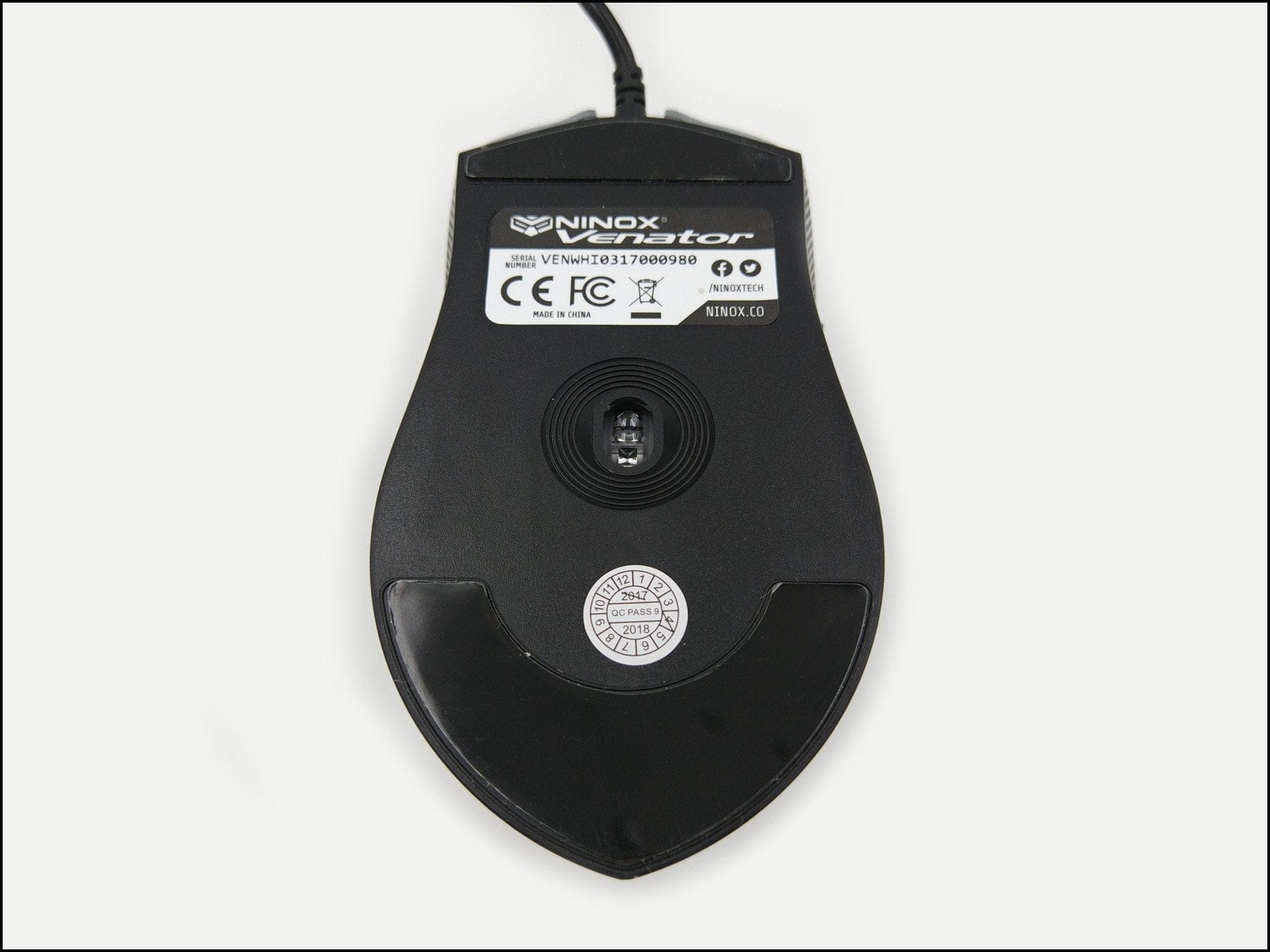
The mouse handling was also convincing, although as a left-hander I could not operate the side buttons correctly. Thanks to the two large PTFE glide pads, the Venator has good glide properties on both textile mousepads and plastic pads. The narrow design and low weight will probably not appeal to everyone, but I was able to use the Ninox Venator comfortably with a palm grip and finger grip as well as with a claw grip. The pointed rear part of the housing is not distracting. A truly excellent feature is the rough surface. Even after longer gaming sessions, the surface does not become unpleasantly slippery and ensures long-lasting grip.
Manufacturer's product page: www.ninox.co
Our verdict
The Ninox Venator is exactly to my taste. The design of the mouse is appealing, and it has plenty to offer not only externally but also under the hood, thanks to high-quality hardware components. The lack of extensive configuration options and features, such as a macro function, should not be considered a drawback. The mouse does exactly what it is supposed to do and works with great precision. However, the Ninox Venator is not perfect either. Criticism mainly centres on the loosely fitting mouse wheel.
Specifications
General
- Buttons
- 6
- Switch
- Omron D2FC-F-K (main switch)
- Lighting
- LED
- Cable
- 1.8 m
- Weight
- 80g
Sensor
- Type
- IR LED
- Model
- Pixart PMW 3360 (Avago 3360)
- DPI
- 12,000 DPI
- Acceleration
- 50g
- Follow-focus speed
- 250 IPS
- Polling rate
- 1000 Hz
What’s included
1x gaming mouse, 4x glide pads, 1x user manual


Comments