Contents
Design & Build: Compact, elegant and well-thought-out
The Nuki Smart Lock Ultra features a completely redesigned aesthetic that differs significantly from its predecessors. While earlier Nuki models consisted of a bulky rotary knob with an attached battery compartment, the Ultra appears as a compact stainless-steel knob that blends seamlessly into modern doors.
With a diameter of 57 mm, the Ultra is three times smaller than its predecessors and thus one of the most compact smart door locks on the market. The size reduction was made possible by switching to a built-in battery, which means the lock no longer requires a separate battery compartment.
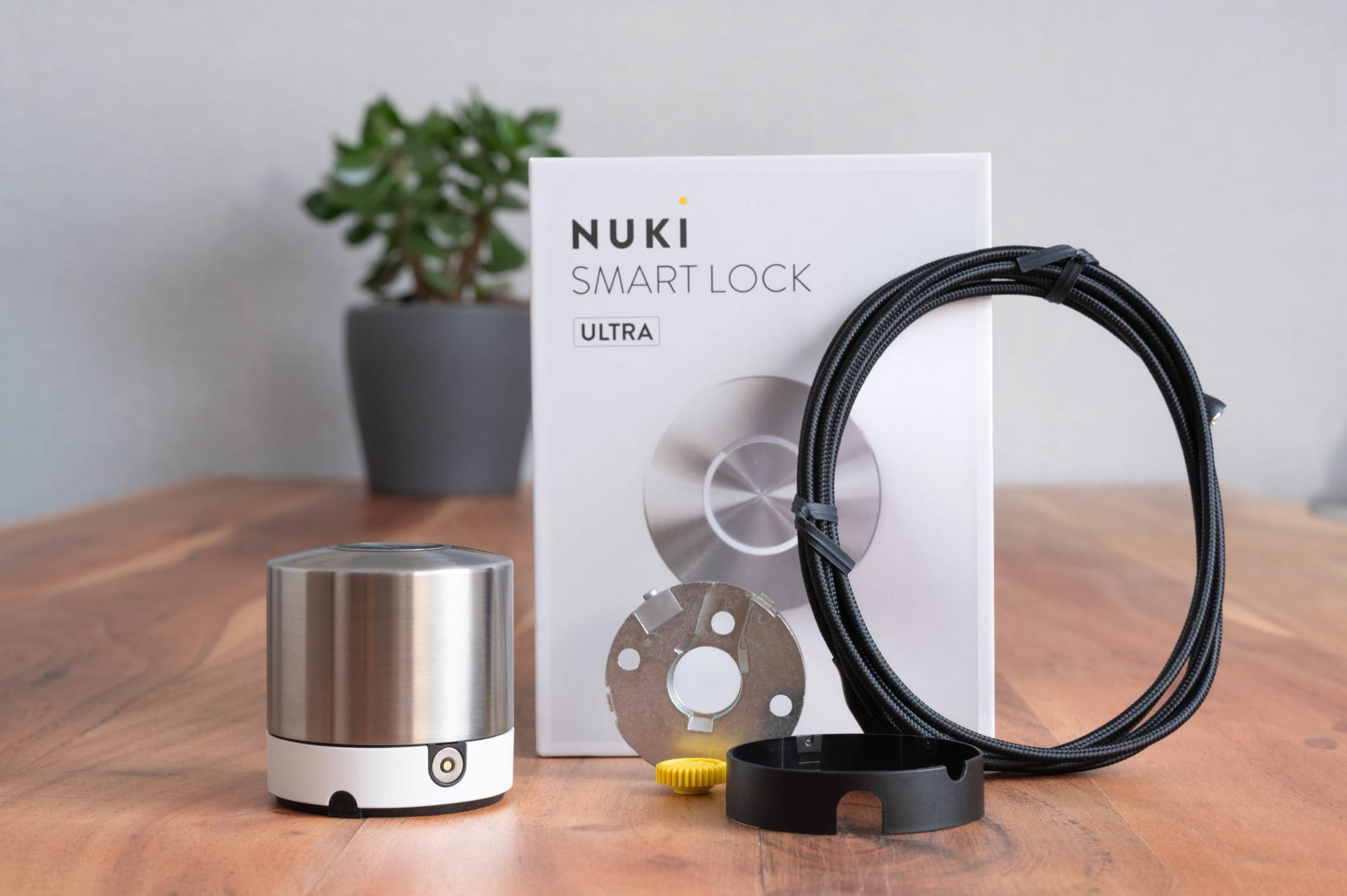

The design is understated, featuring a brushed stainless steel surface that leaves a robust and durable impression. For visual adaptation to various door colours, two interchangeable base rings in black and white are included in the scope of delivery. These are easy to attach and ensure that the smart lock blends unobtrusively into the door design.
Even though the Ultra is smaller, the operation remains typically simple. The knob can be turned manually or controlled via the central button, which performs different functions depending on the setting. So minimalist design meets clever functionality here.
Installation & setup: Simple, but with limitations
The Smart Lock Ultra differs from its predecessors in one important respect. It is no longer a pure retrofit solution that can simply be placed over an existing key. Instead, the included universal cylinder is essential, as the Ultra is mounted directly onto the cylinder.
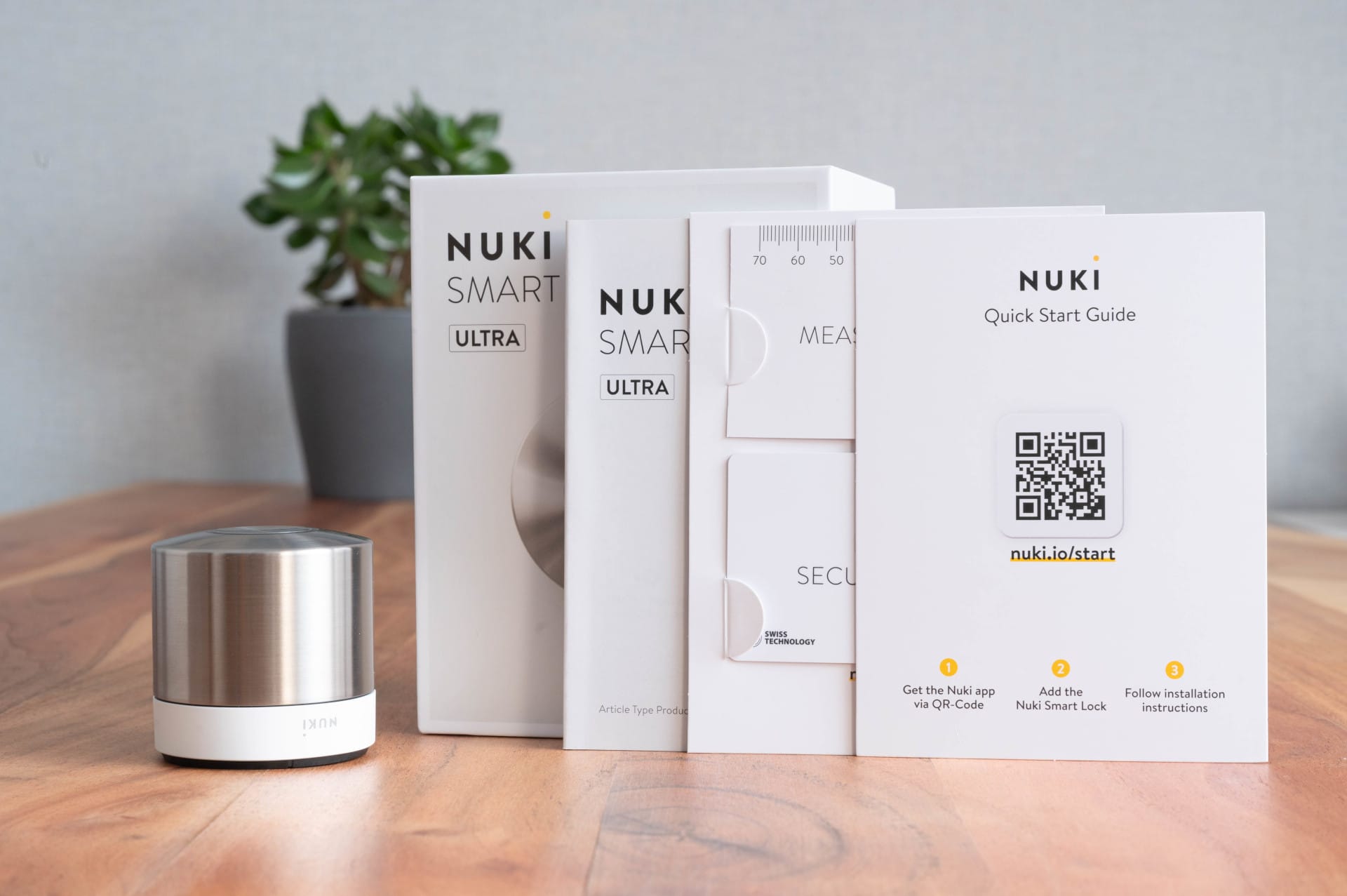
For some, this might be a disqualifying factor, especially in rented flats or with existing lock systems where all doors are opened with a single key. In such cases, individual customisation by the manufacturer would be necessary, resulting in additional costs and waiting time.
Once you have adjusted to changing the cylinder, the actual installation of the Nuki Smart Lock Ultra is well thought out and easy to carry out thanks to a detailed app guide. The Nuki app guides you step by step through the installation:
- Measuring the door and the existing cylinder (measuring card included in delivery)
- Disassembly of the old cylinder (screwdriver required)
- Assembling the new cylinder from the included modules
- Inserting the new cylinder into the door
- Mounting the mounting plate and the Smart Lock
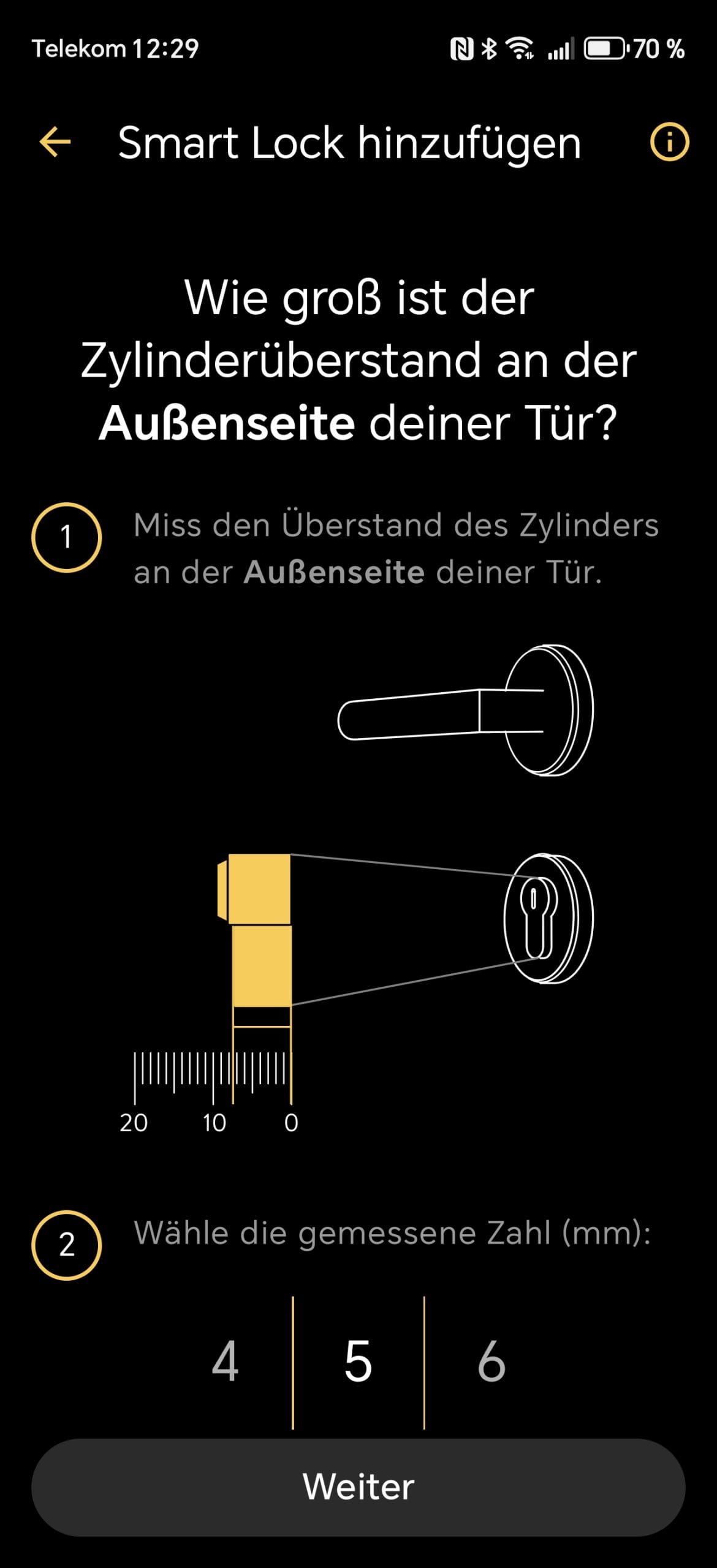
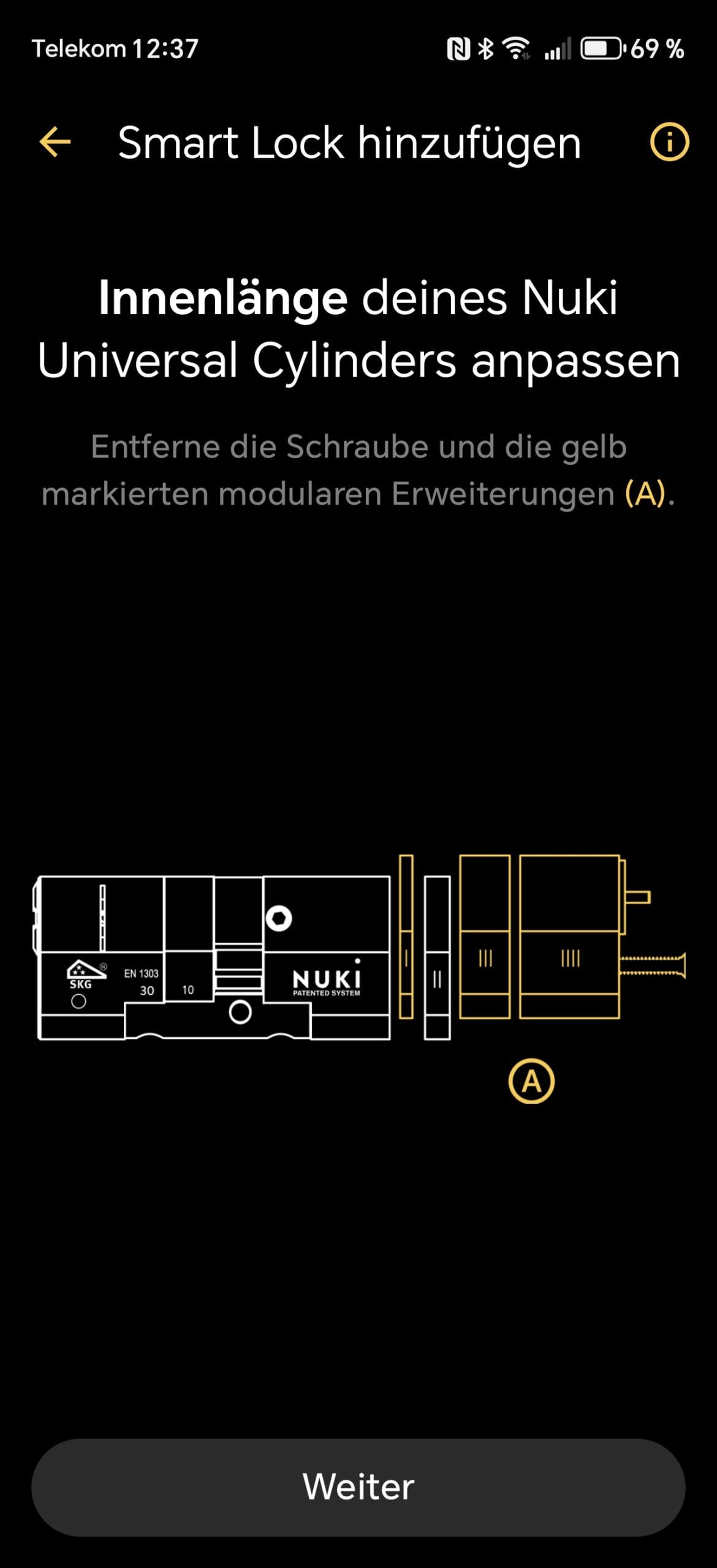
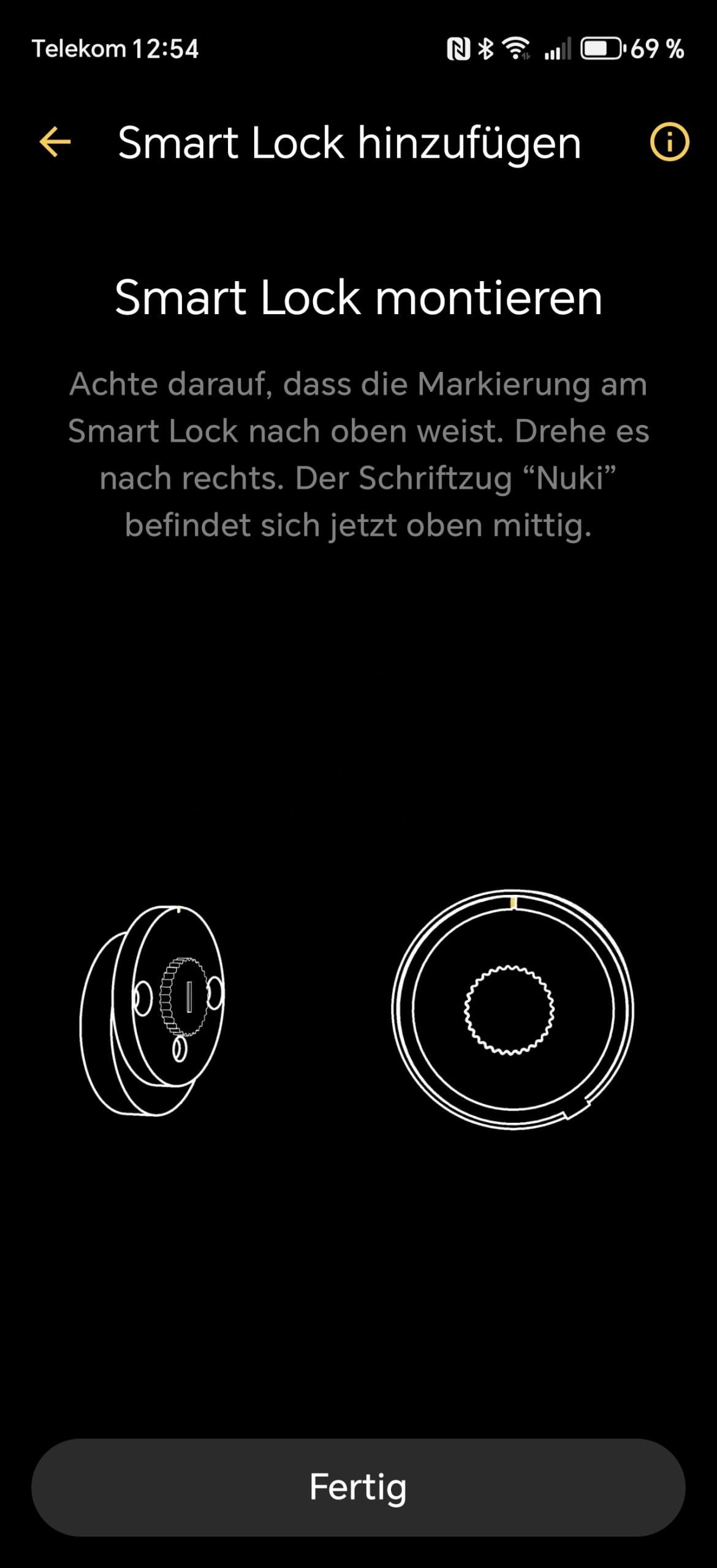
Depending on the door size, adjusting the cylinder takes about 5 minutes. The app gives clear instructions on which components must be used, so no uncertainty arises. The only point of criticism is that for some door sizes, the combination suggested by the app does not necessarily fit. In these cases, the cylinder must be adjusted manually.

You should also make sure that the door lock engages correctly into the mounting plate. During testing, the door lock actually detached from the mounting plate during the first rotation and slammed to the floor. Fortunately, there was no damage to the lock.


After installation, the smart lock must still be set up using the Nuki App (iOS & Android). The initial setup includes:
- Pairing the smart lock with the smartphone via Bluetooth
- Connection to Wi-Fi or Thread network (no additional bridge required)
- Configuration of auto-unlock, scheduling and user management
- Optional addition of further accessories (keypad, fob, door sensor)
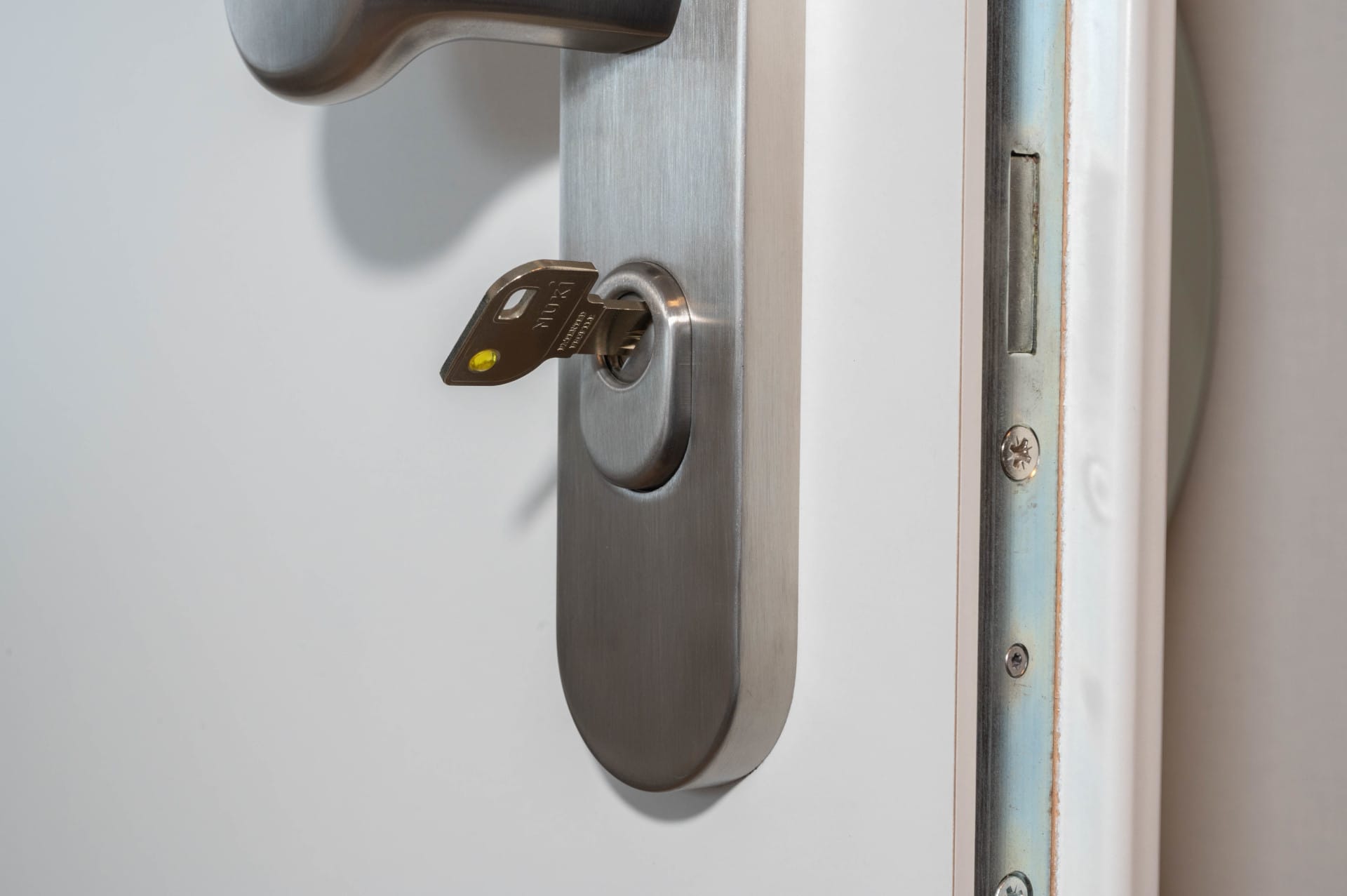
If you already own a Nuki Smart Lock, you can create a backup of your existing settings in the app and transfer it to the Ultra. This automatically transfers users, schedules and permissions, making the switch easier.
Features and operation: Fast, flexible and well thought out
In addition to the classic operation via rotary knob and button, numerous digital control options are integrated. The Ultra particularly impresses with its high speed, direct Wi-Fi integration and support for modern smart home standards such as Matter and Thread.

Three modes: From gentle to lightning fast
The Ultra features three different locking speeds that can be set in the app:
- Gentle: Slow, quiet opening and closing
- Standard: Medium speed, quieter than earlier models
- Insane (very fast): Extremely fast locking and unlocking, but slightly louder
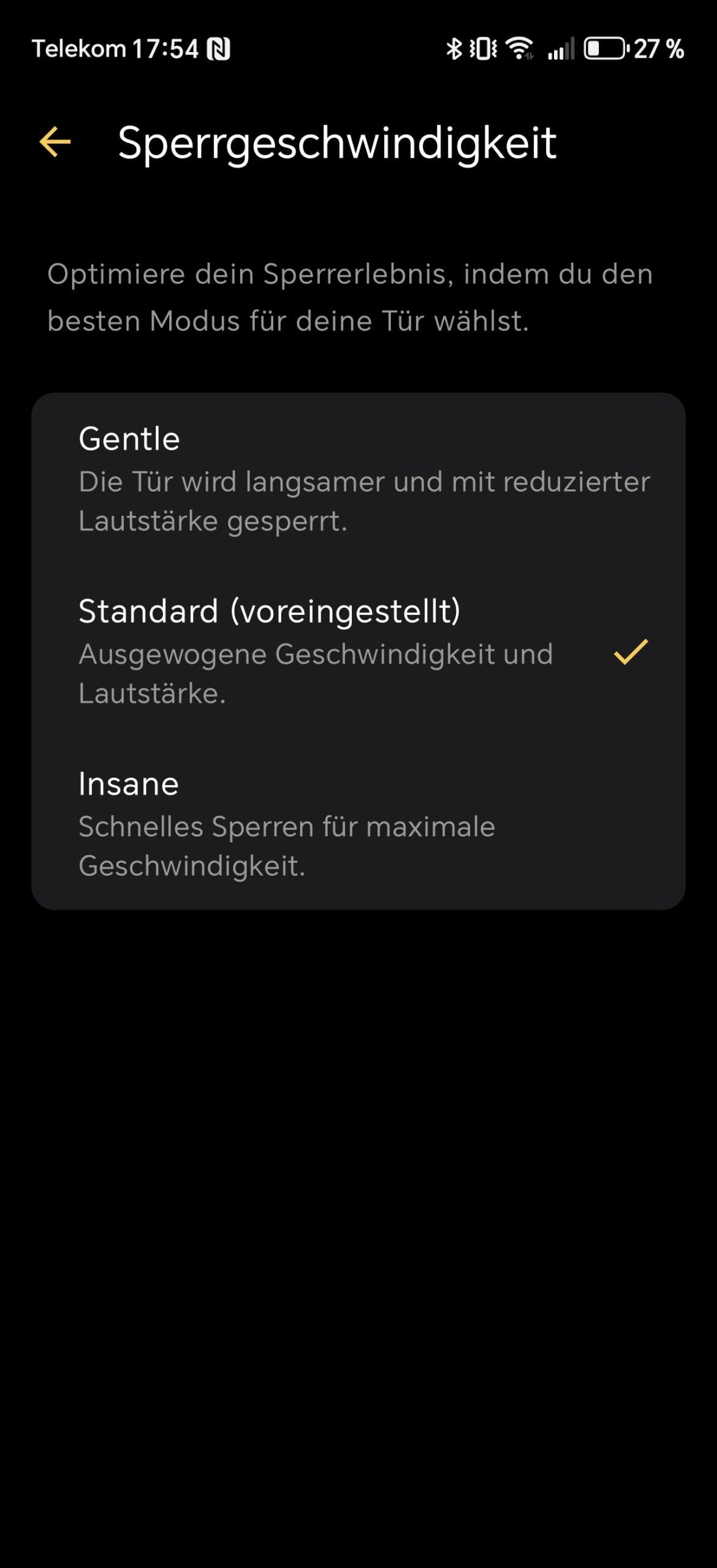
The practical test showed that the Insane mode actually makes the Smart Lock Ultra the fastest smart lock on the market. Within less than two seconds, the door was fully unlocked or locked.
But the standard mode is also absolutely practical. It offers a balance between speed and volume, and it was my preferred mode for daily use during testing.
The automatic mode switching is also useful, switching to the quieter Gentle mode at night, for example. The Gentle mode is slightly weaker than the other modes but still unlocks and locks reliably.
Auto-unlock & Lock’n’Go
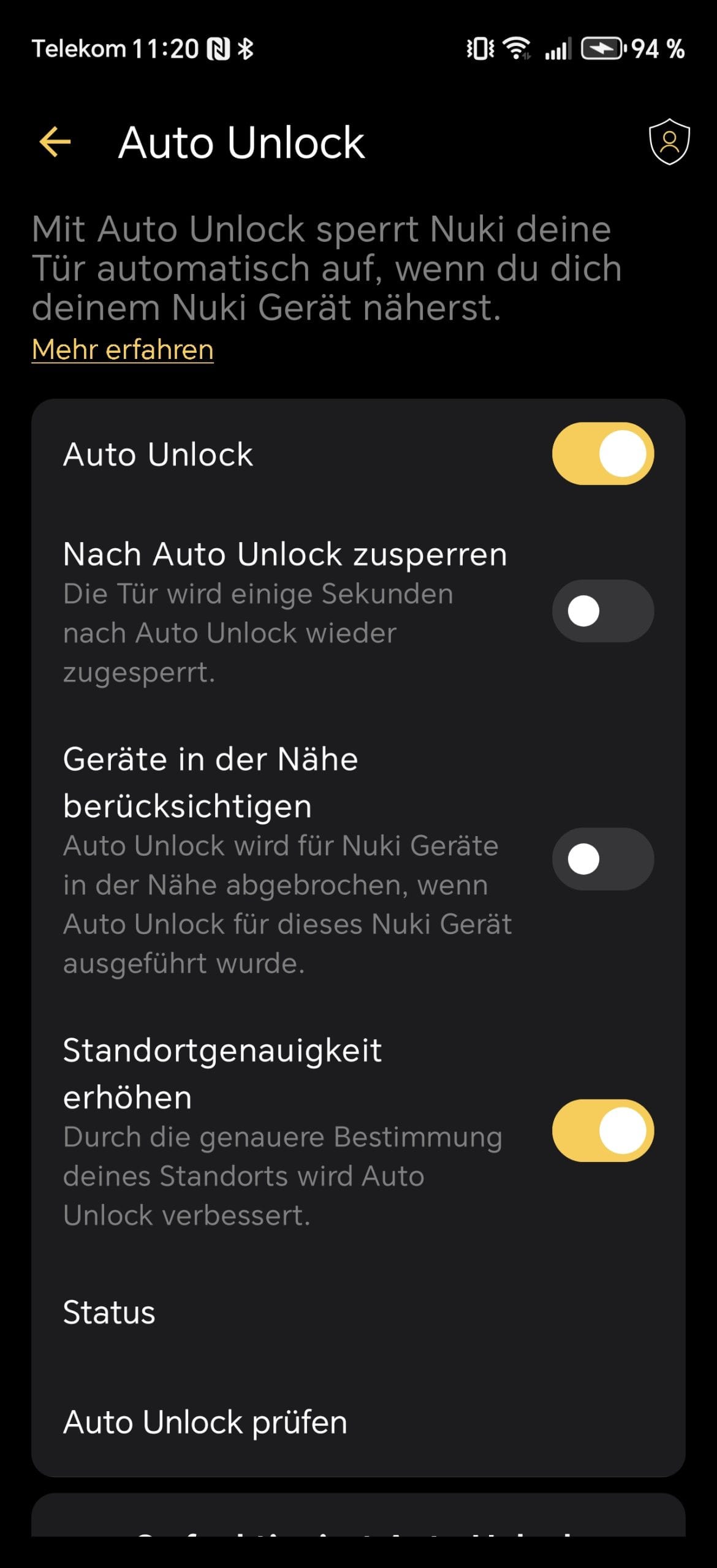
As is typical for Nuki, the Ultra offers the auto-unlock function, which uses a combination of GPS, Bluetooth and geofencing to detect when you approach the door. The app requires the corresponding location permissions from the smartphone. In testing, auto-unlock worked reliably and quickly.
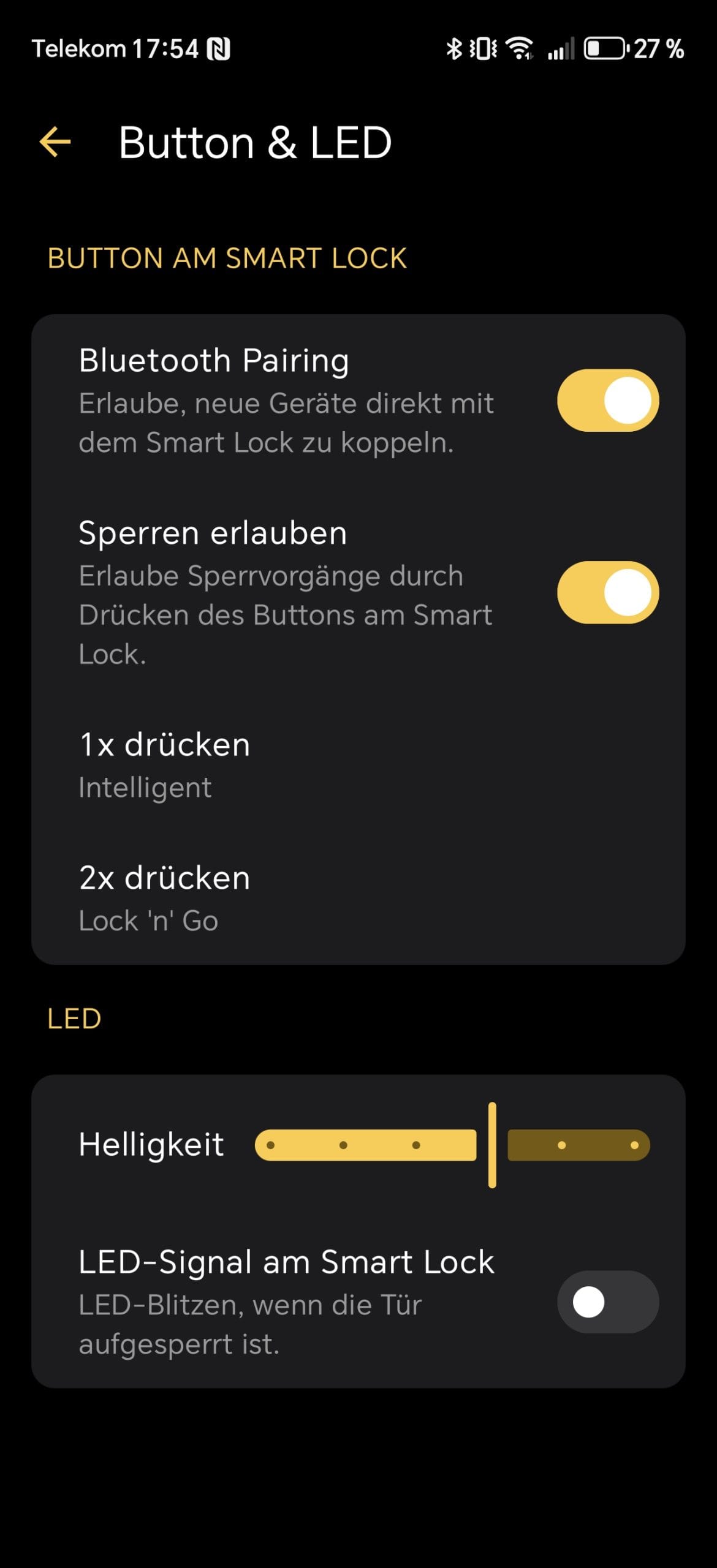
There is also “Lock’n’Go”, a feature that automatically locks the door after a preset time. This is particularly useful when leaving the house and wanting to ensure it is locked behind you. No issues arose during testing here either.

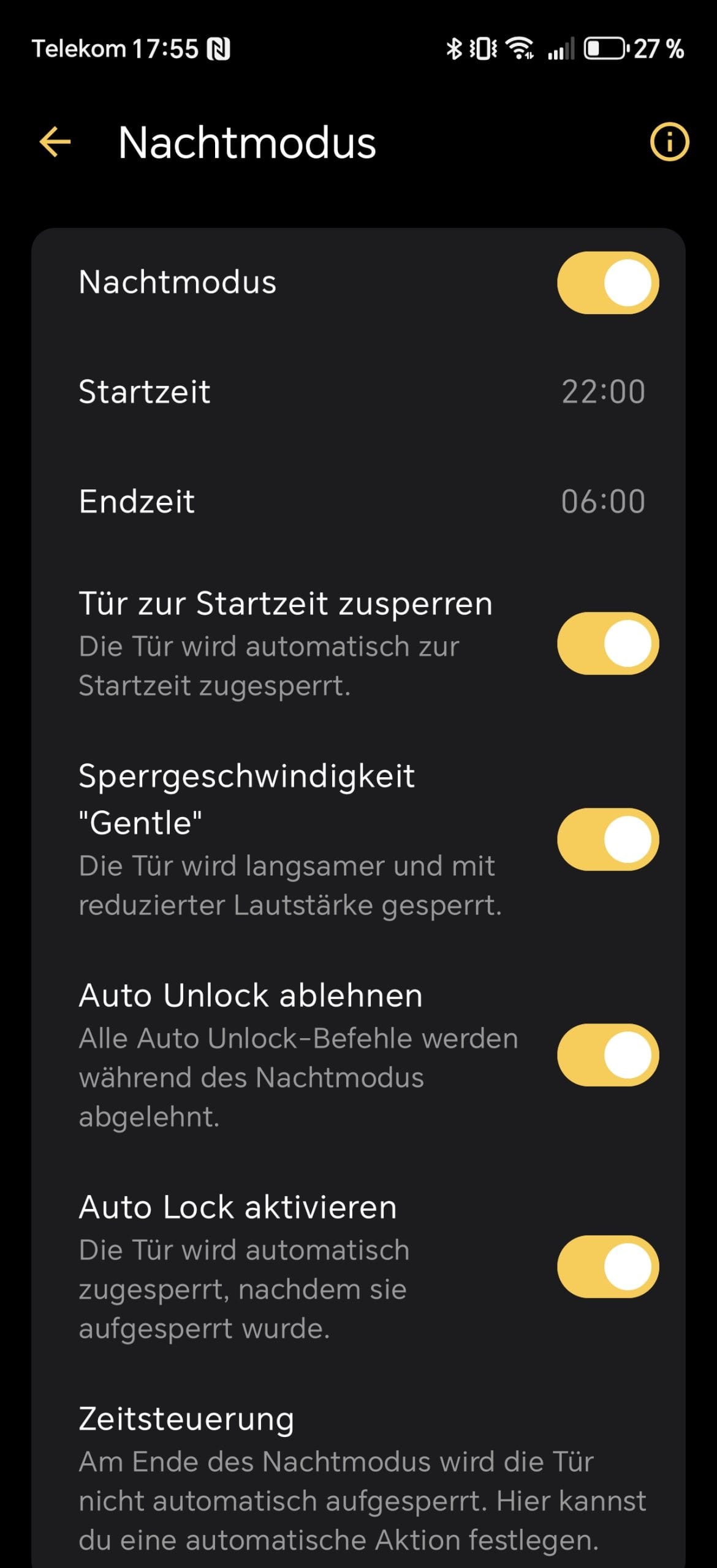
App control & smart home integration
In addition to the functions already mentioned, the Nuki app offers further setting options:
- Manual opening & closing via app
- Access management for other users (e.g. for family or guests)
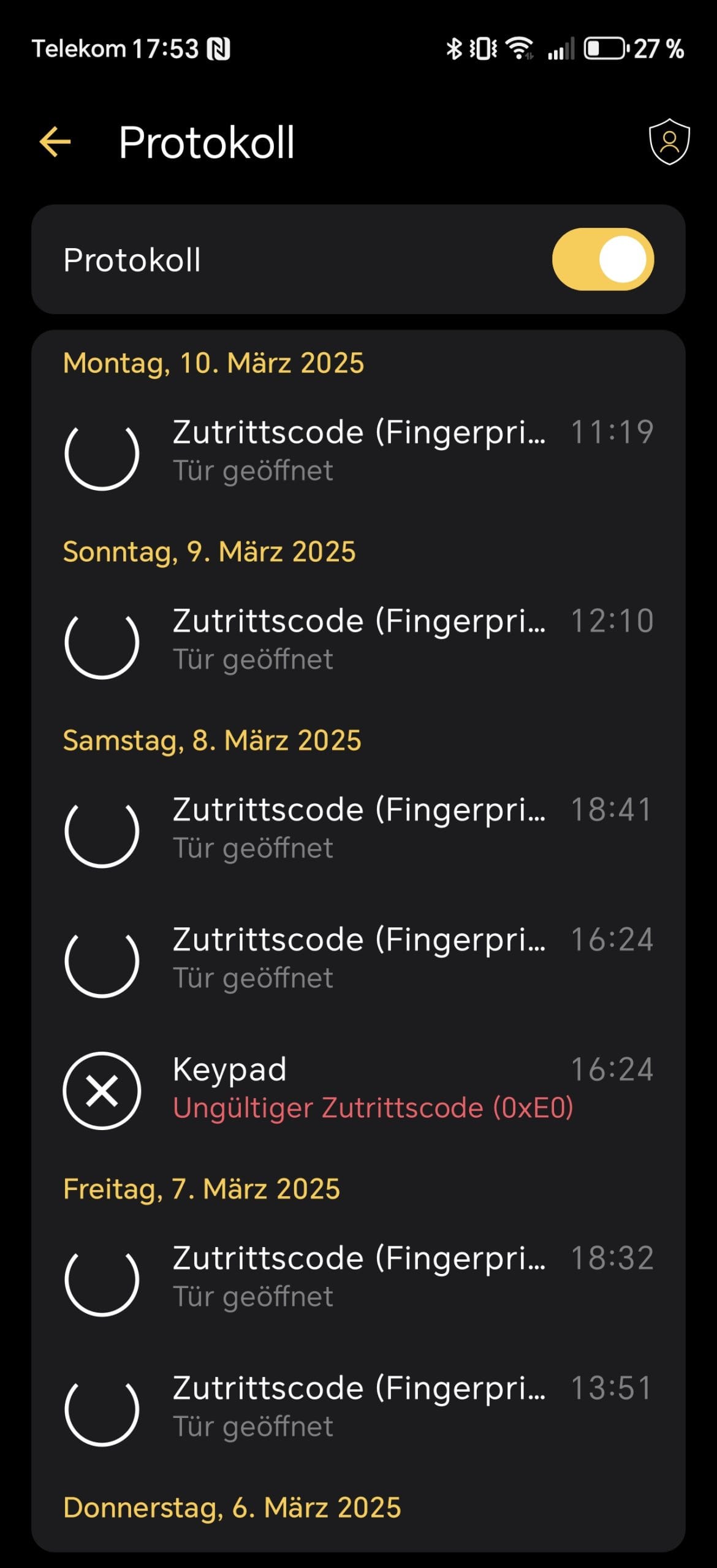
- Log display of recent activities
- Integration into smart home systems

Thanks to WLAN, Matter and Thread, the Ultra is compatible with Apple Home, Google Home, Amazon Alexa and Samsung SmartThings. The Thread integration enables a stable and energy-saving connection without the need for an additional Nuki Bridge.
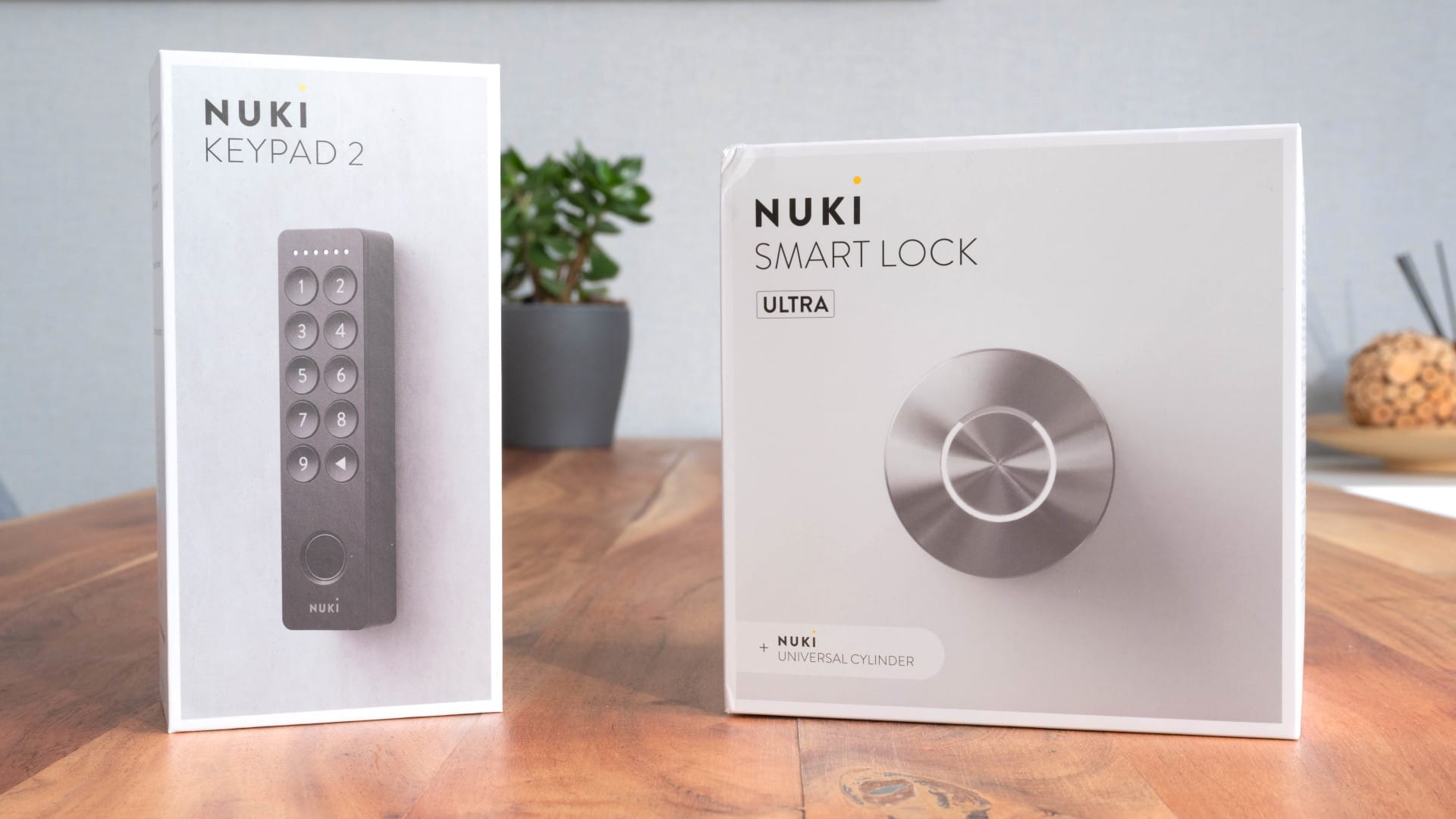
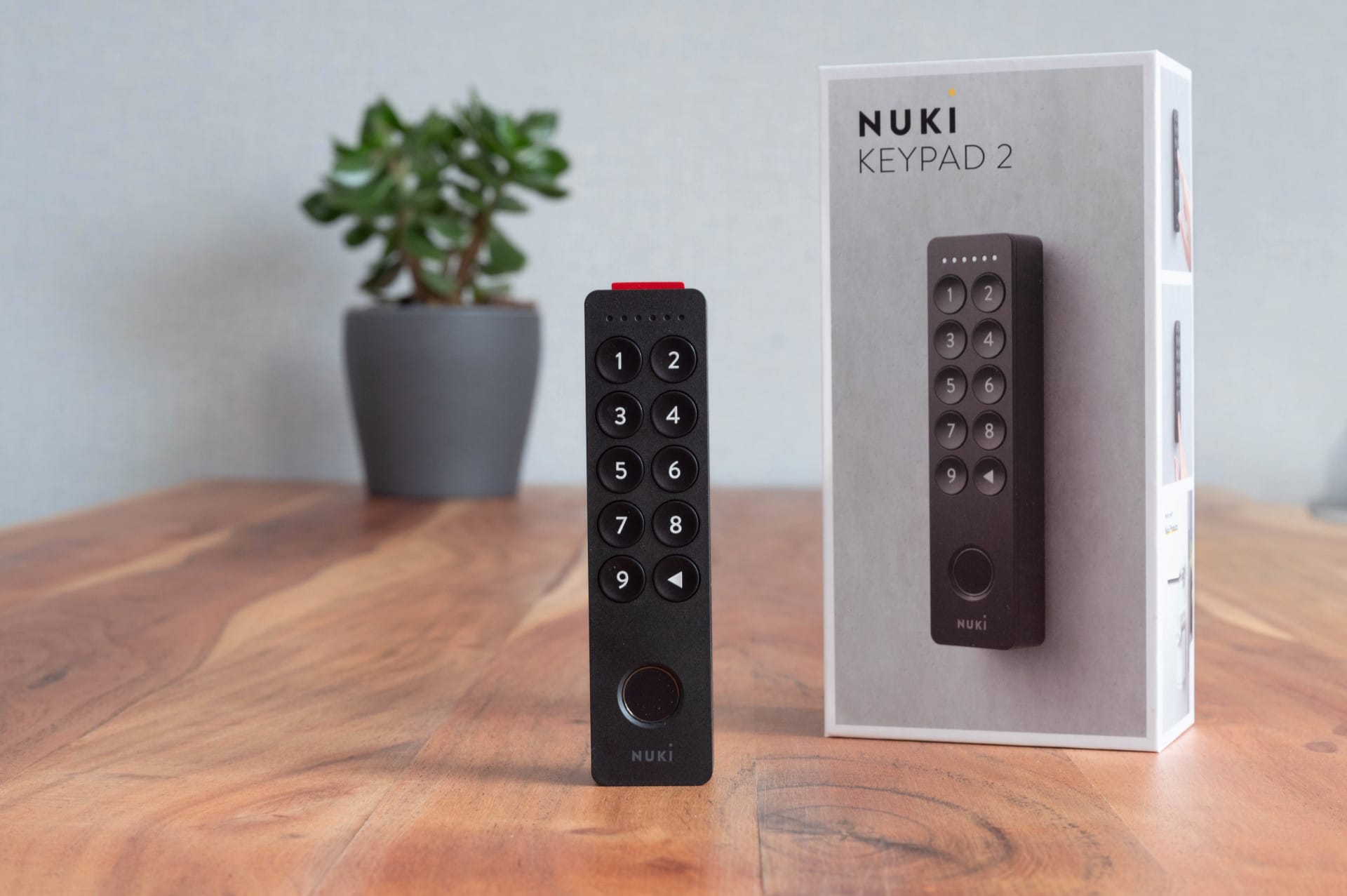
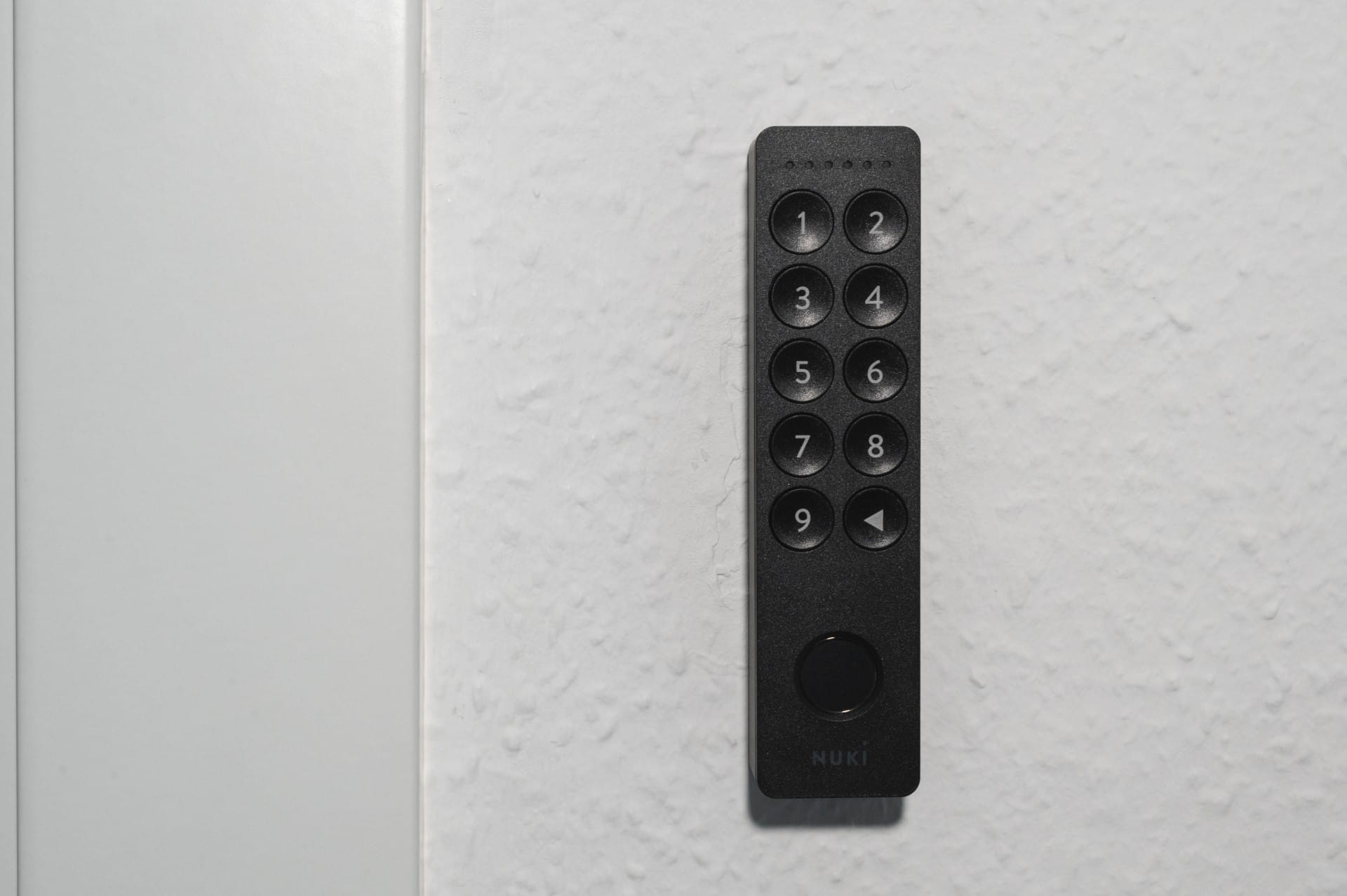
A new keypad with “Tap to Unlock” has been announced for 2025. This will make it possible to unlock the door via NFC or Ultra-Wideband (UWB) using a smartphone, similar to Apple Home Key. Existing accessories, such as the Nuki Keypad 2.0 or the Nuki Fob, are also compatible with the Smart Lock Ultra.
Battery & Power Supply: Long-lasting but not replaceable
One of the biggest changes in the Nuki Smart Lock Ultra is the built-in battery, which replaces the previous replaceable battery or accumulator pack. This has advantages and disadvantages, which became apparent during testing.
According to Nuki, the battery lasts up to six months, although the actual battery life depends heavily on usage. If the lock is used several times a day or faster locking modes are frequently used, a shorter battery life must be expected. The choice of radio connection also has an impact. Bluetooth and Thread are significantly more energy-efficient than Wi-Fi.
In the test, after one month of use with up to five locking operations per day, about 90% of battery remained, which definitely supports the manufacturer's specification.
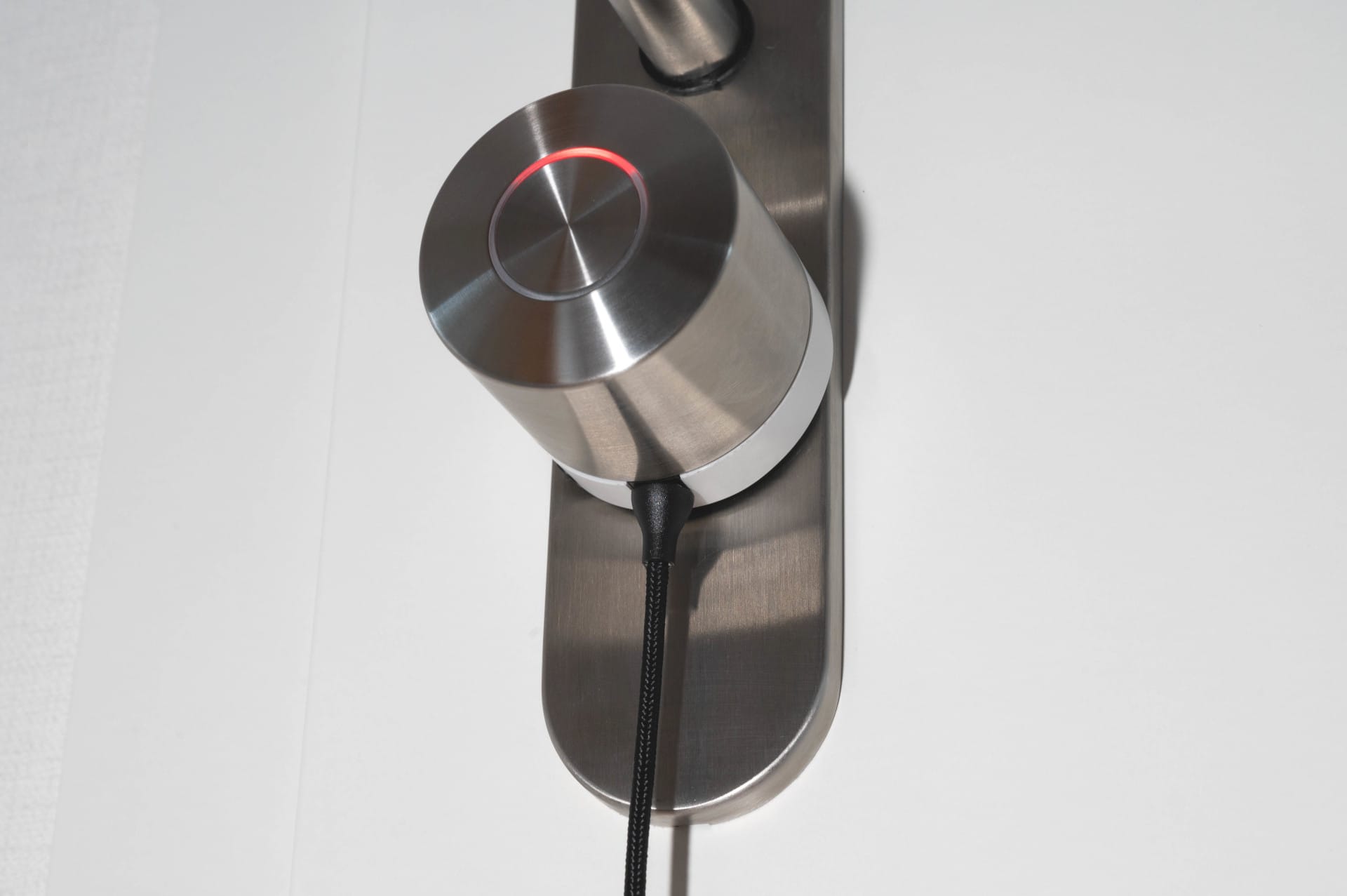
Charging takes place via a USB-C cable with a magnetic charging connector, which simply docks to the bottom of the lock. This is comparable to MagSafe on Apple devices. Should the door move while charging, the cable simply detaches if pulled too hard, without causing any damage.
The solution is practical and secure, but it also has a disadvantage. If you lose the special charging cable, the lock cannot simply be charged with a conventional USB-C cable. If you need a replacement, you can order the cable directly from the Nuki shop for €4.90.
A full charge takes around two hours, which is hardly a problem in everyday use as the lock can continue to be used during charging.
No replaceable battery – a potential drawback?
While the fixed battery saves space and makes the smart lock more compact, it also has a downside. Namely, it cannot be replaced by the user. If the battery weakens or fails after a few years, replacement is only possible via Nuki itself.
According to the manufacturer, the battery life is 8 to 10 years and there are plans to offer a replacement programme for defective batteries. Nevertheless, this decision might deter some users, especially those who prefer long-term maintenance-free operation.
Our verdict
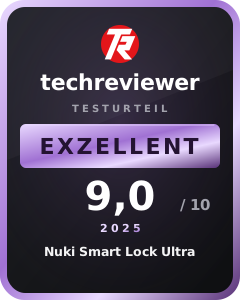
The Nuki Smart Lock Ultra stands out significantly from its predecessors with its compact design, brushless motor and Matter support. Thanks to the Insane mode, it is one of the fastest smart locks on the market, while the Gentle mode offers a quieter alternative.
Installation is somewhat more complex due to the included universal cylinder, but the app instructions simplify the process. The fixed battery with magnetic charging function offers convenience but also creates a certain dependency on the special cable.
In short: those looking for a powerful, modern and smartly integrable door lock and can live with a cylinder change get the Nuki Smart Lock Ultra, one of the best smart locks on the market.
Specifications
Installation
- Requires the included Nuki universal cylinder
- Adjustable cylinder lengths for various door sizes
- No additional drilling required
Operation
- Power supply
- Integrated lithium-ion battery (not replaceable)
- Charging via magnetic USB-C cable
- Runtime
- Up to 6 months, depending on usage and connection type
- Shorter runtime with frequent use or Wi-Fi connection
Operation
- Rotary knob for manual locking
- Central button for custom controls
- LED ring display for status messages
- Acoustic signals to confirm actions
Connectivity
- Bluetooth 5.4 (BLE)
- Thread for energy-saving smart home integration
- Matter support for cross-brand compatibility
- Wi-Fi for remote control (can be optionally disabled)
Material, size and weight
- Material
- Stainless steel housing with plastic internal structure
- Size
- 57 × 57 × 62 mm
- Weight
- approx. 250 g
Functions
- * Three locking modes
- Gentle (quiet), Standard, Insane (fast)
- * Auto-Unlock recognises the user and opens the door automatically
- * Lock’n’Go automatically locks the door after a set time
- * Remote access via Wi-Fi or Thread network
- * Matter integration for smart home connectivity
- * Notifications via app on door opening and low battery level
- * Compatible with Nuki Keypad, Fob and Door Sensor
Price comparison
| Store | Price | Link |
|---|
Comments (3)
What is the point of getting the Smart Lock Ultra now instead of the cheaper Pro? Few people will want to swap the cylinder. In my opinion, it is an inexplicable move by Nuki to launch the Pro so soon after releasing the Ultra.
Hi Zedi, good question. Apart from the presumably slightly more aesthetic look due to the 12 mm shorter knob of the Ultra, there are apparently no differences. If no cylinder change is due, the Pro makes more sense. Regards, Timo
Unfortunately, this issue dominates most of the reviews of the Ultra that I’ve read a lot of lately, giving it an undeservedly negative spin.
This is exactly why I hadn’t bought a Nuki until now: I needed a new cylinder with emergency function anyway, and I was put off by having to “stick” the mounting plates for the previous drive units in place. And now that the Pro is available, I ultimately chose the Ultra because it matches my expectations exactly and is even smaller than the Pro. As a set with the Keypad 2, it costs me just €70 more than the Pro with Keypad 2, including the cylinder I need. The new cylinder is definitely worth that to me!
As I said: if you don’t need a new cylinder, fine!
Thanks, Timo, for the valuable report!
One note about your report: replacing the cylinder shouldn’t be a deal-breaker in rental apartments. That’s exactly where you should replace the existing cylinder and, if necessary, reinstall it when you move out!