Contents
First impressions of the Optoma HD27
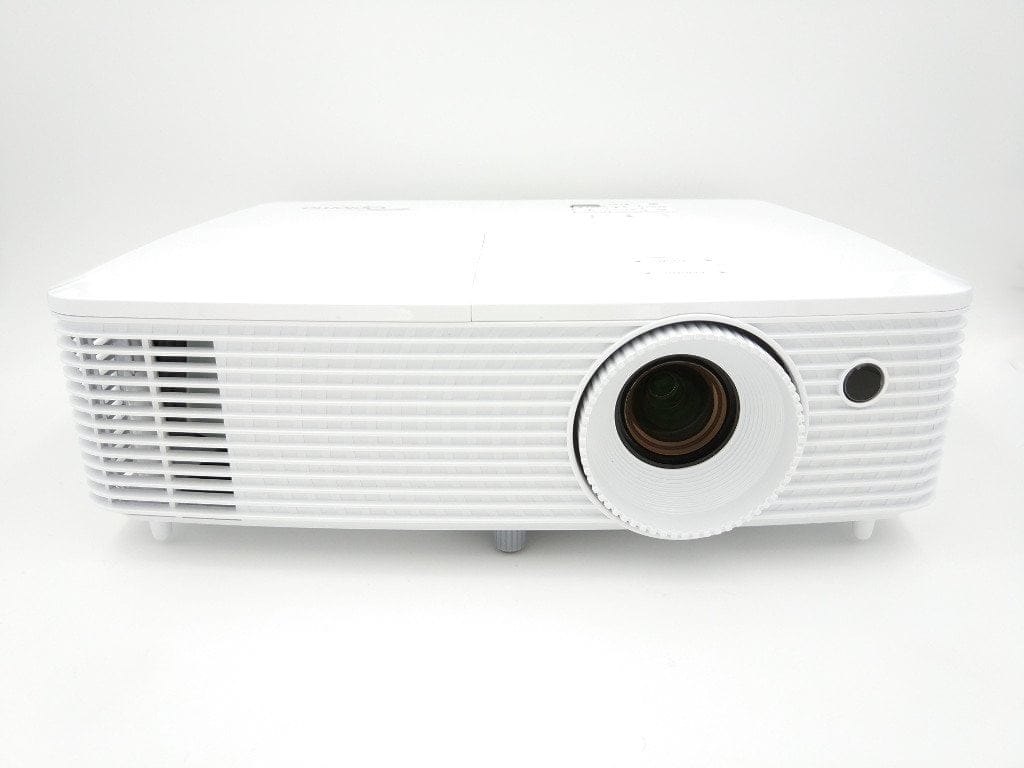
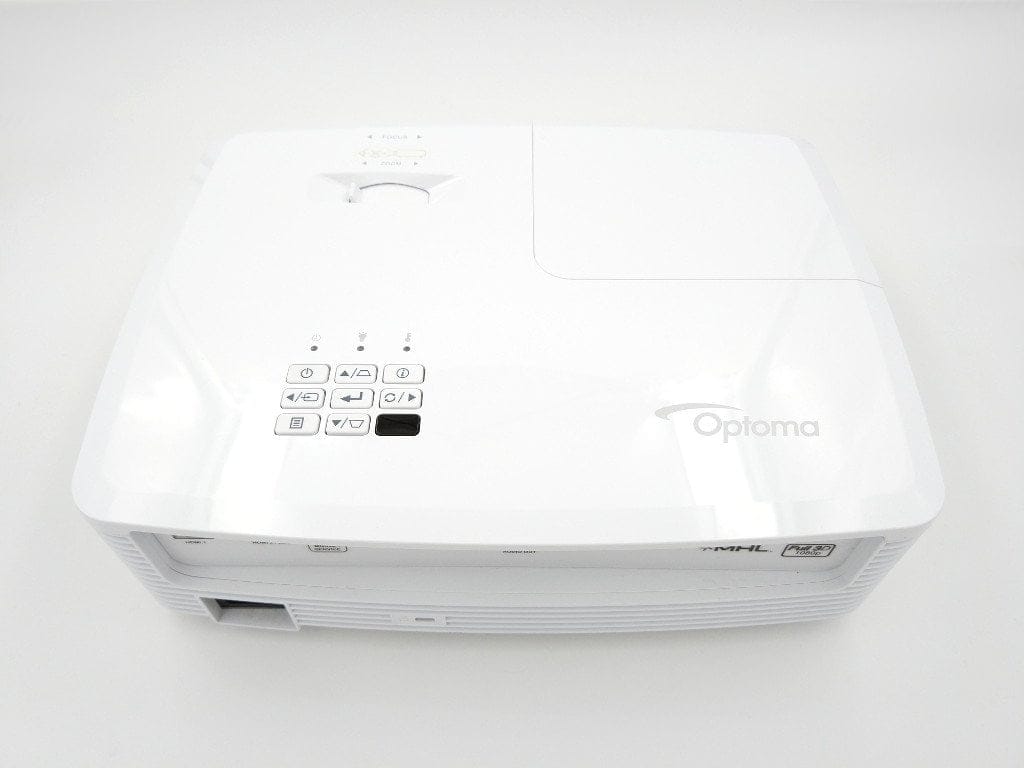
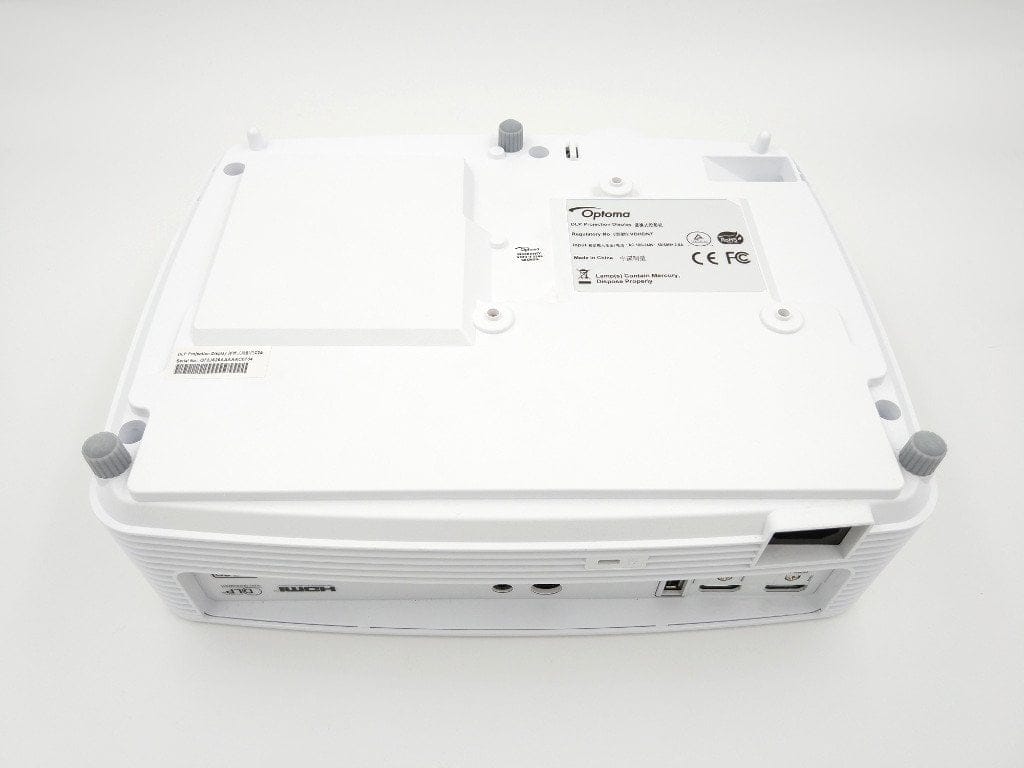
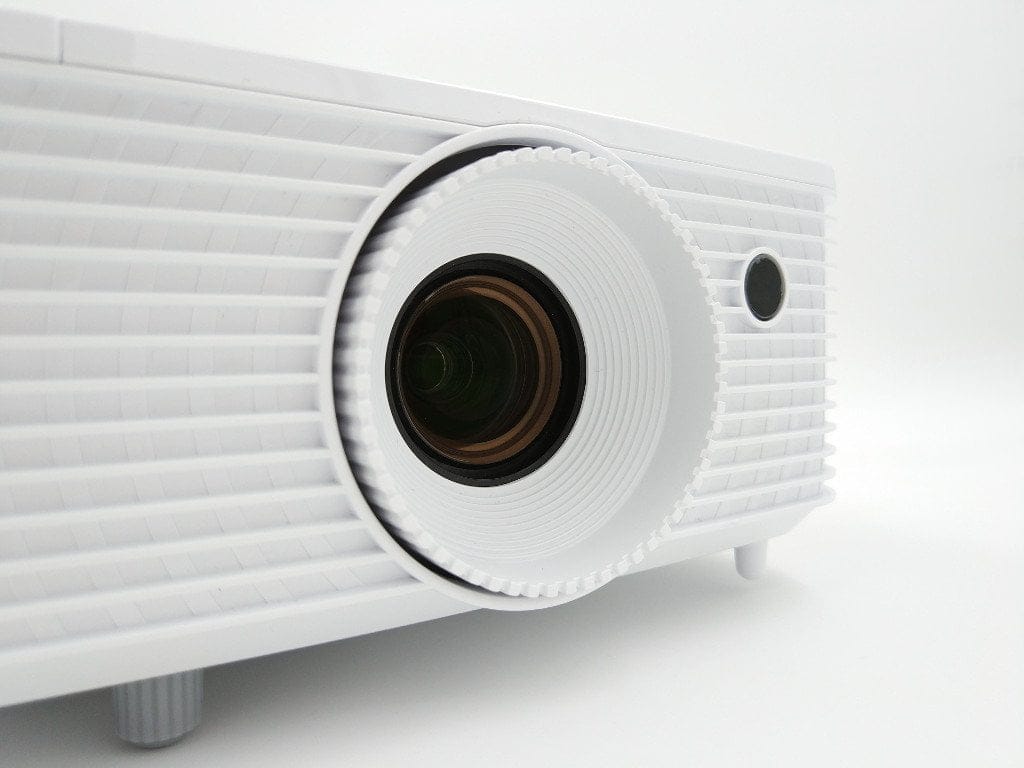
With dimensions of 23 x 29.8 x 9.65 cm and a weight of 2.38 kg, the Optoma HD27 is among the more compact home cinema solutions. The all-white plastic housing is both unobtrusive and visually appealing. The build quality is successful and there is nothing to complain about whatsoever. Despite the compact design, the projector can of course also be mounted on the ceiling. A mounting option is located on the underside of the housing. Height-adjustable rubber pads provide a secure stand instead.
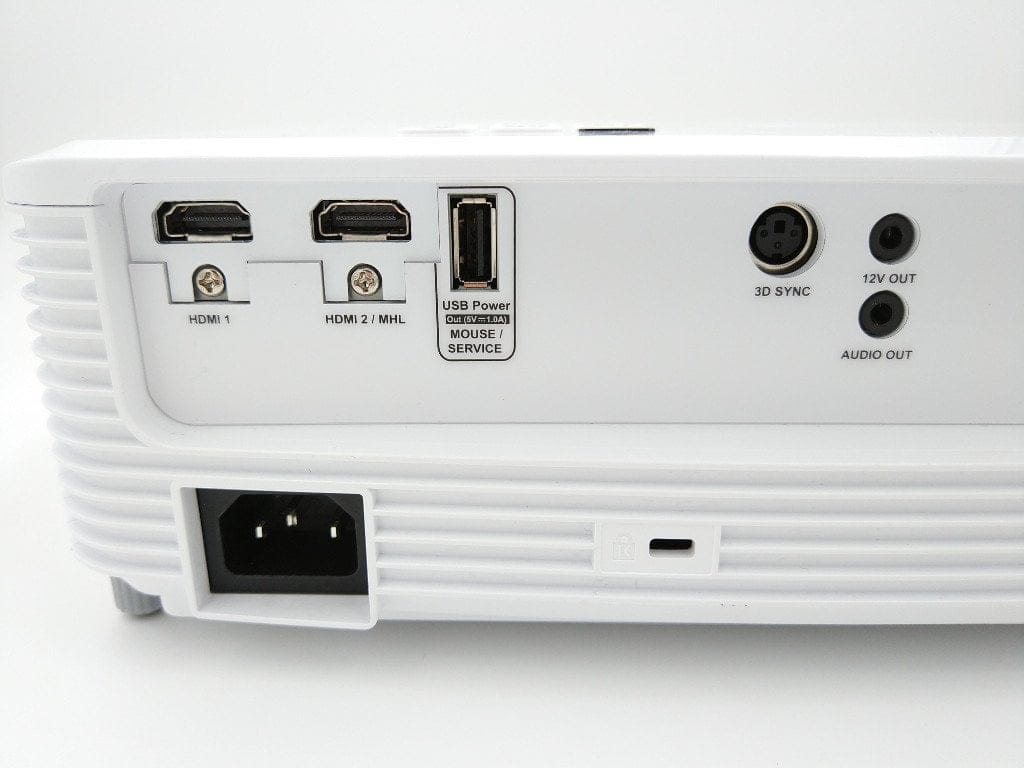
All connection options are located on the rear and are easily accessible. In addition to two HDMI ports, the second of which also supports the Mobile High-Definition Link (MHL) interface for mobile devices, the projector also has a jack audio output, a 3D Sync port, a USB Type-A port and a 12V output. Unfortunately, Optoma has omitted further video interfaces such as DVI or VGA on the HD27. An additional USB connection option would also have been desirable.
The scope of delivery is manageable. In addition to an AC power cable, it includes a remote control with batteries, as well as an instruction manual in printed form and as a CD version. Additional connection cables are not included.
Hardware
The Optoma HD27 is a Full HD DLP projector with a .65" DC3 DMD chip from Texas Instruments. The maximum possible brightness is stated by the manufacturer as 3,200 ANSI lumens. The contrast ratio is 25,000:1. The lamp life ranges from 5,000 to 8,000 hours, depending on which display mode is used. Through "Optoma's Amazing Colour", the projector works with the Rec.709 colour gamut, thereby reproducing even richer and more accurate colours. The "Dynamic Black technology" adjusts the contrast as best as possible to the respective scene.
A zoom lens allows for accurate projection from short as well as large distances. Image sizes from 0.71 to 7.75 metres are no problem for the Optoma projector. A WLAN function is natively not available. However, the Optoma HDCast Pro dongle can turn the projector into a smart streaming box. Content can thus be exchanged or streamed wirelessly between the projector and a mobile device or computer.
Setup and user interface
Setting up the Optoma HD27 is not a problem, even for non-technical users. Once the projector is connected to the power supply and a playback device, it is ready to go after switching on and a short warm-up phase.
Operation
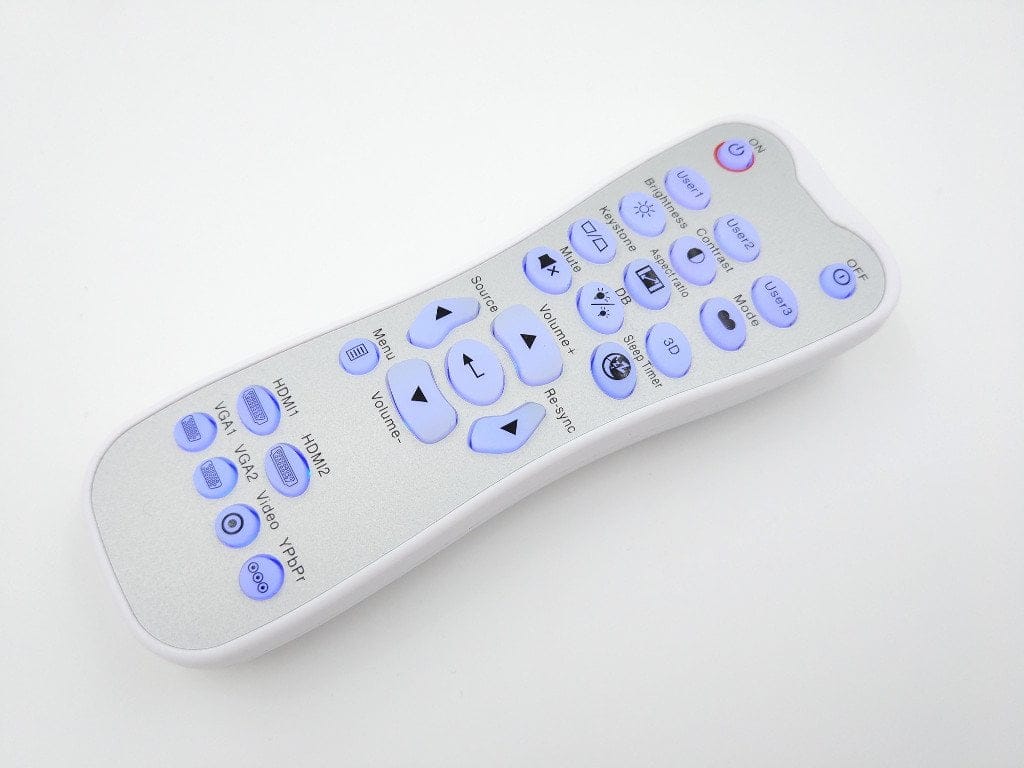
The projector can be operated directly on the device itself or via the included remote control. The remote control has a good grip, and the labels printed on the buttons are easy to understand. Thanks to backlit buttons, the remote control can be used without problems in the dark. The placement of the IR receiver is disadvantageous. If you stand a few metres behind the projector, the remote control does not work due to the lack of a rear receiver.
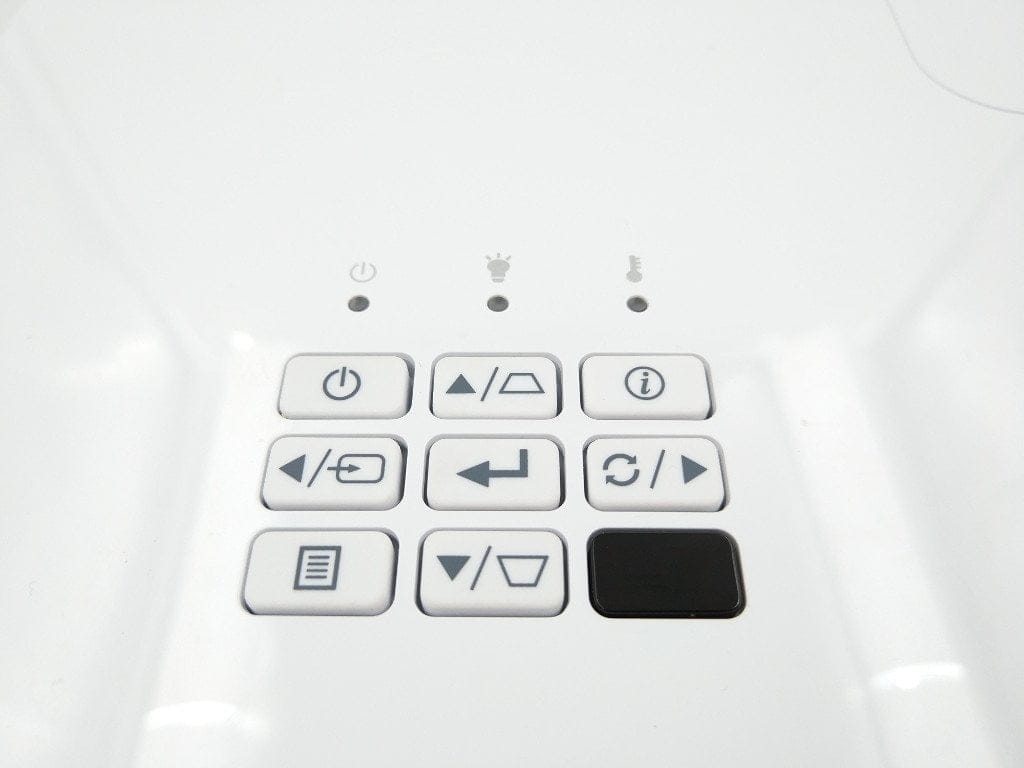
The top of the projector housing features the most important control buttons. A total of 3 LED indicators visually display the operating mode. Operation of the Optoma HD27 is simple and straightforward.
Settings menu
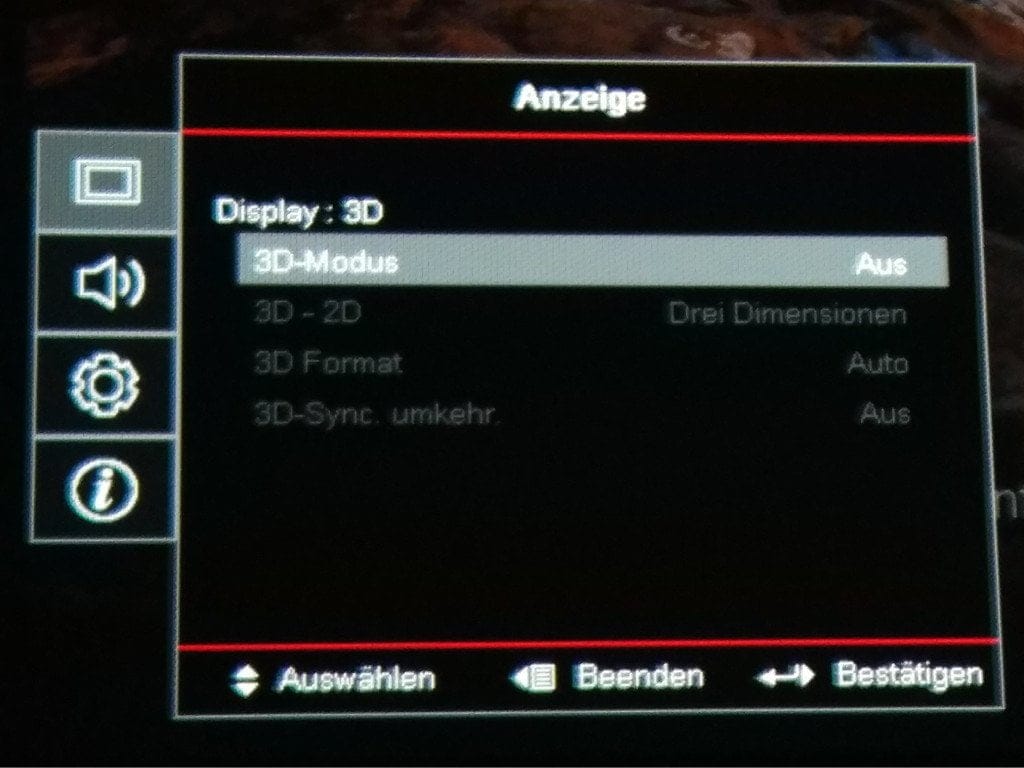
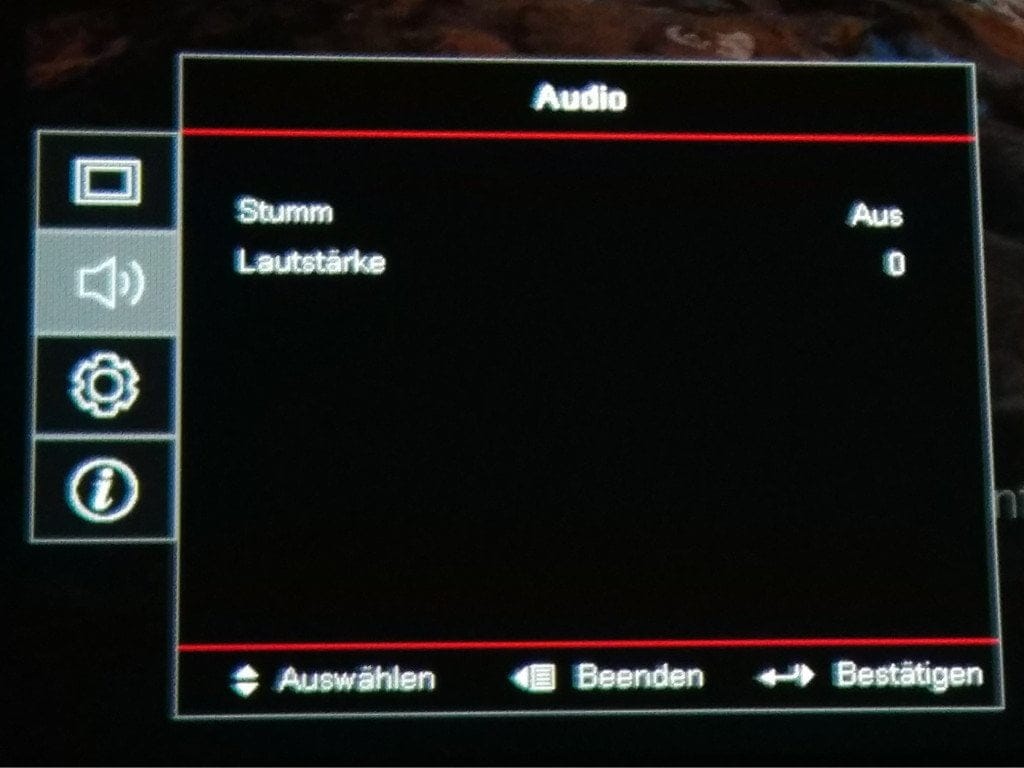
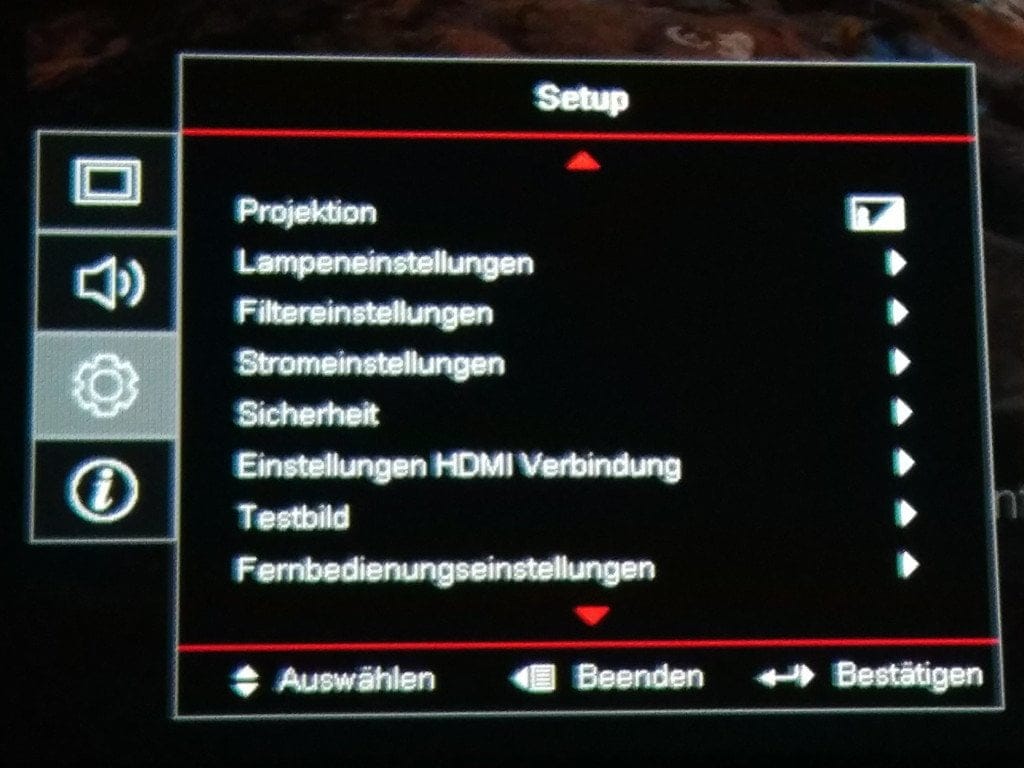
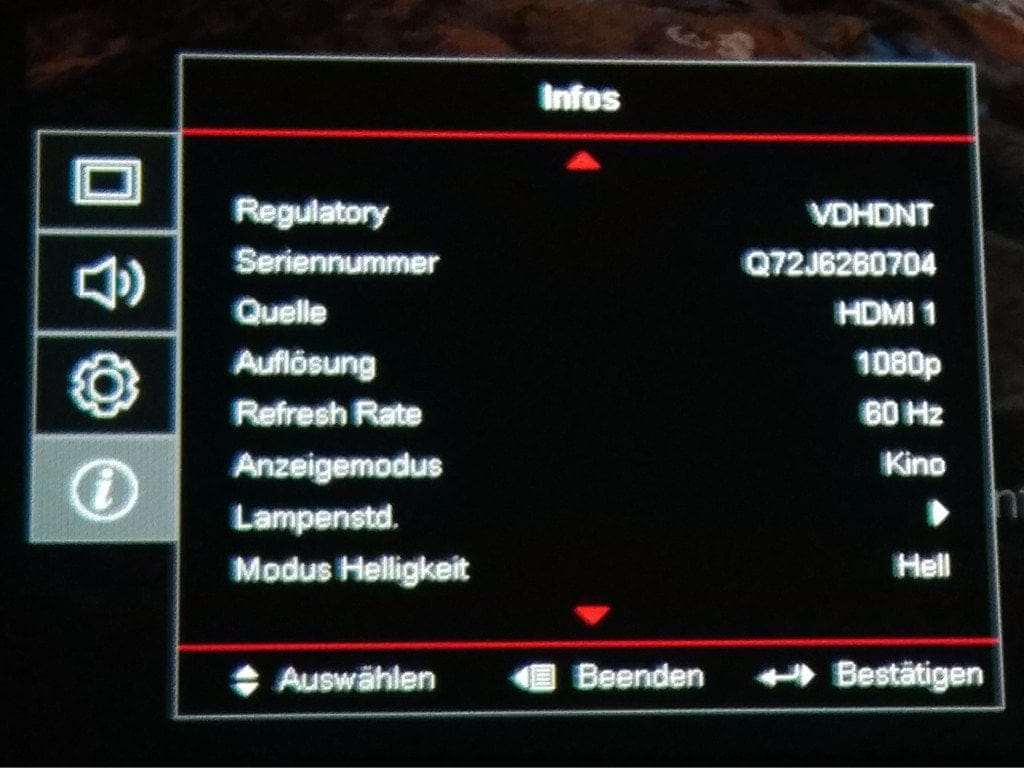
The settings menu is clearly structured. There are 3 settings categories, divided into display, audio and system settings. Additionally, there is an "Info" section, which provides information such as the selected resolution, the source or the lamp hours.
Display settings
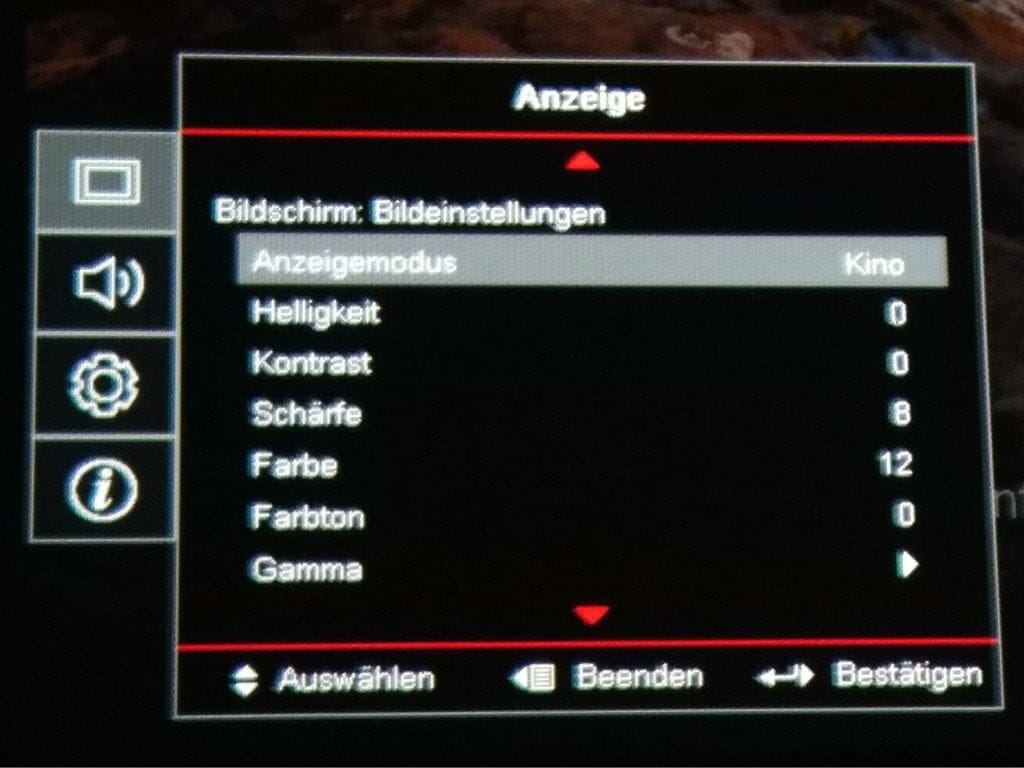
The "Display" menu item is further divided into various subcategories. Under the image settings, preset display modes can be selected. Depending on whether you use the projector for home cinema applications or for the best possible presentation of slides, there are 5 preset modes and one custom mode to choose a suitable display mode for every application. Settings for contrast, brightness, colour tone or sharpness can be individually adjusted afterwards and for each display mode accordingly.
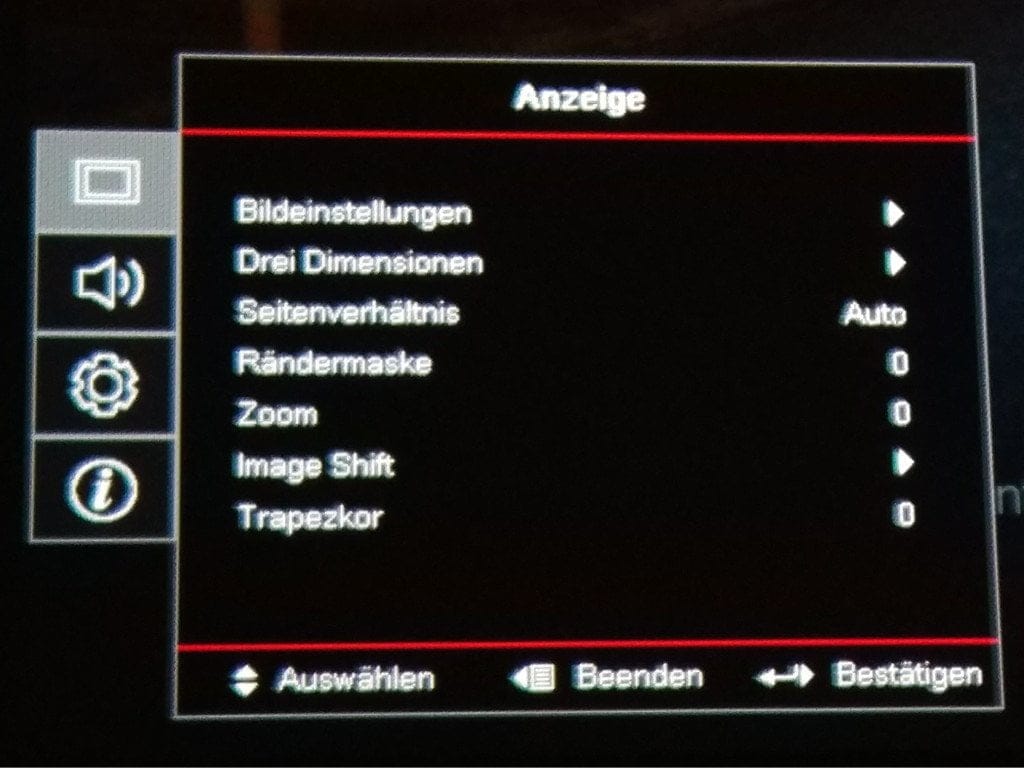
The 3D mode can also be activated here. You can choose between DLP-Link and VESA. Once the 3D mode is activated, further settings are available for the format (e.g. side-by-side), 3D sync inversion and 3D-2D switching. Further display settings are available for aspect ratio (16:9, 4:3, LBX, Native and Auto), render mask, zoom, image shift and keystone correction.
Audio settings
The integrated speaker of the Optoma HD27 can be muted here, and there are also settings for the speaker volume.
System settings
The “System Settings” category leaves nothing to be desired. It contains a wide range of settings for the projector itself. These include options for projector positioning, lamp and filter settings, power and security settings, and further in-depth system settings, for example for the system language or the menu itself. An interesting feature is the ability to define three individual user buttons. Functions that are important to you, but not directly selectable via the remote control, can be programmed to one of the three buttons.
Suitability for home cinema
After startup, the projector is in the so-called “Vivid Mode”. In this mode, the Optoma HD27 impresses with particularly bright and vivid colours, although the white point tends towards blue. In “Cinema Mode”, the image is presented with great dynamism. Colours appear predominantly warm, and the accurate colour reproduction supported by the Rec.709 standard is also convincing. Many home projectors struggle to produce deep blacks. The displayed black often tends towards grey. On this projector, too, black appears slightly greyish with the factory settings. If you additionally activate the “Dynamic Black” feature in Cinema Mode, a reasonably good black level is achieved. The Optoma HD27 impresses with its high brightness. Even in a room that is not fully darkened and with an average image size, a respectable image is projected in Standard Mode.
Fan noise is audible in standard operation, but remains within acceptable limits and does not detract from the viewing experience. Activating Eco mode reduces brightness, but the fan becomes almost silent. Otherwise, the Eco mode is excellently tuned, maintaining good image quality; with a bit of setting finesse, a decent picture can be produced. The integrated speaker is less suitable for a home cinema experience. While the speaker reaches a decent volume, powerful bass should not be expected. It is sufficient for occasional garden viewing or taking the projector along to friends' houses.
Suitability for gaming
Another display mode is the "Gaming Mode". When connected to a PC or console with the Gaming Mode selected, the Optoma HD27 produces an exceptionally bright image with comparatively cool colours. The input lag is comparatively low and was only noticeable when switching from a responsive gaming monitor.
3D mode
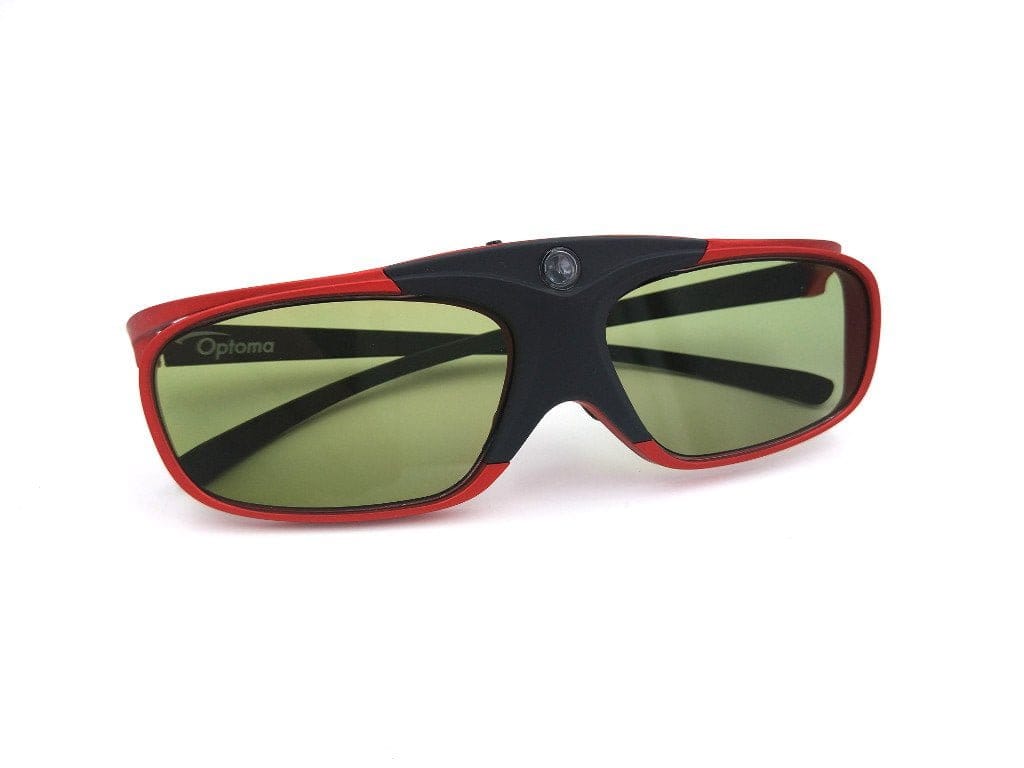
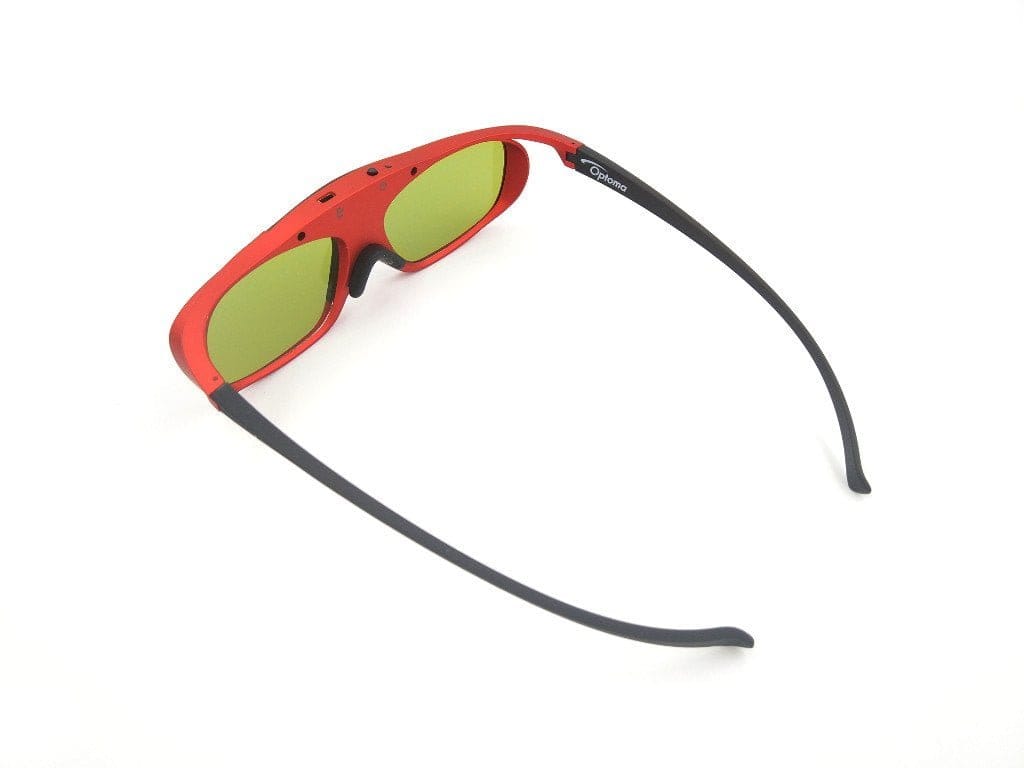
In our test, we naturally also took a closer look at the 3D mode of the Optoma HD27. You can select two 3D modes here. In addition to DLP Link, there is also the proprietary VESA 3D mode. With the suitable Optoma ZD302 DLP Link 3D glasses, a convincing 3D experience was achieved. However, it should be noted that the glasses dim considerably and the projector should definitely be operated in standard mode. A "ghosting effect", i.e. an offset image relative to the main image, did not occur at any time.
Our verdict
The Optoma HD27 also offers the thrifty home cinema enthusiast an impressive home cinema experience. The projector displays the projected image with razor-sharp clarity, and thanks to Optoma's Amazing Colour Technology, the colour reproduction is almost unbeatable. There are minor compromises in terms of contrast, which is why the HD27's black level tends slightly towards grey. The Dynamic Black Technology counteracts this effectively. All in all, the Optoma HD27 surprised us and is definitely worth a recommendation!
Specifications
General
- Type
- DLP
- Chip
- Single 0.65” 1080p DC3 DMD
- Lens
- F/2.5~2.67; f=21.86~24mm
- Brightness
- 3200 ANSI lumens
- Resolution
- 1920 x 1080 pixels
- Aspect ratio
- 16:9 (4:3)
- Projection size
- 27.88" - 305.3"
- Throw ratio
- 1.48 - 1.62:1
- Contrast
- 25.000 : 1
- 3D
- VESA / DLP-Link
- Focus
- Manual
- Zoom
- 1.1x manual
Ports
- 2x HDMI (1x MHL)
- 1x 3.5mm jack (audio out)
- 1x 3D Sync port
- 1x USB Type-A socket
- 1x 12V output
Other
- Lamp life
- 8000/6000/5000
- Speakers
- 10W
- Wi-Fi
- Optional
- Power consumption
- 230W / 192W (Eco) / 0.5W (Standby)
- Size
- 298 x 230 x 96.5 mm
- Weight
- 2.38 kg
Comments