Contents
First impressions of Pinnacle Studio 20 Ultimate
Versions
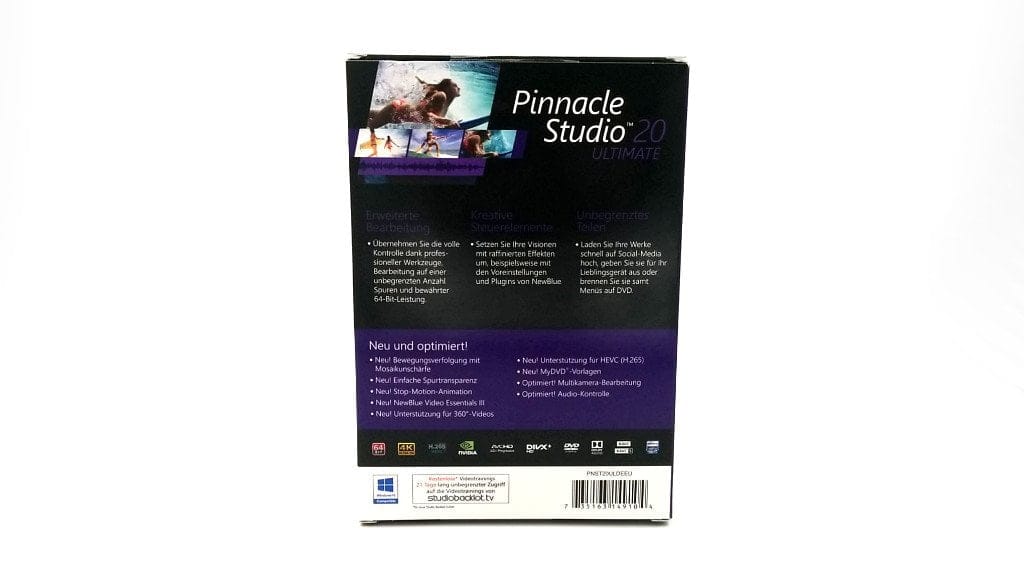
Pinnacle Studio 20 is available in three different versions. These include a Standard version, which operates without “NewBlue” effects and plugins and is mainly suitable for simple editing of amateur footage. The Plus version has been expanded with additional effects and also supports editing 3D footage. Only the Ultimate version combines all features of the first two versions and also offers additional editing effects as well as templates.
If you want to edit 4K video recordings with Pinnacle Studio 20, your choice is inevitably limited to the Ultimate version, as only this supports 4K video editing. Unfortunately, the developer does not offer trial versions of Pinnacle Studio 20.
What’s included
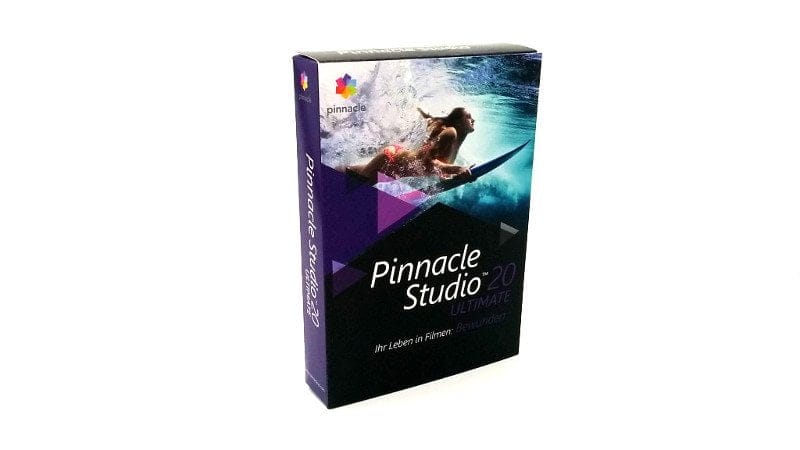
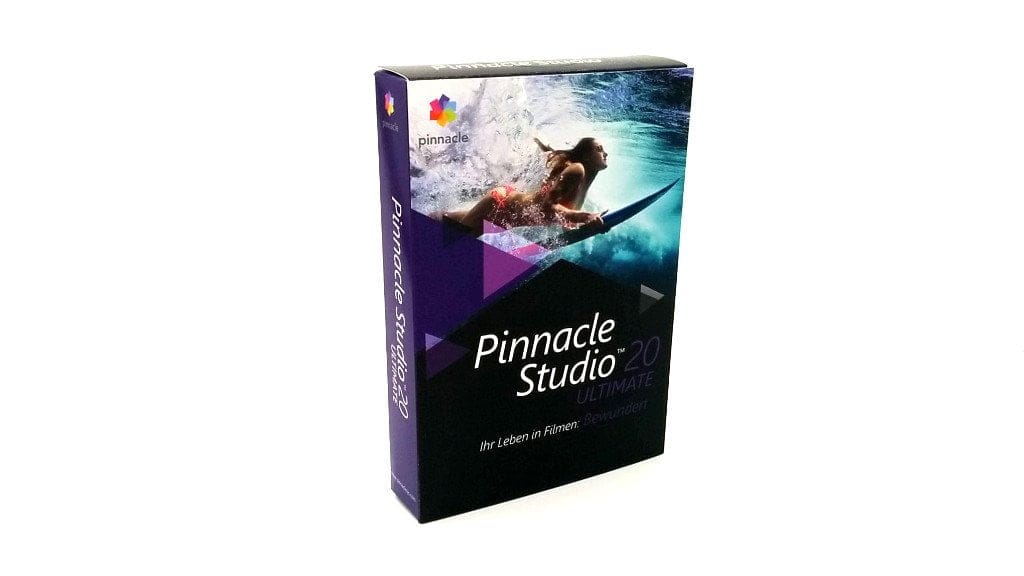
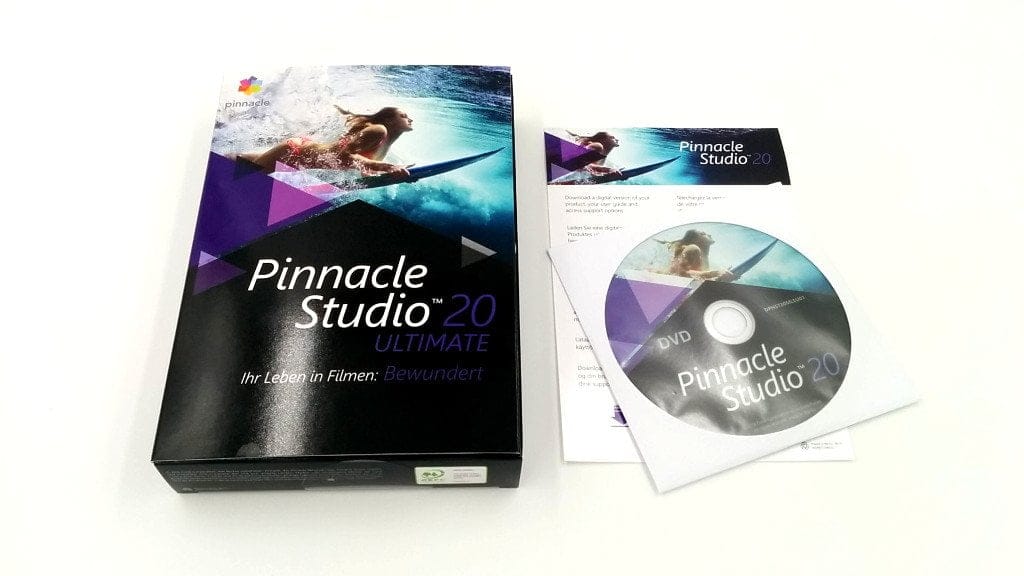
If you purchase the "Boxed" version of Pinnacle Studio 20, you receive a CD with the editing software, the product key and a instruction card for the digital download. A manual is not included and must be downloaded as a PDF.
Installation
Installation is straightforward. To start the installation, you must enter the product key. During installation, you can select whether you want to install additional software and bonus content alongside the main program. However, these are downloaded separately via the installation manager. Updates are also downloaded and installed via the installation manager.
Unfortunately, the bonus content was not installed correctly during my first installation, resulting in errors during the process. Only the digital download resolved the issue.
Interface and application
Clarity and usability
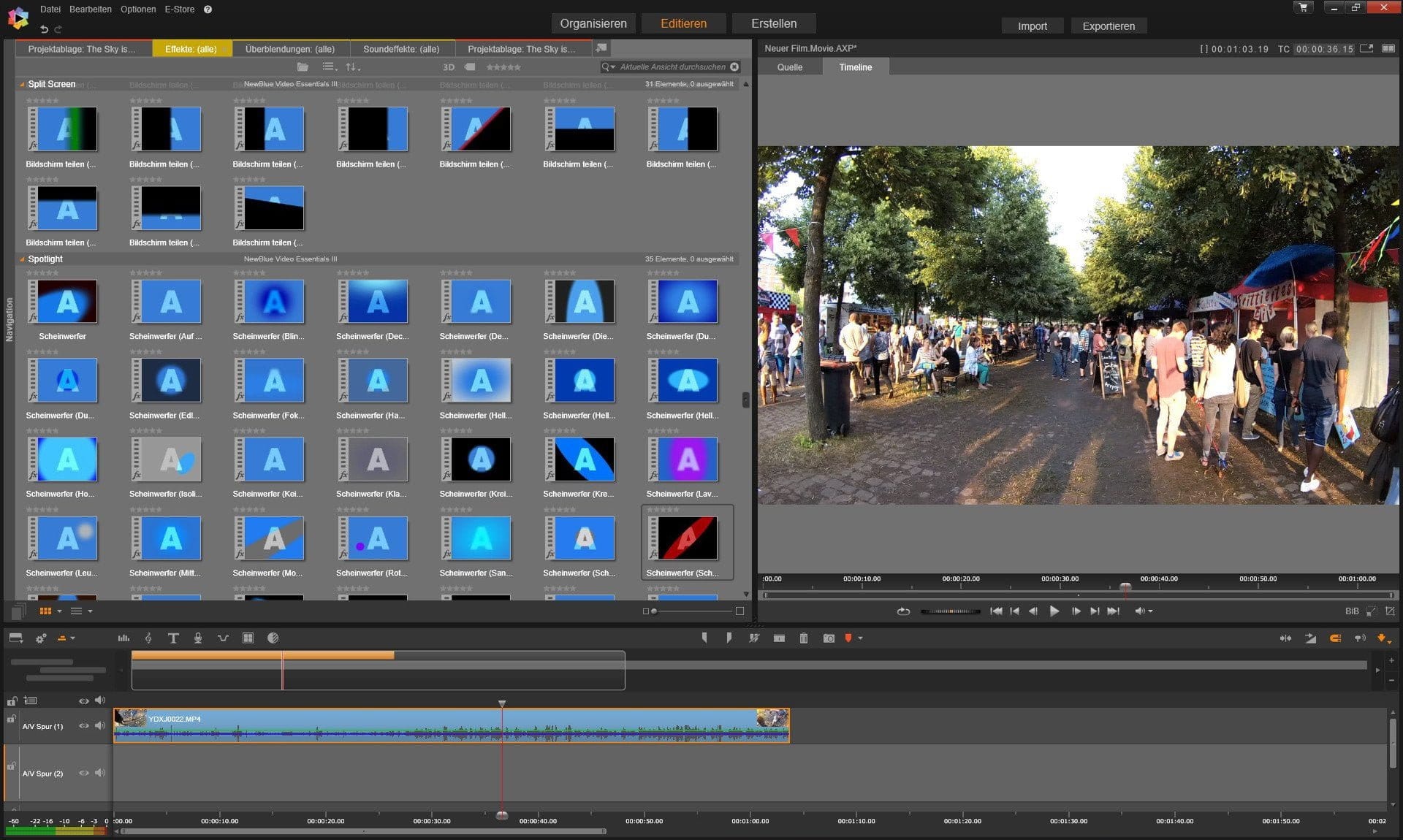
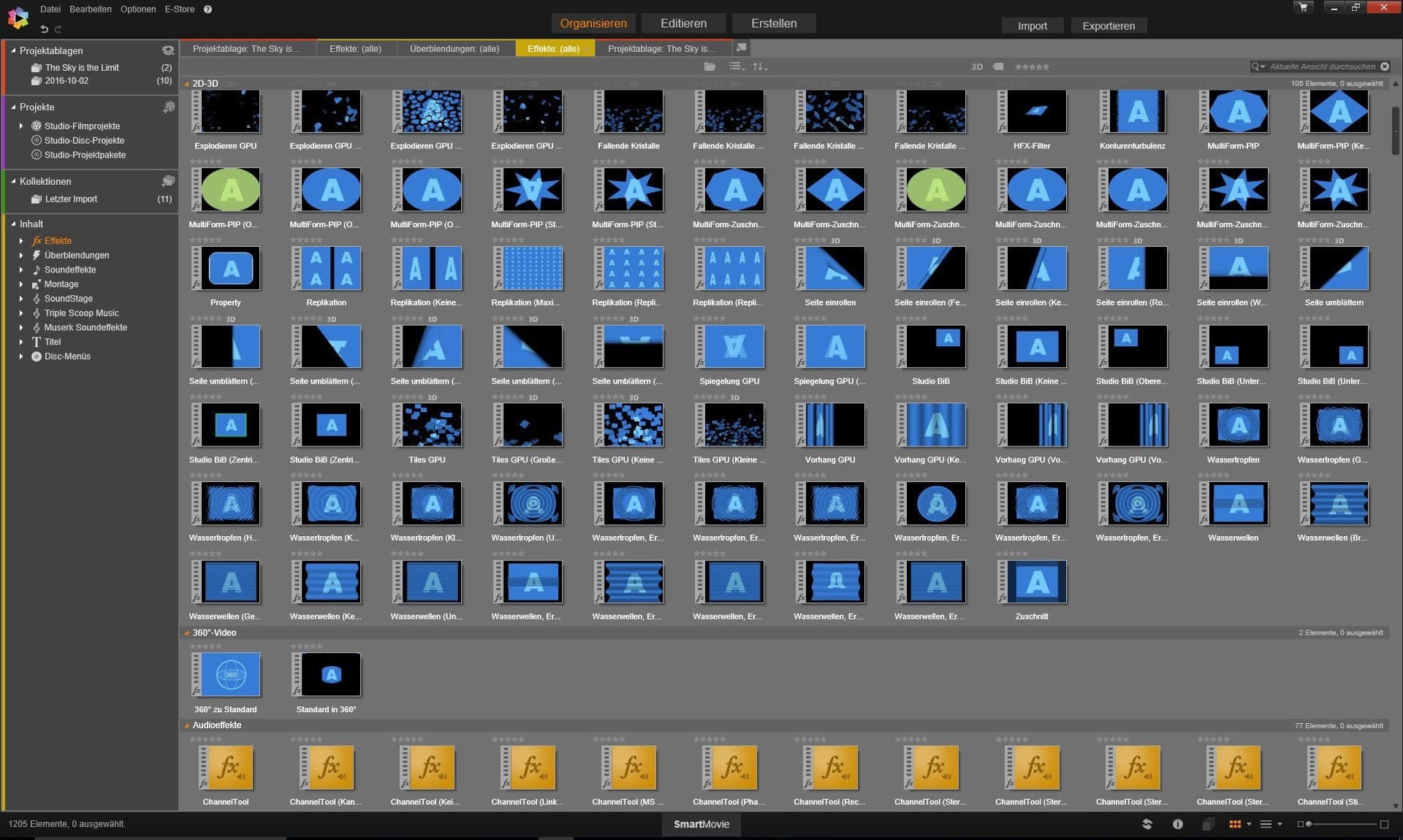
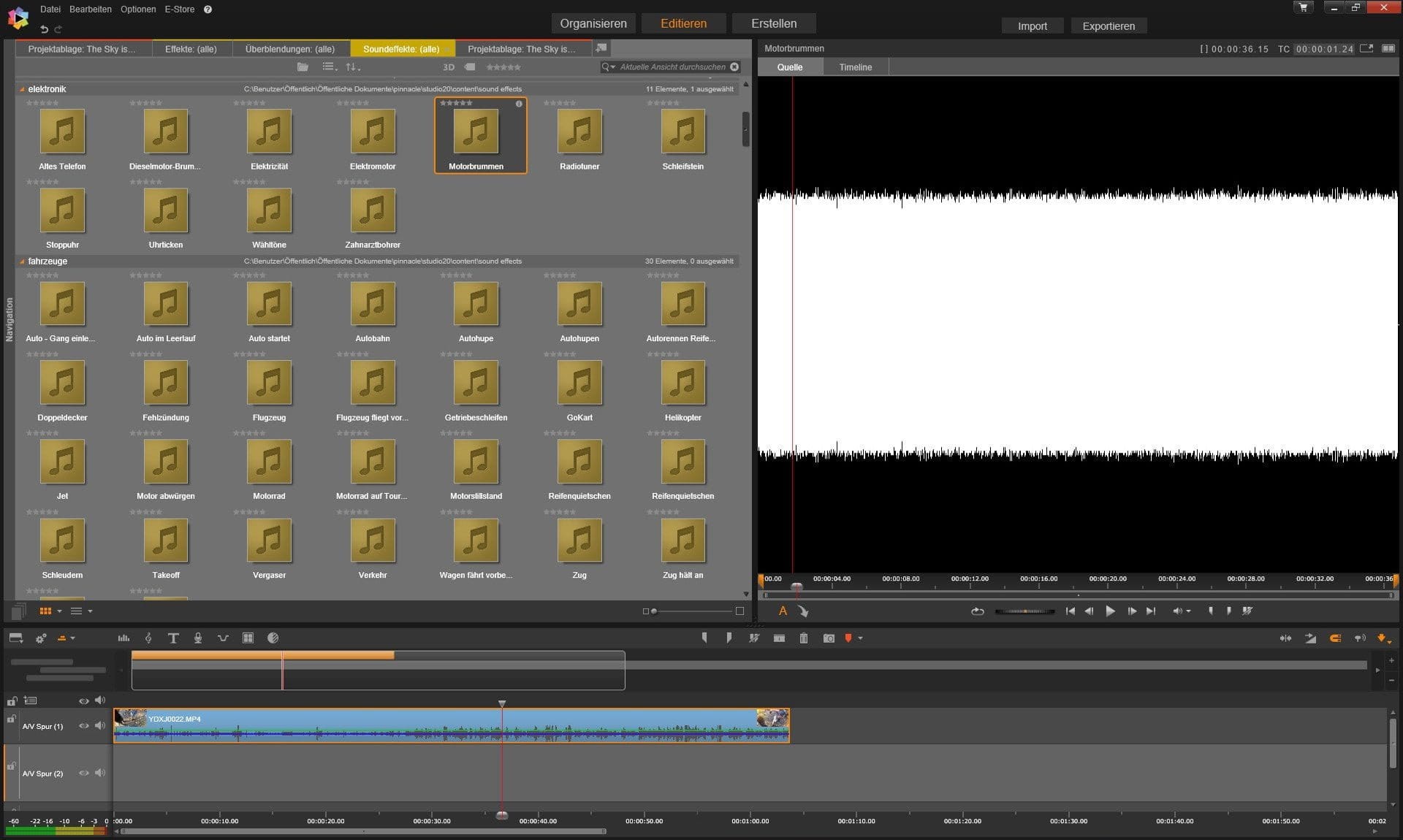
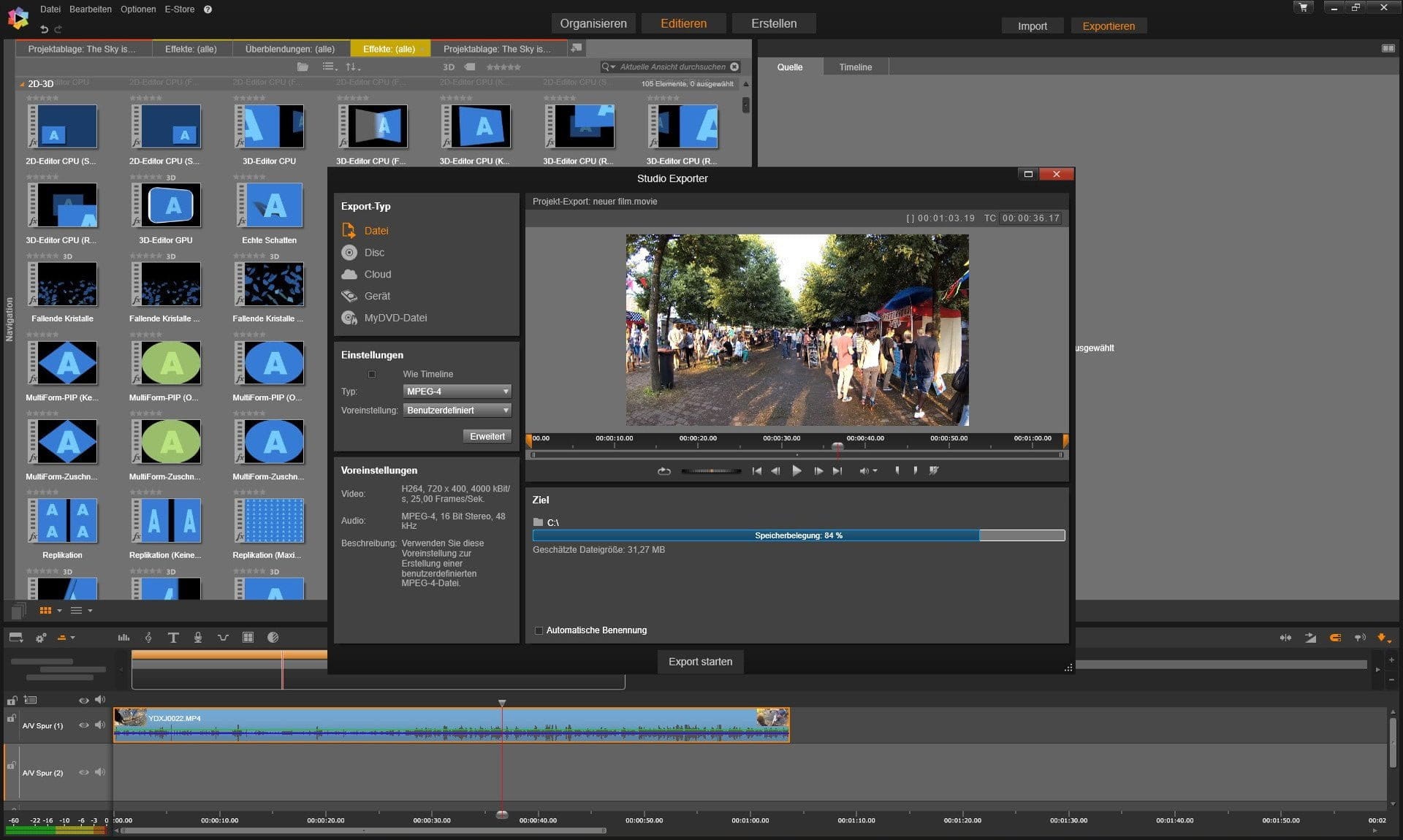
The interface is clearly designed and barely differs from video editing software from other developers. In addition to the project window, where projects can be created, files imported and effects loaded, there is also a video player with a timeline, an overview of the video and audio tracks, and a toolbar. The size of the individual windows can be individually adjusted. Which tools are visible on the toolbar can also be selected. Only the position of the windows cannot be defined.
All settings are easily accessible and include a brief explanation. The extensive keyboard shortcuts can be freely customised. Film and image files can only be imported via the import manager. Unfortunately, there is no function for dragging files directly from Windows Explorer into the cut strip.
Video editing
Video editing with Pinnacle Studio 20 Ultimate is easy. Imported files can be dragged into the A/V tracks and cut using the “razor tool”. With the magnetic grid, cut files can be seamlessly joined together. For editing the audio track, it can be automatically detached from the video.
Effects and image correction
Pinnacle Studio 20 Ultimate offers a wide range of effects. However, apart from a few transition effects and the “NewBlue effects”, the remaining 3D effects and audio effects are not suitable for YouTube videos. Some effects are poorly animated and outdated. NewBlue, on the other hand, offers appealing filters, similar to those of Instagram, as well as well-implemented image stabilization.
Keyframes
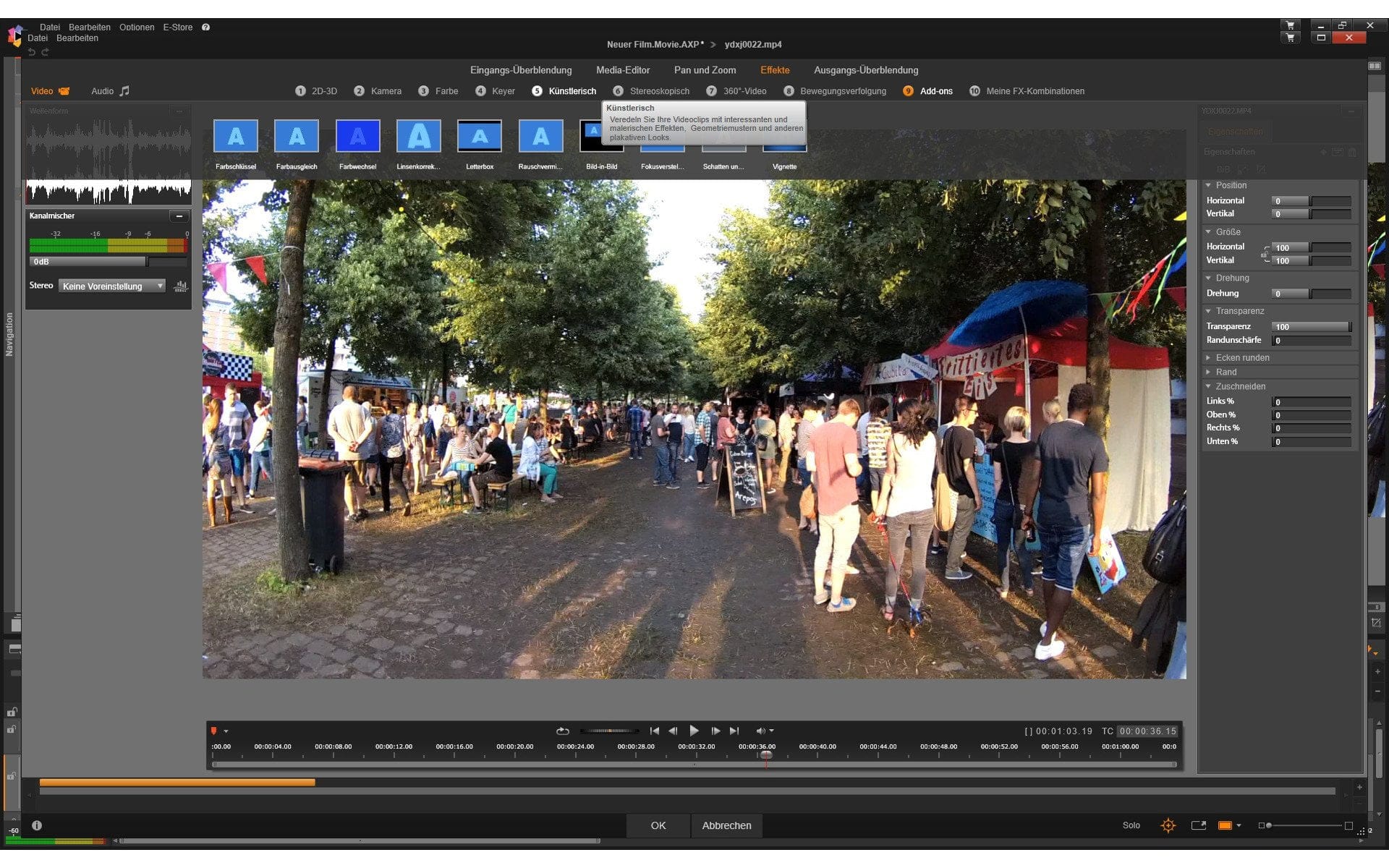
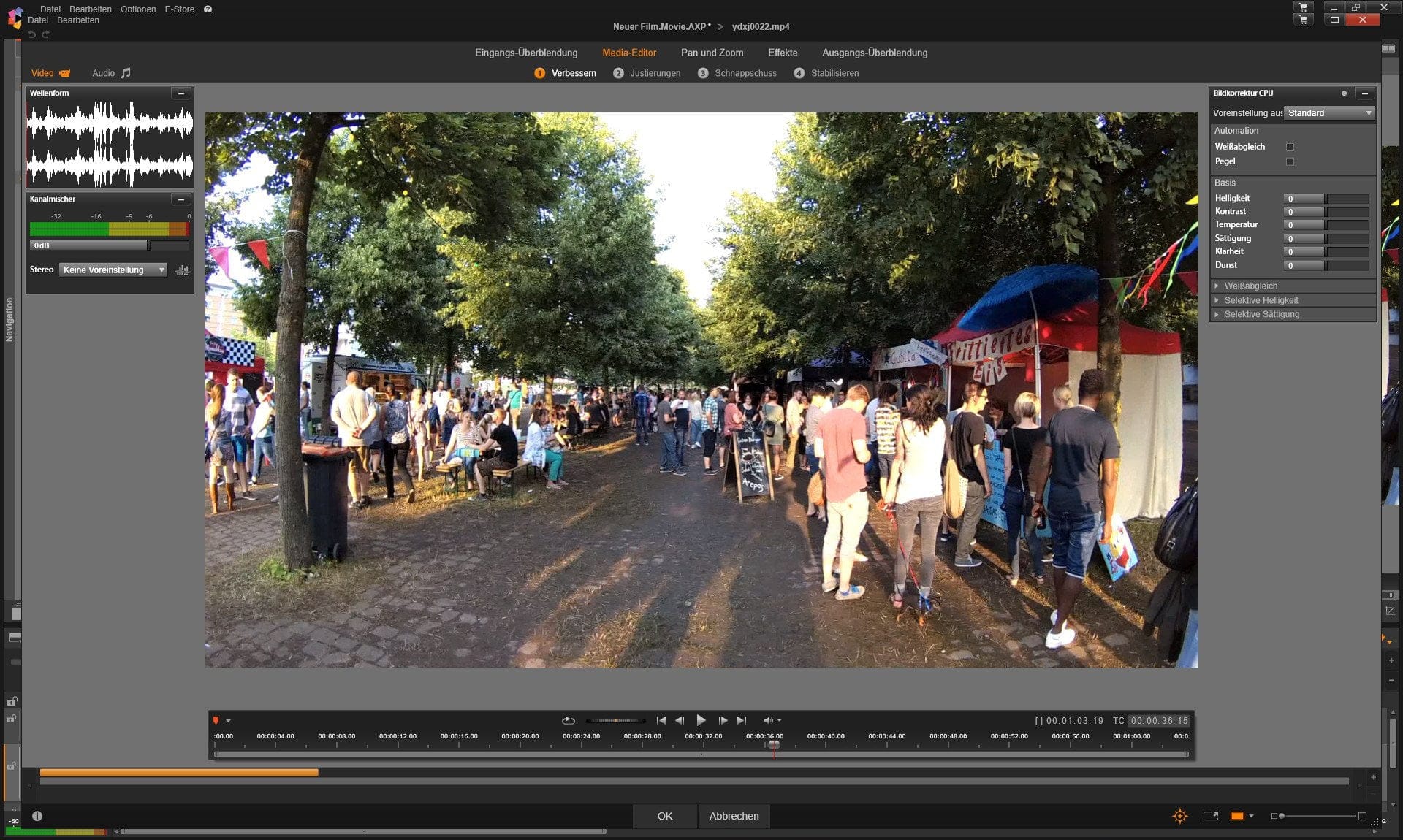
Working with keyframes is handled via the media or effects editor. The user manual explains the keyframe function in detail. At first glance, this function may seem somewhat hidden and complicated, but after a brief read-through, it is easy to work with keyframes.
Export
Completed projects can be exported in various formats. In addition to common standards (.MOV, .AVI, MPEG etc.), more specific formats such as DivX and the Sony XAVC standard are also supported. Settings for frame rate, resolution or bitrate can be made depending on the standard. To speed up video rendering, an additional hardware acceleration (Cuda, Intel) can also be activated.
An interesting and useful feature is that recordings can be uploaded directly to the cloud. You simply select the destination (Box, Facebook, YouTube or Vimeo) and Pinnacle Studio 20 does the rest. DVDs can also be created via the export manager.

Our verdict
Pinnacle Studio 20 Ultimate is an easy-to-use video editing software. The interface is clearly designed, and in-depth functions can be looked up with a quick glance at the manual. Less convincing are the included 3D effects, which are largely outdated.
Pinnacle Studio 20 is convincing, however, in 4K video editing. Pinnacle Studio 20 can play back and edit recordings without errors that cause problems for other editing programs. The setting options available for export are numerous. All current codecs are supported. Overall, Pinnacle Studio 20 Ultimate is a solid and comprehensive video editing program that caters to various application areas.

Comments (8)
Unfortunately, the image stabilisation does not work at all – the image should be zoomed in – for me it is not – also no
stabilisation at all – why?
Hello Harald, which image stabilisation are you using? The one integrated in the base program or the advanced one from NewBlue?
In Pinnacle 20, the picture preview during film editing does not work with NVIDIA cards. They must be deactivated, otherwise the image freezes while the audio continues. ProDAD products such as Mercalli work poorly or not at all in Pinnacle !! Pinnacle hangs after several attempts with the title generator!
Hello Gerhard
I have the same problem and would like to know if you have a solution.
Hello – I installed the new Studio 20 Ultimate from the boxed version – unfortunately nothing works normally – everything takes ages – the program doesn’t crash, but I sit there for minutes – you can hear the PC working – but nothing happens – eventually it resumes – soon after the same annoying problem occurs again – THAT IS EXTREMELY FRUSTRATING!
So, where is the problem?
I have not yet encountered this error myself. Which operating system is being used and what hardware does the PC have? Does the program have a large number of imported files to load? The hangs may possibly be caused by hard drive access.
SG ADMIN – have you checked the box version meanwhile – or is EVERYTHING working as it did initially –
according to this review, the fault is not on my side – PLEASE REPLY – THANKS! – HELMUT
Hello, it is best to contact Corel support. They will surely know what to do. On my system, Pinnacle Studio 20 still runs smoothly!