Contents
Design, build quality and protection
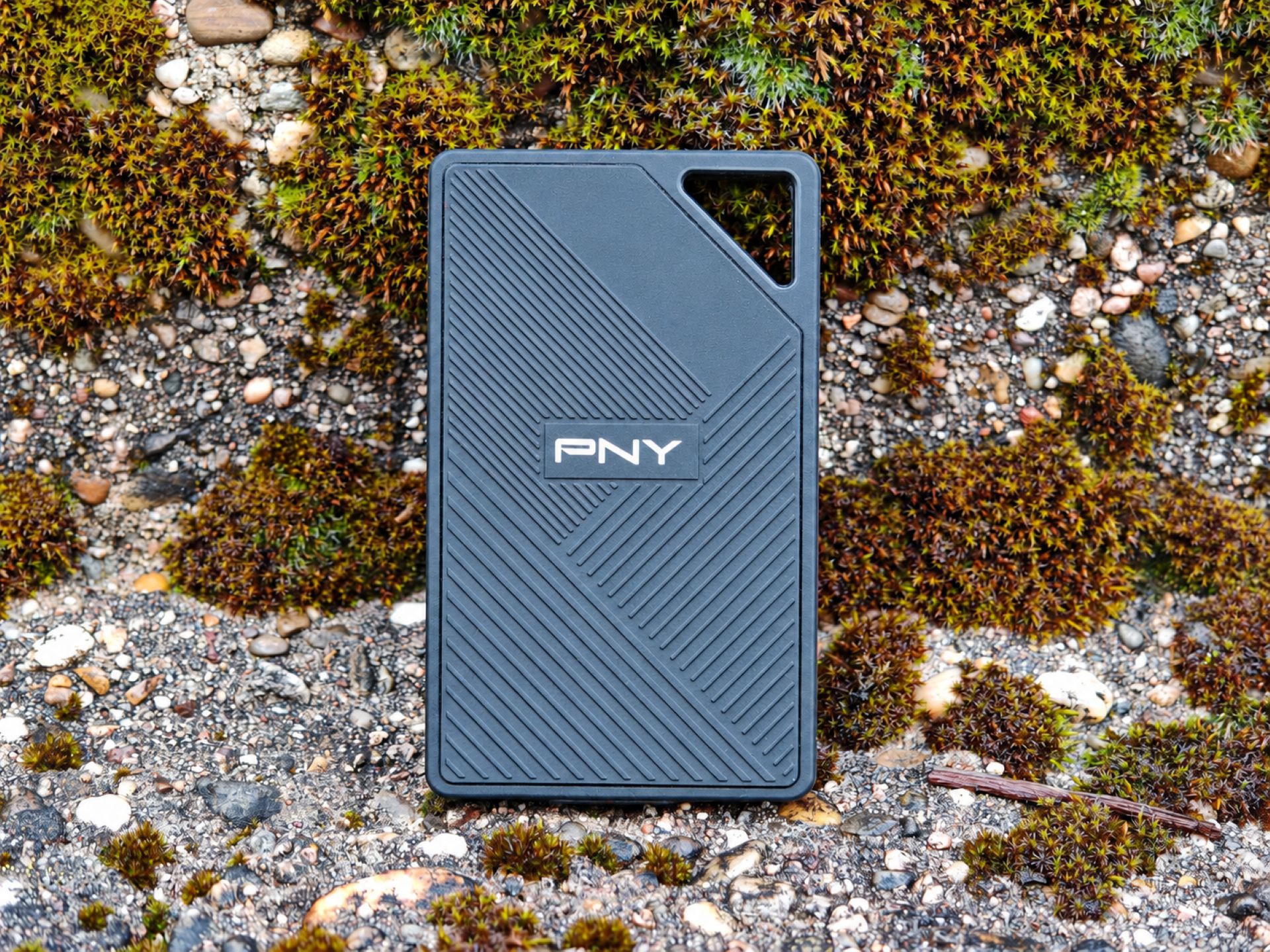
External SSDs are compact and fast. However, anyone who regularly uses them on the go needs more than high transfer rates. The PNY RP60 therefore features a rugged casing designed to withstand rough handling, for example when used by photographers and videographers in the field.

Instead of opting for a particularly elegant or eye-catching casing, PNY uses a black, textured silicone cover. It wraps around the compact drive and also provides a grippy surface. Measuring 100 x 60.3 x 12.4 millimetres and weighing just 54.8 grams, the SSD fits easily into a trouser pocket, camera bag or small accessory compartment in a rucksack.
Anyone who already carries several lenses, batteries, and other equipment, for example, will appreciate the minimal extra weight. However, the rubber coating also has a minor drawback: dust and lint can stick to surfaces like this more easily than to smooth metal or plastic.
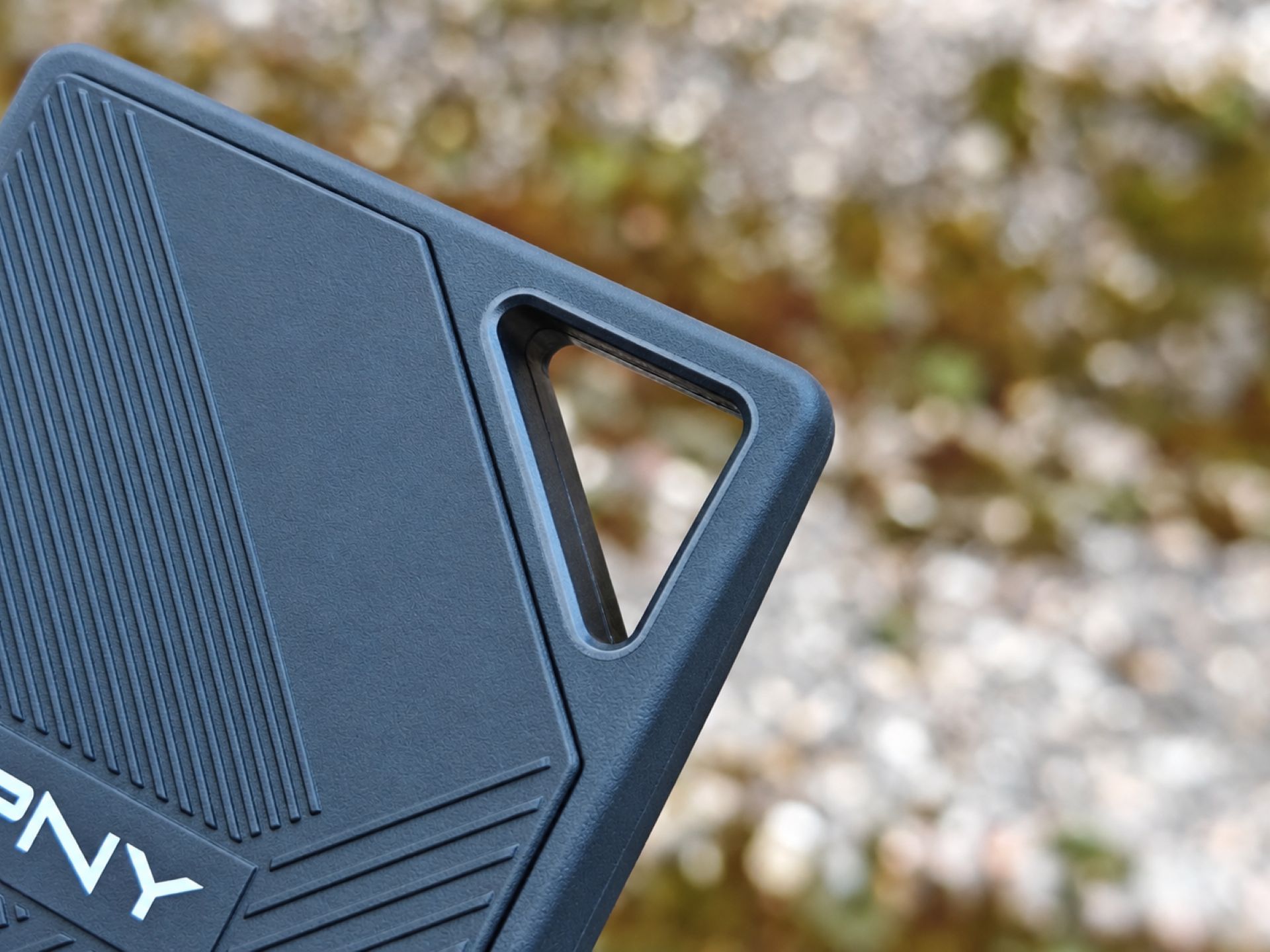
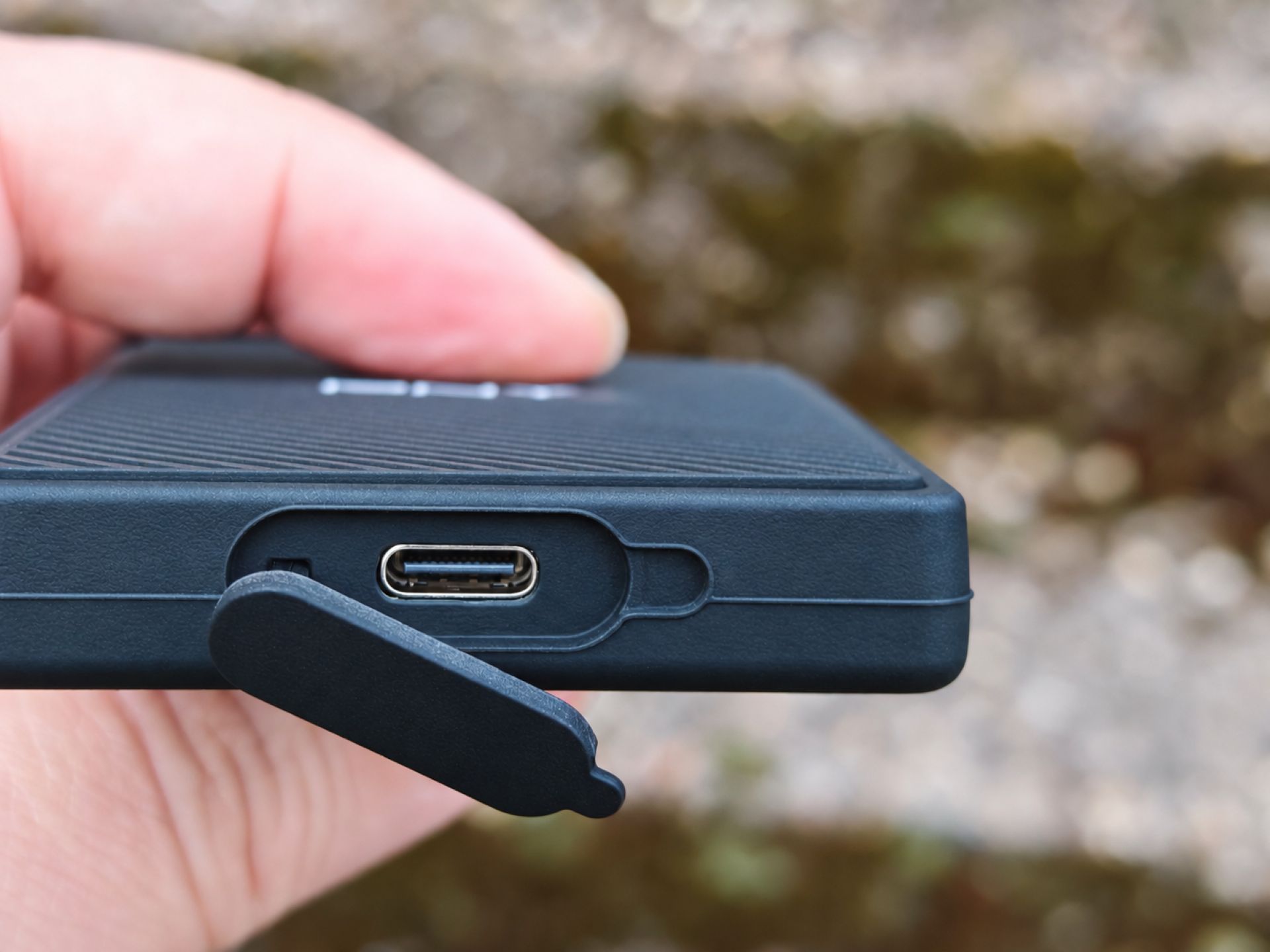
A useful addition is the integrated attachment loop at one corner of the casing. A small carabiner can be attached here to secure the SSD to a rucksack, for example. The USB-C port is on the side and protected by a flexible silicone cover. This keeps dirt and moisture away from the port, but the cover must be properly closed again after each use. Those who frequently switch between different devices may find the cover a little awkward over time. An exposed USB-C socket would be more convenient, but would not fit the RP60’s protection concept.
With its IP65 certification, the SSD is fully protected against dust and water jets. Rain, splashes and dusty environments are therefore no problem, as long as the protective cover on the USB-C port remains closed. The RP60 is not suitable for submersion, as IP65 explicitly does not mean waterproof for underwater use.
PNY also claims drop resistance from heights of up to three meters. The silicone coating is designed to absorb mechanical impacts and protect the sensitive components inside. However, this should not be taken as a free pass. The surface, impact angle, and other factors play a crucial role in a fall.
Connection, compatibility and performance
Technically, PNY equips the RP60 with USB 3.2 Gen 2x2, offering a maximum bandwidth of 20 Gbit/s. According to the manufacturer, this enables sequential read speeds of up to 2,000 MB/s and write speeds of up to 1,800 MB/s. Large RAW photo collections, high-resolution video recordings and large project files in particular can be transferred much faster than with traditional external hard drives, provided the hardware is compatible.
However, a USB-C port does not automatically mean that the SSD's maximum speed is available. Many computers, laptops, and tablets only support USB 3.2 Gen 2 at 10 Gbit/s or USB 3.2 Gen 1 at 5 Gbit/s. Even a modern USB4 or Thunderbolt port does not necessarily guarantee support for USB 3.2 Gen 2x2. The RP60 also works with slower ports, but adjusts its speed to match the available connection.
For our test, we used a NiPoGi Pinova E3B mini PC with an AMD Ryzen Embedded V2748, 16 GB of RAM and Windows 11 Pro. We used CrystalDiskMark 9.0.3 benchmark software, with three test runs and a test size of 1 GiB. The SSD was connected directly to the mini PC's USB-C port. This supports USB 3.2 Gen 2 at up to 10 Gbit/s, halving the available bandwidth compared with the 20-Gbit/s operation intended by PNY.
Under these conditions, the PNY RP60 achieved a read speed of 967.48 MB/s and a write speed of 929.30 MB/s in the sequential Q8T1 test. It also delivered high transfer speeds in Q1T1, with 873.20 MB/s for reading and 845.96 MB/s for writing. This puts the SSD close to the practical maximum of the USB interface used.
In random 4K accesses, the RP60 achieved read speeds of 160.22 MB/s and write speeds of 197.00 MB/s in Q32T1. In the less heavily parallelized Q1T1 test, the results were 32.95 MB/s and 76.70 MB/s. A significant drop in speed with small, scattered data blocks is not unusual for external SSDs. Access times and the processing of individual file operations also play a role, in addition to interface bandwidth. For typical uses such as backing up photos, transporting large video files, or transferring extensive project folders, sequential data rates are what matter most.

We could not fully verify the maximum manufacturer specifications because our test system has a 10-Gbit/s interface. However, a look at independent performance measurements using suitably equipped 20-Gbit/s systems shows that the RP60 does come close to the advertised figures in sequential transfers. Read speeds of around 2,000 MB/s and write speeds of about 1,700 to 1,800 MB/s are achieved. Our own results at least confirm that the SSD makes very good use of the available 10-Gbit/s connection.
When assessing performance, it's also important to distinguish between short benchmarks and sustained heavy write workloads. As with many other external SSDs, fast write caches can help achieve high transfer rates. When very large amounts of data are transferred without interruption, write speeds can drop once such a cache is full. The high transfer rates are a clear advantage for backing up individual video recordings or large photo collections. However, anyone who regularly moves several hundred gigabytes at a time should bear in mind that the maximum write speed may not be maintained across the entire amount of data.
Software and features
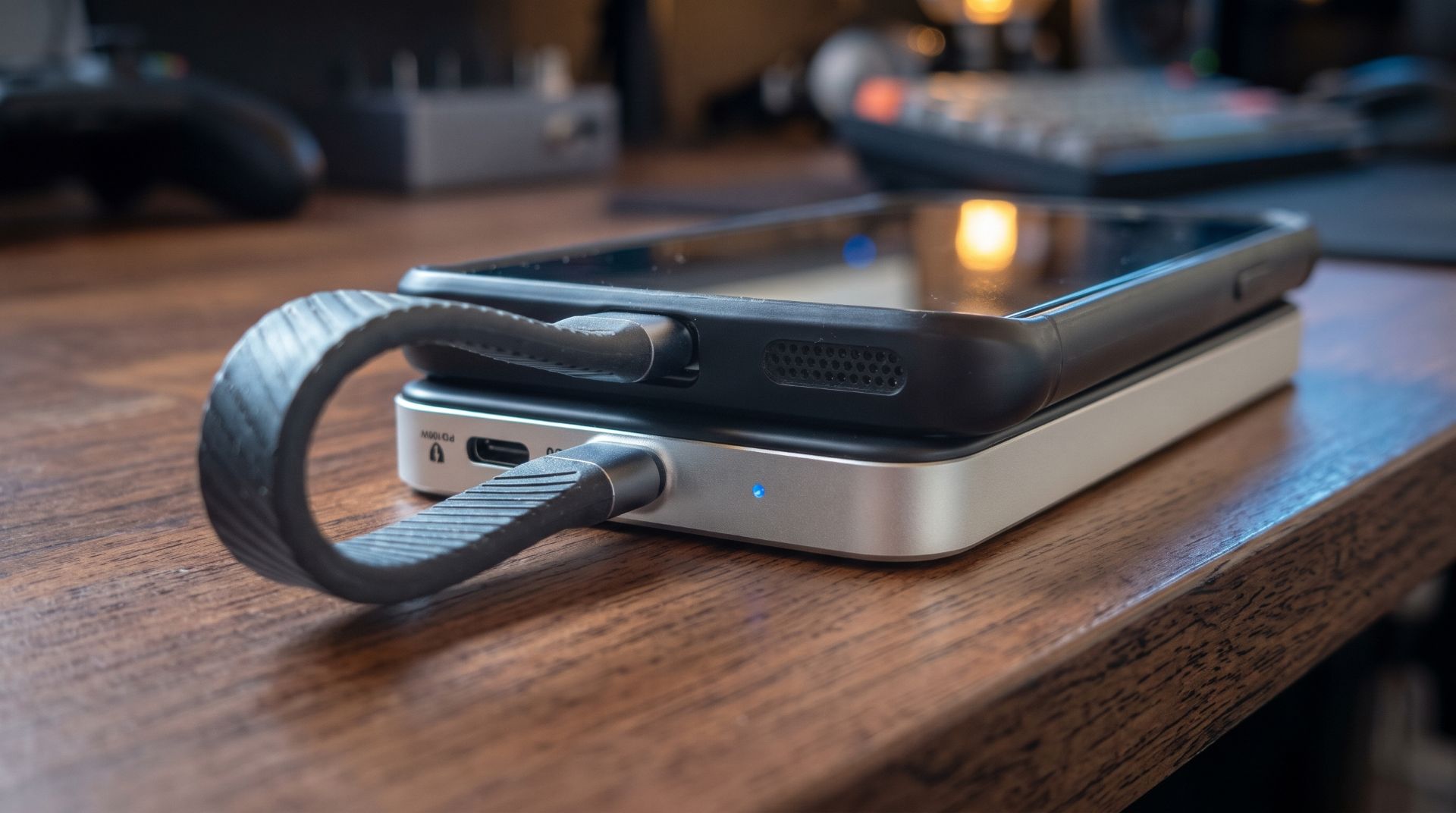
PNY focuses on the essentials when it comes to accessories. The package includes a short, flat USB-C-to-USB-C cable designed for fast data transfer. Its shape makes it easy to stow away, although it offers less flexibility than a longer cable. PNY does not include a USB-A adapter. Anyone wanting to use the RP60 with an older computer that has only USB-A ports will therefore need the appropriate accessory. Make sure the cable or adapter supports the desired transfer speed.

The RP60 does not need software. Just plug it in and transfer files. This works not only with Windows PCs and Macs, but also with compatible smartphones and tablets. However, the device must support external USB storage and provide enough power. Speed depends on the USB port, as some smartphones are still limited to USB 2.0 despite having USB-C.
PNY also offers Acronis True Image Data Protection, a software solution for backing up data. It can be used, for example, to create backups and restore data when needed. This is a useful addition, but it does not replace a well-thought-out backup strategy. Anyone transporting important photos, videos, or work documents should keep at least one additional copy at an independent storage location. PNY does not, however, include built-in hardware encryption.
Who should consider the RP60?
The RP60 is not exactly an inexpensive mass-storage device. The tested 1 TB version is currently available from around 190 euros at German retailers. This puts the SSD in a price bracket where capable alternatives from Samsung, Crucial and other manufacturers are also available. For example, the Samsung T9 and Crucial X10 Pro also offer high transfer rates over USB 3.2 Gen 2x2. The RP60 counters with its low weight, compact design and the additional protection provided by its rubberised casing.
Whether the premium over a simpler external SSD is worthwhile therefore depends heavily on the intended use. Anyone who only occasionally backs up documents or mainly works with a 5 Gbit/s USB port does not necessarily need the high interface performance. By contrast, those who regularly work with large photo and video files and use their storage medium outside protected indoor spaces will find the RP60 an interesting overall package combining speed, portability and durability. The package is rounded off by a limited three-year manufacturer's warranty.
Our verdict
The PNY RP60 1TB performs particularly well on the go. It is small and light, and is also equipped for tougher use thanks to its silicone casing, IP65 protection and resistance to drops of up to three metres. This is especially useful for photographers and videographers.
There is little to complain about when it comes to speed, either. In our test, we achieved read speeds of up to 967 MB/s and write speeds of 929 MB/s via USB 3.2 Gen 2. However, anyone hoping to reach the advertised 2,000 MB/s will need a USB port with 20 Gbit/s.
The short cable, the lack of a USB-A adapter and the absence of hardware encryption are disappointing. If you often carry your SSD around and value a robust casing and decent speed, you can't go far wrong with the RP60.
Specifications
General
- Manufacturer
- PNY
- Model
- RP60 Portable SSD
- Model number
- PSD0CS3060-1TB-RB
- Capacity
- 1 TB
- Additional variant
- 2 TB
- Design
- External SSD
- Color
- Black
Power and interface
- Interface
- USB 3.2 Gen 2x2
- Maximum interface bandwidth
- 20 Gbit/s
- Connection
- USB-C
- Read speed
- Up to 2,000 MB/s
- Write speed
- Up to 1,800 MB/s
- Backward compatibility
- Older USB standards
- Power supply
- Via USB
Enclosure and protection
- Case
- Silicone casing
- Protection rating
- IP65
- Dust protection
- Dustproof
- Water resistance
- Protected against water jets
- Drop resistance
- Up to 3 meters, according to the manufacturer
- Mounting
- Integrated eyelet
- Dimensions
- 100 x 60.3 x 12.4 mm
- Weight
- 54,8 g
Our own benchmarks
- Test system
- NiPoGi Pinova E3B
- Processor
- AMD Ryzen Embedded V2748
- RAM
- 16 GB
- Operating system
- Windows 11 Pro
- Interface
- USB 3.2 Gen 2 (10 Gbit/s)
- Benchmark
- CrystalDiskMark 9.0.3
- Test configuration
- 3 passes, 1 GiB
- SEQ1M Q8T1 Read
- 967.48 MB/s
- SEQ1M Q8T1 write
- 929.30 MB/s
- SEQ1M Q1T1 Read
- 873.20 MB/s
- SEQ1M Q1T1 Write
- 845.96 MB/s
- RND4K Q32T1 Read
- 160.22 MB/s
- RND4K Q32T1 Write
- 197.00 MB/s
- RND4K Q1T1 Read
- 32.95 MB/s
- RND4K Q1T1 write
- 76.70 MB/s
Compatibility and software
- Compatibility
- Windows, macOS and compatible mobile devices
- Backup software
- Acronis True Image Data Protection
- Hardware encryption
- Not available
- Manufacturer's warranty
- 3 years limited
What’s included
1x PNY RP60 Portable SSD with 1 TB 1x USB-C-to-USB-C cable 1x product documentation



Comments