Contents
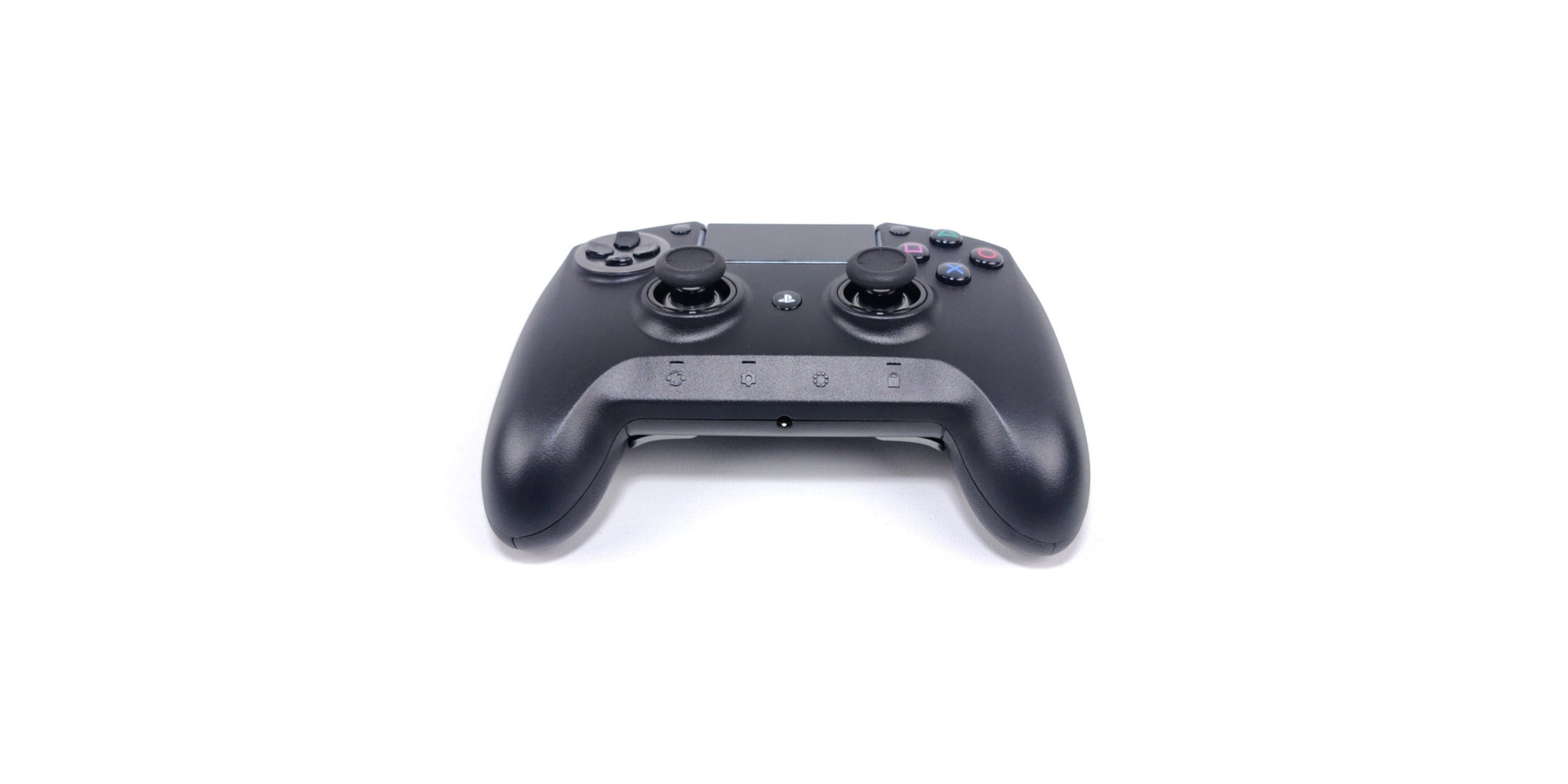
Razer Raiju Ultimate - Pro Controller
Razer launched the Raiju PS4 Controller back in 2016. The gamepad, which was already officially licensed and designed for pro-oriented gamers at the time, stood out with extended customisation options and a particularly ergonomic design.
Three years later, the Razer Raiju Ultimate (2019) was released, with the intention of extending the then-wired Raiju with wireless Bluetooth functionality, eliminating errors and providing even more customisation options.
Razer Raiju Ultimate - Design
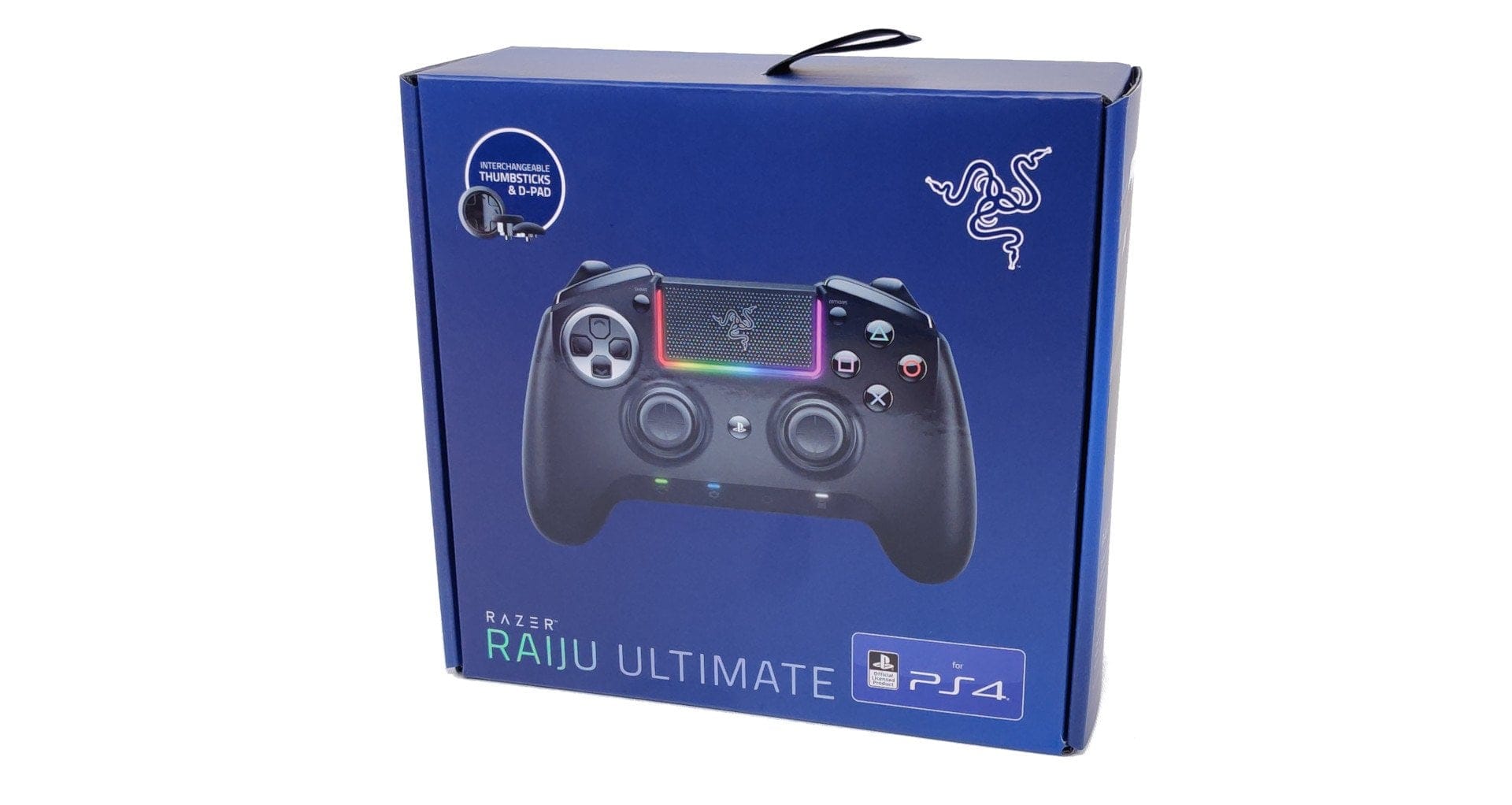
Even when unboxing, the Raiju Ultimate makes a good impression. The controller comes with a carrying case. The modular D-pad and analogue thumbsticks are neatly arranged in the front section of the case.

When you pick up the controller, the high weight is immediately noticeable. The Pro controller weighs a hefty 352g, making it 142g heavier than a standard DualShock 4 controller. The weight is evenly distributed across the entire controller. Too front-heavy? - Not at all! However, it should be noted that unlike other Pro controllers, such as the Nacon Revolution Pro Controller 2, the Raiju Ultimate does not come with interchangeable weights.
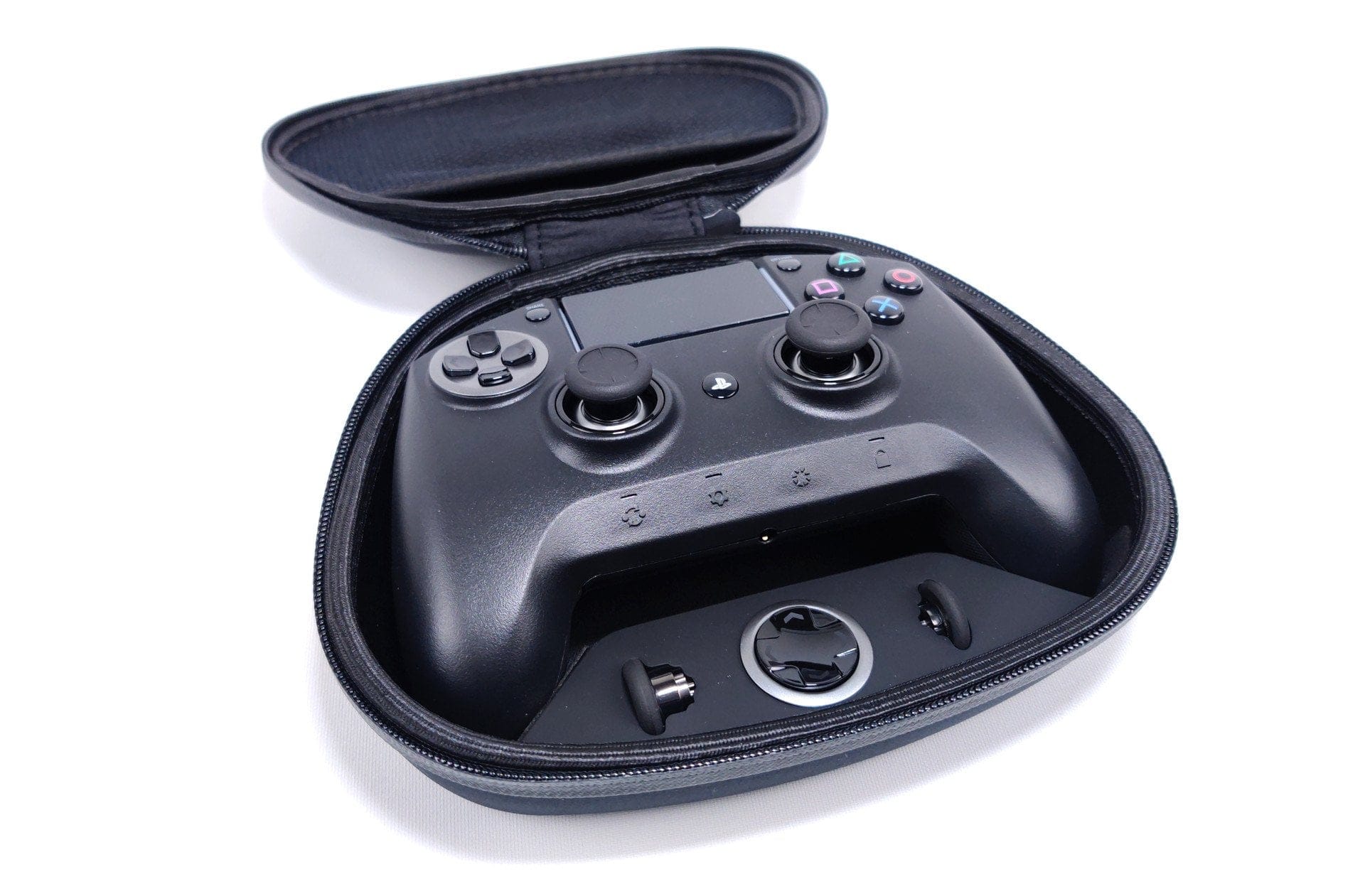
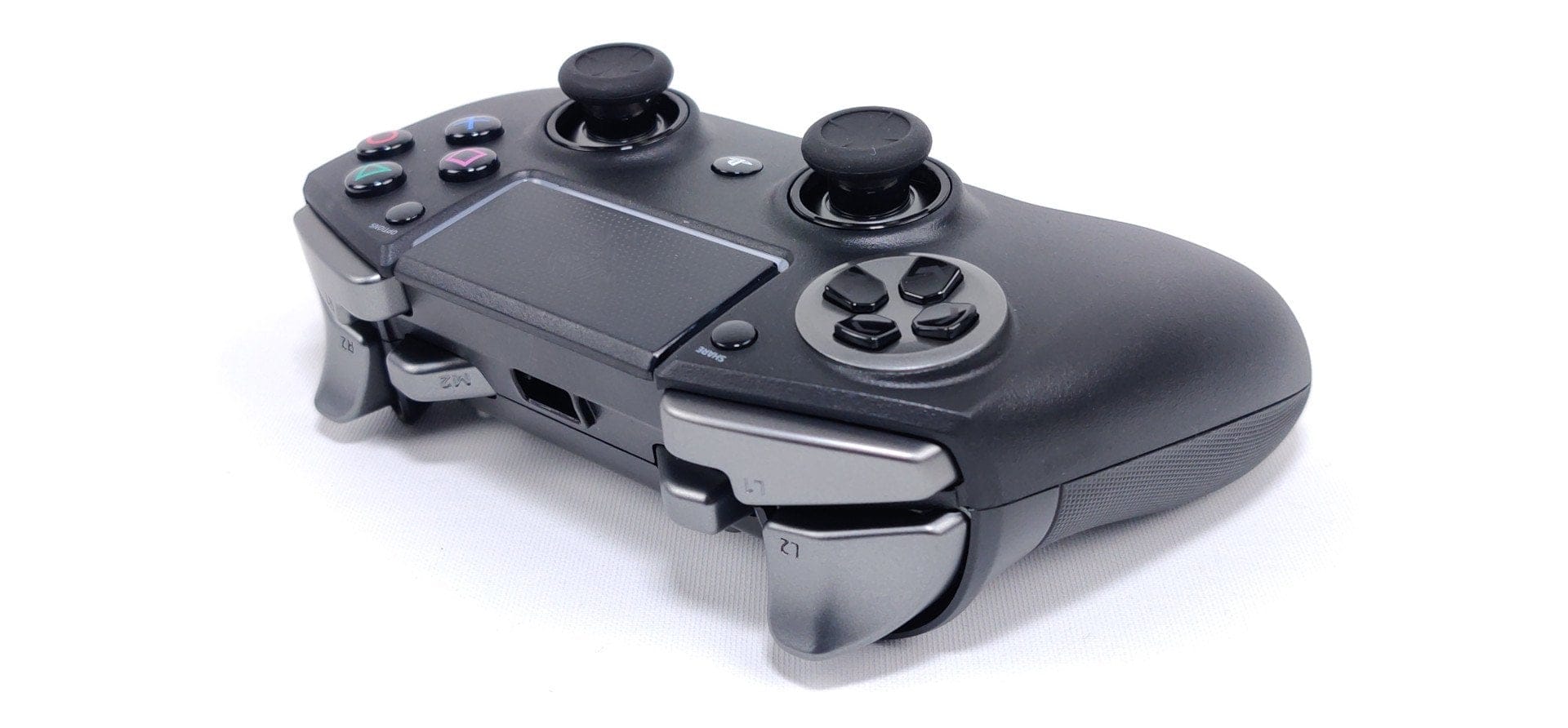
The Raiju Ultimate feels excellent to the touch. The rubberised grip horns provide a comfortable hold, even during longer gaming sessions. The button layout is also very well executed. With normal-sized hands, all buttons are easily reachable. Only the M3 and M4 triggers require a brief adaptation period due to their deep placement. Similarly, gamers with small hands might have issues with the M1 and M2 triggers. With shorter index fingers, these are difficult to reach!
Speaking of buttons, in addition to the standard features of a conventional DualShock controller, the Raiju Ultimate offers a touchpad with stylish RGB Chroma lighting and four multi-function buttons. The buttons' actuation points are accurate and deliver a pleasant mechanical feel with tactile feedback.
Razer Raiju Ultimate – Features
PC compatibility
The Raiju Ultimate is primarily designed as a PS4 controller. However, it is also possible to connect the gamepad to the PC. A switch on the back allows the mode to be changed between "PS4 BT", "USB" and "PC BT". The connection setup proceeded smoothly in testing. Likewise, the connection was constantly maintained without dropouts. What PC gamers must note, however, is that the Raiju Ultimate remains a DualShock controller, which must be configured separately on the PC and in its games.
eSport Ready
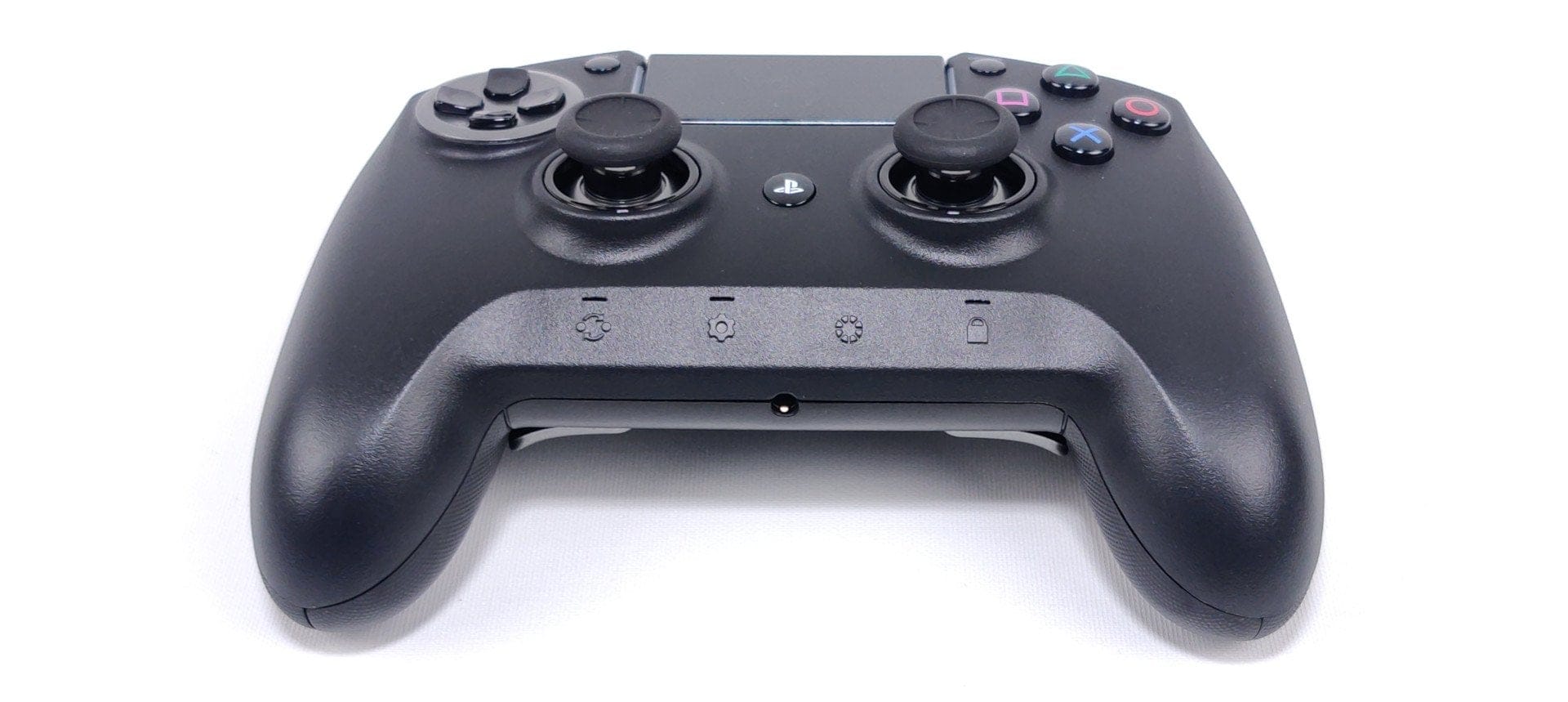
Pro gamers get their money's worth. The modular design allows for a quick change of the analogue sticks and the D-pad. Depending on the player type, the Razer Raiju Ultimate can be equipped with short, concave sticks or an extended convex stick. Wait - ONE convex stick? Exactly! Razer only includes one extended concave stick and one extended convex stick. It's a shame they didn't decide on two identical sets.
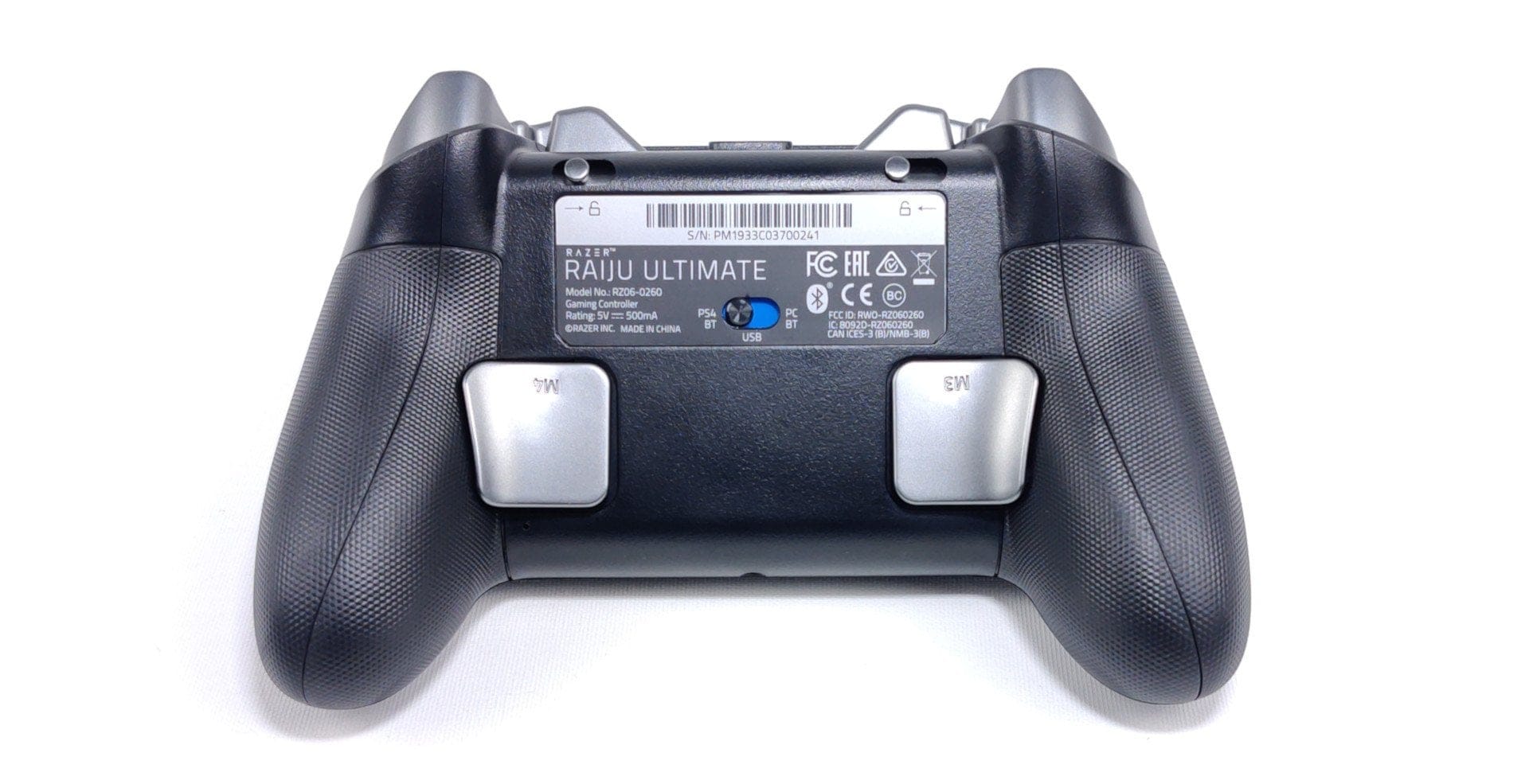
The D-pad is also interchangeable, available as a disc or as a classic cross-pad. The so-called "trigger stops" allow you to instantly change the key travel of the L2 and R2 triggers. You only need to flip the switches located on the back. The shorter trigger travel allows for faster reactions, especially in shooters. To avoid unintended input from the PS button and configuration buttons, they can be disabled via the lock button.
Profiles, App and RGB Chroma
Depending on the game genre, the Raiju Ultimate can be programmed with different profiles. The button mapping, vibration intensity and RGB Chroma lighting can be customised. The simplest way to program it is via the app. For this, the "Raiju for PS4" app is available for download in the respective app stores (Apple & Google). The connection between the app and controller is established via Bluetooth. In testing, the initial connection worked straight away. Reconnecting was more tricky, however, as the controller was only found by the smartphone after being switched on and off multiple times. Razer definitely needs to improve this!
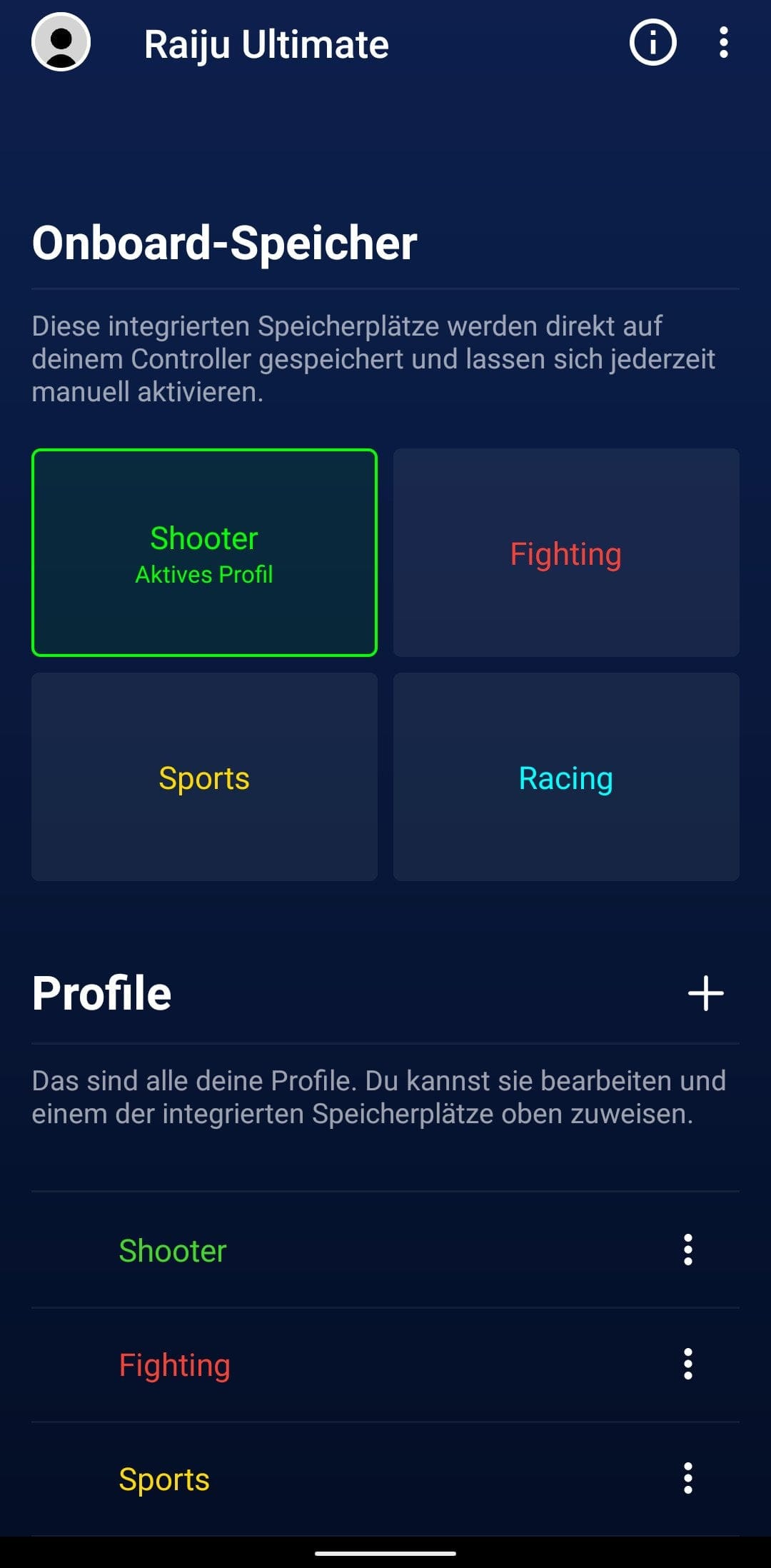
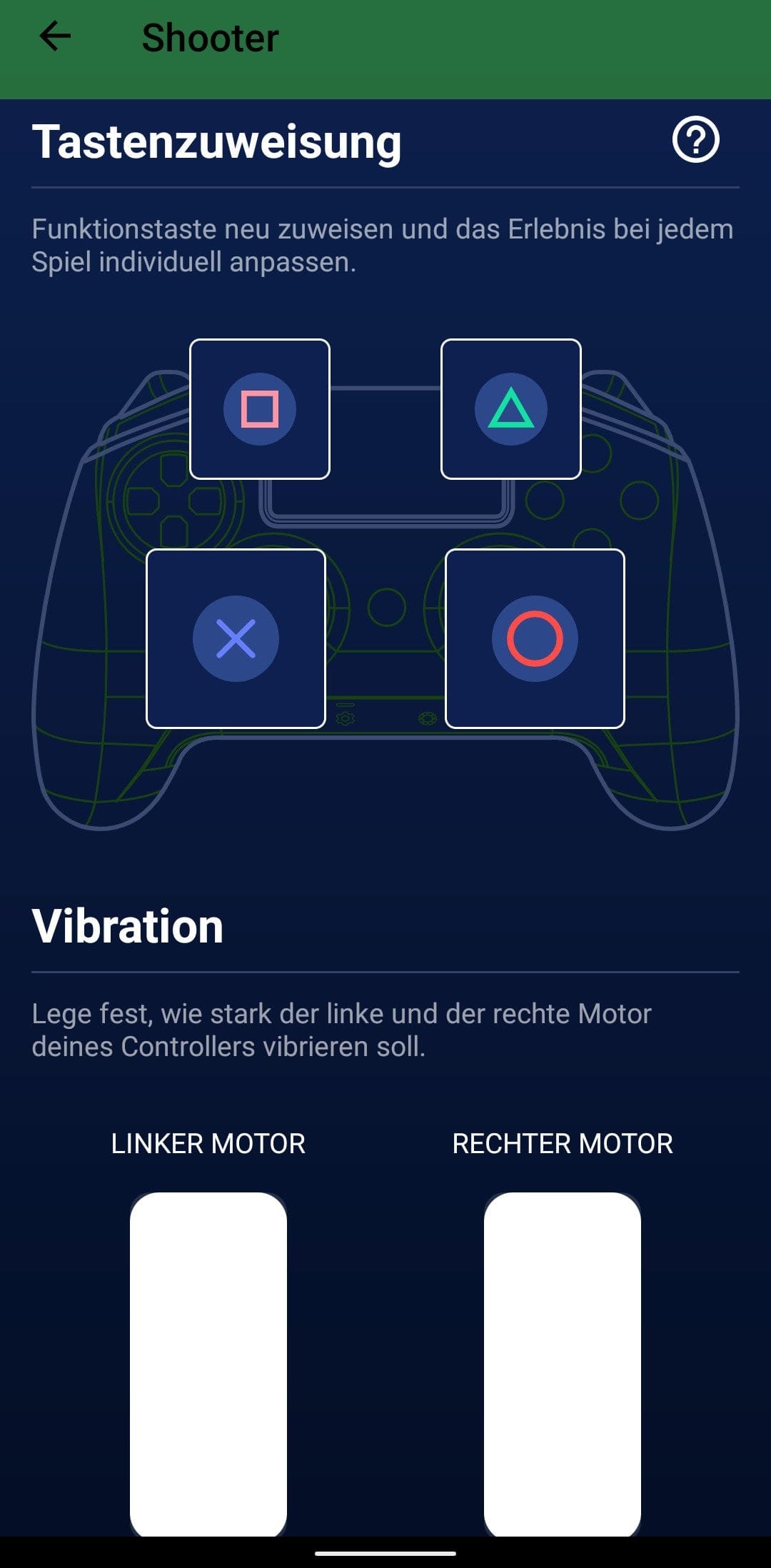
The app already offers four pre-programmed profiles for shooter, fighting, sports and racing titles. Creating a new profile requires a Razer ID. With a Razer ID, up to 500 individual profiles can be saved in the Razer Cloud. However, the pre-programmed profiles can also be customised without a Razer ID. Key assignment includes buttons M1, M2, M3 and M4. All other buttons can be assigned to these special buttons. The sensitivity of the analogue sticks can be adjusted via a 10-level sensitivity controller. The vibration intensity of both the left and right vibration motors can be set in steps of 10.
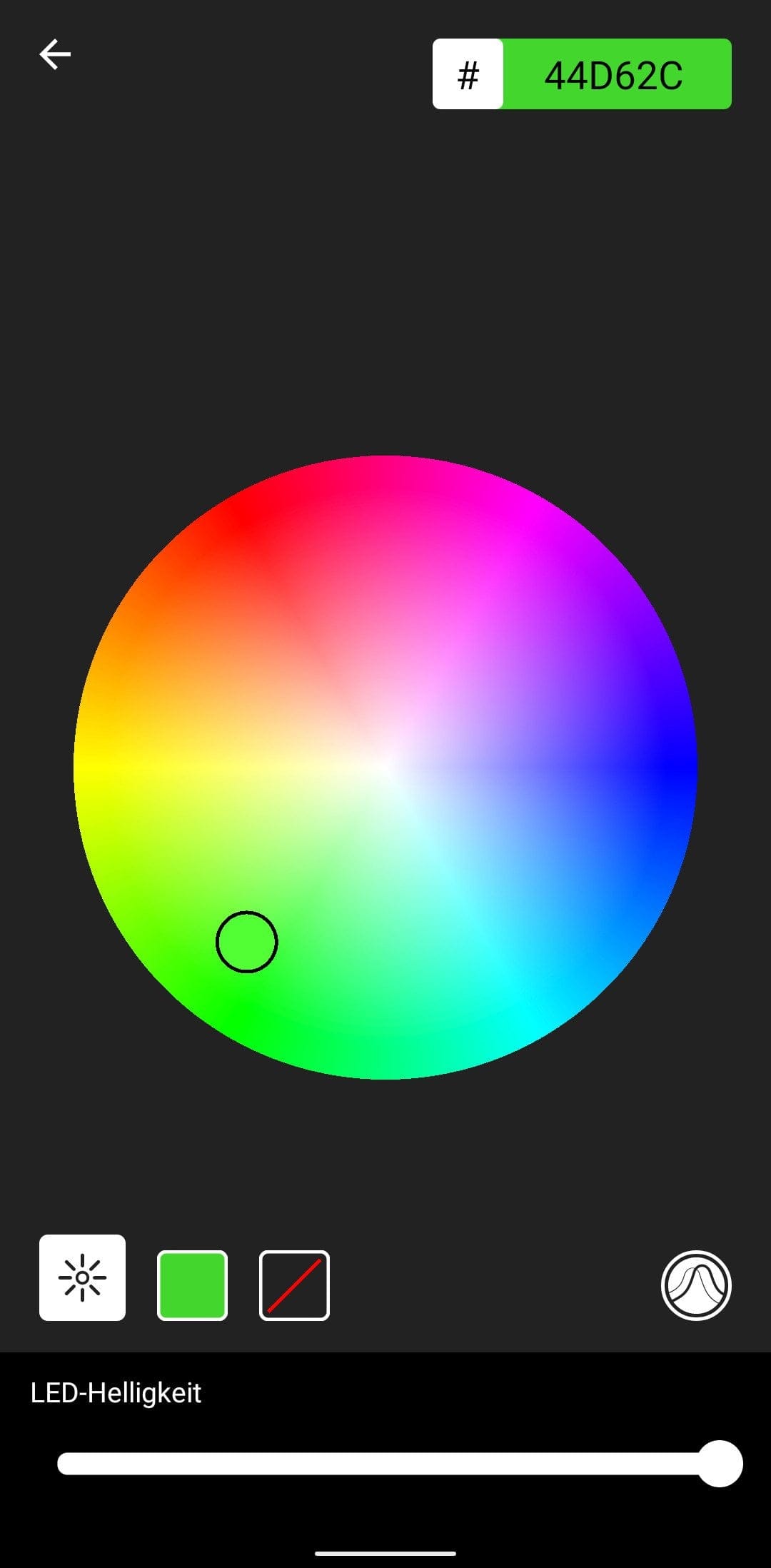
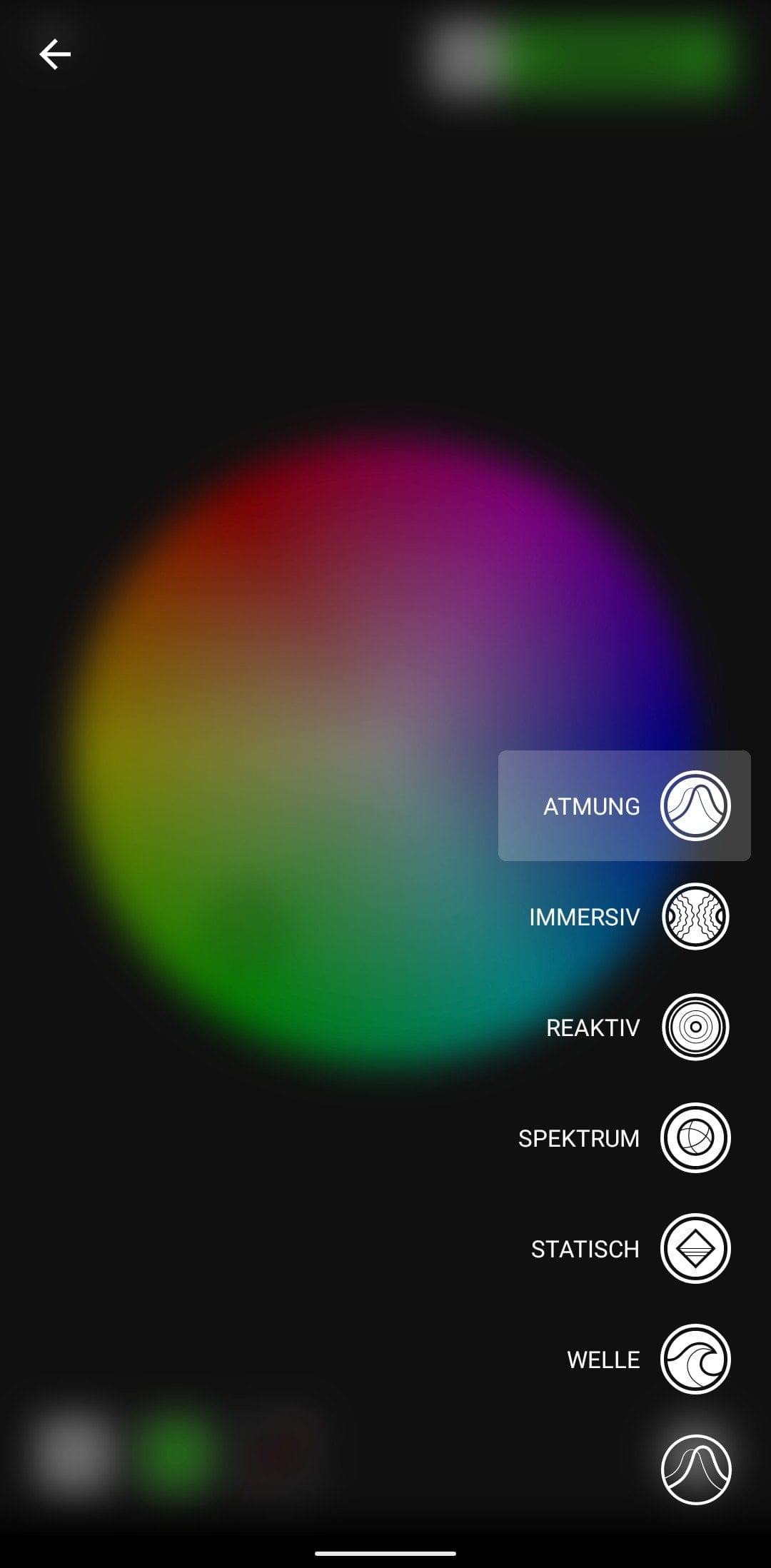
To give the controller a unique look, RGB Chroma lighting surrounds the touchpad. In addition to individual colour choices, six different lighting modes are available. Whether static, pulsating or reactive, the configuration options are almost limitless. Finally, there is the battery life. In testing, the battery lasted approximately 8 to 10 hours. The charging indicator below the touchpad provides early warning when it is time to recharge the controller. A full charge takes just under 4 hours.
Our verdict
The Razer Raiju Ultimate is expensive. So expensive that you should definitely think about it 2, 3, if not 4 times before deciding whether to spend that much money on a game controller. However, if you want the best PS4 'Elite' controller on the market, there is no way around the Raiju Ultimate. The gamepad is excellently made, offers a plethora of features, and looks stylish thanks to the RGB Chroma lighting.
Nevertheless, the gamepad is not spared criticism. Despite lots of gimmicks, Razer implemented the Raiju PS4 app quite carelessly. In addition, there are isolated connectivity issues, which the manufacturer has now largely brought under control.
Specifications
General
- Suitable for
- PS4 and PC
- Connection
- Bluetooth or cable
- Modular
- Interchangeable thumbsticks & D-pad
- Individual
- Razer Chroma™
- Weight
- 370g
Details
- Buttons
- *4 multifunction buttons
- *Mecha-Tactile triangle
- *Action buttons
- *Trigger
- Audio
- 3.5 mm for audio and microphone
- Battery
- Up to 11 hours
- Connection
- Micro-USB
What’s included
1x Razer Raiju Ultimate 1x Micro-USB cable 1x user manual 1x carrying case
Comments