Contents
First impressions of the Sharur SE Spectrum
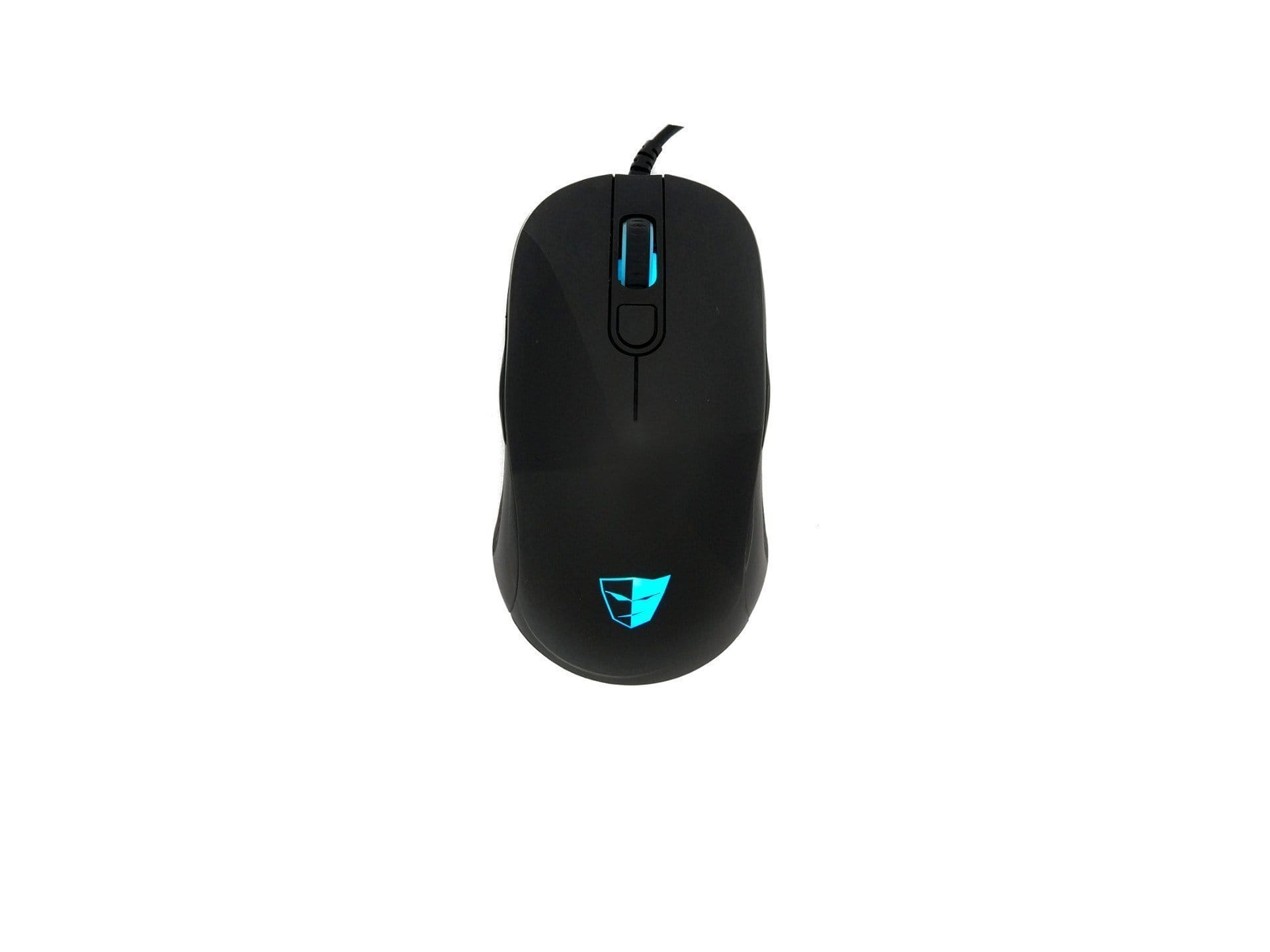
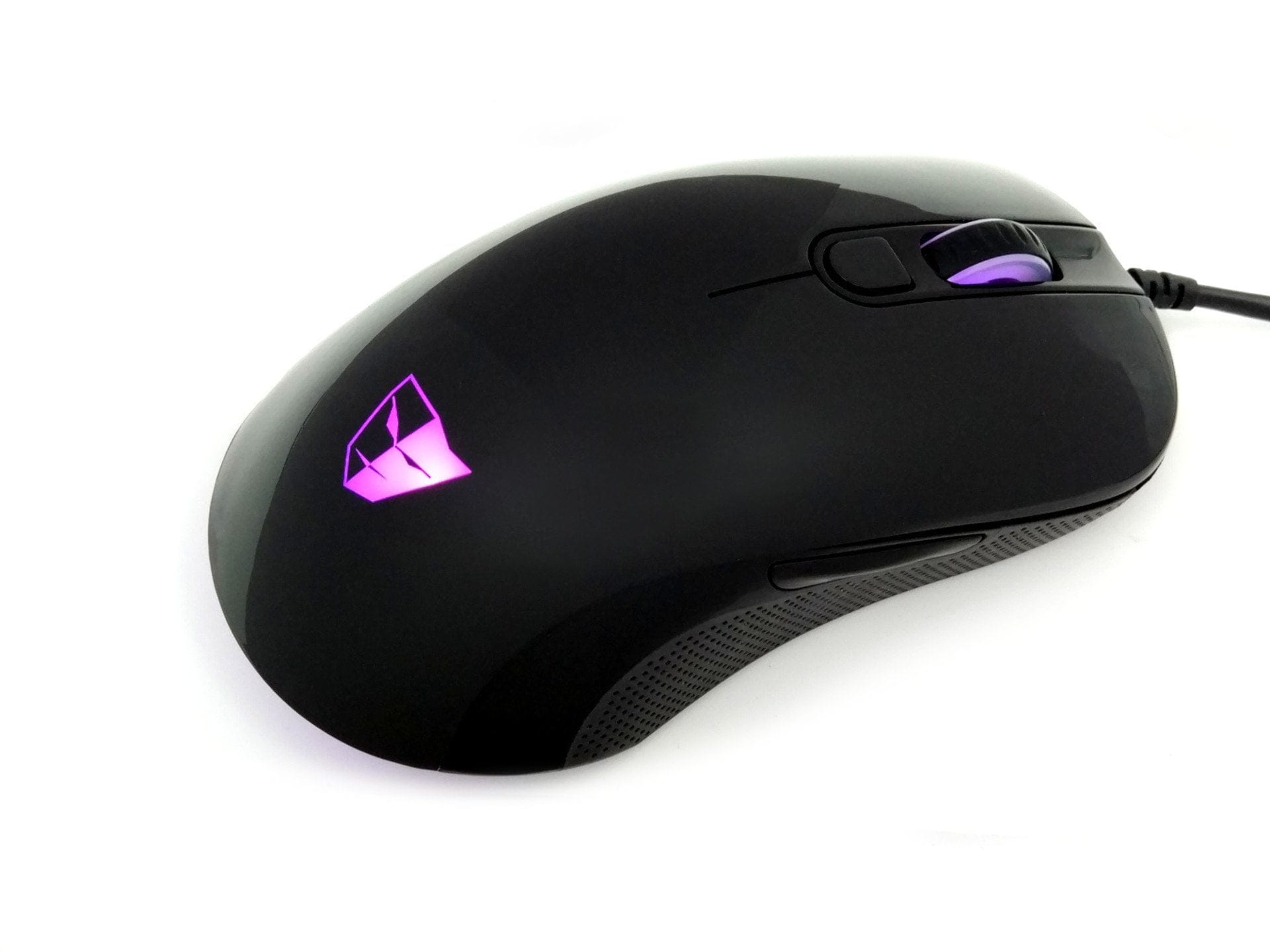
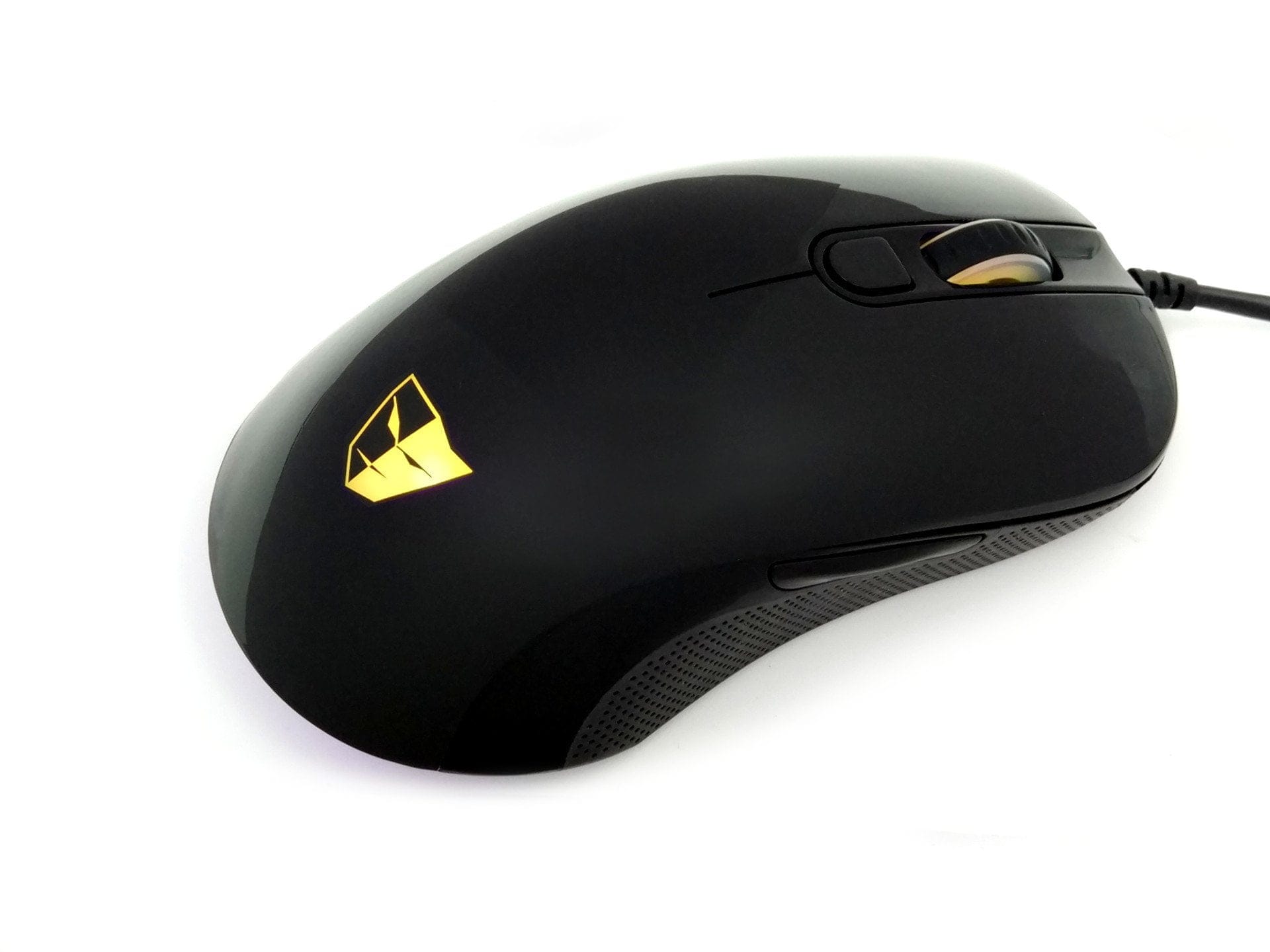
The Sharur SE is simply delivered in a cardboard box that, alongside the mouse, includes a brief user manual. Visually, the gaming mouse features an interesting piano black finish with matte rubberised side elements. Due to its symmetrical design, the mouse also meets the needs of left-handed users. Another standout feature is the LED lighting, which can illuminate the top-mounted TESORO logo, the scroll wheel, and the rear part of the underside with up to 16.8 million colour variations.

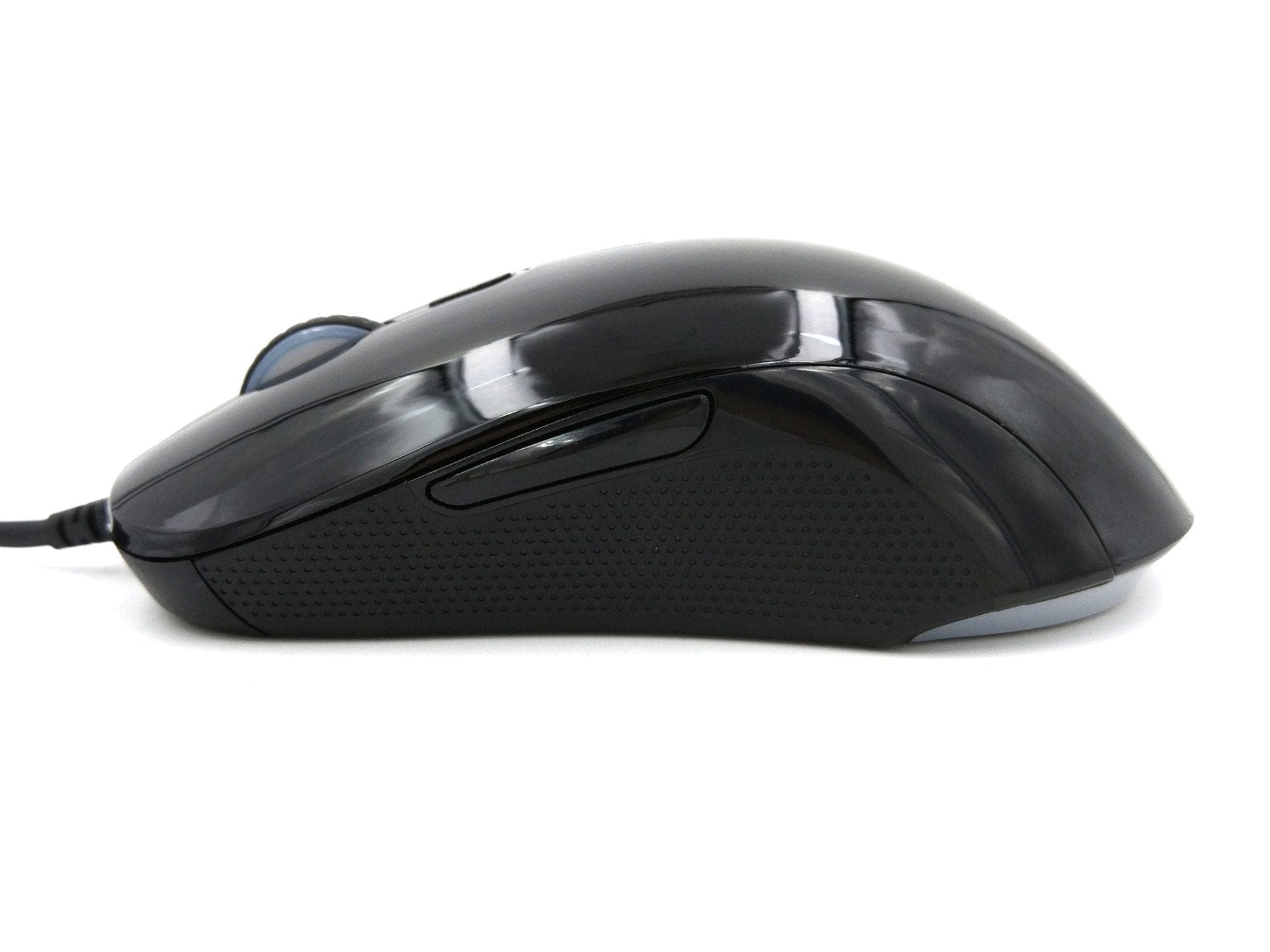
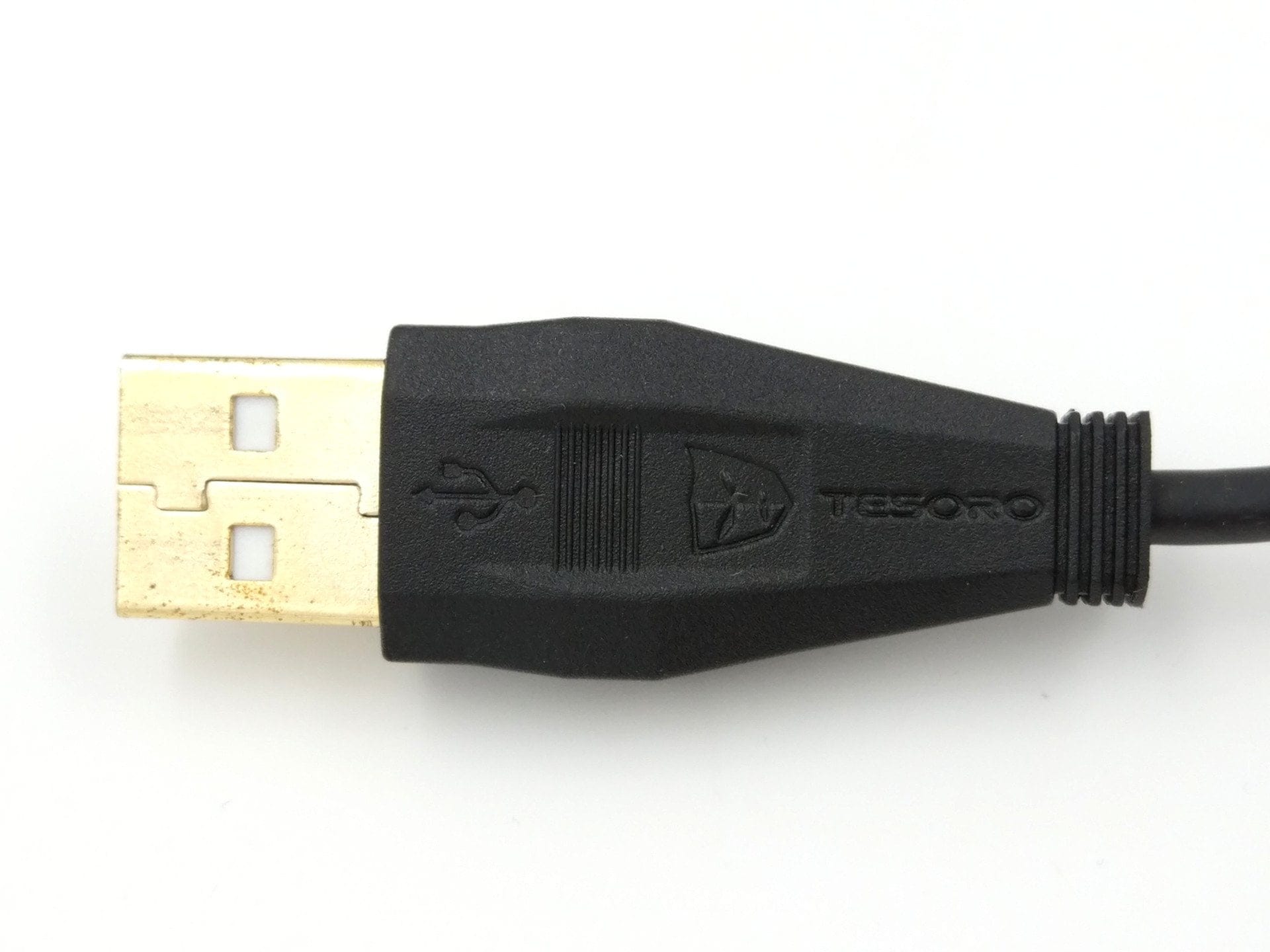
To improve glide performance, the Sharur SE is equipped with glide pads on the underside, both at the front and the back. The mouse cable is 2 metres long and rubberised. A textile sleeve was omitted. This means that while the cable is not too stiff, cable breaks are more likely. There are a total of 6 control buttons. In addition to the left and right mouse buttons, there is a 4-stage DPI selection button, a clickable scroll wheel and two side buttons. All buttons are freely programmable. The initial impression of the click feel is positive. The buttons are firm and have a pleasant pressure point.
Overall, my first impression of the Sharur SE is positive. As a left-handed person, it is often difficult to find a symmetrical mouse with a good feel. Although the mouse does not have a rubberised surface, it sits securely in the hand without slipping. The gliding ability is flawless after a few initial movements.
TESORO Sharur Spectrum software
As plug-and-play peripheral, the Sharur SE can be used entirely without drivers. However, to use all functions, you should download the Sharur SE Spectrum driver. This is available for free on the official TESORO website. A driver CD is not included in the delivery.

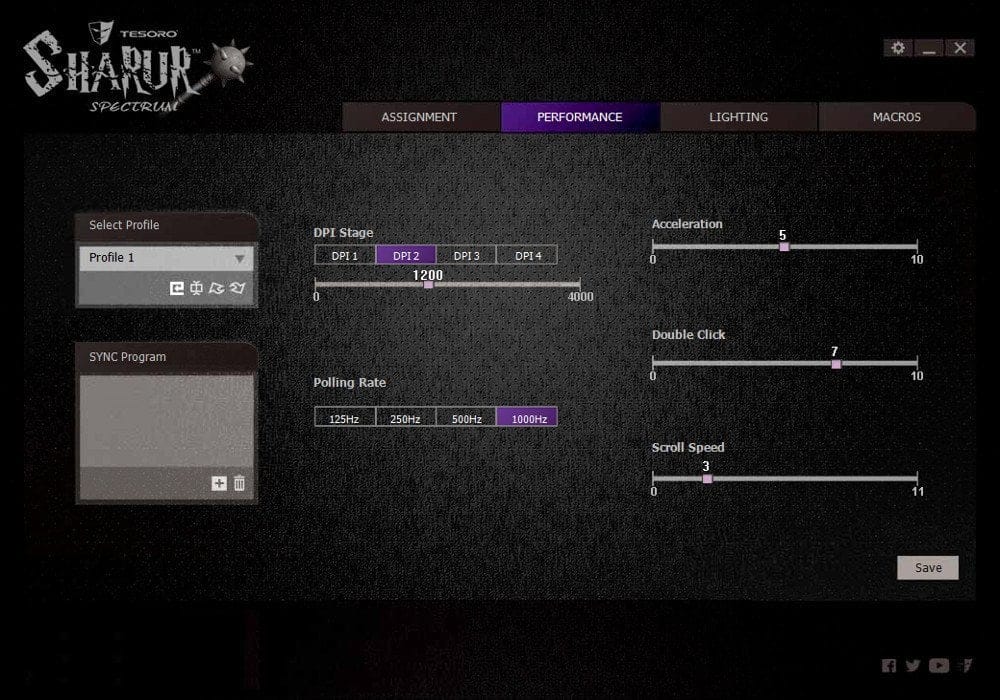
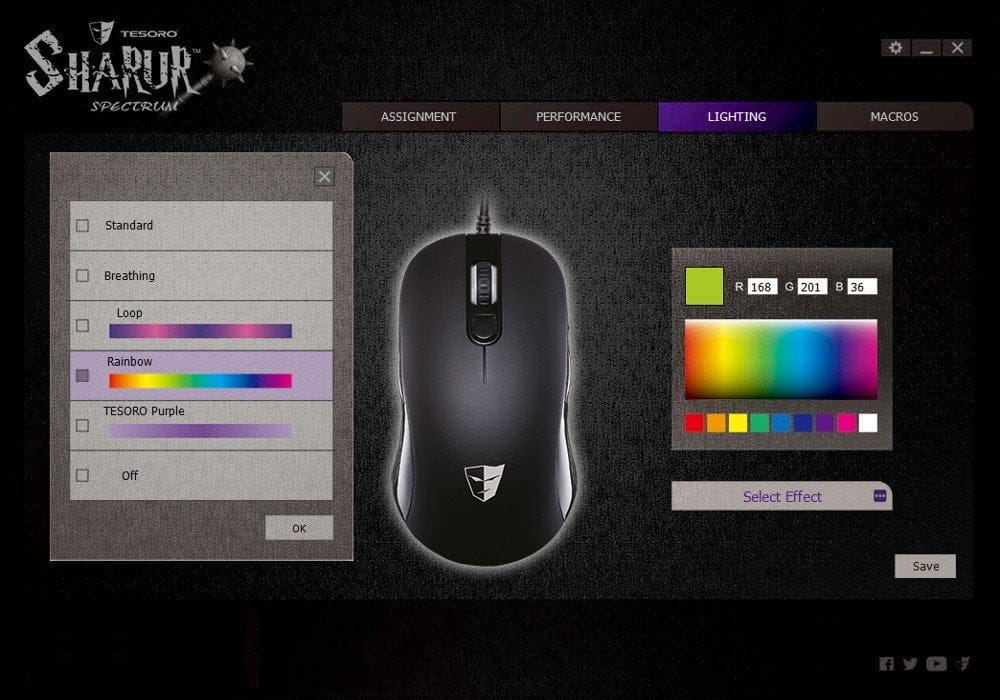
Within the user interface of the TESORO software, 7 languages can be selected. German is one of the 7 selectable languages. Unfortunately, the translation is not very successful, which is why I quickly switched the software back to English. The software is clearly structured. There is a sub-item for key assignment, there are performance settings for DPI, polling rate, mouse acceleration, as well as click and scroll speed. Another sub-item is the effect management. Here you can freely choose the mouse lighting. Additionally, four effects are available for selection.
 Play video on YouTube
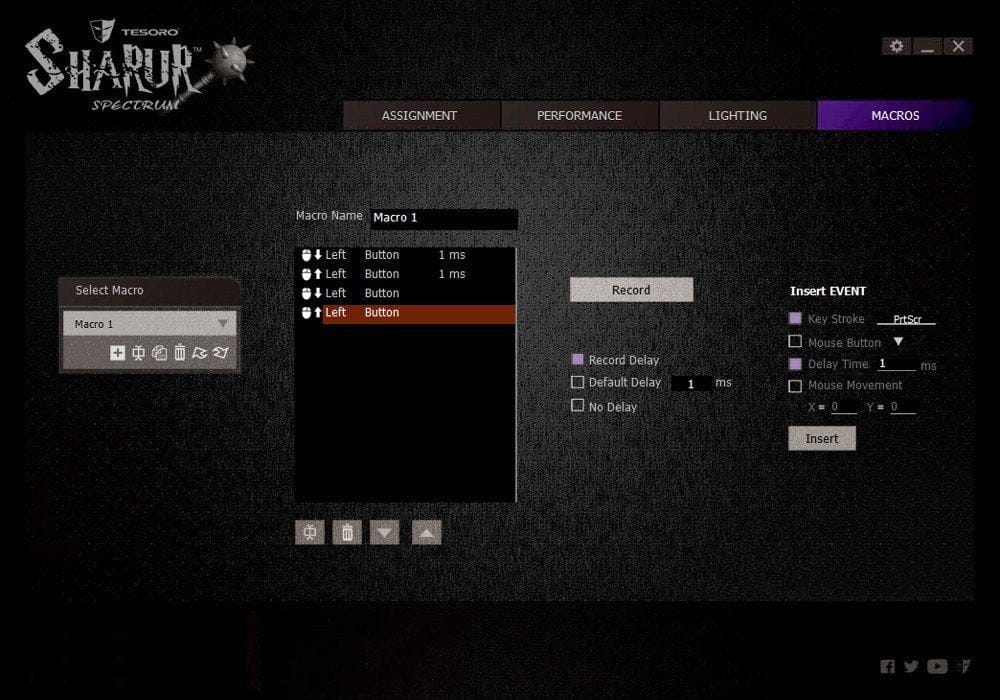
In testing, the effect management proved reliable for the most part. Once the colour and effect have been selected, it takes a few seconds for the selection to be applied. The "OFF" function, which should completely switch off the lighting, was criticised as it did not work in testing. The macro function is also questionable. Macros can be configured manually, but the "Record" function remains non-functional.
Practical test of the Sharur SE Spectrum
The mouse was tested mainly in the current game title "PUBattlegrounds", and several CS:GO sessions were also played with the Sharur SE. Before starting any game, I created 4 DPI profiles. You can select from 250, 400, 1000, 1200, 1500, 2000, 3000 and 4000 DPI. Additionally, the polling rate can be adjusted in four steps, ranging from 125 Hz, through 250 Hz and 500 Hz up to 1000 Hz. I quickly found my preferred setting at 1200 DPI and 500 Hz. Switching between profiles is smooth, and you are notified of the switch via a short on-screen display. I found it particularly advantageous in CS:GO to be able to switch between two DPI profiles instantly.
The optical sensor is an Avago A3050, commonly found in budget gaming mice. The sensor is said not to be among the 'flawless' sensors, as issues such as jittering or noticeable algorithmic correction occur. Jittering can be easily tested by drawing a straight line in MS Paint. If deviations appear that are independent of your own movement and caused by the mouse itself, this is known as jittering. Indeed, the Sharur SE also exhibits slight jittering. Nevertheless, it should be borne in mind that this mouse is primarily aimed at casual gamers.
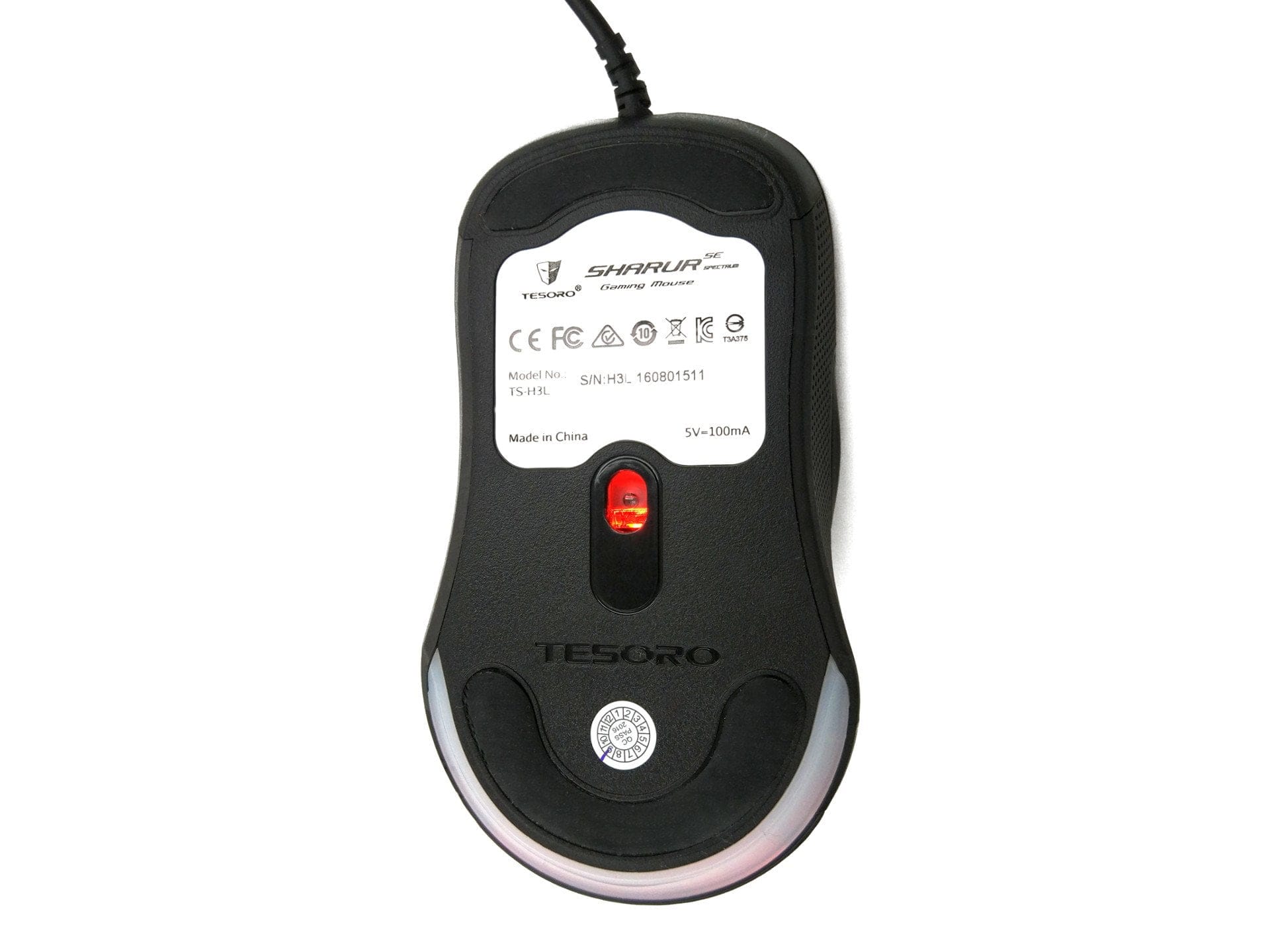
I consider myself a casual gamer too, and given the price, I am satisfied with the gaming suitability of the Sharur SE. The mouse glides smoothly on the mousepad and sits comfortably in the hand thanks to the side rubberising. A drawback of the non-rubberised casing is that it collects dirt quickly. Handling is not impaired by the non-rubberised surface. The aforementioned jittering also had no negative effect during gaming. I would have preferred the mouse to have a slightly higher weight. Especially for precise aiming, the mouse glides a bit too lightly on the mousepad.
Manufacturer's website: tesorotec.com
Our verdict
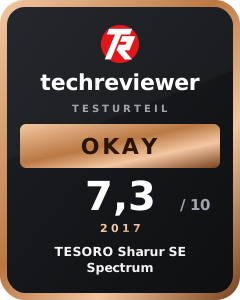
The TESORO Sharur SE Spectrum is an affordable and beginner-friendly gaming mouse. Although the built-in Avago A3050 sensor is not one of the "flawless" sensors, it meets the requirements of a casual gamer. Those who are not actively competing and are looking for a visually appealing and simultaneously left-handed friendly gaming mouse with good handling should definitely consider the Sharur SE Spectrum.
Specifications
General
- Buttons
- 6
- Lighting
- LED
- Cable
- 2m
- Weight
- 89g
- Storage
- 64kb
- Macros
- Yes
Sensor
- Type
- Visually
- Model
- Avago A3050
- DPI
- 4000 DPI
- Polling rate
- 1000 Hz
What’s included
1x Gaming mouse 1x User manual
Comments