Contents
First impressions of the Tesvor M1
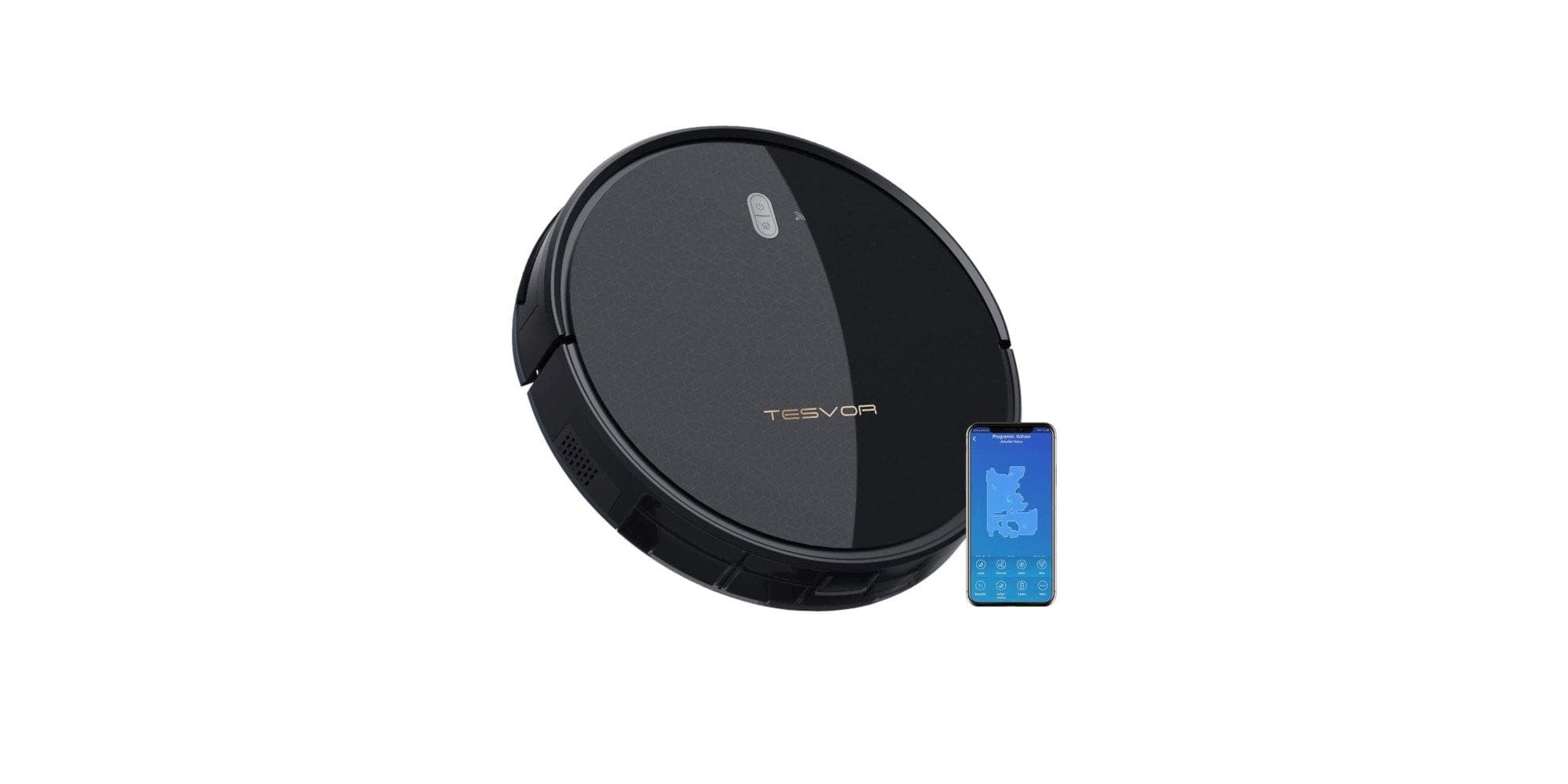
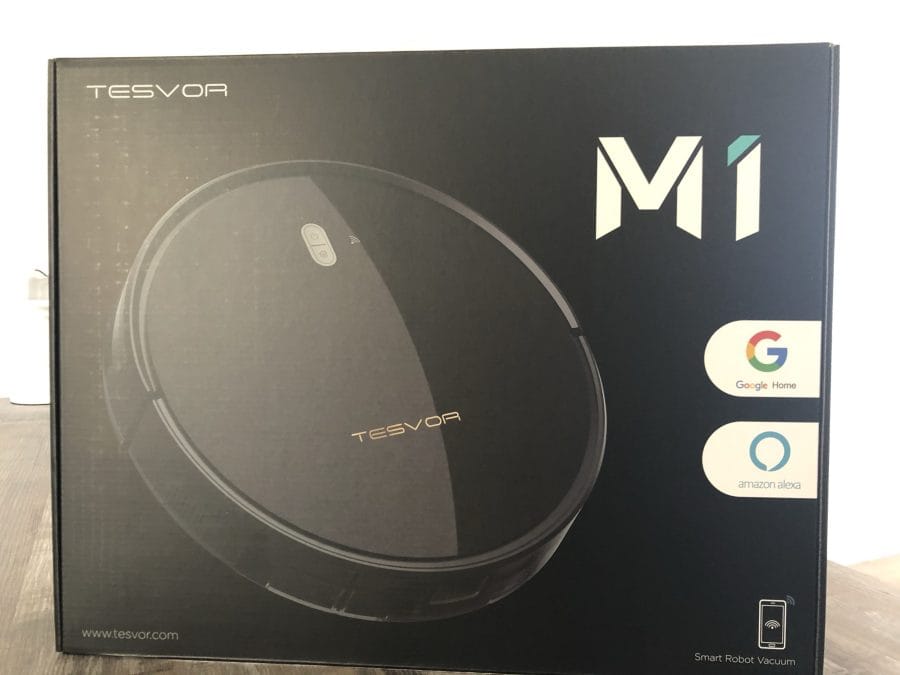
The first impression of the Tesvor M1 is overwhelmingly positive. The packaging, the included accessories, as well as the spare brushes and the robot itself give an impression of quality. Only the robot's charging station seems less well made. Considering the price, this is quite acceptable.
Commissioning and control
The scope of delivery includes 4 brushes, a cleaning brush, 2 filters, a magnetic tape (2 metres), the remote control (without batteries), an instruction manual, and the charging station including the charging cable.
Initial setup was straightforward. The brushes are quickly attached to the underside, and the robot's charging dock simply needs to be plugged into the power supply.
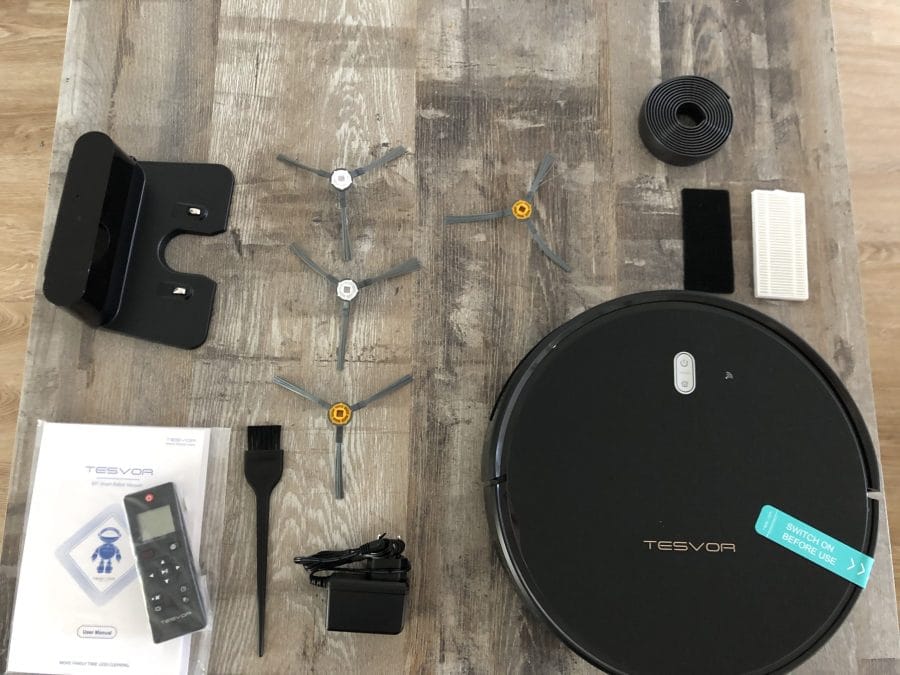
What is annoying, however, is the adhesive residue left behind by the sticker. This had to be removed with kitchen paper and glass cleaner.
The magnetic tape itself can be easily attached to the floor, ensuring the robot does not cross into the restricted area.
The control itself can be carried out using the included remote controls. For tech fans and people who want to send the robot off remotely, an app is provided, which is available on iOS and Android. But more on that later.
Suction properties
Cleaning profiles
The Tesvor M1 has a total of 4 suction profiles. The "Sweep" program sends the vacuum robot intelligently through the apartment in an attempt to clean the entire area of the rooms. Once the area is completely cleaned, it automatically returns to its charging dock. The return to the charging dock does not always work flawlessly. The robot often got lost in another room or drove in the wrong direction. To resolve the issue, the robot must be placed near the charging dock to find its way back.
The “Spot clean” function operates on the rotation principle. The robot vacuum randomly drives to any spot and then starts cleaning according to the rotation principle, with the circles becoming increasingly larger. If it encounters an obstacle, it bypasses it and continues to follow the rotation principle.

The “Edge cleaning” programme reliably cleans the edges of the room. Afterwards, the robot vacuum returns to the charging station.
The Tesvor M1 user has the option to manually drive the vacuum robot to specific spots and clean them by hand. This worked only to a limited extent, as the robot responded late to commands, making it difficult to control. This is likely intended more as a small gimmick.
Suction power
The Tesvor M1 has a total of 4 suction profiles, which can only be accessed via the “WeBack” app. The remote control itself only allows access to 2 profiles.
In addition to "Quiet mode" and "Max mode", "Normal" and "Strong" modes are also available. However, from "Strong" mode onwards, conversation in the same room is no longer possible. Nevertheless, the full suction power at 4,000 Pa is truly impressive and the cleaning is very satisfactory.

These two modes, 'Max mode' and 'Strong', are rather for cases when you are not at home and the robot is allowed to deploy its full suction power.
The “Silent mode” is convincing thanks to unobtrusive fan noise. This mode is particularly suitable for normal everyday use.
The “Normal” mode generates an intrusive noise, but this is not too disturbing if you are in another room.

Time and schedule
The robot vacuum can of course also be controlled via a scheduling timer. This can be set via the remote control or the app. Crucially, you must set the desired suction power in advance. Once the robot vacuum starts, it cleans the entire apartment.
Other features
Additionally, a water tank for approx. €28 is available for the Tesvor M1, which allows it to mop the apartment. Unfortunately, we were unable to test this feature.

In addition, the Tesvor M1 features a drop protection function designed to protect it from stairs. This worked reliably throughout the test, causing the robot to turn around before reaching the hazard.
The magnetic strip that is attached to the floor to prevent the robot from cleaning a room also serves its purpose.
App control
Controlling the Tesvor M1 via the app is quite reliable. However, one disadvantage is the German translation, which takes some getting used to. For example, the robot 'overwinter' when it is at the charging station.
The app also allows you to check the battery status or charging status while on the go. Additionally, suction power or different programs can be selected remotely.
If the robot has a problem, a message appears at the top of the app status. However, no push notification is sent to the smartphone.
Our verdict
Overall, the Tesvor M1 convinced me, and the price of €250 is well justified. The Tesvor M1 scores extra points with its various suction profiles and fan modes. The app connection works mostly reliably and allows users to configure the robot vacuum flexibly. Only the German translation is somewhat amusing and a negative point.
Specifications
Vacuuming
- Suction power
- 4000 Pa
- Noise levels
- ~68 dB
- Step height
- 2 cm
- Dust container
- 0.6 litres
Sensors
- *Gyroscope
Battery
- Capacity
- 5200 mAh
- Runtime
- 2.5 hours
Other
- App
- WEBACK
- Weight
- 4200g


Comments