Contents
Thermal Master P3: Design and build quality
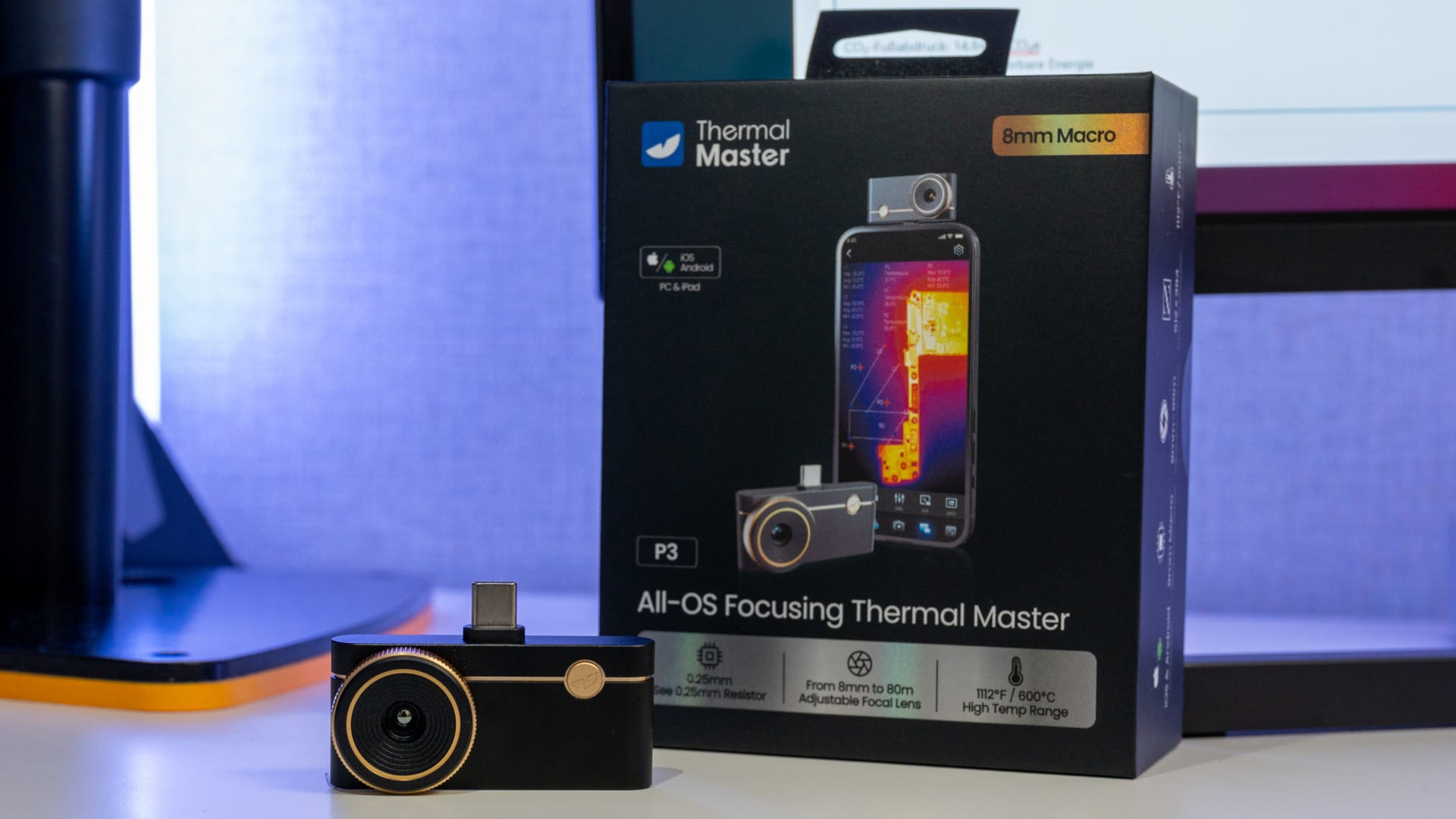
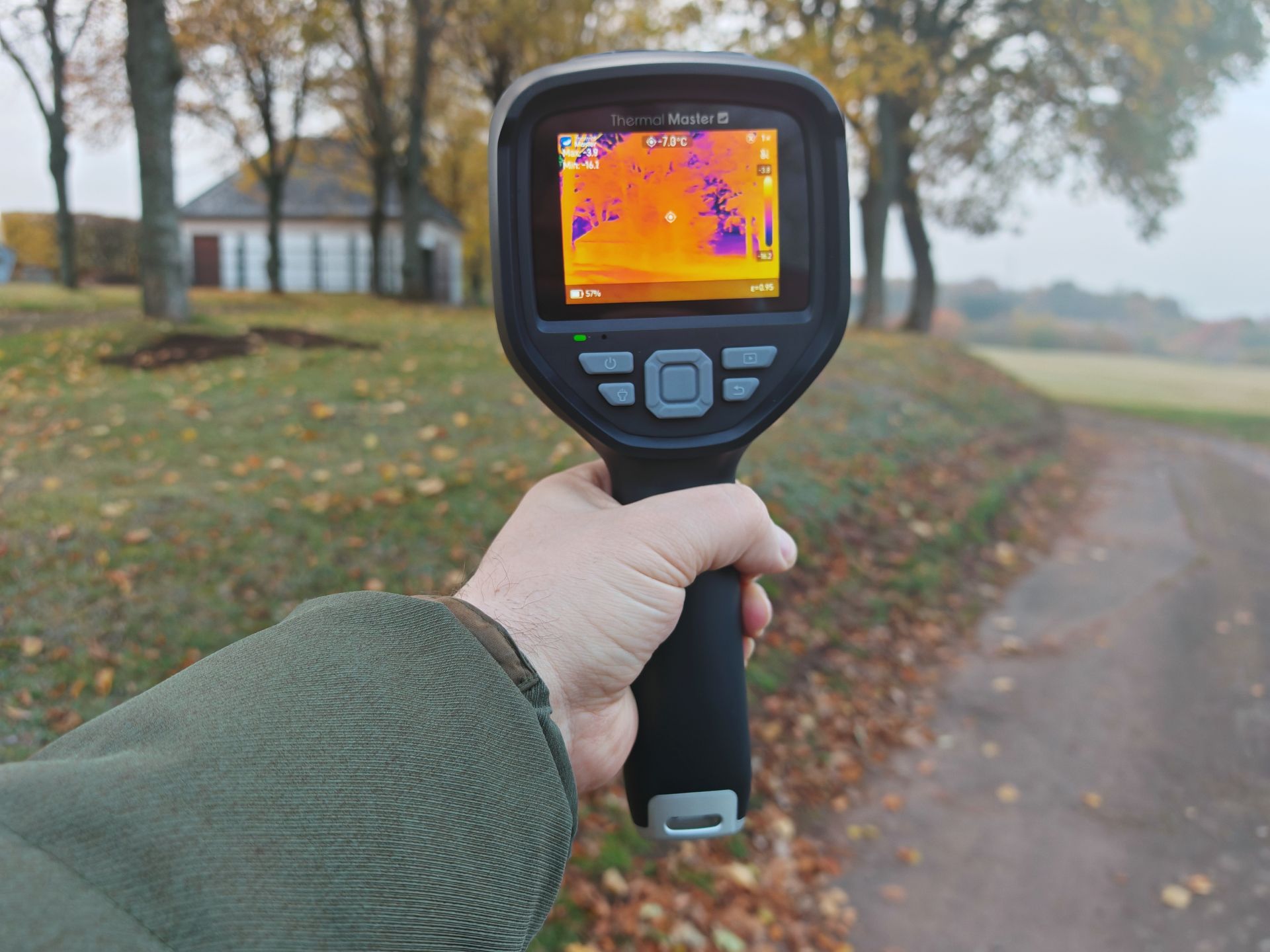
The Thermal Master P3 is indeed slightly larger than its predecessor (see the Thermal Master P2 review), but also feels higher quality. The housing is made entirely of aluminium and measures 59 x 27 x 17.2 millimetres, weighing around 26 grams. This means the camera fits into even the smallest pocket and still appears robust enough for everyday use. However, there is no ingress protection rating against dust or water splashes, which hardly matters during normal use.
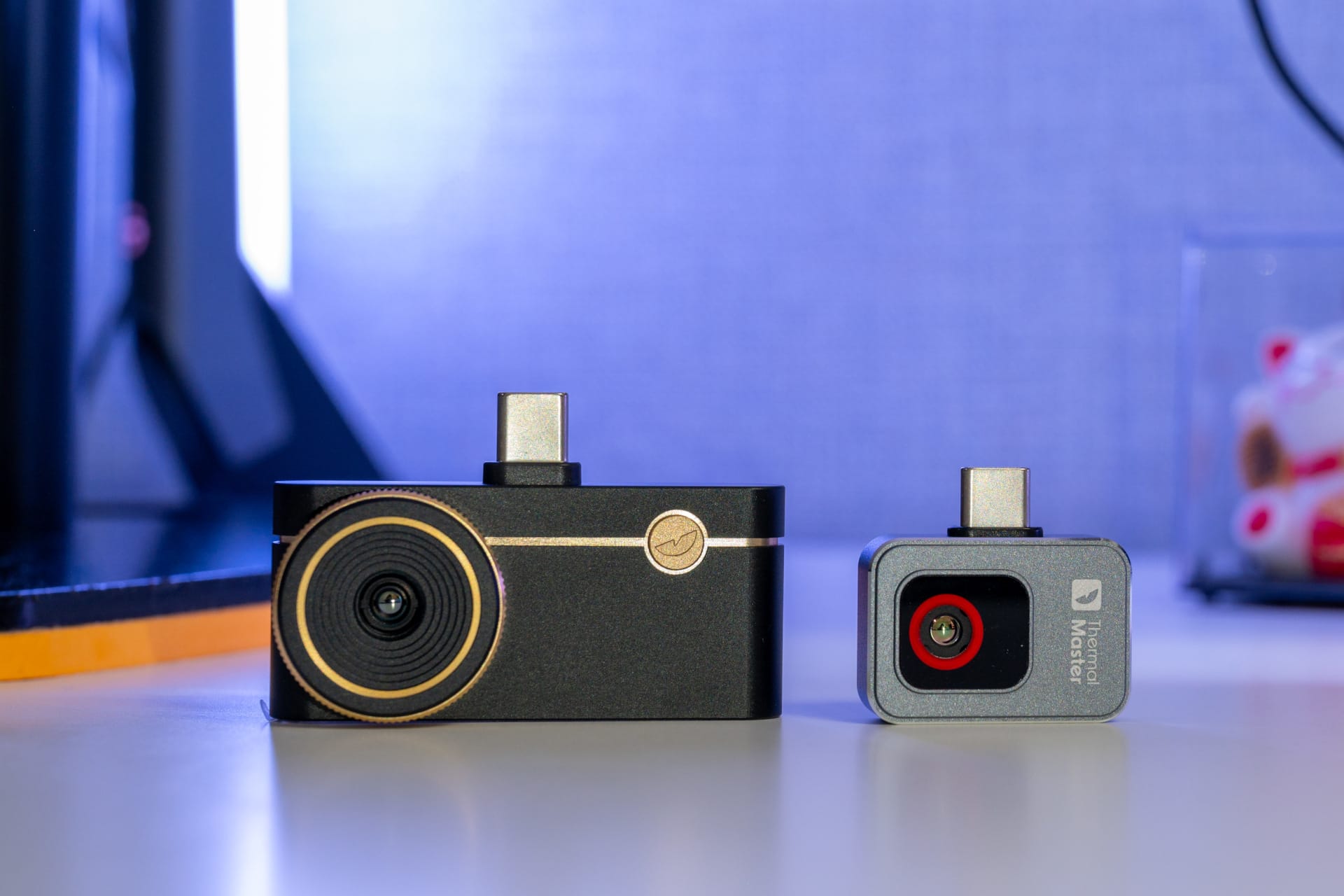
The most striking difference compared to the P2 is the new focus ring. It rotates smoothly with a pleasant resistance, allowing for precise adjustment. This makes it possible to focus the image deliberately, whether you are looking at a circuit board from a few centimetres away or a larger surface such as a wall. The lens is slightly recessed into the housing, which offers better protection against scratches. There is no additional cover for the lens.
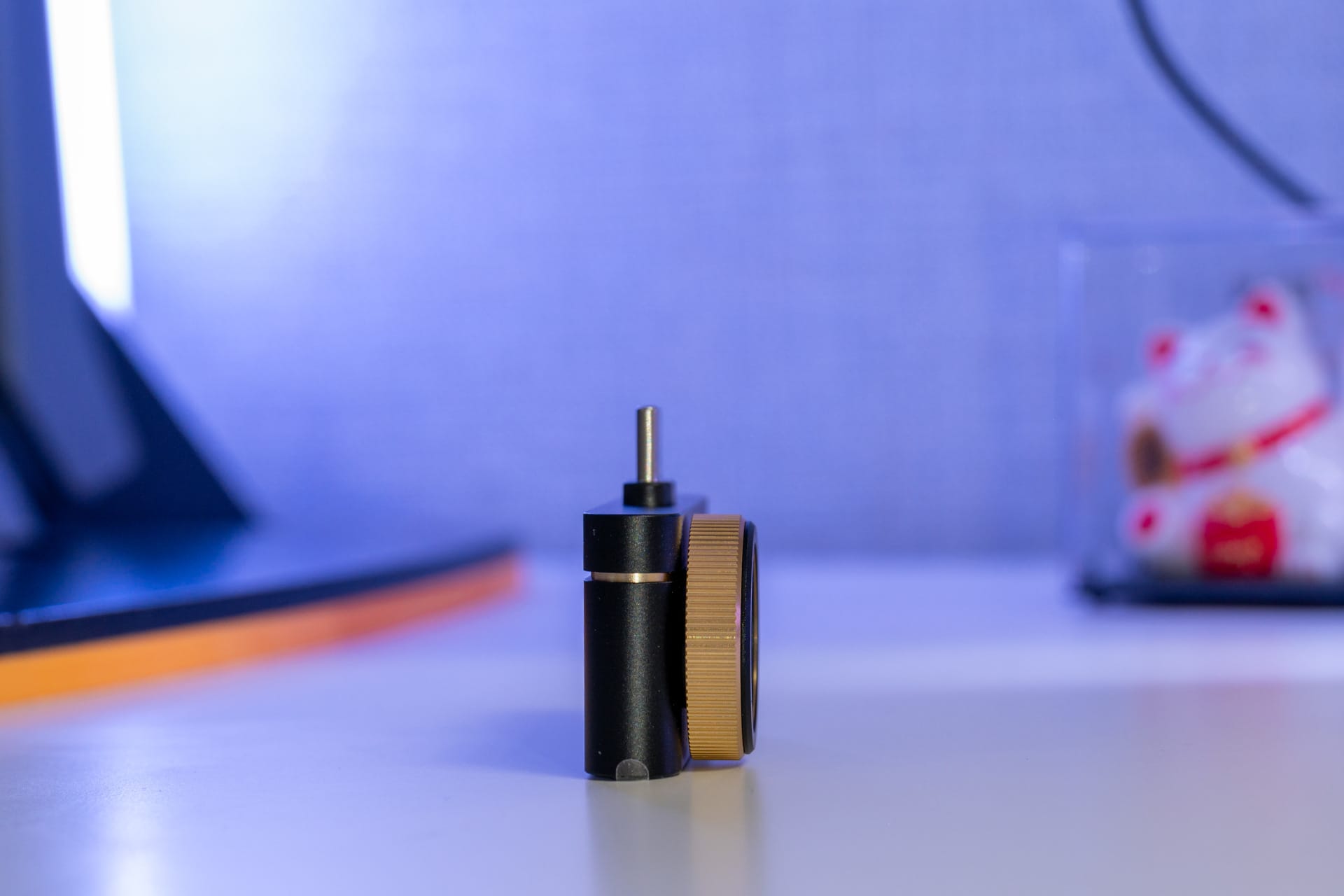
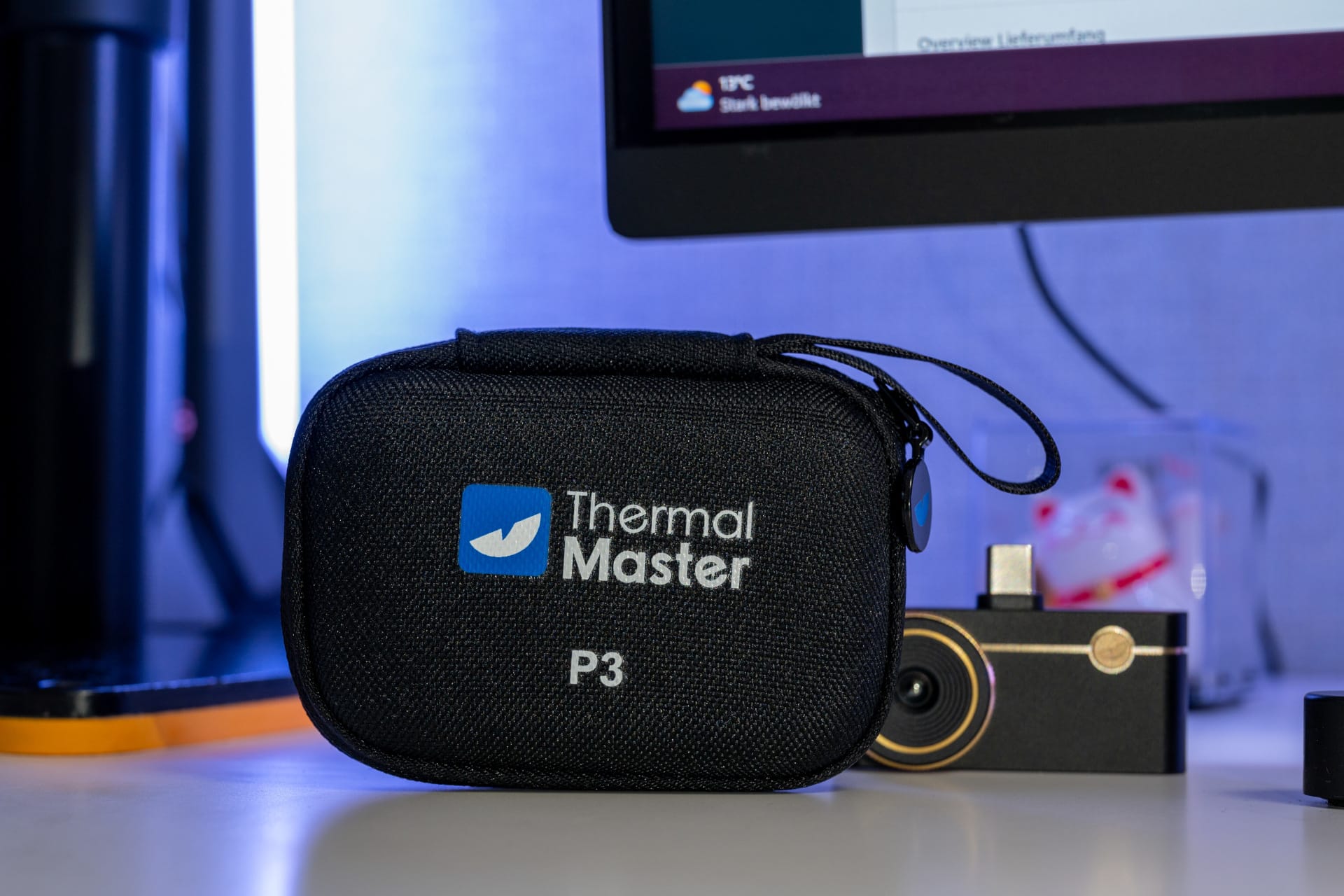
The USB-C connector is located on the underside and connects the camera directly to the smartphone. iPhone users receive a Lightning adapter. An adapter to USB-A and a short extension cable are also included in case the smartphone housing obstructs the connector. Everything fits into the carry case included with the kit, which is equally well made.
What the Thermal Master P3 lacks is a tripod thread or a means of mounting. For stationary recordings or longer measurements without a smartphone, the camera must therefore be held by hand or fixed with improvised mounts. When working on open circuits, it should also not be placed directly, as the metal housing is conductive and could cause a short circuit in an unlucky case.
Thermal Master P3: Installation and software
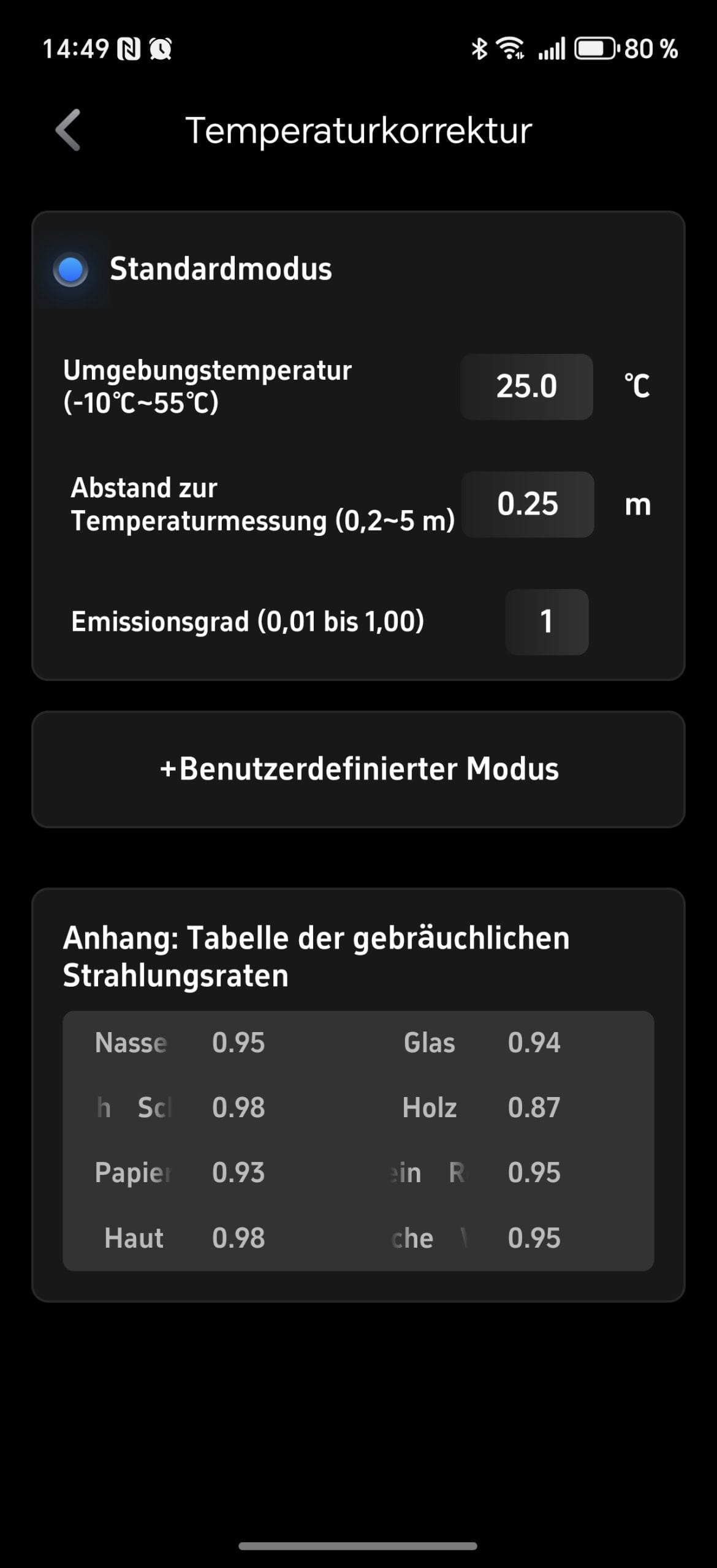
Under Android, the camera is connected via USB-C. On smartphones with thicker cases, the USB-C connector may be slightly too short. In this case, the included extension cable helps. The Temp Master app is required for use. It is available in the Play Store and installs like any other application. After the first launch, it requests the usual access permissions and automatically connects to the camera. No additional setup steps are necessary.
The app runs largely smoothly on devices with a powerful processor. On weaker devices, the frame rate may drop slightly, causing the thermal image display to stutter. Colour palettes, measurement points and temperature ranges are accessible via a simple toolbar. This makes the app functional and avoids cluttered menus. All important tools are located directly at the edge of the image.
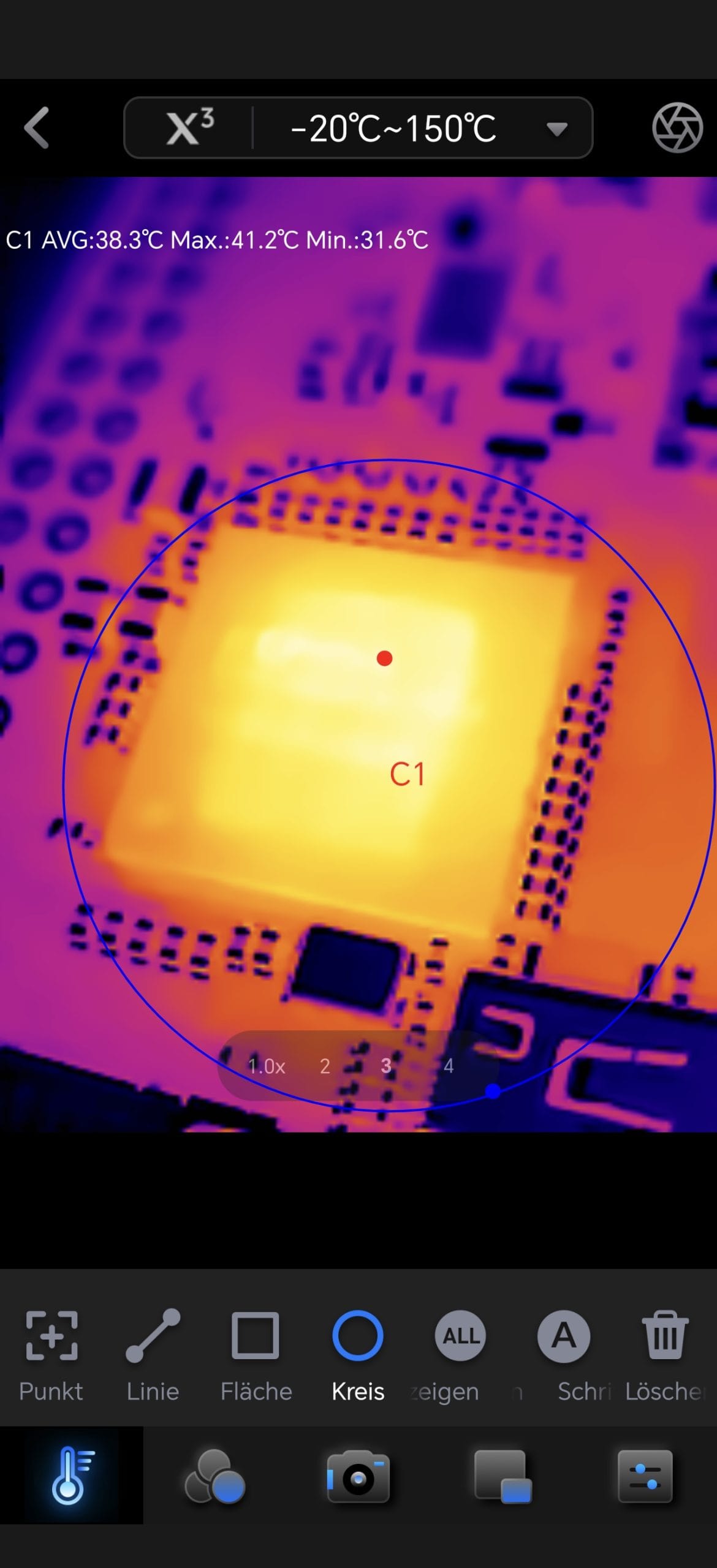
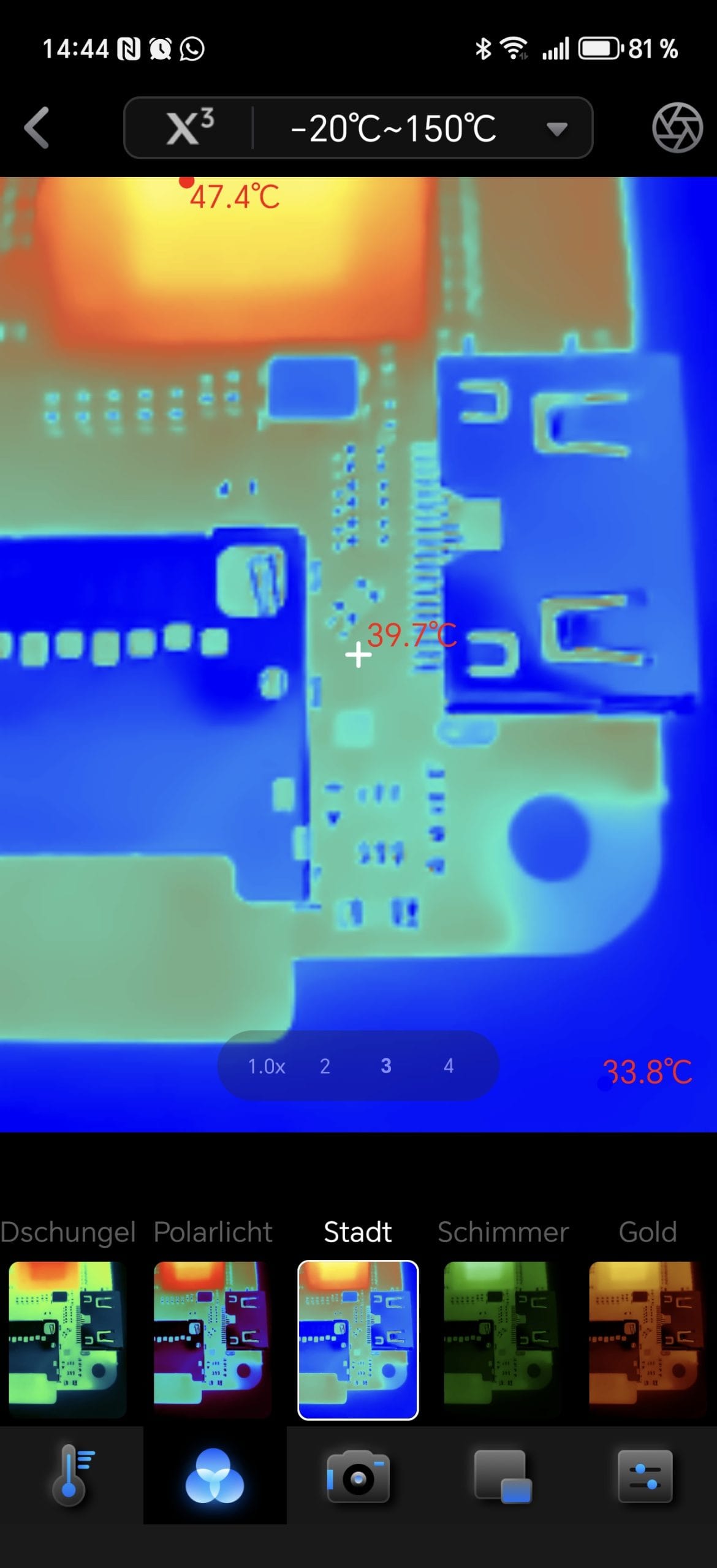

Various measurement forms are available for analysis. In addition to a central point, multiple individual measurement points can be set, as well as lines or rectangles to capture temperature gradients within an area. The values are displayed directly in the image and update in real time. The Isotherm mode marks selected temperature ranges in colour, which significantly facilitates the detection of hotspots or thermal bridges. Photos and videos can be saved directly from the app. Measurement points and temperature values remain displayed, making later evaluations easier.
A total of twelve colour palettes are available. Depending on the application, they alter the contrast and visual readability. Indoors, Iron Red proved to be well-balanced, while Rainbow offers better orientation with larger temperature differences. Thermal Master's X³ mode is also included. This digitally upscales the thermal image, making fine structures appear slightly clearer. With an energy demand of around 0.3 watts, consumption is extremely low and was barely noticeable in terms of smartphone battery drain during testing.
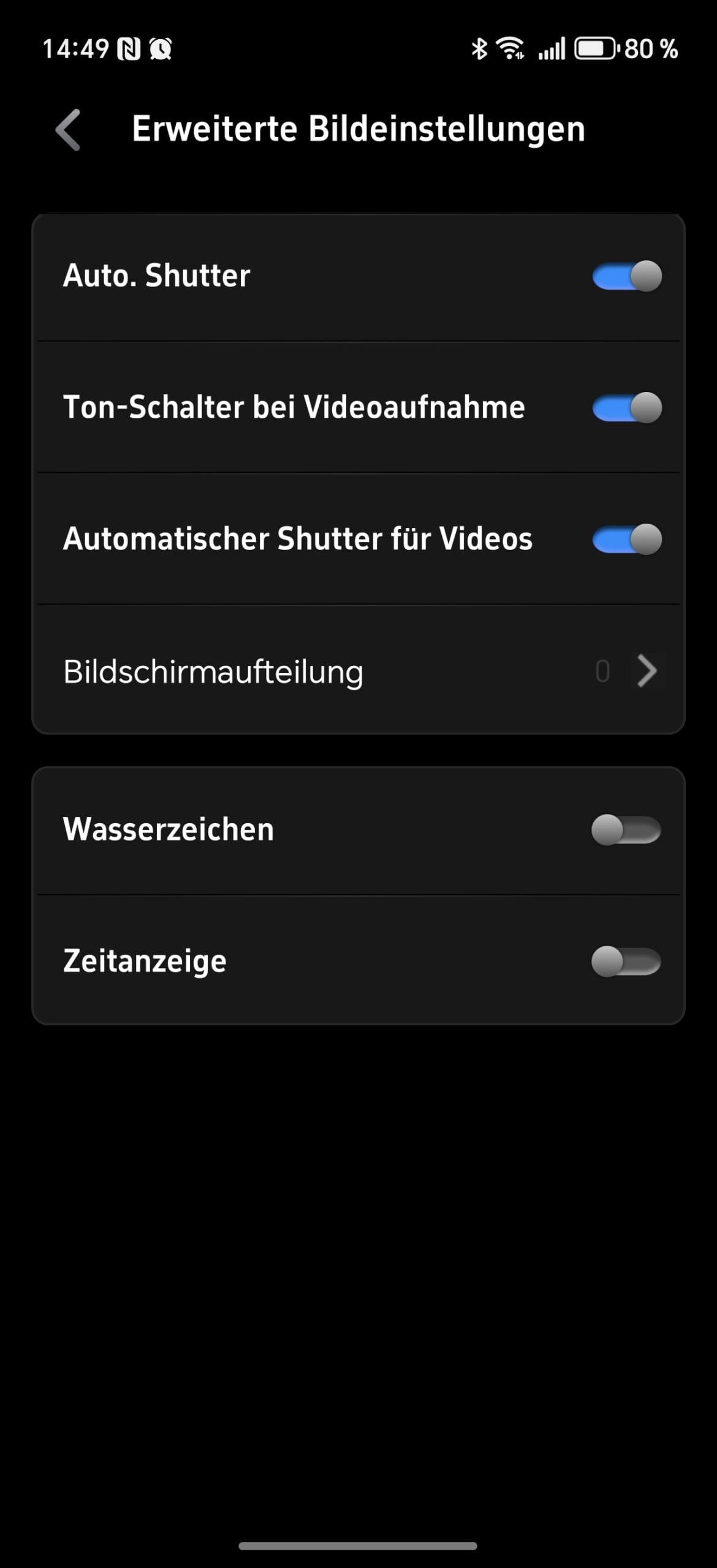
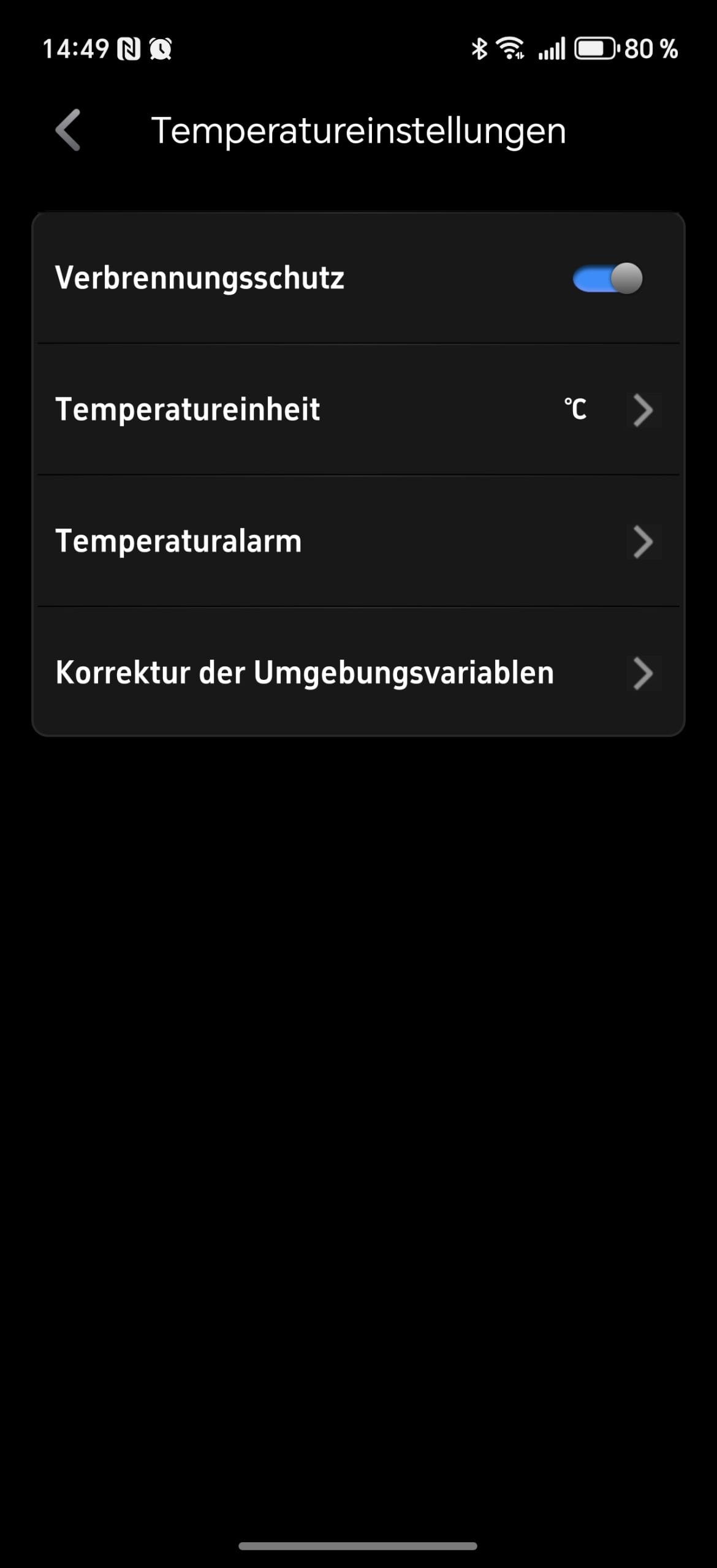
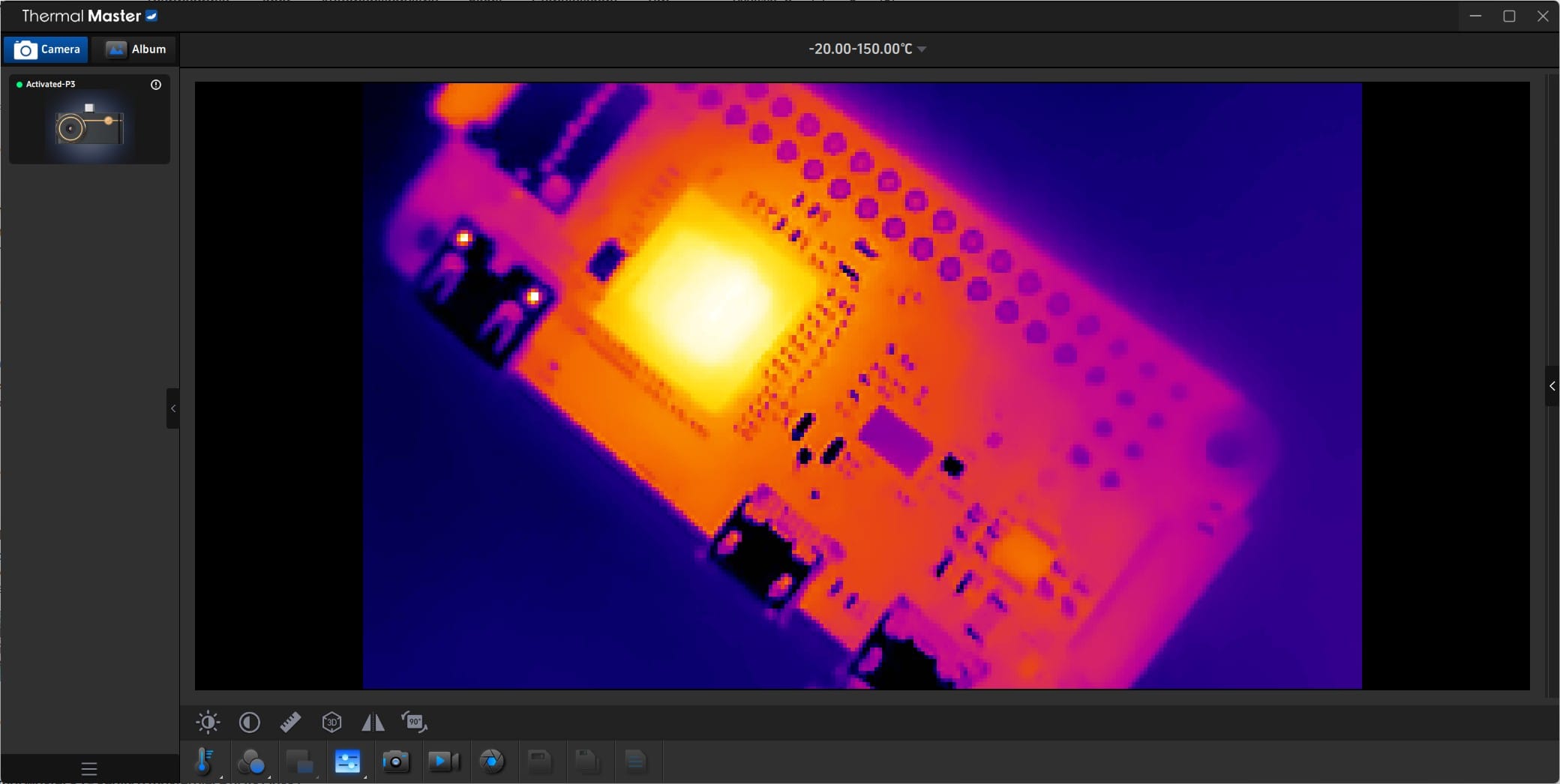
In addition to Android, the P3 can also be used under Windows 11. To this end, the manufacturer provides proprietary Windows software, which can be downloaded from the Thermal Master Download Center. After a brief driver and program installation, the P3 is automatically recognised via USB-A. On first start-up, the user interface was still set to Chinese, but it could be switched to English with a single click.
The application itself is functional but simply designed, focusing on the most important tasks such as live view, temperature measurement, and image or video recording directly to the hard drive. For longer measurements or stationary analysis, this is significantly more practical than using it on a smartphone. Currently, only Android and Windows are supported. The camera cannot be used on Linux or macOS as it does not use generic UVC drivers. Third-party software does not recognise the device either. For users of these systems, the only option remains via a virtual Windows environment.
Thermal Master P3: Image quality and performance
Inside the Thermal Master P3 is a sensor with a native resolution of 256 x 192 pixels. For a device of this size, it delivers surprisingly detailed thermal images. Small temperature differences are clearly distinguished from each other, and fine transitions remain clearly recognisable. According to the manufacturer, the thermal sensitivity is below 35 millikelvin, which was confirmed in the test by clean temperature curves and even colour areas.
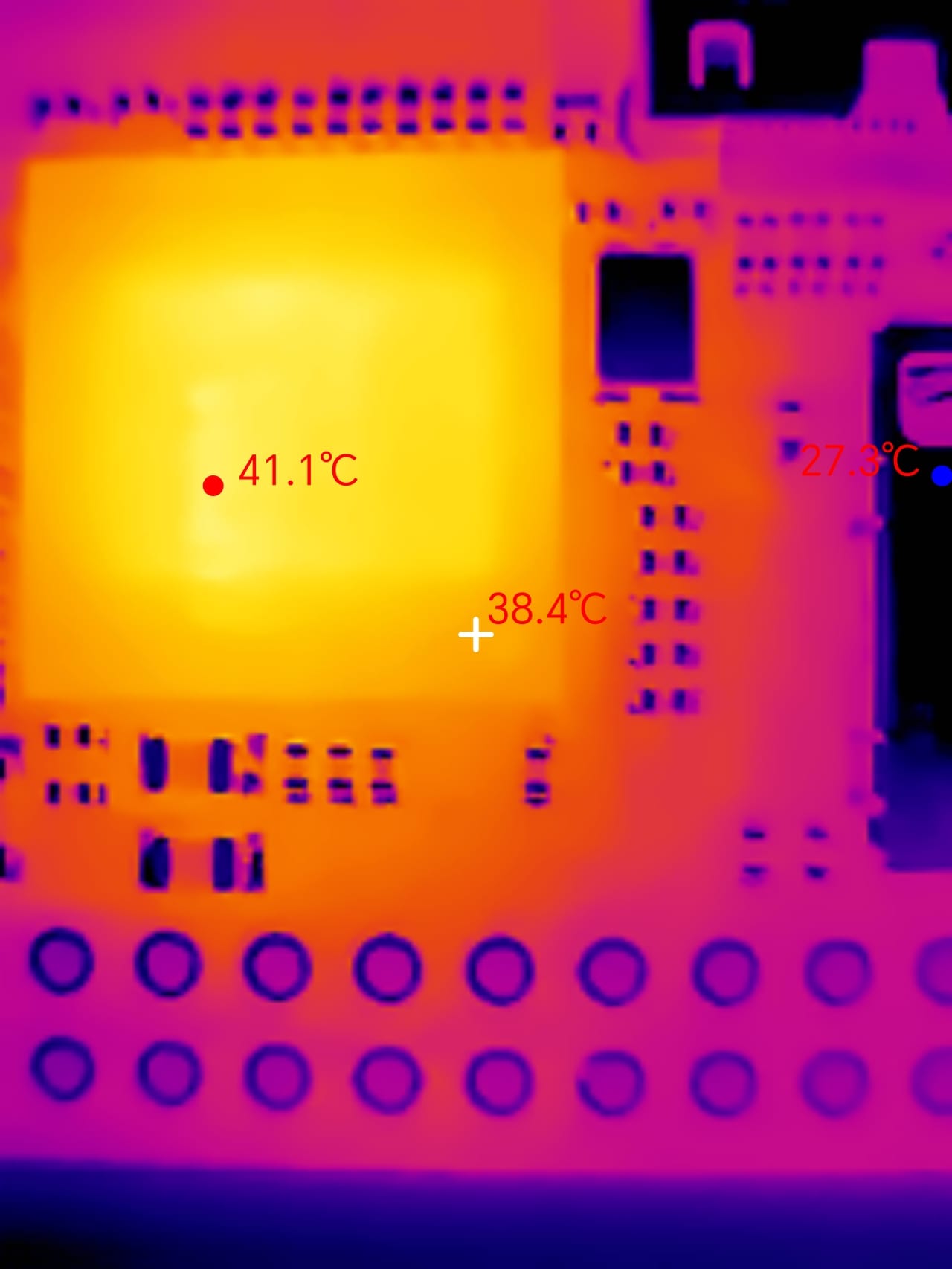
The P3 plays to its strengths in close-ups. Thanks to the adjustable focus, the image can be precisely focused on individual components or solder joints. Even small differences in the temperature of conductor tracks or voltage converters become visible. Especially with evenly warm areas, the camera shows an even signal distribution without noticeable noise. At greater distances, detail accuracy naturally decreases but remains sufficient to detect, for example, heat loss at windows or heating pipes.
The dynamic range is solid for a camera in this price range. Very cold and very warm areas are correctly displayed without bright areas blowing out or dark areas being crushed. The automatic temperature range works reliably and adjusts quickly when the scene changes. The range can be adjusted manually if needed to specifically display only a certain temperature range.
In practice, the sensor responded without any significant delay. Temperature changes were displayed almost in real time, which is particularly helpful with moving objects. When switched on, the camera regularly performs an automatic calibration, which is audible as a brief click. This takes less than a second and ensures consistent measurements over longer periods.
In testing, the X³ mode did provide slightly sharper edges, but genuine detail improvements were only visible in static scenes. The function may be worthwhile for precise analysis at close range, but the standard mode with a smoother frame rate is recommended for dynamic scenes.
Our verdict
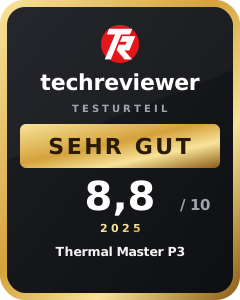
In our test, the Thermal Master P3 proves to be a successful evolution of the P2. The robust aluminium housing, the precise focus ring and the overall significantly improved image quality make the compact thermal camera a versatile tool for tech fans and professionals. It delivers sharp and stable images particularly in close range, which are also suitable for detailed analysis.
The software appears functional, albeit somewhat plain. It covers all important measurement functions while remaining clear and easy to navigate. Limitations exist only in platform support, as the camera currently works exclusively with Android and Windows.
The missing tripod thread, which makes stationary recording difficult, as well as the occasionally occurring artefacts in X³ mode, deserve criticism. However, these points do little to change the positive overall impression. In terms of price-performance, the Thermal Master P3 positions itself convincingly between cheap entry-level models and expensive professional solutions such as the FLIR One Pro.
For those who work regularly with electronics, check for heat loss, or simply want a precise and portable thermal imaging tool at hand, the P3 offers a well-thought-out and surprisingly powerful camera.
Specifications
Sensor
- Sensor resolution
- 256 × 192 pixels (X³IR enhancement to 512 × 384)
- Pixel size
- 12 μm
- Field of view (FOV)
- 40° × 30,2°
- Focal length
- 4.3 mm
- Focusing
- Manual / macro focus
- Temperature range
- -20 °C to 600 °C
- Temperature accuracy
- ±2 °C or ±2 %
- Thermal sensitivity (NETD)
- <35 mK @ 25 °C
- Frame rate (Framerate)
- 25 Hz
- Digital zoom
- 15×
- Algorithm
- RazorX™ Ultra-Clear / IQ+ Precision Temp
Software
- App
- Temp Master (Google Play Store, Windows software available)
- Compatibility
- Android (from version 7.0), Windows 10/11
- Not compatible with macOS or Linux
- Color palettes
- 12 options (including Iron Red, White Hot, Rainbow)
- Measurement modes
- Point, line, area, isotherm
- Storage formats
- JPEG, MP4 (H.264/AAC)
- Functions
- Photo and video recording, temperature measurement, X³ mode, isothermal analysis
General
- Interface
- USB-C (plug extended by 2 mm, compatible with most cases)
- Energy consumption
- 0.32 W (powered via smartphone or PC)
- Protection rating
- No official IP certification
- Material
- Aluminium alloy (aerospace alloy body)
- Dimensions
- 59 × 27 × 17.2 mm
- Weight
- 26 g
- Operating temperature
- -10 °C to 55 °C
What’s included
1x camera 1x transport case 1x USB-C extension cable (50 cm) 1x USB-C to Lightning adapter 1x USB-A adapter 1x instruction manual
Price comparison
| Store | Price | Link |
|---|---|---|
| Amazon | 279,00 € | Go to store |

Comments