Contents
First impressions of the UMi Touch
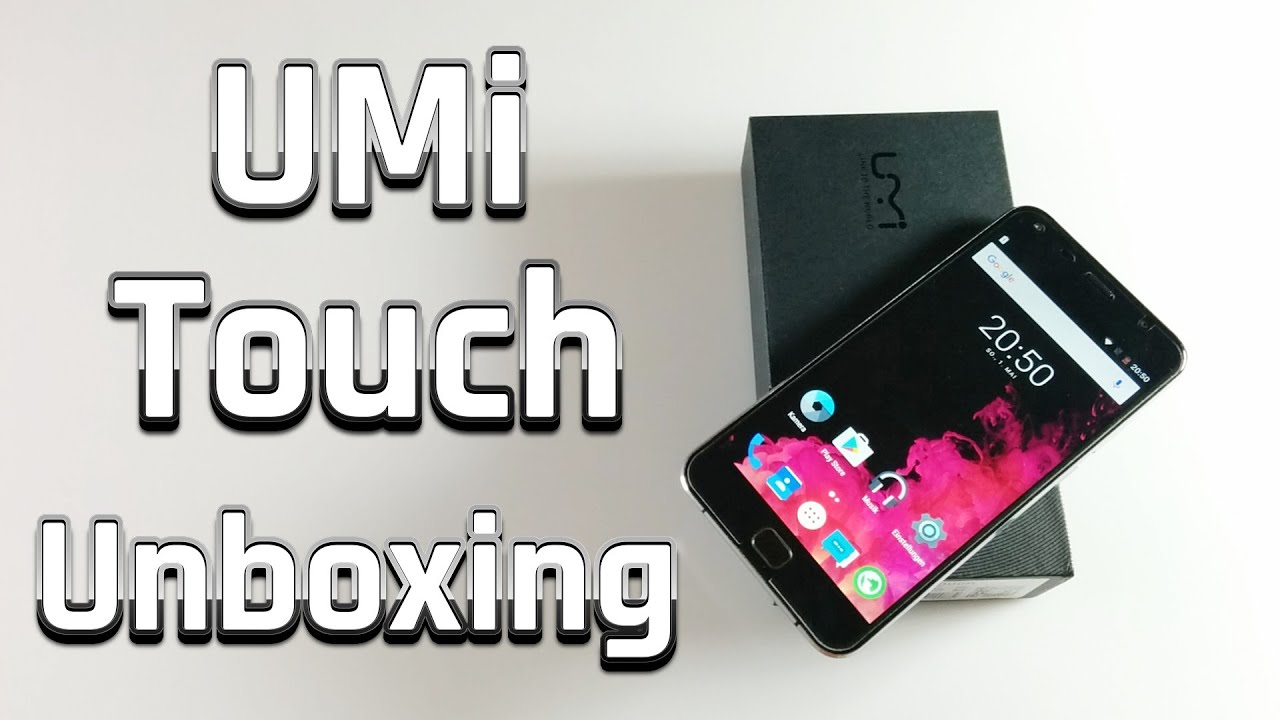
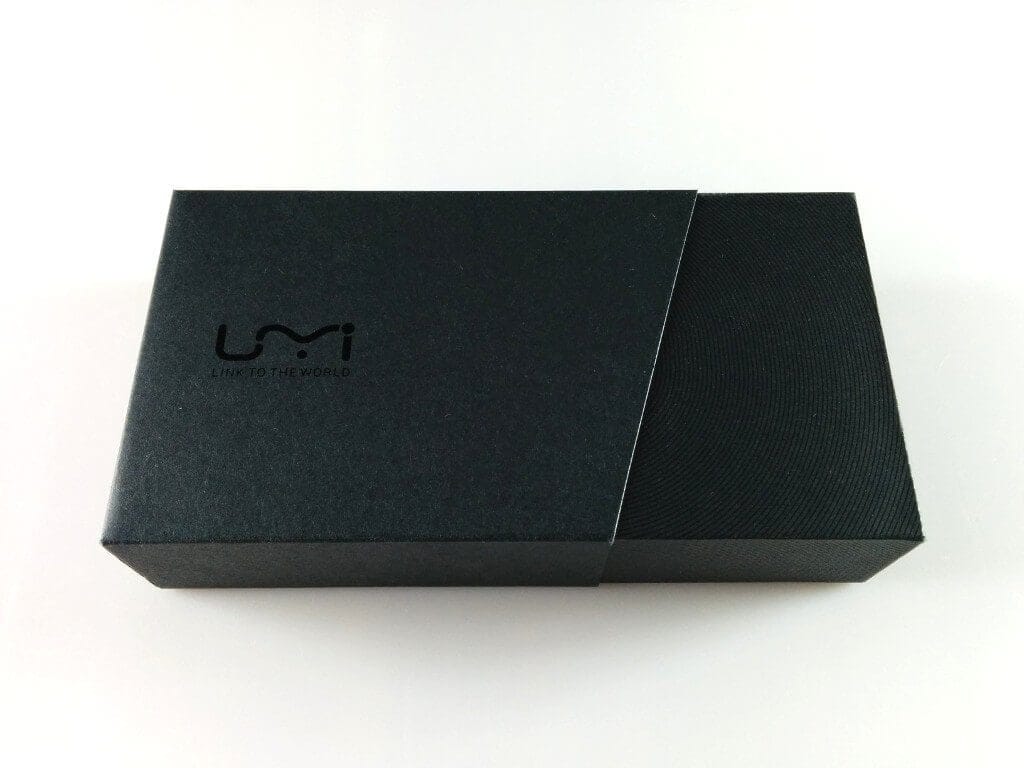
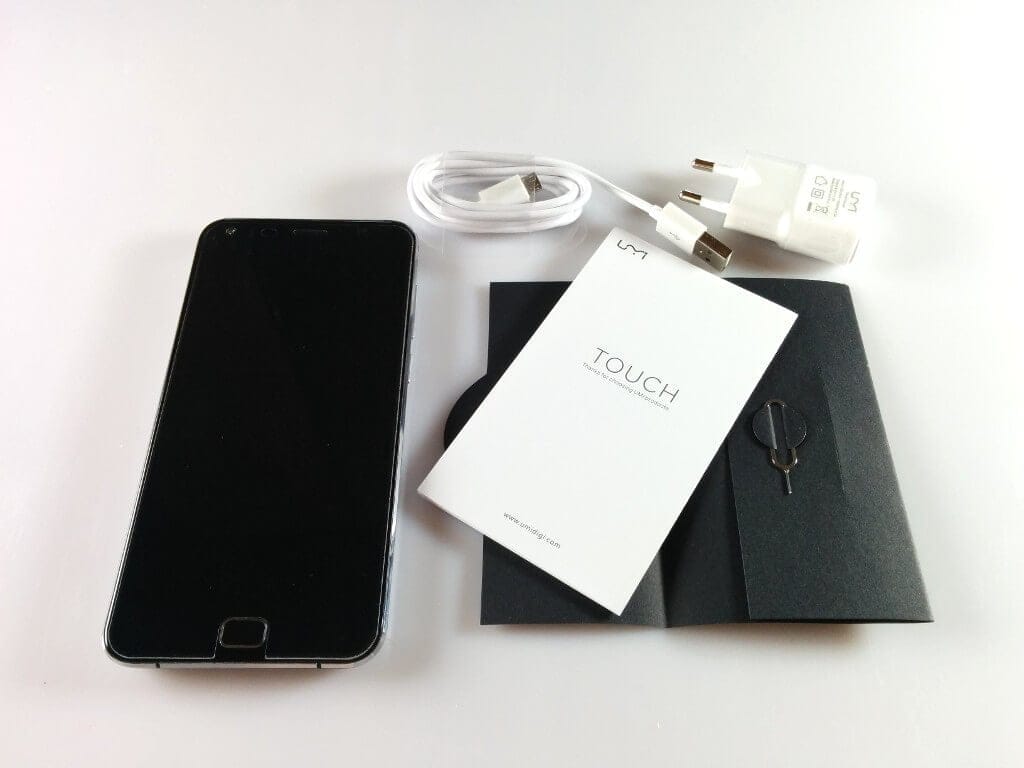
UMi constantly surprises again and again with creative and visually appealing packaging, which is why the UMi Touch was also delivered in a modern cardboard box. In addition to the smartphone, the scope of delivery included a SIM pin for opening the SIM slot, an English-language manual, as well as a charger (5V 1A) and a USB data/charging cable. A screen protector was already applied from the factory.
 Play video on YouTube
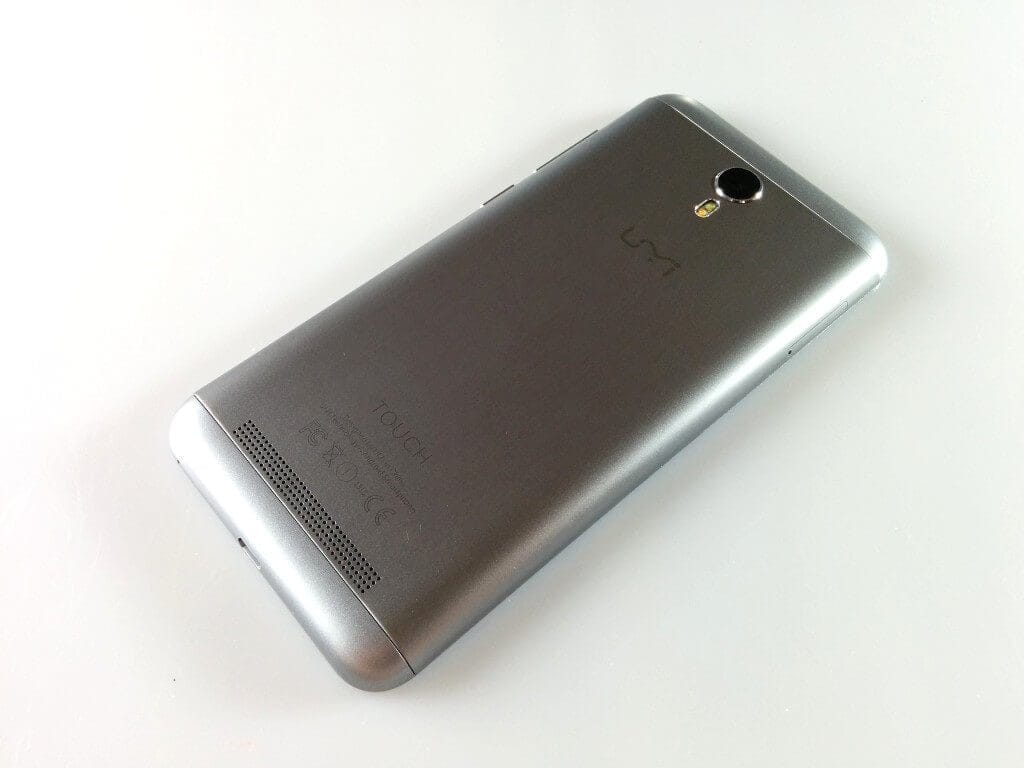
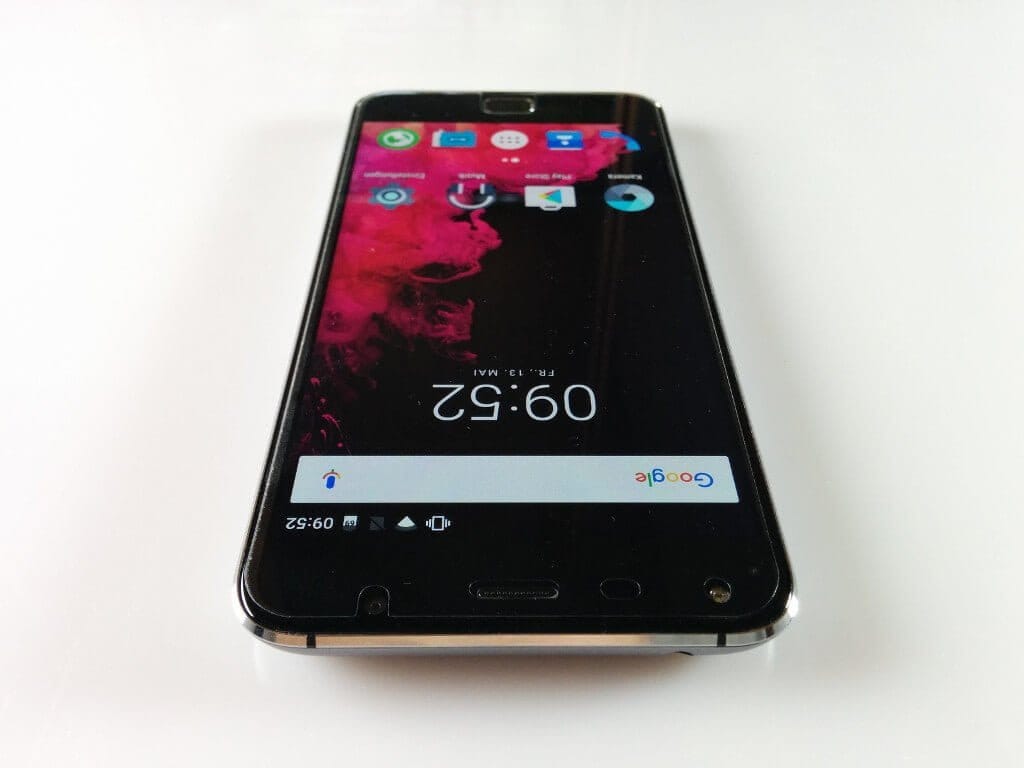
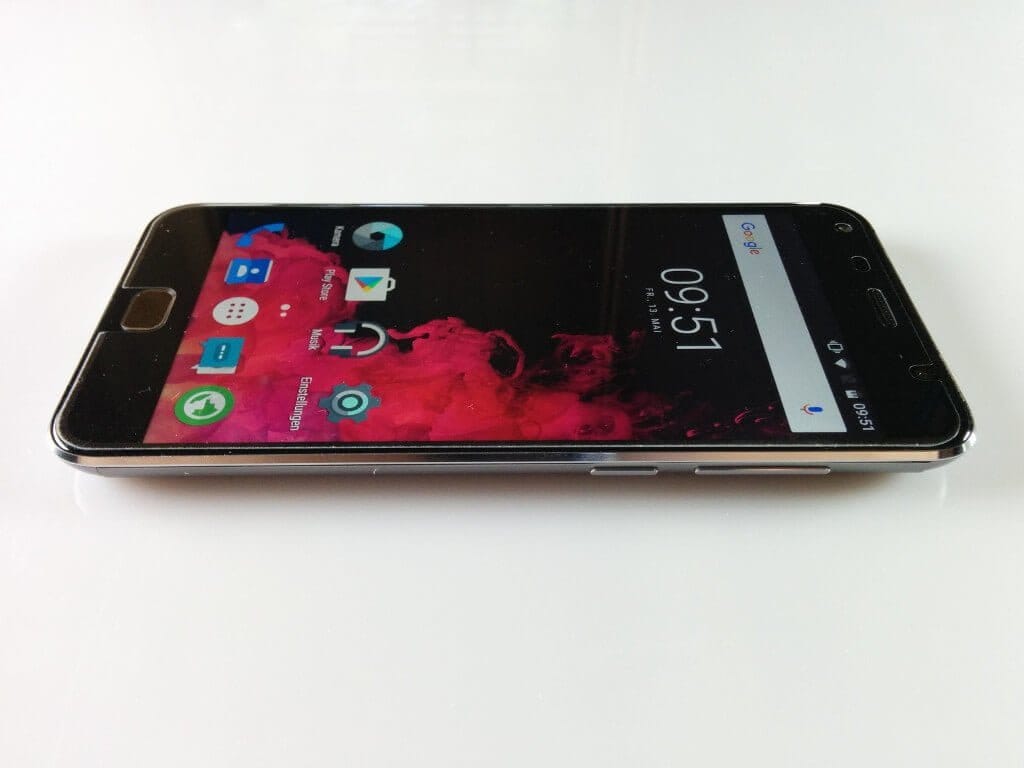
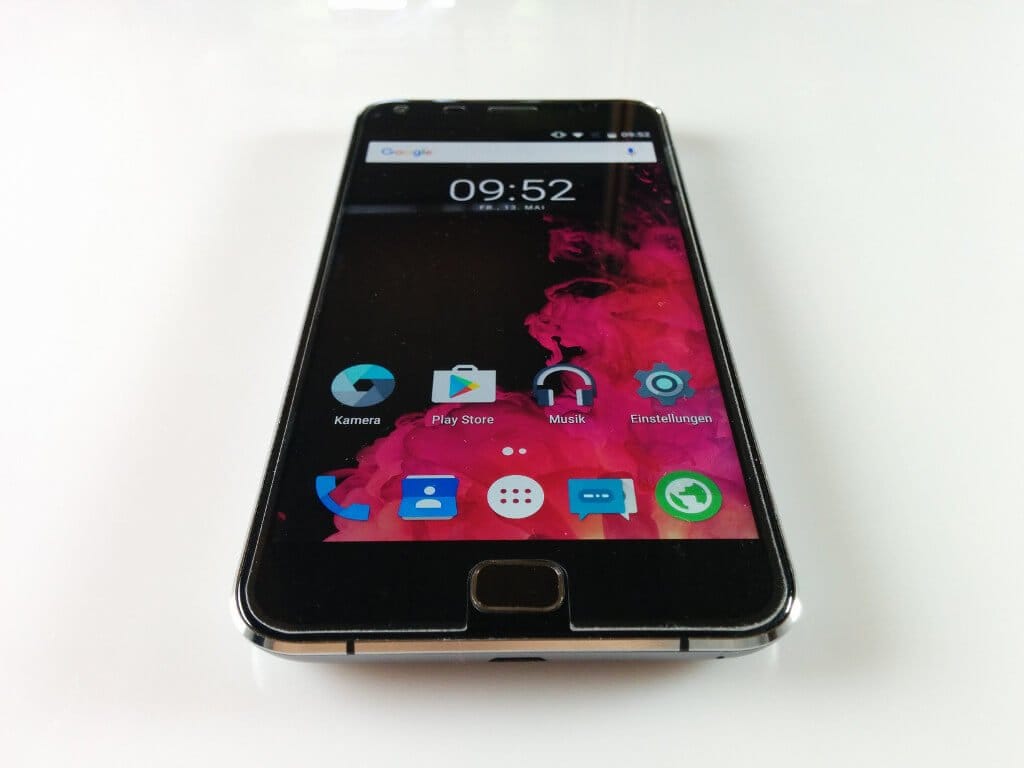
As already hinted at in the introduction, the rear design of the UMi Touch strongly resembles the Meizu MX5. The UMi smartphone also features a metallic unibody back that cannot be removed during normal use. However, the top and bottom ends of the casing are made of plastic. The physical control buttons are located on the right edge of the device, consisting of a power button and a volume rocker. Another physical control button, which also houses the fingerprint scanner, is the home button below the display. Next to it are two capacitive buttons. Above the display are the earpiece, a proximity sensor, the 5-megapixel front camera and an additional LED flash. Connection options include a micro USB port for charging the smartphone and a 3.5mm audio output.
In the first hands-on, I initially found the UMi Touch rather bulky. With a weight of just over 200 g, the new UMi smartphone is comparatively heavy. Despite the metal back, the smartphone sits well in the hand and leaves a high-quality impression.
There are some criticisms regarding build quality, too. On my test device, the home button sits slightly crookedly in the front panel. Additionally, the edge of the metal back is not cleanly finished. Here, my UMi Touch had a small gap protruding, which only had an optical effect on the device.
 Play video on YouTube
Display
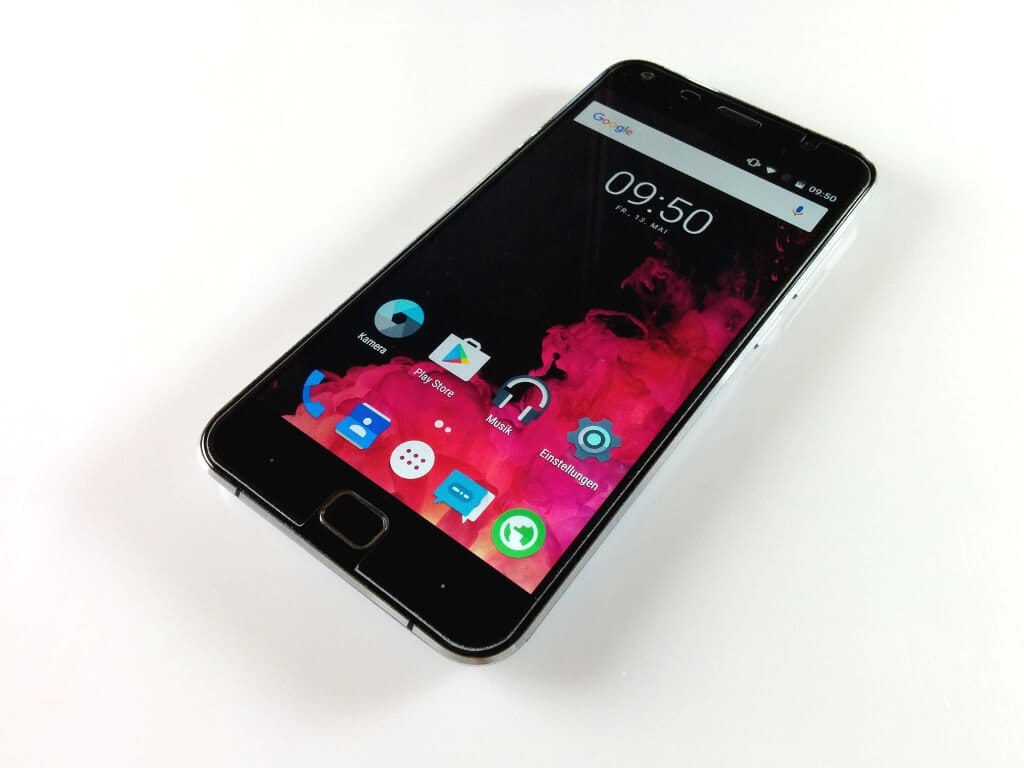
The UMi Touch display has a diagonal of 5.5 inches. It features a Full HD display from an unnamed manufacturer, resolving at 1920x1080 pixels. The pixel density is 400 PPI. The Touch surface uses so-called 2.5D curved glass, which creates visually slightly rounded edges. The UMi Touch user manual also mentions Corning Gorilla Glass 3, which is particularly shatter-resistant and scratch-resistant. I was unable to verify whether this is true. Especially with UMi, one should bear in mind that they often cite specifications that are barely verifiable and ultimately fail to materialise.
The display's colour reproduction is good. The colours do not appear oversaturated and are presented in a pleasant manner. Viewing angle stability is also good; colours remain consistent depending on how the smartphone is tilted. The text remains clearly legible from every viewing angle. Maximum display brightness is average. Under direct and strong sunlight, the display was barely readable.
For additional correction of the display presentation, there is the 'MiraVision' menu option. In addition to predefined profiles, users can individually adjust contrast, saturation, image brightness, as well as sharpness and colour temperature. The UMi Touch touchscreen operates accurately. Multi-touch is supported with up to 5 fingers.
Performance
The UMi Touch is powered by a somewhat older MediaTek MT6753. This octa-core processor clocks at up to 1.5 GHz and is additionally supported by 3 GB RAM and a Mali-T720 GPU. The internal storage is 16 GB and can be expanded by a further 128 GB via a micro SD memory card. It should be noted, however, that storage expansion takes place via the SIM tray. The consequence of such a "hybrid slot" is that you either use the smartphone's dual-SIM function or give up a slot for storage expansion.
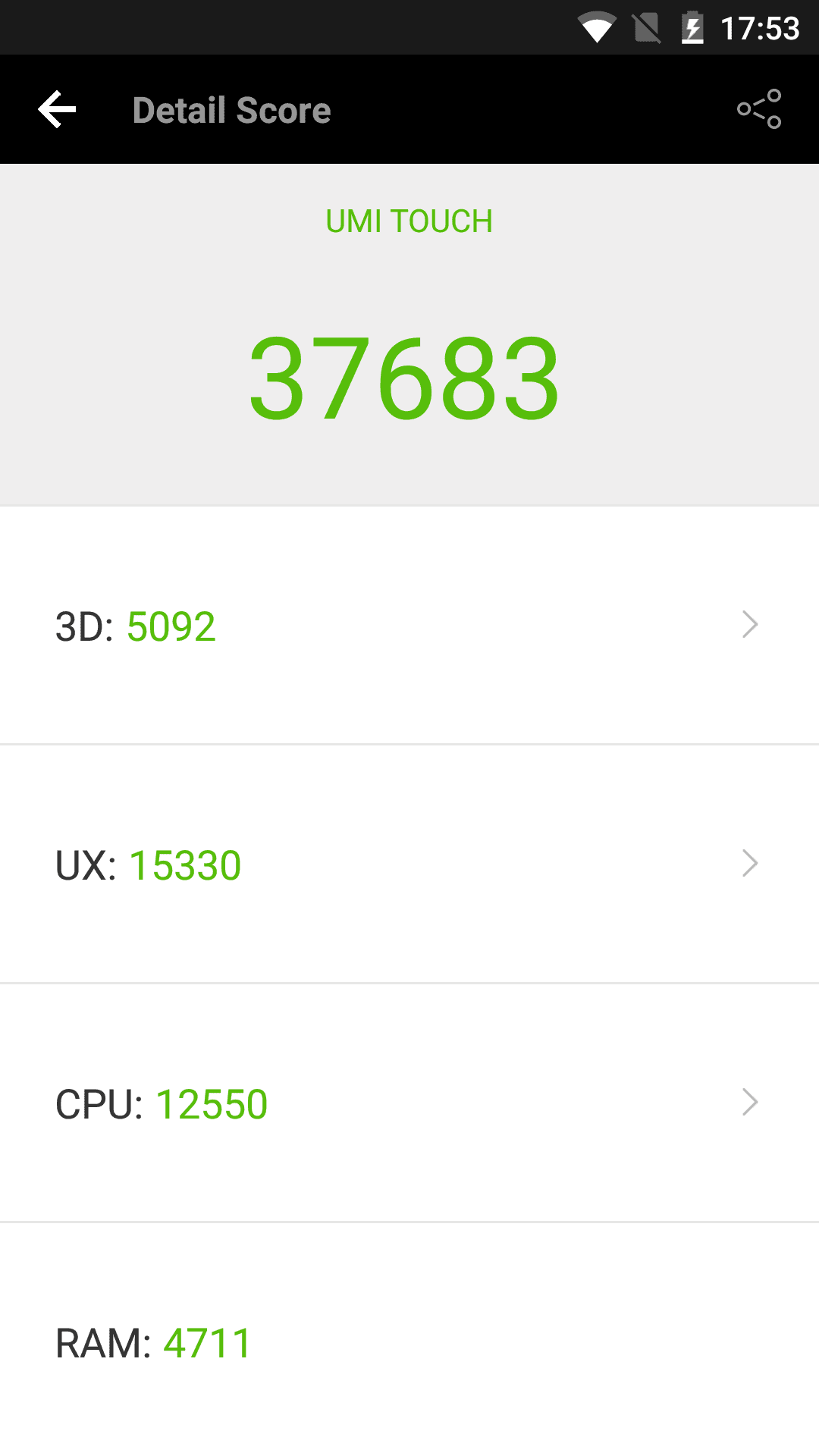
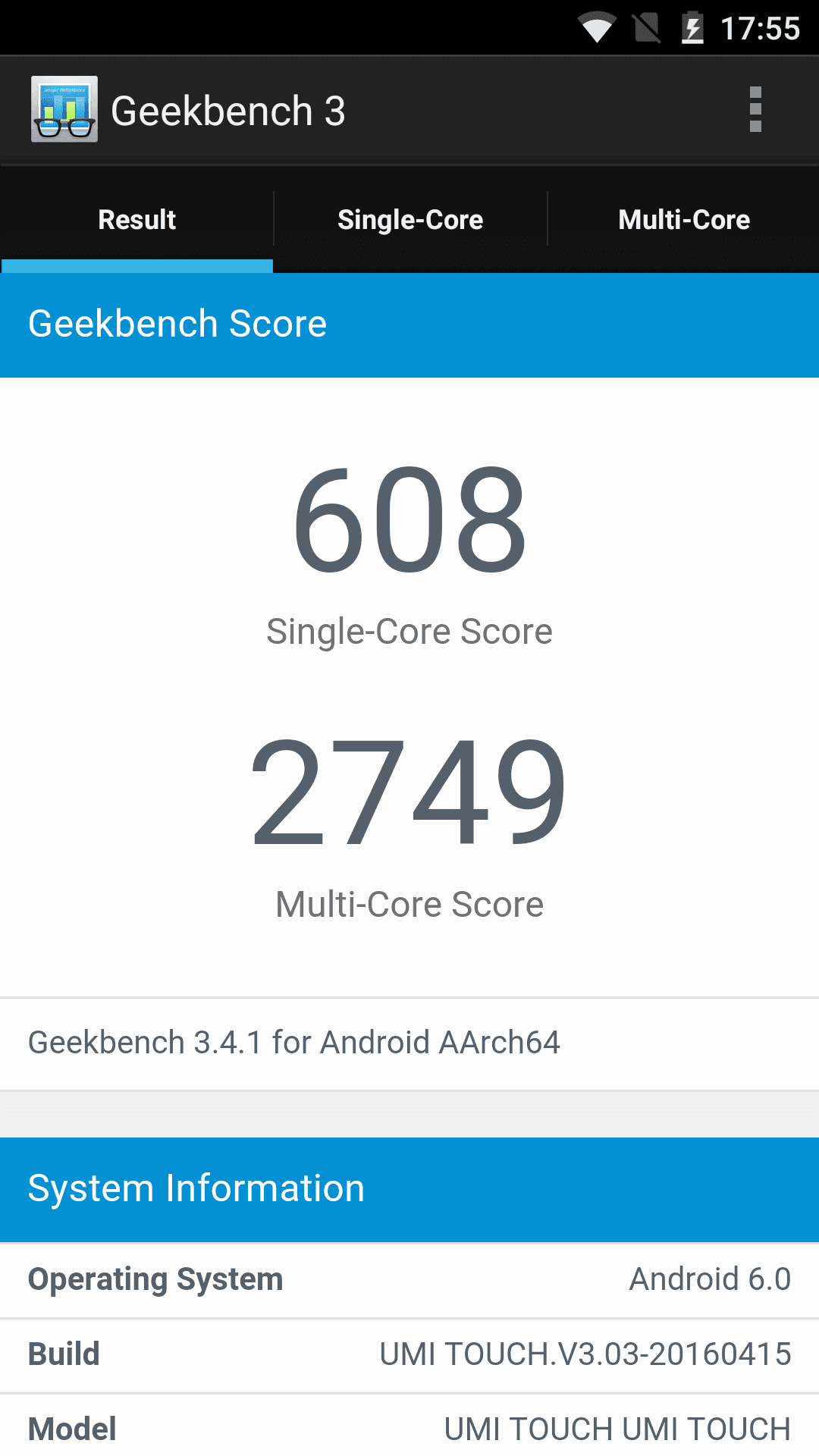
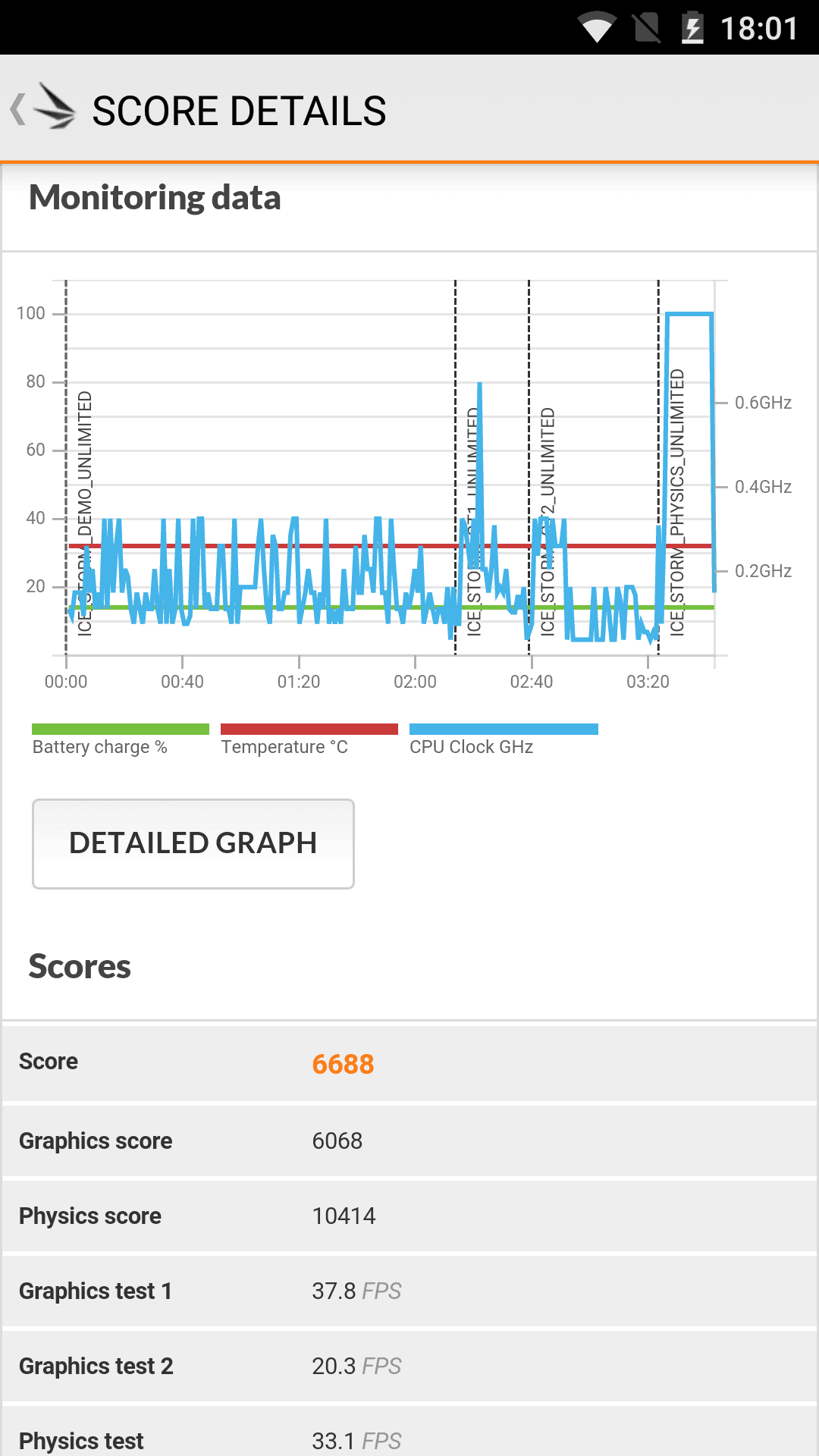
The performance of the UMi Touch was convincing in the test. The MT6753 is still a solid processor that allows for a smooth user experience. Thanks to the 3GB of RAM, multitasking is not a problem for the UMi Touch. Games such as "Asphalt 8" can also be played with the Mali-T720 GPU, but you should avoid excessively high graphics settings for smooth gameplay.
User interface
The UMi Touch is the first UMi smartphone with the current Android 6.0 Marshmallow. The user interface comes as stock Android. No themes or third-party apps were pre-installed. The settings have additionally been expanded to include gesture control and Smart Wake.
Gesture control works via the proximity sensor located above the display. Various swipe gestures can be linked to different actions, facilitating the smartphone's operability.
The Smart Wake function allows the smartphone to be activated even when the display is off. For example, drawing a ‘C’ on the inactive display automatically opens the camera app.
Updates are received over-the-air (OTA). Since its release in April 2016, the device has already received several updates, so one can only hope that UMi will continue to provide regular updates for this smartphone. The rumour circulated shortly before the release that Windows 10 was to run on the UMi Touch has not yet proven to be true.
Camera
The smartphone's main camera has a resolution of 13 megapixels. The image sensor used is a Sony IMX328, for which even Sony does not provide a more detailed description. The main camera is supported by a dual LED flash that triggers in different yellow tones to create a natural image even in the dark. The device features autofocus for focusing.
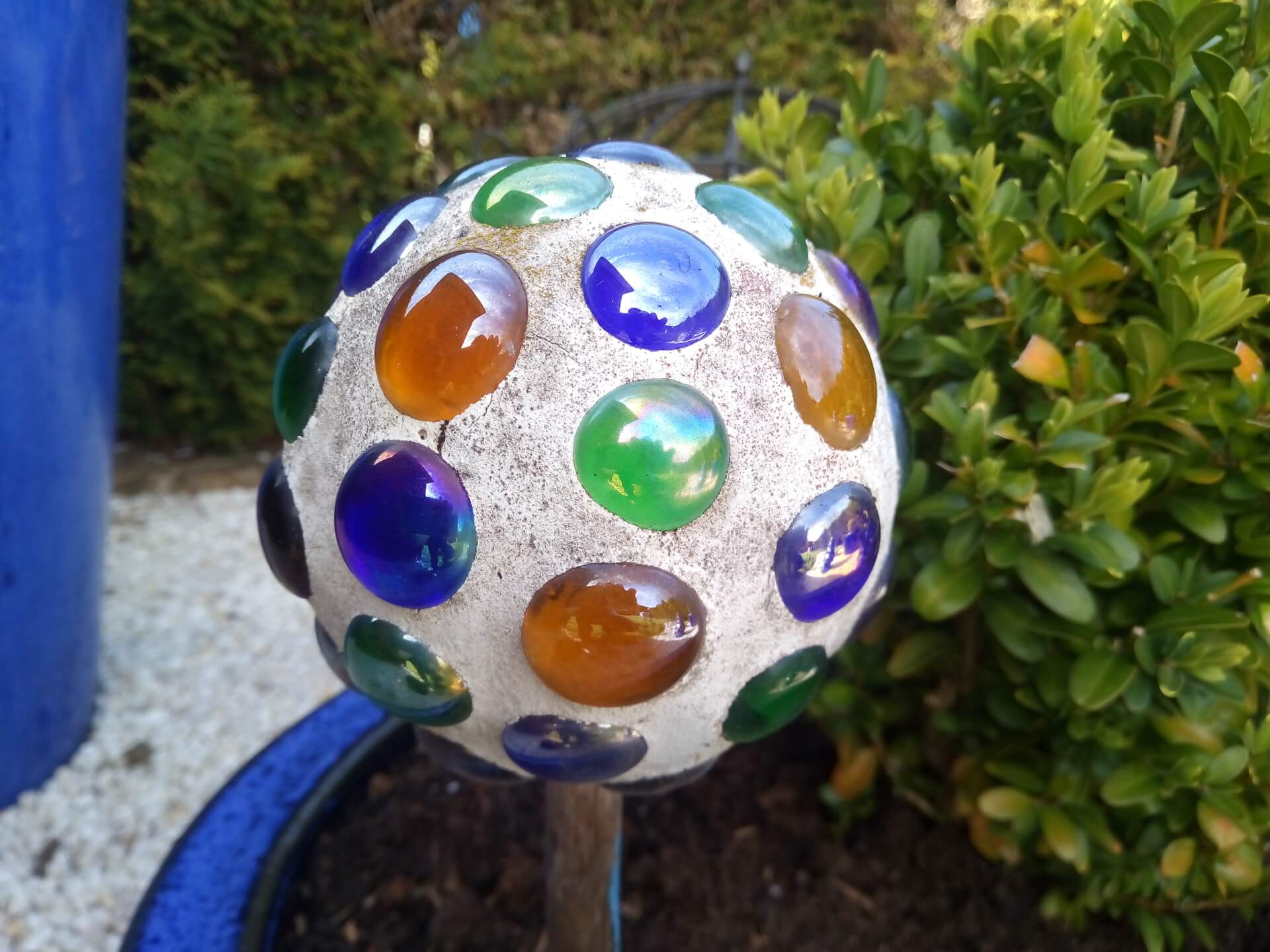
The image quality of the main camera is convincing in terms of colour accuracy. Image noise is barely perceptible, although the edges were unevenly blurred, especially in close-ups. However, a criticism of the main camera is the rather slow autofocus. It sometimes took the main camera of the UMi Touch 8 to 10 seconds to automatically focus.
The front camera has a resolution of 5 megapixels. Here too, the image sensor is specified, being a Hynix HI553. The images taken with the front camera are also good and suitable for decent selfies. In my opinion, however, the front camera could capture slightly more detail. The images often look as if they have been retrospectively smoothed.
The camera app is unspectacular. The conventional MediaTek camera app has been used here, which, however, only includes three shooting modes. An interesting addition, however, is the Filter Mode, which allows images to be edited “on-the-fly”.





Fingerprint scanner
The fingerprint scanner on the UMi Touch is integrated into the physical home button. Unlocking the device via the scanner works quickly. Misidentifications occurred only in specific cases. You should place your finger fairly flat on the sensor. Especially when operating one-handed, where I unlocked the smartphone with my thumb, there were often misidentifications because my thumb was lying sideways on the scanner.
Telephony, Wi-Fi, Bluetooth
Calling works quite well with the UMi Touch. Both my conversation partner understood me well, and I understood him clearly and distinctly. In terms of network coverage, the UMi Touch supports all common 2G, 3G and 4G standards.
The speaker convinced both in terms of hands-free functionality and music playback. Although the sound was somewhat muffled, the maximum volume was considerable. The speaker did not crackle at maximum volume.
According to UMi, the WiFi protocols 802.11 a/b/g/n 2.4GHz/5GHz are supported. However, the UMi Touch would not connect to my router's 5GHz network. Different settings on the router did not help either. The stability and range over the 2.4GHz network were, however, good.
The device's Bluetooth 4.1 module also performs well. A hands-free device and an external Bluetooth speaker were immediately detected in the test, and the connection stability was also convincing.
GPS and sensors
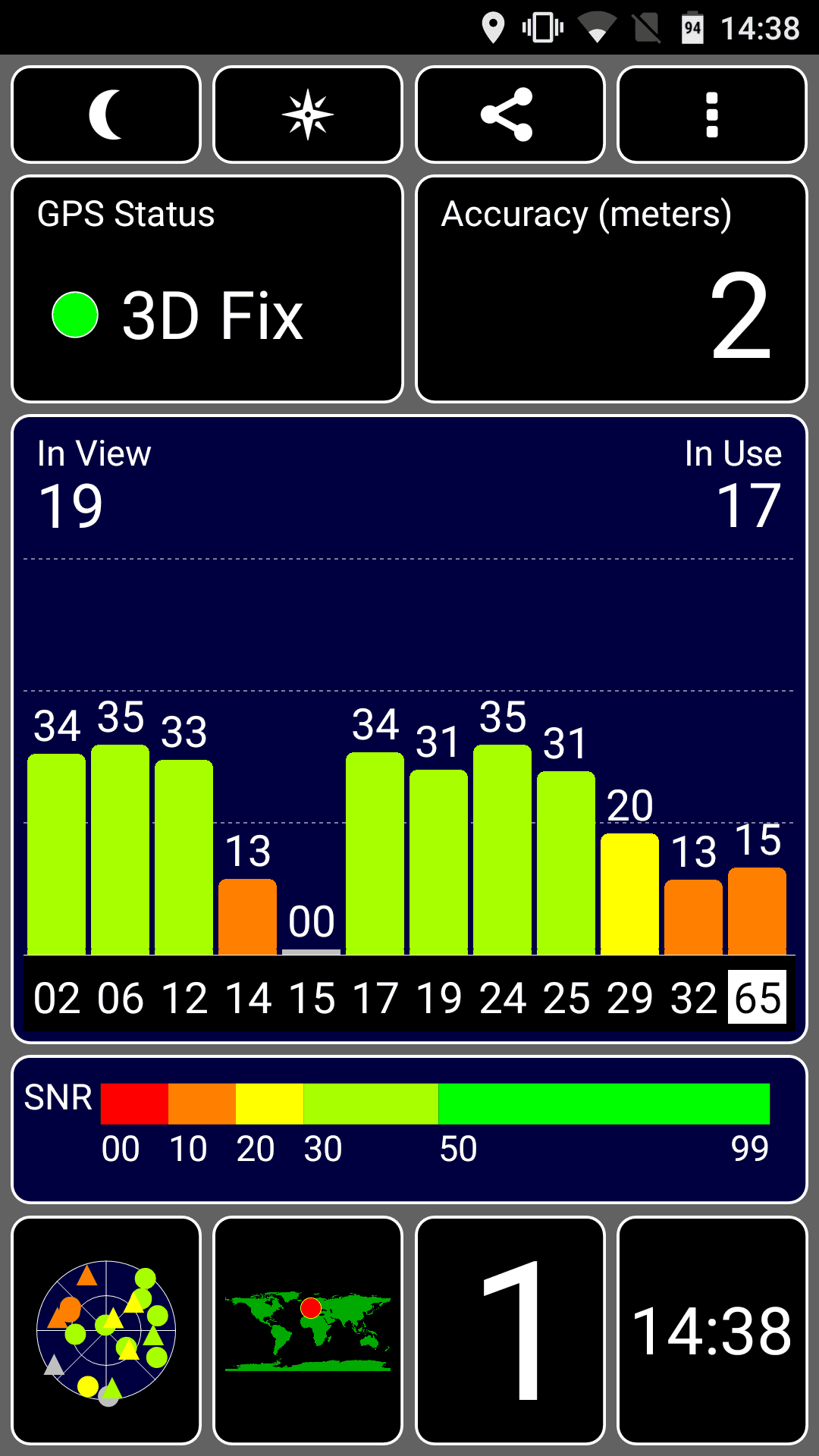
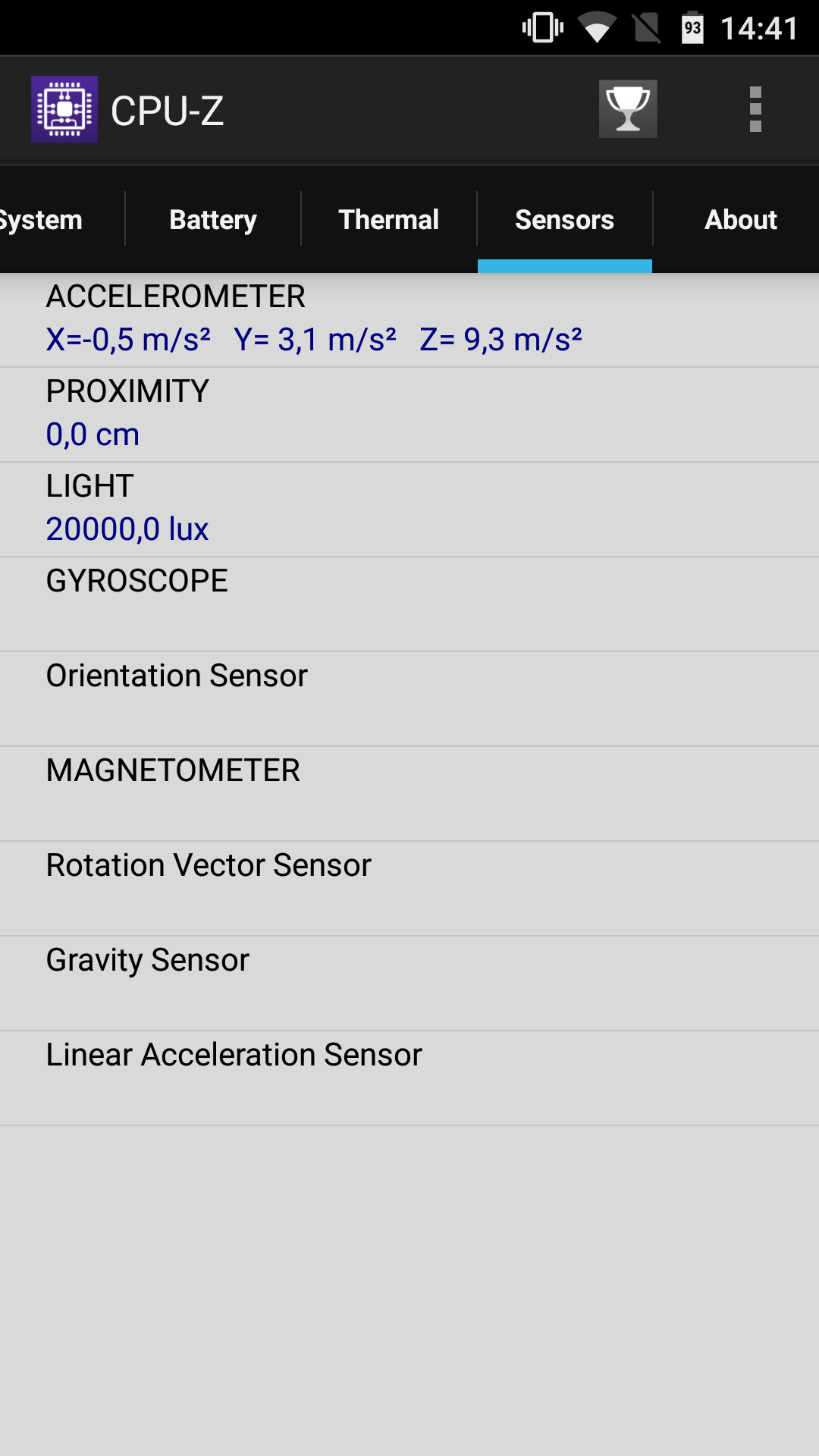
The GPS fix was quick. On a long-distance drive, the signal was consistently stable; within the urban canyons of a city, the signal was no longer quite as accurate, but I was able to navigate safely with the UMi Touch. Unfortunately, this smartphone does not have an electronic compass.
Other sensors include a gyroscope, a proximity sensor, a brightness sensor and an accelerometer.
Battery
The battery of the UMi Touch has a capacity of 4000mAh (according to the manufacturer). In tests with a USB multimeter, I was able to largely verify this value. With intensive use, I inevitably had to charge the smartphone in the evening. With normal use, it lasts a good 2 days. In standby, however, the Touch consumes very little energy.
Unfortunately, the UMi Touch does not have a fast charging function. A complete charging cycle therefore takes approximately 3 ½ hours.
Our verdict
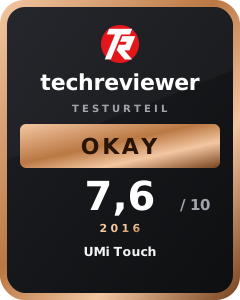
With the UMi Touch, the often-criticised manufacturer has finally brought a decent low-budget smartphone onto the market that is well worth the price. The performance is good and the rest of the smartphone's specifications also convinced us in the review. However, the build quality of the device could be improved. A home button that sits crookedly and roughly processed back panel are a setback, primarily visually.
Specifications
General
- OS
- Android 6.0 Marshmallow
- Display
- 5.5-inch Full HD; 2.5D curved Corning Gorilla Glass 3
- SoC
- MTK6753 64-bit Octa Core
- RAM
- 3 GB RAM
- Storage
- 16GB
- Camera
- 5.0MP (Hynix HI553) + 13.0MP (Sony IMX 328)
- Sensors
- G-sensor, GLONASS, P-sensor, L-sensor, accelerometer
- Other
- Front fingerprint scanner
- SIM cards
- Dual SIM (Dual Micro SIM or 1 Micro SIM)
- Mains
- 2G
- GSM 850/900/1800/1900 MHz
- 3G
- WCDMA 900/2100MHz
- 4G
- FDD-LTE 800/1800/2600MHz
What’s included
1x UMi Touch 1x SIM pin 1x user manual 1x charger 1x USB cable
Comments