Contents
Overview of the UWatch U8
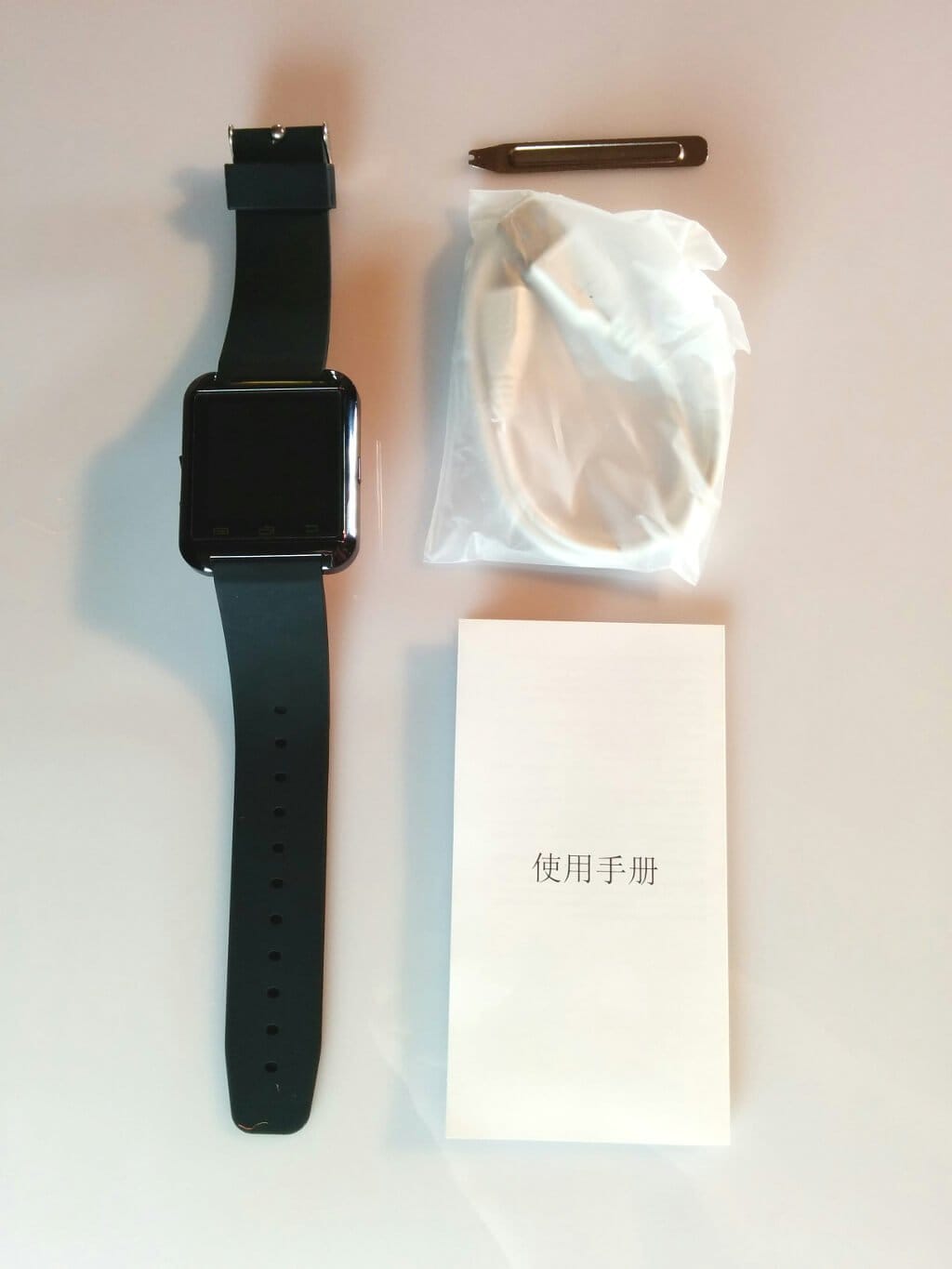
The UWatch U8 was delivered in a well-padded cardboard box. The scope of delivery also included a USB data or charging cable, a small tool for removing the watch strap, and an instruction manual in English and Chinese. A screen protector was already on the U8's display.
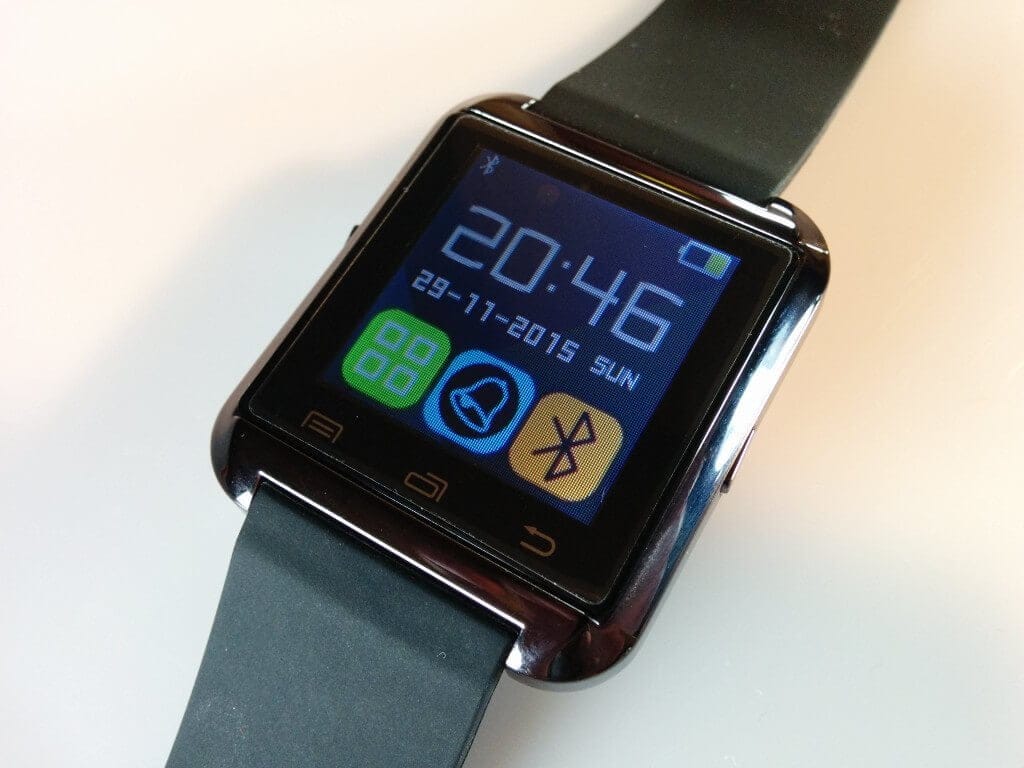
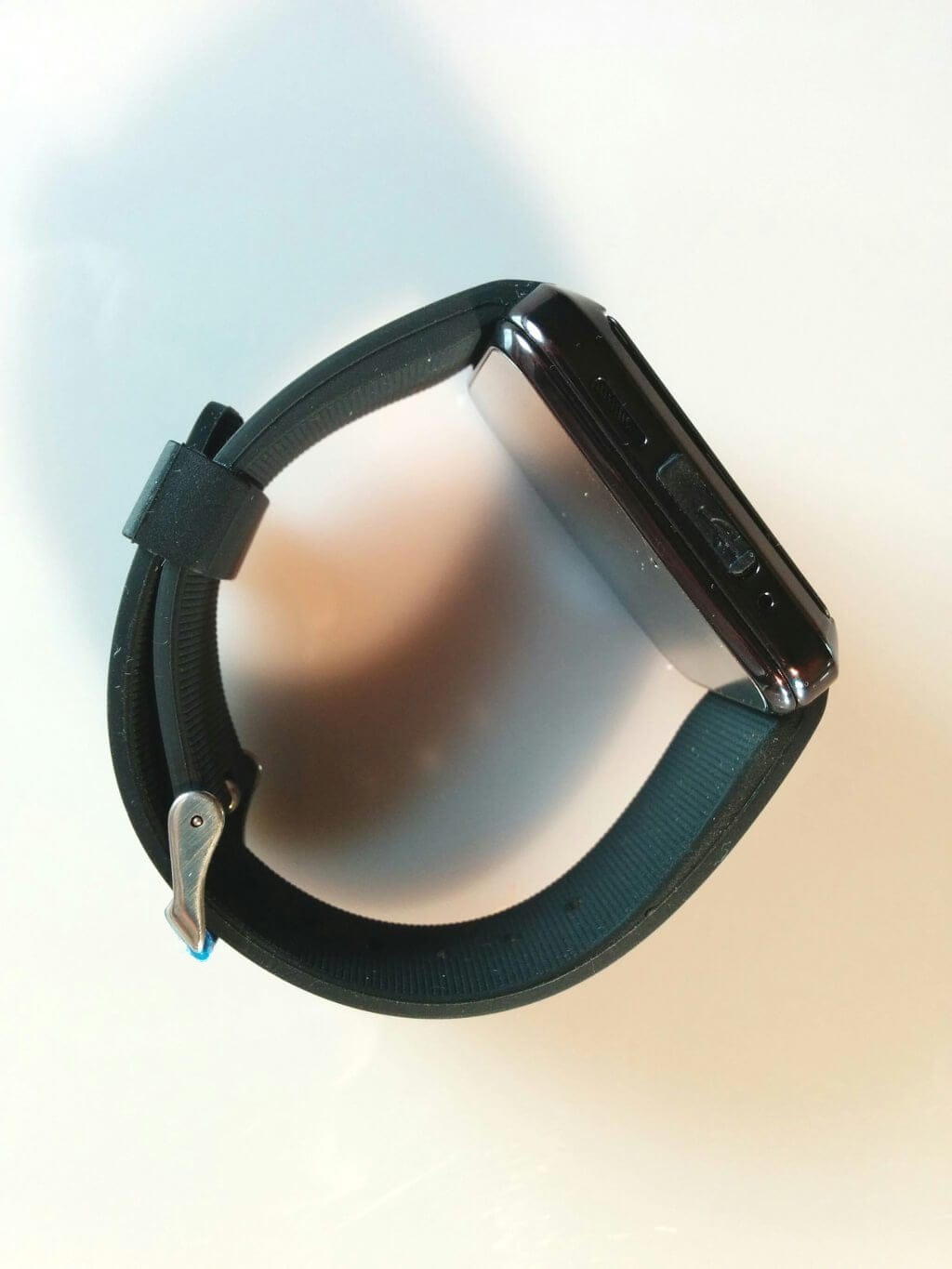
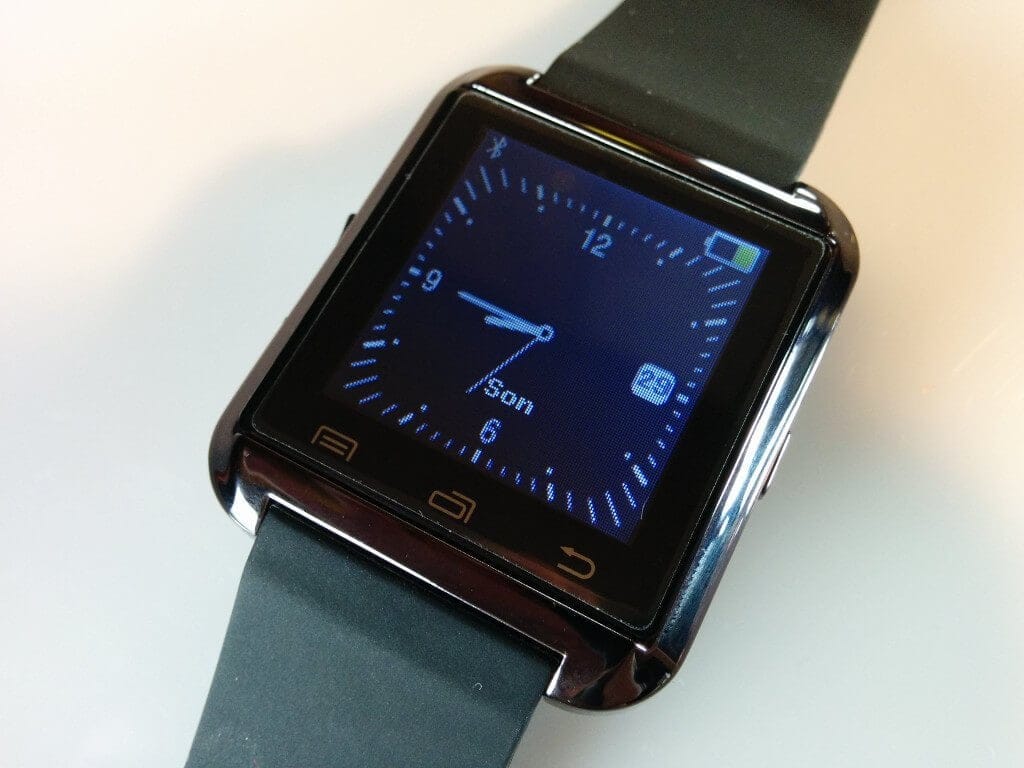
The UWatch U8 is well built for the low price. The watch case (40x47x9.9mm) is made of plastic, while the back consists of a thin metal plate. On the side of the case are a power button, the small micro USB port concealed behind a rubber cap, as well as a small speaker and a microphone. The back cannot be removed, which means the 230mAh battery cannot be replaced. The UWatch U8 does not have a SIM card slot!
 Play video on YouTube
The black silicone strap looks solid and is also adjustable. I did not notice any unpleasant rubber odour, by the way.
The touch display of the UWatch U8 is 1.44 inches large and has a resolution of 128x128 pixels. Below the display there are 3 capacitive buttons, which make navigating the menus easier. Unfortunately, the pre-applied screen protector was not applied carefully, which resulted in a small grain of dust underneath the film, somewhat disturbing the appearance.
Setup
Once the battery is charged, which happens quite quickly, the watch can be switched on. To use the watch as a smartwatch, you first need to download an app to your smartphone. A QR code appears on the watch for this purpose, which you must scan with the smartphone to obtain the link to the app. The app is not available in the official App Store! You must also grant the app permission to access notifications so that, for example, received SMS can be forwarded to the smartwatch.
Once the UWatch U8 is connected to the smartphone via Bluetooth, you can make initial settings within the watch or launch apps.
Functions
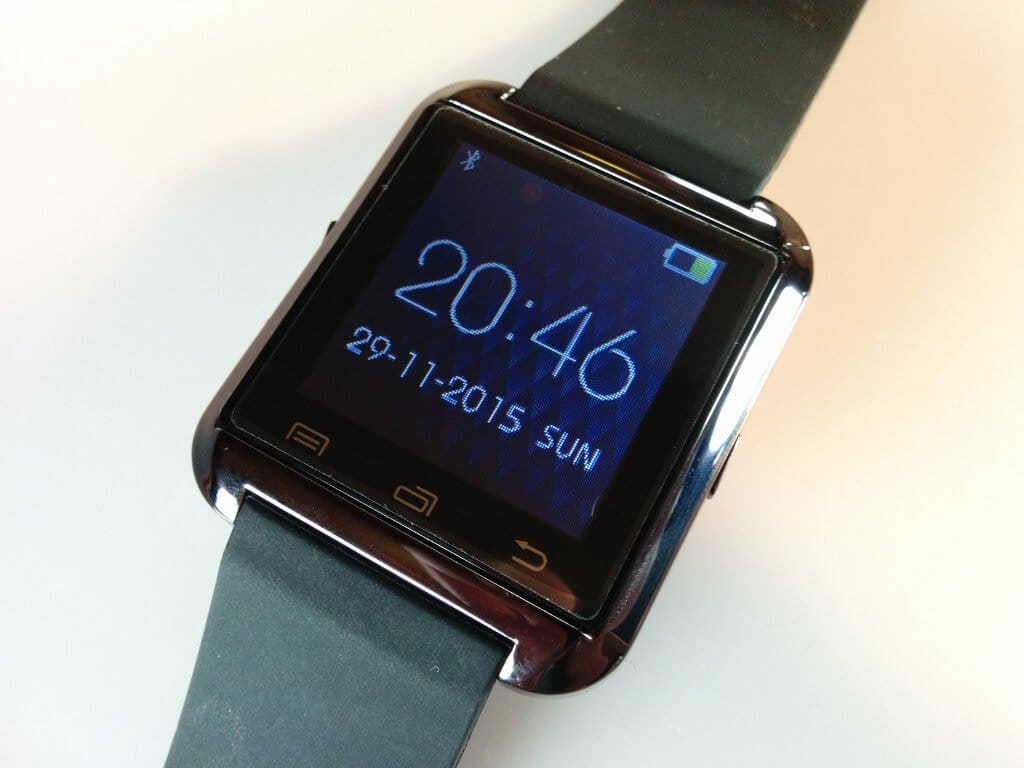
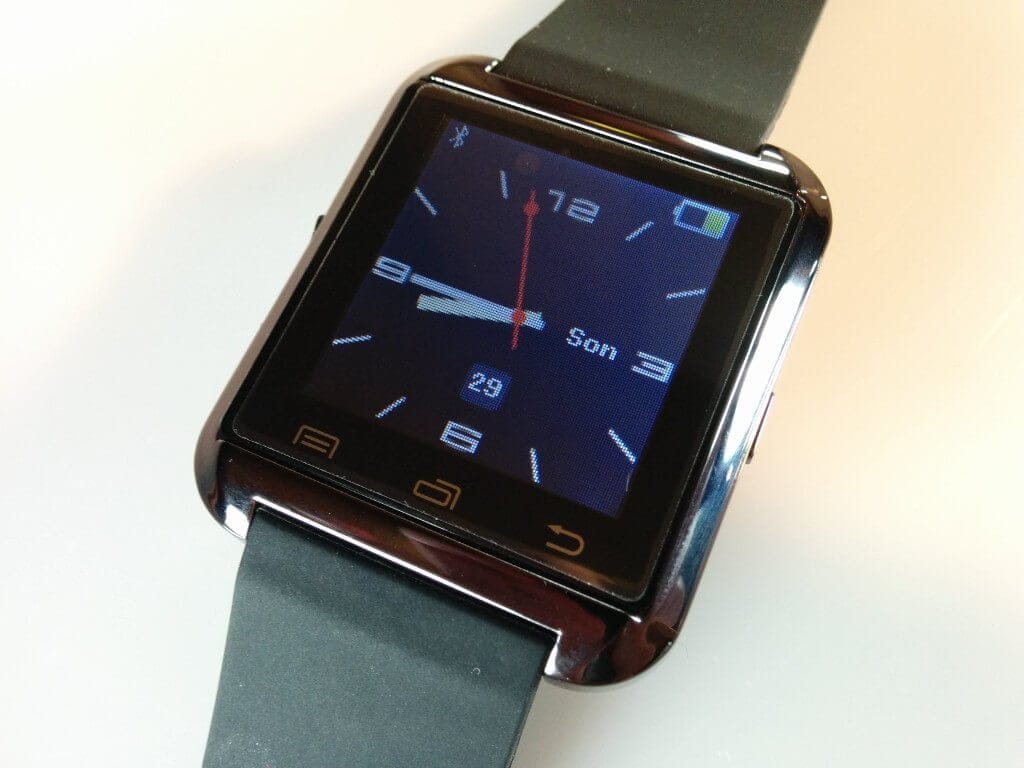
- Watch faces: In total, four watch faces are available. These comprise two analogue and two digital watch faces. Additional watch faces cannot be downloaded, nor installed or modified.
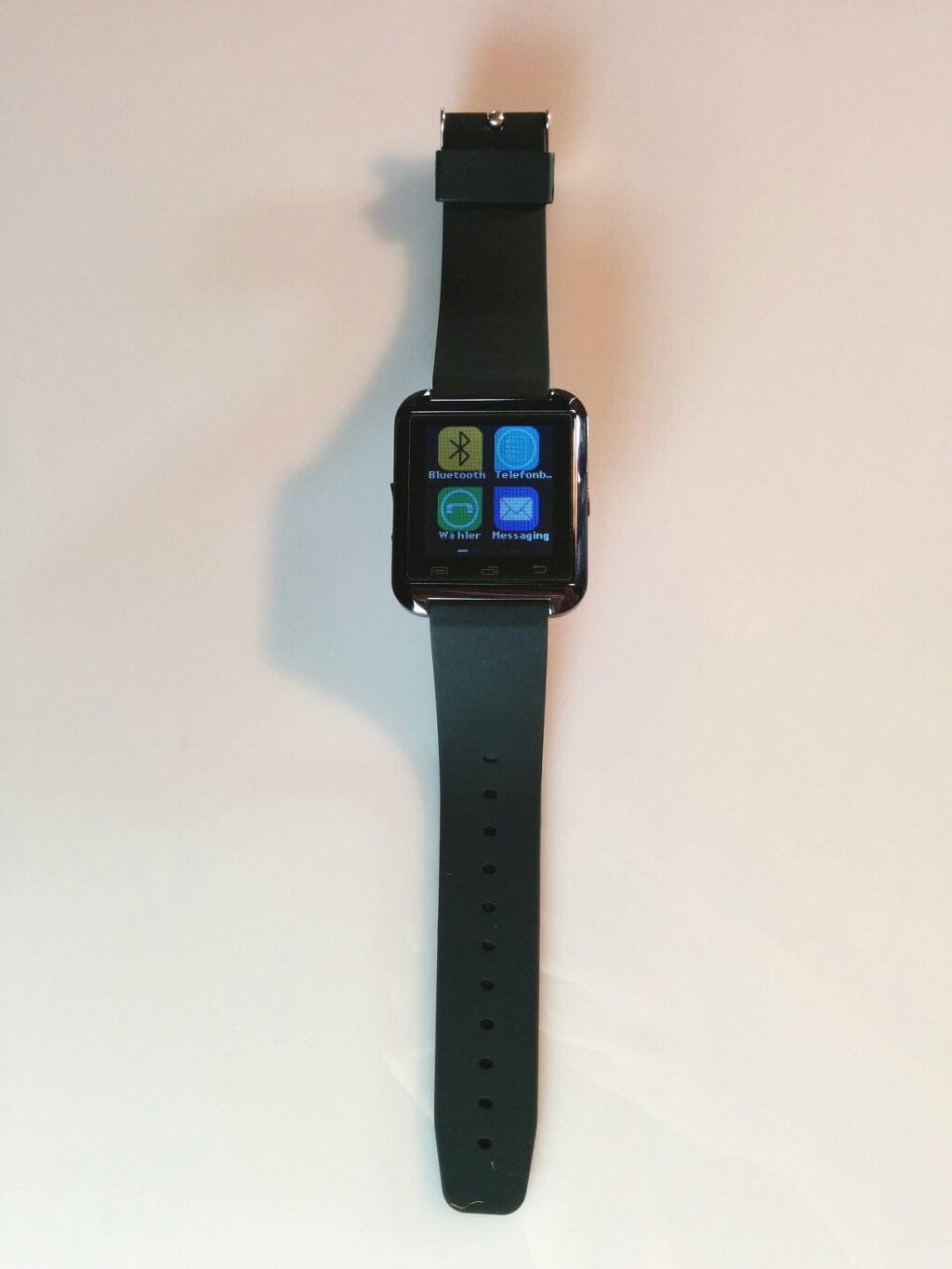
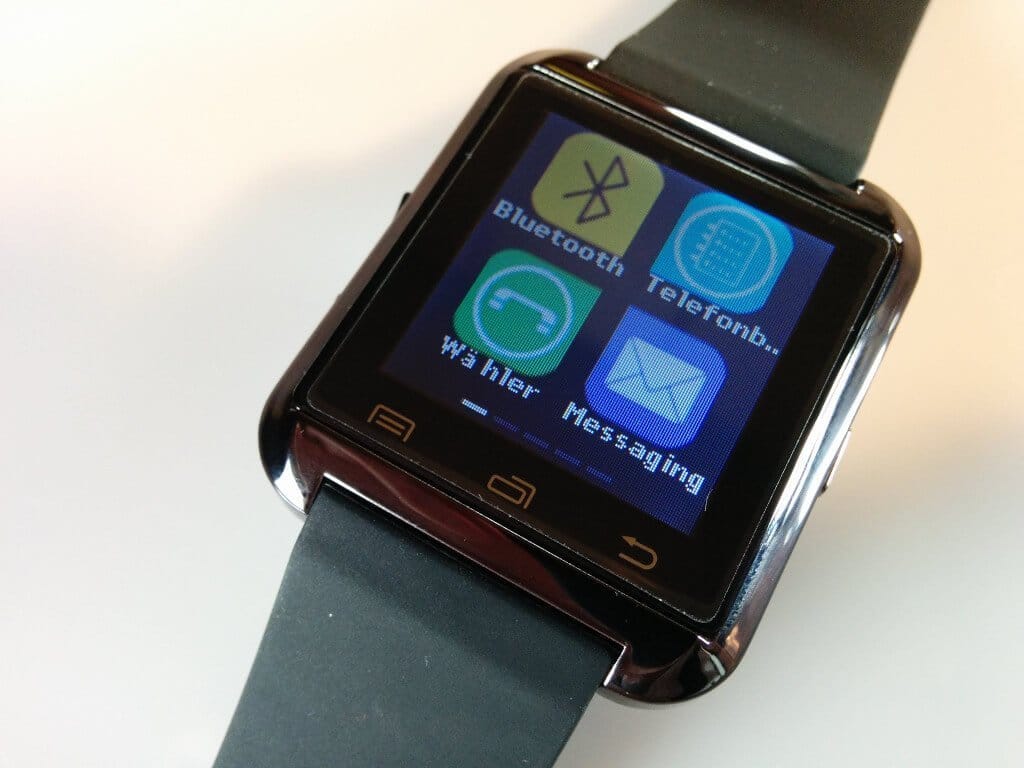
- Menu design: You can choose between 3 designs, which changes the appearance of the menu icons.
- Find Phone: If you misplace your smartphone, this app can help. Tapping the small play button on the smartwatch causes a shrill sound to be emitted from the smartphone.
- Phone book: This allows you to view your phone book and make calls via the smartphone.
- Dialing numbers: This allows you to dial a phone number via a small display on the smartwatch. The call is made via the smartphone.
- Messaging: This app provides insight into all received and sent SMS messages.
- Call management: Call management provides an overview of all calls made.
- Music: Music can be played directly via the smartwatch. The music is sent from the smartphone to the smartwatch via Bluetooth.
- Camera: This app allows you to launch the smartphone's camera and even get a live image on the smartwatch. Images can also be taken directly via the smartwatch.
- Anti-Lost: If the Bluetooth connection between the smartphone and the smartwatch is interrupted, the smartwatch emits a signal.
- Barometer: Displays air pressure and temperature.
- Altimeter: altitude above a reference surface (unfortunately, this didn't work for me)
- Pedometer: A pedometer where you can also manually set the step length and body weight.
- Stopwatch: Stopwatch without multiple timing!
App
Within the app, users can synchronise the step counter, among other things, or activate a sleep monitor. The app also serves to transfer notifications from the smartphone to the smartwatch. Unfortunately, the app must be downloaded from a Chinese server. However, an alternative is available in the Google Play Store!
Our verdict
6,4 out of 10 pointsFor the low price, the UWatch U8 is an interesting gadget. Although you don’t get a fully-fledged smartwatch here, the features are numerous. Naturally, the watch does not have its own SIM slot or an HD display. The battery also does not last all that long. The barometer is partly inaccurate, and the altimeter did not work correctly for me. However, the pedometer and the transfer of notifications work well. For instance, if I receive a WhatsApp message, I don’t always have to dig out my smartphone, but instead see the entire message content on the smartwatch. However, you cannot reply to received messages. Considering its price-performance ratio, the UWatch U8 is a nice gadget, but it certainly cannot be compared to a proper smartwatch.
Specifications
General
- Display
- 1.44-inch, 128x128 pixels
- SoC
- MTK6260
- Bluetooth version
- Bluetooth V3.0 + EDR
- Bluetooth protocol
- HFP 1.5, A2DP + HSP 1.2
- Power supply
- built-in 230mAh battery
- Size
- 40x47x9.9mm
Comments