Contents
First impressions of the Xiaomi Mi Band 2
Build and design
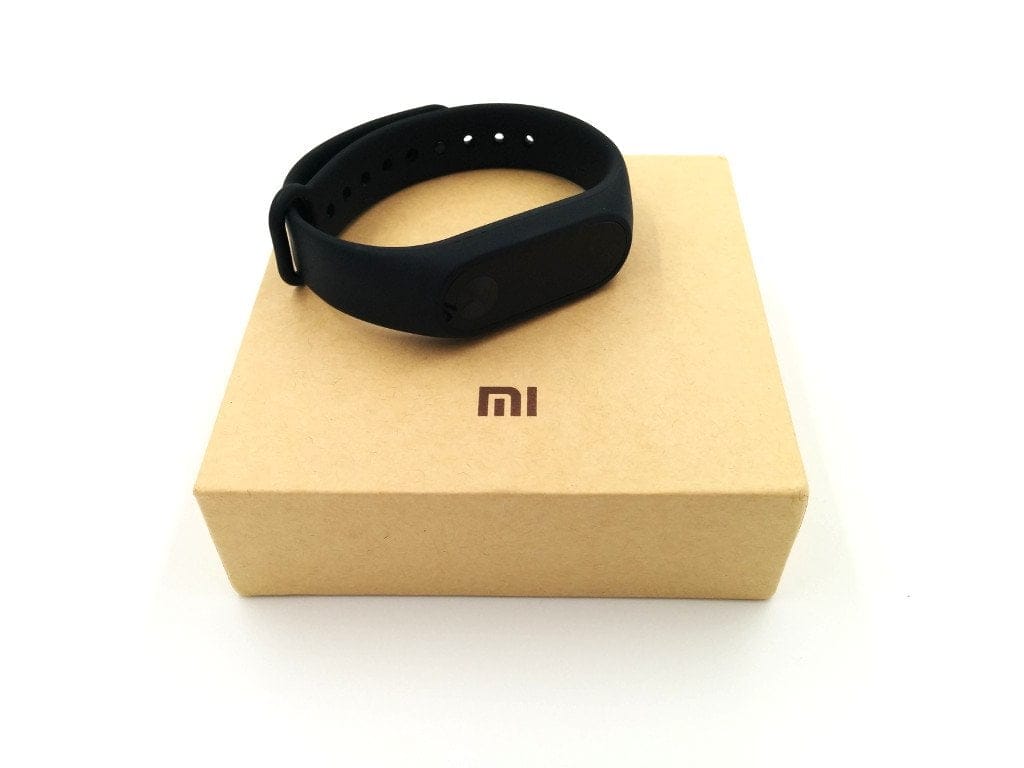
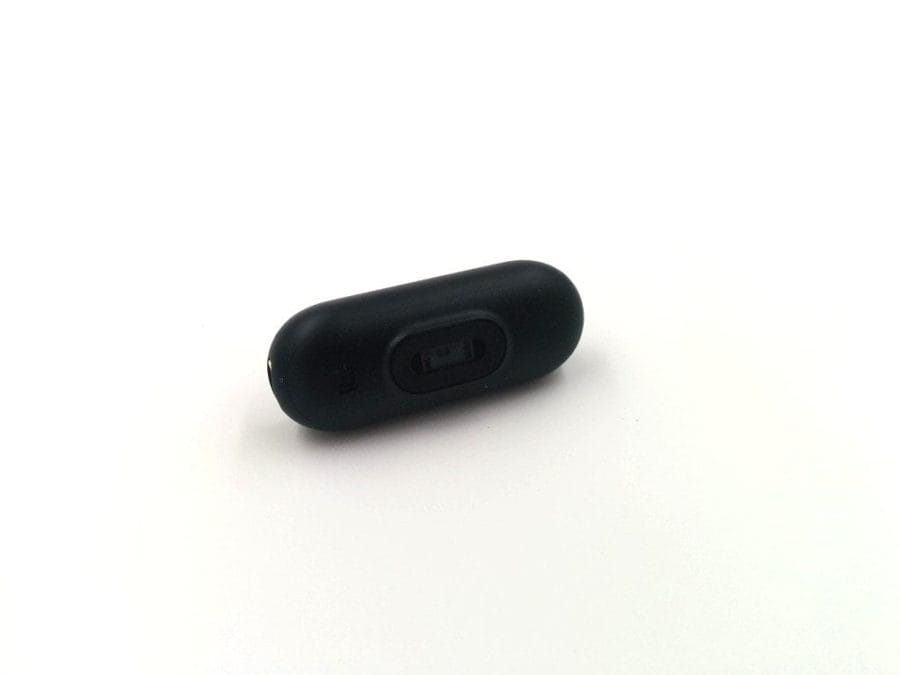
Xiaomi is China’s ‘Apple’. You will rarely be disappointed with Xiaomi products in terms of build quality and design. The Xiaomi Mi Band 2 also impresses with its clean build and simple yet very appealing design. The silicone strap is closed with a press stud and comes in matte black. The removable tracker unit is in a high-gloss finish and impresses with a simple design. When switched off, the display is not visible. Below the display there is a capacitive button used to operate the fitness tracker.
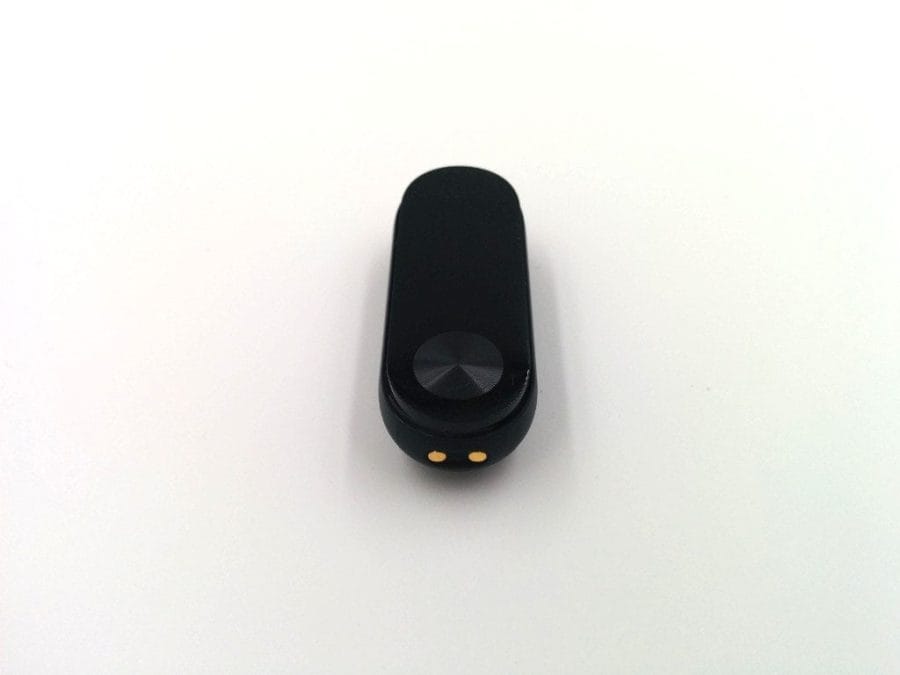
The strap of the Mi Band 2 is easy to change, as the tracker unit is simply slid in. It can be easily removed for charging. On the underside of the 4.03 x 1.57 x 1.05 cm capsule is a heart rate monitor.
What’s included
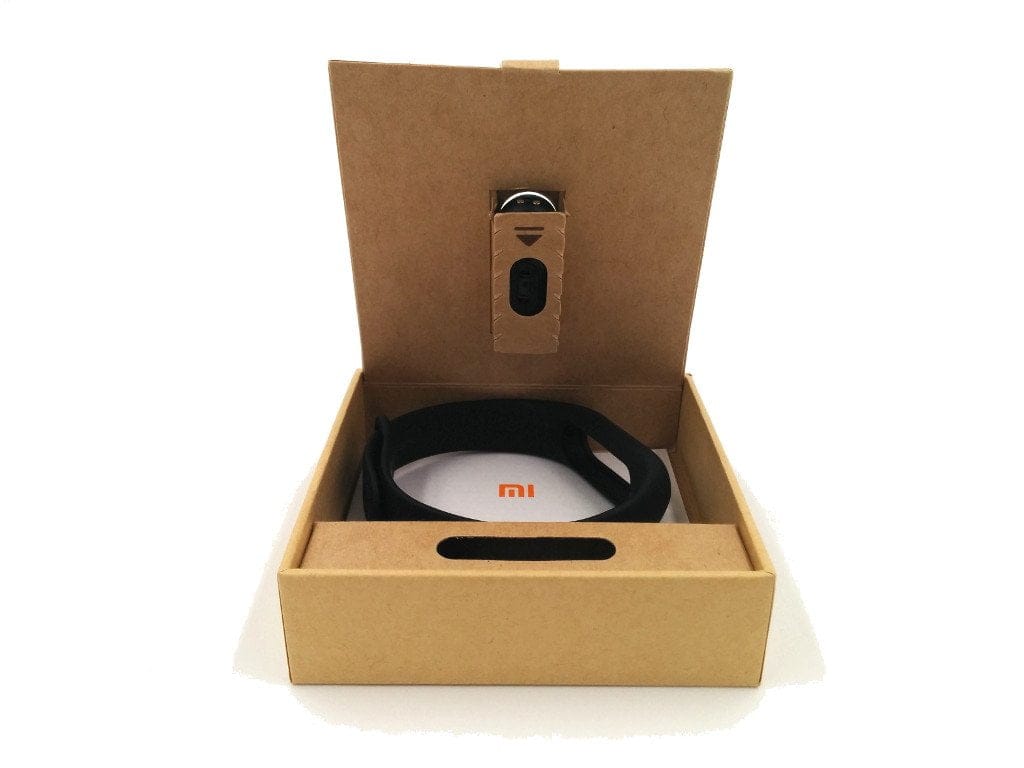
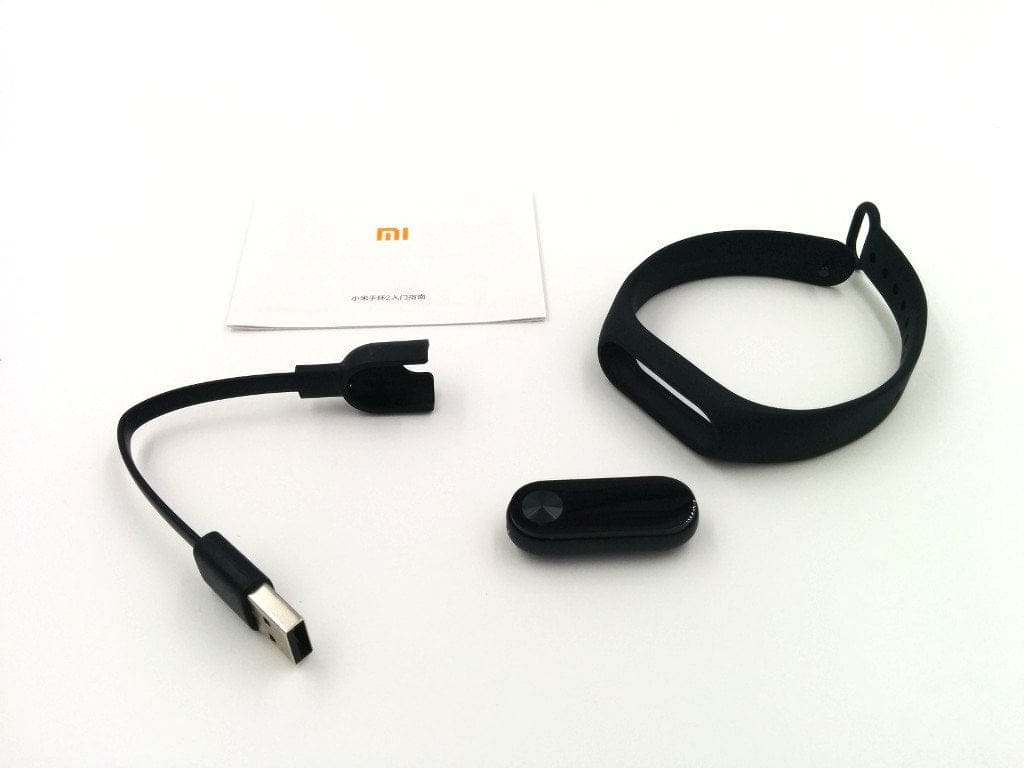
The scope of delivery is always minimal for Xiaomi products. The Xiaomi Mi Band 2 also comes in a compact cardboard box which, in addition to the capsule-shaped tracking unit and the silicone strap, also contains a 2-pin charging adapter and a Chinese-language manual. Xiaomi primarily distributes its products on the Chinese market, which is why manuals and other product notes are not translated. Only the "International" versions include an English-language translation. No such version is yet available for the Mi Band 2.
Display and controls
The Xiaomi Mi Band 2 features an OLED display with a diagonal of 0.42 inches for the first time. However, the fitness tracker does not offer a touchscreen, so control via swipe gestures is not possible. Instead, operation is via a capacitive button located below the display. Individual inputs were recognised accurately during the practical test. The display impresses with a deep black level and clearly readable representation, both day and night.
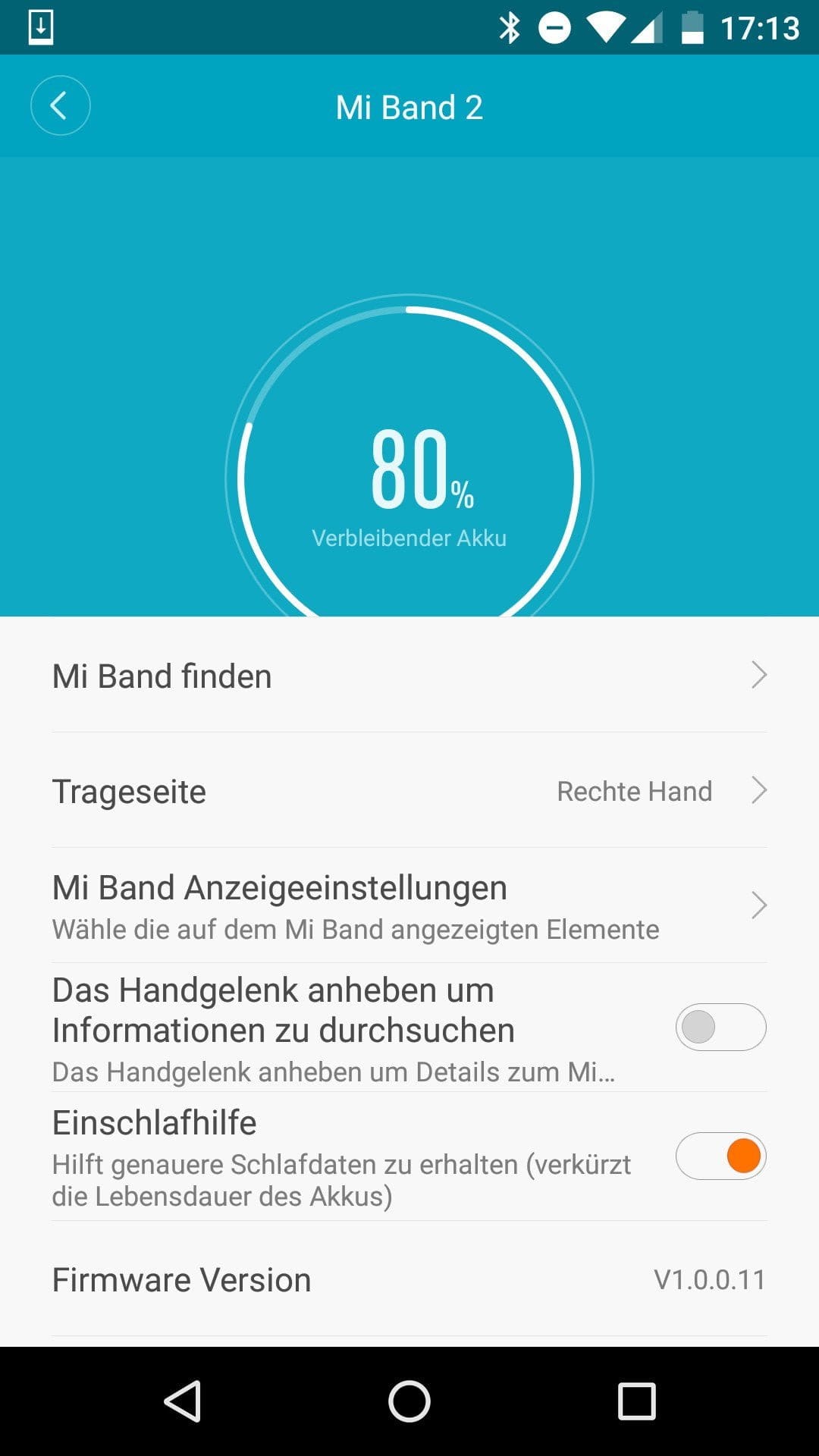
Additionally, the display can be activated by lifting the wrist towards the head. This simple gesture control can be enabled within the Mi Fit app.
Setup and Mi Fit app
To use the Xiaomi fitness band, you need a smartphone running Android 4.4 or an Apple iPhone with at least iOS 7. The band’s transmission standard is Bluetooth 4.0. The “Mi Fit” app required for pairing is available on both the Google Play Store and the Apple App Store.
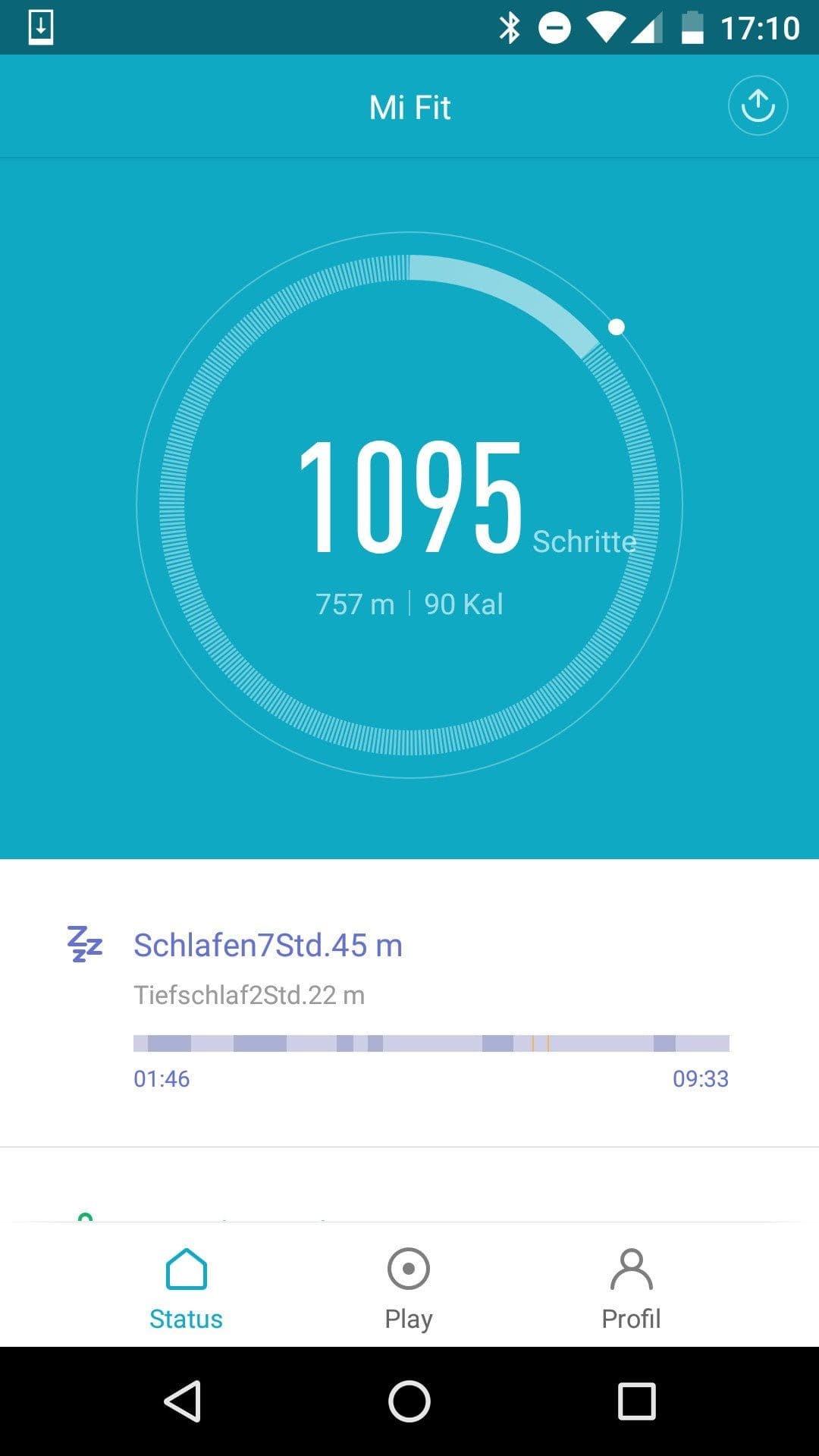
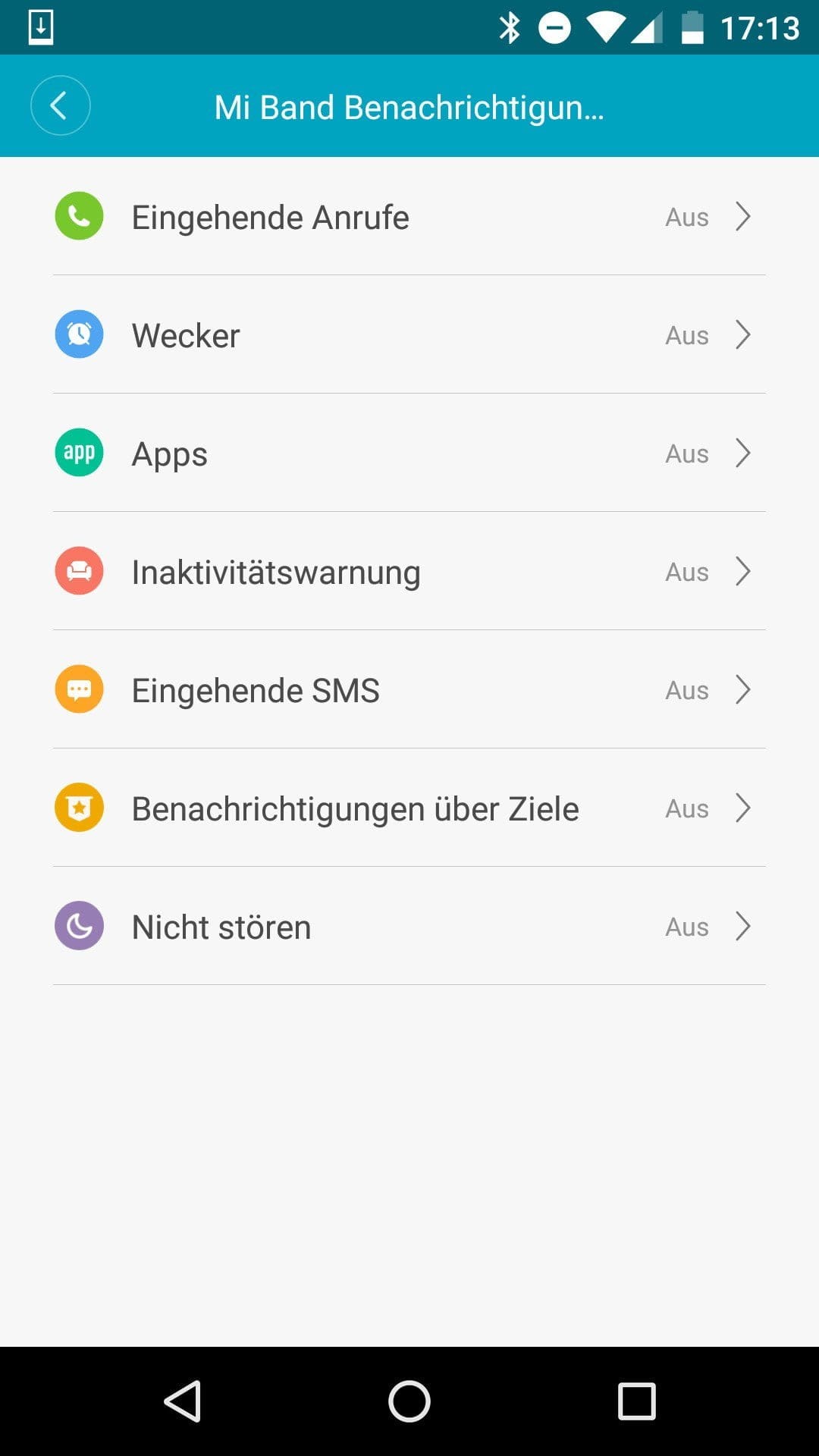
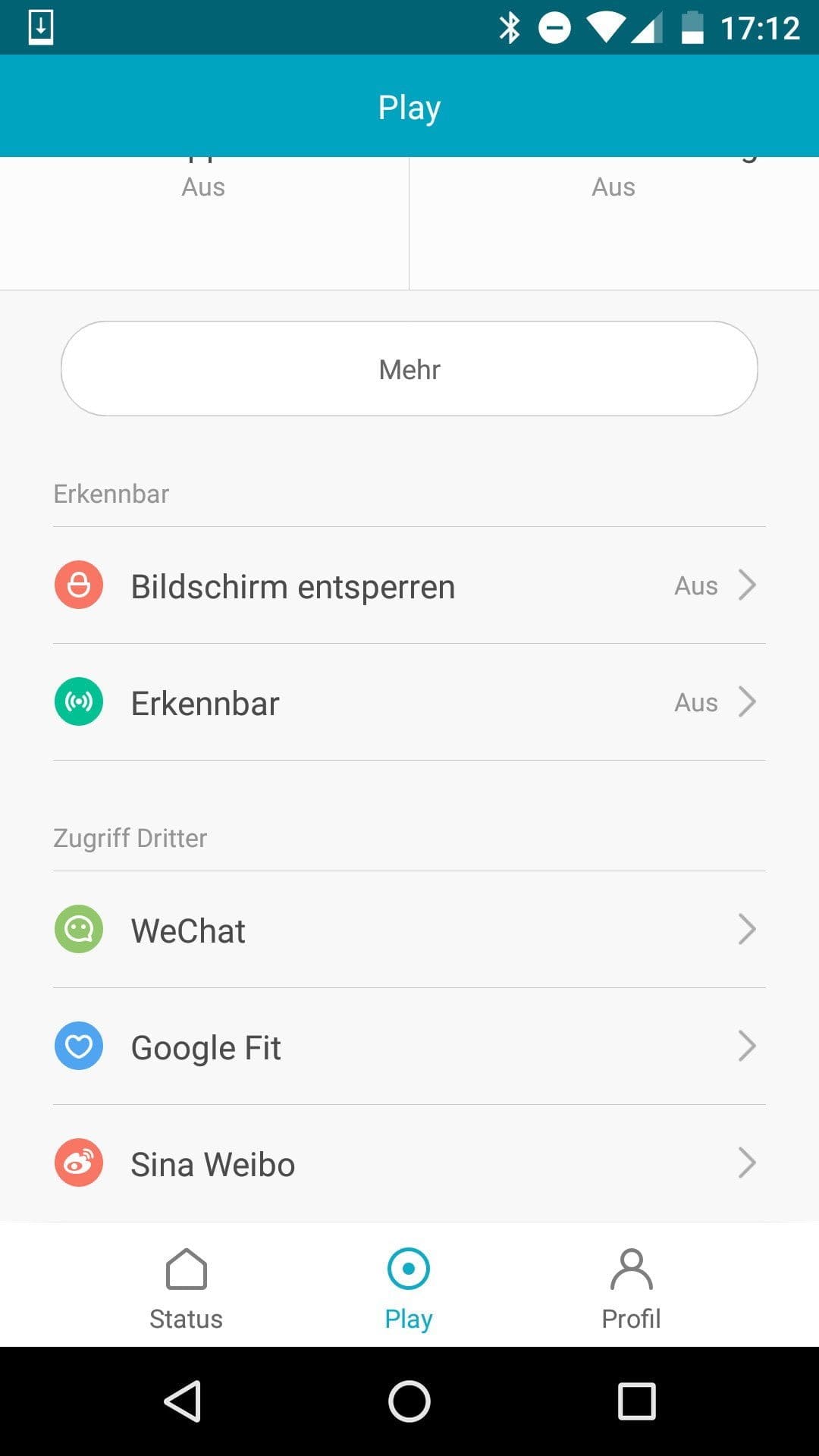
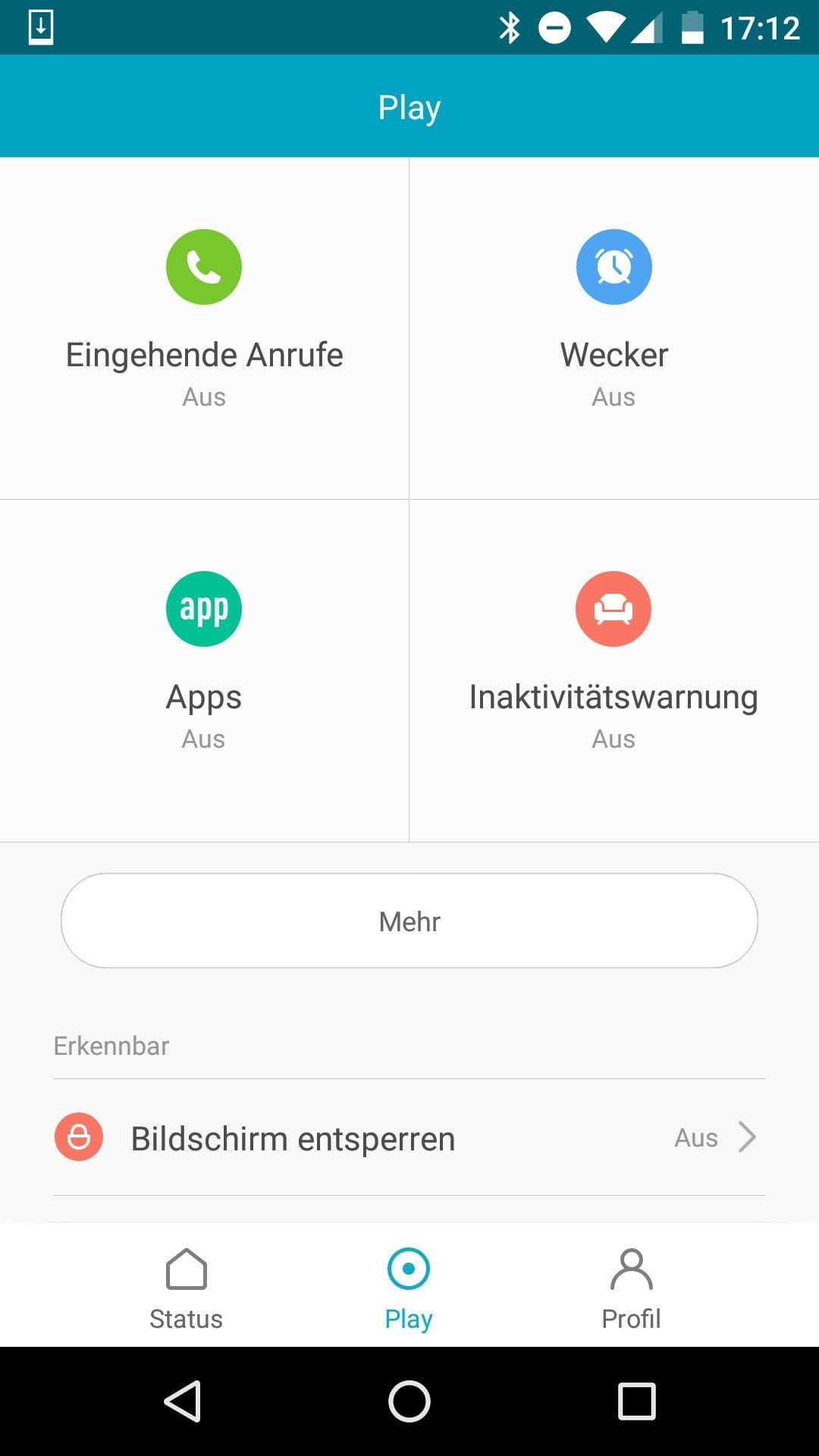
The initial pairing is handled almost automatically by the app. You only need to create a “Mi” account and activate the smartphone’s Bluetooth. Once the app has established a connection with the Mi Band 2, existing data is automatically synchronised. Firmware updates are also transferred directly to the wristband via the app. Within the app, an individual profile can be created, and you can display the steps taken, the distance covered and the calories burned. There is also a detailed sleep overview. Transferring the data to Google Fit is also possible, and there are additional functions such as call and app notifications, an alarm or an inactivity alert.
As an alternative to the Mi Fit app, the Google Play Store also offers other compatible apps with an extended feature set. Those who want to use the Mi Band 2 for notifications should install the "Mi Band Notify & Fitness" app, which is available for free in the Play Store. Within this app, notifications can be controlled individually, different vibration patterns can be set, or an individual icon can be chosen for each app notification.
Real-world test of the Xiaomi Mi Band 2
I extensively tested the Xiaomi Mi Band 2 in everyday use over three weeks. During this time, the band only left my arm while showering, although the IP67 protection rating also ensures protection against temporary submersion. I nevertheless recommend taking the band off before showering or swimming.
Pedometer
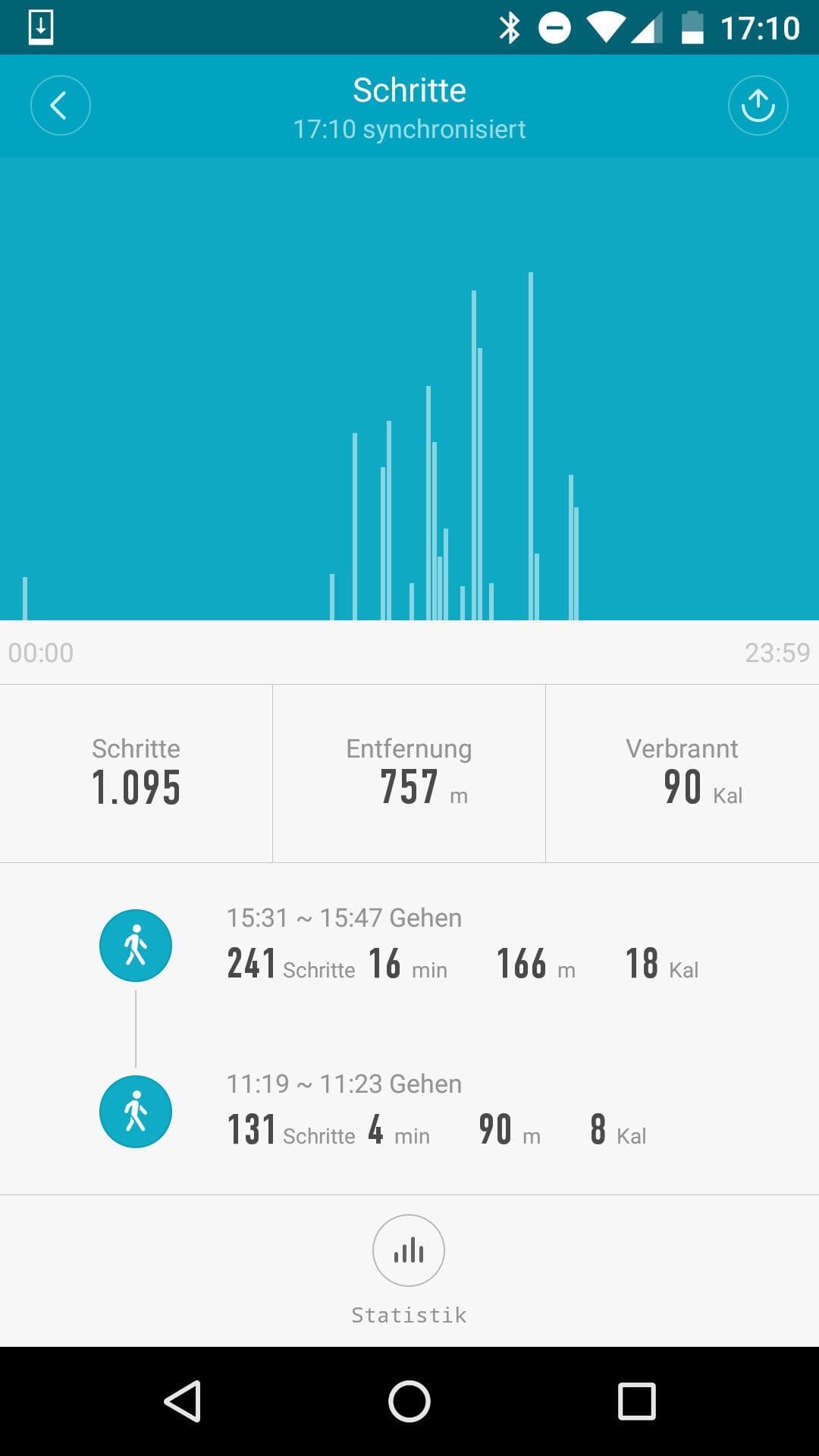
In addition to steps taken, the pedometer also measures the distance covered and the calories burned. On the one hand, the daily step count can be displayed on the screen, but in the Mi Fit app settings, the distance covered and calories burned can also be added to the display. Conversely, these display outputs can also be disabled.
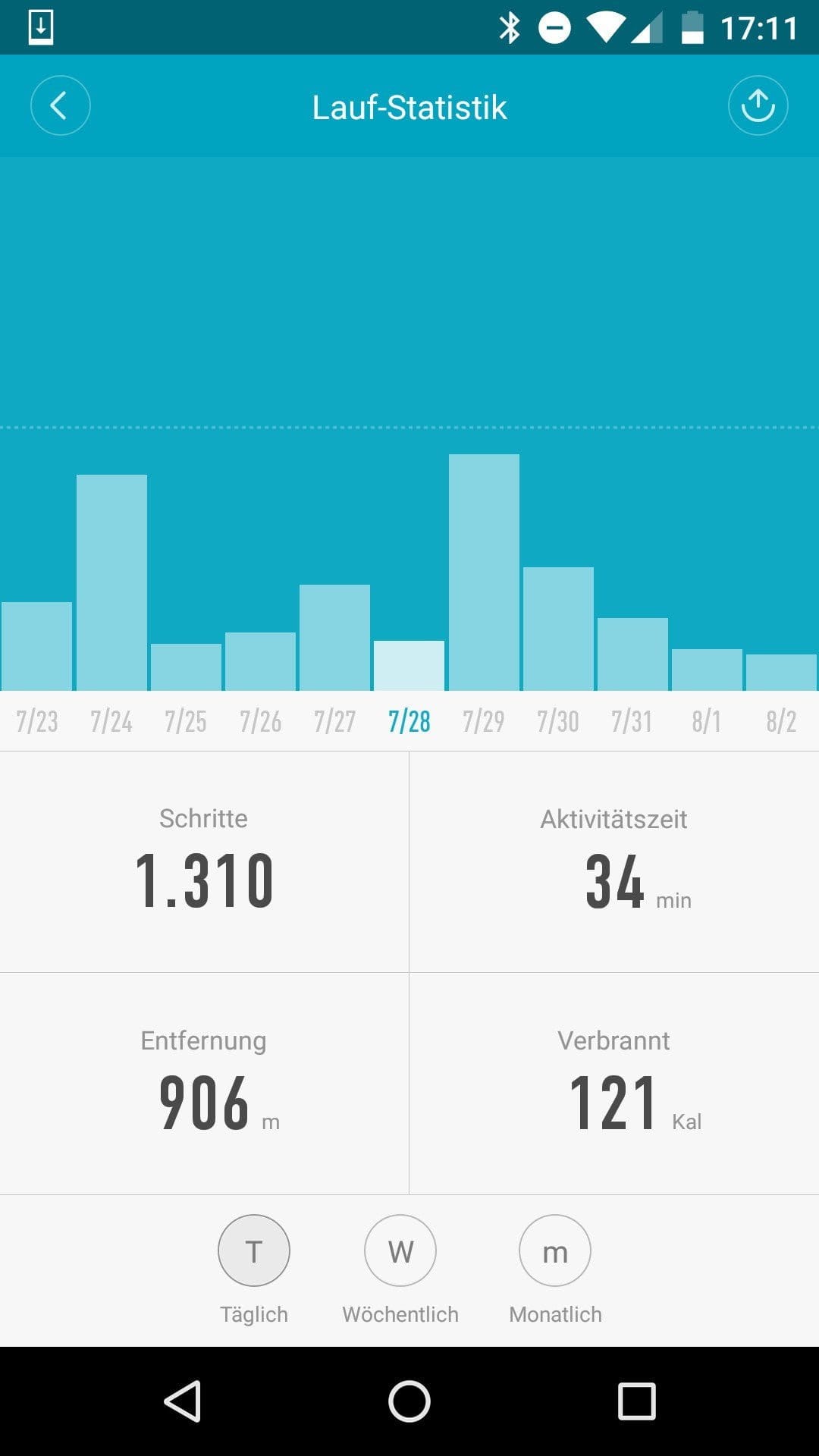
In direct comparison with its predecessor, the "Mi Band 1 or 1S", the pedometer works almost synchronously. At the end of the day, I could only notice a slight deviation of a few steps. The Mi Band 2 offers higher accuracy. Within the app, a daily goal can also be set. Once achieved, the band notifies you. The app overview allows you to access stored data for individual days, weeks and months via statistics.
Sleep monitor
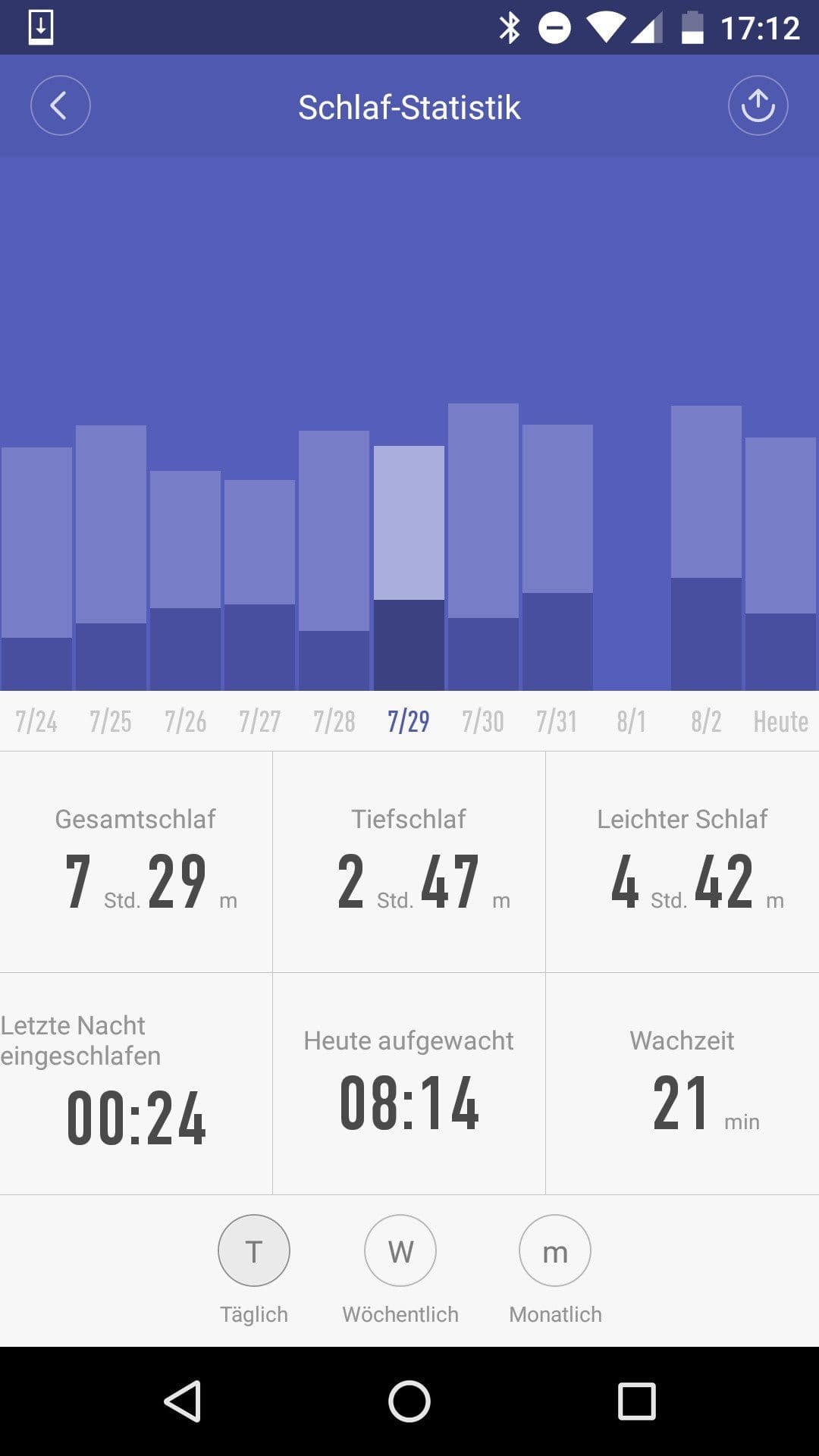
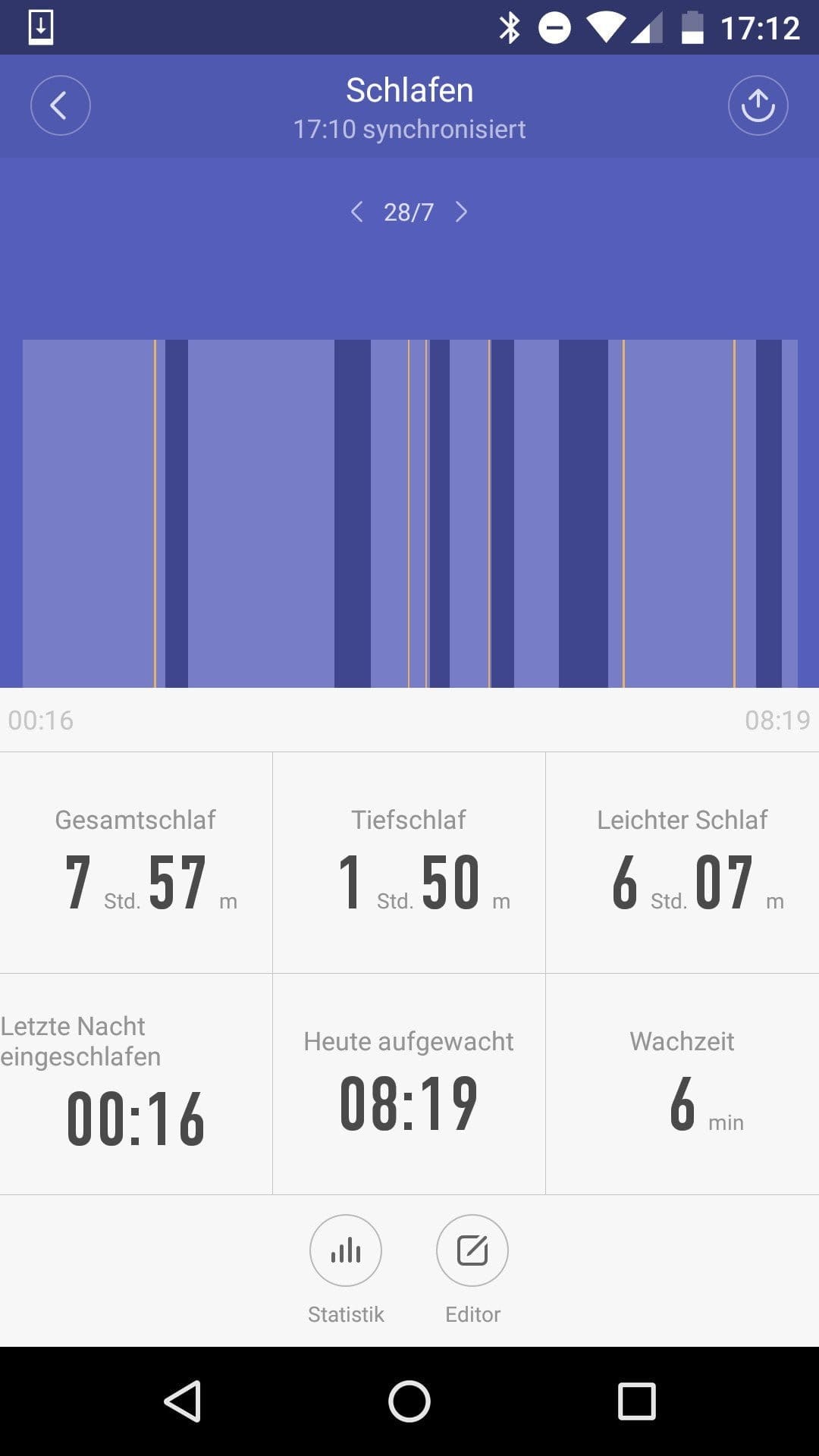
In addition to the time to fall asleep and wake-up time, the sleep monitor also measures the total sleep time, deep sleep, light sleep and time awake. The time to fall asleep and wake-up time are recognised quite accurately. The time awake also appears plausible to me and could be verified by me.
Interesting is the smart alarm function of the Xiaomi Mi Band 2. If you set the alarm via the Mi Fit app, the Mi Band 2 recognises the perfect time to wake up. Usually, the band gently starts to vibrate a quarter or even half an hour before the actual wake-up time. If you ignore this alarm, you will naturally be woken up at the preset time as well. The vibration is sufficient to get even heavy sleepers out of bed. Data on sleep patterns can also be viewed in a statistics overview.
Heart rate monitor
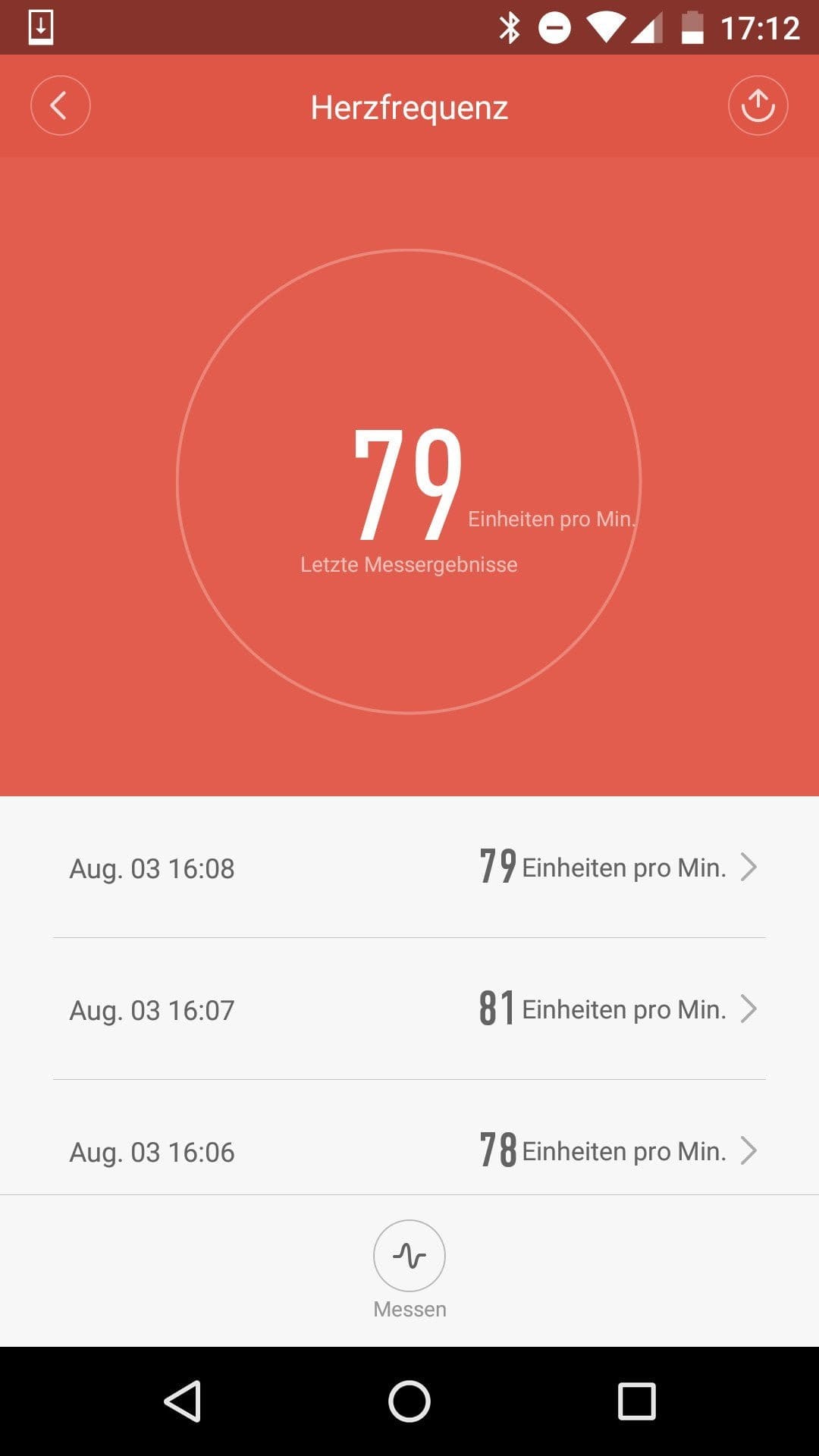
I had a rocky relationship with the Mi Band 2's heart rate monitor during testing. To activate the heart rate monitor, you navigate through the single-button interface until you reach the heart rate measurement. The measurement starts as soon as the menu item is selected via the wristband. Below the small Mi capsule, the sensor, which glows green, activates.
The measured value should be output after 5 to 7 seconds. A small "X" appears in case of a measurement error. To obtain a measurement result at all, the wrist must be kept still. Even the slightest movement immediately caused a measurement error for me. The measurement result is comparable to other fitness bands. Heart rate data is also synchronised with the app and can be retrieved there.
Smart Lock
From Android 5.0 onwards, there is the so-called 'Smart Lock' function, which allows the smartphone to be unlocked in various ways. The Mi Band 2 can be set as a trusted device, which allows the smartphone to be unlocked without entering a PIN or pattern, provided the Mi Band is near the smartphone. In the test, this function worked first-rate and convinced us throughout.
Notifications
The Xiaomi Mi Band 2 can receive notifications. The wristband vibrates and a notification icon appears on the display. Anyone who wants to use the notification feature should download an alternative to the Mi Fit app. These third-party apps mostly offer an extended range of functions, allowing individual notifications to be customised even better.
Personally, I preferred the individually configurable notification LED of the predecessor. The different light colours made it easier to distinguish between notifications.
Battery
The Mi Band is charged using a 2-pin charging cable. This has a USB connector and can be connected to a PC or any conventional smartphone charger. According to the manufacturer, the battery has a capacity of 70 mAh. The fitness band charges at 0.4A. The charging time is just under 2 hours
With everyday use, including Smart Lock and notification functions, the band loses approximately 15-20% of its battery per day. With the notification function disabled, consumption was around 10%. This is quite a good result considering that this fitness tracker can also be used as a watch replacement!
Our verdict
The Xiaomi Mi Band 2 is an affordable fitness tracker with interesting features. The integrated display significantly improves usability and allows data to be accessed more quickly. This barely reduces the battery life. Additionally, the fitness tracker can also be used as a conventional wristwatch. The feature set has remained largely the same compared to the Mi Band 1S. The step counter and sleep monitor convinced us in our test. However, the heart rate monitor impressed us negatively due to numerous erroneous readings.
Specifications
General
- Functions
- *Pedometer
- *Heart rate measurement
- *Sleep monitor
- *o'clock
- *Alarm clock
- *Notifications
- Transmission standard
- Bluetooth 4.0
- Display
- OLED
- Battery
- 70mAh
- Watch band
- Silicone
- Capsule size
- 4.03 x 1.57 x 1.05 cm
- Strap size
- 23.5 x 1.05 cm
- Weight
- 0.017 kg
What’s included
1x Xiaomi Mi Band 2 1x Charging cable 1x User manual
Comments (4)
Thank you for the detailed report. I have now bought this band for my daughter, but: Can the step length be set anywhere?
Thank you for your feedback.
Uschi
Hi Uschi, you can’t manually set your stride length in the manufacturer’s app (Mi Fit). Mi Fit uses an average value based on your height. Alternatively, there are other apps that are compatible with the Mi Band 2. One we recommend, for example, is “Notify & Fitness for Mi Band.” You can also adjust your stride length manually in this app.
Okay, great, thank you Timo
Hello. Does anyone perhaps know from which parameters the distance is calculated?