Contents
First impressions of the Zhiyun Crane V2
In the field of semi-professional camera stabilisers, the Chinese company “Zhiyun” has already made a name for itself. In addition to its affordable, functional and high-quality smartphone stabilisers (e.g. the Zhiyun Smooth 3), the manufacturer also offers a small range of professional DSLR and DSLM stabilisers. The Zhiyun Crane in its improved Version 2 is the manufacturer's current flagship model.
Zhiyun Crane V1 vs. Zhiyun Crane V2
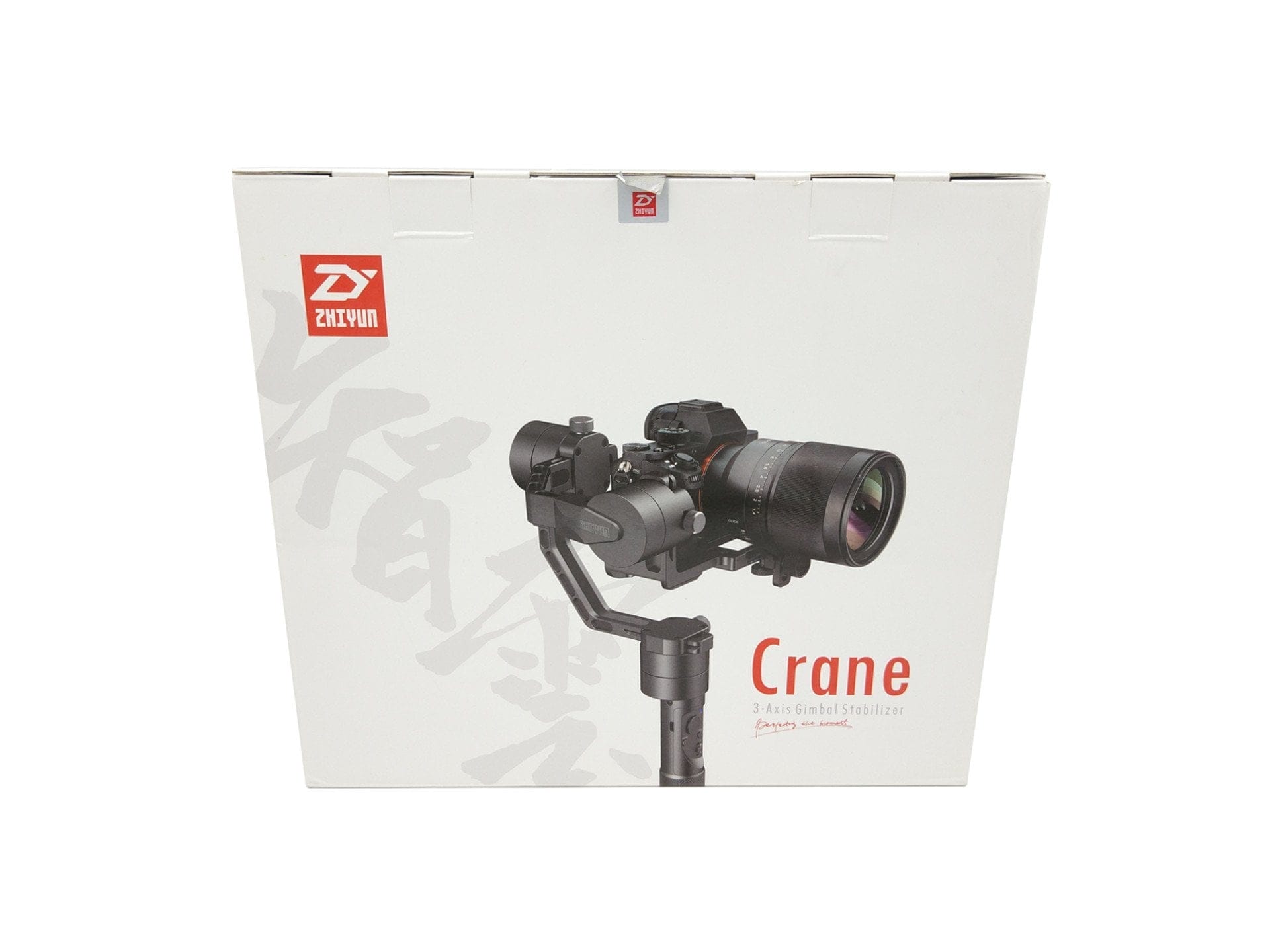
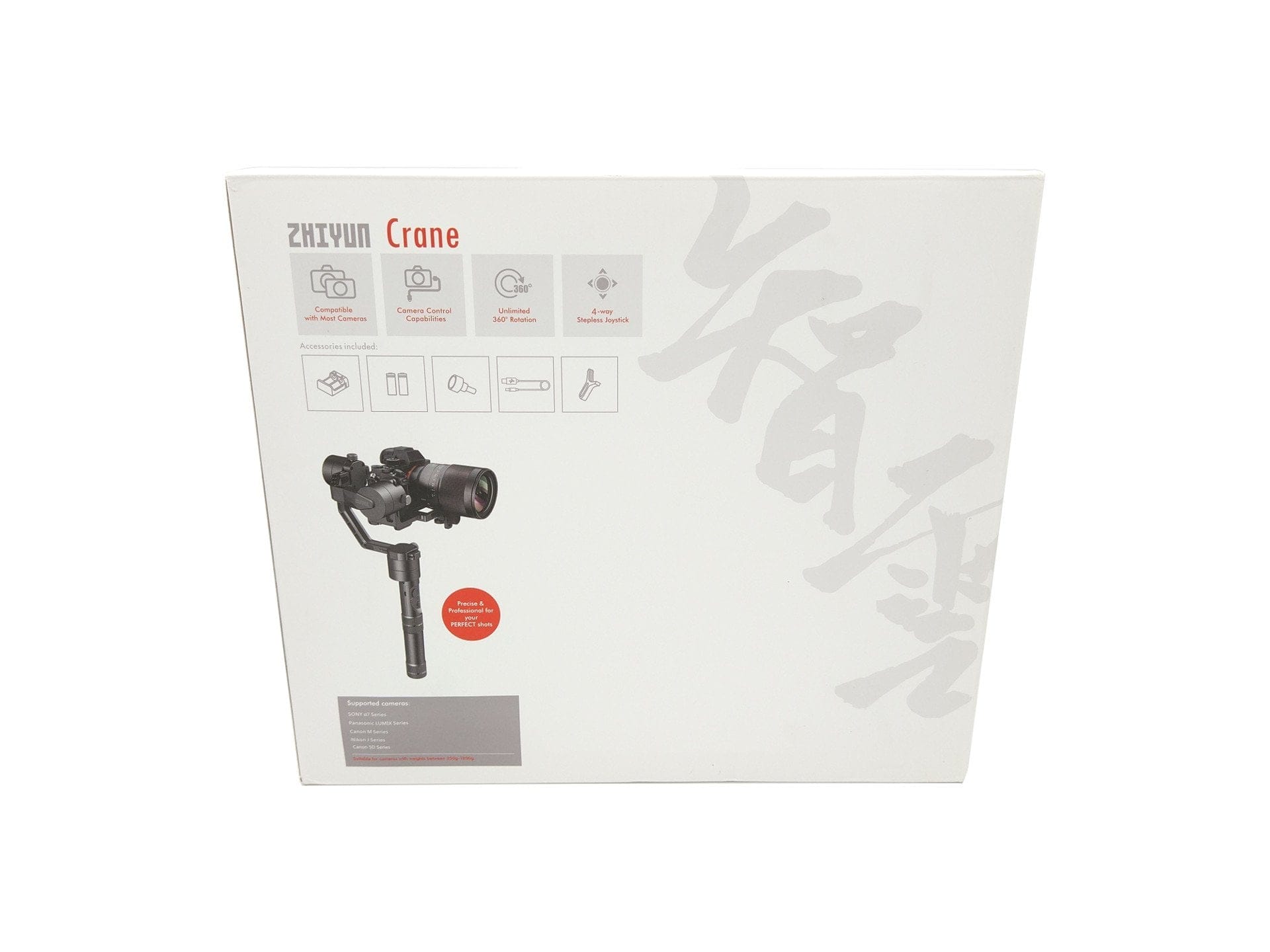
As can already be deduced from version 2, the Zhiyun Crane is also available as version 1. However, both models have only minor differences, which is why the V2 is rather a minimal update of the V1 and does not fundamentally change the "Crane" model.
- Differences also exist, among other things, in the batteries used. While the Crane V1 was still supplied with a set comprising a total of 4 x 18650 lithium-ion batteries together with a battery transport case, version 2 offers only two 26500 lithium-ion batteries. At the same time, version 2 includes a new, adapted charger.
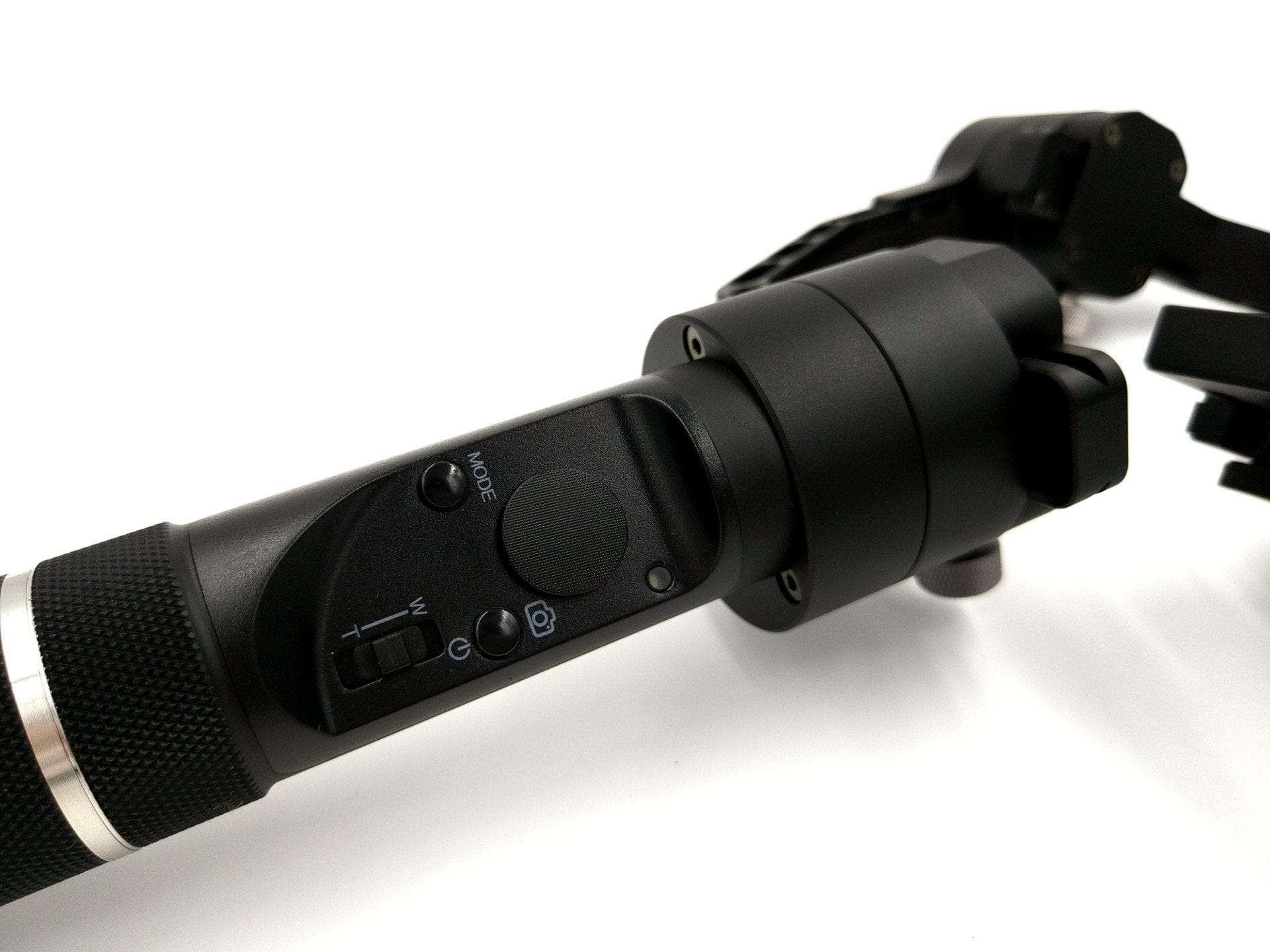
- There are further differences regarding the controls. All gimbal controls are now located on the front below the joystick.
- The improved camera mount of version 2 is also interesting, functioning similarly to a quick-release plate and allowing for faster and more precise camera attachment.
 Play video on YouTube
The video review of the Zhiyun Crane V2
What’s included
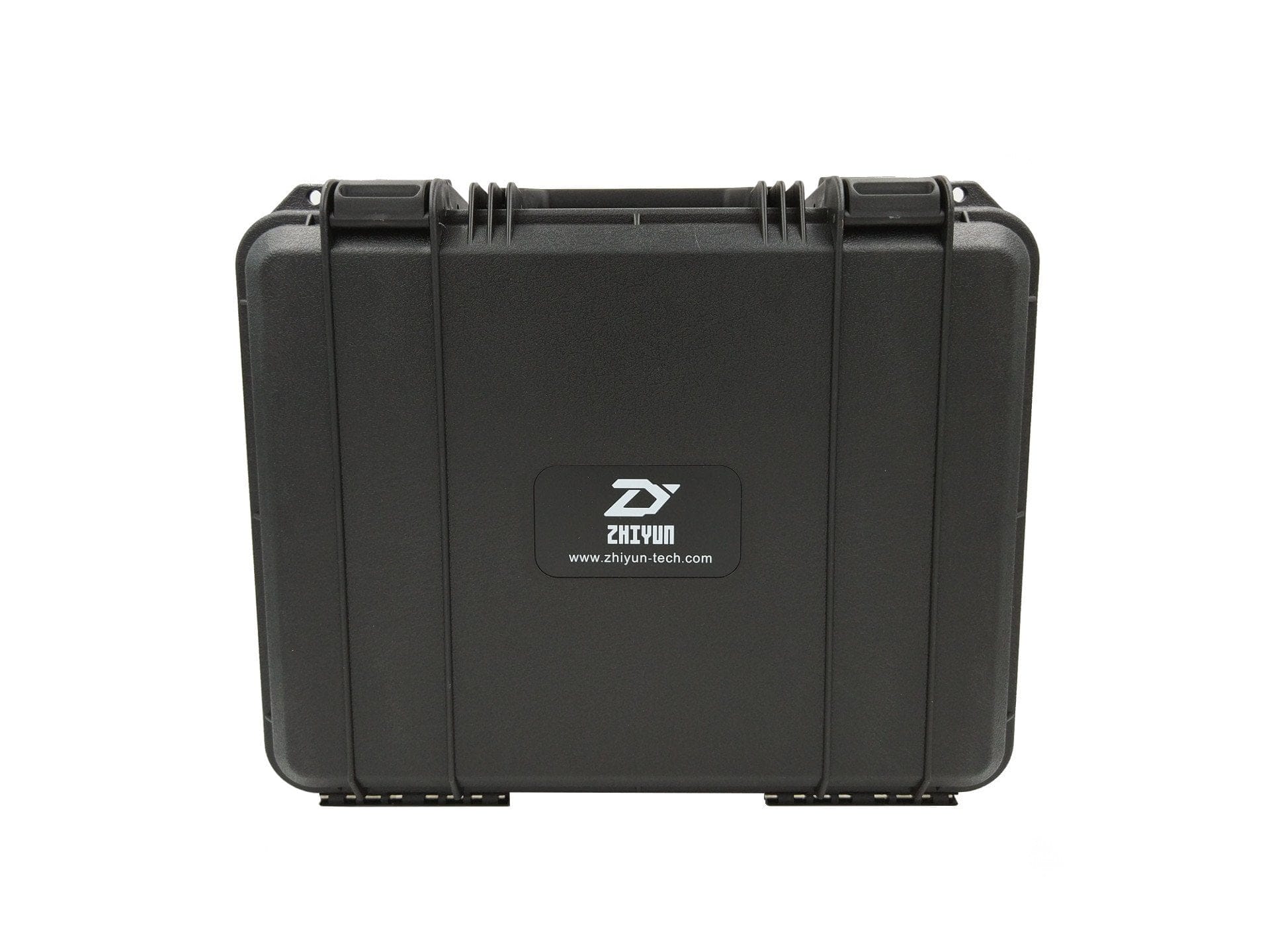
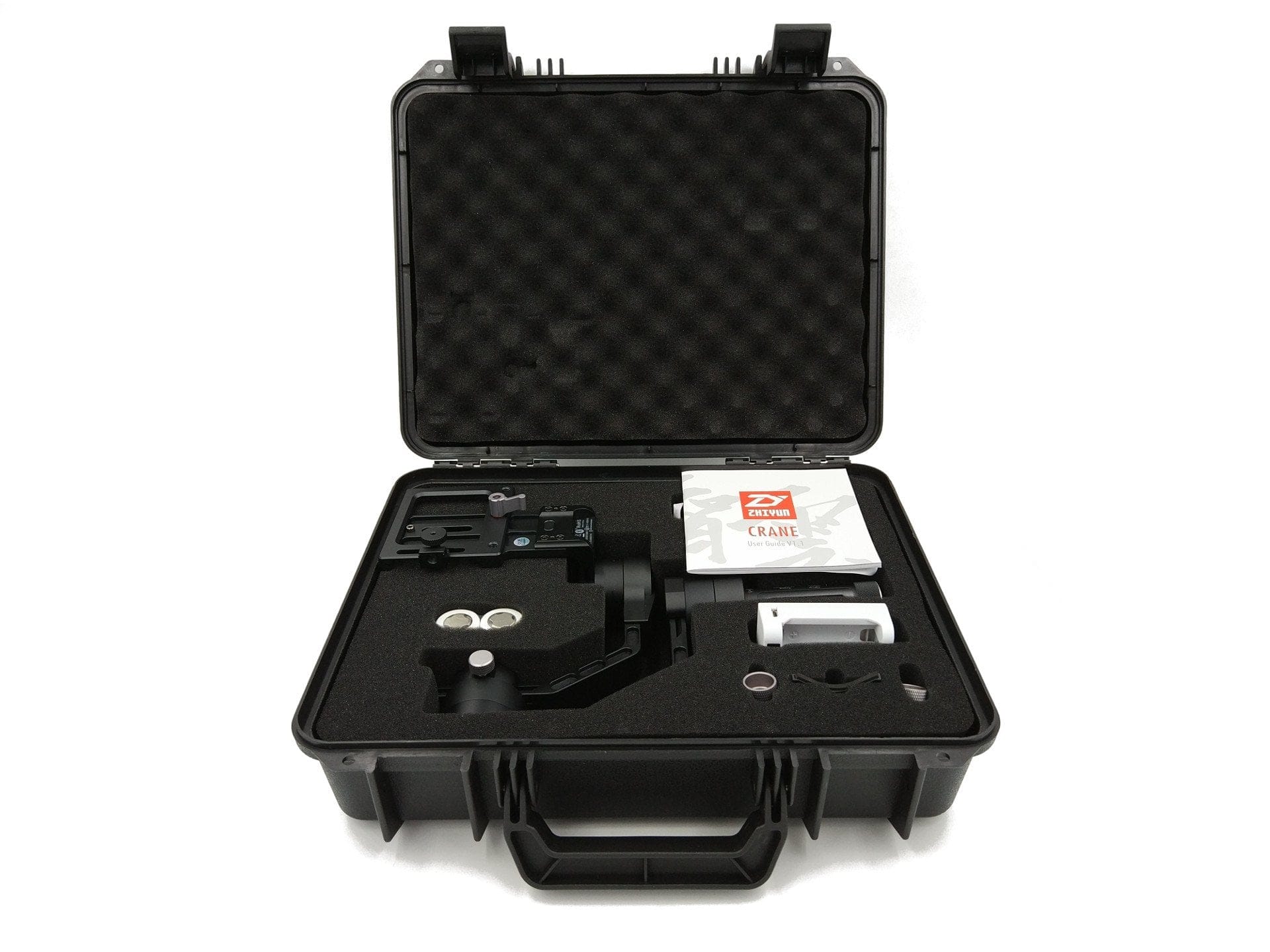
The gimbal is delivered in a suitcase-like, and above all shock-resistant, hard case with a suitable foam insert. In addition to the Zhiyun Crane V2, it includes two original Zhiyun 26500 lithium-ion batteries, a matching charger, a micro USB cable, a lens support, two ¼ inch screws and an English-language user manual.
Design and build quality
The Zhiyun Crane V2 consists of two screw-together parts. One part forms the camera mount including the brushless motors and the permanently connected control unit. The second part is the removable handle, which also serves as the battery compartment. Both elements are made entirely of aluminium and convince with high-quality and, above all, clean construction. Unattractive gaps, seizing threads or sharp edges are nowhere to be found on the CNC-milled aluminium parts. However, the lack of protection for the two Micro USB ports is criticised. A cover would have been desirable here.
The dimensions are 173 x 188 x 405 mm. The net weight of the gimbal is a hefty 950g. No wonder the Crane needs to be transported in a small case and is less suitable for mobile use.


Preparation and setup
It is crucial never to switch on a gimbal without a counterweight inserted, as this can damage the brushless motors. Anyone who wants their gimbal to last should take this warning to heart! The user manual once again emphasises this critical point. The recommended payload is between 350g and 1800g.
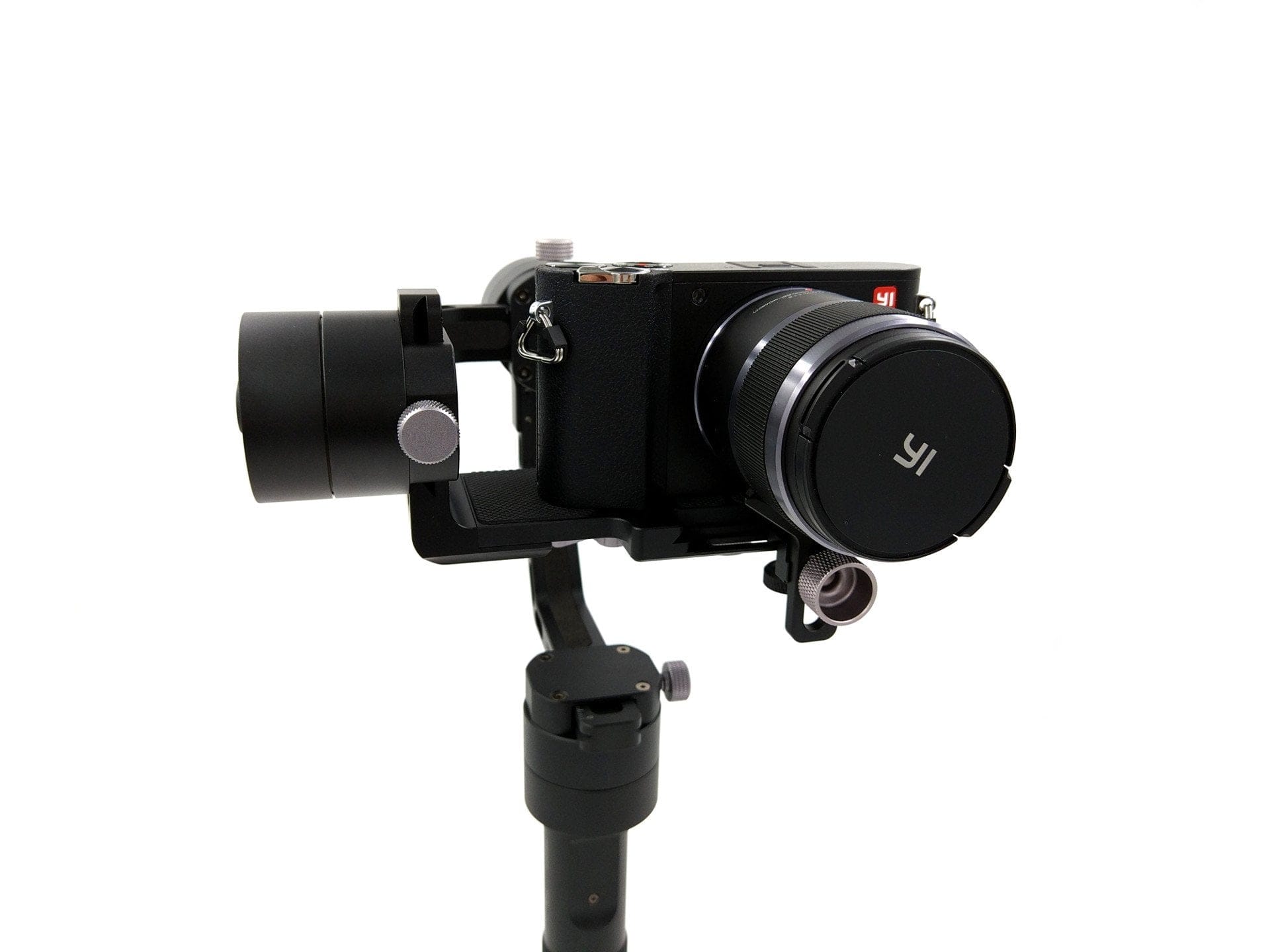
Mounting the camera on the Zhiyun Crane V2 is straightforward. To do this, the camera is simply connected to the camera mount via a ¼ inch screw connection. As a further step, you should balance the gimbal along with the connected camera. Although this step is not strictly necessary, it relieves the strain on the motors and improves battery life. Balancing was also no problem in the test and was carried out in no time thanks to the quick-release-plate-like camera mount. The printed scale is an advantage, as it allows you to easily remember the alignment.

Functions and Zhiyun Play
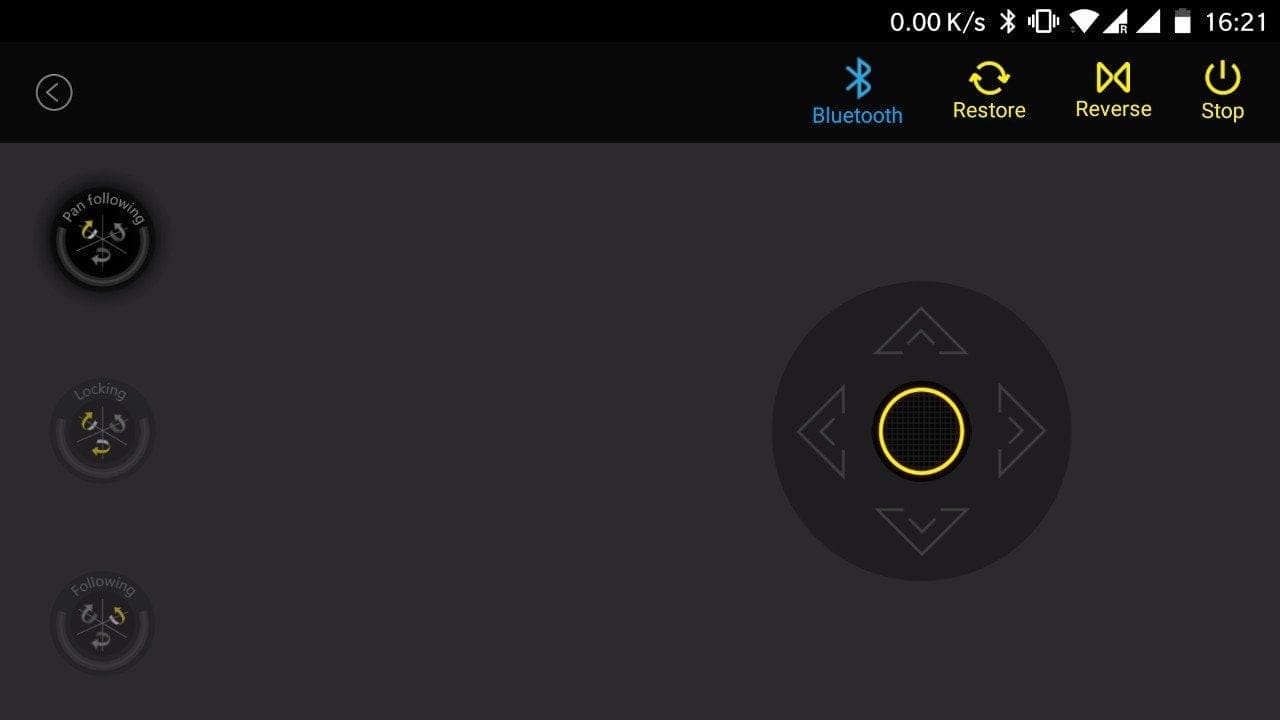
The Zhiyun Crane V2 can be controlled directly via the gimbal, the Zhiyun Play App, or via a separately available Bluetooth remote. A total of 3 movement modes are available.
Pan Following Mode
When you switch on the Crane, it initially enters "Pan Following Mode". In this mode, the tilt and roll axes are locked, so that only horizontal pan movements are followed. However, all axes are freely movable via the joystick.
Locking Mode
Pressing the Mode button once puts you in "Locking Mode". In this mode, all axes are locked. No matter how you move the gimbal now, it always remains aligned horizontally in a straight line. Even in Locking Mode, the axes can be freely moved using the joystick.
Following Mode
Double-clicking the mode button activates the 'Following Mode'. In this mode, the Crane follows all pan, tilt and roll movements. Control via the joystick remains available.
Pressing the mode button three times automatically performs a 180° pan. As criticised already with the Zhiyun Smooth 3, the lack of a visual indicator for the currently selected mode is somewhat poorly solved. Such an indicator would be advantageous, especially when operating from a distance. Conversely, the gimbal's only LED indicator shows the battery level. A repeatedly blinking blue LED indicates how much remaining battery the Zhiyun Crane V2 has available.

Zoom, shutter and capture
Owners of a Panasonic GH4 or Sony RX-, H-, QX- or ILDC camera can control individual camera functions directly via the additional control buttons on the gimbal. The prerequisite is that the gimbal and camera are connected via USB. For this purpose, there is a micro USB port located at the height of the tilt axis. Functions such as zoom and shutter can be controlled, and video recording can also be started directly via the Crane.
Zhiyun Play / Zhiyun Assistant
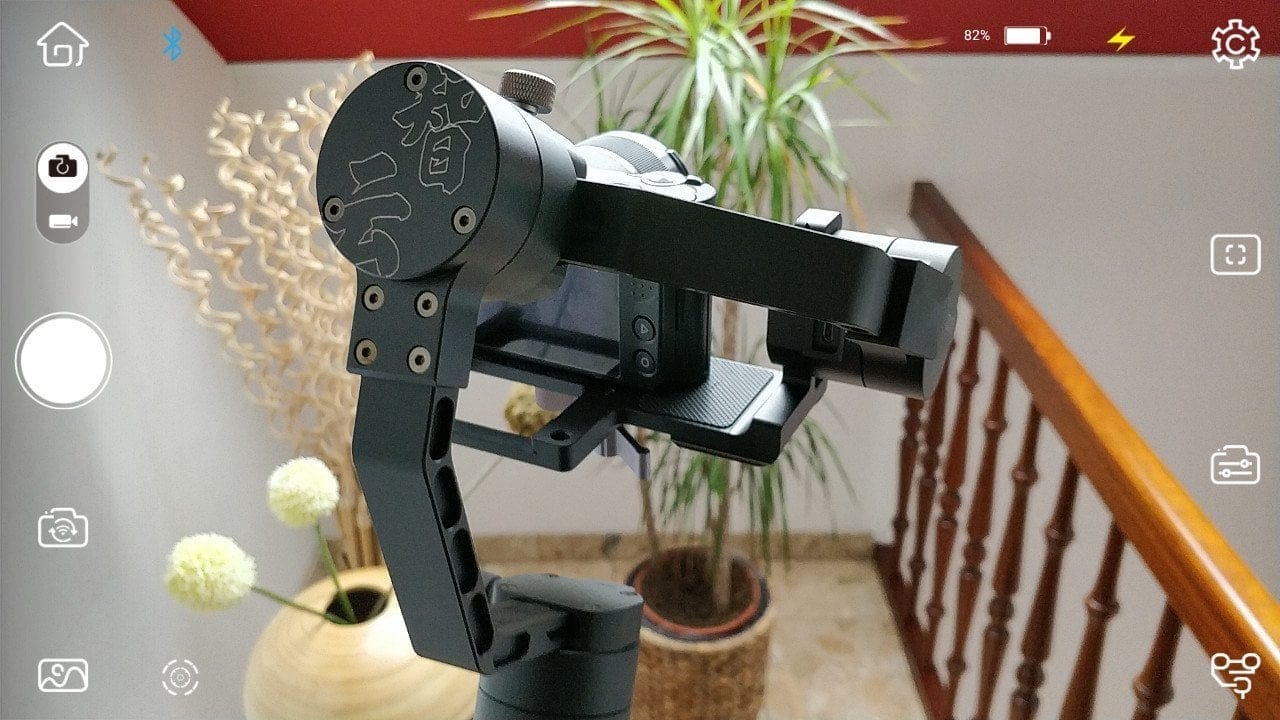
Another control option is the Zhiyun Play app, which allows the Zhiyun Crane V2 to be operated entirely via smartphone or tablet. The app is available in the Google PlayStore and the Apple AppStore. Connection is established via Bluetooth and caused no issues during the testing phase.
However, it is noticeable that the app is primarily intended for the manufacturer’s smartphone and action cam gimbals. Although all modes and control commands can be executed via the app, the additional camera functions, which are mainly designed for operating the smartphone camera, make the app feel cluttered and almost out of place.
Practical test
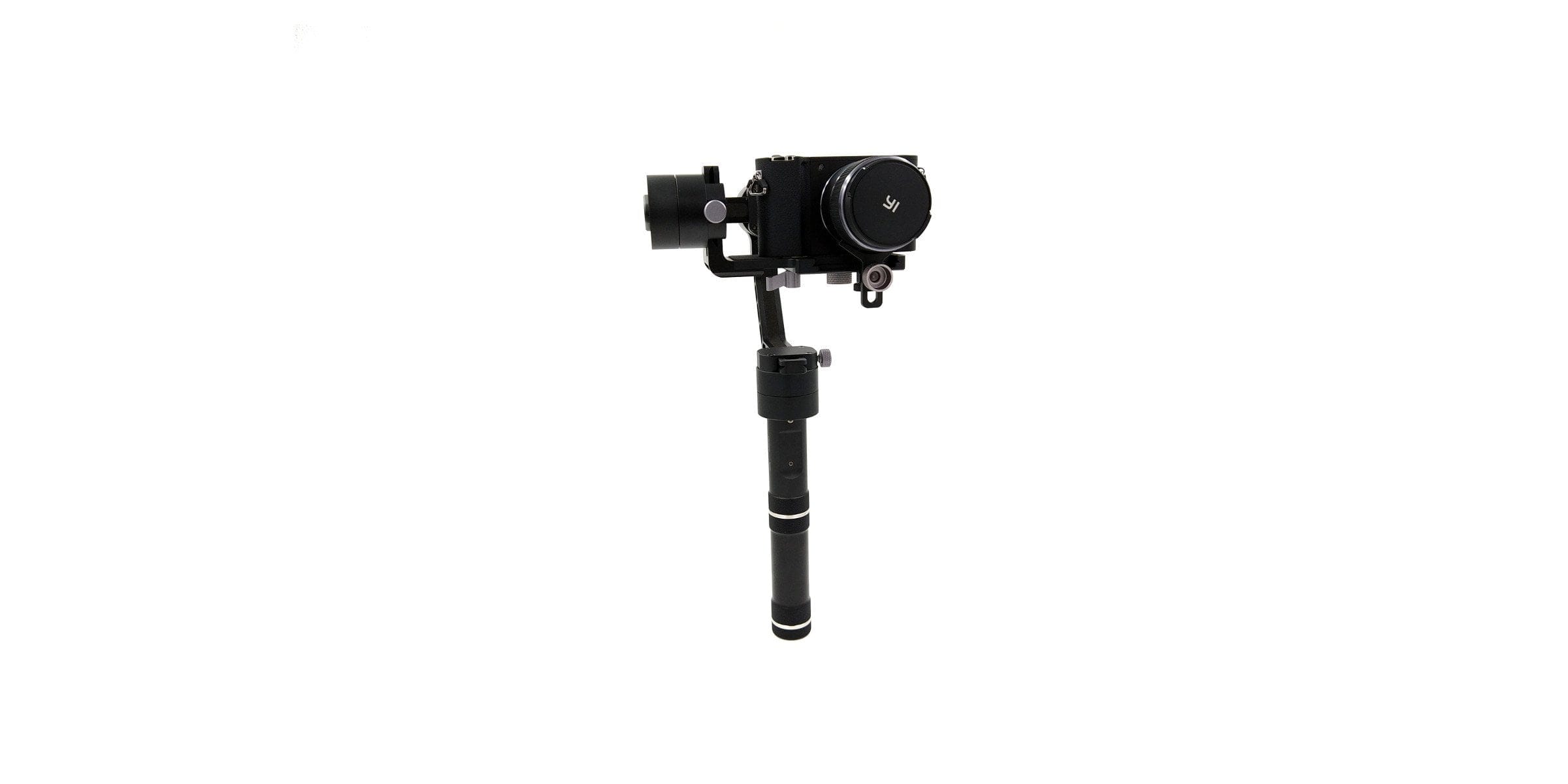
After familiarising ourselves with the functions of the Zhiyun Crane V2, we look at how the gimbal performs in practice. To this end, the gimbal accompanied me on my trip to the USA, among other things. I used a comparatively light Yi M1 with a macro lens (total weight 650g) and a Canon EOS 550D with a zoom lens (total weight 1200g) as the camera.
The Zhiyun Crane V2 is not a gimbal you can just take on holiday. If only because of its transport size and high weight, you should carefully consider whether you actually need the gimbal while travelling. However, the simple preparation of the Crane makes hardly any difference. Screw on the camera, balance it and you are ready to start filming. Thanks to the additional scale, the respective balance points are easy to remember.
Handling
In handling, the gimbal cuts a fine figure. Thanks to the round aluminium handle, the gimbal sits nicely in the hand. All control buttons are easy to reach and the joystick also impresses with precise handling. Smooth panoramic shots are therefore possible without problems.
On the other hand, the relatively high total weight is critical, which can easily exceed 2 kg depending on the camera and lens. For vlogging or even IRL streaming, the Zhiyun Crane V2 is therefore less suitable. It is also interesting that there is a ¼ inch thread below the battery compartment, allowing an extension or tripod to be easily screwed on. For even better handling, it is also possible to attach a dual handle directly to the gimbal.


Stabilization
Naturally, what matters is how the gimbal performs in terms of stabilisation. Smooth 360° pan, tilt and roll movements are no problem for the Zhiyun Crane V2. Roughly speaking, the motors are practically underutilised up to a load of one kilogram. Whether movements are fast or slow, the stabilisation performance is impeccable. As weight increases, the Crane still does a decent job, although occasional micro-jitters may occur. These, however, are rather rare. There are no unpleasant motor noises that would be audible in the recording. Overall, the Zhiyun Crane V2 operates extremely quietly, with only a slight hum from the motors noticeable.
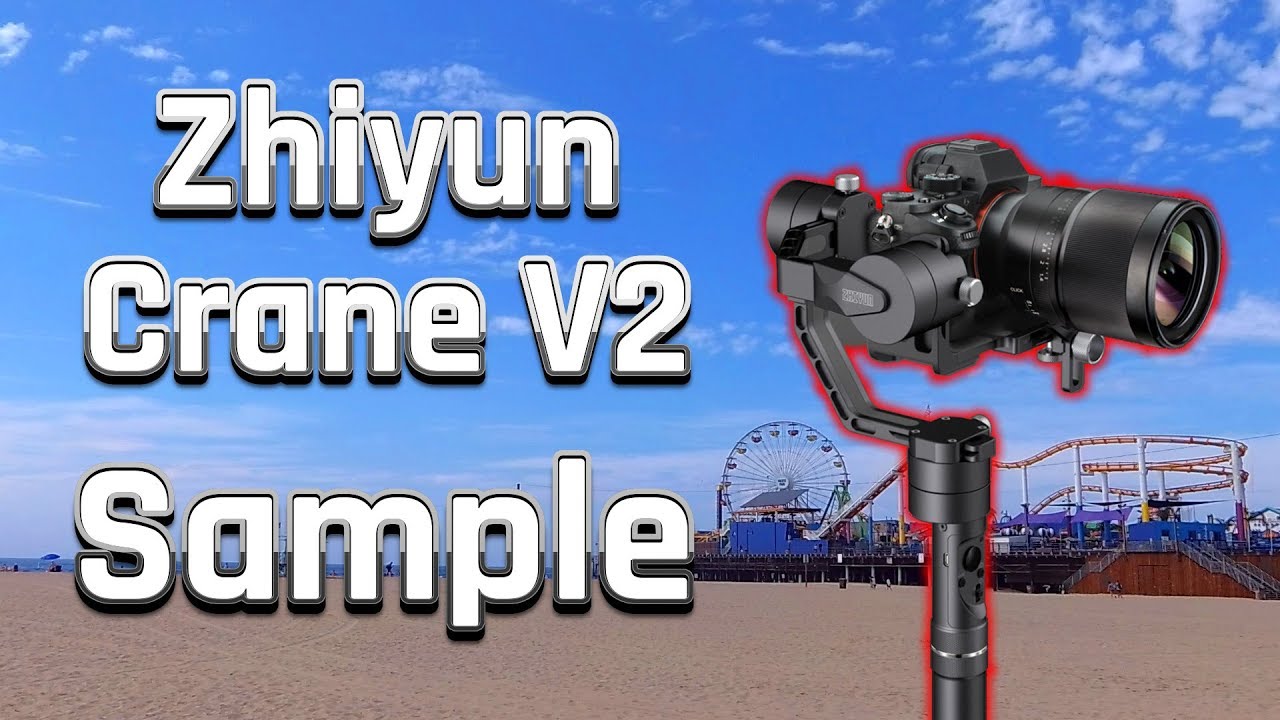 Play video on YouTube
The video sample of the Zhiyun Crane V2
The Crane also cuts a good figure when shooting over the head, the so-called "Bottom Up Mode". Due to the high hanging weight, you have even better control over the gimbal. The only negative aspect is that most camera displays are no longer visible in Bottom Up Mode.
Battery
The gimbal is equipped with two 26500 lithium-ion batteries. The included Zhiyun batteries have a capacity of 3600 mAh. Runtime depends on how heavily the Crane is loaded and how it is used. A good reference point is the manufacturer's claim of a runtime between 12 and 18 hours. After 3 hours of use with a Yi M1 attached, the remaining charge was 76%. The charging time using the supplied charger is approximately 1 ½ to 2 hours.


Our verdict
The Zhiyun Crane V2 delivers an overall satisfactory package and convinces primarily with its excellent stabilisation and ease of use. Thanks to its high payload, the Crane handles almost any consumer camera with lens. At the same time, the gimbal itself is not lightweight, making it less suitable for vloggers or streamers and more so for hobby cinematographers.
Specifications
General
- Axes
- 3-axis
- Material
- Aluminium
- Load capacity
- 350g – 1800g
Stabilization
- Tilting angle
- 360°
- Rolling Angle
- 360°
- Panning angle
- 360°
Battery
- Type
- 26500 lithium-ion
- Capacity
- 3600 mAh
- Runtime
- up to 18 hours
- Charging time
- ~2 hours
Other
- Tripod mount
- 1/4 inch
- Operation
- Handle + app
- Size
- 17.3 x 18.8 x 40.5 cm
- Weight
- 950g
What’s included
1x Gimbal 1x Hard case 1x Micro USB cable 2x 26500 batteries 1x Charger 2x 1/4 inch screws 1x Lens support 1x User manual
Comments