Contents
Preface: Zhiyun Crane 2
Camera stabilisers have been around for a long time, but until a few years ago, steadycams and gimbals were found mainly in the professional film sector. It was only in recent years that a market for so-called 3-axis gimbals emerged, which are now also available at affordable prices. Whether for mirrorless / DSLR, action cam or smartphone, 2 or 3-axis image stabilisers are available in every size and for every application.
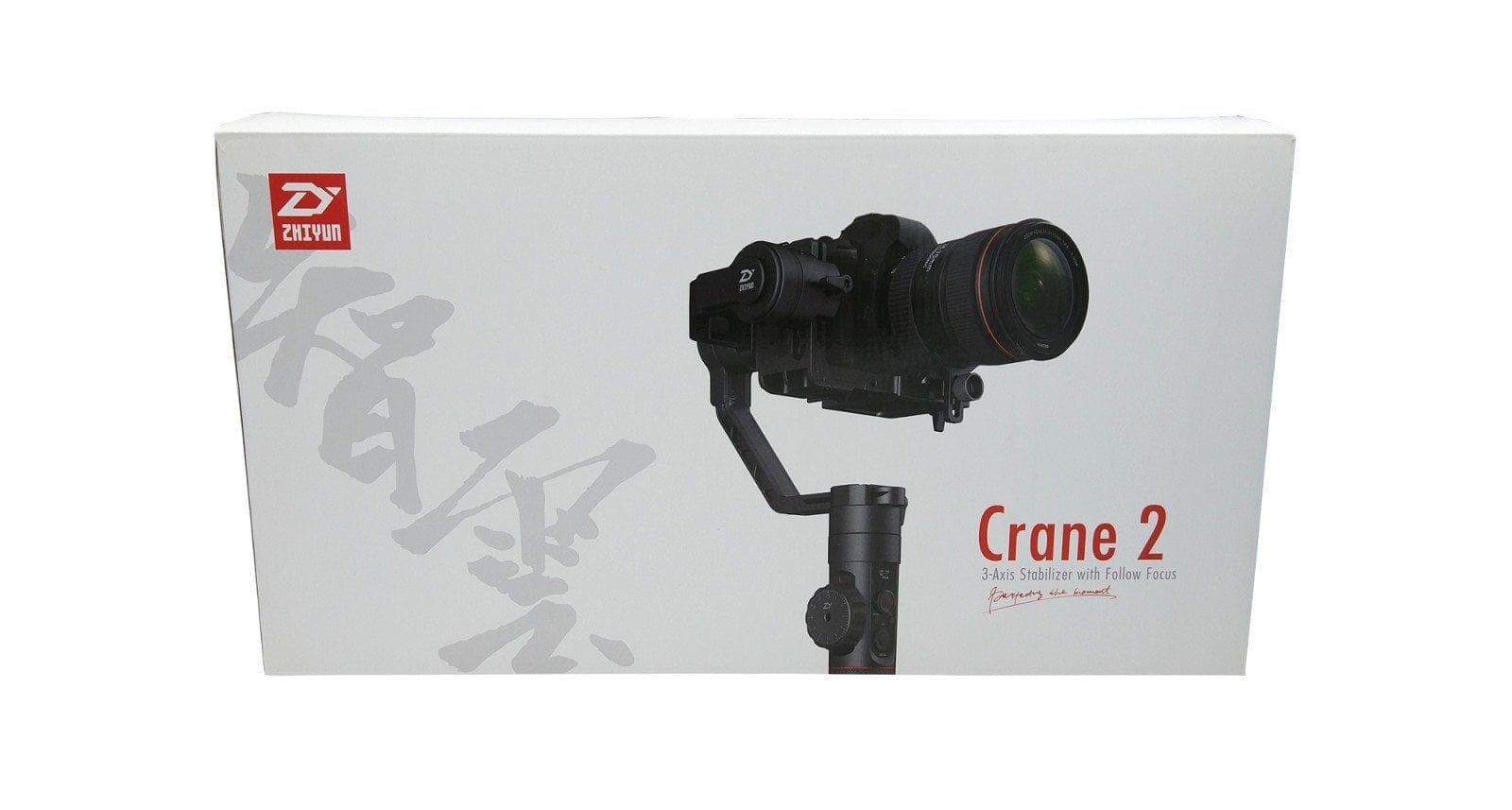
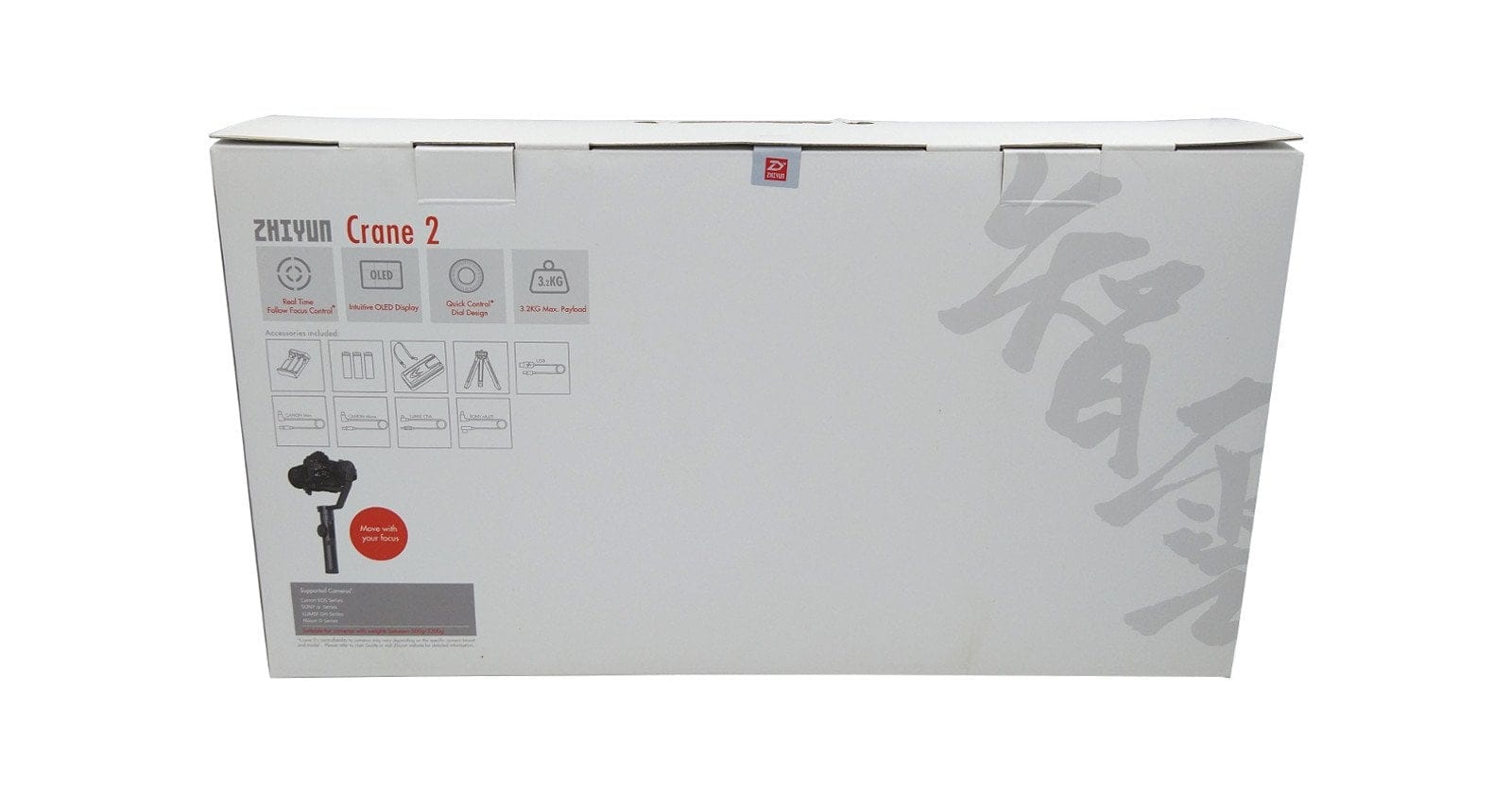
The Chinese company "Zhiyun" is one of the best-known manufacturers of semi-professional camera stabilisers. In addition to its inexpensive, functional, and high-quality smartphone stabilisers (e.g., Zhiyun Smooth 3), the manufacturer also offers a steadily growing range of professional DSLR and DSLM stabilisers. The Zhiyun Crane 2, successor to the Zhiyun Crane V2, was released in October 2017.
Zhiyun Crane 2 vs. Zhiyun Crane V2
Before we get to the actual review, let’s take a closer look at the differences between the two Zhiyun DSLR and DSLM stabilisers. Confusion could already be caused by the product naming. The Zhiyun Crane V2 is considered the Zhiyun Crane revision 2. It is therefore a slightly improved model of the Zhiyun Crane. The Zhiyun Crane 2, on the other hand, is a completely newly developed product.

Broadly, there are the following differences:
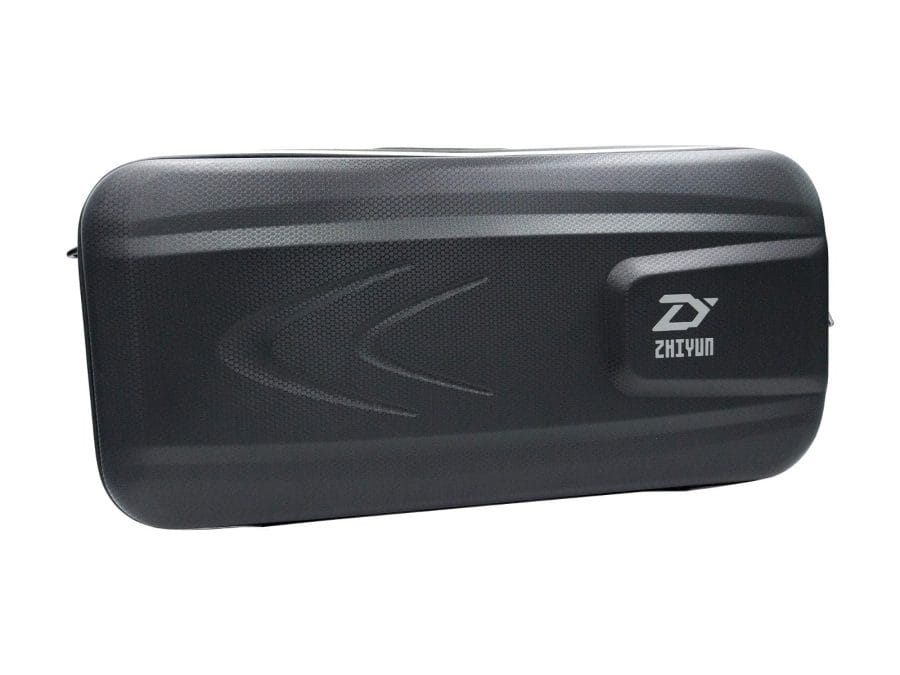
- First differences are noticeable right after unboxing. The Zhiyun Crane 2 comes in a stylish EVA transport case, which, in addition to typical accessories, also includes a tripod and connection cables for all compatible camera models. Especially with the Zhiyun Crane V2, these parts must be purchased separately!
- Furthermore, there are design differences. The Crane 2 appears bulkier overall despite the same height, which is primarily due to the wider handle. At the same time, the handle offers a practical control element including a joystick, control dial and OLED display.
- There is also a decisive difference in the quick-release system. The Crane 2 uses a Manfrotto quick-release plate, while the Crane V2 instead uses a fixed carrying plate!
- The differing payload capacity is also significant. The Crane 2 has a payload capacity of 3,200g, almost double that of the Crane V2 (1,800g).
If you are also interested in the predecessor model, it is worth taking a look at this review as well. Clicking the following button will open the review in a new tab.
Design, build quality, and included accessories
Anodised aluminium elements
Like previous Zhiyun Crane models, the Crane 2 is also made entirely of aluminium. As a result, the gimbal has a total weight of 1,250g. The build quality is first-rate. You won't find any unsightly gaps. Threads and adjustment screws operate without play and engage very smoothly. The anodised aluminium parts not only make the gimbal look stylish but also prove to be particularly resistant to dirt and corrosion.
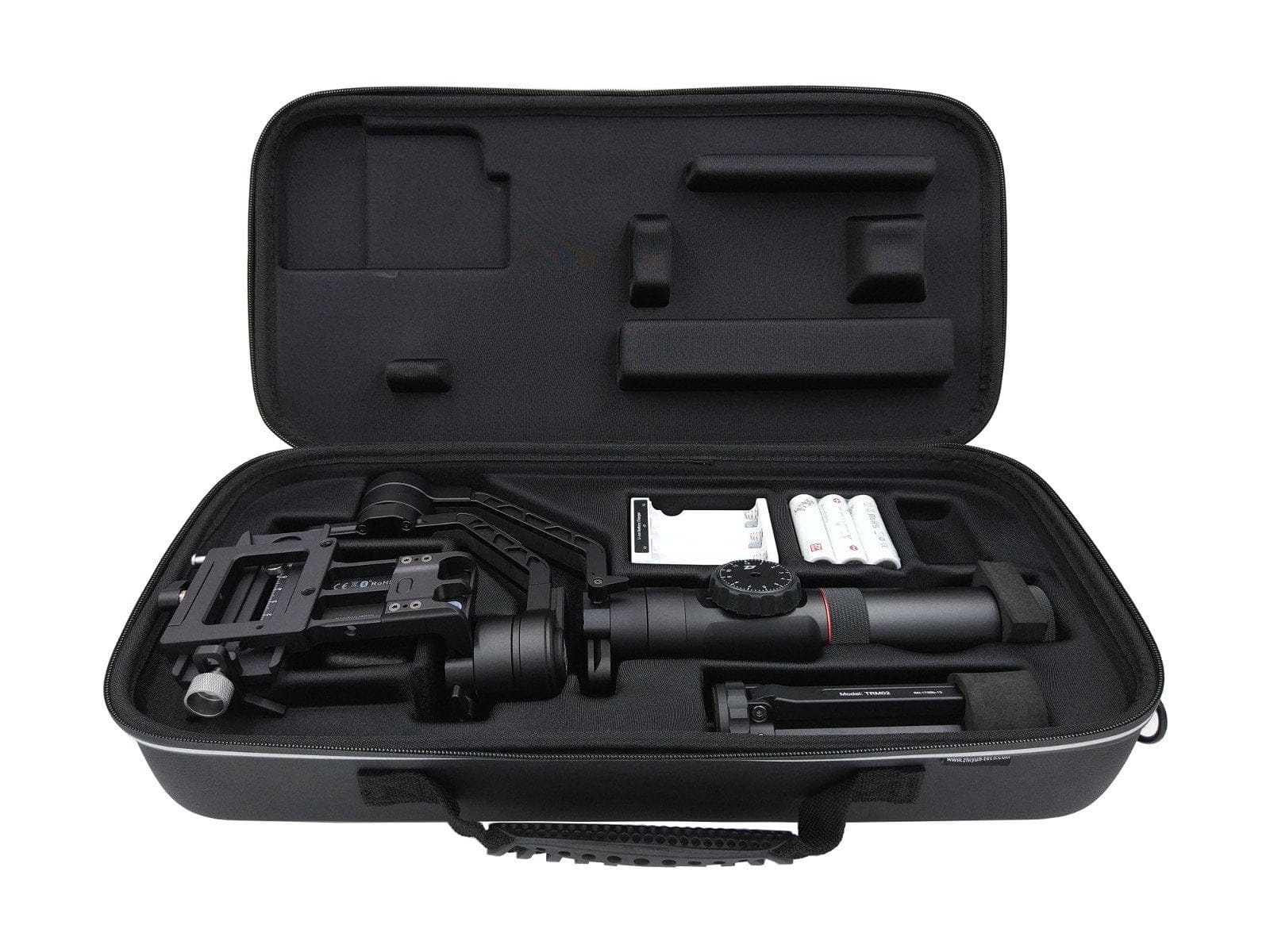
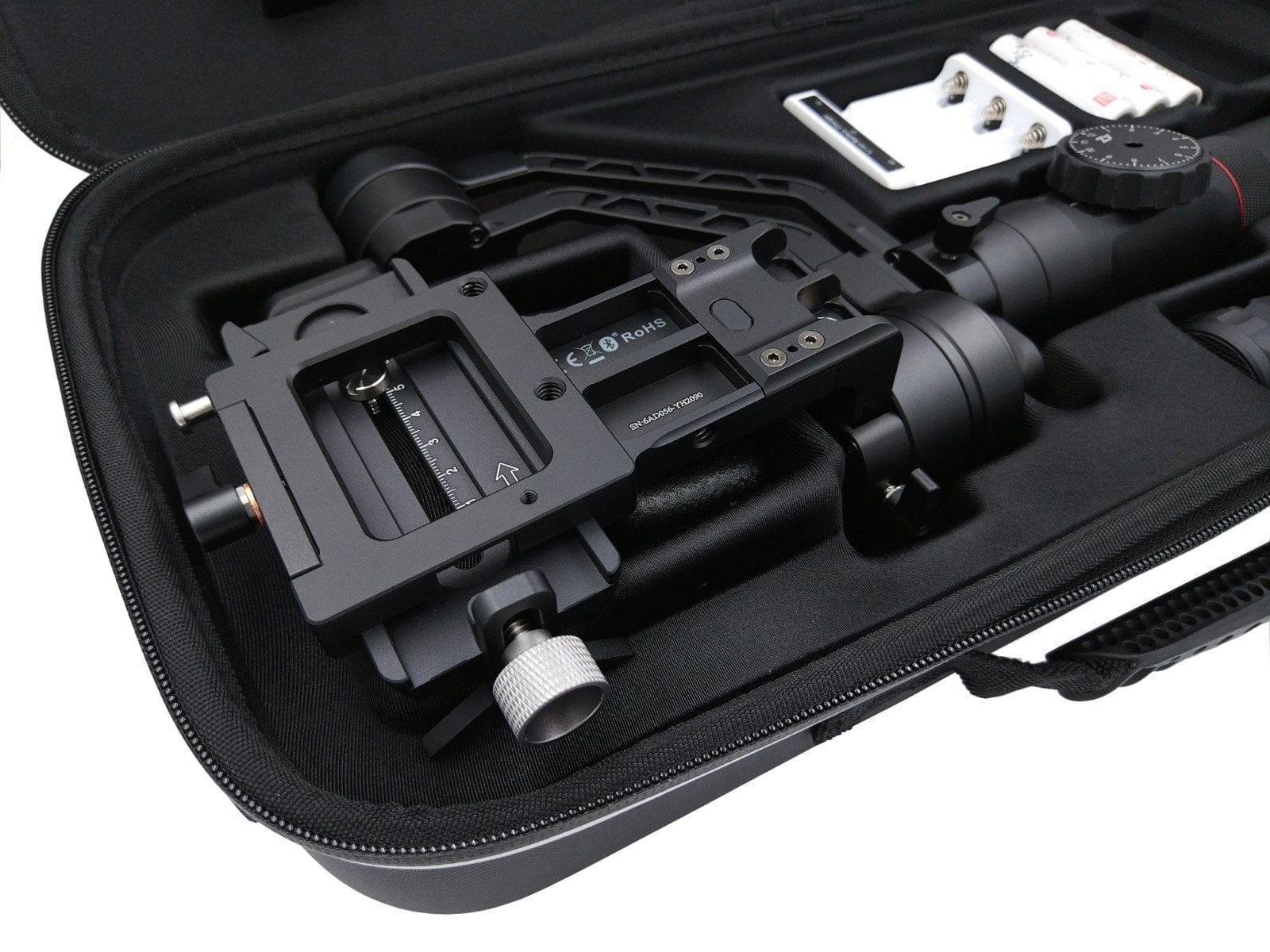
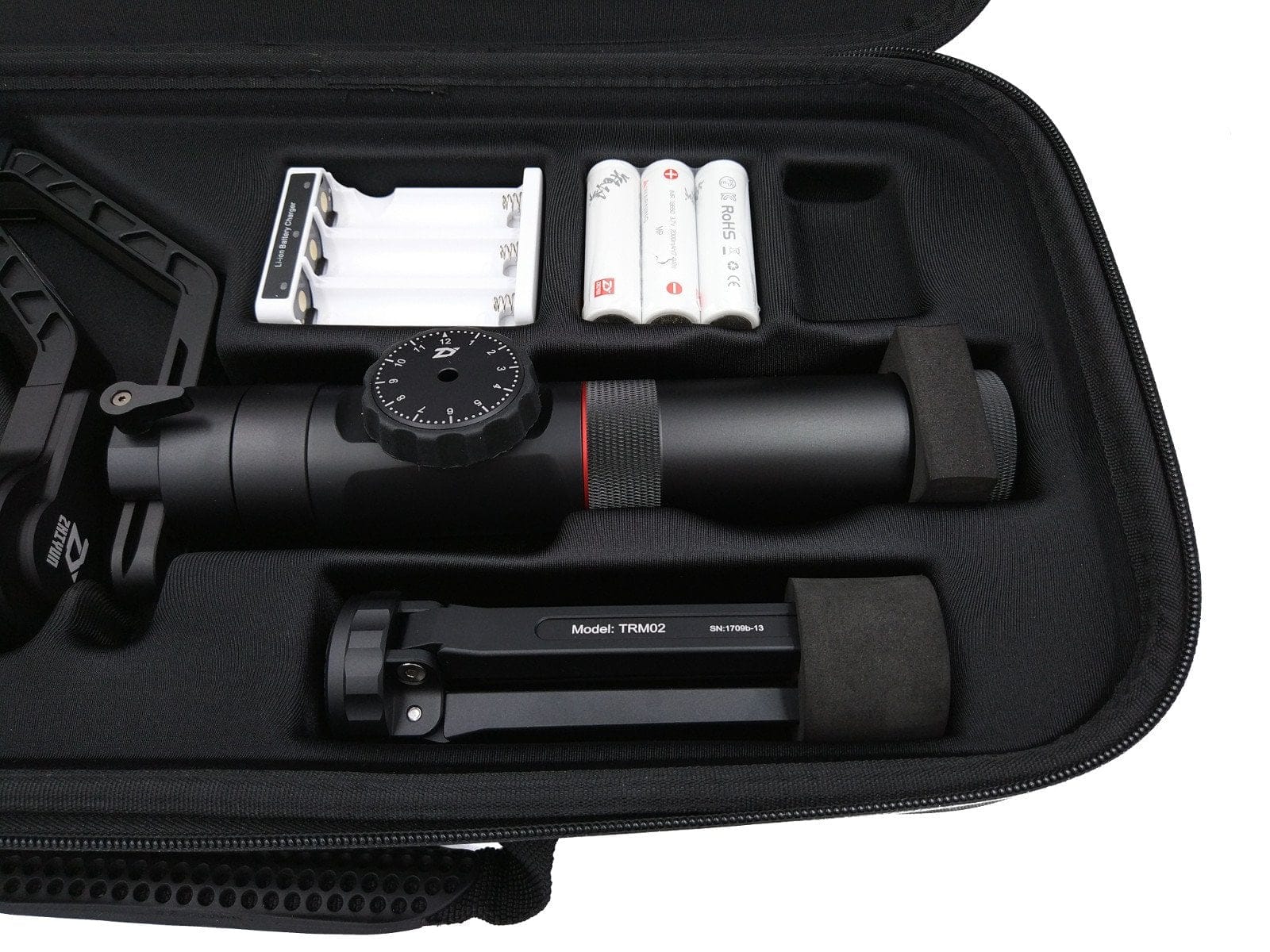
Zhiyun Crane 2 build
The gimbal is structured as follows:
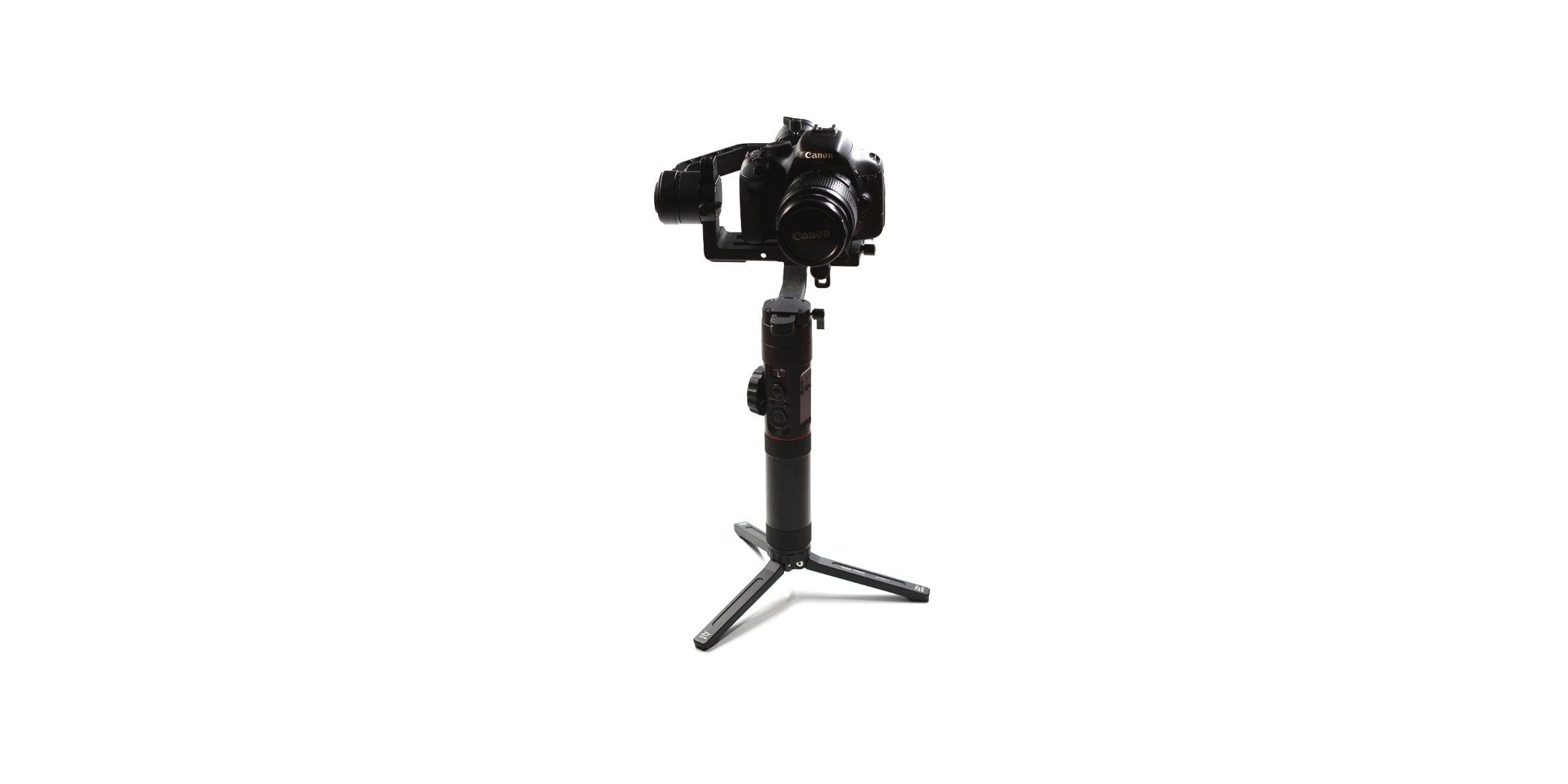
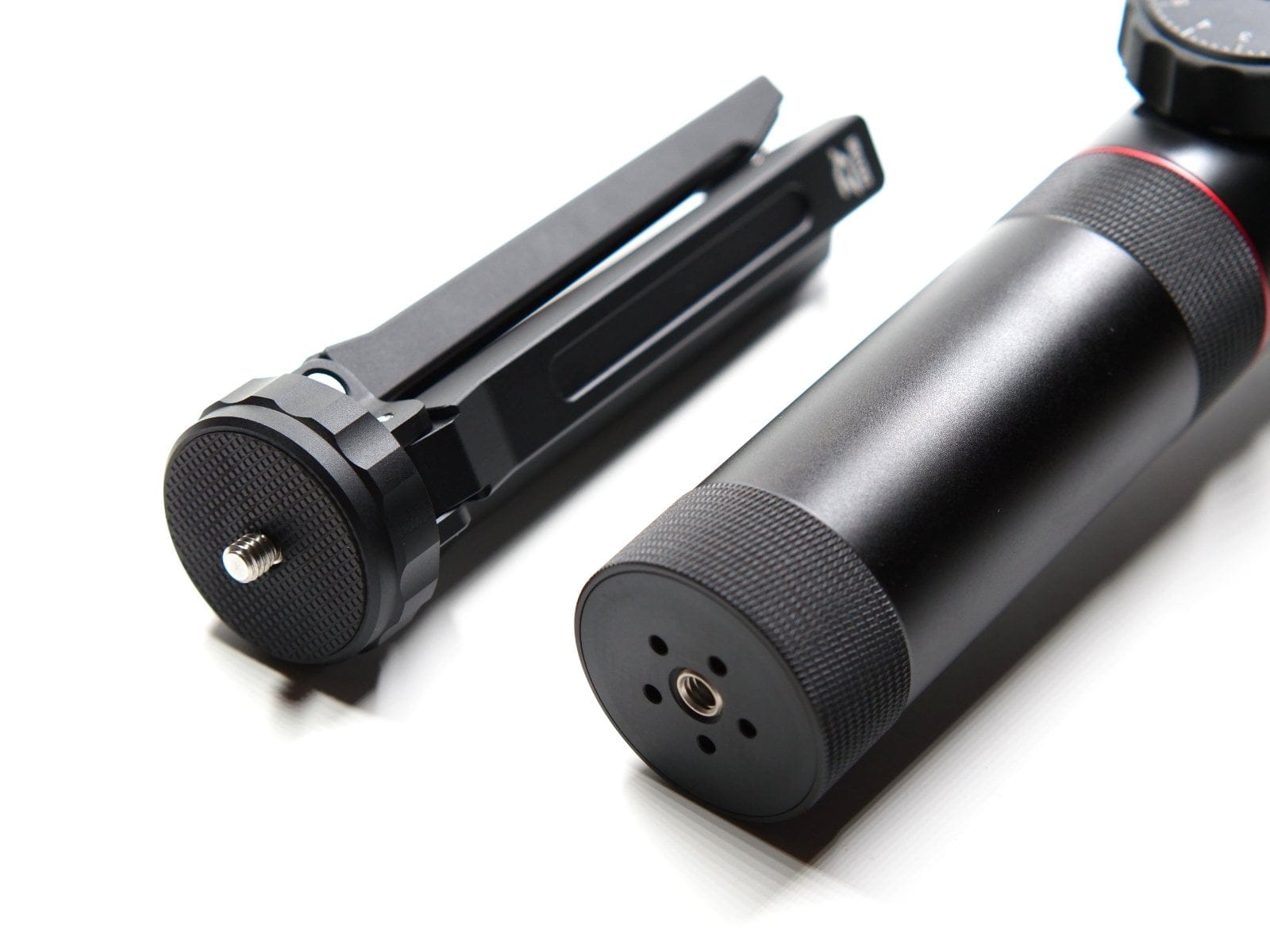
The Crane 2 roughly consists of a handle, the control unit and the camera mount, including the brushless motors. The handle is removable. The battery holder behind it is firmly connected to the control unit and can accommodate a total of three 18650 batteries. The underside of the handle features a ¼ inch tripod thread.
The control unit has also been significantly improved compared to the predecessor model and expanded with additional functions. Particularly noteworthy here are the side-mounted “Follow Focus Controller” and the newly available OLED display, which lets you read the gimbal status and camera parameters. Below the display is a 4-way joystick for movement control. Below that again are the Mode button to select the control mode, and next to it the Power button, which also starts video recording. Finally, below the control buttons is a rotary control element that serves menu navigation and camera parameter control. In the middle of the control element is a pressable shutter button. On the opposite side of the Follow Focus Controller are an 8V DC power output and a MicroUSB port, which is intended solely for uploading new firmware updates. Both ports are covered with rubber covers and are thus protected from external influences.

The camera mount, including the three brushless motors, is firmly connected to the control element. The pan, tilt and roll axes can be manually adjusted to the attached camera. Printed scales help with finding the position. A particularly interesting feature of the Zhiyun Crane 2 is the Manfrotto quick-release plate. This allows cameras to be connected to the gimbal even more easily and, above all, more quickly. To avoid excessive forward weight of the lens, an additional lens support, which is also included in the delivery, can be screwed onto the quick-release plate. To establish a connection between the camera and the gimbal, the Tilt axis motor features a “Camera Control Interface” in the form of a MicroUSB socket.
What’s included
The package includes an EVA carrying case with shoulder strap for safe and easy transport, connection cables for various Canon, Sony and Panasonic camera models, a microUSB cable, three 18650 lithium-ion batteries, a battery charger, a tripod and an instruction manual.

Preparation and setup
It is crucial never to switch on a gimbal without a counterweight inserted, as this can otherwise cause damage to the brushless motors. Anyone who wants to enjoy their gimbal for a long time should take this advice to heart! The instruction manual again emphatically highlights this crucial point. The recommended load capacity is between 500g and 3,200g.
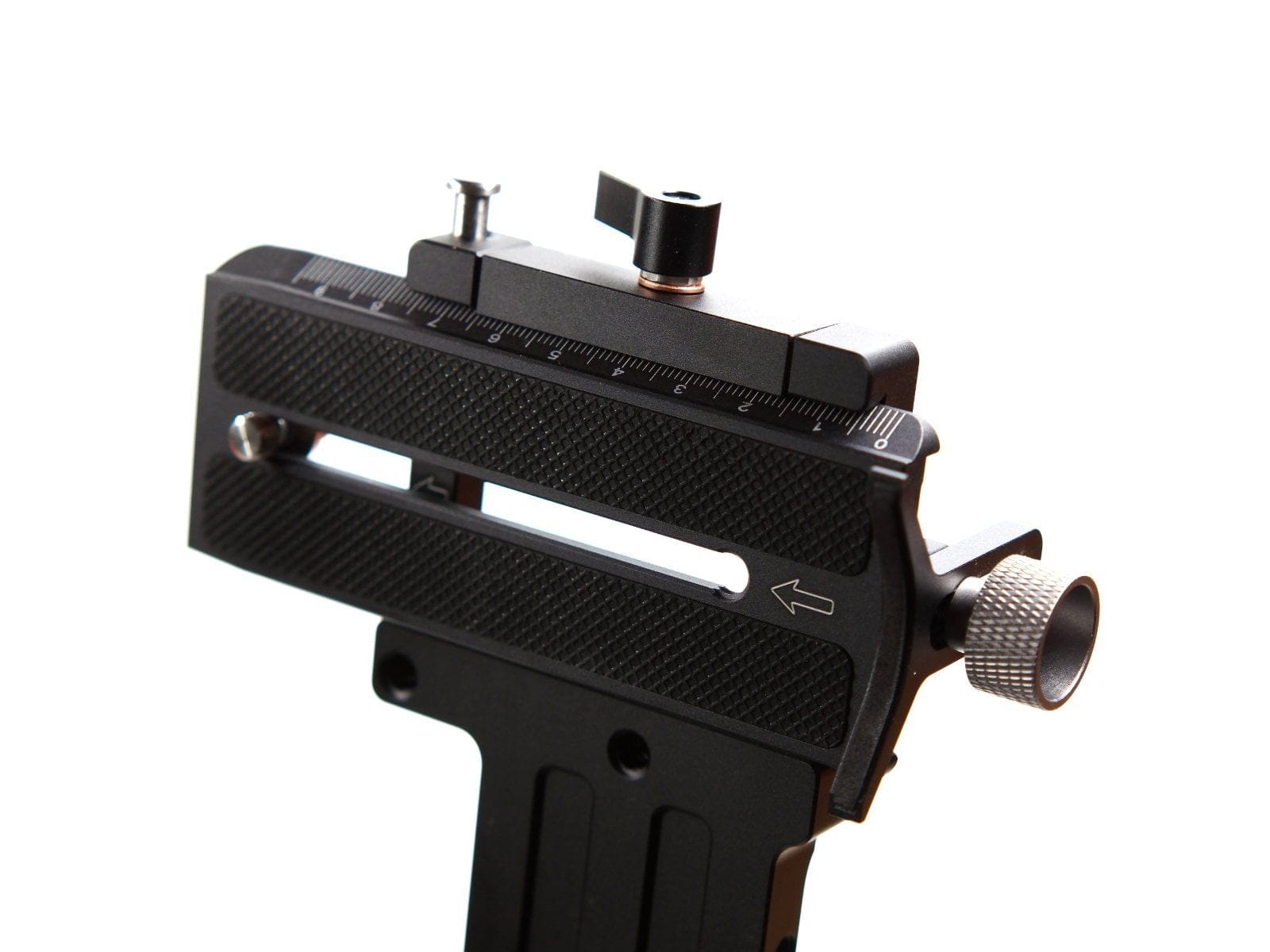
The predecessor model still used a fixed camera mount to attach the camera. The Zhiyun Crane 2 instead uses a Manfrotto quick release plate, allowing the camera and gimbal to be connected together even faster. An additional safety lock prevents the plate from slipping out. Before each use, the gimbal should be balanced. While this step is not strictly necessary, it relieves the motors and ensures improved battery life. The scale markings on the quick release plate and all axes make it easy to remember the respective alignment.
Practical test
I took a full three months for the practical test of the Zhiyun Crane 2. I used the gimbal with various camera models, including the ultra-light YI M1 DSLM (650g) and a significantly heavier Canon EOS 550D (1200g).
Fixed mount
Like the Zhiyun Crane V2 before it, the Crane 2 is not a gimbal you just take along on holiday trips. Mainly due to its size and weight, the Crane models are largely uninteresting for air travel, even if the gimbal can be transported in a compact and practical case. As already indicated, the gimbal is ready to use in no time. The Manfrotto quick-release plate greatly facilitates setting it up. Switching between gimbal and tripod is seamless.

OLED display
A clear advantage over predecessor models is the OLED display, which informs the user about the current status of the gimbal, as well as the camera (if compatible). It is particularly useful that switching motor power no longer requires access to the app. Almost all settings can be conveniently made via the gimbal thanks to the display. At the same time, the display is bright enough to remain clearly readable in all weather conditions and lighting situations.
Handling
The Zhiyun Crane 2 fits perfectly in the hand. Compared to its predecessor, the gimbal can be held even better thanks to the significantly thicker aluminium grip. The tripod additionally included in the scope of delivery can also be used as an extension or weight support, allowing even smoother one-handed operation. Despite the thicker aluminium grip, the control buttons are close together and are easily accessible, even with one hand.
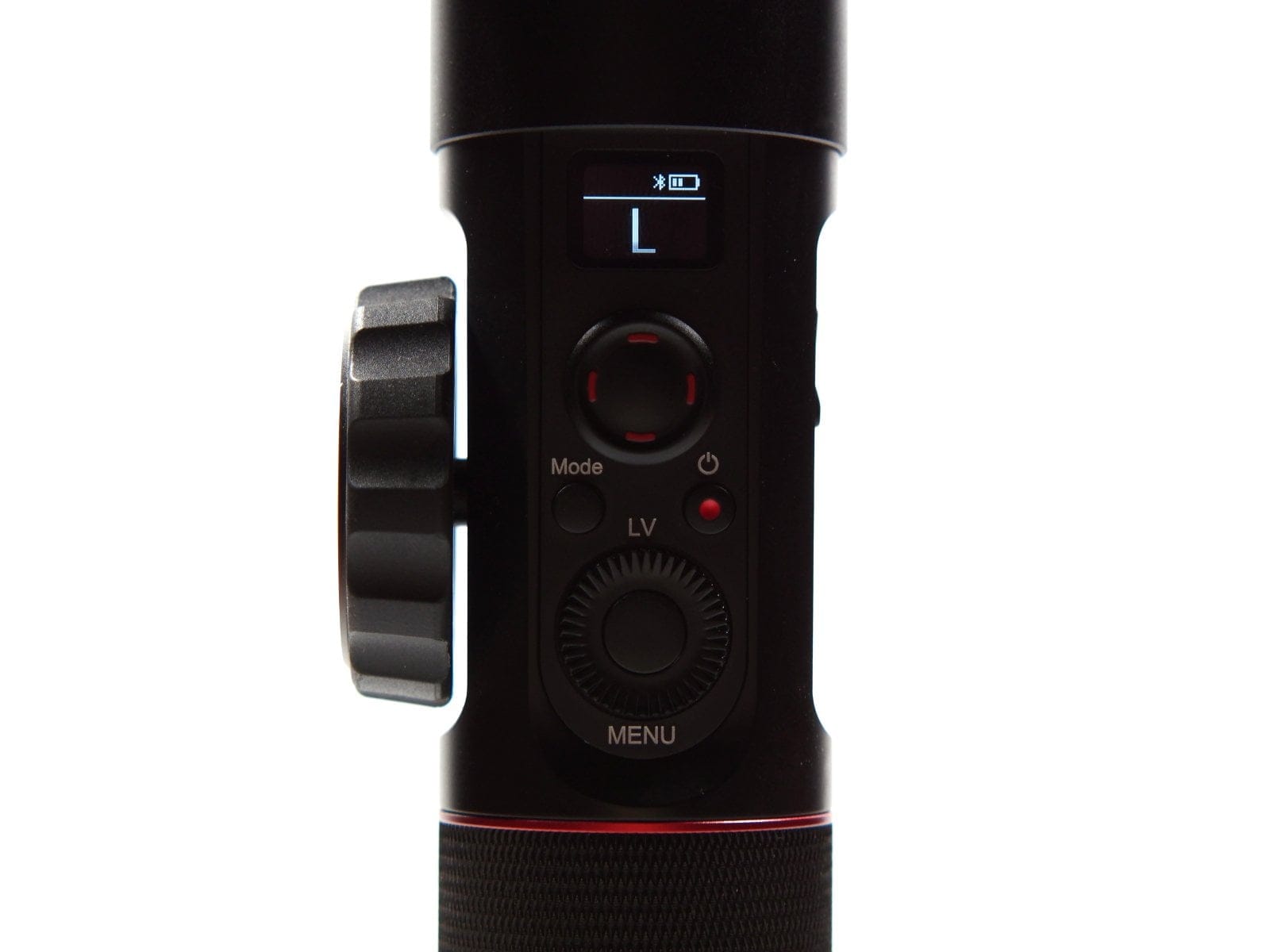
It gets more complicated with the numerous setting options that can be adjusted directly on the gimbal. If a compatible camera is also connected, it is easy to lose track of things at first. Users should first familiarise themselves with the respective control buttons and the general function selection. The user manual provides plenty of information on this. After a short period of getting used to it, the Crane 2 can be operated smoothly.
Due to its relatively high weight and the additional camera weight depending on the application, the Zhiyun Crane 2 is only partially suitable for vloggers and IRL streamers. After just a few minutes of one-handed operation, you noticeably feel the Crane 2 in your arm and wrist. A double handle is available as a separate accessory.

Stabilization
The stabilisation performance of the Crane 2 is impressive. Thanks to the extremely powerful brushless motors, smooth pan, tilt and roll movements are no problem even with high payloads. Pan and roll movements are possible up to 360 degrees. The tilt movement range is between -135 degrees and +185 degrees (320 degrees).
The motor performance is adjustable in 3 levels. Even at the lowest motor level, a Canon EOS 550D, which weighed 1200 g including the lens, could be stabilised without any problems. Micro-jitters did not occur at any point. Motor noise, which occurs with many gimbals and can become a problem especially when recording videos, is also not noticeable with the Zhiyun Crane 2.
Functions and Zhiyun Play
The Zhiyun Crane 2 can be controlled in various ways. The most conventional control option is direct control via the gimbal's control buttons. Furthermore, there is remote control capability via the so-called Zhiyun Play App and a separately available Bluetooth remote. The following motion modes are available:
Pan Following Mode
After switching on, the Crane 2 is initially in "Pan Following Mode" (PF). In this mode, the tilt and roll axes are locked, so only horizontal panning movements are followed. However, the tilt axis can be moved freely using the joystick.
Locking Mode
With one click of the mode button, you switch to the so-called "Locking Mode" (L). In this mode, all axes are locked. No matter how you move the gimbal now, it always remains aligned horizontally in a straight line. Even in Locking Mode, the axes can be freely moved via the joystick.
Following Mode
Double-clicking the Mode button switches to "Following Mode" (F). In this mode, the Crane 2 follows all pan, tilt and roll movements. Control of the roll axis via the joystick remains possible.

Bottom Up Mode
Also included is the so-called “Bottom Up Mode”. This mode enables overhead filming. Due to the high hanging weight, you usually have even better control over the gimbal.
Pressing the mode button three times automatically performs a 180° pan. The active mode can be read on the display and is indicated by PF (Pan-Following Mode), F (Following Mode) or L (Locking Mode).
Zoom, shutter and capture
Many of the Zhiyun Crane 2 features are only available for specific camera models from Canon, Sony and Panasonic. According to Zhiyun, the Canon 5D2, 5D3 and 5D4 models offer the most comprehensive compatibility. With the exception of zoom, all camera parameters of these Canon camera models can be controlled via the Crane 2 buttons.
Models from Sony (with Multi-Interface) and Panasonic (GH3 / GH4 / GH5), on the other hand, only offer the possibility of triggering photo and video recording via the gimbal. Additionally, the Crane 2 allows Sony models to zoom manually directly via the gimbal’s control unit.
The Canon EOS 550D connected during testing could be fully controlled via the gimbal despite compatibility not being mentioned. All functions inherent to Canon models, such as manual focusing, ISO selection, or exposure value, were directly controllable via the Crane 2. Photo and video recordings could be triggered at the touch of a button.
Zhiyun Play
Remote control is possible via the "Zhiyun Play" app, which is available in the respective app stores for Android and iOS mobile devices. Connection is established completely easily via Bluetooth.
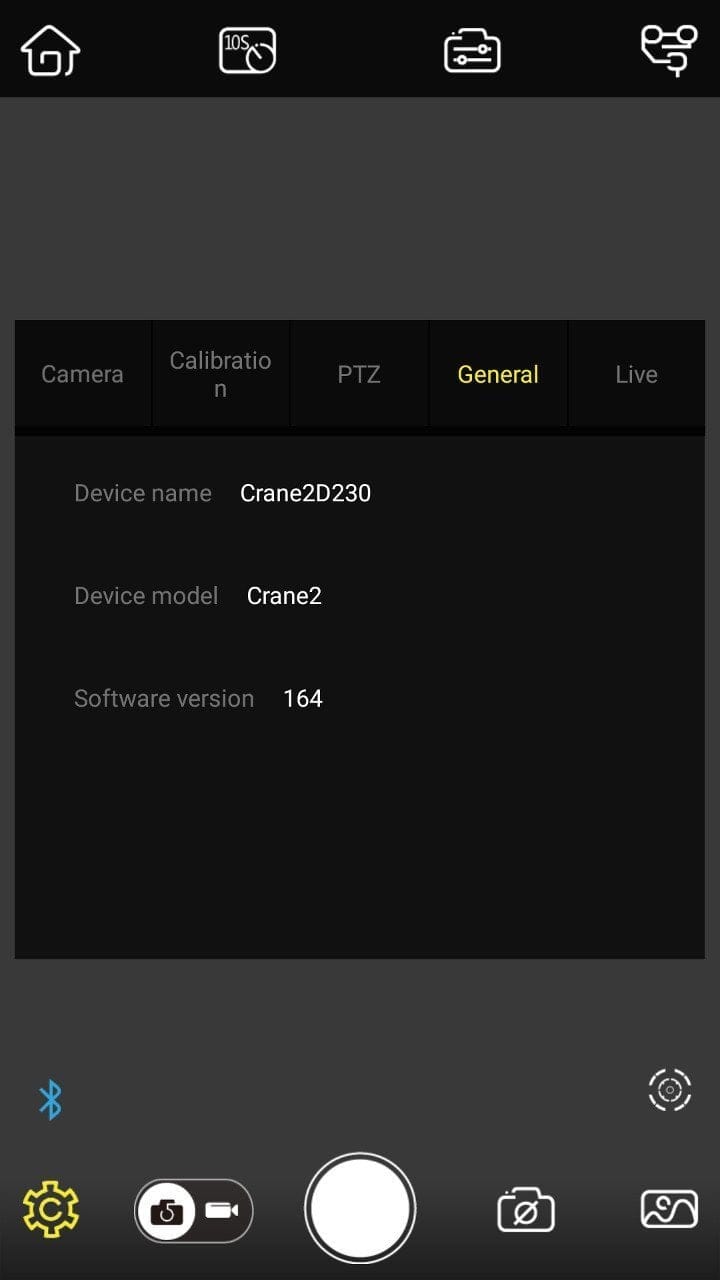
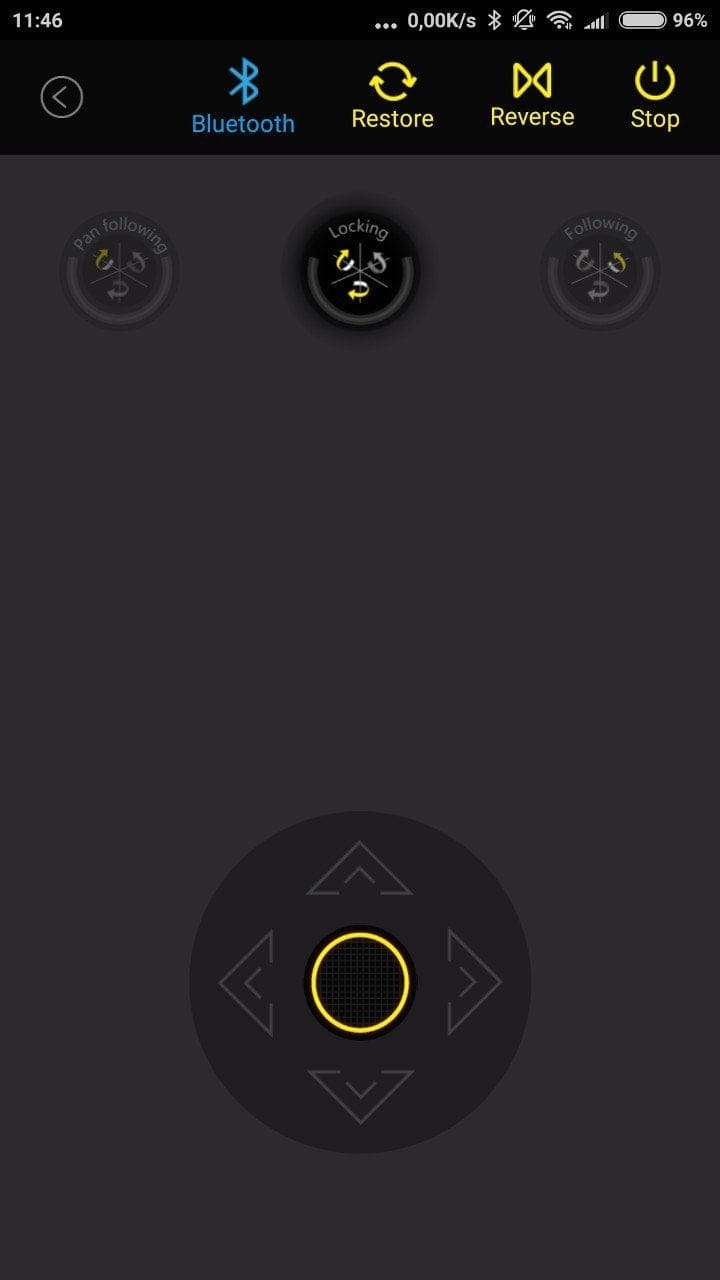
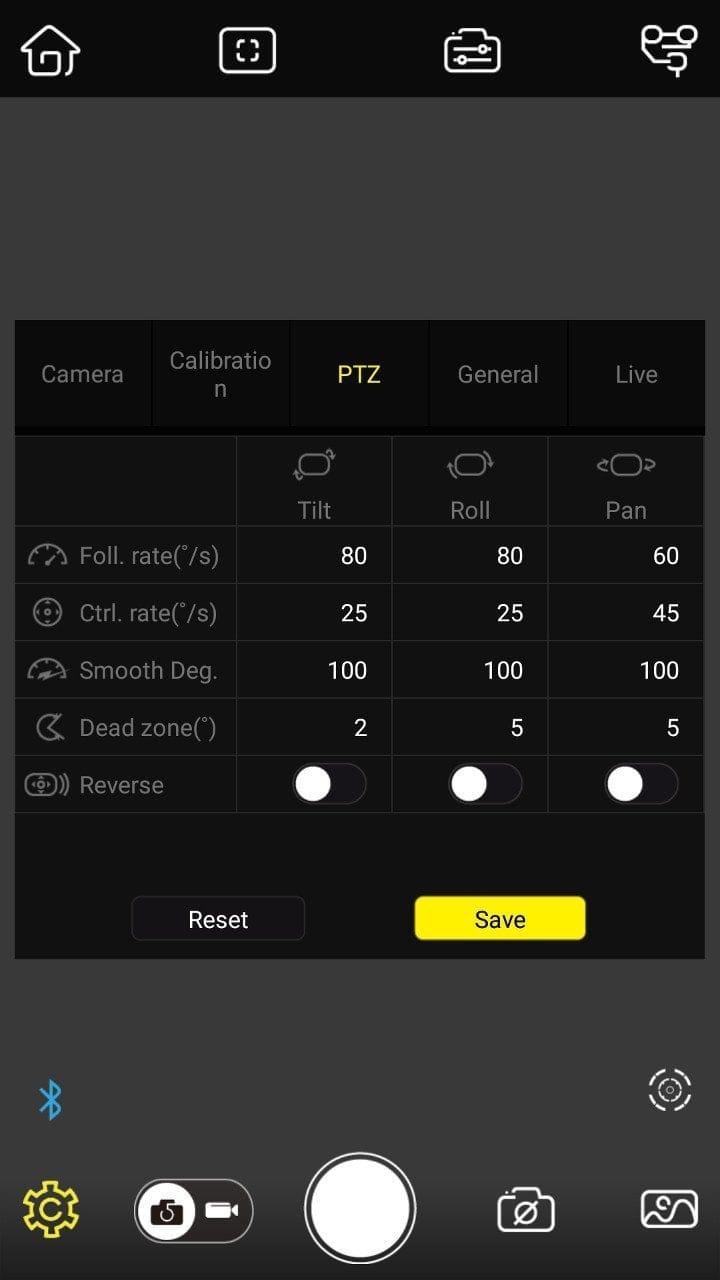
The app offers the possibility to control all gimbal models from the manufacturer. Accordingly, the app is equipped with many functions specifically designed for controlling Zhiyun smartphone gimbals. The fact that these functions are present even when the Crane 2 is selected and are shown as unusable quickly leads to confusion.
The Zhiyun Crane 2 app offers various features, including a virtual joystick with corresponding mode selection, adjustments for motor power and gimbal calibration, and, more recently, a panorama mode that puts the gimbal into a time-controlled, automatic 360-degree movement mode.
Battery
The Crane 2 is powered by three IMR 18650 lithium-ion batteries, with a total capacity of 6000 mAh. Zhiyun specifies a running time of up to 18 hours. This figure is quite realistic. In our practical test, after approximately 8 hours of use, two battery bars remained. The battery status is displayed via the OLED screen. Charging your (Sony) camera via the interface USB slot or your Canon via the 8V DC output simultaneously will reduce the battery life accordingly. The charging time for the batteries, using the charger included in the delivery, is approximately 3 hours.


Our verdict
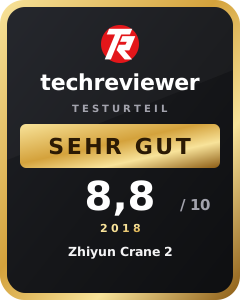
The Zhiyun Crane 2 is a wholly satisfactory 3-axis camera stabiliser for mirrorless and DSLR cameras, offering a number of new as well as improved functions compared to the previous model. Starting with the build quality, the scope of delivery and also the handling and initial setup, the Crane 2 convinces across the board. The stabilisation performance is first-class, and thanks to the extremely high load capacity of 3,200g, almost any consumer camera with lens can be stabilised with the Crane 2. The newly introduced OLED display and the Manfrotto quick-release plate significantly simplify the initial setup and operation.
The biggest criticism of the Zhiyun Crane 2, which is less the fault of the gimbal manufacturer than that of the camera manufacturers, is the severely limited usability of the control functions. For example, the new Follow Focus controller can only be used with certain Canon models. Although the Crane 2 is also compatible with Sony and Panasonic models, the functions supported by the Camera Control Interface are limited.
All in all, the Zhiyun Crane 2 is an excellent gimbal and one we can highly recommend, standing almost unchallenged in the price bracket under €800.
Specifications
General
- Axes
- 3-axis
- Material
- Aluminium
- Load capacity
- 500g - 3200g
Stabilization
- Tilting angle
- 320°
- Rolling Angle
- 360°
- Panning angle
- 360°
Battery
- Type
- IMR 18650 Lithium-Ion
- Capacity
- 6000 mAh
- Runtime
- up to 18 hours
- Charging time
- approx. 3 hours
Other
- Tripod mount
- 1/4 inch
- Operation
- Grip + app + Bluetooth remote
- Size
- 21 x 11.8 x 45 cm
- Weight
- 1250g
What’s included
1x gimbal 1x hard case 1x soft case 1x Micro USB cable 2x Canon interface cables 1x Sony interface cable 1x Panasonic interface cable 3x 18650 batteries 1x charger 1x lens support 1x tripod 1x user manual
Comments (1)
I am getting frustrated. Since my camera is misaligned, I am trying to calibrate it, but I cannot get past Step 1. Step 2 does not complete no matter what I do. Does anyone have any advice?