Contents
Hardware
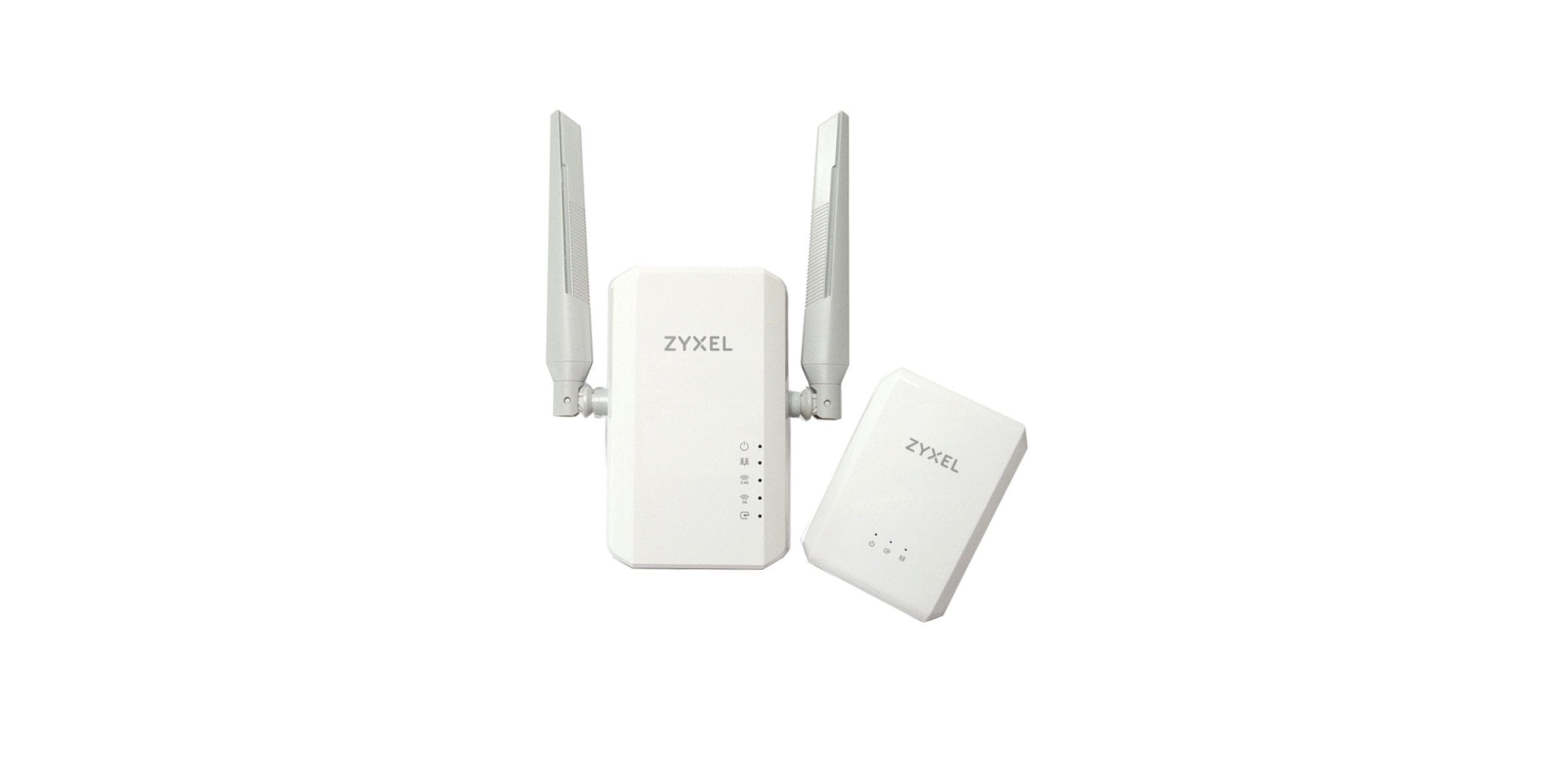
The way a PowerLine adapter works is simple to explain. The adapters are plugged into a conventional power socket and connected via the network port. Data transmission occurs between two or more PowerLine adapters, directly over the power line.
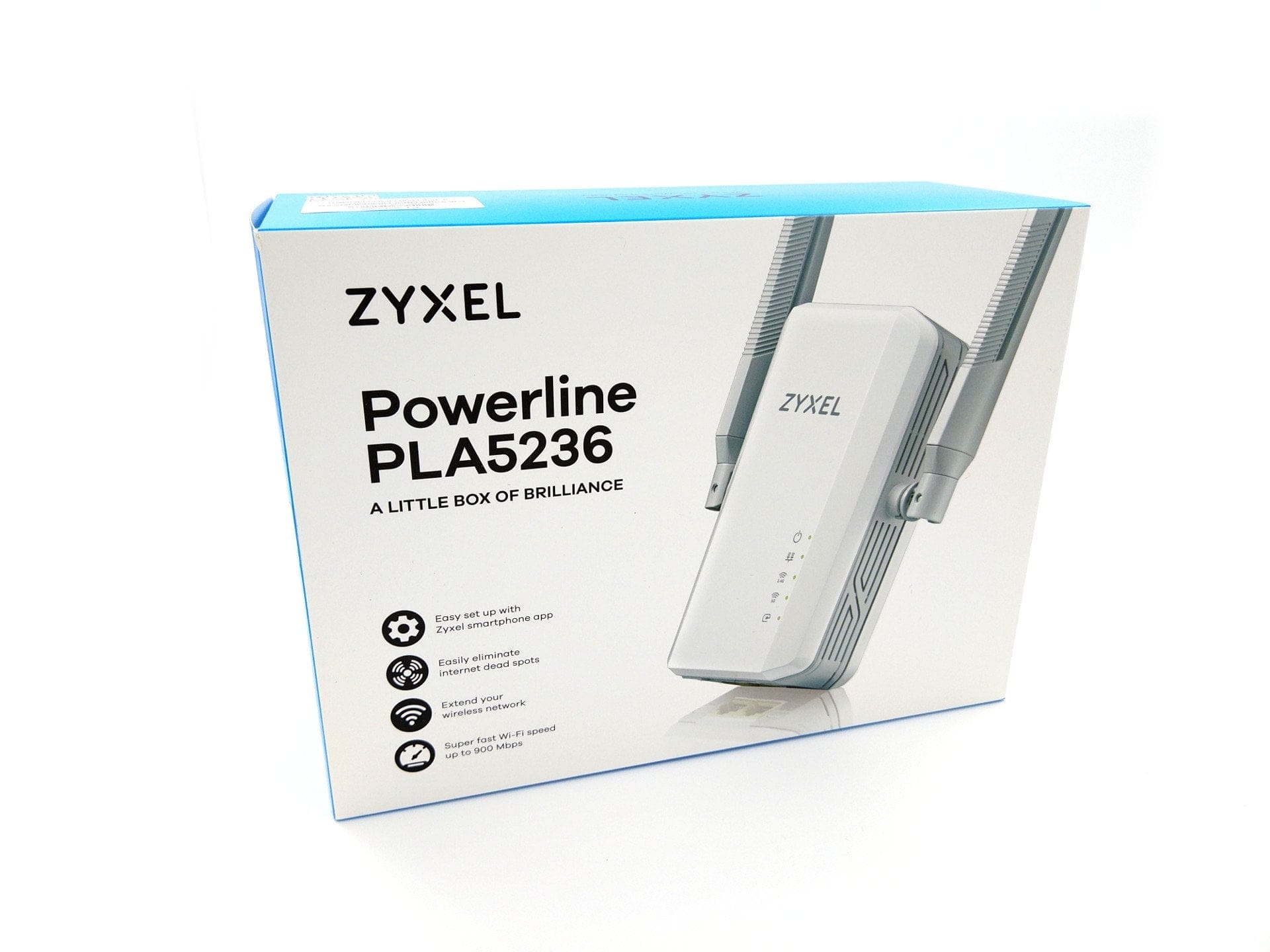
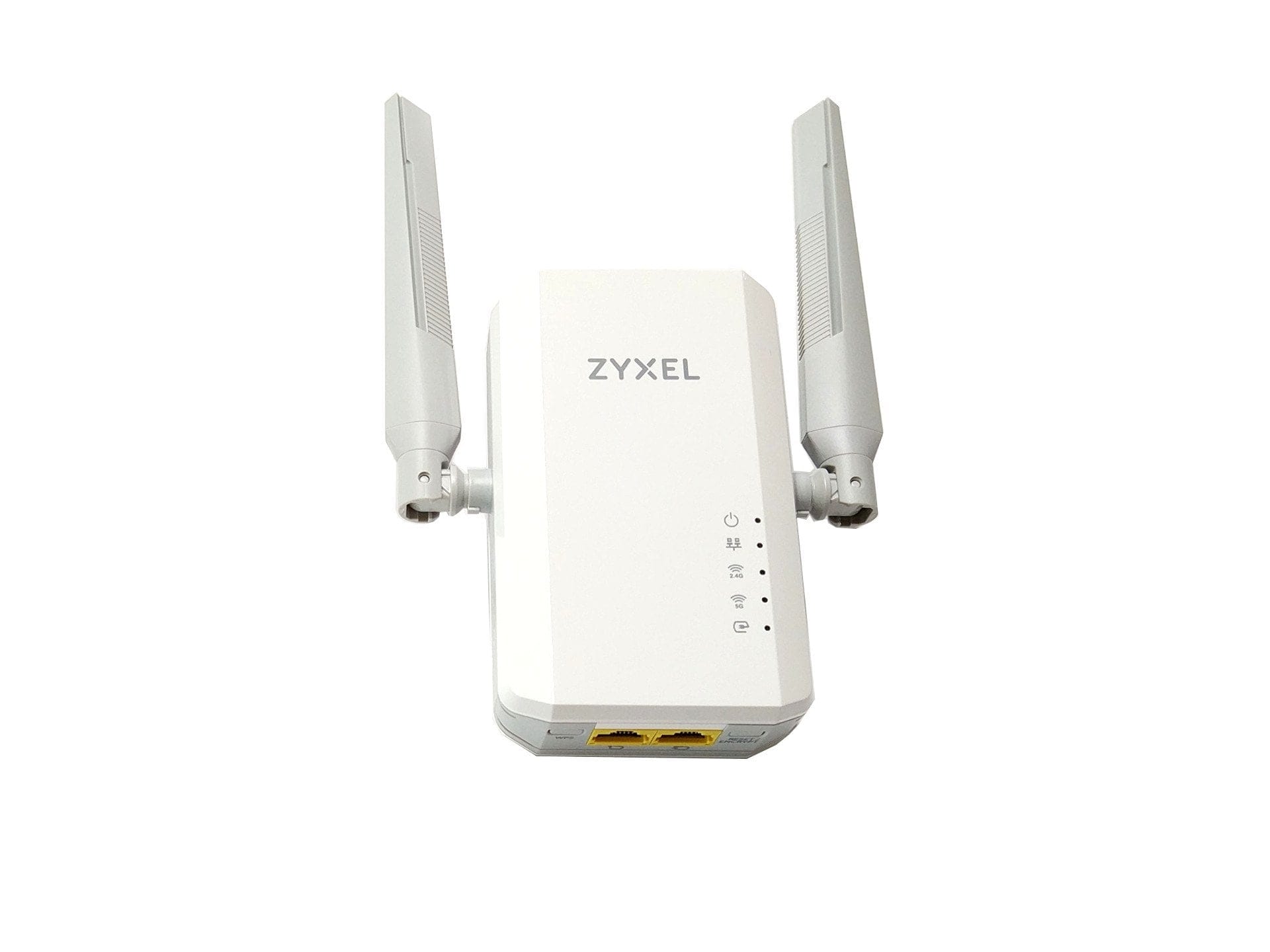
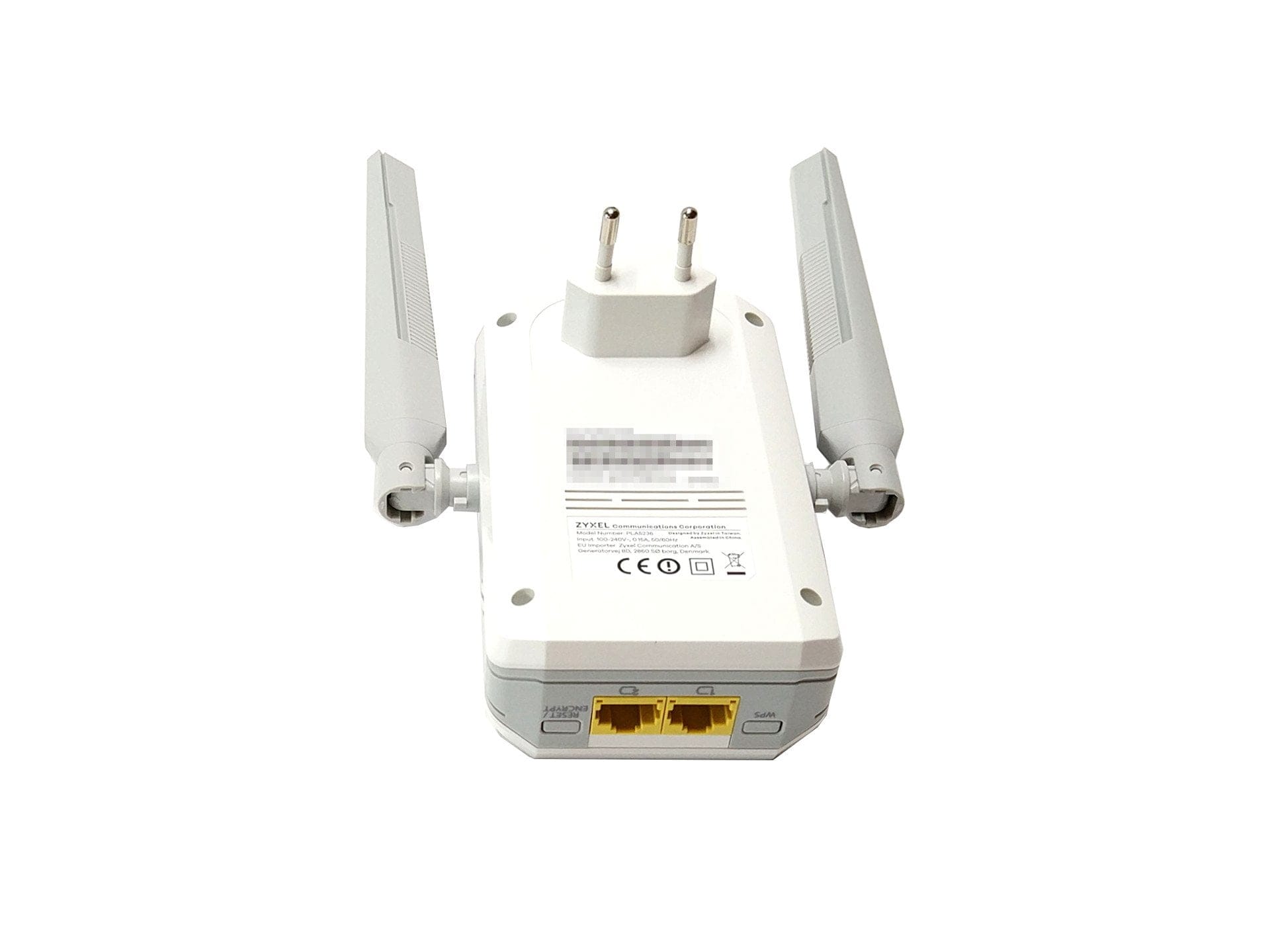
The larger “PLA5236” adapter has two 10/100/1000 Mbps RJ45 ports with Auto MDI/MDI-X support. Thanks to the HomePlug AV2 specification, a bidirectional powerline data throughput of up to one gigabit would theoretically be possible. For security, the transfer is 128-bit AES encrypted. At the same time, the Zyxel PLA5236 is a wireless access point that supports both 2.4 GHz and 5 GHz WiFi according to the Dual-Band AC standard. In the 5 GHz network, theoretical transmission rates of up to 867 Mbps are possible, and in the 2.4 GHz network, up to 400 Mbps. Encryption here consists of 64/128 bit WEP, WPA-PSK or WPA2-PSK. For easy connection setup, the PLA5236 is WPS compatible.
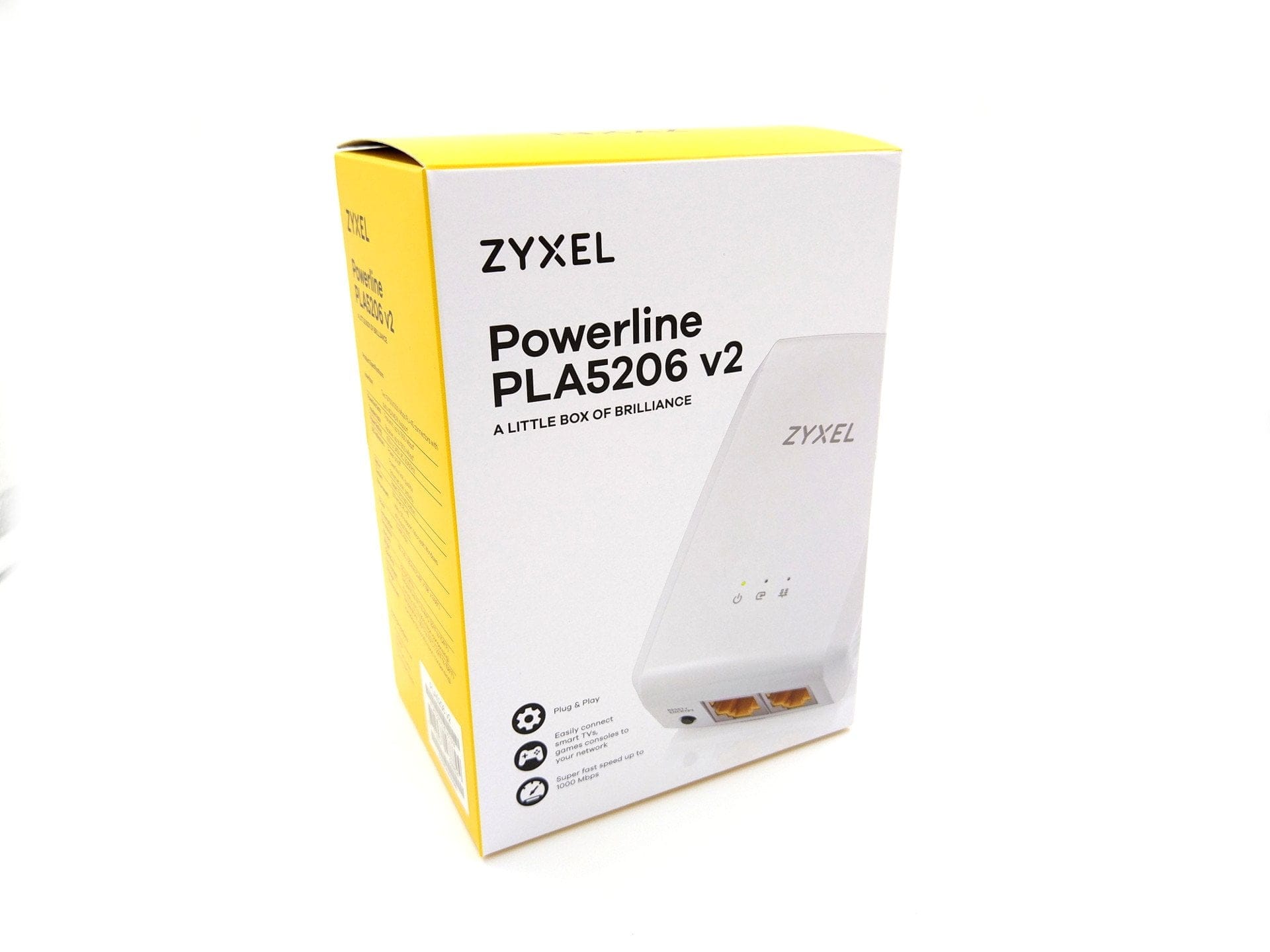
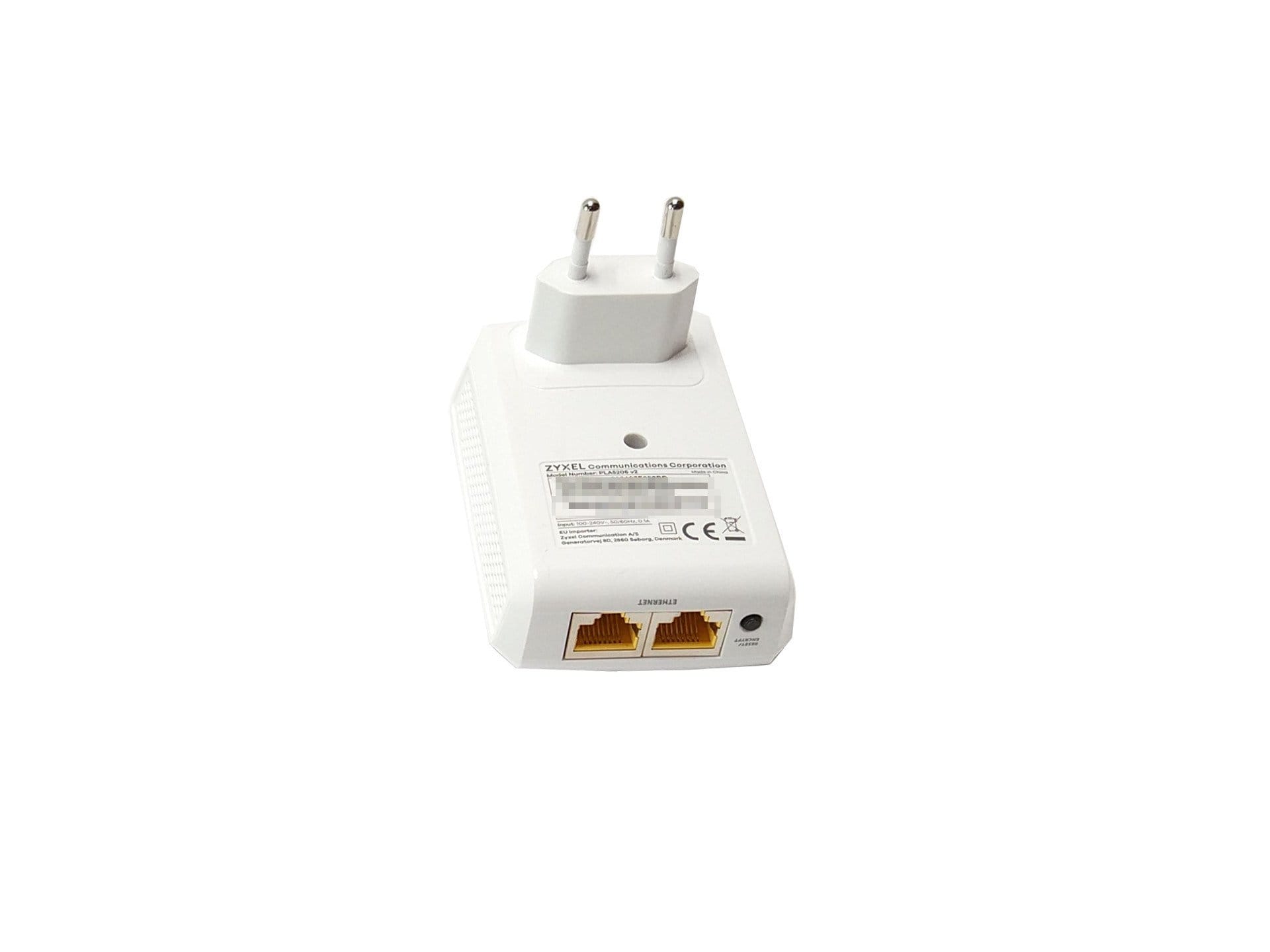
The second adapter, named “PLA5206 V2”, is intended exclusively for PowerLine use. Also specified as HomePlug AV2 and equipped with two 10/100/1000 Mbps RJ45 ports, this adapter also achieves a theoretically possible PowerLine transfer rate of one Gigabit.
Practical test
Design and build quality
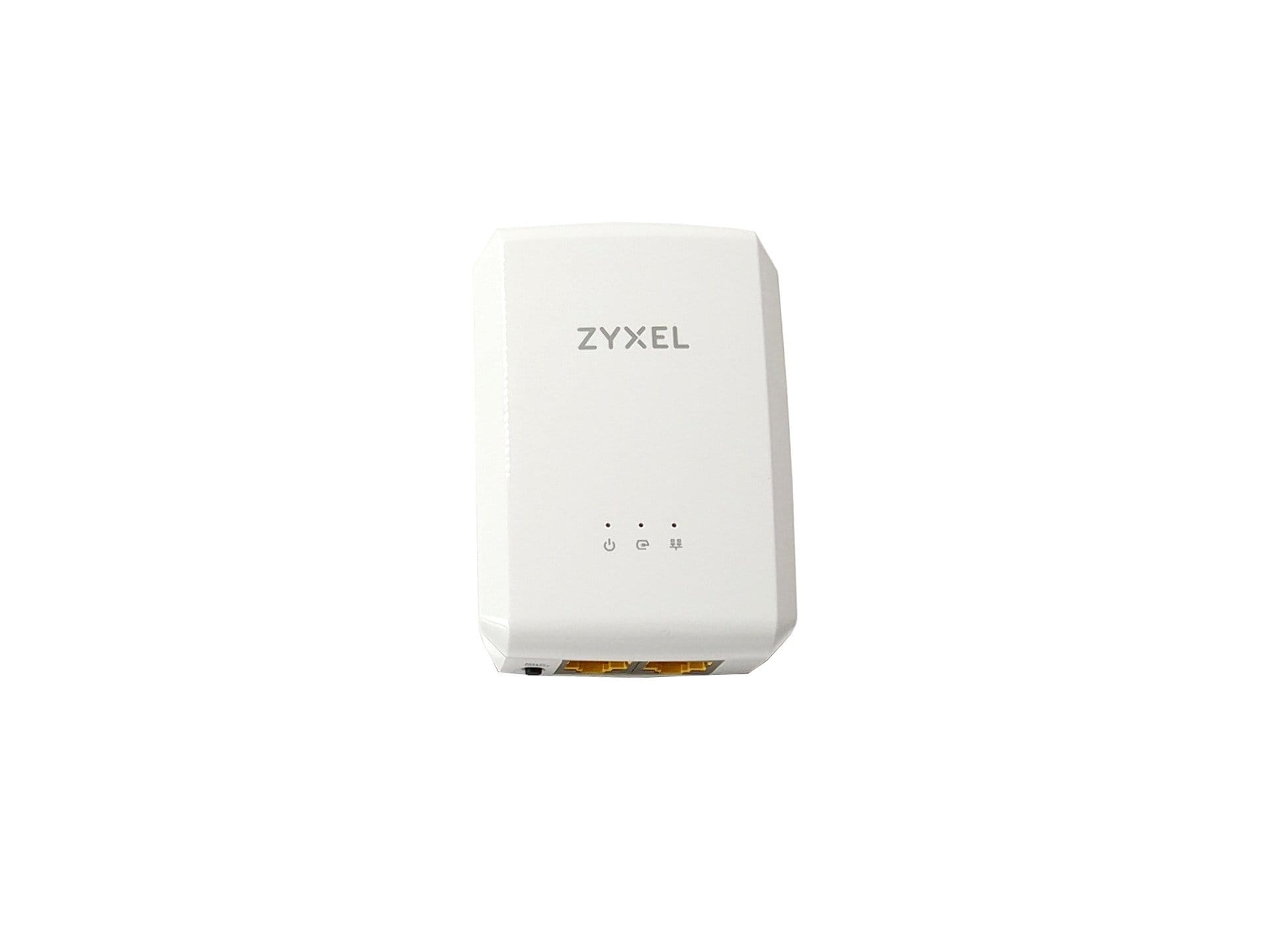
Both the PLA5206 V2 and the PLA5236 are excellently built. However, there are points of criticism regarding the design. With dimensions of 125 x 74 x 40 mm, the PLA5236 is extremely large. Especially when used in a multi-way power strip, the housing of the PowerLine adapter protrudes into the socket area of the adjacent sockets, meaning they can no longer be used. The PLA5206 V2 has significantly more compact housing with dimensions of 93 x 63 x 30 mm.
Setup
For easy setup, both devices are supplied with a multilingual quick start guide that also includes German instructions. At the same time, each box contains a 1.5-metre network cable.
Connecting two adapters is very easy and can also be carried out by non-technical users. To set up a powerline connection, one adapter must be connected to the router, and the other adapter is then connected to the device that requires internet access. The connection between the adapters is established fully automatically. To encrypt the connection, the "Encryption" button on both devices must be pressed for 2 seconds.
PowerLine data throughput
To measure the PowerLine's potential net data throughput, we opted for realistic test environments. For this, the PLA5206 V2 was connected to a Gbit switch. The PLA5236 was connected to the Gigabit LAN port of a fast laptop with a high-performance SSD. A 1GB file was transferred locally via a NAS.
Test environment 1: The PLA5236 and the PLA5206 V2 are connected via a single wall socket and are approximately 3 metres apart in the same room. The maximum achieved data transfer rate was 30 MB/s.
Test environment 2: The PLA5236 and the PLA5206 V2 are connected via a single wall socket and located on different floors, at a distance of approximately 10 meters. The maximum data throughput rate was 19 MB/s.
Test setup 2: The PLA5236 and the PLA5206 V2 are connected via a single wall socket and are on different floors, at a distance of about 18 metres. The maximum data throughput rate was only 5 MB/s.
For a stable connection and high data throughput, it is recommended to use the Zyxel PowerLine adapters with a wall socket rather than a power strip. The reason is that other devices connected to the power strip can interfere with the PowerLine signal. In testing, using a power strip with additional connected devices did not prove disadvantageous. The signal remained constant at the same data throughput rate. Signal quality can also be read directly via an LED indicator.
Access Point
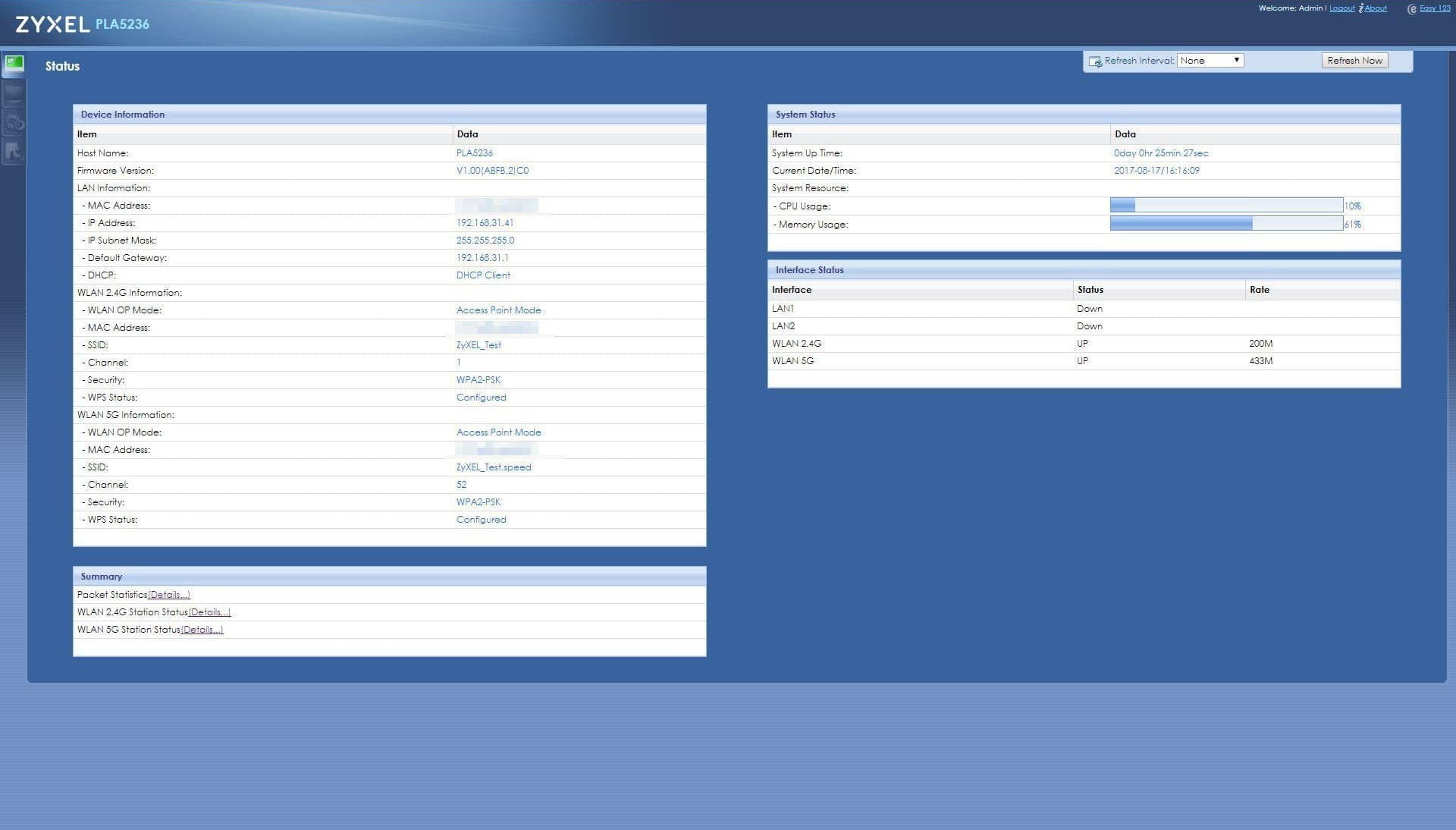
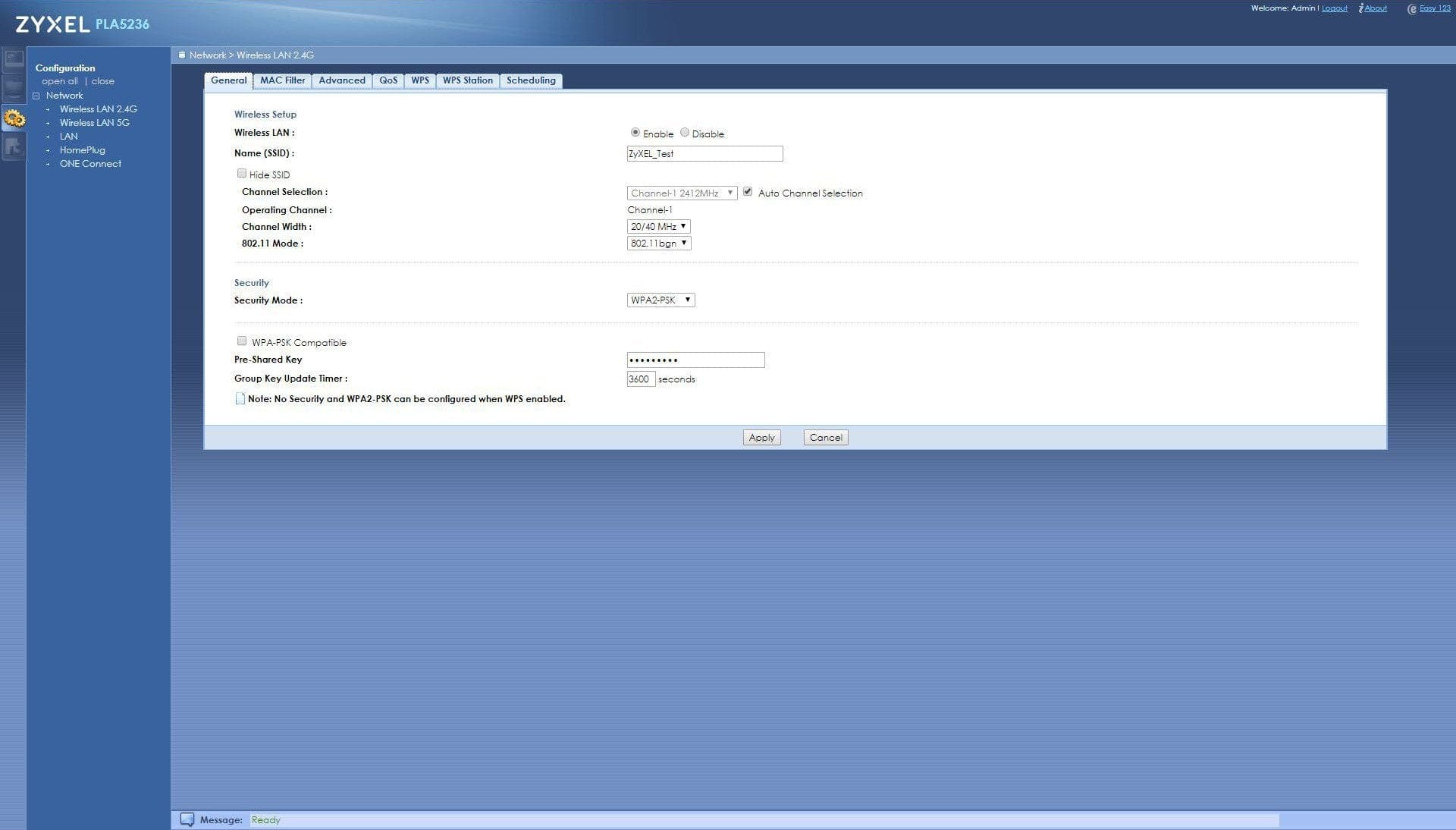
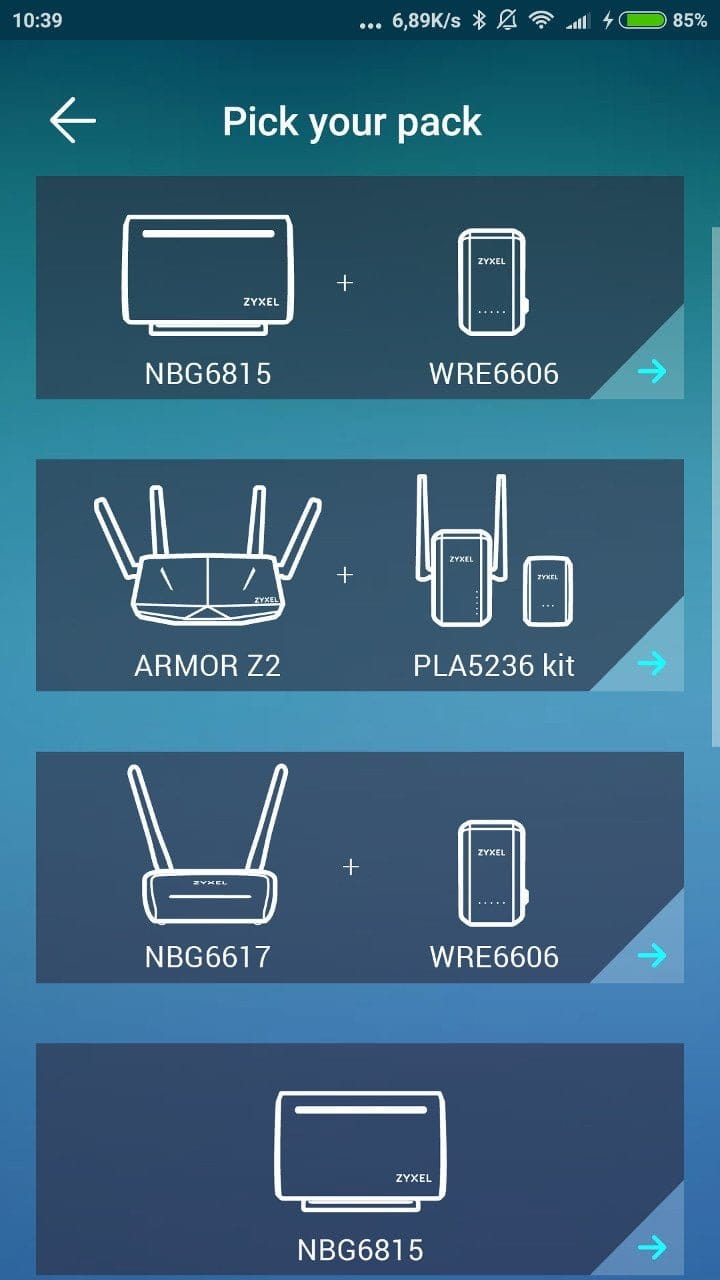
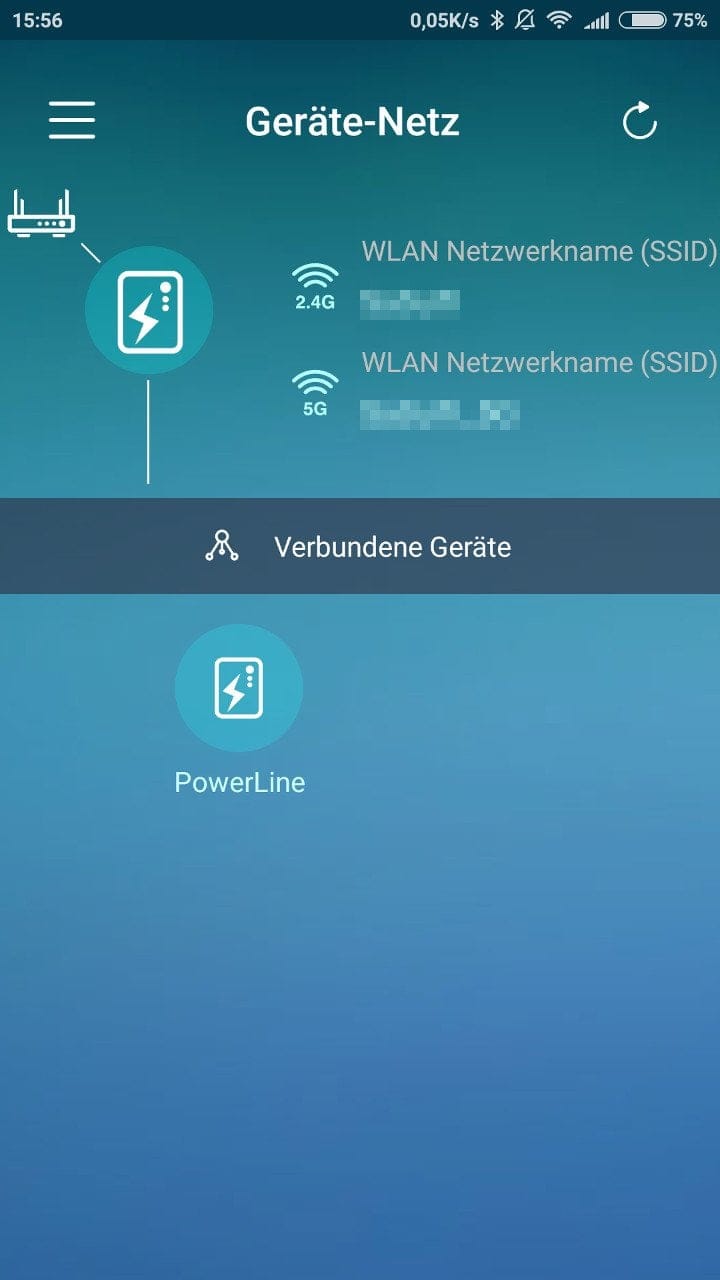
The Zyxel PLA5236 can additionally act as an access point. The access point can be configured via the so-called “Zyxel Easy Setup” app, and it is also possible to configure it via the adapter’s web interface. To do this, you must connect to the adapter and navigate to http://zyxelsetup. The login details are printed on the adapter. Thanks to Dual-Band AC, both a 2.4 GHz and a 5 GHz network can be established. The PLA5236 impressed with a constant data transfer rate and good transmission range. The adapter can be managed via the “Zyxel OneConnect” app and the local web interface, which also allow additional features such as QoS or a MAC filter to be activated.
Power consumption
The power consumption of the PLA5236 in the test ranged between 8 watts and 11.5 watts. The average consumption was 10.5 watts. The PLA5206 V2 achieved a consumption between 5 watts and 8 watts, with the average consumption being 6.5 watts.
Our verdict
The Zyxel PowerLine Kit is a convenient solution for expanding a LAN or WLAN in just a few steps. Such a kit makes the most sense where there is currently no Ethernet connection available or WLAN reception is poor. However, one should note: when manufacturers specify PowerLine products with a theoretically possible gigabit transmission rate, this figure always comes with a caveat. In practice, PowerLine adapters are far removed from the theoretical possibility. Transfer rates of around 35 MB/s are roughly what can be expected from a good PowerLine adapter in real-world use.
Specifications
Zyxel PLA5236
- Ports
- 10/100/1000 Mbps RJ-45
- Wi-Fi
- Dual-band AC
- Standard
- HomePlug AV2
- PowerLine
- *Send
- up to 1000 Mbps
- *Received
- up to 1000 Mbps
- *Range
- 300 meters
- *Encryption
- 128-bit AES
- *QoS
- 4-level QoS, 8-level VLAN
- Wi-Fi
- *Speed mode
- up to 867 Mbps (5 GHz)
- *Range mode
- up to 400 Mbps (2.4 GHz)
- *Mix mode
- Up to 200 Mbps (2.4 GHz) & 433 Mbps (5 GHz)
- *Encryption
- 64/128-bit WEP, WPA-PSK/WPA2-PSK
- *Other
- WPS, WMM
- Size
- 125 x 74 x 40 mm
- Weight
- 280g
Zyxel PLA5206 V2
- Ports
- 10/100/1000 Mbps RJ-45
- Standard
- HomePlug AV2
- PowerLine
- *Send
- up to 1000 Mbps
- *Received
- up to 1000 Mbps
- *Range
- 300 meters
- *Encryption
- 128-bit AES
- *QoS
- 4-level QoS
- *Other
- IGMP v1/v2/v3
- Size
- 93 x 63 x 30 mm
- Weight
- 120g
What’s included
1x PLA5236 1x PLA5206 V2 2x Quick Start Guide 2x Network cables

Comments