Contents
Unboxing and setup
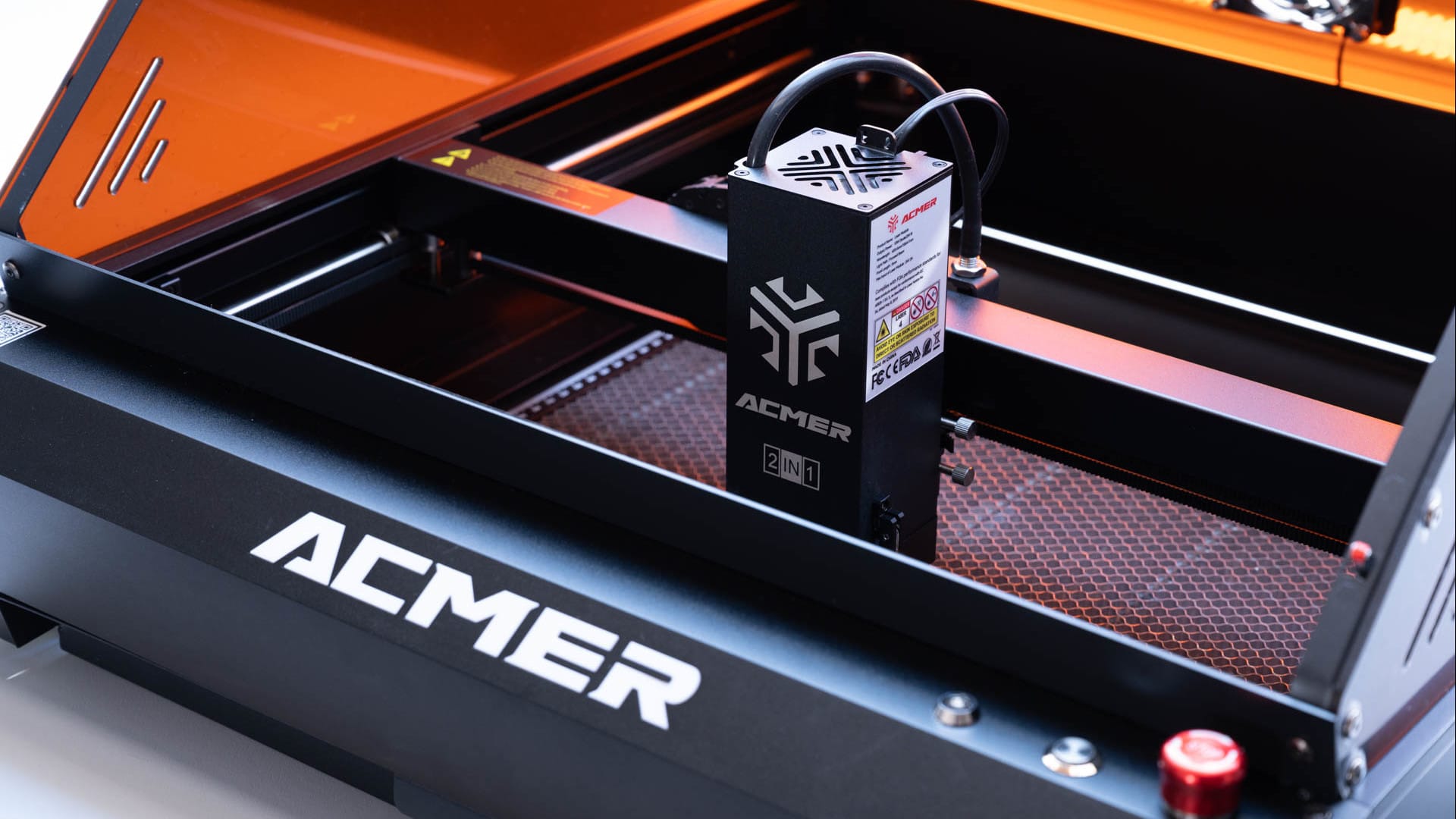
The ACMER P3 2IN1 arrives in clean packaging and is largely pre-assembled. The housing is fully enclosed, immediately conveying a sturdy and premium impression when unpacked. All components are securely fixed; nothing rattles or wobbles.

The delivery package includes everything needed for the start. From the honeycomb plate and tools to test materials, calibration template and a microSD card with software, profiles and sample projects, everything is included.

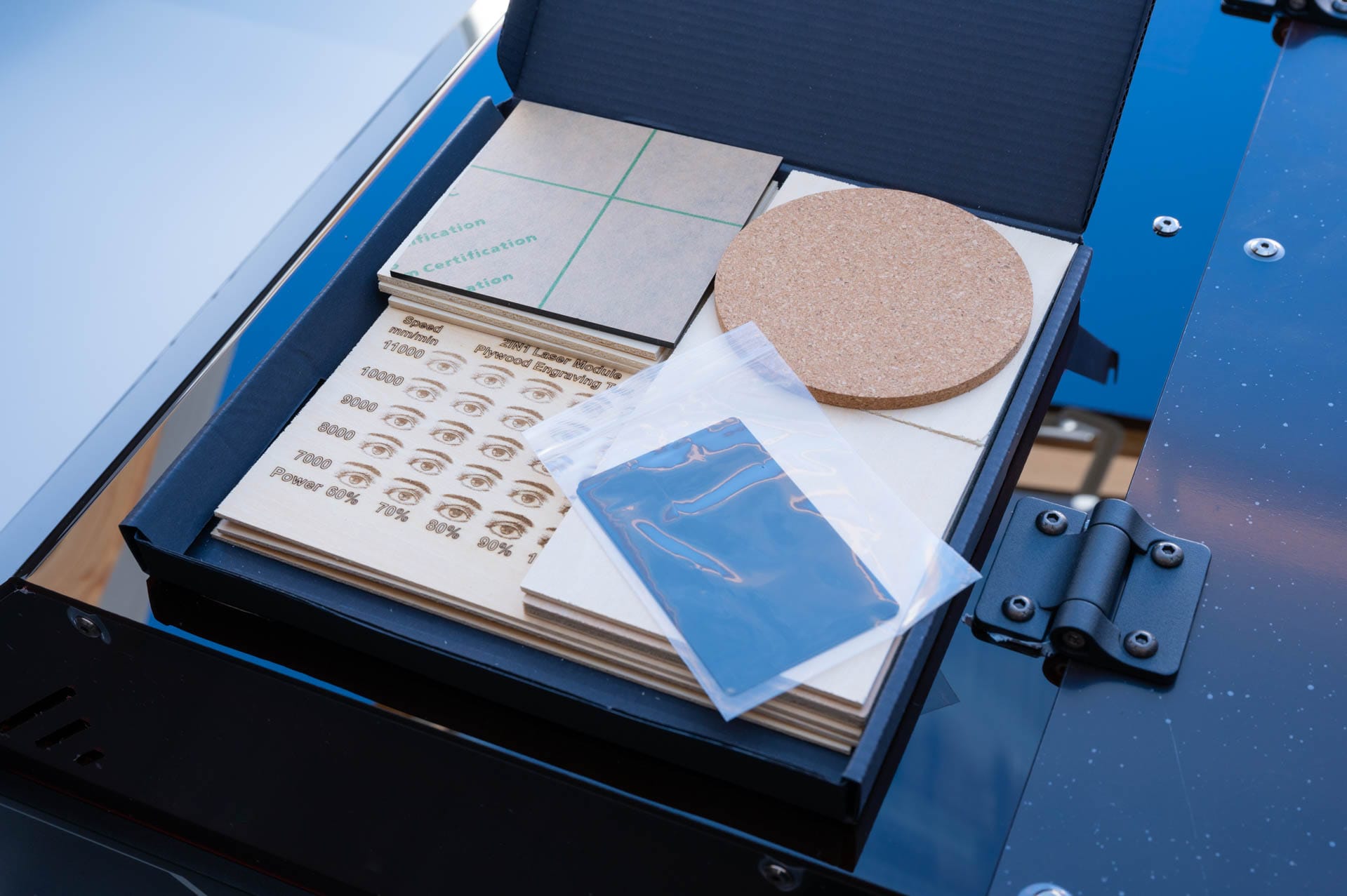
Those wanting more can buy additional accessories. For example, there is a conveyor module for long workpieces or a rotary module for round objects such as glasses and bottles. It is particularly pleasing that Air Assist is already included. Many other brands charge extra for this!
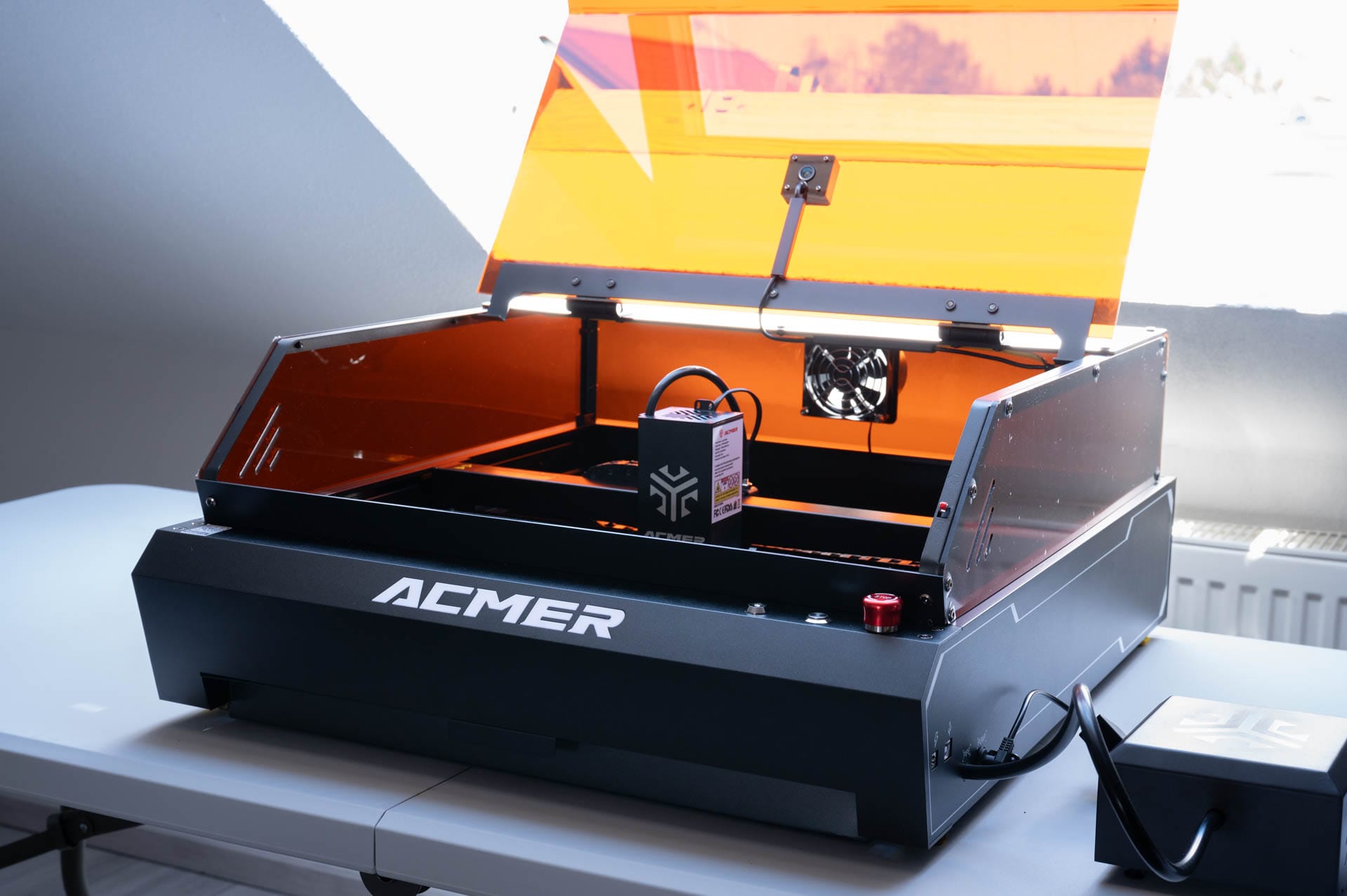
The setup is generally quick and straightforward. The laser module is inserted, the exhaust hose is connected, and the camera is already pre-mounted and does not need to be wired separately. The mounting of the laser module seems somewhat simplistic. It is held in the carriage by just two screws. This works but doesn't seem quite as robust as some competing models and could certainly have been implemented more stably.

After just under 20 minutes, the device is ready for use on the table. The protective film on the hood requires a little patience. It was pulled over hinges, screws and indentations and can only be removed piece by piece. It gets stuck in many places, making removal somewhat laborious. Those who want a tidy result need a bit of endurance.

Software and operation
On the software side, LightBurn, LaserGRBL and the proprietary ACMER App (Android) are supported. For ambitious projects, LightBurn is the best choice. The software offers extensive functions, a clear interface and enables precise work. Those who only want to create simple engravings can also get by with LaserGRBL or the mobile app. The latter is particularly suitable for quick motifs directly from the smartphone.
The setup in LightBurn is basically simple. The included microSD card contains a ready-made configuration file. After importing, the working area, axes and other basic settings are immediately set correctly. Material profiles for various materials are also already stored and provide a solid basis for getting started.

Calibrating the camera in LightBurn is somewhat annoying. The included template with the circular pattern must be detected exactly so that the camera image is aligned correctly. In practice, this does not always work on the first attempt.
The software is picky regarding angles, lighting conditions and positioning. Often you have to shift the template slightly multiple times or open the housing to repeat the recognition process. This is especially time-consuming and requires patience during the initial setup. However, once calibration is complete, the camera overlay works reliably.
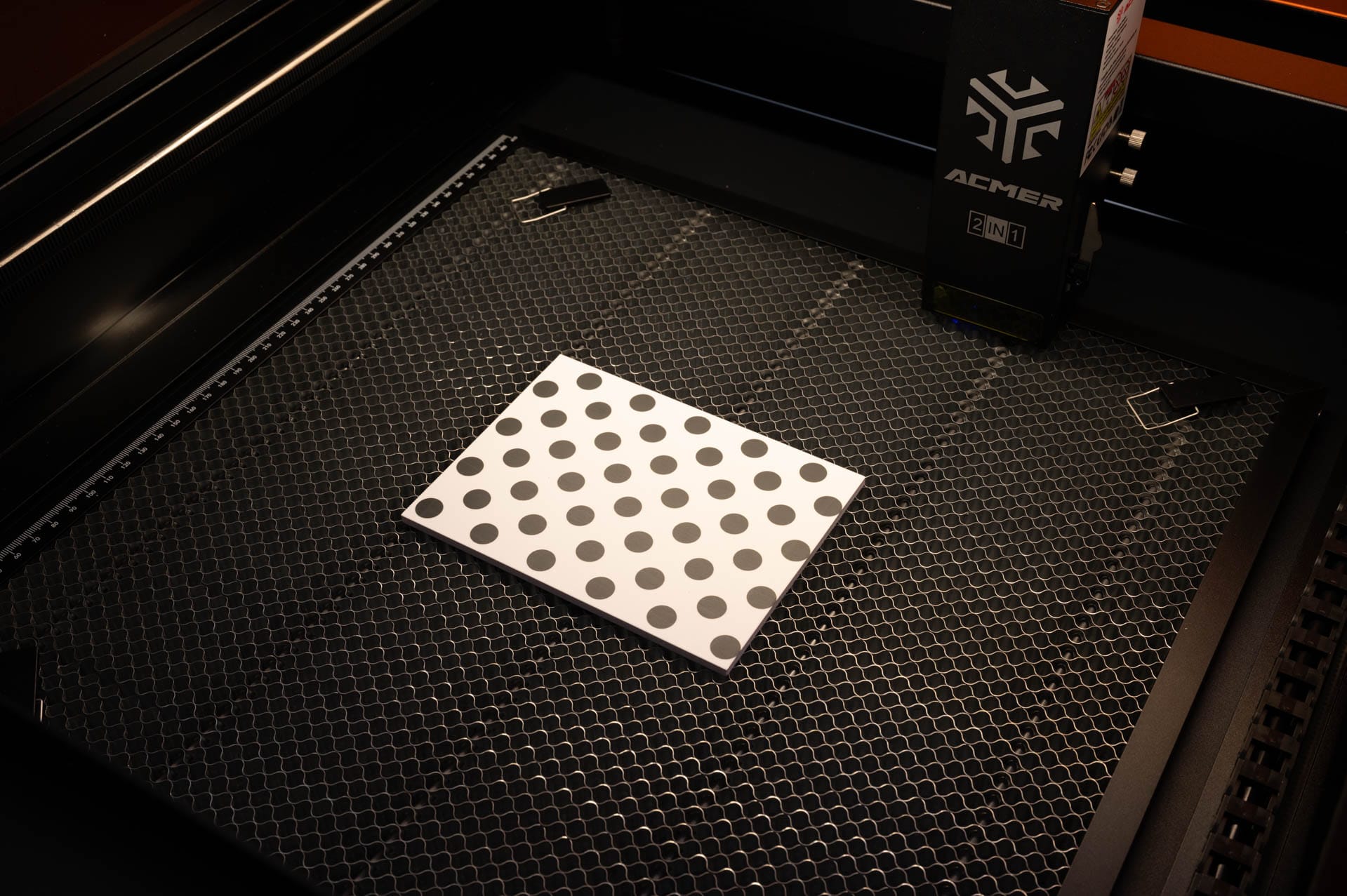
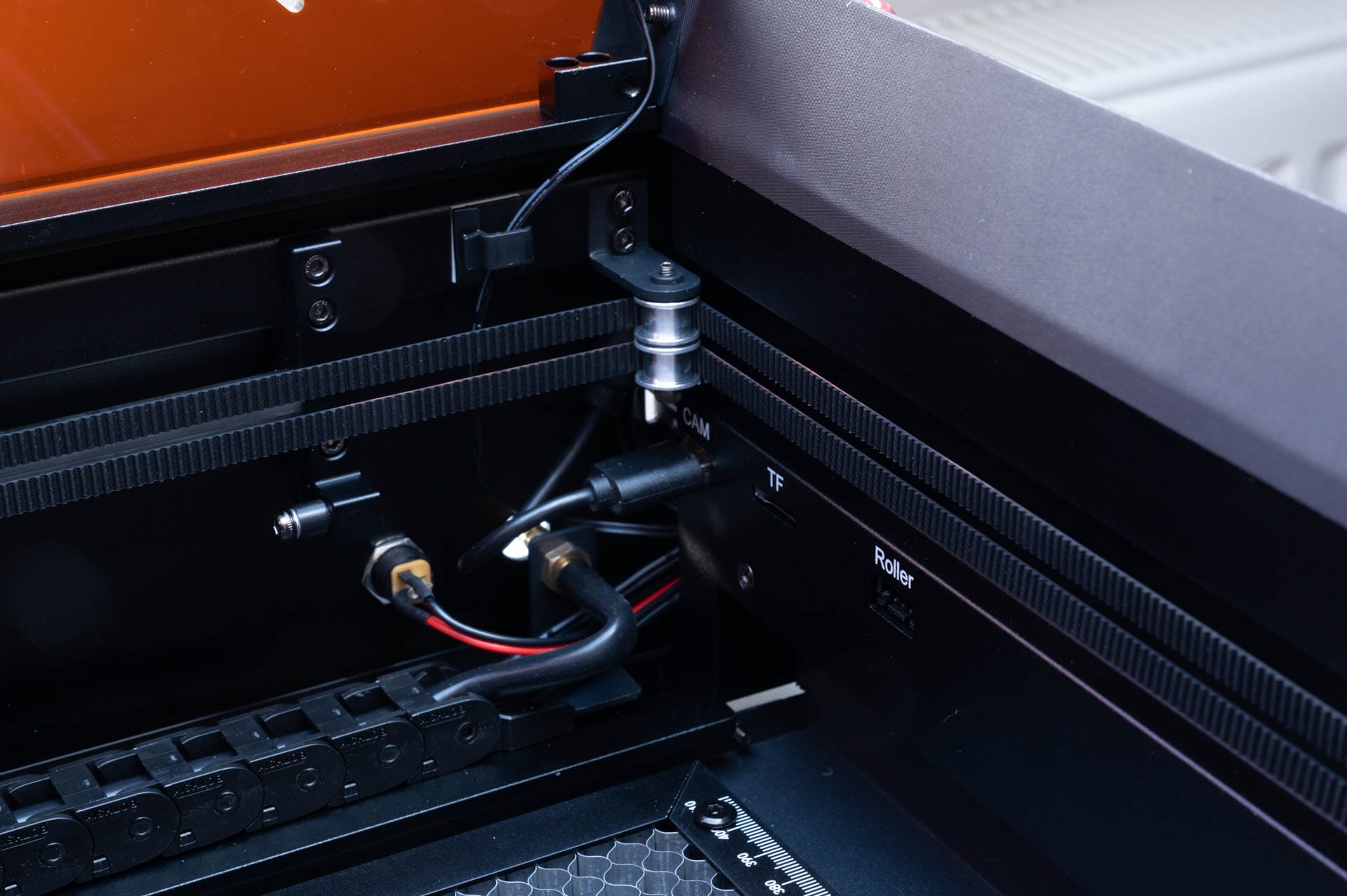
Once calibration is complete, the live view helps to place motifs precisely. This saves time, especially when aligning individual pieces. However, this also reveals a peculiarity of the design. The camera is located at the top of the housing and captures a wide field of view. As a result, the horizontal rail of the laser head is often visible in the image and partially obscures the workpiece. This is not serious, but it is unusual and can be distracting in some situations.
The laser is controlled either via software or directly on the device. For lighting, air assist and exhaust fan, there are physical switches with clear labels. The emergency stop button is within easy reach. Alternatively, all functions can be conveniently controlled via LightBurn. In practice, controlling it via software has proven to be the most practical.

Engraving and cutting
In operation, the versatility of the ACMER P3 2IN1 quickly becomes apparent. The laser module combines a 10W diode laser with a wavelength of 450 nanometers for cutting work and a 2 Watt infrared laser with 1064 nanometers specifically for engraving on metal. The switch is conveniently made via a switch directly on the laser head. This is quick and requires no tools, but the switch is purely mechanical. The software does not automatically recognise which module is currently active.
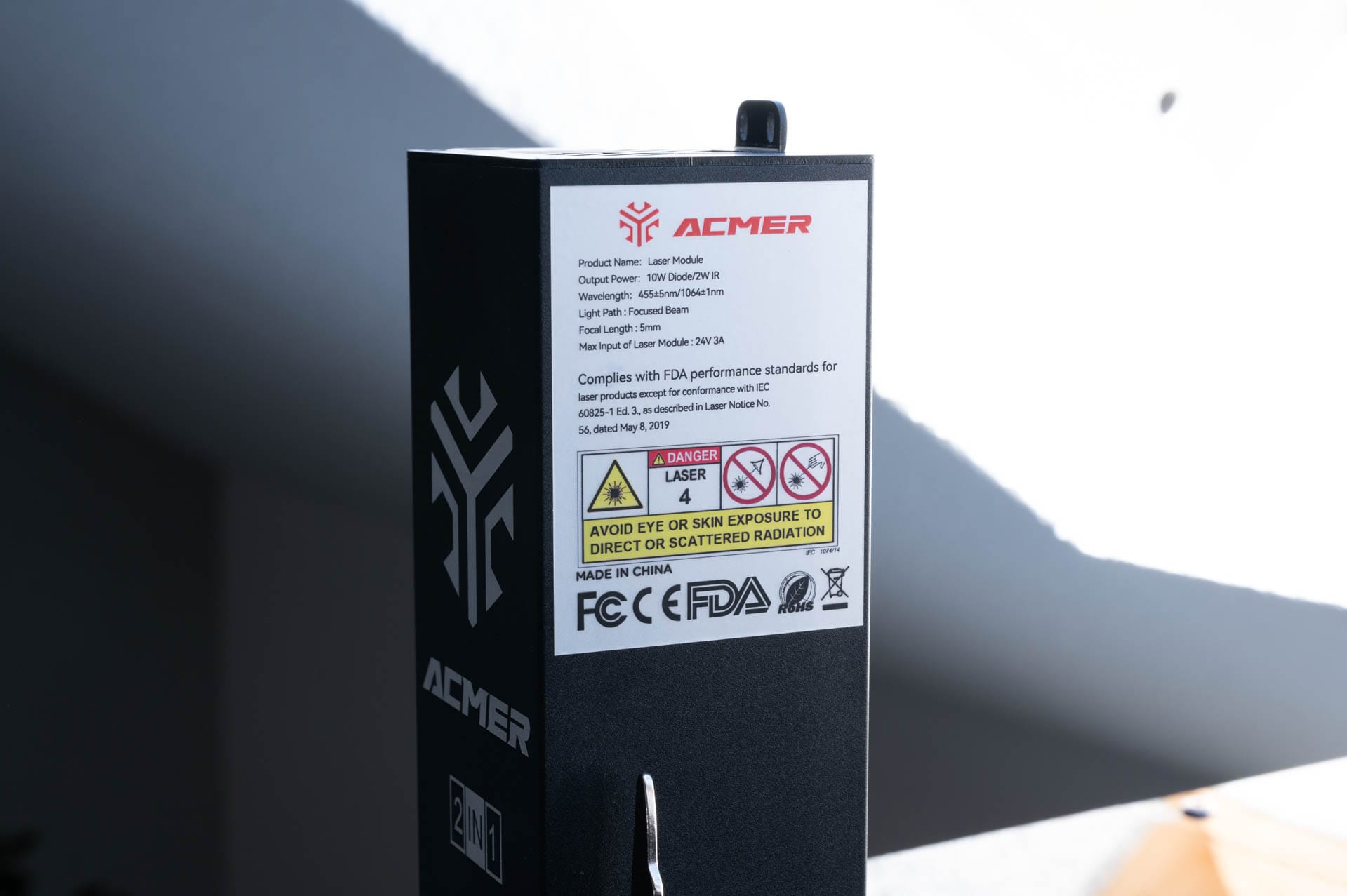
Both modules deliver precise results but differ in their application. The IR module is ideal for anodised aluminium and dark metals. The spot size of only 0.02 millimetres ensures fine engravings with high contrast and a very clean line image. In the test, we produced business cards with delicate text and logos, which were engraved sharply and evenly.
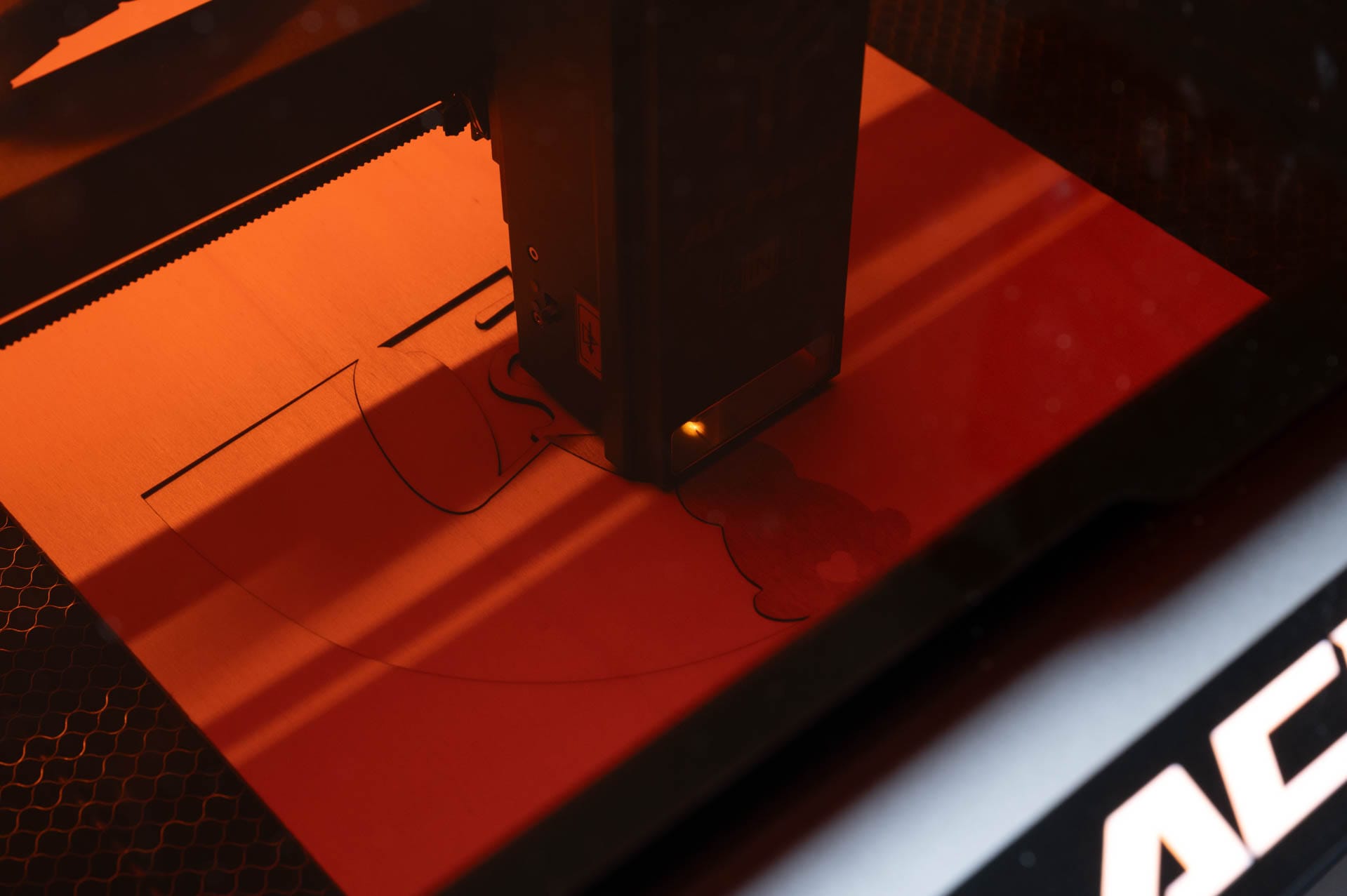
The blue diode laser is used for cutting tasks. With 10 W of power, materials such as wood, MDF, acrylic, or card can be cut without problems. In our tests, we produced several door wreaths from 3-millimetre poplar wood.
The cuts were smooth and the edges clean. Only thicker materials require multiple passes. If required, multiple passes with an exact cutting line can be defined via LightBurn. This works without visible offset.


The CoreXY structure ensures smooth movements even at higher speeds. Two stepper motors move the head together via the X and Y axes. This reduces vibrations and ensures that even large motifs can be cleanly engraved or cut.
However, those switching from a device like the xTool S1 will have to get used to a different workflow. The ACMER P3 does not save the last position of the laser. Instead, a return-to-home must be triggered manually every time the device is switched on so that the head aligns correctly. If this is forgotten, the laser head can move off uncontrolled, hit the frame and the motor may slip.
The generous working area of 400 x 390 mm provides enough space for most projects. The honeycomb plate sits securely and can be quickly removed if required. Materials are secured with magnetic pins. This works particularly well with thin wood or slightly curved MDF. The flat surface ensures no focus deviations, keeping the results clean.

Air Assist and exhaust system support you during work. The airflow keeps the lens clean and prevents soot deposits on the workpiece. The Air Assist can be activated directly on the device or via LightBurn.
In most cases, automatic control is perfectly sufficient. The odour load also remains low. The exhaust hose reliably leads smoke and fumes outside. With normal use near a window, no additional air filter was needed.

Safety
The ACMER P3 is also well-equipped in terms of safety. The fully enclosed construction reliably protects against escaping laser radiation. Although this would theoretically allow operation without safety glasses, anyone wanting to play it safe should still wear them when working.

The lid is equipped with a sensor that stops the laser immediately if it is opened during operation. Closing the lid again resumes its work.
In addition, the P3 includes further safety features. A safety lock prevents unauthorised use, for example in households with children. A fire detection system interrupts the process if heat or smoke exceed critical levels, and an overheating sensor additionally protects the electronics from thermal overload.

If the device is accidentally tilted or moved abruptly, the integrated tilt detection activates and stops the laser. This combination provides peace of mind while working, even when briefly leaving the room.
Our verdict
The ACMER P3 2IN1 convinces with strong performance, a versatile laser module, and well-considered equipment. The workmanship is high-quality, the assembly is straightforward, and the device also gives a thoroughly solid impression in terms of safety. Especially the combination of the 10W diode laser and the 2W IR module opens up many possibilities for engraving and cutting a wide variety of materials.
The protective film on the hood and the somewhat tedious camera calibration may cause brief frustration, but they do not detract from the overall well-rounded package. For those looking for a flexible laser system with solid features, the ACMER P3 2IN1 is an interesting option.
Specifications
Technical specifications
- Laser power
- 10W (diode laser) + 2W (IR laser)
- Wavelength
- 450nm (blue) / 1064nm (infrared)
- Spot size
- 0.06 x 0.08 mm (blue) / 0.02 x 0.02 mm (IR)
- Work area
- 400 x 390 mm
- Engraving speed
- Up to 800 mm/s
- Focus method
- manual, with spacer
Connectivity and software
- Operating systems
- Windows, macOS, Android
- Software compatibility
- LightBurn, LaserGRBL, ACMER App
- Supported file formats
- SVG, PNG, JPG, BMP, DXF, NC, G-Code
- Connectivity
- USB / microSD / Wi-Fi (via app)
Other features
- Weight
- approx. 16 kg
- Dimensions
- 616 x 574 x 210 mm
- Case
- Fully enclosed with LED interior lighting, hood sensor, removable drawer, safety lock, emergency stop button
Security features
- Lid sensor for automatic pause
- Emergency stop button on the front of the device
- Safety lock with key
- Tipper detection
- Fire detection
- Overheating protection
Price comparison
| Store | Price | Link |
|---|---|---|
| Acmer | 949,00 € | Go to store |

Comments