Contents
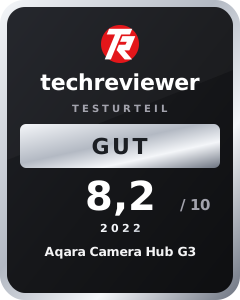
Test: Aqara Camera Hub G3
Anyone wanting to set up a smart home must first answer a crucial question: Which wireless standard do I actually want?
Zigbee is one of the most popular wireless technologies in the smart home sector. The advantages of Zigbee are its flexibility, intuitive usability and high energy efficiency. However, a gateway is required for the Zigbee devices to communicate with each other.
This is where the Aqara Camera Hub G3 comes in, which is both a Zigbee hub and a security camera.
Aqara Camera Hub G3: Design and accessories
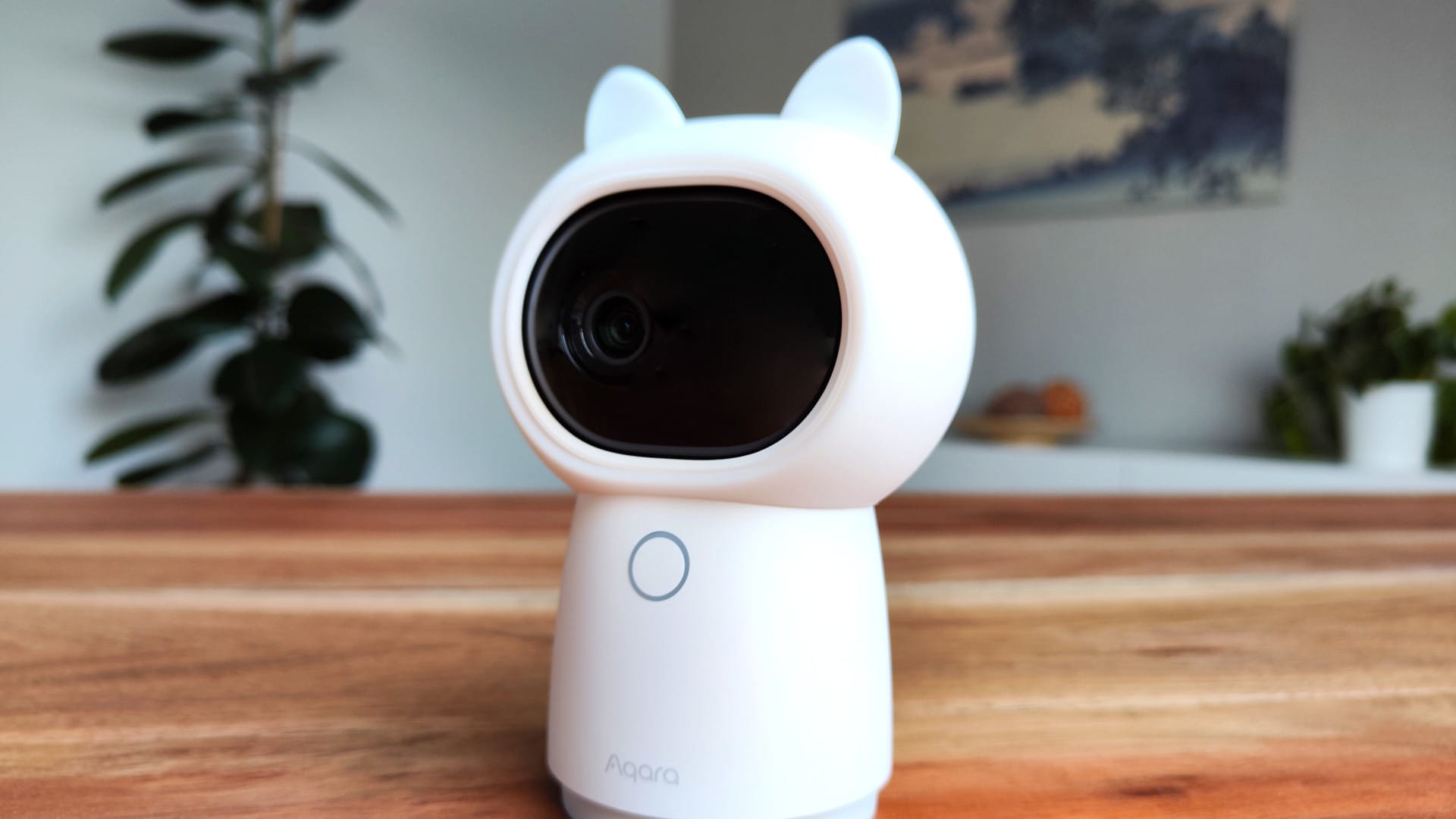
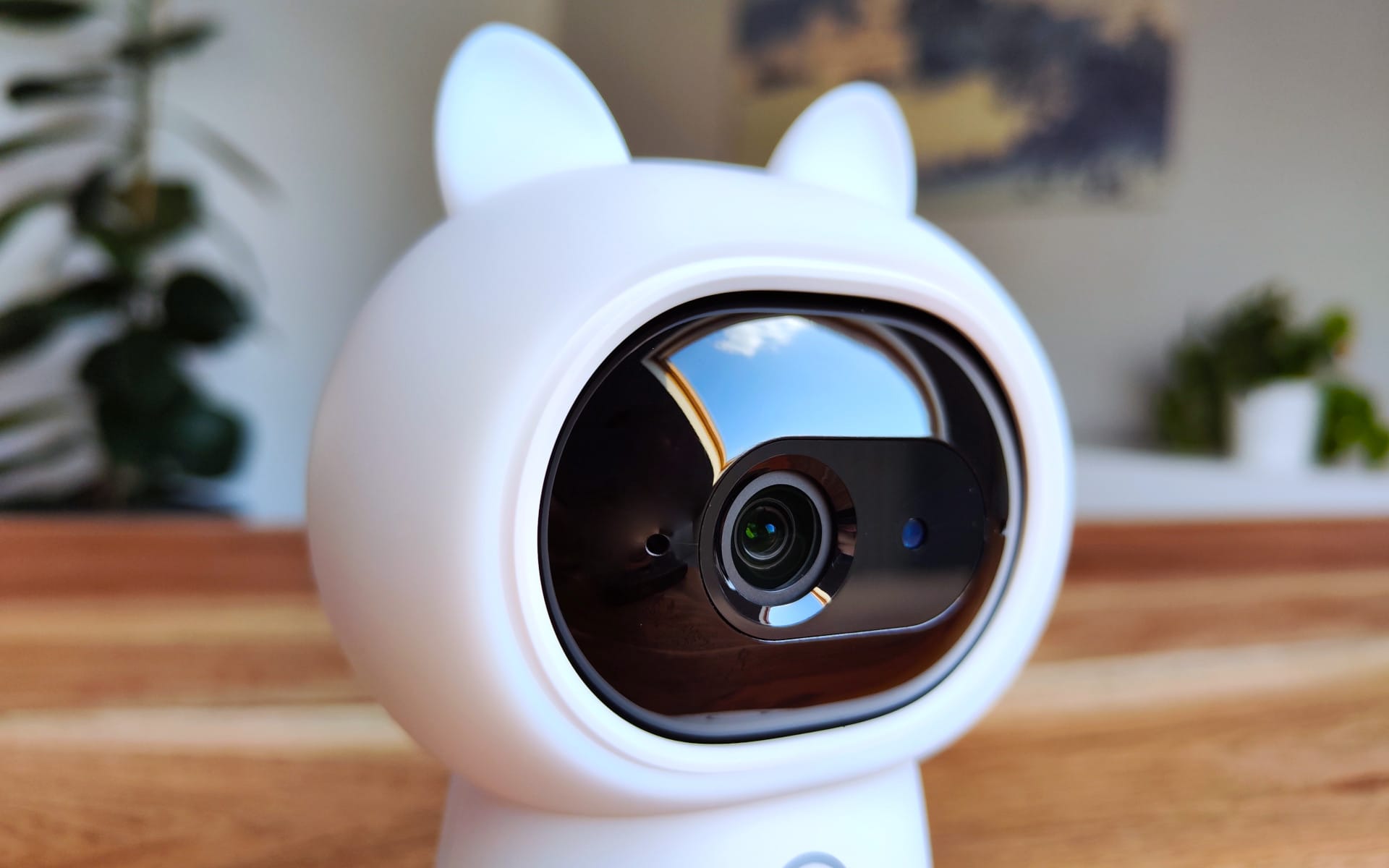
Cute ears and a sleepy look: the Aqara Camera Hub G3 could easily pass for a toy, but in reality, the device is a wolf in sheep's clothing. The cute ears are merely a rubber cover that can be removed in no time.

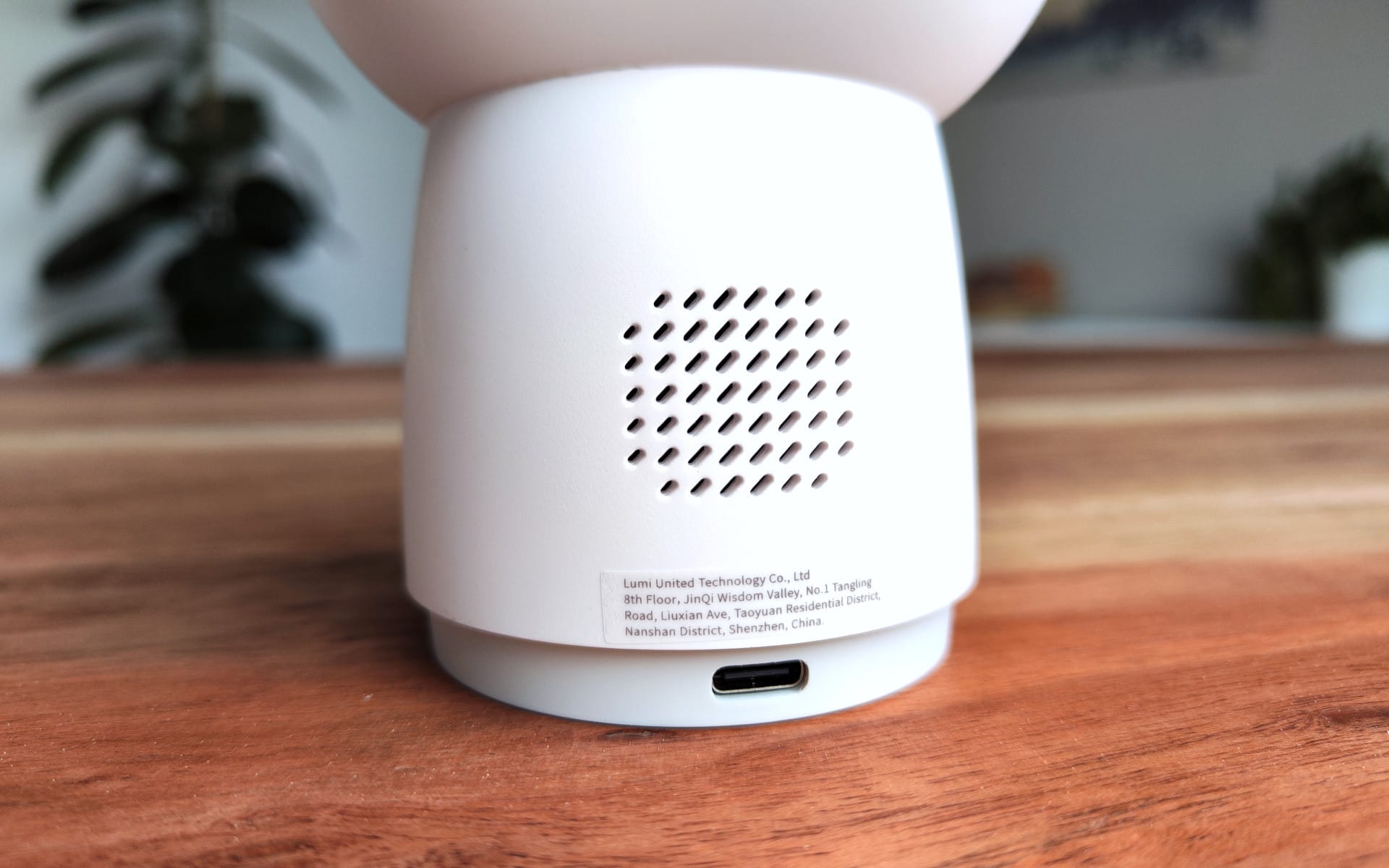
The 123.4 x 85.1 x 67.8 mm housing, weighing approx. 500 g, is made entirely of plastic. There is no IP rating, which is why the Aqara Camera Hub G3 is mainly suitable for indoor use. Thanks to the simple white housing colour, the Camera Hub combines very well with various interior styles.
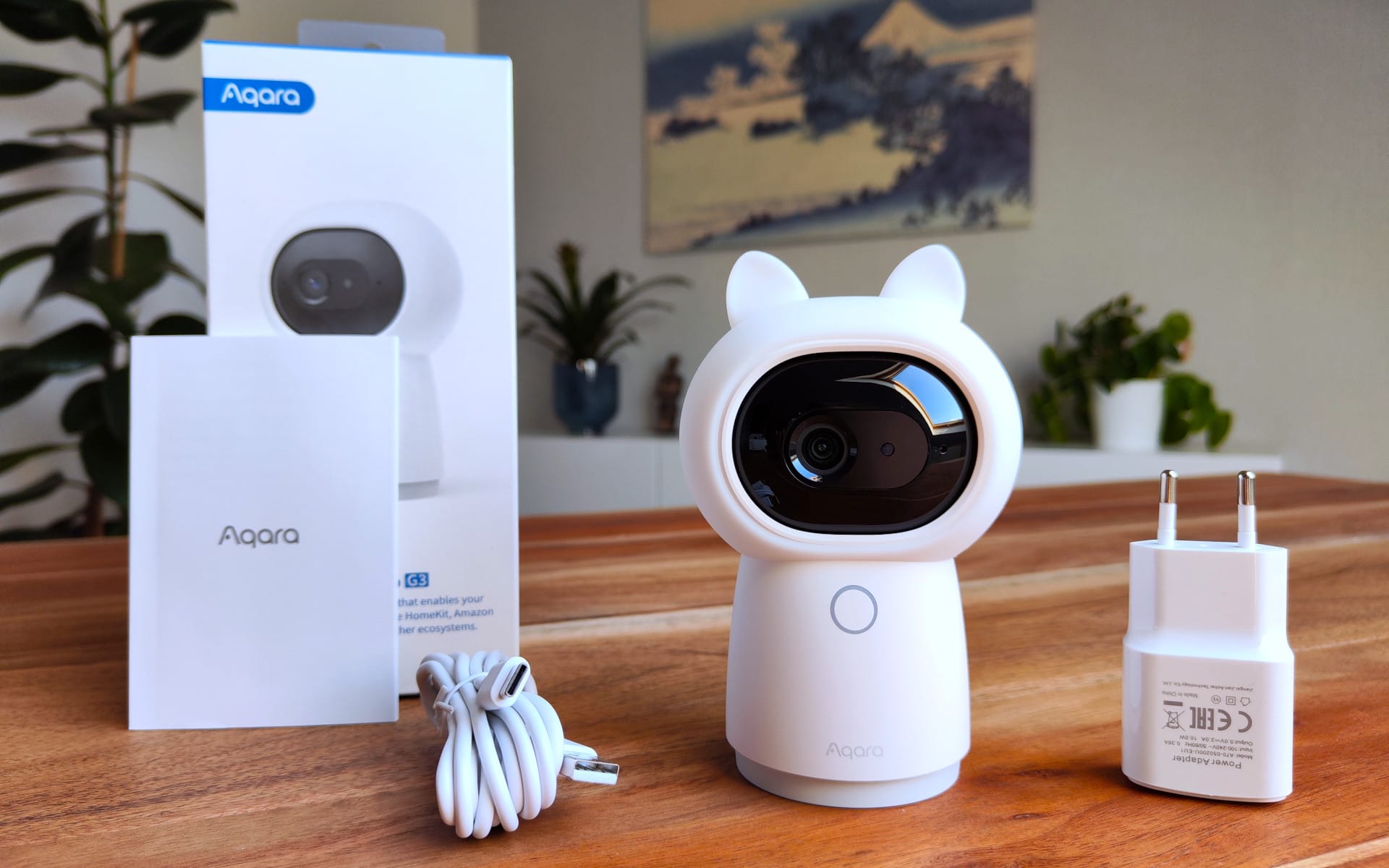
The scope of delivery includes the Camera Hub, a 2 m long USB-C charging cable, a 10W charger and a multilingual user manual.
Aqara Camera Hub G3: Setup
To set up the Camera Hub, we need the Aqara app, which is available for download on Android and iOS devices from the official stores.
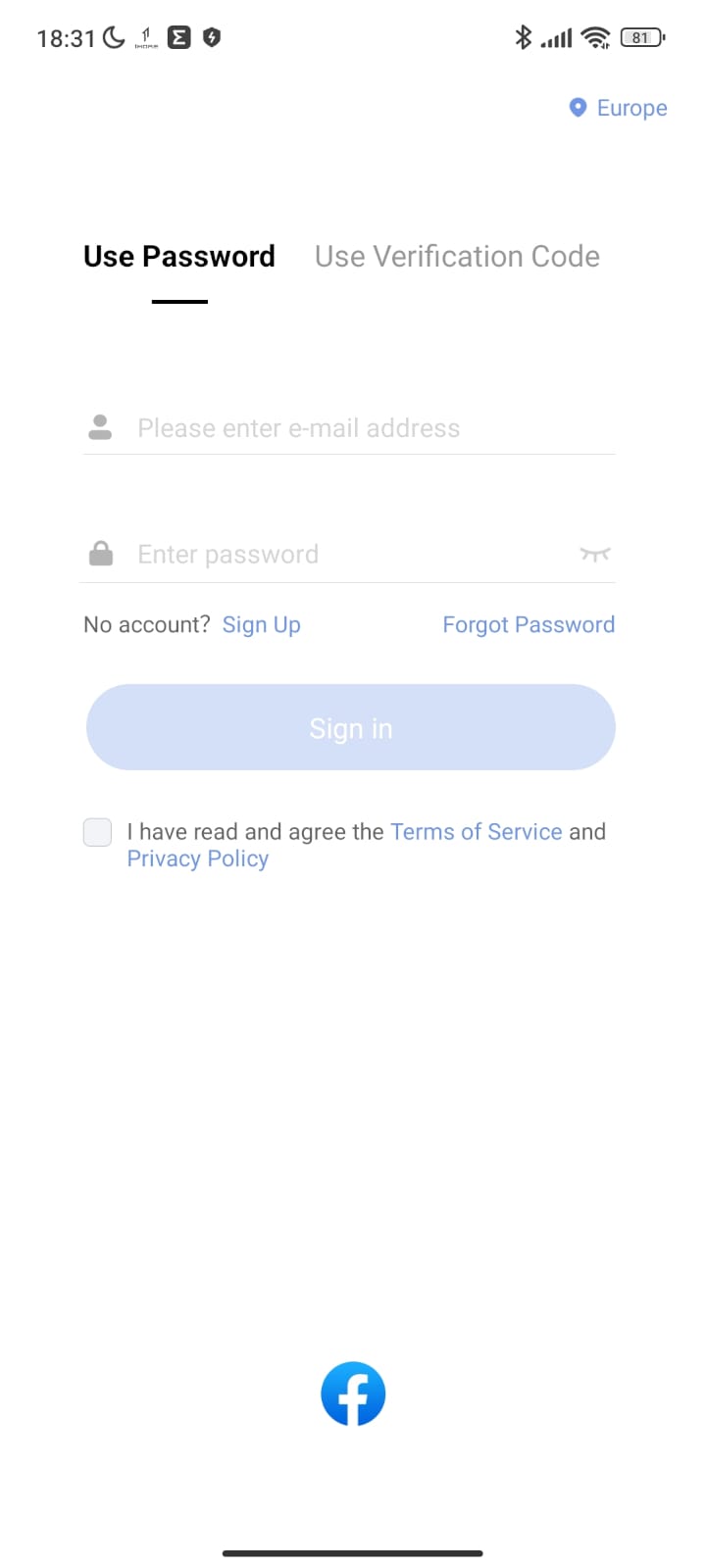
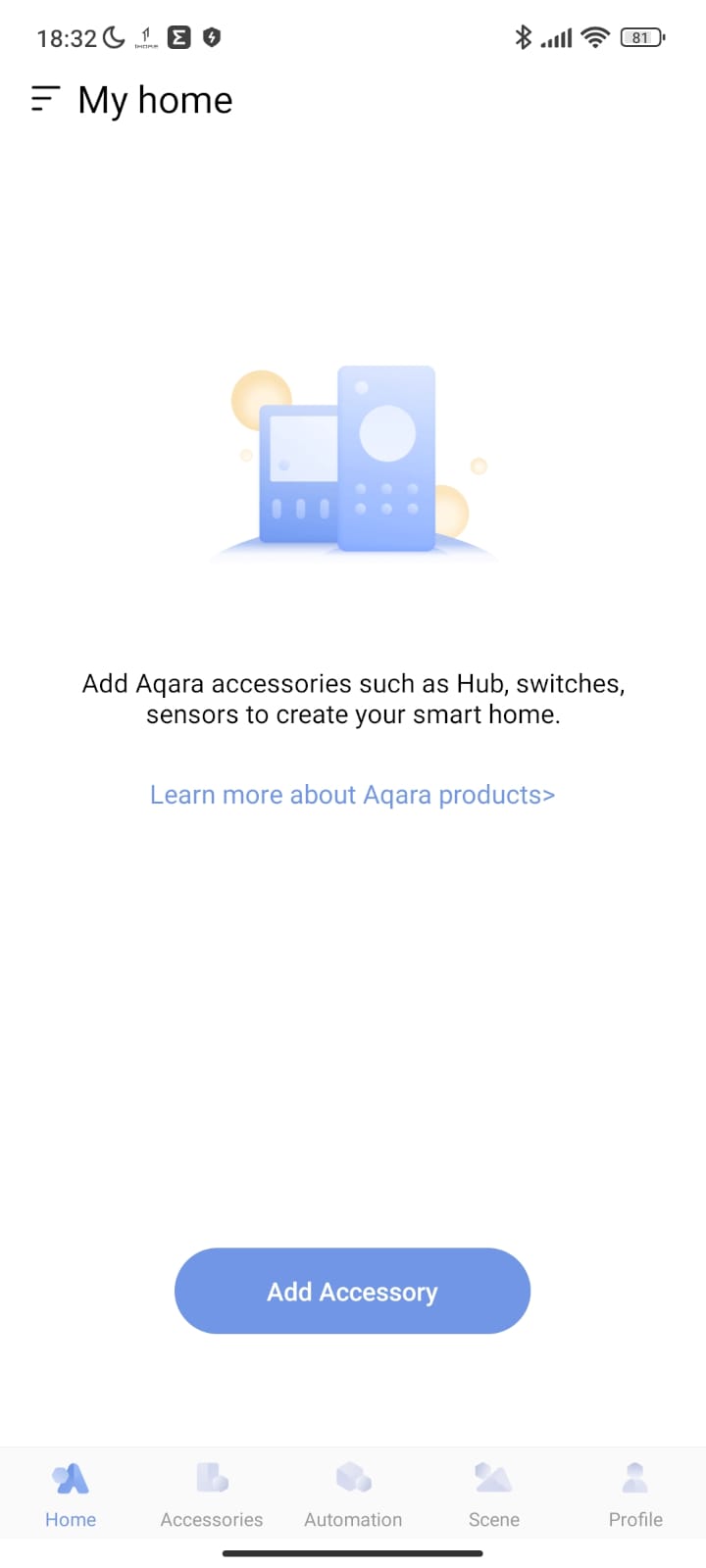
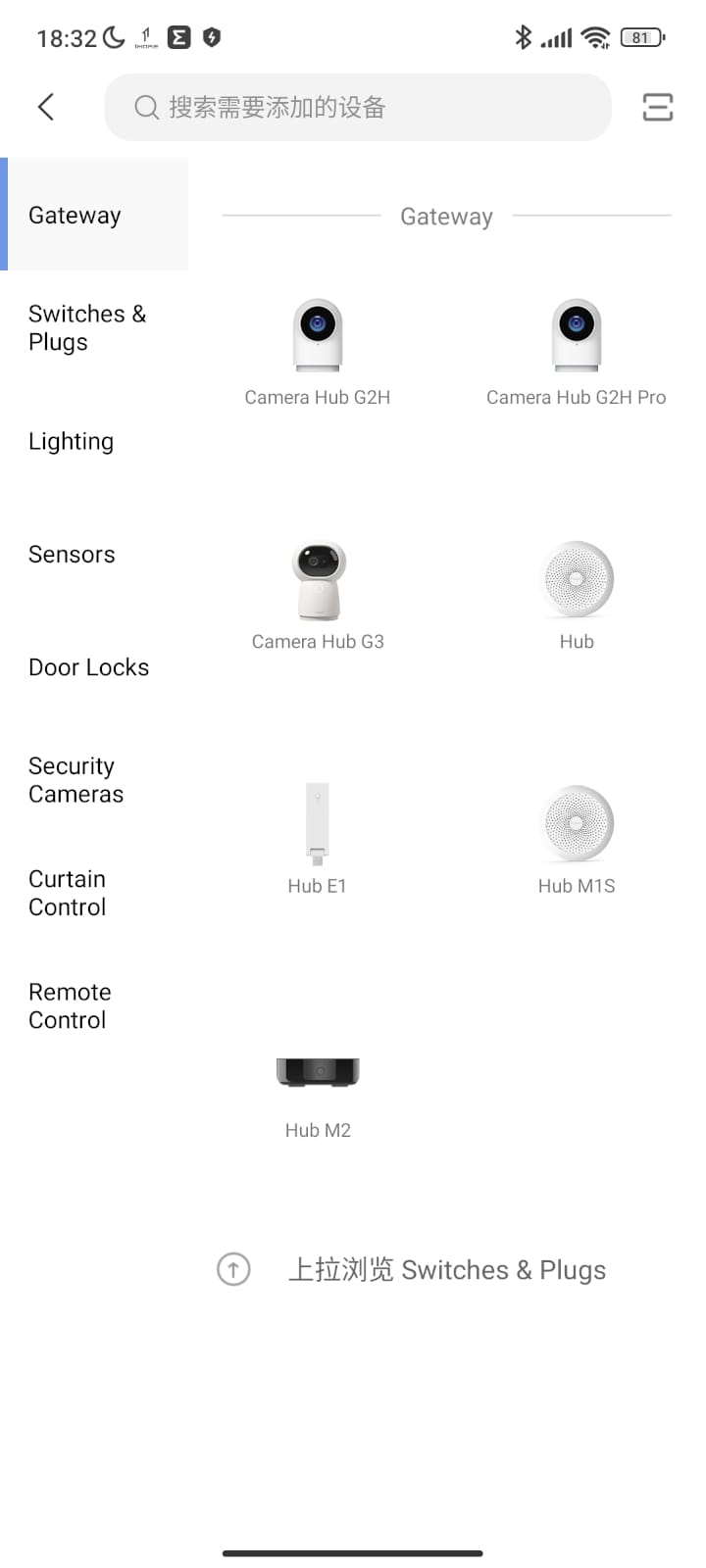
During testing, setup was problem-free and took only a few minutes. However, there are two drawbacks. In order to use the app at all, you have to register with Aqara. There is no guest mode. In addition, the Aqara app does not support German, so you have to make do with English, Chinese, Korean or Russian.
But even those who don’t understand any of these languages will manage fine with the few setup steps, which are clearly illustrated. You simply need to enter your own Wi-Fi access credentials in the app, hold the subsequently generated QR code in front of the camera, and the rest is handled automatically by the Aqara Camera Hub G3.
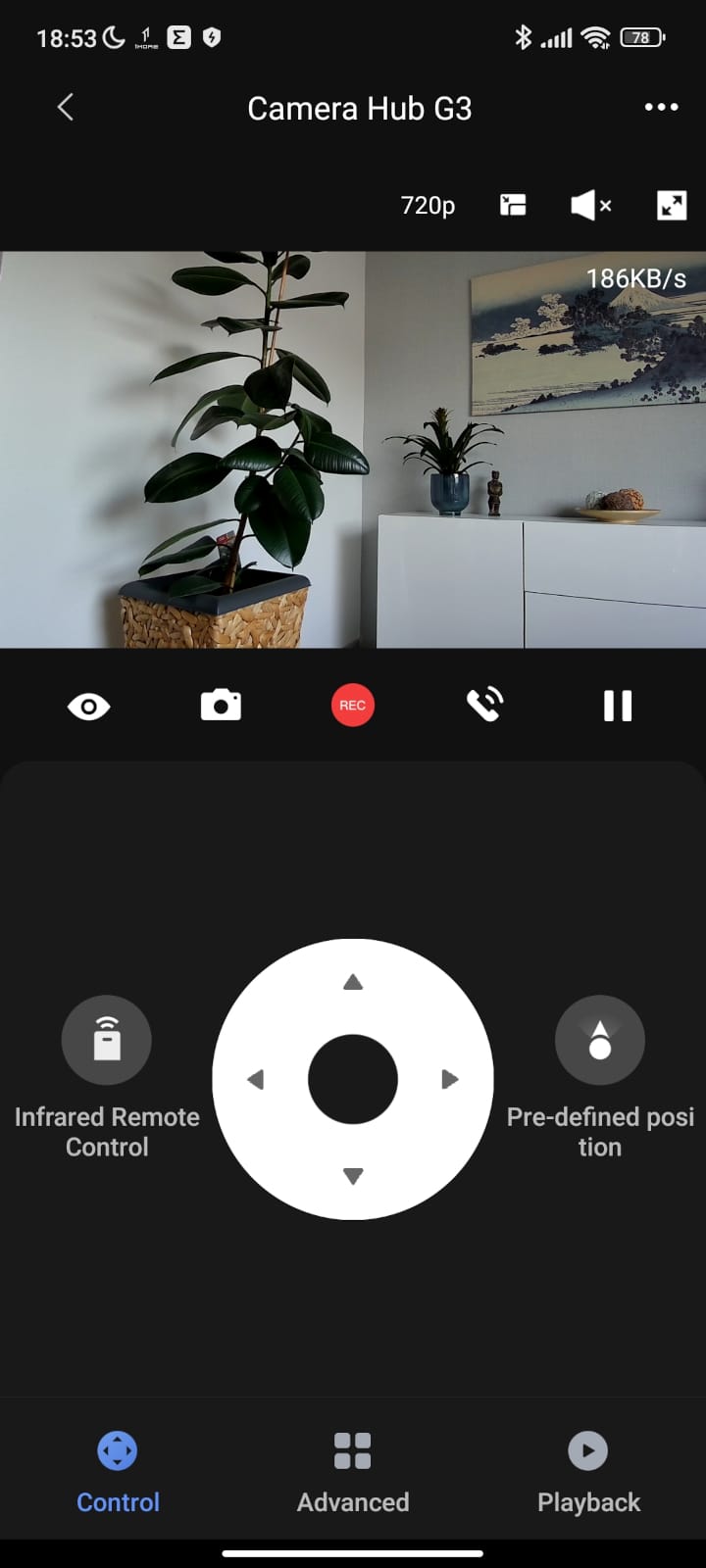
Integration with Apple HomeKit is even easier, using the code on the underside. However, unlike the Aqara app, the range of functions via HomeKit is limited. For instance, video resolution is capped at Full HD, the camera cannot be panned or tilted, and the smart AI features (tracking, gestures, etc.) do not work.
Aqara Camera Hub G3: Camera and video quality
The black camera module is embedded in the rounded housing head of the Aqara Camera Hub G3. The module consists of the camera lens, a brightness sensor and two microphones, located to the left of the lens and to the right of the brightness sensor respectively.
Pan and tilt
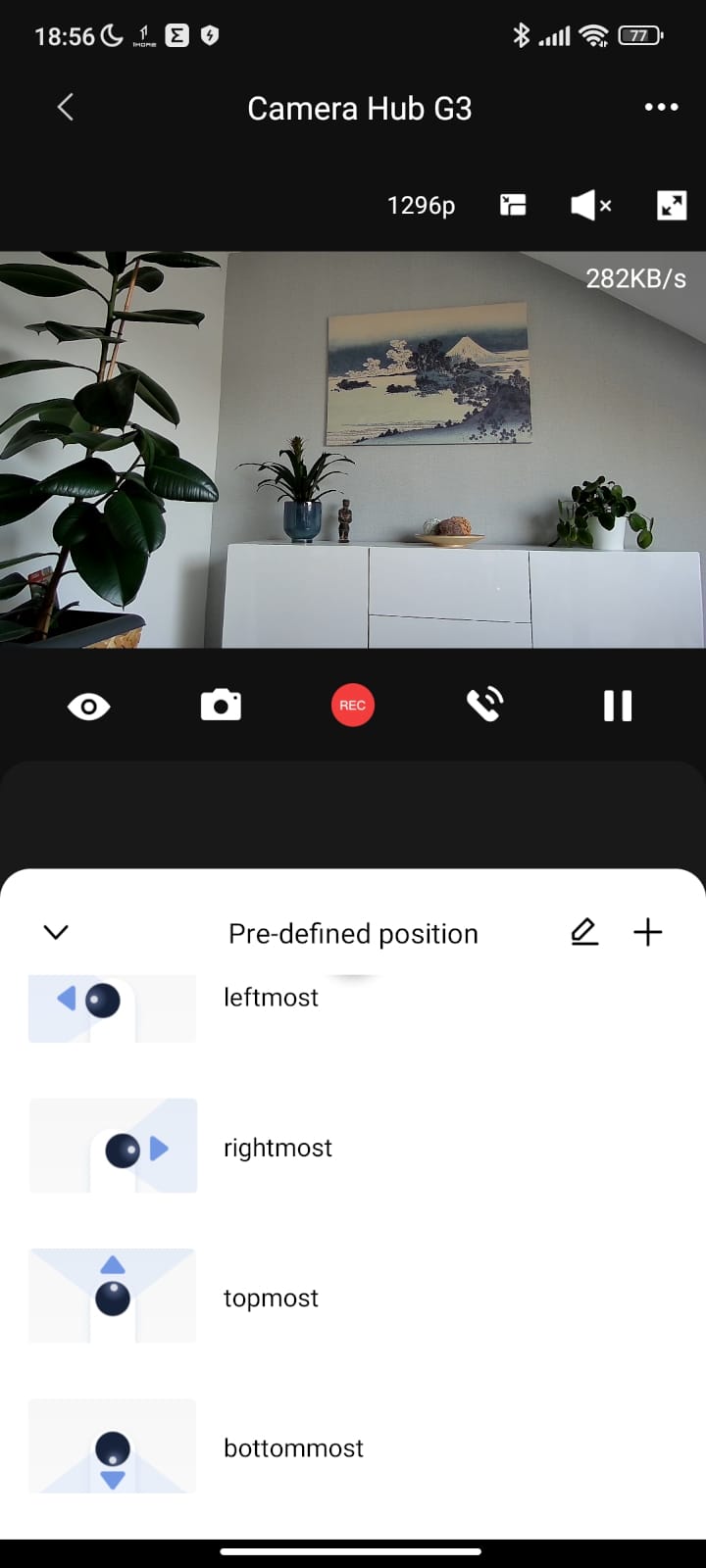
The housing of the Aqara Camera Hub G3 sits on a base with a tripod thread, so the camera hub can optionally be connected to a universal mount. The housing itself is motorised and rotates horizontally by 340°. The camera head embedded in the housing can also be motorised and moved 30° up and 15° down.

The wide 110° field of view covers the full 360° on the horizontal plane. Control is manual via a directional pad in the Aqara app. Automatic movement sequences can be programmed.
Private mode
Access to the microSD card slot is obtained when the device is switched off or when the camera module is moved completely upwards. The camera lens then disappears into the housing, the microSD slot becomes visible and printed eye marks indicate the 'privacy mode'.
The privacy mode is implemented perfectly because the physically covered lens means the camera can no longer transmit or record images.

Streaming and recording
The maximum video resolution is 2304x1296p. The resolution can be selected via the app as Auto (min. 360p), 720p and 1296p. The transmitted live image provides information about the stream quality in KB/s. The image can be displayed as an app overlay or in full-screen mode.
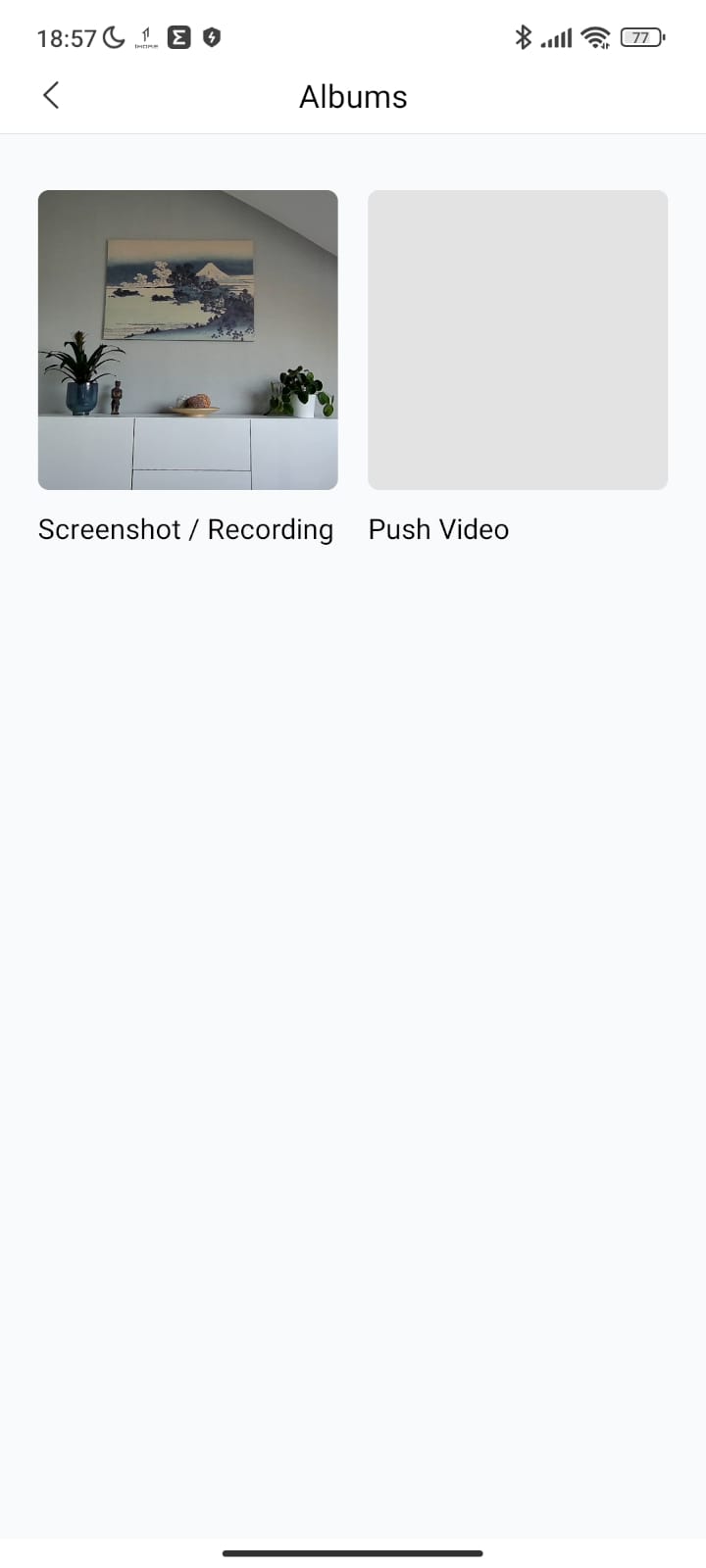
Recording takes place either continuously or after a triggered event. How the recording should be carried out is also adjustable via the Aqara app. Saved recordings end up either on the local storage of the smartphones or on the microSD memory card.

Memory cards from CLASS 4 up to 128 GB are supported. When the memory card is full, either the oldest recording is overwritten or the user is notified. One minute corresponds to approximately 20 MB.
Once the camera is integrated into HomeKit, recordings are automatically uploaded to iCloud. In addition, recordings can be marked with various watermarks (e.g. date and time).
Video quality
The quality of the recordings is acceptable. Faces are clearly recognisable, albeit slightly smoothed. The dynamic and contrast range is reduced, causing colours to appear somewhat washed out and shadows to slightly crush. Occasional image artefacts can occur during rapid camera pans.

In night vision mode (black and white), the recording quality is also acceptable, provided the camera is not required to monitor an overly large area. Faces are only clearly distinguishable from very close up. At a distance, the level of detail is too low.

Two-way audio
Communicating via the Aqara Camera Hub G3 works well. The microphones record in intelligible quality, and playback through the speaker is clear.
Aqara Camera Hub G3: AI features
Face recognition
The Aqara Camera Hub G3 is able to recognise stored faces. Via the Aqara App, photos of faces can be uploaded and synchronised with the camera AI.
Possibilities for face recognition include, for example, a push notification as soon as a known face is detected. The same also works in reverse. If a face is not recognised, the Aqara Camera Hub G3 can emit an alarm signal. In testing, face recognition worked well, provided the face and camera were not too far apart.
Gesture control
The Aqara Camera Hub G3 can be smartly controlled via five predefined gestures. However, the action performed by each gesture is configurable. For example, recordings and routines can be started or alarm signals played via gestures. Gestures and face recognition can be combined, so that gestures are only accepted from previously enrolled individuals.
Person and animal tracking
Both humans and animals can be tracked. Once people or animals are recognised, the camera automatically follows their movement. In the test, the feature worked well with a single tracked person. However, as soon as several people or animals moved within the frame, the camera quickly became confused and wasn't quite sure whom or what to follow. We also noticed a slight delay in motion tracking, so fast-moving people or animals were quickly lost.
Aqara Camera Hub G3: Zigbee hub
As a Zigbee 3.0 hub, the Aqara Camera Hub G3 is capable of controlling up to 128 Aqara devices. The Aqara product range includes numerous sensors, switches and cameras for various purposes. The major advantage of the Aqara product line is primarily its affordable price, allowing you to set up a comprehensive smart home on a budget.
Furthermore, the Aqara Camera Hub G3 supports integration into existing smart home systems, such as Google Home, Apple HomeKit or Amazon Alexa, through which all Aqara devices can be managed. For this purpose, the Camera Hub is equipped with dual-band AC Wi-Fi (2.4 and 5 GHz) and supports the WPA3 encryption protocol.
Our verdict
The Aqara Camera Hub G3 cleverly combines an indoor surveillance camera with a Zigbee 3.0 hub. The surveillance camera can be easily and quickly integrated into existing smart home systems, such as Google Home or Apple HomeKit. The extensive AI features of the surveillance camera proved useful. The camera recognises trained individuals and animals, can be controlled by gesture, and features two-way communication, allowing you to speak remotely via the camera.
However, we can only recommend the Aqara Camera Hub G3 if you are currently looking for an all-in-one solution and want to build a smart home with other Aqara products. Anyone who only needs a Zigbee hub or a surveillance camera will usually find it cheaper to buy them separately.
Specifications
General
- Image sensor
- Unbekannt
- Image processor
- Unbekannt
- Resolution
- Auto (640×360), HD (720p), Full HD (1080p) and 2K (2304×1296)
- Codec
- Unbekannt
- Field of view
- 110°
- Storage
- Unbekannt
- Storage expansion
- Micro SD memory card up to 128GB
- Cloud
- Yes
- Zigbee
- Zigbee 3.0 IEEE 802.15.4
- Wi-Fi
- Wi-Fi IEEE 802.11 b/g/n/a/ac (2.4 / 5 GHz)
- Encryption
- WPA3
- Smart Home
- Aqara Home, Home Assistant, Google Home, Alexa, IFTTT
- Night vision
- Yes (940 nm LED)
- Speakers
- Yes
- Microphone
- Yes
- Power consumption
- 10W
- Power supply
- USB-C
- Size
- 123.4 x 85.1 x 67.8 mm
- Weight
- 251g
Price comparison
| Store | Price | Link |
|---|---|---|
| Amazon | 79,99 € | Go to store |
Comments