Contents
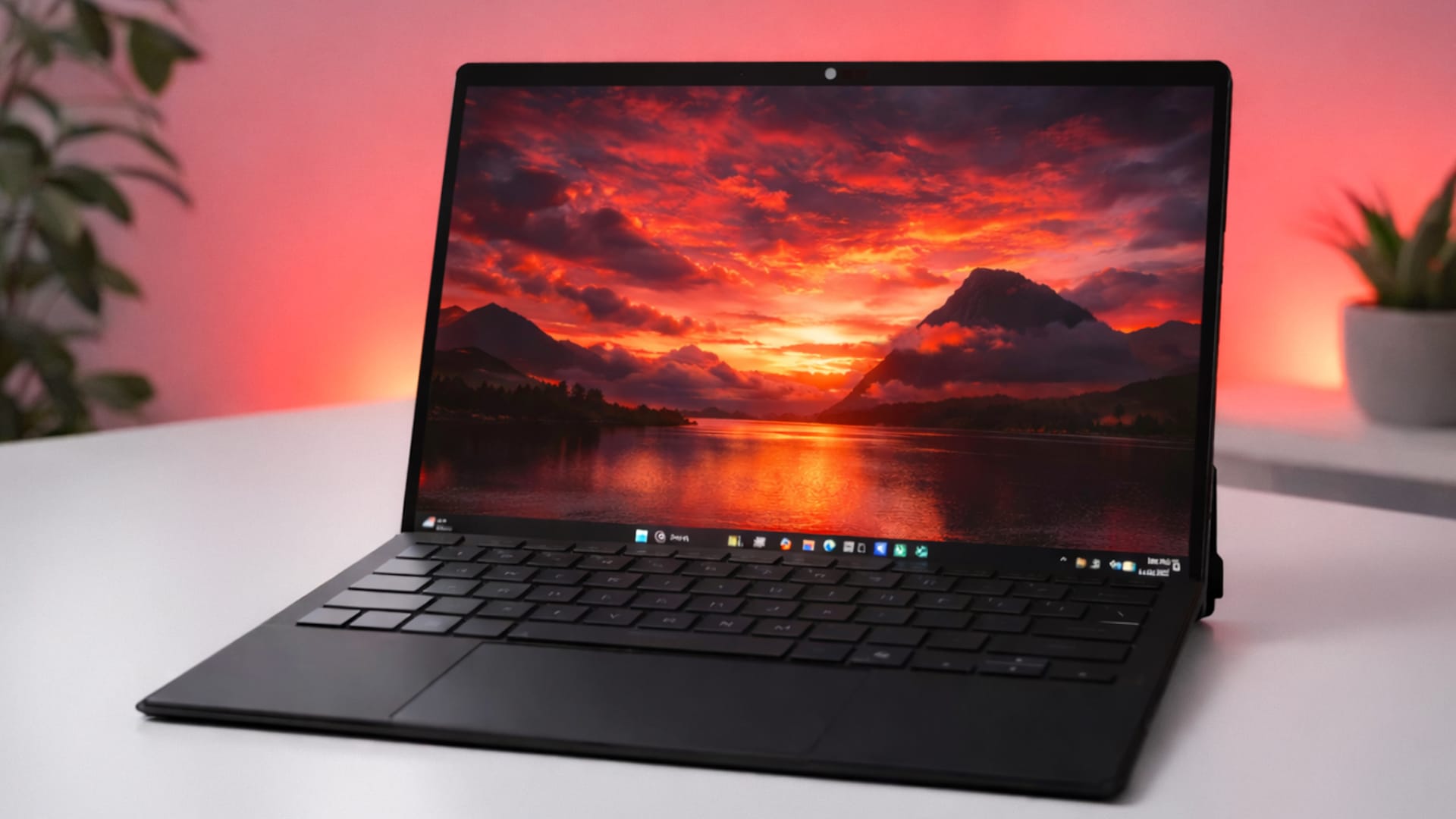
The ASUS ROG Flow Z13 GZ302EA is neither a traditional laptop nor a typical tablet, and it is not an ordinary gaming laptop either. Instead, ASUS has pursued its own approach for several generations, packing high computing performance into a compact 13-inch format with a detachable keyboard and integrated kickstand.
The configuration tested by us with AMD Ryzen AI MAX+ 395, 32 GB LPDDR5X RAM and a 1 TB PCIe SSD is aimed primarily at users who need powerful hardware on the go without wanting to carry a much larger gaming laptop.
Priced at 2,499 euros (as of 08.01.2026), the device is clearly positioned in the premium segment. Accordingly, our expectations are high for this rather unusual hybrid concept.
Design and build quality
The Flow Z13 features a functional, technical design. The chassis in Off Black has a deliberately understated look and forgoes aggressive gaming elements. Instead, it is defined by clean lines, precisely milled edges and a high-quality aluminum chassis. Build quality is excellent, with cleanly executed gaps and material transitions.
A distinctive feature is the integrated stand on the back. It folds out wide and allows flexible viewing angles, from an almost flat position to an upright display. The construction is stable on solid surfaces and provides a secure stand, particularly when typing or gaming with an external mouse.
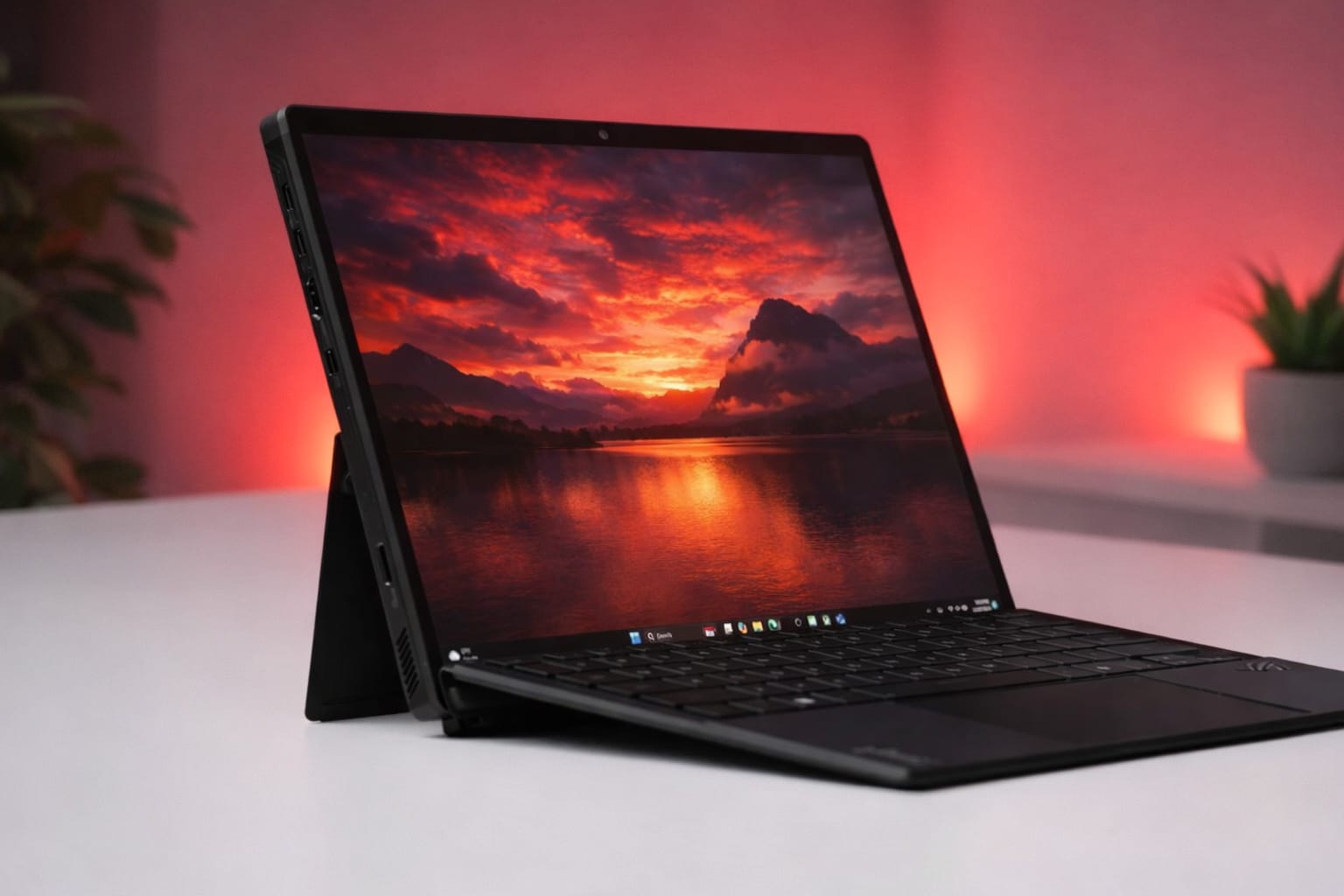
At around 1.2 kg for the tablet, or about 1.6 kg including the keyboard, the Flow Z13 remains compact, but is closer to a lightweight laptop than a classic tablet. This is particularly apparent when using it on your lap: the kickstand needs a stable surface and is less flexible than a conventional laptop hinge.
This creates a typical trade-off inherent in the concept during everyday mobile use. On a desk, the design impresses with its stability and cooling benefits; on the go, it is less intuitive to handle than a traditional laptop. The relatively large 200-watt power supply also partly offsets the mobility benefits.
Display
The 13.4-inch display is one of the device's clear strengths. ASUS uses an IPS panel in 16:10 format with a WQXGA resolution (2560 × 1600 pixels). Pixel density is high, content looks sharp, and the anti-reflective surface effectively reduces reflections without visibly affecting image sharpness. The extra vertical space is a noticeable advantage for productive applications, especially compared with conventional 16:9 displays.
In our test, the panel reaches a maximum brightness of around 550 cd/m², keeping content easy to read even in brighter indoor spaces or on the go. Colour gamut coverage is about 99% sRGB and around 95% DCI-P3, making the display suitable not only for gaming but also for photo editing and content creation. Colours look vivid without appearing oversaturated, while the factory settings already provide balanced calibration.
However, due to the technology involved, the IPS panel cannot match the contrast levels of modern OLED displays. Blacks look slightly washed out, particularly in dark surroundings. On the plus side, the display is free from OLED-typical issues such as brightness fluctuations or the risk of burn-in, which can be an advantage for PC-like use.
With a 180 Hz refresh rate and short response times, gaming in particular benefits from the smooth visuals. Motion looks clean, inputs are registered immediately and even fast-paced scenes remain easy to follow. Touch and stylus support further enhance its usefulness and emphasise the device’s tablet character.
Keyboard, touchpad and controls
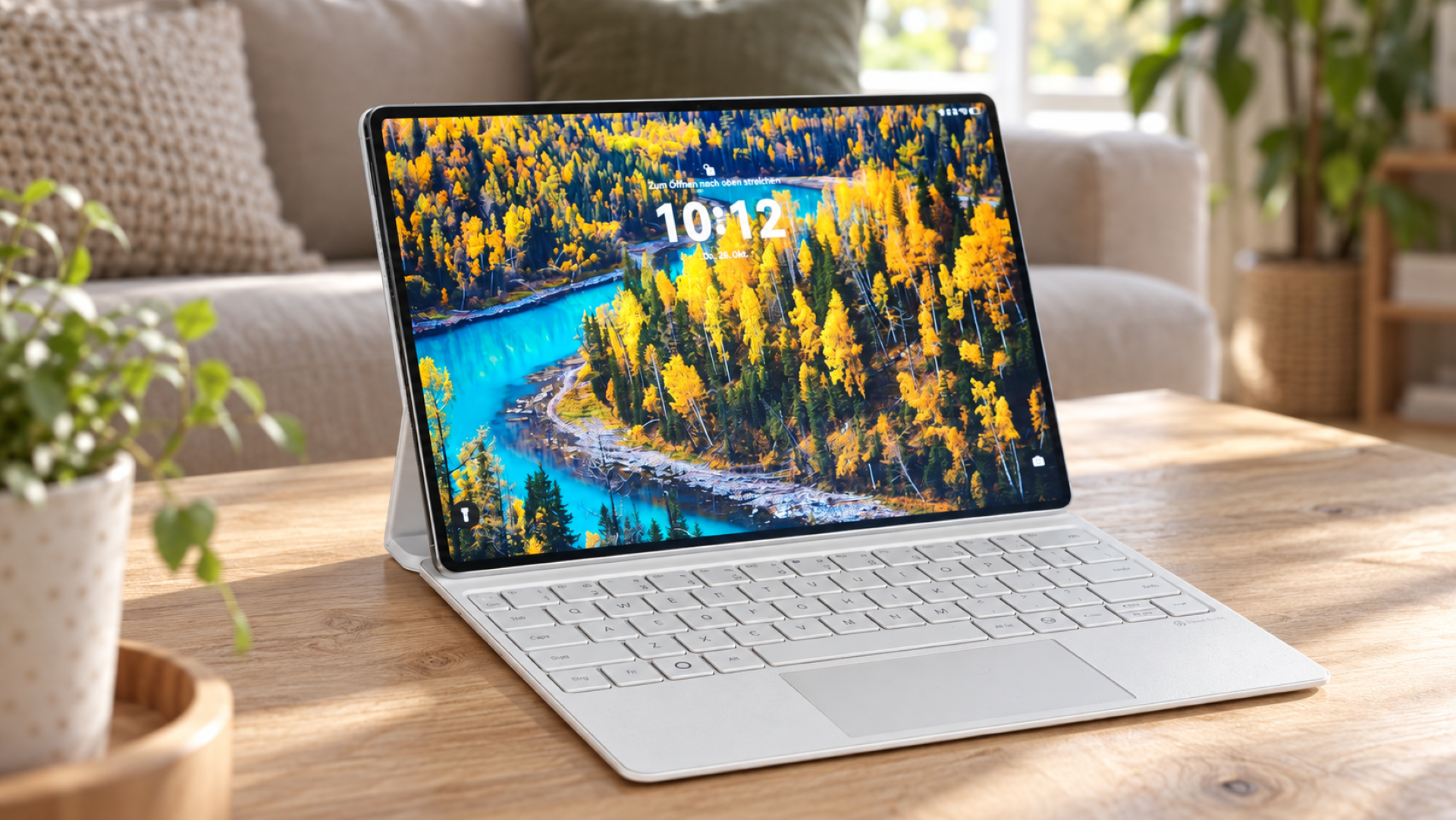
The ROG Flow Z13 comes with a detachable keyboard that attaches magnetically to the tablet and also serves as a screen cover. Despite its slim design, the keyboard offers a clearly defined actuation point and enough key travel for longer typing sessions. For a tablet-based design, the typing experience is exceptionally good and feels closer to a traditional laptop than expected.

The integrated touchpad is sufficiently large and performed precisely in our tests. Windows gestures are recognized reliably, and input is registered without delay. Mechanical clicks feel a little firmer than on many premium ultrabooks, but remain easy to control.
In everyday use, the control concept benefits primarily from the combination of keyboard, touchpad and touchscreen. Depending on the scenario, the Flow Z13 can be used flexibly as a conventional laptop, a standalone tablet, or with an external mouse and keyboard. This creates a versatile workstation, especially when used at a desk, while some compromises in handling are occasionally necessary on the go.
Performance and platform
Inside the ROG Flow Z13 is AMD's Ryzen AI MAX+ 395, a powerful mobile processor that combines the CPU and graphics unit in a single chip. The system is supported by 32 GB of LPDDR5X-8000 RAM, which is soldered in place and also serves as graphics memory for the integrated Radeon GPU. The specifications are rounded off by a fast 1 TB PCIe 4.0 SSD.
The Flow Z13 is impressively responsive right from the start in everyday use. The system boots quickly, applications open without any noticeable delay, and even extensive multitasking with numerous browser tabs, office software and image editing does not visibly push the system to its limits. More demanding workloads such as RAW processing, video editing or parallel background processes also run smoothly.
In synthetic benchmarks, the test device achieves scores that are exceptionally high for a 13-inch system:
- Cinebench R23 Multi-Core: ~28,000 points
- Geekbench 6 Multi-Core: ~20,000 points
- PCMark 10 overall score: ~9,100 points
- 3DMark Time Spy: ~9,800 points
In terms of performance, the Flow Z13 is therefore on a par with larger performance laptops and clearly outperforms traditional thin-and-light devices.
One key advantage of the platform is its scalability. ASUS offers several performance profiles that can have a noticeable effect on power consumption and noise levels:
- Silent: ~35 W, very quiet, high efficiency
- Performance: ~45 W, a good everyday compromise
- Turbo: ~60 W, maximum continuous power
- Manual: up to ~80 W peak power, considerably louder
Even in Silent profile, around 70 per cent of maximum system performance is retained, making the Flow Z13 unusually capable even when running quietly. Many gaming laptops suffer a much more significant drop in this mode.
The integrated Radeon 8060S is currently one of the fastest iGPUs in the mobile segment. Many current games can be played smoothly in Full HD or at 1600p with high detail settings, provided upscaling technologies such as AMD FSR are used.
Titles such as Cyberpunk 2077 and Red Dead Redemption 2 ran at a consistently smooth average of 60 FPS in our tests, even at high graphics settings, and maintained this rate under sustained load. Only enabling ray-tracing effects quickly causes significant drops in performance, even with upscaling. The system cannot replace a dedicated high-end GPU, but gaming performance is remarkably high for such a compact device.
Cooling and noise levels
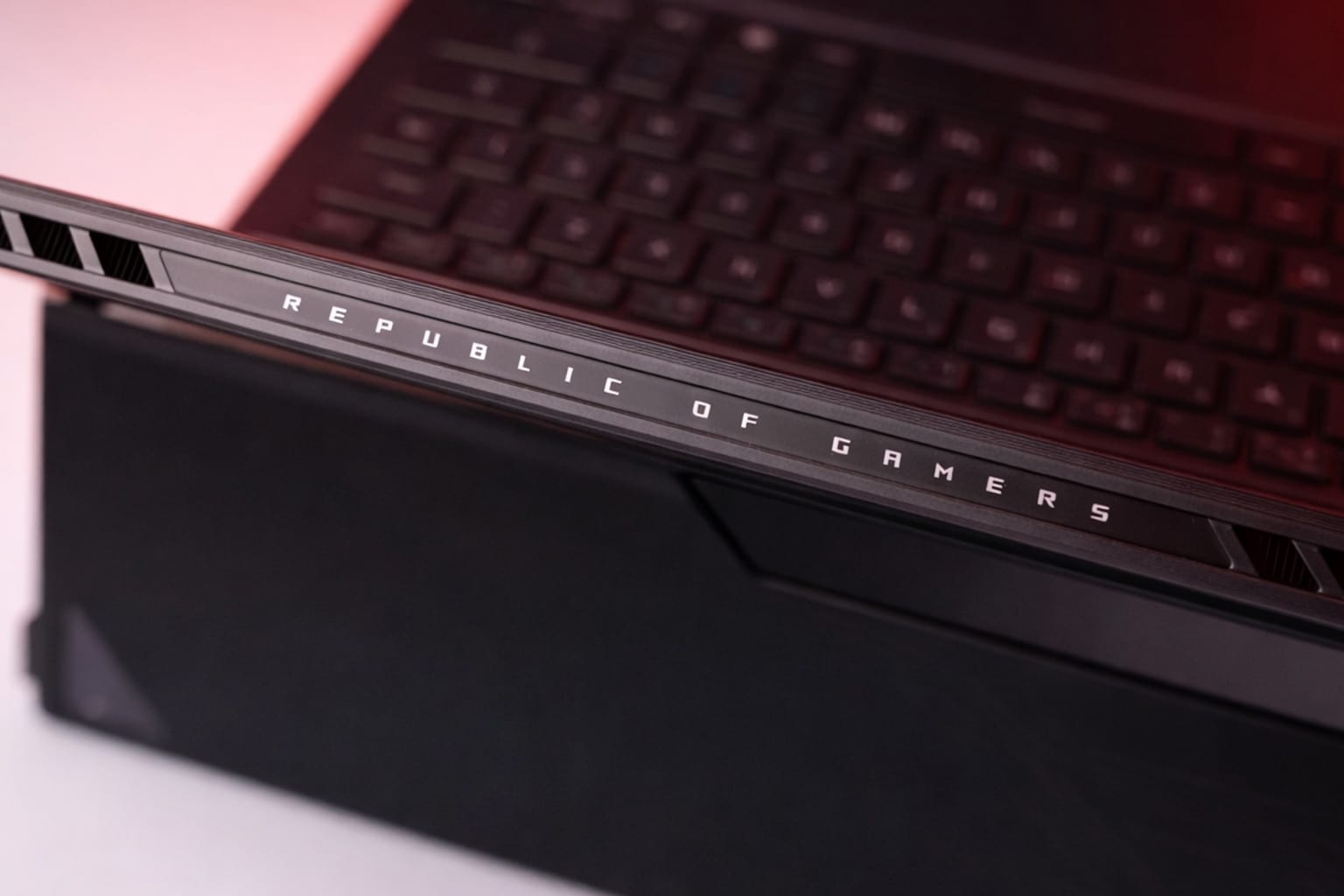
To handle the high power consumption in a compact 13-inch chassis, ASUS has equipped the ROG Flow Z13 with an elaborate cooling system featuring a vapour chamber and liquid metal thermal interface material, as well as multiple fans that exhaust air over the top edge of the device. Since all the components are behind the display, the air intakes remain largely unobstructed during operation.
The cooling system proves effective overall in our test. Even under sustained CPU and GPU load, performance remains stable, with no significant thermal throttling. Temperatures vary between 60 °C and 85 °C, depending on the performance profile.

Noise levels are also moderate for the performance on offer. While the system often runs silently or is audible only briefly in office use, fan activity increases as expected under load.
In Turbo mode, the fans are clearly audible, but their tone remains pleasant, with no high-pitched whistling or bothersome resonance. In direct comparison, the Flow Z13 is generally quieter under full load than many conventional gaming laptops in a similar performance class.
Ports and connectivity
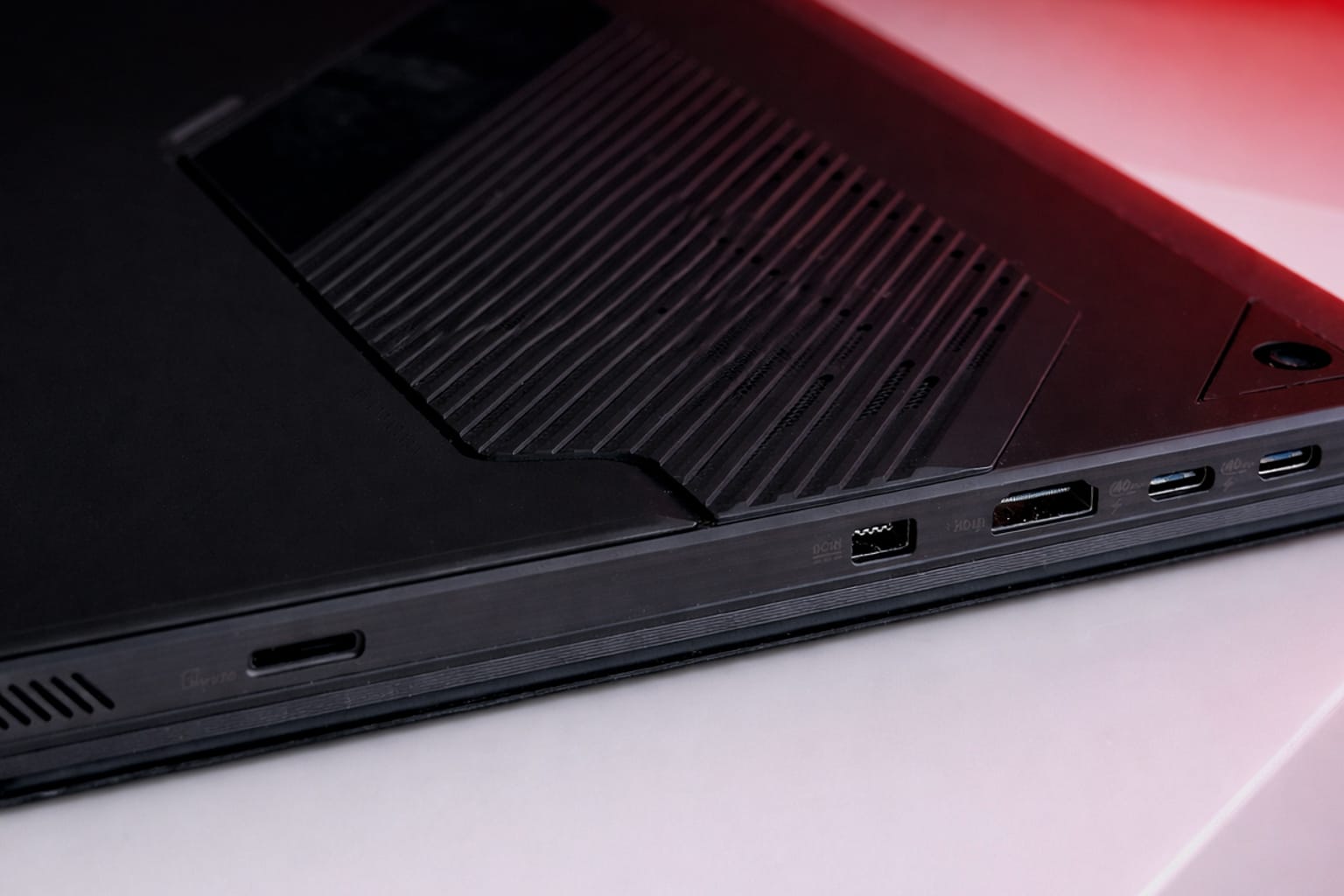
Despite its compact tablet form factor, the ROG Flow Z13 offers a surprisingly extensive selection of ports. ASUS avoids extreme minimalism and includes enough physical ports to make the device productive even without a docking station.
Available options:
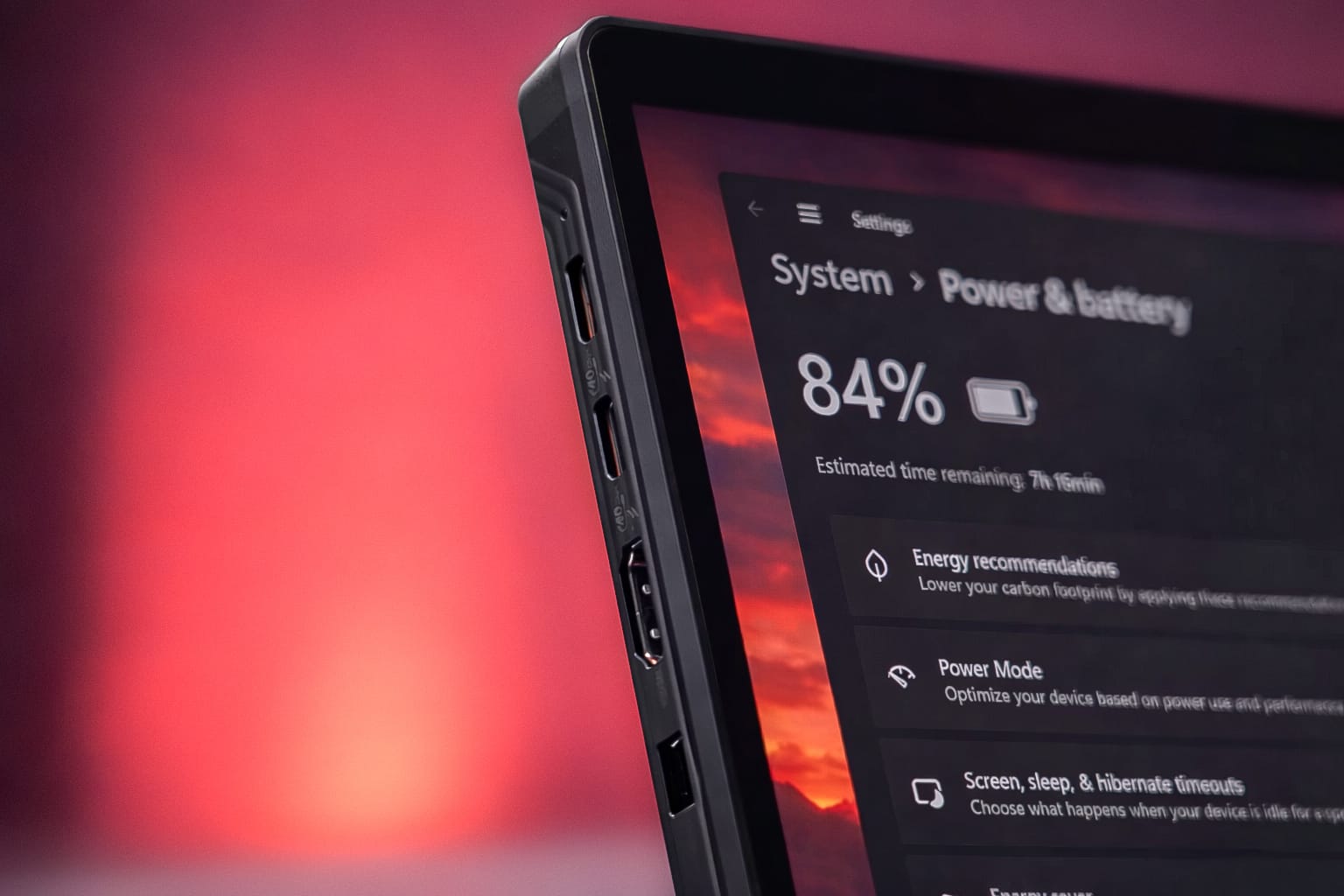
- 2× USB-C (USB4) with DisplayPort 2.1 and Power Delivery
- 1× HDMI 2.1
- 1× USB-A 3.2 Gen 2
- 3.5 mm combo jack for a headset or headphones
- microSD card reader (UHS-II)

This makes it easy to connect external monitors, mass storage and peripherals. Full-size HDMI is still not a given in this device category, and significantly improves usability for mobile work.
In practical use, however, a design-related weakness becomes apparent. Most of the ports are located towards the top of the sides of the housing. Connected cables therefore visibly run upwards or across the side of the workspace, which looks less elegant, particularly when several devices are used in a fixed setup.
For wireless connectivity, the Flow Z13 is up to date with Wi-Fi 7 and Bluetooth 5.4. Wi-Fi connections remained stable in our tests, with no dropouts even during large data transfers or streaming under load. Latency remains low, which is particularly beneficial for cloud gaming and online multiplayer.
Battery and portability
Inside the ROG Flow Z13 is a 70 Wh battery, which is relatively generous given the hardware on board. In everyday use, the device benefits from the platform's good efficiency, delivering usable battery life despite its ample performance reserves.
In our hands-on test, the Flow Z13 achieved the following battery runtimes:
- Office and web use: around 7–9 hours
- Video streaming: around 9–10 hours
- Light productivity work: approx. 8 hours
- Gaming on battery: around 1–2 hours
This puts the device in the upper tier of powerful Windows systems. Its battery life is impressive for a device in this performance class, but does not match that of specialised ultrabooks or ARM-based systems.
One key factor affecting portability is the included 200-watt power adapter. While it enables the system to deliver its full performance and recharges the battery quickly, reaching around 50 percent in about 30 minutes, it is relatively large and heavy. Weighing around 700 grams, it partially offsets the portability advantage of the compact device.
On the plus side, the Flow Z13 can also be charged via USB-C. This means you can use a smaller power adapter on the go, although maximum system performance will not be available.
Our verdict
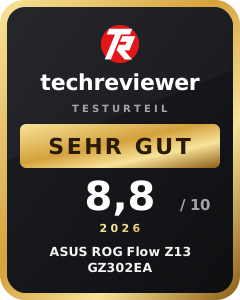
The ASUS ROG Flow Z13 GZ302EA is one of the most unusual high-performance systems on the current notebook market. ASUS combines a tablet-like 2-in-1 design with a performance platform previously reserved mainly for larger gaming or creator notebooks.
In our test, the Flow Z13 impresses above all with its exceptionally high performance in a compact 13-inch form factor. Apps, multitasking and creative workflows run smoothly at all times, while even modern games remain surprisingly playable without a dedicated graphics card. At the same time, the cooling system works efficiently enough to keep performance stable, even under sustained load.
The build quality, display quality and flexible use thanks to the detachable keyboard and integrated stand are also impressive. On a desk, it becomes a versatile work device that in some respects surpasses traditional notebook concepts in terms of adaptability.
However, the hybrid concept inevitably involves some compromises. The Flow Z13 is relatively heavy for a tablet, while using it on your lap is less comfortable than with a traditional laptop. The large 200-watt power adapter also partially offsets its portability advantage. The speakers and webcam are merely average for this price range.
At a price of around 2,499 euros, the Flow Z13 is clearly aimed at enthusiasts and professional users. Those looking for maximum graphics performance per euro will find more powerful traditional gaming laptops. Its real value lies instead in combining portability, flexibility and sustained high performance in an unusually compact form factor.
Specifications
Model
- Designation
- ASUS ROG Flow Z13 GZ302EA (GZ302EA-RU074W)
- Color
- Off Black (1A)
Display
- Size
- 13.4 inches (34 cm)
- Aspect ratio
- 16:10
- Panel
- IPS
- Resolution
- 2560 × 1600 pixels (WQXGA)
- Response time
- 3 ms
- Special features
- Touch, anti-reflective, up to 500 nits brightness, up to 180 Hz, Victus Gorilla Glass
Processor
- CPU
- AMD Ryzen AI MAX+ 395
- Cache
- 80 MB
- Clock speed
- up to 5.1 GHz
- NPU
- AMD Ryzen AI up to 50 TOPS
Graphics
- GPU
- AMD Radeon™ (integrated)
RAM
- RAM
- 32 GB LPDDR5X-8000 (onboard)
Storage
- SSD
- 1 TB PCIe Gen4 M.2
Connectivity
- Wi-Fi
- Wi-Fi 7 (802.11be, tri-band, 2×2)
- Bluetooth
- 5.4
Cameras
- Front/rear
- 13 MP camera + 5 MP IR camera
Audio
- Speakers
- 2× 2W Dual-Force with Smart Amp Technology
- Microphones
- Integrated 3-microphone array
- Features
- Dolby Atmos, Hi-Res (headphones), Smart Amp Technology
Keyboard
- Type
- Backlit chiclet keyboard (detachable)
- Lighting
- RGB
Battery life & power supply
- Battery
- 70 Wh (4S1P, 4-cell Li-ion)
- Power adapter
- 200 W (20V ⎓ 10A)
- Plug
- Rectangle connector
Ports
- Left side
- 2× USB-C (USB4, DP 2.1, PD 3.0), HDMI 2.1, power adapter port, microSD (UHS-II)
- Right
- USB-A (USB 3.2), 3.5 mm combo audio, power key, volume key, Command Center
Dimensions & Weight
- Dimensions (W × H × D)
- 30.0 × 1.29–1.49 × 20.4 cm
- Weight
- 1.20 kg
Software
- Operating system
- Windows 11 Home (AI PC)
- Additional
- Microsoft 365 (30-day trial)
Warranty
- Manufacturer specification
- 3 years
What’s included
1× ASUS ROG Flow Z13 GZ302EA 1× detachable RGB chiclet keyboard 1× 200-watt power adapter (Rectangle Connector) 1× carrying case / protective sleeve for safe transport 1× ROG Zephyrus G14 Sleeve (2024) 1× quick-start documentation
Price comparison
| Store | Price | Link |
|---|---|---|
| Amazon | 2.684,57 € | Go to store |

Comments