Contents
Design and build quality
The Xiaomi Pad 8 Pro feels premium, understated and modern. The slim aluminium body is neatly finished and pleasantly thin, and at around 485 grams, it is still light enough to hold for extended periods, whether reading by the pool or binge-watching a series on a plane.
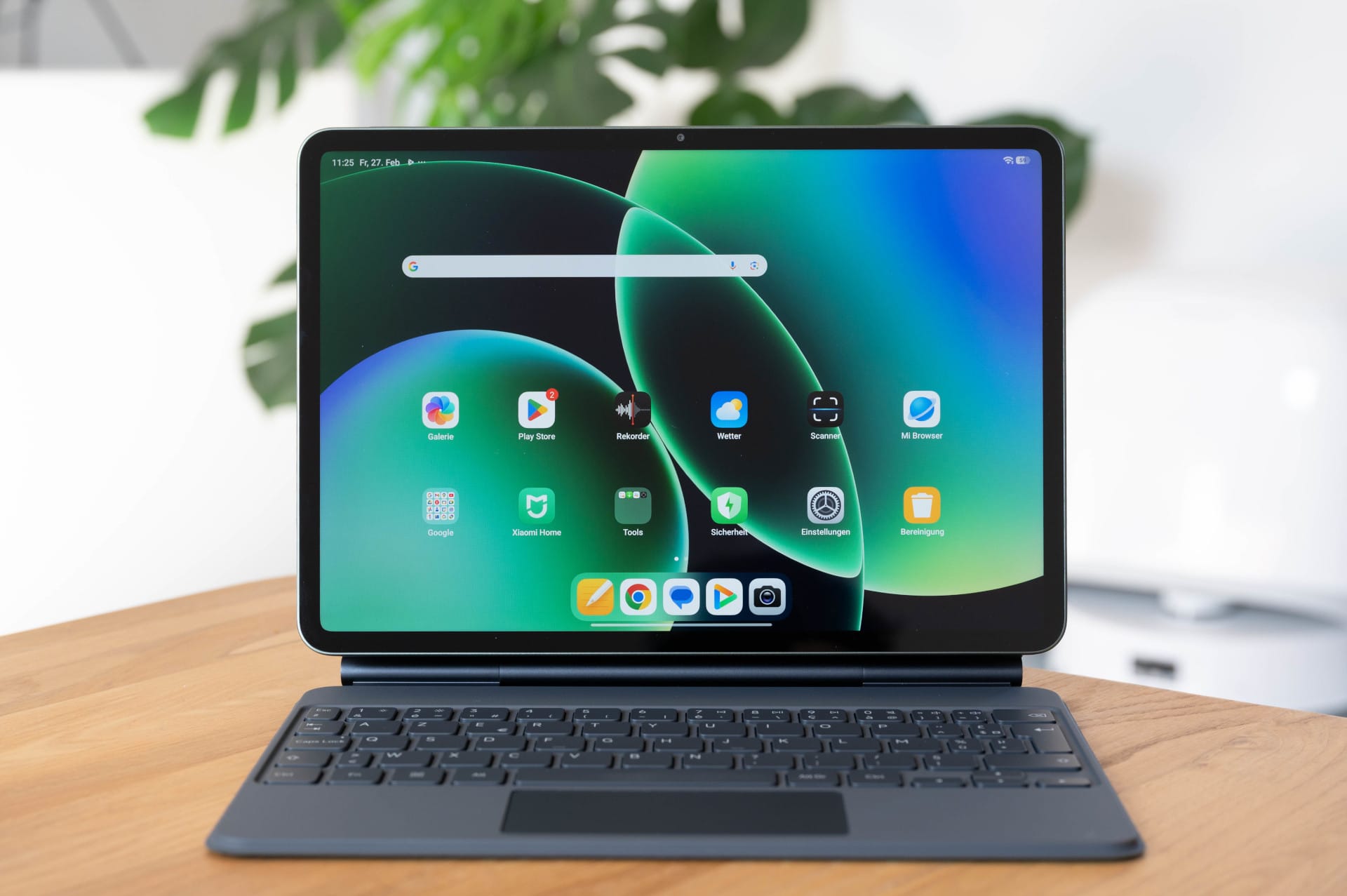
Xiaomi has got the size just right. At 11.2 inches, the Xiaomi Pad 8 Pro offers plenty of workspace while remaining portable. It fits easily in a rucksack or smaller bag and is also comfortable to use on cramped surfaces such as an aeroplane table.
The matte back, available in grey, blue or green, feels good and seems resistant to fingerprints, but can be a little slippery without a case. If you buy the tablet, it is worth ordering the matching cover at the same time.
The large camera module on the back stands out, looking more like it belongs on a smartphone than a tablet. It protrudes slightly from the casing, which means the tablet never lies completely flat and wobbles a little when placed down. It’s not a major problem, but it doesn’t quite fit with the otherwise clean design.
Display
The 11.2-inch IPS panel with 3.2K resolution is razor-sharp, making text look as if it were printed on paper. Even longer writing or reading sessions are easy on the eyes. The high pixel density is immediately noticeable, especially when working on documents or browsing.
The refresh rate of up to 144 Hz also makes the entire system feel noticeably smoother. Scrolling through web pages, multitasking and navigating menus all feel silky smooth. In everyday use, the display often settles at around 120 Hz or below, but I didn’t really miss the 144 Hz. The image remains consistently very smooth.
The tablet also performs well when it comes to media consumption. TV series and films on Netflix look really good thanks to HDR support and rich colours. The four built-in speakers are a good match, sounding surprisingly powerful for a tablet. Voices are clear, effects have enough punch, and even at higher volumes the sound remains clean without distortion. That is more than enough for TV series, films or YouTube.
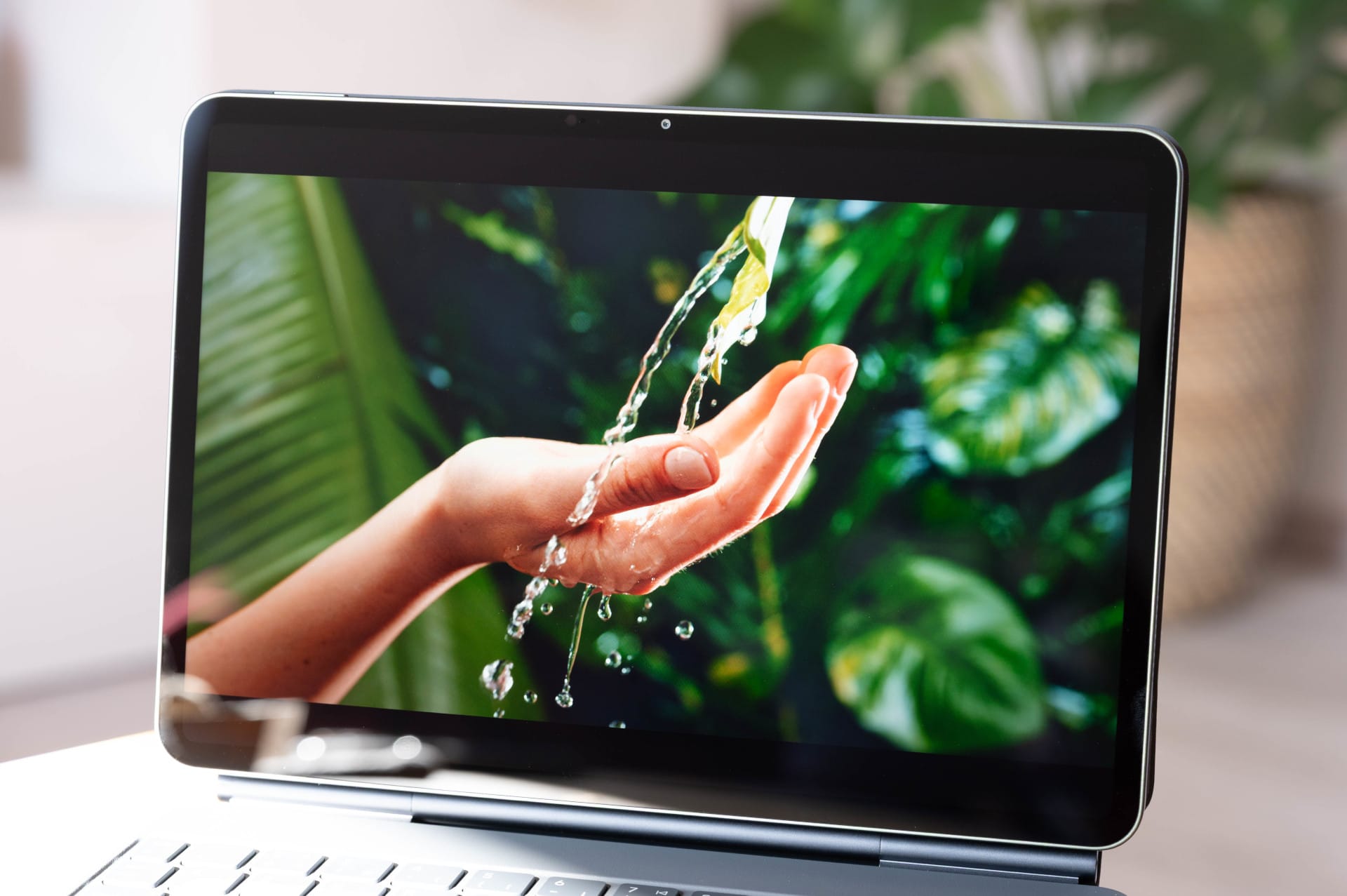
The brightness is sufficient to make content easy to see outdoors by the pool or on the balcony, even when it gets brighter. Only in direct sunlight does the display reach its limits, as is typical of an LCD.
Incidentally, the fact that the panel is “only” an IPS panel is hardly noticeable. Blacks look pleasingly deep, so you only notice a real difference when placing it directly next to an OLED display.
Performance and connectivity
The Xiaomi Pad 8 Pro features absolute high-end hardware in the form of the Snapdragon 8 Elite mobile platform. Manufactured using a 3 nm process, the chip combines two performance cores running at up to 4.32 GHz with six additional cores running at up to 3.53 GHz. It is also equipped with the Adreno 830 GPU, which is currently one of the most powerful graphics solutions in the Android space.
Depending on the model, 8 or 12 GB of RAM is available, with Xiaomi even using faster LPDDR5T memory in the larger model. Internal storage offers up to 512 GB of fast UFS 4.1, which is particularly noticeable with large apps, games and file transfers.
On holiday, the tablet mainly served as a compact laptop replacement. The Xiaomi Pad 8 Pro handles writing texts, replying to emails, researching in the browser, reviewing photos, opening documents and streaming music at the same time without any noticeable strain. Even with several apps open simultaneously, such as a browser, notes, messenger and document editor, the system remains stable and responsive.
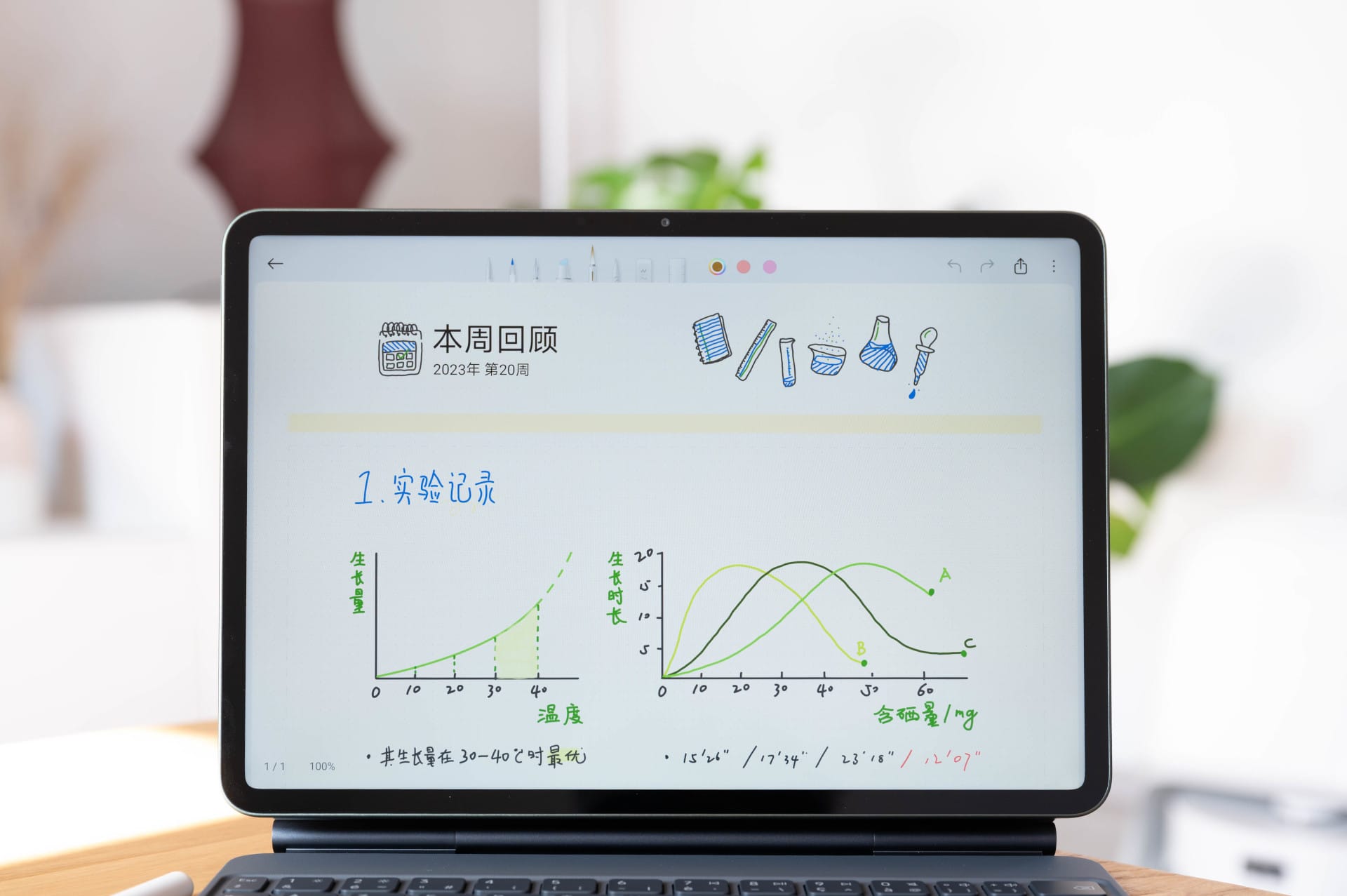
The Xiaomi Pad 8 Pro also has plenty of performance to spare for gaming. More demanding titles run smoothly at high graphics settings, loading times are short, and the large display makes gaming much more enjoyable than on a smartphone. The casing does get a little warm after longer sessions, but it doesn’t get uncomfortably hot during normal use.
The tablet cannot maintain its peak performance indefinitely under sustained load. That is hardly surprising for such a thin device, however, and is of little relevance in practical use. The Pad 8 Pro performs consistently well when working, streaming, browsing and playing games occasionally.
The tablet is also well equipped when it comes to connectivity. Its USB-C port supports USB 3.2 Gen 1, enabling fast data transfers and connection to external displays. It also has modern Wi-Fi 7, which provides high transfer rates and stable connections, provided a suitable network is available.
What’s missing is a SIM or eSIM option. Mobile internet would have been a real benefit, especially when travelling; instead, you have to rely on a hotspot or Wi-Fi. A rather unusual but practical addition, on the other hand, is the built-in infrared transmitter. This lets you use the tablet as a remote control for televisions or air conditioners, which can be very useful in a hotel room.
Software and productivity
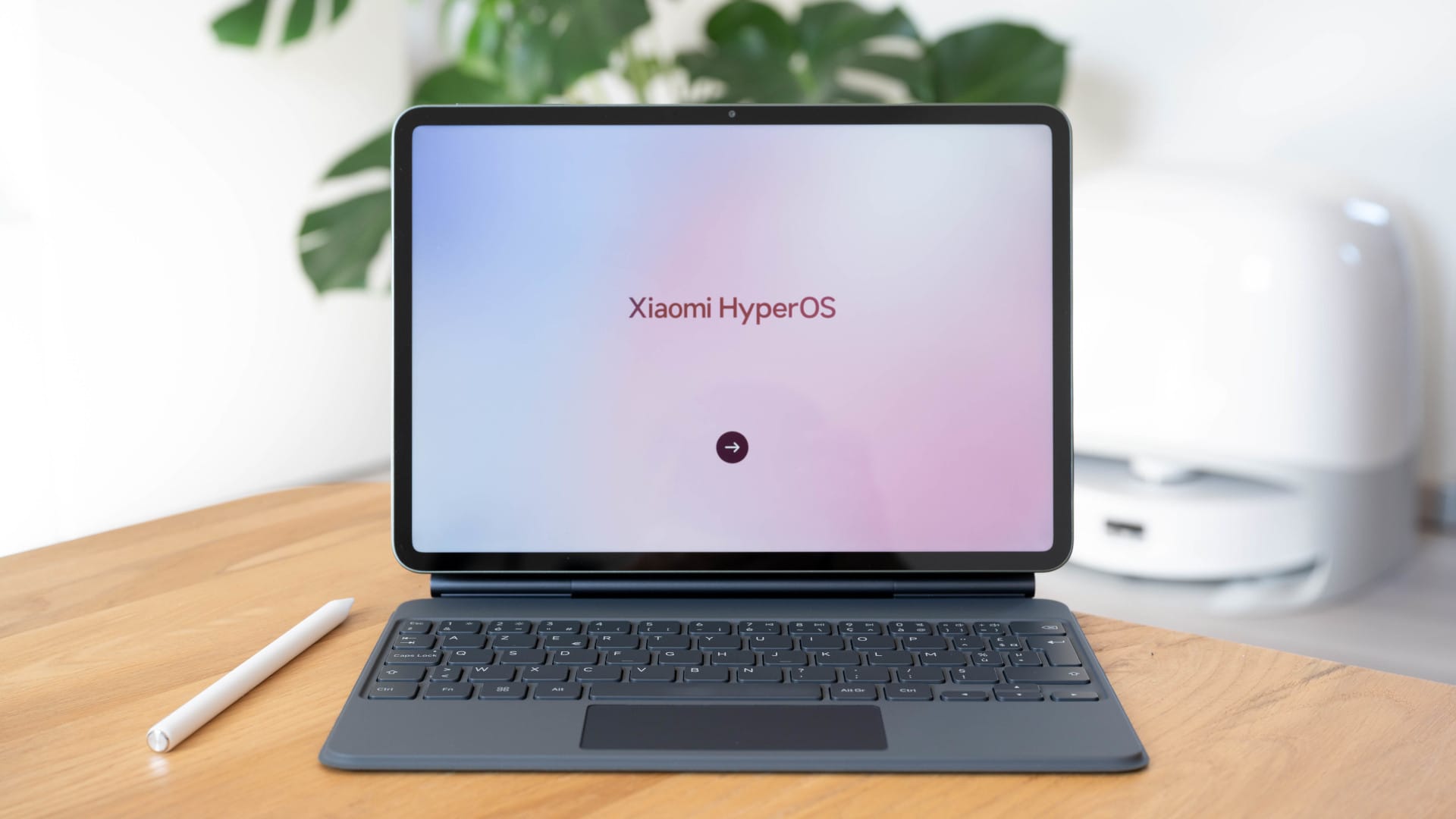
The Xiaomi Pad 8 Pro runs HyperOS 3 based on Android 16. Xiaomi has visibly optimized the interface for larger displays and integrated many features designed to make the tablet more productive, including split screen, floating windows, and a dedicated Workstation mode.
Having two apps side by side, plus a small window for messaging or music, works without any problems. Activate PC or workstation mode and the interface turns into a kind of desktop environment with freely movable windows, as you might know from macOS or Windows, for example.

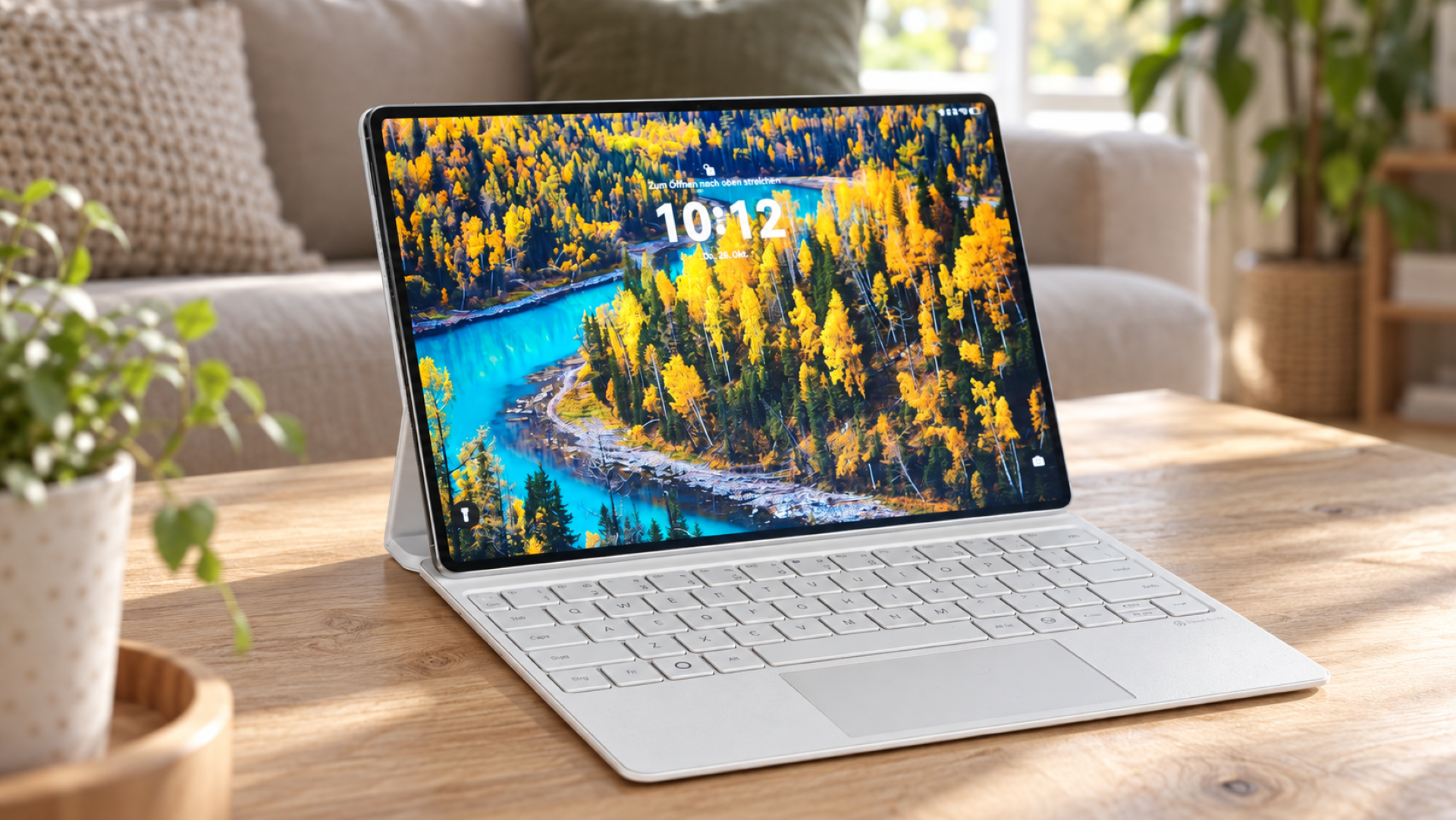
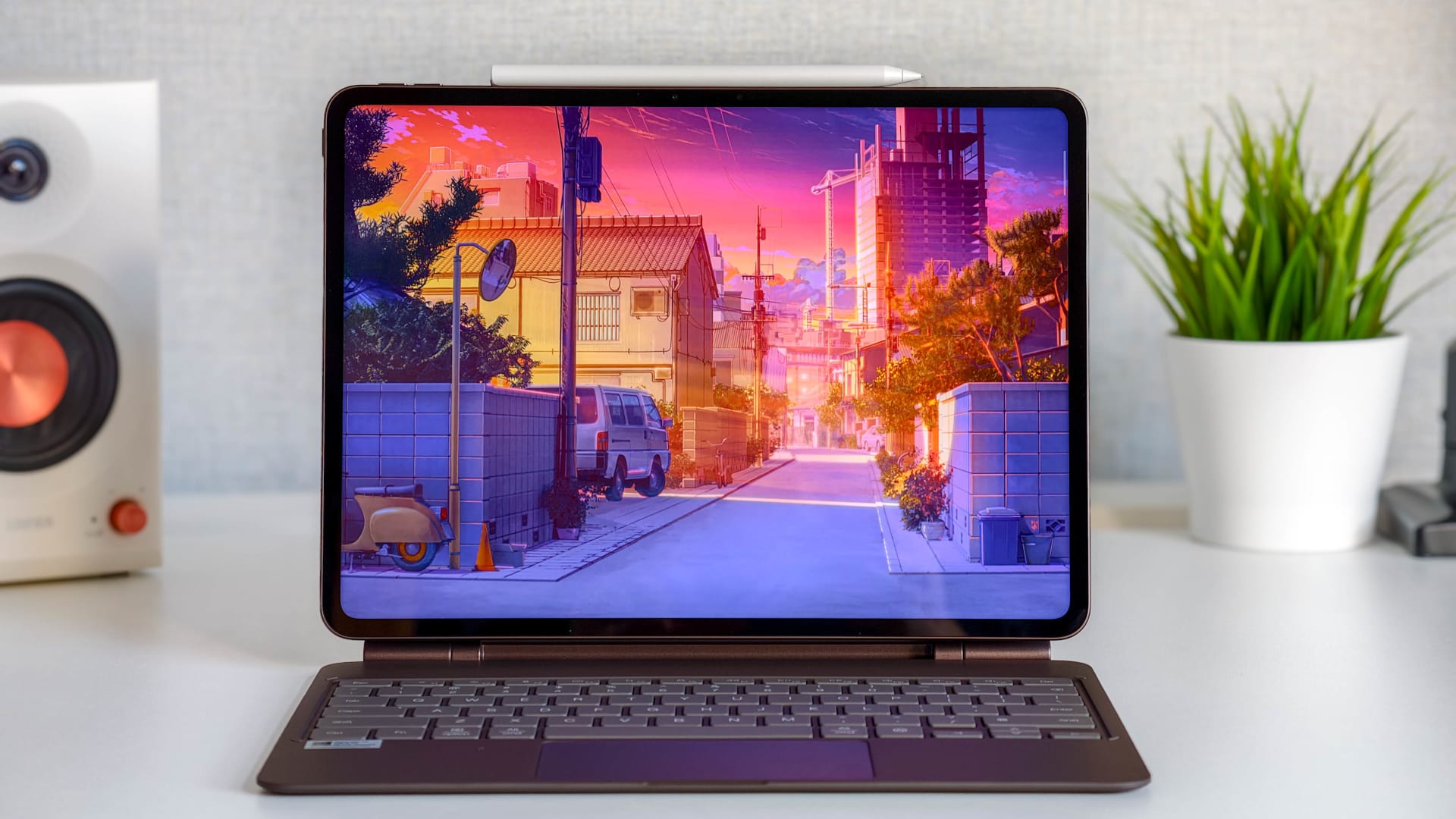
Combined with the Keyboard Cover, it genuinely feels a little like a laptop. Apps can be moved, resized and used side by side. However, it does not quite match a laptop.
The window management isn’t quite as flexible as on traditional desktop operating systems, some apps don’t scale perfectly, and even small things like closing windows through menus instead of dedicated buttons occasionally slow down the workflow.
The software's overall performance is a positive. HyperOS runs smoothly, has a clean layout and offers useful extra features. These include cross-device features for sharing content between a smartphone and tablet, as well as various AI tools for translation, transcription and writing assistance.
Camera
The camera has traditionally not been one of the most important features on tablets. Even so, Xiaomi offers a surprisingly solid setup here, with a 50 MP main camera on the back and a 32 MP front camera.
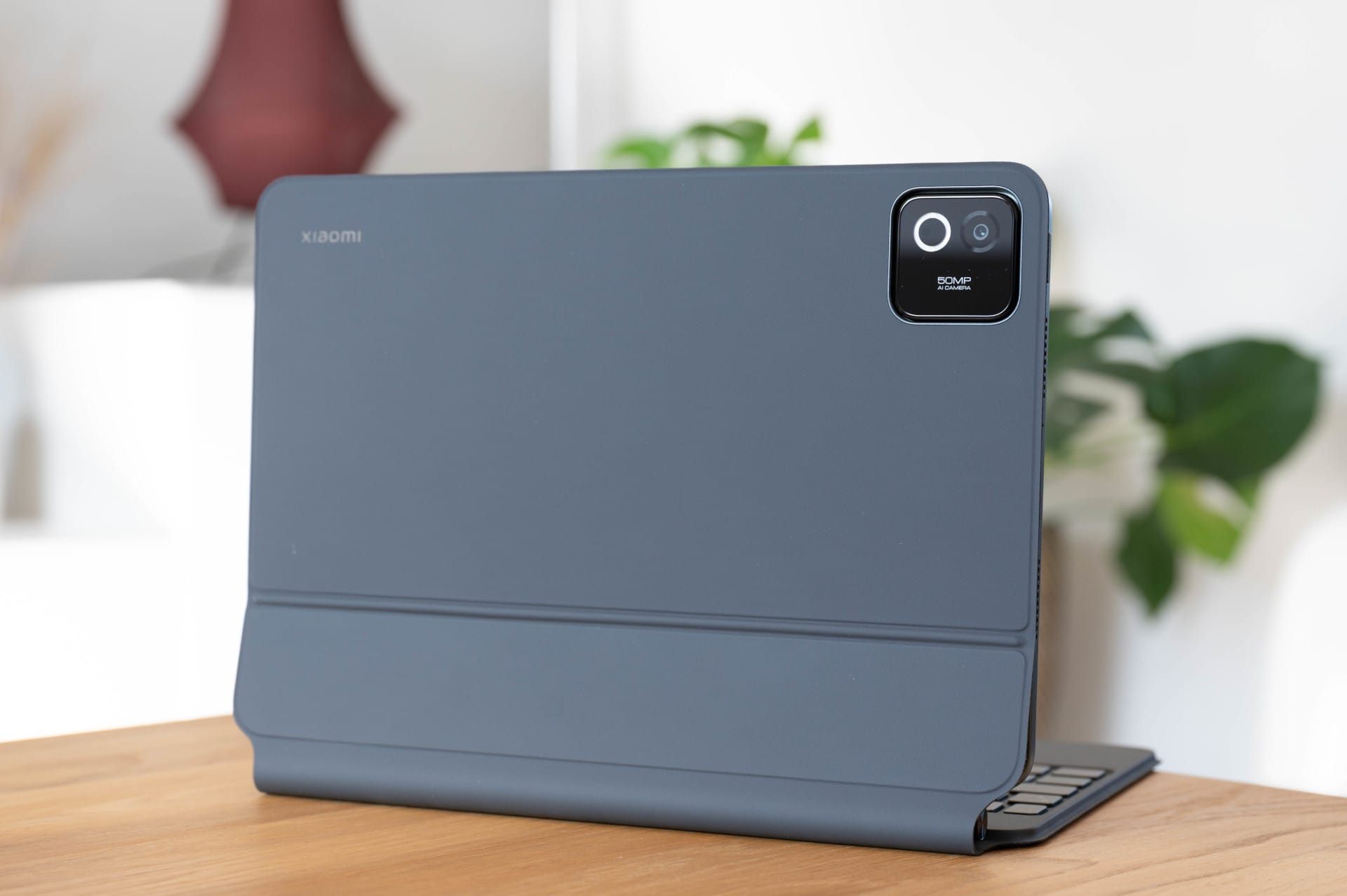
In everyday use, the main camera is more than adequate for typical tablet tasks. Scanning documents, taking a quick photo or capturing a few impressions all work reliably. The images are sharp enough, colours look natural and the shutter response is pleasantly quick. But for serious photography, you’re still better off using a smartphone, particularly as the images can look a little flat and do not quite match the dynamic range of modern phone cameras.
Video calls (1080p) via the front camera are clear and well exposed, the field of view is sufficiently wide, and its position on the long side is sensible. The Xiaomi Pad 8 Pro is a very good choice for meetings or calls on the go.
Keyboard cover and stylus
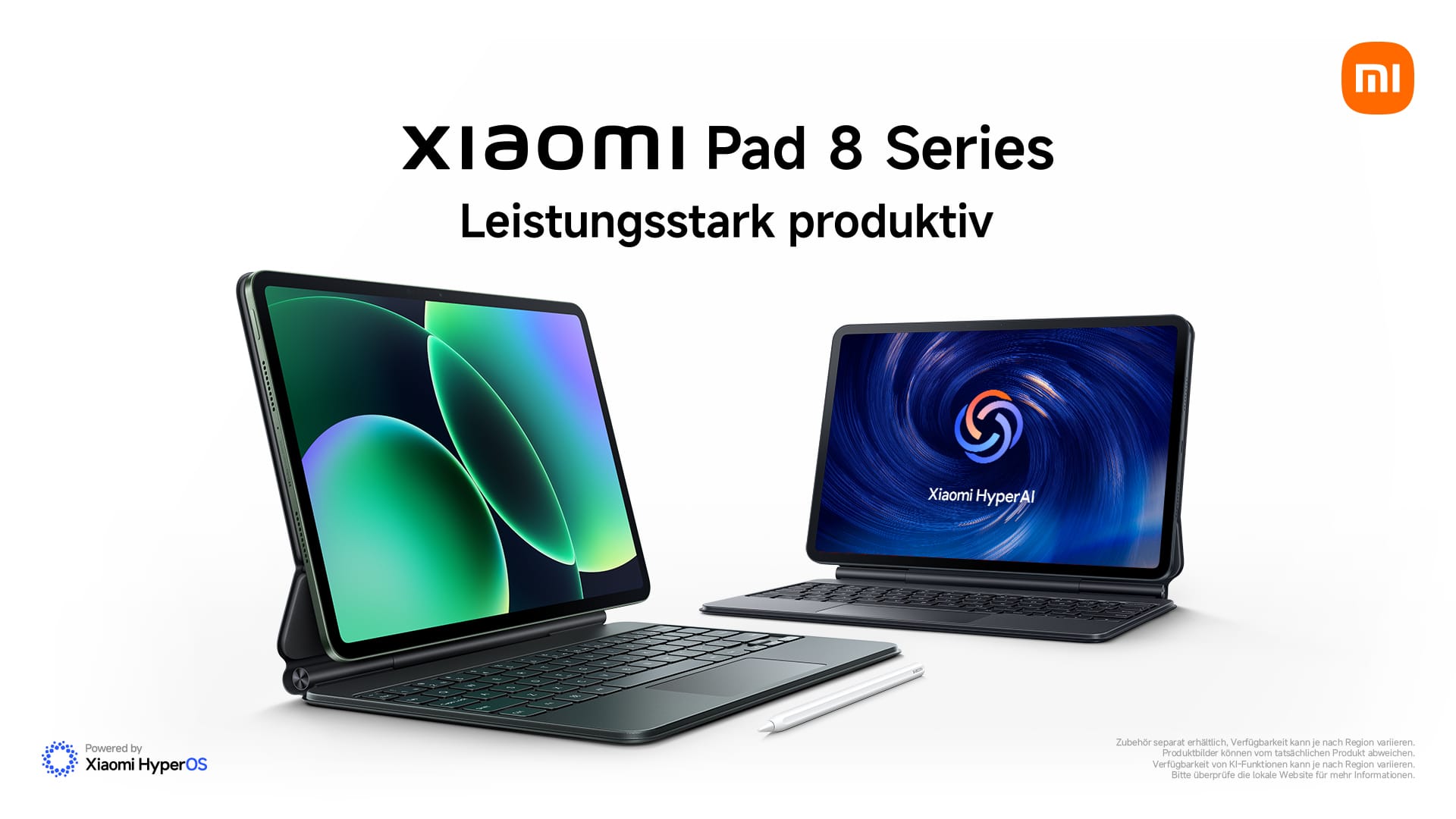
The Xiaomi Pad 8 Pro only gets really interesting with the right accessories. Without a keyboard and stylus, it remains a very good tablet; with both, it becomes a work device.
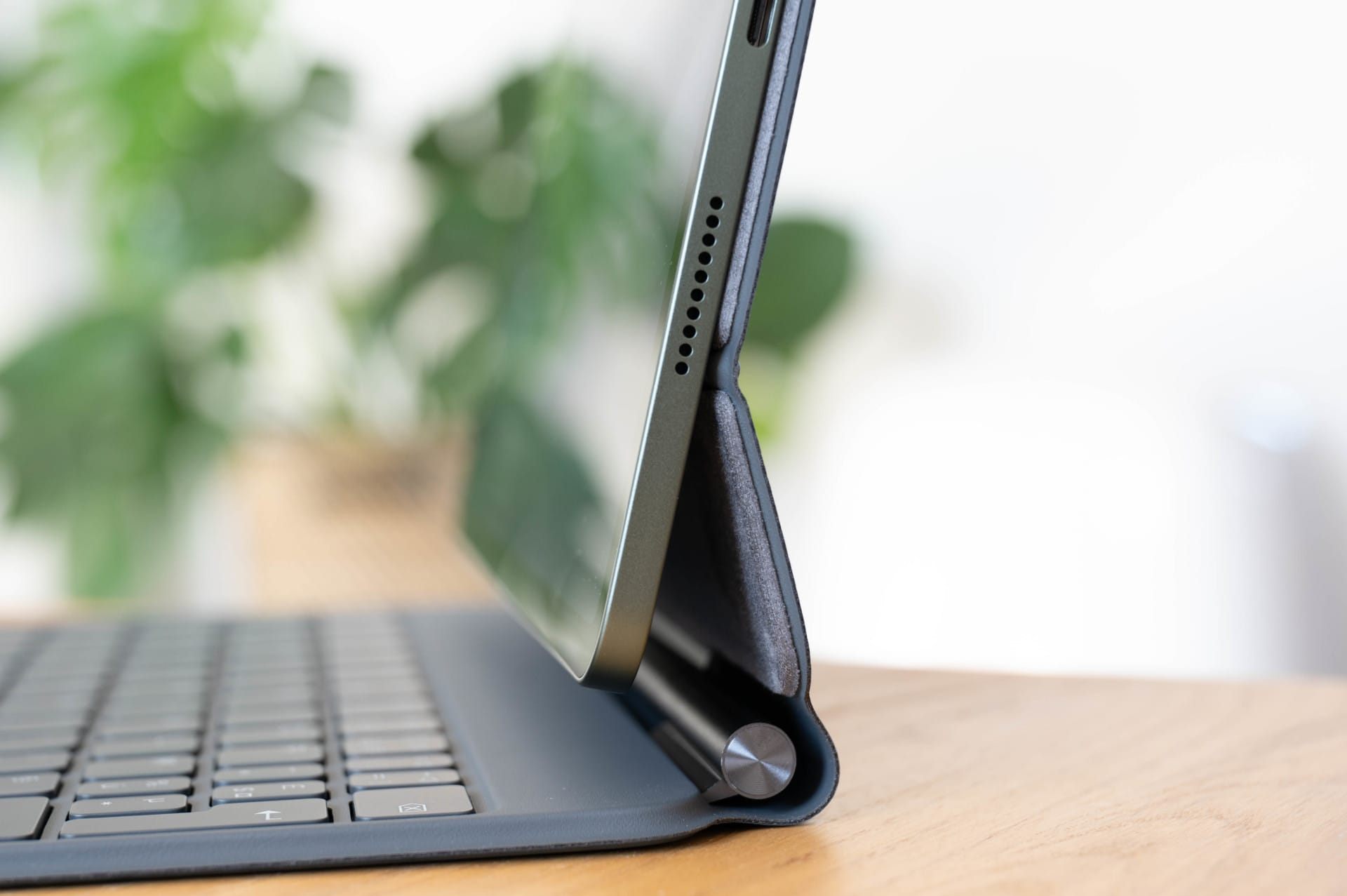
The Keyboard Cover attaches quickly and holds securely with magnets. The keyboard offers a decent key feel and sufficiently large keys, making it easy to write longer texts. It is more than adequate for emails, articles or notes on the go. Naturally, the typing experience does not quite match that of a full-fledged notebook, but it is surprisingly comfortable for a cover.
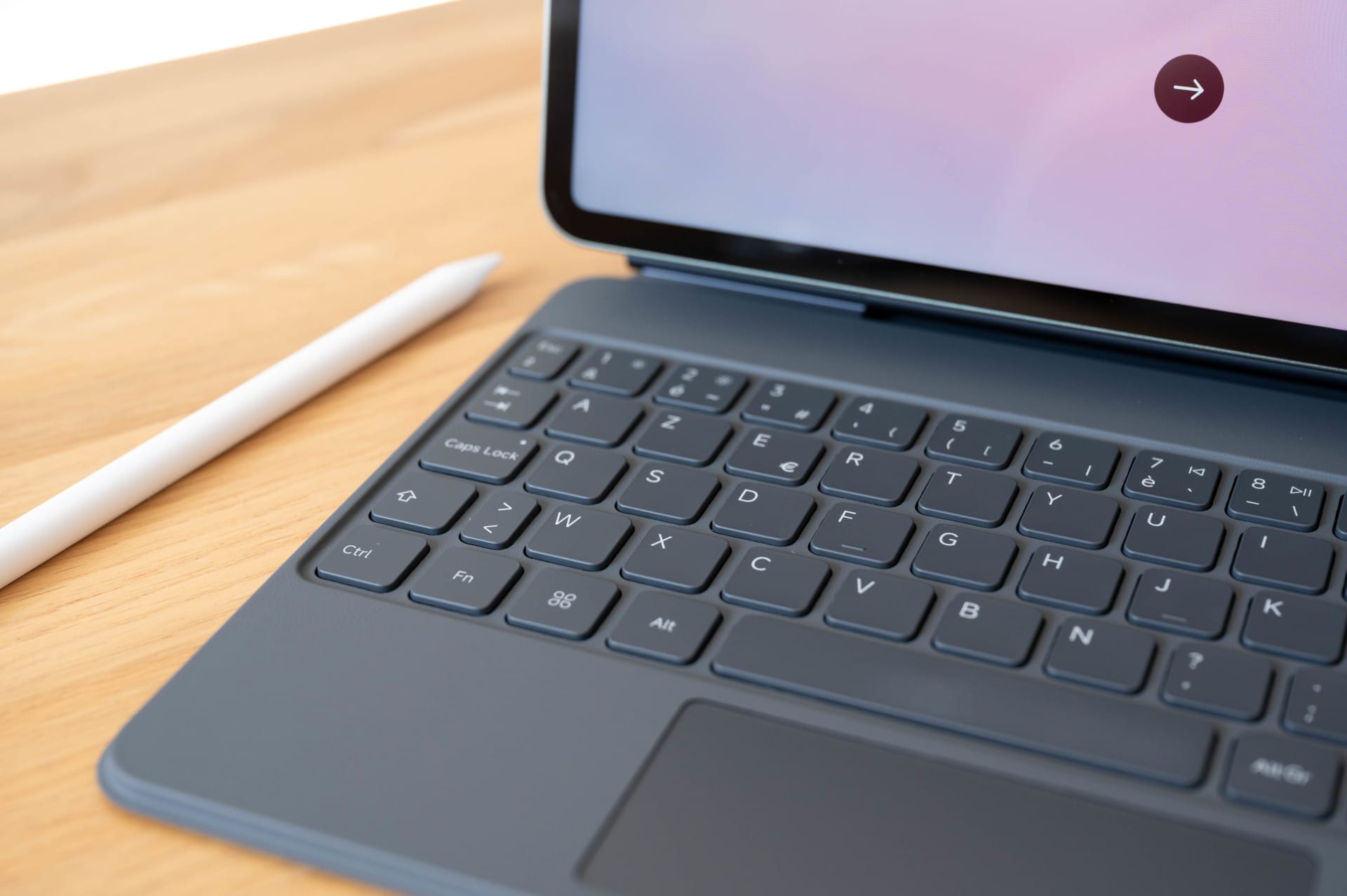
Depending on the version, it also has an integrated touchpad, which makes operation significantly easier. In Workstation mode in particular, this makes the system feel much closer to a traditional laptop. Cursor movements are precise, gestures work reliably, and you reach for the touchscreen much less often.
In everyday use, however, the biggest drawback also becomes apparent: with the Keyboard Cover attached, the tablet is much heavier and feels less like a “typical tablet.” That’s perfectly fine for working, but for reading by the pool or watching shows on a plane, you’ll almost automatically take it off again.
The Focus Pen Pro is also a useful addition. The stylus is ideal for handwritten notes, quick sketches or annotating documents. Input is recognised precisely, latency is low and writing feels responsive.
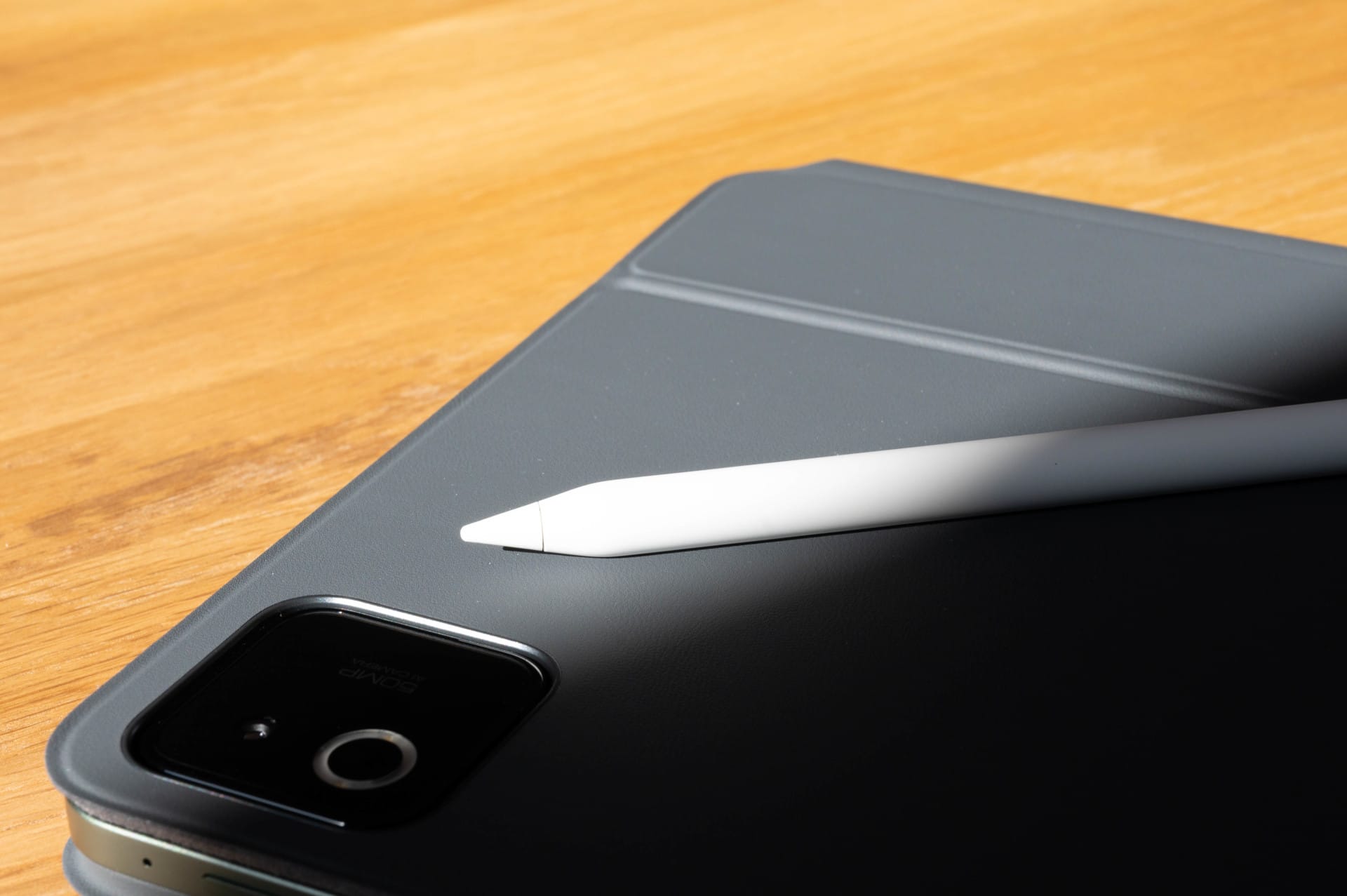
The new button-free gesture controls take some getting used to, though. Anyone accustomed to traditional stylus buttons will need to adjust. Once you get used to them, however, the system works well and offers added flexibility.
Battery and battery life
Depending on how you use the Xiaomi Pad 8 Pro, the 9,200 mAh battery lasts from one to several days. If you use it for work, gaming, and streaming every day, you can expect around 1 to 1.5 days of battery life. Use it more sparingly and you can get even more out of it, as the tablet uses pleasantly little power in standby.
When you do need to plug it in, fast charging impresses. At up to 67 watts, the battery is full again in just over an hour. Short charging breaks are often enough to provide several extra hours of use.
Our verdict
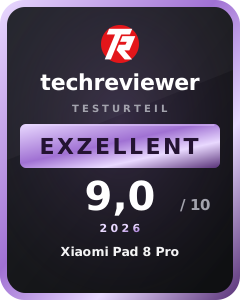
The Xiaomi Pad 8 Pro is a powerful Android tablet that does much more than just stream and browse. It works surprisingly well as a device for emails, writing, and research during the day, as a notepad with a pen in between, and as an entertainment tablet in the evening.
The hardware offers more than enough performance, the display is razor-sharp with vivid colors, and battery life is impressive on the go. Combined with the optional accessories, the Pad 8 Pro becomes a versatile companion that easily handles both productive tasks and entertainment.
With the Keyboard Cover, it comes surprisingly close to a laptop, even if it doesn’t replace one entirely. The main thing it lacks is the software flexibility to fully keep up with traditional desktop operating systems. If you’re looking for a compact, powerful tablet that works well for both work and leisure, you can’t go far wrong here.
Specifications
Processor and memory
- CPU
- Qualcomm Snapdragon 8 Elite (3 nm)
- – Octa-core (2x 4.32 GHz + 6x 3.53 GHz)
- GPU
- Adreno 830 (up to 1100 MHz)
- RAM
- 8 GB (LPDDR5X) / 12 GB (LPDDR5T)
- Internal storage
- 256 GB / 512 GB
- Storage expansion
- Not supported
- Storage standard
- UFS 3.1 (128 GB) / UFS 4.1 (256 GB / 512 GB)
Display
- Display size
- 11.2 inches
- Display resolution
- 3200 x 2136 pixels (3.2K, 345 ppi)
- Display refresh rate
- up to 144 Hz
- Touch sampling rate
- up to 360 Hz (240 Hz with pen)
- Display brightness
- up to 800 cd/m²
- Display type
- IPS LCD
- Colour reproduction
- 68 billion colours, DCI-P3
- HDR support
- HDR10, Dolby Vision
- Screen-to-body ratio
- 85,4 %
- Special features
- TÜV Rheinland Low Blue Light, flicker-free, “circadian-friendly”, Adaptive Colours, Reading Mode, Wet Touch
Cameras
- Main camera
- – 50 MP, f/1.8, PDAF, 1/2.76"
- Features
- HDR, Portrait, Document mode, Teleprompter, Dynamic Shots
- Video
- 4K (30/60 fps), 1080p, 720p
- Front camera
- – 32 MP, f/2.2, 1/3.6"
- Features
- HDR, portrait, teleprompter
- Video
- 1080p (30 fps), 720p
Mains
- SIM
- None (Wi-Fi version only)
- Mobile network
- Not supported
Wireless
- Wi-Fi
- Wi-Fi 7 (802.11 a/b/g/n/ac/ax/be), 2x2 MIMO, Wi-Fi Direct, Miracast
- Bluetooth
- 5.4 (AAC, LDAC, LHDC 5.0, LC3, Auracast)
- GPS
- n/a
- NFC
- No
- Infrared
- Yes (IR remote control)
- Radio
- No
- USB
- USB Type-C 3.2 Gen 1 (up to 5 Gbit/s), OTG, display output
Sensors
- Fingerprint sensor (side-mounted)
- AI Face Unlock
- Accelerometer
- Gyroscope
- Ambient light sensor (front and rear)
- Flicker sensor
- Hall sensor
- Magnetic sensor
- Proximity sensor
- RGB LED
- Infrared sensor
Battery
- Battery
- 9,200 mAh
- Wired charging
- up to 67 W
- Charging standards
- PD3.0, QC3+, QC3.0, QC2.0
- Reverse charging
- No
- Qi charging
- No
Other
- Operating system
- Android 16 with HyperOS 3
- Audio
- Quad speakers, Dolby Atmos, Hi-Res Audio, 200% volume boost
- 3.5 mm jack
- No
- Connection
- USB-C (3.2 Gen 1)
- Protection rating
- n/a
- Size
- 251.22 x 173.42 x 5.75 mm
- Weight
- 485 g
- Colors
- Pine Green, Blue, Gray
- In the box
- Tablet, USB-C cable, quick-start guide, warranty card
Price comparison
| Store | Price | Link |
|---|---|---|
| Amazon | 489,90 € | Go to store |
Comments