Contents
OnePlus Pad 4: Design and build
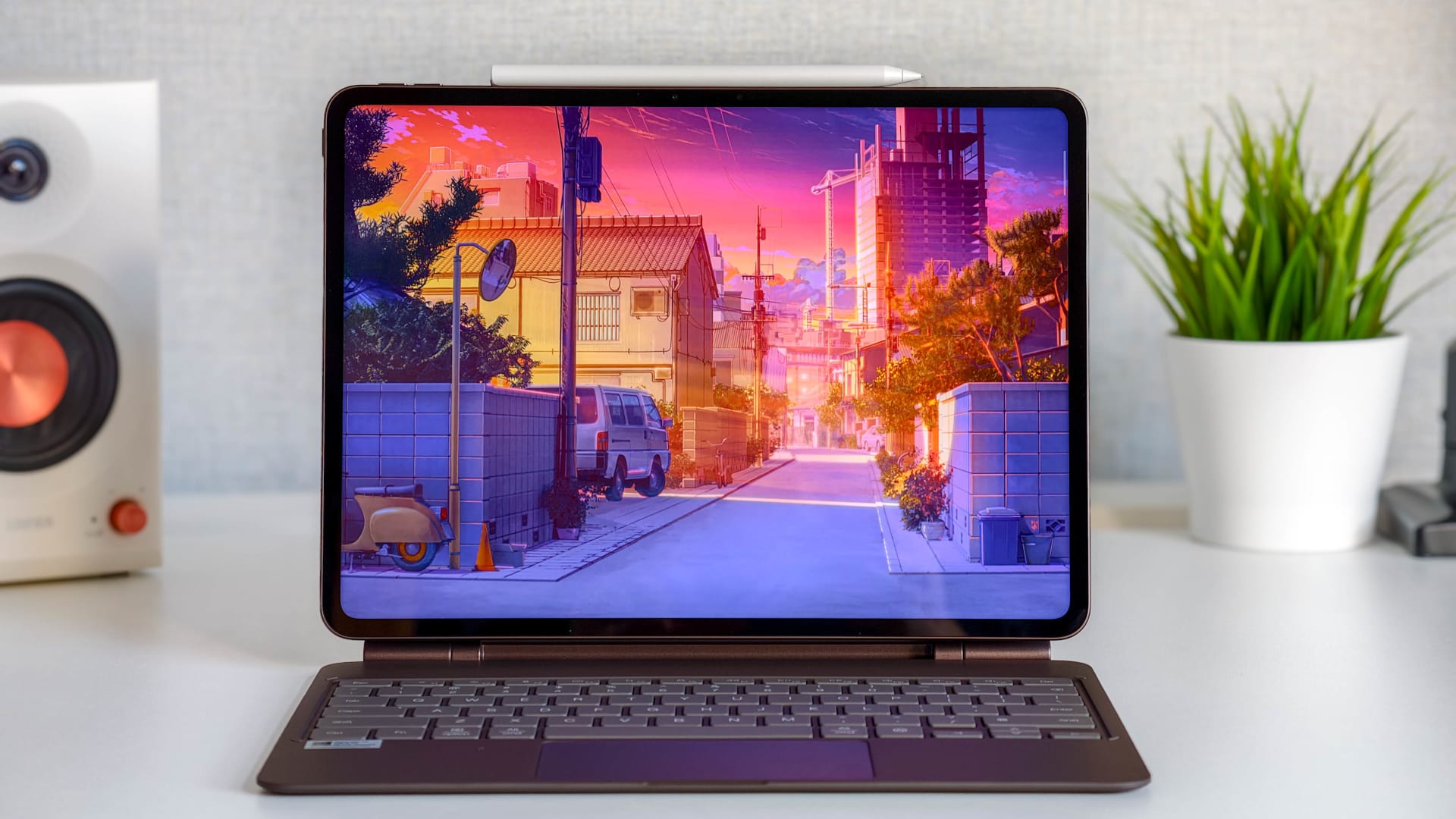
OnePlus has kept the design very similar to its predecessor. The Pad 4 once again has a very slim aluminium body with straight sides, rounded corners and even display bezels.
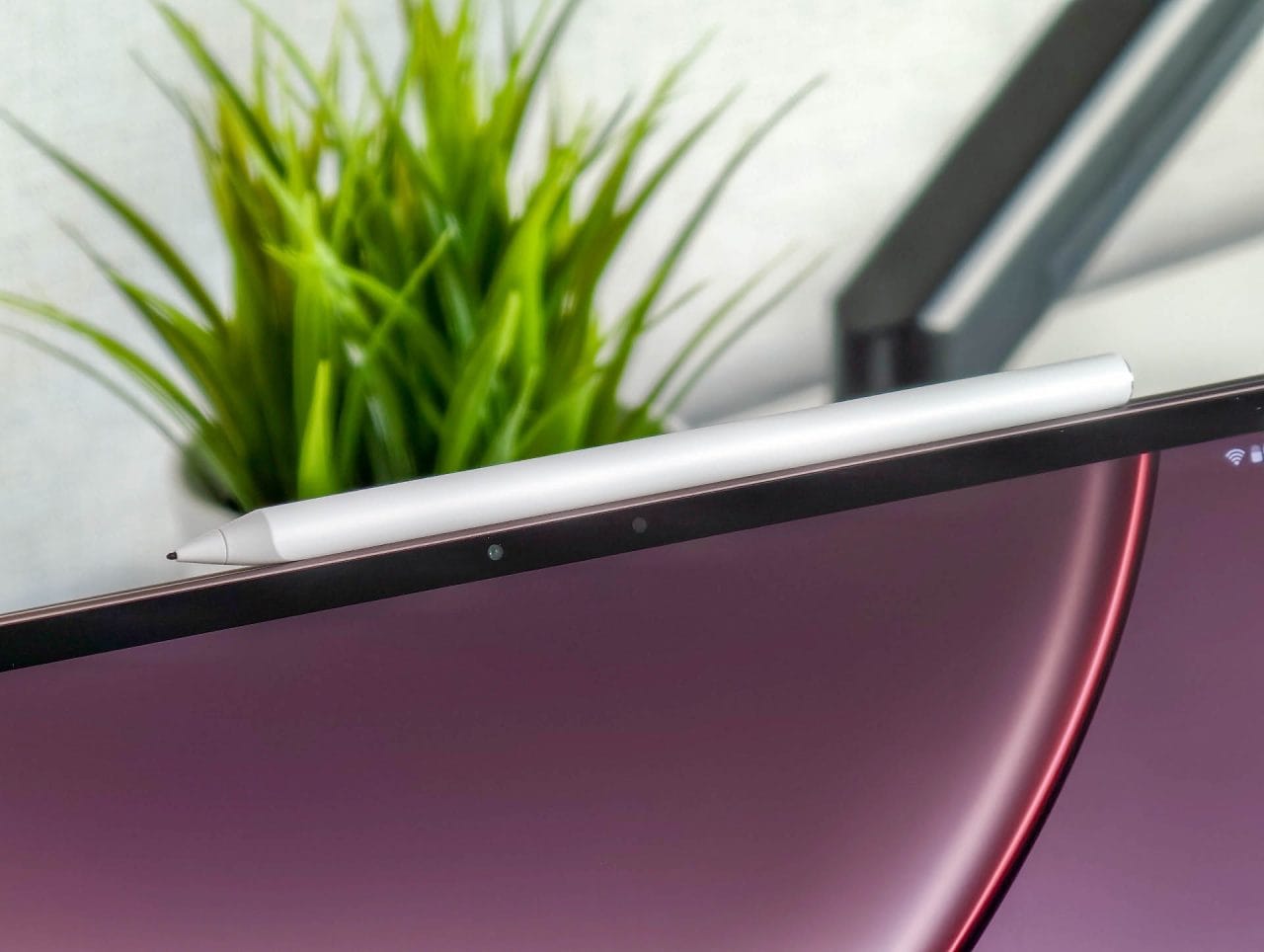
At just under 5.9 millimetres thick, the tablet looks exceptionally elegant. It is even thinner than the stylus attached to its side. Despite its slim design, the body feels sturdy and barely flexes even under firmer pressure. The choice of materials and build quality are therefore in keeping with its premium ambitions.

Our Dune Glow colour variant shifts between dark gold, copper and bronze depending on the light. The surface looks premium, but picks up fingerprints and smudges relatively quickly. Alternatively, the tablet is available in Sage Mist, a soft green.
The OnePlus Pad 4’s biggest standout feature is also its biggest ergonomic challenge. With a 13.2-inch display, it is one of the largest Android tablets. This provides a huge amount of workspace, but makes the device less handy than more compact models.
At around 672 grams, the Pad 4 is not exceptionally heavy for its size, but you still would not want to hold it one-handed for long. A stand or a case with a stand is recommended for reading, drawing or watching longer videos.
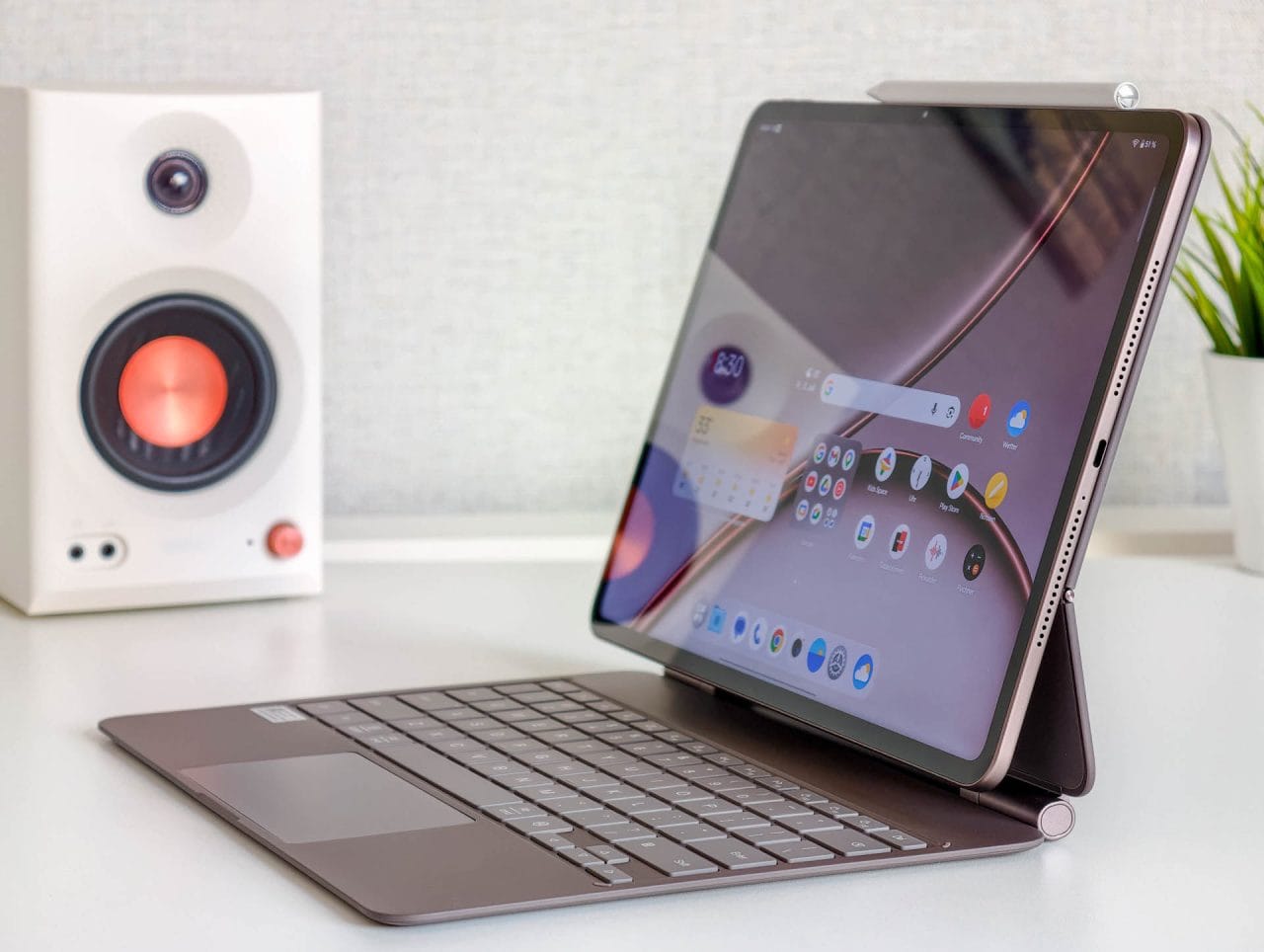
Depending on the orientation, the volume buttons are not always easy to reach. The USB-C port is also not exactly centered on the side of the body. This is no functional issue, but it stands out on an otherwise very symmetrical design.
More annoying is the lack of a fingerprint sensor. The tablet can be unlocked using a PIN, password, or facial recognition. The latter is convenient, but less secure and cannot be used for all apps or authorizations. It is hard to understand why this feature was omitted from a premium tablet in this price range.
OnePlus Pad 4: Display
With a resolution of 3,392 × 2,400 pixels, text, photos, and user interfaces look razor-sharp. Even small fonts remain clearly legible, which is particularly noticeable when viewing websites, documents, and large spreadsheets.
At 13.2 inches, the Pad 4 feels like a mobile work display. Two or three applications can be opened side by side usefully without their content immediately becoming too narrow. When drawing or editing images, there is enough space for toolbars and the actual work area.
The 7:5 aspect ratio is a good compromise. In landscape orientation, there is more vertical space than on a classic 16:9 display. Documents, websites, and creative apps benefit from this. At the same time, the tablet is not as narrow in portrait orientation as many widescreen models.
With films and TV series, however, the format results in relatively large black bars. The picture itself remains large, but the entire display area is not used for typical widescreen content.
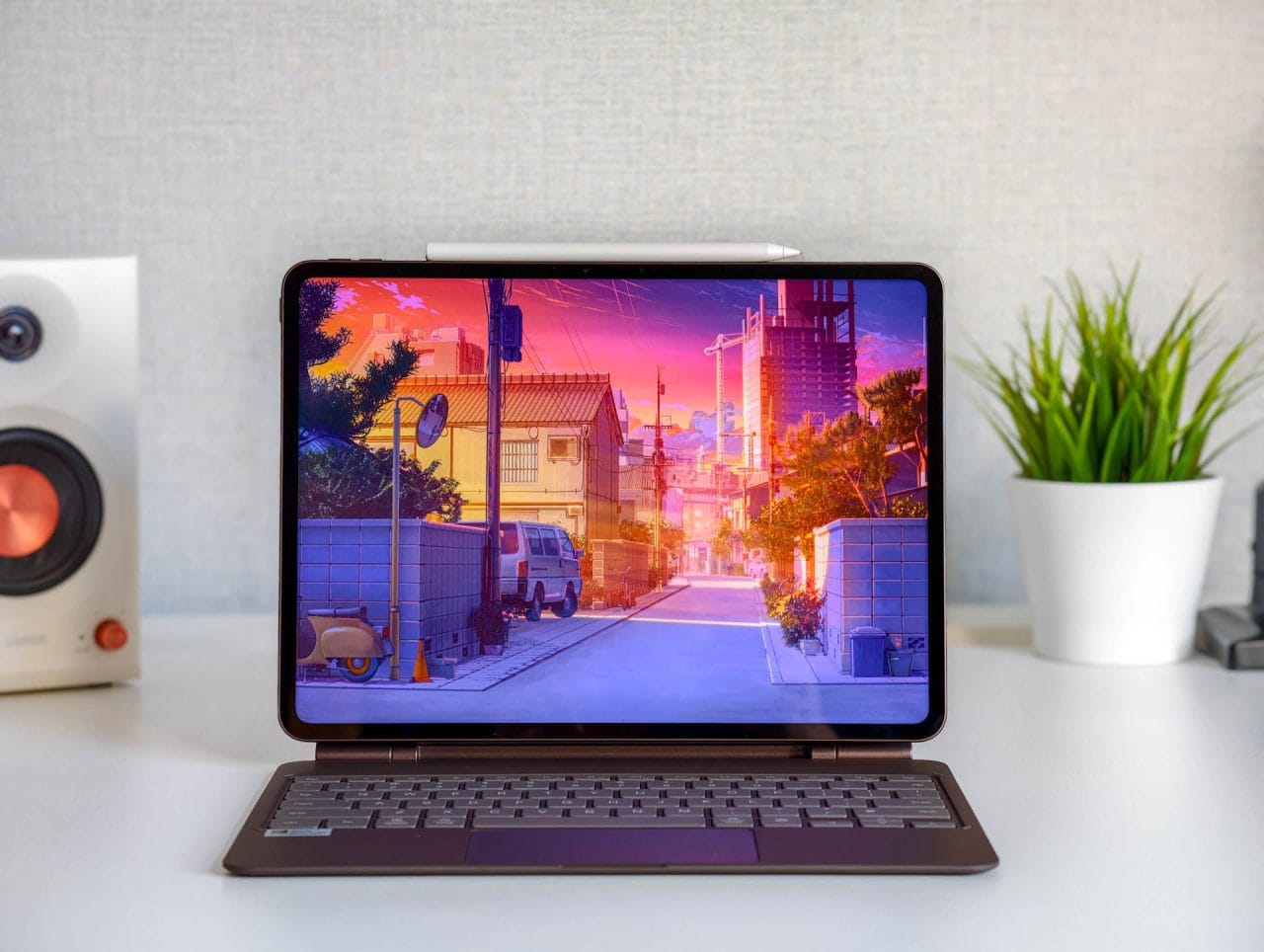
The refresh rate is up to 144 Hz. Animations, scrolling and navigation through OxygenOS feel exceptionally smooth as a result. However, the full 144 Hz is not available in every app or game. Many types of content run at 120 Hz or 60 Hz, which still looks smooth in everyday use.
OnePlus continues to use IPS rather than OLED. The panel displays colours vividly and largely naturally. Viewing-angle stability is also good. This makes the display suitable not only for streaming but also for editing photos or illustrations, where reliable colour reproduction is important. OLED offers noticeably more contrast only with dark image content.
Brightness has been increased slightly compared with its predecessor and reaches up to 1,000 nits, according to OnePlus. This is more than sufficient indoors. Content also remains easy to make out outdoors on a balcony or in the shade. However, the reflective surface and the limitations of the LCD panel become noticeable in direct sunlight.
OnePlus Pad 4: Performance and gaming
The OnePlus Pad 4 is powered by the Snapdragon 8 Elite Gen 5, a current high-end chip from Qualcomm. It is one of the fastest platforms in the Android ecosystem and can make particularly good use of its performance in the tablet's large chassis.
In everyday use, the tablet responds with virtually no delay. Apps open quickly, demanding websites run smoothly, and even large files or high-resolution images do not slow the system down.
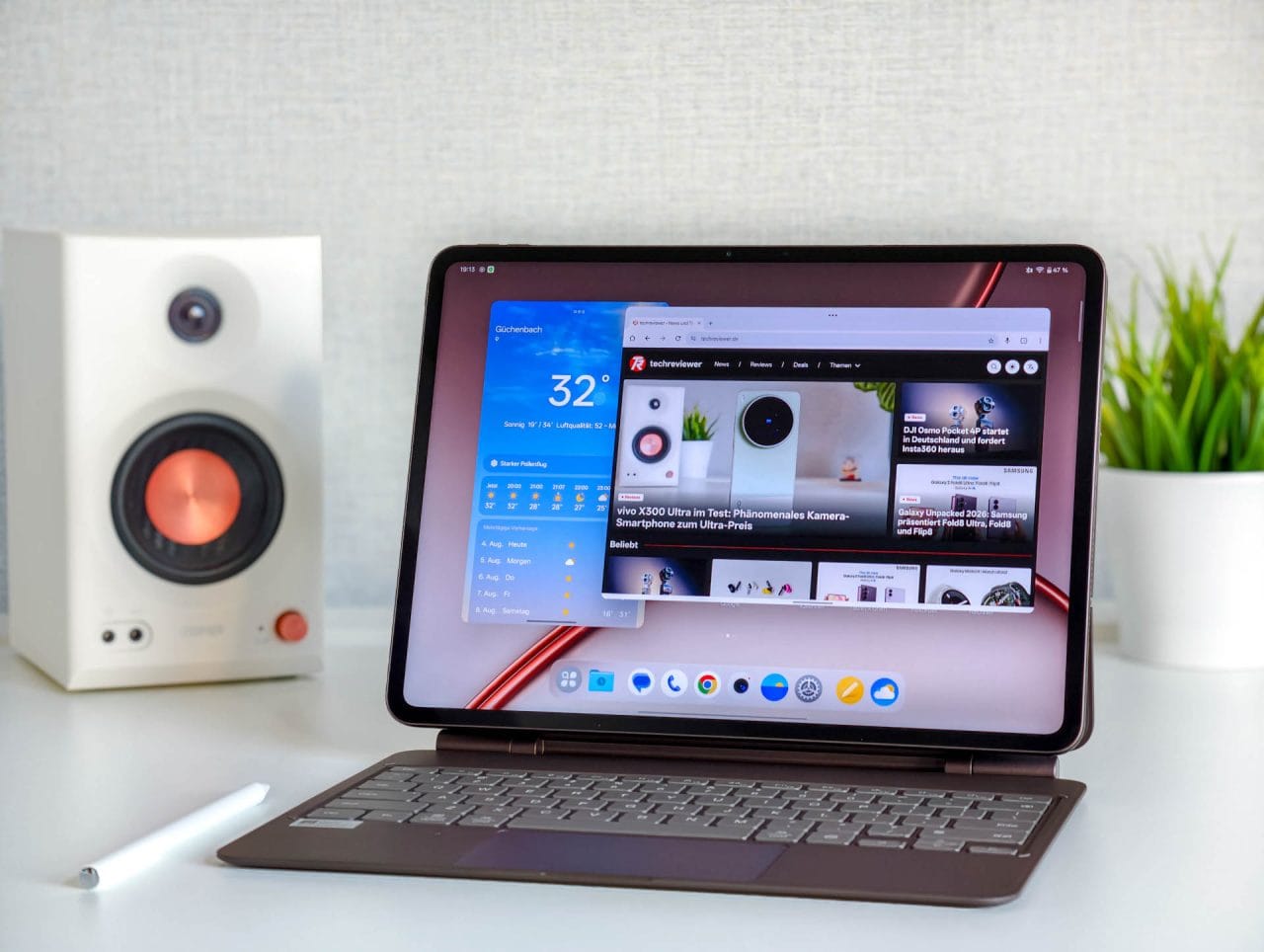
The Pad 4’s strengths are most apparent when it comes to multitasking. Several apps open at once, floating windows and split-screen mode are displayed without any noticeable drop in performance. During our test, we were able to research in the browser, edit a document at the same time and keep a messaging app or music stream open in the background.
Creative applications also benefit from the high performance. Illustration apps, image editing and even basic 3D modelling ran smoothly. Pen input was registered immediately, and there were no noticeable delays when zooming or rotating larger projects.
The OnePlus Pad 4 also has plenty of headroom for gaming. Demanding Android games run at high graphics settings with stable frame rates. The back of the tablet does get warm in spots during extended use, but never uncomfortably hot.
However, most games do not support the maximum possible 144 frames per second. Many titles are limited to 60 or 120 FPS. In some cases, settings for higher frame rates were available but could not be used. The hardware is powerful enough, but the selection of Android games does not yet make full use of it.
The same applies to larger productivity and creative apps. The Snapdragon chip's performance is hardly the problem. More often, professional apps optimized to take advantage of it are simply lacking.
OnePlus offers the tablet with 8 GB RAM and 256 GB storage and with 12 GB RAM and 512 GB storage. Its internal storage uses fast UFS 4.1.
8 GB of RAM is enough for streaming, browsing and occasional multitasking. However, this still feels like a modest specification for a high-end tablet with a strong focus on productivity. If you plan to use the Pad 4 for several years or regularly open many apps at once, you should choose the version with 12 GB of RAM.
OnePlus Pad 4: Software and multitasking
The OnePlus Pad 4 runs OxygenOS 16, based on Android 16. The tablet version is well adapted to the large display, has a clean layout and includes far fewer unnecessary apps than some smartphone interfaces. The user interface could still do with a little polish in a few places.
Its greatest strength is Open Canvas. OnePlus lets you arrange several apps flexibly, side by side or overlapping. Two apps can be opened in split-screen mode with a gesture. A third app can be added via the taskbar. Floating windows are also available. Depending on the layout, up to five apps can be open at once.
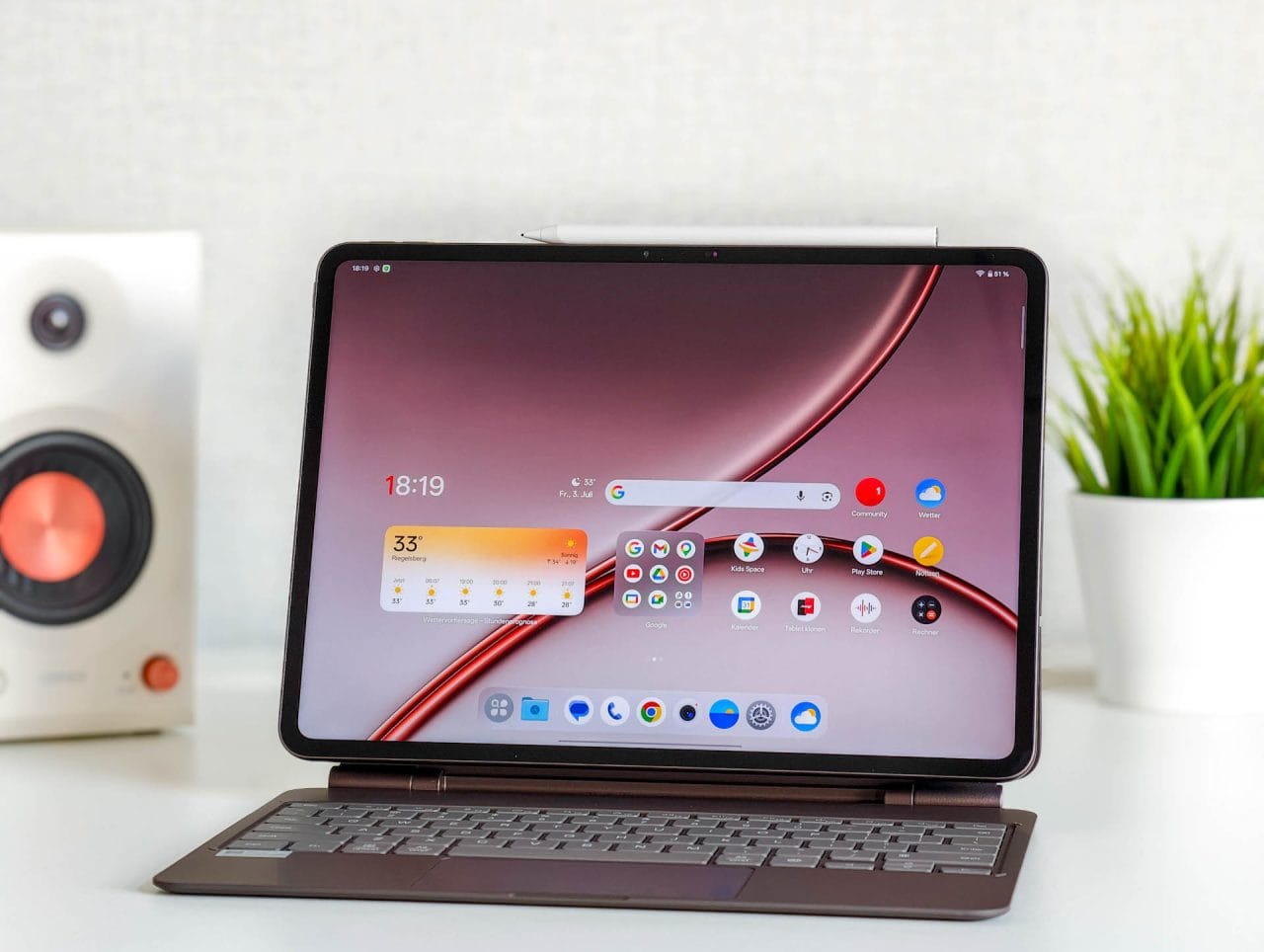
In practice, using a browser, word processor, and messaging app together works especially well. Rather than constantly switching between apps, you can keep research, documents, and conversations visible at the same time. The large 7:5 display provides plenty of room for this.
The only frustrating aspect is the rather mixed state of Android tablet apps, although this is a general issue and not something OnePlus can be blamed for. Some applications offer a well-designed interface for large displays, while others are simply enlarged smartphone versions. The iPad remains ahead when it comes to professional creative software. Applications such as Procreate, Final Cut Pro and DaVinci Resolve are not available on Android.
O+ Connect lets you connect the tablet to a Windows PC or Mac. Files can be transferred wirelessly between the devices. This is useful, for example, when editing photos, documents or drawings on multiple devices.
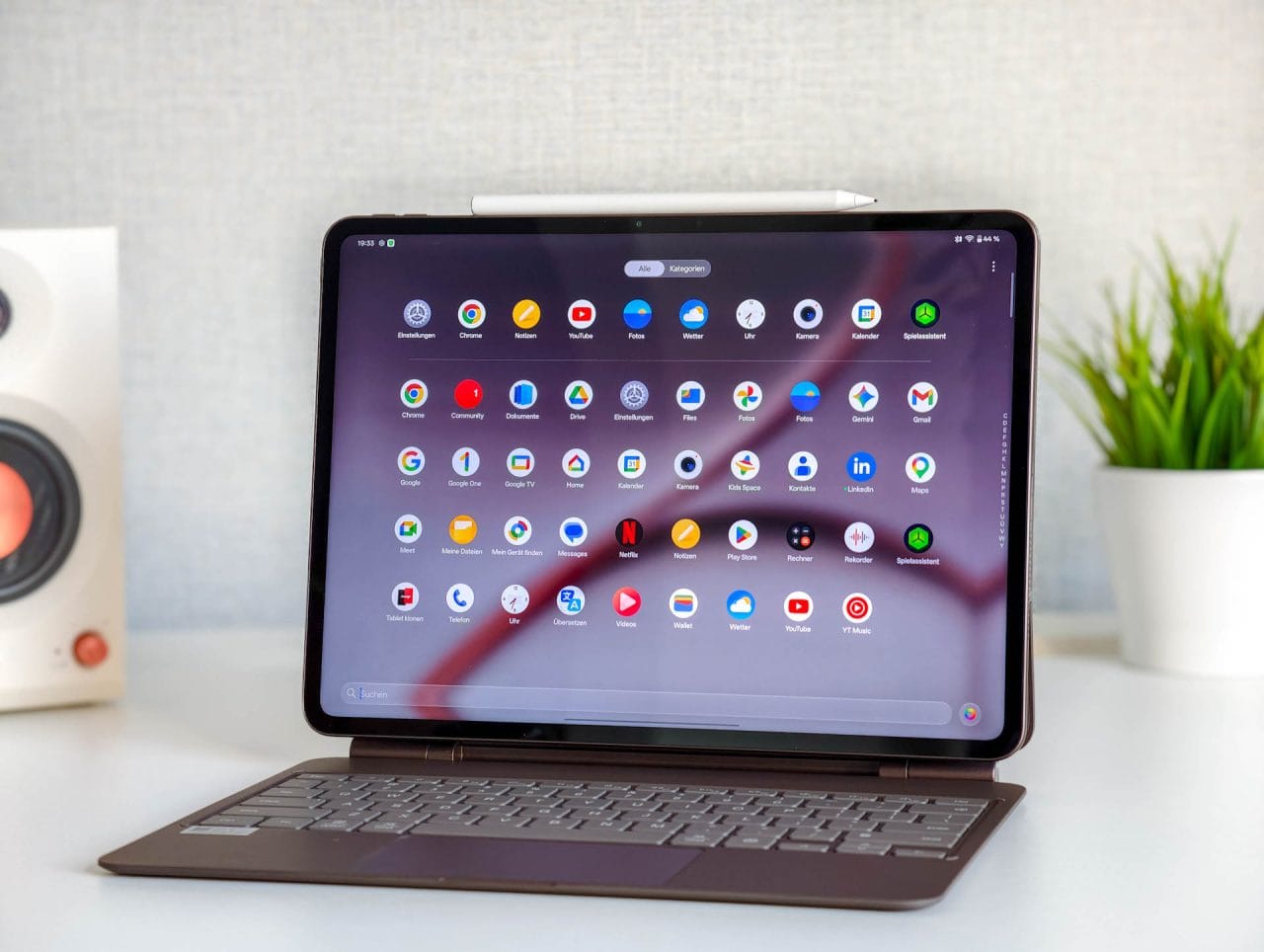
It can also be used as an additional PC display. This works well for basic content. However, the delay is noticeable when using a stylus precisely or making quick movements. USB can reduce latency, but the connection did not always prove completely reliable in our testing.
It has not yet been specifically confirmed how long OnePlus will provide updates for the Pad 4. Its predecessor received three years of Android updates, so we expect a similar period here.
OnePlus Pad 4: AI features
OnePlus integrates several AI tools directly into OxygenOS. In the Notes app, you can create, rewrite, or summarize text. Long webpages and documents can be analyzed via the sidebar and then saved as either a short or detailed summary.
The AI Recorder transcribes voice recordings and can create a summary on request. This can be useful for meetings, lectures or spoken notes.
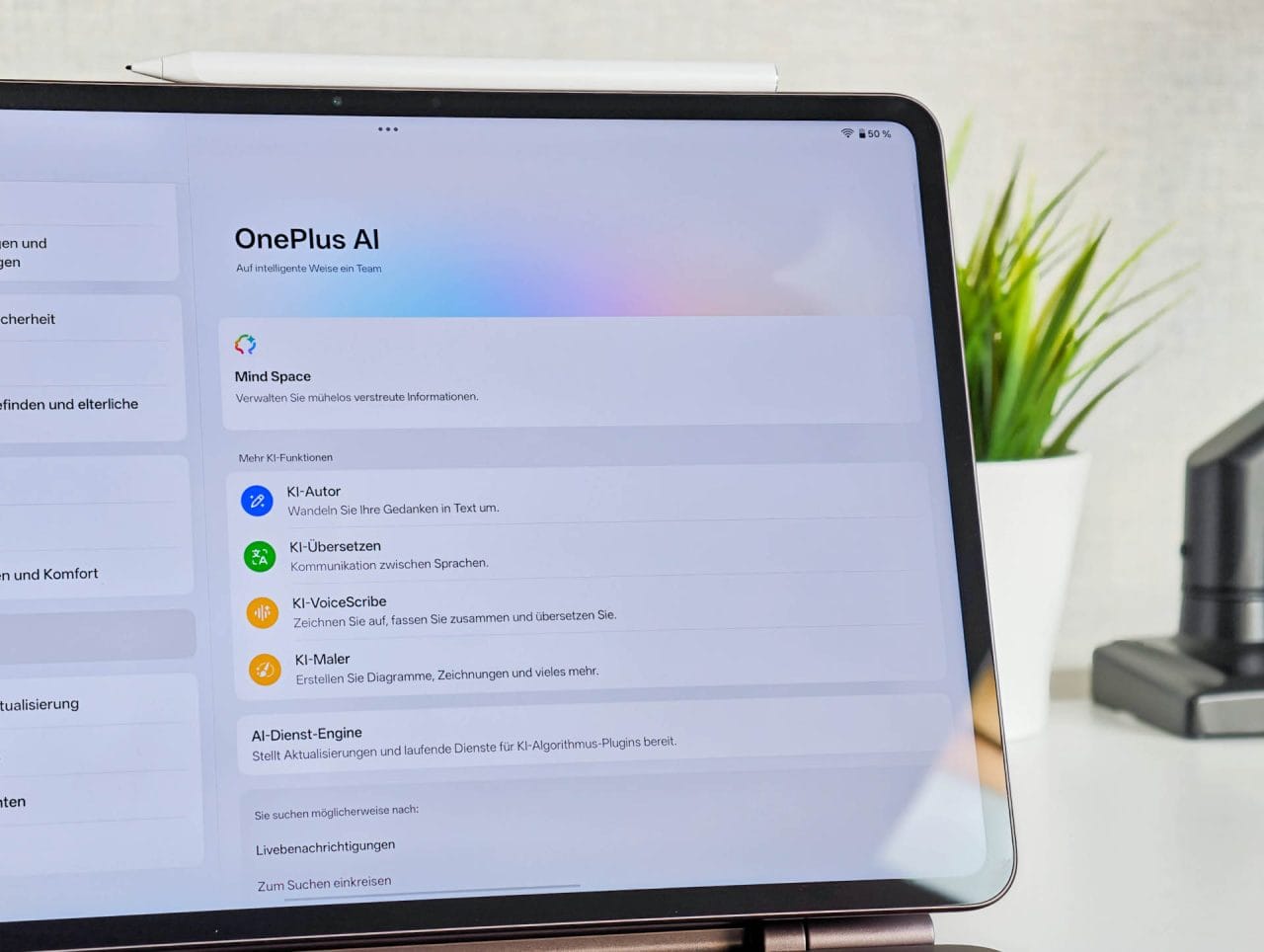
Handwriting and simple sketches can also be processed further. The tablet can convert handwritten content into digital text or create tables and charts from rough drawings.
The Gallery also includes additional tools for removing objects and reflections, sharpening images, and automatically adjusting the crop.
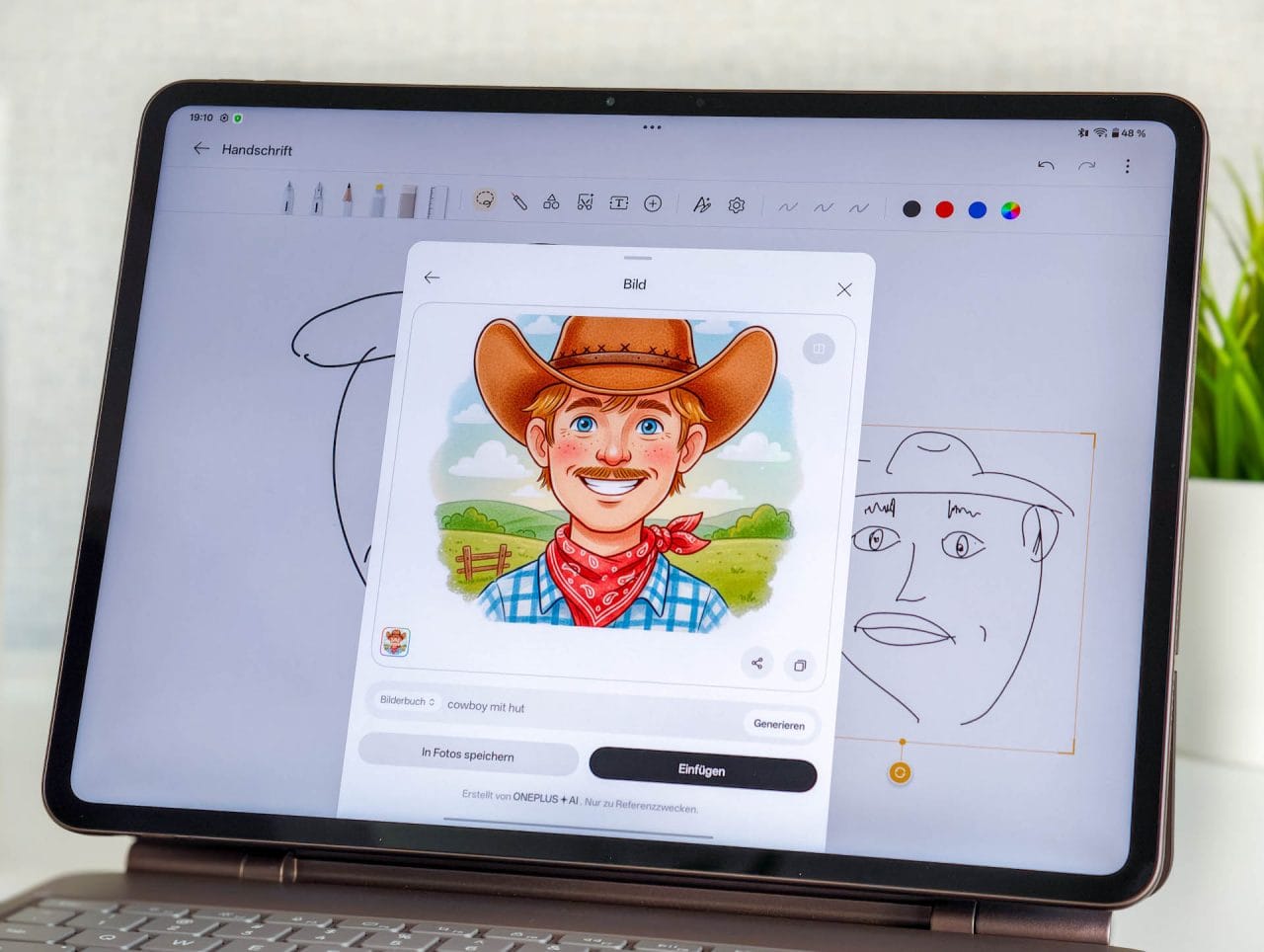
Not every result is perfect, but the features are sensibly integrated into existing apps and can genuinely save time in everyday use.
OnePlus Pad 4: Speakers
The audio system consists of a total of eight speakers, including four woofers and four tweeters. The sound is surprisingly powerful for such a thin tablet.
Movies, TV shows, and videos sound spacious and clear. Voices remain easy to understand, while music and effects have plenty of volume. The slim body cannot deliver truly deep bass, but playback still sounds fuller than on many other tablets.
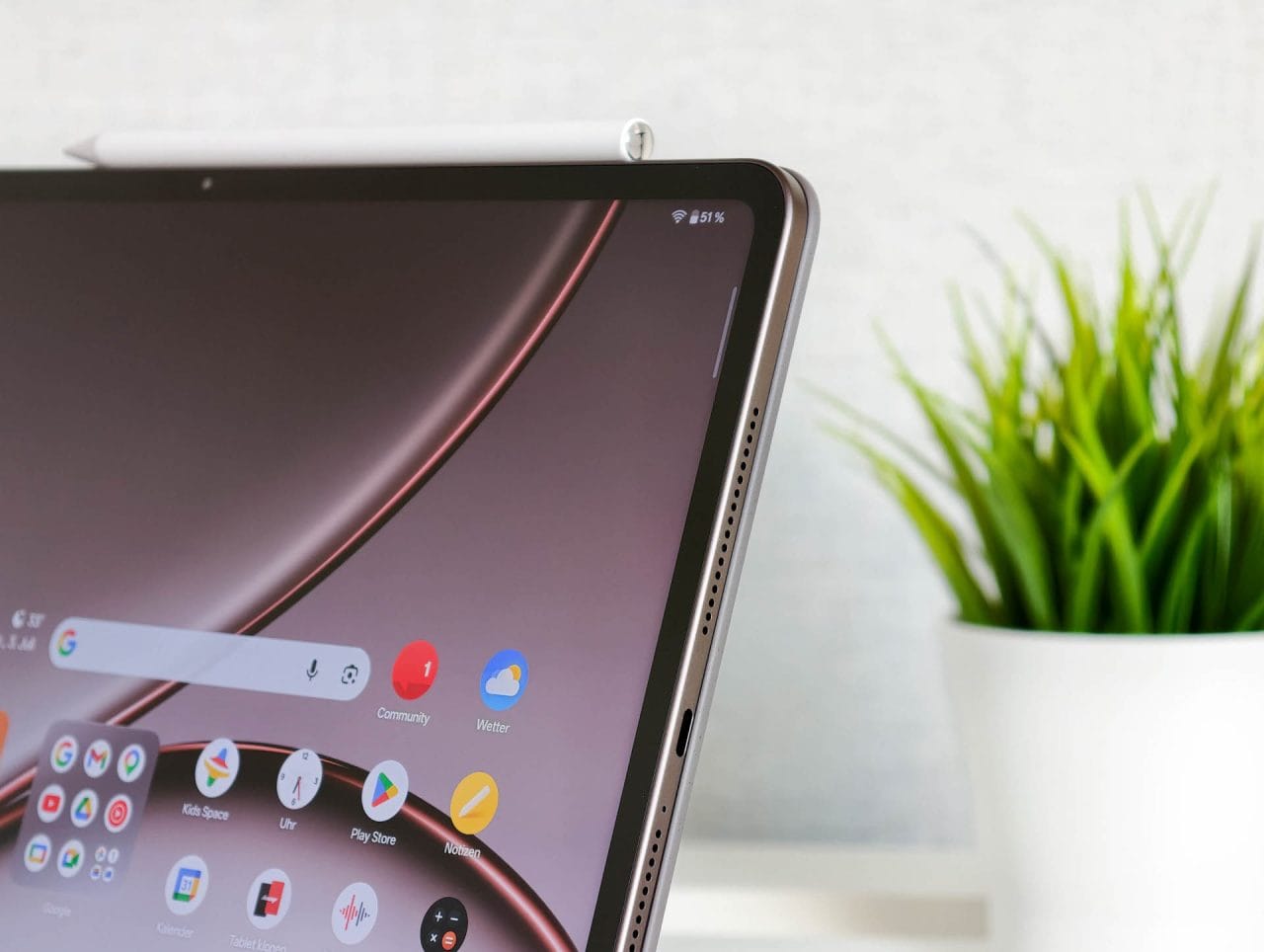
The maximum volume is also high enough to fill a larger room with sound. At full volume, the sound loses some warmth. At normal listening levels, however, the OnePlus Pad 4 ranks among the better-sounding Android tablets.
The best stereo imaging is achieved in landscape orientation, which suits the usual uses for movies, games, and productivity apps.
OnePlus Pad 4: Camera
On the back is a 13-megapixel camera that records video at up to 4K at 30 frames per second. A 8-megapixel front camera handles video calls.
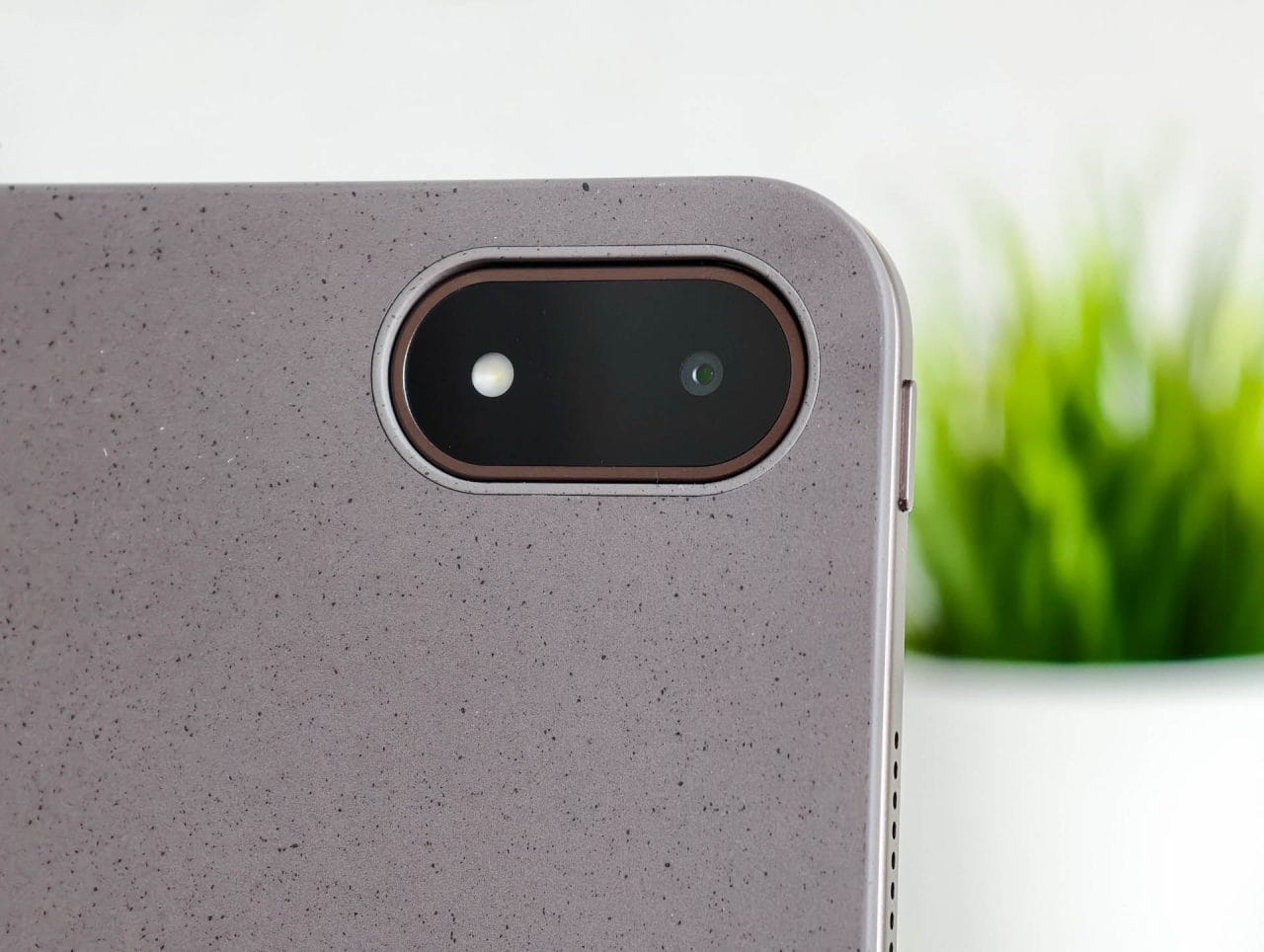
The main camera reliably handles typical tablet tasks. It takes legible photos of documents, whiteboards and brief notes. In sufficient light, it produces decent shots with usable sharpness.
The front camera delivers sufficient quality for video conferences and personal calls. The preview image can look a little soft, but the final result is acceptable.
For a tablet designed for productivity, a better front camera would probably have made more sense than a better rear camera. Both serve their purpose in everyday use, but neither replaces a good smartphone camera.
OnePlus Pad 4: Accessories
OnePlus offers a keyboard cover, a standard folio case and the Stylo Pro for the Pad 4. All three accessories must be purchased separately. They usefully extend its potential uses, but are not essential for enjoying the Pad 4's main strengths.
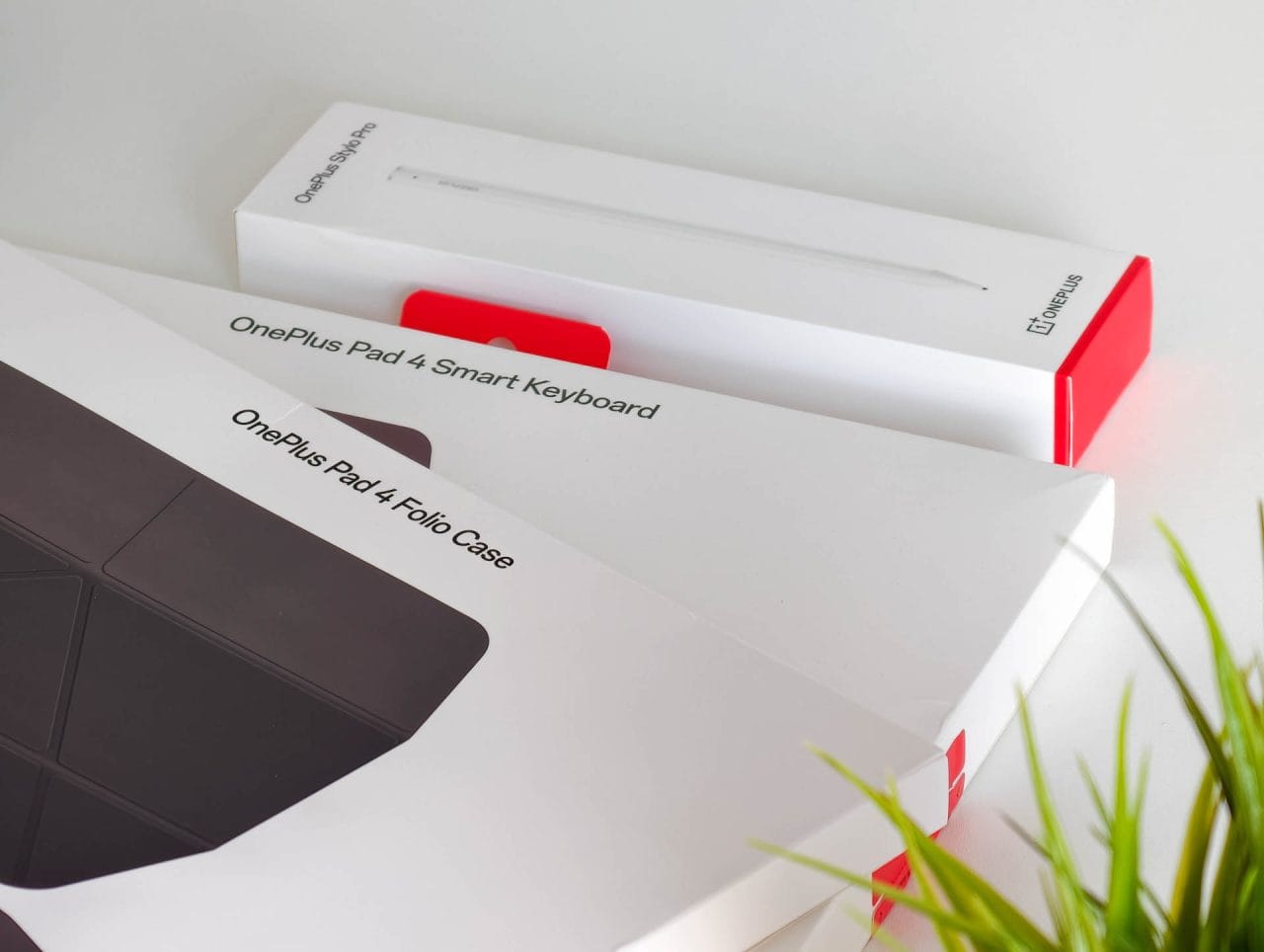
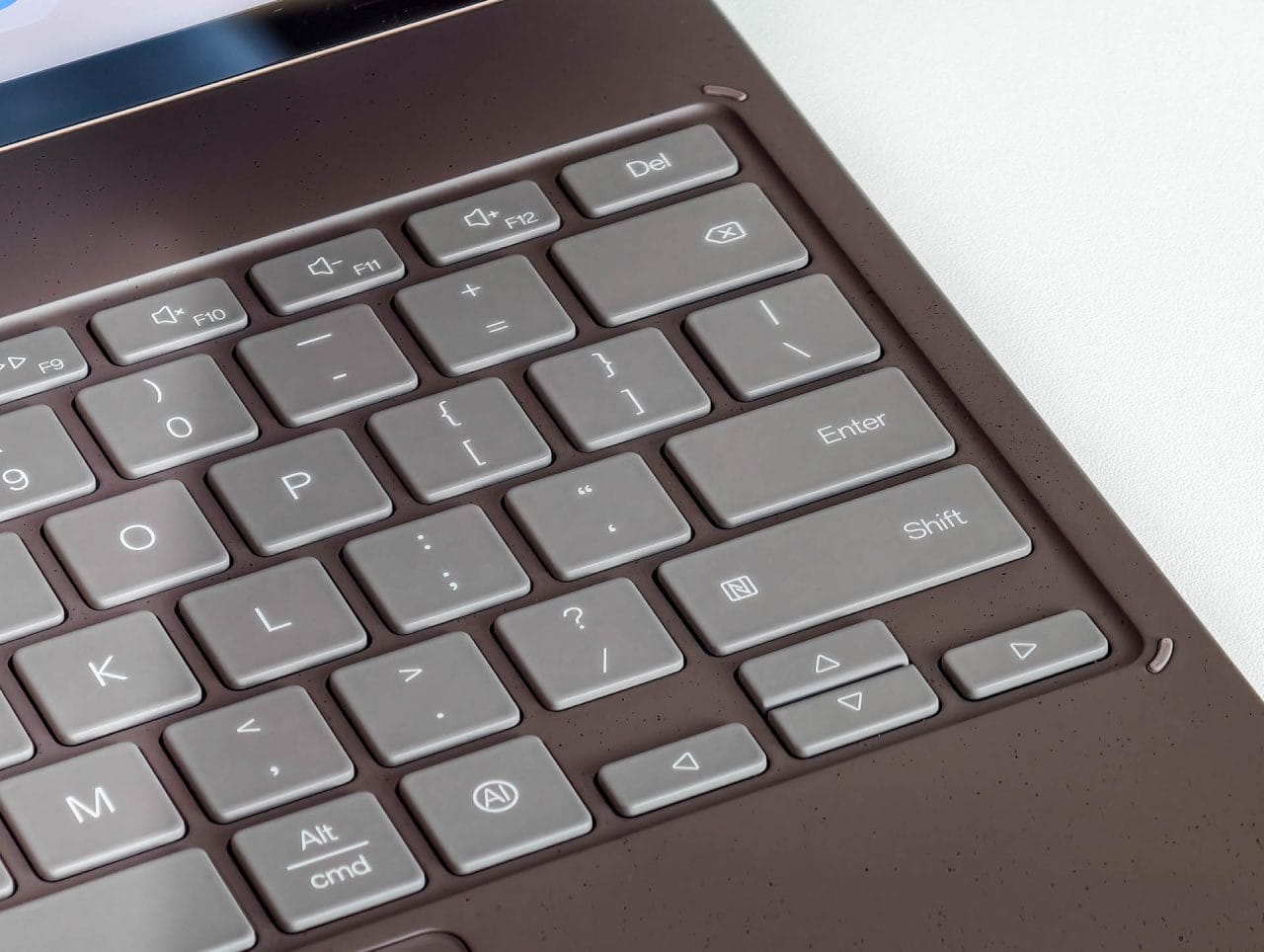
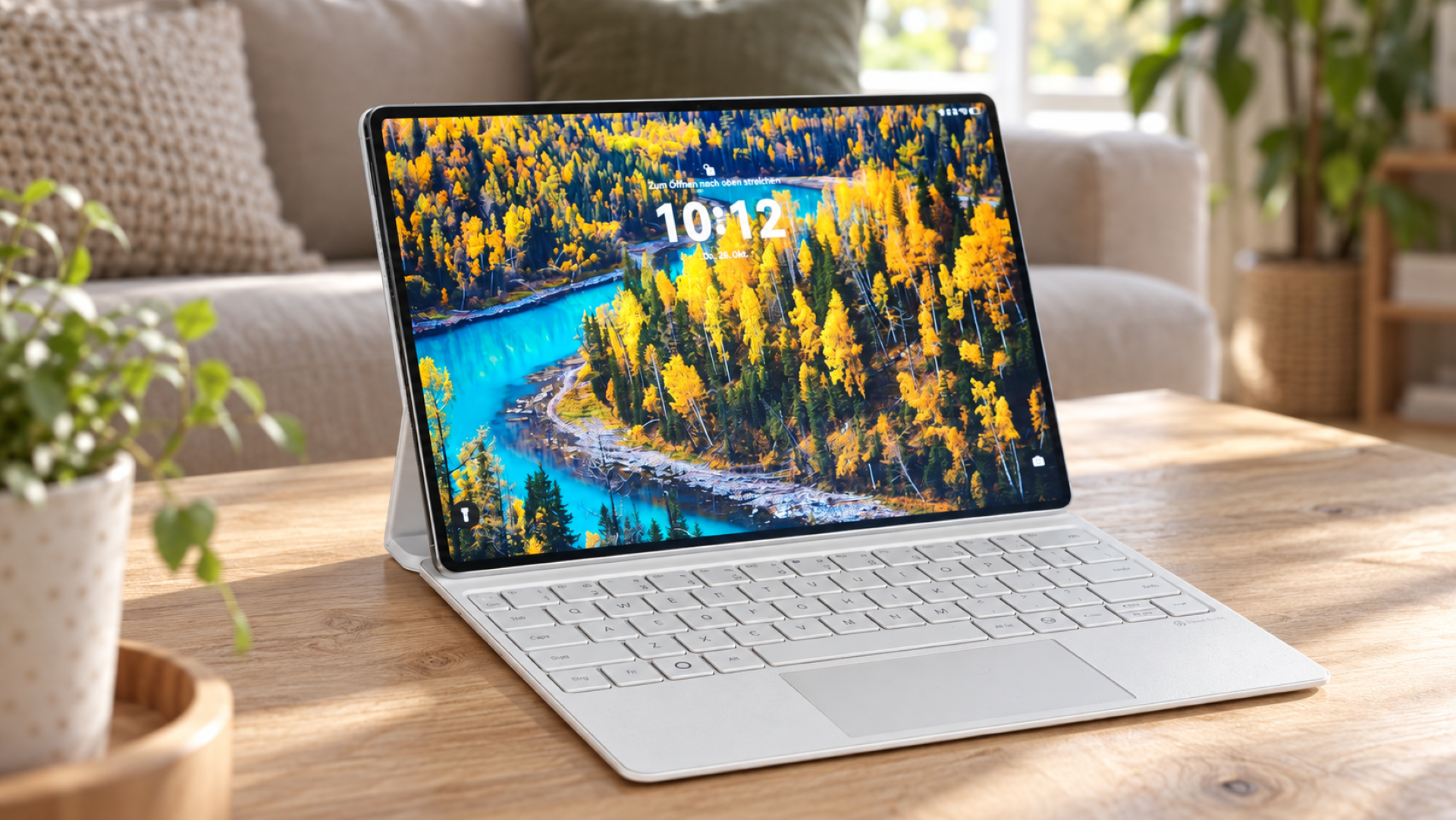
The Keyboard Cover turns the tablet into a compact workstation. The keys are large enough, have a clear actuation point and are suitable for longer texts. The integrated touchpad responds precisely and supports the main gestures.
One distinctive feature is the dedicated AI button. Double-pressing it takes a screenshot, which is sent directly to Mind Space for AI analysis. Holding down the button starts a voice recording instead; this is also saved to Mind Space for further processing.
The key backlight switches on automatically as soon as you start typing. It could be a little brighter, though. The Keyboard Cover does not have its own USB-C port, so the charging cable has to be plugged directly into the tablet and sticks out from the side.
The Stylo Pro responds precisely and with little latency. Two included tips are designed for writing and drawing. In addition, vibrations and sounds simulate the feel of different writing tools. Touch and pressure gestures let you switch tools or access additional functions.
The standard Folio Case is probably the most practical accessory for everyday use. It protects the tablet, offers several viewing angles and keeps the magnetically attached stylus secure.
Battery and battery life
The battery has a capacity of 13,380 mAh, making it around ten percent larger than its predecessor. This capacity is necessary given the large display and powerful processor.
In practice, the OnePlus Pad 4 lasts several days with mixed use involving streaming, browsing, writing and multitasking, as long as it is not used continuously. With intensive daily use, it will need to be plugged in sooner.
The standby battery life is particularly good. If the tablet is left unused on Wi-Fi for several days, it loses only a few percentage points.
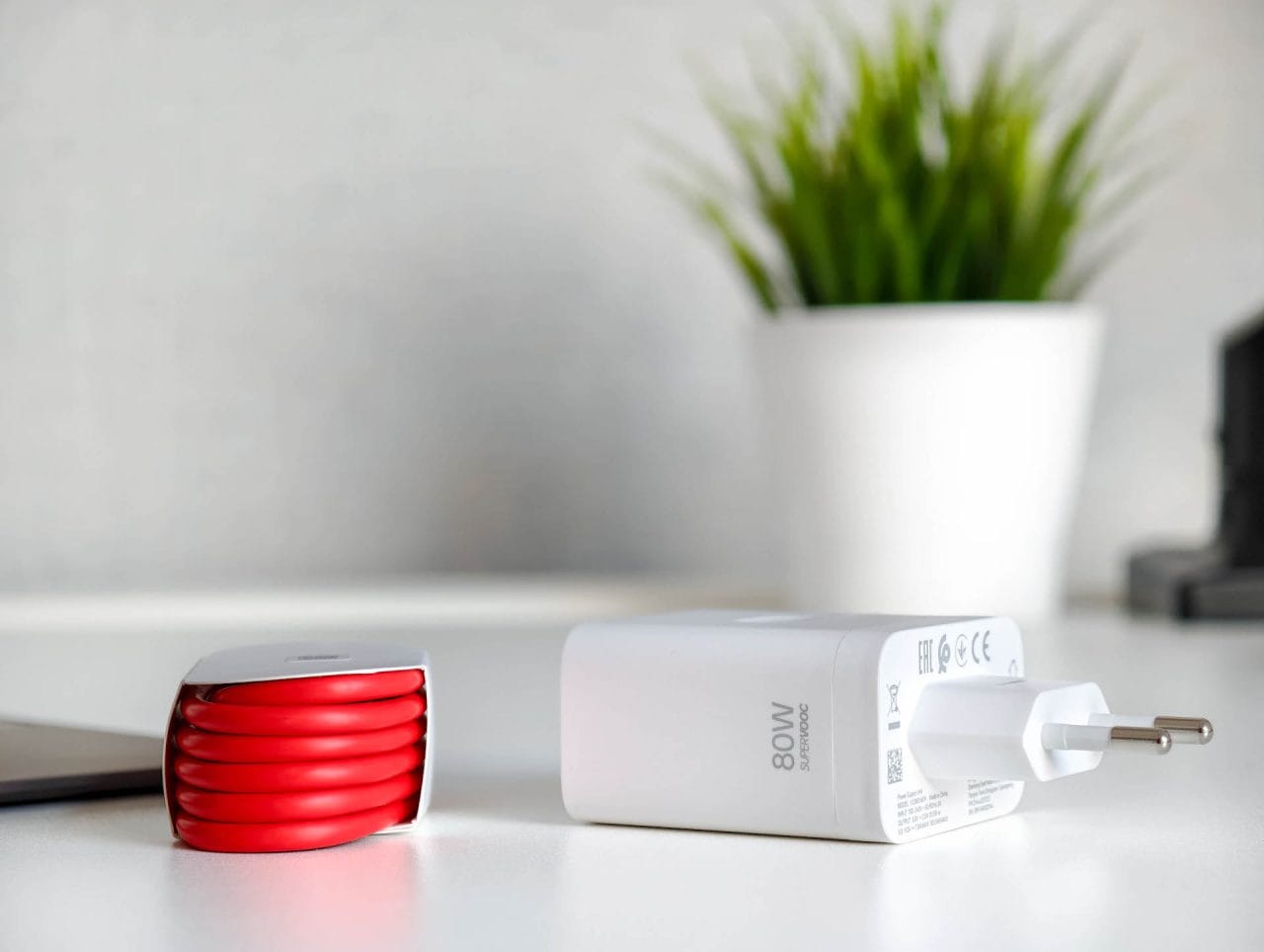
It charges at up to 80 watts with SuperVOOC. Despite the high charging power, the huge battery takes around an hour and a half to charge from 0 to 100 percent. The included accessories are a welcome bonus: a compatible 80-watt power adapter and a USB-A-to-USB-C cable in the signature OnePlus red are included.
Our verdict
The OnePlus Pad 4 is at its best when a regular tablet simply isn't big or fast enough. The huge display offers plenty of room for work, gaming and streaming, while the Snapdragon barely breaks a sweat, even with several apps open.
Still, it isn’t quite perfect. It lacks OLED, a fingerprint sensor and a mobile network option, while Android falls behind the iPad when it comes to professional apps. But if you can live with that, you get an impressively fast XXL tablet.
Specifications
Processor and memory
- CPU
- Qualcomm Snapdragon 8 Elite Gen 5 (64-bit)
- – Qualcomm Oryon CPU, 8 cores, up to 4.608 GHz
- GPU
- Adreno 840 (up to 1200 MHz)
- RAM
- 8 GB / 12 GB (LPDDR5X)
- Internal storage
- 256 GB / 512 GB
- Storage expansion
- Not supported
- Storage standard
- UFS 4.1
Display
- Display size
- 13.2 inches
- Display resolution
- 3392 x 2400 pixels (315 ppi)
- Aspect ratio
- 7:5
- Display refresh rate
- up to 144 Hz, adaptive
- Touch sampling rate
- up to 540 Hz, 120 Hz by default
- Display brightness
- 700 cd/m², up to 1,000 cd/m² in HBM
- Display type
- IPS LCD
- Colour reproduction
- 12-bit (8-bit + FRC), 98% DCI-P3
- Colour accuracy
- Delta E ≈ 0.7
- Screen-to-body ratio
- 89,4 %
Cameras
- Main camera
- – 13 MP
- Video
- up to 4K at 30 fps
- Front camera
- – 8 MP
- Video
- up to 1080p at 30 fps
Mains
- SIM
- None (Wi-Fi version only)
- Mobile network
- Not supported
Wireless
- Wi-Fi
- Wi-Fi 7 (802.11 a/b/g/n/ac/ax/be), 2x2 MIMO, 160 MHz, Wi-Fi Display, Wi-Fi tethering
- Bluetooth
- 6.0, Bluetooth Low Energy, BLE Audio
- Bluetooth codecs
- SBC, AAC, aptX, aptX HD, aptX Adaptive, LDAC, LHDC 5.0
- GPS
- n/a
- NFC
- n/a
- Infrared
- No
- Radio
- No
- USB
- USB Type-C 3.2 Gen 1 (up to 5 Gbit/s)
Sensors
- Fingerprint sensor
- No
- Facial recognition via the front camera
- Additional sensors
- n/a
Battery
- Battery
- 13,380 mAh typical
- Rated capacity
- 13,065 mAh
- Wired charging
- up to 80W SuperVOOC
- Reverse charging
- n/a
- Qi charging
- No
Other
- Operating system
- Android 16 with OxygenOS 16
- Audio
- 8 speakers, 2 microphones
- 3.5 mm jack
- No
- Audio connection
- USB-C
- Connection
- USB-C 3.2 Gen 1
- Protection rating
- n/a
- Size
- 289.71 x 209.76 x 5.94 mm
- Weight
- 672 g
- Colors
- Dune Glow, Sage Mist
What’s included
1x OnePlus Pad 4 1x 80W SUPERVOOC power adapter 1x USB-A to USB-C cable 1x user manual 1x safety and warranty information
Price comparison
| Store | Price | Link |
|---|---|---|
| AliExpress | 579,00 € | Go to store |
Comments