Contents
ATEZR P10: Unboxing and setup
The ATEZR P10 is excellently packed upon delivery. It is already clear upon arrival that we are dealing with a larger device here. All individual parts are embedded in a protective foam insert, so transport damage is rather unlikely.
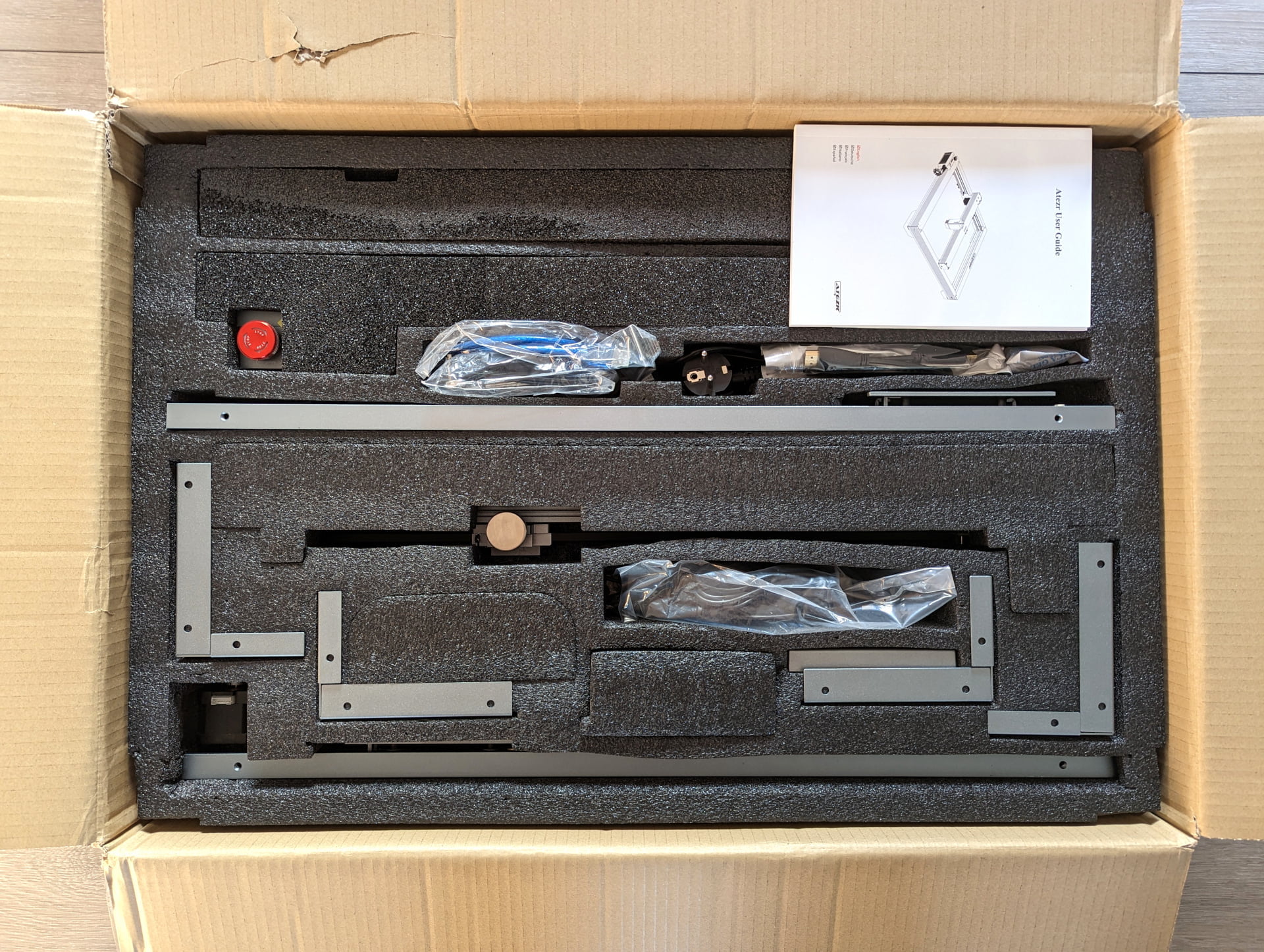
The aluminium frame is disassembled into four individual parts and must first be assembled. The illustrated instruction manual included for assembly explains in clear German (and other languages) how to put the parts together.
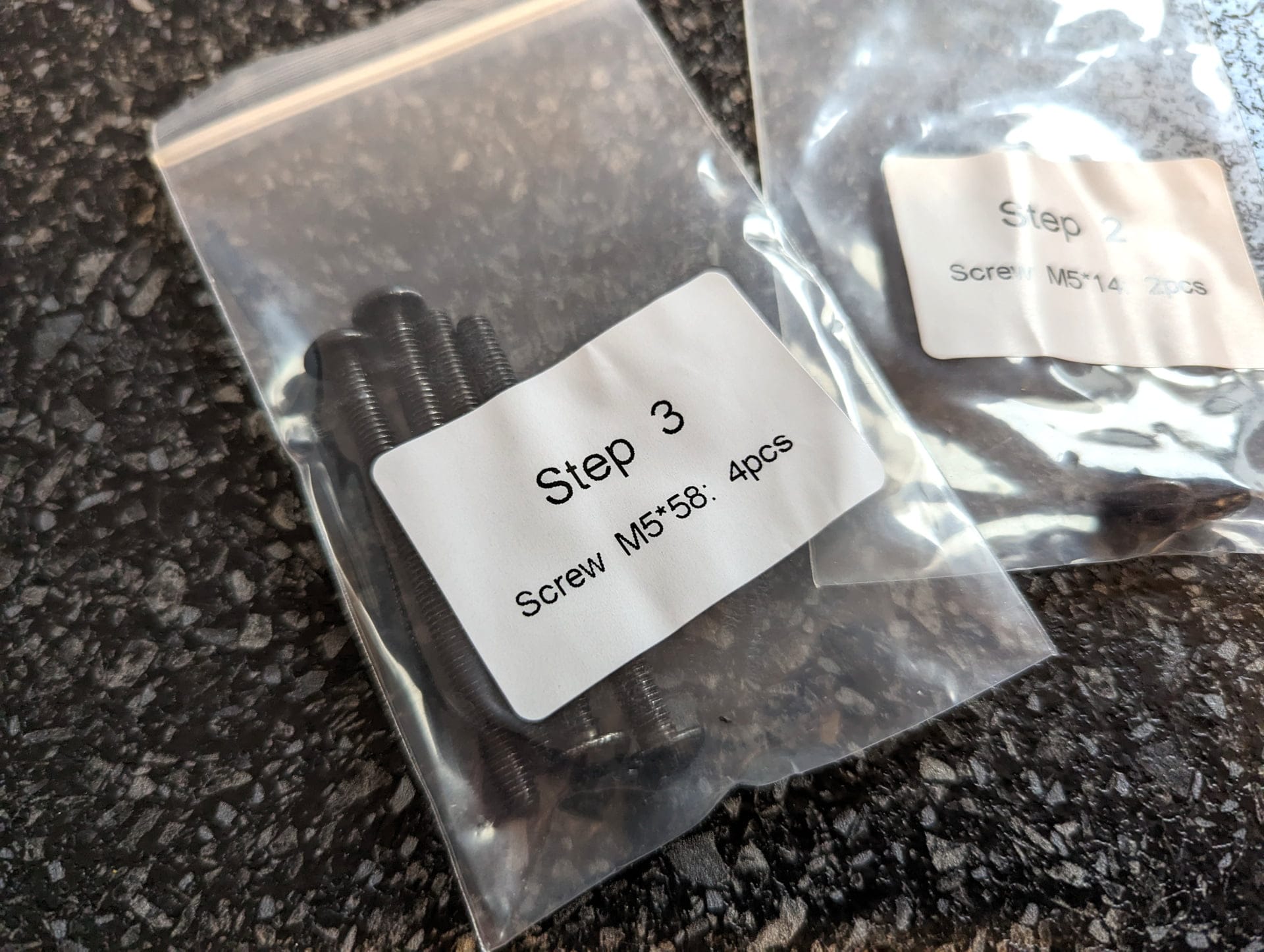
The bags containing the screws are additionally labelled according to individual assembly steps, so you instantly know where each screw belongs.

You do not need to worry about the stepper motors, end stops and belts. They are pre-assembled from the factory.
Once the frame parts are connected, we simply need to screw the legs to the frame, insert the drive rod and slide the laser module into its designated slot.
The wiring also presents no problems and is well explained in the manual. All cables are already connected from the motherboard and only need to be connected to the stepper motors, limit switches and the laser. Adhesive cable clamps are included for better cable management.

The entire assembly of the ATEZR P10 takes approx. 25 minutes. The tools required for assembly are included in the scope of delivery.
In addition, the scope of delivery includes various accessories. These include the magnetic display with HDMI cable, which can be attached to the frame. There is also a USB stick containing the digital manual, various software (Lightburn & LaserGRBL), templates and profiles.

The scope of delivery is rounded off with a 120W power supply, laser protection goggles (without CE certification), a metal base plate in DIN A4 format, and a few wood and acrylic sample plates.
ATEZR P10: Features and specifications
Size and stability
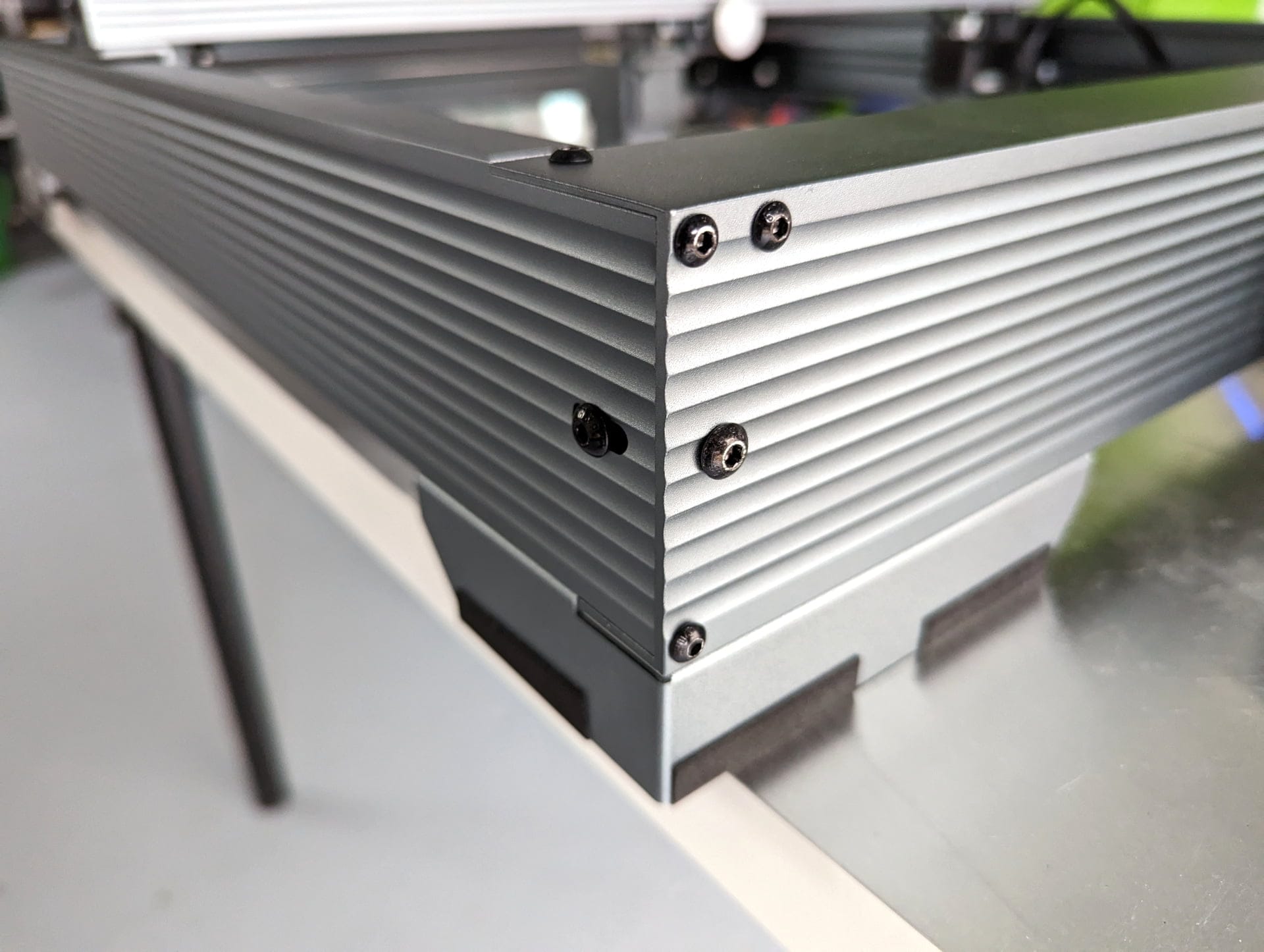
The ATZER P10 stands at a proud 64.4 x 68 x 16.8 cm and weighs 10.93 kg. The massive and very well-processed aluminium profiles give the construction outstanding stability. The laser engraver stands non-slip on the rubberised feet.
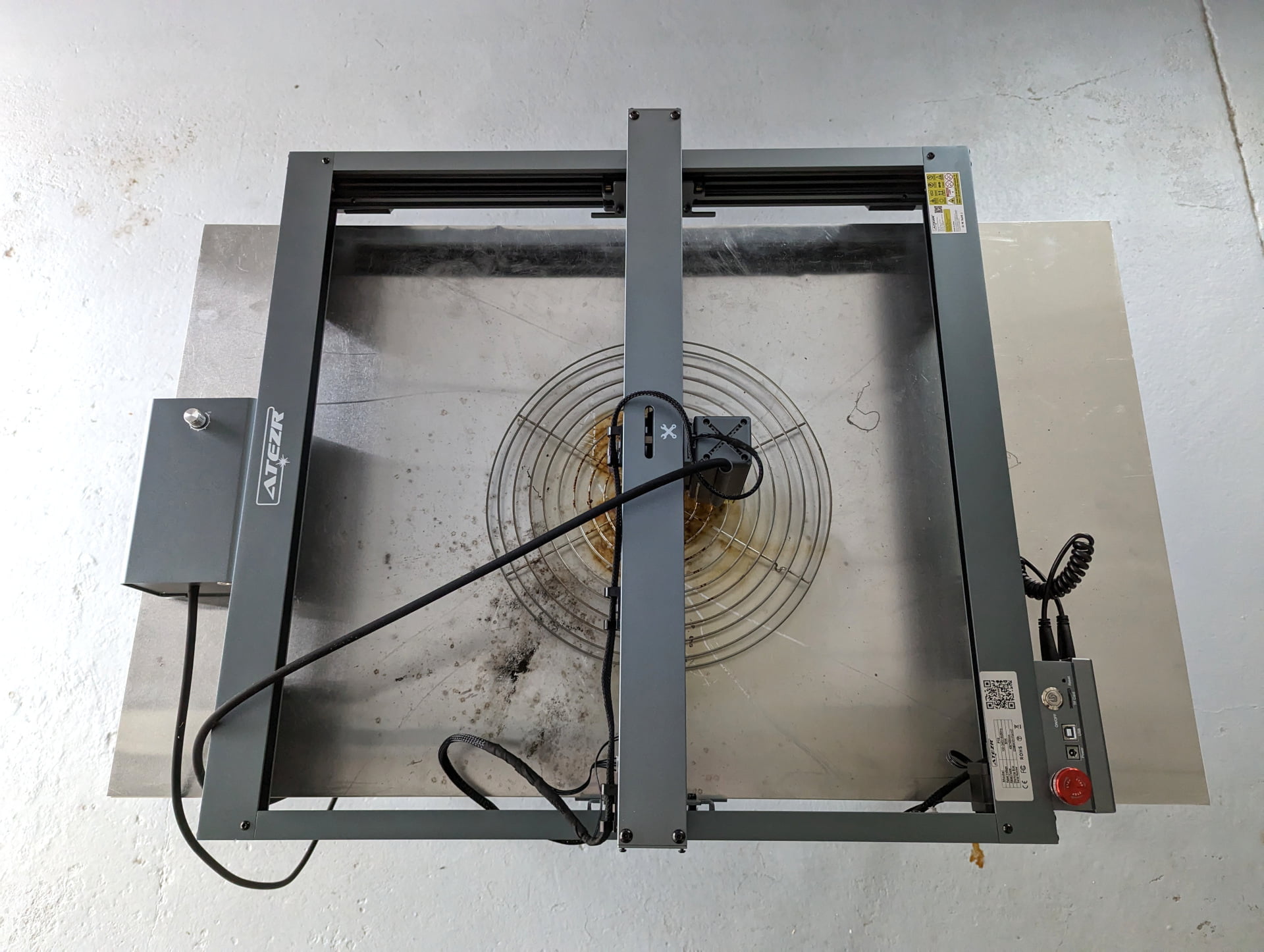
Not only is the construction powerful, but so is the working area. With an engraving and cutting area of 430 x 430 mm, the ATEZR P10 is superior to some of its competitors.


Laser module
The Class 4 laser module with fixed focus has an input power of 24V 1.5A and an output power of 10-12 watts in the 455nm wavelength range. To match the frame, the laser module is also housed in a high-quality aluminium casing.
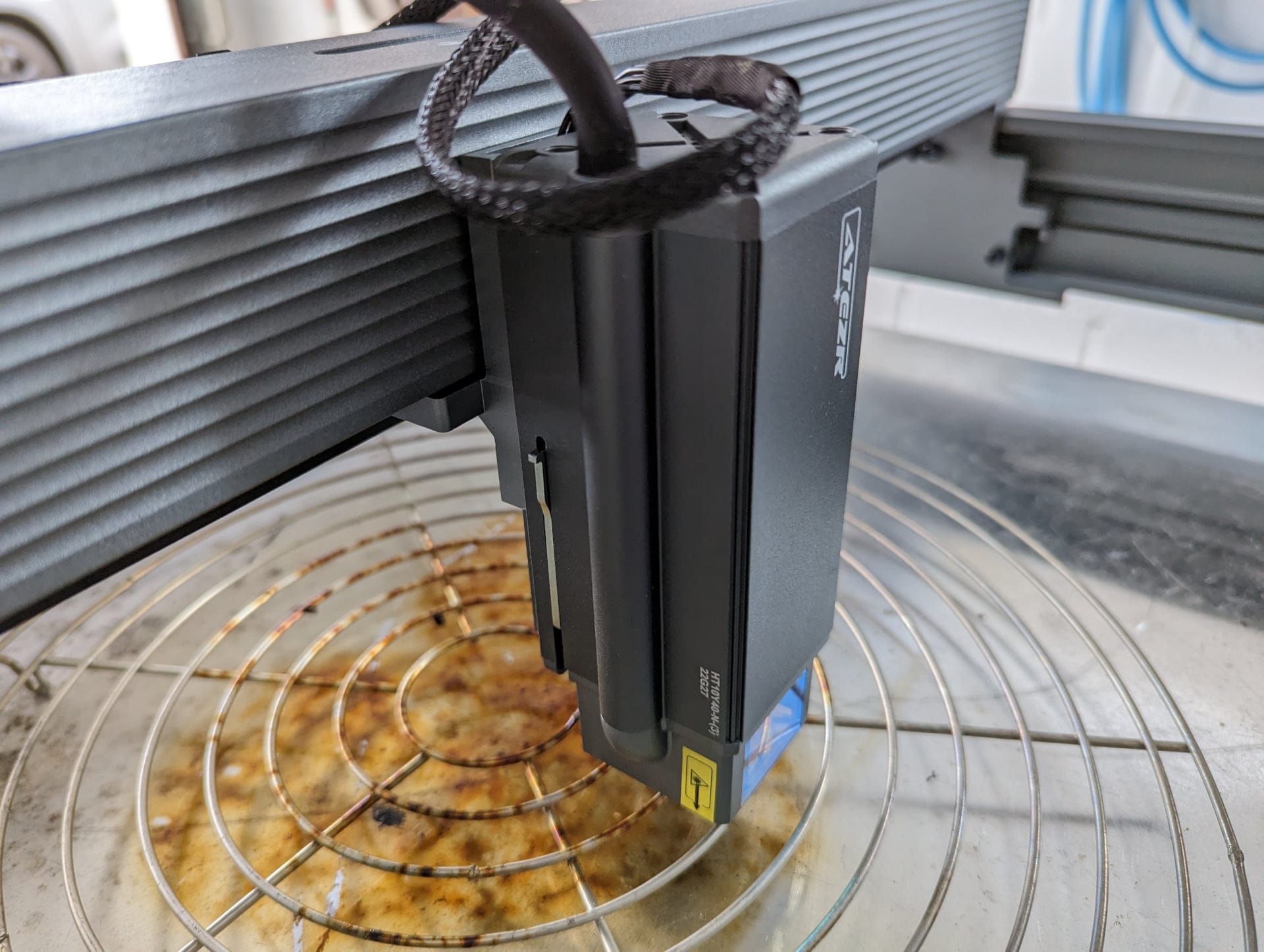
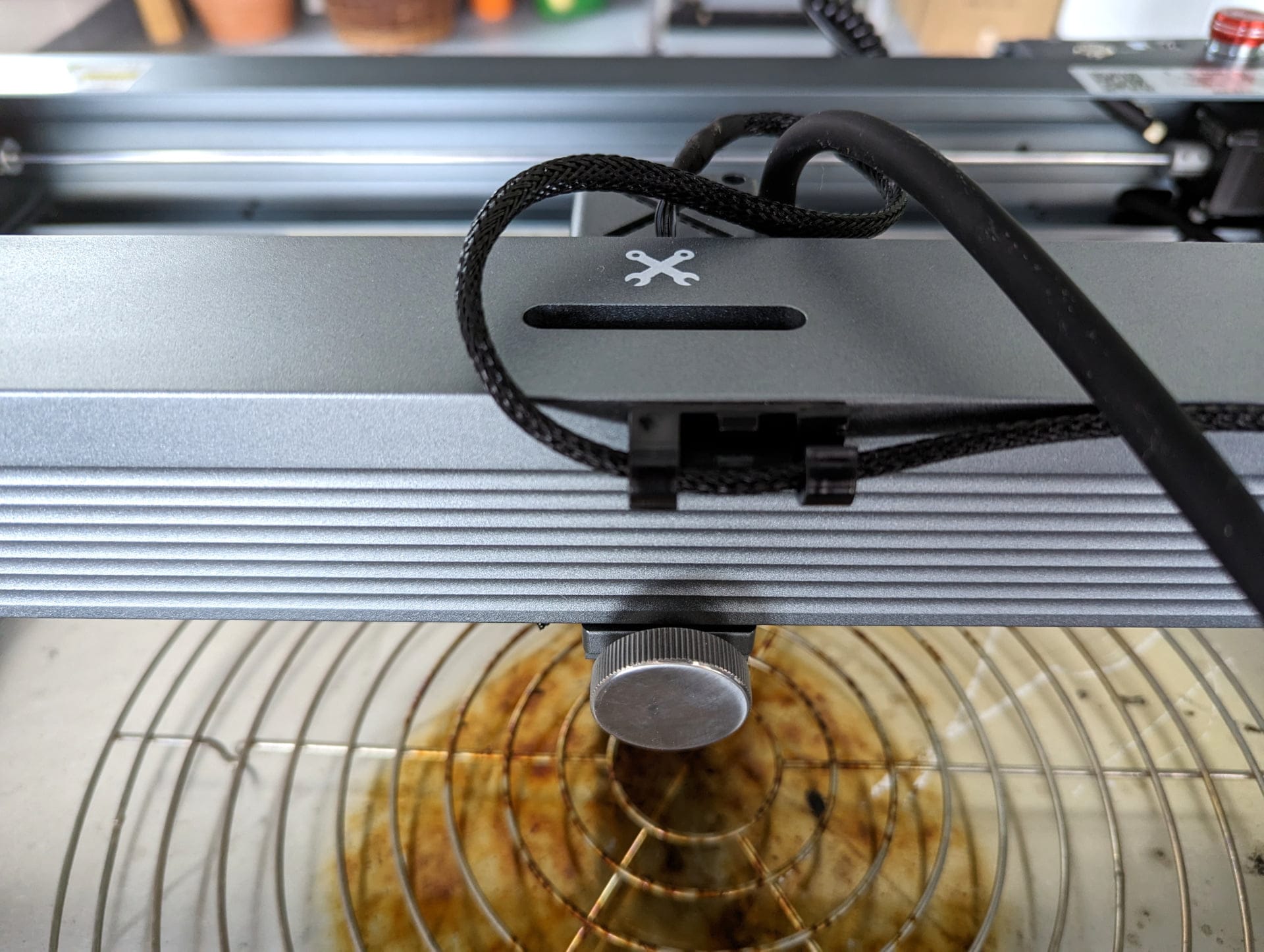
The laser module is locked at the desired height in the suspension using an adjustment screw. Particularly practical is the distance holder integrated into the housing, which allows the focus to be set in no time.
Fold out the distance spacer, lower the laser onto the workpiece until it rests on the spacer, fold the spacer back in, and the focus is correctly set.
The provision for Air Assist is already integrated into the laser module, so only the hose needs to be plugged in from above.
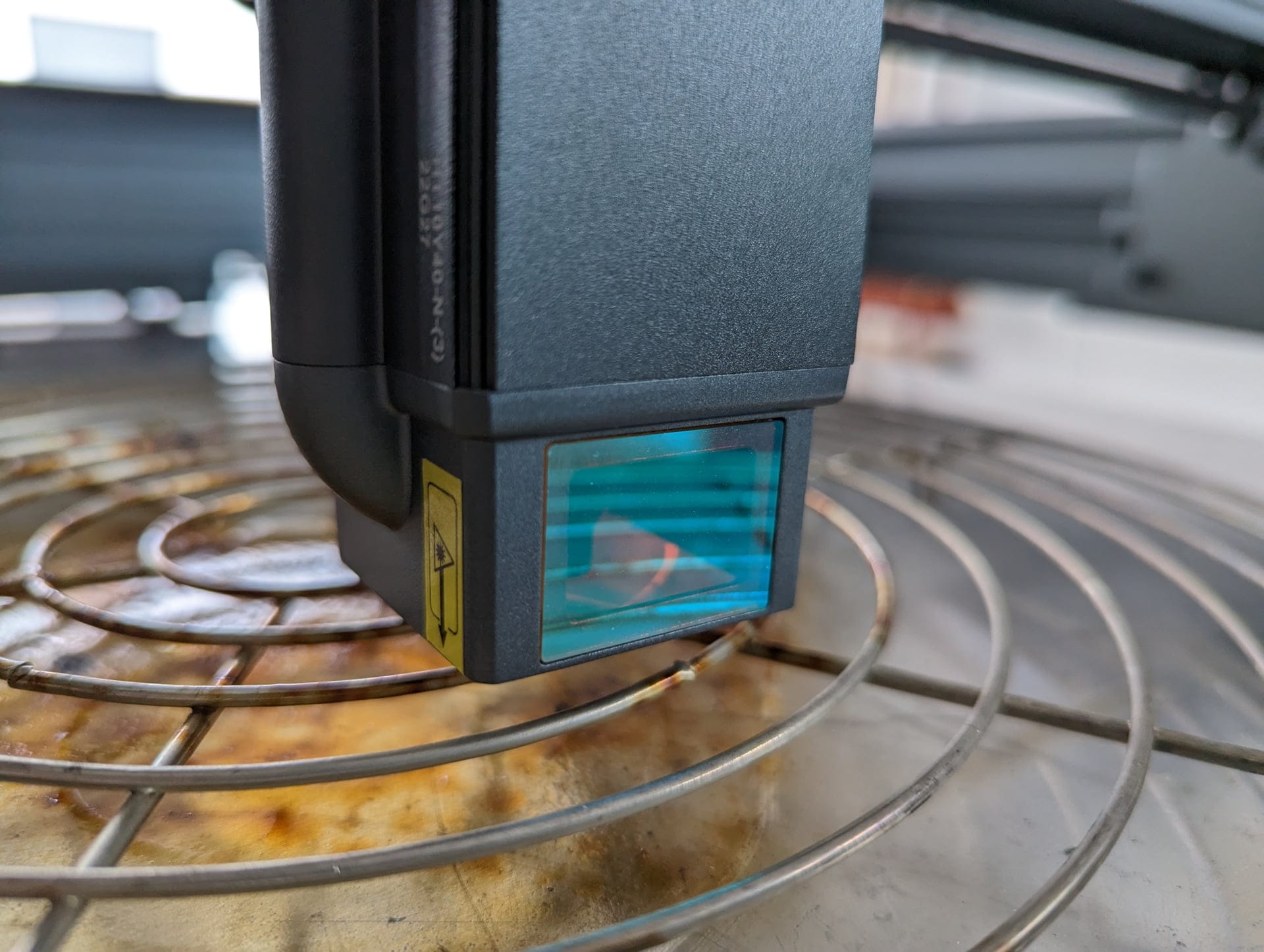
A safety feature of the ATEZR P10 laser module is the filter glass, which is designed to suppress scattered light by up to 97%. Nevertheless, you should never work without protective goggles!
Motherboard and electronics
The electronics of the ATEZR P10 are housed in a narrow box on the frame. The mainboard is largely standard GRBL fare. The emergency stop switch is clearly visible and easily accessible from above on the left.

Next to it are the power connector, a USB-B port, a microSD card slot, the on/off button and a reset button.
There is also a touch display. It is not integrated directly into the frame but is separately removable. The connection between the display and the laser engraver is via an HDMI cable. In testing, however, it quickly became apparent that the display offered no significant benefit.
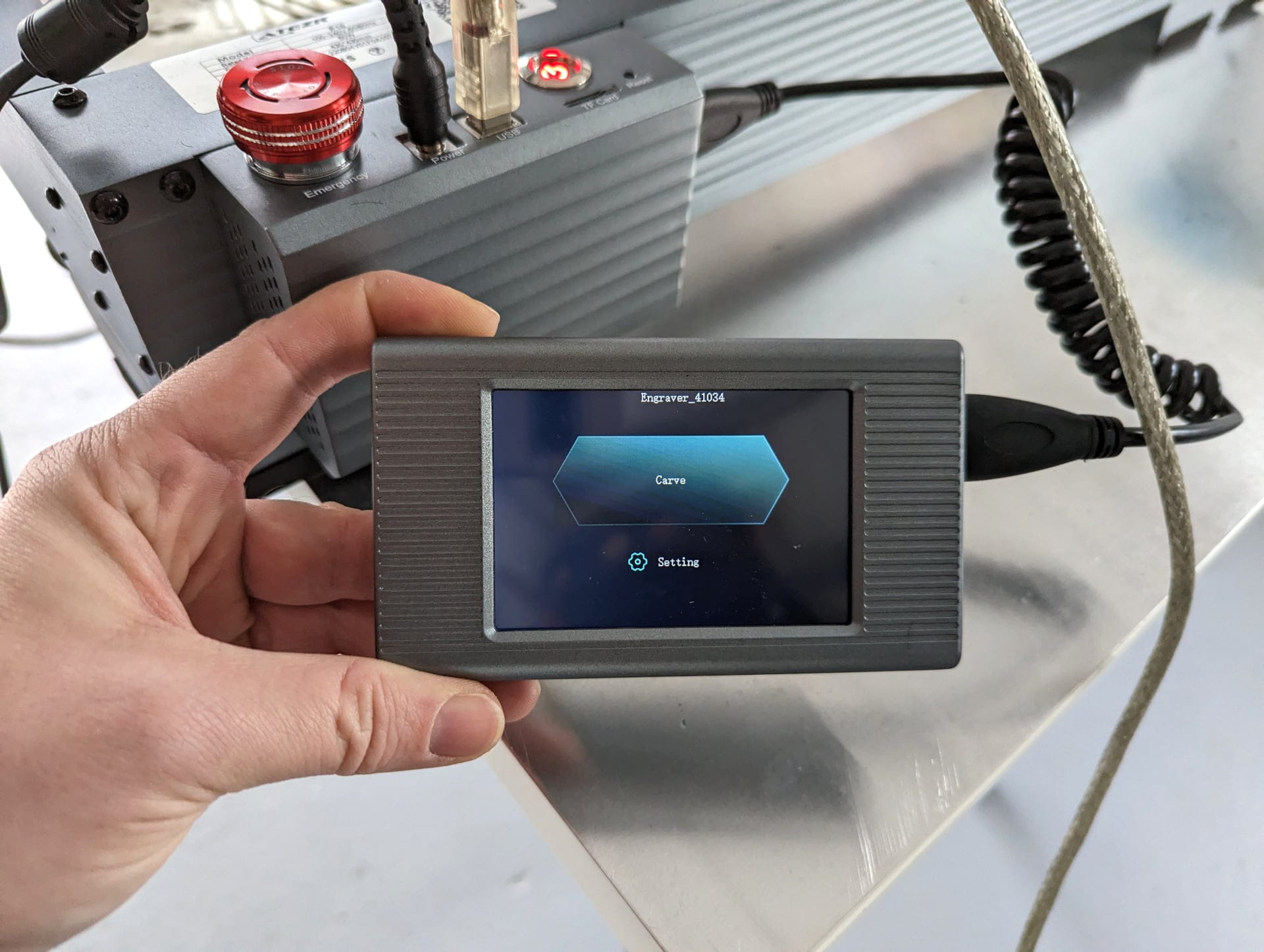
Settings via the display can only be made when an SD card with a template file is inserted. If you work with the ATEZR P10 via the USB connection, the display is of no use.
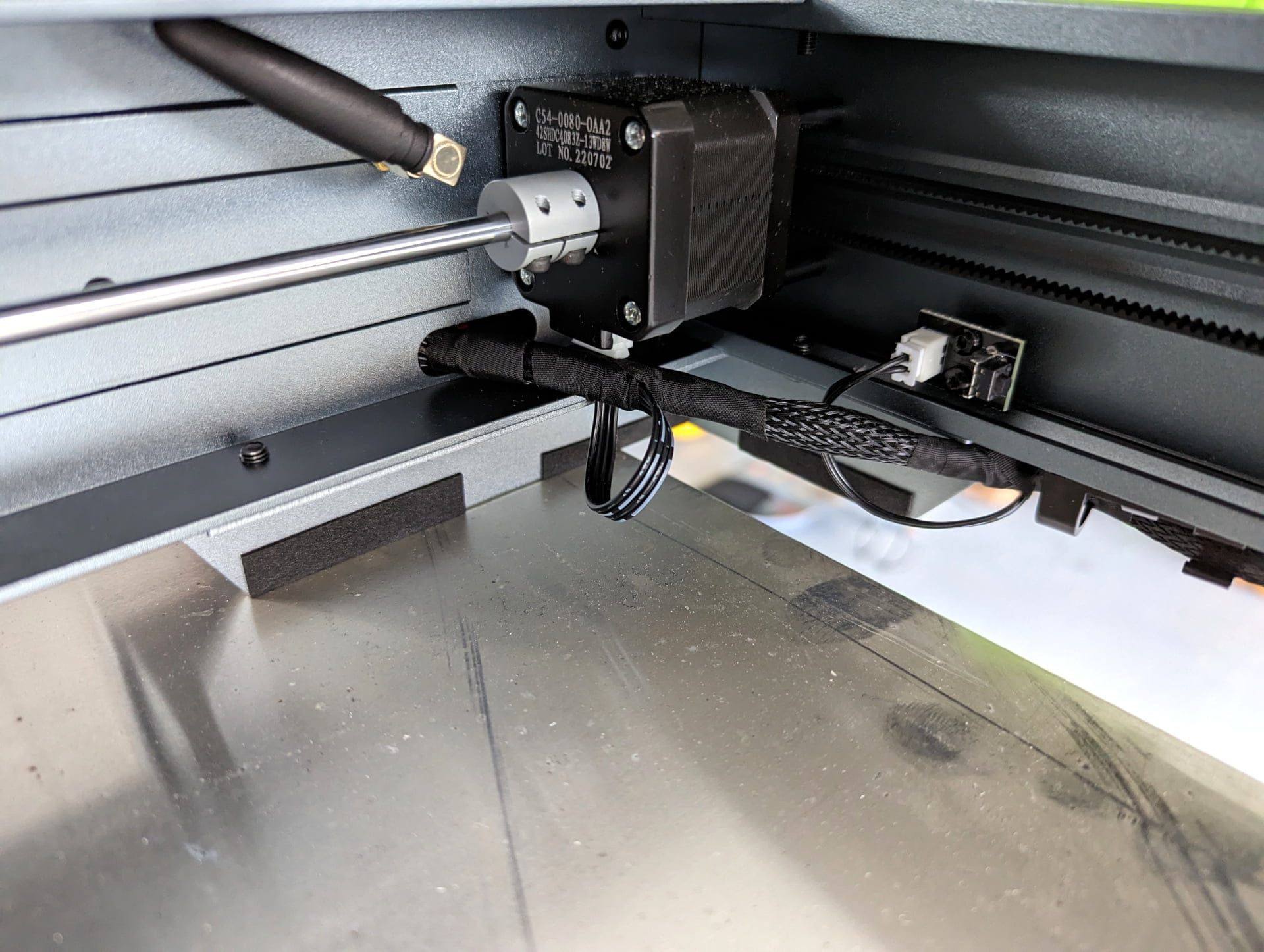
Taking a look behind the electronics box, you will notice not only a stepper motor and limit switch, but also a WiFi antenna. Another feature of the ATEZR P10 is indeed control via app over WLAN.
The ATEZR app is required for this, which is available for download from the Google Play Store and Apple App Store. The laser engraver generates its own Wi-Fi, to which you connect via smartphone or tablet.
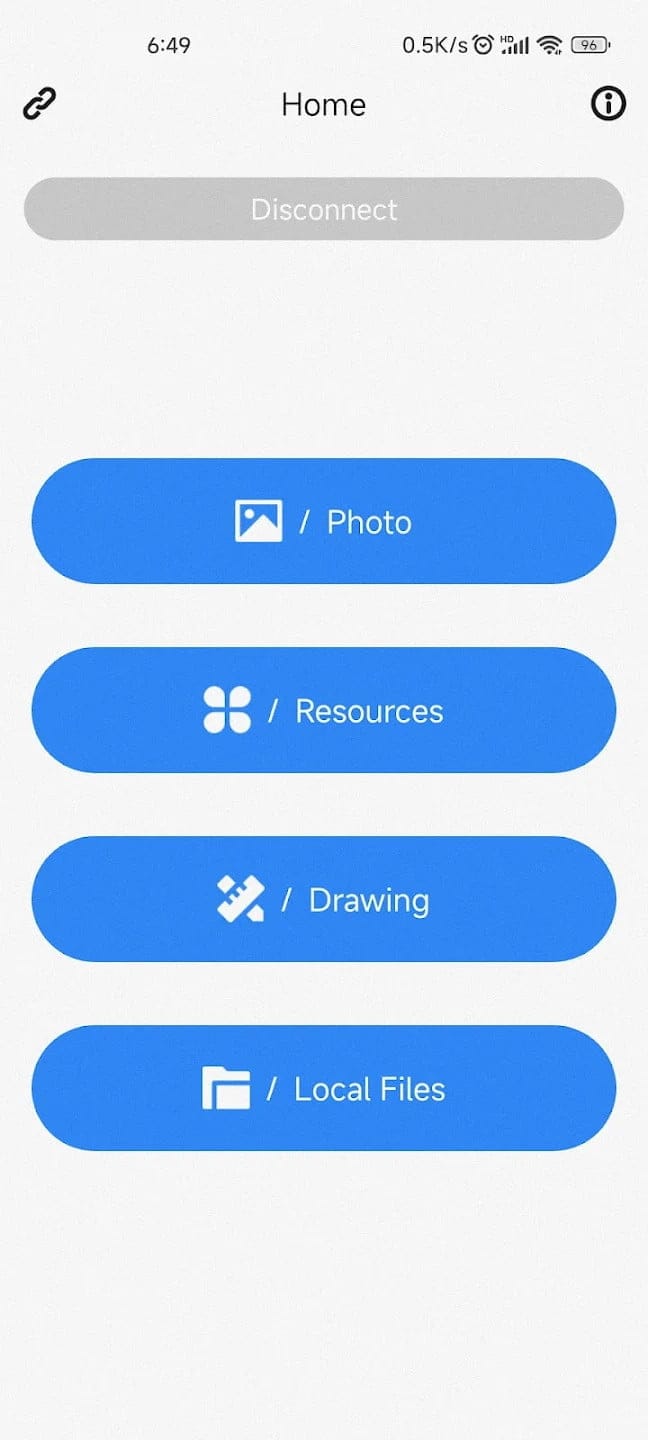
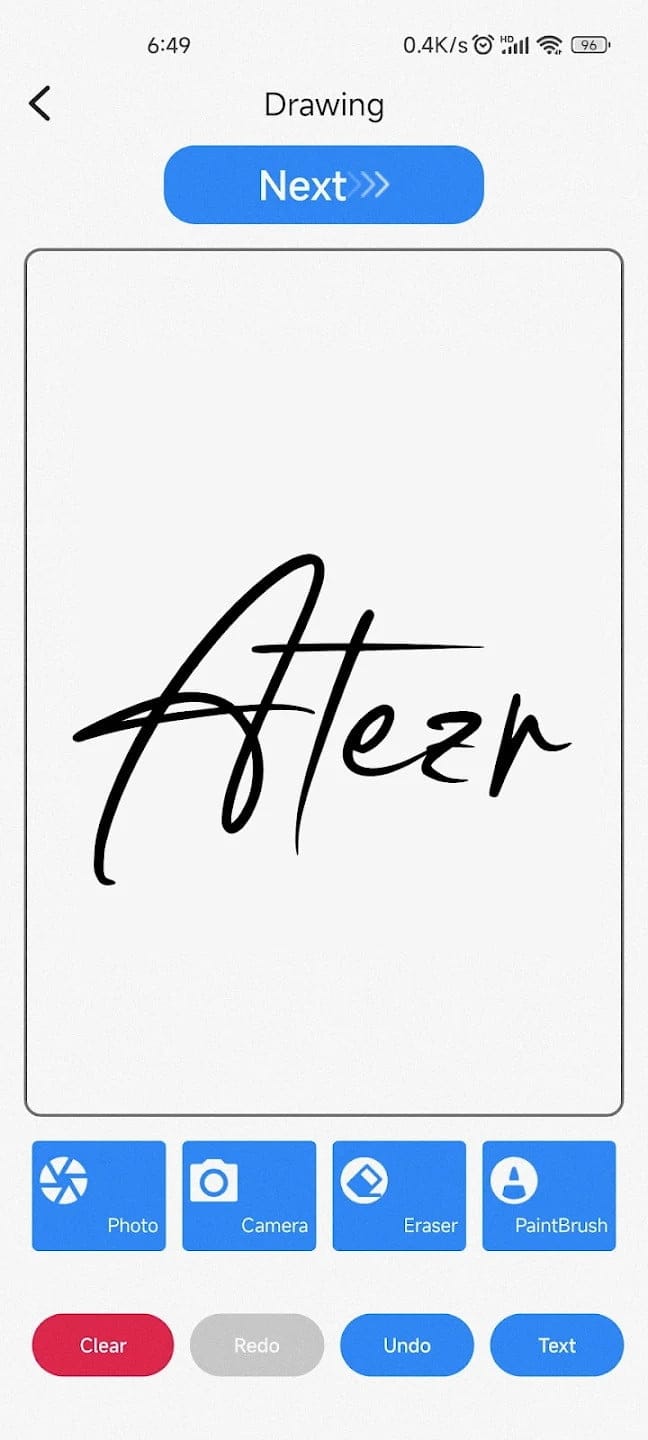
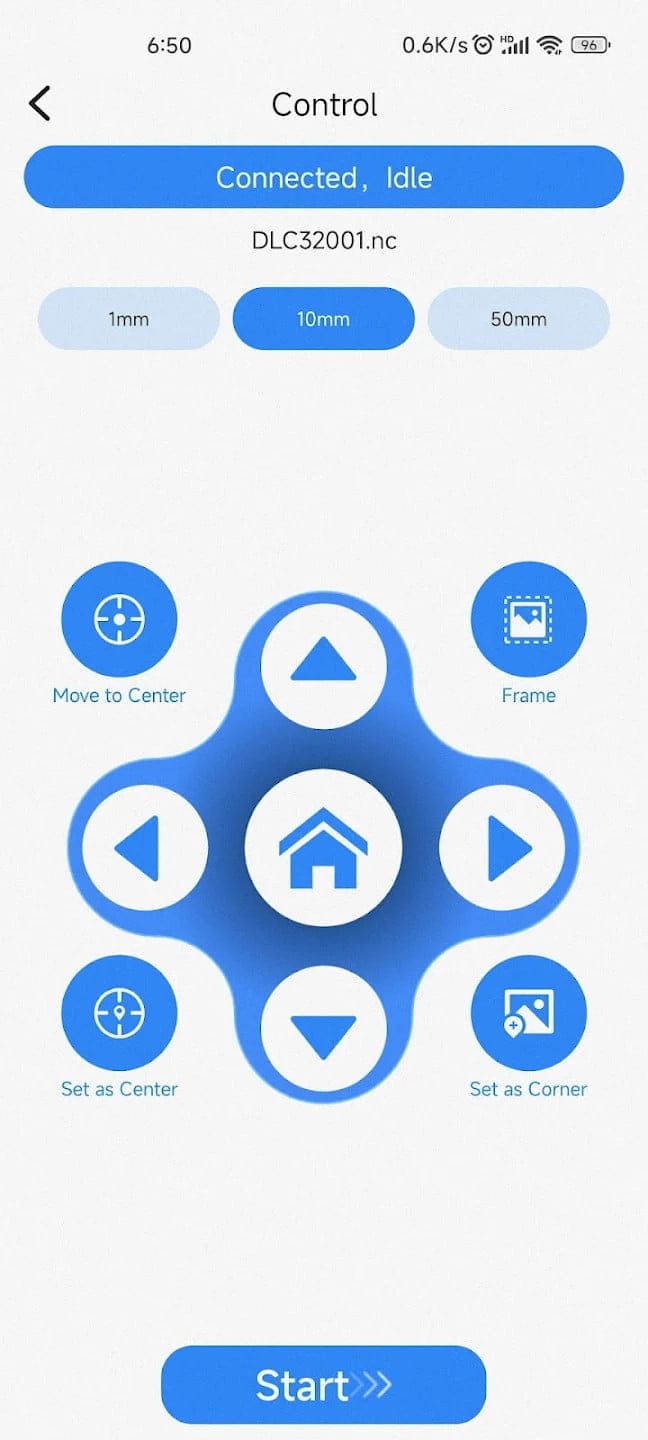
The app recognises the connection, but when it comes to transferring a file to the laser engraver, the transmission fails with an error message. As a result, the app, like the display, is initially unusable. It remains to be seen whether ATEZR will offer updates in both directions.
ATEZR P10: Engraving and Cutting
For my first engraving and cutting attempts with the ATEZR P10, I connected the device to the laptop via USB. For the software, the manufacturer itself recommends using Lightburn (paid) or LaserGRBL (free and open source). Both installation files are on the included USB stick. However, it is advisable to download the software directly from the respective developer in the latest version.
For Lightburn, the USB stick even includes an lbdev file with which the correct device settings can be imported. In addition, buyers of the ATEZR P10 have the option of obtaining a valid Lightburn licence from ATEZR free of charge.
Engraving
First steps with the ATEZR P10 quickly yielded useful results. The supplied manual provides reference values for which speed and laser power should be used for which material.
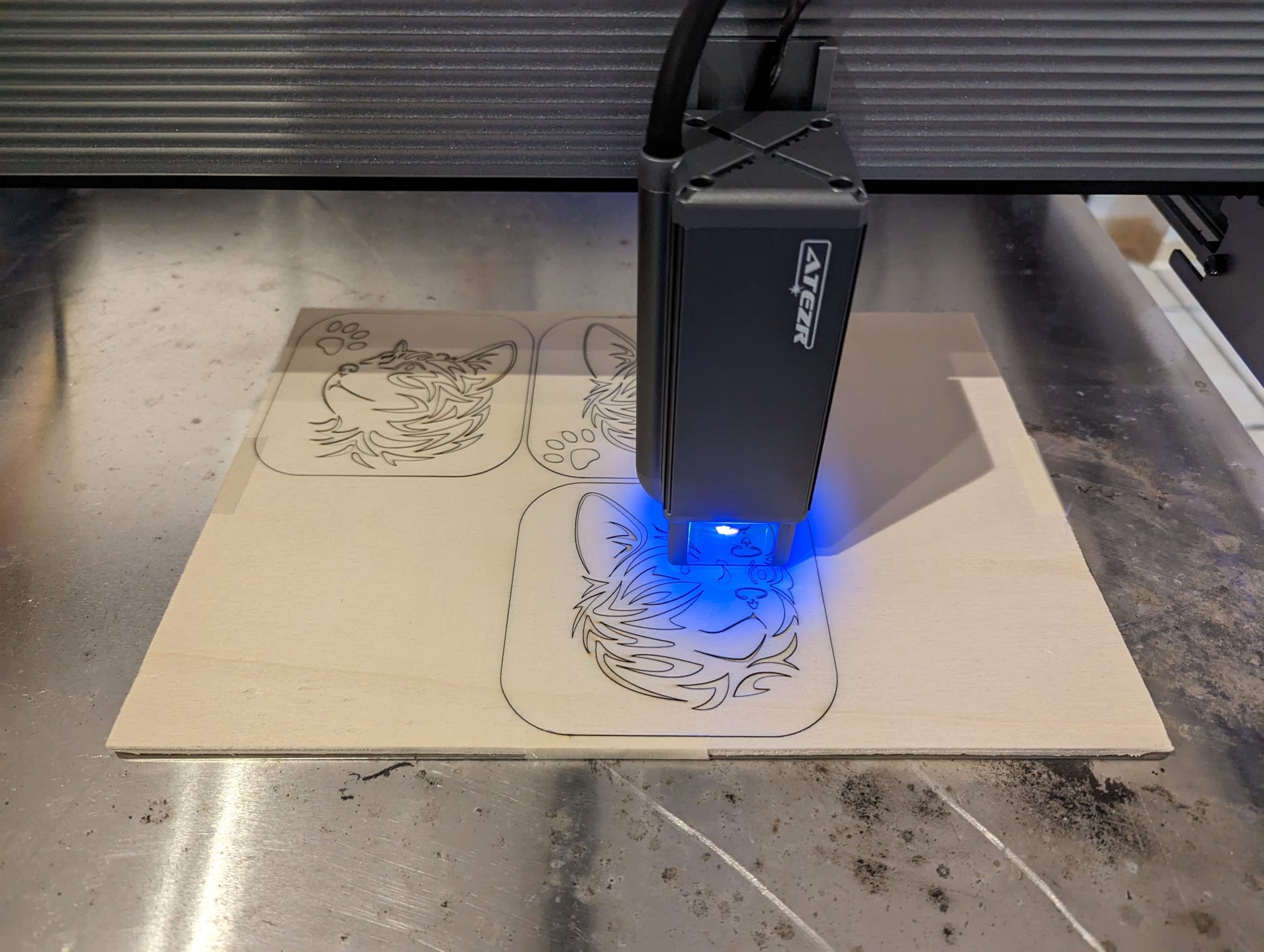
However, these are only guidelines that I had to correct during the test depending on the reference. Ideally, you create your own table with values over the course of use.
Broadly speaking, you can add around 10-15% more power to the values stated in the manual to achieve an ideal result.
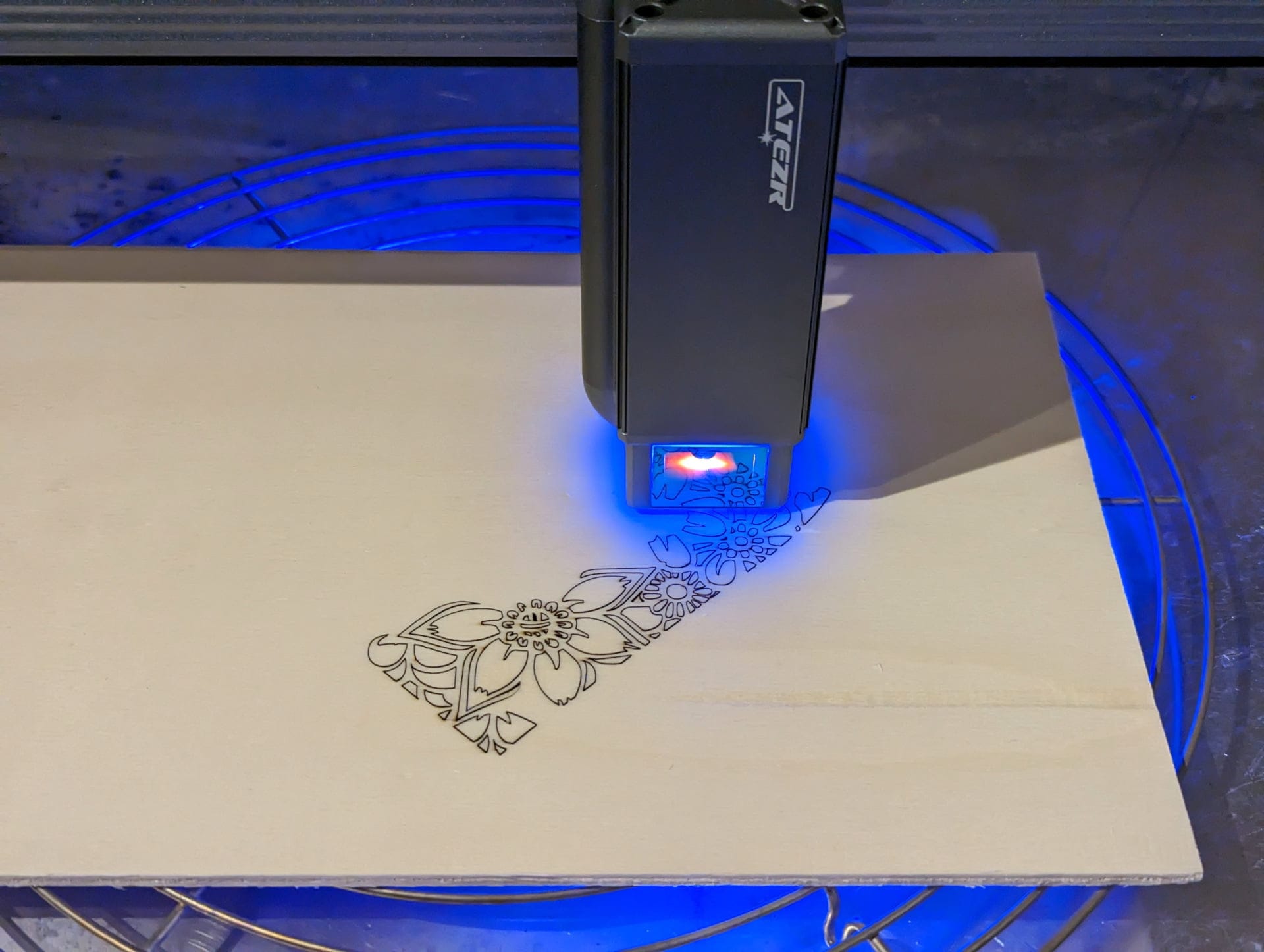
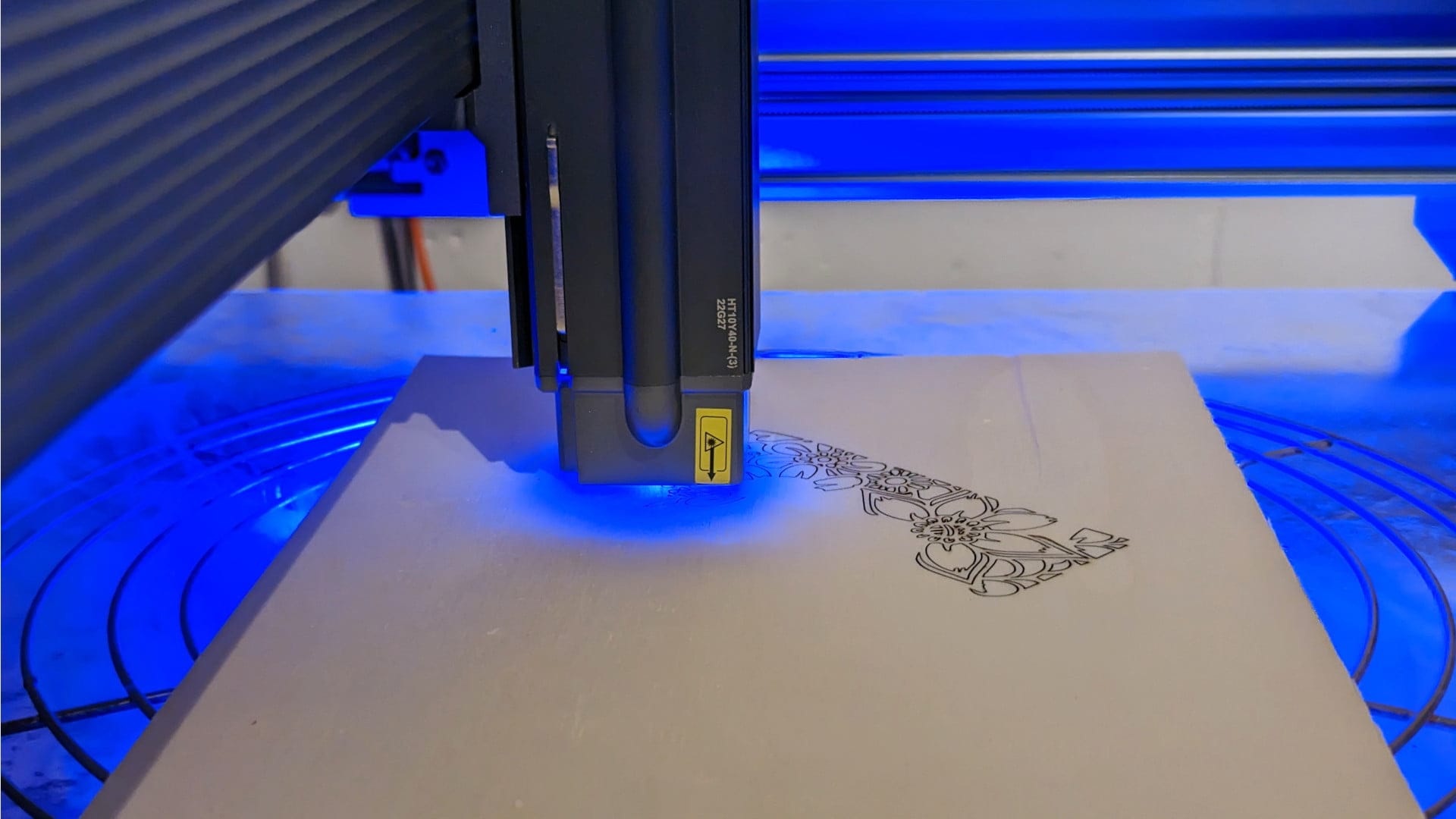
When engraving plywood (poplar), the best results were achieved with 40% laser power and 3000 mm / minute in the 20-100% black level range.
The Air Assist proved to be a useful aid when engraving to prevent the burning effect in the surrounding engraving area. The Rotary Roller also allows round objects, such as bottles or glasses, to be engraved. It is connected to the laser engraver instead of the Y-axis stepper motor.
Cutting
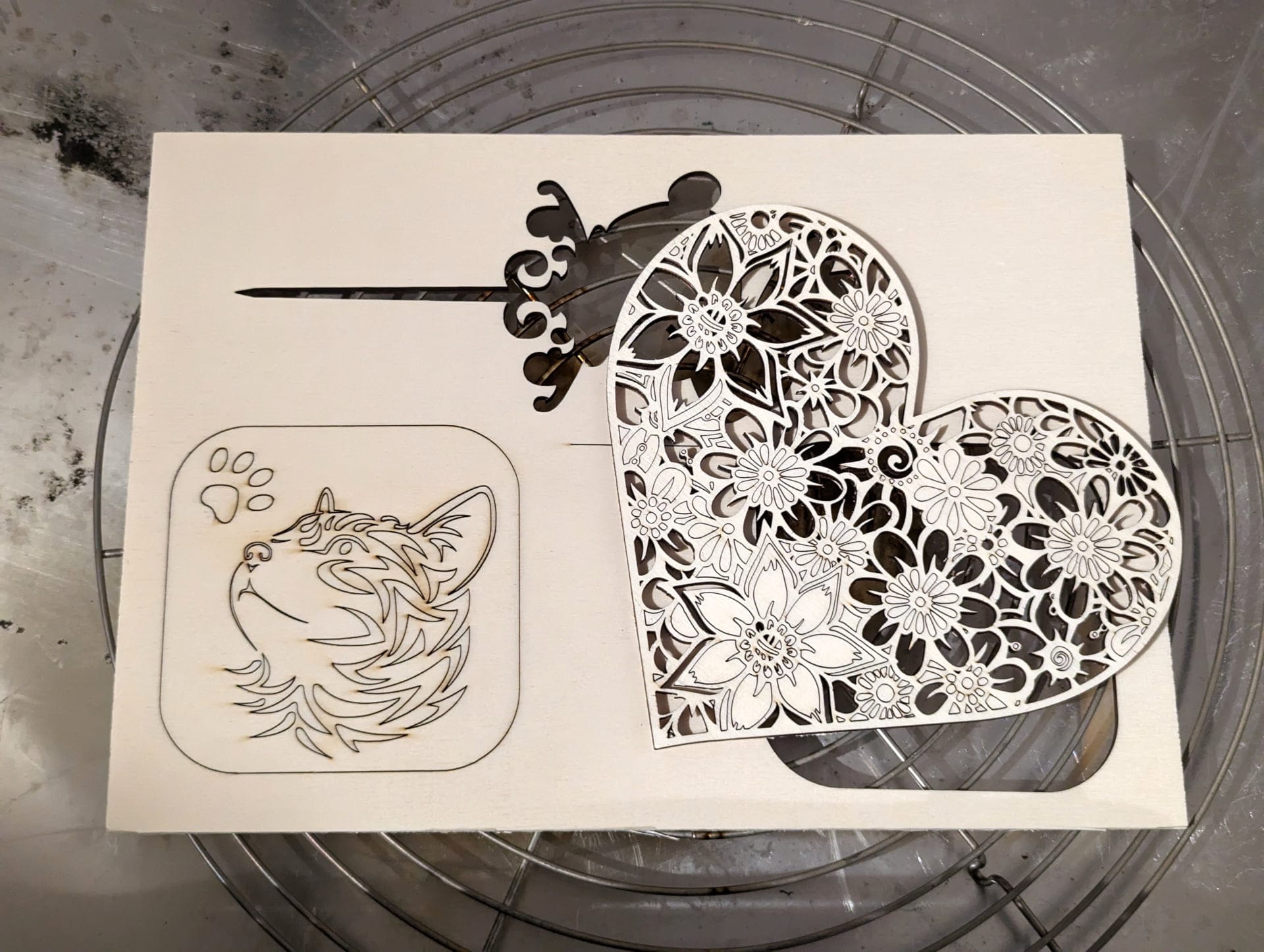
The ATEZR P10 also delivers excellent cut quality when cutting. The laser cuts a 4 mm thick poplar plywood panel in a single pass at 80% power and 300 mm/s speed.

The cut is already very clean without Air Assist and becomes even cleaner and faster with Air Assist enabled. However, one should not turn up Air Assist too high. In the test, excessive Air Assist blew small wood particles onto the cut surface, which the laser module then dragged along.
Our verdict
The ATEZR P10 is a laser engraver and cutter of very good quality. The construction is stable, the spacer on the laser is a highly useful aid, and safety measures, such as the filter glass on the laser module, are a well-considered feature.
The ATEZR P10 performs well when engraving and cutting. Engraving and cutting results are extremely precise even at high speeds. Adding the Air Assist can further improve the result.
In short, the ATEZR P10 does not disappoint and is worth recommending for hobbyists!
Specifications
Specifications
- Work area
- 430 x 430 mm
- Performance
- 60W
- Laser power
- 40W
- Laser output power
- 10-12W
- Dot size
- 0.08 x 0.06 mm
- Accuracy
- 0.01mm
- Focal length
- 40 mm
- Wavelength
- 455 ± 5 nm
- Focus
- Fixed
- OS
- Windows / macOS / Android / iOS
- Software
- LaserGRBL / LightBurn
- Categories
- SVG/DXF/JPG/JPEG/PNG/BMP/TIF/CR2, etc.
- Connection
- USB / Wi-Fi / SD card
- Motherboard
- 32-bit
- Display
- 3.5" touch screen
- Weight
- 10.93 kg
- Size
- 644 x 680 x 168mm
- Certificates
- CE / FCC / RoHS / FDA
Safety
- Protective cover on the laser
- Limit switch on X and Y axes
- Emergency stop switch
- Reset button

Comments (3)
Thank you very much for the very useful and informative test!
Hello, where can I get back the software that was on the SD card, as I have deleted it.
Regards Ludwig
Hi Ludwig,
You can find Lightburn here: https://lightburnsoftware.com/pages/download-trial
LaserGRBL is available here: https://lasergrbl.com/download/
LG Timo