
Contents
First impressions of the Cubot H2
Those who already owned a Cubot smartphone from the "X" or "H" range will find the typical Cubot cardboard box here too. Included alongside the Cubot H2 was an extensive accessories package. The additional contents comprise a tempered glass screen protector with cleaning cloths, a silicone protective case, a fast charger with 2A output current, a USB charging cable, a SIM ejector tool, and even a USB OTG adapter.
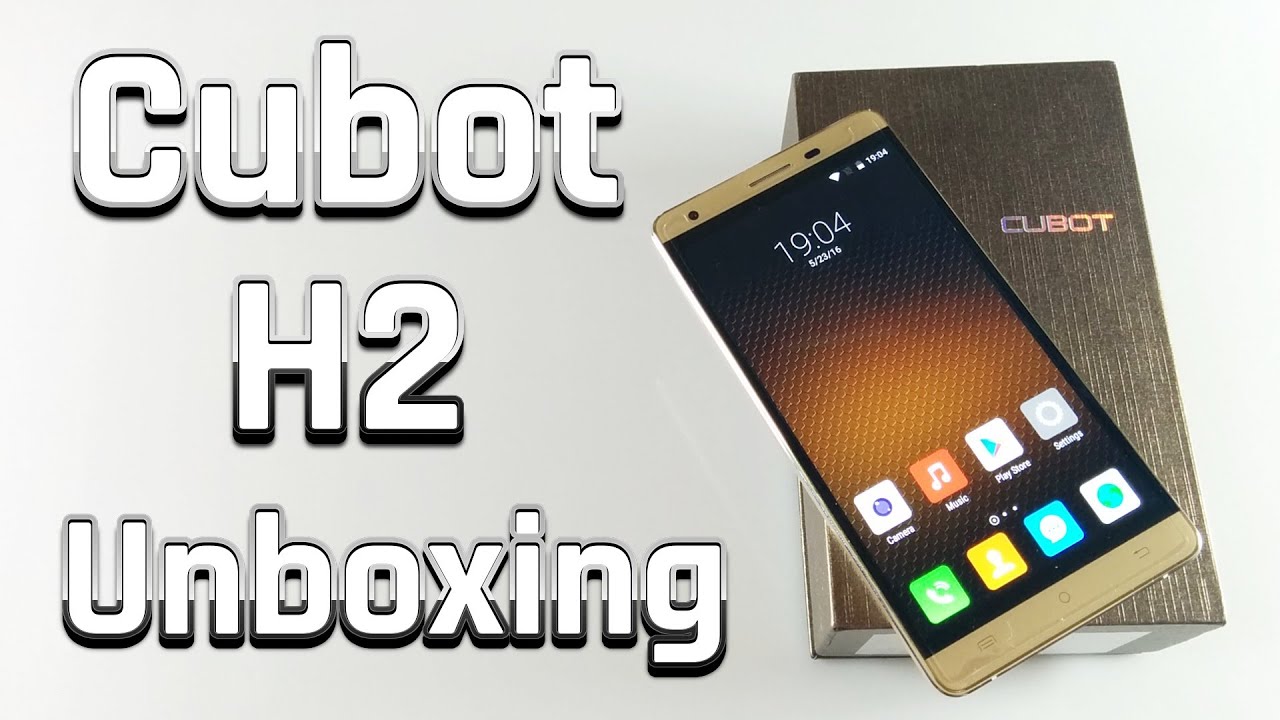 Play video on YouTube


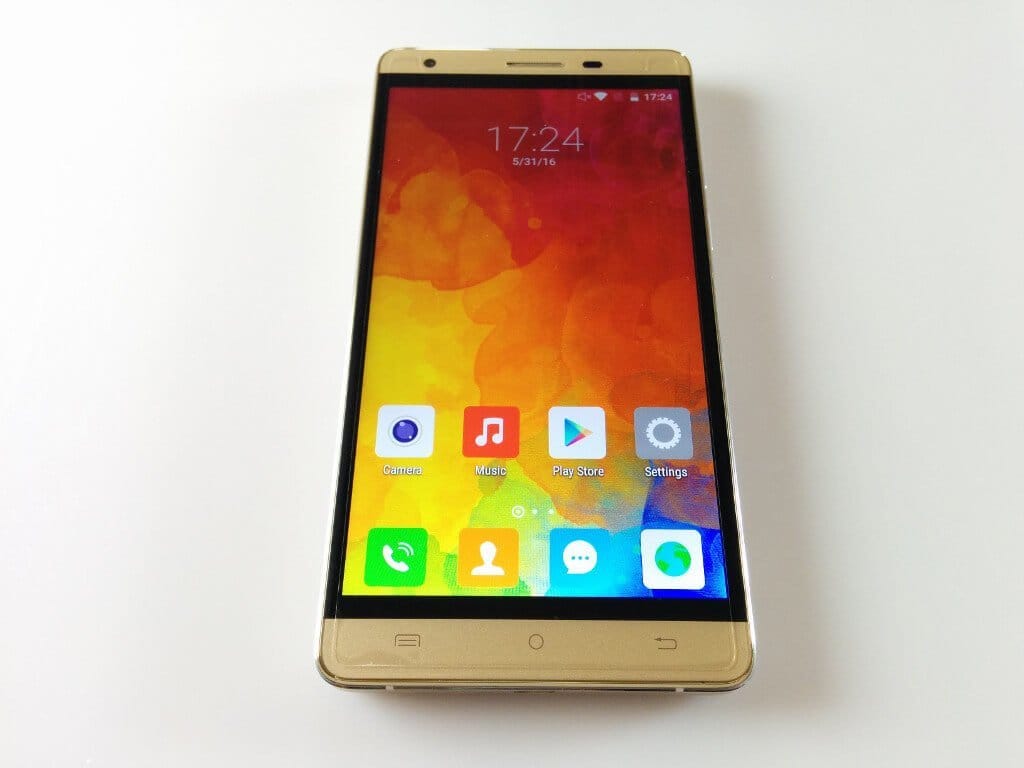
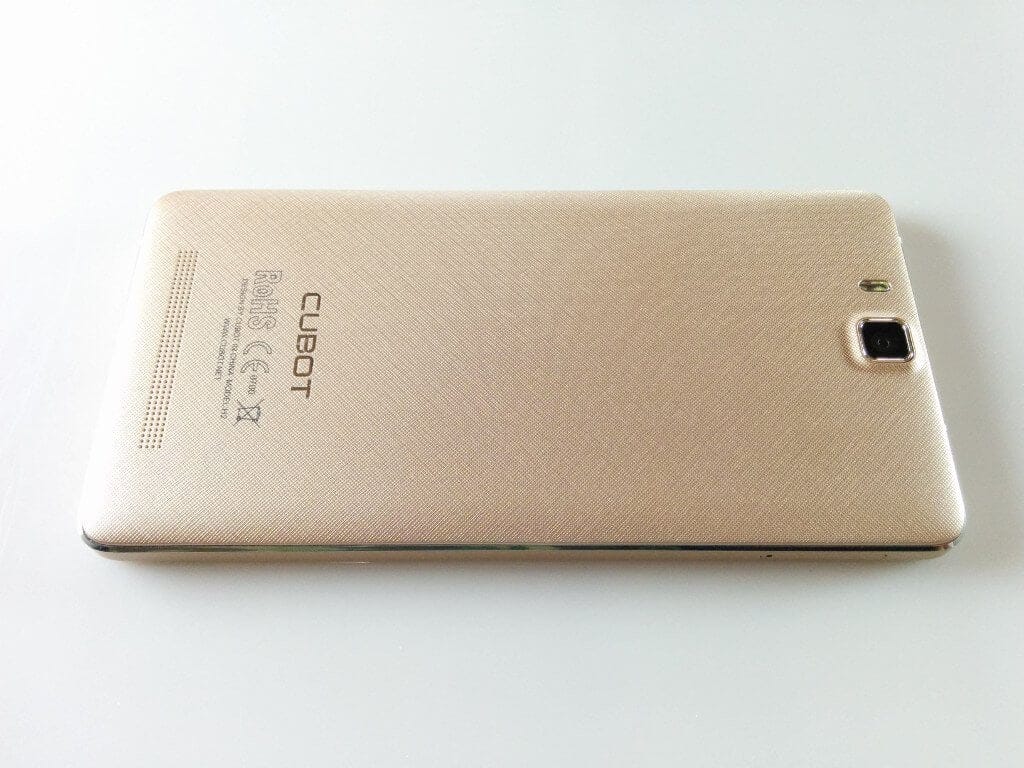
Externally, the Cubot H2 hardly differs from its successor, the H1, yet there are some fine details that make a difference. After the first hands-on, I immediately noticed the increased weight. While the Cubot H1 weighed 200g, the Cubot H2 weighs a hefty 230g. The arrangement of the front camera and proximity sensor has also been swapped. The capacitive keys integrated below the 5.5-inch HD display are unfortunately no longer backlit.
The biggest visual difference is on the back. The back of the smartphone is not removable, which also means the 5,000mAh battery cannot be replaced. The SIM slot is located on the right edge of the housing. The frame is made of aluminium and is very well finished. The volume rocker and power button integrated on the right edge also have a good pressure point and sit without play in the frame. On the top edge is a 3.5mm audio jack, and on the bottom edge is the micro USB port.
My first outward impression is positive. The smartphone is well-made, feels good in the hand and the scope of delivery also surprised me.
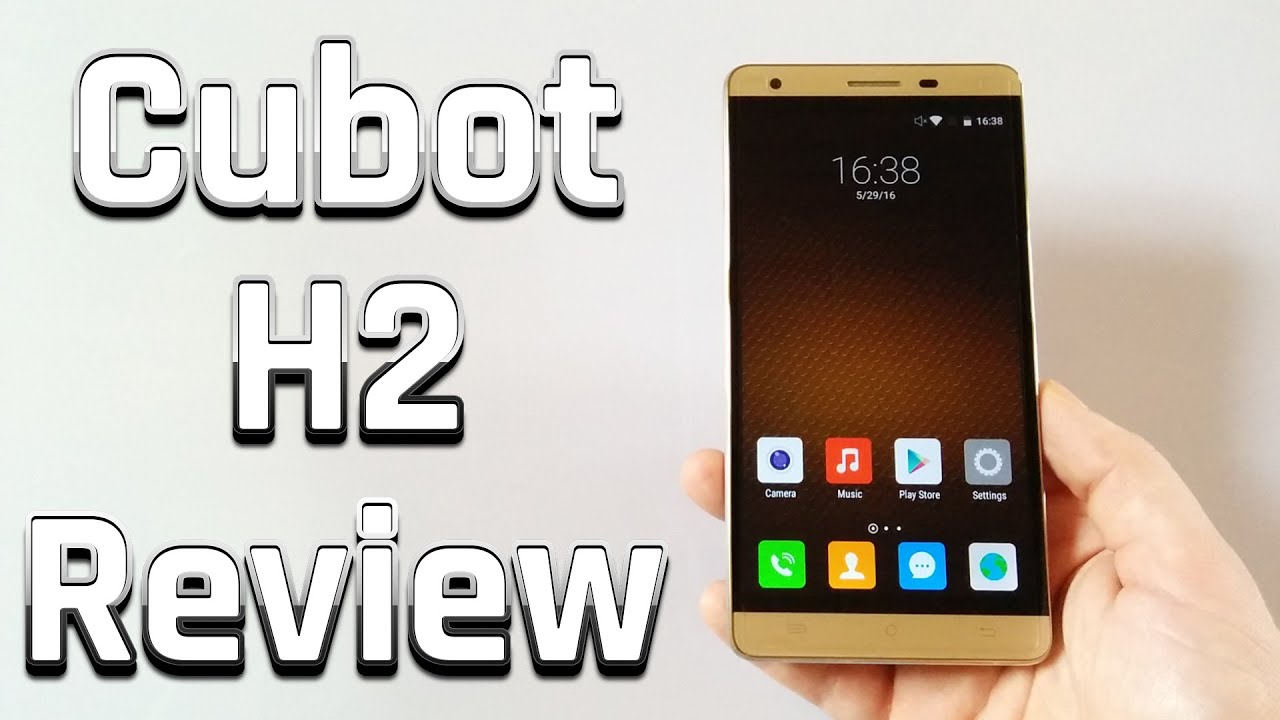 Play video on YouTube
Display
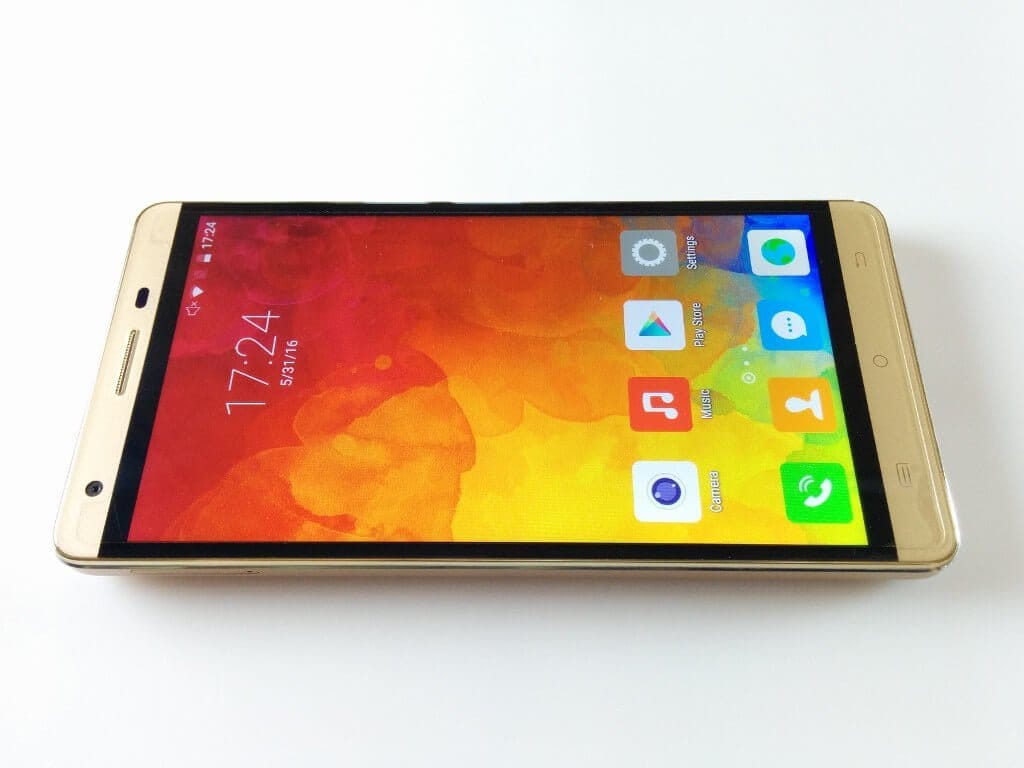
The Cubot H2 has a 5.5-inch HD display with 2.5D curved glass. The resolution of the display is 1280x720 pixels, the pixel density is 267 PPI. The curved glass rounds off the edge of the display frame, which mainly contributes to a better appearance.
The display's touchscreen correctly recognised all inputs during the test. The accuracy is also good, which is why targeted inputs are no problem. Multitouch is supported with up to 5 fingers.
Despite the comparatively low PPI value, individual pixels are barely recognisable on this smartphone. The display's colour reproduction is natural. Colours are also rendered vividly, and the IPS display provides deep black levels. The Cubot H2 does not feature MiraVision for personalised display settings.
The maximum display brightness is average. The display remains readable even in bright sunlight. Viewing angle stability is also good, apart from a slight degradation in colour representation. Only at very extreme angles could I notice a difference in viewing angle. However, the text remains well readable.
User interface
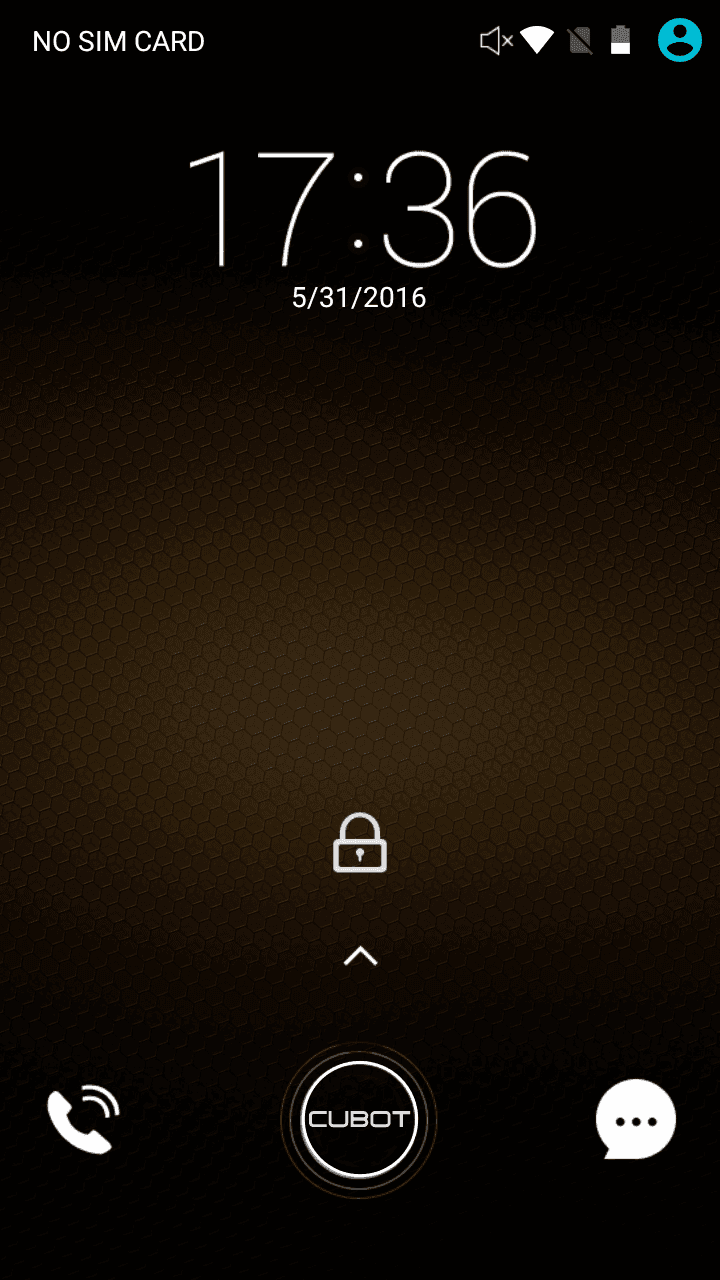
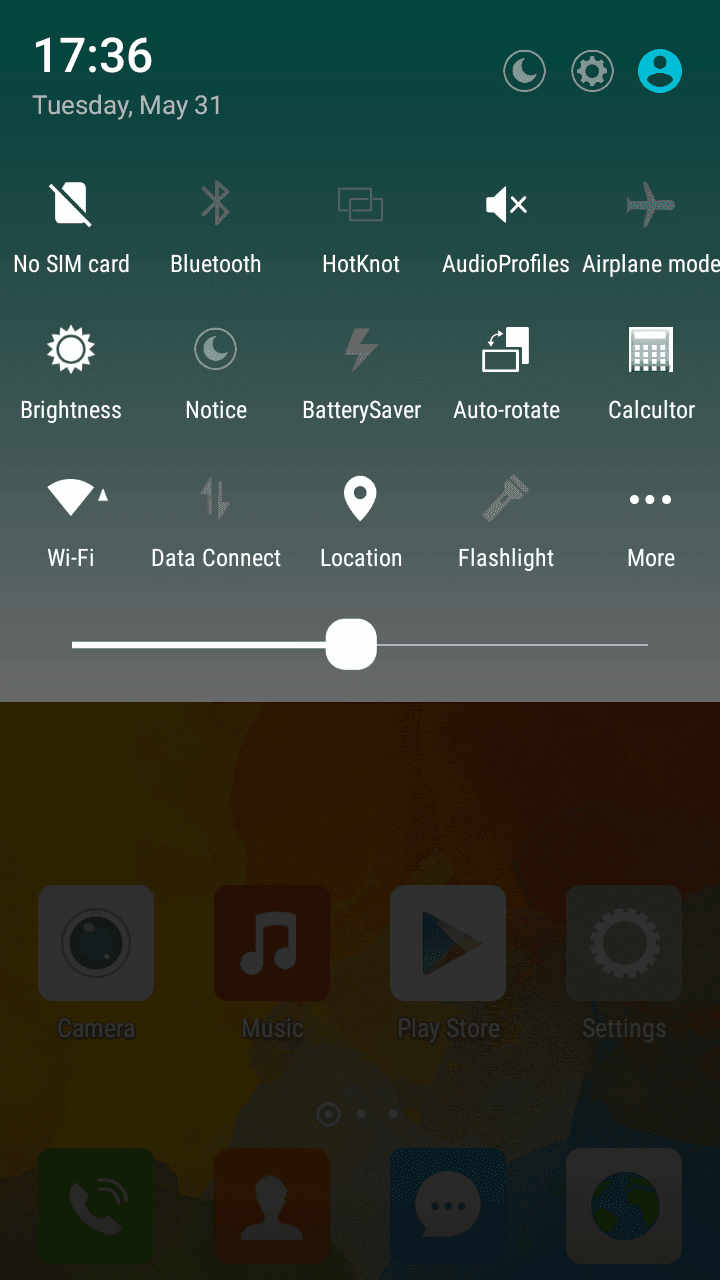
Android 5.1 is used as the operating system with a customised theme. Apart from a torch app and the well-known "Cleaner Master" app, no third-party apps were pre-installed. Due to the customised user interface, various features were also added. Among other things, the quick settings panel has been visually adjusted, and it also offers additional configuration options in direct comparison with stock Android.
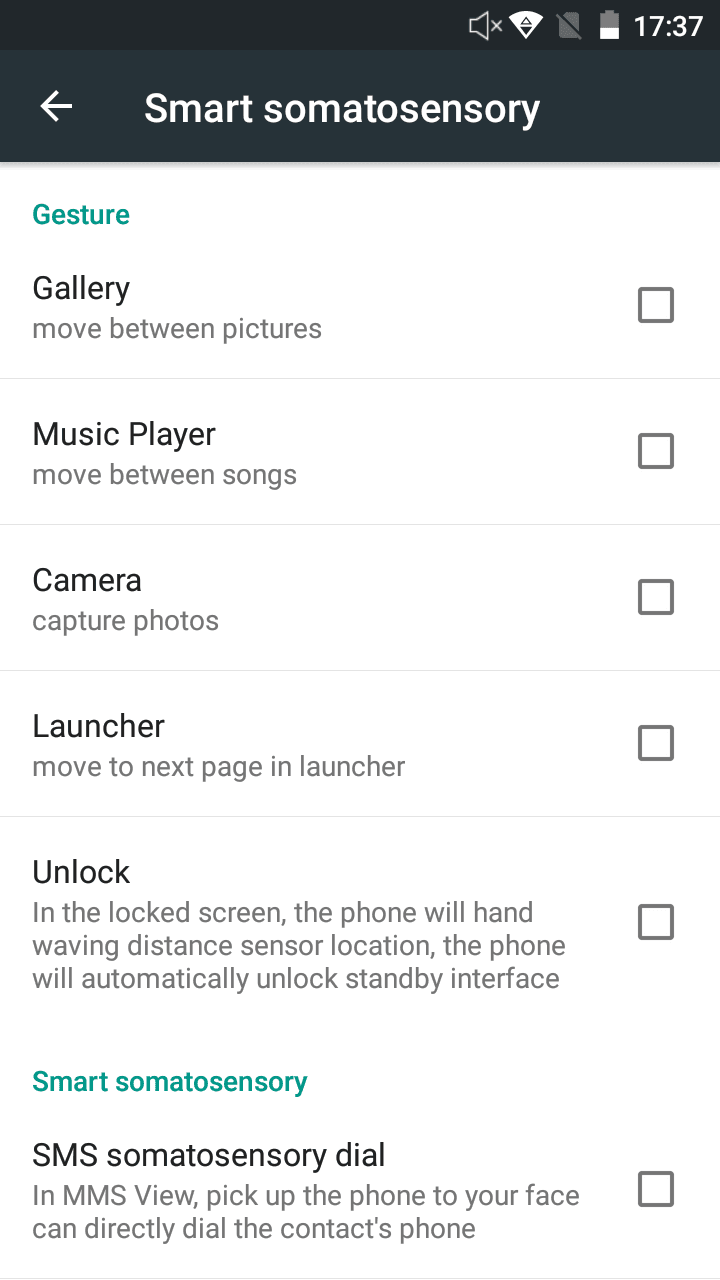
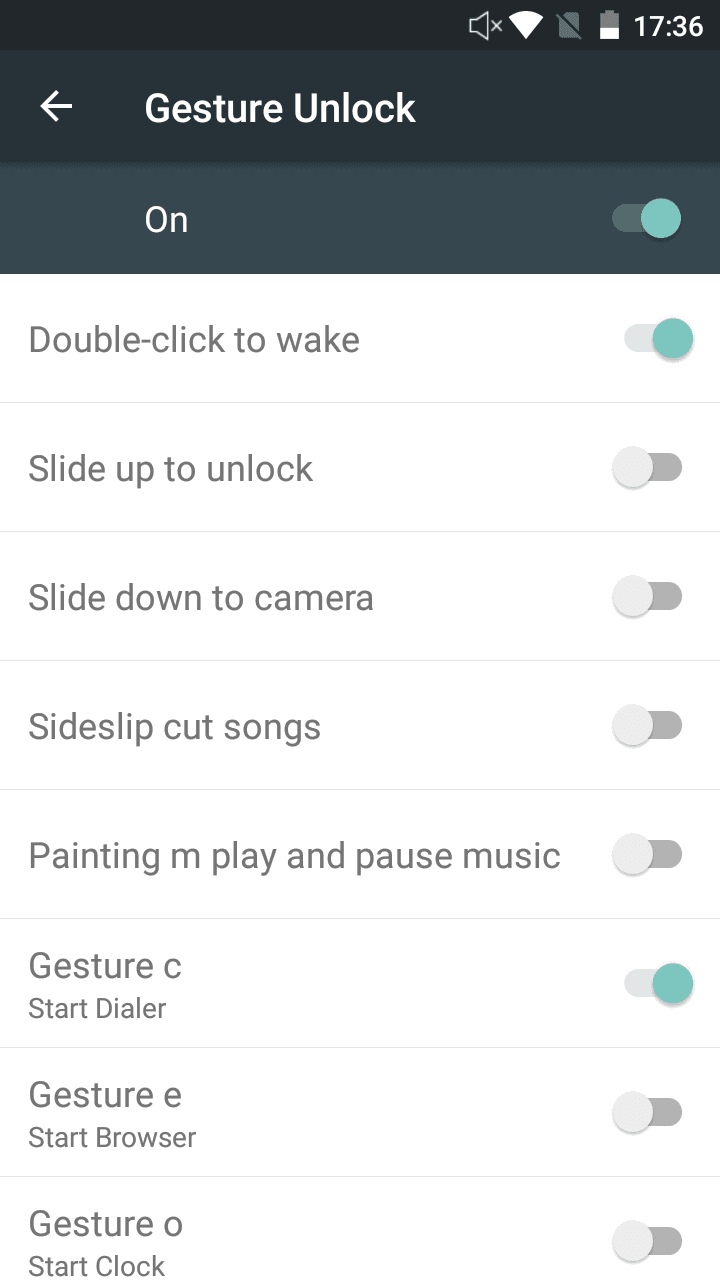
There are also enhancements within the settings. An additional gesture control function enables the device to be woken with the display switched off. If, for example, you double tap the display, it is activated. If you draw an "e" on the display, the web browser starts automatically. Further smart functions work via the proximity sensor. Swiping over this allows you to, among other things, switch pages in the app drawer, and also trigger shots in the camera app with swipe movements.
The Cubot H2 also has a notification LED. This can be configured to a limited extent in the settings. Unfortunately, the light colour cannot be set, nor can an individual app be programmed to the LED. Updates are received via OTA (over-the-air) for the smartphone. Do not expect a release of Android 6!
Performance
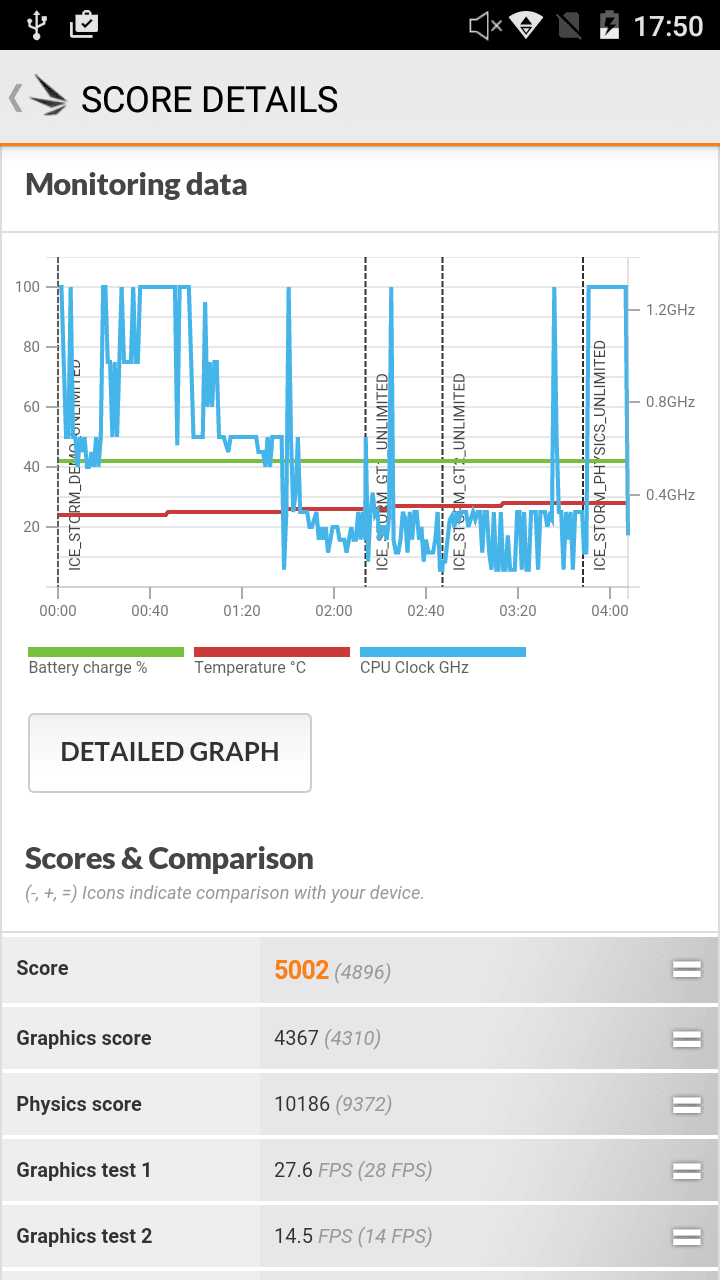
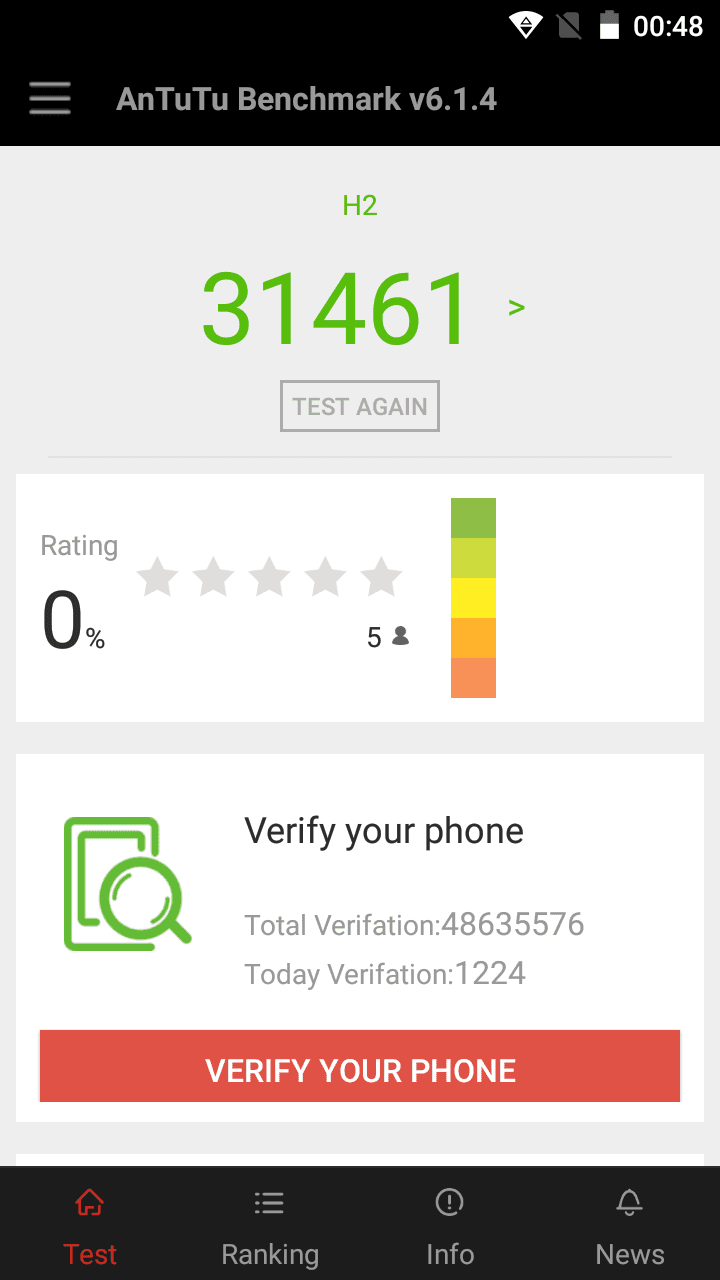
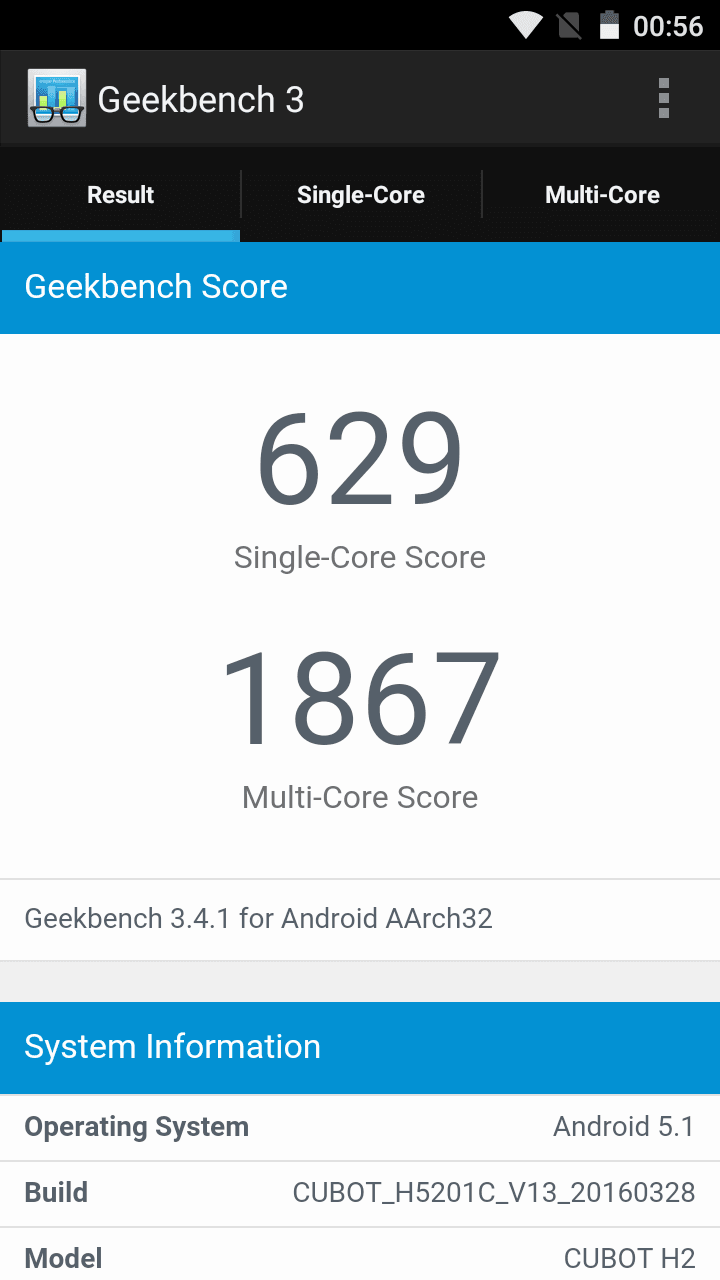
Like its predecessor, the Cubot H2 also features a MediaTek MT6735 processor. However, this quad-core runs at 1.3GHz in the H2, thus 300MHz faster than in the H1. The GPU used is a Mali-T720 renderer. The working memory (RAM) is 3GB and the internal storage measures 16GB.
In everyday use, the Cubot H2 can be operated smoothly for the most part. There were no unexpected crashes during testing. Apps open quickly and multitasking is not a problem thanks to the generously sized RAM. Computationally light games run smoothly on the smartphone. However, the smartphone is overwhelmed by more recent titles that require above-average computing power.
Camera
The main camera of the Cubot H2 has a native resolution of 8 megapixels (13 megapixels interpolated). The aperture value is f/2.2. The rear camera is supported by a dual LED flash. Shots with the main camera are of average quality in good lighting conditions. Colour reproduction is natural and image noise is within acceptable limits. The autofocus works reliably, but could be a bit faster. The shutter lag, however, is quite short.
Under poor lighting conditions, the camera becomes somewhat sluggish. Image noise also increases. With the flash active, however, the photos are usable. The smartphone's front camera has a native resolution of 5 megapixels (8 megapixels interpolated). The image quality is good, making the camera suitable for selfies or video calls.


Telephony, Wi-Fi, Bluetooth
The Cubot H2 supports all common mobile network standards. LTE is also fully usable. LTE Band 20 is supported. In calls, the Cubot H2 convinced us with good reception quality. The person on the other end could hear me clearly and distinctly, and I could hear them without any restrictions. The speakerphone also works well. The speaker does not sound tinny even at maximum volume.
It should be noted that the Cubot H2 uses a “hybrid slot”, where either the dual-SIM function can be used, or you sacrifice a SIM slot for storage expansion.
The transfer via Bluetooth and also via WLAN is average quality. A connection with my Bluetooth receiver device was established without problems and the connection quality was convincing. Unfortunately, the Cubot H2 does not support Dual Band WiFi.
GPS and sensors
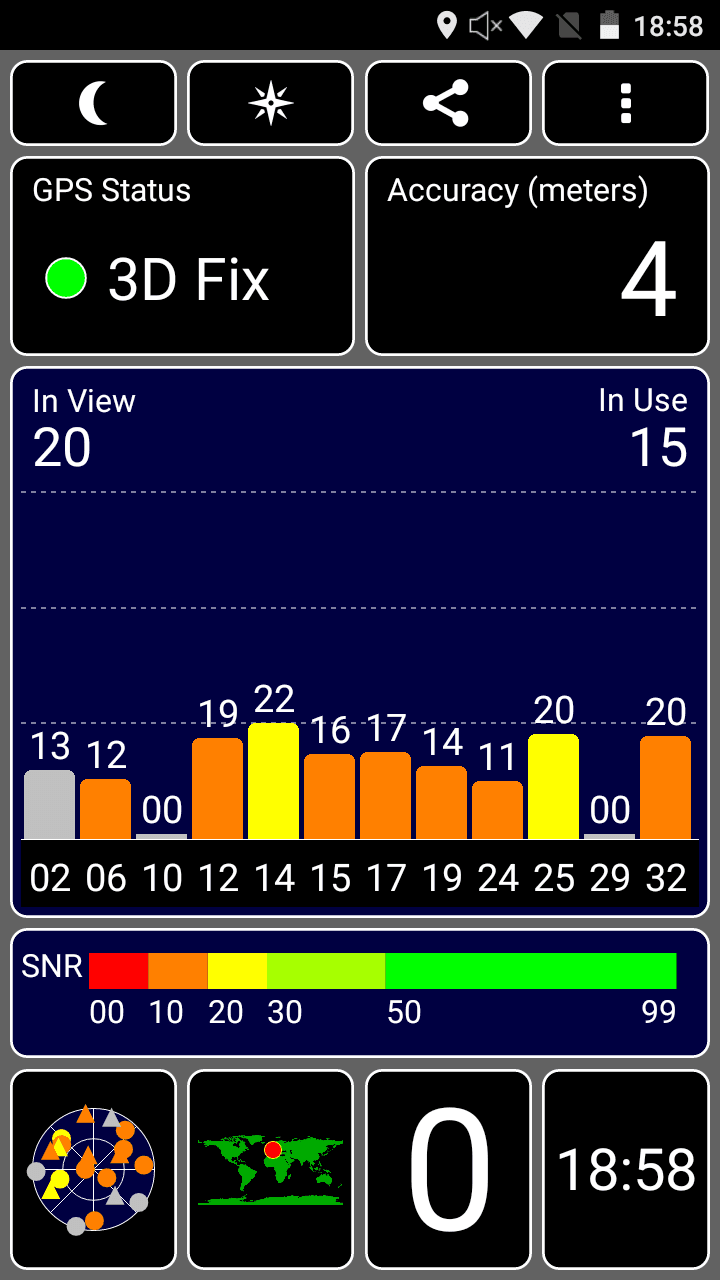
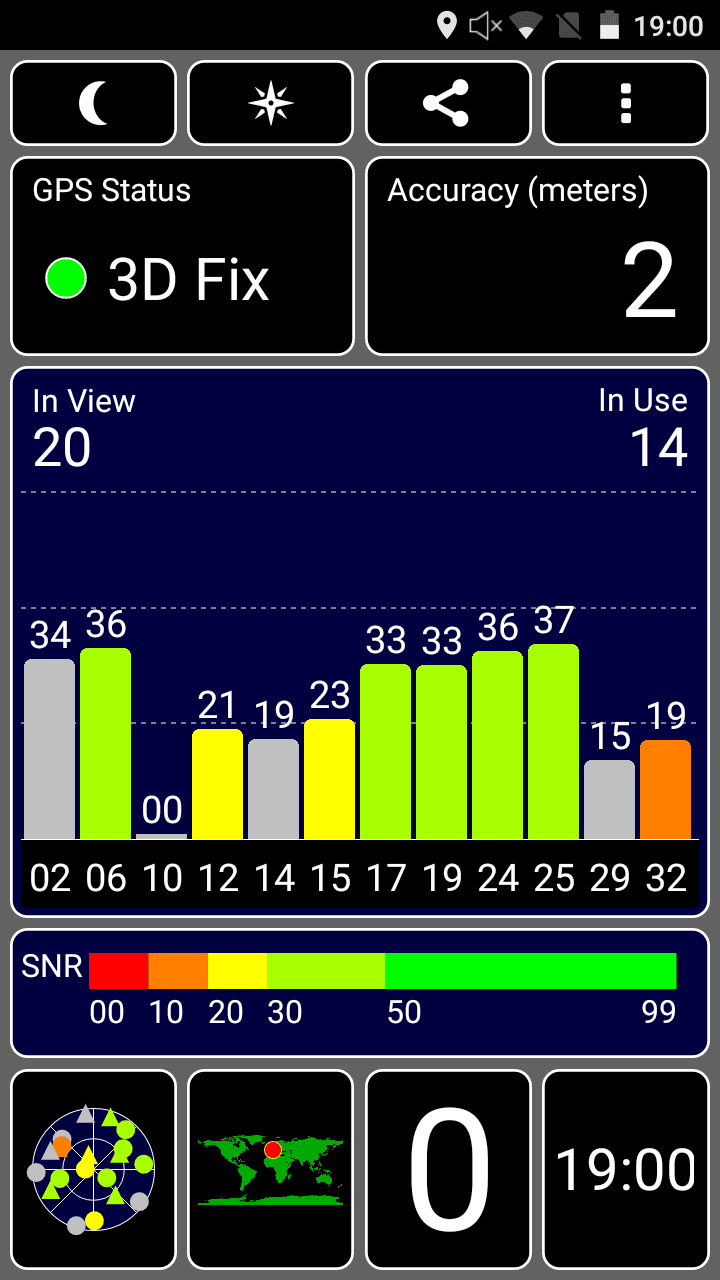
The smartphone's GPS module works accurately. The GPS fix was found within seconds and the positioning is extremely precise. Surprisingly, a GPS fix was even found inside buildings. However, the device does not have an electronic compass.
The integrated sensors comprise a brightness sensor, a proximity sensor and an accelerometer.
Battery
With a battery capacity of 5,000 mAh, the Cubot H2 features a powerful battery that allows for multi-day use. Under normal daily use, the battery lasted around 3 days. Compared to the Cubot H1, the capacity was reduced by 200 mAh, but the runtime remained the same. The only downside of the battery installed in the Cubot H2 is that it is no longer replaceable. The back of the smartphone is not removable.
It is also interesting to note that the manufacturer includes a fast charger, allowing the smartphone to fully charge in 3 hours.
Our verdict
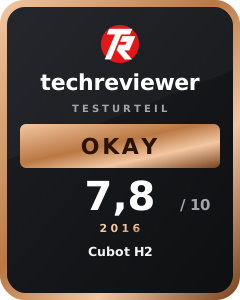
The Cubot H2 is a high-performance smartphone with high-quality build and above-average battery life. If you rely on a large battery that lasts for several days, the Cubot H2 is a good choice. The display has a high resolution and colours are displayed accurately. The cameras are of average quality and enable presentable photos.
However, if you value a removable battery and perhaps even need an electronic compass, you should take a look at the Cubot H1 instead.
Specifications
General
- System
- OS
- Android 5.1
- CPU
- MTK6735A 64-bit 1.3 GHz quad-core
- ROM
- 16 GB
- RAM
- 3 GB
- Screen
- Display size
- 5.5 inches
- Type
- IPS, capacitive touchscreen
- Resolution
- HD, 1280 * 720 pixels
- DPI
- 267
- Camera
- Front camera
- 8.0MP (5.0 native)
- Main camera
- 13.0 MP (8.0 native)
- Autofocus, dual LED flash
- Other
- SIM card
- Dual SIM (2 * MICRO-SIM / 1 * MICRO SIM + 1 * TF card)
- Battery
- 5000mAh, 5V/2A polymer battery
- Transmission
- OTG/USB/Bluetooth
- WIFI
- 802.1.1 b/g/n 2.4 GHz
- Bluetooth
- Bluetooth 4.0
What’s included
1x Cubot H2 1x Glass screen protector 1x Silicone protective case 1x OTG cable 1x USB cable 1x Charger 1x SIM pin 1x Quick start guide
Comments